Kandinsky5 Pro
Donnez vie aux images
Fast high-quality image-to-video
ANIMATION PORTRAIT
MOUVEMENT PORTRAIT MODE
CINEMAGRAPH PORTRAIT ARTISTIQUE
Kandinsky5 Pro est un outil créatif conçu spécifiquement pour transformer une seule image et une invite textuelle créative en clips vidéo de haute qualité. Développé par Black Forest Labs, ce modèle est spécialement conçu pour les artistes, designers, cinéastes, créateurs de contenu et conteurs qui veulent donner vie à des images fixes sans effort. Que vous souhaitiez améliorer une illustration de personnage, présenter un concept de mouvement ou créer une scène dynamique à partir d'une photo statique, Kandinsky5 Pro offre des contrôles intuitifs pour transformer votre vision créative en une vidéo polie.
Au cœur de Kandinsky5 Pro, il excelle dans la fusion de deux éléments créatifs : votre image d'entrée — qui sert de thème central, sujet ou inspiration — et votre invite textuelle imaginative, qui pilote le mouvement, l'atmosphère et le style de la vidéo résultante. En combinant ces éléments, vous obtenez une séquence animée courte et fluide capturant la sensation, l'action et les qualités cinématographiques que vous décrivez. Cela rend le modèle très polyvalent pour les professionnels créatifs travaillant dans divers médias, y compris le design graphique, l'animation, les motion graphics, le divertissement, la publicité et les réseaux sociaux.
Kandinsky5 Pro prend en charge une large gamme de formats d'images couramment utilisés pour les téléchargements, dont JPEG, PNG, WebP, GIF et AVIF. Les créateurs peuvent simplement glisser-déposer des images directement, les coller depuis le presse-papiers ou fournir une URL d'image pour une commodité maximale dans leur flux de travail. Les vidéos de sortie sont fournies sous forme de fichiers MP4 téléchargeables, compatibles avec tous les principaux éditeurs vidéo et plateformes de partage — ce qui les rend faciles à intégrer dans un projet ou une présentation plus large.
Pour la qualité et le format vidéo, Kandinsky5 Pro vous permet de sélectionner soit une résolution standard (512P) soit haute définition (1024P). Cette flexibilité vous permet de générer rapidement des vidéos adaptées au storyboarding, aux pitches ou aux présentations à fort impact selon les besoins de votre projet. La durée par défaut de la vidéo est de 5 secondes, offrant une boucle d'animation concise parfaite pour les publications sociales, les démonstrations de produits, les teasers cinématographiques ou pour donner vie à des pièces de portfolio.
La personnalisation est une fonctionnalité puissante de Kandinsky5 Pro. Les créateurs peuvent ajuster le niveau de détail global et la finesse visuelle de la vidéo en sélectionnant un réglage de qualité, échangeant ainsi entre des résultats plus rapides et une fidélité plus élevée à l'image et à l'invite textuelle d'origine. Vous avez également l'option de choisir un réglage de vitesse — « accélération » — pour prioriser soit la rapidité, soit un rendu plus soigné et détaillé. En combinant ces réglages, le modèle vous permet d'expérimenter un équilibre entre qualité, respect de l'invite et temps de traitement adapté à votre flux de travail créatif spécifique.
Le processus est simple : téléchargez votre image choisie, rédigez une invite textuelle descriptive qui guide le type de mouvement et d'atmosphère que vous voulez transmettre (par exemple, en décrivant les mouvements de caméra, les actions de personnages ou l'humeur), choisissez vos options de résolution et de qualité préférées, et laissez Kandinsky5 Pro créer une transformation fluide en vidéo. Une fois terminé, vous pouvez prévisualiser ou télécharger instantanément votre MP4 final pour un montage supplémentaire, un partage ou une intégration dans votre projet.
Kandinsky5 Pro est optimal pour une large gamme de professionnels créatifs :
- Les illustrateurs et designers de personnages peuvent animer leurs œuvres pour des portfolios ou des pitches.
- Les designers de motion graphics peuvent produire rapidement des animations conceptuelles à partir de storyboards statiques.
- Les cinéastes peuvent générer des plans de test et des moments cinématographiques sans équipe d'animation complète.
- Les créateurs de contenu peuvent transformer des graphiques pour réseaux sociaux en clips vidéo courts et captivants.
- Les marketeurs et publicitaires peuvent créer des b-roll animés ou des teasers de produits accrocheurs avec un effort minimal.
Les meilleures pratiques pour tirer le meilleur parti de Kandinsky5 Pro consistent à choisir une image claire et expressive comme base et à l'associer à une invite spécifique et évocatrice. Par exemple, en spécifiant des angles de caméra, des indices émotionnels ou des types de mouvement dans votre invite, vous obtiendrez des vidéos plus engageantes et cinématographiques. Bien que le modèle fasse de son mieux pour capturer votre invite et le style de votre image, les résultats sont limités à une vidéo de 5 secondes par conception — un extrait créatif focalisé et à fort impact plutôt qu'une animation longue.
Comme pour tout modèle génératif, les résultats peuvent varier en fonction de la clarté et de la compatibilité de votre image et de votre invite. Expérimenter avec différents réglages et formulations d'invite peut mener à des résultats plus riches et adaptés, tandis que choisir des résolutions et des réglages de détail plus élevés produira un travail plus poli et visuellement attrayant. Kandinsky5 Pro équilibre facilité d'utilisation et flexibilité créative, en faisant un outil précieux pour le prototypage rapide, l'idéation et les visuels animés prêts pour la production — directement à partir de vos médias statiques et de votre imagination narrative.
Générez avec le modèle vidéo le plus avancé
Add the image that you want change
Téléverser une image
Ajoutez une image optionnelle pour guider l'apparence, le personnage ou l'environnement
A woman kneeling in darkness, illuminated by a warm, radiant beam of light emerging from her raised hand.
Écrivez votre scénario
Tapez une invite - Le modèle comprend la physique, l'éclairage et l'intention émotionnelle de votre scène
Commencez à partager
Cliquez pour générer votre sortie finale et télécharger la vidéo de qualité production
Au-delà de l'invite : Un nouveau niveau de contrôle
PAYSAGE NATURE CINÉMATOGRAPHIQUE
Met en valeur des mouvements de caméra panoramiques et des effets atmosphériques dans des paysages cinématographiques larges. Parfait pour les reels cinématographiques et le contenu voyage.
ANIMATION VITRINE PRODUIT
Démontre un mouvement centré sur le produit avec des transitions élégantes et des jeux de lumière, idéal pour les publicités de produits de luxe.
SCÈNE LIFESTYLE CINÉMATOGRAPHIQUE
Capture des animations vivantes et atmosphériques de moments quotidiens, parfaites pour les vlogs, le contenu lifestyle ou les pubs sociales.
Comparez avec des modèles similaires
“Animate with subtle natural movements. Add gentle breathing motion to shoulders. Create natural eye blinks every 2-3 seconds. Introduce slight head micro-movements. Hair moves softly as if in gentle breeze. Maintain the warm smile with subtle lip movements. Eyes should have natural catchlight movement. Keep animation subtle and lifelike, not exaggerated. 5 seconds, smooth looping.”
Découvrez la perfection avec Kandinsky5 Pro
Passez à la synthèse guidée par le raisonnement dès aujourd'hui
Questions fréquentes
Modèles similaires
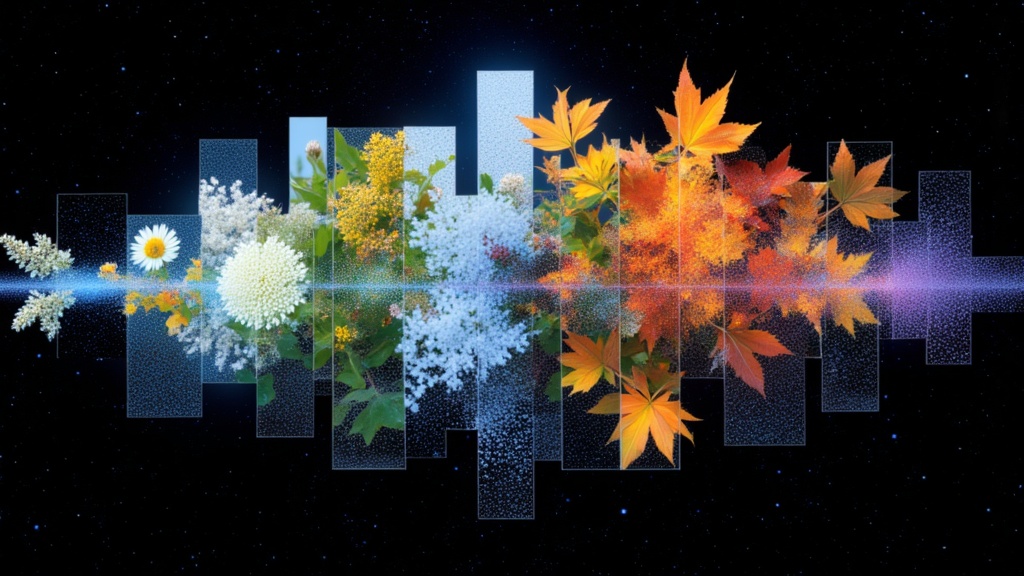
PixVerse C1 Transition
Cinematic transitions between two images
0.1 crédits
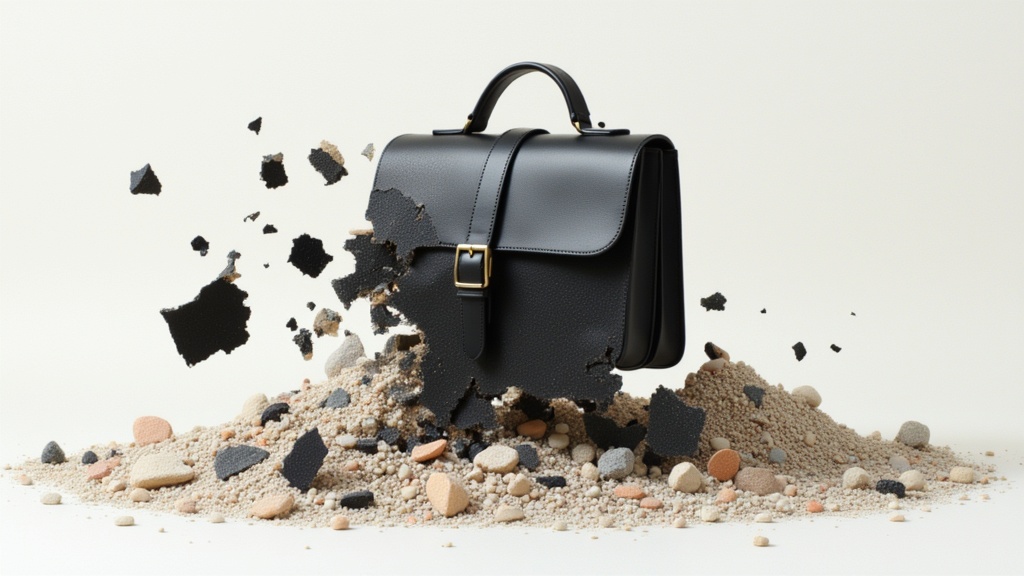
Veo3.1 Lite Image to Video
Animate images into pro videos
1.6 crédits
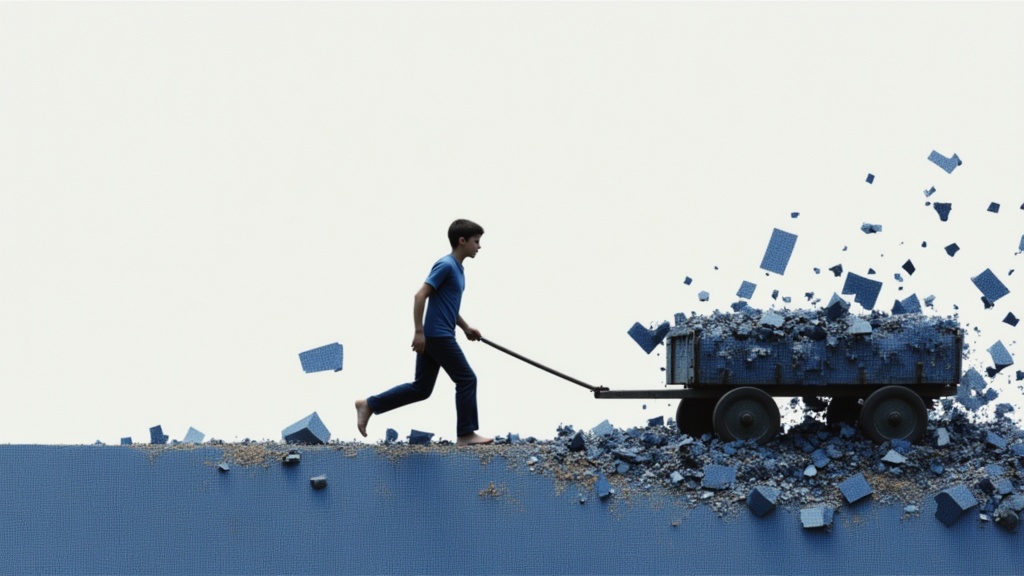
Seedance 2 Image to Video
Cinematic video from images
10 crédits
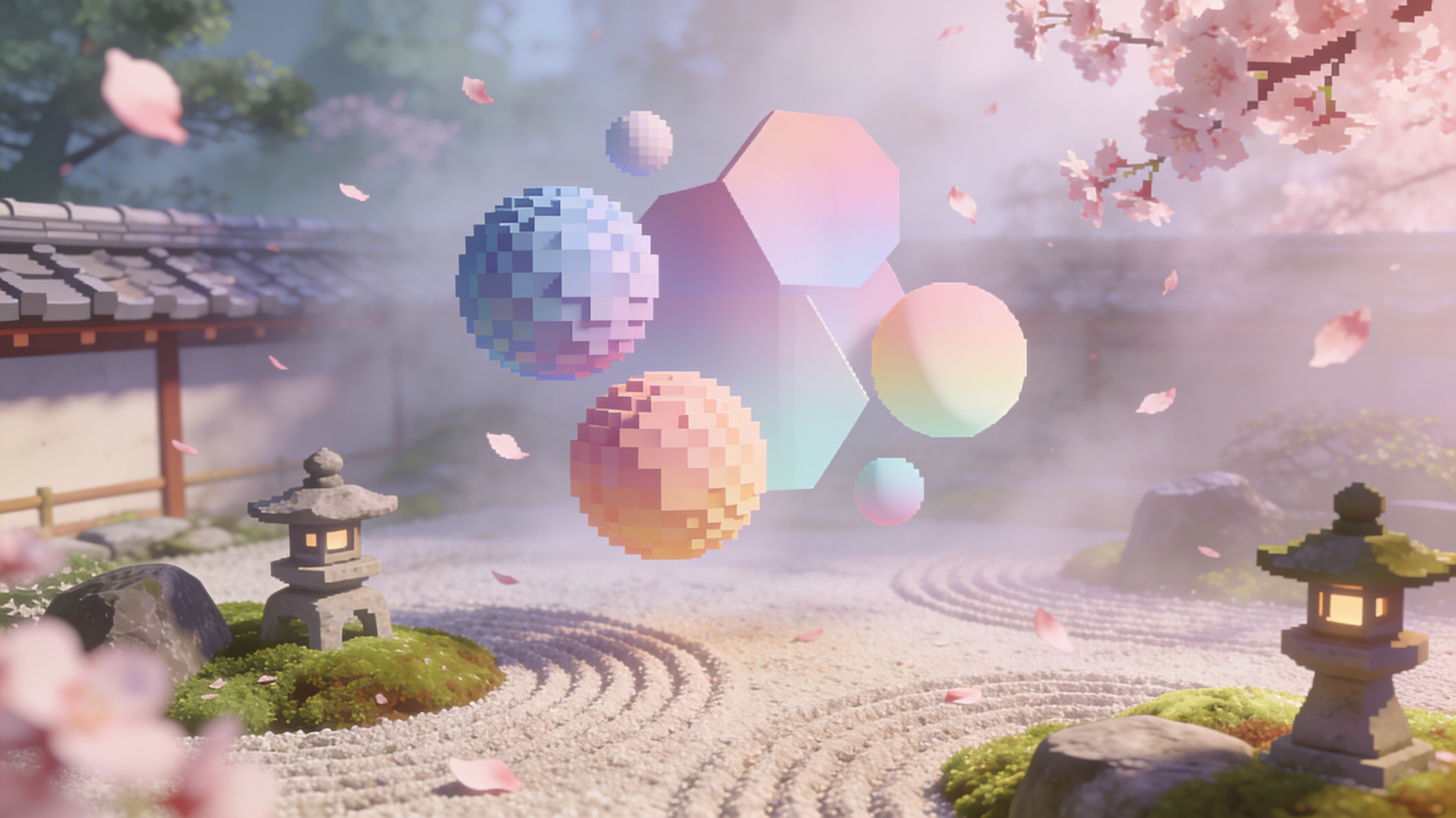
Vidu
Reference-guided consistent video generation
0.3 crédits
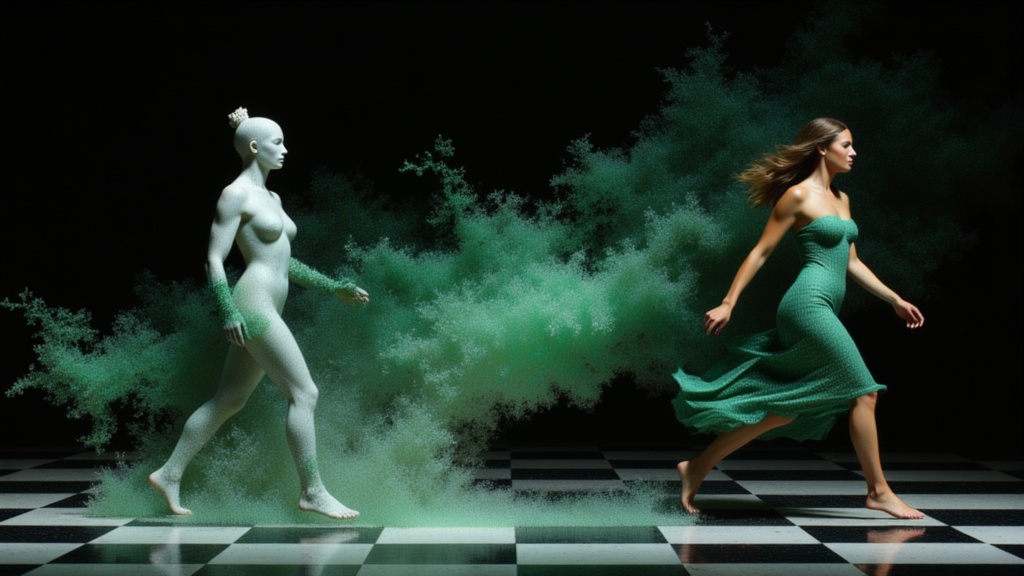
PixVerse C1 Reference to Video
Character-consistent video from references
0.1 crédits
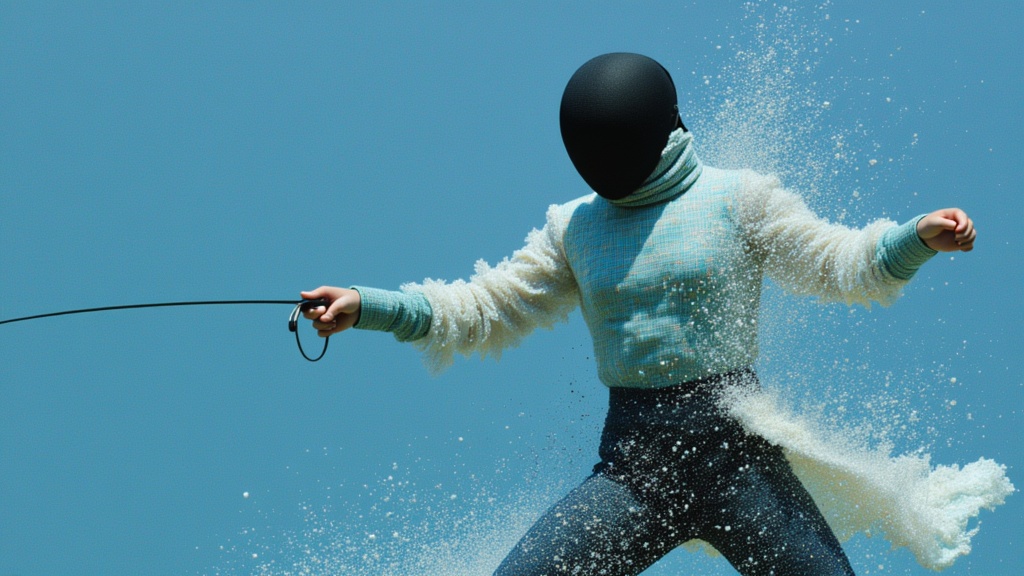
PixVerse
Animate images into styled videos
0.1 crédits
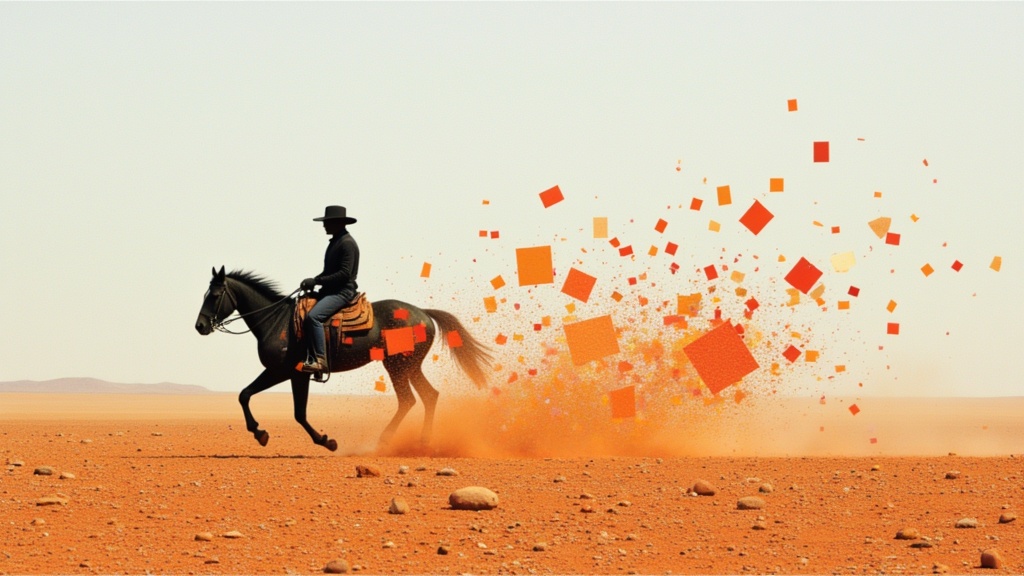
PixVerse
Smooth image-to-image video transitions
0.1 crédits

Veo3.1 Lite FLF
Animate between first/last frames
1.6 crédits
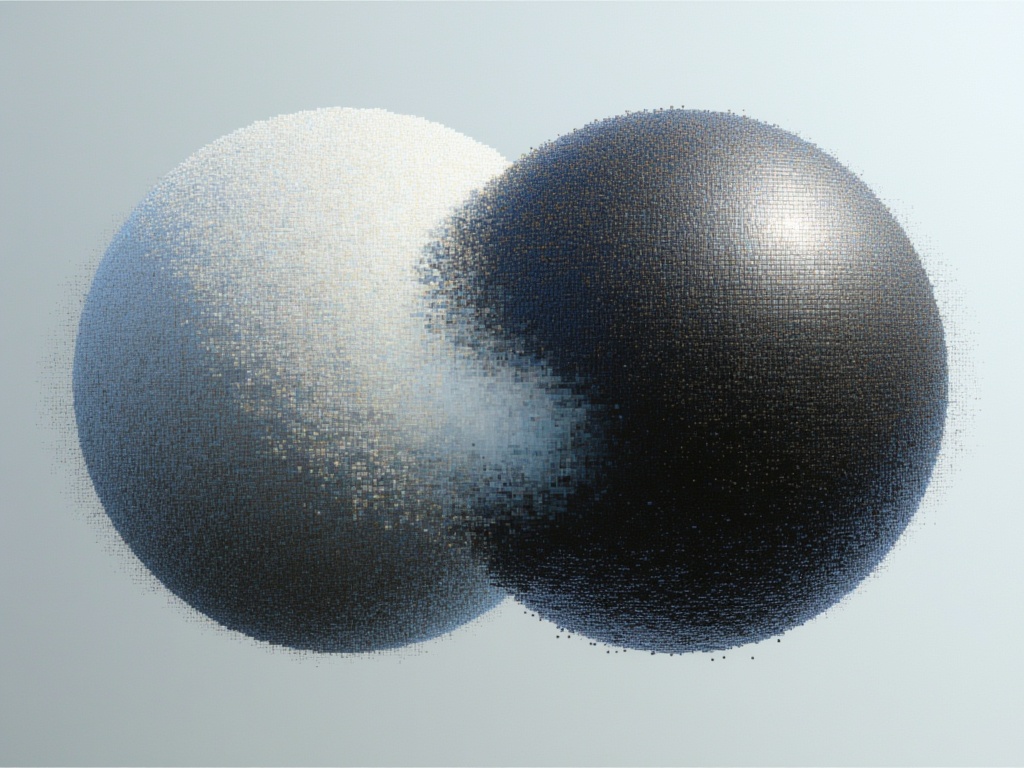
Goal Force
Physics-driven video from images
0.4 crédits