
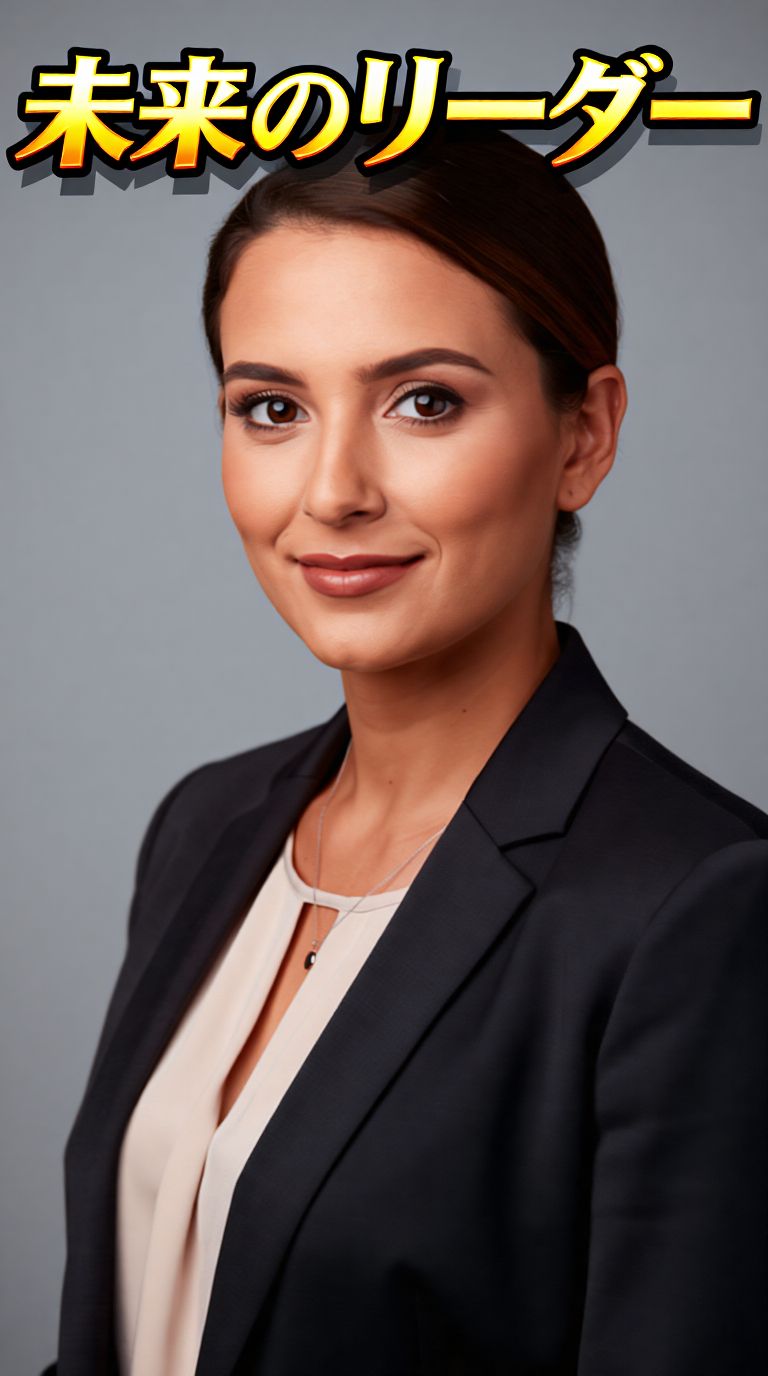
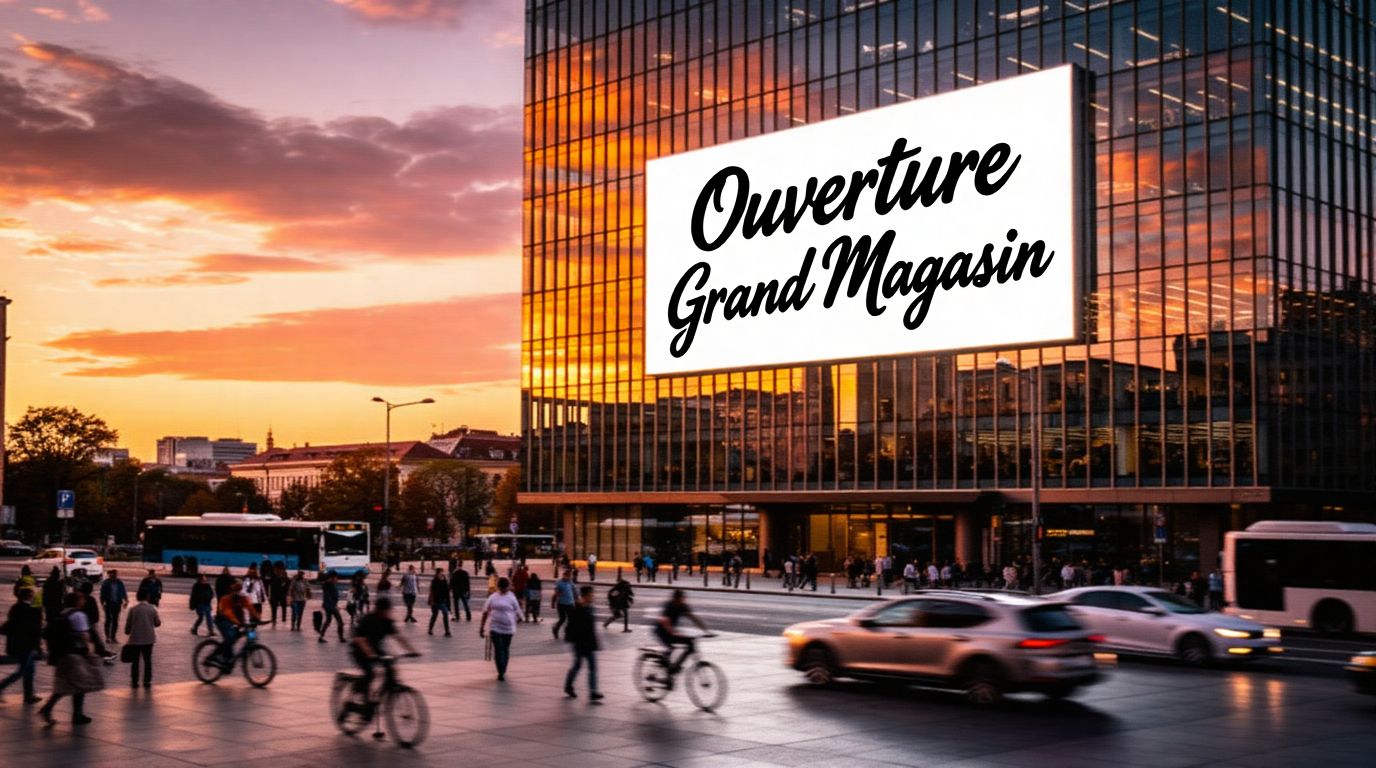
TEXT OVERLAY, MULTILINGUAL
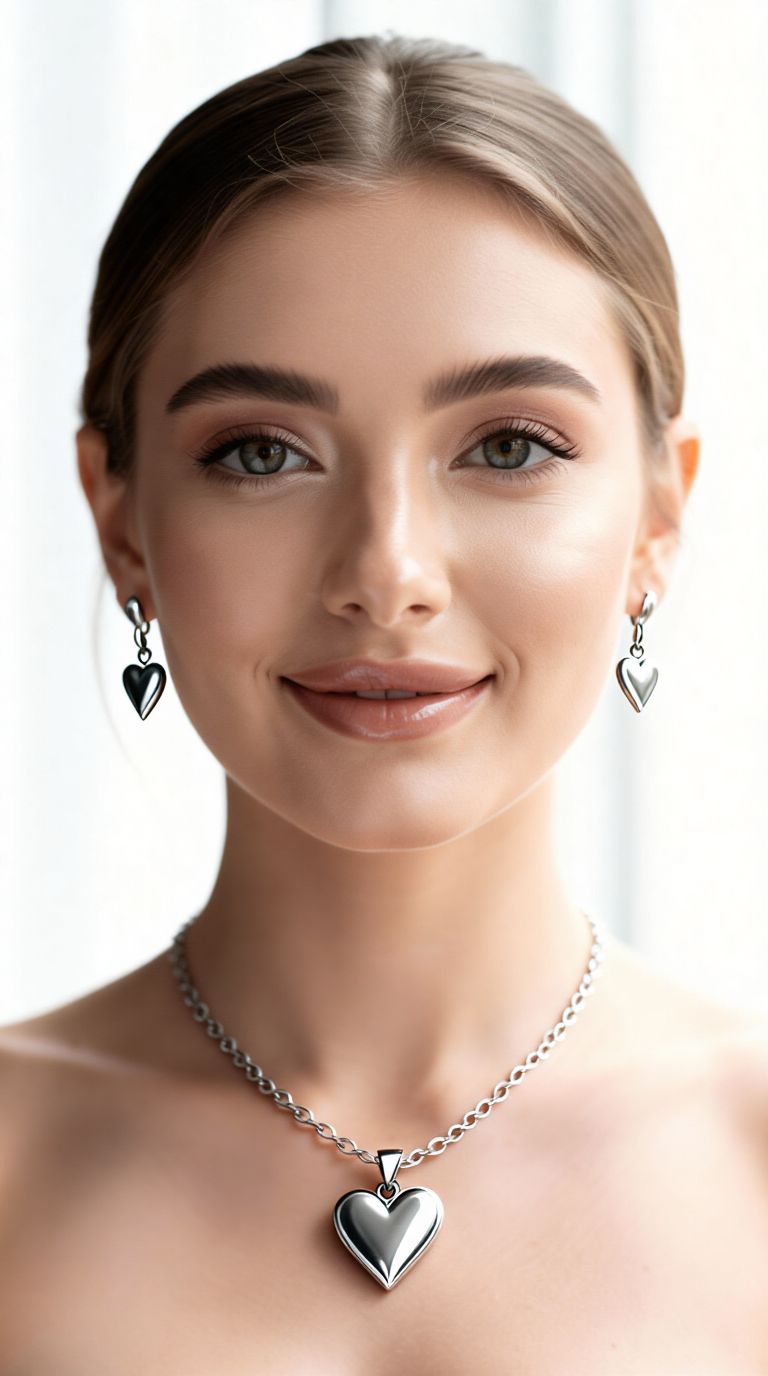
REALISTIC ACCESSORIES ADDITION
BACKGROUND REPLACE, PHOTO-REALISM
Longcat Image is a powerful AI-driven image editor designed specifically for creative professionals who want to transform existing images with the precision and flexibility of natural language instructions. Developed by Black Forest Labs, this model’s strength lies in its ability to interpret and fulfill text-based editing requests on top of reference images, entirely eliminating the need for laborious manual masking or layering workflows.
At its core, Longcat Image is built on a robust 6-billion parameter architecture that specializes in photorealistic image editing, seamless multilingual text overlay, and efficient performance across a variety of hardware setups. It’s an exceptionally versatile tool for artists, graphic designers, filmmakers, marketing teams, and content creators looking to add, modify, or integrate elements into images based solely on descriptive prompts.
What Longcat Image Creates
Longcat Image takes any existing image—whether from a file or a web link—and lets you describe exactly how you’d like it edited. For example, you might instruct it to “add the phrase ‘Fal is fast’ in elegant cursive font with lightning streaks at the top of the image,” and it will integrate the new text realistically, matching lighting, depth, and image context. The process accepts creative directions ranging from simple overlays to nuanced, photorealistic effects based on your prompt.
Key creative powers include:
- Natural Language Photo Edits: Edit your image simply by describing what you want. No technical steps or manual layer creation required.
- Multilingual Text Rendering: Effortlessly overlay text in non-Latin alphabets or varied scripts, all with sophisticated font effects—even for complex typography.
- Photorealistic Modifications: Text and edits are composited with careful attention to real-world lighting, depth, and perspective, ensuring they look like true parts of the original scene.
- Context-Aware Transformations: Smart sense of spatial relationships and picture context for edits that fit naturally.
Who Benefits
Longcat Image is ideal for anyone working in visual media or creative content who needs fast, precise, and contextually intelligent image editing. This includes:
- Artists and Illustrators: Add flourishes or additional elements that blend seamlessly into existing works.
- Graphic Designers: Produce marketing creatives or editorial images with striking, multilingual overlays and style effects.
- Filmmakers and Video Content Creators: Prepare key visuals or storyboard frames with custom text or effects adapted to cinematic scenes.
- Marketing and Social Teams: Quickly generate campaign imagery featuring dynamic slogans or localizations in multiple languages.
Supported Formats, Resolutions, and Styles
- Input Types: Upload or paste images in popular formats: JPG, JPEG, PNG, WebP, GIF, and AVIF.
- Output Formats: Download your edited images as JPEG, PNG, or WebP. The tool also allows you to control your preferred format for safety and compatibility with your creative workflow.
- Resolution: Choose any resolution you need—your creative ambitions are never restricted by complexity, just by image size.
Quality and Performance
- Detail and Photorealism: The 6B architecture prioritizes superior context-aware precision, ensuring your edits are deeply integrated and visually convincing.
- Customizable Quality: Control how much time the model spends on refinement: you can balance speed and quality by adjusting settings for the level of detail, so time-sensitive edits can be delivered faster, while portfolio-quality images can be crafted with more care.
- Parallel Processing: Edit up to four images in parallel to boost your workflow efficiency. This is ideal for batch campaigns or exploring creative options side by side.
- Flexible Processing Options: Choose between standard and high-priority acceleration to optimize for faster turnarounds on urgent projects.
- Safety Filtering: Built-in content safety filtering ensures that generative outputs are suitable for production use in professional environments.
Creative Controls and Customization
- Text Prompt Editing: Tell Longcat Image exactly what you want to add, change, or stylize—whether it’s new text, image effects, or both.
- Adjustable Detail and Prompt Adherence: You can adjust settings (such as prompt adherence and editing refinement) through intuitive creative controls, letting you choose between speedier drafts and highly polished final images.
- Output Format Selection: Tailor output format (PNG, JPEG, or WebP) to fit publishing or workflow requirements.
- Batch Capacity: Easily process a set of 1-4 images in one go—perfect for reviewing different design ideas side by side.
Limitations and Considerations
Longcat Image is purpose-built for editing based on descriptive prompts; it prioritizes semantic editing (changing what’s in the image based on meaning, like adding a slogan or visual effect) over traditional brush-and-pixel workflows. It does not require you to define masks or regions manually—instead, you instruct it with words. This means it excels when edits can be described contextually and visually.
Since safety filtering is available, professional users can rely on outputs that meet industry content standards. Edits for very high-resolution images may take longer or need more resources but there is no explicit complexity cap beyond resolution.
In summary, Longcat Image empowers creative professionals to perform highly sophisticated, context-aware image edits using only plain language instructions, delivering production-ready results with unprecedented speed and efficiency—especially when photorealistic integration and multilingual capabilities are a must.
使用最先进的图像编辑器进行生成
Add the image that you want change
上传图片
添加你想要编辑或转换的图片
A woman kneeling in darkness, illuminated by a warm, radiant beam of light emerging from her raised hand.
写下你的修改要求
描述你想要的编辑 - 风格调整、移除物体或画面增强
开始分享
下载你经过专业编辑的图像
超越提示词:全新的掌控维度
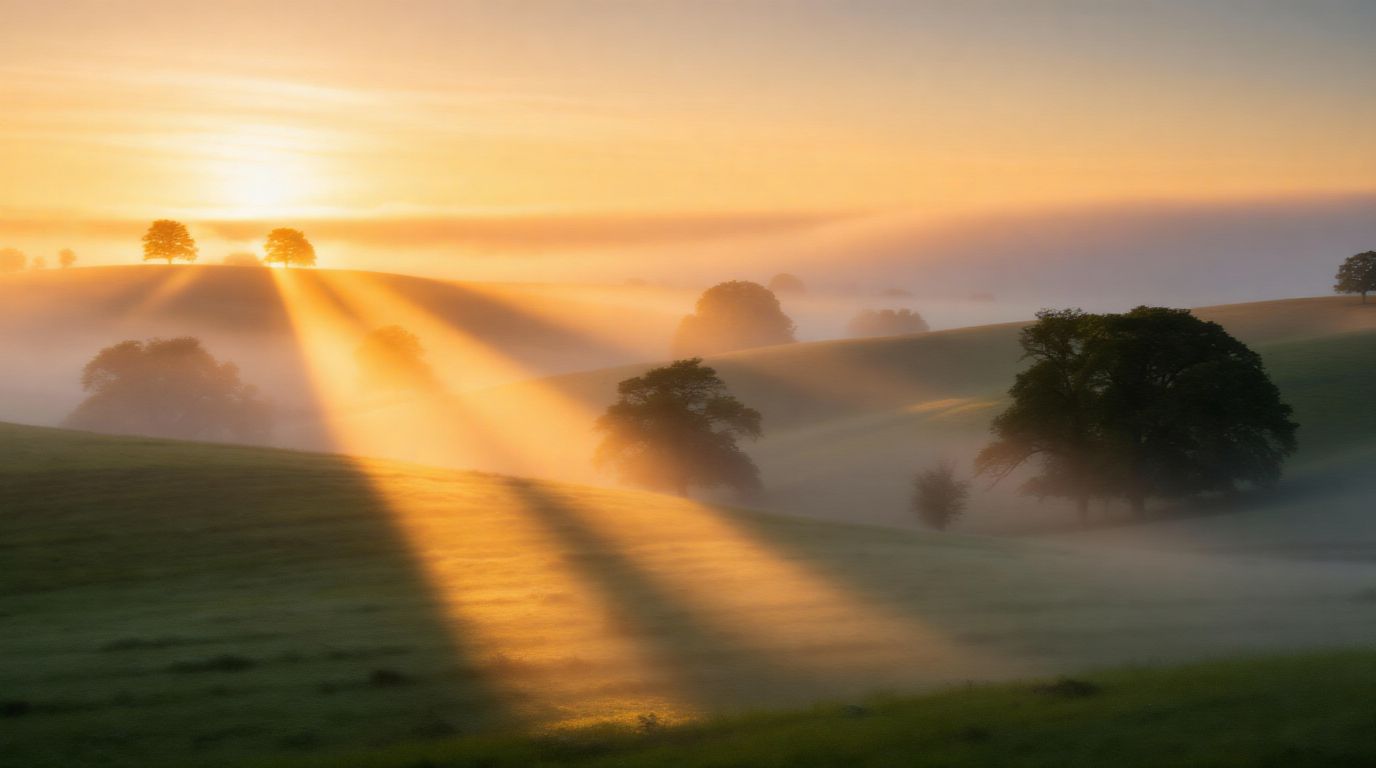
SCENE ENHANCEMENT, REALISTIC WEATHER
Illustrates advanced environmental edits, enhancing landscapes with complex weather and light conditions for cinematic or marketing visuals.
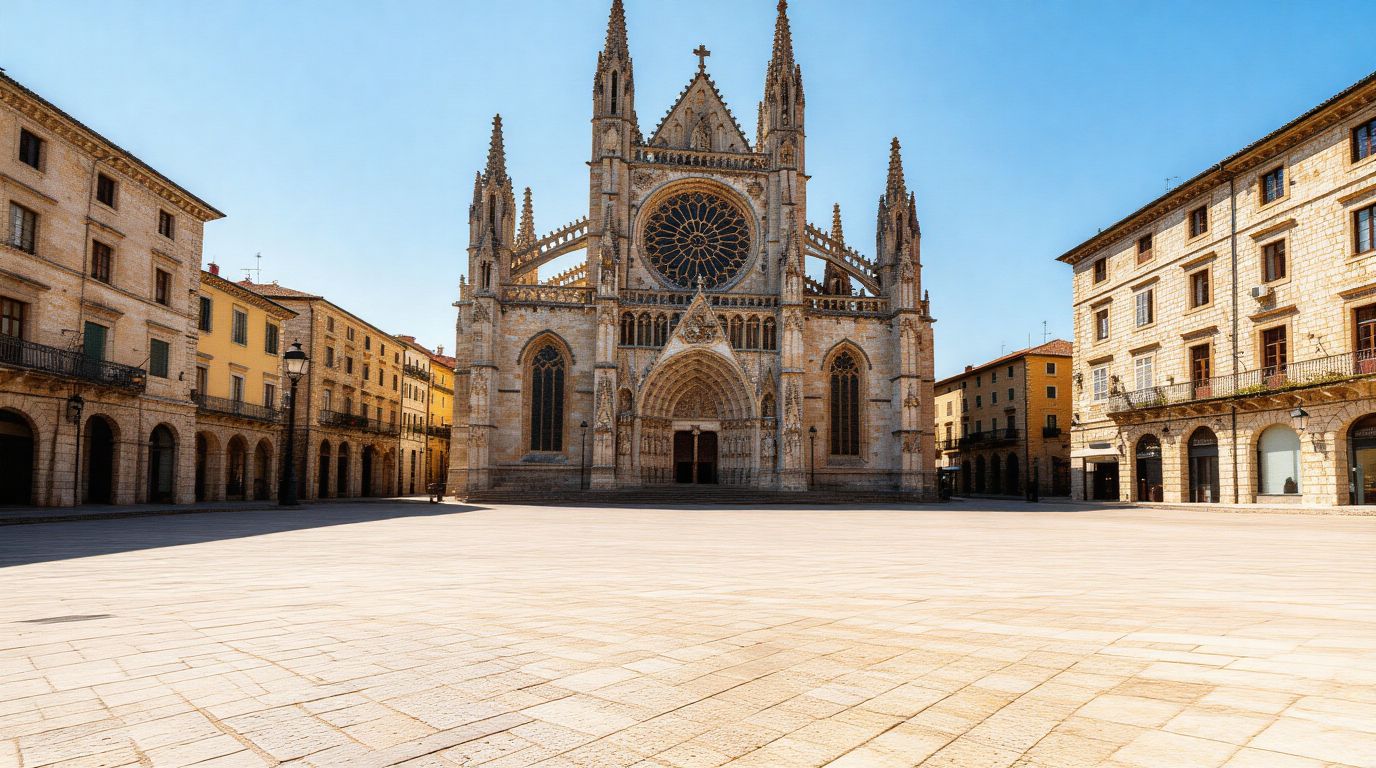
MULTILINGUAL TEXT INTEGRATION
Perfect for urban marketing teams, this shows direct natural-language rendering of multilingual advertising text onto real-world architectural surfaces with lighting respect.
CONTENT-AWARE OBJECT REMOVAL
Highlights Longcat Image’s ability to semantically remove undesired objects (people, cars) while reconstructing complex backgrounds for clean promotional images.
与同类模型对比
“Transform into a classical oil painting in the style of Rembrandt. Add visible impasto brushstrokes with thick paint texture. Apply warm golden undertones and dramatic chiaroscuro lighting with deep shadows. Enhance the dramatic contrast while preserving facial structure and expression. Add subtle canvas texture visible through the paint layers.”
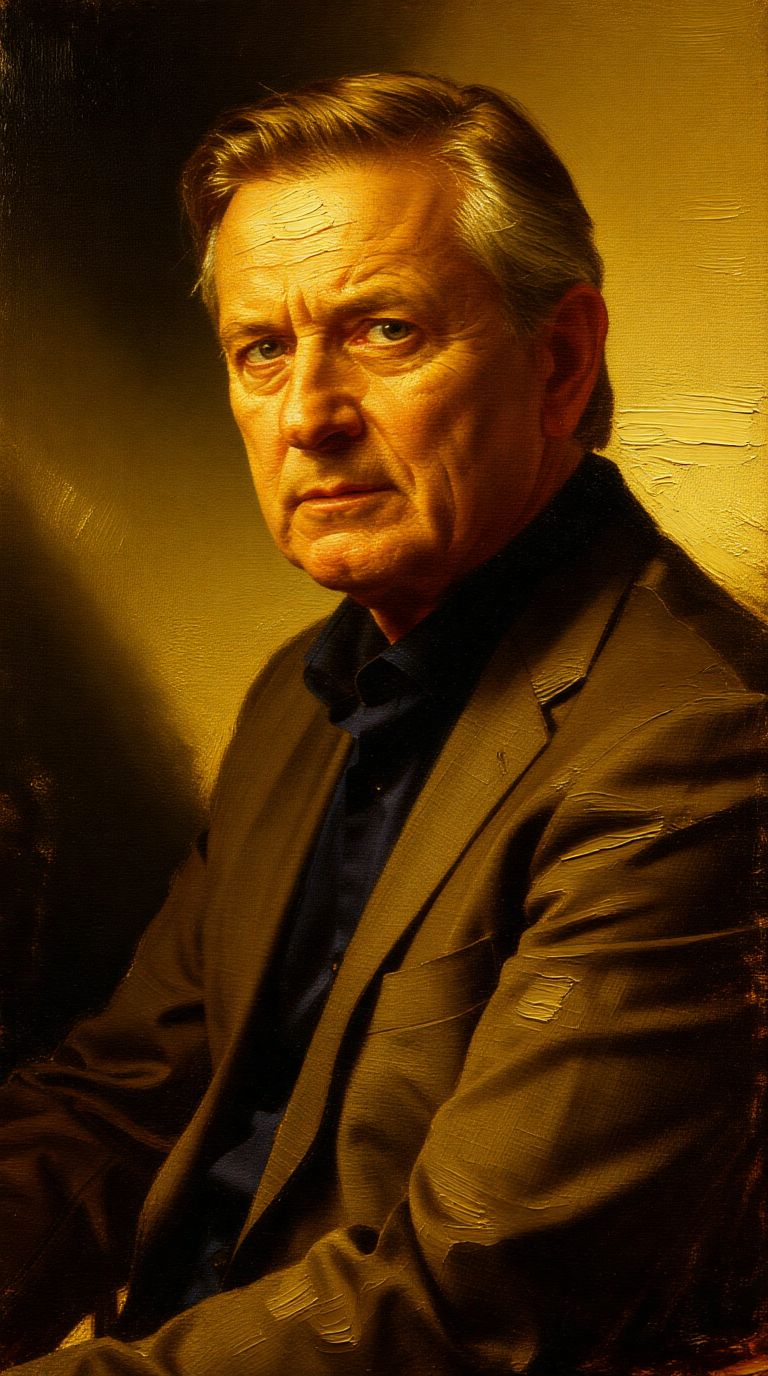
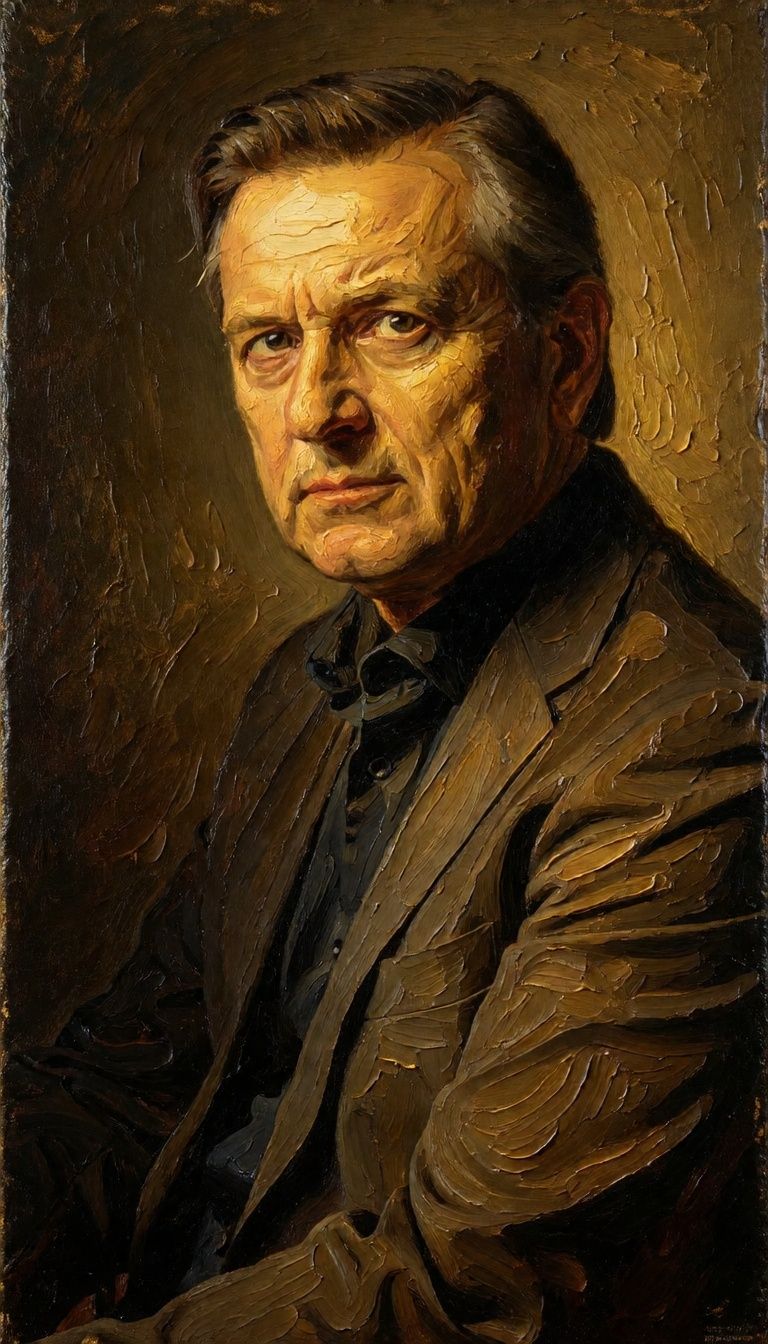
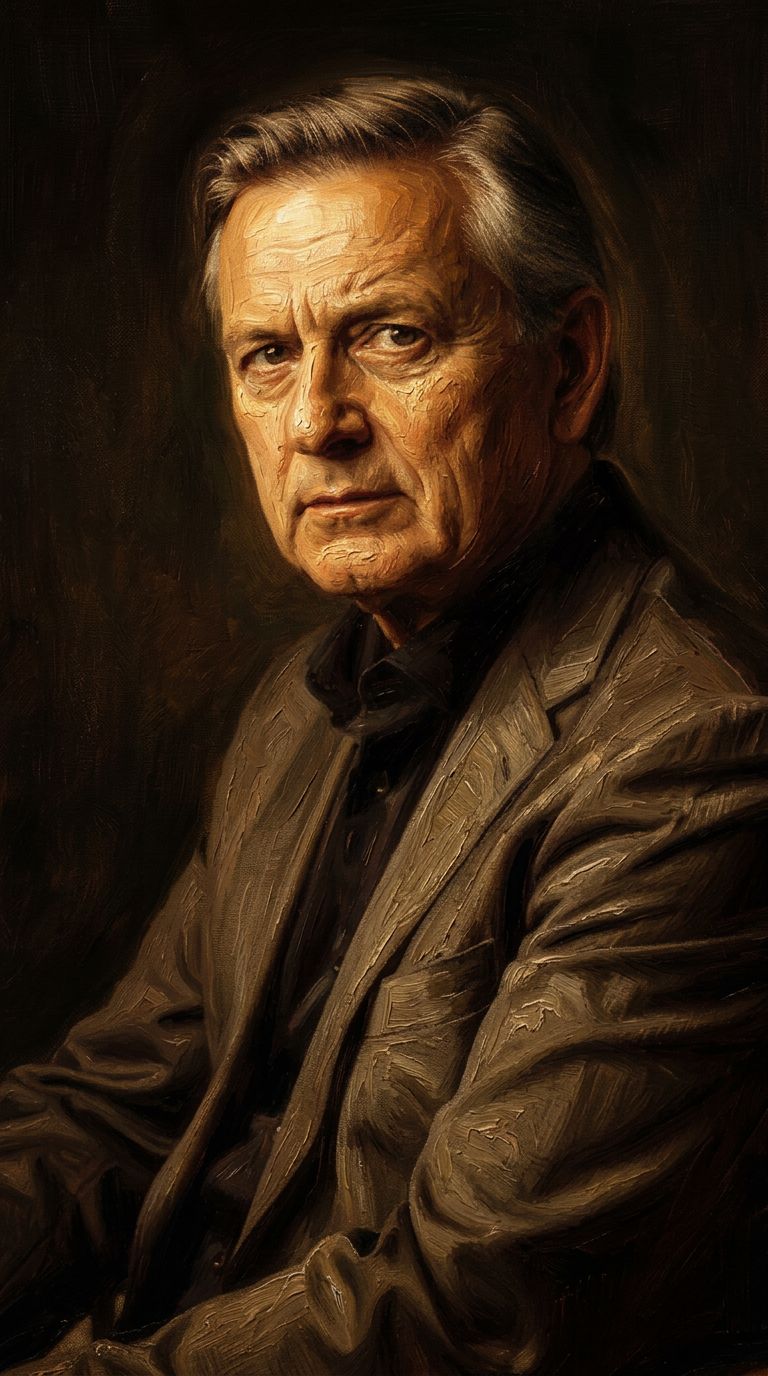

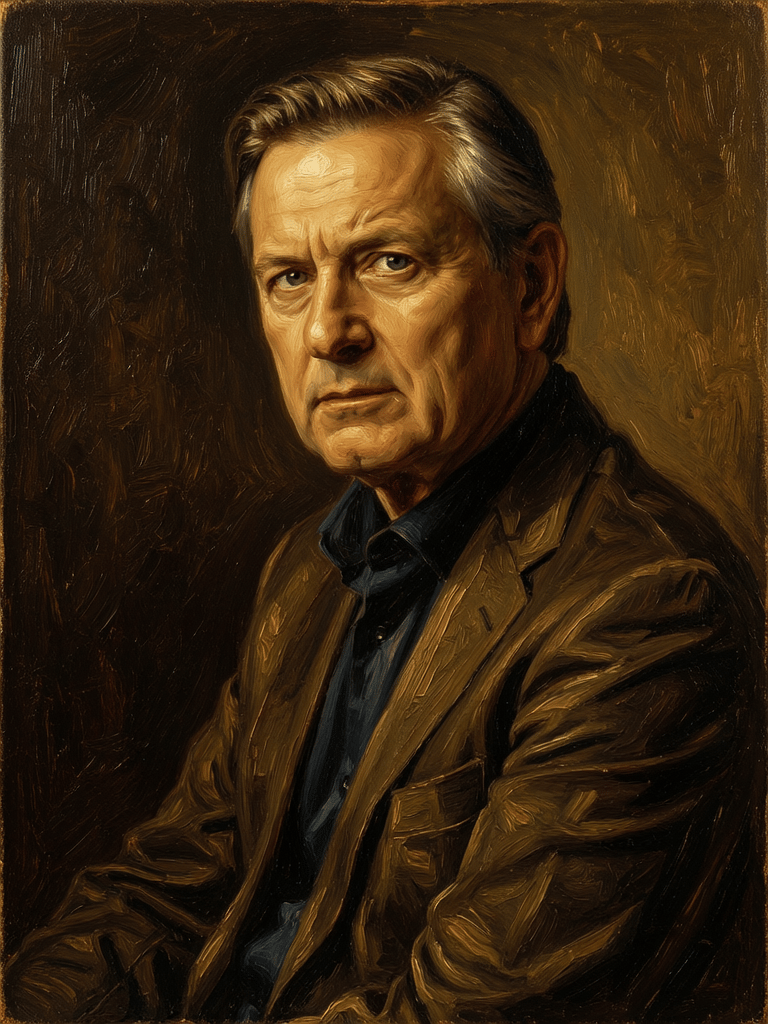
![FLUX.2 [klein] 4B LoRA output](https://shortgenius.com/cdn-cgi/image/width=3840,quality=80,format=auto/https://assets.shortgenius.com/example-model-output/10a63e77-67c3-46e6-83d3-b7b93355e72c.png)


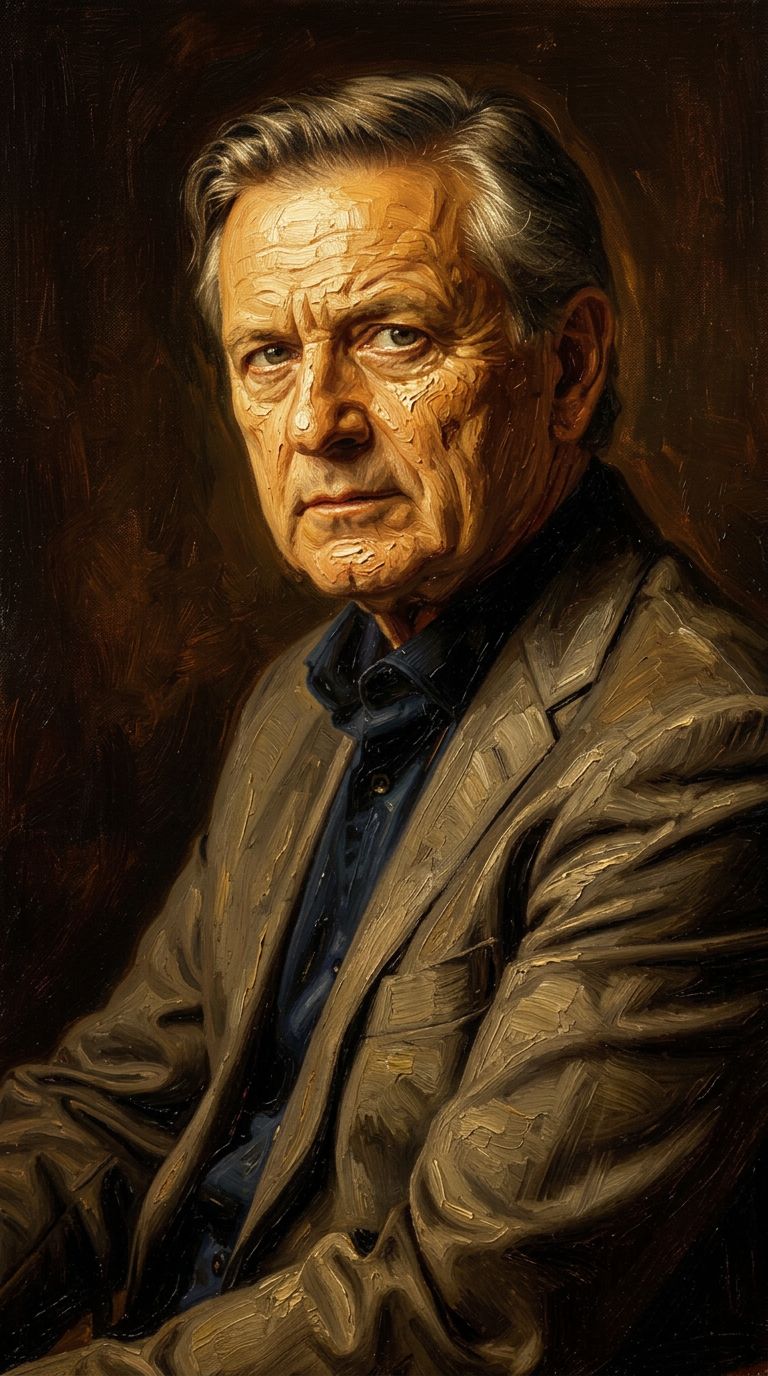
![FLUX.2 [klein] 9B LoRA output](https://shortgenius.com/cdn-cgi/image/width=3840,quality=80,format=auto/https://assets.shortgenius.com/example-model-output/cc1806c8-2af0-47e7-bd34-a95d2d180bfb.png)

用 Longcat Image 体验极致完美
立即切换至推理引导式生成
常见问题
同类模型
Firered Image Edit V1.1
Advanced AI-powered image editing
0.4 积分
Wan
Text-guided creative image editing
0.2 积分
Phota
Identity-preserving personalized photo editing
0.4 积分
Qwen Image 2
Unified image editing and generation
0.6 积分
Nano Banana 2
Google's advanced image editing
0.7 积分
![FLUX.2 [klein] 4B LoRA](https://v3b.fal.media/files/b/0a928e1f/c62zNs4MhBXgm-5w7n0C5_90bad8837ecc451e96f91da93b78f564.jpg)
FLUX.2 [klein] 4B LoRA
Edit images with text, colors
8 积分
![FLUX.2 [klein] 9B LoRA](https://v3b.fal.media/files/b/0a928e3b/sIC-Ne9BMwZZtBvR3FwKN_9a724704a550471a9df59999e9e1017f.jpg)
FLUX.2 [klein] 9B LoRA
Precise natural language image editing
0.5 积分
Joyai Image Edit
Natural language image editing
0.8 积分
Qwen Image 2
Unified AI image editing model
0.5 积分