Qwen Image Edit 2511
Náuwkeurige beeldbewerking
Edit images using text prompts
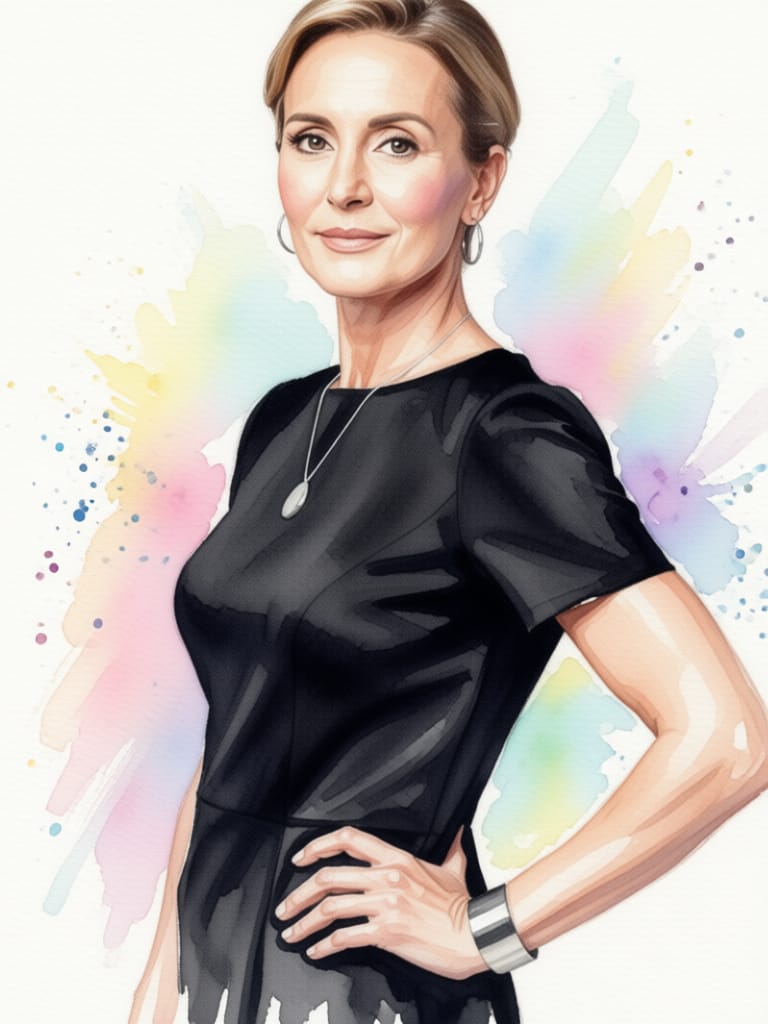
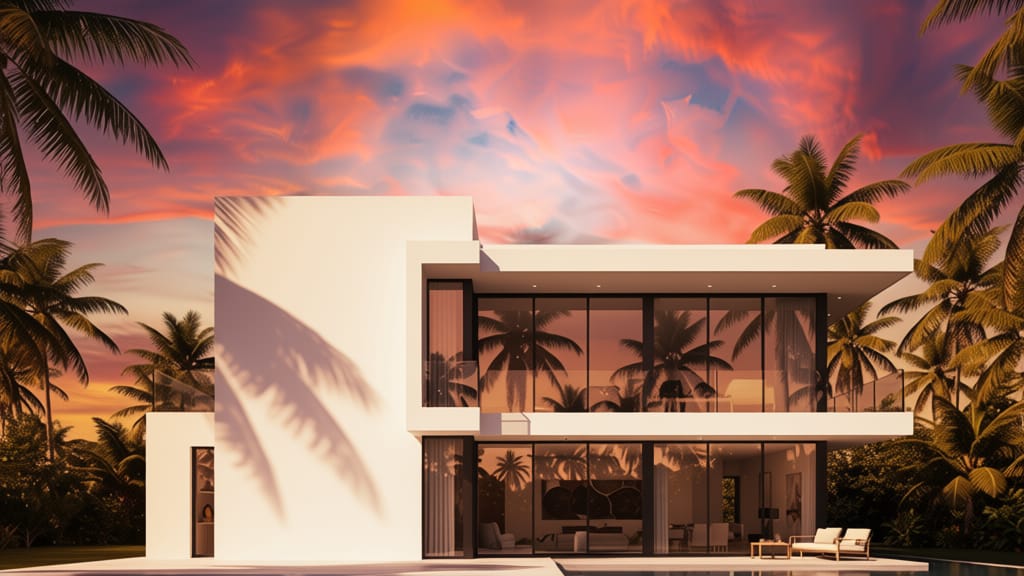
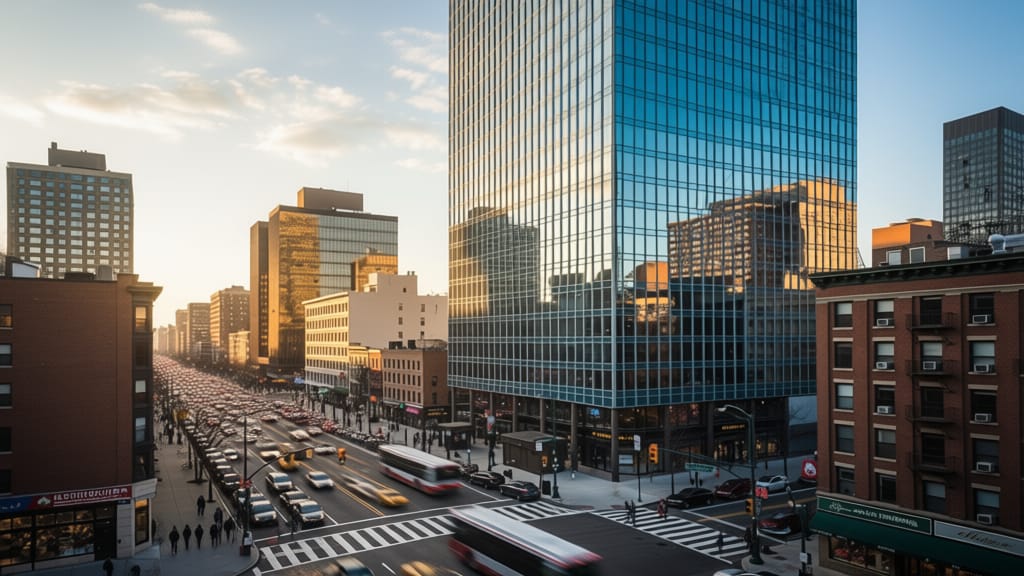
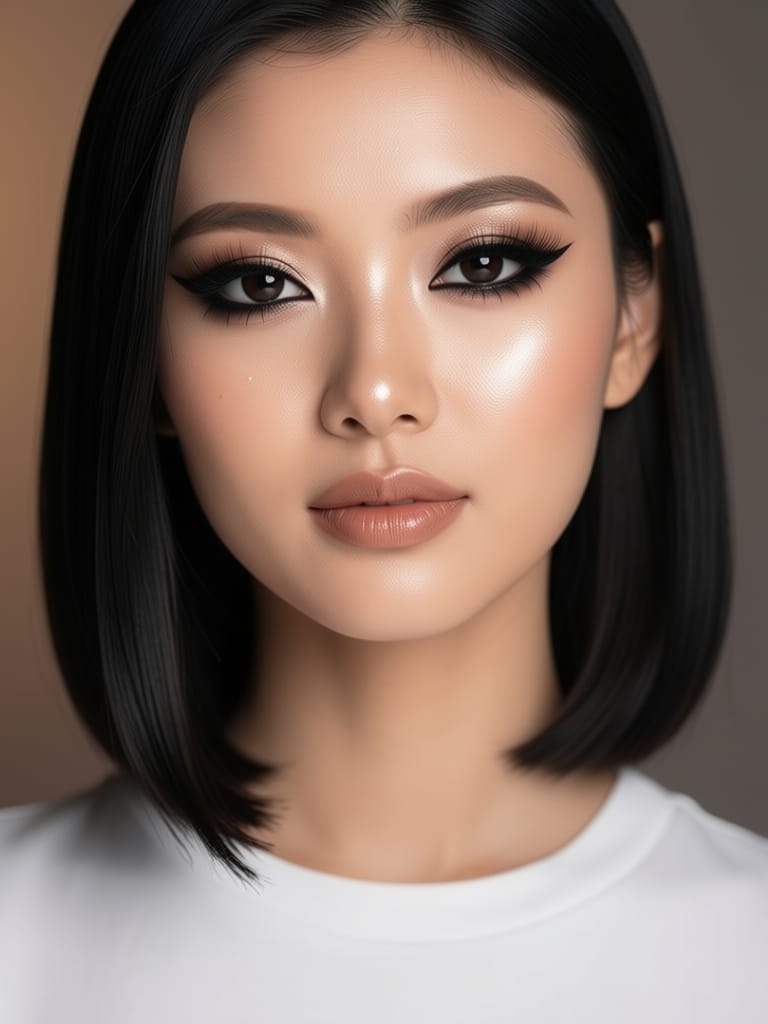
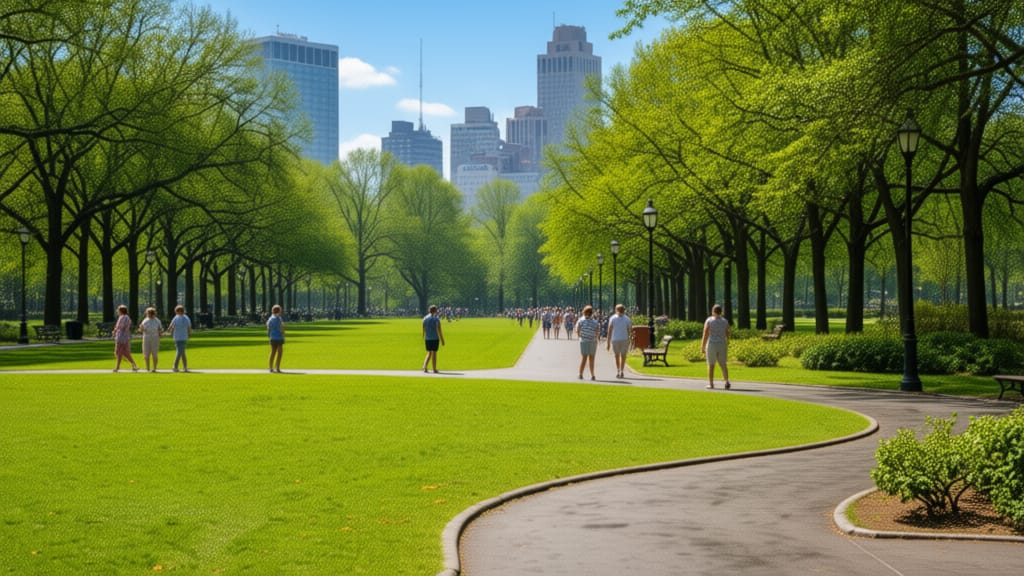
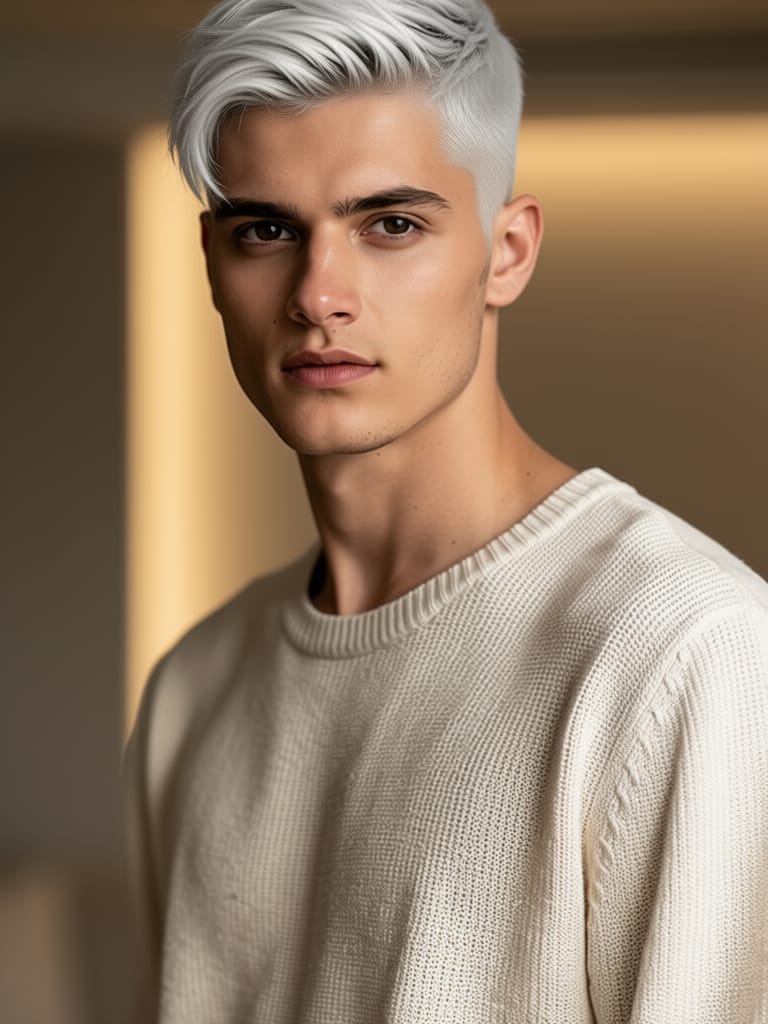
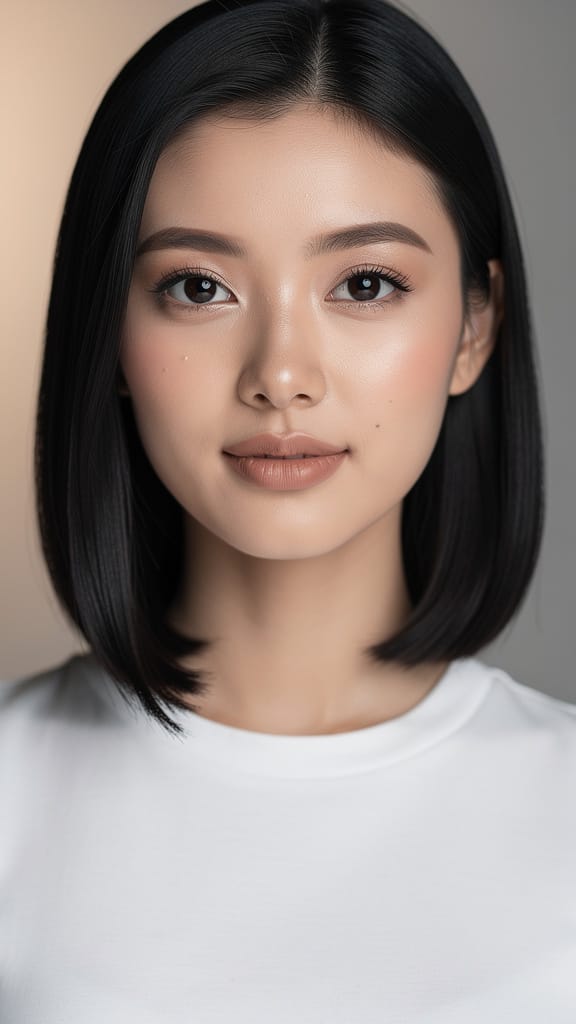
GRIMEEROMSKEPING
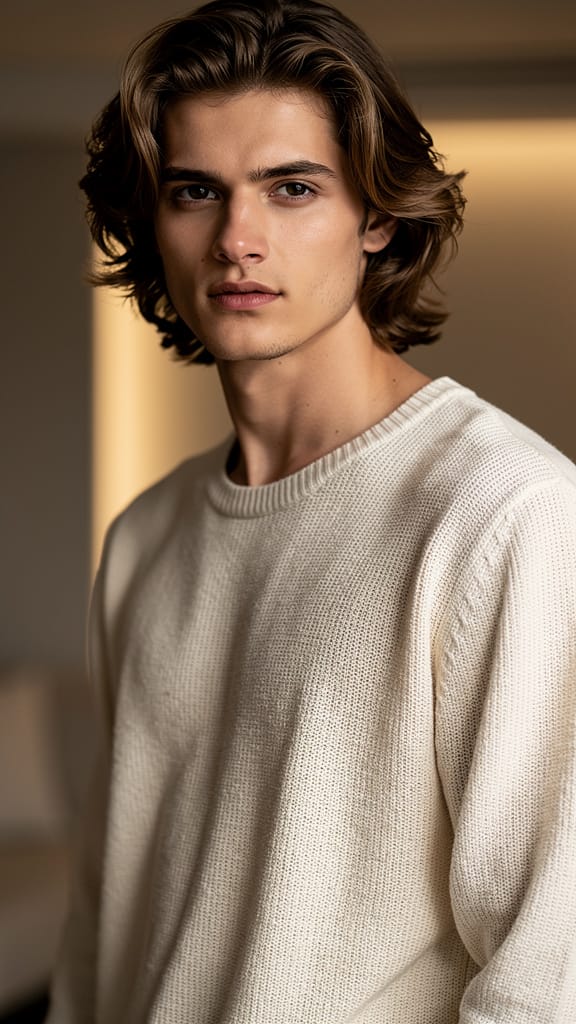
KAPSAL-ONRUITSEL
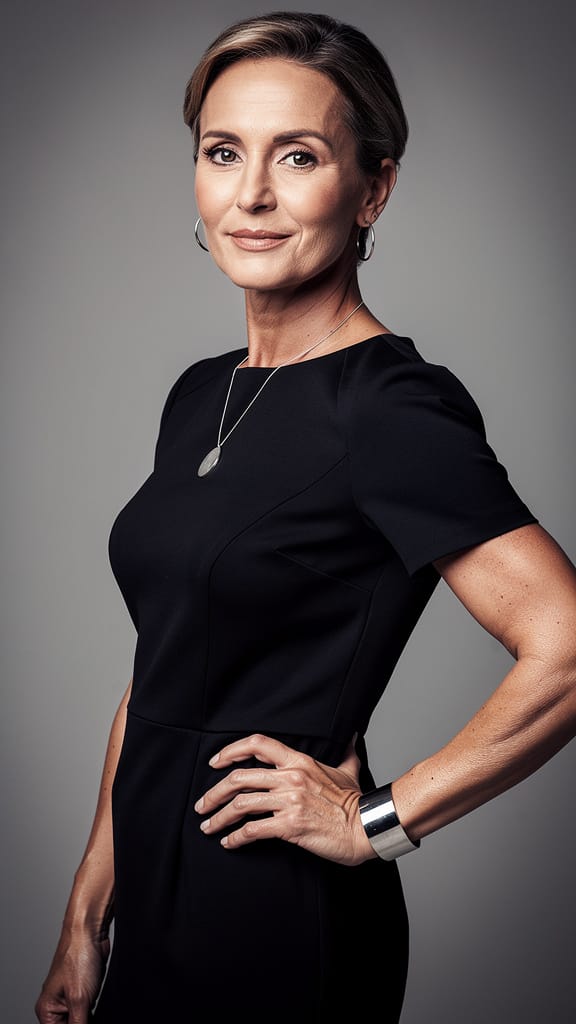
KUNSTENSTIL-OORDRAG
Qwen Image Edit 2511 is 'n gevorderde beeld-na-beeld redigeermodel wat deur Black Forest Labs ontwikkel is, ontwerp vir kreatiewe professionele persone wat beelde wil omskep en redigeer deur intuïtiewe, teksgebaseerde instruksies. Of jy nou 'n kunstenaar, ontwerper, vervaardiger of inhoudskepper is, hierdie gereedskap bemagtig jou om bestaande beelde te neem en dit te wysig met presiese, kreatiewe rigting wat deur eenvoudige taalprompts verskaf word. Dit beteken jy kan die veranderinge beskryf wat jy wil hê—soos 'change angle to front view'—en die model sal jou bedoeling interpreteer en dit direk op die beeld wat jy opgelaai het, toepas.
Ideaal vir dié wat hoë grade kreatiewe vryheid soek, akkommodeer Qwen Image Edit 2511 'n wye spektrum van visuele projekte. Van buiplank-omskeppings, konsepkuns-iterasies en vinnige visuele prototipering tot redaksionele veranderinge en visuele inhoudproduksie, kan hierdie model jou kreatiewe werkstroom versnel en verbeter. Die gebruikerskoppelvlak ondersteun insette van 'n verskeidenheid beeldbronne—oplaai vanaf jou rekenaar, plak vanaf die knipbord, sleep vanaf webblaaie, of voer direkte URL's in—wat dit buigsaam en maklik maak om in enige kreatiewe proses in te sluit.
Qwen Image Edit 2511 bied 'n reeks kreatiewe kontroles om jou beelredigeringservaring aan te pas. Jy kan die vlak van besonderheid fynstem (met instellings soos prompt-nakoming), meer of minder kreatiewe vryheid van die model toelaat, en die kwaliteit-instelling aanpas om by jou behoeftes te pas. Die model laat jou ook toe om die uitsetbeeldafmetings in te stel of te kies uit algemene verhoudings soos vierkant, portret (4:3 of 16:9), en landskap (4:3 of 16:9), wat verseker dat jou uitset by jou projek se fisiese of digitale vereistes pas. As jy verkies, kan jy die uitsetbeeld op dieselfde grootte as jou oorspronklike hou.
Ondersteunde uitsette sluit PNG, JPEG en WebP in, wat jou veelsydigheid gee vir aanlyn publisering, verdere redigering of argivering. Jy kan ook kies om van een tot vier variasies op een slag te genereer, wat A/B-toetsing en stylkeuse veel makliker maak binne jou werkstroom.
Qwen Image Edit 2511 skep nie net 'n enkele, statiese omskepping nie—dit gee jou ruimte om te eksperimenteer. Met die vermoë om 'n vaste ‘seed’ in te stel, kan kreatiewe professionele persone konsekwente resultate oor iterasies produseer, wat dit makliker maak om konsepte te verfyn of visuele kontinuïteit te handhaaf. Tydens redigering kan jy style, perspektiewe spesifiseer of selfs die model vra om sekere kreatiewe rigtings te vermy deur 'n negatiewe prompt te gebruik, wat help om ongewenste elemente of temas uit jou redigeringe te filter.
Die model ondersteun 'n hoë maksimumbeeldafmeting, met uitsettes tot 14,142 pixels in breedte of hoogte, alhoewel jy met veel kleiner afmetings kan werk vir web- of mobiele toepassings. Kreatiewe kontroles sluit ook 'n veiligheidschecker-funksie in wat, as dit geaktiveer is, help om te verseker dat gegenereerde inhoud veilig en gepas bly vir professionele omgewings.
Daar is geen tegniese kompleksiteit nodig nie—die fokus hier is suiwer op kreatiwiteit en beheer. Beskryf net wat jy wil hê, kies jou beeld, pas jou kreatiewe kontroles aan, en ontvang gereed-vir-gebruik, aflaabare beelde of selfs jou resultate in 'n formaat geskik vir verdere werkstroomverwerking.
Beperkings en oorwegings word nie uitgebreid gedokumenteer nie, maar soos met enige outomatiese beelredigeringsgereedskap, kan resultate verskil met prompt-spesifisiteit en beeldkompleksiteit. Vir die beste uitkomste, gebruik duidelike, beskrywende prompts en wees bedag op insetbeeldkwaliteit, aangesien hierdie faktore direk die kwaliteit en relevansie van die model se redigeringe beïnvloed.
Genereer met die mees gevorderde beeldredigeerder
Add the image that you want change
Laai beeld op
Voeg die beeld by wat jy wil wysig of omskep
A woman kneeling in darkness, illuminated by a warm, radiant beam of light emerging from her raised hand.
Skryf jou veranderinge
Beskryf die wysigings wat jy wil hê - stylveranderinge, objekverwydering of verbeterings
Begin deel
Laai jou professioneel gewysigde beeld af
Bo en behalwe die aanwys: 'n Nuwe vlak van beheer
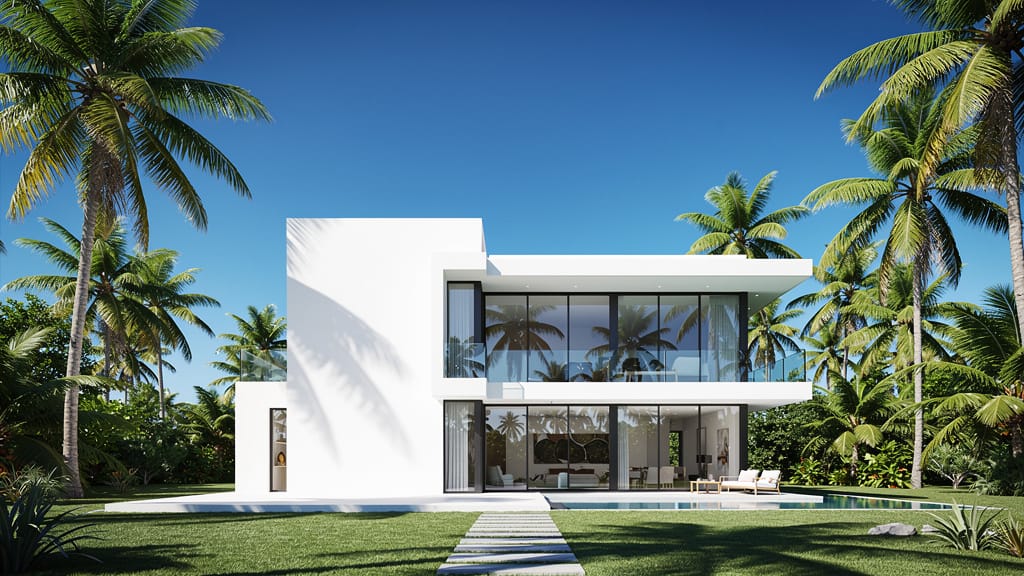
DIGITALE HEMELVERVANGING
Wys kragtige agtergrondmanipulasie in wye tonele, ideaal vir reis, vaste eiendom of landskapverbetering.
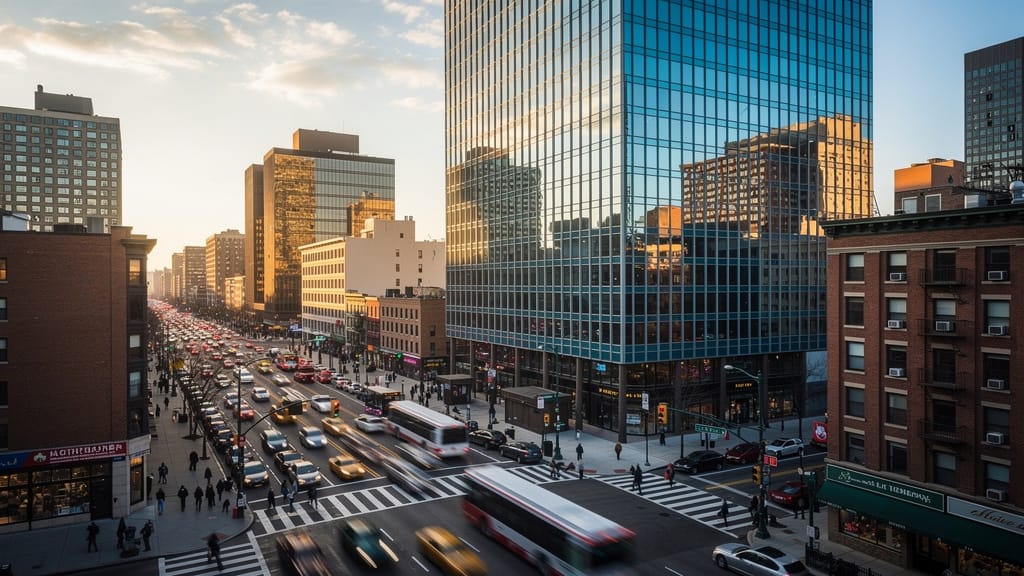
PERSPEKTIEFVERSKUIVING
Demonstreer die model se vermoë om tonele vanuit nuwe hoeke te herinterpreteer, geweldig vir argitektoniese visualisasies en kreatiewe vertelling.
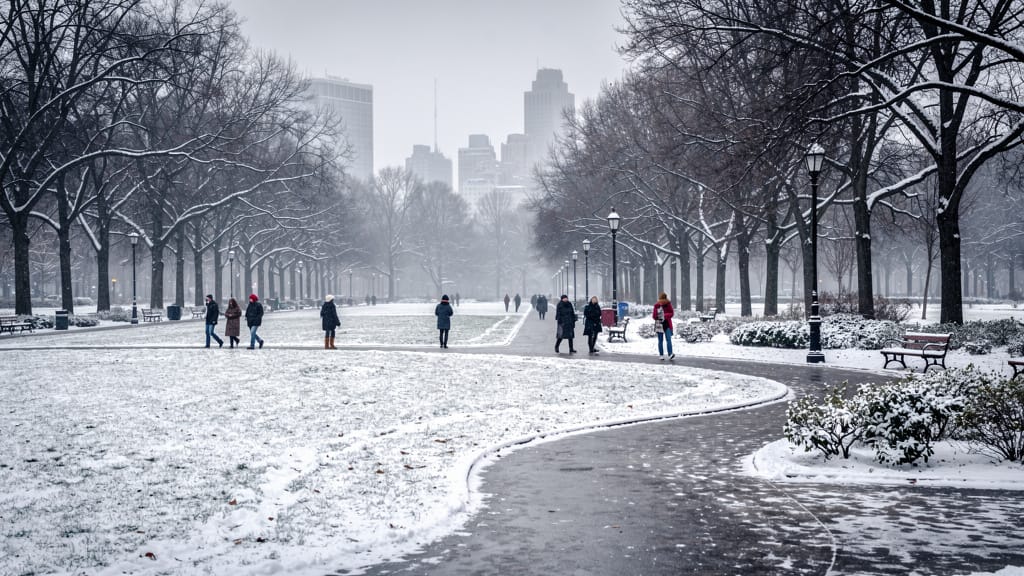
SEISOENREDIGERING
Maak dinamiese omgewingsveranderinge moontlik, omskep dieselfde ligging oor seisoene vir ontwerp, bemarking of vertellingsdoeleindes.
Vergelyk met soortgelyke modelle
“Transform into a classical oil painting in the style of Rembrandt. Add visible impasto brushstrokes with thick paint texture. Apply warm golden undertones and dramatic chiaroscuro lighting with deep shadows. Enhance the dramatic contrast while preserving facial structure and expression. Add subtle canvas texture visible through the paint layers.”
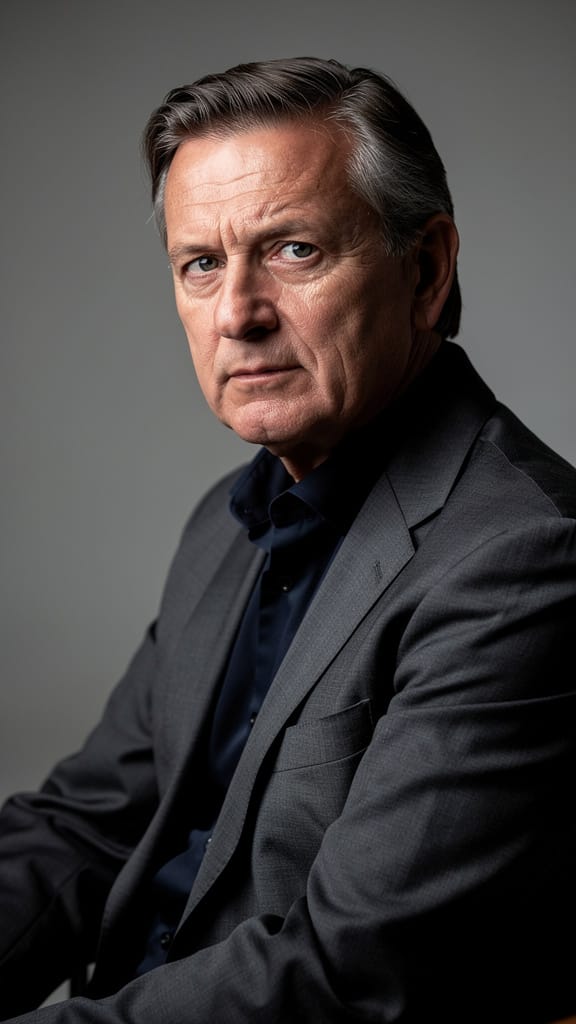
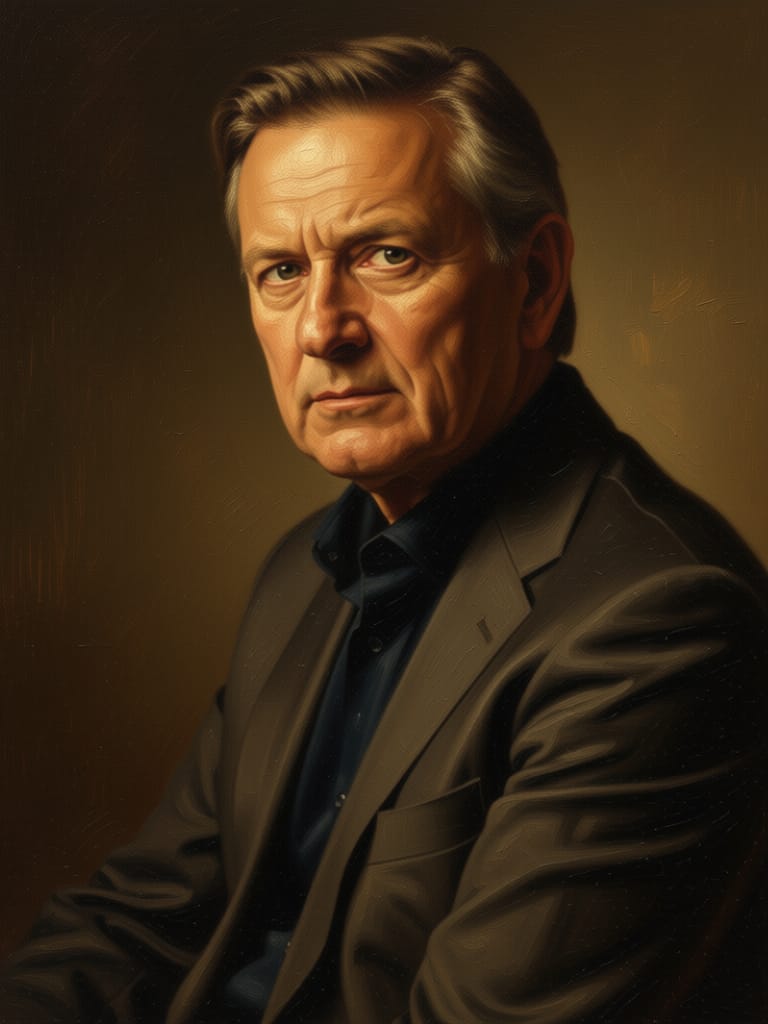
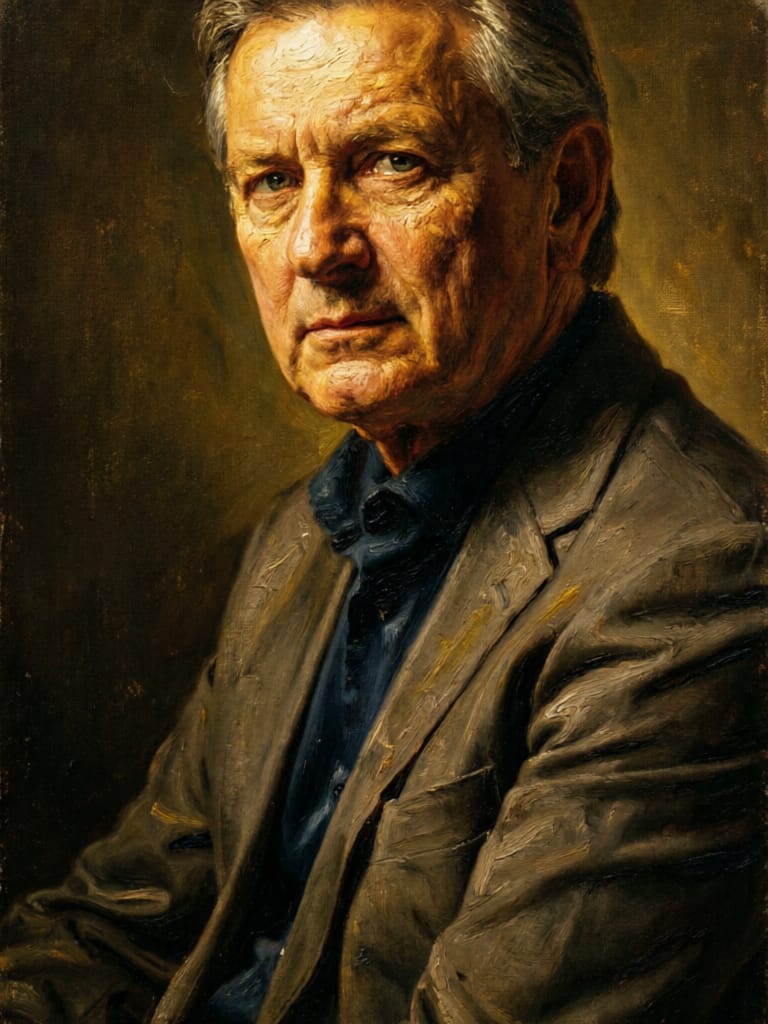
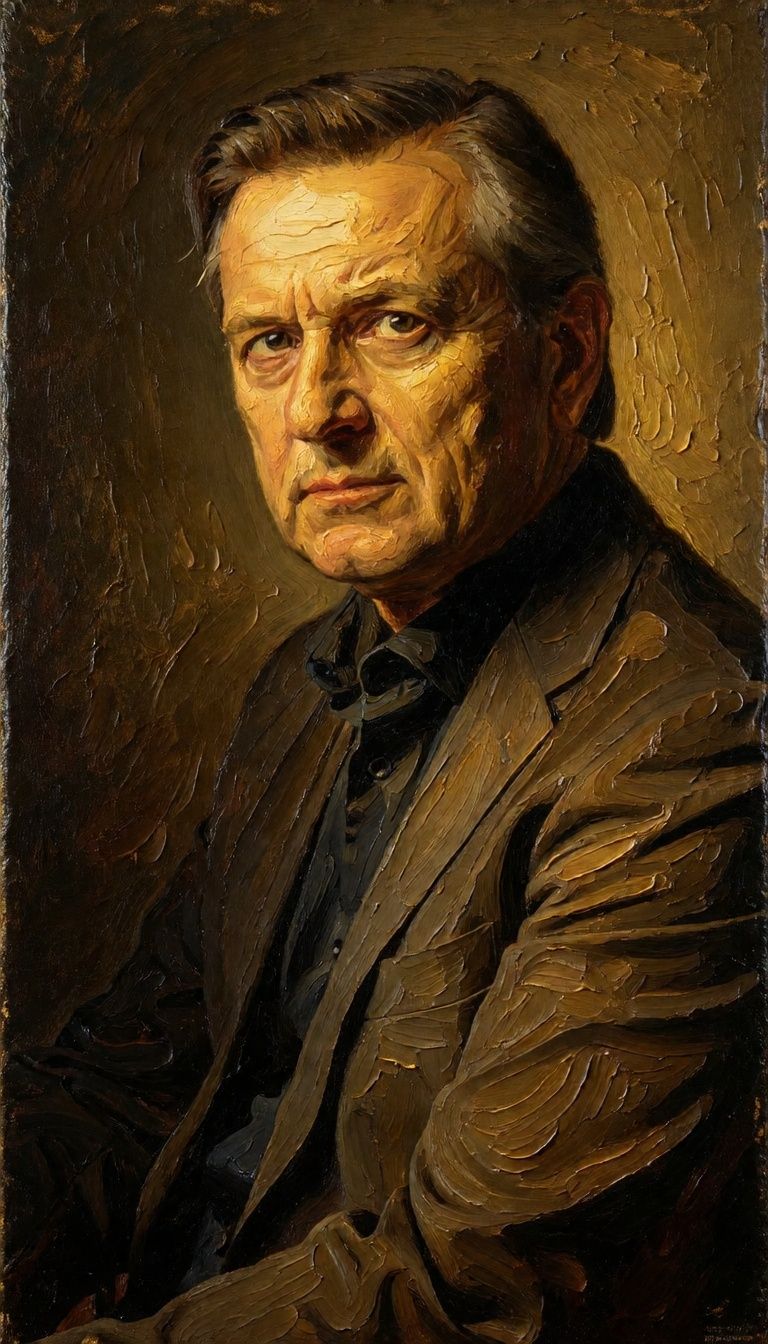


![FLUX.2 [klein] 9B LoRA output](https://shortgenius.com/cdn-cgi/image/width=3840,quality=80,format=auto/https://assets.shortgenius.com/example-model-output/cc1806c8-2af0-47e7-bd34-a95d2d180bfb.png)
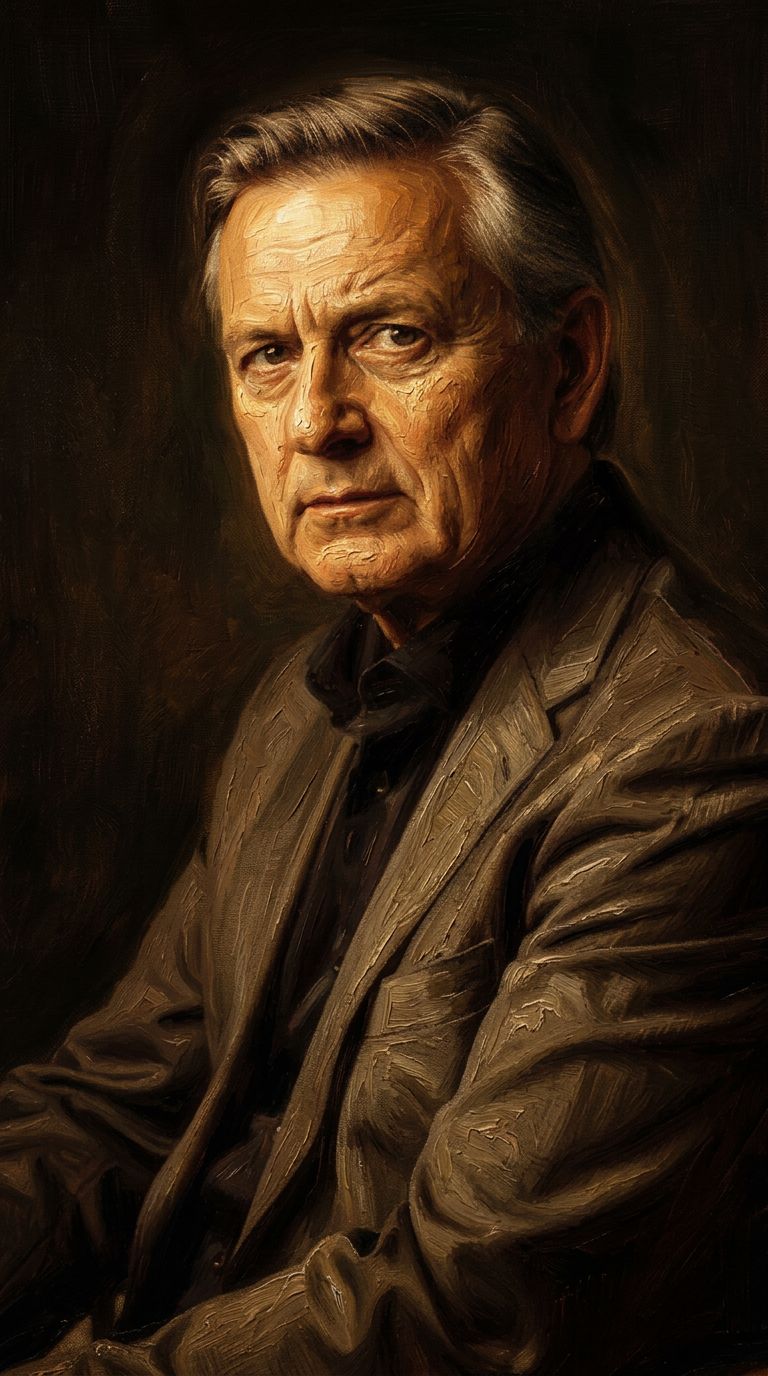


![FLUX.2 [klein] 9B LoRA output](https://shortgenius.com/cdn-cgi/image/width=3840,quality=80,format=auto/https://assets.shortgenius.com/example-model-output/cbfd8f70-6bf2-467b-918f-b020118b8db0.png)
![FLUX.2 [klein] 4B LoRA output](https://shortgenius.com/cdn-cgi/image/width=3840,quality=80,format=auto/https://assets.shortgenius.com/example-model-output/10a63e77-67c3-46e6-83d3-b7b93355e72c.png)
Ervaar volmaakheid met Qwen Image Edit 2511
Skakel vandag oor na redenering-geleide sintese
Gereeld Gevraagde Vrae
Soortgelyke Modelle
![FLUX.2 [klein] 4B LoRA](https://v3b.fal.media/files/b/0a928e1f/c62zNs4MhBXgm-5w7n0C5_90bad8837ecc451e96f91da93b78f564.jpg)
FLUX.2 [klein] 4B LoRA
Edit images with text, colors
8 krediete
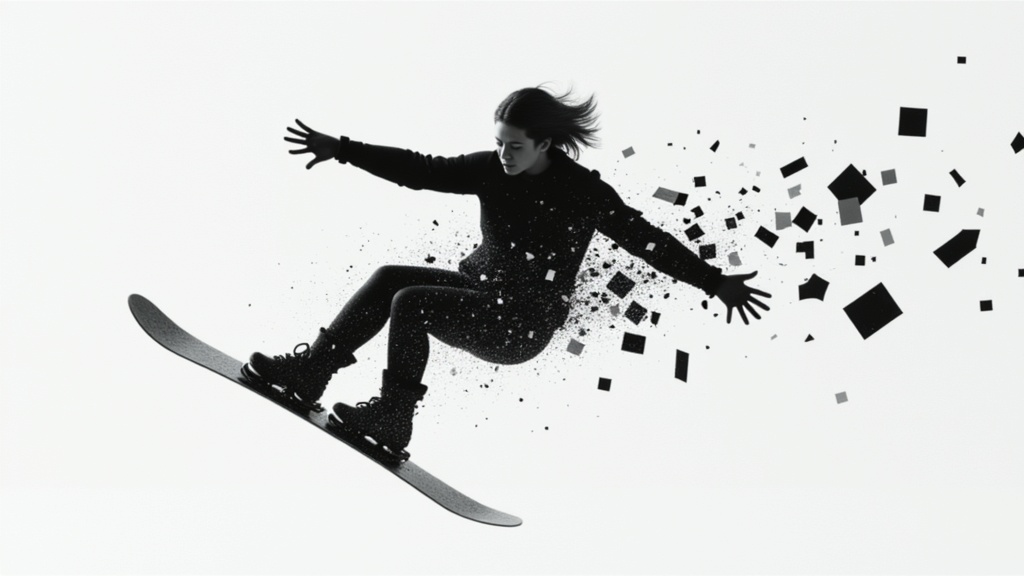
Qwen Image 2
Unified image editing and generation
0.6 krediete
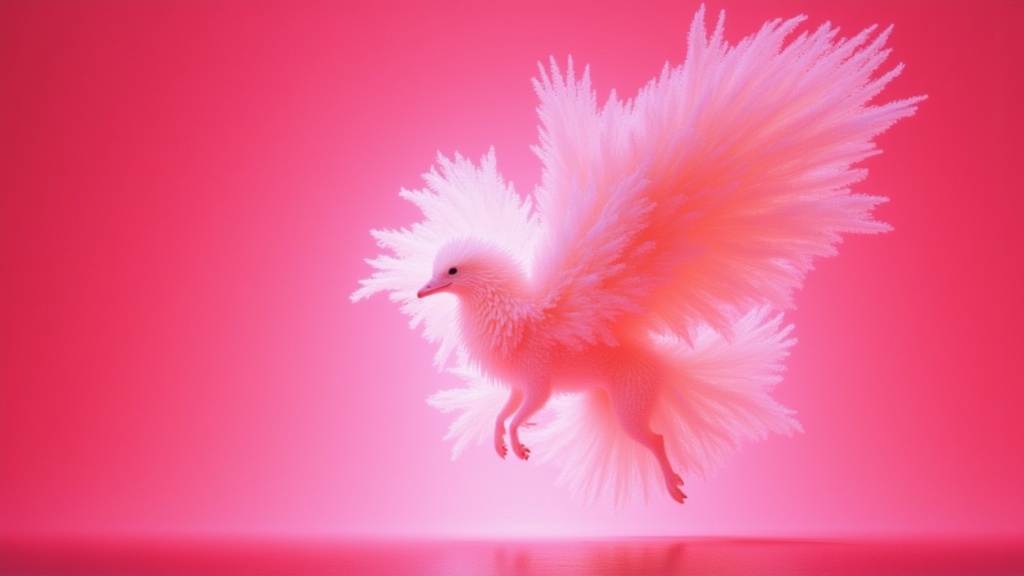
Wan
Text-guided creative image editing
0.2 krediete
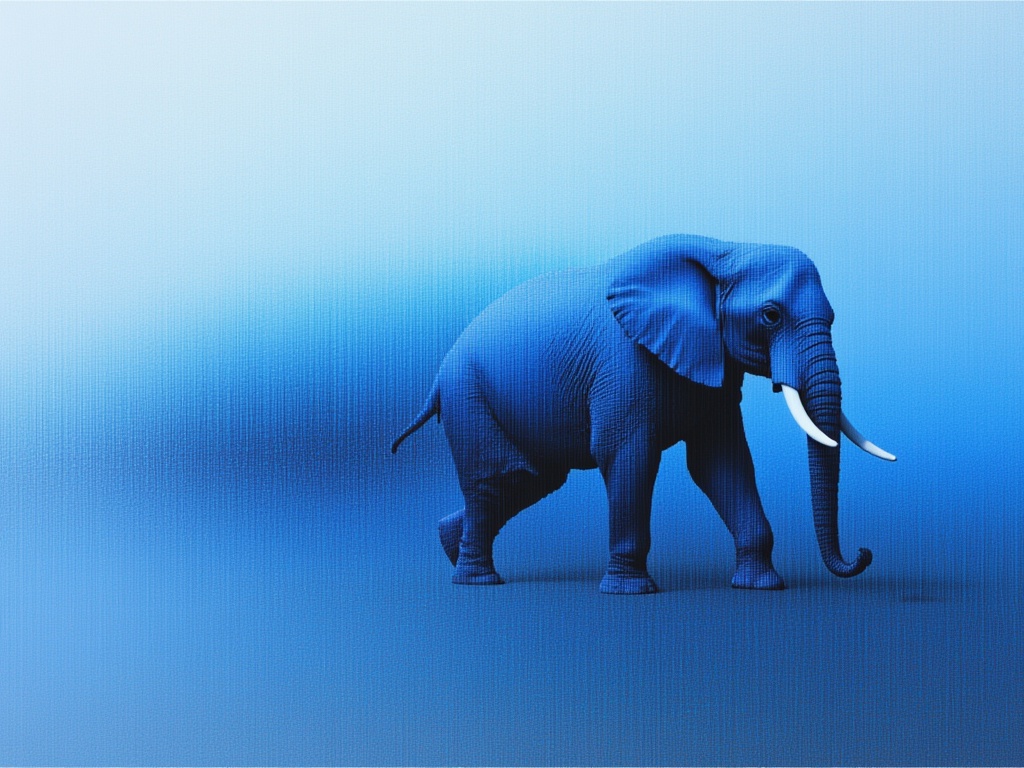
Firered Image Edit V1.1
Advanced AI-powered image editing
0.4 krediete
Phota
Identity-preserving personalized photo editing
0.4 krediete
Qwen Image 2
Unified AI image editing model
0.5 krediete
![FLUX.2 [klein] 9B LoRA](https://v3b.fal.media/files/b/0a928e3b/sIC-Ne9BMwZZtBvR3FwKN_9a724704a550471a9df59999e9e1017f.jpg)
FLUX.2 [klein] 9B LoRA
Precise natural language image editing
0.5 krediete
Wan
Pro text-guided image editing
0.3 krediete
Joyai Image Edit
Natural language image editing
0.8 krediete