Gemini 3.1 Flash Image Preview
Edit photos with a sentence and get 4K results
Ultra-fast Google image editing



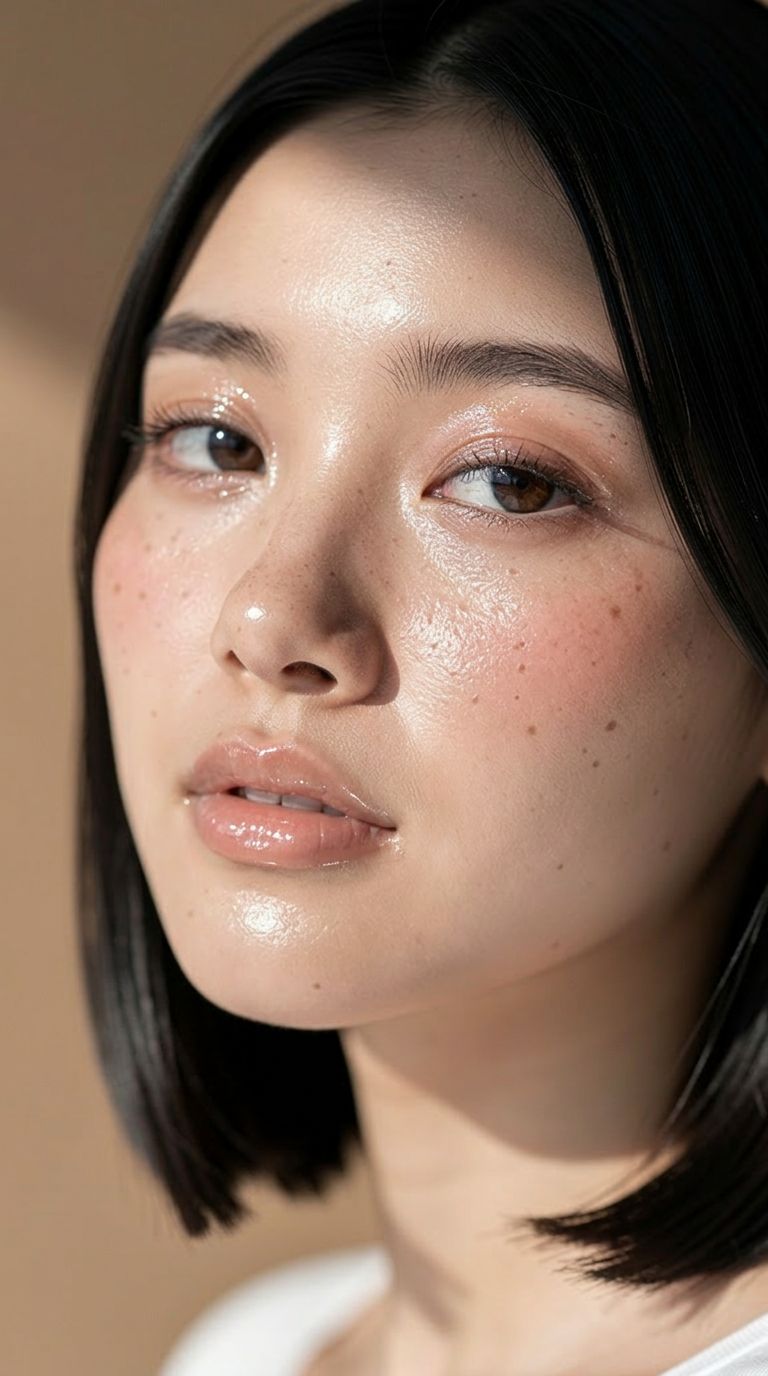
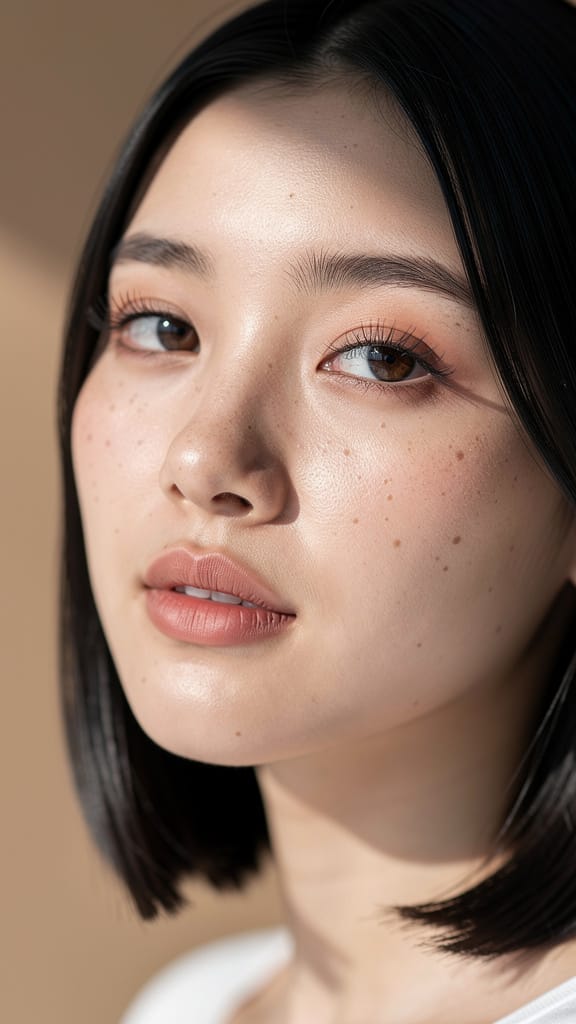
МАКІЯЖ ТА КОЛІР ШКІРИ

ЗМІНА КОЛЬОРУ ВОЛОССЯ

ЗАМІНА ОБРАЗУ
Gemini 3.1 Flash Image Preview, також відомий як Nano Banana 2, — це швидка модель генерації та редагування зображень від Google, створена для креаторів, які хочуть трансформувати, вдосконалювати й перевтілювати зображення лише за допомогою текстової інструкції. Чи ви дизайнер, що доопрацьовує концепт, фотограф, який переробляє кадр, чи контент-креатор, що створює візуал на швидкості — ця модель перетворює звичайні текстові підказки на готові зображення швидко та з високою деталізацією.
У своїй основі модель виділяється текстовим редагуванням зображень. Ви описуєте бажану зміну — наприклад, «зробити фото чоловіка, який їде машиною вздовж узбережжя Каліфорнії» — і модель відповідно редагує або переосмислює ваше джерельне зображення. Можна додавати одне чи декілька референсних фото для орієнтації на результат, що ідеально підходить для композитингу, стилізації, зміни сцен, розміщення персонажів та ітераційних доопрацювань. Підтримка одразу декількох зображень дозволяє комбінувати елементи з різних джерел у єдину цілісну картинку, поєднуючи об'єкти й сцени так, як це робить ретушер, лише через простий текстовий опис.
Серед головних переваг — гнучкість вихідних результатів. Можна генерувати зображення в різній роздільній здатності: від компактного 0.5K до деталізованого 2K і 4K, створюючи як швидкі чорновики, так і фінальні матеріали для друку чи великих дисплеїв. Контроль над співвідношенням сторін максимально широкий: окрім стандартних форматів 16:9, 1:1, 9:16, 4:3 і 3:2, підтримуються й нестандартні, такі як 4:1, 1:4, 8:1 та 1:8 — ідеально для банерів, панорам, вертикальних макетів чи незвичних полотен, з якими більшість інструментів не справляється. Якщо не вказувати формат, автоматичний режим підбере найкращу форму під вашу задачу. Вивід підтримується у форматах PNG, JPEG або WebP — залежно від ваших потреб.
Крім тексту та зображень, модель може враховувати й інший контекст. Можна надати відео (включаючи посилання на YouTube), аудіофайл чи PDF-документ як референс, і модель використає розширену інформацію для створення результату. Також є опція пошуку у вебі, завдяки якій модель підтягує найсвіжіші дані при генерації — корисно, якщо потрібен результат, заснований на актуальних реаліях, а не лише на вже відомій моделі інформації.
Для тих, хто прагне тоншого креативного контролю, передбачена система інструкцій — це дозволяє задати тон, стиль чи настрій, що пройдуть через всі згенеровані зображення у запиті. Можна одразу створювати до чотирьох варіантів, обираючи найкращий у серії. Контроль seed дозволяє повторити або закріпити конкретний результат, щоби повернутись до нього або отримати сталі варіації.
Модель також має опціональний режим "мислення", який можна налаштувати як мінімальний чи високий — це допомагає більш усвідомлено обробляти складні запити та враховувати хід міркувань у процесі. Є і контроль кількості зображень у одному циклі генерації, щоби сфокусувати результат на одній ідеї. Окрім готових зображень, модель повертає текстовий опис створеного контенту, що дає стислий письмовий підсумок результату.
Безпека контенту регулюється через рівень толерантності — від максимально строгого (блокує більшість чутливого контенту) до найменш строгого. Це дає змогу адаптувати модерацію під ваші задачі й аудиторію, забезпечуючи коректність результатів.
Кому найбільше підходить? Дизайнери та маркетологи оцінять розширені формати та високу роздільну здатність для створення постів у соцмережах, широких банерів чи вертикальних дисплеїв. Фотографи й ретушери зможуть пересмислювати сцени, замінювати оточення чи комбінувати референси — без ручних масок. Режисери та оповідачі використають її для витягування контексту з відео чи аудіо, адаптуючи концепт-арт під стиль проекту. Контент-креатори, яким потрібна швидкість, цінуватимуть багаторазові варіації, фіксацію фаворитів через seed та експорт у будь-якому потрібному форматі.
Варто врахувати: під час додавання відео, аудіо чи PDF як контексту діє обмеження по розміру (YouTube-посилання — виняток, обробляється напряму). Опція обмеження кількості генерацій — експериментальна, і іноді може впливати на якість. Увімкнення пошуку в вебі додає зовнішню інформацію — це корисно для тематичних і референсних задач, але краще використовувати лише за необхідності актуальної реальності.
Коротко: Gemini 3.1 Flash Image Preview — це швидкий, гнучкий інструмент для редагування й генерації, який працює з природною мовою, міксує різні джерела, масштабується до 4K і дозволяє створювати зображення будь-якої форми — щоденний супутник для креативу, якому важливо працювати швидко й красиво.
Генеруйте за допомогою найсучаснішого редактора зображень
Add the image that you want change
Завантажити зображення
Додайте зображення, яке хочете відредагувати або трансформувати
A woman kneeling in darkness, illuminated by a warm, radiant beam of light emerging from her raised hand.
Опишіть свої зміни
Опишіть бажані правки — зміни стилю, видалення об'єктів або покращення
Почніть ділитися
Завантажте професійно відредаговане зображення
Більше, ніж промпт: новий рівень контролю
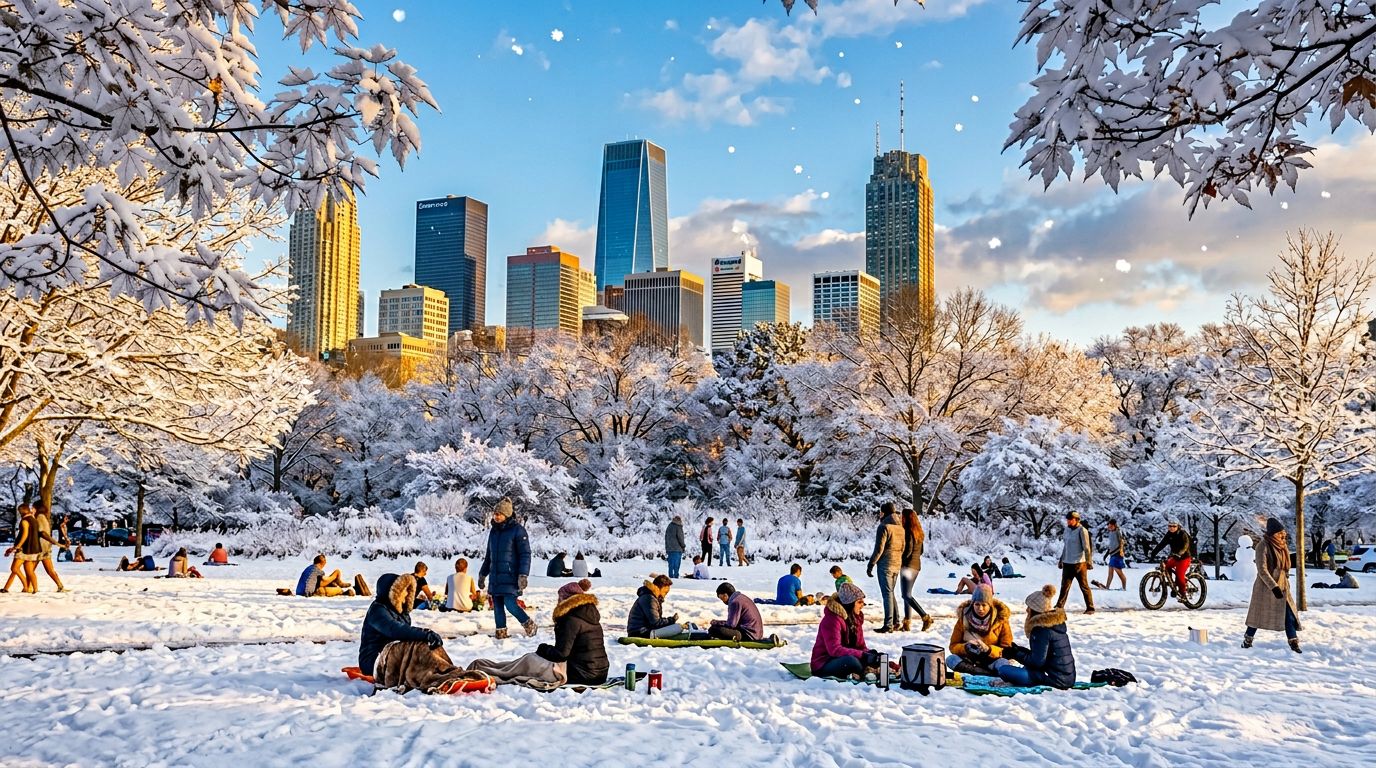
ЗМІНА СЕЗОНУ
Демонструє здібність моделі до складного редагування сцен: зміна відкритих просторів, пір року та погоди — корисно для маркетингових макетів, концепт-арту чи туристичних промо.
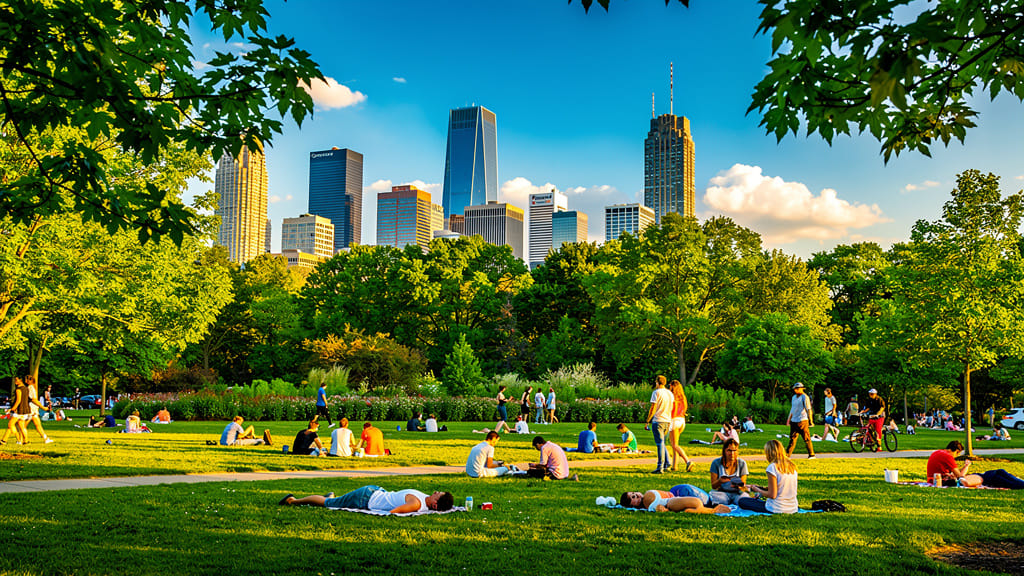
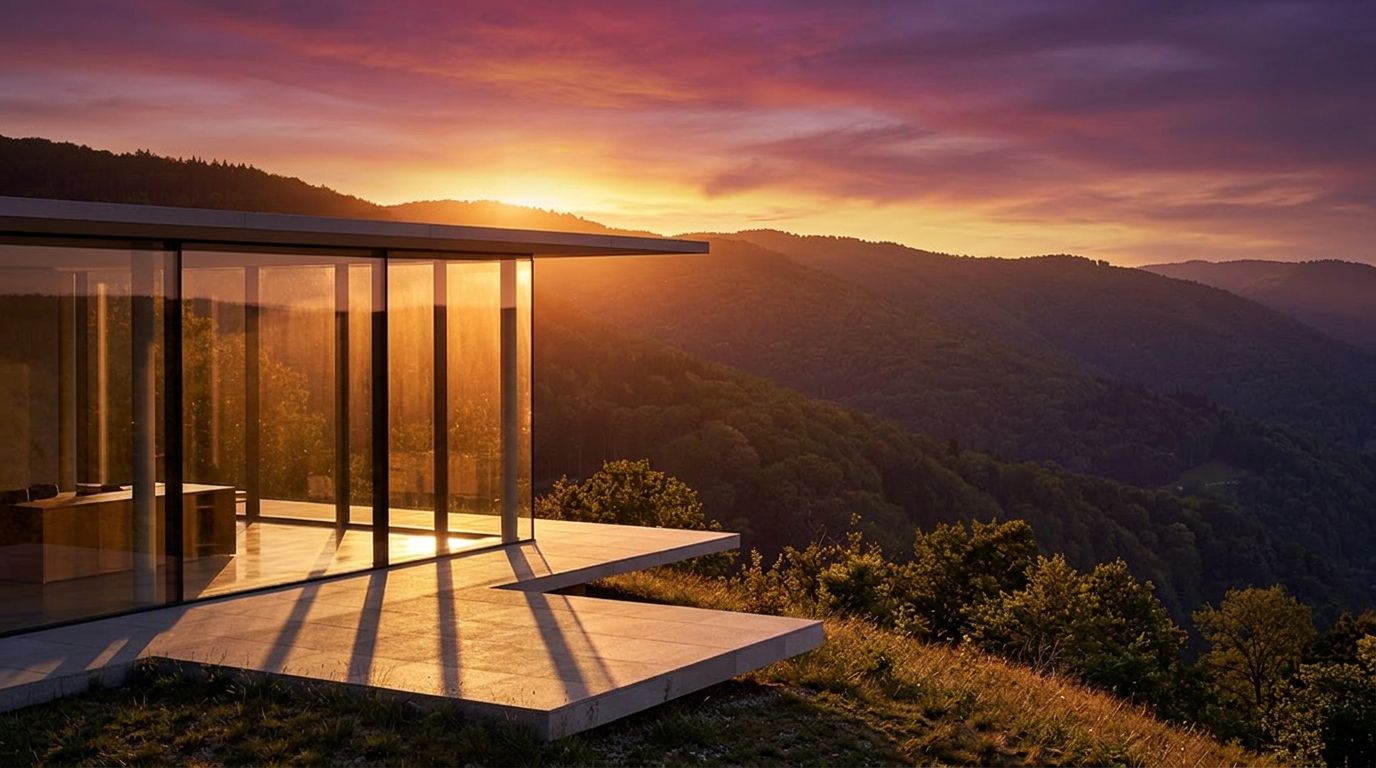
СВІТЛО «ЗОЛОТОЇ ГОДИНИ»
Підкреслює здатність моделі імітувати складне освітлення й змінювати настрій — легко робить будь-який денний кадр теплим і кінематографічним для соцмереж або портфоліо.
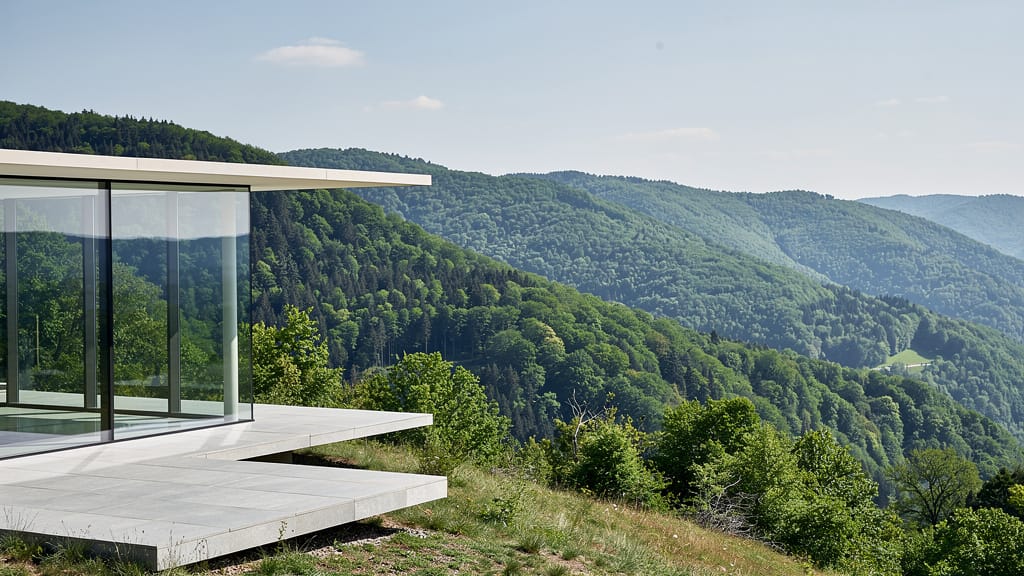
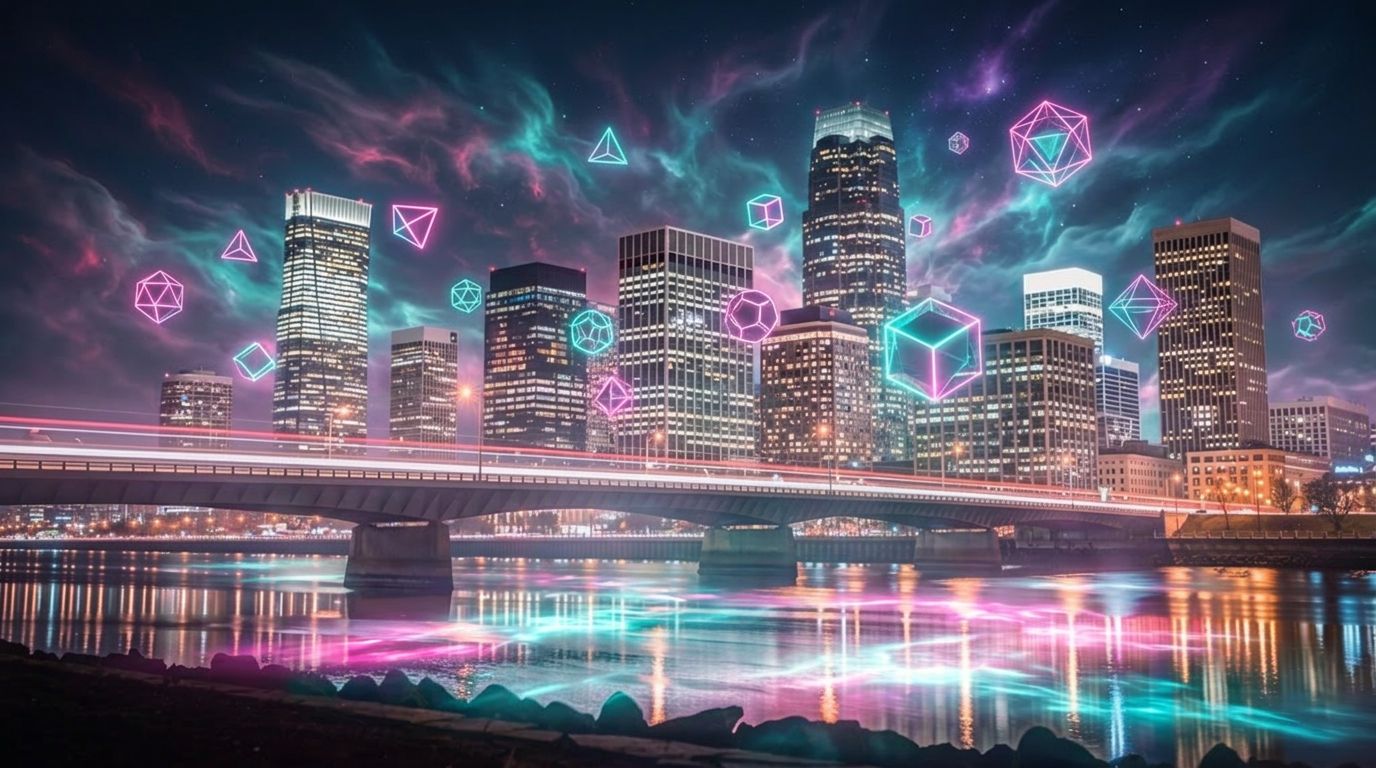
ФАНТАСТИЧНИЙ TVОРЧИЙ ОВЕРЛЕЙ
Демонструє креативні накладення й генерацію фантазійних сцен, об'єднуючи фото-реалізм та уяву для обкладинок альбомів, диджитал-арту чи брендових візуалів.
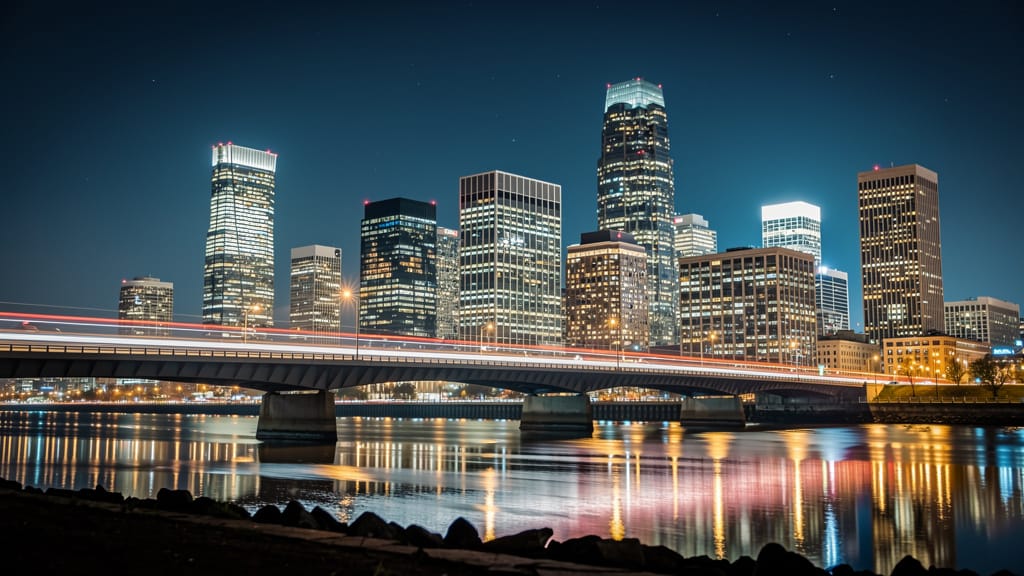
Порівняти зі схожими моделями
“Replace the white background with a modern corporate office environment. Add floor-to-ceiling windows with city skyline view in soft focus. Match the lighting to suggest natural window light from the same direction. Maintain the subject's professional appearance and lighting consistency. Add subtle depth of field to the new background.”












Відчуйте досконалість з Gemini 3.1 Flash Image Preview
Перейдіть на синтез із керованим мисленням вже сьогодні
Поширені запитання
Схожі моделі
Vidu
Image generation with reference consistency
0.2 кредитів
Wan v2.6 Image to Image
Edit images using reference photos
0.3 кредитів
Ideogram V4.0q Image to Image
Prompt-guided image restyling edits
0.1 кредитів
Seedream 5.0 Pro Image Editing
Precise region-based image editing
0.3 кредитів
Reve 2.1
Remix images with text prompts
1.5 кредитів
Nano Banana Lite Edit
Fast efficient image editing
6 кредитів
Seedream
Fast intelligent multi-image editing
0.3 кредитів
Nano Banana Pro
State-of-the-art image editing
1.2 кредитів
Reve 2.1
Edit images with text prompts
1.3 кредитів