
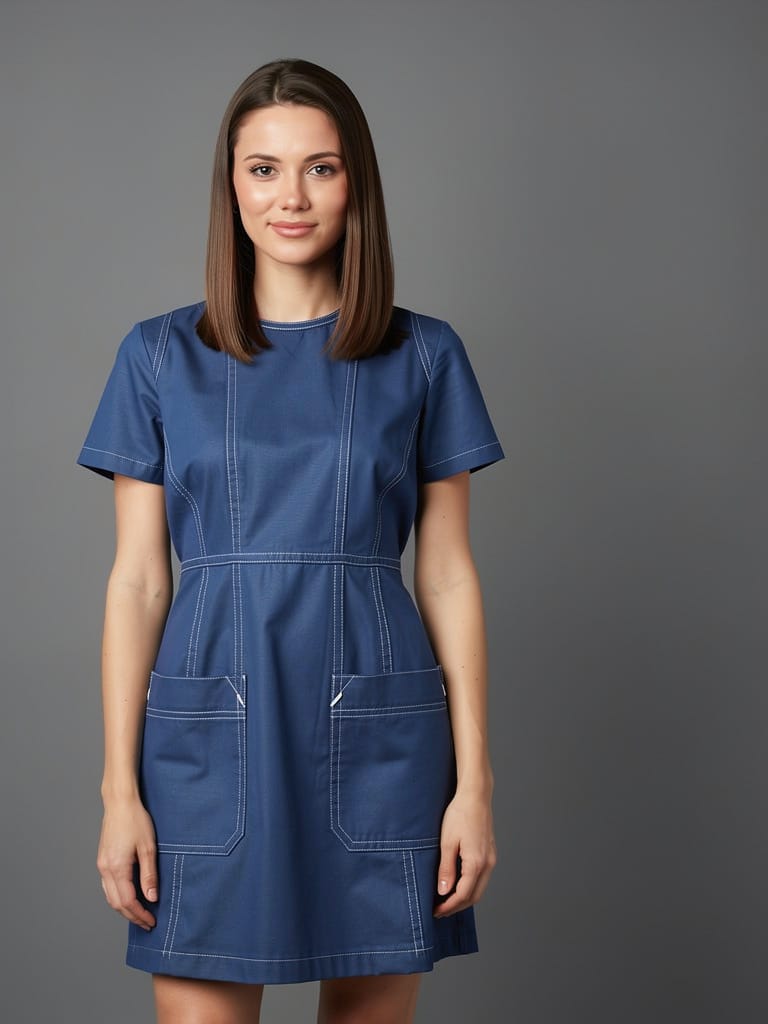
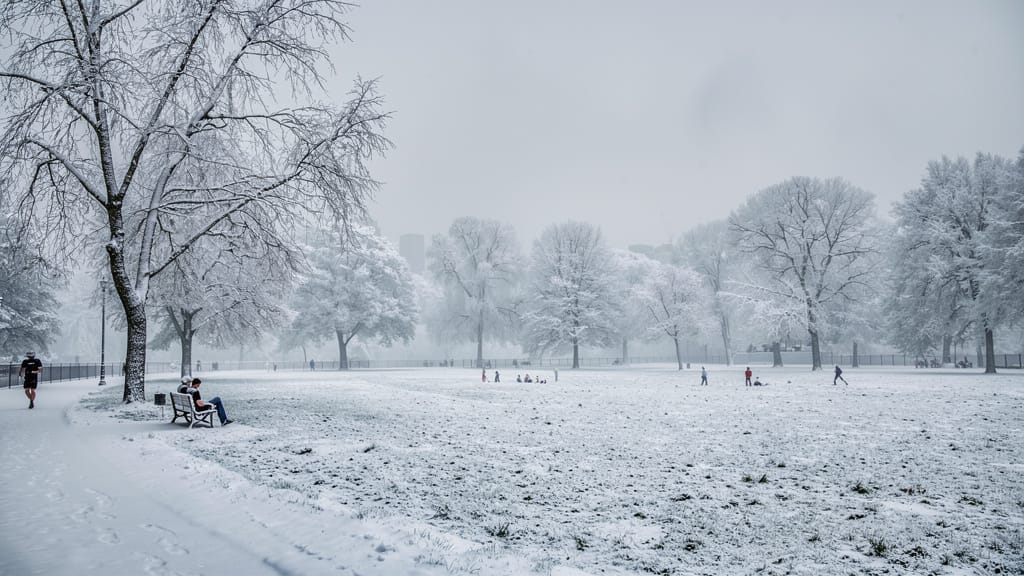

FASHION STYLE TRANSFER
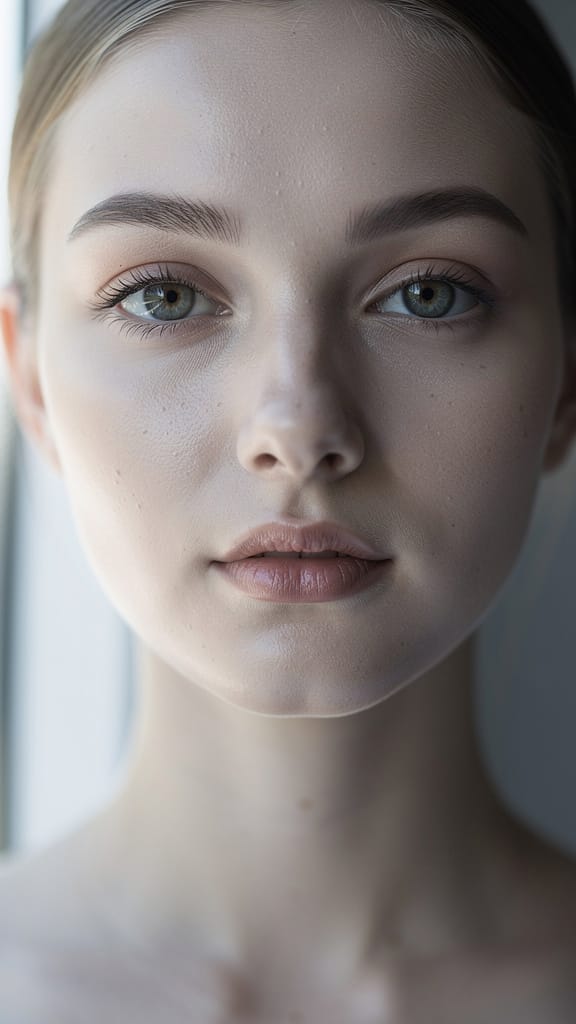
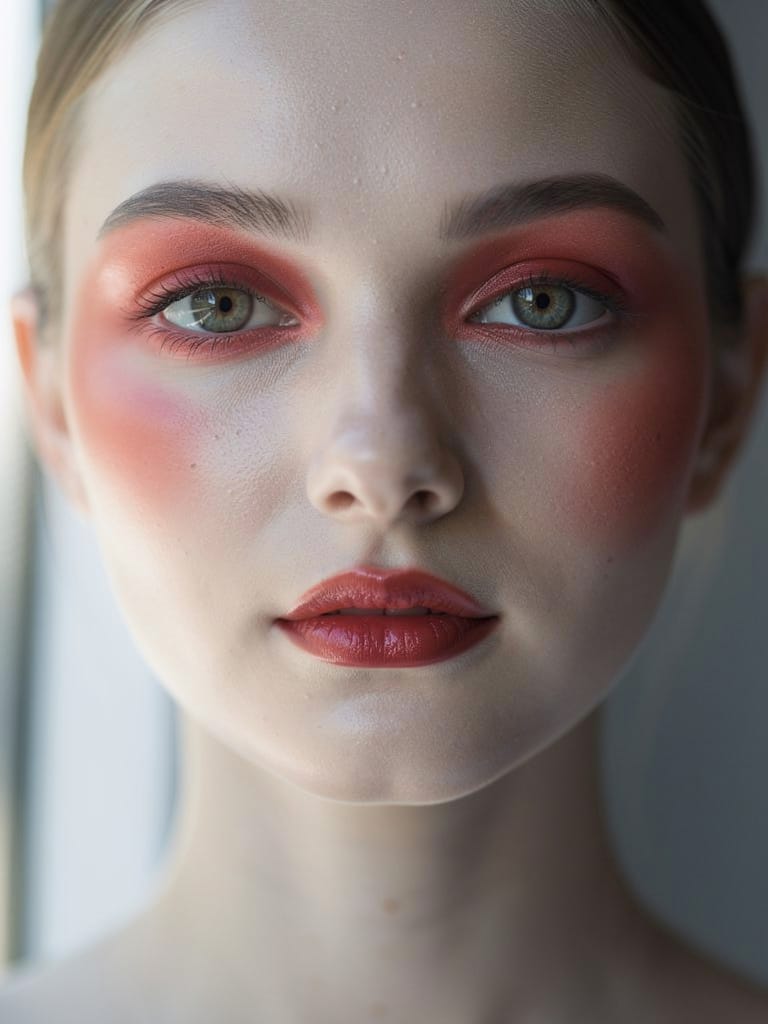
REALISTIC MAKEUP EDIT
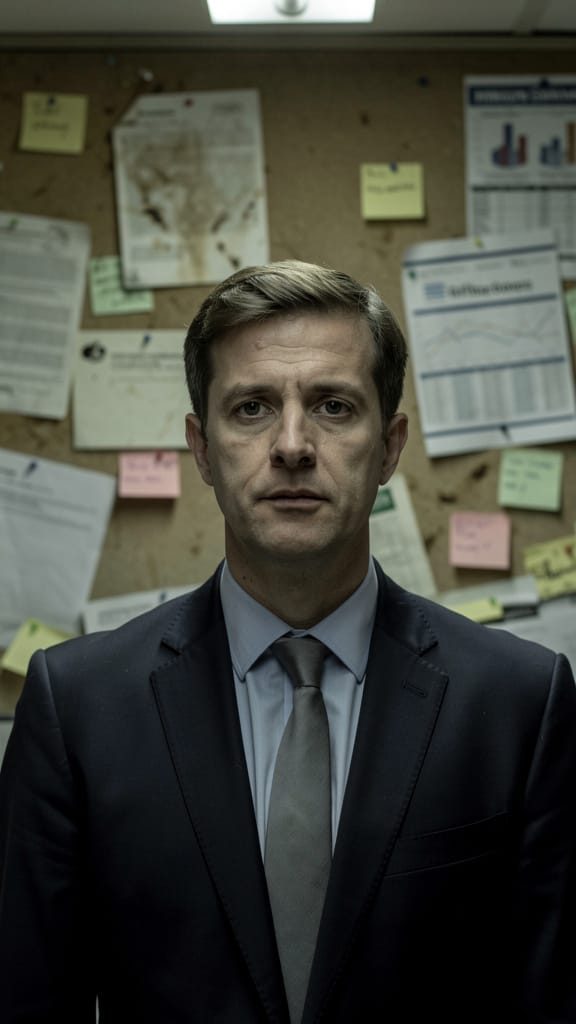
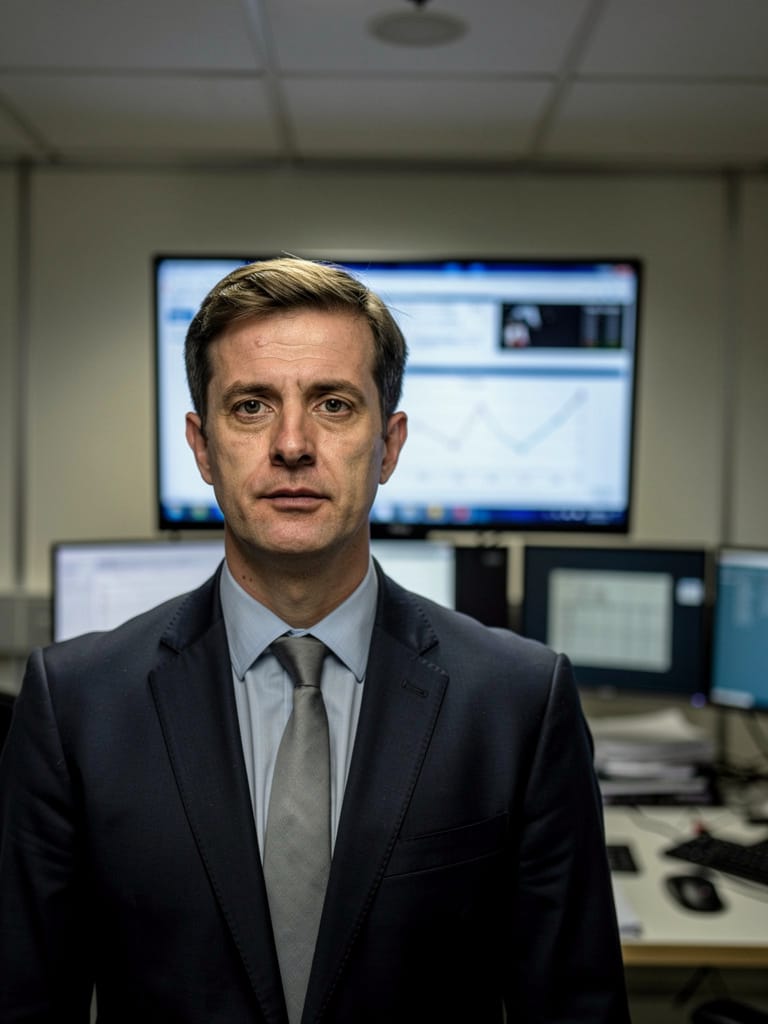
BACKGROUND REPLACE
Flux 2 Pro is an advanced AI image editor developed by Black Forest Labs, purpose-built for creative professionals seeking state-of-the-art image generation and editing powered by both text and image input. The model stands out for its professional-grade quality, ultra-reliable results, and streamlined workflow designed to fit the needs of artists, designers, photographers, filmmakers, and teams who work with images at a commercial or professional level.
At its core, Flux 2 Pro lets you transform, composite, and generate images by simply describing your vision in natural language. Whether you're looking to create entirely new images based on concepts and reference photos, or edit existing assets using detailed instructions, Flux 2 Pro supports both approaches seamlessly. The model is particularly powerful with multi-image workflows, enabling you to combine up to nine reference images in a single project. This ability makes it ideal for complex tasks like product compositing, background swapping, style blending, and creating cohesive sets for e-commerce, advertising, or content production.
A hallmark of Flux 2 Pro is its zero-configuration philosophy. Rather than asking you to balance a web of technical settings or fine-tune obscure controls, the model keeps things simple: describe what you want the AI to do, whether that's "make the sky in this photo vibrant orange to match image 2" or "put the person from image 1 in the setting from image 4". You can refer to each image by number or use an @image syntax in your instructions for intuitive, precise results. This makes complex, context-aware transformations accessible to all creatives, regardless of technical background.
Flux 2 Pro delivers two core modes of creative control:
-
Natural Language Editing – Just write what you want to see. The model interprets rich, descriptive prompts to apply transformations, replacements, style changes, and new compositions. No manual masking, no multi-step processes. It parses descriptions like "change the lighting to golden hour and use the color palette from image 3" or "replace the jacket with the style from the second reference photo" and executes them directly.
-
Step-by-Step Precision Controls – For those who want absolute precision, you can specify the scene in detail: list subjects and their attributes, set camera angles, composition rules, color palettes (including HEX codes for exact matches), lighting moods, and more. This level of control is perfect for scenarios where branding, consistency, or creative vision calls for clear direction.
Flux 2 Pro is also optimized for efficiency. Its streamlined process is designed for high volume and reliability, making it ideal for busy editing workflows, automated asset creation, and high-volume campaigns. Because there is no need to adjust complex settings, results remain consistent—even when edits are repeated or carried out in batches across teams.
When it comes to output, the model supports widely used image formats (PNG and JPEG), with flexible sizing ranging from classic portrait, landscape, square, and widescreen formats, up to very high resolutions. You can specify image size directly or let the model suggest the optimal dimensions for your project. Exact color matching is easy with HEX codes, helping maintain brand identity across projects.
A few advanced creative tools further expand the possibilities with Flux 2 Pro:
- Multiple image referencing: Compose new images by blending the content or styles of up to 9 unique uploads, with up to a total of 9 megapixels for all references together. This multi-reference approach allows nuanced blending and context-aware transformations that single-image tools can't achieve.
- Explicit image indexing: Direct the model easily with phrases like "background from image 3," "subject from image 1," or "style from image 7" for detailed creative control.
- Sequential editing: Chain multiple edits together on the same project; each step delivers consistent quality, making it perfect for iterative creative processes.
- Color swatch referencing: For heightened color accuracy, reference a swatch image alongside HEX color codes in your prompt.
Flux 2 Pro is suited for a wide range of creative industries and professionals. Artists and photographers use it for imaginative composites and retouching; designers leverage precise multi-image composition and color control for campaigns and branding; e-commerce teams benefit from automated, reliable asset generation; filmmakers and content creators produce mood boards, storyboards, and marketing visuals with flexible referencing and quick turnaround.
Because the model is engineered for production environments, its output is remarkably consistent. This predictability is especially valuable when you need a reliable creative engine for commercial content, automated workflows, or collaborative projects where multiple users expect repeatable quality and style. All of this is achieved without requiring expertise in AI or image manipulation technology—creative guidance is provided through your prompts and references.
In summary, Flux 2 Pro by Black Forest Labs is a next-generation AI image editor that empowers creatives to fast-track complex image projects with the clarity and reliability of a professional studio team. Its unique blend of maximum quality, prompt-based editing, and advanced multi-reference capabilities eliminates technical barriers, letting your vision take center stage from concept to completion.
使用最先進的影像編輯器生成
Add the image that you want change
上傳影像
新增您要編輯或轉換的影像
A woman kneeling in darkness, illuminated by a warm, radiant beam of light emerging from her raised hand.
撰寫您的變更
描述您想要的編輯 - 風格變更、物件移除或強化
開始分享
下載您的專業編輯影像
超越提示詞:全新控制層級
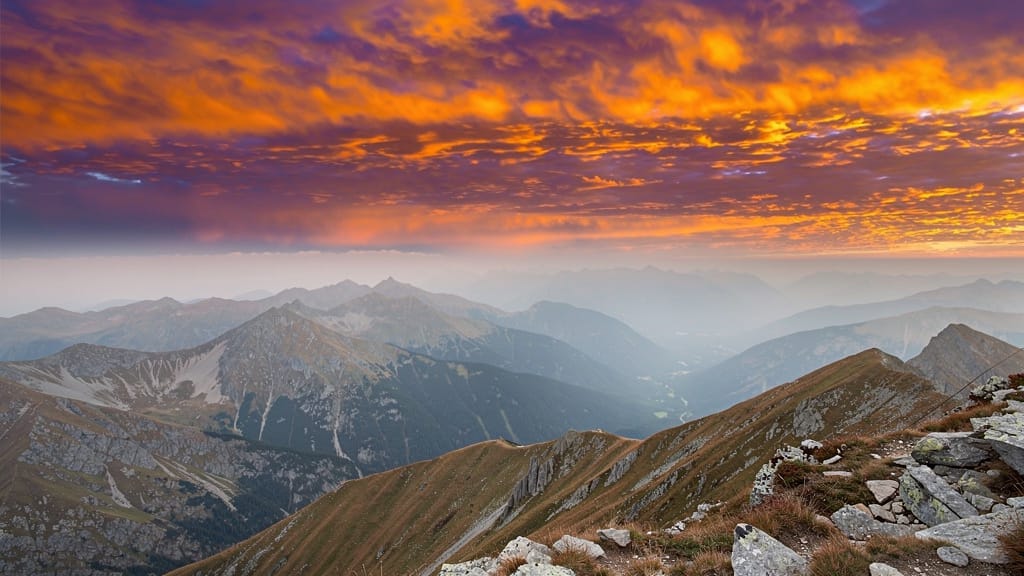
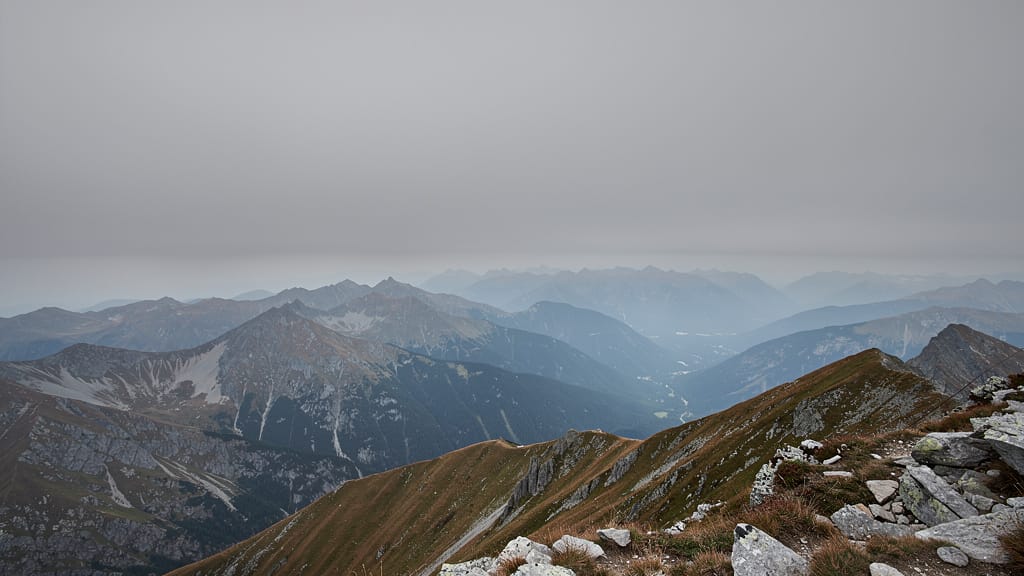
SKY REPLACEMENT
Elevate landscape photos by replacing overcast or dull skies with vivid, dramatic skies sourced from reference images or textual descriptions, perfect for real estate or travel media.
ARCHITECTURAL STYLE SWAP
Transform existing buildings to match a new architectural style or color palette, useful for urban planning, client proposals, or visualizing renovations.

SEASONAL SCENE SHIFT
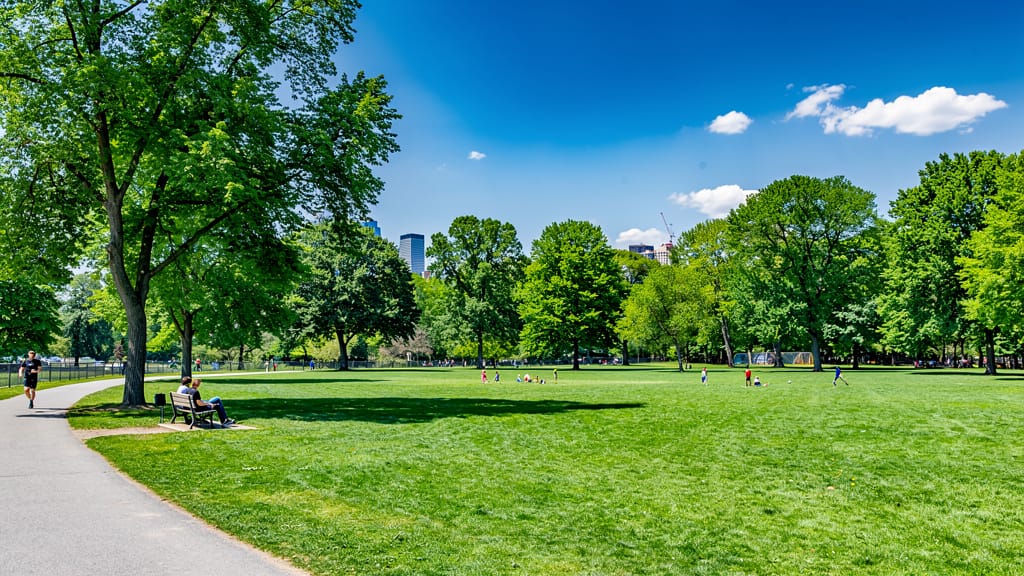
Instantly transform any outdoor scene to a different season—like turning summer landscapes into snowy winter, enabling quick campaign refreshes or storytelling.
與類似模型比較
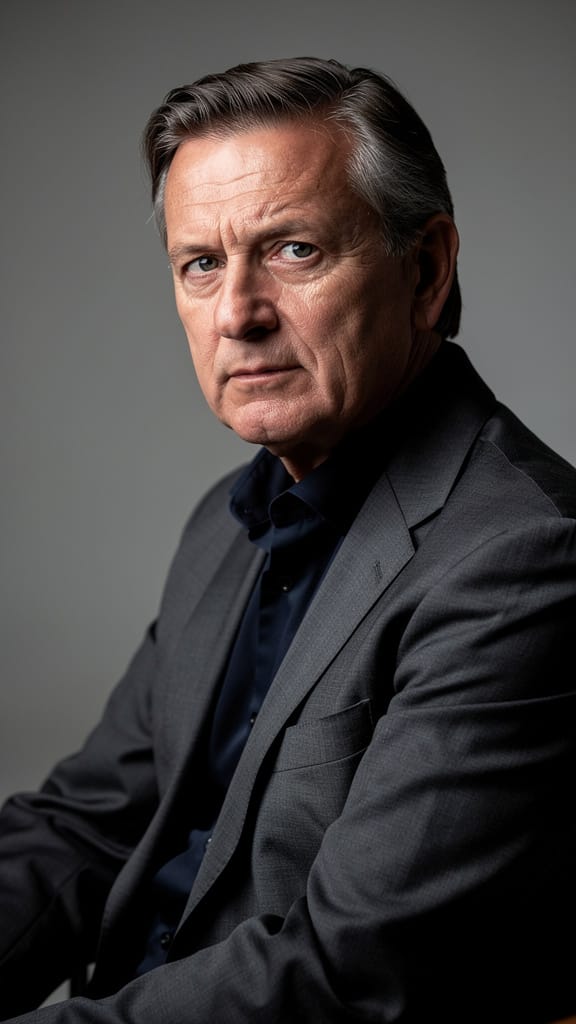
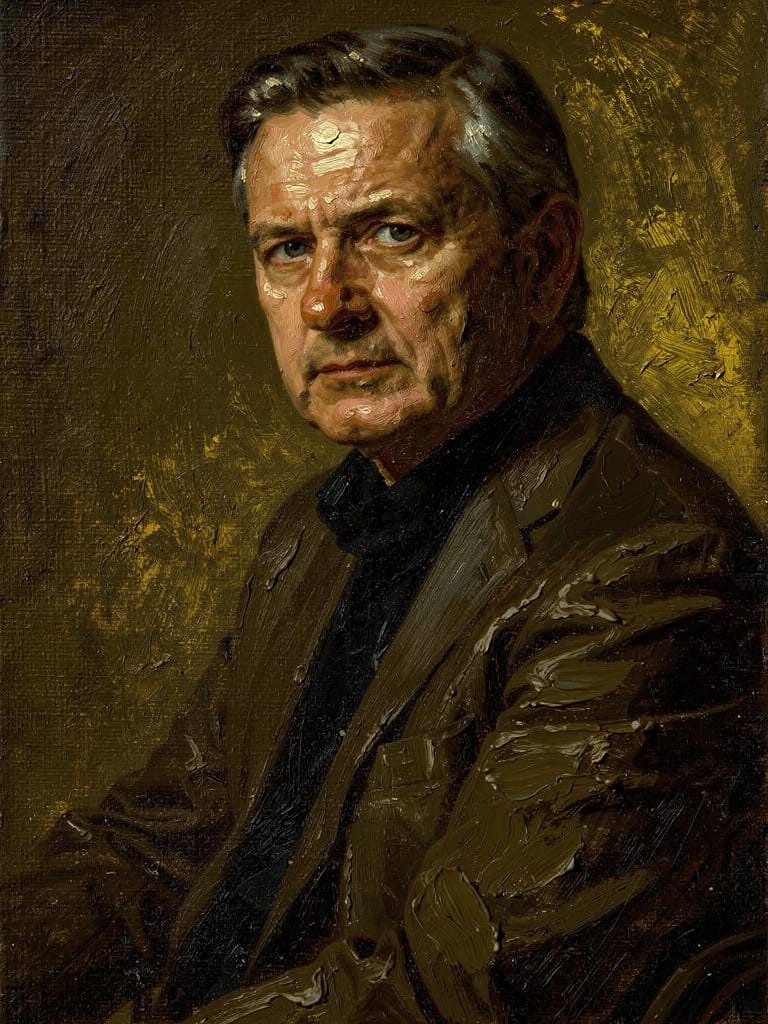
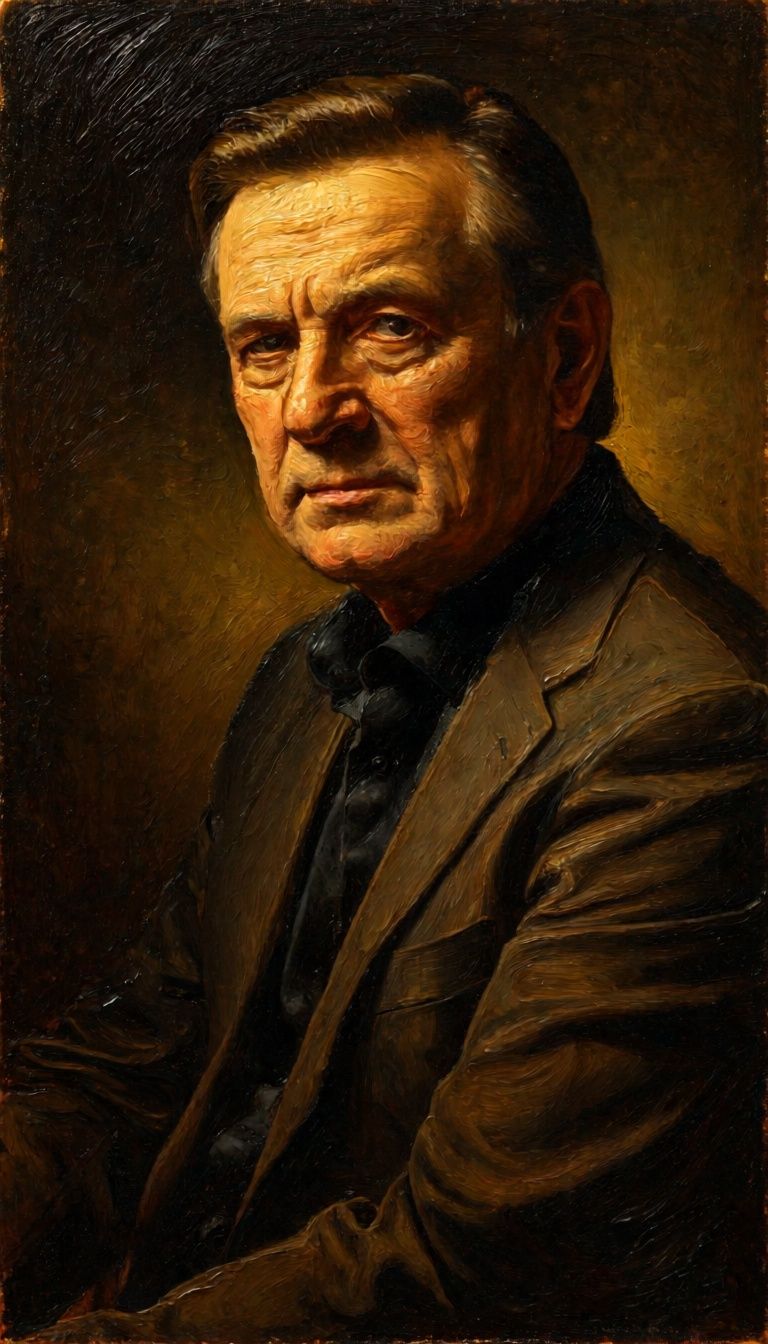
“Transform into a classical oil painting in the style of Rembrandt. Add visible impasto brushstrokes with thick paint texture. Apply warm golden undertones and dramatic chiaroscuro lighting with deep shadows. Enhance the dramatic contrast while preserving facial structure and expression. Add subtle canvas texture visible through the paint layers.”
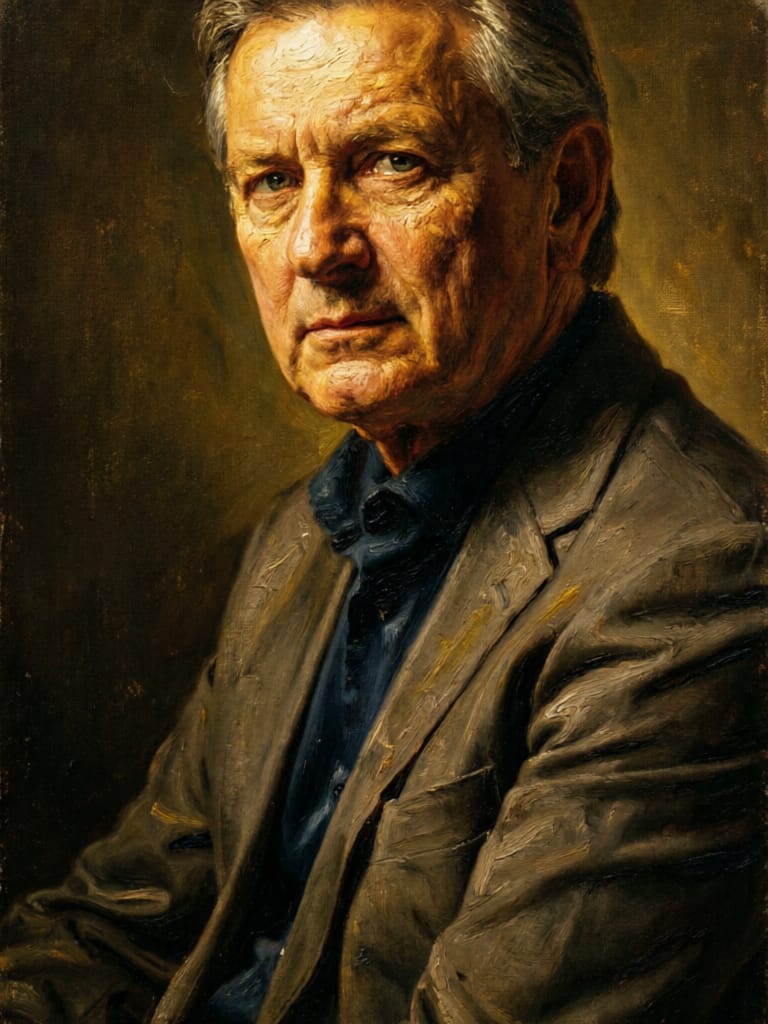
![FLUX.2 [klein] 9B LoRA output](https://shortgenius.com/cdn-cgi/image/width=3840,quality=80,format=auto/https://assets.shortgenius.com/example-model-output/cbfd8f70-6bf2-467b-918f-b020118b8db0.png)
![FLUX.2 [klein] 4B LoRA output](https://shortgenius.com/cdn-cgi/image/width=3840,quality=80,format=auto/https://assets.shortgenius.com/example-model-output/10a63e77-67c3-46e6-83d3-b7b93355e72c.png)
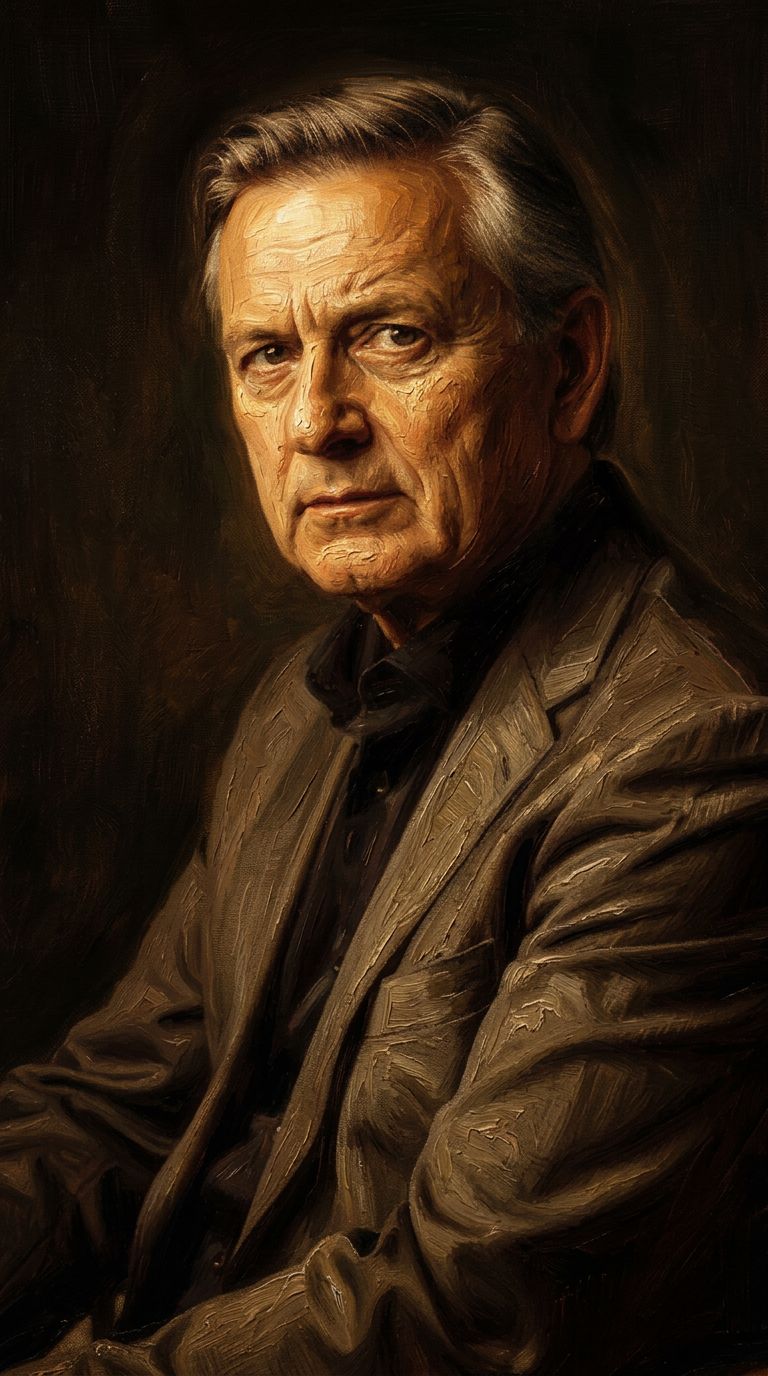
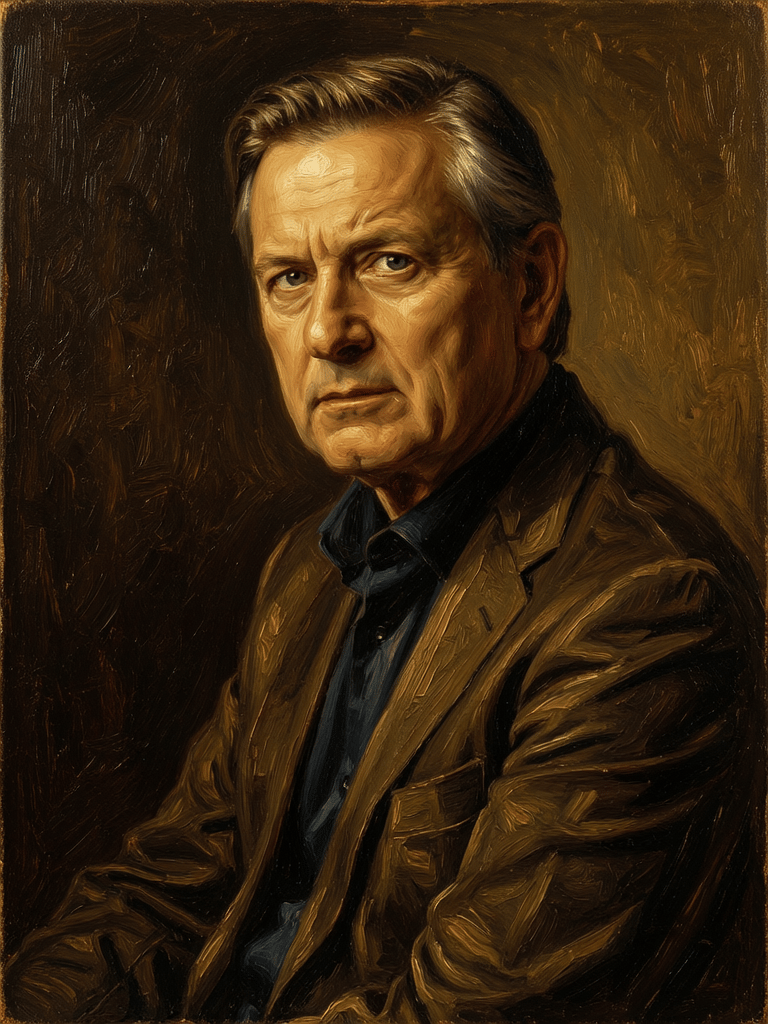

![FLUX.2 [klein] 9B LoRA output](https://shortgenius.com/cdn-cgi/image/width=3840,quality=80,format=auto/https://assets.shortgenius.com/example-model-output/cc1806c8-2af0-47e7-bd34-a95d2d180bfb.png)


使用 Flux 2 Pro 體驗完美
立即切換至推理引導合成
常見問題
類似模型
![FLUX.2 [klein] 9B LoRA](https://v3b.fal.media/files/b/0a928dd2/yFNW07YLHtp5zuE4eJAW1_e2f89915a1b740559b3c652b0b028296.jpg)
FLUX.2 [klein] 9B LoRA
Precise image edits, color control
0.3 點數
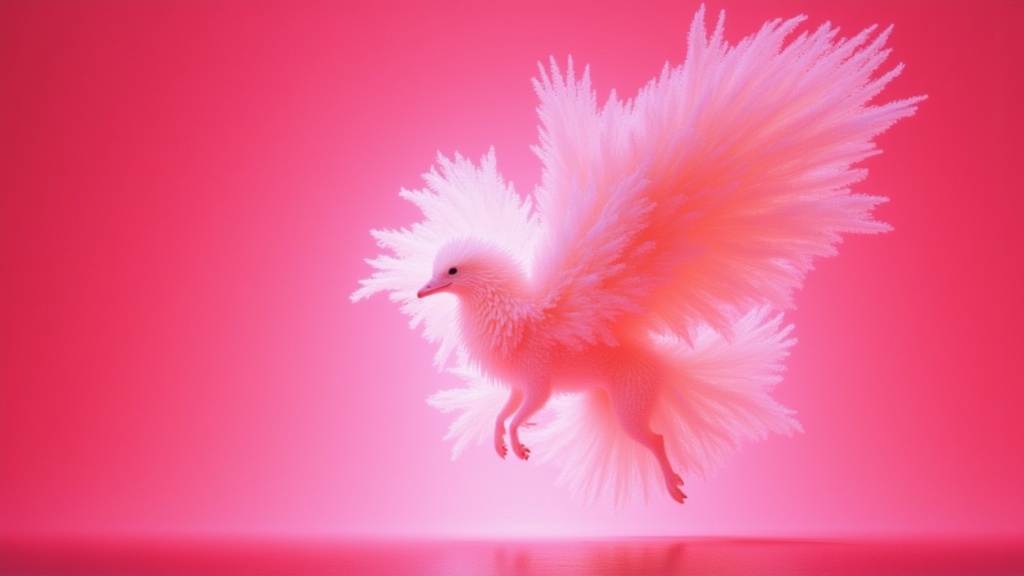
Wan
Text-guided creative image editing
0.2 點數
![FLUX.2 [klein] 9B LoRA](https://v3b.fal.media/files/b/0a928e3b/sIC-Ne9BMwZZtBvR3FwKN_9a724704a550471a9df59999e9e1017f.jpg)
FLUX.2 [klein] 9B LoRA
Precise natural language image editing
0.5 點數
Physic Edit
Realistic physics-based image editing
1.2 點數
Wan
Pro text-guided image editing
0.3 點數
Hy Wu Edit
Edit images with reference photos
0.4 點數
![FLUX.2 [klein] 4B LoRA](https://v3b.fal.media/files/b/0a928e1f/c62zNs4MhBXgm-5w7n0C5_90bad8837ecc451e96f91da93b78f564.jpg)
FLUX.2 [klein] 4B LoRA
Edit images with text, colors
8 點數
Firered Image Edit V1.1
Advanced AI-powered image editing
0.4 點數
Qwen Image 2
Unified image editing and generation
0.6 點數