Reve 2.1
Combine up to 8 reference photos into one edit with legible text
Remix images with text prompts
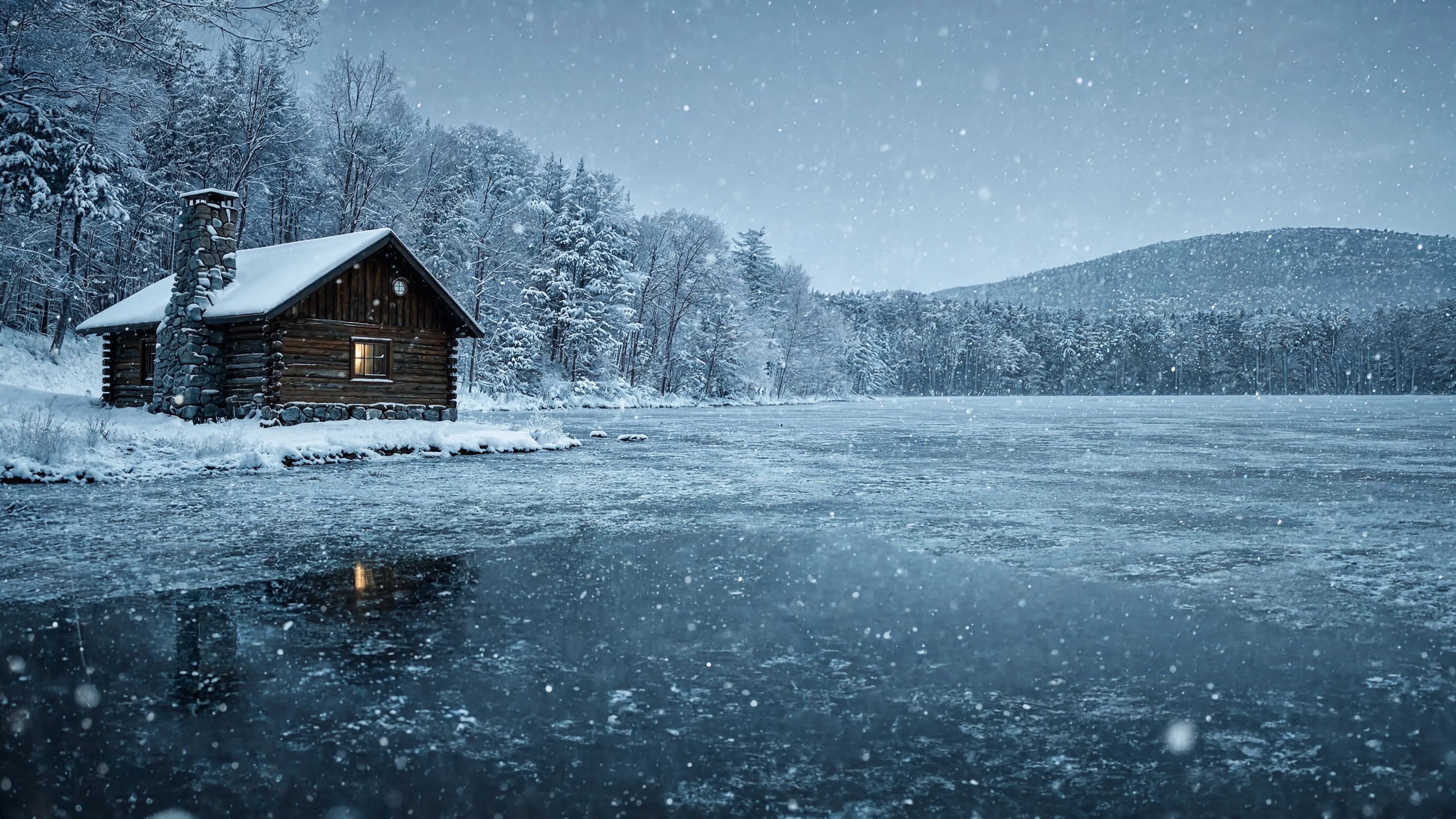
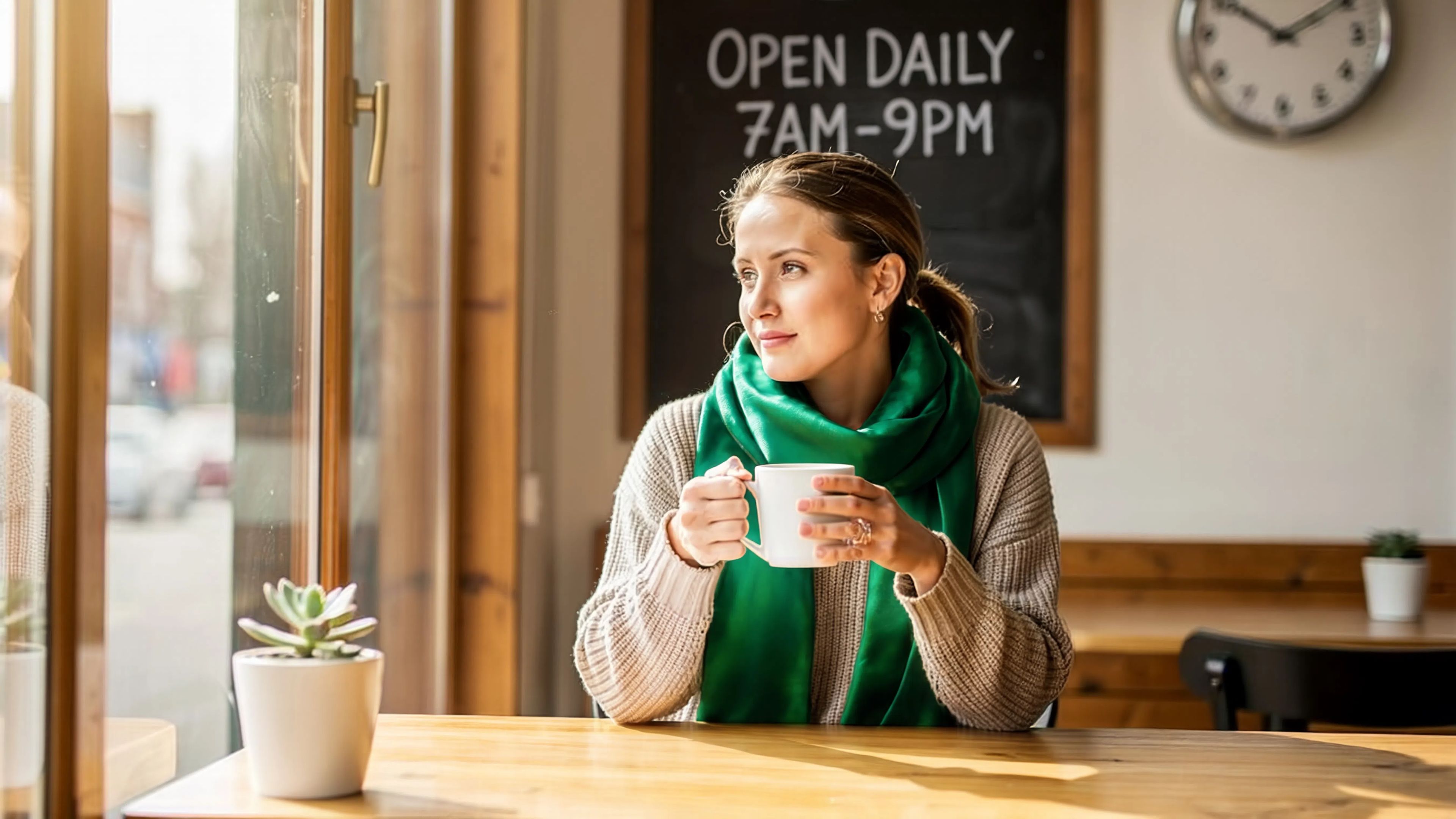
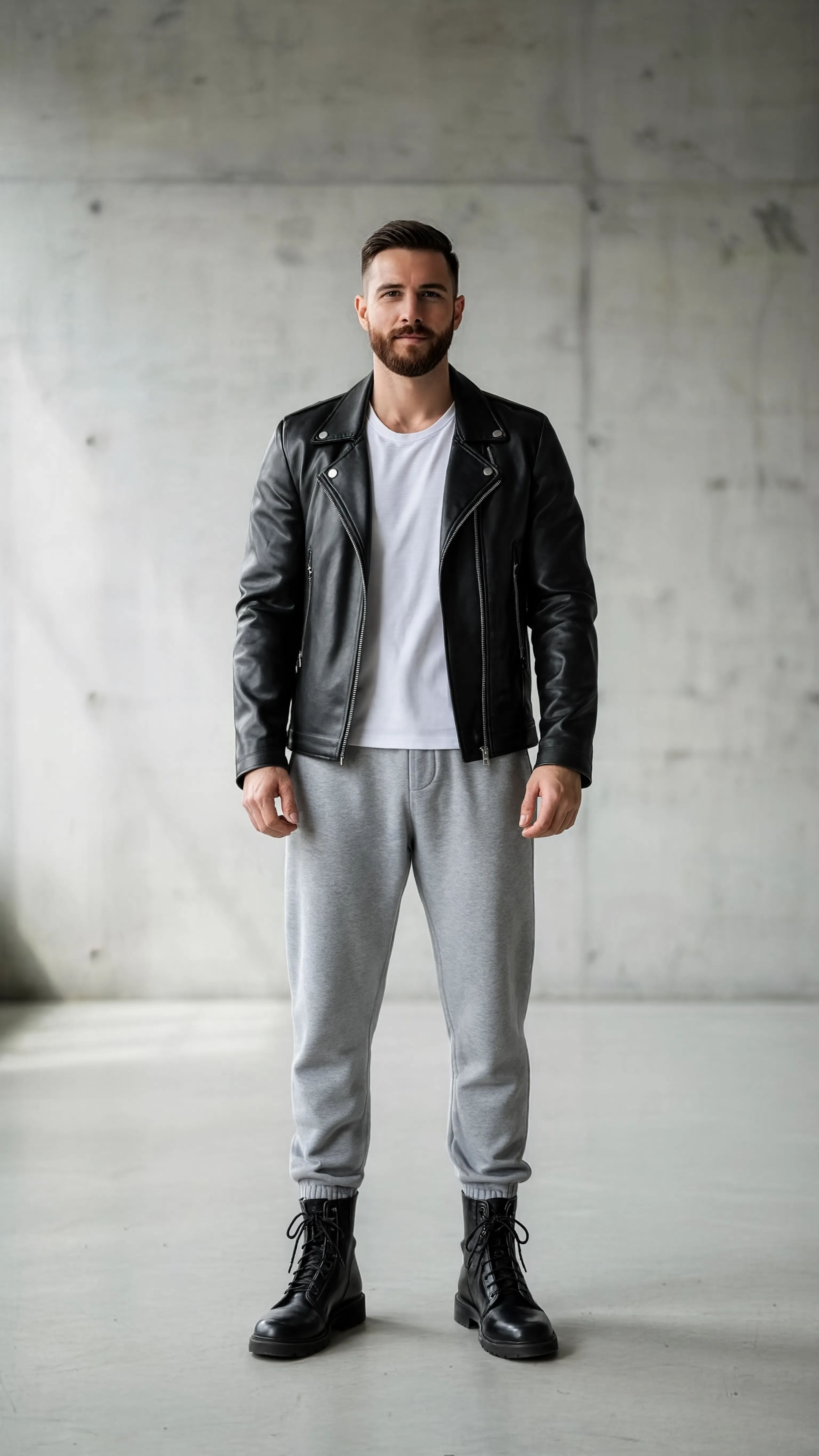
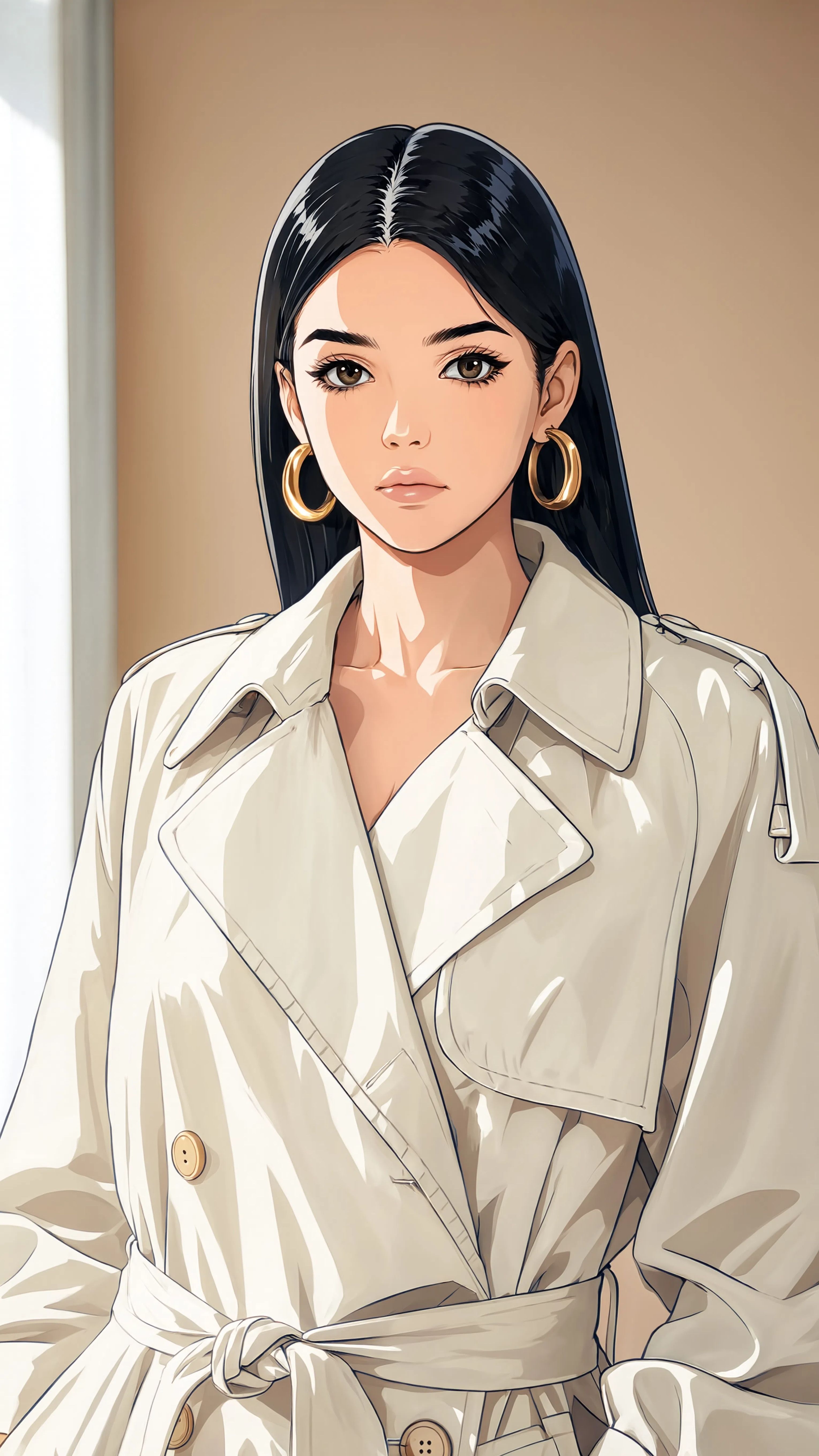
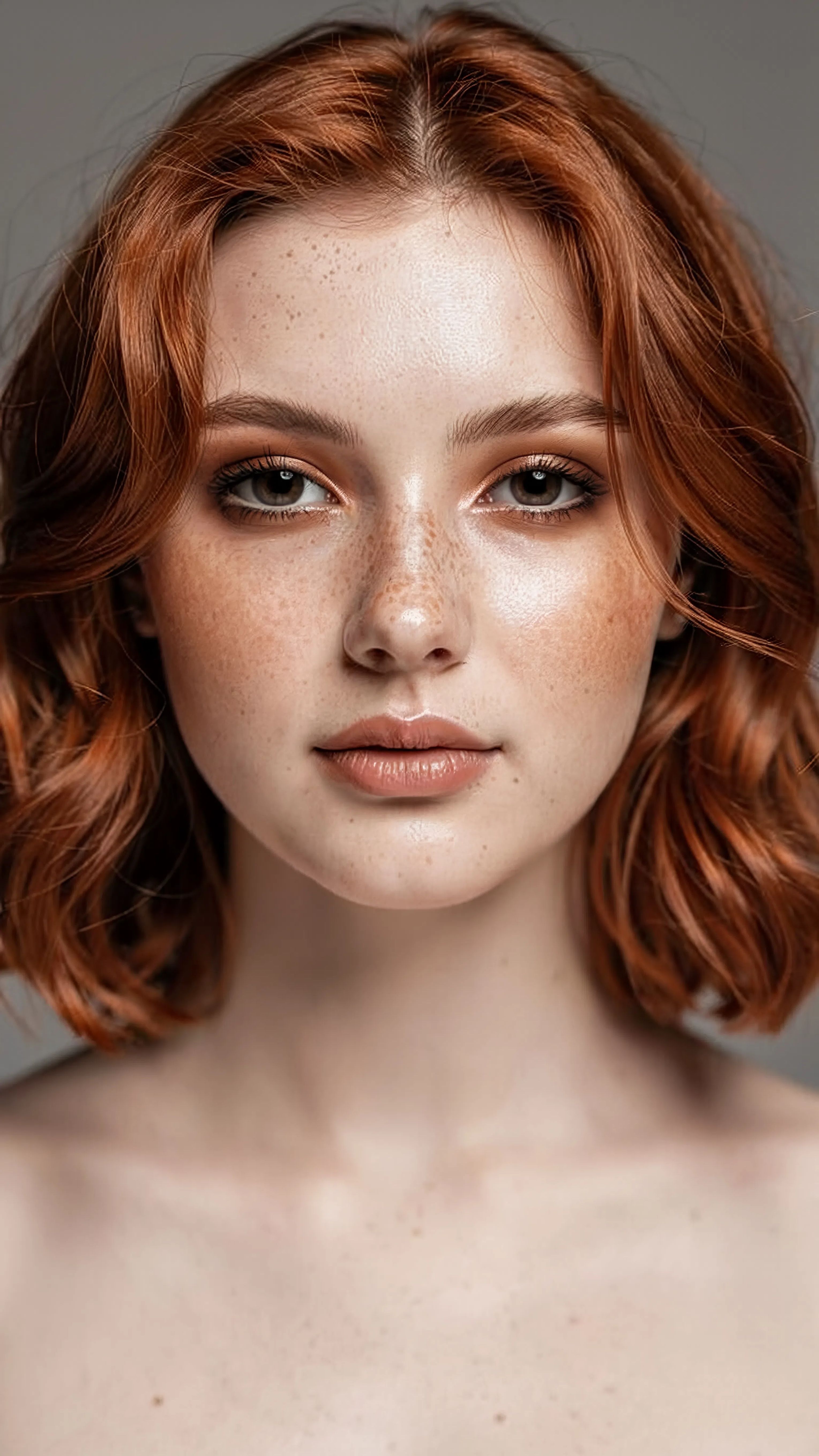
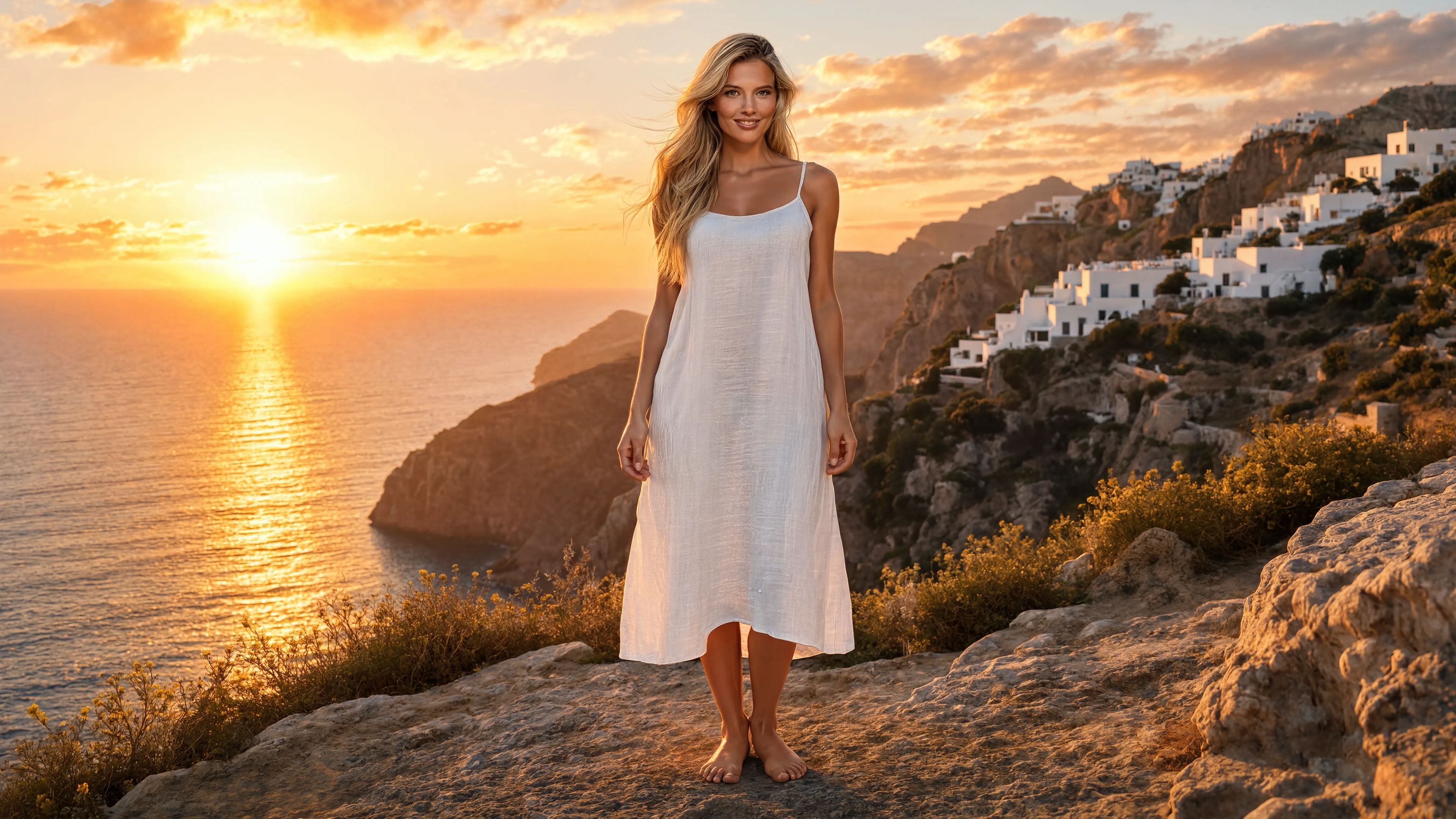
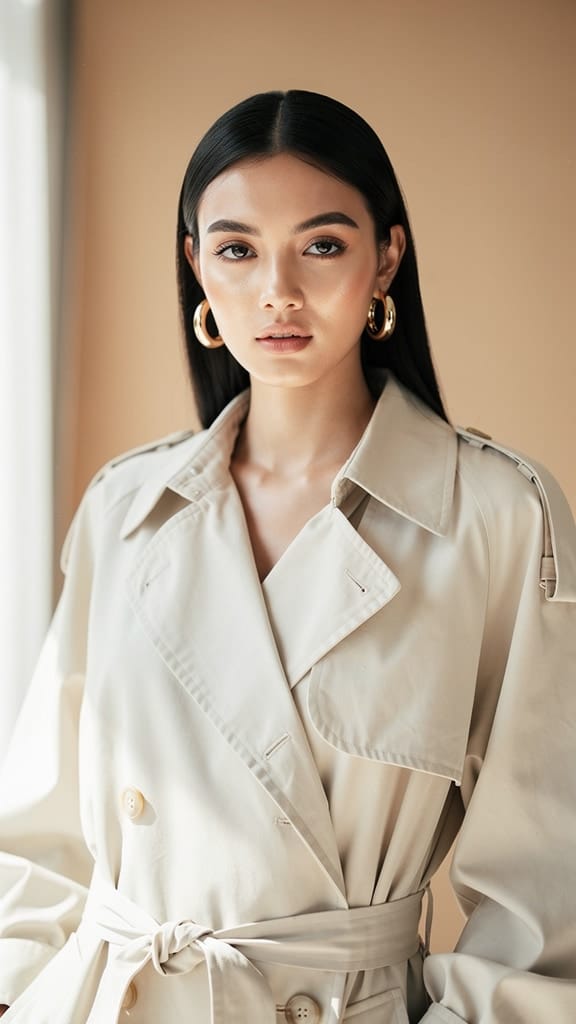
PRENOS ŠTÝLU
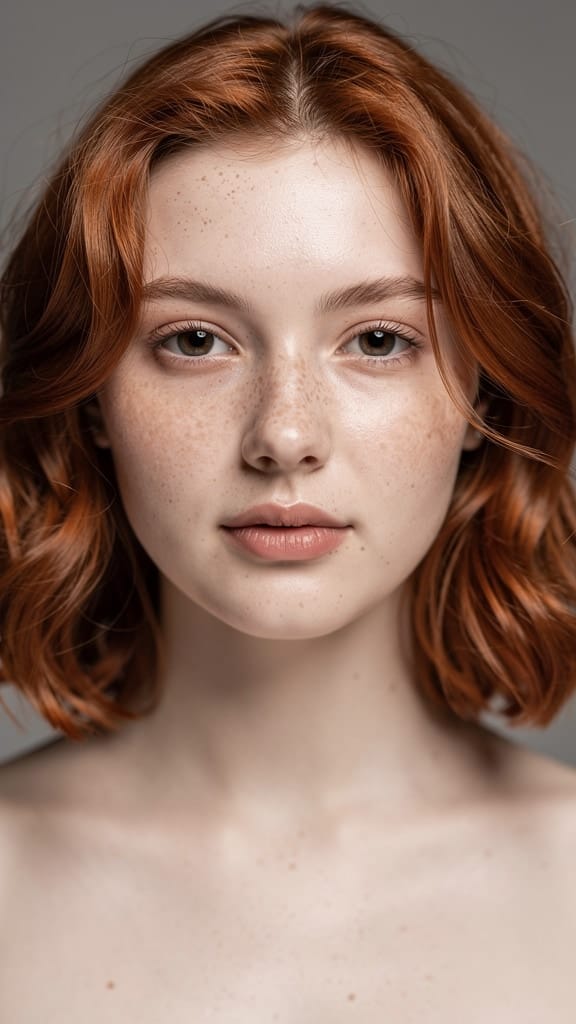
TRANSFORMÁCIA MAKE-UPU
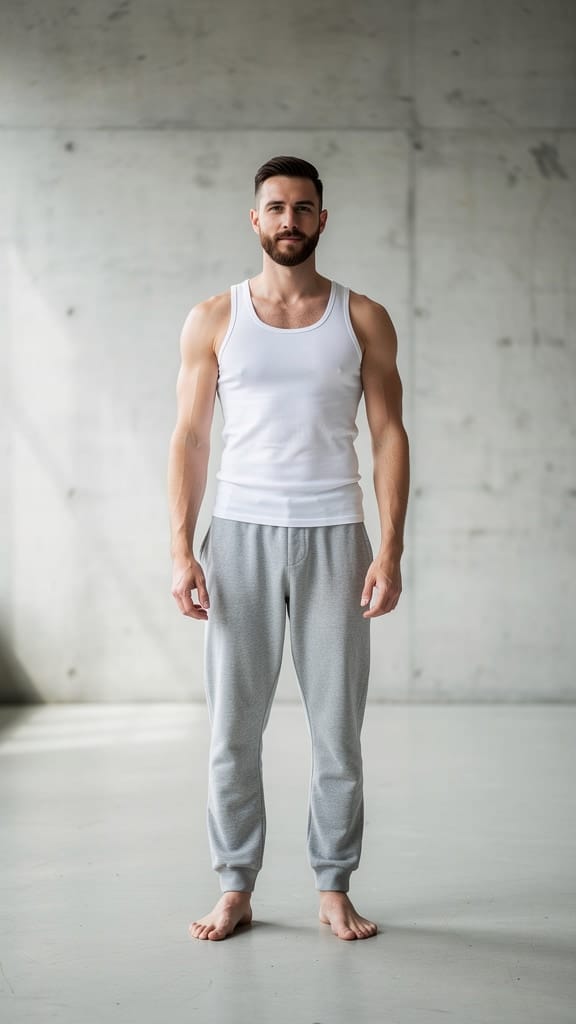
VÝMENA OUTFITU
Reve 2.1 je model na remixovanie obrázkov, ktorý transformuje a kombinuje existujúce obrázky pomocou jednoduchých textových inštrukcií. Namiesto práce s prázdnym plátnom zadáte jednu alebo viac referenčných fotiek a opíšete zmeny, ktoré chcete — výmena oblečenia, pridanie objektov, zmena pozadia, nový štýl scény — a model vytvorí prepracovaný nový obrázok presne podľa vašich požiadaviek. Vyniká silnou vernosťou zadaniam, chápaním rozloženia a kompozície a presným vykresľovaním textu, čo z neho robí spoľahlivú voľbu pre tvorcov, ktorí potrebujú úpravy presne podľa popisu.
Srdcom Reve 2.1 je flexibilný referenčný systém. Pri generovaní môžete zadať od jednej do ôsmich referenčných fotiek a odkazovať na ne priamo vo vašich pokynoch. Každý referenčný obrázok je očíslovaný podľa poradia, ako ho pridáte, takže môžete modelu presne určiť, z ktorého zdroja má čerpať — napríklad oblečenie z jedného obrázka, klobúk z ďalšieho a oboje obliecť na osobu z tretej fotky. Je to obzvlášť užitočné pri kompozitných úlohách, kde je potrebné spojiť prvky z rôznych fotiek do jednej uveriteľnej scény. Zadanie ako "Obleč model do šiat a nasad klobúk. Pridaj do scény mačku a zmeň pozadie na viktoriánsku budovu" je presne ten viacstupňový, multireferenčný edit, na ktorý je model stvorený.
Inteligencia rozloženia v Reve 2.1 zabezpečuje, že prvky nie sú len prilepené, ale aj rozumne usporiadané podľa kompozície scény. Oblečenie prirodzene sedí na postave, pridané objekty majú logické umiestnenie a výmena pozadia nenaruší celkovú rovnováhu obrázku. V kombinácii s presným vykreslením textu je tento model silnou voľbou na dizajnérsku tvorbu, kde záleží na čitateľnosti slov — plagáty, produktové mockupy, typografické rozloženia a štylizované grafiky, kde je jasné znenie textu podstatné a nie rozbité písmená.
Reve 2.1 vám dáva skutočnú kontrolu nad tvarom výsledku. Vyberiete si spomedzi množstva pomerov strán — od ultraširokých panorám a kino-širokouhlých rozmerov cez štvorcové až po vysoké vertikály vhodné na sociálne siete a príbehy. Ak si nie ste istí, čo sa najviac hodí, automatická voľba nechá model vybrať vhodný pomer podľa vašich požiadaviek a referencií. Môžete tiež naraz generovať až štyri variácie, aby ste mali viacero interpretácií tej istej inštrukcie na porovnanie a výber. Výstup je dostupný v bežných obrazových formátoch, takže si vyberiete ten, ktorý najviac vyhovuje vášmu workflowu — či už potrebujete bezstratový súbor na ďalšiu úpravu, alebo ľahší formát na rýchle zdieľanie.
Model prijíma široký rozsah vstupných formátov, vrátane PNG, JPEG, WebP, AVIF a HEIF, takže môžete použiť materiály z rôznych zariadení a knižníc bez potreby konvertovania súborov. Referenčné obrázky môžu mať vysoké rozlíšenie a model si bez problémov poradí aj s detailnými zdrojmi, takže detaily z pôvodných záberov sa prenesú aj do úprav. Takisto textové inštrukcie môžu byť podrobné, čo vám umožňuje špecifikovať zložité, viacfázové zmeny jedným promptom namiesto viacerých malých krokov.
Kto z Reve 2.1 ťaží najviac? Fotografovia a retušéri môžu štýlovať zábery, meniť šatníky alebo predstavovať nové pozadia bez opakovaných fotení. E-commerce a produktové tímy oblečú modely, umiestnia produkty do nových prostredí a vytvoria variácie životných štýlov z existujúcich katalógových fotiek. Grafickí dizajnéri a marketéri získajú rýchly spôsob na tvorbu štylizovaných grafík a typografických vizuálov, kde záleží na ostrom, správne napísanom texte. Konceptuálni umelci a art directori môžu rýchlo skúmať "čo ak" scény, spájať moodboardy do jednej ucelenej vizualizácie. Tvorcovia obsahu a social media manažéri zase vedia jeden hero obrázok adaptovať do viacerých pomerov strán a štýlov podľa rôznych platforiem.
Keďže Reve 2.1 je určený najmä na remixovanie, nie čistú textovú generáciu, najlepšie výsledky dosiahnete so zrozumiteľným referenčným materiálom a presne popísanými zmenami. Čím špecifickejšia je vaša inštrukcia — akú referenciu použiť, čo pridať alebo odstrániť a ako má scéna vyzerať — tým vernejší bude výsledok. Silná promptová vernosť oceňuje detaily, preto ak zadanie napíšete ako jasné pokyny skúsenému asistentovi, dostanete najspoľahlivejšie výstupy. Pri štýlových transformáciách model výborne zvládne kreatívne prearanžovanie a posun obrazu do iného obdobia, nálady alebo estetiky, pričom jadro scény zostane rozpoznateľné.
Niekoľko praktických rád na záver. Reve 2.1 vždy vyžaduje aspoň jednu referenčnú fotku spolu s vašim promptom — je navrhnutý na transformáciu existujúceho vizuálu, nie na tvorbu iba z textu. Do jednej požiadavky môžete pridať až osem referencií, čo je veľkorysé pre väčšinu kompozitov, pričom každý zdroj by mal mať rozumnú veľkosť súboru. Ak chcete mať na výber, je dobré generovať viac variácií naraz, keďže aj veľmi presný prompt sa dá interpretovať viacerými platnými spôsobmi. Celkovo je Reve 2.1 spoľahlivým, na pokyny orientovaným nástrojom pre každého, kto potrebuje precízne pretvárať, kombinovať a štýlovať obrázky s dôrazom na čitateľné výsledky.
Generujte pomocou najpokročilejšieho editora obrázkov
Add the image that you want change
Nahrať obrázok
Pridajte obrázok, ktorý chcete upraviť alebo pretvoriť
A woman kneeling in darkness, illuminated by a warm, radiant beam of light emerging from her raised hand.
Napíšte svoje zmeny
Opíšte úpravy, ktoré chcete – zmeny štýlu, odstránenie objektov alebo vylepšenia
Začnite zdieľať
Stiahnite si svoj profesionálne upravený obrázok
Za hranicami promptu: nová úroveň kontroly
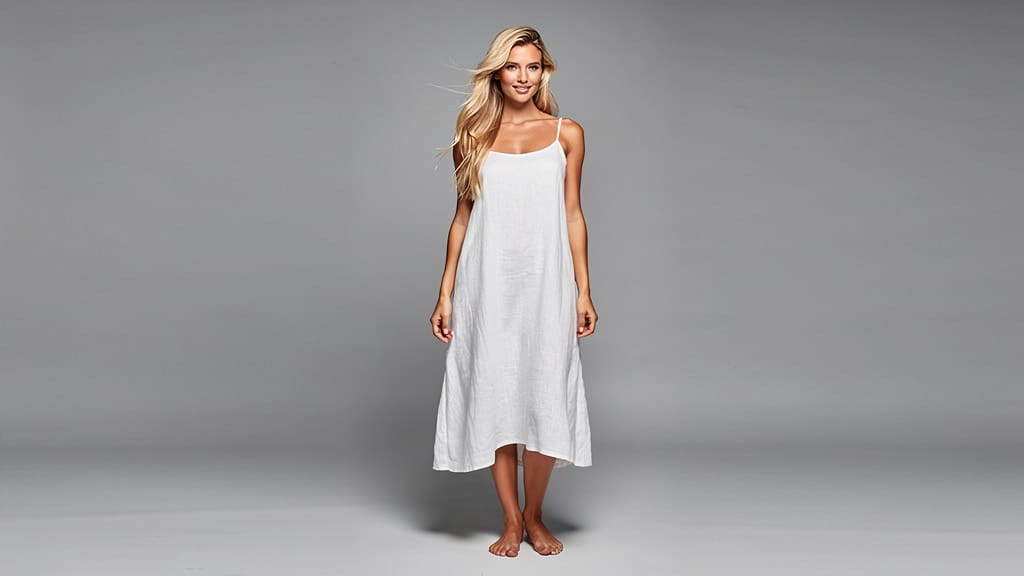
VÝMENA POZADIA
Nahradí obyčajné pozadie za filmovo širokú krajinu s vyváženým svetlom a perspektívou. Skvelé pre obsah o životnom štýle a cestovaní.
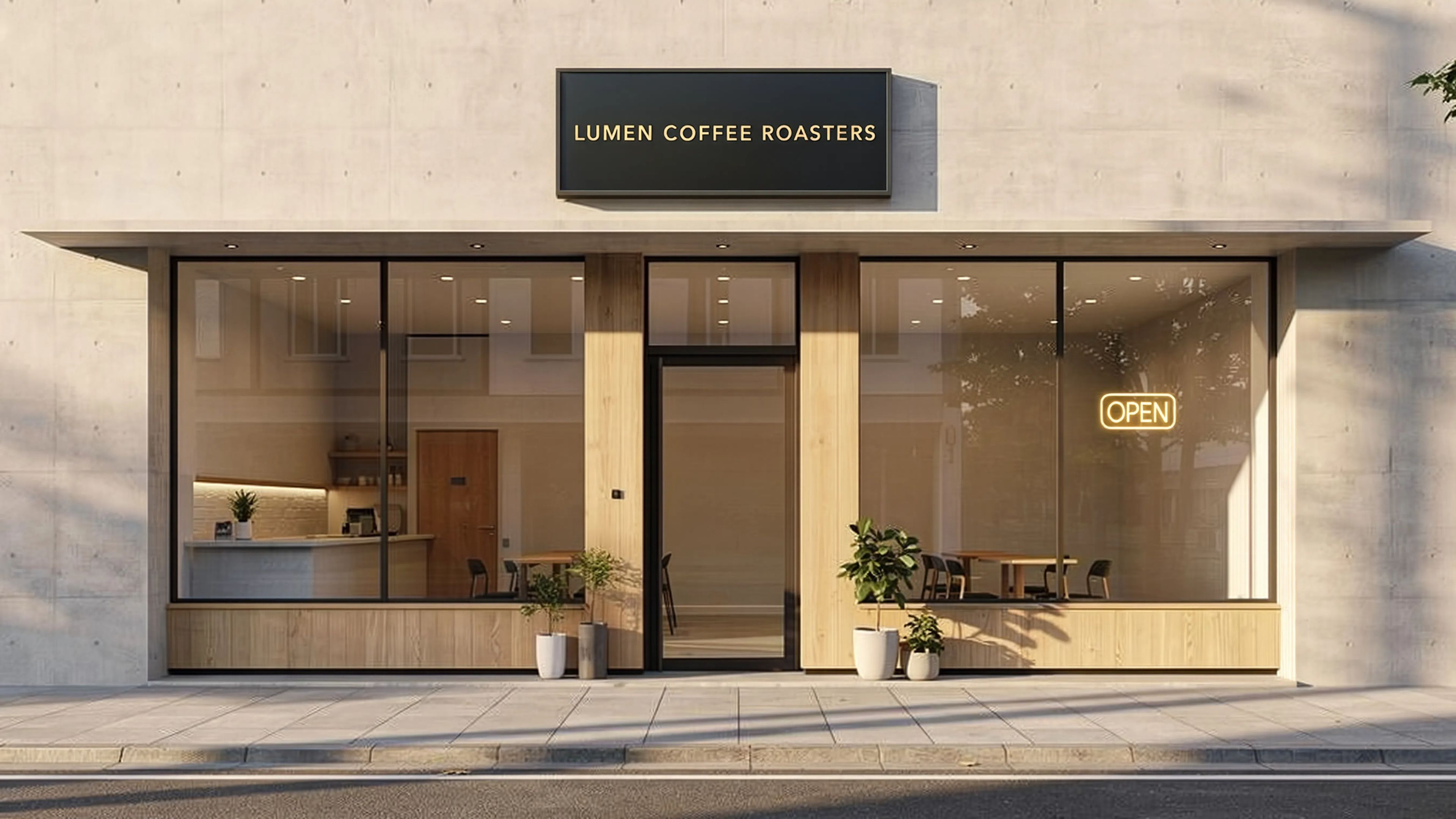
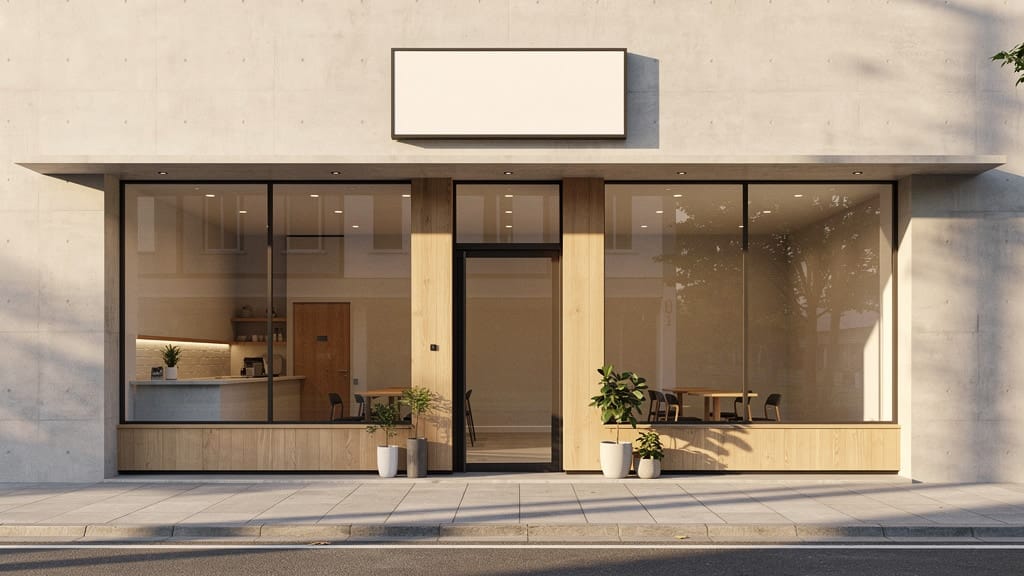
VYKRESLENIE TEXTU
Pridáva ostrú a správne napísanú typografiu na povrchy nápisov v architektonicky rozsiahlej scéne. Využíva vysokú presnosť modelu pri zobrazovaní textu.
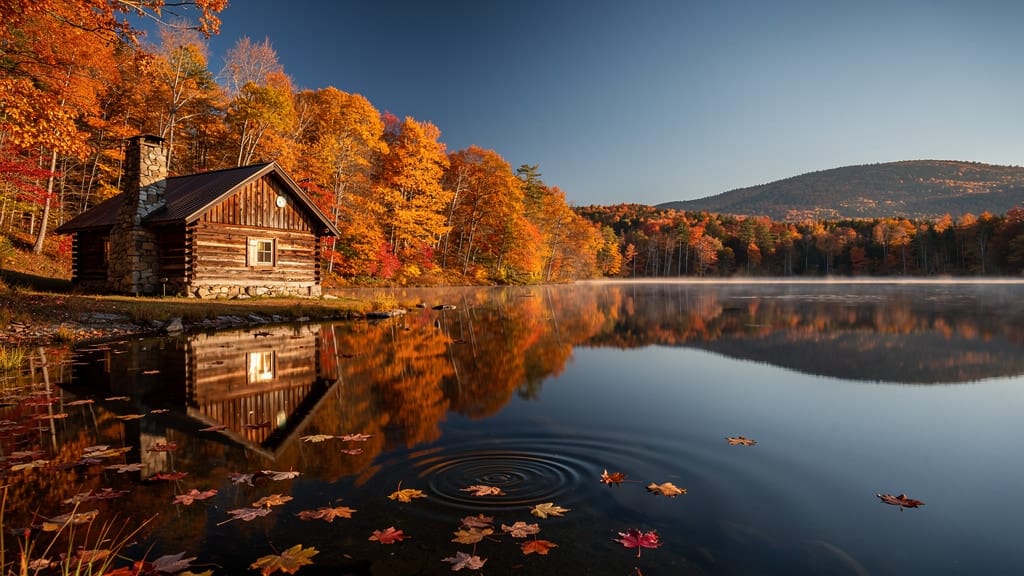
ZMENA ROČNÉHO OBDOBIA
Pretvorí celú krajinu z jedného ročného obdobia do druhého pri zachovaní kompozície a stavieb. Ideálne pre vizuály v realitách a cestovnom ruchu.
Porovnajte s podobnými modelmi
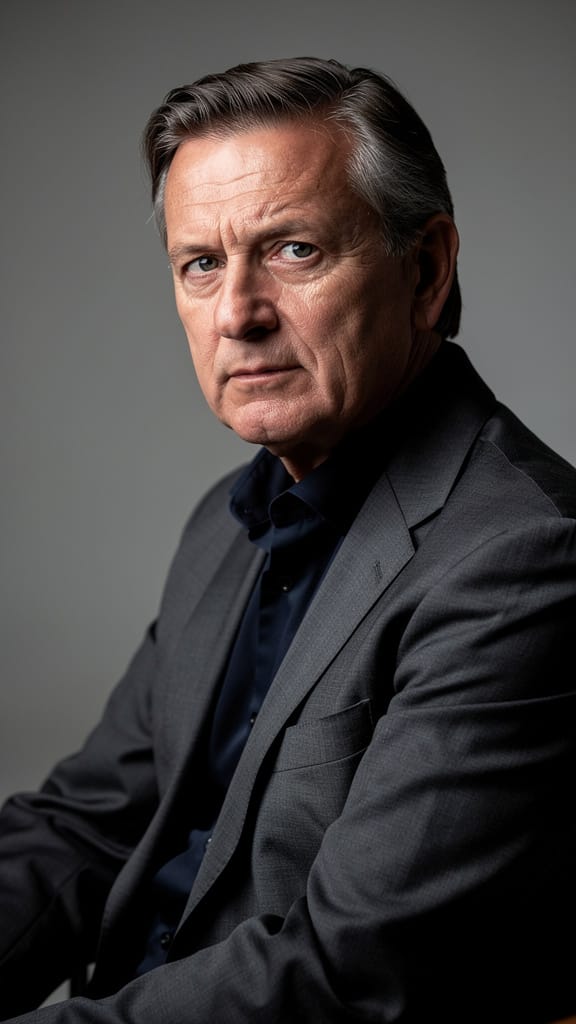
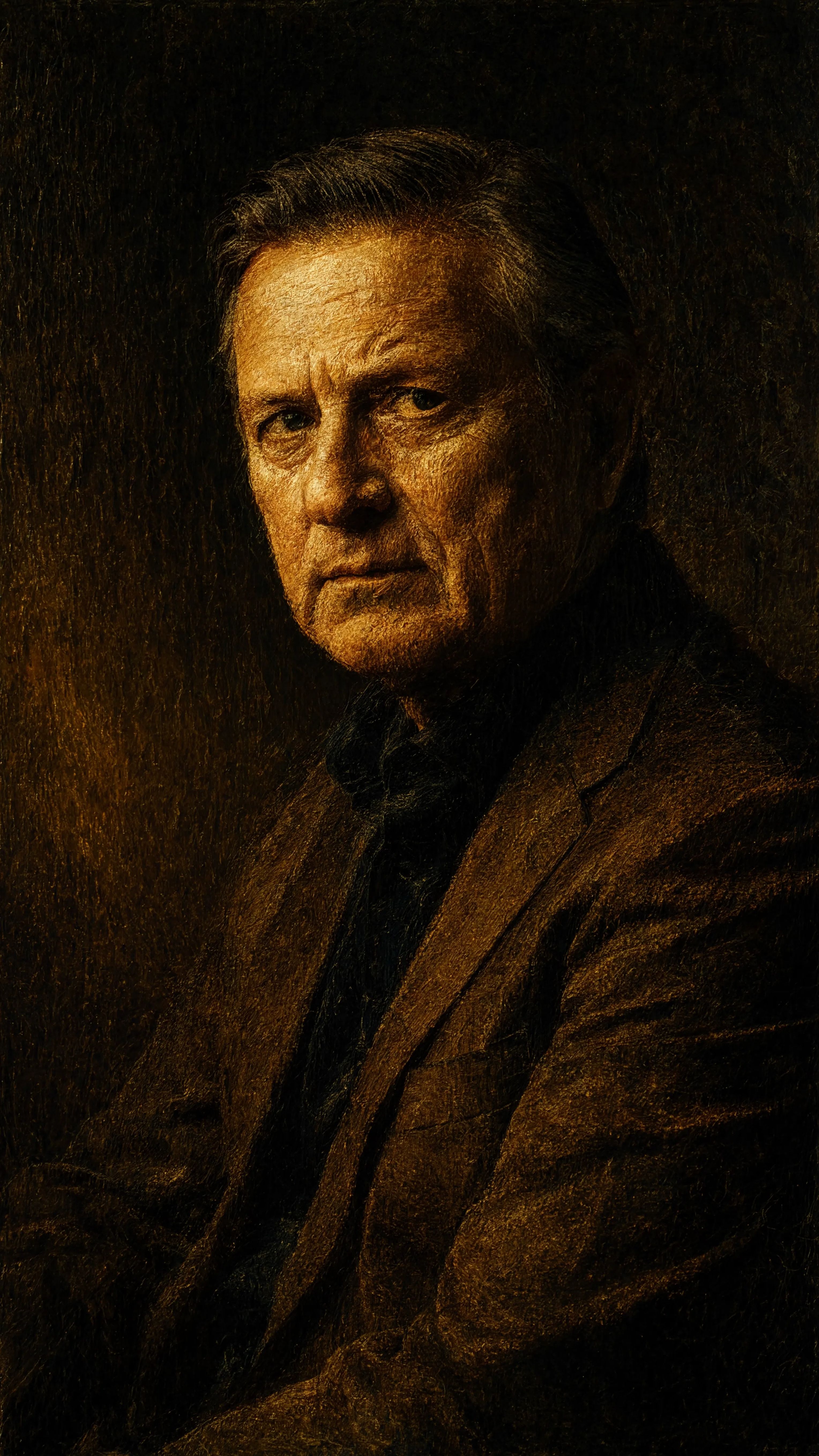
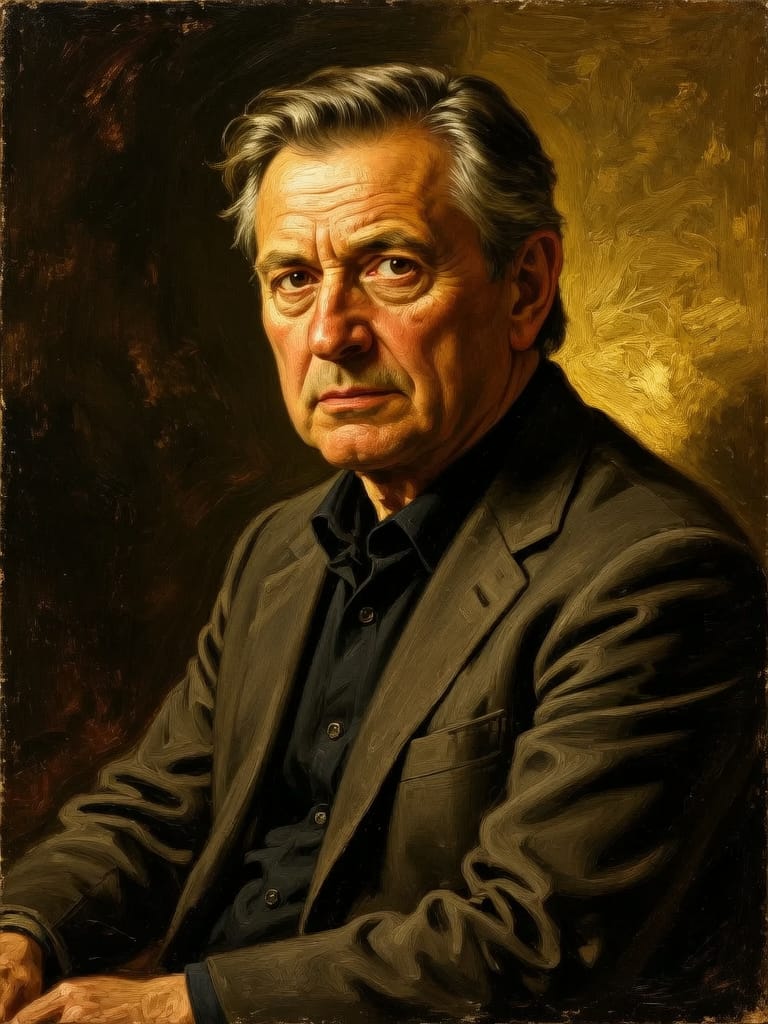
“Transform into a classical oil painting in the style of Rembrandt. Add visible impasto brushstrokes with thick paint texture. Apply warm golden undertones and dramatic chiaroscuro lighting with deep shadows. Enhance the dramatic contrast while preserving facial structure and expression. Add subtle canvas texture visible through the paint layers.”
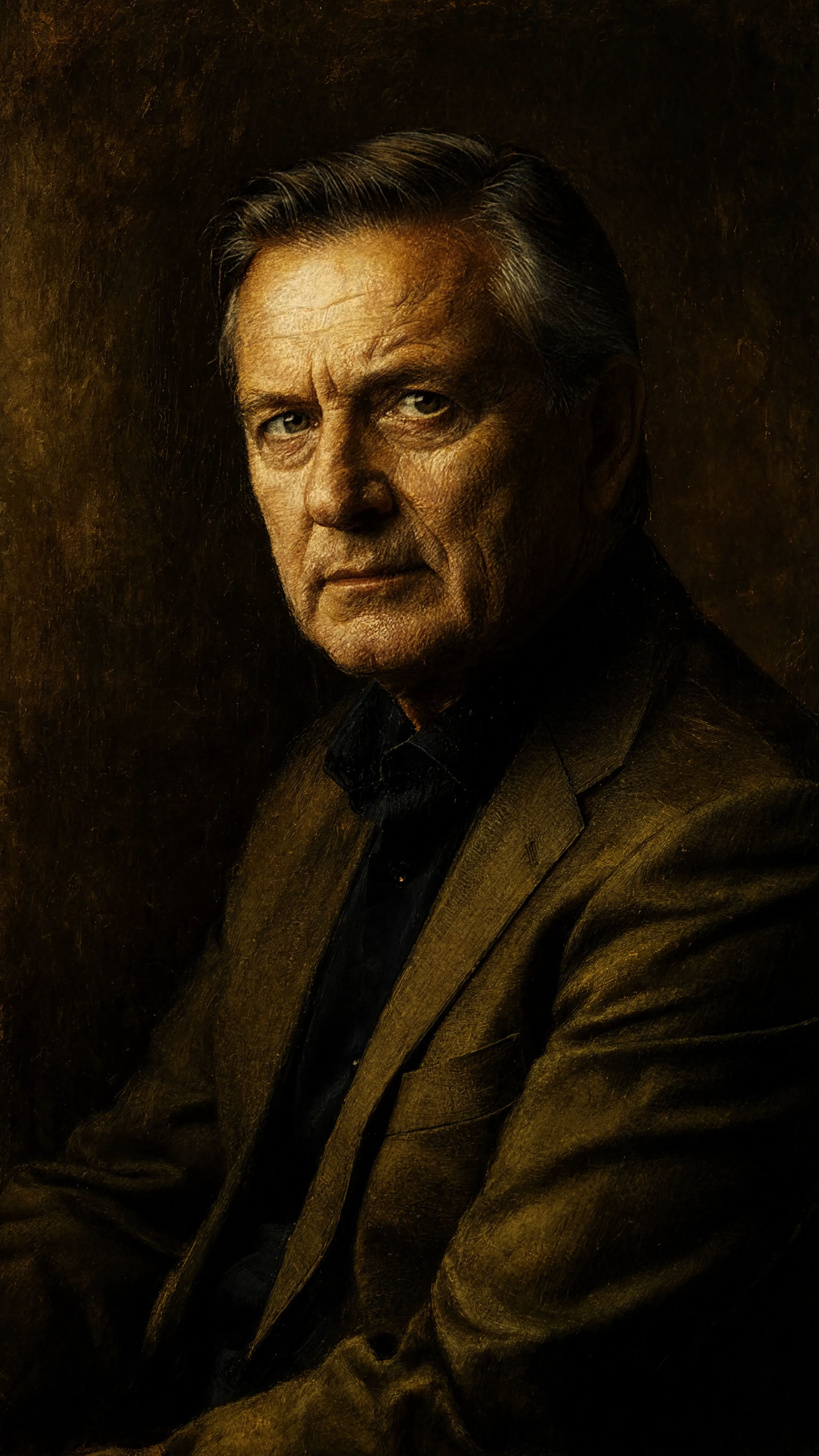
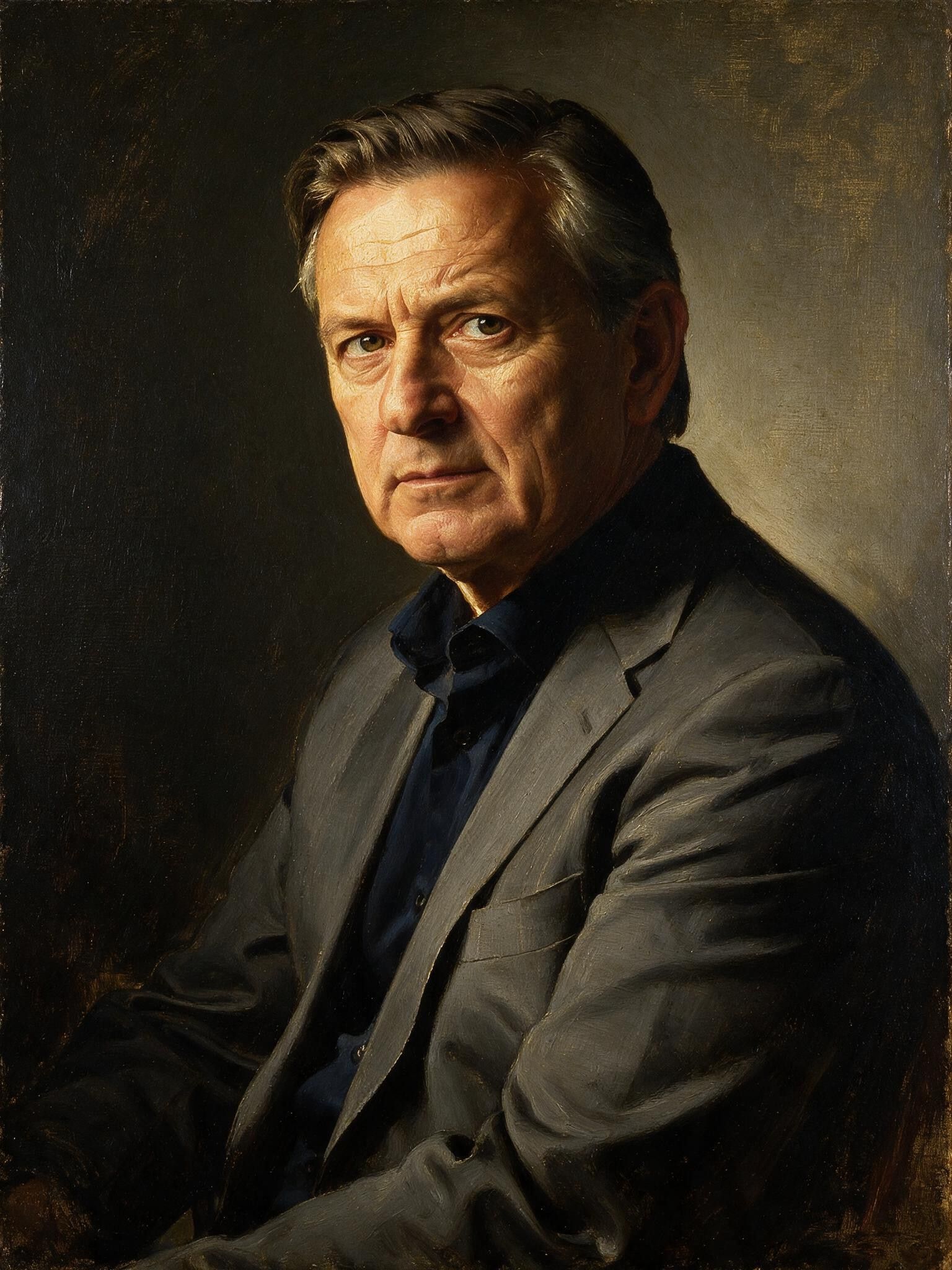
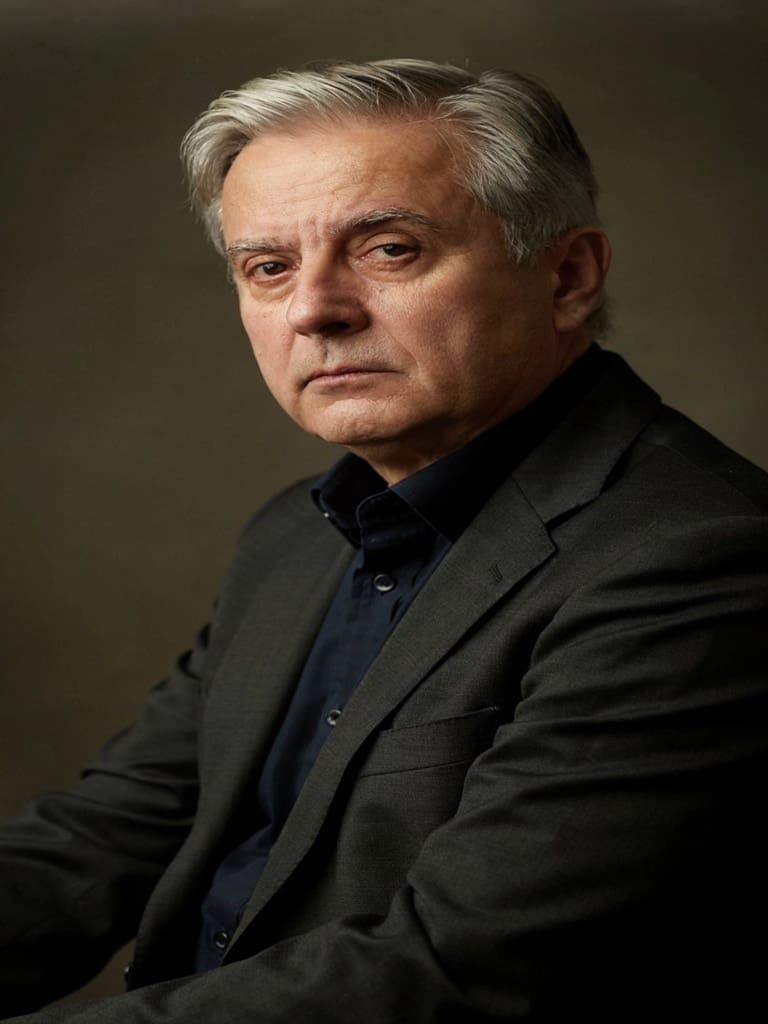
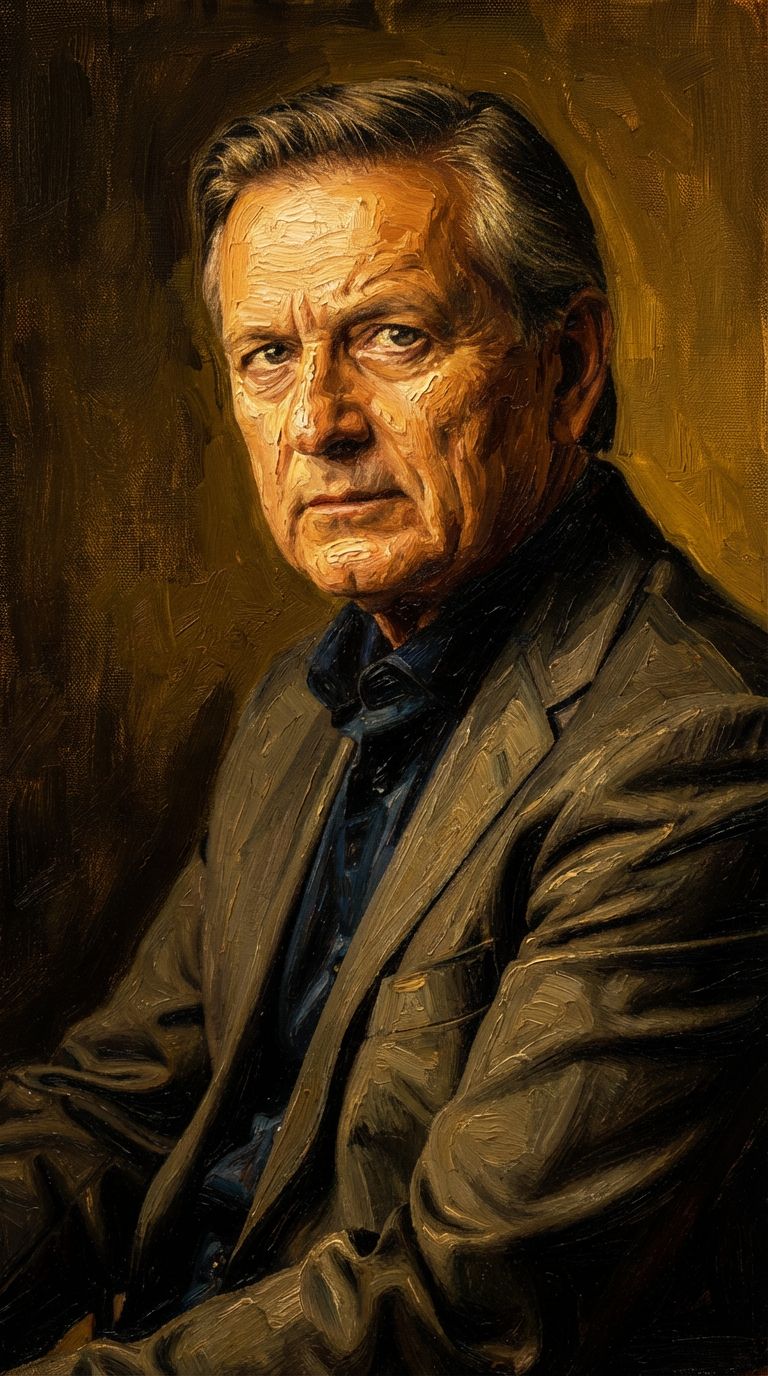
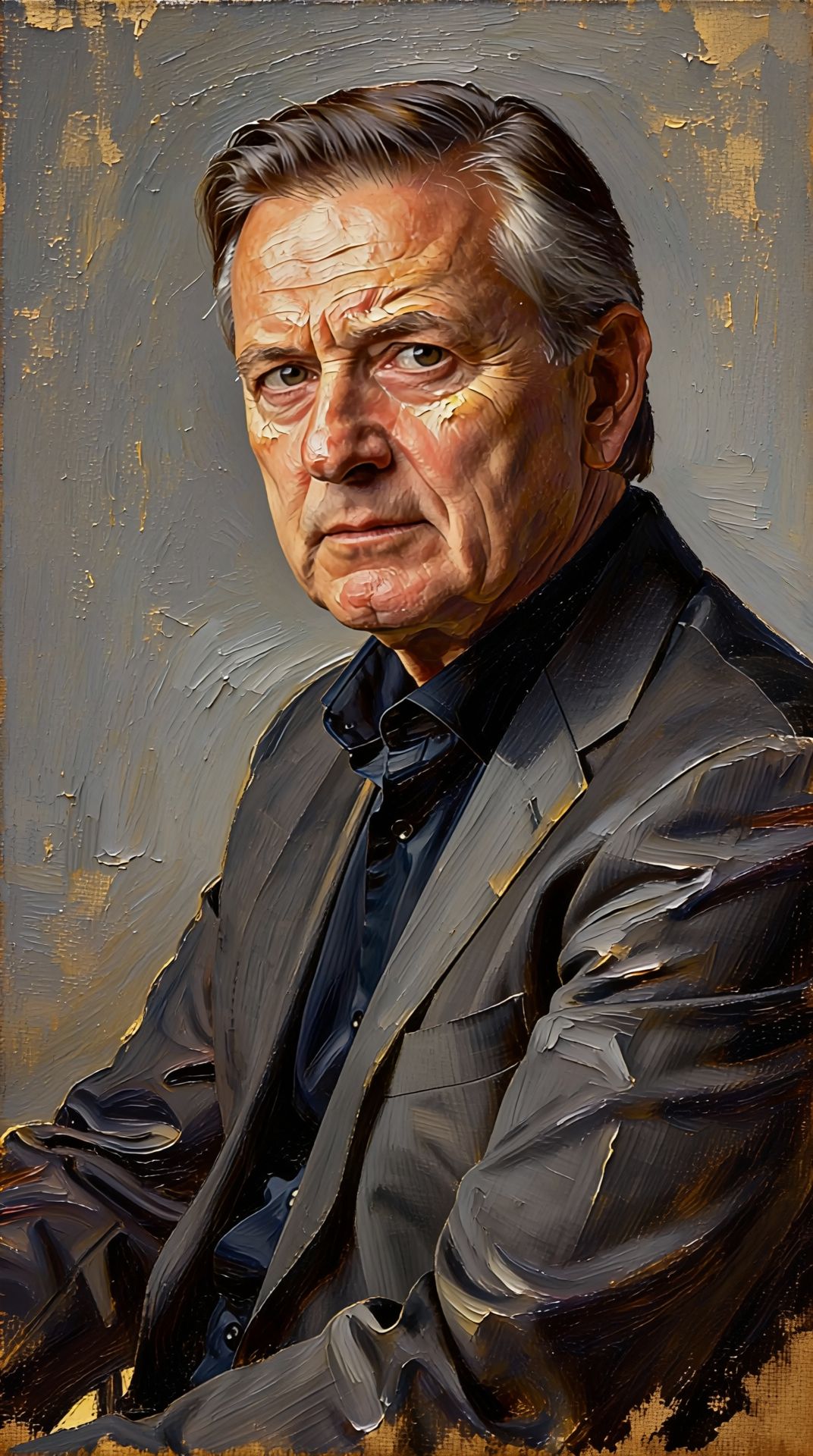
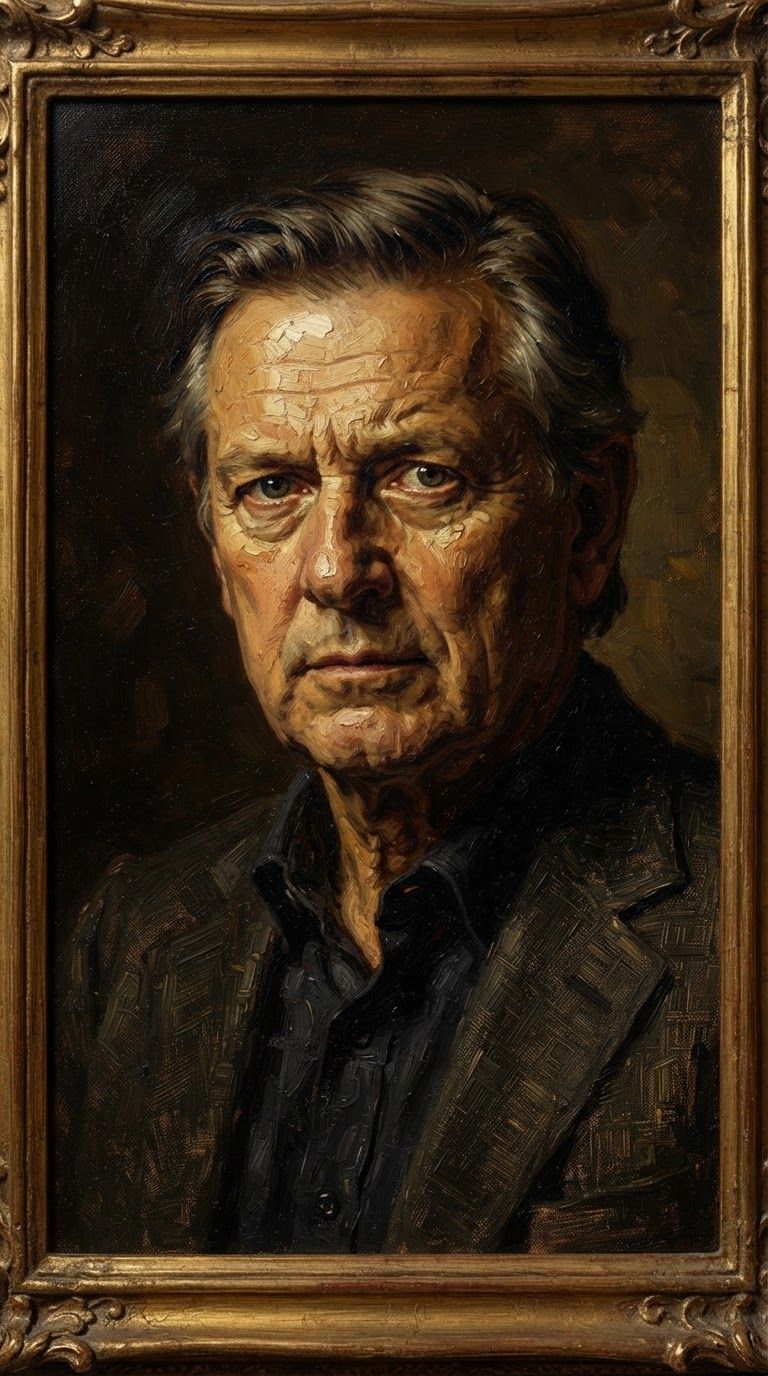
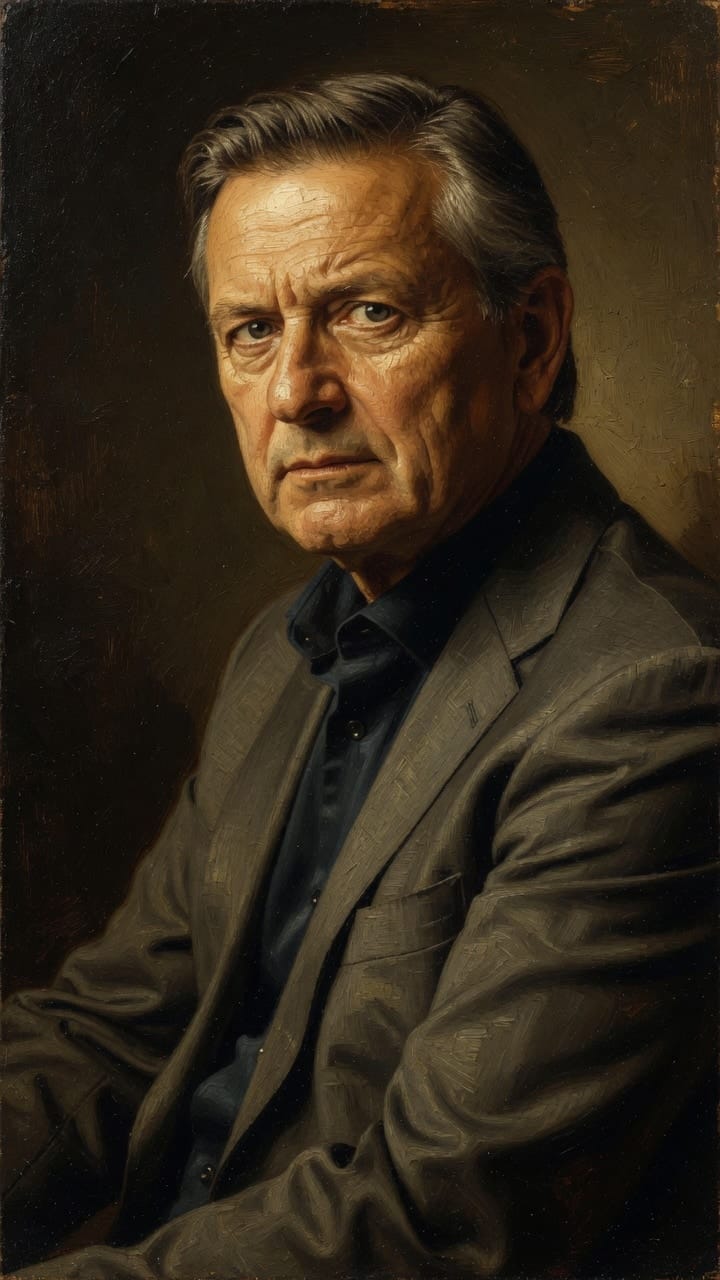
Zažite dokonalosť s Reve 2.1
Prejdite ešte dnes na syntézu riadenú uvažovaním
Často kladené otázky
Podobné modely
Seedream 5.0 Pro Image Editing
Precise region-based image editing
0.3 kreditov
Seedream
Fast intelligent multi-image editing
0.3 kreditov
Grok Imagine Image Editing Quality
High-quality AI image editing
0.1 kreditov
Wan v2.6 Image to Image
Edit images using reference photos
0.3 kreditov
Vidu
Image generation with reference consistency
0.2 kreditov
Nano Banana Pro
State-of-the-art image editing
1.2 kreditov
Reve 2.1
Edit images with text prompts
1.3 kreditov
Gemini 3.1 Flash Image Preview
Ultra-fast Google image editing
0.7 kreditov
Ideogram V4.0q Image to Image
Prompt-guided image restyling edits
0.1 kreditov