Reve 2.1
Edit any image with a sentence and precise text
Edit images with text prompts
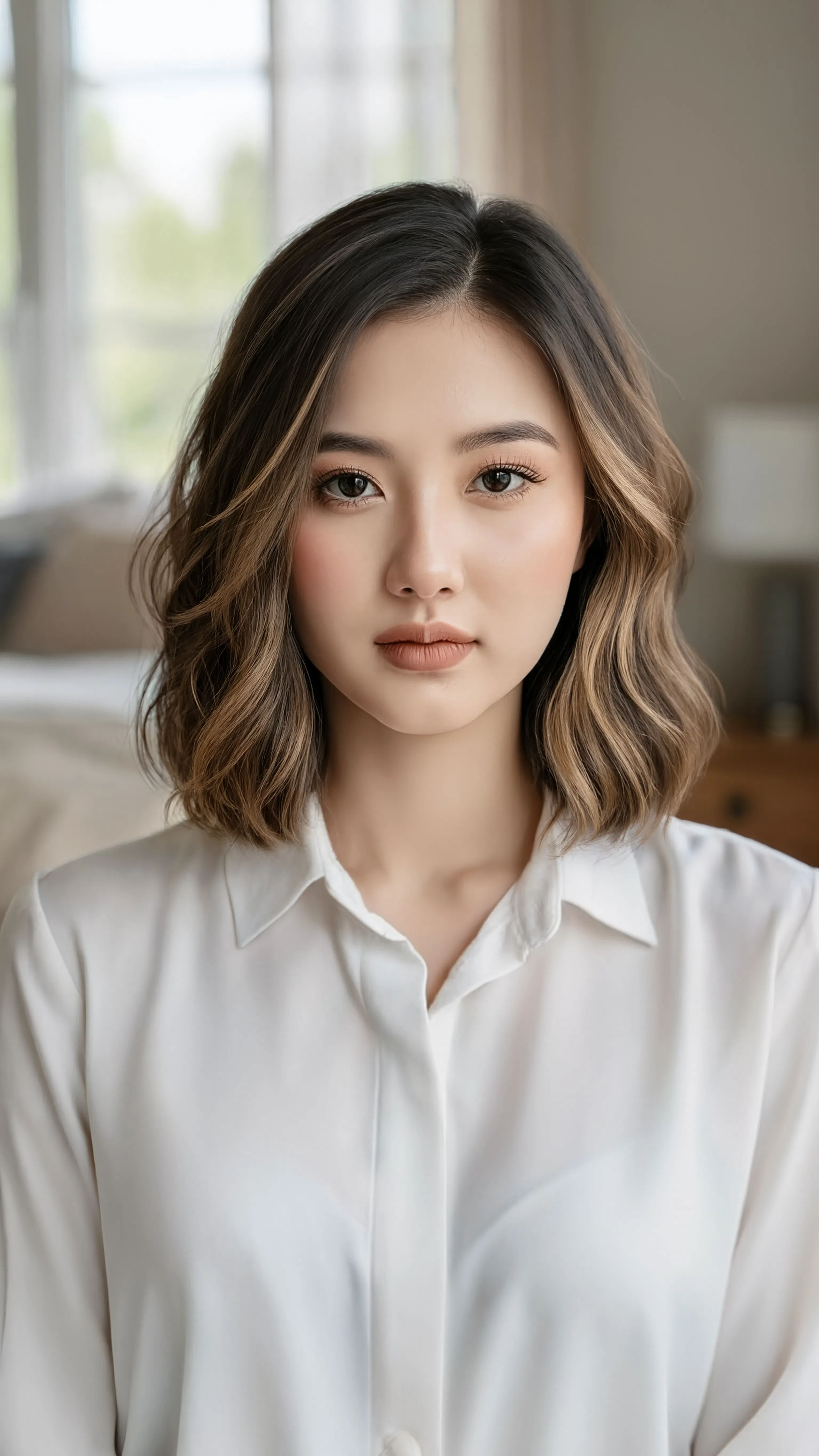
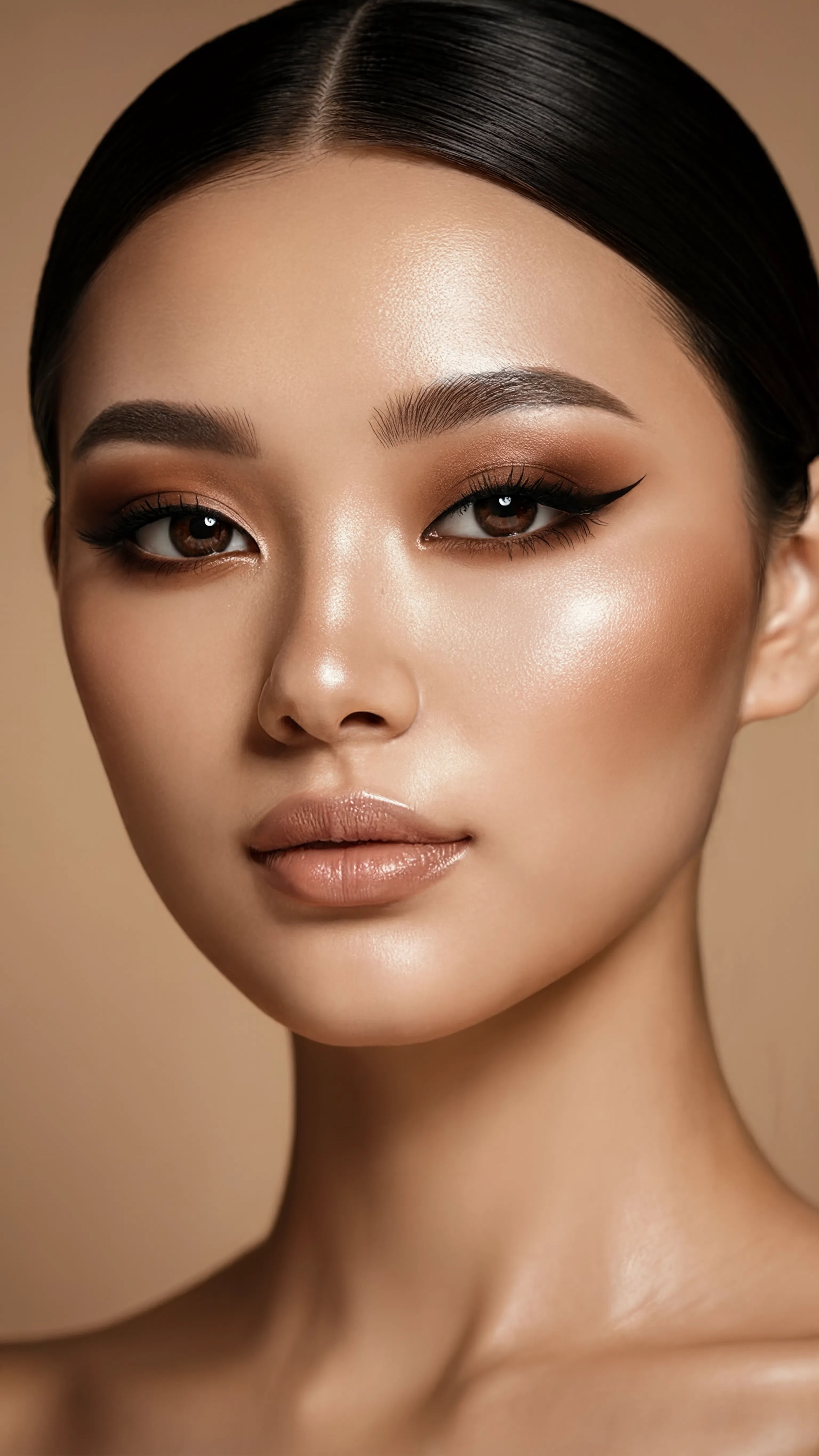
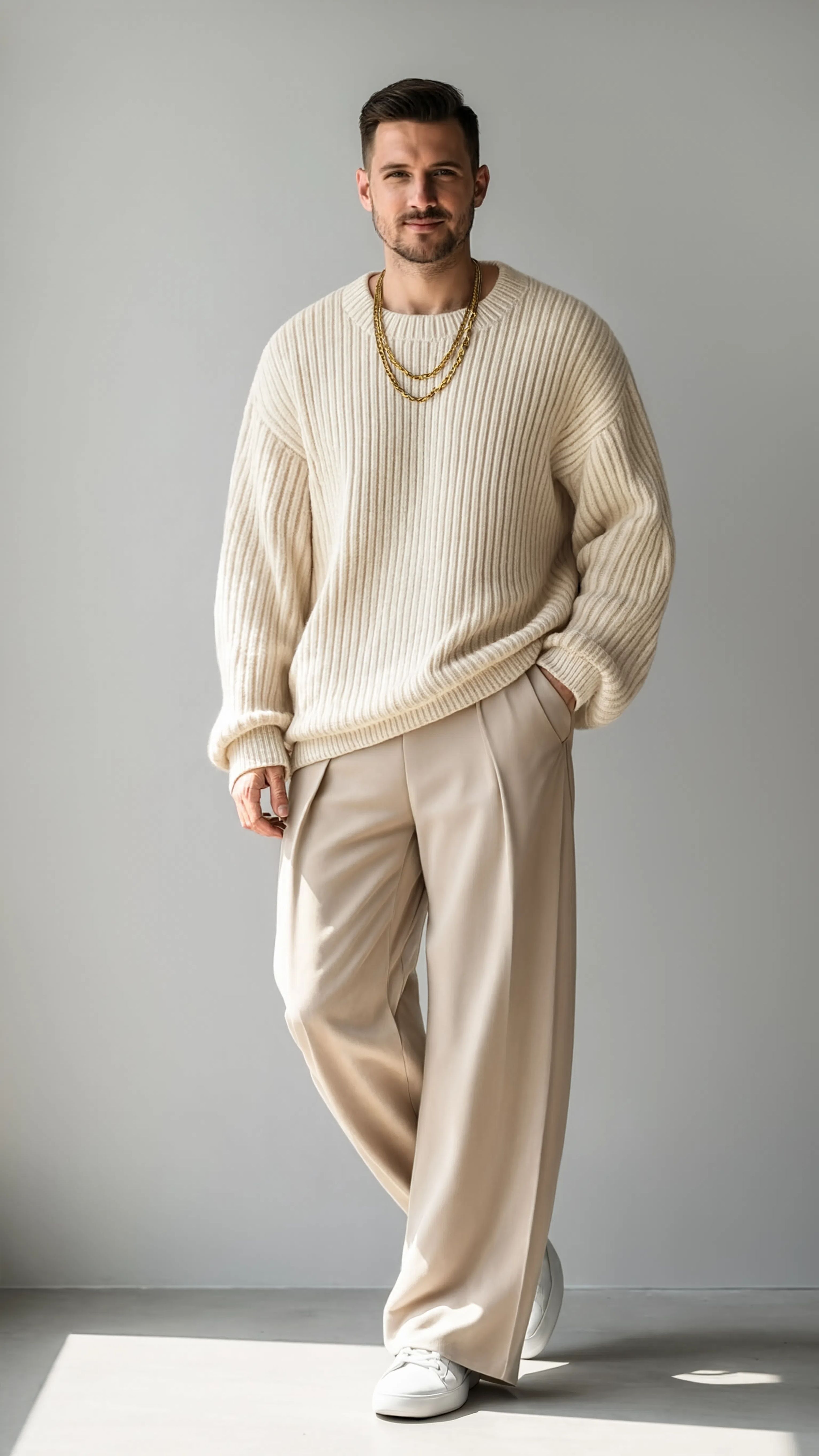
MAKEUP TRANSFORMATION
FASHION RESTYLE
HAIR RESTYLE
Reve 2.1 is an image editing model that transforms your existing photos and artwork using nothing more than a written description. Upload a reference image, describe the change you want—whether that's adding a new element, altering the layout, or rendering crisp, readable text—and Reve 2.1 delivers a polished edited result that stays faithful to your instructions. Built around strong prompt adherence, layout intelligence, and accurate text rendering, it's designed for creators who want their edits to actually match what they asked for.
At its heart, Reve 2.1 takes two things: an image you want to change and a text prompt describing how to change it. The prompt can be as simple as "Give him a friend" or far more detailed, and you can even refer to your reference image directly within the instruction. Because the model prioritizes prompt adherence, it works hard to follow your description closely rather than reinterpreting it in unexpected ways—an important quality when you have a specific creative vision in mind. Its layout intelligence means it understands how elements should be arranged and composed within a scene, so added or modified elements sit naturally within the existing image rather than looking pasted on.
One of Reve 2.1's standout strengths is accurate text rendering. Text has long been a weak spot for image models, often coming out garbled or misspelled. Reve 2.1 is engineered to produce clean, legible text within edited images, making it a strong choice for anyone working on designs that include words—posters, signage, product mockups, social media graphics, packaging concepts, and more. If your project depends on the words looking right, this is where the model earns its keep.
The model supports a wide range of input formats, accepting reference images in PNG, JPEG, WebP, AVIF, and HEIF. Your source image can range from small (128 pixels on a side) up to large 4096-pixel dimensions, giving you flexibility whether you're refining a quick sketch or working with a high-resolution photograph. On the output side, you can choose to save your edited images as PNG, JPEG, or WebP depending on whether you need lossless quality, smaller file sizes, or web-friendly compression.
Reve 2.1 gives you meaningful creative control over the final composition. You can set the aspect ratio of your result from an extensive list of options—everything from ultra-wide panoramic formats like 4:1, 3:1, and 21:9, through standard shapes like 16:9, 3:2, 4:3, and square 1:1, to tall portrait orientations like 9:16, 2:3, 3:4, and even extreme vertical formats like 1:4. This makes it easy to tailor a single edit to different destinations, from cinematic banners to vertical stories. If you'd rather not decide, an automatic setting lets the model pick the aspect ratio that best fits your request.
You can also generate up to four variations from a single prompt at once, which is a huge time-saver when you're exploring options or want a few takes to choose from. Instead of running the same idea over and over, you get a spread of results to compare, pick from, or use as a jumping-off point for further refinement.
Who benefits most from Reve 2.1? Graphic designers will appreciate the reliable text rendering for creating and iterating on layouts that include headlines, labels, or captions. Photographers and retouchers can add, remove, or transform elements in their shots with plain-language instructions. Marketers and social media creators can quickly adapt a single image into multiple aspect ratios and variations for different platforms. Concept artists and illustrators can evolve their base images by describing changes rather than manually reworking every detail. Anyone who wants to make targeted, controlled edits to existing visuals—without wrestling with complex editing tools—will find this model approachable and effective.
The workflow is straightforward: bring an image, write what you want changed, optionally choose an aspect ratio, output format, and how many versions to generate, then let the model do the work. Because Reve 2.1 focuses on following instructions faithfully, the clearer and more specific your prompt, the closer the result will match your intent. Describing exactly what should change, where it should go, and how it should look tends to yield the best outcomes.
As an image-editing model, Reve 2.1 always works from a starting image rather than generating from scratch—it's built to modify and enhance what you already have. Keep your source images within the supported size range and use one of the accepted formats for smooth results. With its combination of prompt-faithful editing, thoughtful composition, dependable text, flexible aspect ratios, and batch variations, Reve 2.1 is a practical, versatile tool for turning a described idea into a finished edit.
Generujte pomocou najpokročilejšieho editora obrázkov
Add the image that you want change
Nahrať obrázok
Pridajte obrázok, ktorý chcete upraviť alebo pretvoriť
A woman kneeling in darkness, illuminated by a warm, radiant beam of light emerging from her raised hand.
Napíšte svoje zmeny
Opíšte úpravy, ktoré chcete – zmeny štýlu, odstránenie objektov alebo vylepšenia
Začnite zdieľať
Stiahnite si svoj profesionálne upravený obrázok
Za hranicami promptu: nová úroveň kontroly
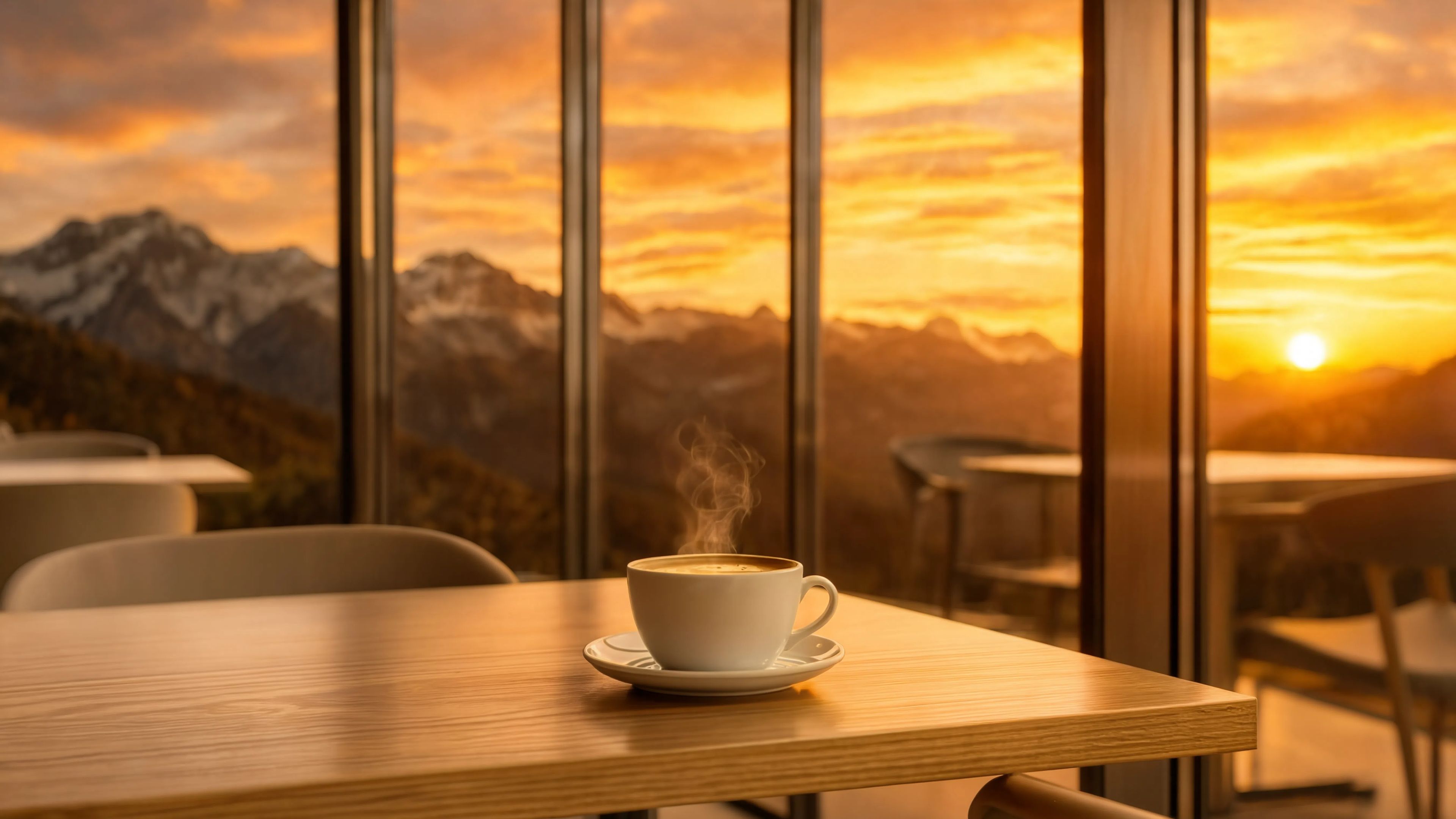
BACKGROUND REPLACE
Replaces a scene's background with a cinematic landscape while matching lighting and shadows. Perfect for travel content and lifestyle photography.
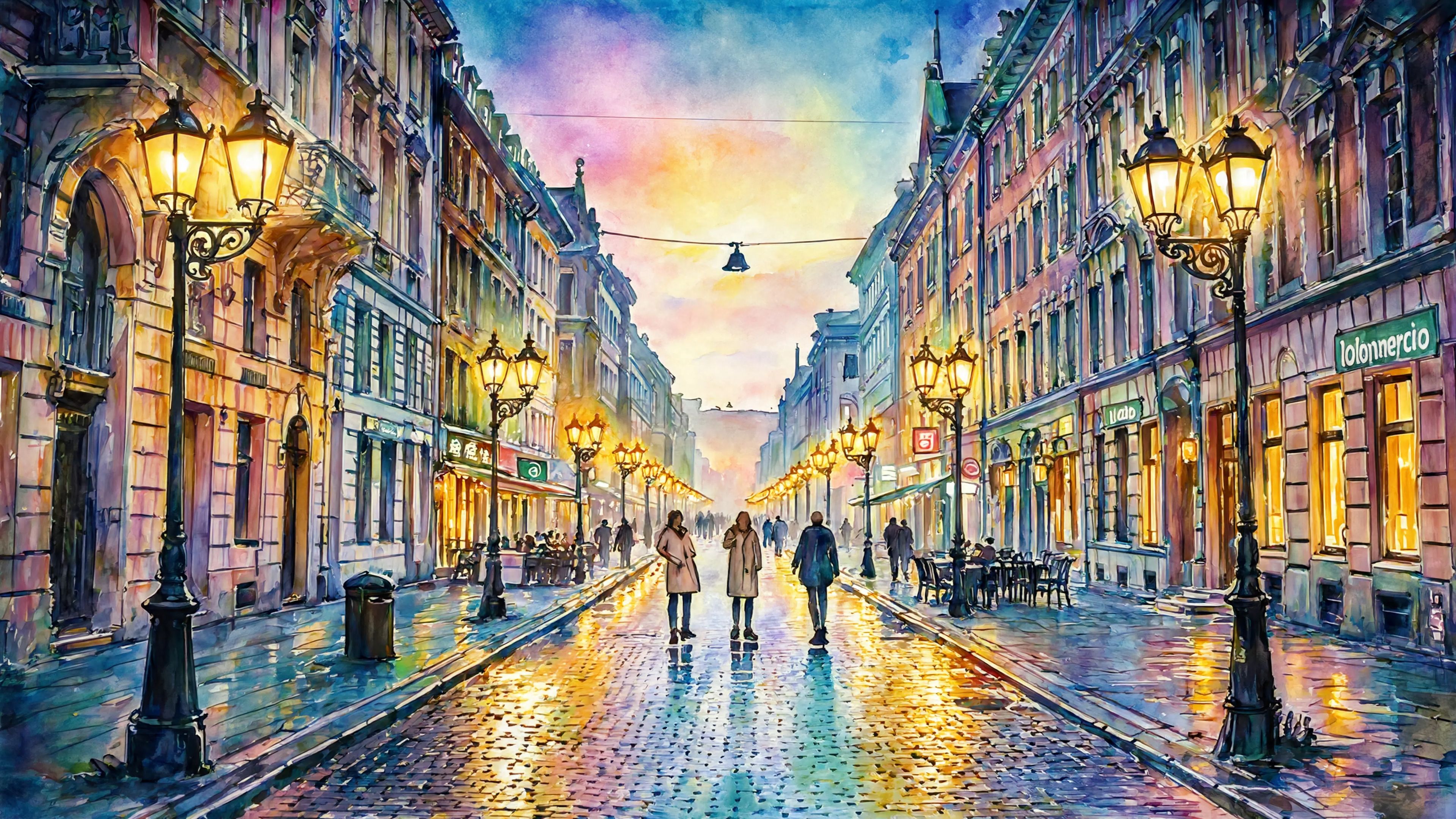
STYLE TRANSFER
Converts a realistic wide scene into a stylized artistic rendering while preserving composition and layout. Ideal for prints and creative posters.
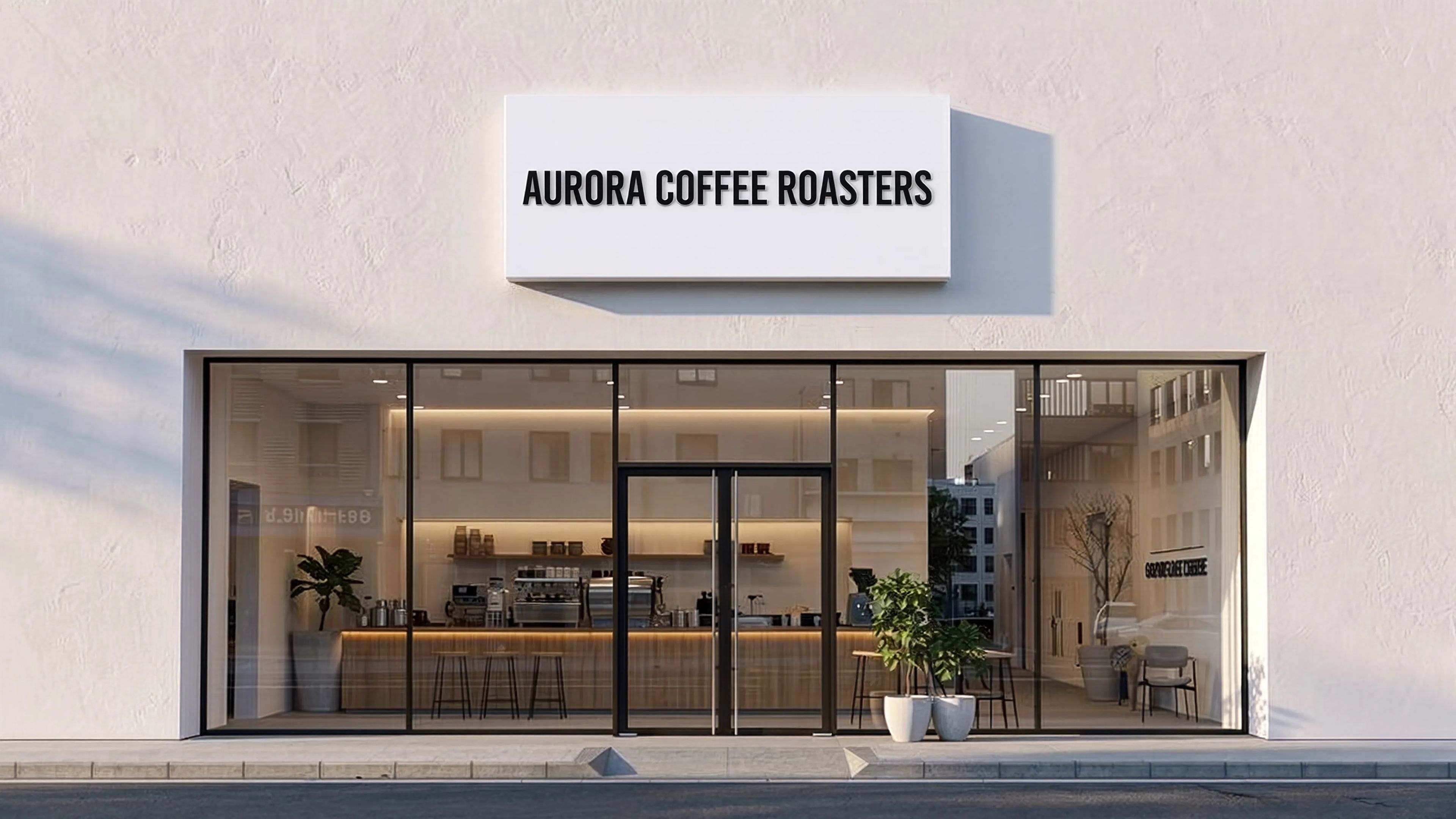
TEXT RENDERING
Accurately adds and replaces readable text on real-world surfaces with correct perspective and lighting. Perfect for signage mockups and branding previews.
Porovnajte s podobnými modelmi
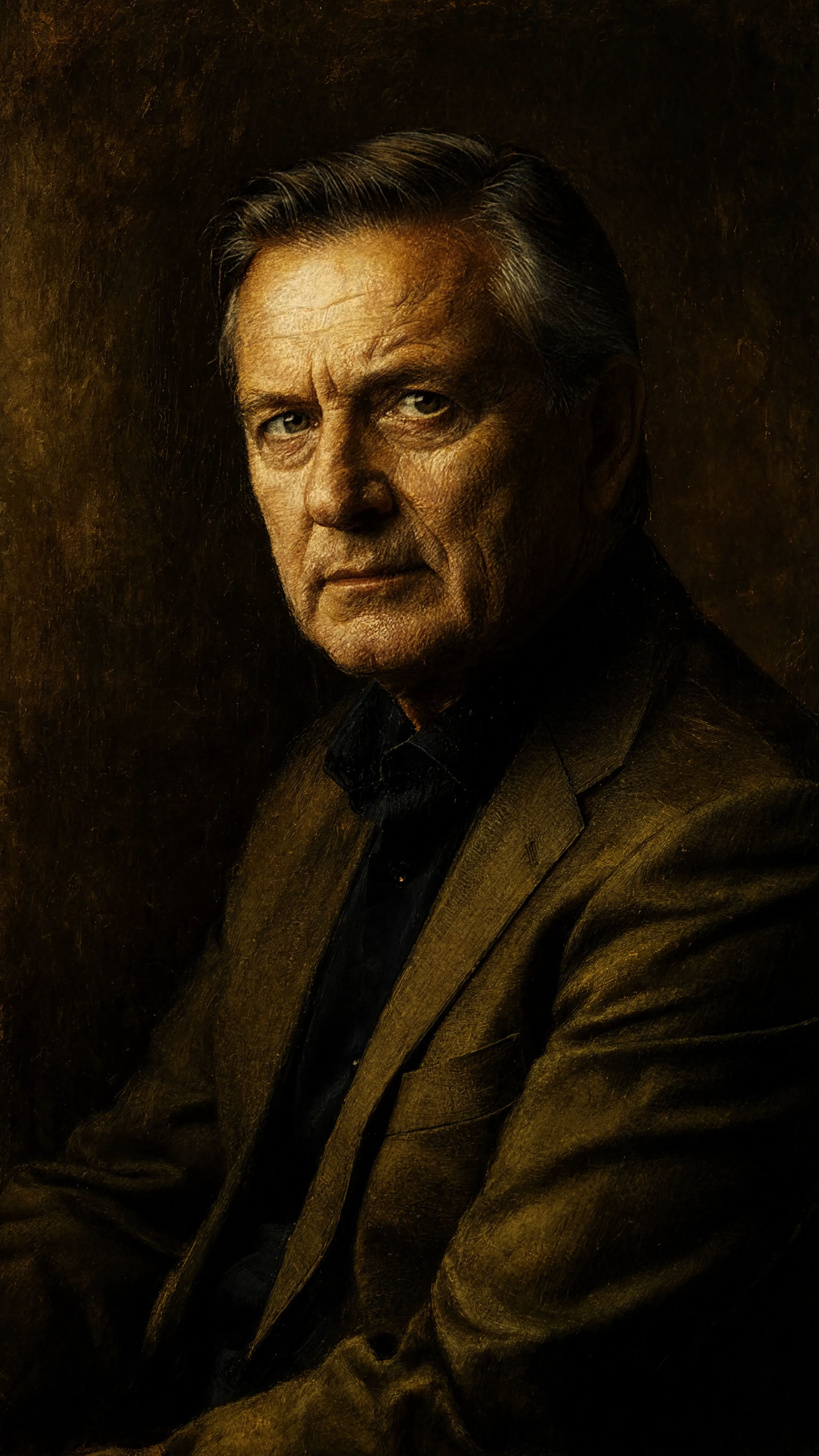
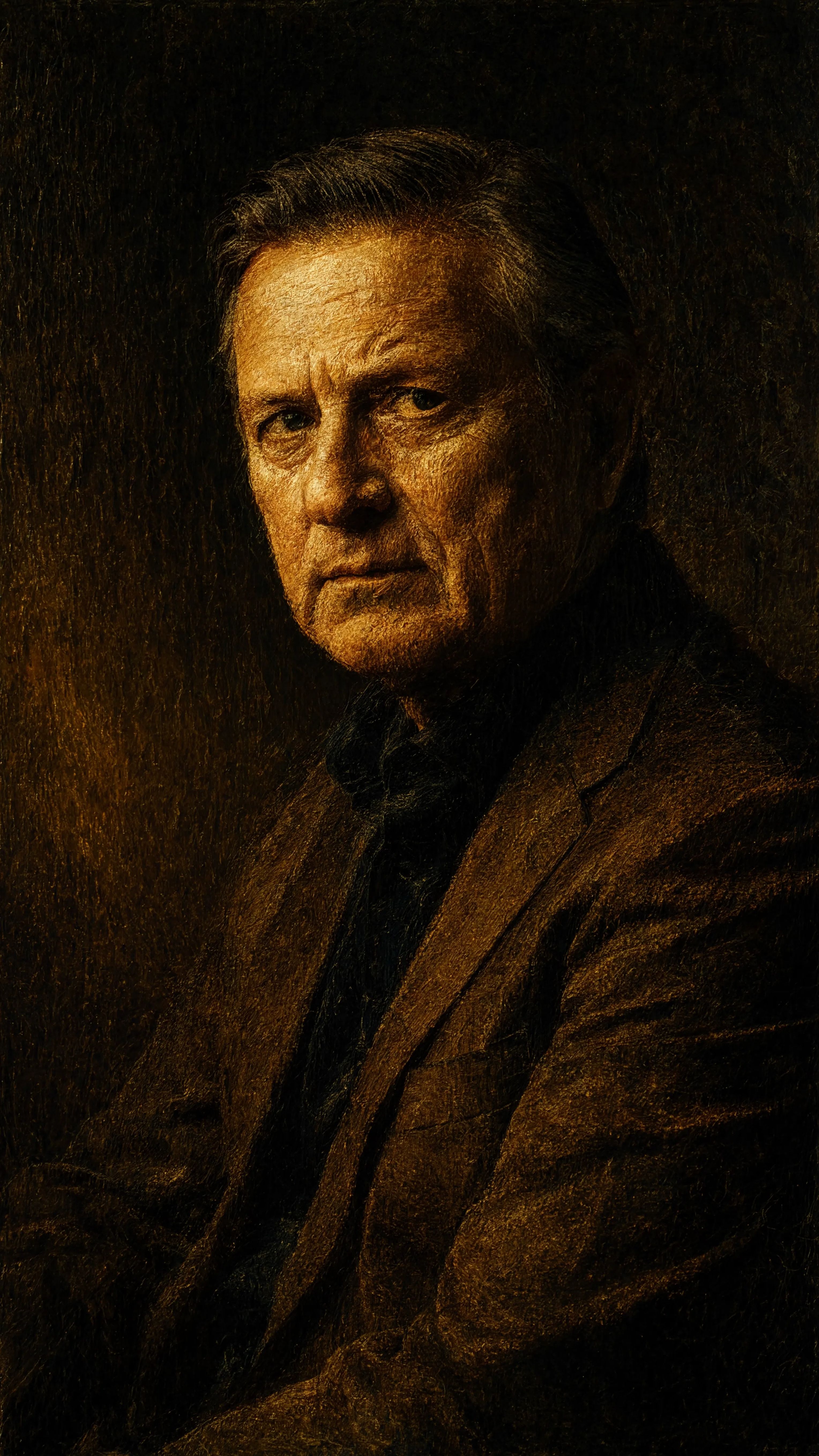
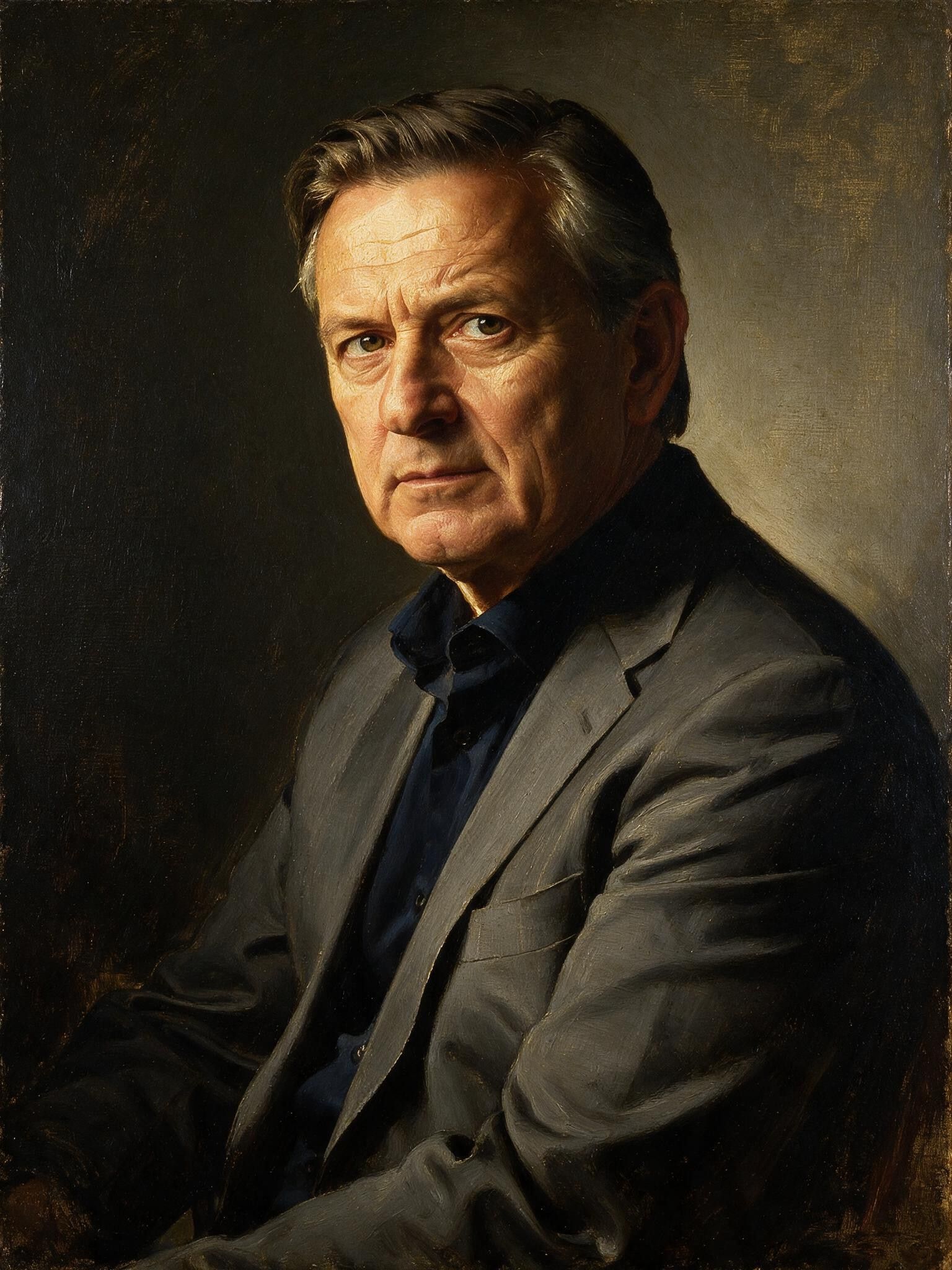
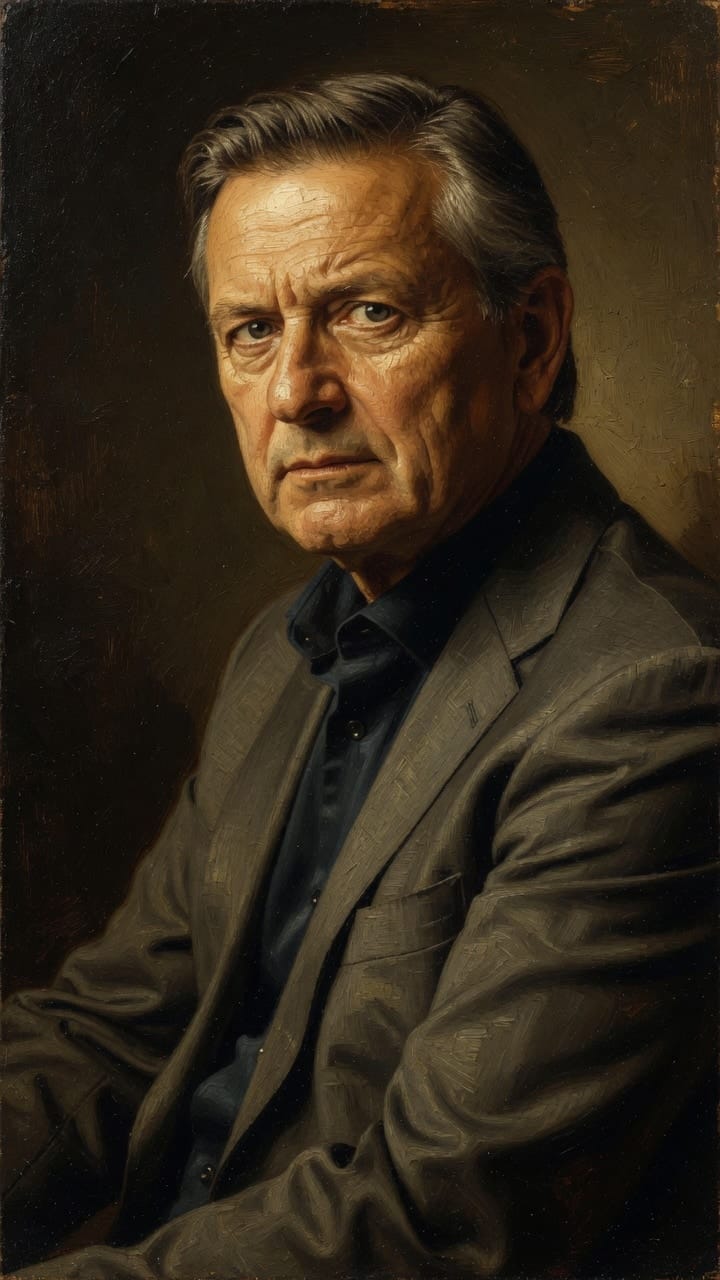
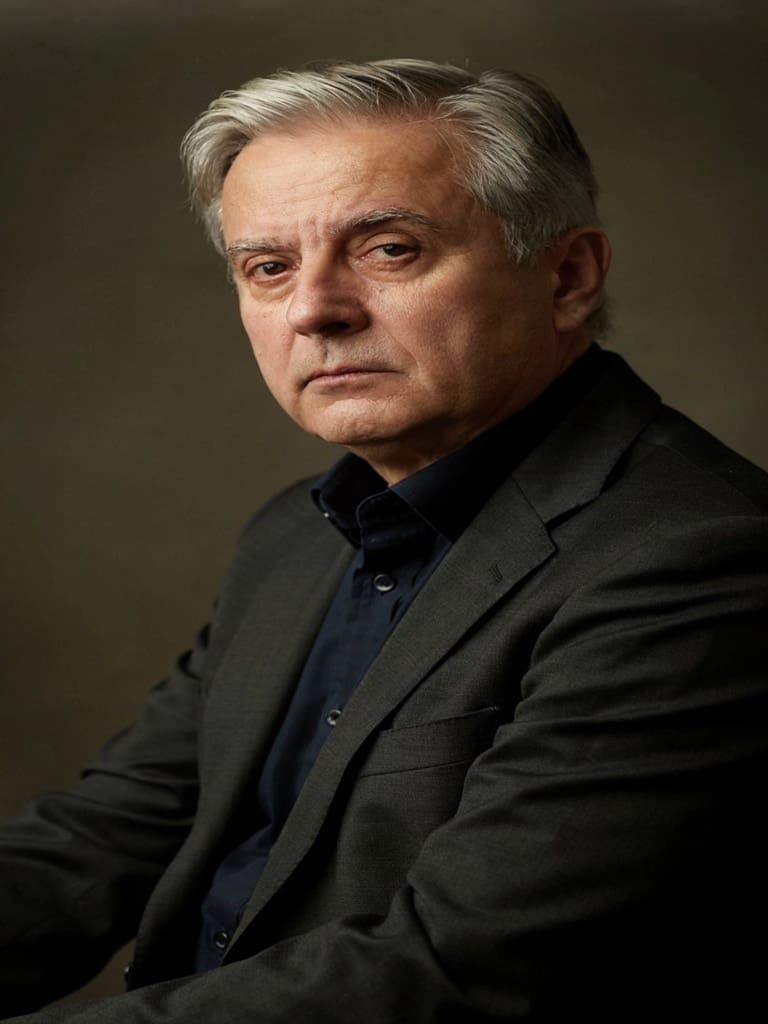
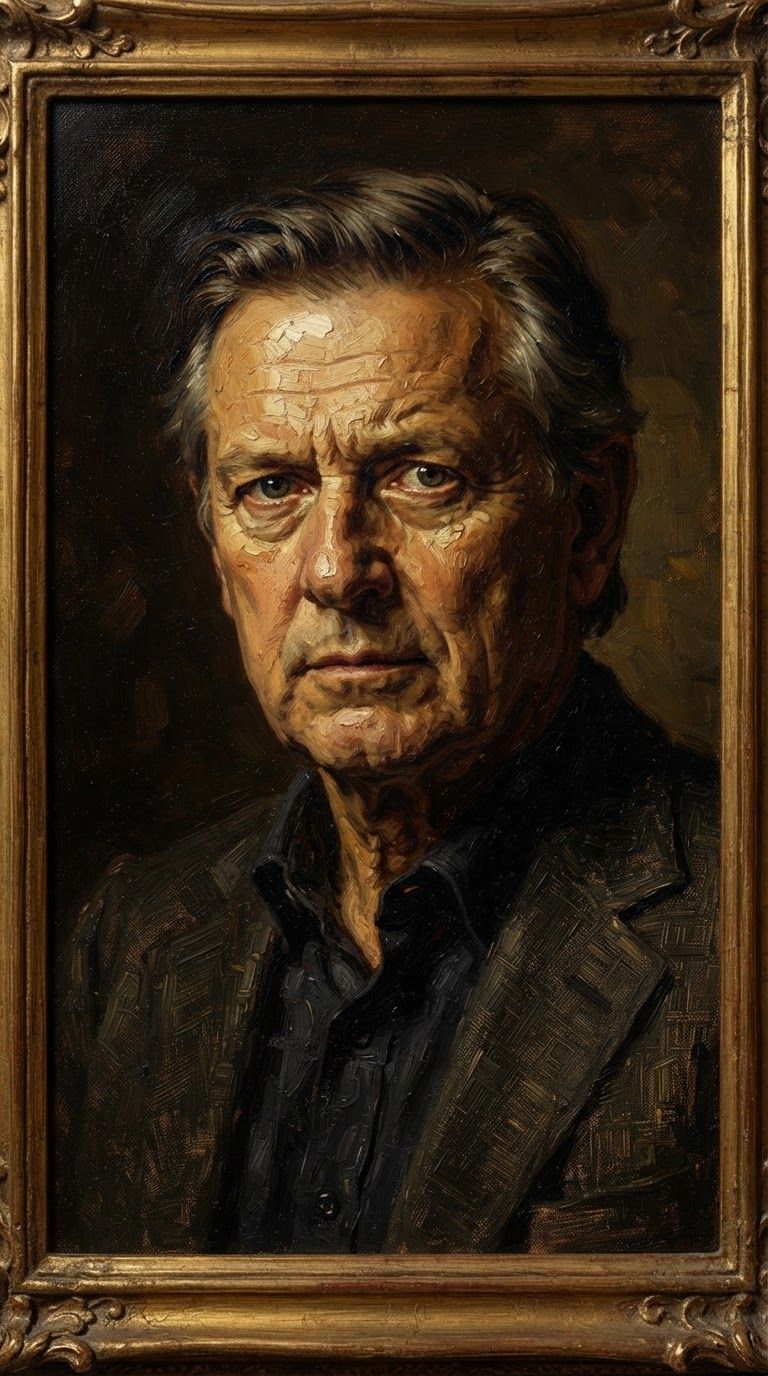
“Transform into a classical oil painting in the style of Rembrandt. Add visible impasto brushstrokes with thick paint texture. Apply warm golden undertones and dramatic chiaroscuro lighting with deep shadows. Enhance the dramatic contrast while preserving facial structure and expression. Add subtle canvas texture visible through the paint layers.”
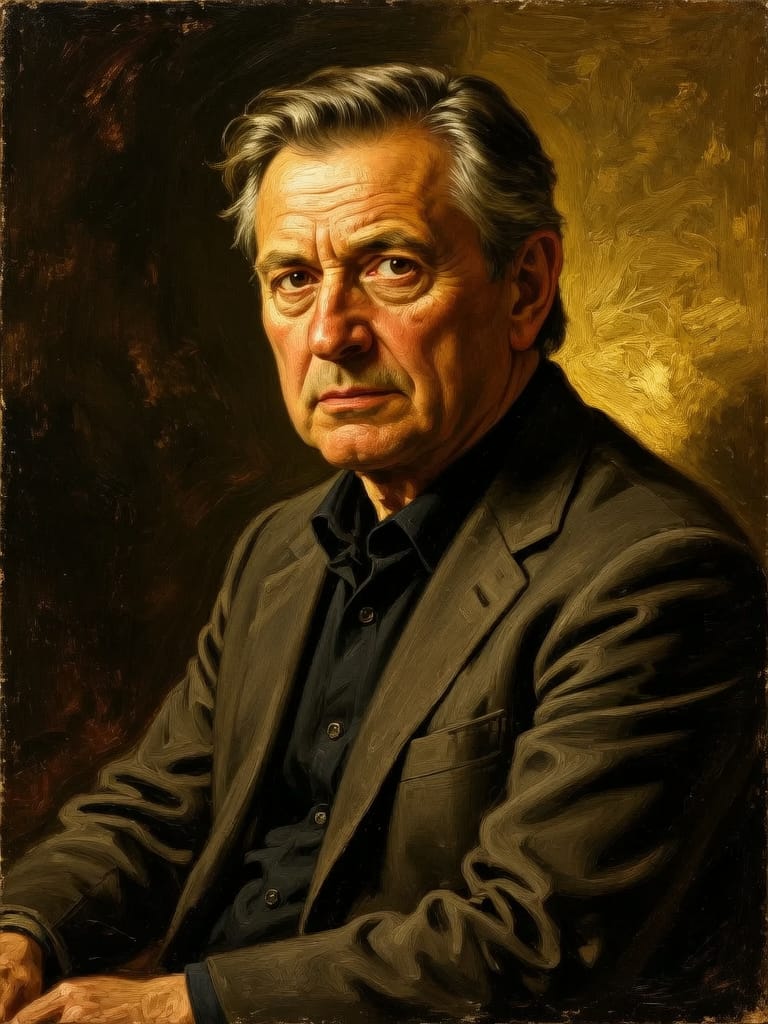
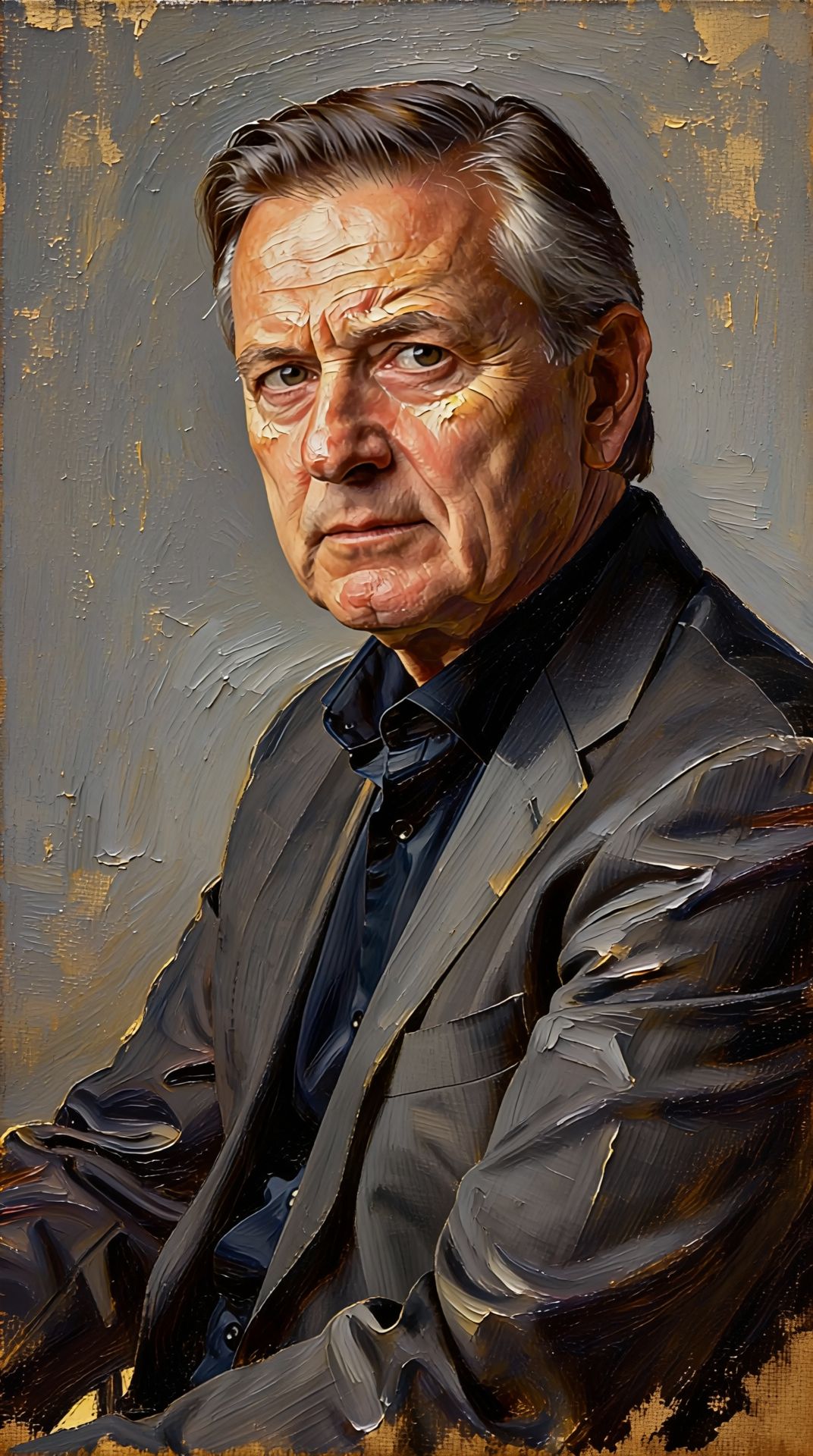
Zažite dokonalosť s Reve 2.1
Prejdite ešte dnes na syntézu riadenú uvažovaním
Často kladené otázky
Podobné modely
Seedream 5.0 Pro Image Editing
Precise region-based image editing
0.3 kreditov
Wan v2.6 Image to Image
Edit images using reference photos
0.3 kreditov
Vidu
Image generation with reference consistency
0.2 kreditov
Gemini 3.1 Flash Image Preview
Ultra-fast Google image editing
0.7 kreditov
Reve 2.1
Remix images with text prompts
1.5 kreditov
Nano Banana Lite Edit
Fast efficient image editing
6 kreditov
Ideogram V4.0q Image to Image
Prompt-guided image restyling edits
0.1 kreditov
Grok Imagine Image Editing Quality
High-quality AI image editing
0.1 kreditov
Seedream
Fast intelligent multi-image editing
0.3 kreditov