Qwen Image Layered
Exakt bildredigering
Decomposes images into transparent layers
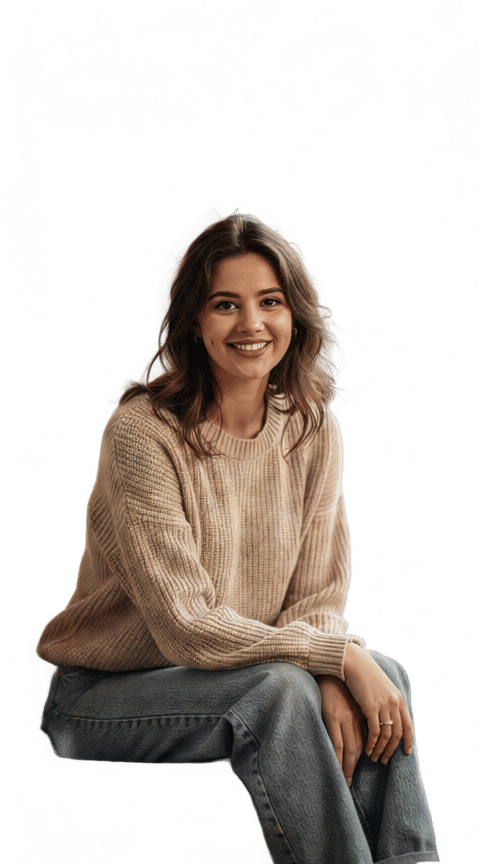


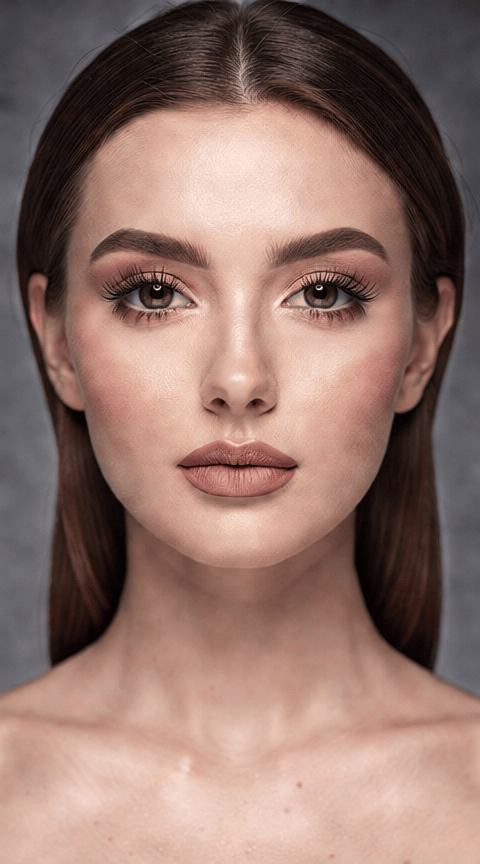
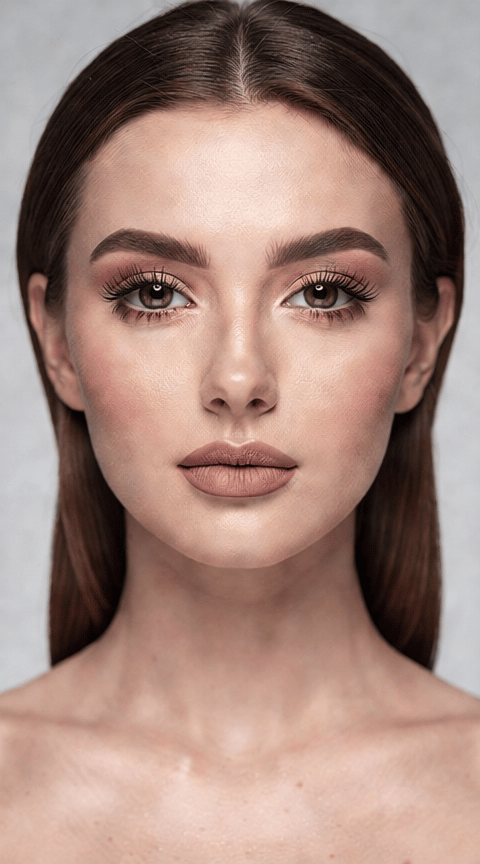
VIRTUELL MAKEOVER
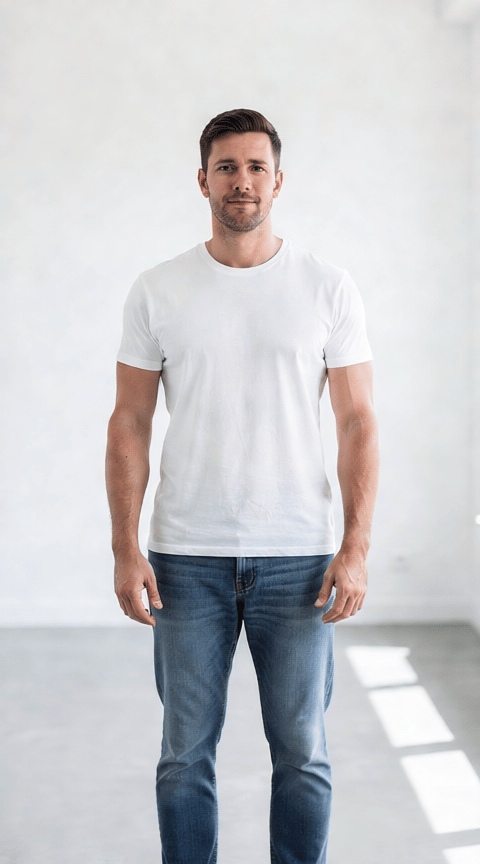
KLÄDESBYTE
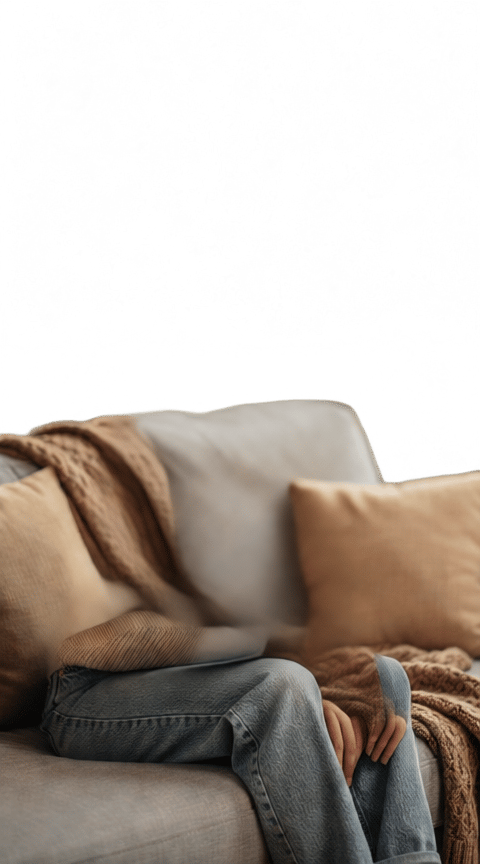
KREATIVT BAKGRUNDSBYTE
Qwen Image Layered är en unik bildbehandlingsmodell utvecklad av Black Forest Labs som ger kreativa proffs avancerade förmågor för bildseparering i lager. Istället för att bara applicera filter eller generera helt nya bilder tar denna modell vilken bild som helst – oavsett om det är ett foto, konstverk, konceptskiss eller webbild – och bryter ner den i flera redigerbara RGBA-lager. Varje lager behåller sin egen transparens, vilket ger en oöverträffad grad av kreativ frihet i efterbearbetning, kompositing eller animeringsarbetsflöden.
Denna lagerbaserade approach gör Qwen Image Layered särskilt tilltalande för konstnärer, designers, filmskapare och innehållsskapare som förlitar sig på att manipulera visuella element separat – tänk bakgrundsbyten, texturöverlägg, komplexa kollage eller animeringspipelines. Istället för att arbeta med en enda platt bild får skapare separata lager som speglar den strukturella djupet i deras indata.
Modellen accepterar ett brett utbud av vanliga bildformat, inklusive JPG, PNG, JPEG, WEBP, GIF och AVIF. Skapare kan snabbt ladda upp visuellt material via dra-och-släpp, klistra in eller genom att ange URL:er. När en bild har skickats in har användare intuitiva kontroller över flera aspekter av lager-genereringsprocessen:
-
Antal lager: Välj hur många separata RGBA-lager du vill extrahera eller syntetisera (mellan 1 och 10). Detta ger dig flexibiliteten att finjustera bildens komplexitet, oavsett om du behöver en enkel förgrund/bakgrund-delning eller en mycket granulär uppdelning för tekniska konstprocesser.
-
Kreativ vägledning: Förbättra separeringen genom att tillhandahålla en textprompt som fungerar som en bildtext eller kreativ guide. Detta kan påverka hur modellen tolkar och separerar element i din bild för mer skräddarsydda resultat.
-
Negativa prompts: Ange vad du inte vill ha i de genererade lagren, vilket hjälper till att styra modellen bort från oönskade stilar eller funktioner.
-
Detalj och kvalitet: Justera detaljupplösning och promptföljsamhet via intuitiva kvalitetsreglage. Dessa låter dig välja om modellen ska prioritera mer bokstavliga separeringar, kreativa tolkningar eller en balans av båda, och kan anpassas för olika projektbehov.
-
Formatval: Välj utdataformatet som bäst passar ditt arbetsflöde – PNG för hög kvalitet och transparensstöd, eller WEBP för lättare filer som är mer lämpliga för webbprojekt.
För de som arbetar med tidskänsliga projekt låter accelerationskontroller dig balansera mellan vanlig och höghastighetsbearbetning, vilket hjälper dig att få snabbare resultat när det behövs. Du kan också justera resultatskonsekvensen genom att valfritt ange ett kreativt seed, vilket säkerställer upprepningsbarhet vid generering av lager från samma bild och prompt.
Dessutom, för de som är oroliga för säkra-för-arbete-utdata, kan en valfri säkerhetskontroll aktiveras. Detta hjälper till att flagga eventuella bilder som systemet identifierar som potentiellt innehållande NSFW-koncept, vilket ger trygghet för kommersiella eller publika projekt.
Qwen Image Layered är idealiskt för alla som behöver flexibla, skiktade bilder:
- Konstnärer och illustratörer kan snabbt generera separata lager från sina egna målningar eller referensbilder för vidare digital manipulation eller animation.
- Designers gynnas av snabba separeringar för kollage, layoutmockups och avancerad retuschering utan tidskrävande manuella utklipp.
- Filmskapare och animatörer får nya verktyg för bakgrund/förgrund-isolering, elementextraktion och förberedelse av tillgångar för VFX eller motion design.
- Innehållsskapare kan blanda, remixa eller anpassa källbilder till nya kompositioner med större kontroll över varje visuellt komponent.
Överväganden: Medan modellen ger djup kreativ kontroll styrs utdata slutligen av strukturen och innehållet i din källbild, kombinerat med dina valda inställningar och valfria prompts. Det finns inga explicita garantier för specifika visuella stilar eller perfektion i varje lagerseparering – resultat kan variera beroende på komplexitet och tydlighet i indata bilden. Bästa praxis inkluderar att experimentera med antalet lager, använda tydliga prompts för riktade resultat och förhandsgranska utdata innan du finaliserar tillgångar för dina arbetsflöden.
Sammanfattningsvis är Qwen Image Layered ett kraftfullt verktyg för medieproffs som söker bryta ny mark inom digital kreativitet. Genom att förvandla vanliga bilder till multi-skiktade, redigerbara tillgångar öppnar det upp expansiva möjligheter för innovation inom digital konst, design, animation och mer.
Generera med den mest avancerade bildredigeraren
Add the image that you want change
Ladda upp bild
Lägg till bilden du vill redigera eller omvandla
A woman kneeling in darkness, illuminated by a warm, radiant beam of light emerging from her raised hand.
Skriv dina ändringar
Beskriv ändringarna du vill ha – stiländringar, borttagning av objekt eller förbättringar
Börja dela
Ladda ner din professionellt redigerade bild
Bortom prompten: En ny nivå av kontroll
SÄsongsÖVERSÄTTNING
Förvandla utan ansträngning en utomhuslandskap från en säsong till en annan, och visa manipulation av miljölager utan att förlora kärnstrukturen.
ARKITEKTONISK OMDESIGN
Belyser förmågan att selektivt uppdatera arkitektoniska drag samtidigt som den övergripande scenkontexten bevaras, perfekt för visualisering av byggnadsrenoveringar.
DYNAMISK HIMMELSBYTE
Byt ut tråkiga eller mulna himlar mot levande, dramatiska molnlandskap, och lagerlägg den nya himlen korrekt bakom landskapselement som träd eller byggnader.
Jämför med liknande modeller
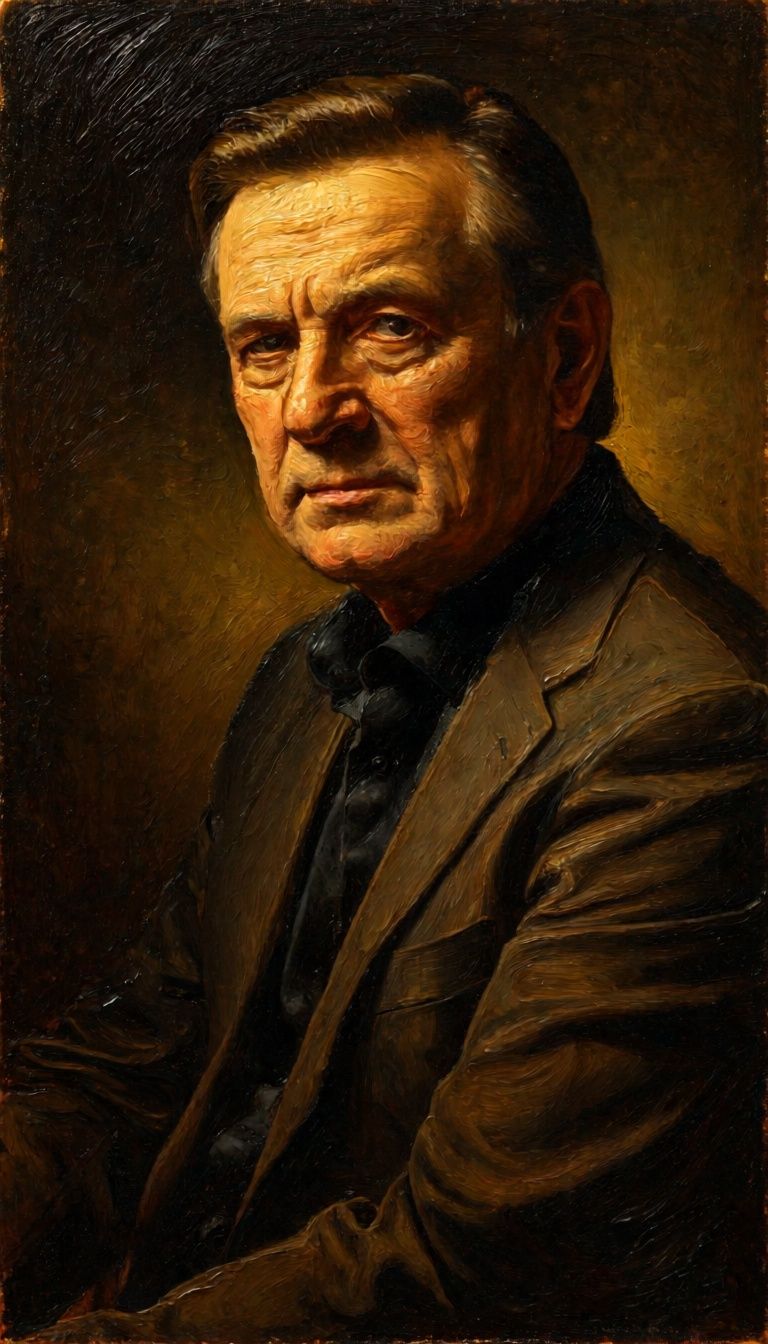
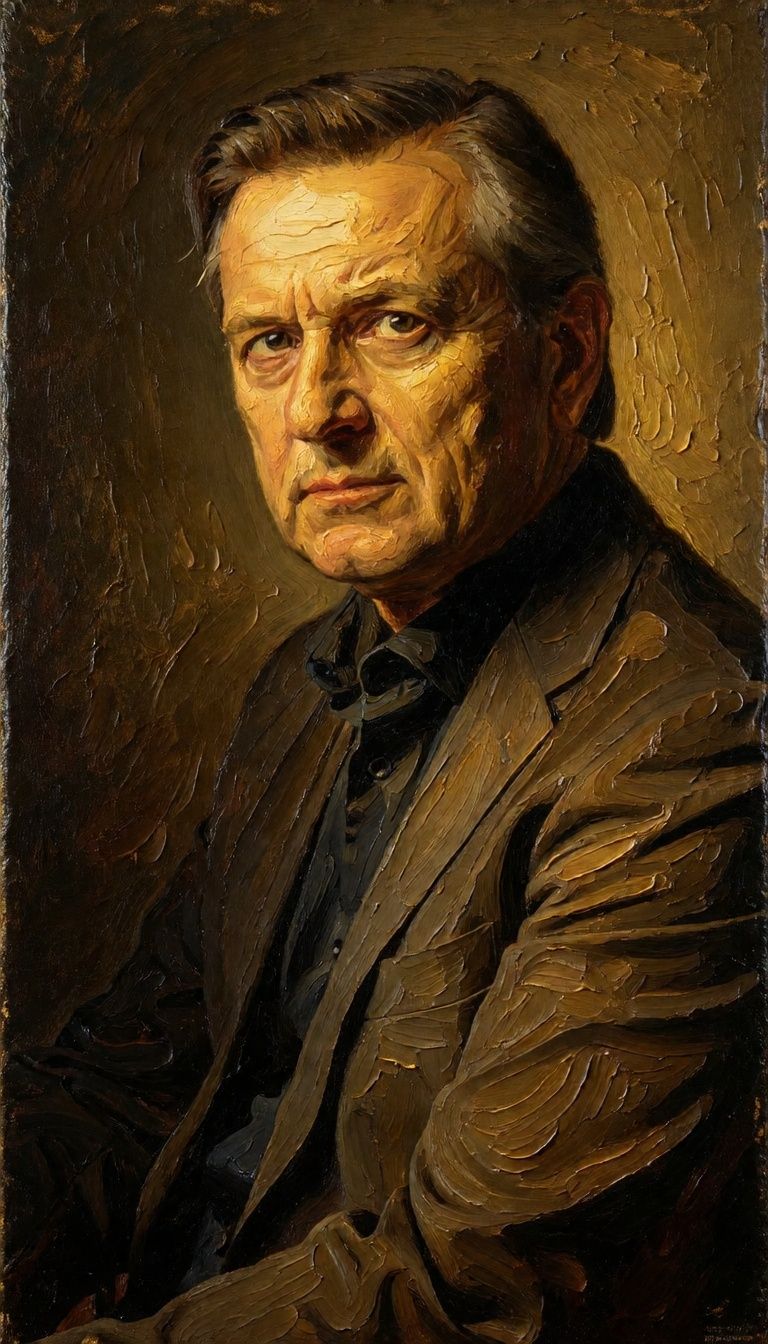
“Transform into a classical oil painting in the style of Rembrandt. Add visible impasto brushstrokes with thick paint texture. Apply warm golden undertones and dramatic chiaroscuro lighting with deep shadows. Enhance the dramatic contrast while preserving facial structure and expression. Add subtle canvas texture visible through the paint layers.”



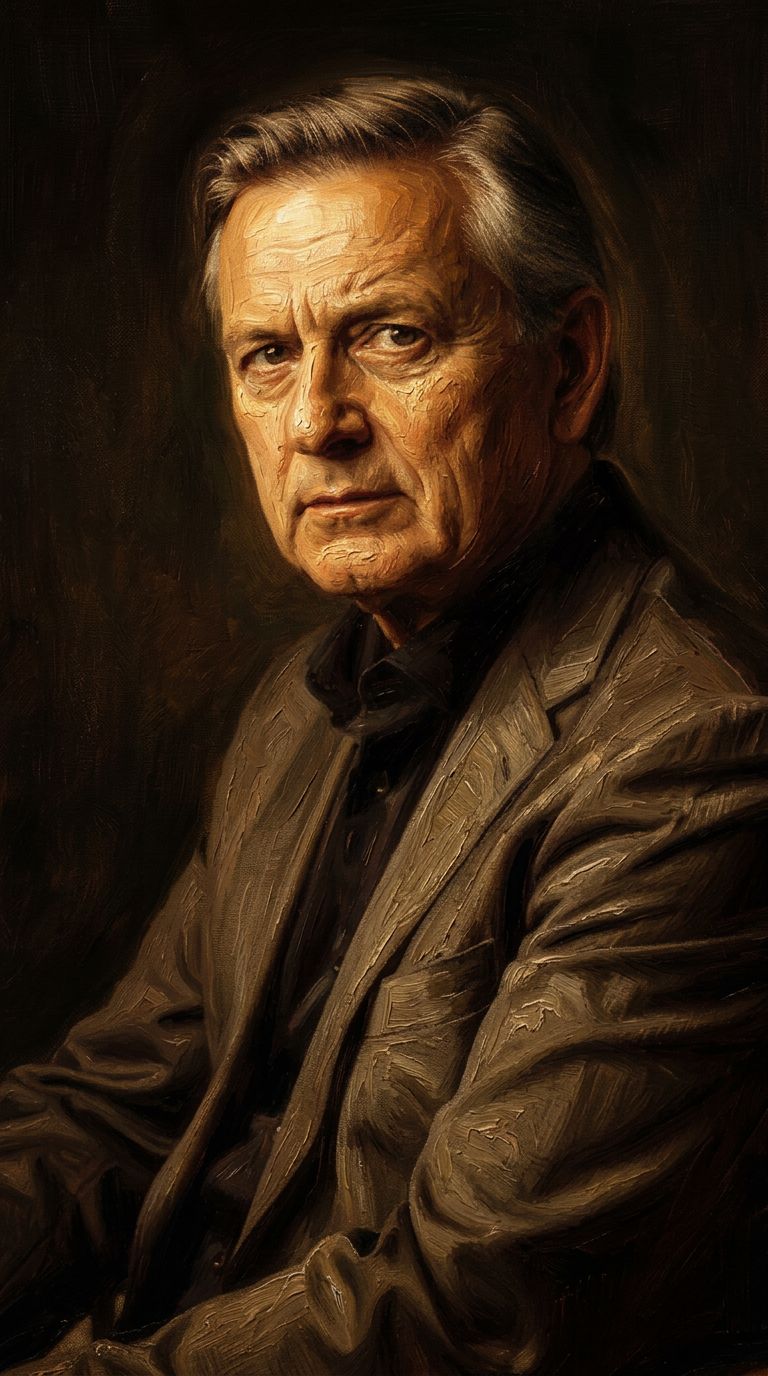
![FLUX.2 [klein] 4B LoRA output](https://shortgenius.com/cdn-cgi/image/width=3840,quality=80,format=auto/https://assets.shortgenius.com/example-model-output/10a63e77-67c3-46e6-83d3-b7b93355e72c.png)
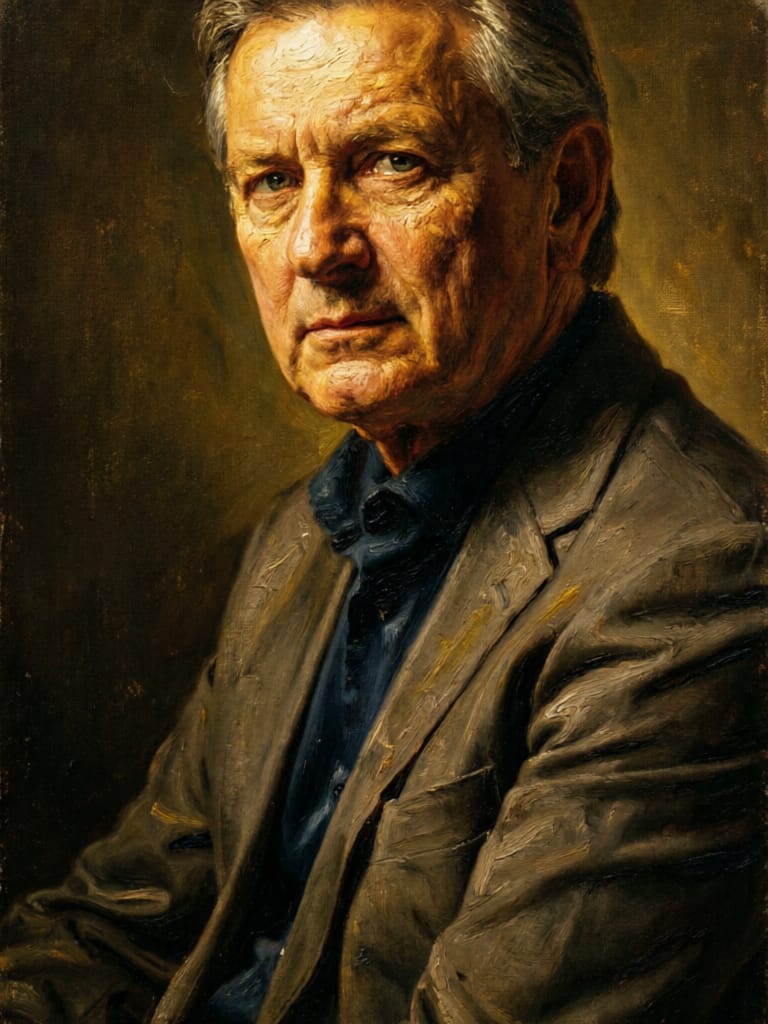

![FLUX.2 [klein] 9B LoRA output](https://shortgenius.com/cdn-cgi/image/width=3840,quality=80,format=auto/https://assets.shortgenius.com/example-model-output/cc1806c8-2af0-47e7-bd34-a95d2d180bfb.png)
Upplev perfektion med Qwen Image Layered
Byt till resonemangsstyrd syntes idag
Vanliga frågor
Liknande modeller
Phota
Identity-preserving personalized photo editing
0.4 krediter
![FLUX.2 [klein] 9B LoRA](https://v3b.fal.media/files/b/0a928dd2/yFNW07YLHtp5zuE4eJAW1_e2f89915a1b740559b3c652b0b028296.jpg)
FLUX.2 [klein] 9B LoRA
Precise image edits, color control
0.3 krediter
![FLUX.2 [klein] 4B LoRA](https://v3b.fal.media/files/b/0a928e1f/c62zNs4MhBXgm-5w7n0C5_90bad8837ecc451e96f91da93b78f564.jpg)
FLUX.2 [klein] 4B LoRA
Edit images with text, colors
8 krediter
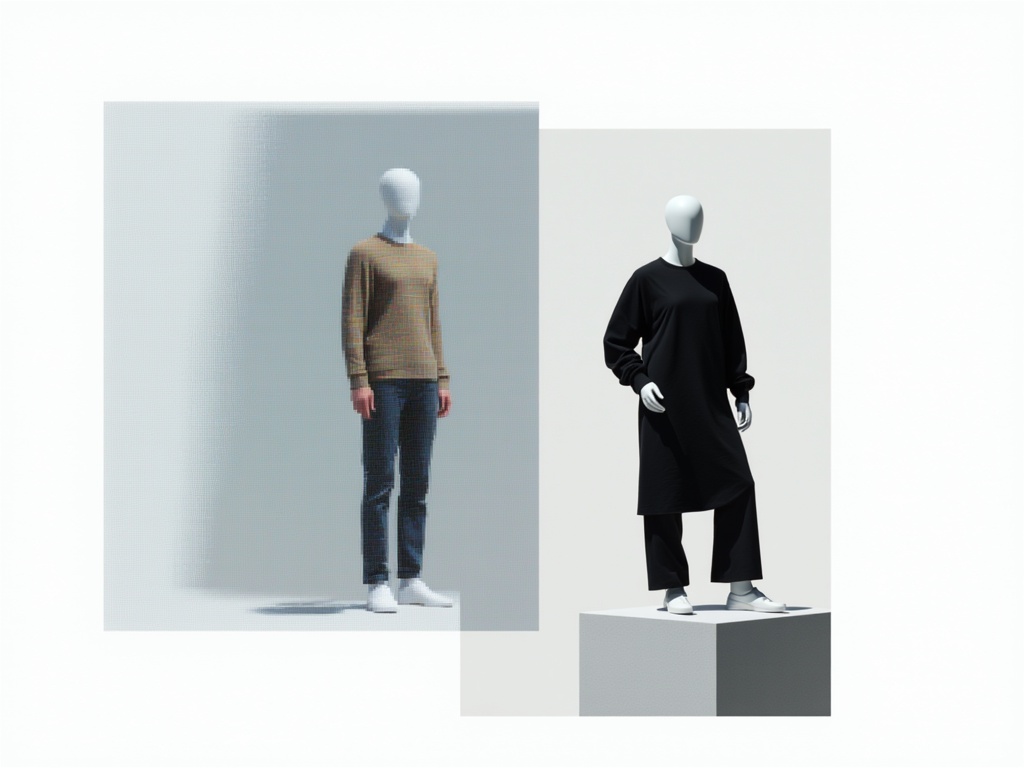
Hy Wu Edit
Edit images with reference photos
0.4 krediter
Qwen Image 2
Unified AI image editing model
0.5 krediter
Physic Edit
Realistic physics-based image editing
1.2 krediter
Joyai Image Edit
Natural language image editing
0.8 krediter
Wan
Pro text-guided image editing
0.3 krediter
![FLUX.2 [klein] 9B LoRA](https://v3b.fal.media/files/b/0a928e3b/sIC-Ne9BMwZZtBvR3FwKN_9a724704a550471a9df59999e9e1017f.jpg)
FLUX.2 [klein] 9B LoRA
Precise natural language image editing
0.5 krediter