Z-Image Turbo
Exakt bildredigering
Ultra-fast image editing model
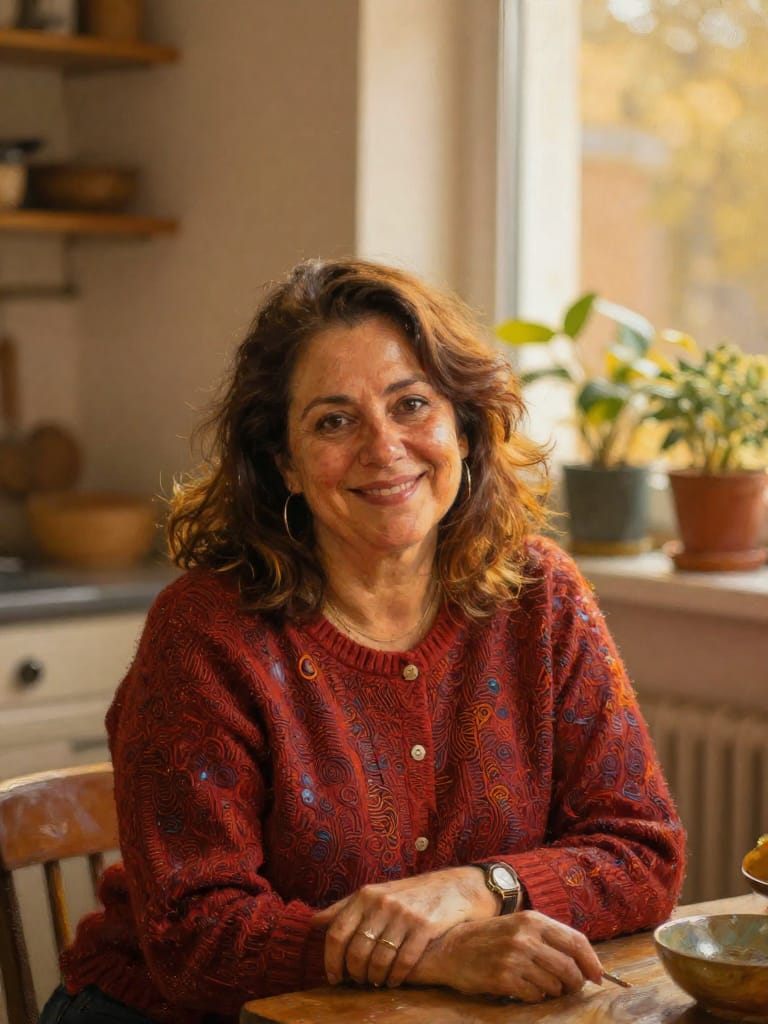
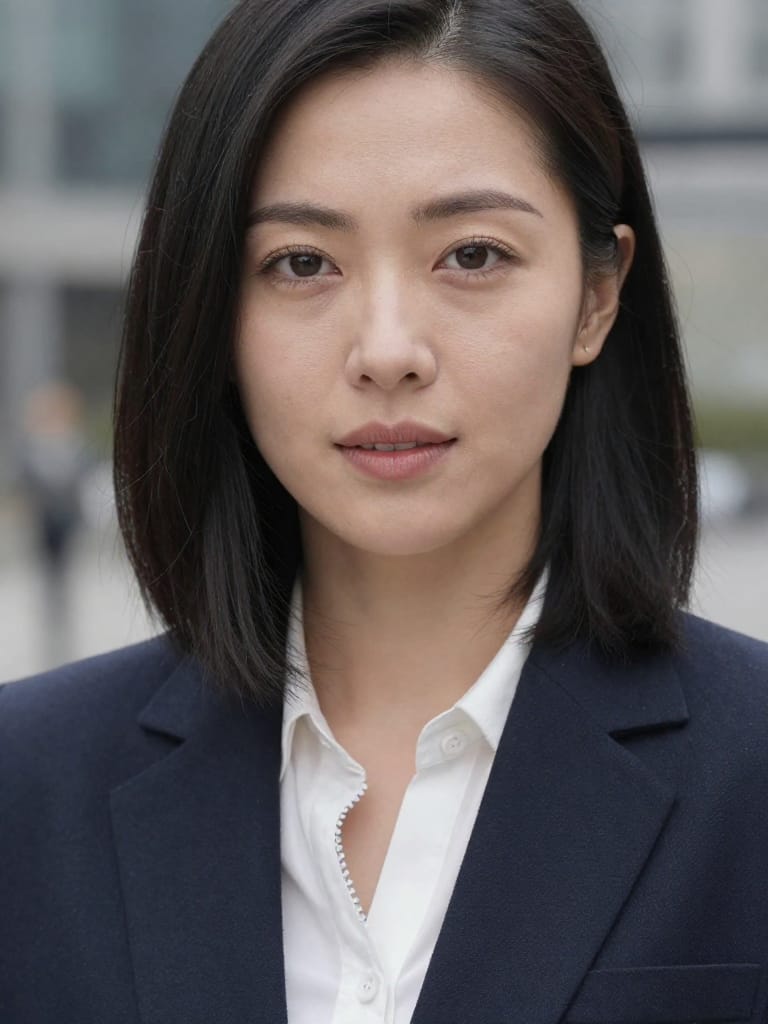
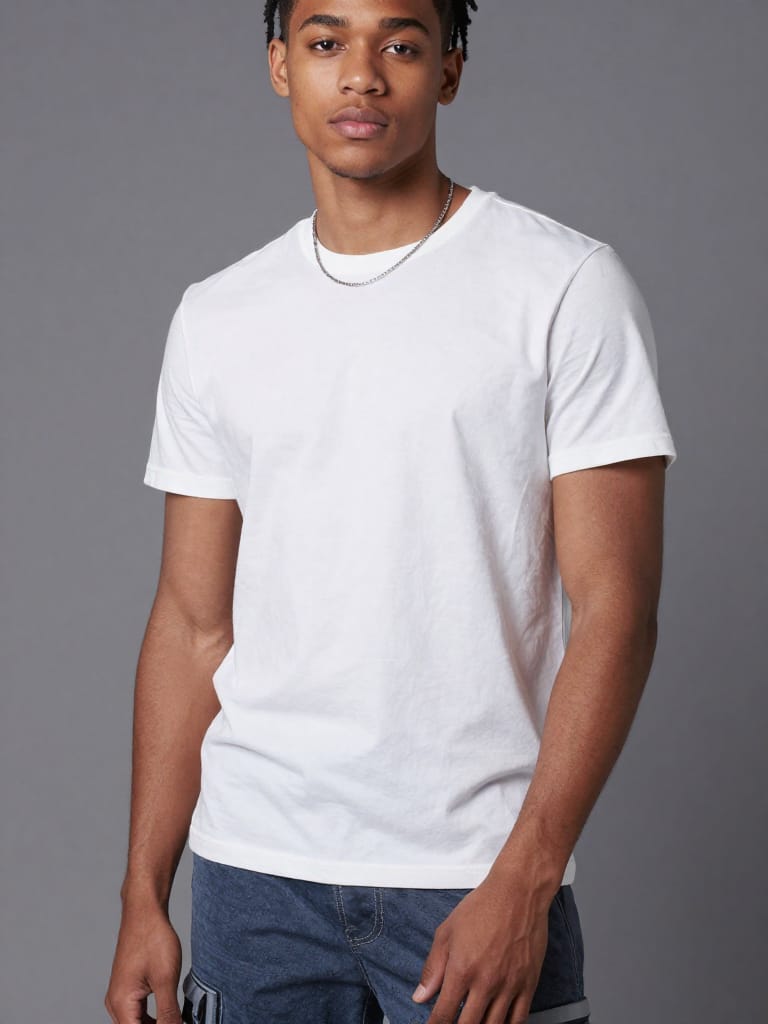
FASHION STYLE SWAP
ARTISTIC STYLE RENDERING
FACIAL EXPRESSION CHANGE
Z-Image Turbo is a cutting-edge image transformation tool that enables artists, designers, filmmakers, and content creators to generate new images by combining visual references with detailed textual instructions. Developed by Black Forest Labs, this tool uses advanced technology specifically designed for image-to-image generation, meaning you start with an existing image and a descriptive prompt to guide the creative process. This hybrid approach allows for a unique blend of structure retention and fresh creativity, giving users the flexibility to reimagine visuals without losing key elements from their original images.
What Can You Create?
With Z-Image Turbo, you can apply broad or subtle visual changes to your source images while ensuring your creative intent shines through. Whether you want to change outfits, lighting, backgrounds, or apply artistic effects, the tool preserves the essential layout and structural details of your original image while bringing your descriptive prompt to life. This makes it incredibly versatile for:
- Creating multiple product design variants from existing photos
- Rapid pictorial prototyping for campaign mockups or artboards
- Exploring different color schemes, materials, or scene compositions
- Artistic reinterpretations or style transfers for photography, storyboarding, or branding
- Generating visual options for A/B testing in marketing, publishing, or fashion
Ideal for Creative Professionals
Z-Image Turbo is built for anyone who needs to iterate visually on their work fast and with control. Photographers can update image moods or backgrounds; graphic and fashion designers can prototype new looks; storytellers and filmmakers can generate concept art or pitch visuals. E-commerce teams can easily create stylized product visuals or simulate variations without needing multiple photo shoots. When you need high-quality, flexible image transformation for commercial projects or artistic experiments, this tool is designed to support you.
Supported Formats, Resolutions, and Styles
You can start from a wide range of reference image formats, including JPEG, PNG, WebP, GIF, and AVIF — making it easy to work with whatever files you already have. Output images can be generated in the format that best suits your workflow: JPEG, PNG, or WebP. The tool automatically adapts to your input image's resolution, supporting custom dimensions and a variety of aspect ratios like square, portrait, or landscape. This lets you match specific project requirements, from social media posts to print layouts. The creative style of your output is as expressive or subtle as your text prompts and prompt adherence settings dictate, offering both realistic and stylized results.
Quality and Performance
Z-Image Turbo is engineered for commercial-grade quality at remarkable speed. Optimized for efficiency, it completes most image transformations in just a few steps. Users can adjust the quality/detail level to strike their own balance between faster previews and maximum output quality. Multiple acceleration settings are available, letting you decide if you want results as quickly as possible, or at the highest fidelity. Batch generation lets you produce up to four image variations in a single go, perfect for creative exploration or comparison.
Creative Controls and Customization
Every transformation is guided by two main user-facing controls:
- Textual Guidance (Prompt): Describe the changes, mood, or details you want to see. The more specific the prompt, the more the tool adapts the input image to your vision.
- Transformation Strength: Choose how much the output should diverge from your original. Lower strength settings keep the transformation more faithful to the source, ideal for subtle edits, while higher strengths allow for bolder re-imaginings.
Additional customization lets you:
- Select from various output image sizes to suit any project, from digital thumbnails to full-res artwork
- Pick your preferred file format for download or integration into your workflow
- Use batch processing to test different ideas in one session, reducing repetitive tasks and fostering creative comparison
Limitations and Best Practices
Because Z-Image Turbo preserves structure from your reference image, extremely abstract prompts or drastic style changes may require higher transformation strengths—though finding the right balance is easy through interactive adjustments. For best results, pair clear, descriptive prompts with images that already have the major structural elements you want to keep. While the tool is highly flexible, extremely specialized style transfer or hyper-consistent branding may be better served by dedicated fine-tuning tools (such as a related LoRA variant). Also, while it is fast, more complex and high-resolution outputs may require extra processing time if higher quality settings are chosen.
Summary
Z-Image Turbo gives creative professionals an accessible, powerful way to re-imagine images using both their visual and narrative vision. Its finely tuned balance between creative freedom and structural fidelity, combined with exceptional performance and intuitive controls, make it an essential tool for anyone working with visuals in art, design, film, or commerce.
Generera med den mest avancerade bildredigeraren
Add the image that you want change
Ladda upp bild
Lägg till bilden du vill redigera eller omvandla
A woman kneeling in darkness, illuminated by a warm, radiant beam of light emerging from her raised hand.
Skriv dina ändringar
Beskriv ändringarna du vill ha – stiländringar, borttagning av objekt eller förbättringar
Börja dela
Ladda ner din professionellt redigerade bild
Bortom prompten: En ny nivå av kontroll
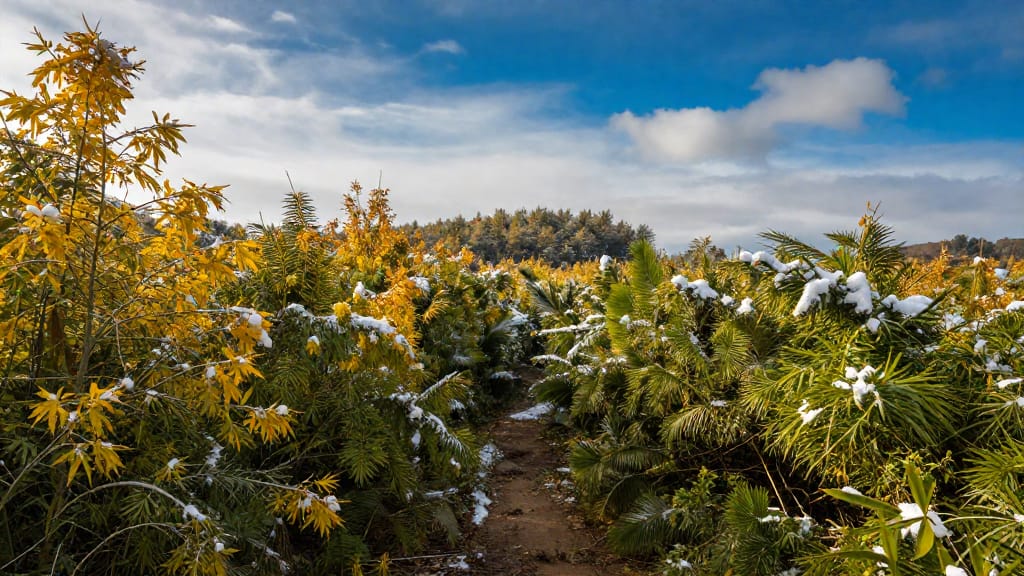
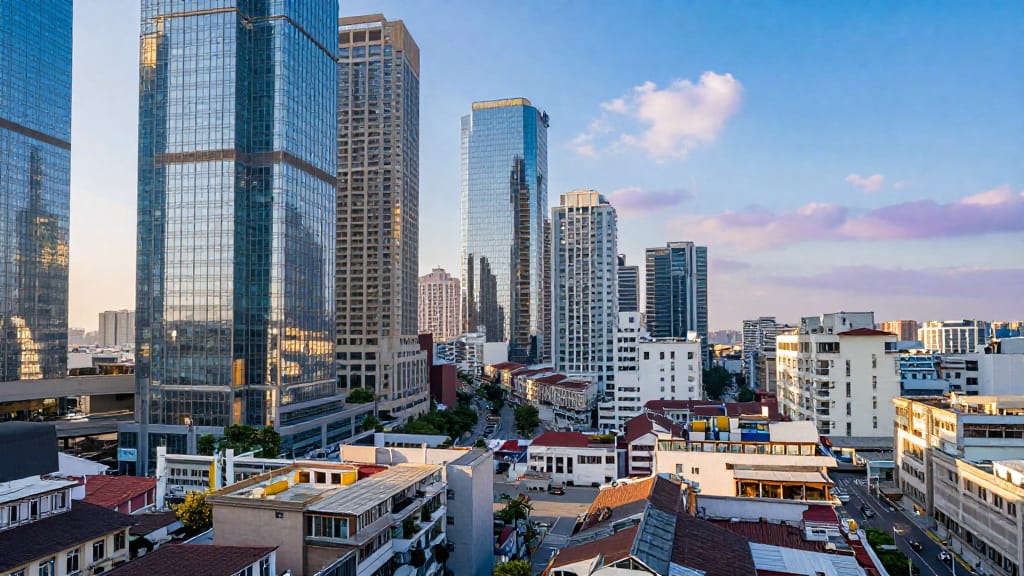
SEASONAL ENVIRONMENT SHIFT
Showcases dramatic landscape reimagining by altering seasonal atmosphere in wide outdoor shots, perfect for tourism marketing or film pre-visualization.
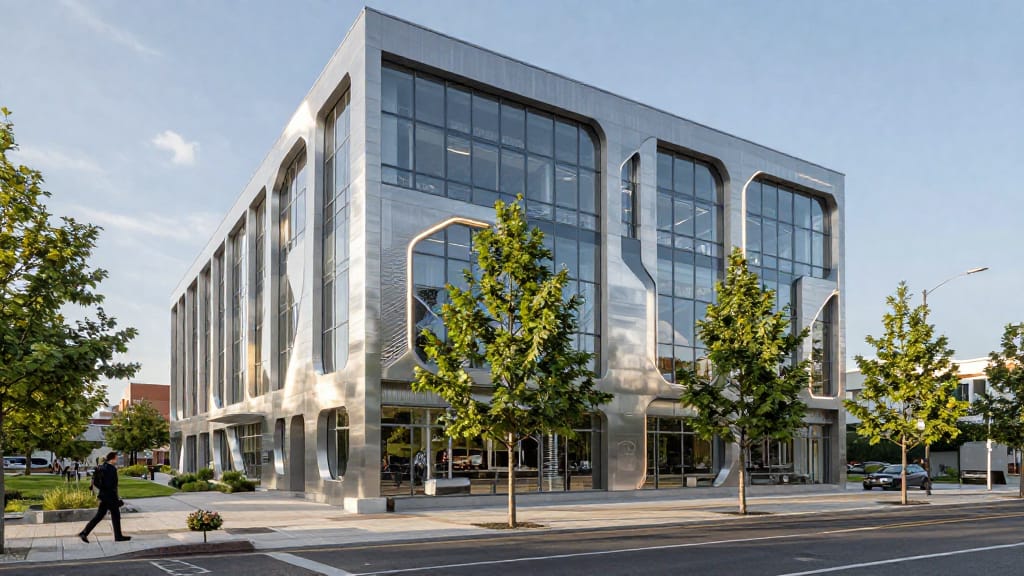
ARCHITECTURAL RESTYLE
Demonstrates Z-Image Turbo's control over structural preservation with stylistic enhancement, useful for architecture previsualization and real estate.
DRAMATIC LIGHTING OVERHAUL
Highlights advanced lighting transformations by completely changing the ambiance of a landscape photo—a powerful tool for editors, marketers, and filmmakers.
Jämför med liknande modeller
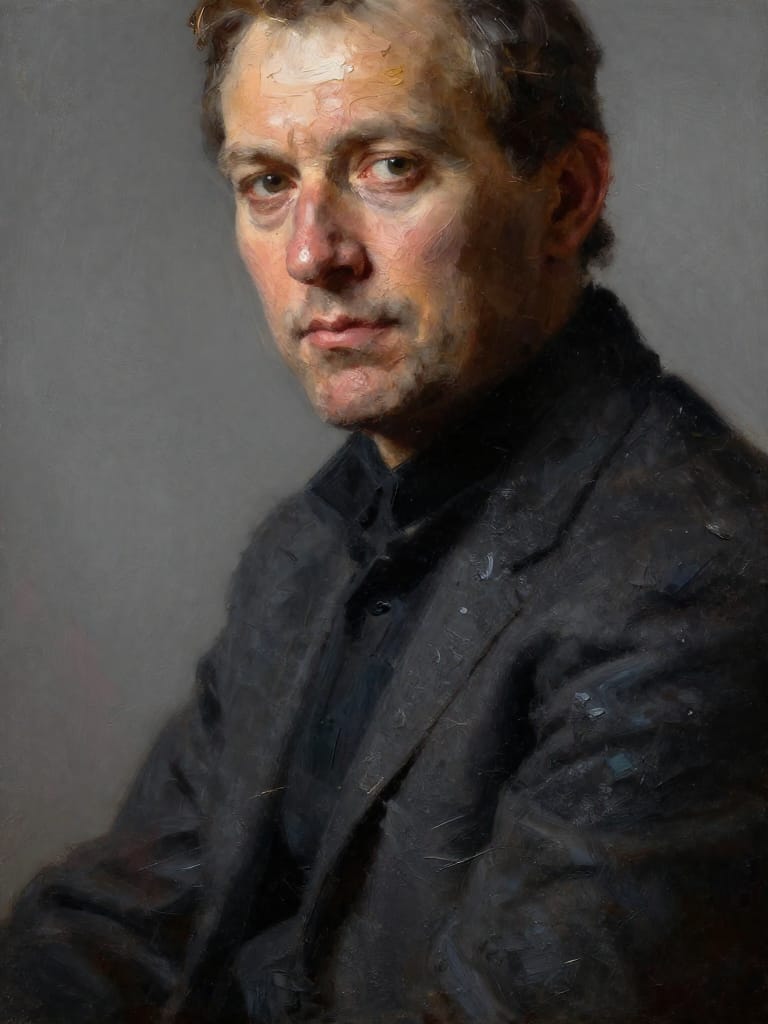
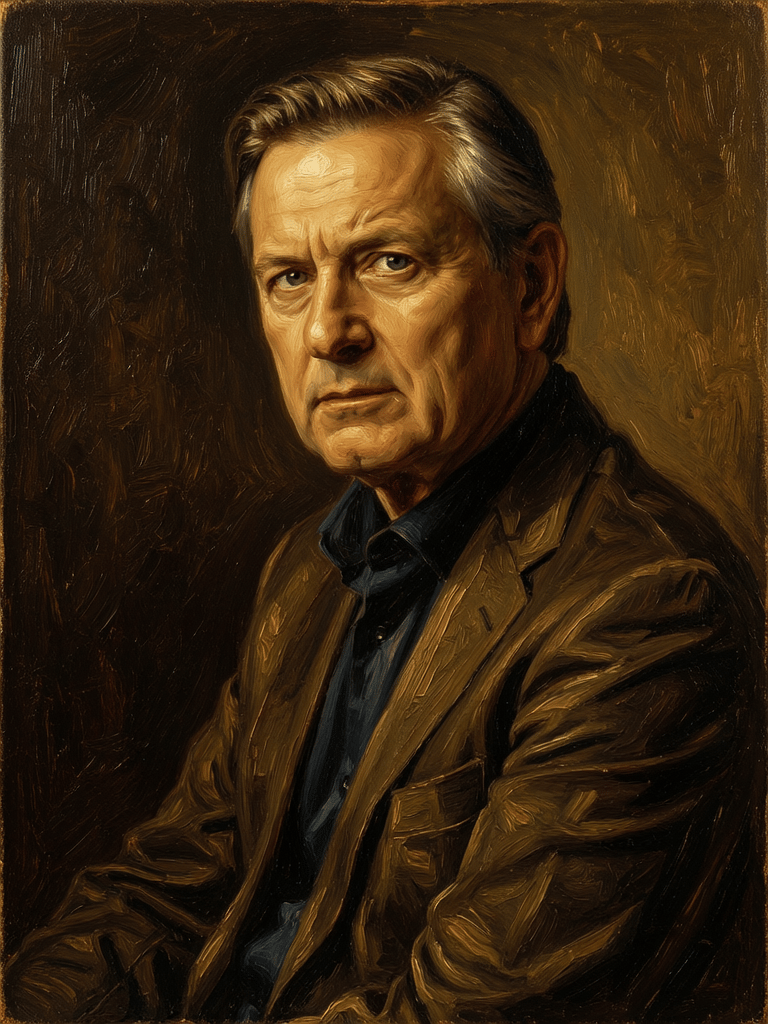
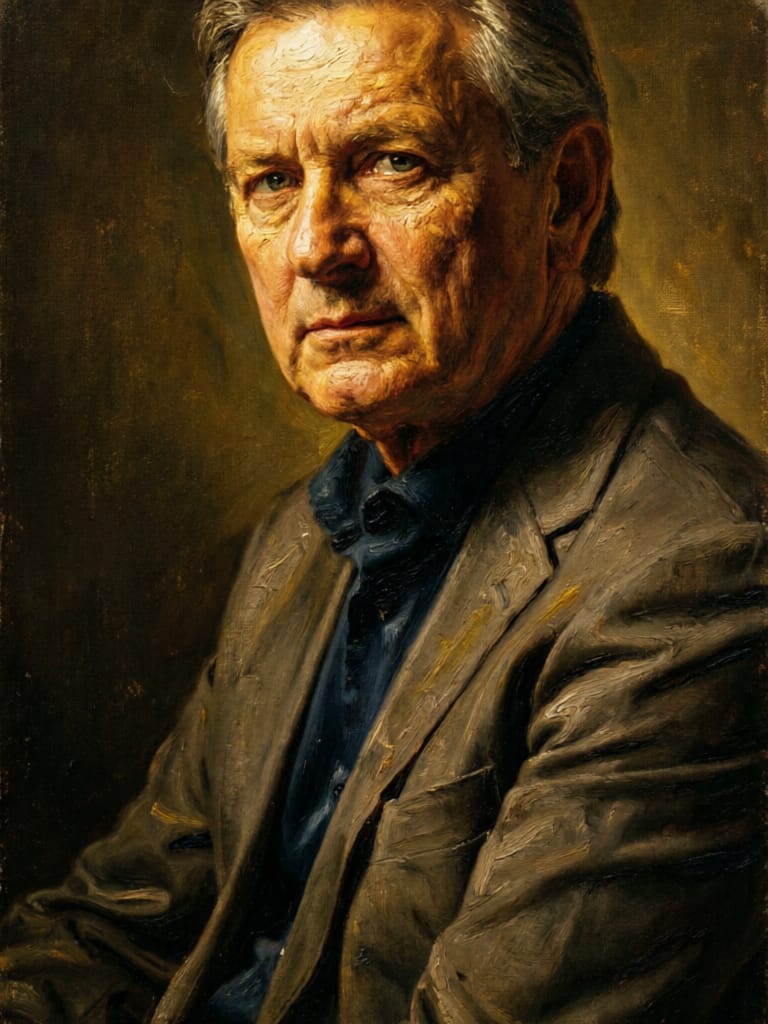
“Transform into a classical oil painting in the style of Rembrandt. Add visible impasto brushstrokes with thick paint texture. Apply warm golden undertones and dramatic chiaroscuro lighting with deep shadows. Enhance the dramatic contrast while preserving facial structure and expression. Add subtle canvas texture visible through the paint layers.”

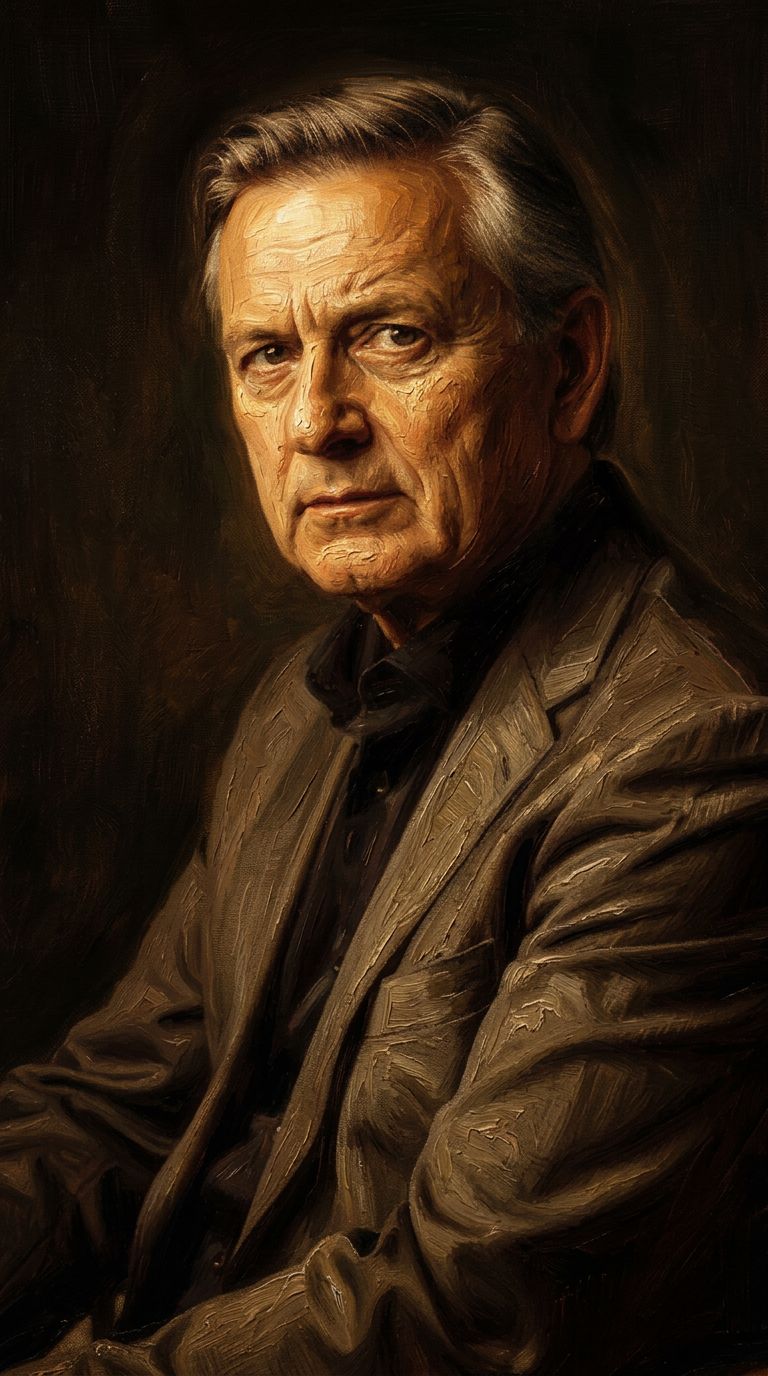
![FLUX.2 [klein] 9B LoRA output](https://shortgenius.com/cdn-cgi/image/width=3840,quality=80,format=auto/https://assets.shortgenius.com/example-model-output/cc1806c8-2af0-47e7-bd34-a95d2d180bfb.png)
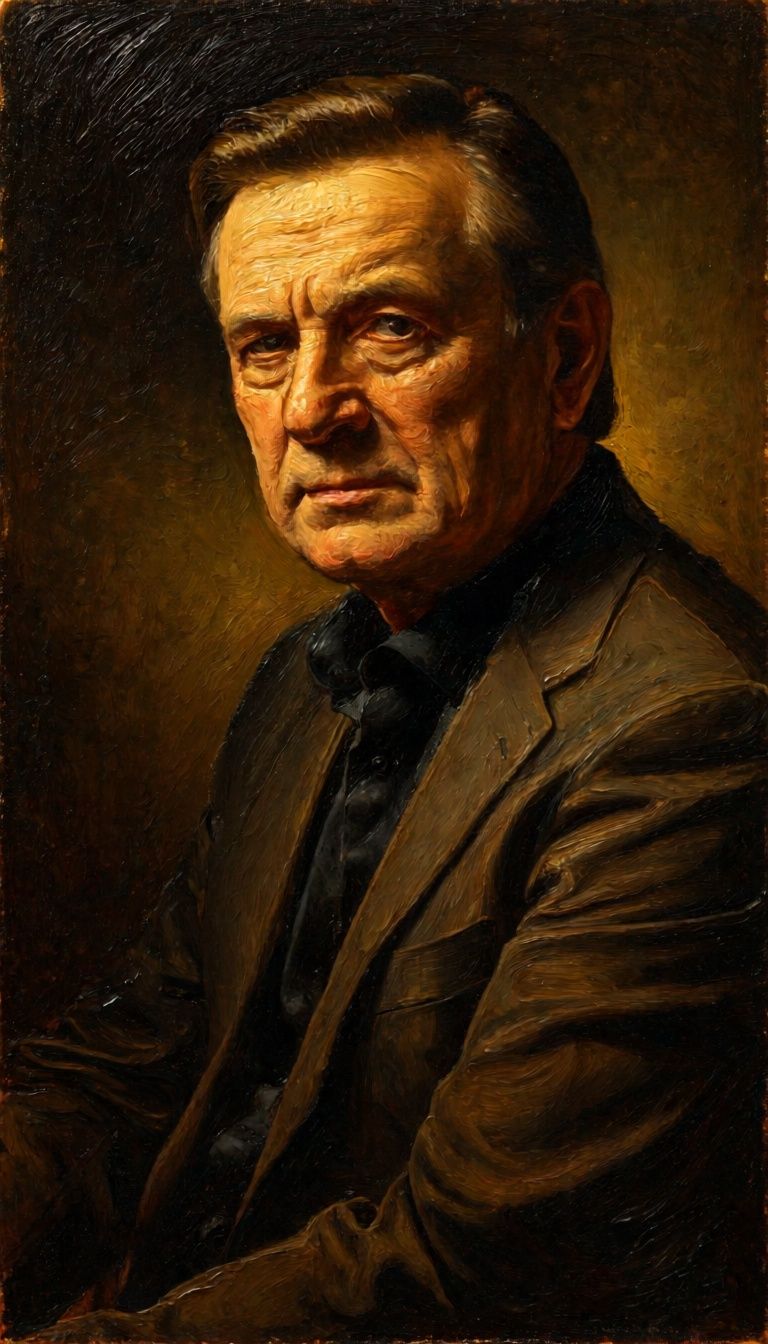
![FLUX.2 [klein] 4B LoRA output](https://shortgenius.com/cdn-cgi/image/width=3840,quality=80,format=auto/https://assets.shortgenius.com/example-model-output/10a63e77-67c3-46e6-83d3-b7b93355e72c.png)
![FLUX.2 [klein] 9B LoRA output](https://shortgenius.com/cdn-cgi/image/width=3840,quality=80,format=auto/https://assets.shortgenius.com/example-model-output/cbfd8f70-6bf2-467b-918f-b020118b8db0.png)


Upplev perfektion med Z-Image Turbo
Byt till resonemangsstyrd syntes idag
Vanliga frågor
Liknande modeller
Qwen Image 2
Unified AI image editing model
0.5 krediter
Physic Edit
Realistic physics-based image editing
1.2 krediter
![FLUX.2 [klein] 9B LoRA](https://v3b.fal.media/files/b/0a928dd2/yFNW07YLHtp5zuE4eJAW1_e2f89915a1b740559b3c652b0b028296.jpg)
FLUX.2 [klein] 9B LoRA
Precise image edits, color control
0.3 krediter
Qwen Image 2
Unified image editing and generation
0.6 krediter
![FLUX.2 [klein] 9B LoRA](https://v3b.fal.media/files/b/0a928e3b/sIC-Ne9BMwZZtBvR3FwKN_9a724704a550471a9df59999e9e1017f.jpg)
FLUX.2 [klein] 9B LoRA
Precise natural language image editing
0.5 krediter
Wan
Pro text-guided image editing
0.3 krediter
Phota
Identity-preserving personalized photo editing
0.4 krediter
Joyai Image Edit
Natural language image editing
0.8 krediter
![FLUX.2 [klein] 4B LoRA](https://v3b.fal.media/files/b/0a928e1f/c62zNs4MhBXgm-5w7n0C5_90bad8837ecc451e96f91da93b78f564.jpg)
FLUX.2 [klein] 4B LoRA
Edit images with text, colors
8 krediter