Qwen Image Layered
Editare precisă a imaginilor
Decomposes images into transparent layers


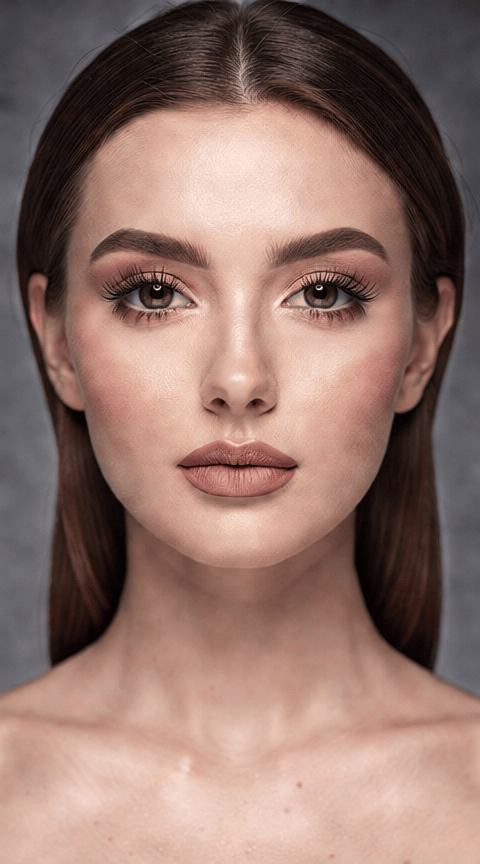
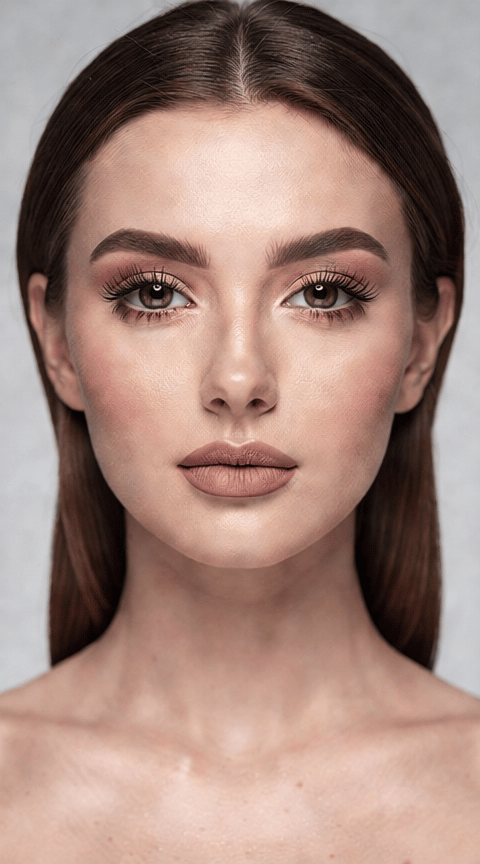
MACOVER VIRTUAL
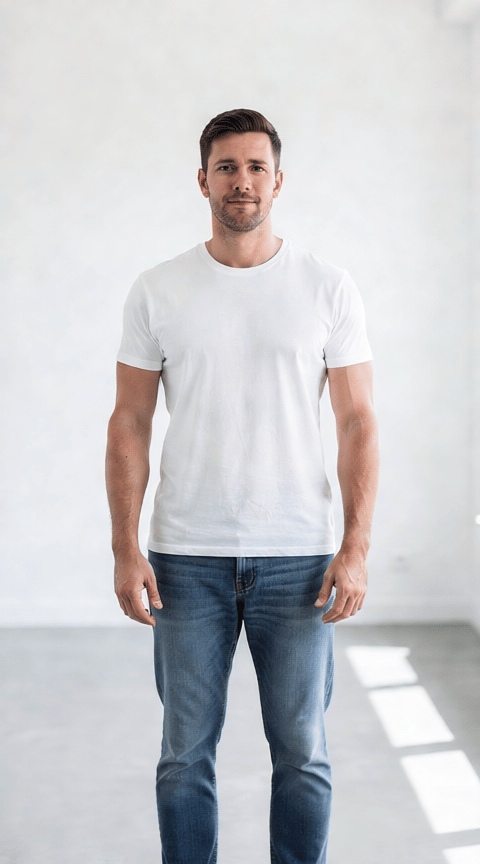
SCHIMBARE Îmbrăcăminte
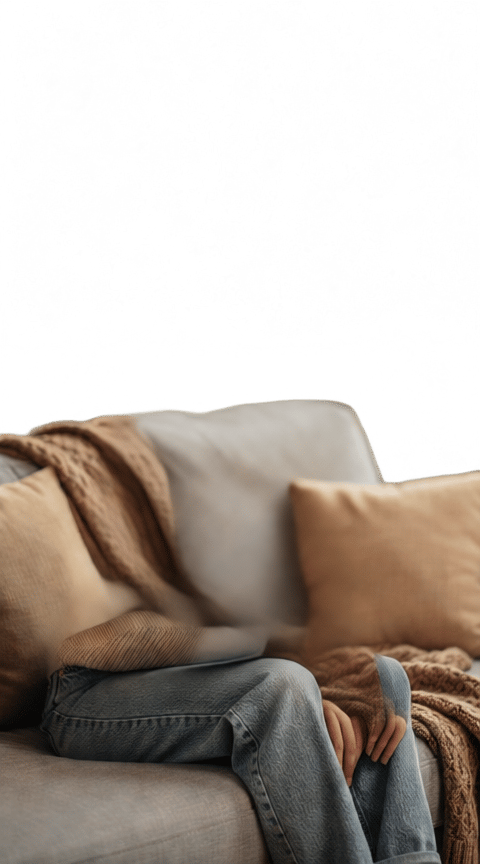
ÎNLOCUIRE FUNDAL CREATIVĂ
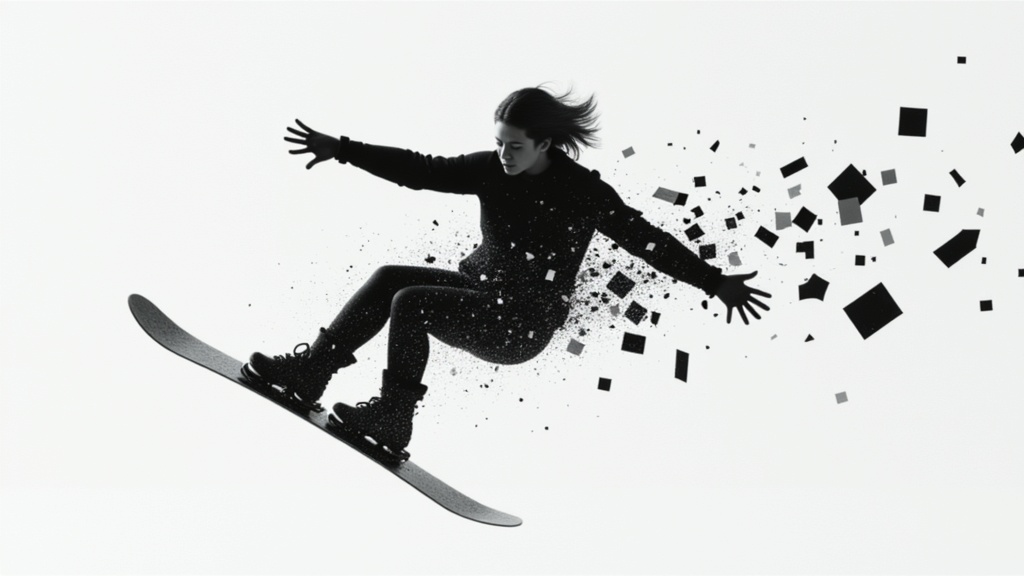
Qwen Image Layered este un model unic de procesare a imaginilor dezvoltat de Black Forest Labs care împuternicește profesioniștii creativi cu capabilități avansate de descompunere a imaginilor. În loc să aplice pur și simplu filtre sau să genereze imagini complet noi, acest model ia orice imagine — fie o fotografie, operă de artă, schiță conceptuală sau imagine web — și o descompune în multiple straturi RGBA editabile. Fiecare strat își menține propria transparență, permițând un grad fără precedent de libertate creativă în post-procesare, compunere sau fluxuri de lucru pentru animație.
Această abordare bazată pe straturi face ca Qwen Image Layered să fie deosebit de atractivă pentru artiști, designeri, realizatori de film și creatori de conținut care se bazează pe manipularea separată a elementelor vizuale — gândiți-vă la înlocuiri de fundal, suprapuneri de texturi, colaje complexe sau fluxuri de animație. În loc să lucreze cu o singură imagine plană, creatorii primesc straturi separate care reflectă profunzimea structurală a intrărilor lor.
Modelul acceptă o gamă largă de formate comune de imagini, inclusiv JPG, PNG, JPEG, WEBP, GIF și AVIF. Creatorii pot încărca rapid vizualuri prin drag-and-drop, lipire sau furnizând URL-uri. Odată ce o imagine este trimisă, utilizatorii au controale intuitive asupra mai multor aspecte ale procesului de generare a straturilor:
-
Numărul de straturi: Alegeți câte straturi RGBA separate doriți să extrageți sau să sintetizați (între 1 și 10). Aceasta vă oferă flexibilitatea de a ajusta fin complexitatea imaginii, fie că aveți nevoie de o simplă separare prim-plan/fundal sau de o descompunere granulară pentru procese artistice tehnice.
-
Ghidare creativă: Îmbunătățiți descompunerea furnizând un prompt text care acționează ca o legendă sau ghid creativ. Acesta poate influența modul în care modelul interpretează și separă elementele din imaginea dvs. pentru ieșiri mai personalizate.
-
Prompturi negative: Specificați ce nu doriți în straturile generate, ajutând modelul să evite stiluri sau caracteristici nedorite.
-
Detalii și calitate: Ajustați rezoluția detaliilor și aderarea la prompt prin intermediul sliderelor intuitive de calitate. Acestea vă permit să alegeți dacă modelul ar trebui să prioritizeze descompuneri mai literale, interpretări creative sau un echilibru între cele două, putând fi adaptate pentru diferite nevoi de proiect.
-
Selecție format: Alegeți formatul de ieșire cel mai potrivit pentru fluxul dvs. de lucru — PNG pentru calitate înaltă și suport transparență, sau WEBP pentru fișiere mai ușoare, potrivite pentru proiecte web.
Pentru cei care lucrează la proiecte sensibile la timp, controalele de accelerare vă permit să echilibrați între procesare normală și procesare de mare viteză, ajutându-vă să obțineți rezultate mai rapide când este nevoie. De asemenea, puteți ajusta consistența rezultatelor setând opțional un seed creativ, asigurând repetabilitatea la generarea straturilor din aceeași imagine și prompt.
În plus, pentru cei preocupați de ieșiri sigure pentru muncă, poate fi activat un verificator de siguranță opțional. Acesta ajută la semnalarea oricăror imagini pe care sistemul le identifică ca posibil conținând concepte NSFW, oferind liniște sufletească pentru proiecte comerciale sau publice.
Qwen Image Layered este ideal pentru oricine are nevoie de imagini stratificate flexibile:
- Artiștii și ilustratorii pot genera rapid straturi separate din propriile picturi sau imagini de referință pentru manipulare digitală suplimentară sau animație.
- Designerii beneficiază de descompuneri rapide pentru colaje, mockup-uri de layout și retușuri avansate fără decupaje manuale consumatoare de timp.
- Realizatorii de film și animatorii obțin instrumente noi pentru izolarea prim-plan/fundal, extragerea elementelor și pregătirea activelor pentru VFX sau design de mișcare.
- Creatorii de conținut pot amesteca, remixa sau adapta imagini sursă în compoziții noi cu un control mai mare asupra fiecărui component vizual.
Considerații: Deși modelul oferă un control creativ profund, ieșirea este în cele din urmă ghidată de structura și conținutul imaginii sursă, combinate cu setările alese și prompturile opționale. Nu există garanții explicite privind stiluri vizuale specifice sau perfecțiunea fiecărei separări de strat — rezultatele pot varia în funcție de complexitatea și claritatea imaginii de intrare. Cele mai bune practici includ experimentarea cu numărul de straturi, utilizarea prompturilor clare pentru rezultate țintite și previzualizarea ieșirilor înainte de finalizarea activelor pentru fluxurile dvs. de lucru.
În rezumat, Qwen Image Layered este un instrument puternic pentru profesioniștii media care doresc să deschidă noi orizonturi în creativitatea digitală. Prin transformarea imaginilor obișnuite în active editabile multistratificate, deschide posibilități expansive pentru inovație în artă digitală, design, animație și dincolo.
Generează folosind cel mai avansat editor de imagini
Add the image that you want change
Încarcă imagine
Adaugă imaginea pe care vrei să o editezi sau transformi
A woman kneeling in darkness, illuminated by a warm, radiant beam of light emerging from her raised hand.
Scrie modificările tale
Descri modificările dorite - schimbări de stil, eliminare obiecte sau îmbunătățiri
Începe să distribui
Descarcă imaginea ta editată profesional
Dincolo de prompt: Un nou nivel de control
TRADUCERE SCENĂ SEZONIERĂ
Transformați effortless un peisaj exterior dintr-un sezon în altul, arătând manipularea straturilor de mediu fără a pierde structura de bază.
RESTILIZARE ARHITECTURALĂ
Evidențiază capacitatea de a actualiza selectiv caracteristicile arhitecturale păstrând contextul general al scenei, perfect pentru vizualizarea renovărilor de clădiri.
ÎNLOCUIRE CER DINAMIC
Înlocuiți cerurile plictisitoare sau înnorate cu peisaje dramatice de nori vibrante, stratificând precis noul cer în spatele elementelor precum copaci sau clădiri.
Compară cu modele similare
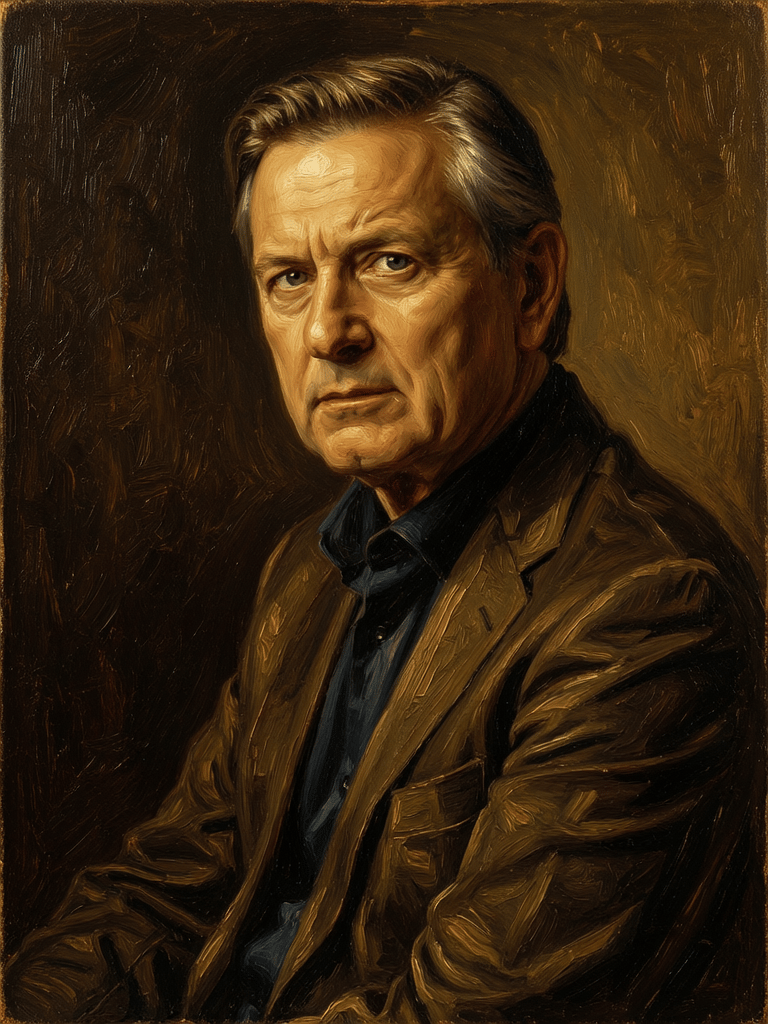
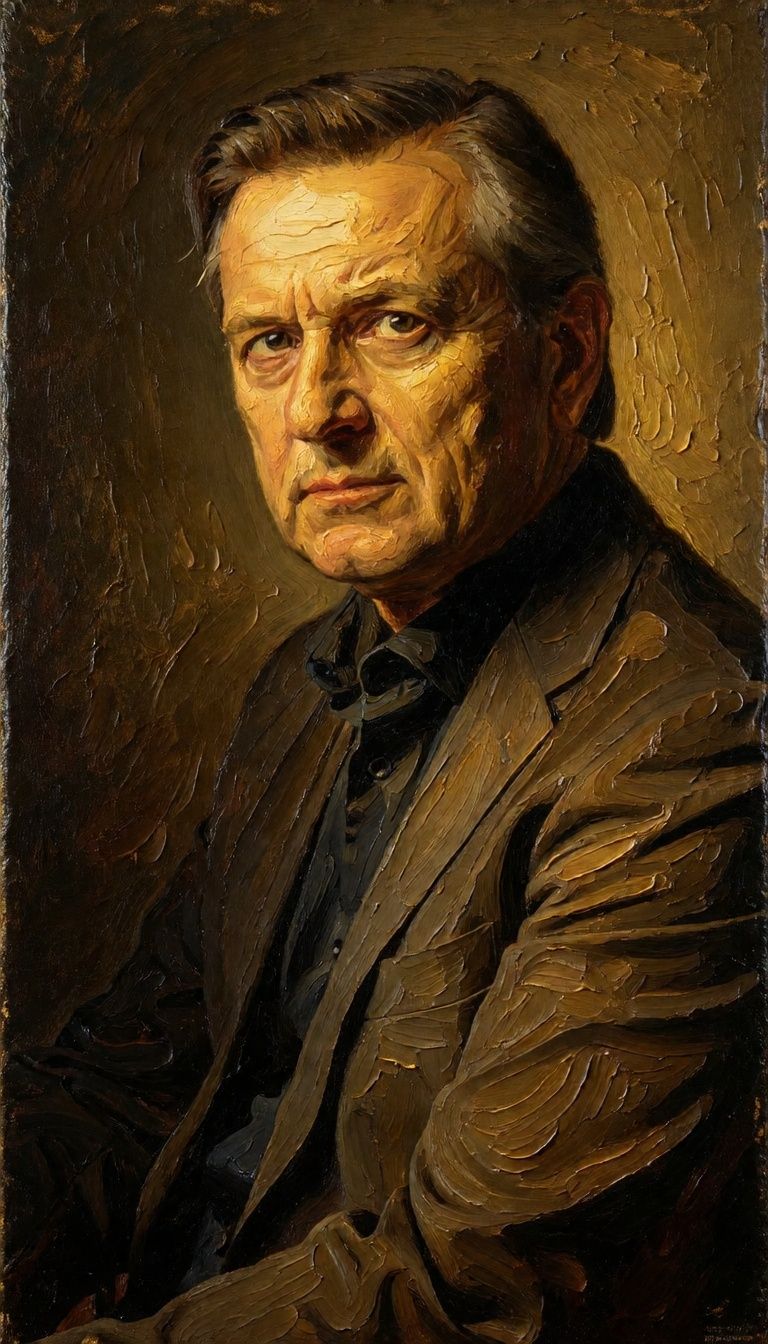
“Transform into a classical oil painting in the style of Rembrandt. Add visible impasto brushstrokes with thick paint texture. Apply warm golden undertones and dramatic chiaroscuro lighting with deep shadows. Enhance the dramatic contrast while preserving facial structure and expression. Add subtle canvas texture visible through the paint layers.”
![FLUX.2 [klein] 4B LoRA output](https://shortgenius.com/cdn-cgi/image/width=3840,quality=80,format=auto/https://assets.shortgenius.com/example-model-output/10a63e77-67c3-46e6-83d3-b7b93355e72c.png)
![FLUX.2 [klein] 9B LoRA output](https://shortgenius.com/cdn-cgi/image/width=3840,quality=80,format=auto/https://assets.shortgenius.com/example-model-output/cc1806c8-2af0-47e7-bd34-a95d2d180bfb.png)
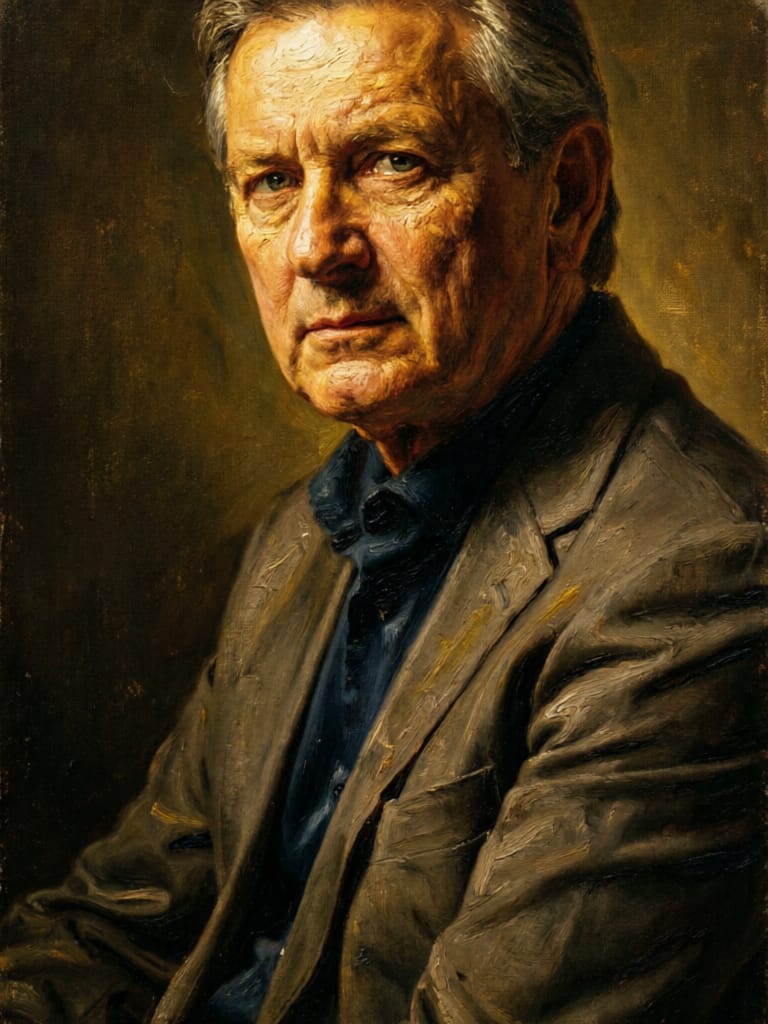
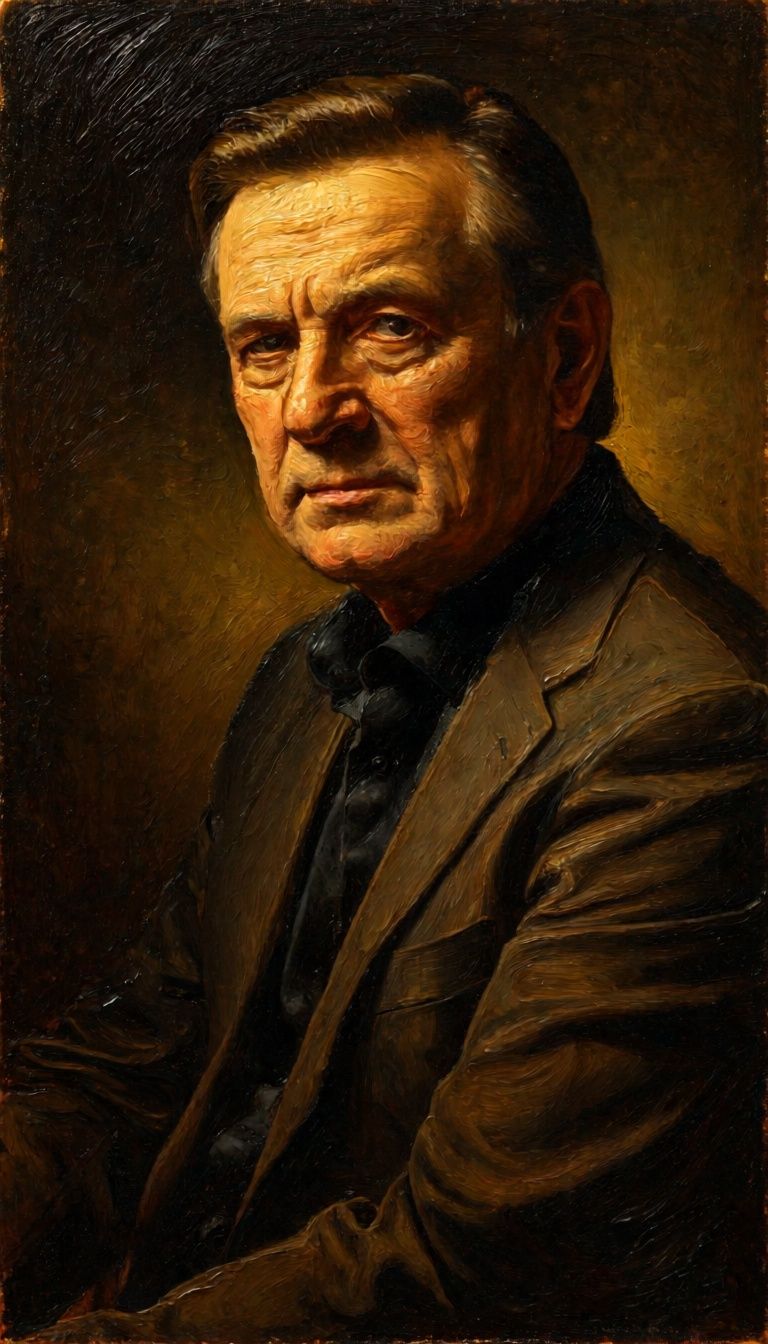



![FLUX.2 [klein] 9B LoRA output](https://shortgenius.com/cdn-cgi/image/width=3840,quality=80,format=auto/https://assets.shortgenius.com/example-model-output/cbfd8f70-6bf2-467b-918f-b020118b8db0.png)
Experimentează perfecțiunea cu Qwen Image Layered
Treci la sinteza ghidată de raționament astăzi
Întrebări frecvente
Modele similare
![FLUX.2 [klein] 9B LoRA](https://v3b.fal.media/files/b/0a928e3b/sIC-Ne9BMwZZtBvR3FwKN_9a724704a550471a9df59999e9e1017f.jpg)
FLUX.2 [klein] 9B LoRA
Precise natural language image editing
0.5 credite
Wan
Pro text-guided image editing
0.3 credite
Firered Image Edit V1.1
Advanced AI-powered image editing
0.4 credite
Phota
Identity-preserving personalized photo editing
0.4 credite
Wan
Text-guided creative image editing
0.2 credite
Qwen Image 2
Unified AI image editing model
0.5 credite
Physic Edit
Realistic physics-based image editing
1.2 credite
![FLUX.2 [klein] 4B LoRA](https://v3b.fal.media/files/b/0a928e1f/c62zNs4MhBXgm-5w7n0C5_90bad8837ecc451e96f91da93b78f564.jpg)
FLUX.2 [klein] 4B LoRA
Edit images with text, colors
8 credite
Qwen Image 2
Unified image editing and generation
0.6 credite