PORTRAIT ANIMATION
PORTRAIT ANIMATION
PORTRAIT ANIMATION
Kling Video 2.5 Turbo Pro is a cutting-edge image-to-video model developed by Black Forest Labs, purpose-built for creative professionals who want to animate still images into captivating video narratives. Aimed at artists, designers, filmmakers, marketers, and content creators, Kling Video brings a new level of motion fluidity and cinematic style to the process of transforming static visuals into dynamic stories.
At its core, Kling Video enables users to start with any image—uploaded directly from a computer or sourced from the web in popular formats like JPG, PNG, WEBP, GIF, or AVIF—and generate compelling videos based on a descriptive text prompt. This makes the tool exceptionally flexible for a wide range of creative disciplines, including storyboarding, advertising montages, music videos, concept visualization, and social media content.
One of the standout features of Kling Video is its unmatched motion fluidity. Animations unfold smoothly, with transitions that feel natural and cinematic rather than mechanical. The visual output is striking: videos boast not just movement but a true sense of cinematic polish, with attention to detail and atmosphere that rivals handcrafted animation. The model excels at turning imagined scenes into flowing motion, making it ideal for pitching ideas, visualizing scenes before filming, or simply bringing artworks to life.
Kling Video is also designed with precision in mind. Its prompt-based workflow allows creative professionals to describe exactly what they envision happening in the video, and the model responds with high fidelity to these directions. This means you can steer the animation with detailed scene descriptions, guiding motion, focus, and atmosphere according to your narrative needs. There is also a prompt adherence slider, which lets users decide how closely the video should follow their written description—offering a balance between creative freedom and strict fidelity to the brief.
Customization doesn’t end there. Advanced users can fine-tune video quality and direction with features such as negative prompts—handy for instructing the model on what to avoid (for example, “blur, distort, and low quality”). This helps ensure the resulting video matches the intended mood and quality level. Another powerful creative option is the ability to add an optional tail image, allowing storytellers to specify exactly where a scene should lead by setting both the start and end frames of the animation. This unlocks seamless transitions and more complex story beats, which is especially useful in narrative-driven projects, commercials, or sequential art presentations.
Kling Video supports video durations of either 5 or 10 seconds, balancing creative possibilities with rapid iteration. In practice, this makes it especially suitable for short-form video platforms, teasers, animated ads, and digital storytelling where concise, visually impactful clips are essential.
While Kling Video emphasizes cinematic visuals and motion, the structure is straightforward and creator-friendly. Input is as simple as dragging and dropping your chosen image(s), alongside typing a scene or action prompt. The output is a downloadable video file, with all processing handled seamlessly.
Best practices suggest leveraging richly detailed and specific prompts to extract the best results; the better the description, the more precisely the motion and scene will reflect your vision. Likewise, combining a starting and tail image can produce particularly impressive transitions and narrative effects.
Limiting factors and important considerations are not extensively covered in the provided documentation. Users are encouraged to explore different input images, experiment with prompt adherence, and utilize negative prompts to minimize unwanted artifacts. Resolution, file size, and specific output formats are managed internally and presented in a creator-friendly manner—there’s no need for technical setup or adjustment.
Overall, Kling Video 2.5 Turbo Pro is an advanced yet approachable creative tool, empowering professionals to animate, explore, and tell stories with unmatched visual flow and prompt-driven precision. Whether you’re mocking up film sequences, adding life to illustrations, or generating dynamic content for digital marketing, Kling Video turns your still images and words into visually stunning animated motion.
Generează folosind cel mai avansat model video
Add the image that you want change
Încarcă imagine
Adaugă o imagine opțională pentru a ghida aspectul, personajul sau mediul
A woman kneeling in darkness, illuminated by a warm, radiant beam of light emerging from her raised hand.
Scrie scenariul tău
Scrie un prompt - Modelul înțelege fizica, iluminarea și intenția emoțională a scenei tale
Începe să distribui
Apasă pentru a genera ieșirea finală și a descărca videoul de calitate de producție
Dincolo de prompt: Un nou nivel de control
CINEMATIC ANIMATION
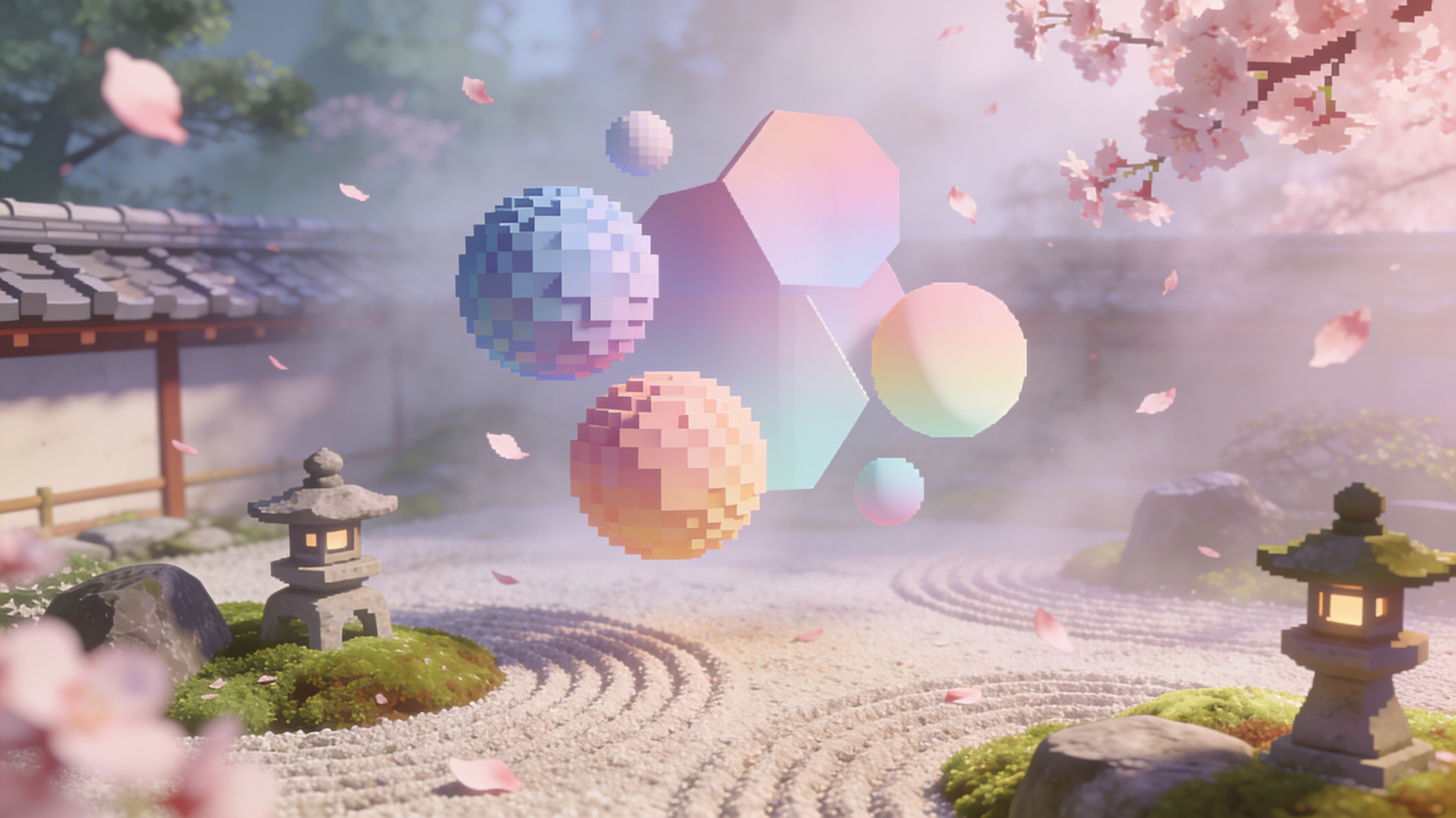
Leverages complex environmental motion and dynamic camera sweeps to create immersive, wide-format scenic videos ideal for travel and nature content.
PRODUCT MOTION
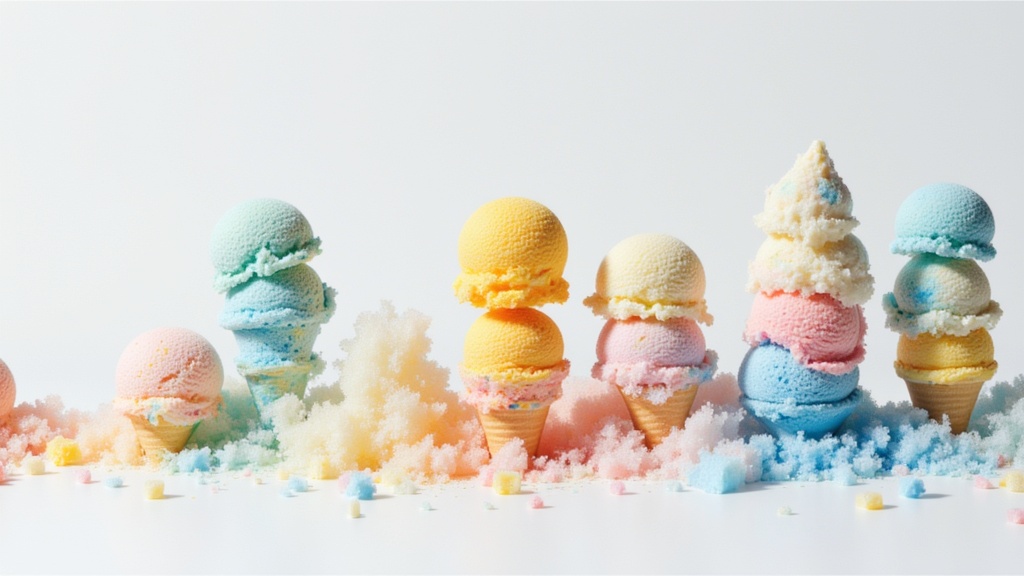
Showcases product rotation, reflection dynamics, and hyper-real focus pulls—perfect for high-end commercial landscape video content.
CINEMATIC ANIMATION
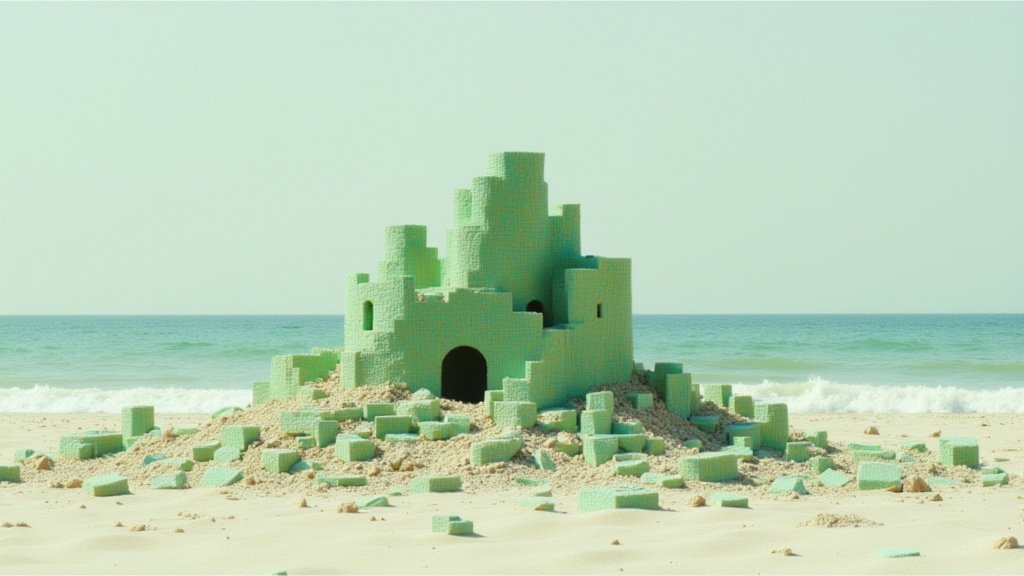
Excels at animating vehicle movement, neon lighting effects, and fast-paced camera transitions for landscape cinematic sequences.
Compară cu modele similare
“Animate with subtle natural movements. Add gentle breathing motion to shoulders. Create natural eye blinks every 2-3 seconds. Introduce slight head micro-movements. Hair moves softly as if in gentle breeze. Maintain the warm smile with subtle lip movements. Eyes should have natural catchlight movement. Keep animation subtle and lifelike, not exaggerated. 5 seconds, smooth looping.”
Experimentează perfecțiunea cu Kling Video
Treci la sinteza ghidată de raționament astăzi
Întrebări frecvente
Modele similare
Wan
Animate images into smooth video
2 credite
Seedance 2.0 Fast Image to Video
Cinematic video from images fast
0.1 credite
Veo3.1 Lite FLF
Animate between first/last frames
1.6 credite
Vidu
Reference-guided consistent video generation
0.3 credite
Veo3.1 Lite Image to Video
Animate images into pro videos
1.6 credite

Seedance 2 Image to Video
Cinematic video from images
10 credite
PixVerse
Animate images into styled videos
0.1 credite
PixVerse
Smooth image-to-image video transitions
0.1 credite
PixVerse C1 Reference to Video
Character-consistent video from references
0.1 credite