Kandinsky5 Pro
Ożyw obrazy
Fast high-quality image-to-video
ANIMACJA PORTRETU
RUCH PORTRETU MODOWEGO
ARTYSTYCZNY CINEMAGRAPH PORTRETU
Kandinsky5 Pro to kreatywne narzędzie zaprojektowane specjalnie do przekształcania pojedynczego obrazu i kreatywnego tekstowego promptu w wysokiej jakości klipy wideo. Opracowane przez Black Forest Labs, ten model jest stworzony z myślą o artystach, projektantach, filmowcach, twórcach treści i storytellerach, którzy chcą bez wysiłku ożywić statyczne obrazy. Niezależnie od tego, czy chcesz ulepszyć ilustrację postaci, zaprezentować koncepcję ruchu, czy stworzyć dynamiczną scenę ze statycznego zdjęcia, Kandinsky5 Pro oferuje intuicyjne narzędzia do przekształcenia Twojej wizji kreatywnej w dopracowane wideo.
W swej istocie Kandinsky5 Pro wyróżnia się łączeniem dwóch elementów kreatywnych: Twojego obrazu wejściowego — który stanowi centralny temat, podmiot lub inspirację — oraz wyobraźniowego tekstowego promptu, który nadaje ruch, atmosferę i styl wynikowego wideo. Połączając te elementy, otrzymujesz krótki, płynny animowany sekwencję oddającą nastrój, akcję i kinowe cechy, które opisujesz. To czyni model niezwykle wszechstronnym dla profesjonalistów kreatywnych pracujących w różnych mediach, w tym grafice, animacji, motion graphics, rozrywce, reklamie i mediach społecznościowych.
Kandinsky5 Pro obsługuje szeroki zakres popularnych formatów obrazów do przesyłania, w tym JPEG, PNG, WebP, GIF i AVIF. Twórcy mogą po prostu przeciągnąć i upuścić obrazy, wkleić je z schowka lub podać adres URL obrazu dla maksymalnej wygody w workflow. Wideo wyjściowe jest dostarczane jako pliki MP4 do pobrania, kompatybilne ze wszystkimi głównymi edytorami wideo i platformami udostępniania — co ułatwia ich włączenie do szerszego projektu lub prezentacji.
Pod względem jakości i formatu wideo, Kandinsky5 Pro pozwala wybrać rozdzielczość standardową (512P) lub wysoką definicję (1024P). Ta elastyczność umożliwia szybkie generowanie wideo odpowiednich do storyboardingu, pitchingu lub prezentacji o dużym wpływie, w zależności od potrzeb projektu. Domyślna długość wideo to 5 sekund, co zapewnia zwięzłą pętlę animowaną idealną do postów społecznościowych, pokazów produktów, kinowych teaserów lub ożywiania elementów portfolio.
Personalizacja to potężna funkcja Kandinsky5 Pro. Twórcy mogą dostosować ogólny poziom detali i wizualnego dopracowania wideo, wybierając ustawienie jakości, co pozwala na kompromis między szybszymi rezultatami a wyższą wiernością oryginalnemu obrazowi i promptowi. Masz też opcję wyboru ustawienia prędkości — „acceleration” — aby nadać priorytet prędkości lub bardziej starannego, szczegółowego renderingu. Łącząc te ustawienia, model umożliwia eksperymentowanie z równowagą jakości, zgodności z promptem i czasu realizacji dostosowaną do Twojego konkretnego workflow kreatywnego.
Proces jest prosty: prześlij wybrany obraz, przygotuj opisowy tekstowy prompt wskazujący rodzaj ruchu i atmosfery, jaką chcesz przekazać (na przykład opisując ruchy kamery, akcje postaci lub nastrój), wybierz preferowaną rozdzielczość i opcje jakości, a Kandinsky5 Pro stworzy płynne przekształcenie w wideo. Po zakończeniu możesz natychmiast podglądać lub pobrać gotowe MP4 do dalszej edycji, udostępniania lub integracji z projektem.
Kandinsky5 Pro jest optymalny dla szerokiego grona profesjonalistów kreatywnych:
- Ilustratorzy i projektanci postaci mogą animować swoje prace do portfolio lub pitchy.
- Projektanci motion graphics mogą szybko tworzyć animacje koncepcyjne ze statycznych storyboardów.
- Filmowcy mogą generować testowe ujęcia i kinowe momenty fabularne bez pełnego zespołu animacyjnego.
- Twórcy treści mogą przekształcać grafiki społecznościowe w krótkie, urzekające klipy wideo.
- Marketerzy i reklamodawcy mogą tworzyć przyciągające wzrok animowane b-roll lub teasery produktów z minimalnym wysiłkiem.
Najlepsze praktyki dla maksymalnego wykorzystania Kandinsky5 Pro polegają na wyborze wyraźnego, ekspresyjnego obrazu jako fundamentu i sparowaniu go z konkretnym, sugestywnym promptem. Na przykład, określając kąty kamery, wskazówki emocjonalne lub typy ruchu w prompcie, możesz uzyskać bardziej angażujące i kinowe wideo. Chociaż model zrobi wszystko, co w jego mocy, aby uchwycić Twój prompt i styl obrazu, wyniki są ograniczone do 5-sekundowego wideo z założenia — skupionego, wysokiego wpływu fragmentu kreatywnego, a nie długiej animacji.
Jak w przypadku każdego modelu generatywnego, wyniki mogą się różnić w zależności od klarowności i kompatybilności obrazu oraz promptu. Eksperymentowanie z różnymi ustawieniami i sformułowaniem promptu może prowadzić do bogatszych, bardziej spersonalizowanych rezultatów, podczas gdy wyższe rozdzielczości i ustawienia detali dadzą bardziej dopracowaną i wizualnie atrakcyjną pracę. Kandinsky5 Pro łączy prostotę użycia z elastycznością kreatywną, czyniąc go cennym narzędziem do szybkiego prototypowania, ideacji i gotowych do produkcji animowanych wizualizacji — bezpośrednio z Twoich statycznych mediów i wyobraźni narracyjnej.
Generuj za pomocą najbardziej zaawansowanego modelu wideo
Add the image that you want change
Prześlij obraz
Dodaj opcjonalny obraz, aby pokierować wyglądem, postacią lub otoczeniem
A woman kneeling in darkness, illuminated by a warm, radiant beam of light emerging from her raised hand.
Napisz swój scenariusz
Wpisz prompt – Model rozumie fizykę, oświetlenie i emocjonalny zamiar Twojej sceny
Rozpocznij udostępnianie
Kliknij, aby wygenerować ostateczny wynik i pobrać wideo produkcyjnej jakości
Poza promptem: Nowy poziom kontroli
KINOWY KRAJOBRAZ PRZYRODY
Pokazuje szerokie ruchy kamery i efekty atmosferyczne w panoramicznych kinowych krajobrazach. Świetne do kinowych reelów i treści podróżniczych.
ANIMACJA PREZENTACJI PRODUKTU
Demonstruje ruch skupiony na produkcie z eleganckimi przejściami i grą świateł, idealne do reklam luksusowych produktów.
KINOWA SCENA LIFESTYLE
Uchwyć żywe, atmosferyczne animacje codziennych chwil, idealne do vlogów, treści lifestyle lub reklam społecznościowych.
Porównaj z podobnymi modelami
“Animate with subtle natural movements. Add gentle breathing motion to shoulders. Create natural eye blinks every 2-3 seconds. Introduce slight head micro-movements. Hair moves softly as if in gentle breeze. Maintain the warm smile with subtle lip movements. Eyes should have natural catchlight movement. Keep animation subtle and lifelike, not exaggerated. 5 seconds, smooth looping.”
Doświadcz perfekcji z Kandinsky5 Pro
Przełącz się na syntezę kierowaną rozumowaniem już dziś
Najczęściej zadawane pytania
Podobne modele

Veo3.1 Lite FLF
Animate between first/last frames
1.6 kredytów
PixVerse C1 Transition
Cinematic transitions between two images
0.1 kredytów
Vidu
Reference-guided consistent video generation
0.3 kredytów
PixVerse C1 Reference to Video
Character-consistent video from references
0.1 kredytów
PixVerse
Smooth image-to-image video transitions
0.1 kredytów
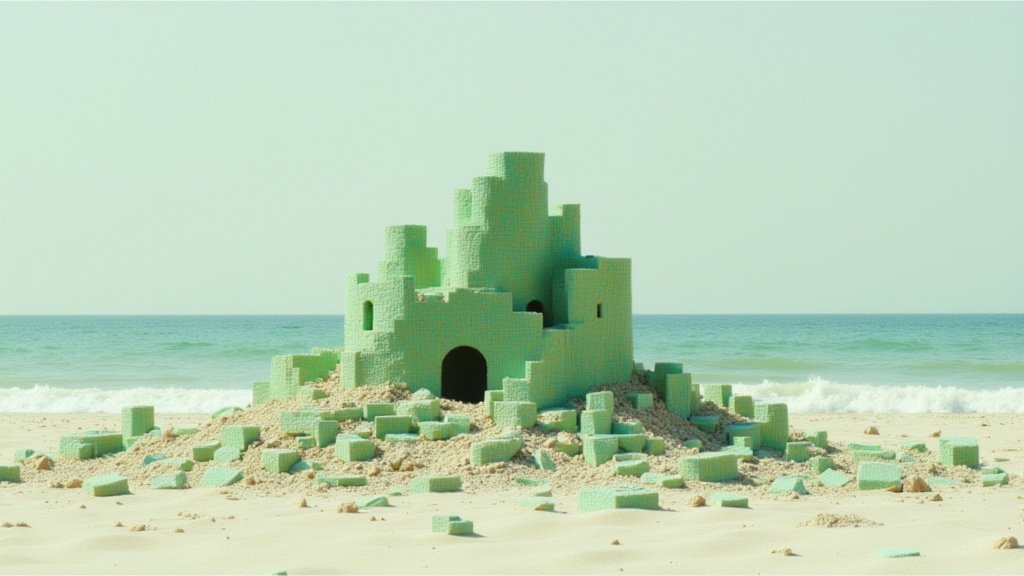
Wan
Animate images into smooth video
2 kredytów
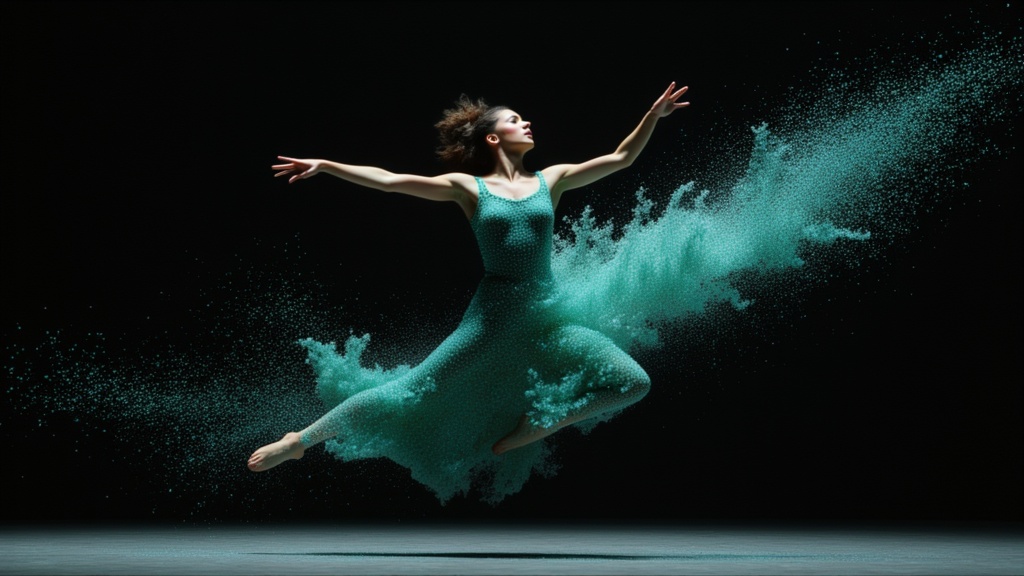
PixVerse C1 Image to Video
Cinematic video from your images
0.1 kredytów
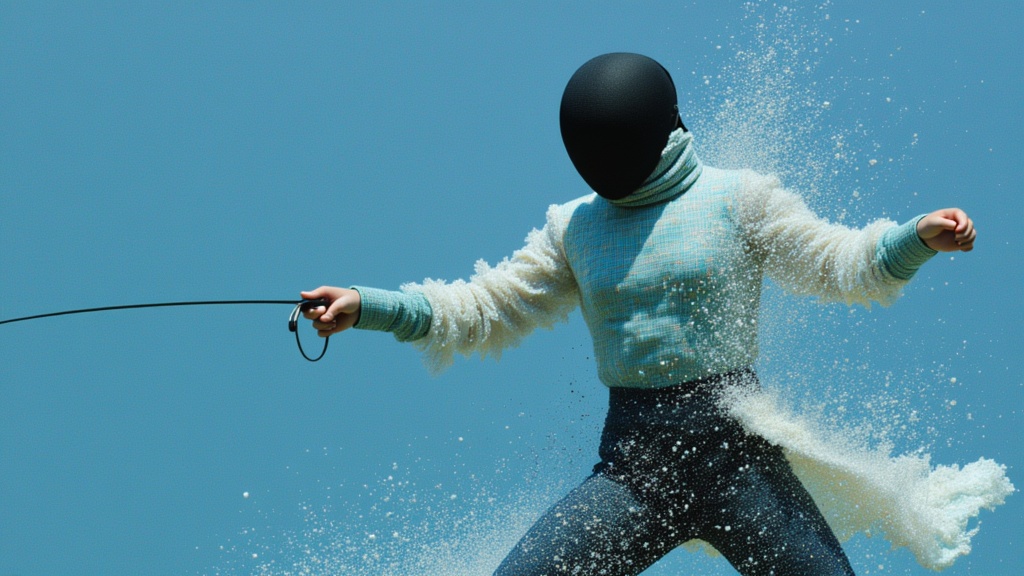
PixVerse
Animate images into styled videos
0.1 kredytów
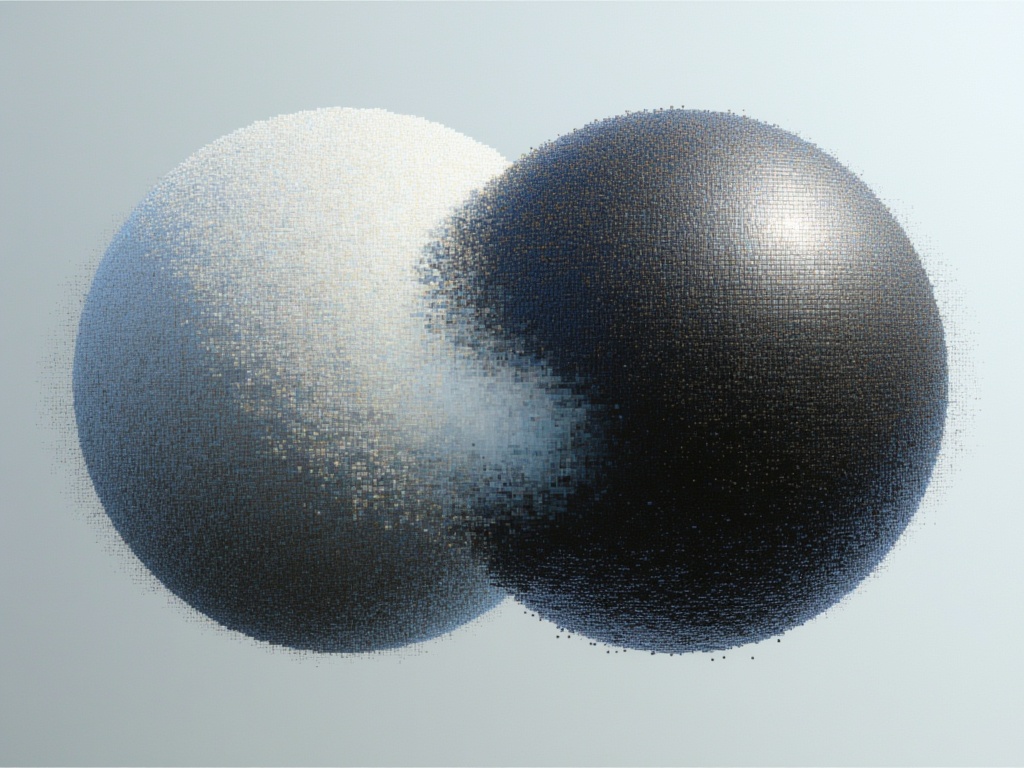
Goal Force
Physics-driven video from images
0.4 kredytów