
QWEN IMAGE
EVOLUTION OF IMAGE GENERATION
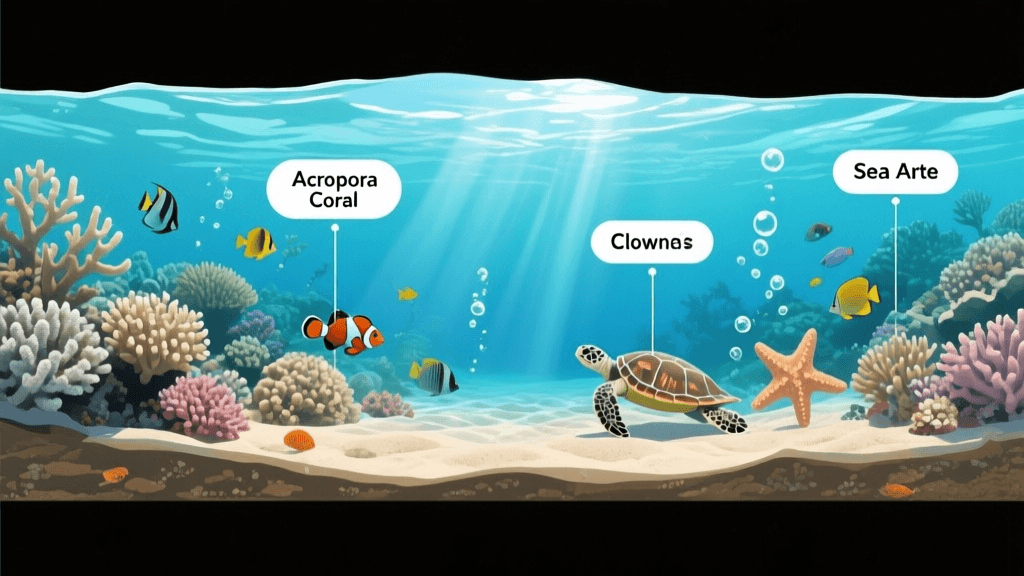
Complex text, precise image generation
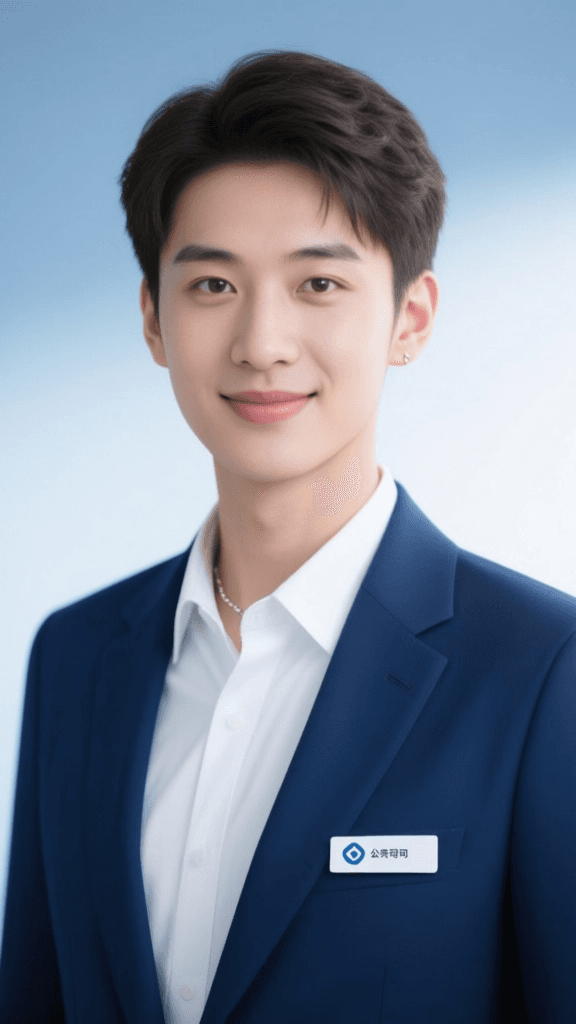
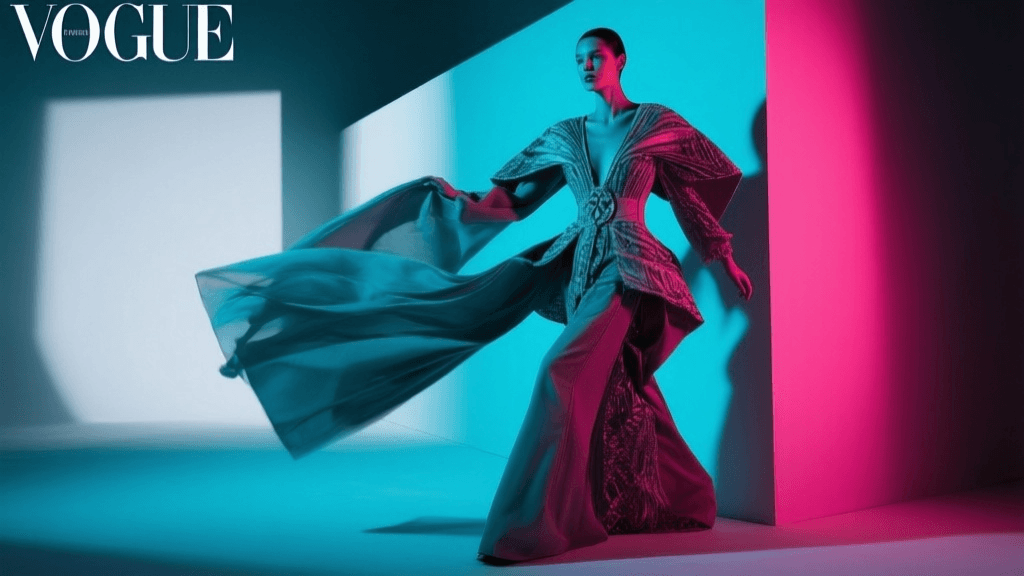
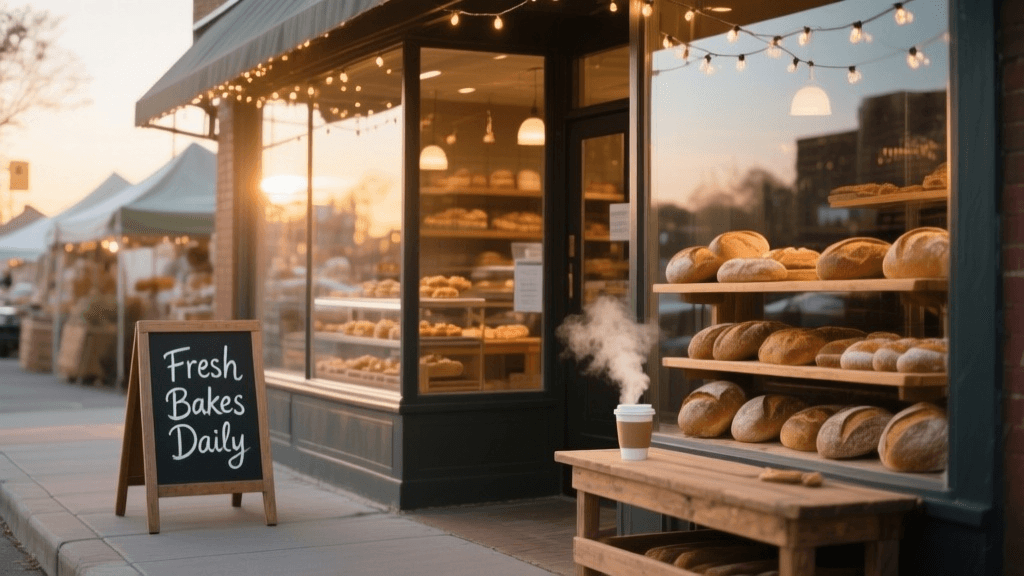
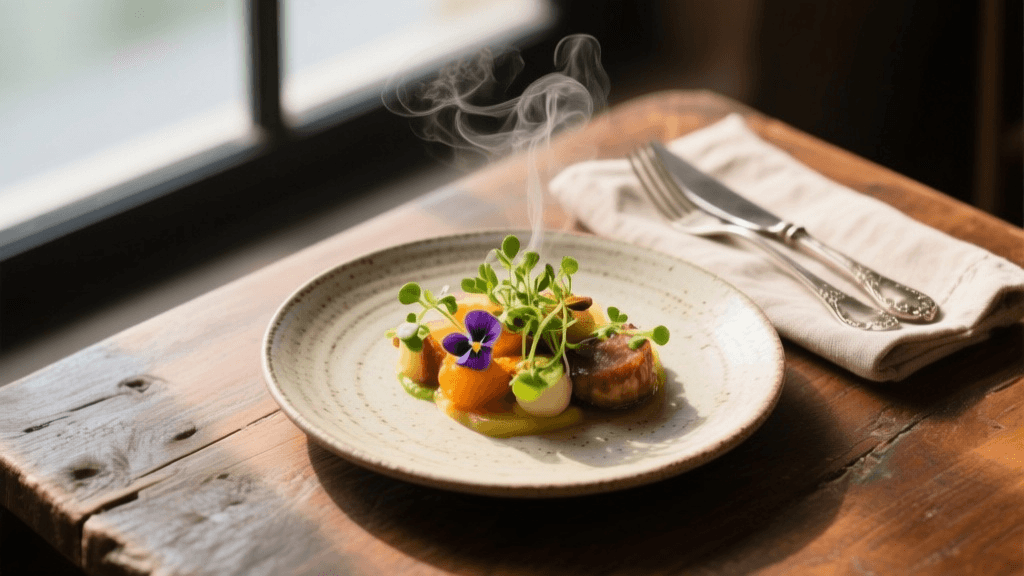
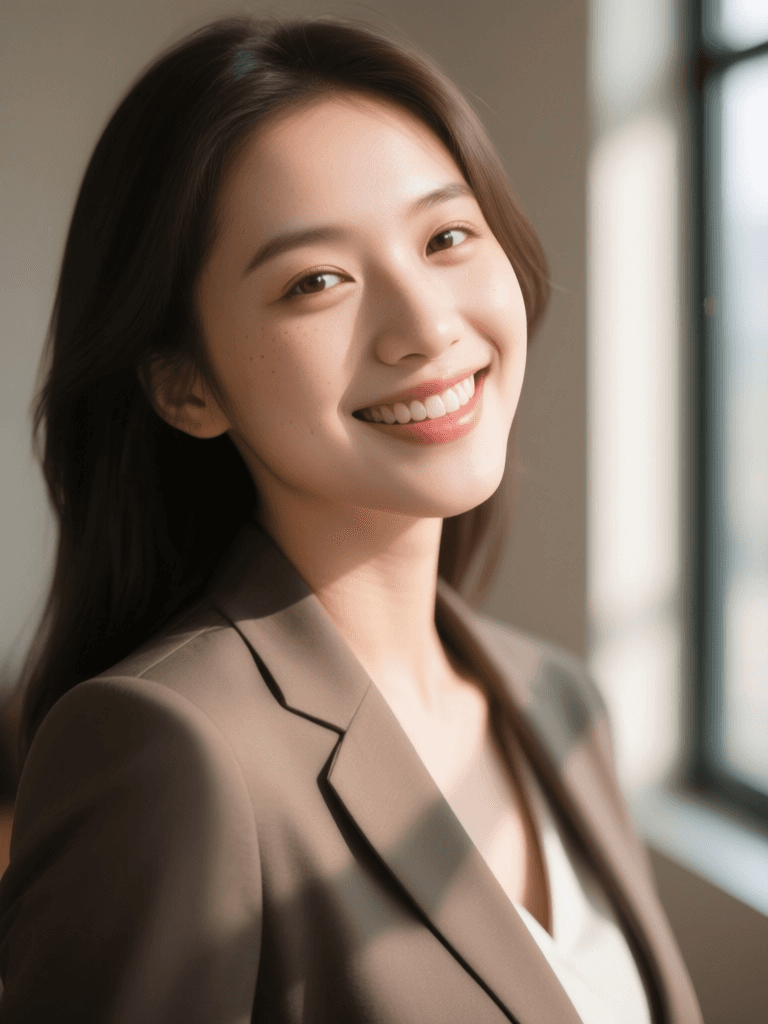
PROFESSIONAL HEADSHOT
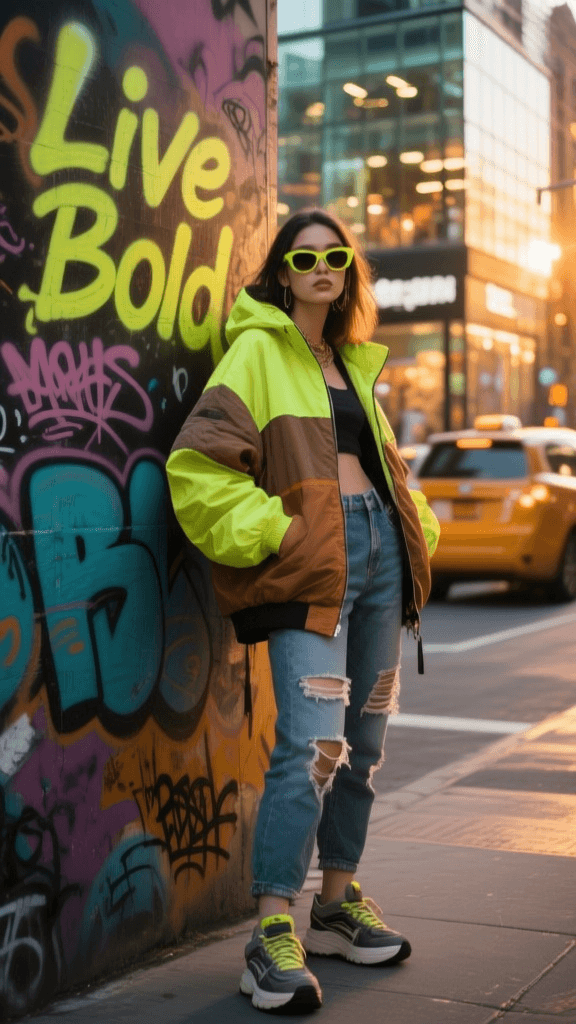
SOCIAL MEDIA CONTENT
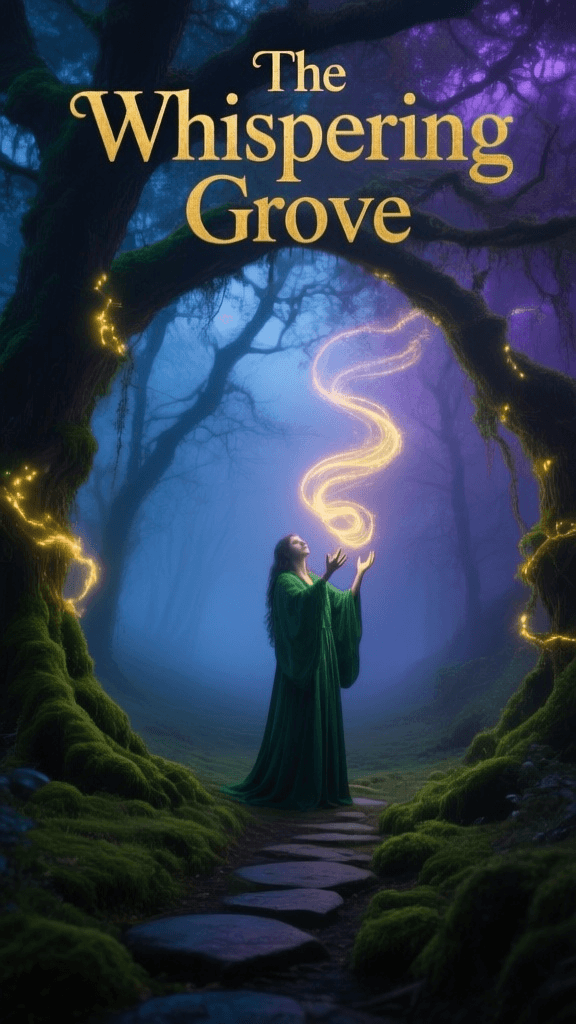
MOBILE BOOK COVER
Qwen Image is an advanced text-to-image model, developed by Black Forest Labs, designed to transform written prompts into striking and expressive original images. Qwen Image stands out by offering creative professionals—artists, designers, filmmakers, and content creators—a versatile tool for generating high-quality visuals that reflect complex ideas, precise styles, and nuanced details.
Unleashing Creative Possibilities
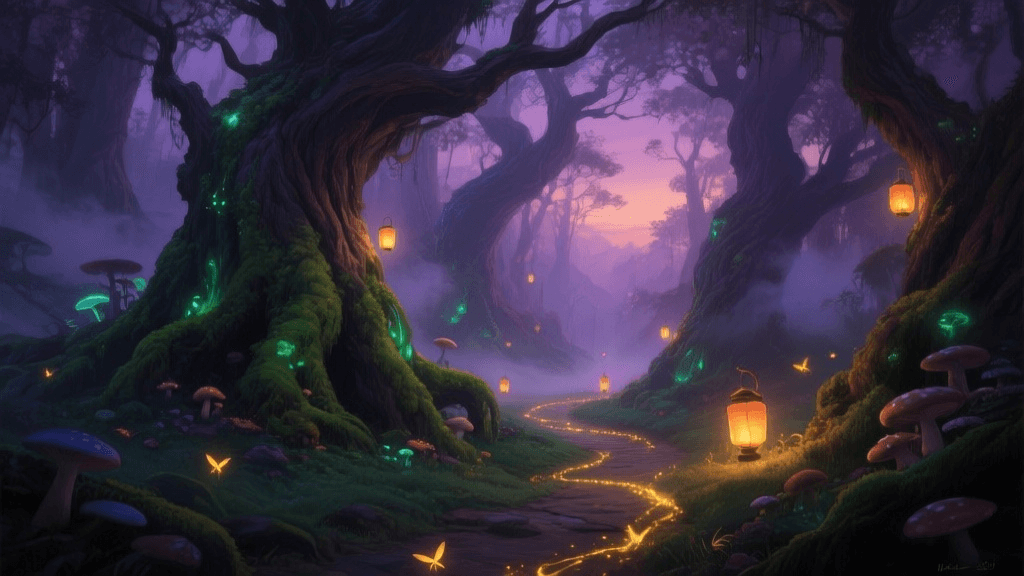
Qwen Image specializes in turning descriptive text prompts into detailed and rich imagery. Whether your vision is a serene spring landscape, a cinematic portrait, or a graphic study featuring specific text elements, Qwen Image provides the means to bring it to life. Users can produce a range of visuals, from realistic landscapes and lively city scenes to intricate abstract compositions and graphics that require exact text rendering.
Key Creative Capabilities
One of the hallmark strengths of Qwen Image is its advanced ability for complex text rendering. This enables users to incorporate words, signage, or textual motifs into their images with precise placement and clarity, a notoriously challenging feat for image generation models. In addition to its text-handling prowess, Qwen Image delivers fine-grained image editing, allowing for images that not only reflect your initial prompt but adhere closely to your vision down to subtle stylistic cues.
Flexible Controls for Personalized Results
Qwen Image caters to both fast experimentation and high-fidelity final artwork. Users are empowered with several creative controls to shape each generation:
- Prompt Guidance: You can control how closely the image should follow your prompt versus exploring more creative interpretations. Adjusting this lets you strike a balance between faithful realism or imaginative divergence.
- Image Size & Format: Choose from convenient presets like square, portrait, or landscape formats, including 16:9 and 4:3 ratios, or set custom dimensions for maximum flexibility, supporting both detailed illustrations and cinematic frames.
- Quality & Speed Adjustments: For results that demand utmost quality—such as images featuring integrated text—recommended settings allow for optimal clarity, while speed settings are available for quick drafts or iterative experimentation.
- Negative Prompts: Specify what you don’t want in the image (for example, avoiding unwanted blurriness or style elements), letting you steer clear of pitfalls and fine-tune output.
- Style Customizations: Apply up to three unique visual style modifiers to each project, combining them to develop distinctive, personalized looks that make your work stand out.
- Safety Options: Built-in controls ensure generated content aligns with responsible use, giving you peace of mind when creating pieces for sharing or publication.
Who Will Benefit?
Qwen Image is designed for anyone in the creative industries who seeks to spark inspiration, prototype concepts, or produce finished-image assets without painstaking manual illustration. It’s an ideal resource for:
- Artists & Illustrators: Rapidly prototype ideas, develop moodboards, or generate intricate base compositions for further refinements.
- Graphic Designers: Produce layouts, conceptual branding visuals, or experimental poster designs that integrate custom typography and motifs.
- Filmmakers & Storyboard Artists: Visualize scenes, environments, or set pieces with accurate proportions and nuanced lighting.
- Content Creators & Marketing Teams: Create unique, eye-catching imagery for campaigns, social posts, or editorial needs.
Supported Formats and Resolutions
Qwen Image supports a broad selection of standard image aspect ratios and dimensions. Whether your project is destined for a social square, a cinematic widescreen, or an editorial portrait, the model offers quick presets and custom sizing up to very large dimensions for high-impact, professional results.
Performance & Considerations
Qwen Image balances performance with creative flexibility. You can choose between quality-optimized generation for images with challenging features (like precise text) or prioritize speed—ideal for initial drafts or rapid concept ideation. For works where text clarity is important, it’s advised to select settings oriented toward quality rather than speed to ensure the model’s advanced text rendering shines. The model also includes tools to blend visual styles, offering unparalleled customization for artists wishing to push the boundaries of their vision.
Limitations & Best Practices
Qwen Image reaches best results when given clear, specific prompts. When generating images with text, avoid speed-oriented settings to maintain crispness and accuracy. While negative prompts help guide the outcome, results may not always completely exclude undesired elements. Creative control is extensive but still within the boundaries of text-to-image generation—it excels in exploratory, conceptual, and polished image creation where nuanced rendering and customization are priorities.
Generar con el modelo de imagen más avanzado
A woman kneeling in darkness, illuminated by a warm, radiant beam of light emerging from her raised hand.
Escribe tu escenario
Escribe un prompt que describa la imagen deseada con detalles de estilo, iluminación y composición
La IA genera
El modelo entiende la física, iluminación e intención emocional de tu escena
Comenzar a compartir
Haz clic para generar tu salida final y descargar imagen de calidad profesional
Más allá del prompt: Un nuevo nivel de control
CINEMATIC PRESENTATION VISUAL
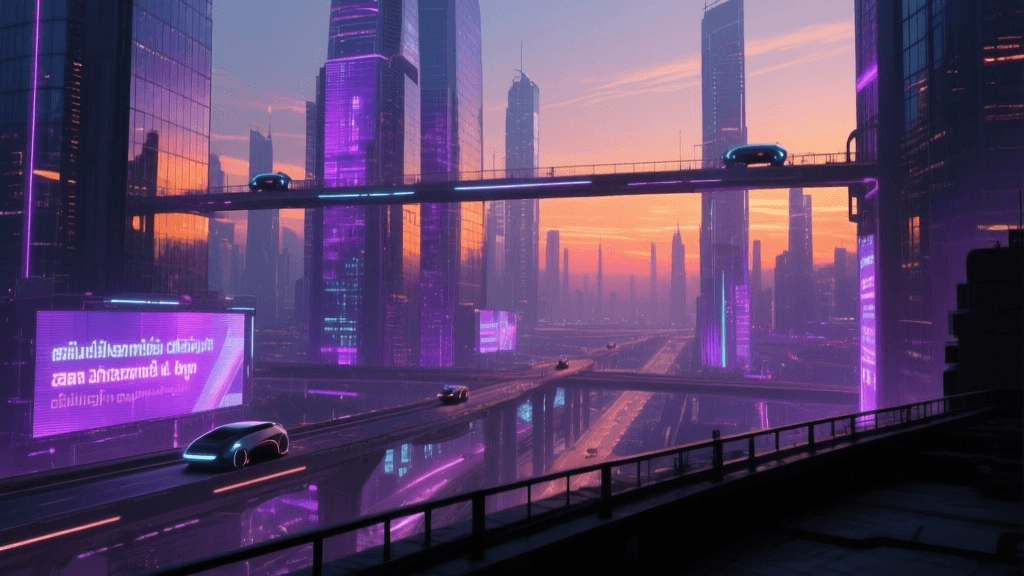
Showcase Qwen Image’s ability to compose sweeping cinematic scenes with complex lighting and meticulous architectural details, ideal for widescreen presentations.
EDUCATIONAL INFOGRAPHIC VISUAL
This prompt demonstrates the model's talent for creating visually rich scientific scenes with embedded, precise annotation text, perfect for wide-format learning materials or slides.
MARKETING BANNER IMAGE
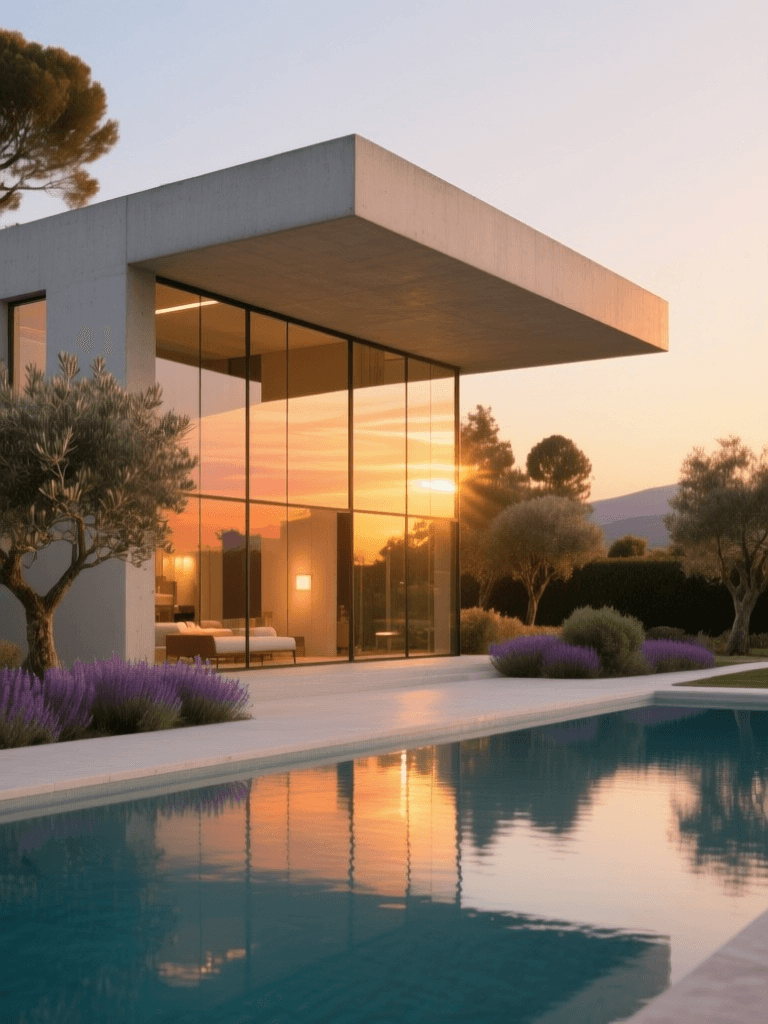
Optimized for website banners, this prompt highlights Qwen Image’s subtle handling of ambient light, surface textures, and photorealistic text placement for branded graphics.
Comparar con modelos similares
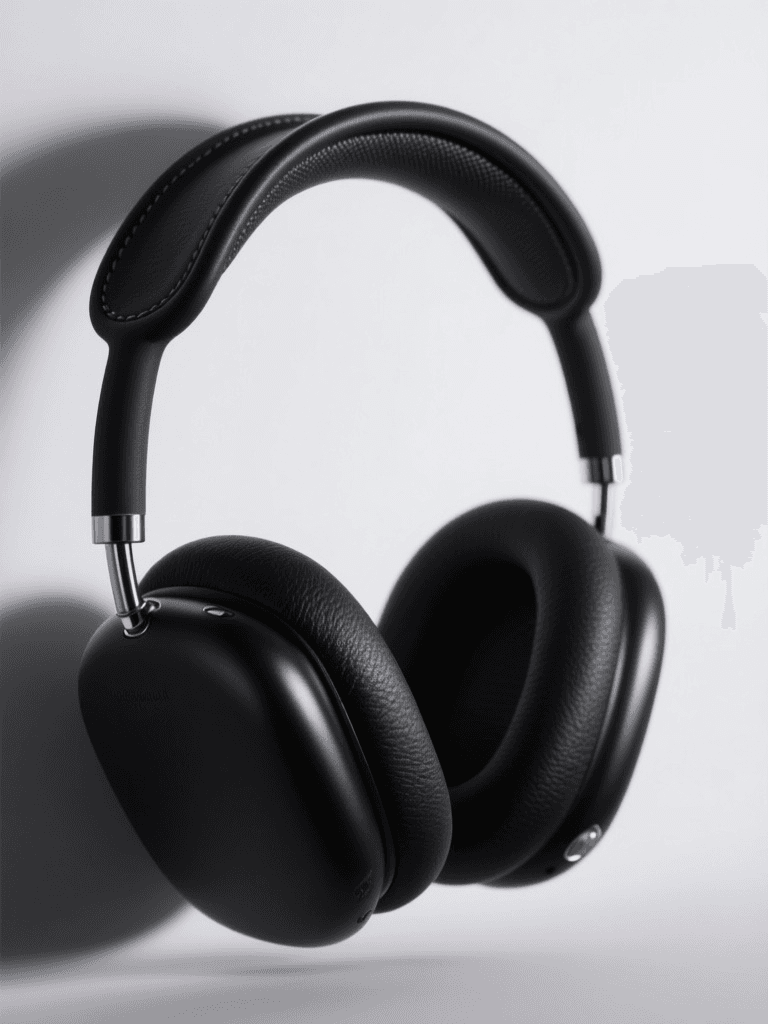
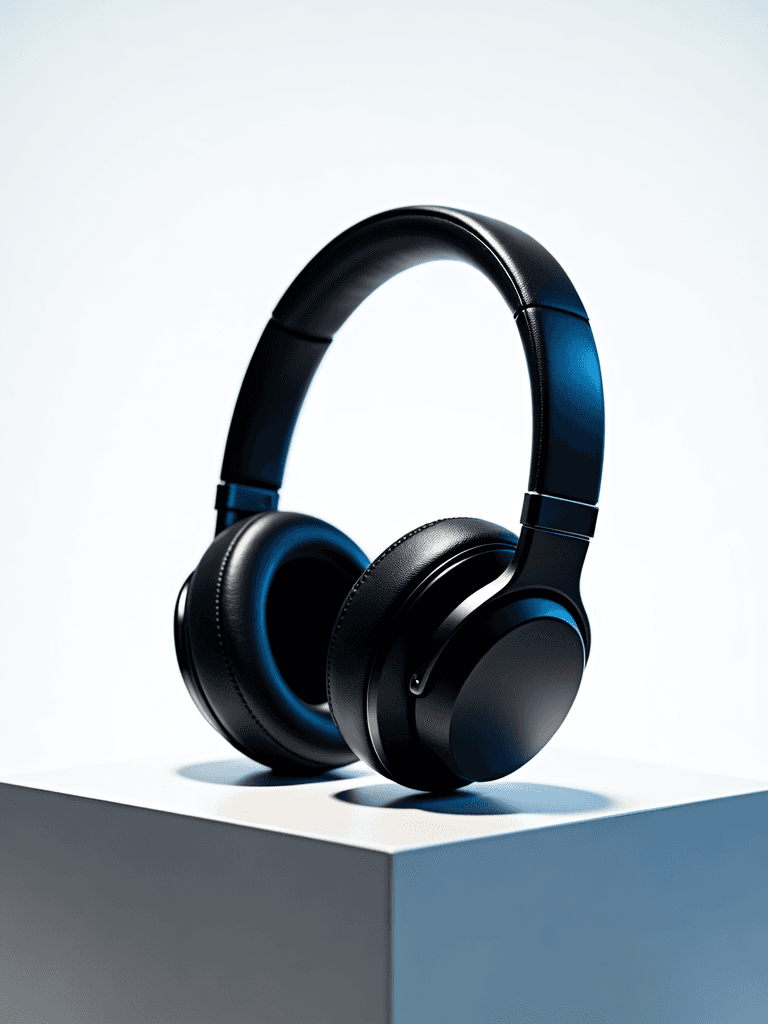
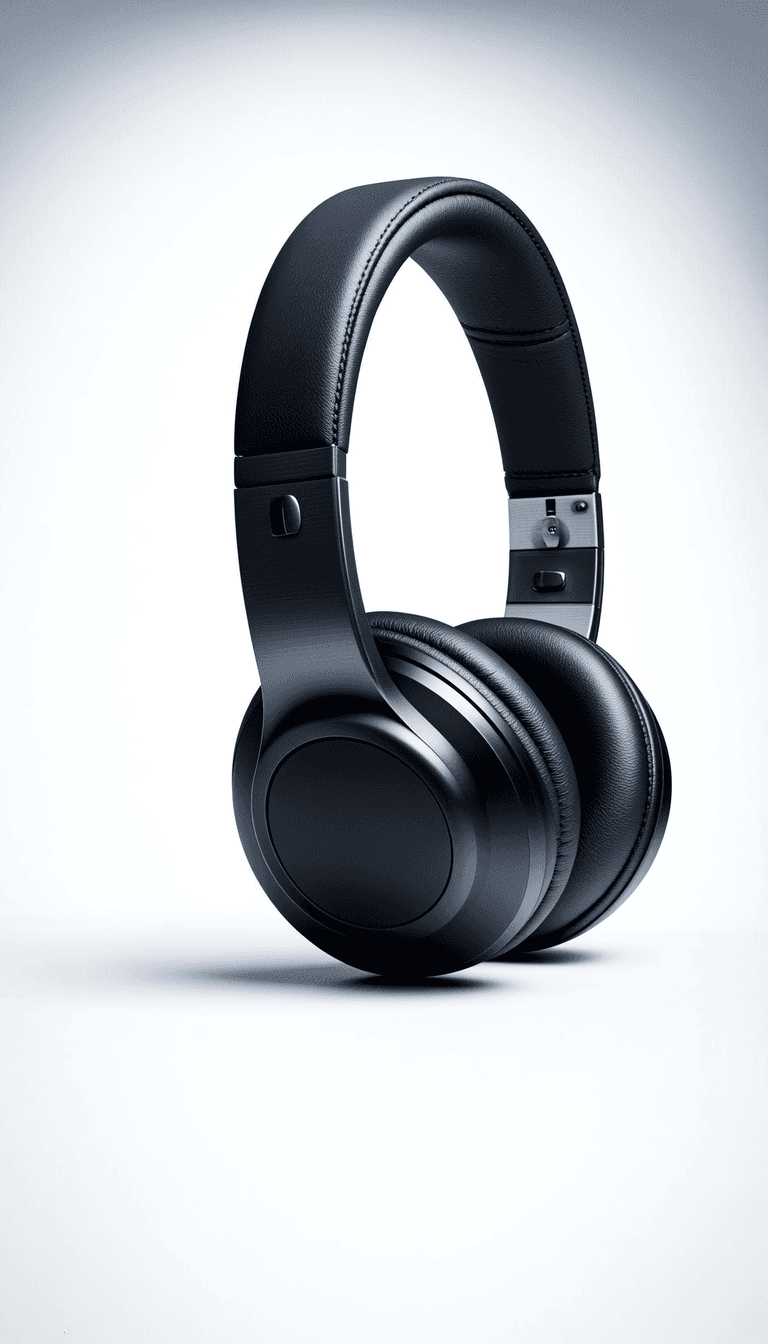
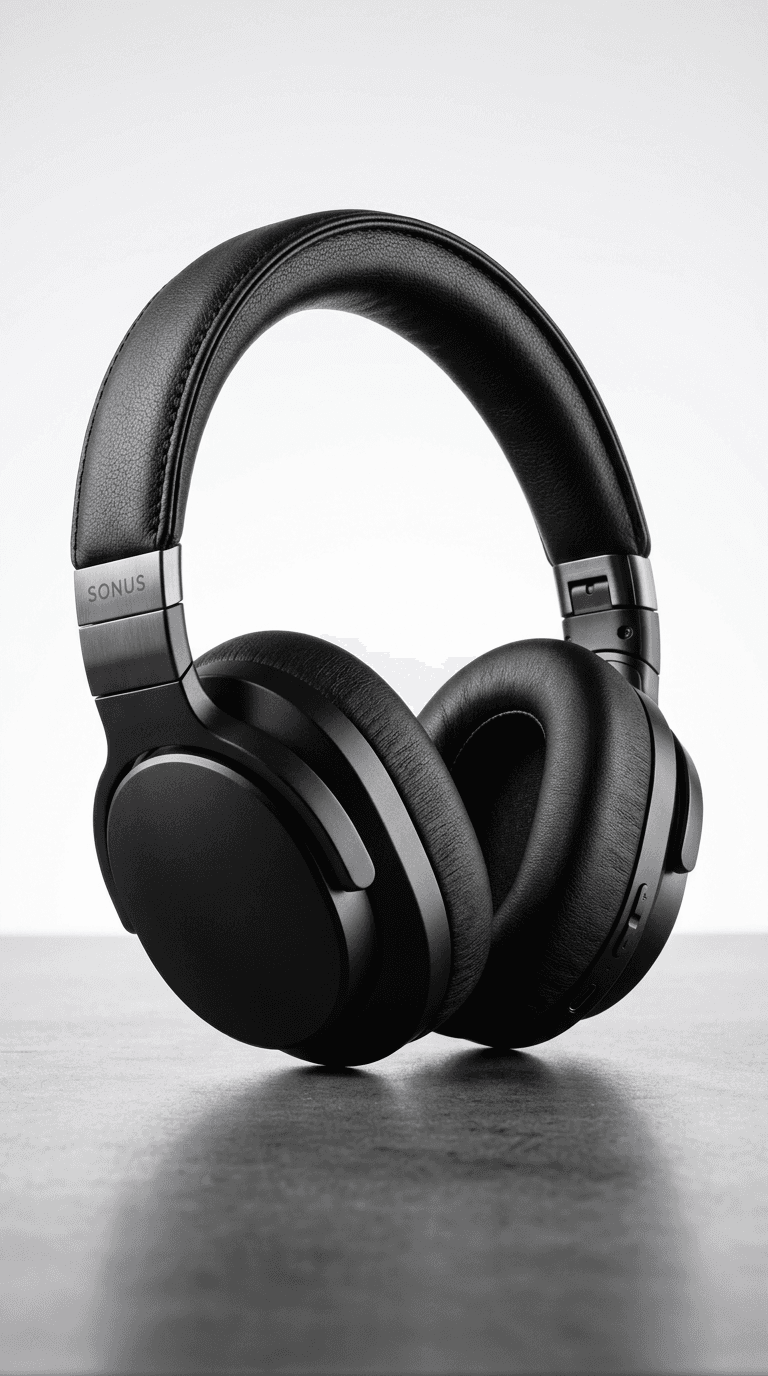
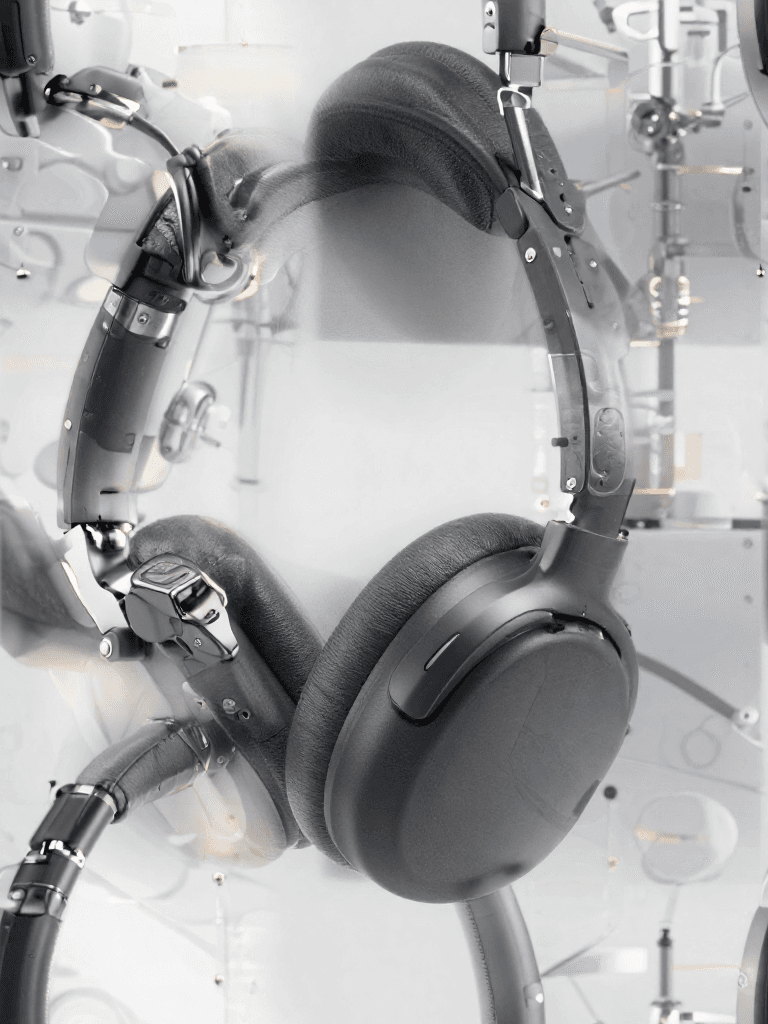
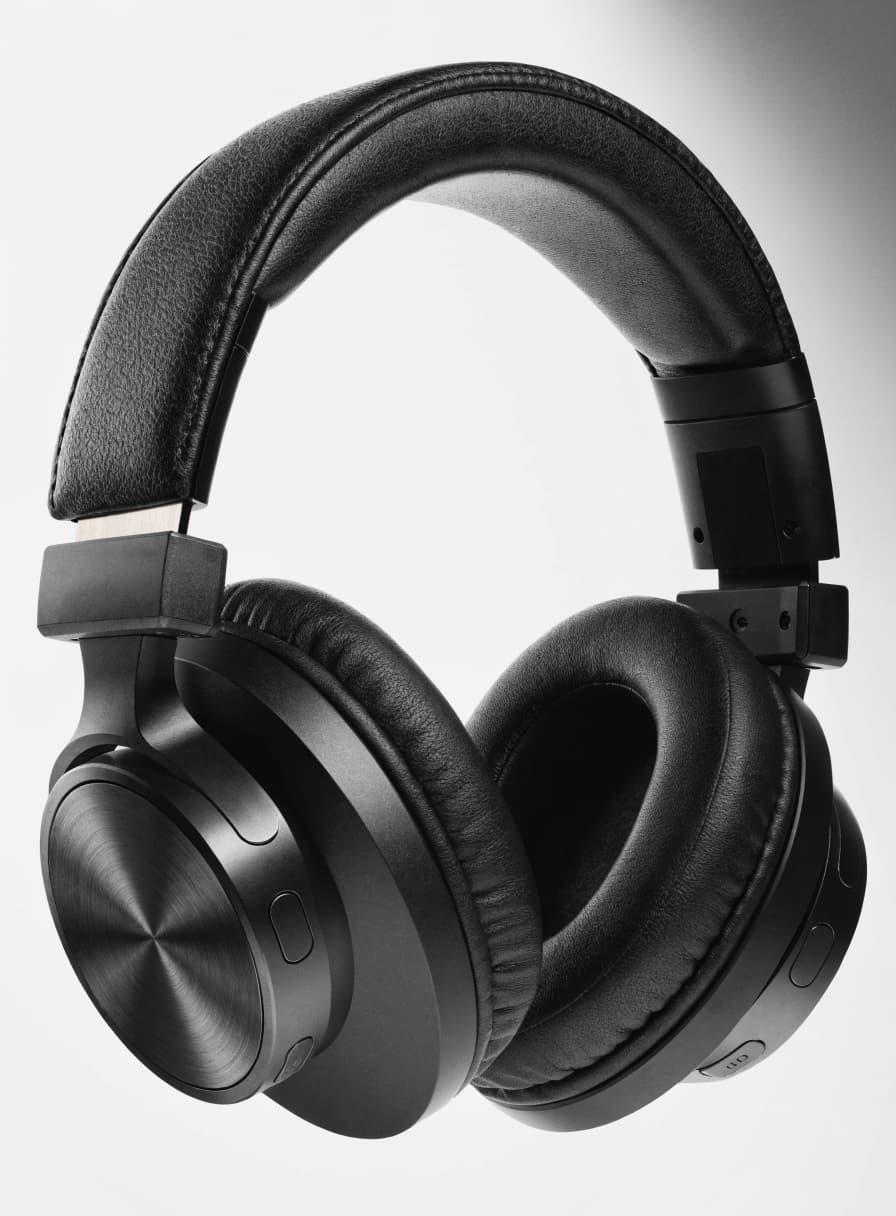
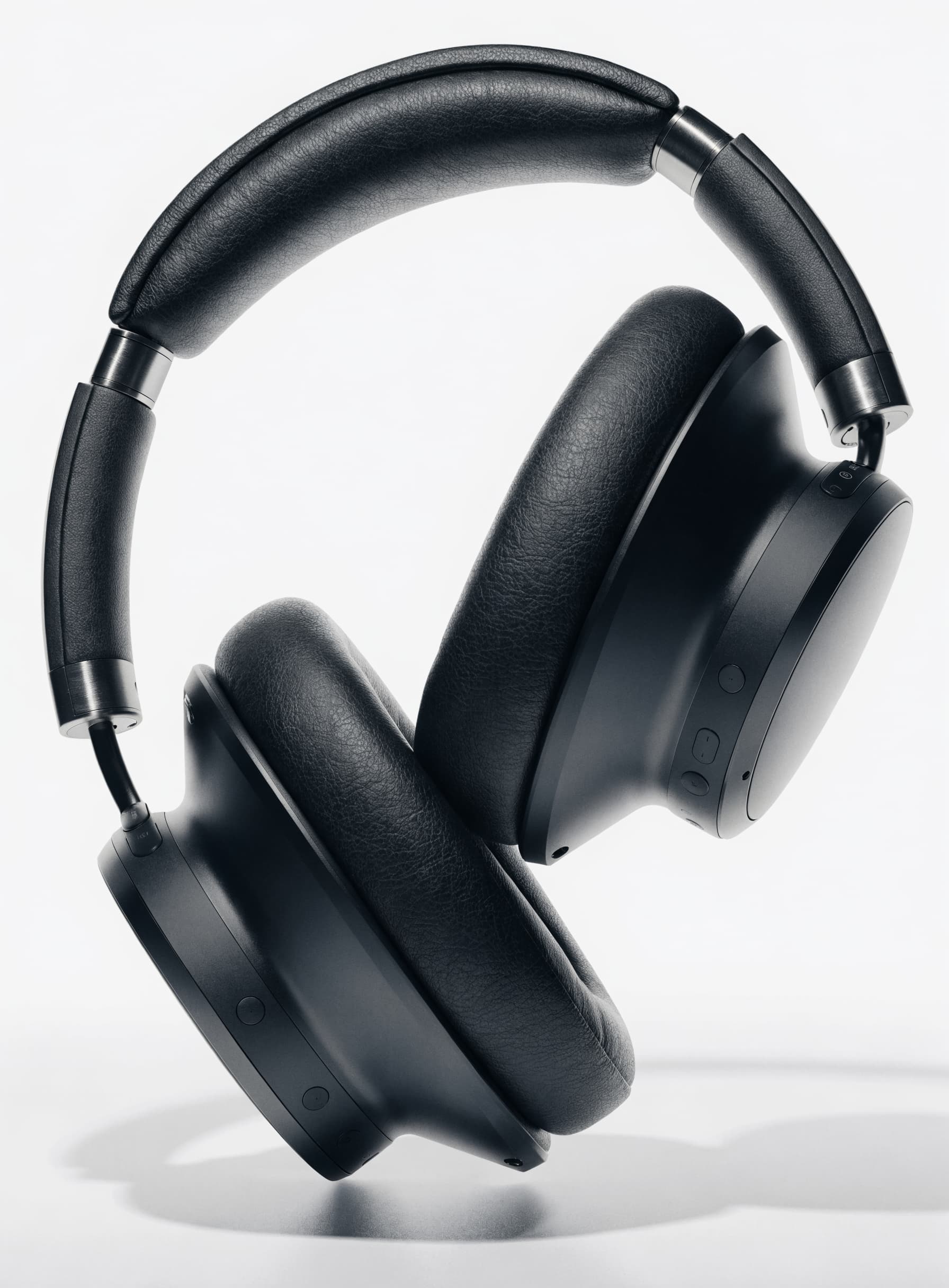
“High-end studio product photography of premium wireless over-ear headphones in matte black finish. Dramatic three-point lighting with soft key light from upper left, rim light highlighting the ear cup contours, and subtle fill. Clean white seamless backdrop with soft gradient. Sharp focus on texture details of the leather headband and brushed metal accents. Professional advertising quality, 8K resolution, photorealistic rendering.”
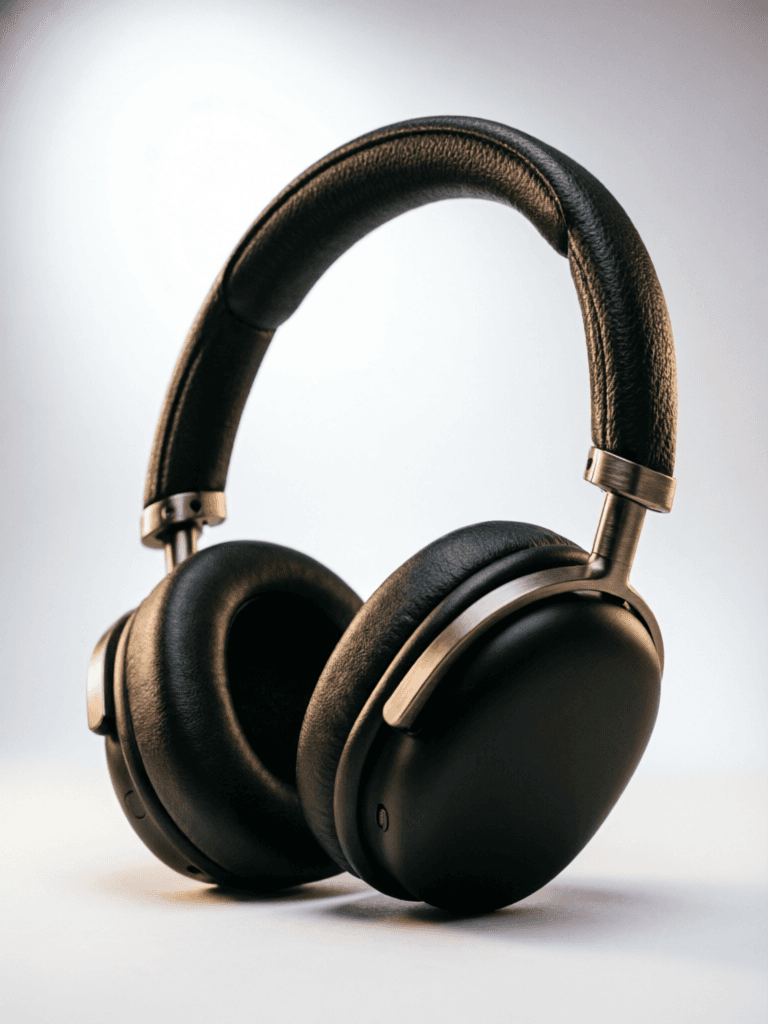
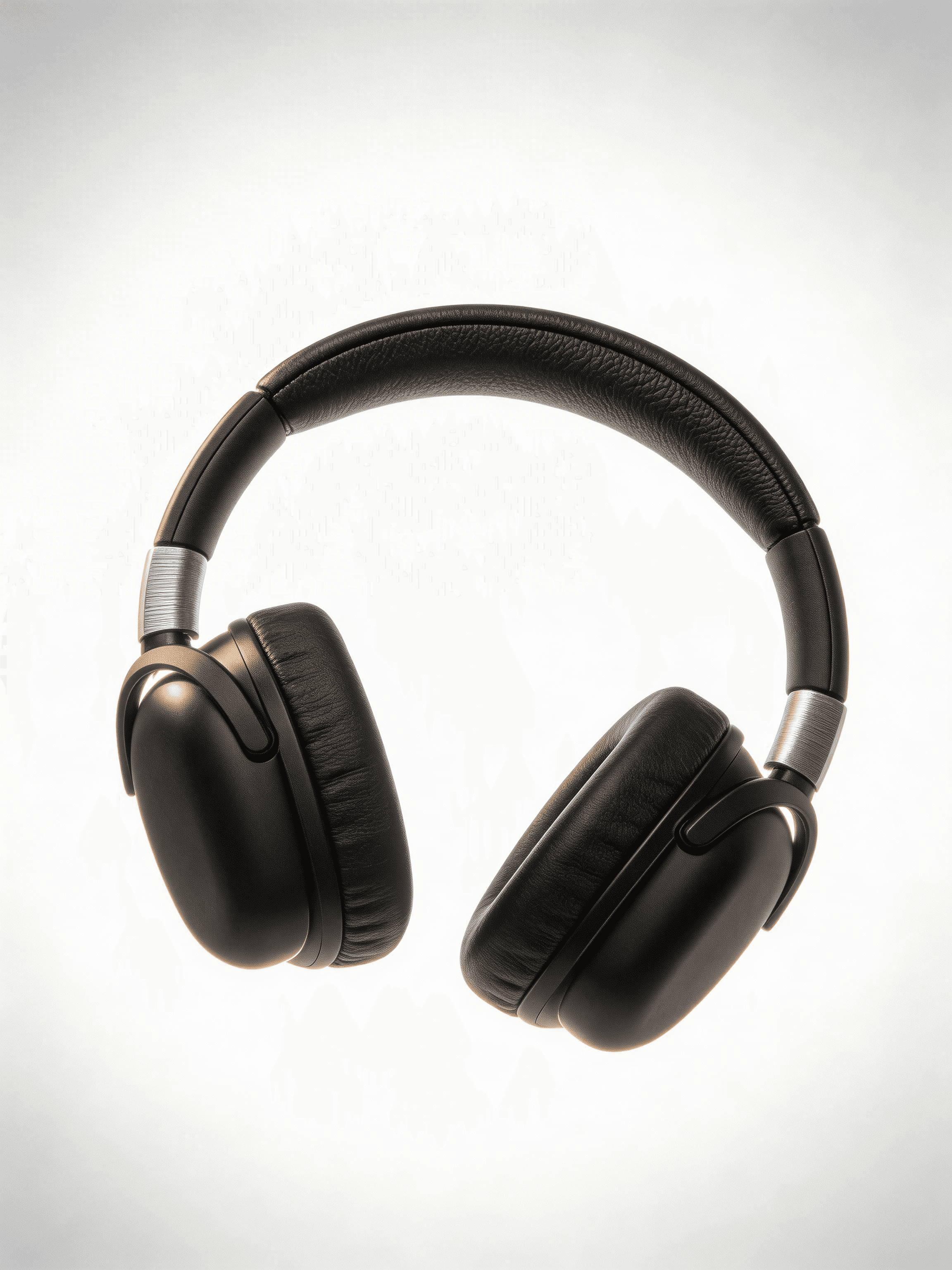
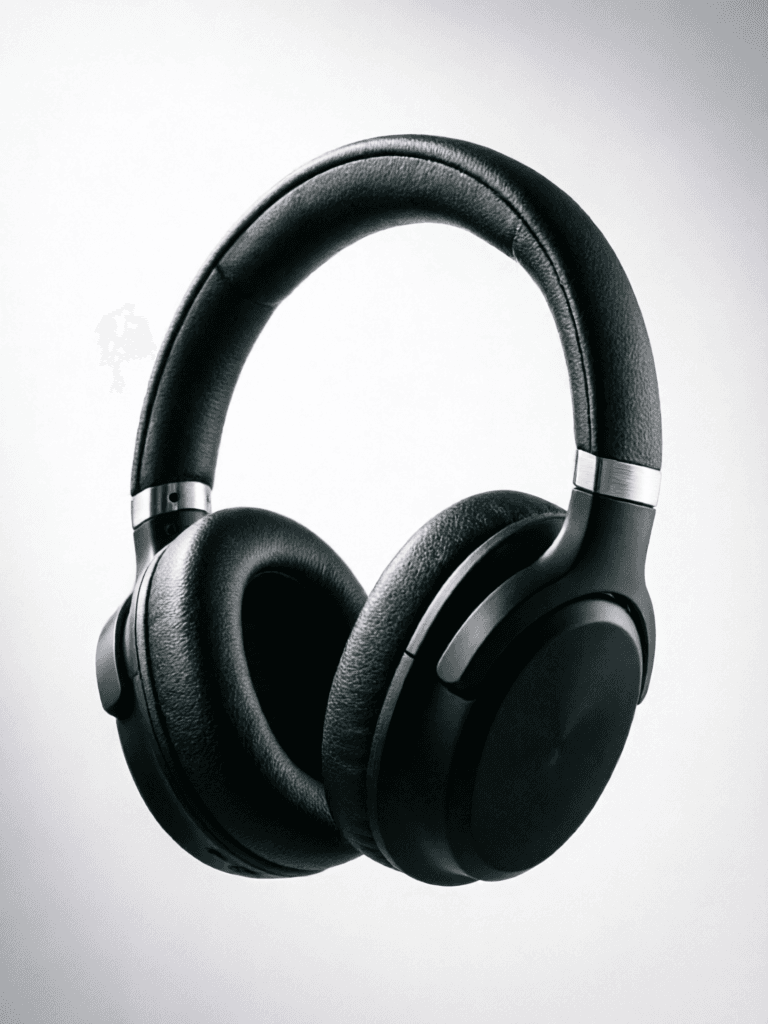
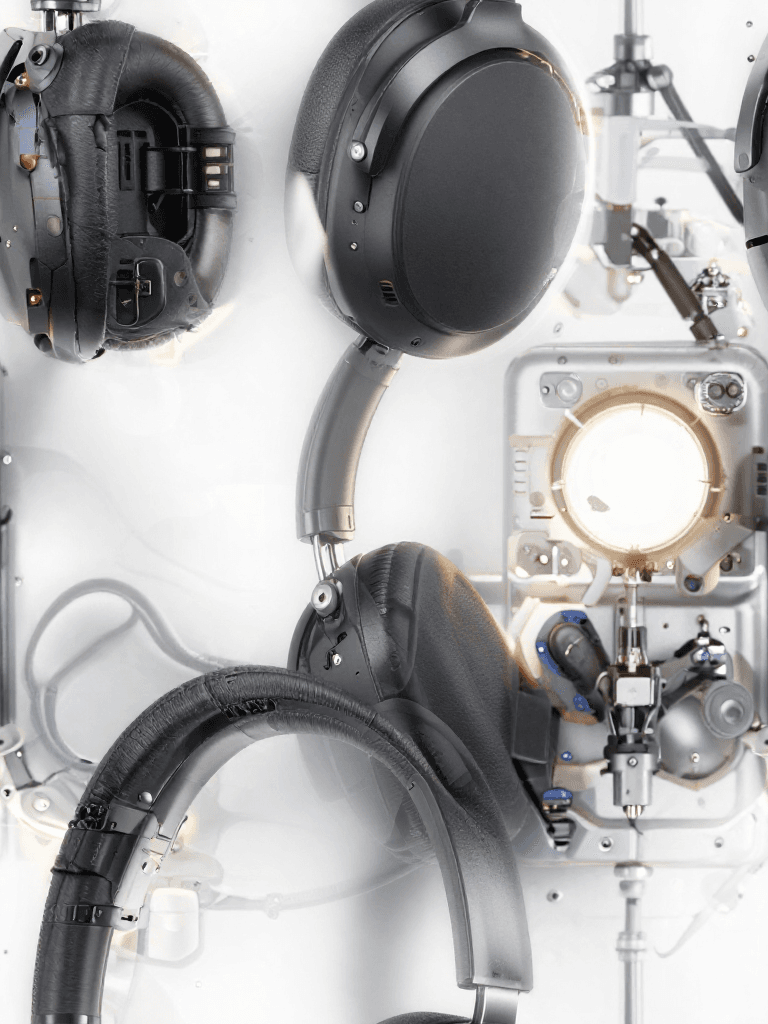
![FLUX.2 [klein] 4B LoRA output](/_next/image?url=https%3A%2F%2Fassets.shortgenius.com%2Fexample-model-output%2F8a335173-50f5-4ae6-a560-420d1a146372.png&w=3840&q=75)
Experimenta la perfección con Qwen Image
¡Cambia a síntesis guiada por razonamiento hoy!
Preguntas frecuentes
Modelos similares
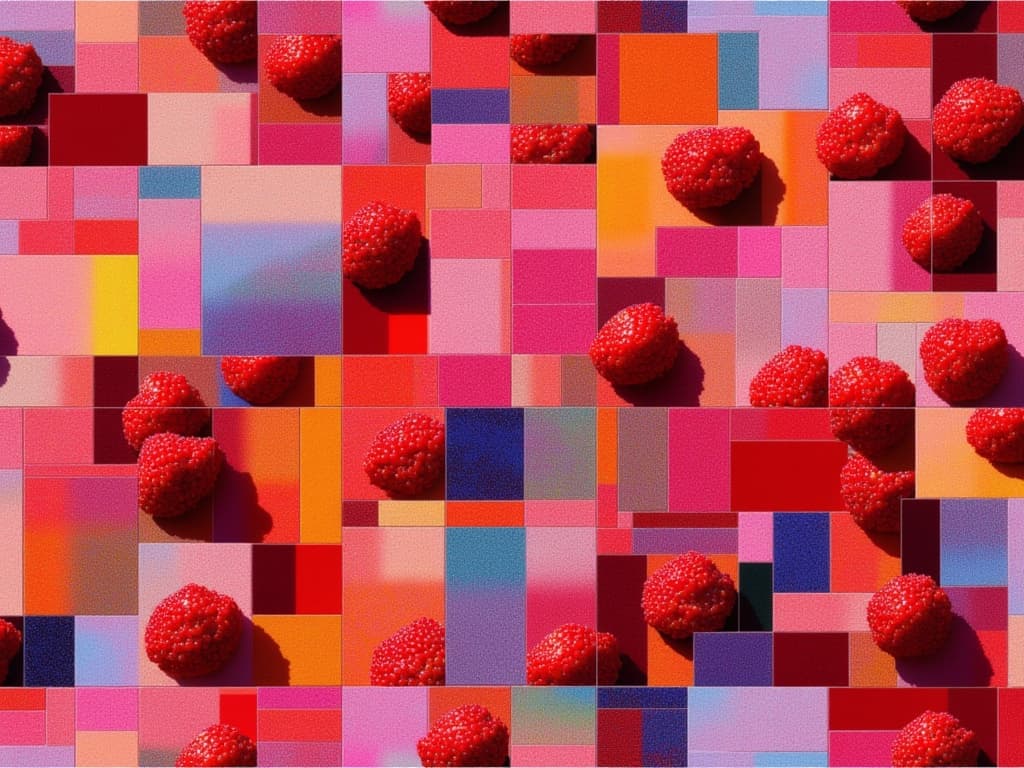
Z-Image Turbo Seamless Tiling
Seamless photorealistic textures from text
0.8 créditos
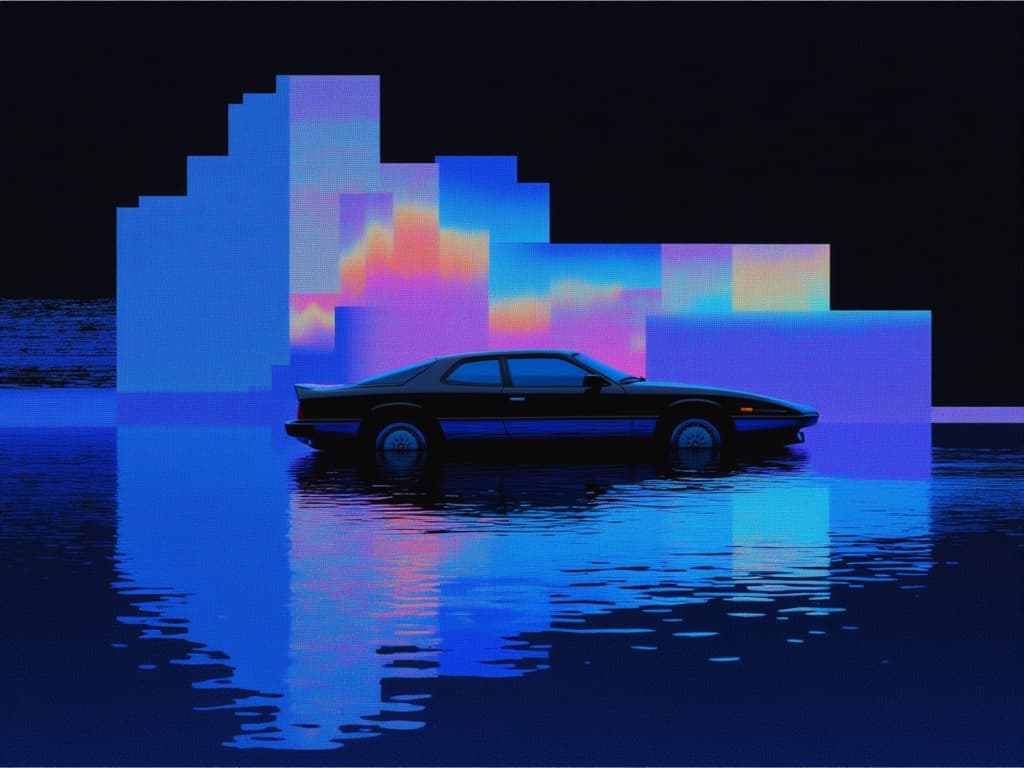
Fibo Bbq Preview
Precise structured text-to-image generation
0.2 créditos
Gemini 3.1 Flash Image Preview
Ultra-fast advanced image generation
0.7 créditos
![FLUX.2 [klein] 4B LoRA](/_next/image?url=https%3A%2F%2Fv3b.fal.media%2Ffiles%2Fb%2F0a928da0%2F57Gi1qonPRBT6XhWAvMAH_ac391991cfe0414199ae74f054947eef.jpg&w=3840&q=75)
FLUX.2 [klein] 4B LoRA
Ultra-realistic images, advanced editing
0.3 créditos

Wan v2.6 Text to Image
Flexible multilingual image generation model
0.3 créditos
Nano Banana 2
Fast, state-of-the-art image generation
0.8 créditos
Qwen Image 2
Unified image generation and editing
0.3 créditos

Z-Image Turbo Seamless Tiling
Seamless photorealistic tiling from text
0.3 créditos
Recraft V4 Pro
Professional marketing design image generation
1 créditos