Kling Video v3 Image to Video [Standard]
Turn a still into a cinematic clip with its own synced audio
Cinematic image-to-video with audio
ANIMACIÓN DE RETRATOS
ANIMACIÓN ARTÍSTICA DE RETRATOS
ANIMACIÓN DE MODA
Kling Video v3 Image to Video [Standard] transforma una sola imagen estática en un clip de video cinematográfico en movimiento, completo con su propio audio generado de forma nativa. Dale una imagen inicial y una descripción textual del movimiento que quieres, y produce tomas suaves y fluidas que dan vida a la escena con un pulido visual premium. Ya sea que estés animando fotos de productos, ilustraciones, retratos o paisajes, este modelo está diseñado para ofrecer ese look cinematográfico y movimiento continuo que antes requería un montaje de producción completo.
En su núcleo, el modelo toma tu imagen inicial y un prompt de texto que describe cómo debe moverse la escena. Podrías pedir que una cámara orbite lentamente alrededor de un sujeto, que la luz suave se desplace sobre una superficie, que la hierba se meza suavemente o que las sombras se muevan elegantemente a través del encuadre. El resultado es un video con movimiento suave y continuo, y una sensación genuinamente premium. Como el modelo lee tanto tu imagen como tus palabras, mantienes el control creativo sobre el ritmo, el comportamiento de la cámara y la atmósfera.
Una de las características destacadas es la generación de audio nativo. En lugar de agregar sonido en un paso de edición separado, el modelo produce audio directamente junto con el video. Soporta salida de voz en chino e inglés, y otros idiomas se traducen automáticamente al inglés. Cuando quieras habla en inglés, escribir en minúsculas produce un habla natural, mientras que las mayúsculas se reservan para acrónimos o nombres propios para que se pronuncien correctamente. Si prefieres un clip silencioso, simplemente puedes desactivar el audio y mantener solo las imágenes.
El modelo te da un control significativo sobre la longitud. Puedes generar clips desde 3 segundos hasta un completo 15 segundos, con 5 segundos como valor predeterminado. Las duraciones cortas son ideales para loops rápidos, fragmentos sociales y tomas de belleza de productos, mientras que las duraciones más largas te permiten construir una secuencia más desarrollada o contar una pequeña historia en una sola generación.
Para proyectos más ambiciosos, el modelo soporta generación de video multi-toma. En lugar de un solo prompt, puedes proporcionar una serie de prompts que dividen tu video en múltiples tomas, permitiéndote crear una secuencia de momentos distintos dentro de un solo clip. Puedes dirigir exactamente cómo se estructuran esas tomas tú mismo, o dejar que el modelo determine inteligentemente la estructura de las tomas por sí solo. Esto hace posible ir más allá de una sola toma continua y crear algo más cercano a una escena editada.
Otra capacidad poderosa es el soporte para elementos personalizados. Puedes proporcionar al modelo personajes u objetos específicos que quieras que aparezcan en el video y referenciarlos directamente en tu prompt con etiquetas simples como @Element1 o @Element2. Cada elemento se puede definir mediante un conjunto de imágenes —una imagen frontal principal más de una a tres imágenes de referencia adicionales desde diferentes ángulos— o mediante un video de referencia corto. Esto te permite mantener un personaje, producto u objeto en particular consistente y reconocible a lo largo de tu video generado, lo cual es invaluable para trabajos de marca, personajes recurrentes y narrativas.
El modelo también te permite guiar el final de tu clip. Junto con tu imagen inicial, puedes proporcionar opcionalmente una imagen final, dándole al modelo un objetivo hacia el cual avanzar. Esto es útil cuando quieres que el movimiento concluya en una composición o pose específica, en lugar de dejar el final completamente al azar.
Varios controles creativos te ayudan a ajustar exactamente el aspecto que deseas. Una configuración de adherencia al prompt determina cuán fielmente el modelo sigue tu descripción escrita frente a la libertad creativa que toma —valores bajos permiten más interpretación, valores altos lo mantienen alineado estrechamente con tus palabras. También puedes usar un negative prompt para alejar al modelo de cualidades no deseadas; por defecto evita desenfoque, distorsión y baja calidad, y puedes agregar tus propios términos para excluir otras cosas que no quieres ver.
Este modelo es ideal para una amplia gama de profesionales creativos. Cineastas y diseñadores de motion pueden prototipar tomas cinematográficas y movimientos de cámara sin un equipo de filmación. Especialistas en marketing y diseñadores de productos pueden animar fotos estáticas de productos en clips promocionales atractivos. Ilustradores y artistas conceptuales pueden dar movimiento a su arte estático. Creadores de contenido social pueden producir videos cortos pulidos con sonido integrado. Y cualquiera que trabaje en piezas narrativas puede apoyarse en la generación multi-toma y elementos personalizados para mantener personajes y escenas consistentes a lo largo de una secuencia.
En cuanto a lo que produce, la salida es un archivo de video MP4 estándar que es fácil de descargar, compartir o insertar en una edición más grande. El énfasis está en visuales cinematográficos y movimiento fluido y creíble —el modelo está optimizado para que las superficies capturen la luz de manera convincente, los objetos se muevan naturalmente y el clip en general se sienta intencional y refinado, en lugar de entrecortado o artificial.
Hay algunas cosas que vale la pena tener en cuenta al trabajar. Proporcionas un solo prompt o una secuencia multi-prompt, pero no ambos al mismo tiempo, así que decide de antemano si quieres una toma continua o una estructura multi-toma. Los elementos personalizados necesitan material de referencia claro —para elementos basados en imágenes, una vista frontal más ángulos adicionales ayudan al modelo a entender completamente el sujeto. Al usar audio con voz, seguir la guía de minúsculas para habla natural y mayúsculas para acrónimos te dará la salida de voz más limpia. Y como con cualquier herramienta generativa, un prompt descriptivo y específico sobre movimiento de cámara, iluminación y ritmo te acercará notablemente al resultado que imaginas. Con prompts bien pensados y el rico conjunto de controles del modelo, puedes pasar de un solo fotograma a un clip terminado, cinematográfico y con sonido en un solo paso.
Genera con el modelo de video más avanzado
Add the image that you want change
Subir imagen
Agrega una imagen opcional para guiar el aspecto, el personaje o el entorno
A woman kneeling in darkness, illuminated by a warm, radiant beam of light emerging from her raised hand.
Escribe tu escena
Escribe un prompt: el modelo entiende la física, la iluminación y la intención emocional de tu escena
Empieza a compartir
Haz clic para generar tu resultado final y descargar un video de calidad profesional
Más allá del prompt: un nuevo nivel de control
ANIMACIÓN CINEMATOGRÁFICA DE PAISAJES
Animación cinematográfica de la naturaleza con iluminación dinámica y movimiento ambiental, ideal para contenido de viajes o documentales de naturaleza.
ANIMACIÓN DE MUESTRAS DE PRODUCTOS
Perfecta para anuncios de productos de alta gama, animando vidrio, reflejos y movimiento de cámara para narrativas visuales de lujo.
ANIMACIÓN CINEMATOGRÁFICA ARTÍSTICA
Demuestra animación dramática del clima y movimiento amplio de cámara, ideal para trailers cinematográficos o intros atmosféricos.
Compara con modelos similares
“Animate with subtle natural movements. Add gentle breathing motion to shoulders. Create natural eye blinks every 2-3 seconds. Introduce slight head micro-movements. Hair moves softly as if in gentle breeze. Maintain the warm smile with subtle lip movements. Eyes should have natural catchlight movement. Keep animation subtle and lifelike, not exaggerated. 5 seconds, smooth looping.”
Vive la perfección con Kling Video v3 Image to Video [Standard]
Cámbiate hoy a la síntesis guiada por razonamiento
Preguntas frecuentes
Modelos similares
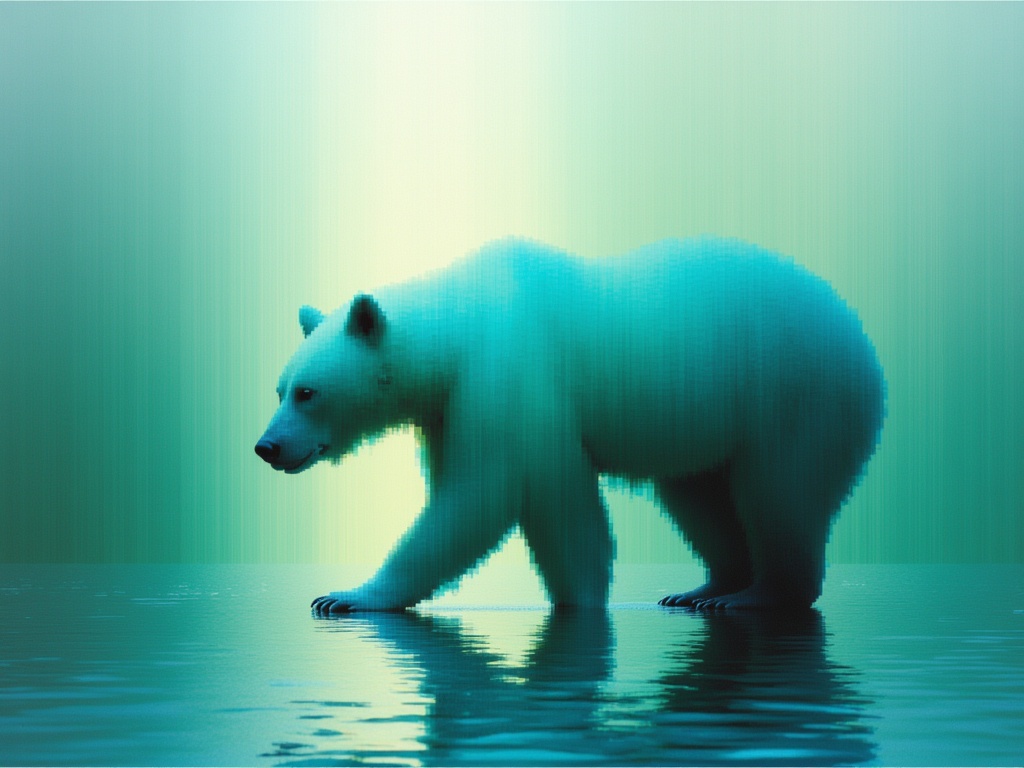
Luma Ray 3.2 Image to Video
Animate images into cinematic video
0.6 créditos
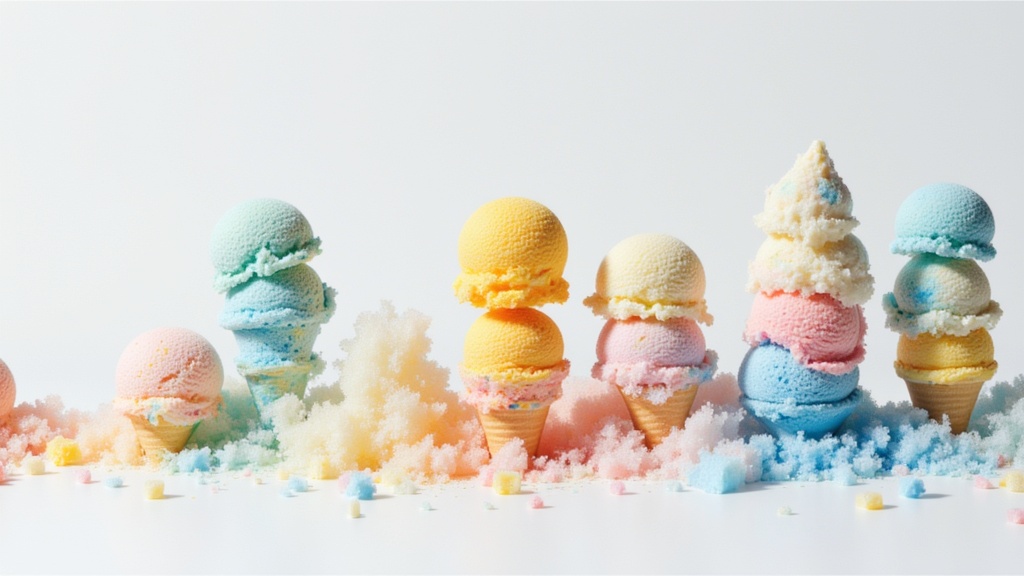
Seedance 2.0 Fast Image to Video
Cinematic video from images fast
0.1 créditos
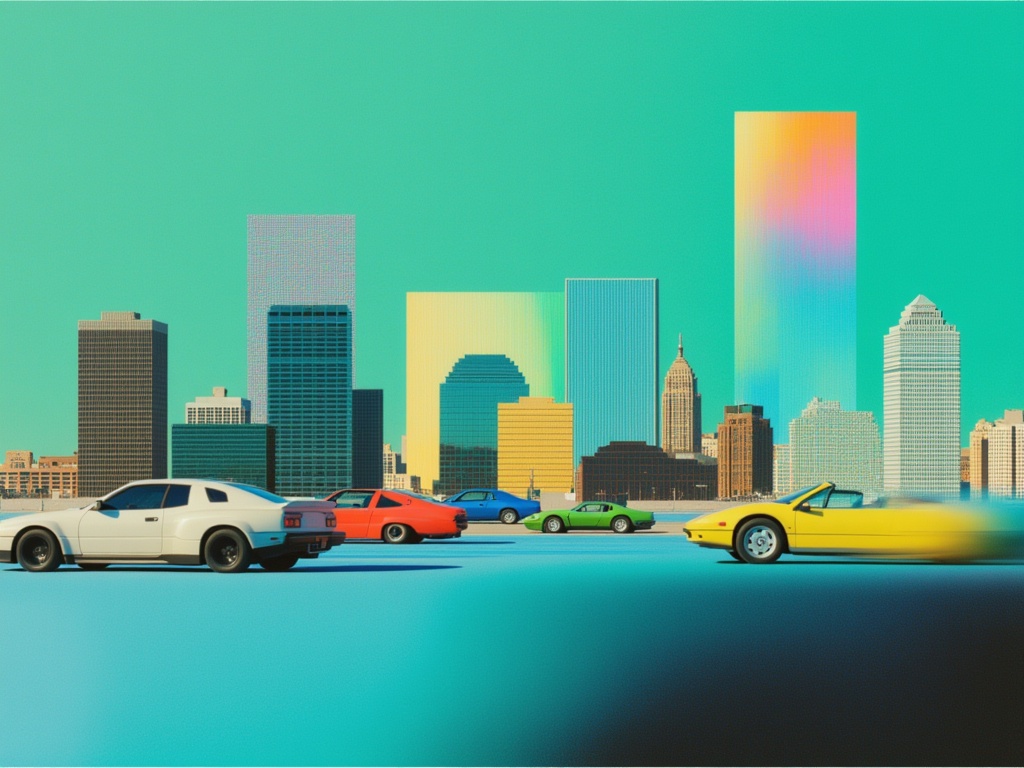
Happy Horse 1.1 Image to Video
Animate image to 1080p video
2.8 créditos
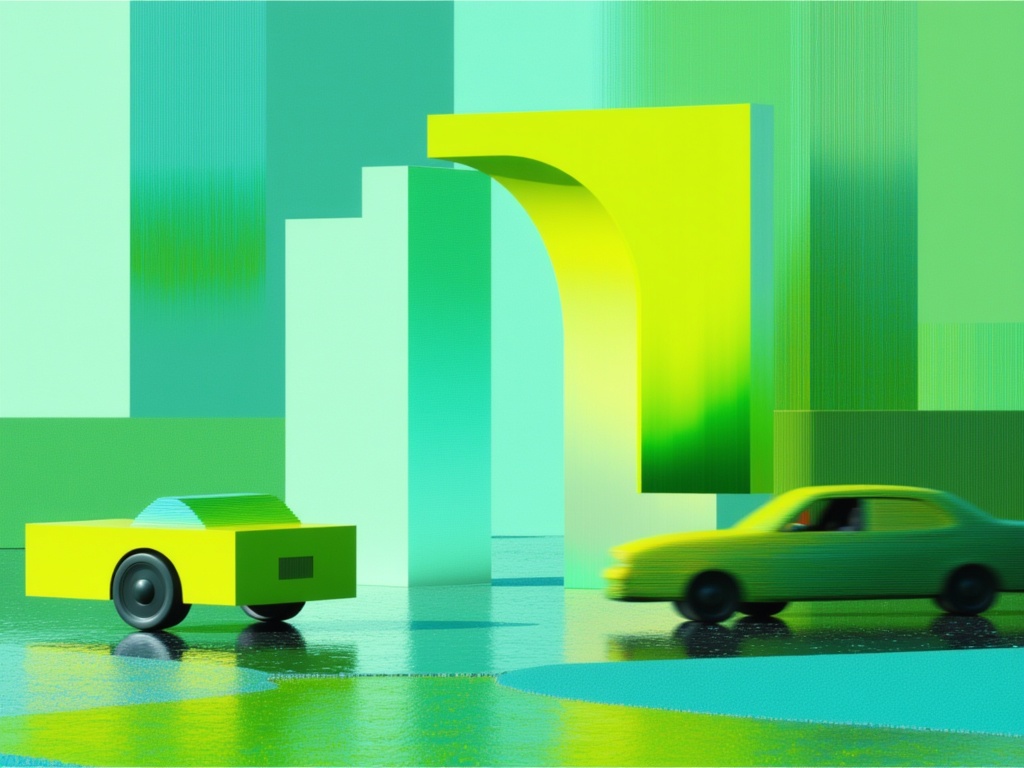
Gemini Omni Flash
Animate images into video with audio
10 créditos
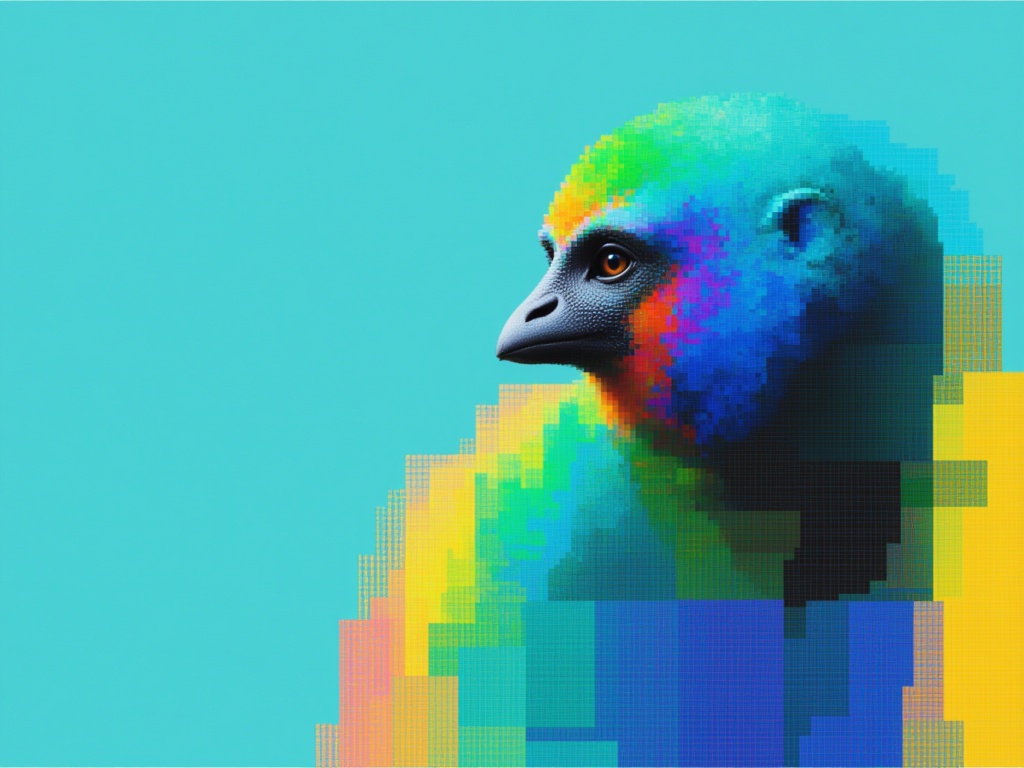
Gemini Omni Flash
Multimodal references to video
10 créditos
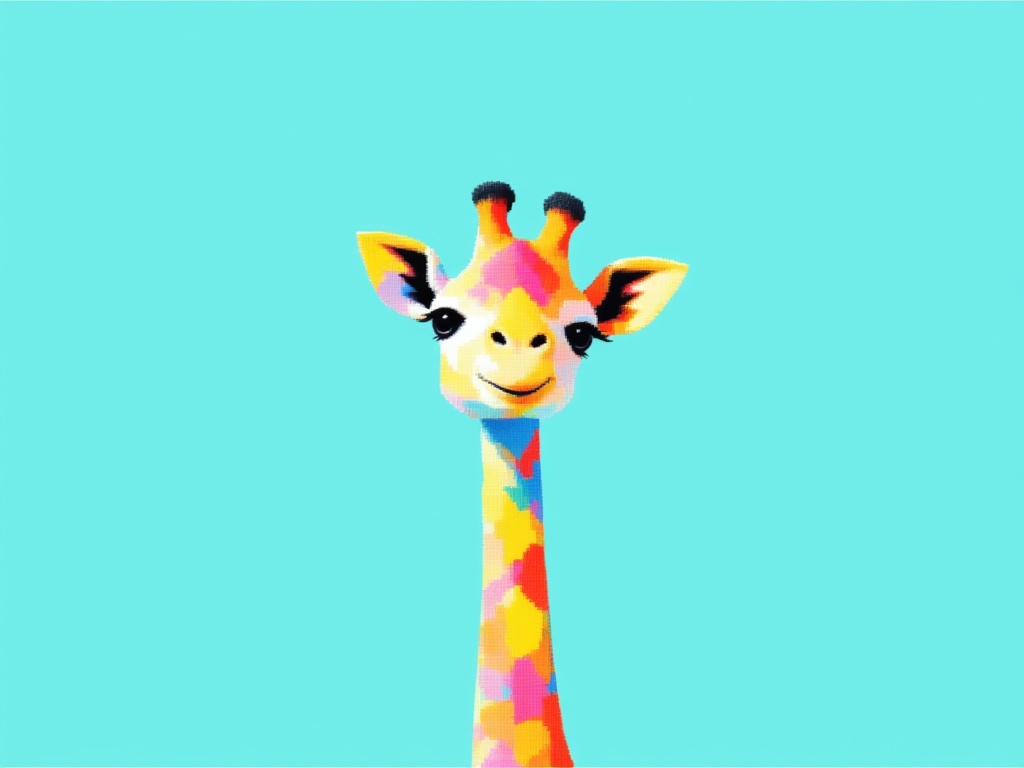
Grok Imagine Video 1.5 Reference to Video
Video from image, audio references
0.4 créditos
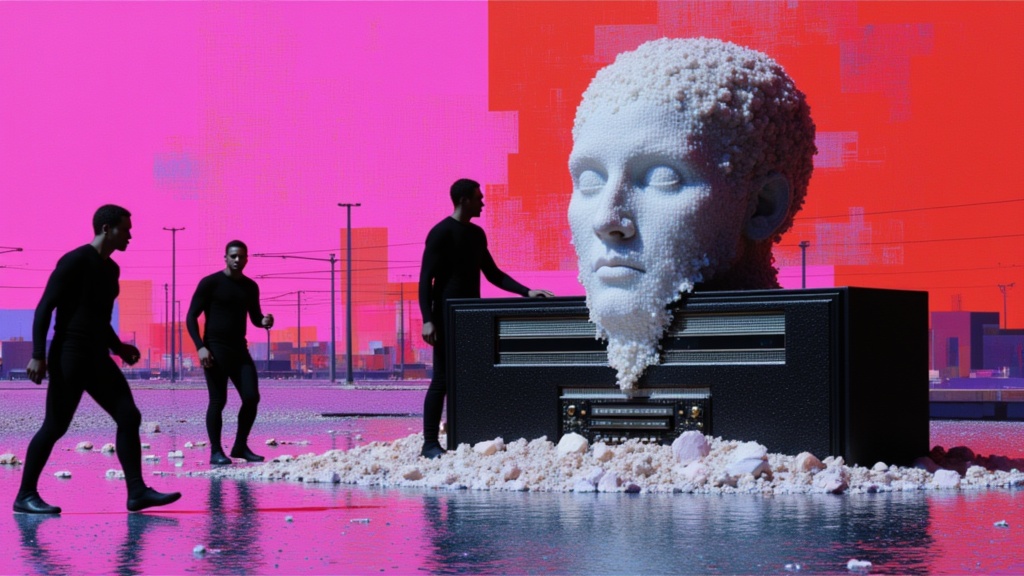
Seedance 2 Image to Video
Cinematic video from images
10 créditos
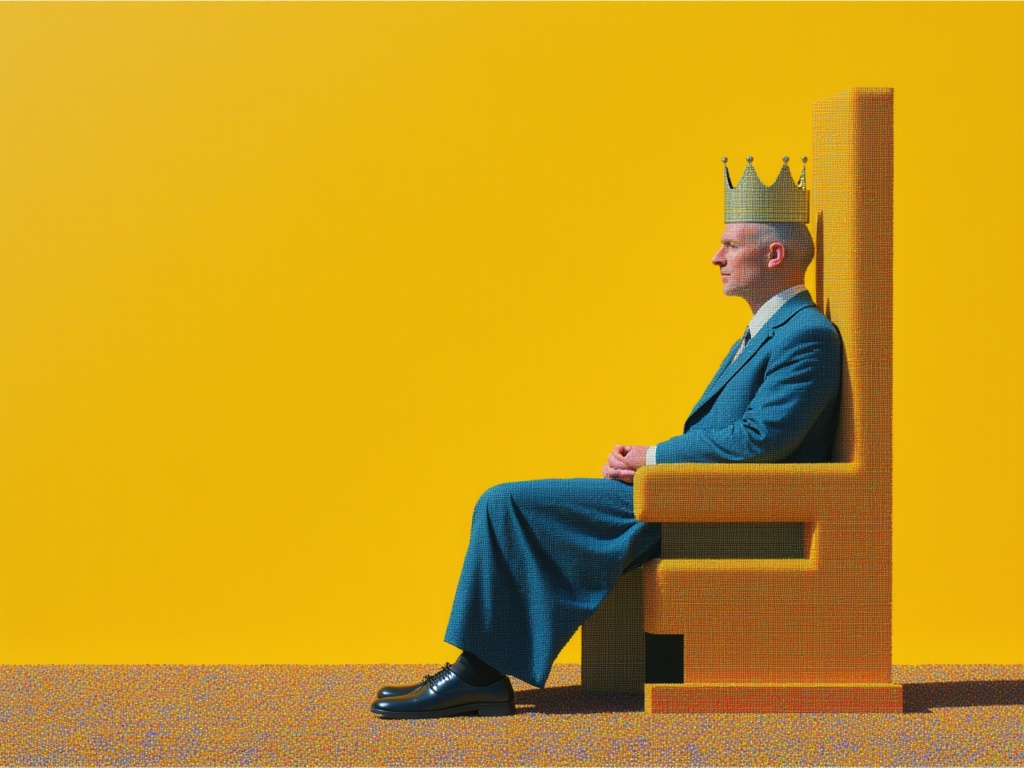
MiniMax H3 Image to Video
Animate images into 2K video
7.8 créditos