Kling Video v3 Image to Video [Pro]
Dale vida a las imágenes
Cinematic image-to-video with audio
ANIMACIÓN DE RETRATO
PRIMER PLANO DE BELLEZA
RETRATO ARTÍSTICO DE ESTILO DE VIDA
Kling Video v3 Image to Video [Pro], desarrollado por Black Forest Labs, está diseñado para profesionales creativos que desean convertir imágenes estáticas en secuencias de video cinematográficas ricas, con una impresionante fidelidad visual y de audio. Este modelo permite a artistas, diseñadores, cineastas y creadores de contenido dar vida a sus imágenes transformándolas en clips de video cortos, completos con movimiento fluido y generación de audio nativo.
¿Qué crea Kling Video v3 Image to Video [Pro]?
En su núcleo, este modelo toma una imagen inicial —como una obra de arte, fotografía, render de concepto o activo de diseño— y la convierte en un video cinematográfico. Los usuarios pueden guiar el contenido y el estado de ánimo del video a través de prompts de texto descriptivos, que funcionan como notas de mini-director, permitiéndote pintar la atmósfera, el movimiento, los golpes emocionales y los arcos narrativos. Si deseas múltiples escenas, puedes dividir tu visión en múltiples prompts para una progresión de estilo storyboard multi-toma.
Los videos generados pueden incluir audio nativo, como voces que hablan el contenido de tu prompt en inglés o chino. Si proporcionas prompts en otros idiomas, se traducen automáticamente a narración en audio en inglés. Esta capacidad para agregar voz y sonido hace que el video resultante no solo sea visualmente atractivo, sino inmersivo.
Casos de uso ideales y beneficiarios
Kling Video v3 Image to Video [Pro] sirve a una amplia gama de profesionales creativos:
- Artistas e ilustradores: Anima tus ilustraciones o diseños de personajes para mostrar movimiento, expresión o estado de ánimo en reels de portafolio o contenido social.
- Cineastas y artistas de storyboard: Prototipa rápidamente animatics y conceptos de narración visual transformando fotogramas clave o imágenes conceptuales estáticas en escenas en movimiento.
- Diseñadores: Da vida a renders de productos, entornos o bocetos conceptuales para presentaciones, anuncios y campañas digitales.
- Creadores de contenido y marketers: Crea rápidamente activos animados llamativos para redes sociales, plataformas de video y proyectos de clientes.
Formatos compatibles, calidad y estilos
El modelo genera archivos de video (en formato .mp4) aptos para uso directo en proyectos digitales, presentaciones y software de edición. La duración del video es ajustable, con un rango de 3 a 15 segundos, ofreciendo flexibilidad para diversos propósitos narrativos o promocionales.
Kling Video v3 está construido para visuales cinematográficos, soportando movimiento fluido que da vida a las escenas —piensa en gestos suaves de personajes, parpadeos, expresiones emocionales, efectos atmosféricos y partículas de polvo capturando la luz. Puedes personalizar aún más la apariencia y sensación describiendo iluminación, emociones y detalles narrativos en tus prompts, permitiéndote moldear el estilo estético para que se ajuste a tu marca o visión artística.
Capacidades de audio
Una característica destacada es la capacidad de generar audio nativo: el modelo puede crear paisajes sonoros de fondo o narración de voz extraídos directamente del prompt. Por ejemplo, si tu prompt incluye diálogo o acción descriptiva, el video generado puede presentar un narrador leyéndolo en inglés o chino según corresponda. Los nombres propios o acrónimos deben escribirse en mayúsculas en el prompt para una salida de voz precisa.
Controles creativos y personalización
- Dirección impulsada por prompts: Dirige la historia, el ritmo, el estado de ánimo y los detalles usando texto descriptivo. Puedes especificar desde expresiones faciales sutiles y gestos hasta iluminación y efectos ambientales.
- Videos multi-toma: Para narrativas complejas, puedes dividir tu video en diferentes “tomas” con instrucciones separadas para cada una, habilitando transiciones y cambios de escena.
- Elementos personalizados: Incorpora objetos o personajes específicos suministrando imágenes de referencia (desde múltiples ángulos) o incluso clips de video cortos. Al referenciarlos en tu prompt (p. ej., “@Element1”), tienes control preciso sobre el elenco y accesorios en tu secuencia animada.
- Duración del video: Selecciona la longitud exacta de tu video (3 a 15 segundos) para que coincida con tus necesidades narrativas o requisitos de plataforma.
- Generación de audio nativo: Elige habilitar o deshabilitar el audio, y opta por salida de voz realista en idiomas compatibles.
- Configuración de adherencia al prompt: Ajusta qué tan de cerca el resultado final sigue tu prompt de texto, permitiéndote encontrar el equilibrio adecuado entre generación guiada e interpretación creativa.
Limitaciones y consideraciones
- El punto de partida para cada video es una imagen estática; la calidad de la imagen y la composición inicial influirán en tus resultados.
- La generación de voz de audio soporta solo inglés y chino. Los prompts en otros idiomas se traducirán automáticamente al inglés para la narración.
- Al usar multi-toma o elementos personalizados, planea tus imágenes o clips de referencia con cuidado para asegurar continuidad y consistencia de estilo.
- El prompt negativo predeterminado desalienta salidas de baja calidad, borrosas o distorsionadas —ayudando a producir resultados de grado profesional.
Mejores prácticas
- Usa prompts descriptivos y vívidos para obtener los videos más cinematográficos y expresivos posibles.
- Incluye imágenes de referencia para personajes o elementos clave para lograr consistencia en fotogramas o tomas.
- Al generar audio, escribe claramente las partes habladas e indica nombres propios en mayúsculas según sea necesario para una pronunciación precisa.
Resumen
Kling Video v3 Image to Video [Pro] es una herramienta creativa poderosa para animar imágenes en videos cortos cinematográficos completamente producidos. Su combinación de síntesis visual y de audio, inclusión de elementos personalizados y dirección creativa flexible lo hace ideal para artistas y profesionales que buscan prototipar rápidamente, visualizar o promover ideas con movimiento y sonido —todo desde una sola imagen y un prompt guía.
Generar con el modelo de video más avanzado
Add the image that you want change
Subir imagen
Agrega una imagen opcional para guiar el aspecto, personaje o entorno
A woman kneeling in darkness, illuminated by a warm, radiant beam of light emerging from her raised hand.
Escribe tu escenario
Escribe un prompt - El modelo entiende la física, iluminación e intención emocional de tu escena
Comenzar a compartir
Haz clic para generar tu salida final y descargar video de calidad profesional
Más allá del prompt: Un nuevo nivel de control
CINEMATOGRAFÍA DE NATURALEZA
Demuestra elementos animados complejos y transiciones dramáticas de naturaleza, perfecto para cineastas de paisajes y creadores de contenido de viajes.
ANIMACIÓN DE PRODUCTOS DE ALTA GAMA
Resalta animación de exhibición de productos con reflejos dinámicos, efectos flotantes y señales de audio, adaptado para publicidad de lujo y promos sociales.
ESCENA URBANA CINEMATOGRÁFICA
Muestra efectos de luz en movimiento, superficies reflectantes y energía urbana, perfecto para videos musicales o visuales de paisajes urbanos en tendencia.
Comparar con modelos similares
“Animate with subtle natural movements. Add gentle breathing motion to shoulders. Create natural eye blinks every 2-3 seconds. Introduce slight head micro-movements. Hair moves softly as if in gentle breeze. Maintain the warm smile with subtle lip movements. Eyes should have natural catchlight movement. Keep animation subtle and lifelike, not exaggerated. 5 seconds, smooth looping.”
Experimenta la perfección con Kling Video v3 Image to Video [Pro]
¡Cambia a síntesis guiada por razonamiento hoy!
Preguntas frecuentes
Modelos similares
LTX 2.3 Video Fast
Fast, high-quality image animation
2.4 créditos
PixVerse C1 Reference To Video
Character-consistent video from references
0.1 créditos
PixVerse C1 Transition
Cinematic transitions between two images
0.1 créditos
Wan
Animate images into smooth video
2 créditos

Veo3.1 Lite FLF
Animate between first/last frames
1.6 créditos
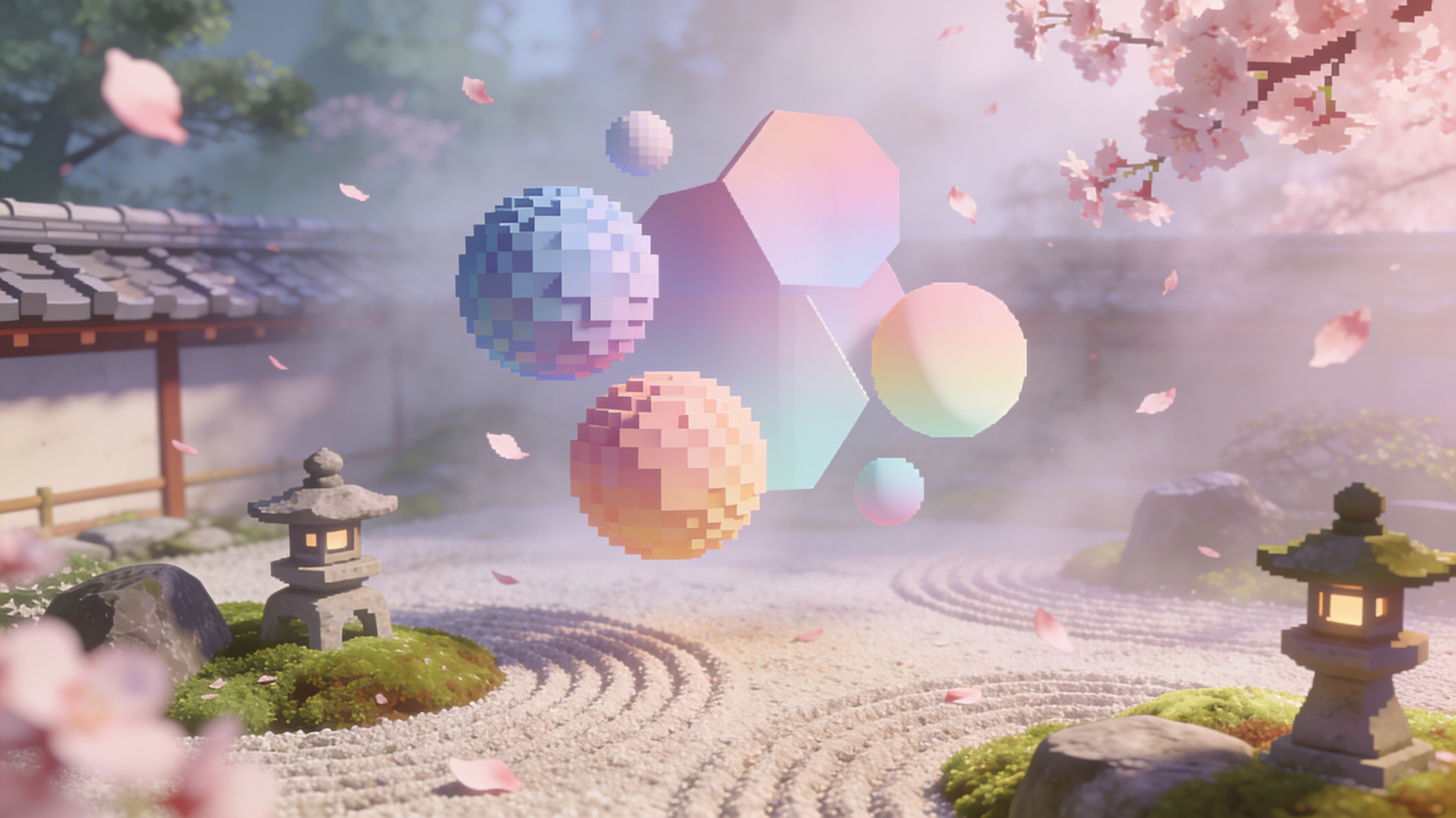
Vidu
Reference-guided consistent video generation
0.3 créditos
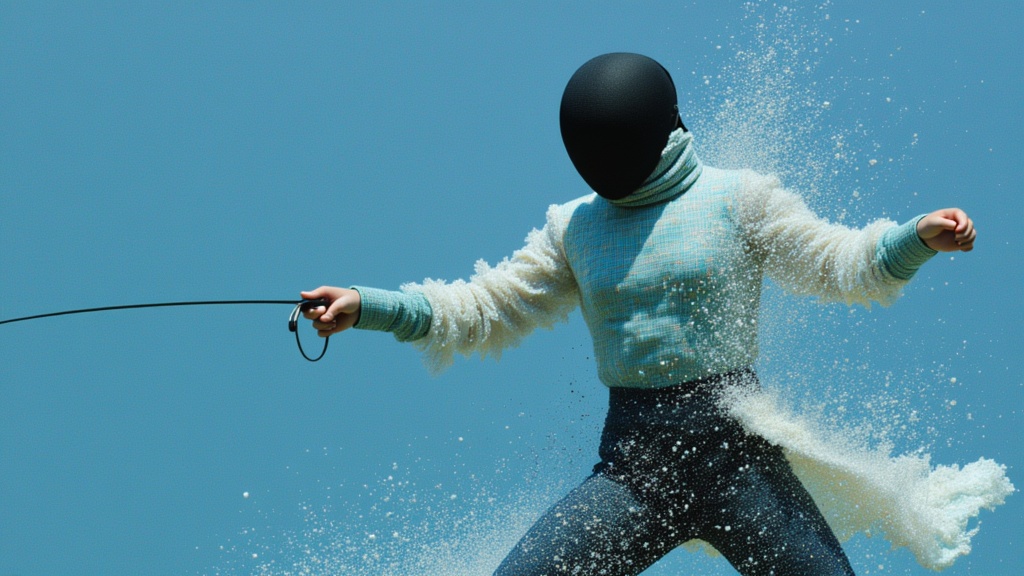
PixVerse V6 Image To Video
Animate images into styled videos
0.1 créditos
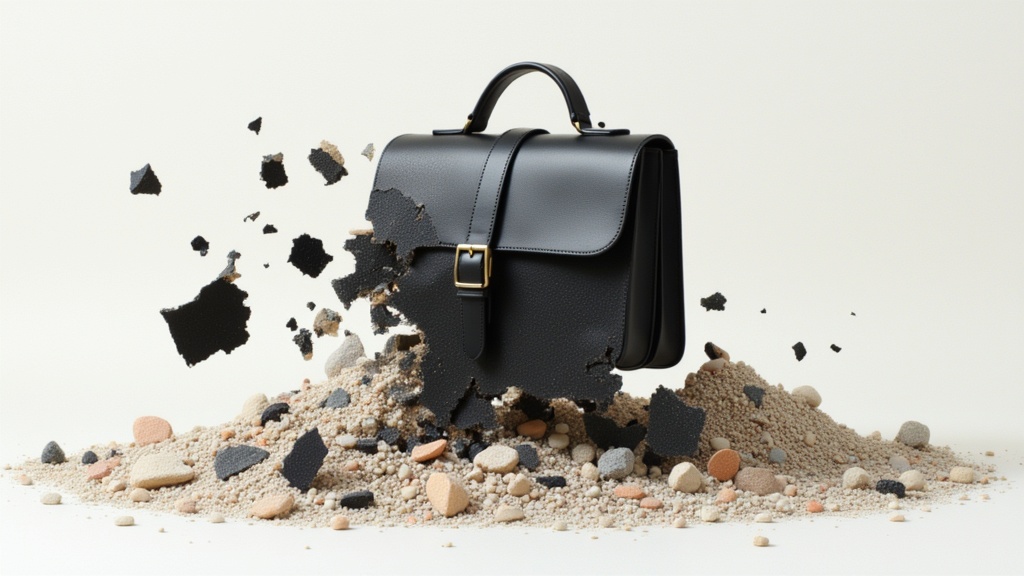
Veo3.1 Lite Image to Video
Animate images into pro videos
1.6 créditos
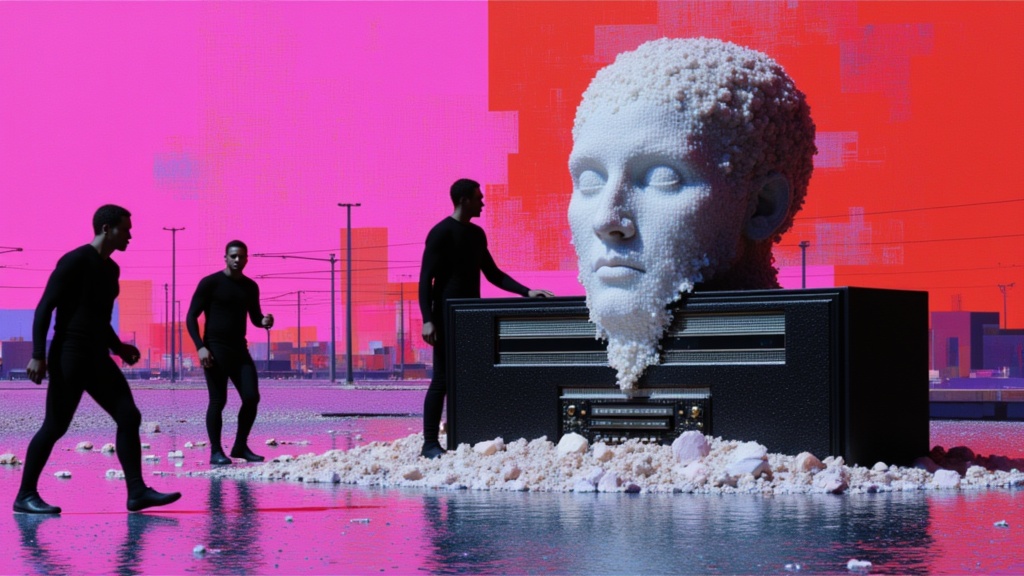
Seedance 2 Image to Video
Cinematic video from images
10 créditos