
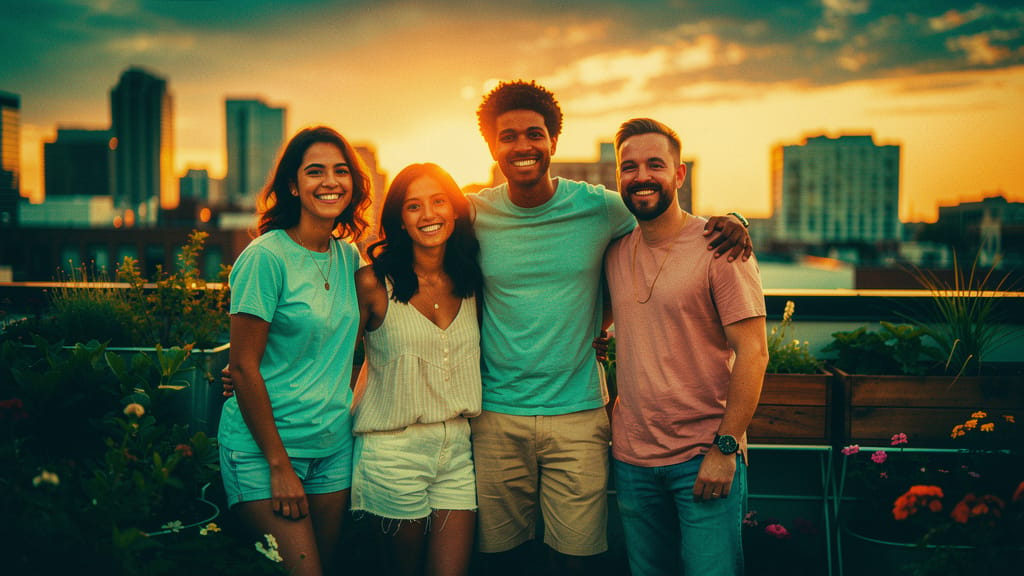
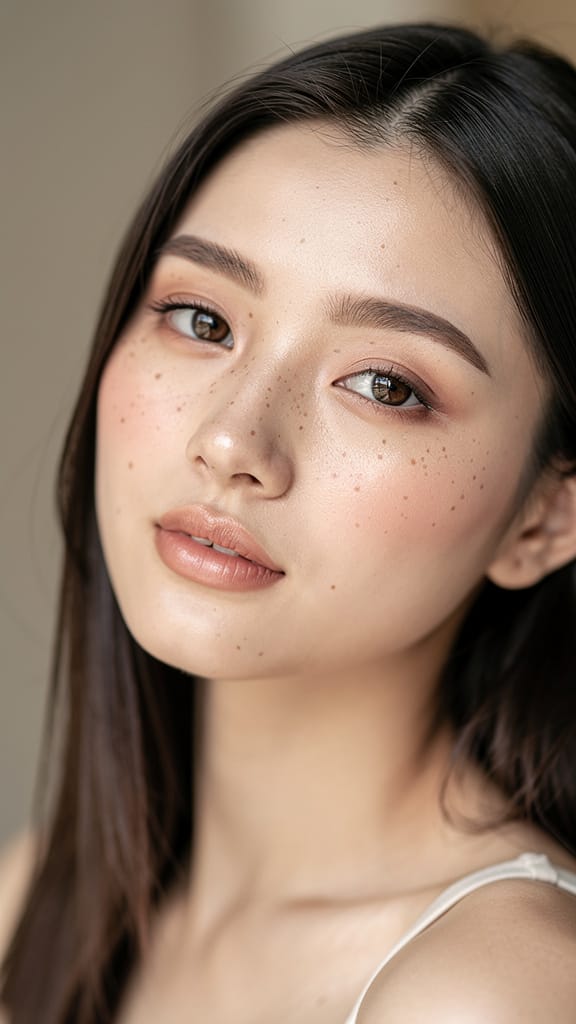
뷰티 글래머 향상
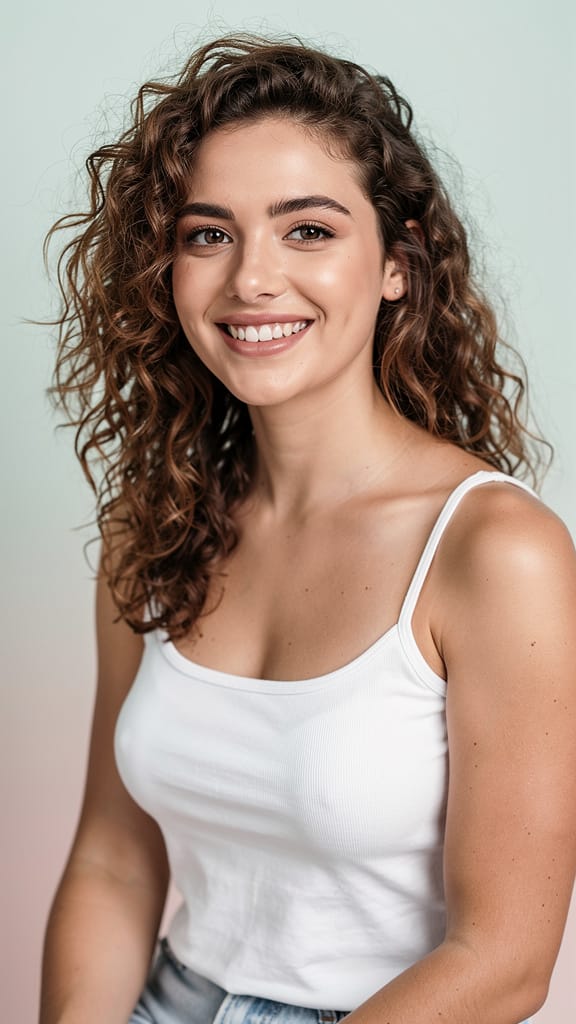
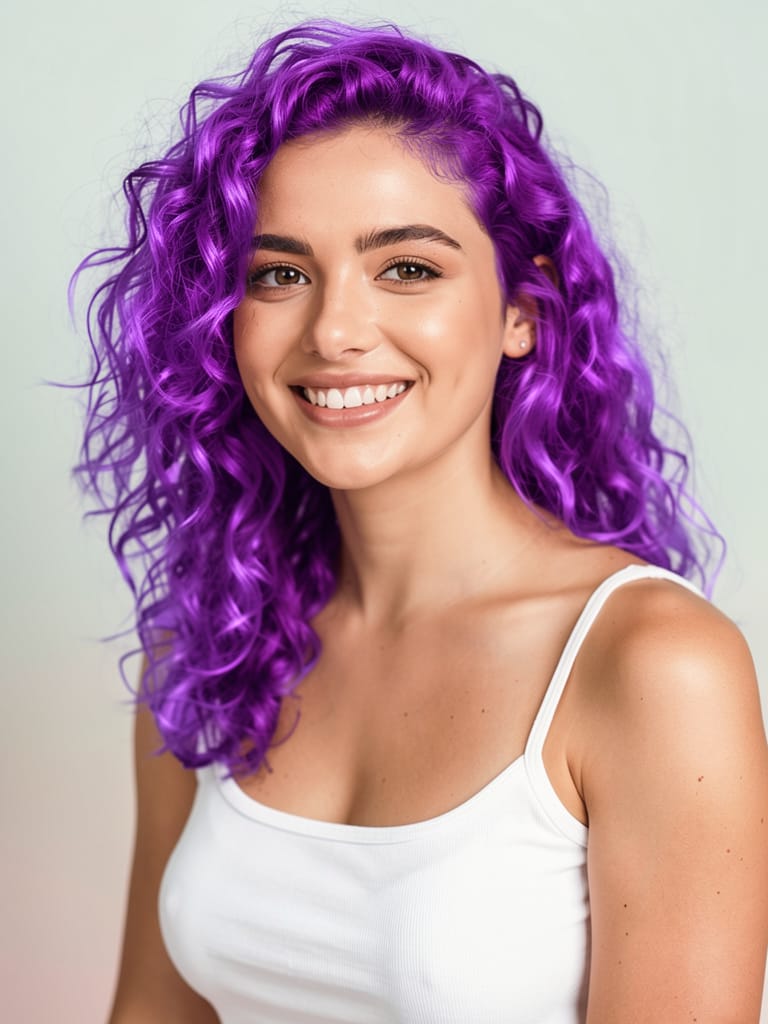
창작 헤어 컬러 교체

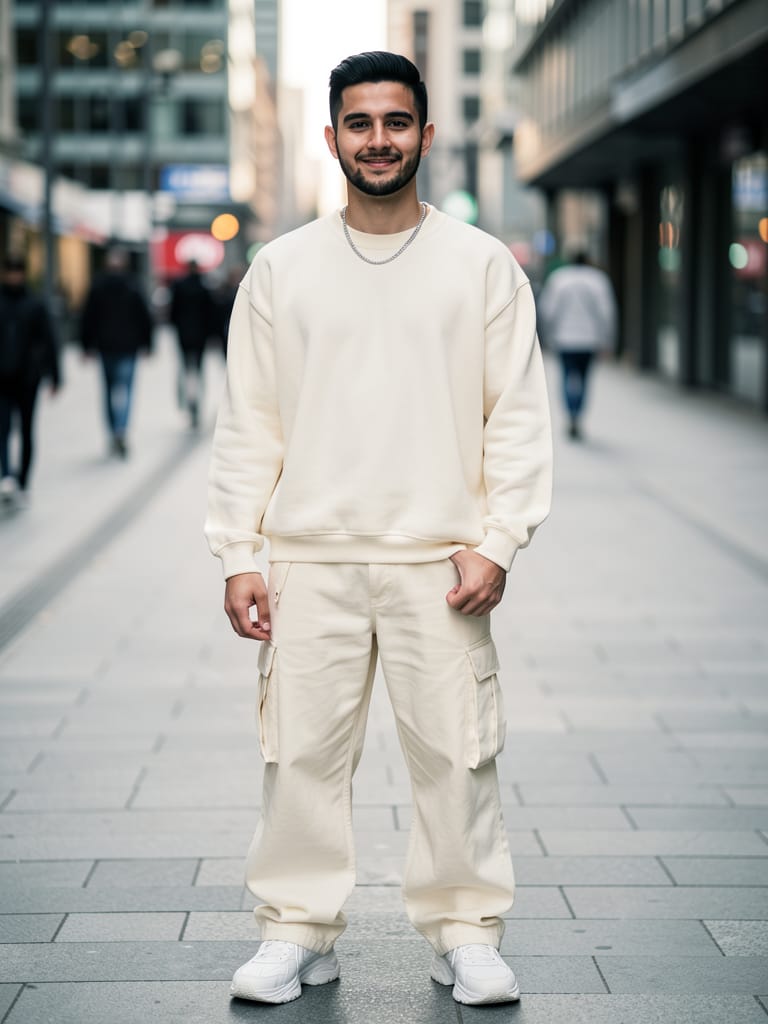
패션 의상 가상 착용
Black Forest Labs에서 개발한 FLUX.2 [klein] 9B LoRA는 이미지-대-이미지 편집을 위한 고급 창작 도구로, 직관적이고 정밀한 이미지 수정을 원하는 아티스트, 디자이너, 영화 제작자, 콘텐츠 크리에이터를 위해 설계되었습니다. 이 모델은 자연어 프롬프트와 세밀한 색상 제어를 통해 사용자가 시각을 변환할 수 있게 하며, 원본 콘텐츠의 본질을 유지하면서 정교한 변화를 가능하게 합니다.
상상력과 디지털 캔버스를 연결하는 FLUX.2 [klein] 9B LoRA는 사진 향상, 시각 자산 재설계, 스토리보드 재구상, 현대 혼합 미디어 편집 실험 등 다양한 창작 전문가를 위한 이상적인 도구입니다.
FLUX.2 [klein] 9B LoRA는 미묘한 세련과 극적인 변형이 모두 필요한 프로젝트에서 창작 전문가에게 가장 큰 이점을 제공합니다. 상업 디자인 모형, 콘셉트 개발, 편집 이미지 편집, 광고 시각 자료, 개인 창작 탐구 등 다양한 예술적 응용을 지원합니다. 한 번에 최대 4개의 입력 이미지를 편집할 수 있어 무드보드, 병렬 디자인 반복, 배치 콘텐츠 생성 작업 흐름을 간소화합니다.
모델의 자연어 제어 기능이 돋보입니다. 일상 언어로 원하는 결과를 단순히 설명하면 FLUX.2 [klein] 9B LoRA가 스케치를 포토리얼리스틱 이미지로 변환하거나 톤과 분위기를 조정하거나 장면에 특정 객체를 통합하는 등 복잡한 편집을 실행합니다. 색상 조정은 직관적이며, 정확한 팔레트 관리를 위한 직접 hex 코드 입력을 지원하여 브랜드 일관성이나 예술적 연속성을 유지하는 데 필수적입니다.
해상도와 형식 유연성은 추가 창작 제어를 제공합니다. 출력 이미지는 입력 해상도와 일치하거나 정사각형, 세로(4:3 또는 16:9), 가로(4:3 또는 16:9) 등 일반적인 종횡비로 사용자 지정할 수 있습니다. PNG, JPEG, WebP 형식을 지원하여 다양한 후반 작업 도구 및 게시 플랫폼과 호환됩니다. 인쇄 자산, 온라인 갤러리, 영화 스토리보드, 소셜 미디어 준비 등 프로젝트 요구에 적응합니다.
워크플로의 핵심은 맞춤화입니다. 사용자는 다음을 할 수 있습니다:
- 평범한 언어로 상세하고 개방적인 프롬프트로 편집을 안내합니다.
- 최대 3개의 LoRA (Low-Rank Adaptation) 향상을 적용하여 전문 창작 스타일이나 효과를 추가하고, 출력에 독특한 특성이나 훈련된 시각 서명을 더합니다.
- 단일 편집의 최대 4개 변형을 동시에 생성하여 A/B 테스트, 빠른 룩 개발, 클라이언트나 협력자에게 여러 옵션 제공에 이상적입니다.
- 프롬프트 준수 설정을 조정하고 품질/상세 수준을 선택하여 프로젝트 요구에 따라 속도와 출력 상세의 균형을 맞춥니다.
- 다운스트림 요구와 선택 플랫폼에 맞는 여러 내보내기 형식을 선택합니다.
- 모든 청중에게 적합한 생성 이미지를 보장하기 위해 통합 안전 검사기를 활성화합니다.
편집 프로세스는 창작적 자기 표현을 중심으로 하며, 스타일, 원하는 변경, 감정, 스토리 요소를 명확히 하는 사려 깊은 프롬프트 작성을 통해 최상의 결과를 얻습니다. FLUX.2 [klein] 9B LoRA는 이러한 지침을 지능적으로 해석하여 소스 이미지를 프롬프트와 선택된 시각 매개변수로 구동되는 계층적이고 표현적인 조정과 결합합니다.
최적 사용을 위한 주요 고려사항:
- 별도로 지정되지 않으면 입력 이미지는 표준 해상도(1메가픽셀)로 크기 조정되어 시각 충실도와 처리 효율성의 균형을 유지합니다.
- 한 세션당 최대 4개의 이미지를 편집할 수 있으며, 편집당 최대 3개의 창작 LoRA 향상을 적용할 수 있습니다.
- 최상의 결과를 위해 프롬프트 설명을 명확하고 구체적으로 하며, 특히 미묘한 예술적, 스타일적, 주제적 변경을 요청할 때 그렇습니다.
- 추가 콘텐츠 검토가 필요한 프로젝트에서 안전 검사기를 켤 수 있습니다.
FLUX.2 [klein] 9B LoRA는 미리 설정된 예술 스타일을 강요하지 않고 입력에 주어진 창작 방향에 적응하여 전통, 현대, 실험적 크리에이터에게 다재다능한 동반자가 됩니다. 특히 다음에 가치 있습니다:
- 콘셉트를 빠르게 반복하는 아티스트
- 정밀 색상 및 분위기 제어로 캠페인 시각을 다듬는 디자이너
- 스토리보드 및 프로모션 아트를 편집하거나 변환하는 영화 제작자
- 디지털 미디어, 인쇄, 상품을 위한 독특하고 맞춤형 이미지를 생성하는 콘텐츠 크리에이터
FLUX.2 [klein] 9B LoRA를 통해 창작 전문가는 평범한 언어의 단순함과 직접 색상 제어의 창작적 구체성으로 안내 받는 접근 가능하고 풍부한 편집 엔진을 얻어 탐구, 반복, 상상력과 디지털 예술의 원활한 융합을 장려합니다.
가장 진보된 이미지 편집기로 생성하기
Add the image that you want change
이미지 업로드
편집하거나 변환할 이미지를 추가하세요
A woman kneeling in darkness, illuminated by a warm, radiant beam of light emerging from her raised hand.
변경 사항 작성
원하는 편집을 설명하세요 - 스타일 변경, 객체 제거 또는 향상
공유 시작
전문 편집 이미지 다운로드
프롬프트 너머: 새로운 수준의 제어
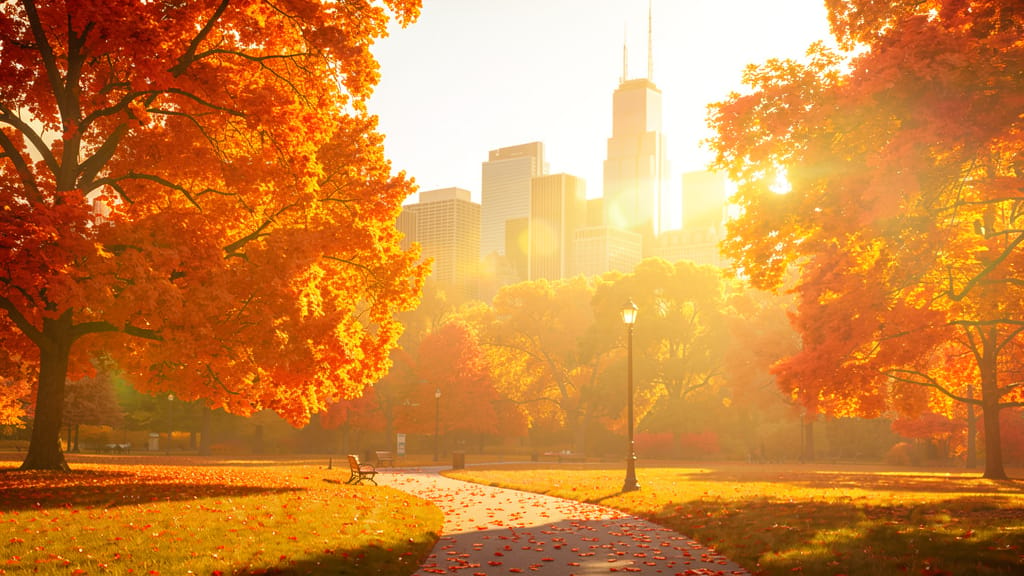
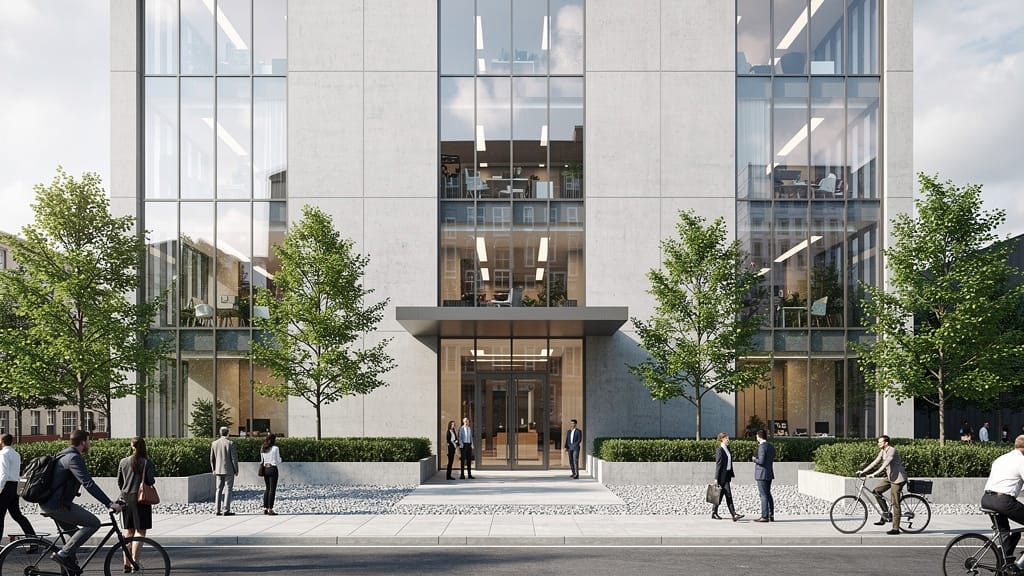
계절 풍경 변환
풍경의 계절 변화를 원활하게 하여 마케팅, 디자인, 포트폴리오 새로고침에 완벽합니다.
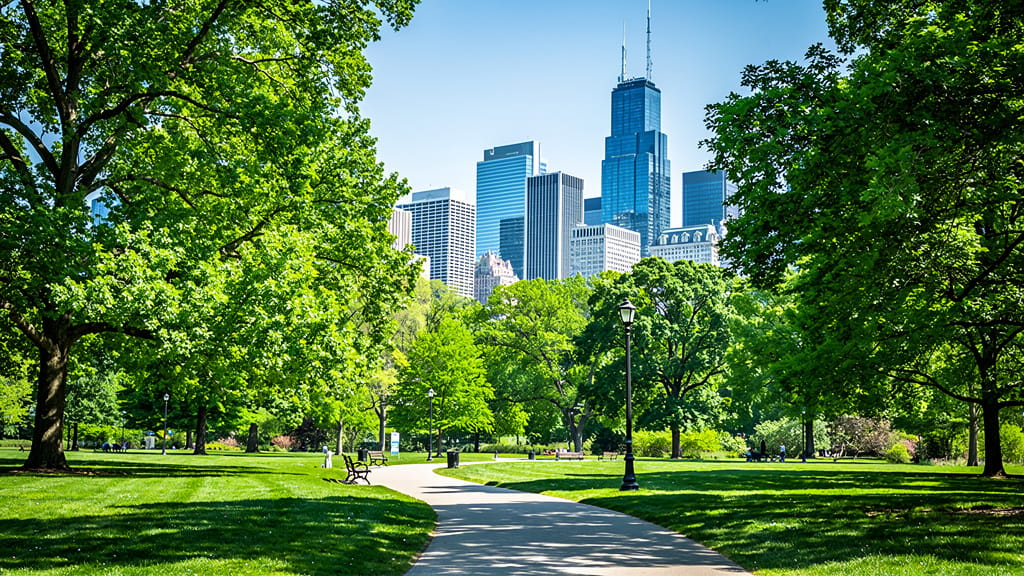
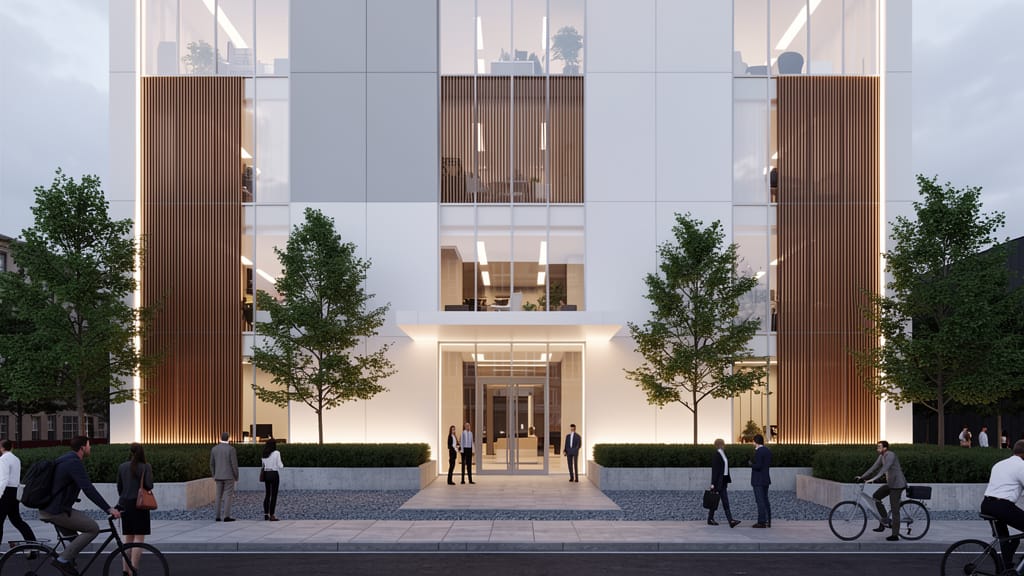
건축 스타일 전이
부동산 렌더링 및 콘셉트 프레젠테이션을 위한 건축 표면 편집과 미학적 스타일 전이를 보여줍니다.
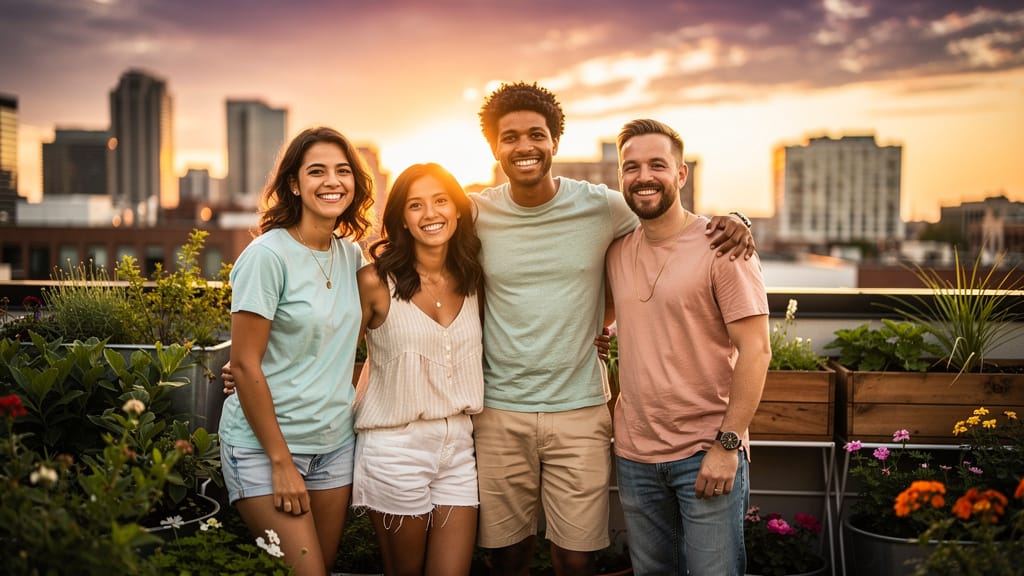
스킨톤 & 팔레트 조화
소셜 미디어 캠페인과 광고에 완벽하며, 여러 사람의 스킨톤과 컬러 팔레트를 조화시켜 전문적이고 시네마틱한 룩을 만듭니다.
비슷한 모델과 비교
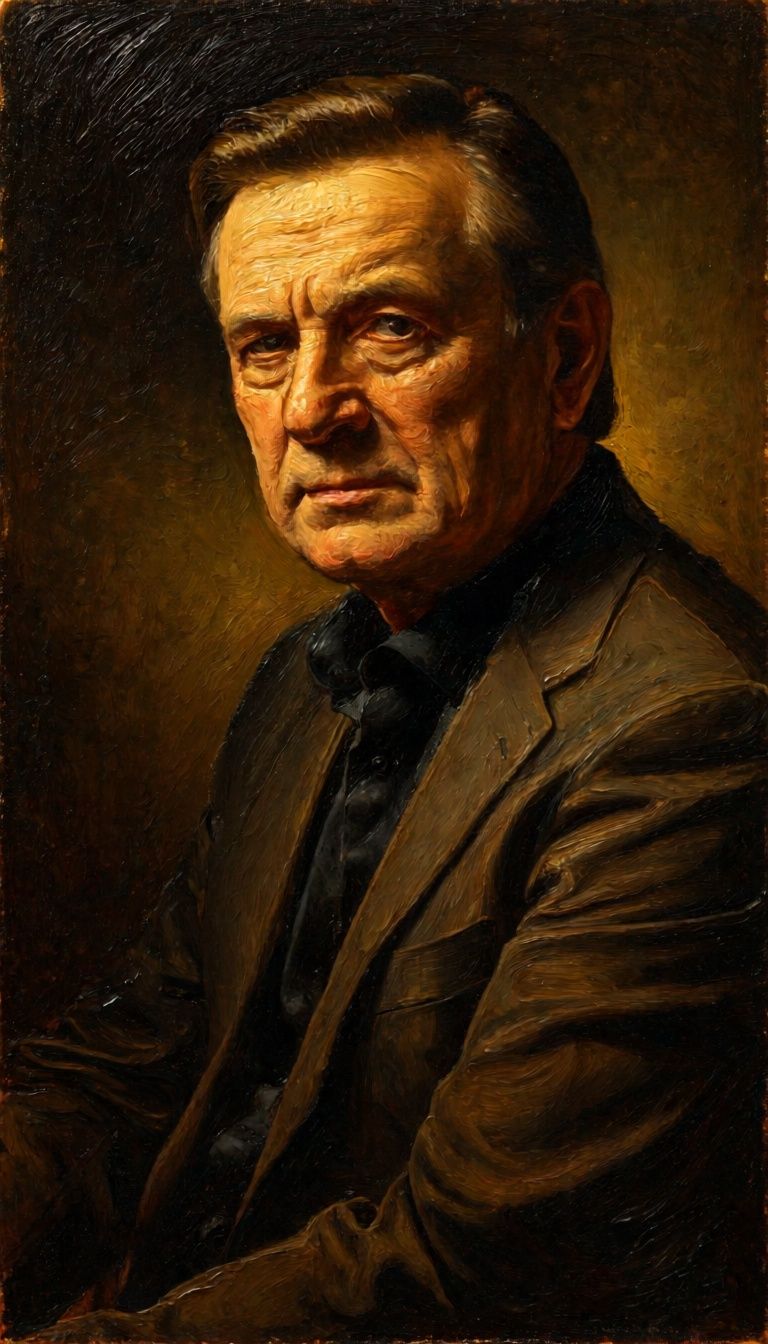
“Transform into a classical oil painting in the style of Rembrandt. Add visible impasto brushstrokes with thick paint texture. Apply warm golden undertones and dramatic chiaroscuro lighting with deep shadows. Enhance the dramatic contrast while preserving facial structure and expression. Add subtle canvas texture visible through the paint layers.”
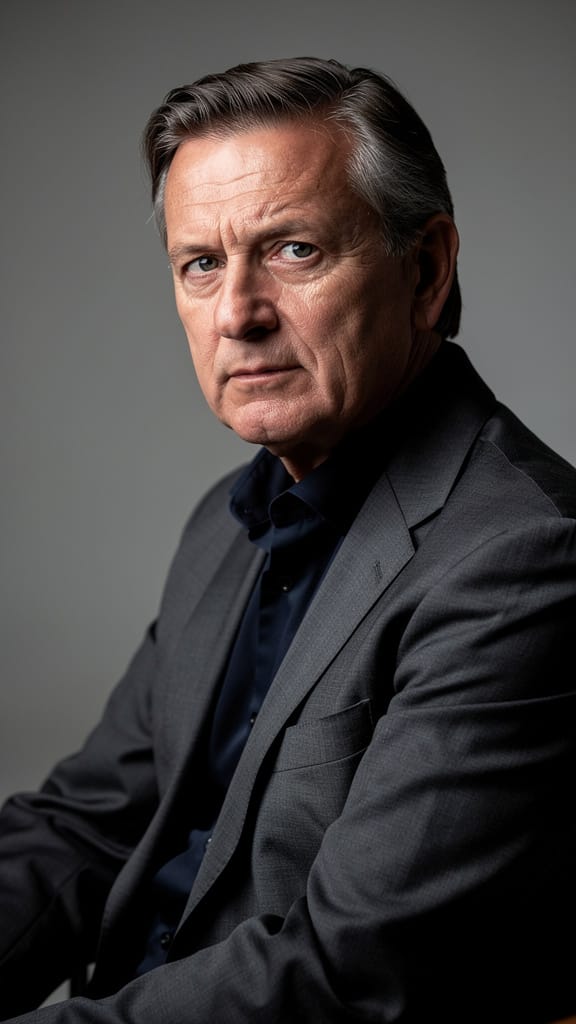
![FLUX.2 [klein] 9B LoRA output](https://shortgenius.com/cdn-cgi/image/width=3840,quality=80,format=auto/https://assets.shortgenius.com/example-model-output/cc1806c8-2af0-47e7-bd34-a95d2d180bfb.png)
![FLUX.2 [klein] 4B LoRA output](https://shortgenius.com/cdn-cgi/image/width=3840,quality=80,format=auto/https://assets.shortgenius.com/example-model-output/10a63e77-67c3-46e6-83d3-b7b93355e72c.png)


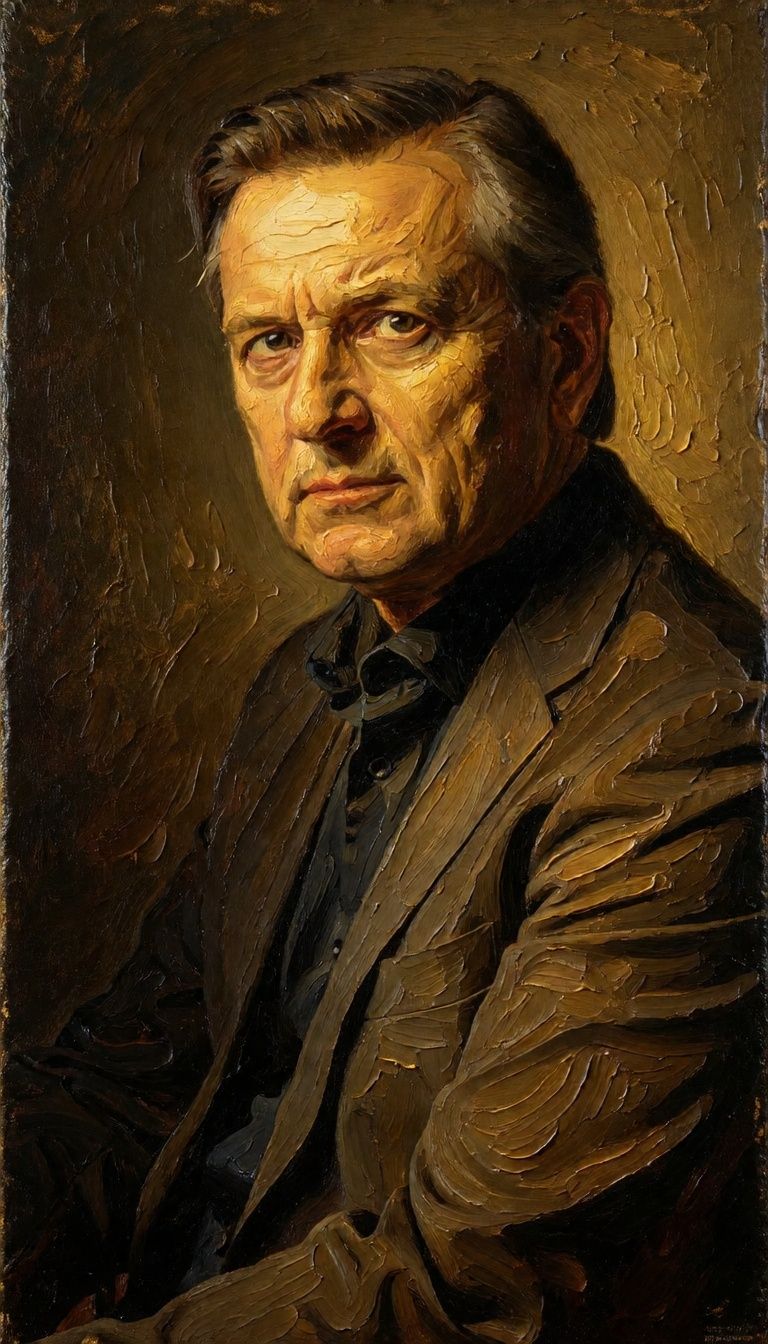
![FLUX.2 [klein] 9B LoRA output](https://shortgenius.com/cdn-cgi/image/width=3840,quality=80,format=auto/https://assets.shortgenius.com/example-model-output/cbfd8f70-6bf2-467b-918f-b020118b8db0.png)
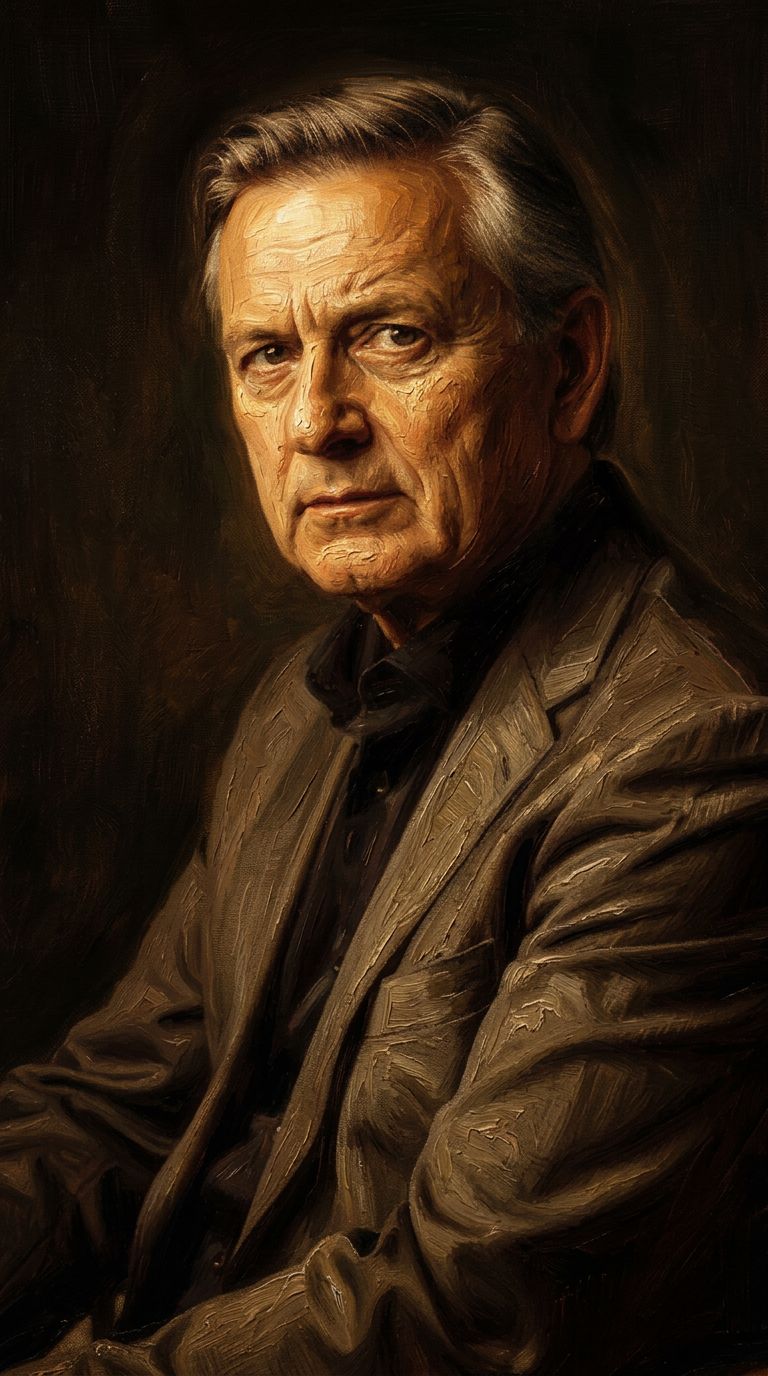


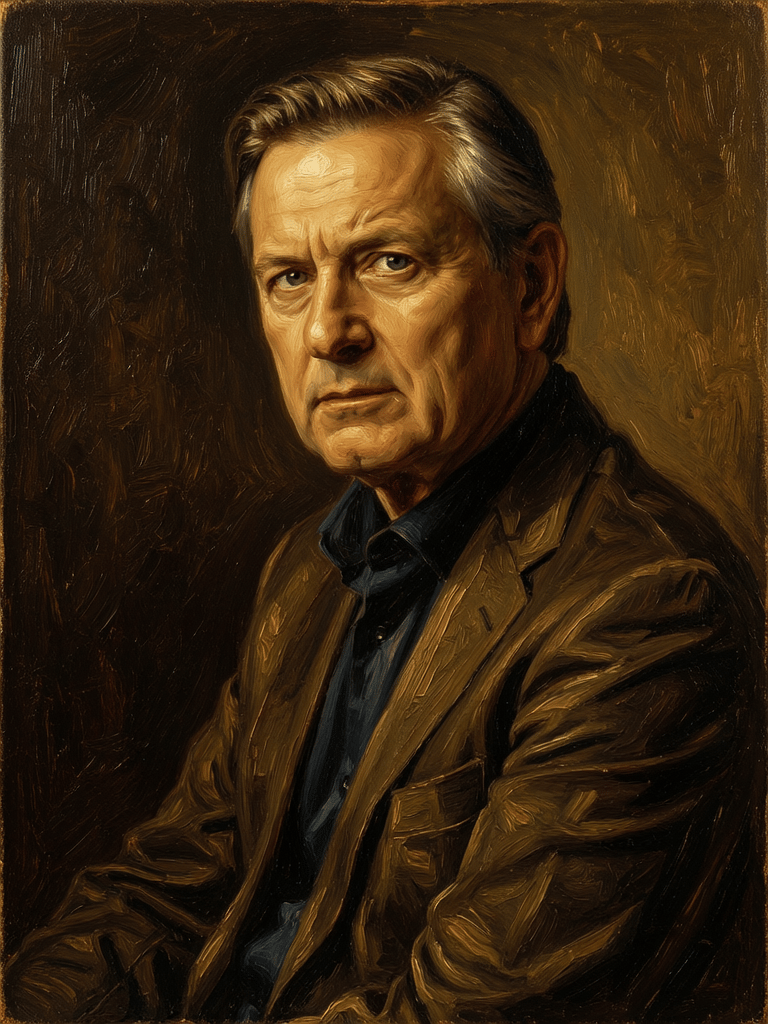
FLUX.2 [klein] 9B LoRA으로 완벽함을 경험하세요
오늘 추론 기반 합성으로 전환하세요
자주 묻는 질문
유사 모델
Qwen Image 2
Unified AI image editing model
0.5 크레딧
Nano Banana 2
Google's advanced image editing
0.7 크레딧
Phota
Identity-preserving personalized photo editing
0.4 크레딧
Qwen Image 2
Unified image editing and generation
0.6 크레딧
Physic Edit
Realistic physics-based image editing
1.2 크레딧
Wan
Pro text-guided image editing
0.3 크레딧
Hy Wu Edit
Edit images with reference photos
0.4 크레딧
Firered Image Edit V1.1
Advanced AI-powered image editing
0.4 크레딧
![FLUX.2 [klein] 4B LoRA](https://v3b.fal.media/files/b/0a928e1f/c62zNs4MhBXgm-5w7n0C5_90bad8837ecc451e96f91da93b78f564.jpg)
FLUX.2 [klein] 4B LoRA
Edit images with text, colors
8 크레딧