ポートレートアニメーション
ファッションポートレート・モーション
アーティスティックポートレート・シネマグラフ
Kandinsky5 Pro は、1 枚の画像とクリエイティブなテキストプロンプトを高品質なビデオクリップに変換するために特別に設計されたクリエイティブツールです。Black Forest Labs によって開発されたこのモデルは、アーティスト、デザイナー、映画製作者、コンテンツクリエイター、ストーリーテラー向けに構築されており、静止画像を簡単にアニメーション化したい方々に最適です。キャラクターイラストを強化したり、モーションコンセプトを披露したり、静止写真からダイナミックなシーンを作成したりするのに、Kandinsky5 Pro は直感的なコントロールを提供し、あなたのクリエイティブなビジョンを洗練されたビデオに変換します。
Kandinsky5 Pro の核心は、2 つのクリエイティブ要素を融合させる点にあります:入力画像(中央テーマ、被写体、またはインスピレーションとして機能)と想像力豊かなテキストプロンプト(結果のビデオのモーション、雰囲気、スタイルを駆動)。これらを組み合わせることで、記述した雰囲気、アクション、シネマティックな品質を捉えた短くシームレスなアニメーションシーケンスが得られます。このモデルは、グラフィックデザイン、アニメーション、モーショングラフィックス、エンターテイメント、広告、ソーシャルメディアなど、多様なメディアで活躍するクリエイティブプロフェッショナルに非常に汎用性が高いツールです。
Kandinsky5 Pro は、JPEG、PNG、WebP、GIF、AVIF などの一般的な画像形式をアップロードに対応しています。クリエイターは画像をドラッグアンドドロップで簡単に投入したり、クリップボードから貼り付けたり、画像 URL を指定したりして、ワークフローの利便性を最大化できます。出力ビデオはダウンロード可能な MP4 ファイルとして提供され、主要なビデオエディタや共有プラットフォームと互換性があるため、より広範なプロジェクトやプレゼンテーションに簡単に組み込めます。
ビデオの品質と形式については、Kandinsky5 Pro で標準 (512P) または高解像度 (1024P) を選択可能です。この柔軟性により、プロジェクトのニーズに応じて、ストーリーボード、ピッチング、高インパクトのプレゼンに適したビデオを迅速に生成できます。デフォルトのビデオ長は 5 秒で、ソーシャル投稿、製品ショーケース、シネマティックティーザー、ポートフォリオピースに命を吹き込むのに最適な簡潔なアニメーションループです。
カスタマイズは Kandinsky5 Pro の強力な機能です。クリエイターは品質設定を選択することでビデオの詳細度と視覚的な洗練を調整でき、迅速な結果と元の画像・テキストプロンプトへの高い忠実度をトレードオフできます。また、速度設定「acceleration」を選択して、速度優先か詳細なレンダリングかを選べます。これらの設定を組み合わせることで、品質、プロンプト忠実度、ターンアラウンドタイムのバランスを、あなたのクリエイティブワークフローに合わせて実験できます。
プロセスはシンプルです:選択した画像をアップロードし、伝えたいモーションや雰囲気をガイドする記述的なテキストプロンプトを作成(例:カメラムーブメント、キャラクターアクション、ムードの記述)、好みの解像度と品質オプションを選択し、Kandinsky5 Pro にシームレスなビデオ変換を任せます。完了したら、すぐにプレビューまたはダウンロードした MP4 を編集、共有、プロジェクト統合に活用できます。
Kandinsky5 Pro は幅広いクリエイティブプロフェッショナルに最適です:
- イラストレーターやキャラクターデザイナーは、ポートフォリオやピッチ用にアートワークをアニメーション化。
- モーショングラフィックデザイナーは、静止ストーリーボードからコンセプトアニメを迅速に生成。
- 映画製作者はフルアニメーションチームなしでテストショットやシネマティックストーリーモーメントを生成。
- コンテンツクリエイターはソーシャルメディアグラフィックスを魅力的な短いビデオクリップに変換。
- マーケターや広告担当者は最小限の労力で目を引くアニメBロールや製品ティーザーを作成。
Kandinsky5 Pro を最大限活用するためのベストプラクティスは、明確で表現豊かな画像を基盤にし、具体的で魅力的なプロンプトを組み合わせることです。例えば、プロンプトでカメラアングル、感情的手がかり、ムーブメントタイプを指定すると、より魅力的なシネマティックビデオが得られます。モデルはプロンプトと画像のスタイルを最大限捉えますが、設計上 5 秒のビデオに制限されており、長編アニメではなく集中した高インパクトのクリエイティブスニペットです。
生成モデルと同様に、画像とプロンプトの明瞭さと互換性により結果は変動します。異なる設定やプロンプトの表現を試すことで、より豊かでカスタマイズされた結果が得られ、高解像度や詳細設定を選択するとより洗練された視覚的に魅力的な作品になります。Kandinsky5 Pro は使いやすさとクリエイティブ柔軟性を両立し、静止メディアとストーリーテリングの想像力から直接、ラピッドプロトタイピング、アイデア出し、制作準備完了のアニメビジュアルを提供する価値あるツールです。
最先端の動画モデルで生成
Add the image that you want change
画像をアップロード
外観、キャラクター、環境をガイドする画像を追加(オプション)
A woman kneeling in darkness, illuminated by a warm, radiant beam of light emerging from her raised hand.
シナリオを記述
プロンプトを入力 - モデルはシーンの物理、法則、照明、感情的な意図を理解
共有を開始
クリックして最終出力を作成し、プロ品質の動画をダウンロード
プロンプトを超える:新たな制御レベル
自然シネマティック・ランドスケープ
広大なシネマティック風景でスイープカメラムーブメントと大気効果を披露。シネマティックリールやトラベルコンテンツに最適。
製品ショーケース・アニメーション
製品中心のモーションをエレガントなトランジションと光の演出で実演。ラグジュアリープロダクトCMに最適。
シネマティックライフスタイル・シーン
日常の活気ある大気アニメーションを捉え、vlog、ライフスタイルコンテンツ、ソーシャル広告にぴったり。
類似モデルと比較
“Animate with subtle natural movements. Add gentle breathing motion to shoulders. Create natural eye blinks every 2-3 seconds. Introduce slight head micro-movements. Hair moves softly as if in gentle breeze. Maintain the warm smile with subtle lip movements. Eyes should have natural catchlight movement. Keep animation subtle and lifelike, not exaggerated. 5 seconds, smooth looping.”
Kandinsky5 Proで完璧を体験しよう
今日から推論ガイダンス合成に切り替えよう
よくある質問
類似モデル
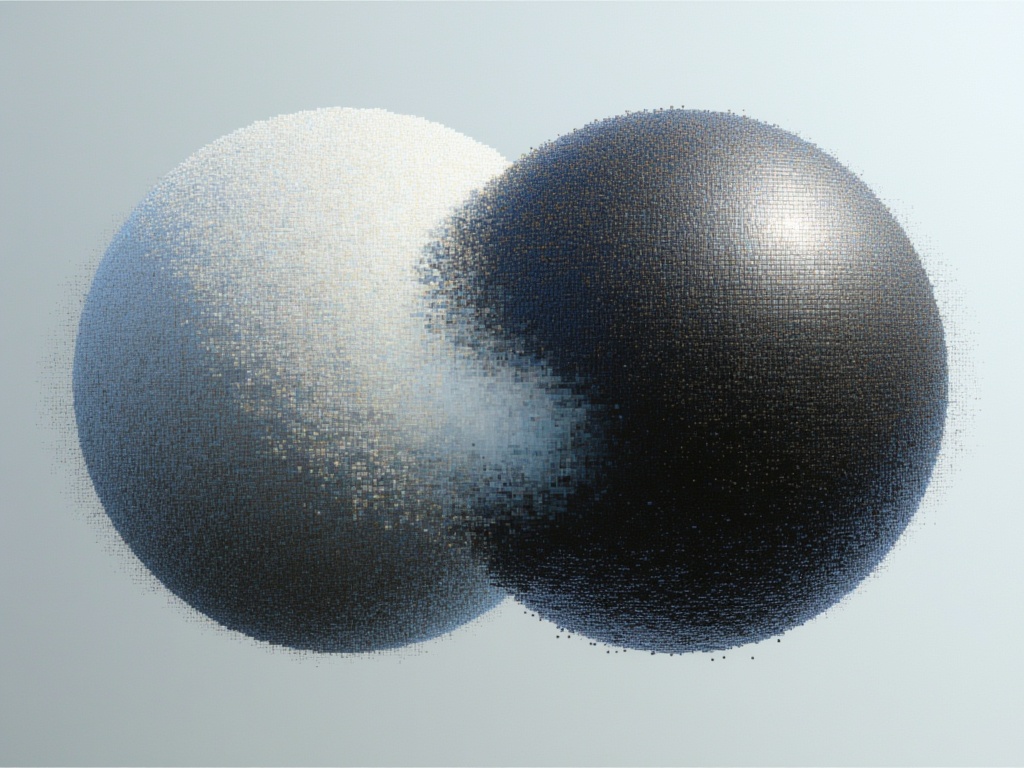
Goal Force
Physics-driven video from images
0.4 クレジット
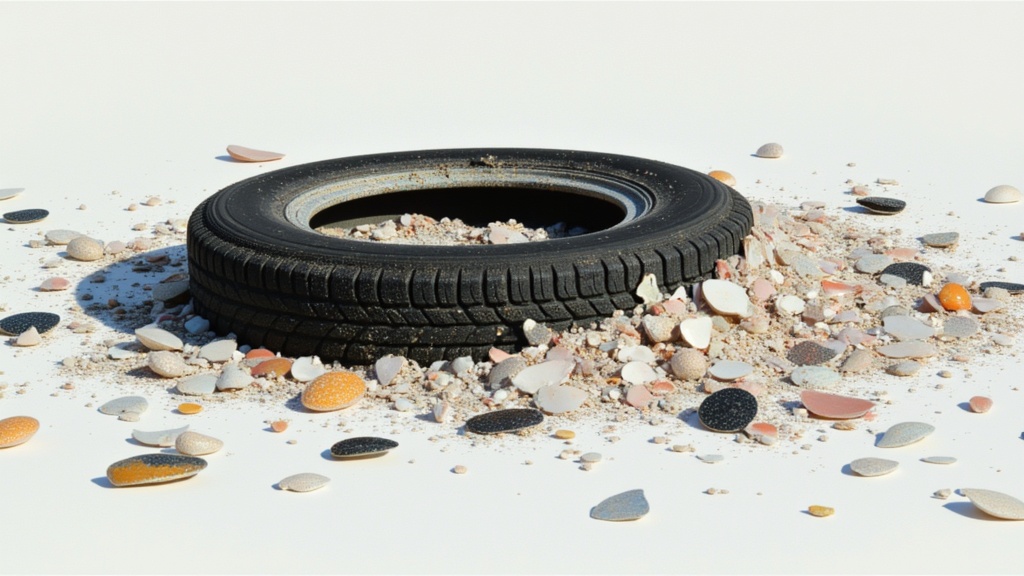
Veo3.1 Lite FLF
Animate between first/last frames
1.6 クレジット
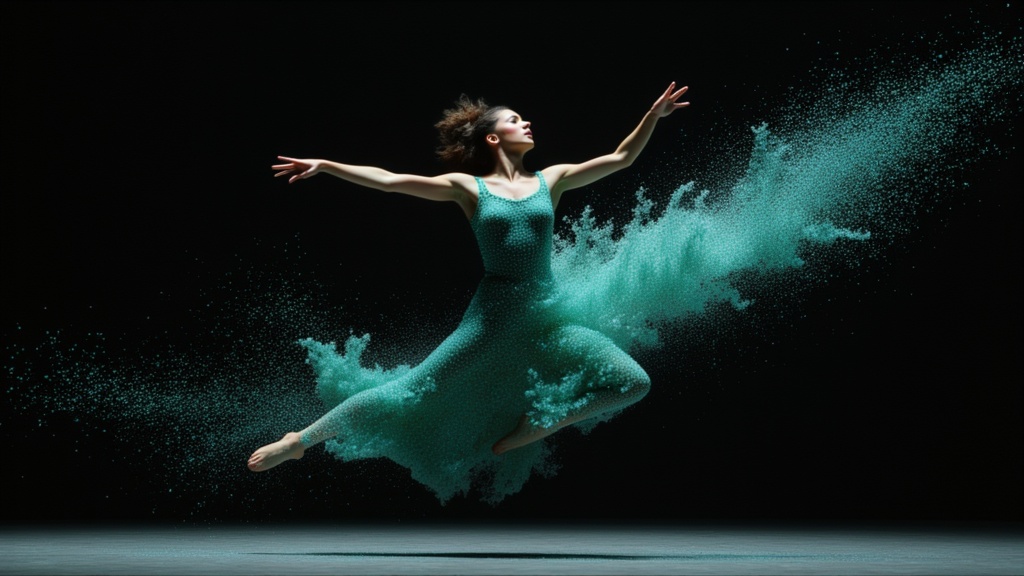
PixVerse C1 Image to Video
Cinematic video from your images
0.1 クレジット
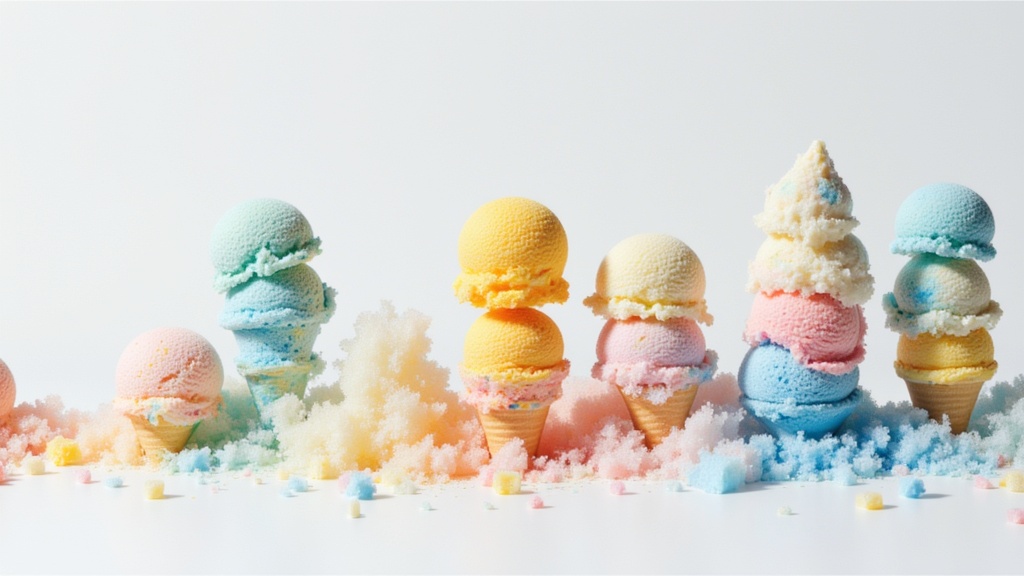
Seedance 2.0 Fast Image to Video
Cinematic video from images fast
0.1 クレジット
Seedance 2 Image to Video
Cinematic video from images
10 クレジット
Vidu
Reference-guided consistent video generation
0.3 クレジット
PixVerse
Smooth image-to-image video transitions
0.1 クレジット
Veo3.1 Lite Image to Video
Animate images into pro videos
1.6 クレジット
Wan
Animate images into smooth video
2 クレジット