Kling Video v3 Image to Video [Pro]
Dà vita alle immagini
Cinematic image-to-video with audio
ANIMAZIONE RITRATTO
CHIUSURA BELLEZZA
RITRATTO ARTISTICO LIFESTYLE
Kling Video v3 Image to Video [Pro], sviluppato da Black Forest Labs, è progettato per professionisti creativi che desiderano convertire immagini statiche in sequenze video ricche e cinematografiche con fedeltà visiva e audio impressionante. Questo modello permette ad artisti, designer, registi e creatori di contenuti di dare vita alle loro immagini trasformandole in brevi clip video, complete di movimento fluido e generazione audio nativa.
Cosa crea Kling Video v3 Image to Video [Pro]?
In sintesi, questo modello prende un'immagine iniziale — come un'opera d'arte, una fotografia, un render concettuale o un asset di design — e la trasforma in un video cinematografico. Gli utenti possono guidare il contenuto e l'atmosfera del video attraverso prompt testuali descrittivi, che funzionano come mini-note di regia, permettendo di dipingere l'atmosfera, il movimento, le battute emotive e gli archi narrativi. Se desideri più scene, puoi suddividere la tua visione in più prompt per una progressione multi-inquadratura in stile storyboard.
I video generati possono includere audio nativo, come voci che pronunciano il contenuto del tuo prompt in inglese o cinese. Se fornisci prompt in altre lingue, vengono automaticamente tradotti in narrazione audio in inglese. Questa capacità di aggiungere voce e suono rende il video risultante non solo visivamente accattivante, ma immersivo.
Casi d'uso ideali e beneficiari
Kling Video v3 Image to Video [Pro] serve un'ampia gamma di professionisti creativi:
- Artisti e Illustratori: Anima le tue illustrazioni o design di personaggi per mostrare movimento, espressione o atmosfera in reel di portfolio o contenuti social.
- Registi e Artisti di Storyboard: Prototipa rapidamente animatic e concetti di storytelling visivo trasformando fotogrammi chiave o still concettuali in scene in movimento.
- Designer: Dai vita a render di prodotti, ambienti o schizzi concettuali per presentazioni, annunci e campagne digitali.
- Creatori di contenuti e Marketer: Crea rapidamente asset animati accattivanti per social media, piattaforme video e progetti client.
Formati supportati, qualità e stili
Il modello produce file video (in formato .mp4) adatti per un uso diretto in progetti digitali, presentazioni e software di editing. La lunghezza del video è regolabile, da 3 a 15 secondi, offrendo flessibilità per vari scopi narrativi o promozionali.
Kling Video v3 è costruito per visuali cinematografiche, supportando movimenti fluidi che danno vita alle scene — pensa a gesti delicati dei personaggi, battiti di ciglia, espressioni emotive, effetti atmosferici e particelle di polvere che catturano la luce. Puoi personalizzare ulteriormente l'aspetto e la sensazione descrivendo illuminazione, emozioni e dettagli narrativi nei tuoi prompt, modellando lo stile estetico per adattarlo al tuo brand o visione artistica.
Capacità audio
Una caratteristica distintiva è la capacità di generare audio nativo: il modello può creare paesaggi sonori di sfondo o narrazione vocale tratta direttamente dal prompt. Ad esempio, se il tuo prompt include dialoghi o azioni descrittive, il video generato potrebbe presentare un narratore che lo legge in inglese o cinese a seconda del caso. I nomi propri o acronimi dovrebbero essere scritti in maiuscolo nel prompt per un output vocale accurato.
Controlli creativi e personalizzazione
- Direzione guidata dal prompt: Dirigi la storia, il ritmo, l'atmosfera e i dettagli usando testo descrittivo. Puoi specificare tutto, da espressioni facciali sottili e gesti a illuminazione ed effetti ambientali.
- Video multi-inquadratura: Per storytelling complessi, puoi dividere il tuo video in diverse “inquadrature” con istruzioni separate per ciascuna, abilitando transizioni e cambi di scena.
- Elementi personalizzati: Inserisci oggetti o personaggi specifici fornendo immagini di riferimento (da più angolazioni) o anche brevi clip video. Riferendoti a questi nel tuo prompt (es. “@Element1”), hai un controllo granulare sul cast e le scenografie nella tua sequenza animata.
- Durata video: Seleziona la lunghezza esatta del tuo video (3-15 secondi) per adattarla alle tue esigenze narrative o requisiti della piattaforma.
- Generazione audio nativa: Scegli di abilitare o disabilitare l'audio e opta per output vocale realistico nelle lingue supportate.
- Impostazione aderenza prompt: Regola quanto strettamente il risultato finale segue il tuo prompt testuale, trovando il giusto equilibrio tra generazione guidata e interpretazione creativa.
Limitazioni e considerazioni
- Il punto di partenza per ogni video è un'immagine ferma; la qualità dell'immagine e la composizione iniziale influenzeranno i risultati.
- La generazione vocale audio supporta solo inglese e cinese. I prompt in altre lingue verranno auto-tradotti in inglese per la narrazione.
- Quando usi multi-inquadratura o elementi personalizzati, pianifica attentamente le immagini o clip di riferimento per garantire continuità e coerenza stilistica.
- Il prompt negativo predefinito scoraggia output di bassa qualità, sfocati o distorti — aiutando a produrre risultati di livello professionale.
Migliori pratiche
- Usa prompt descrittivi e vividi per ottenere i video più cinematografici ed espressivi possibili.
- Includi immagini di riferimento per personaggi o elementi chiave per ottenere coerenza tra frame o inquadrature.
- Quando generi audio, scrivi chiaramente le parti parlate e indica i nomi propri in maiuscolo se necessario per una pronuncia accurata.
Riassunto
Kling Video v3 Image to Video [Pro] è uno strumento creativo potente per animare immagini in brevi video cinematografici completamente prodotti. La sua combinazione di sintesi visiva e audio, inclusione di elementi personalizzati e direzione creativa flessibile lo rende ideale per artisti e professionisti che vogliono prototipare rapidamente, visualizzare o promuovere idee con movimento e suono — tutto da una singola immagine e un prompt guida.
Genera con il modello video più avanzato
Add the image that you want change
Carica immagine
Aggiungi un'immagine opzionale per guidare l'aspetto, il personaggio o l'ambiente
A woman kneeling in darkness, illuminated by a warm, radiant beam of light emerging from her raised hand.
Scrivi il tuo scenario
Digita un prompt: il modello comprende la fisica, l'illuminazione e l'intento emotivo della tua scena
Inizia a condividere
Clicca per generare l'output finale e scaricare il video di qualità professionale
Oltre il prompt: un nuovo livello di controllo
CINEMATOGRAFIA NATURA
Dimostra elementi animati complessi e transizioni naturali drammatiche, perfetto per registi di paesaggi e creatori di contenuti travel.
ANIMAZIONE PRODOTTO HIGH-END
Evidenzia animazione di showcase prodotto con riflessi dinamici, effetti fluttuanti e indizi audio, su misura per pubblicità luxury e promo social.
SCENA URBANA CINEMATOGRAFICA
Mostra effetti luminosi in movimento, superfici riflettenti ed energia urbana, perfetto per video musicali o visual urbani di tendenza.
Confronta con modelli simili
“Animate with subtle natural movements. Add gentle breathing motion to shoulders. Create natural eye blinks every 2-3 seconds. Introduce slight head micro-movements. Hair moves softly as if in gentle breeze. Maintain the warm smile with subtle lip movements. Eyes should have natural catchlight movement. Keep animation subtle and lifelike, not exaggerated. 5 seconds, smooth looping.”
Vivi la perfezione con Kling Video v3 Image to Video [Pro]
Passa oggi alla sintesi guidata dal ragionamento
Domande frequenti
Modelli simili
PixVerse C1 Transition
Cinematic transitions between two images
0.1 crediti
PixVerse C1 Reference To Video
Character-consistent video from references
0.1 crediti
Seedance 2.0 Fast Image to Video
Cinematic video from images fast
0.1 crediti
PixVerse V6 Image To Video
Animate images into styled videos
0.1 crediti
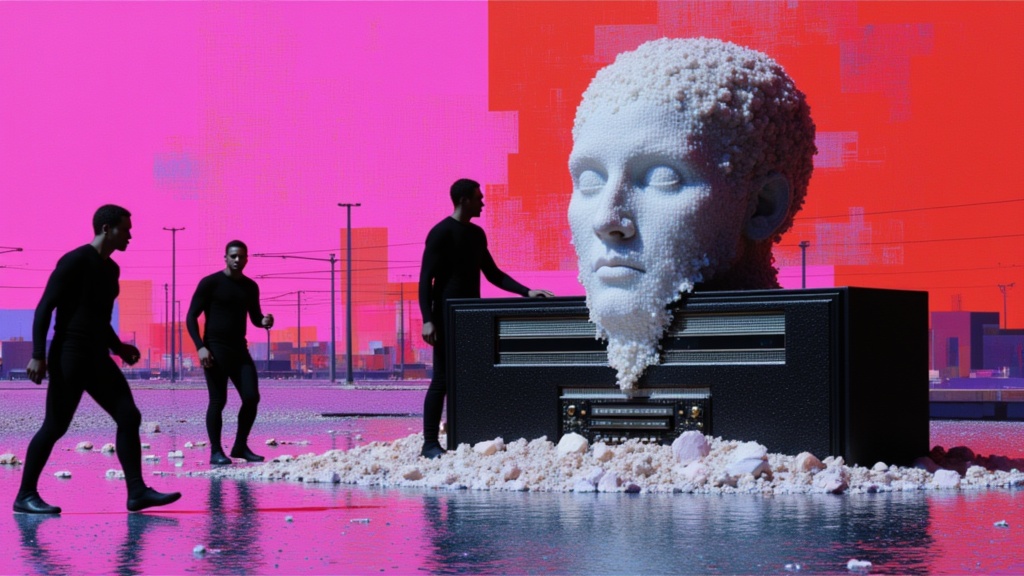
Seedance 2 Image to Video
Cinematic video from images
10 crediti
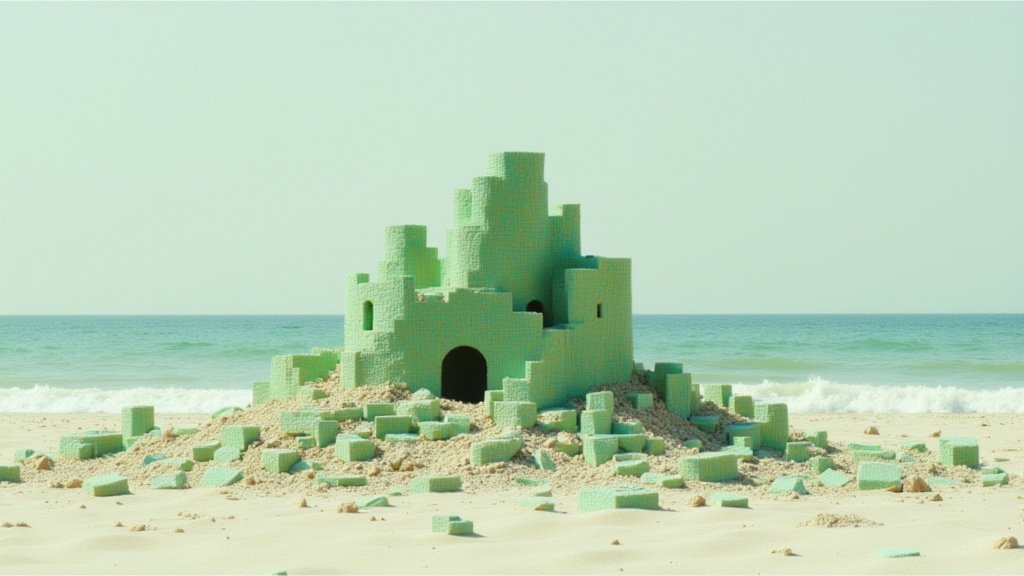
Wan
Animate images into smooth video
2 crediti
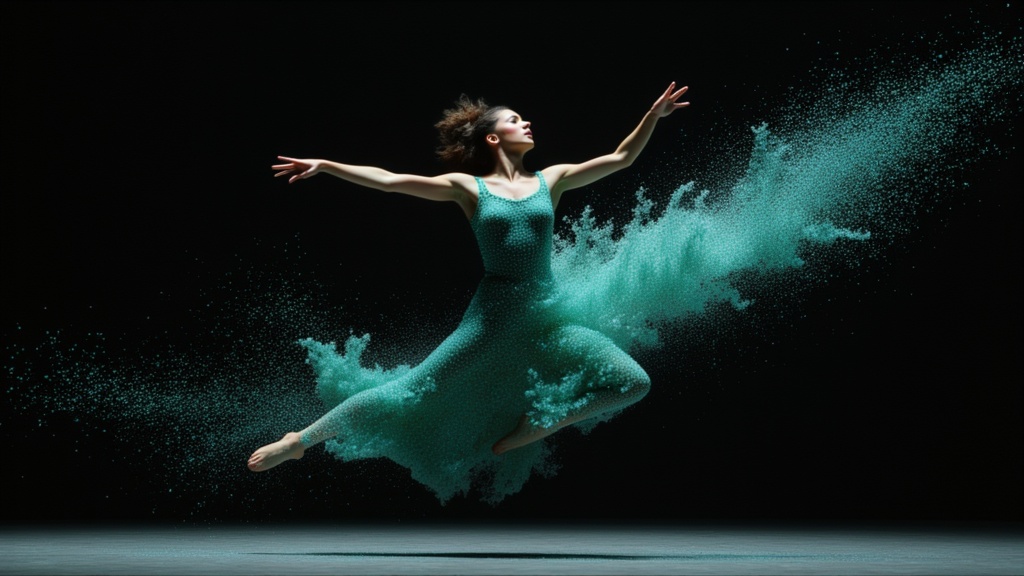
PixVerse C1 Image To Video
Cinematic video from your images
0.1 crediti
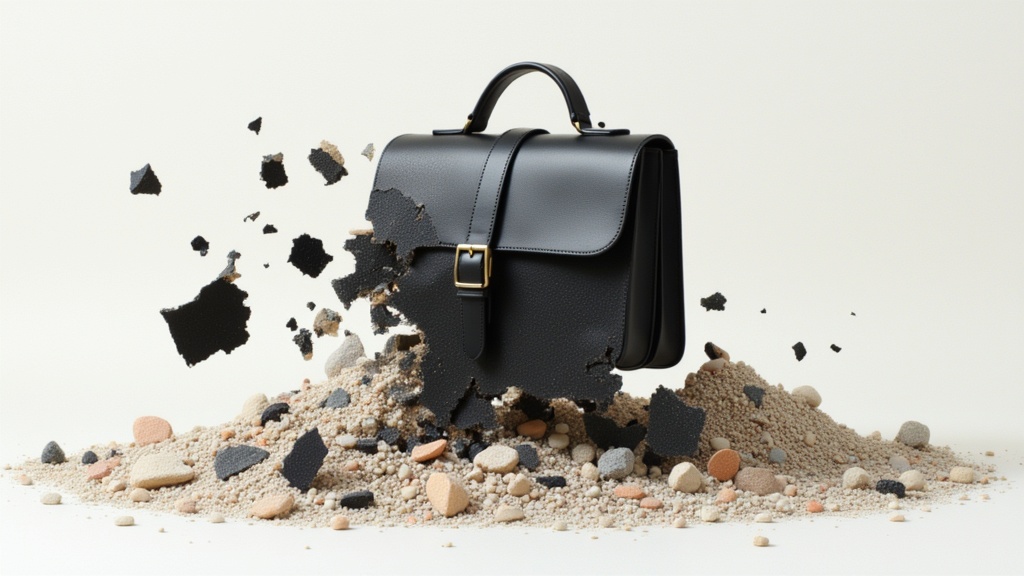
Veo3.1 Lite Image to Video
Animate images into pro videos
1.6 crediti

Veo3.1 Lite FLF
Animate between first/last frames
1.6 crediti