FLUX.2 [klein] 4B LoRA
Precíz képszerkesztés
Edit images with text, colors
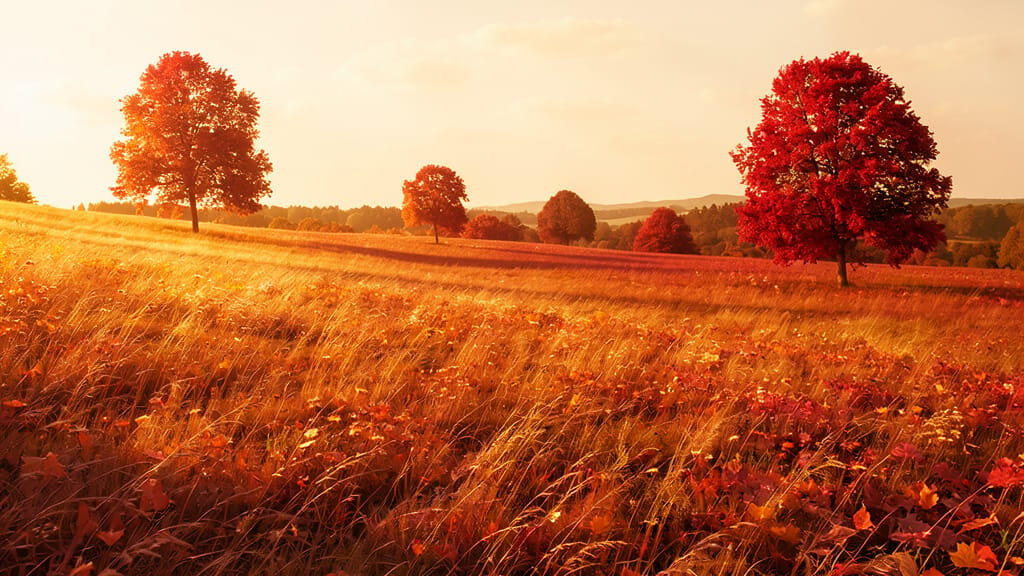
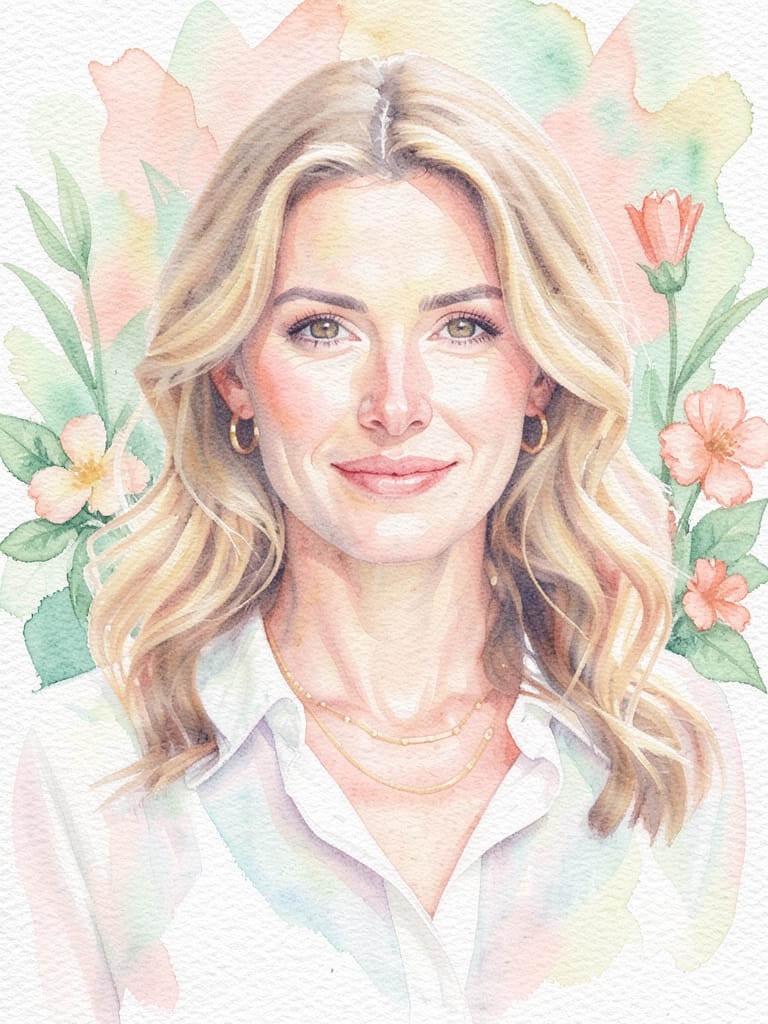
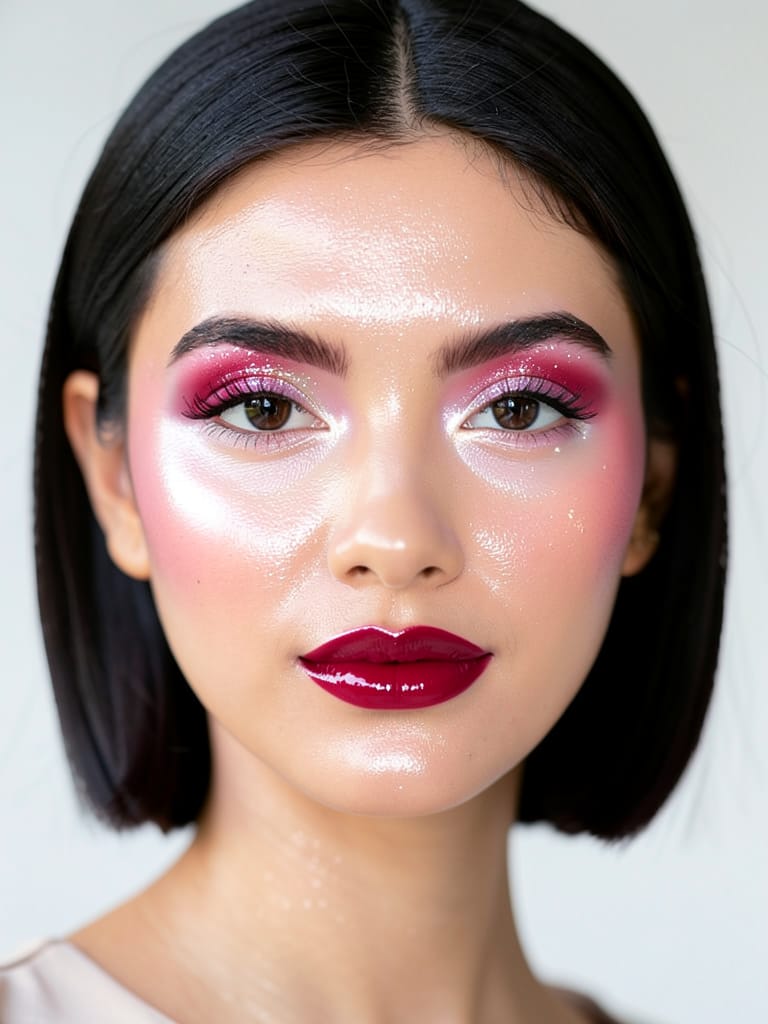
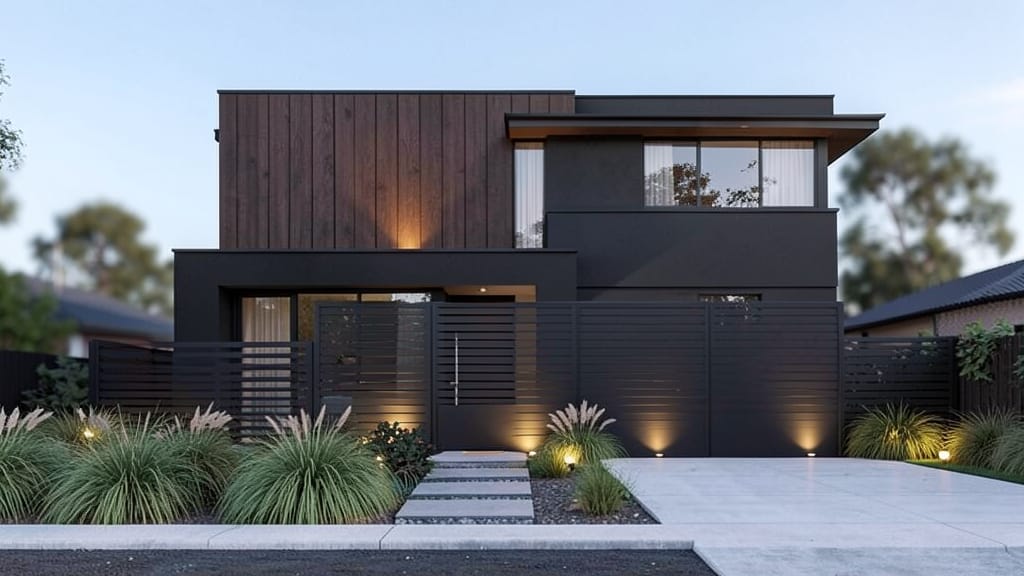


SZÉPSÉG RAGYOGÁS NÖVELÉS

DIVAT STÍLUSCSERE

MŰVÉSZI STÍLUSÁTVITEL
A FLUX.2 [klein] 4B LoRA, a Black Forest Labs által fejlesztett kifinomult kép-kép szerkesztő modell, amely lehetővé teszi a kreatív szakemberek számára, hogy természetes nyelvi promptokkal alakítsák át, javítsák vagy újraértelmezzék a képeket. Művészek, tervezők, filmesek és tartalomkészítők számára készült, kiemelkedik a finom vizuális módosítások képességével – a finom fejlesztésektől a drámai átalakulásokig –, intuitív, leíró utasítások vezérelte módon.
Kreatív képességek és funkciók
A FLUX.2 [klein] 4B LoRA a meglévő képek szerkesztésére specializálódott részletes, természetes nyelvi promptok használatával. Ez azt jelenti, hogy feltölthetsz egy vagy több képet (akár négyet egyszerre), leírhatod a kívánt változtatásokat – például „tedd realisztikussá ezt a jelenetet”, „adj hozzá naplemente ragyogást” vagy „változtasd élénk kékre a hátteret” –, és kapsz egy új, a víziódnak megfelelő szerkesztett verziót. Ez a folyamat pontos és érzékeny a kreatív szándékra, így erőteljes eszköz a specifikus stílusos vagy koncepcionális változtatások megvalósítására.
Különleges funkciója a egyedi stílus súlyok alkalmazása, amely testreszabott stílusos módosításokat és finomhangolt effekteket tesz lehetővé, biztosítva, hogy a szerkesztéseid olyan egyediek legyenek, mint a kreatív igényeid. Színvezérlés is lehetséges, hex színek megadásával pontos árnyalat-módosításokhoz, ami a tervezőknek és illusztrátoroknak részletes kontrollt ad a hangulat és atmoszféra felett.
Ideális használati esetek és közönség
A FLUX.2 [klein] 4B LoRA különösen értékes a művészek és tervezők számára, akik gyorsan szeretnének iterálni koncepciókon, frissíteni vizuális részleteken vagy alternatív verziókat generálni ügyfélbemutatásokhoz. Filmesek és vizuális történetmesélők használhatják jelenetkezelések elképzelésére, díszlettervezési kísérletekre vagy hangulatlapok elővizualizálására. A tartalomkészítők on-brand képeket generálhatnak közösségi médiára, marketingre, szerkesztőségi munkára és kampányokra egyetlen leíró prompttal.
A finom fotójavításoktól (például „lágyítsd a megvilágítást”, „távolítsd el a háttér zavaró elemeit”) a merész kreatív váltásokig („változtasd 80-as sci-fi poszterre”, „tedd magas kontrasztú noirrá”), ez a modell gyakorlati kreatív kontrollt ad anélkül, hogy hagyományos kézi szerkesztési készségekre lenne szükség.
Támogatott formátumok, felbontás és stílusok
A FLUX.2 [klein] 4B LoRA szabványos webes képformátumokkal működik, támogatja a PNG, JPEG és WEBP fájlokat mind bemenetként, mind kimenetként. Akár négy képet szerkeszthetsz egyszerre, és beállíthatod a kimeneti fájltípust a projekted igényeinek megfelelően.
A képfelbontás terén rugalmas: egyedi méretekben generálhat új képeket, csak bizonyos maximális méretek korlátozzák (akár 14 142 pixel a legnagyobb oldalon a dokumentáció szerint), vagy alapértelmezetten a megadott kép felbontását használja. Ez magas minőségű kimeneteket tesz lehetővé nyomtatáshoz, digitális vagy közösségi média alkalmazásokhoz.
Stílusilag nem korlátoz fix esztétikára. Természetes angol leírással irányítod a kimenet karakterét – legyen szó realizmusról, illusztrációról, szürreális effektekről, vintage szűrőkről vagy bármilyen leírható vizuális tónusról. Pontosan javíthatod vagy változtathatod a színeket hex értékekkel, ami nagy előny a márkaegységesség és művészeti irányítás szempontjából.
Minőség és teljesítmény
A FLUX.2 [klein] 4B LoRA többszörös átfutásokat végez a szerkesztés finomítására, és választhatod meg, hányat, így egyensúlyozva a sebességet és a részletességet. Több átfutás részletesebb, kifinomultabb eredményt ad, kevesebb gyorsabb kimenetet. Ez lehetővé teszi a gyors vázlatok vagy magasra csiszolt végleges verziók optimalizálását a projekt igényei szerint.
A modell alapértelmezetten biztonsági ellenőrzést végez, szkenneli és jelzi az explicit vagy érzékeny tartalmat a kimenetben, így a kreatív munkafolyamatok professzionálisak és megfelelőek maradnak. Ez kikapcsolható, ha korlátozás nélküli szerkesztésre van szükség.
Kreatív vezérlők és testreszabás
A FLUX.2 [klein] 4B LoRA kínálja:
- Természetes nyelvi promptokat a kívánt szerkesztés leírására, így a nem technikai alkotók is könnyen irányíthatják a változtatásokat
- Állítható részletességet és finomítást az átfutások számának megadásával
- Akár három egyedi stílus alkalmazását a generálás irányítására, ideális egyedi megjelenésekhez vagy márkahűséghez
- Rugalmas kimeneti formátumválasztást (PNG, JPEG, WEBP) a széles kompatibilitásért
- Könnyű többképes szerkesztést (akár négy kép munkamenetenként)
- Pontos színbizsgálatot hex kódokkal
- Vezérlést a kimeneti kép mérete felett, bemenet illesztésével vagy új méretek megadásával különböző vászonigényekhez
- Seed beállítást a kreatív kimenetek reprodukálására vagy variációk felfedezésére
Korlátozások, megfontolások és legjobb gyakorlatok
A bemeneti képeket szabványos méretekre méretezi a feldolgozáshoz, ami konzisztens minőséget biztosít. Egyszerre legfeljebb négy kép szerkeszthető, és editenként legfeljebb három egyedi stílus súly alkalmazható. A legjobb eredményekért írj világosan és specifikusan a kívánt változtatásokról. Ha magas részletességre vagy árnyalt változtatásokra van szükség, növeld a finomító átfutások számát.
A modell alapértelmezetten automatikus biztonsági ellenőrzéseket végez, de ezt ki lehet kapcsolni érett projektekhez, ahol nagyobb szabadság szükséges. A végső kimenet minősége a prompt részletességétől, a finomító átfutások számától és a kreatív irányítás tisztaságától függ.
Összefoglalva a FLUX.2 [klein] 4B LoRA intuitív, leíró szerkesztést kombinál erőteljes testreszabási funkciókkal, segítve a kreatív szakembereket magas minőségű képek gyors generálásában és iterálásában egy reszponzív, művészbarát munkafolyamatban.
Generálj a legfejlettebb képszerkesztővel
Add the image that you want change
Kép feltöltése
Add hozzá a szerkeszteni vagy átalakítani kívánt képet
A woman kneeling in darkness, illuminated by a warm, radiant beam of light emerging from her raised hand.
Írd le a módosításokat
Írd le a kívánt szerkesztéseket – stílusváltoztatások, tárgy eltávolítása vagy fejlesztések
Kezdd a megosztást
Töltsd le a professzionálisan szerkesztett képedet
A prompton túl: Új szintű vezérlés
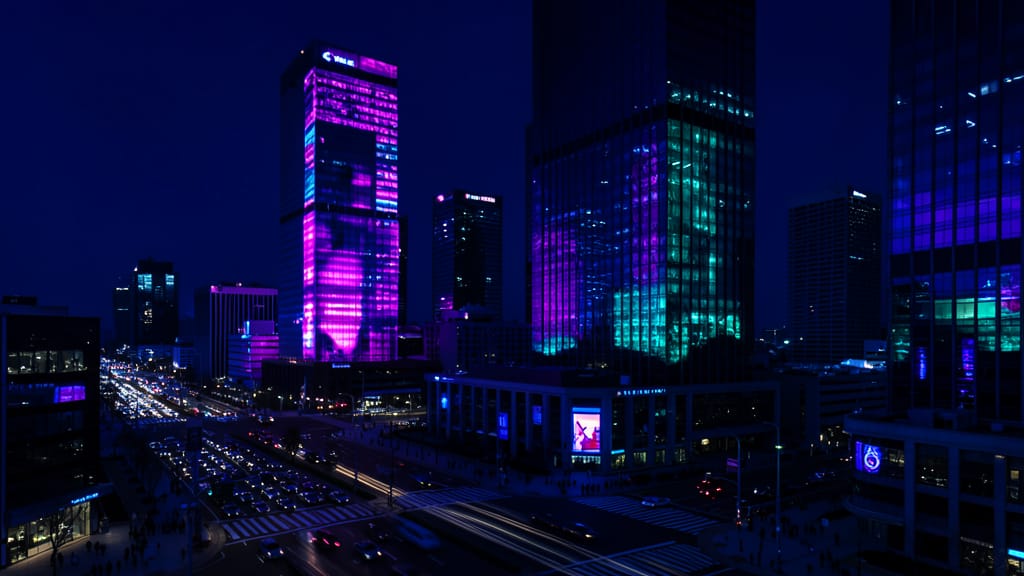
VÁROS KÉP FELJAVÍTÁS
Kiemeli a valós idejű fejlesztést ambience, színek és hangulatok módosításával széles városi felvételeken – hasznos ingatlanhoz, utazáshoz vagy kreatív közösségi tartalomhoz.
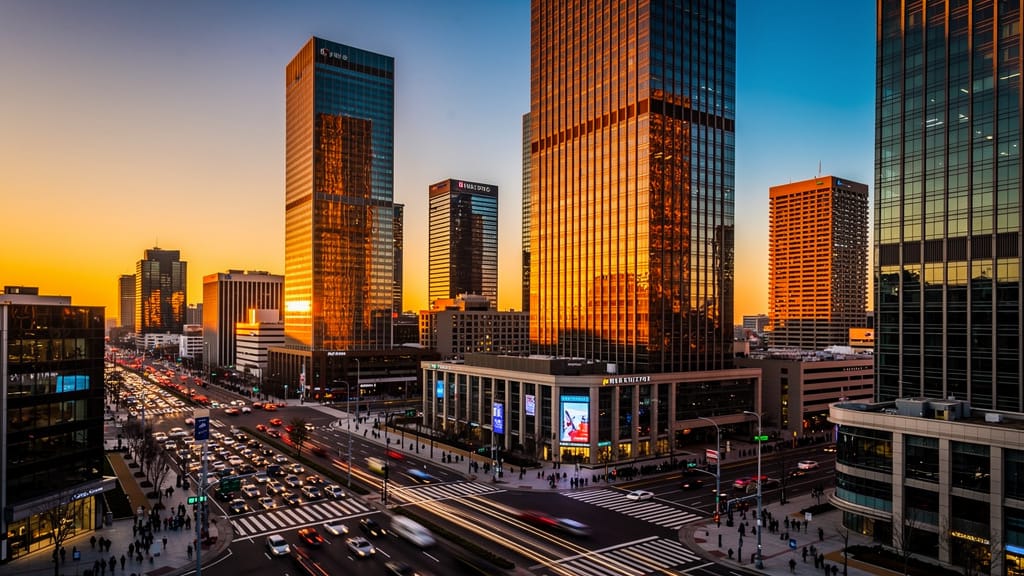
ÉPÜLET STÍLUS ÚJRAKÉSZÍTÉS
Bemutatja az fejlett tárgy- és anyagcserét építészeti renderekhez, gyors virtuális újratervezést architektúrához vagy otthonfelújító márkákhoz.
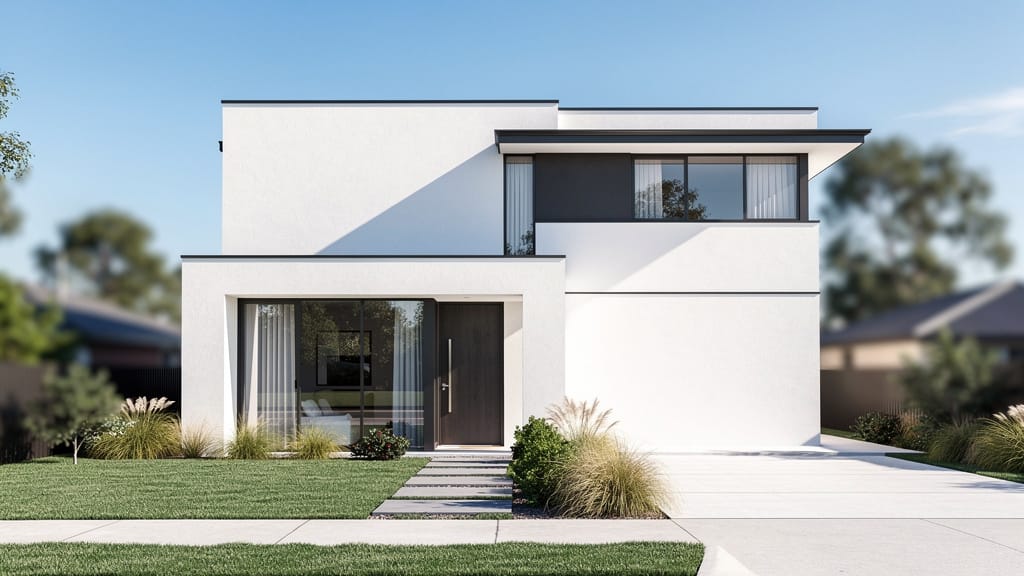
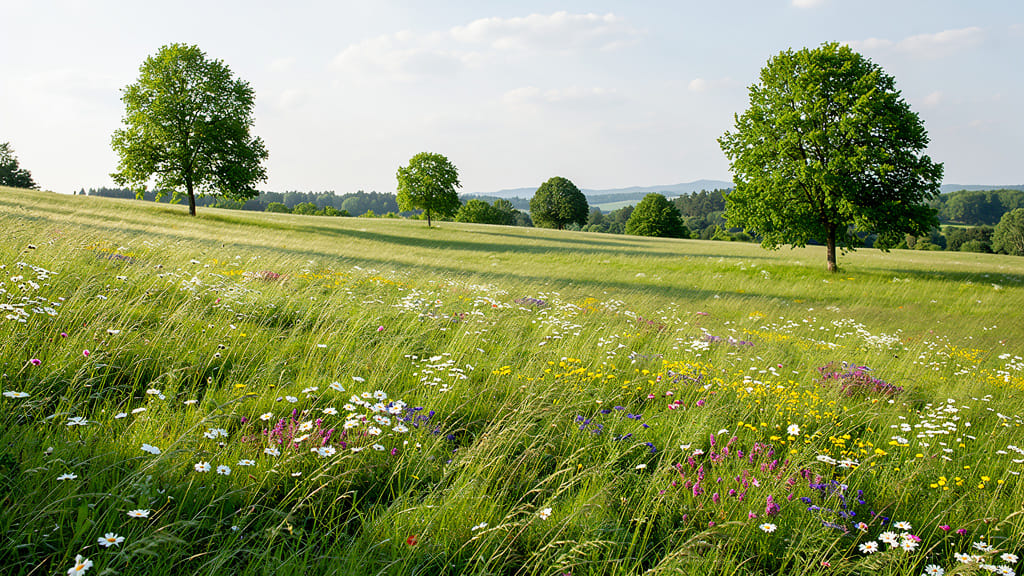
TERMÉSZETI JELENET ÉVSZAKVÁLTÁS
Bemutatta a dinamikus környezetszerkesztést, évszak- és lombhullás árnyalatváltással gazdagabb atmoszférák létrehozásához tájképekben.
Hasonlítsd össze hasonló modellekkel
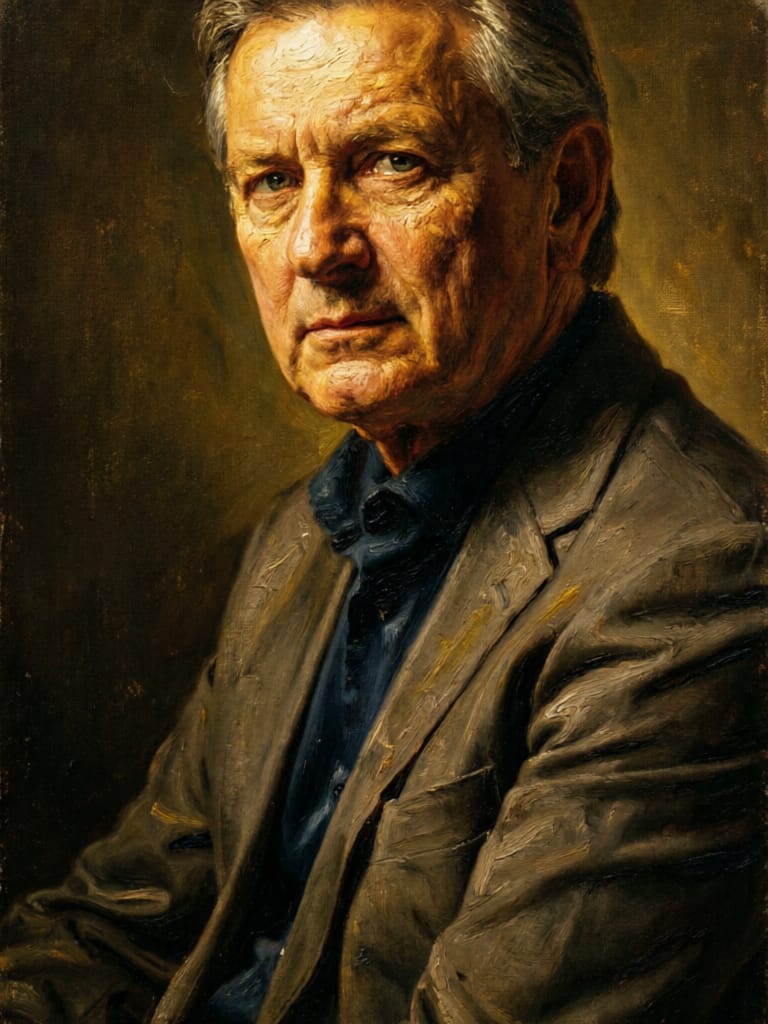
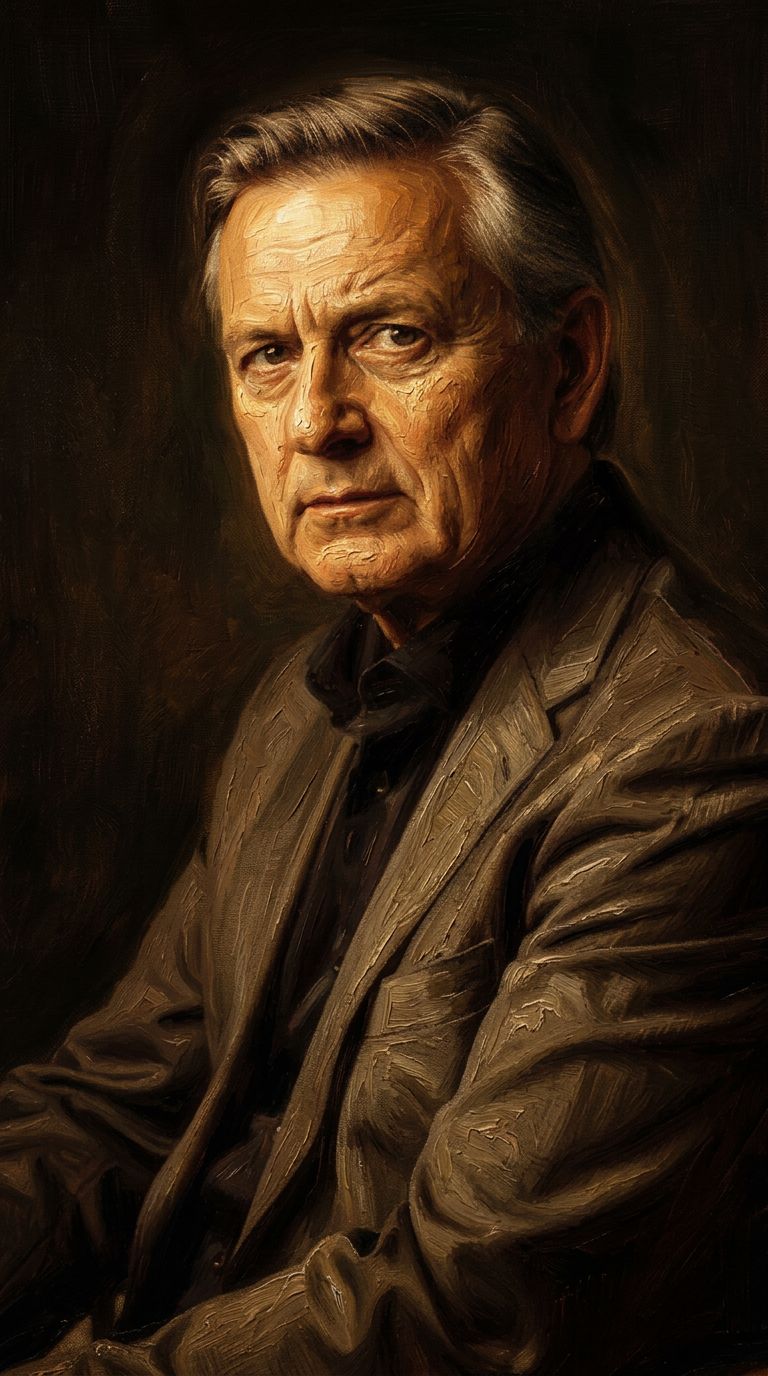
“Transform into a classical oil painting in the style of Rembrandt. Add visible impasto brushstrokes with thick paint texture. Apply warm golden undertones and dramatic chiaroscuro lighting with deep shadows. Enhance the dramatic contrast while preserving facial structure and expression. Add subtle canvas texture visible through the paint layers.”

![FLUX.2 [klein] 4B LoRA output](https://shortgenius.com/cdn-cgi/image/width=3840,quality=80,format=auto/https://assets.shortgenius.com/example-model-output/10a63e77-67c3-46e6-83d3-b7b93355e72c.png)
![FLUX.2 [klein] 9B LoRA output](https://shortgenius.com/cdn-cgi/image/width=3840,quality=80,format=auto/https://assets.shortgenius.com/example-model-output/cbfd8f70-6bf2-467b-918f-b020118b8db0.png)


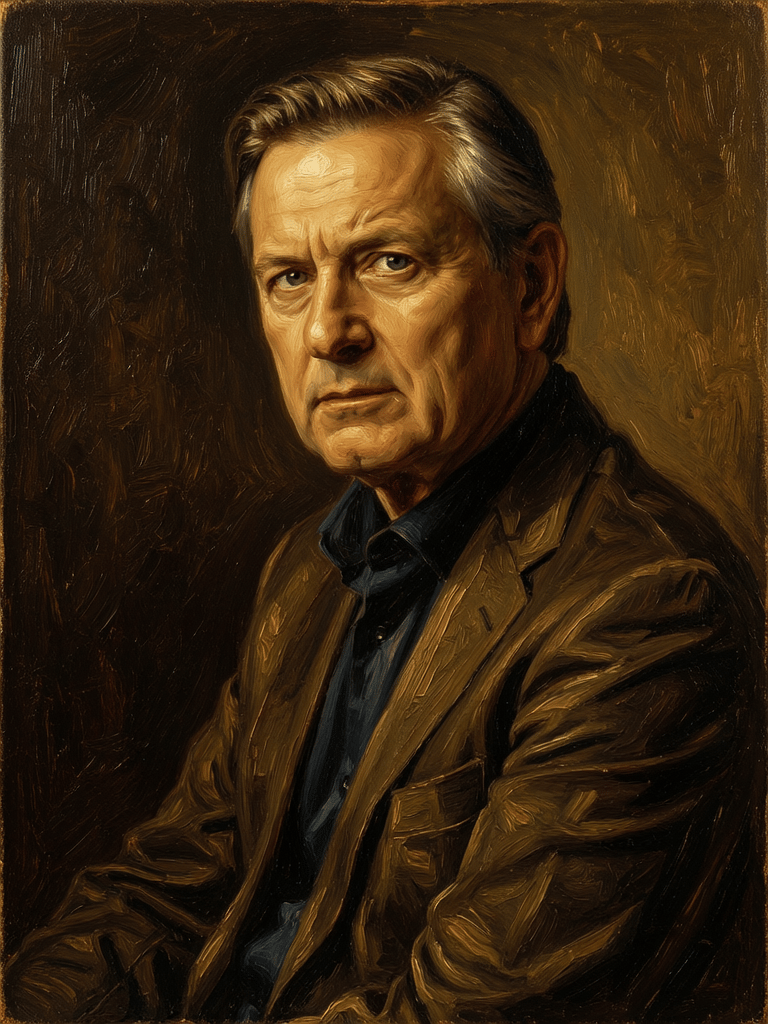
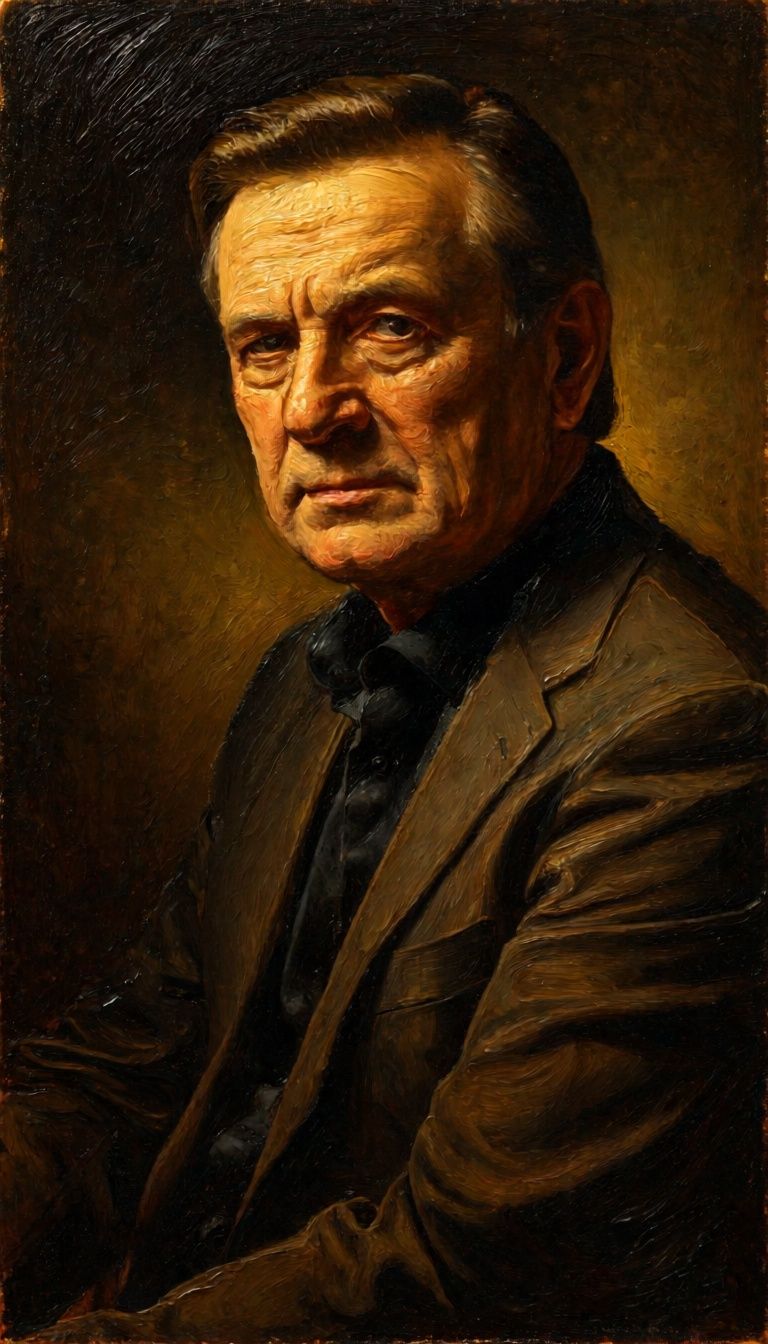

![FLUX.2 [klein] 9B LoRA output](https://shortgenius.com/cdn-cgi/image/width=3840,quality=80,format=auto/https://assets.shortgenius.com/example-model-output/cc1806c8-2af0-47e7-bd34-a95d2d180bfb.png)

Éld át a tökéletességet a FLUX.2 [klein] 4B LoRA-lel
Válts ma a gondolkodásvezérelt szintézisre
Gyakran ismételt kérdések
Hasonló modellek
Physic Edit
Realistic physics-based image editing
1.2 kredit
![FLUX.2 [klein] 9B LoRA](https://v3b.fal.media/files/b/0a928e3b/sIC-Ne9BMwZZtBvR3FwKN_9a724704a550471a9df59999e9e1017f.jpg)
FLUX.2 [klein] 9B LoRA
Precise natural language image editing
0.5 kredit
Wan
Text-guided creative image editing
0.2 kredit

Qwen Image 2
Unified AI image editing model
0.5 kredit
Qwen Image 2
Unified image editing and generation
0.6 kredit
Nano Banana 2
Google's advanced image editing
0.7 kredit
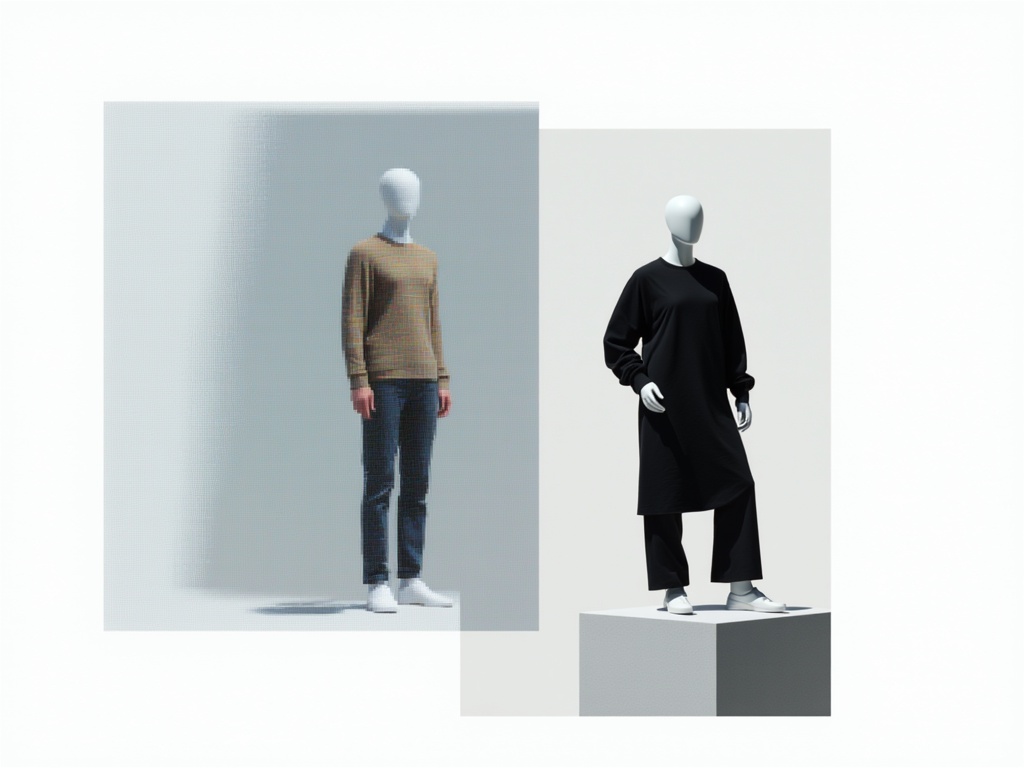
Hy Wu Edit
Edit images with reference photos
0.4 kredit
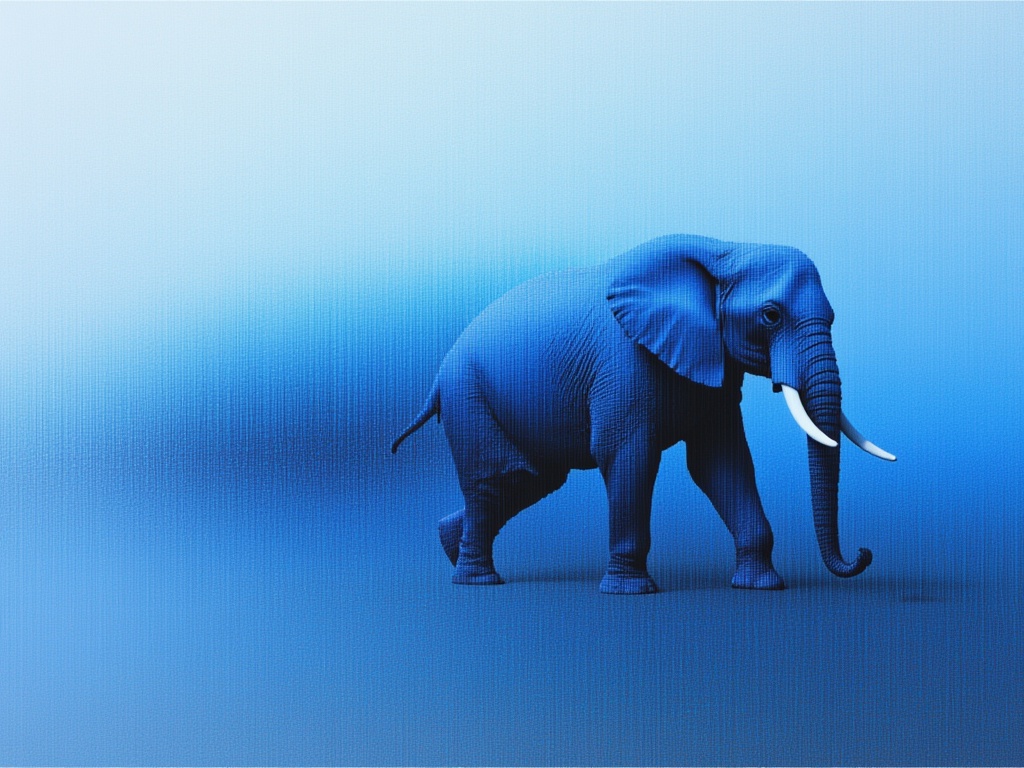
Firered Image Edit V1.1
Advanced AI-powered image editing
0.4 kredit
Phota
Identity-preserving personalized photo editing
0.4 kredit