Z Image Turbo
Photoreal portraits down to every pore in just eight steps
Ultra-fast photorealistic image generation
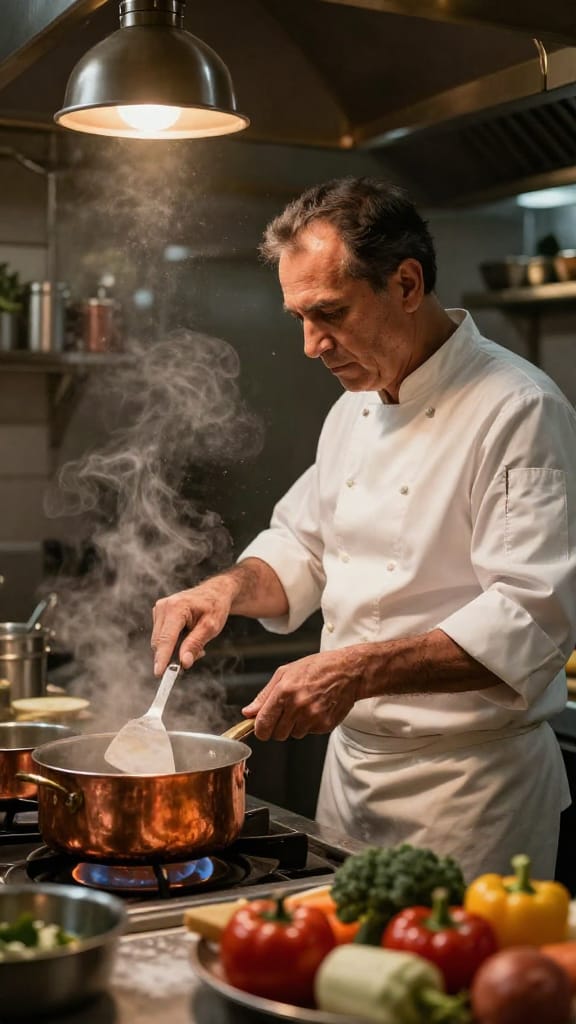
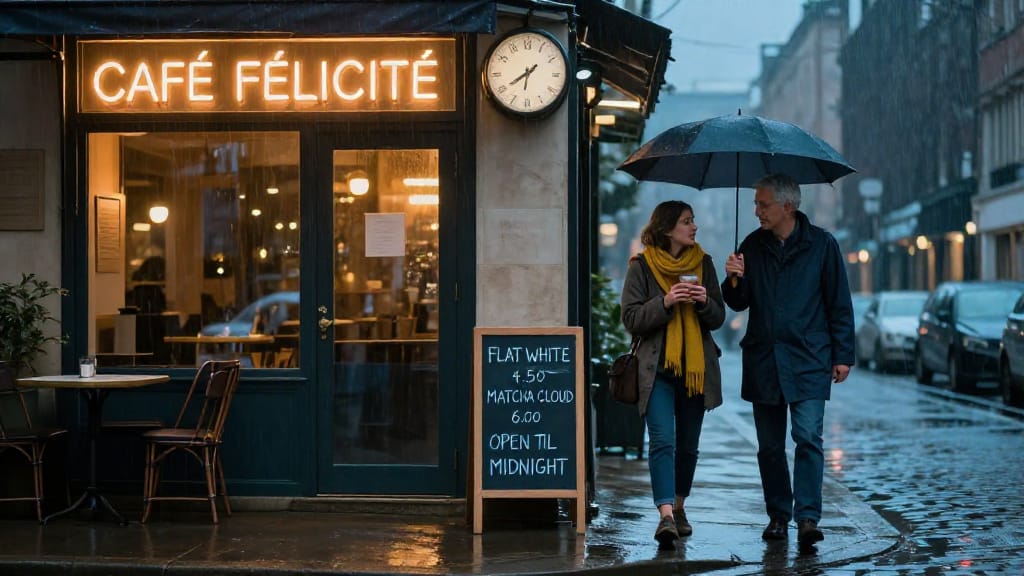
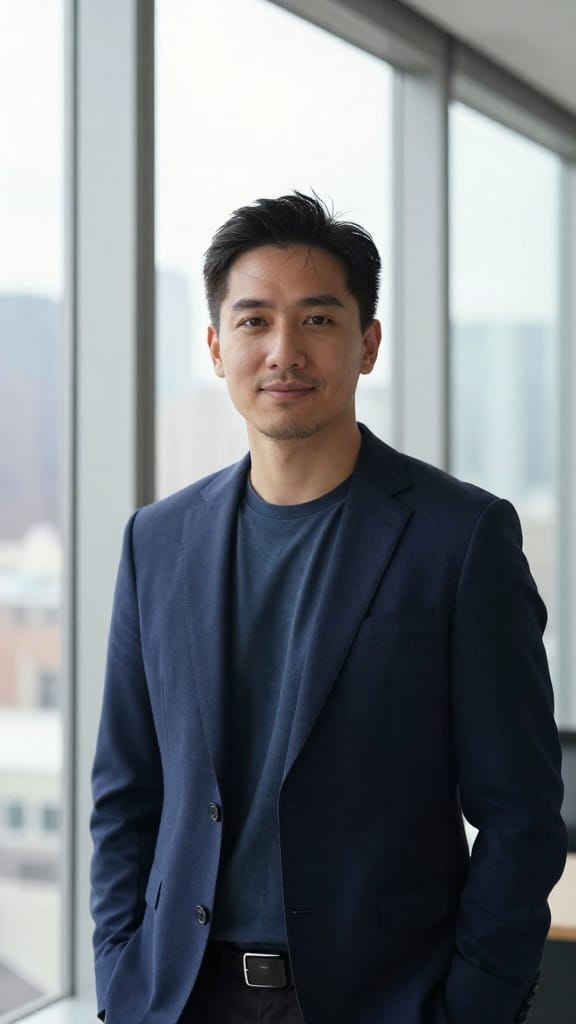
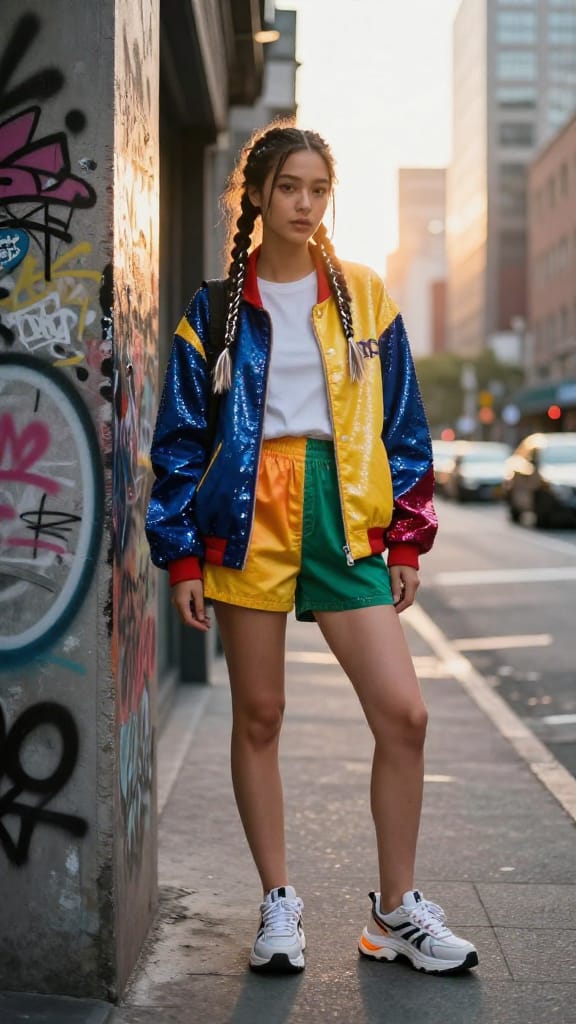

MOBILE SOCIAL PORTRAIT
EDITORIAL CHARACTER STUDY
PROFESSIONAL LINKEDIN PROFILE
Z Image Turbo is a fast text-to-image model built for creators who want striking visuals without a long wait. Developed by Tongyi-MAI, it's a compact 6-billion-parameter model tuned for speed, generating detailed images in as few as one to eight refinement passes. That means you can go from a written idea to a finished image quickly, making it ideal for rapid iteration, mood exploration, and producing polished results on a tight timeline.
At its core, Z Image Turbo turns text descriptions into images. Write a prompt describing what you want to see — a subject, a setting, a lighting mood, a camera and film style — and the model interprets that language into a coherent picture. It handles rich, layered descriptions especially well. The example prompt it ships with is a hyper-realistic close-up portrait of a tribal elder painted with white chalk patterns, wearing a headdress of dried flowers and rusted bottle caps, shot with the film-grain aesthetic of a Leica M6 loaded with Kodak Portra 400. That level of detail — razor-sharp skin texture showing every pore, wrinkle, and scar, a softly blurred smoky background, warm firelight reflected in the eyes — shows the kind of nuanced, photographic realism this model can deliver when you give it descriptive, specific language.
Who benefits? Photographers and portrait artists exploring looks and lighting before a shoot. Concept artists and illustrators who need fast visual drafts. Designers building mood boards and reference imagery. Content creators and social media makers who want fresh visuals on demand. Filmmakers and art directors sketching out characters, scenes, and atmospheres. Because generation is quick, it's well suited to anyone who works iteratively — trying many variations of an idea rather than agonizing over a single slow render.
Z Image Turbo gives you meaningful creative control while keeping the workflow simple. You can choose from a range of image shapes and orientations, including square, portrait, and landscape formats in both standard and widescreen proportions, plus a high-definition square option. If you need a specific dimension, you can set a custom width and height as well, which is handy for matching a particular canvas, print size, or screen aspect ratio. You can generate up to four images at once from a single prompt, which is perfect for comparing options side by side and picking the strongest result.
A detail-and-refinement control lets you decide how many passes the model makes over the image, from a single quick pass up to eight. Fewer passes are faster; the full eight tend to produce the most refined results. There's also a speed setting with regular and high-acceleration options for when you want to push generation even faster, or turn acceleration off for a more standard run.
Another useful feature is optional prompt expansion. When enabled, it enriches your written description automatically, which can help fill in atmosphere and detail if your prompt is short or you want the model to elaborate on your idea. If you prefer full control over exactly what you asked for, you can leave it off.
Z Image Turbo also supports reproducibility through a seed value. Every generation uses a seed — either one you supply or a random one the model picks — and it's returned with your result. Reusing the same seed together with the same prompt on the same version of the model reproduces the same image every time. This is invaluable when you land on a look you love and want to make small, controlled adjustments while keeping the overall composition stable, or when you simply want to recreate a favorite result later.
You can export your images in several common formats. PNG is the default and preserves crisp detail, JPEG keeps file sizes small for sharing, and WebP offers a good balance of quality and efficiency for web use. This flexibility means the output slots cleanly into whatever your next step is, whether that's editing, print, or posting online.
A built-in safety checker is enabled by default and flags content that may be sensitive, giving you a signal about the nature of each generated image alongside your results.
In terms of strengths, Z Image Turbo shines at photographic realism and fine texture — skin, fabric, natural materials, and atmospheric lighting like firelight, smoke, and shallow depth of field. It responds strongly to descriptive cues about camera and film stock, so mentioning a specific lens look, film grain, or lighting condition can steer the aesthetic convincingly. Its defining quality, though, is speed: this is a model designed to keep pace with an active creative session, letting you explore, reject, and refine ideas quickly rather than waiting between renders.
A few things to keep in mind. The refinement control tops out at eight passes, so this model is optimized for quick, punchy generation rather than extremely long, slow rendering cycles — which is precisely the point of a turbo model. You can generate up to four images per prompt at a time. As with any text-to-image tool, the quality and specificity of your results depend heavily on how clearly you describe your vision; detailed, sensory prompts that mention subject, setting, mood, lighting, and style consistently produce the best output. If you're after a very particular photographic feel, borrow language from photography — lens types, film stocks, lighting setups, and framing — to guide the model toward it.
Overall, Z Image Turbo is a nimble, realism-focused image generator built for creators who value momentum. Its combination of quick generation, flexible sizing, batch options, reproducible seeds, and photographic detail makes it a practical everyday tool for turning written ideas into polished visuals fast.
Générez avec le modèle d'image le plus avancé
A woman kneeling in darkness, illuminated by a warm, radiant beam of light emerging from her raised hand.
Rédigez votre scénario
Saisissez un prompt décrivant l'image souhaitée avec des détails de style, d'éclairage et de composition
L'IA génère
Le modèle comprend la physique, l'éclairage et l'intention émotionnelle de votre scène
Commencez à partager
Cliquez pour générer votre résultat final et téléchargez une image de qualité professionnelle
Au-delà du prompt : un nouveau niveau de contrôle
CINEMATIC ENVIRONMENT DESIGN
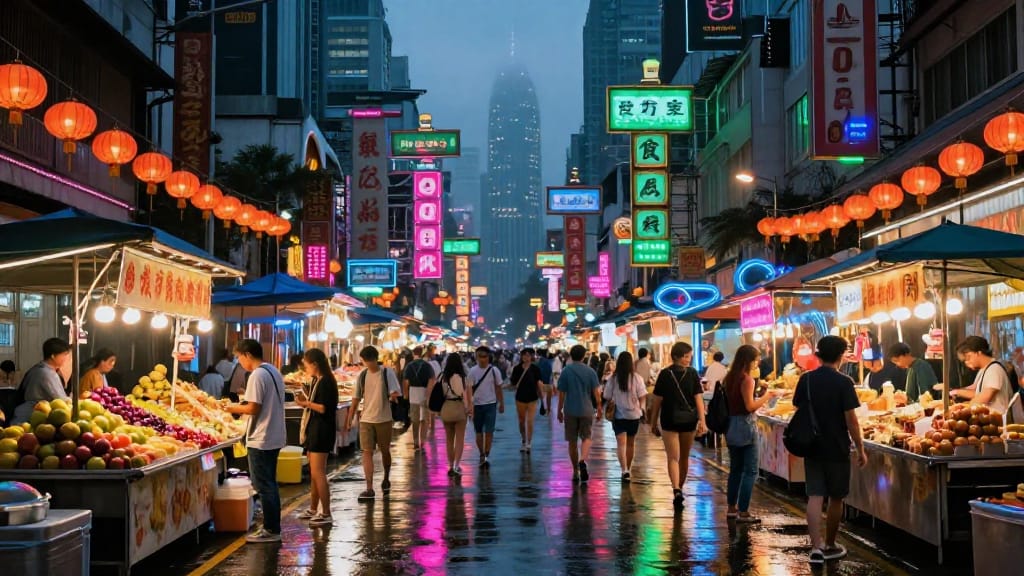
The landscape orientation, resolution, and color handling highlight Z-Image Turbo’s capacity for vibrant, atmospheric scene building and rapid iteration for game or film concept art.
ARCHITECTURE VISUALIZATION
Examines model accuracy and rapid rendering for architectural pitches, focusing on natural lighting, glasswork detail, and realistic vegetation blending.
PRESENTATION BACKGROUND VISUAL
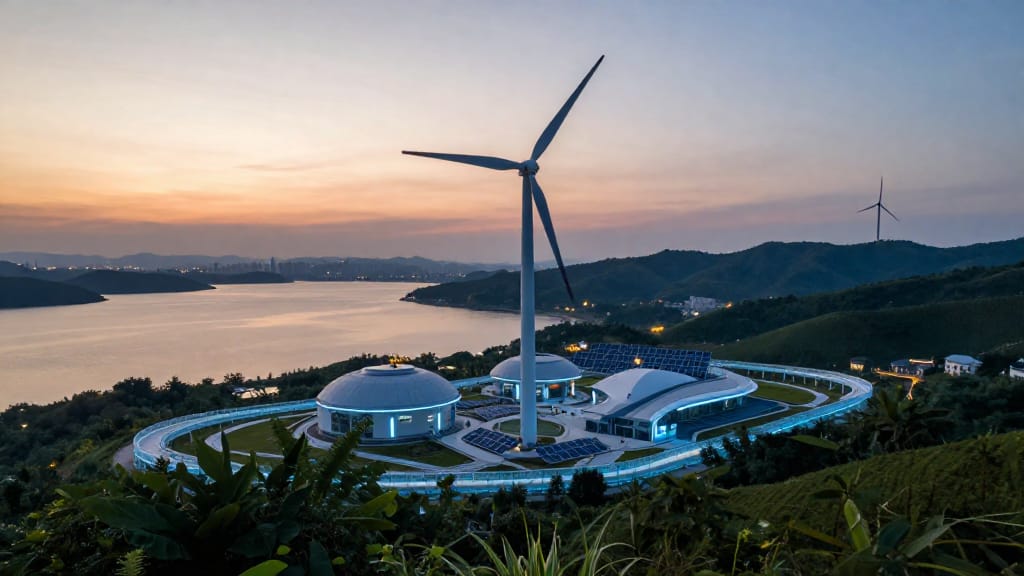
Showcases Z-Image Turbo’s versatility in producing production-ready, wide-format visuals optimized for presentations, blending clean design and sci-fi realism.
Comparer avec des modèles similaires
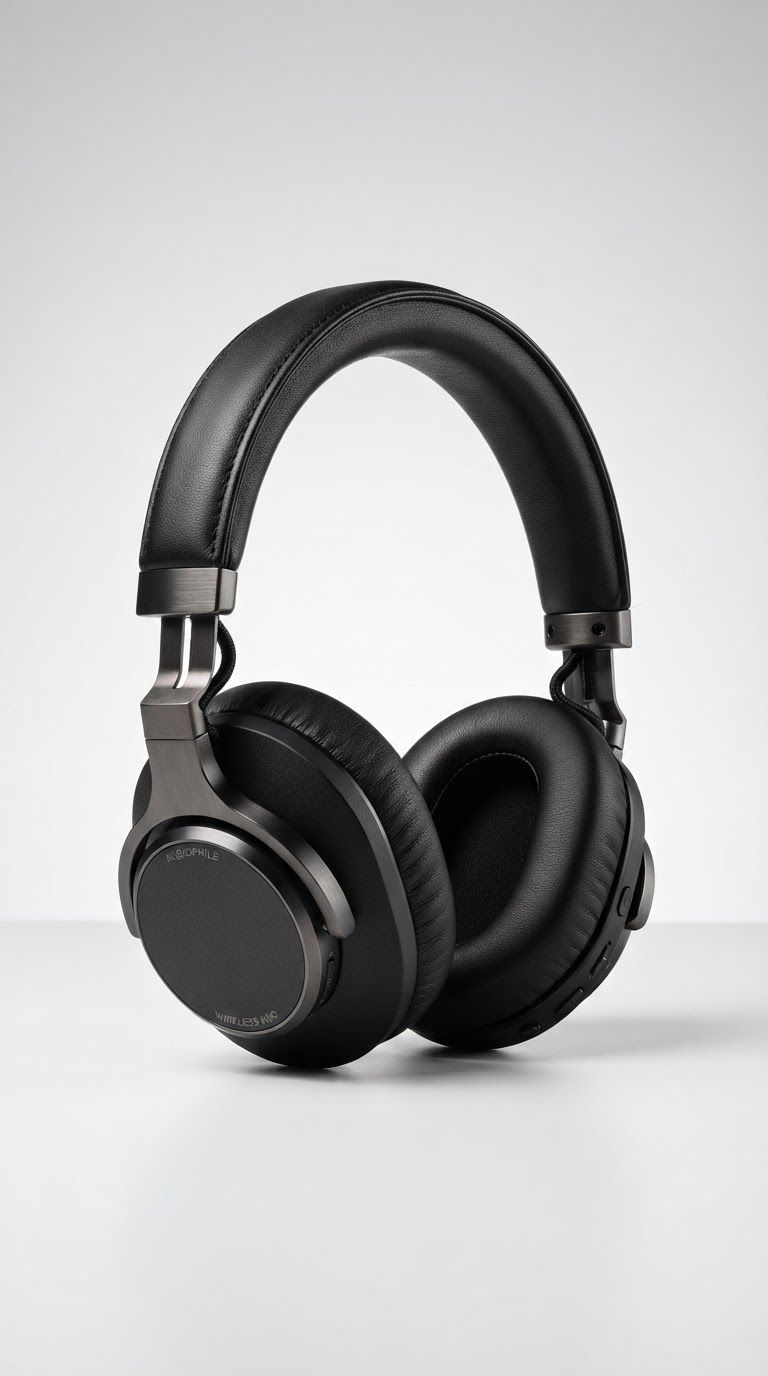
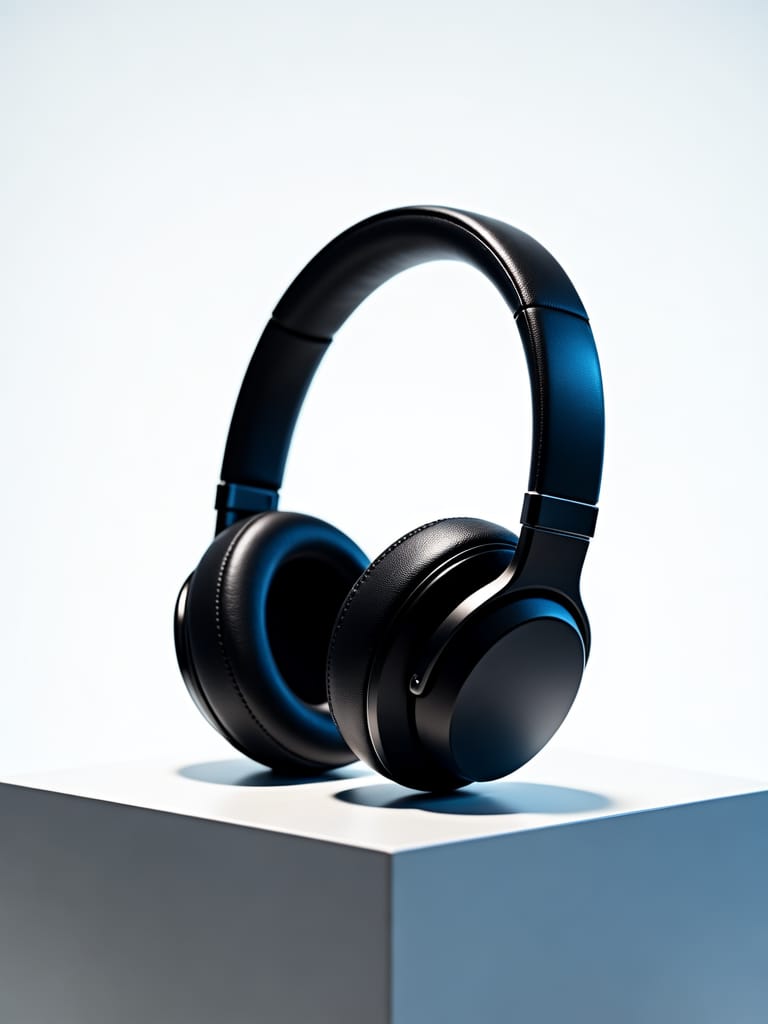
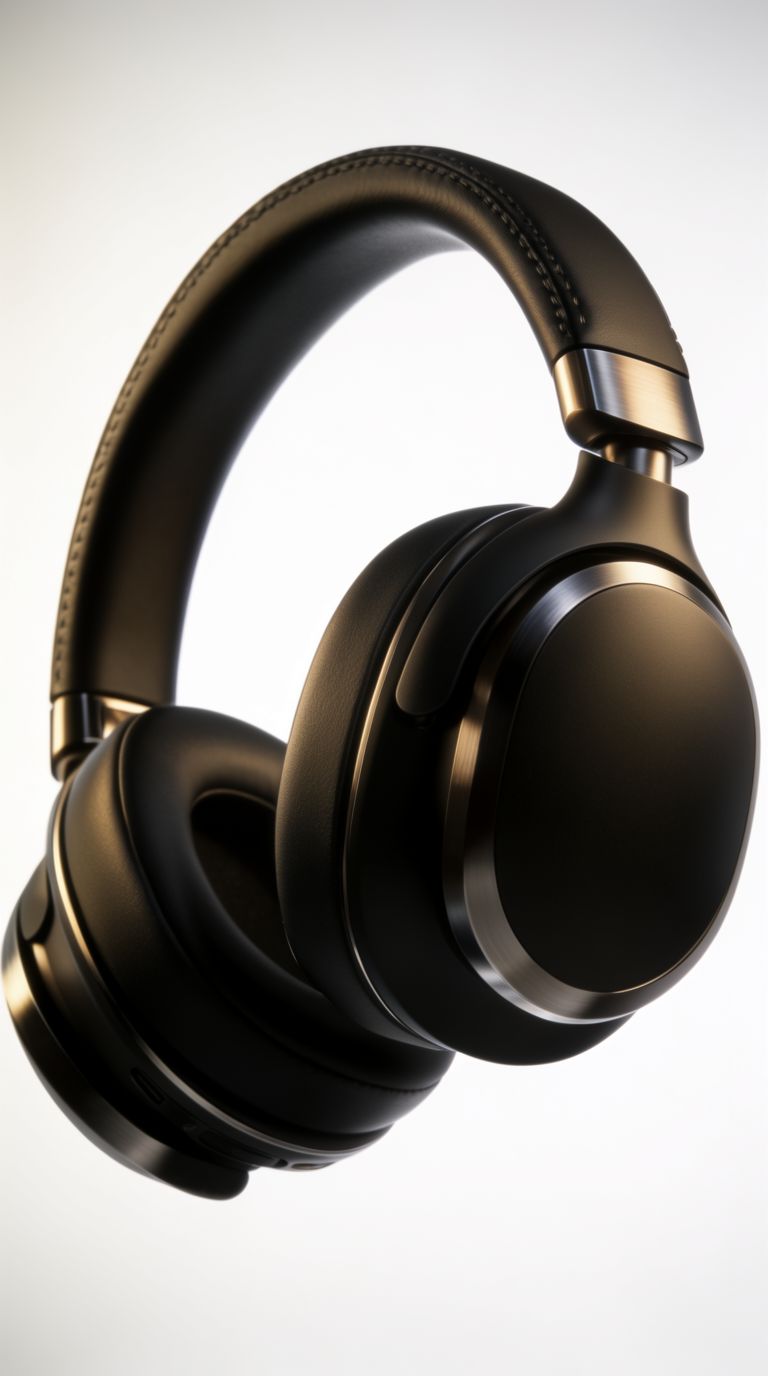
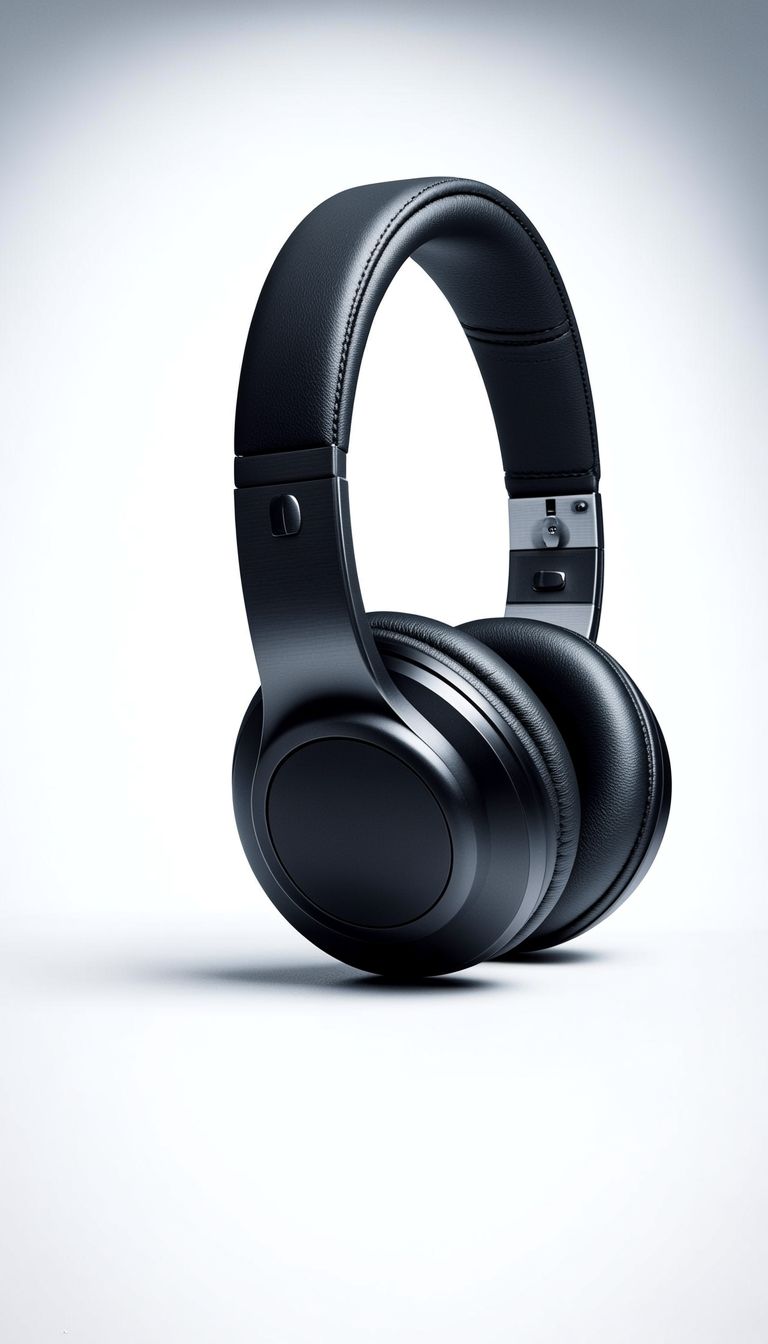
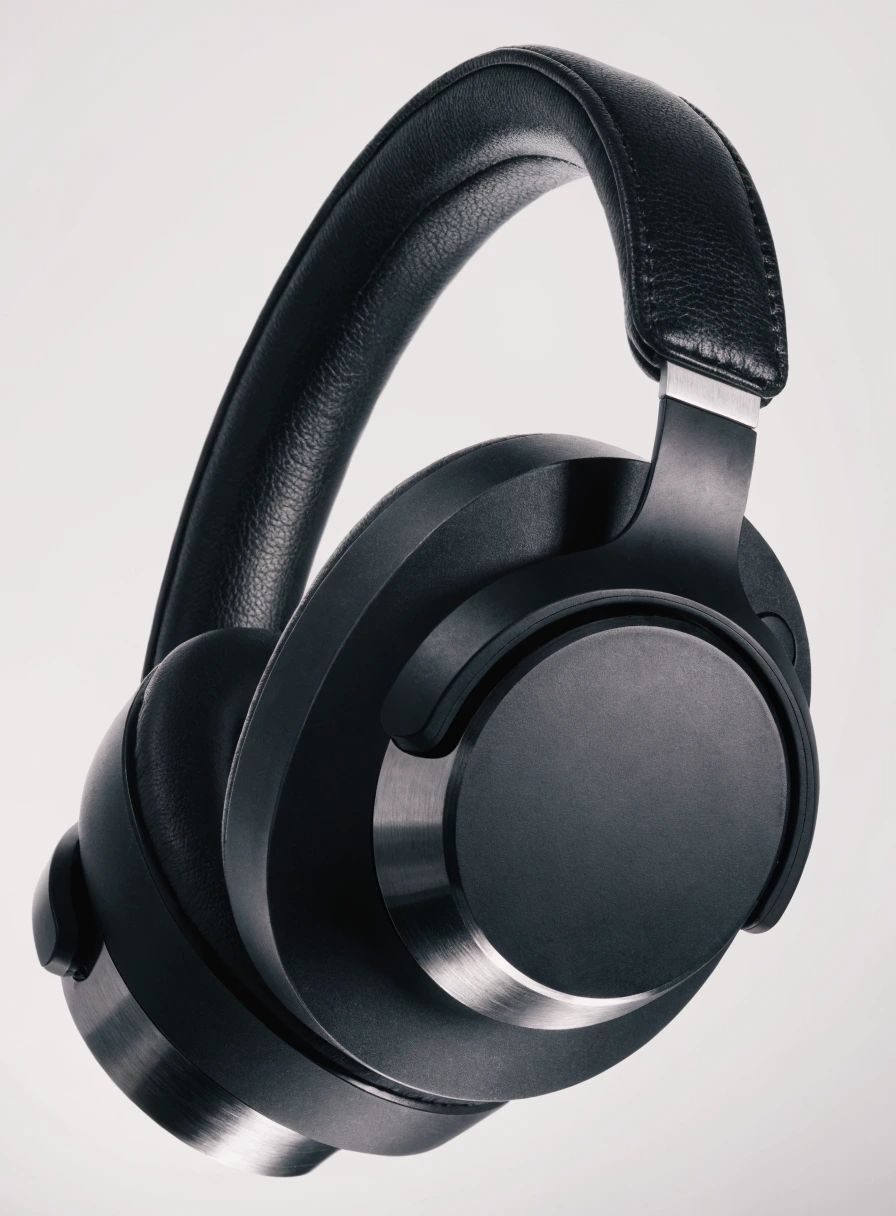
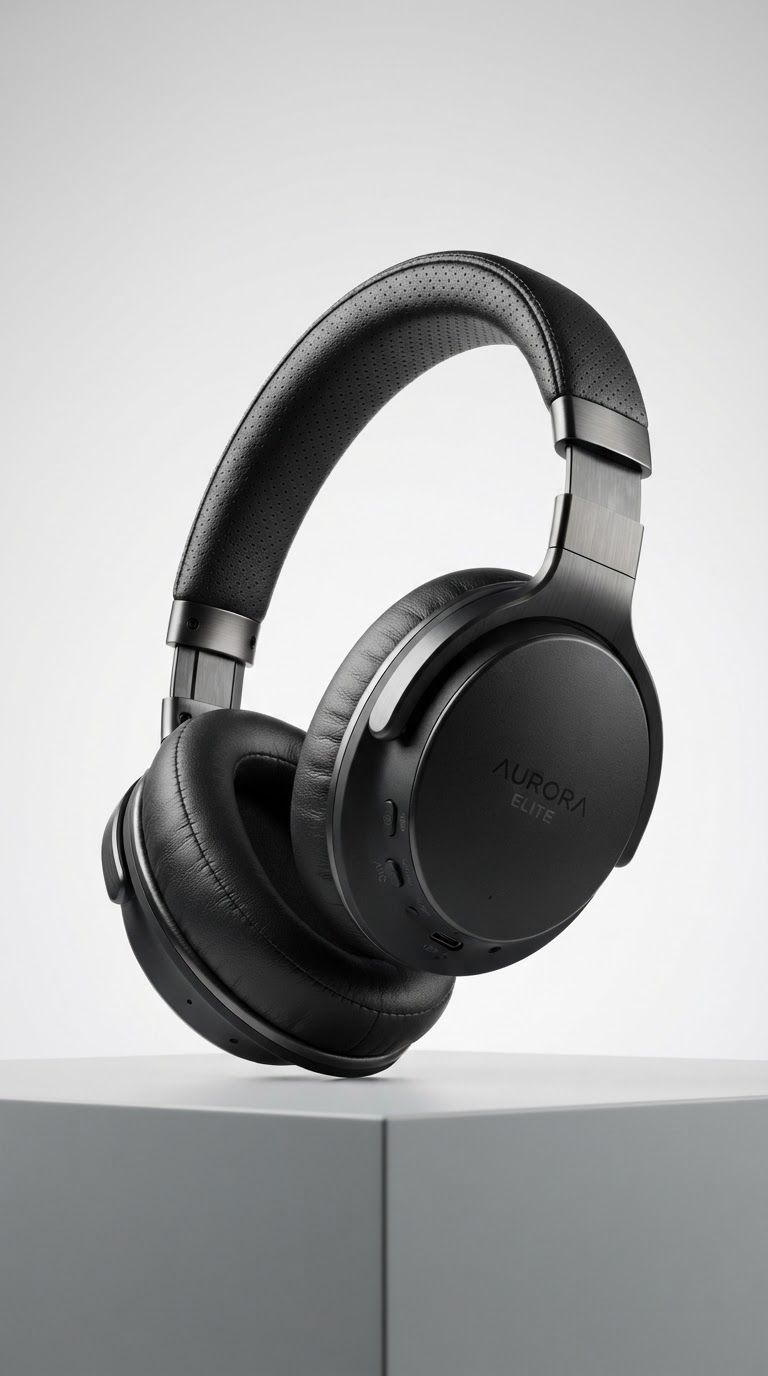
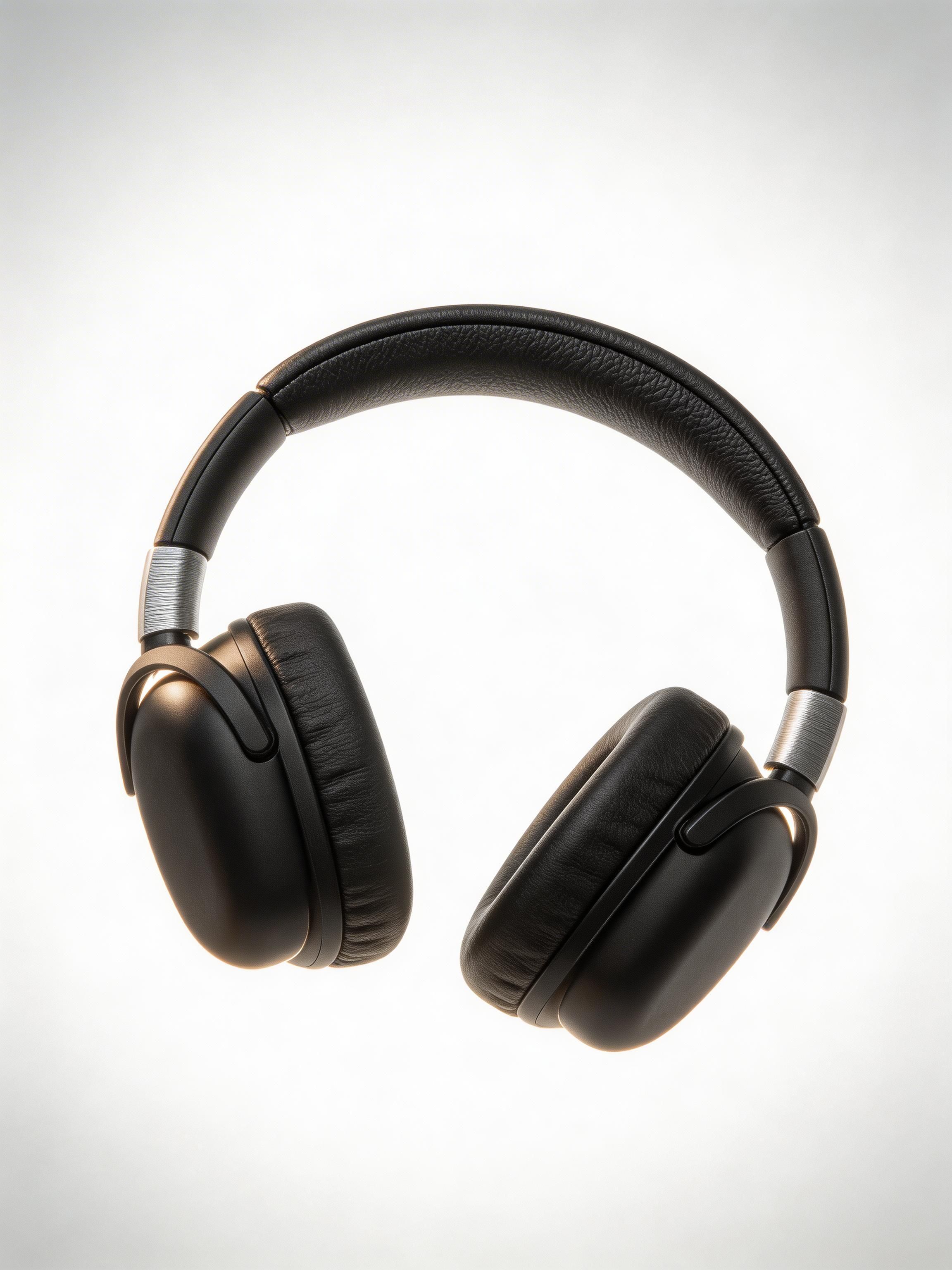
“High-end studio product photography of premium wireless over-ear headphones in matte black finish. Dramatic three-point lighting with soft key light from upper left, rim light highlighting the ear cup contours, and subtle fill. Clean white seamless backdrop with soft gradient. Sharp focus on texture details of the leather headband and brushed metal accents. Professional advertising quality, 8K resolution, photorealistic rendering.”
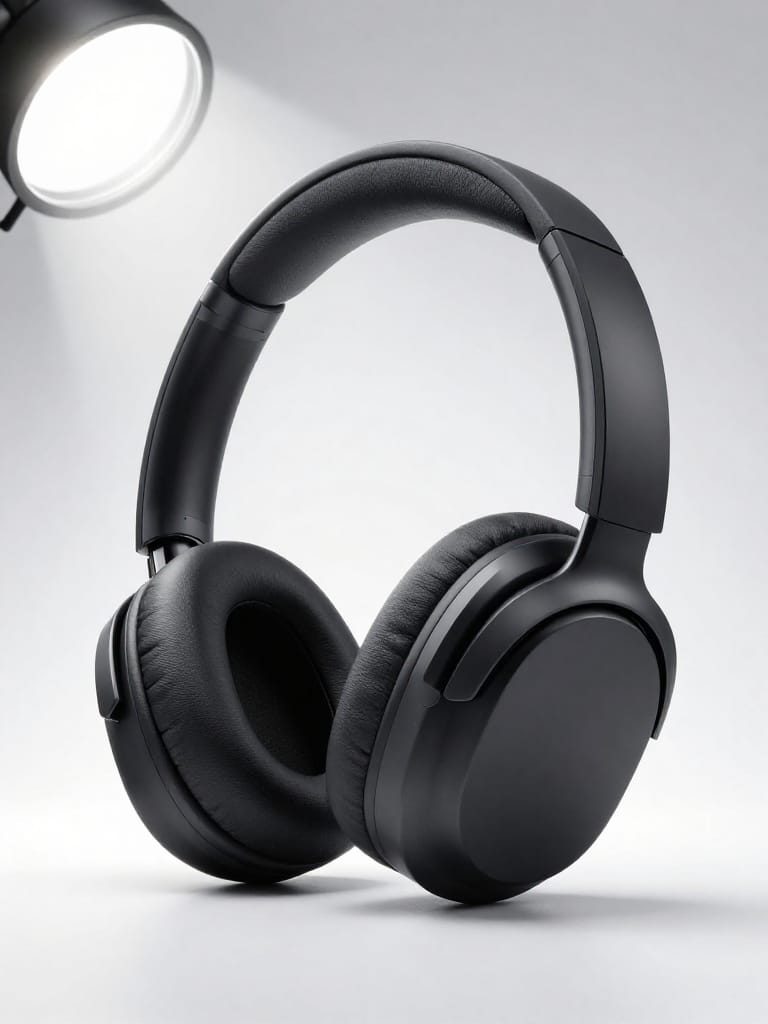
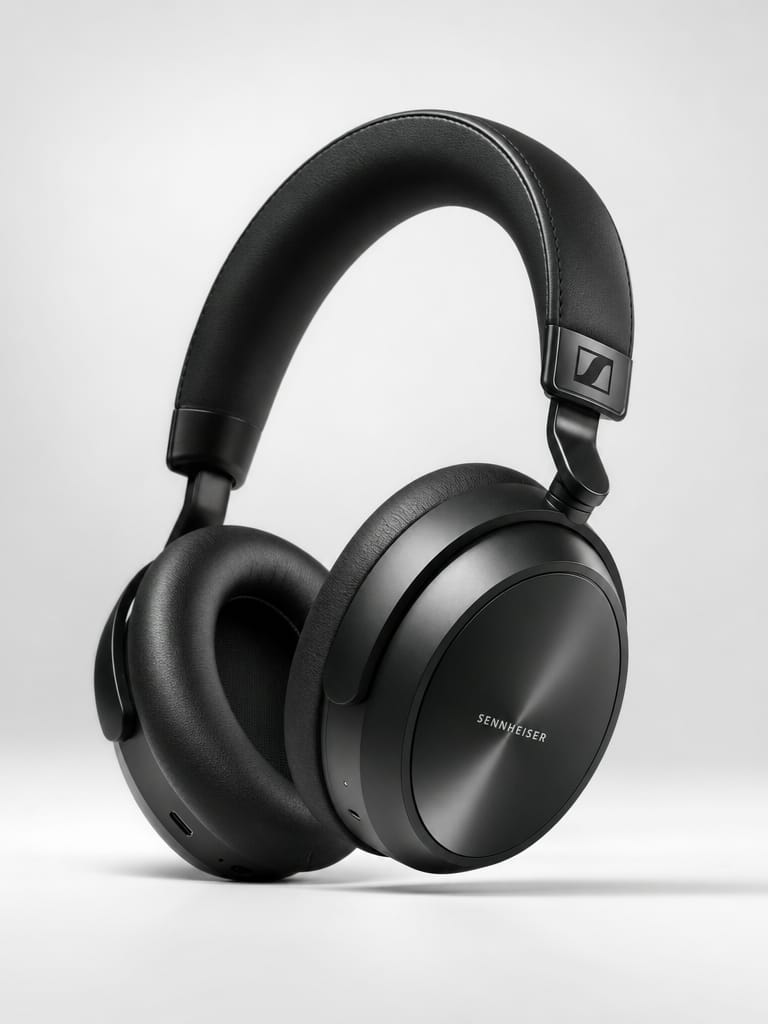
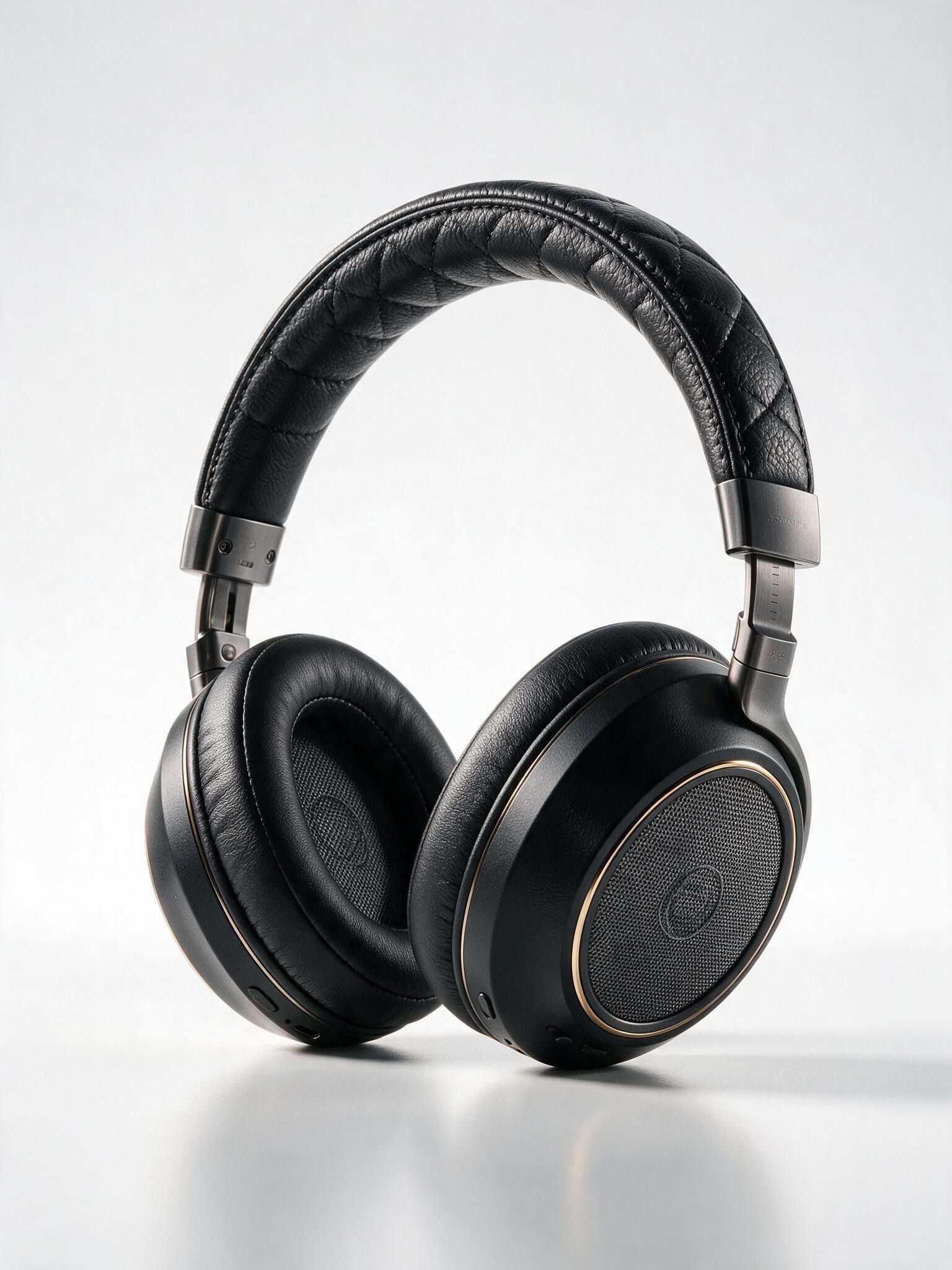
![V4.0q [fast] output](https://shortgenius.com/cdn-cgi/image/width=3840,quality=80,format=auto/https://assets.shortgenius.com/example-model-output/255567ab-4cdb-4e8f-9f6a-d0a5f412cd0b.jpg)
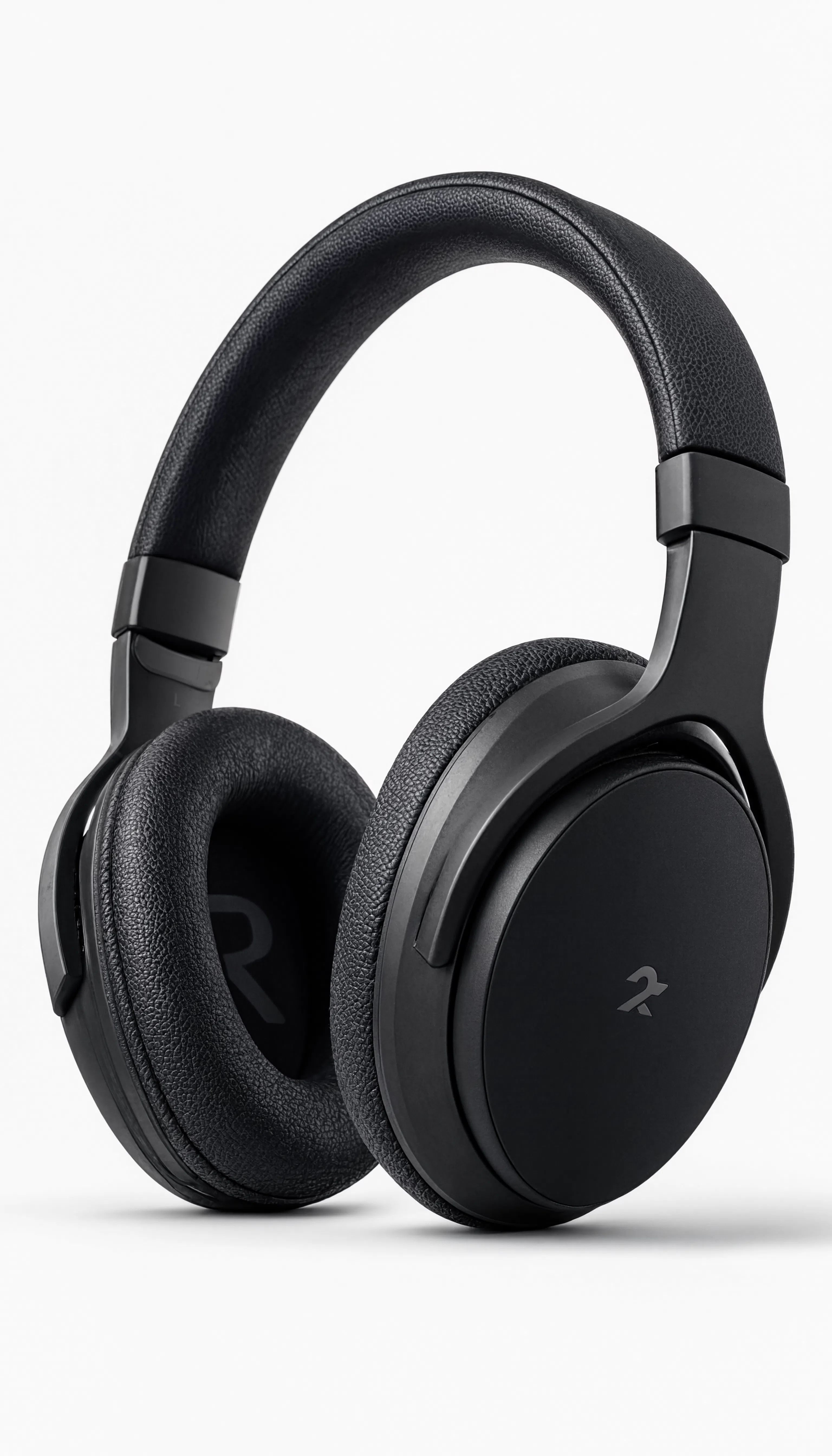
Découvrez la perfection avec Z Image Turbo
Passez dès aujourd'hui à la synthèse guidée par le raisonnement
Foire aux questions
Modèles similaires
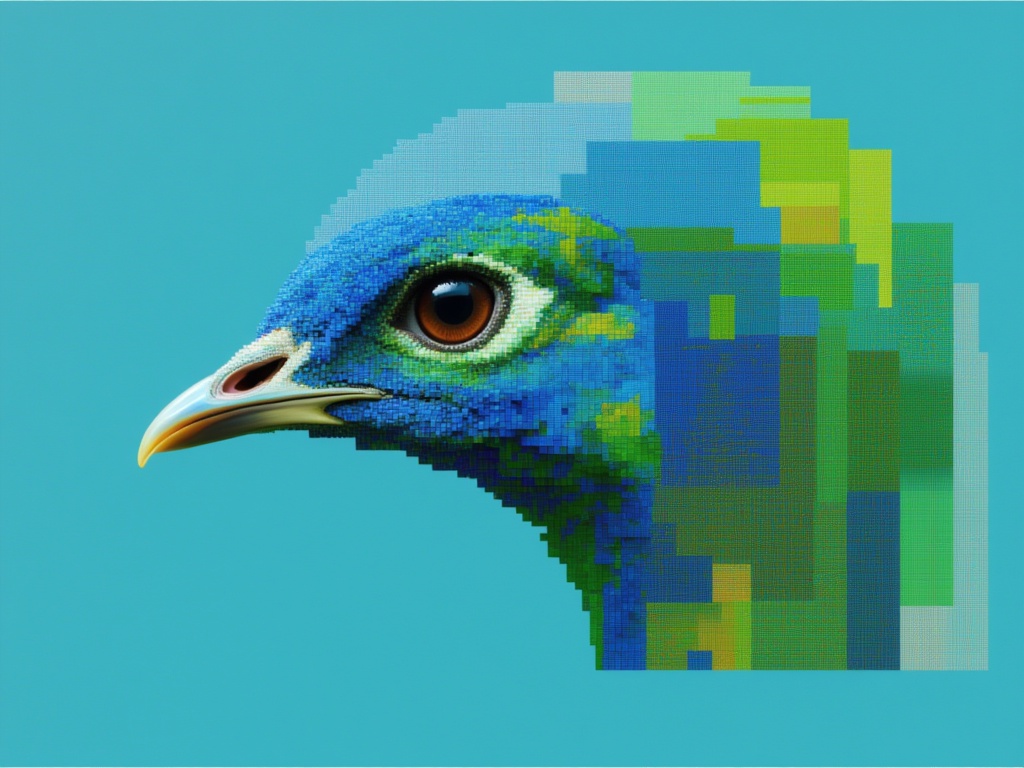
Seedream 5.0 Pro Text to Image
Flagship multilingual text-to-image generation
0.3 crédits
Seedream
Fast high-quality text-to-image generation
0.3 crédits
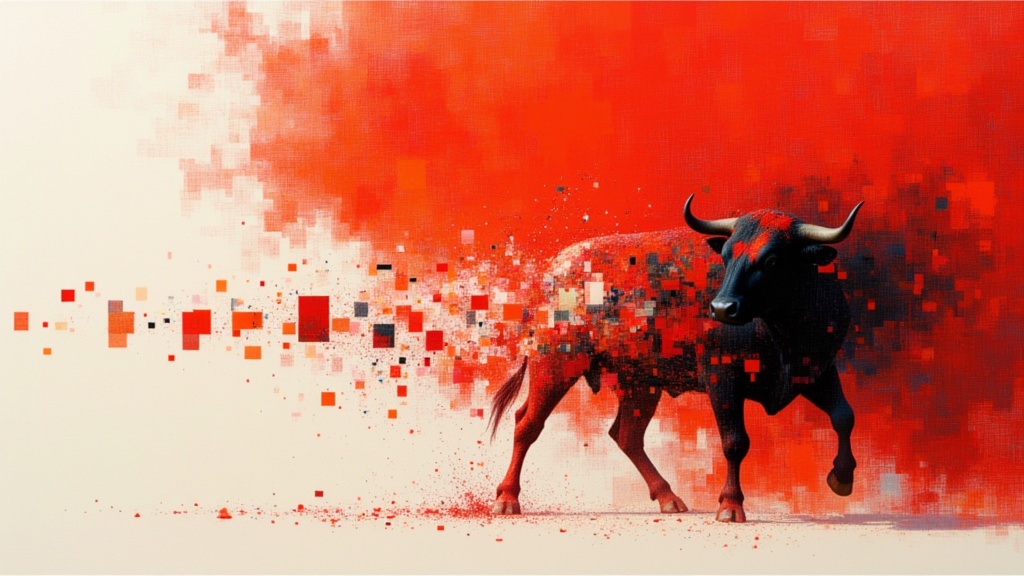
Recraft V4.1 Text to Image
Design-first text to image generation
0.2 crédits
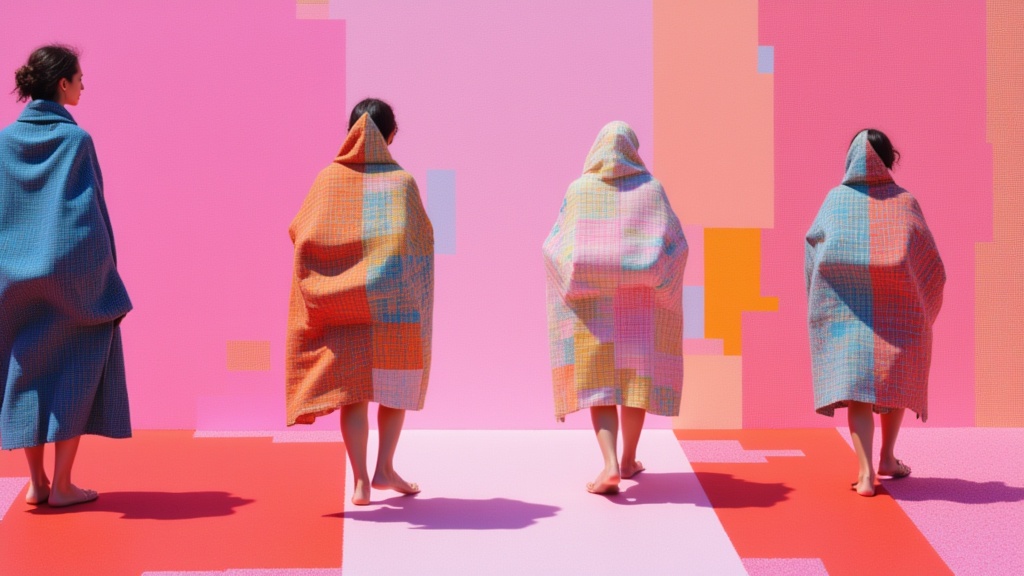
Krea 2 Large
High-fidelity text-to-image generation
0.1 crédits
![V4.0q [instant]](https://v3b.fal.media/files/b/0aa12d17/6liDSFFStjD4rStlm4CS1.jpg)
V4.0q [instant]
Fast text rendering image generation
0.1 crédits
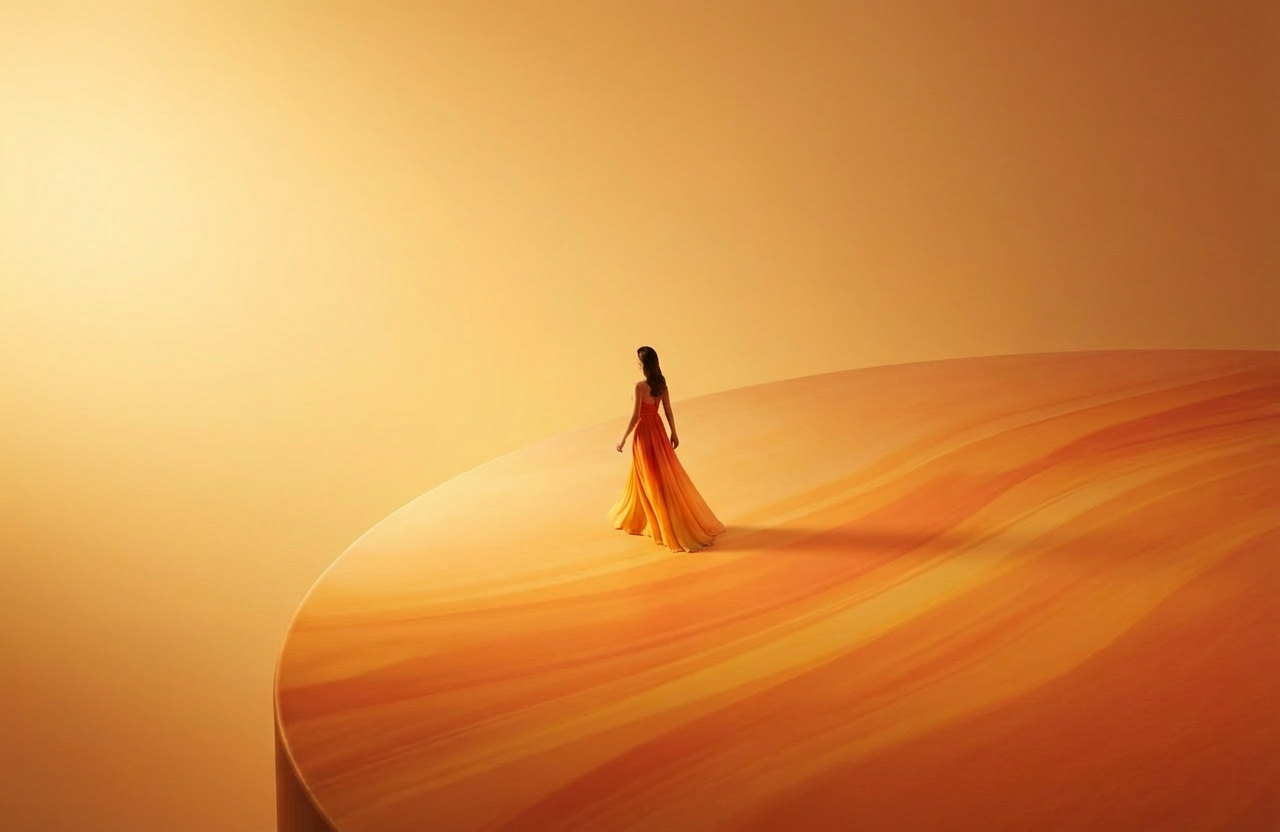
Wan v2.6 Text to Image
Flexible multilingual image generation model
0.3 crédits
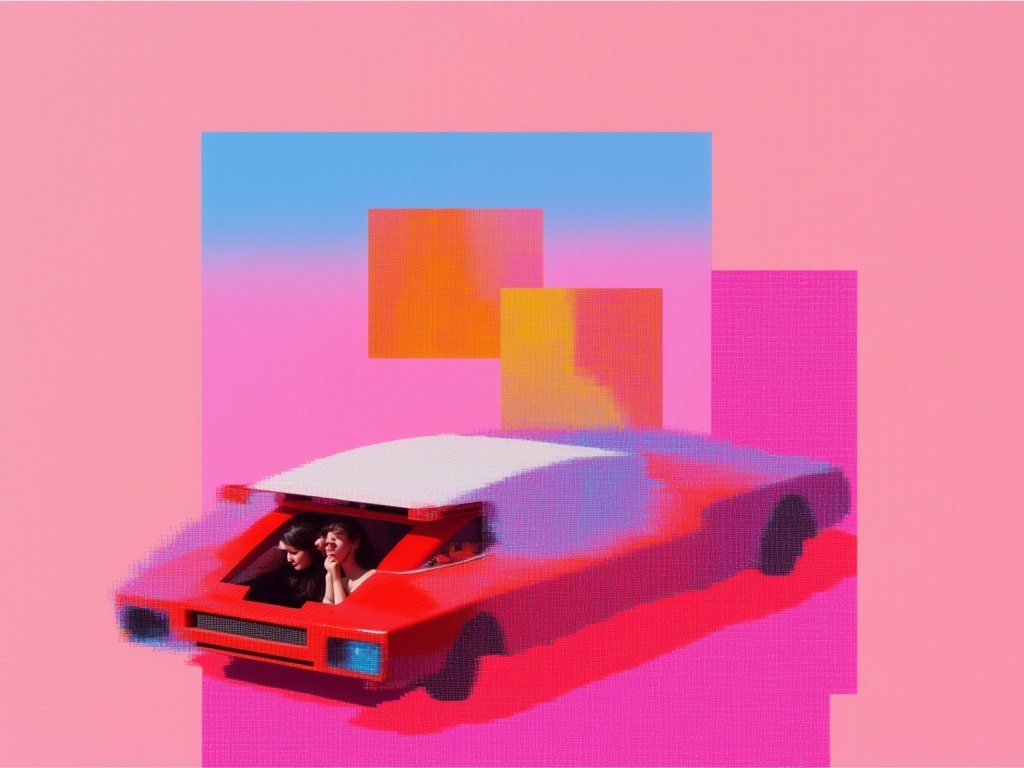
Nano Banana Lite
Fast, efficient image generation
6 crédits
![V4.0q [fast]](https://v3b.fal.media/files/b/0aa0cdc0/4AWx22ZkcZYZBZ73YKkdT.jpg)
V4.0q [fast]
Fast text-accurate image generation
0.1 crédits
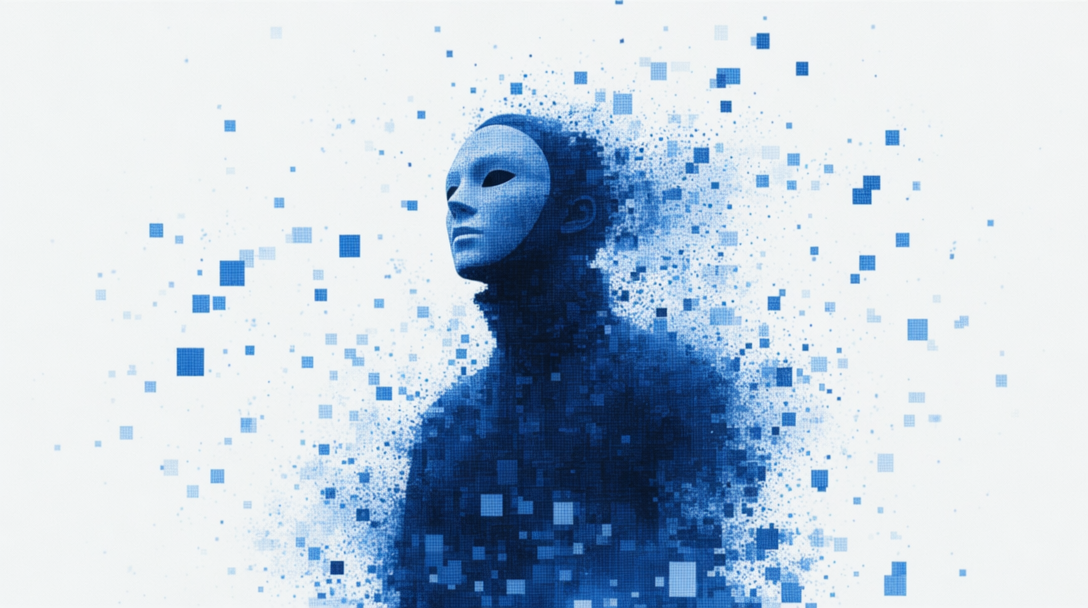
GPT Image 2 API
Detailed images with fine typography
4 crédits