Gemini 3.1 Flash Image Preview
Edit photos with a sentence and get 4K results
Ultra-fast Google image editing
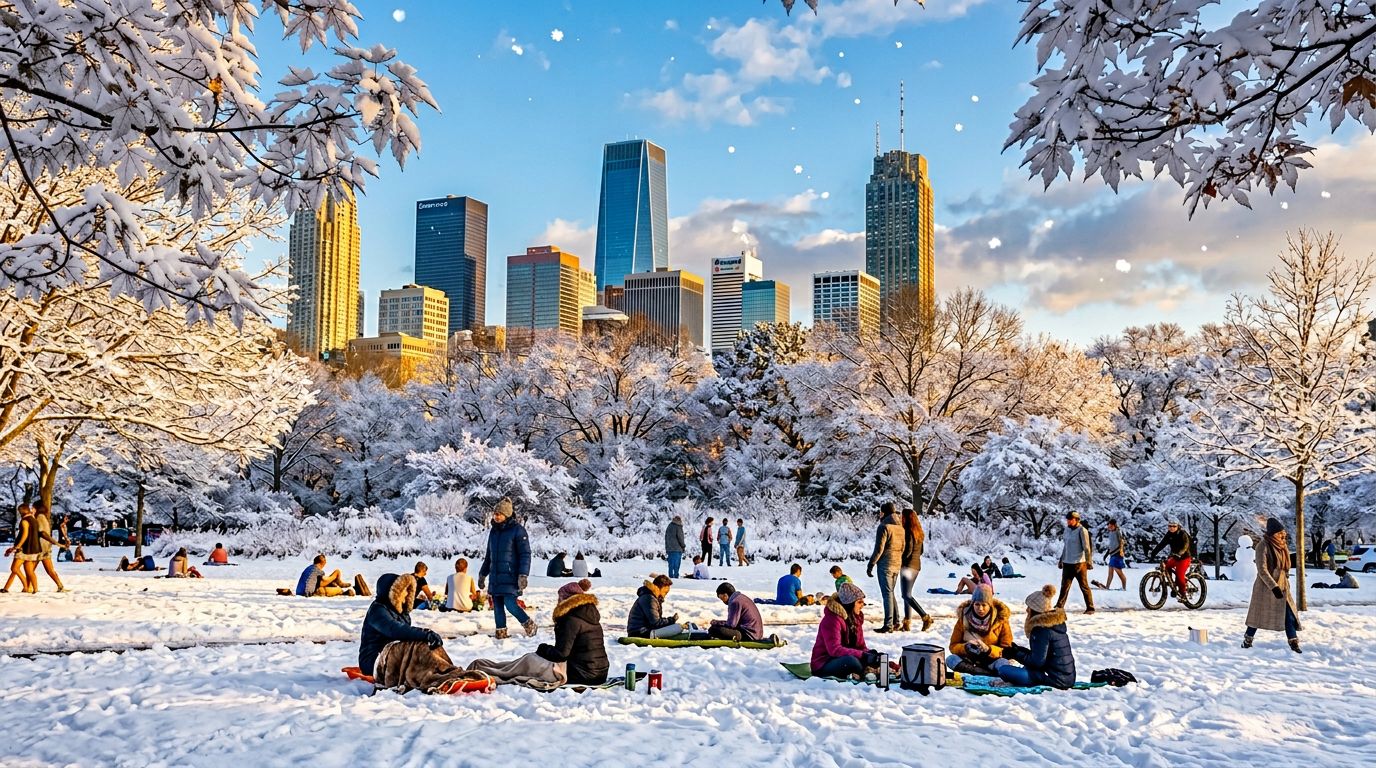


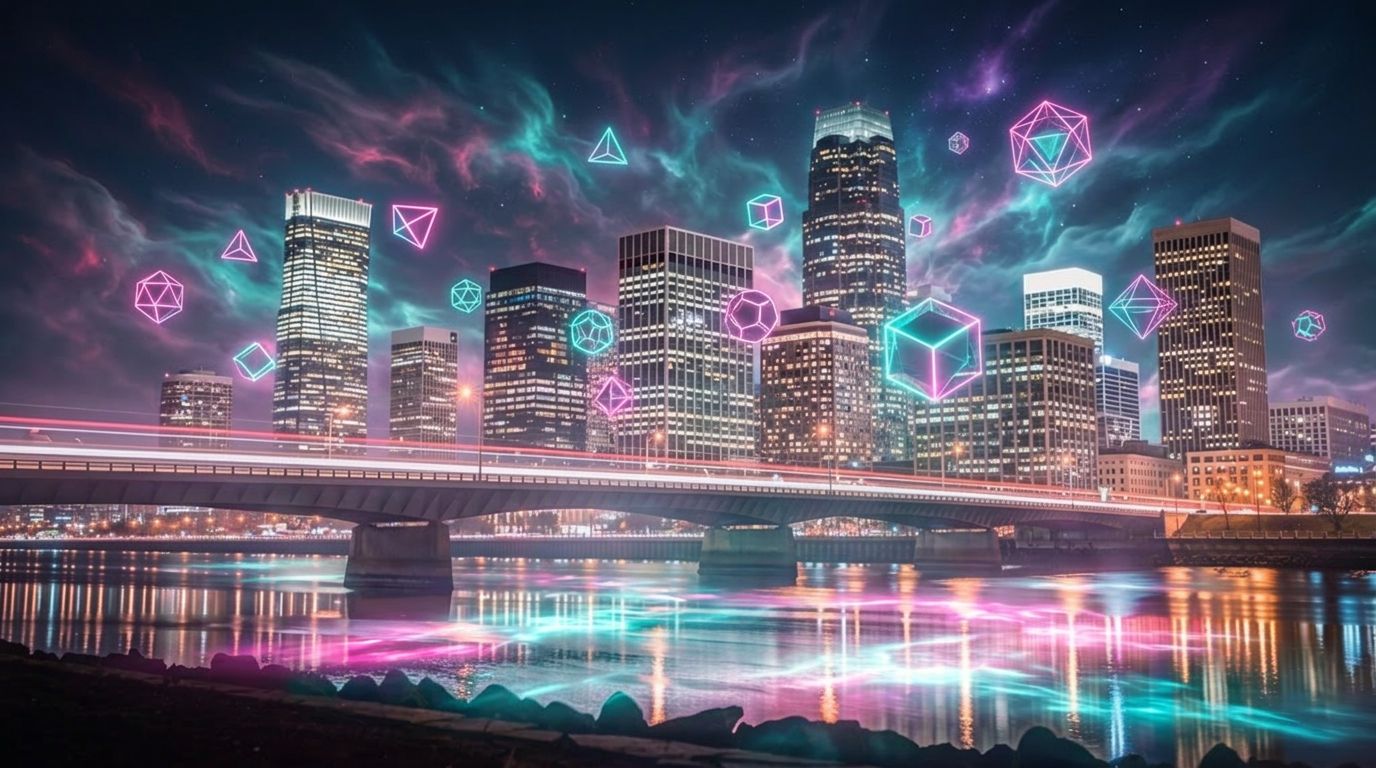
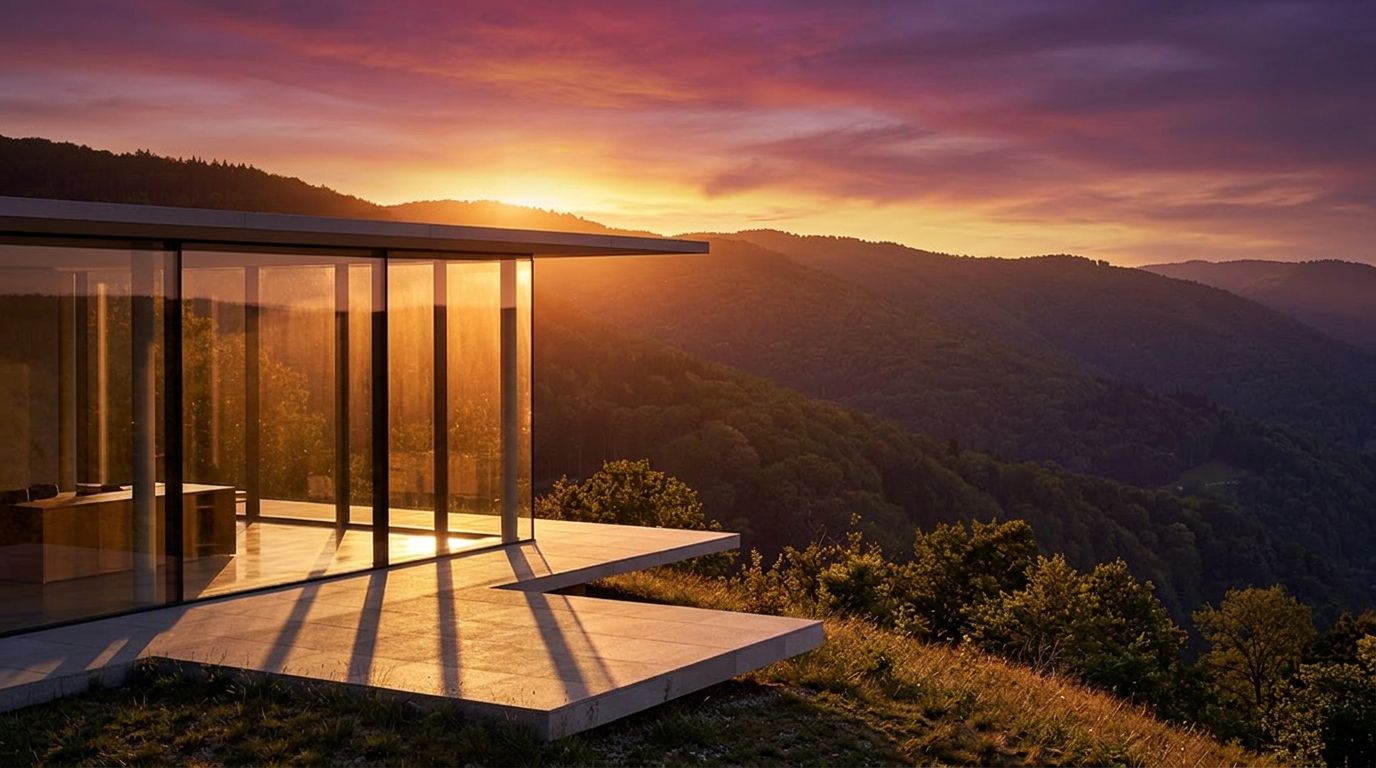

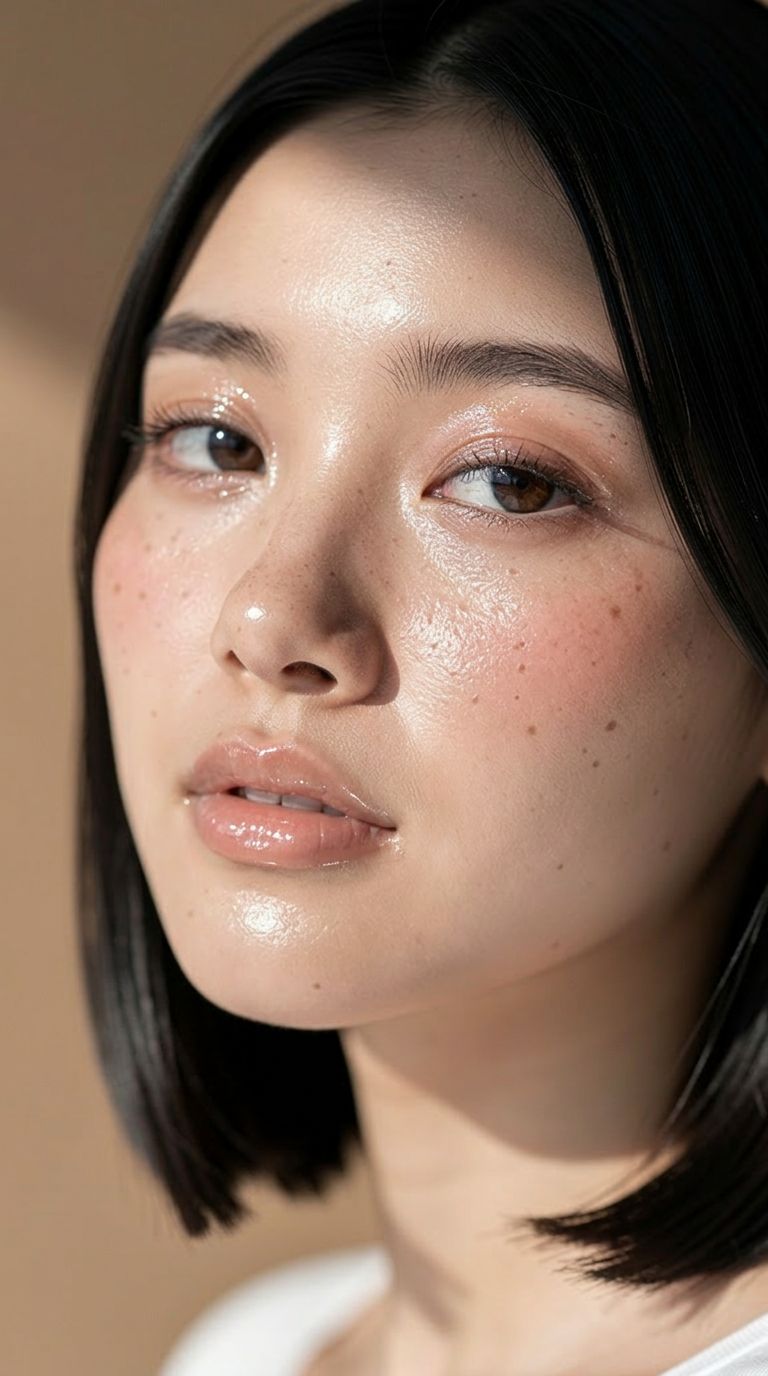
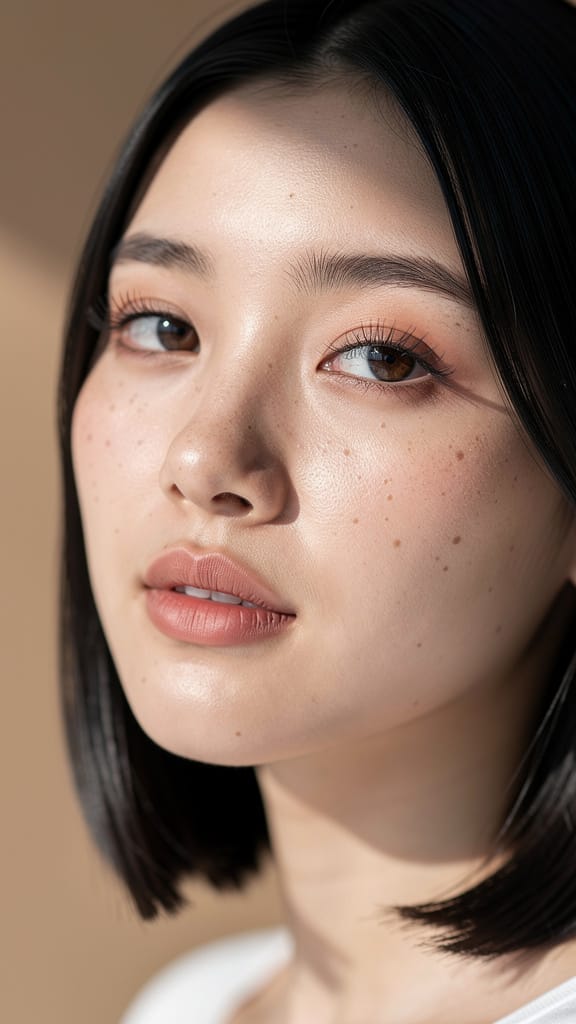
EDICIÓ MAQUILLATGE I TONS PELL

CANVI COLOR CABELL
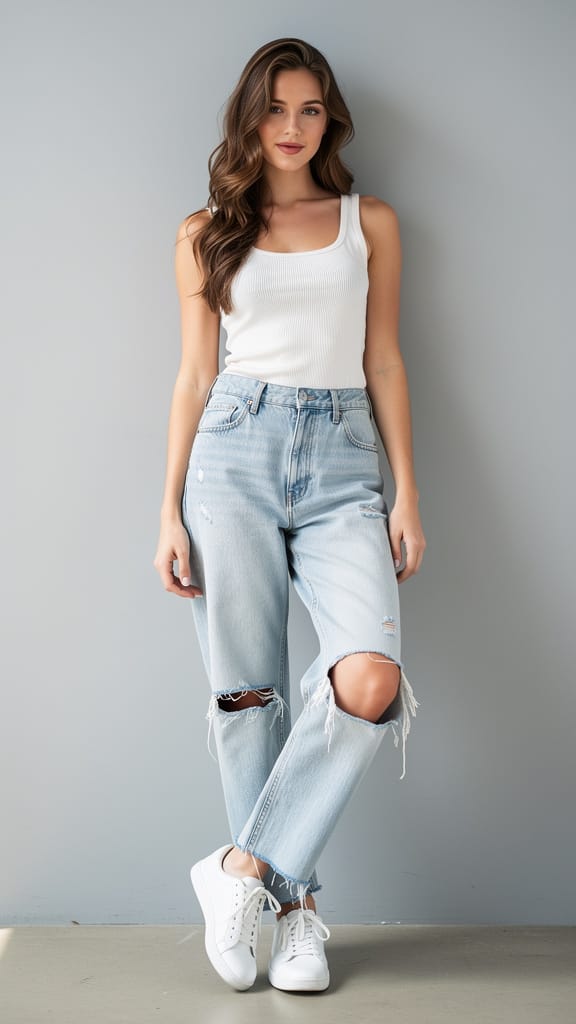
CANVI ROBA MODA
Gemini 3.1 Flash Image Preview, també conegut com Nano Banana 2, és el model ràpid de generació i edició d'imatges de Google, dissenyat per a creadors que vulguin transformar, refinar i reimaginar imatges utilitzant només una instrucció escrita. Sigui que siguissis un dissenyador polint un concepte, un fotògraf retocant una presa o un creador de continguts produint visuals a gran velocitat, aquest model converteix indicacions en llenguatge natural en imatges acabades — ràpidament i amb un fort sentit del detall.
Al seu nucli, el model destaca en l'edició d'imatges impulsada per text. Descrius el canvi que vols — per exemple, «fes una foto de l'home conduint el cotxe per la costa de Califòrnia» — i el model reinterpreta o edita la teva imatge font en conseqüència. Pots proporcionar una o més imatges de referència per guiar el resultat, fet que el fa ideal per a composicions, transferència d'estil, canvis d'escena, col·locació de personatges i refinament iteratiu. Com que accepta múltiples imatges alhora, pots combinar elements de diverses fonts en una sola imatge cohesionada, barrejant subjectes i escenaris com ho faria un retocador, però mitjançant una simple direcció escrita.
Una de les grans fortaleses és la seva sortida flexible. Pots generar imatges en diverses resolucions, des d'un compacte 0.5K fins a un nítid 2K i 4K, donant-te espai per produir des de esbossos ràpids fins a actius finals d'alt detall aptes per a impressió o grans pantalles. El control de ràti d'aspecte és inusualment ampli: a més dels formats familiars com 16:9, 1:1, 9:16, 4:3 i 3:2, el model admet ràtios extrems com 4:1, 1:4, 8:1 i 1:8 — perfecte per a baneres, escenes panoràmiques, disposicions verticals altes i llenços poc convencionals que la majoria d'eines no poden gestionar. Si no vols especificar-ho, una configuració automàtica deixa que el model esculli la forma més adequada per a la teva indicació. La sortida es pot desar com PNG, JPEG o WebP segons les necessitats del teu flux de treball.
Més enllà de les imatges i el text, el model pot prendre context addicional per informar el que crea. Pots proporcionar un vídeo (incloent un enllaç de YouTube), un fitxer d'àudio o fins i tot un document PDF com a material de referència, permetent que el model s'apropi d'informació font més rica quan compongui el teu resultat. També hi ha una capacitat opcional de cerca web, que permet al model incorporar la informació més recent del web quan genera una imatge — útil quan vols un resultat basat en referències actuals i del món real en lloc d'únicament el que el model ja sap.
Per als creadors que vulguin una direcció creativa més fina, el model ofereix una funció d'instrucció de sistema que dirigeix la seva personalitat i l'estil general de sortida en una sol·licitud. Aquesta és una manera d'establir un to creatiu consistent — un estil de casa, un ambient o una aproximació visual — que es manté a través de les imatges que produeix. També pots generar fins a quatre imatges alhora, donant-te un conjunt de variacions per triar en un sol pas. Un control de llavor et permet reproduir o fixar un resultat concret, perquè un cop trobis alguna cosa que t'agradi, puguis tornar-hi o explorar variacions properes amb consistència.
El model inclou un mode de «pensament» opcional que es pot establir en un nivell mínim o alt, permetent-li raonar més deliberadament sobre indicacions complexes i incloure el seu raonament en el procés. Això pot ajudar en tasques d'edició intricades on les instruccions requereixen una interpretació més acurada. També hi ha un control per a quantes imatges produeix el model per ronda d'indicacions, que pot ajudar a mantenir els resultats enfocats en la teva sortida prevista. A més de les imatges acabades, el model retorna una descripció textual del que ha generat, donant-te un resum escrit del resultat.
La seguretat del contingut es gestiona mitjançant una configuració de tolerància ajustable, que va des del més estricte — que bloqueja la majoria de contingut sensible — fins al menys estricte. Això et permet ajustar la moderació segons el teu projecte i audiència mantenint les generacions adequades per al teu ús.
Qui en beneficia més? Els dissenyadors i màrqueters apreciaran els ràtios d'aspecte extrems i les altes resolucions per produir des de publicacions socials fins a baneres amples i visualitzacions verticals altes. Els fotògrafs i retocadors poden utilitzar l'edició impulsada per text per reimaginar escenes, canviar escenaris i combinar imatges de referència sense màscares manuals. Els cineastes i narradors poden extreure context de vídeo i àudio per mantenir l'art conceptual alineat amb el to del projecte. Els creadors de continguts que han de treballar ràpidament valoraran la capacitat de generar múltiples variacions ràpidament, fixar un favorit amb el control de llavor i exportar en el format que requereixi el seu pipeline.
Algunes consideracions pràctiques valen la pena destacar. Quan proporcions un vídeo, fitxer d'àudio o PDF com a context, cadascun d'aquests inputs té un límit de mida (els enllaços de YouTube són una excepció i es passen directament). L'opció de limitació de generació, tot i ser útil per mantenir les sortides enfocades, és experimental i pot afectar la qualitat en alguns casos. I activar la cerca web afegeix informació externa a la mescla, que és potent per a imatges temàtiques o precises en referències, però és millor reservar-la per quan necessitis específicament una base actual i del món real.
En resum, Gemini 3.1 Flash Image Preview és una eina ràpida i flexible d'edició i generació que respon a llenguatge natural, barreja múltiples fonts, escalfa fins a 4K i s'estén a una gamma inusualment ampla de formes de llenç — un company pràctic diari per a treballs creatius que han de semblar bé i moure's ràpidament.
Genera amb l'editor d'imatges més avançat
Add the image that you want change
Puja una imatge
Afegeix la imatge que vols editar o transformar
A woman kneeling in darkness, illuminated by a warm, radiant beam of light emerging from her raised hand.
Escriu els teus canvis
Descriu les edicions que vols: canvis d'estil, eliminació d'objectes o millores
Comença a compartir
Descarrega la teva imatge editada professionalment
Més enllà de la indicació: un nou nivell de control
CANVI ESCENA ESTACIONAL
Mostra l'habilitat del model en edicions complexes d'escena, convertint entorns exteriors i clima — útil per a visuals de màrqueting, art conceptual o promoció de viatges.
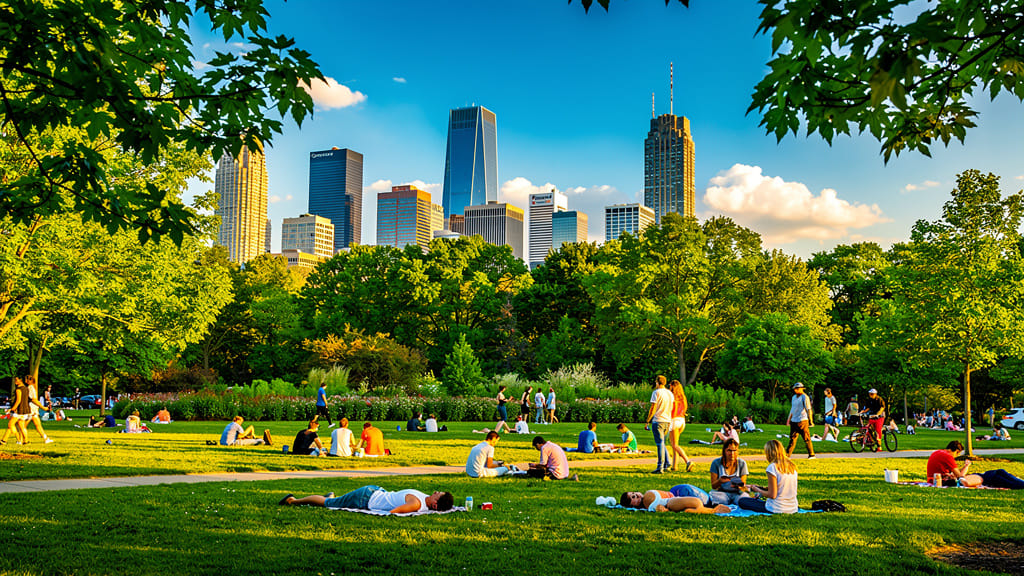
IL·LUMINACIÓ GOLDEN HOUR
Destaca la capacitat del model per simular il·luminació avançada i canvis d'ambient, convertint qualsevol imatge diürna en una presa càlida i cinematogràfica de golden hour per a xarxes socials estètiques o imatges de portfolio.
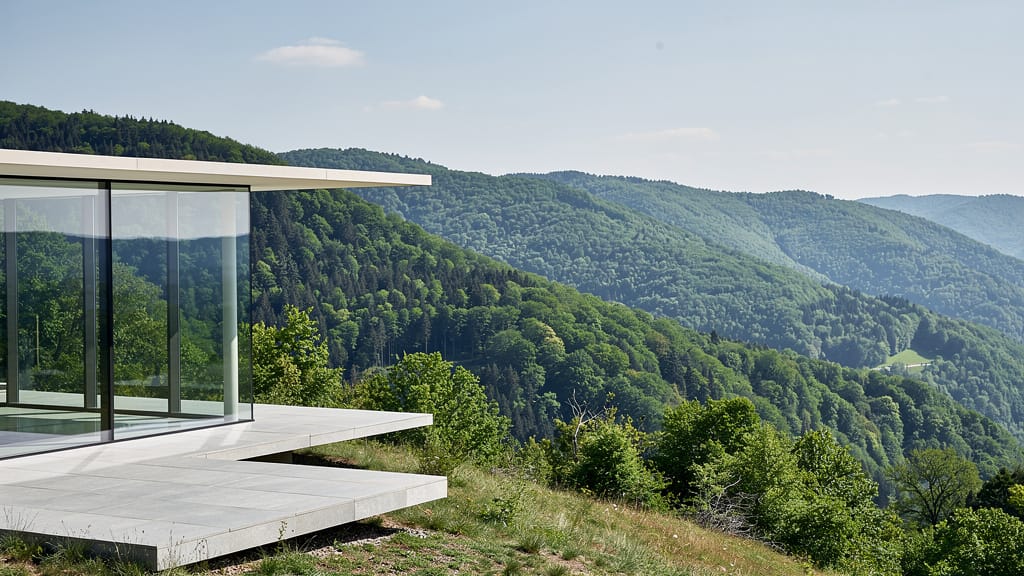
SUPERPOSICIÓ ARTÍSTICA FANTASIA
Demostra superposicions creatives i generació d'escenes fantàstiques, barrejant realisme fotogràfic amb elements imaginatius per a portades d'àlbums, art digital o visuals de marca.
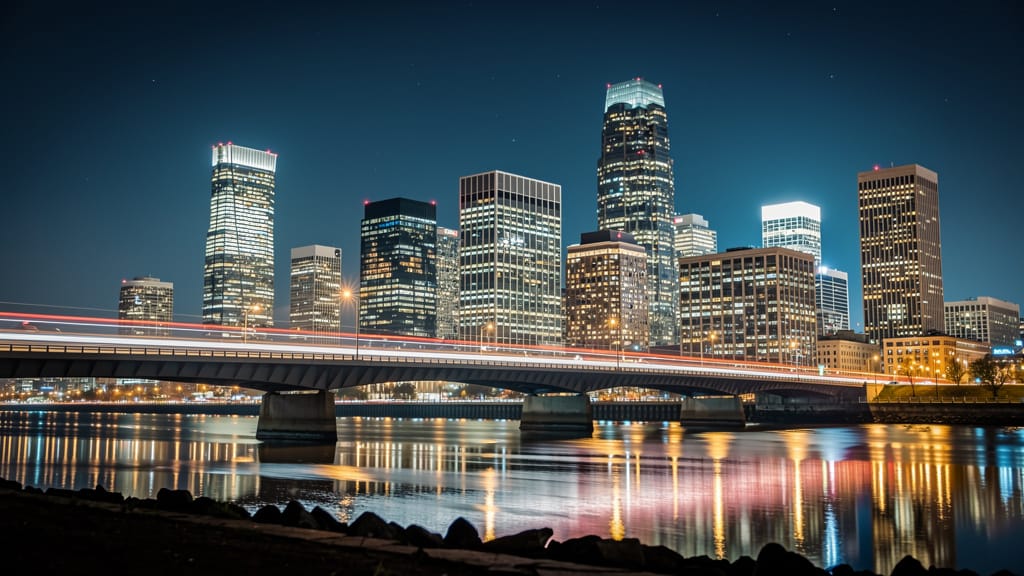
Compara amb models similars
“Replace the white background with a modern corporate office environment. Add floor-to-ceiling windows with city skyline view in soft focus. Match the lighting to suggest natural window light from the same direction. Maintain the subject's professional appearance and lighting consistency. Add subtle depth of field to the new background.”












Viu la perfecció amb Gemini 3.1 Flash Image Preview
Passa't avui a la síntesi guiada per raonament
Preguntes freqüents
Models similars
Seedream
Fast intelligent multi-image editing
0.3 crèdits
Reve 2.1
Edit images with text prompts
1.3 crèdits
Seedream 5.0 Pro Image Editing
Precise region-based image editing
0.3 crèdits
Grok Imagine Image Editing Quality
High-quality AI image editing
0.1 crèdits
Reve 2.1
Remix images with text prompts
1.5 crèdits
Nano Banana Lite Edit
Fast efficient image editing
6 crèdits
Vidu
Image generation with reference consistency
0.2 crèdits
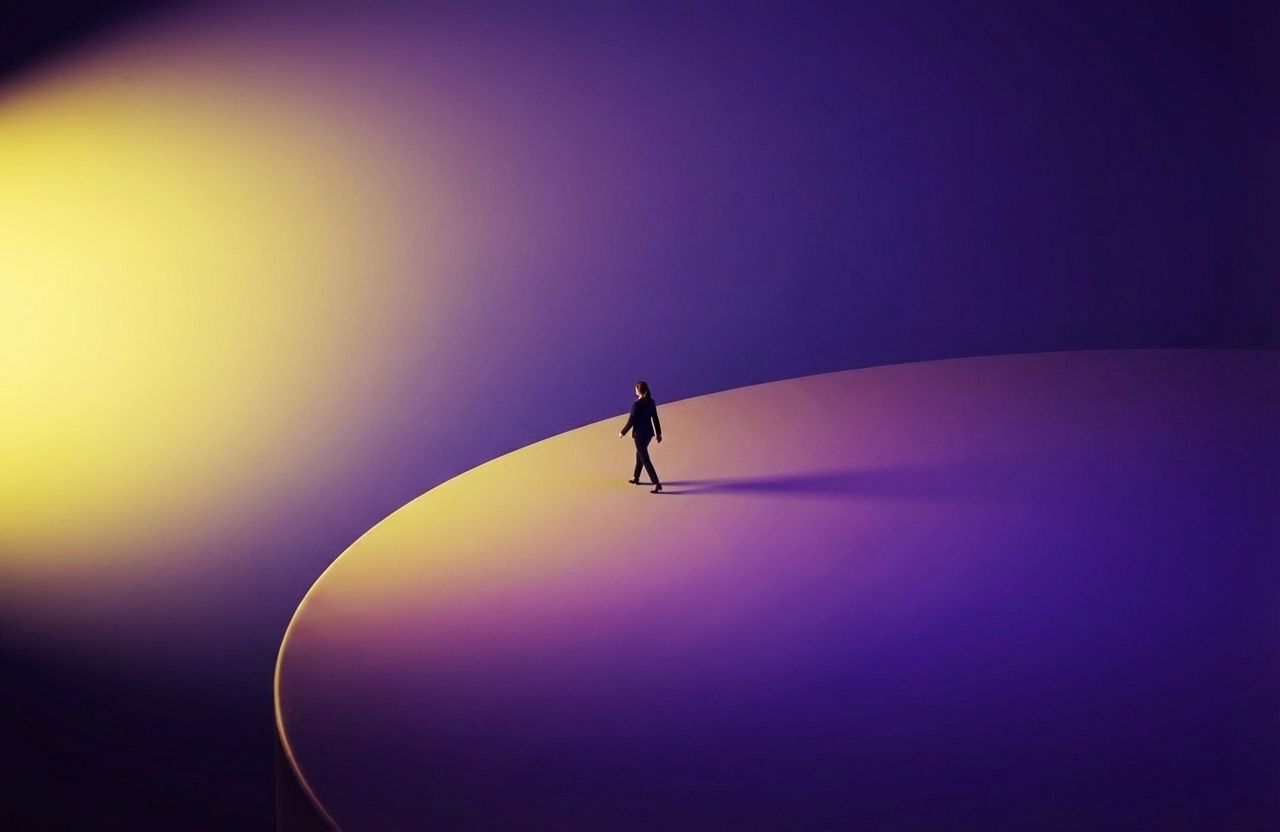
Wan v2.6 Image to Image
Edit images using reference photos
0.3 crèdits
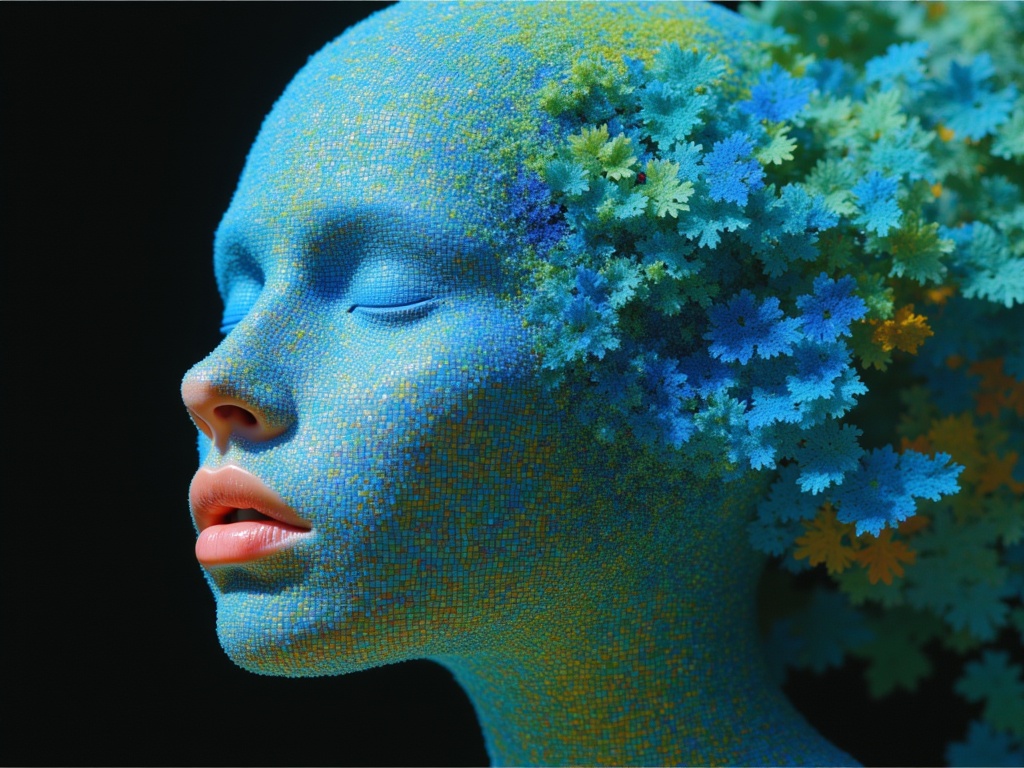
Ideogram V4.0q Image to Image
Prompt-guided image restyling edits
0.1 crèdits