Qwen Image 2
Přesné úpravy obrázků
Unified image editing and generation
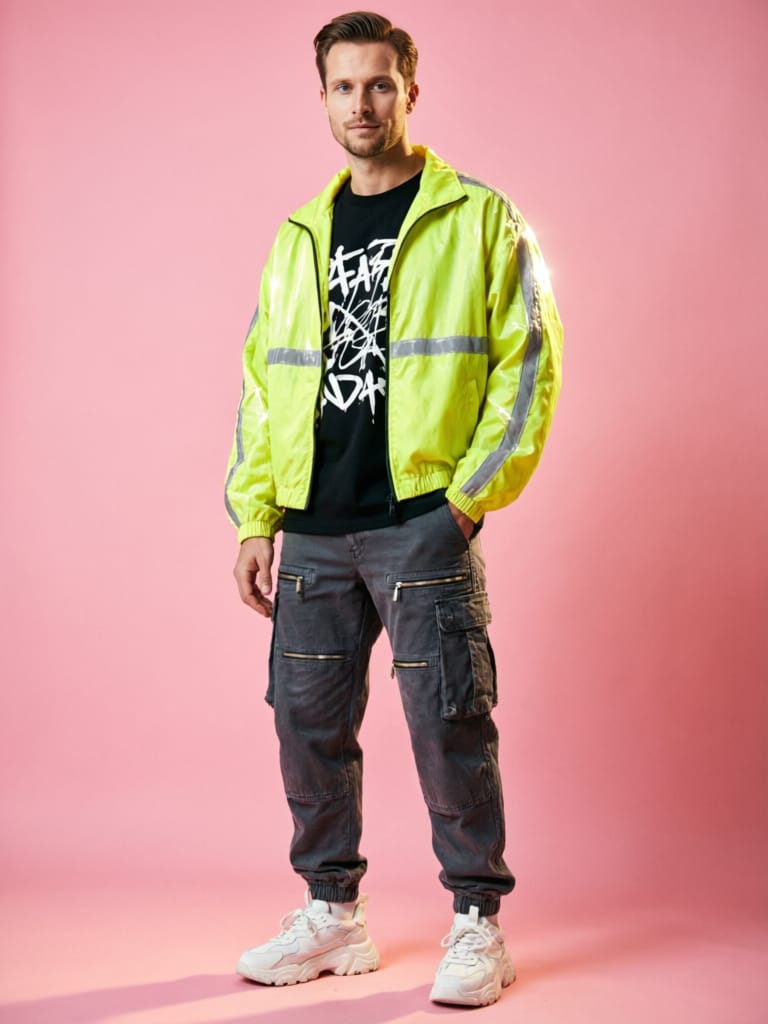
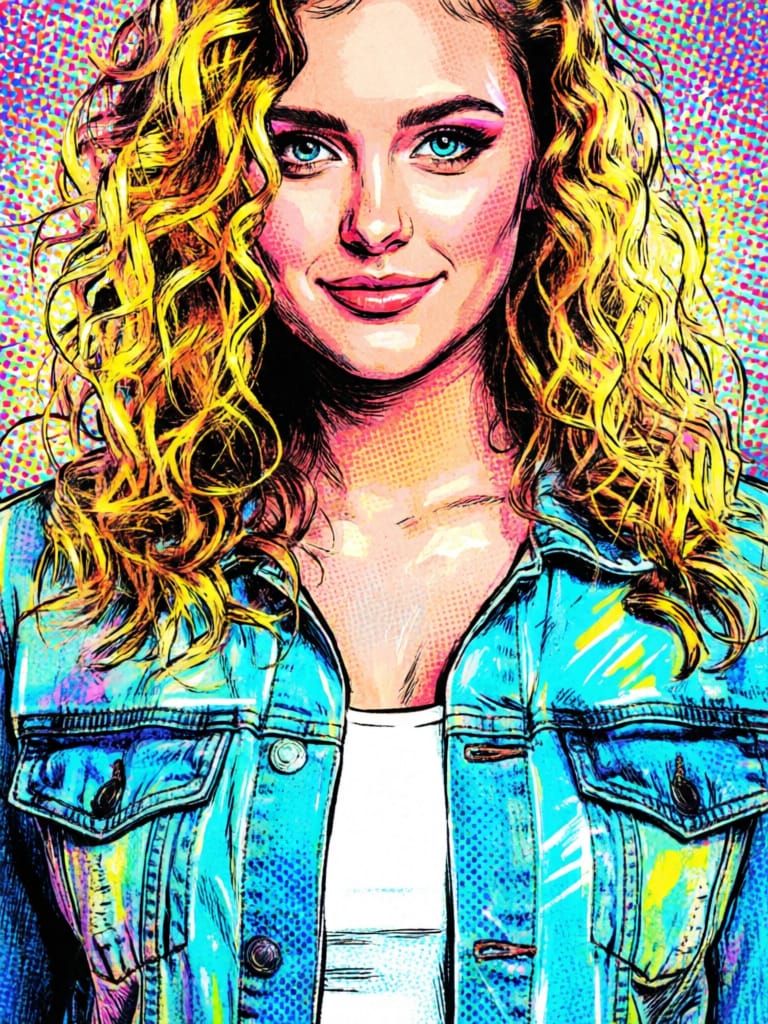
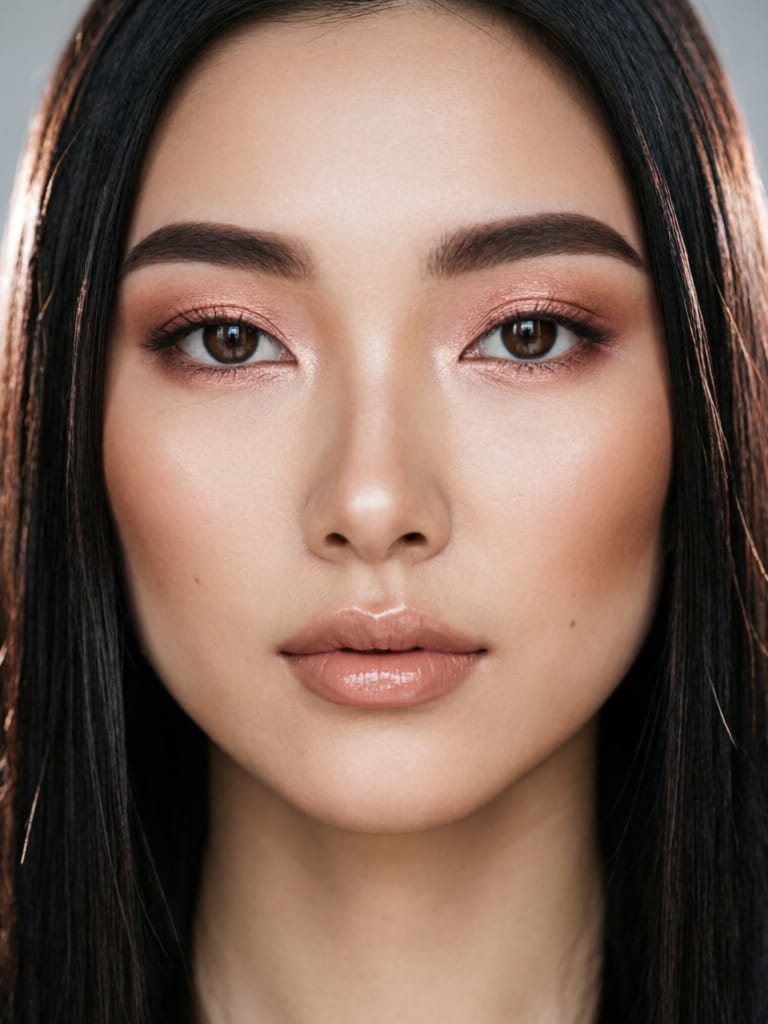
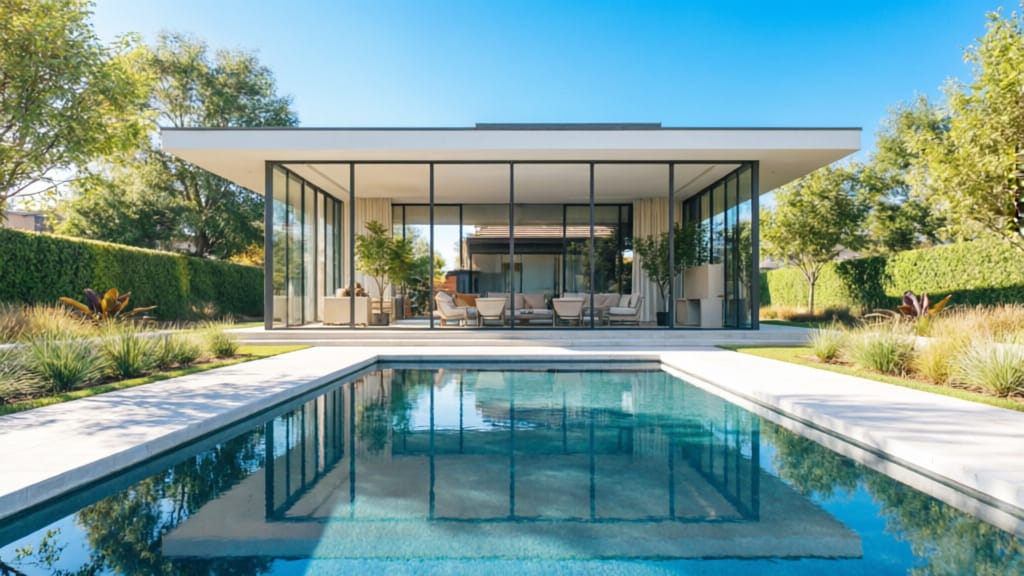
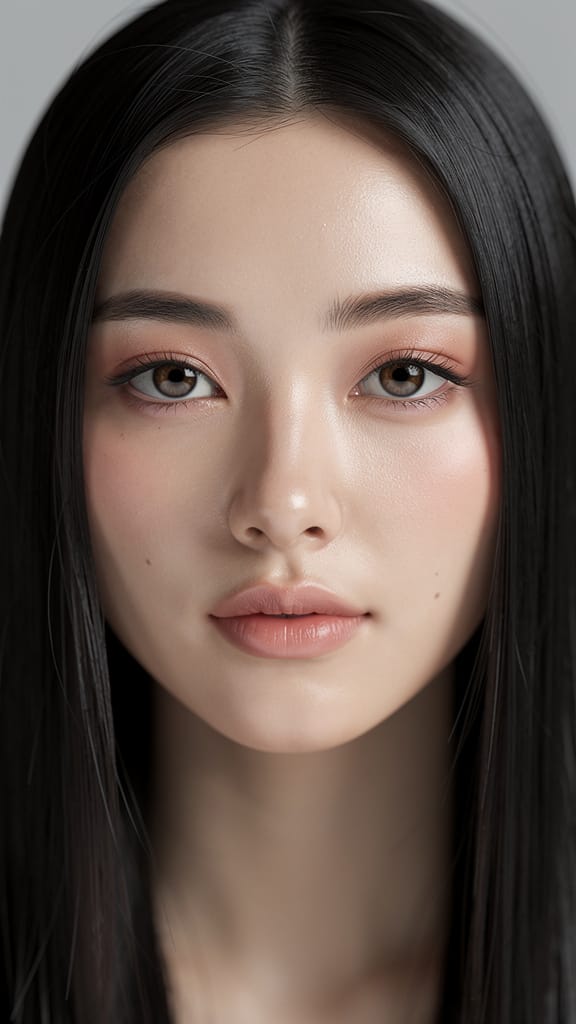
VYLEPŠENÍ LÍČENÍ A OSVĚTLENÍ
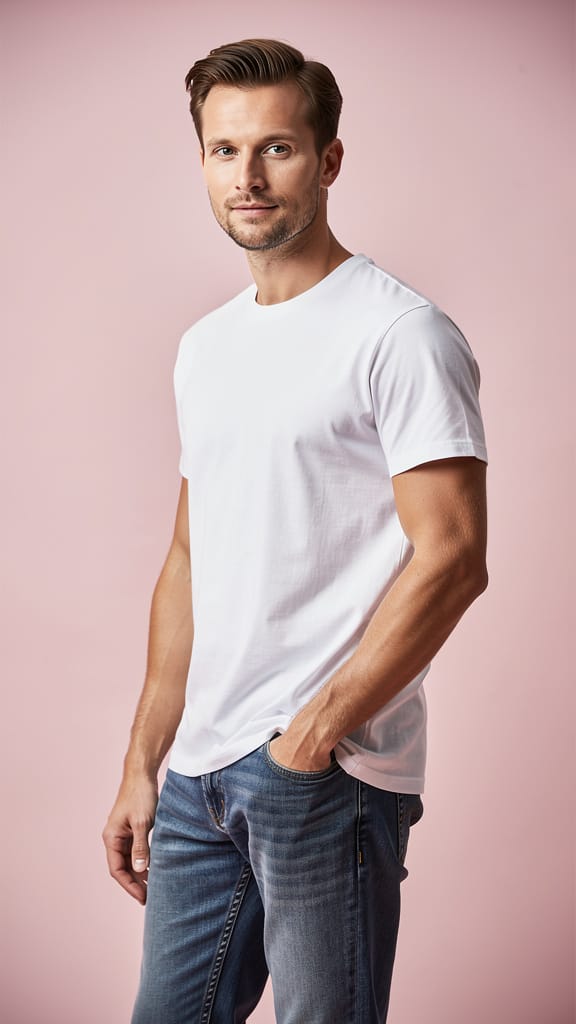
REMIX MÓDNÍHO STYLU
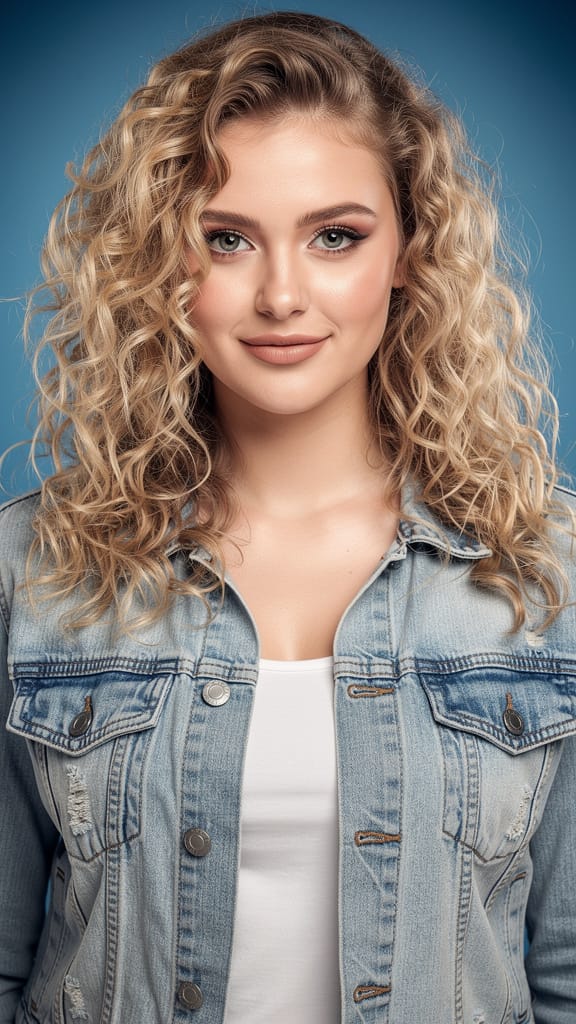
PŘENOS UMĚLECKÉHO STYLU
Qwen Image 2 je model nové generace pro jednotné editování a generování obrázků vyvinutý Black Forest Labs, navržený tak, aby posílil kreativní profesionály pokročilými schopnostmi pro transformaci, vylepšení a nové představy obrázků. Tento model vyniká tím, že umožňuje jak generování obrázků, tak podrobné editování založené na obrázcích pomocí intuitivních ovládacích prvků, což ho činí obzvláště cenným pro umělce, designéry, filmaře a tvůrce vizuálního obsahu, kteří potřebují flexibilitu a přesnost.
V jádru Qwen Image 2 umožňuje uživatelům pracovat s jedním až třemi referenčními obrázky a používat jednoduché textové příkazy k určení, jak mají být tyto reference transformovány nebo kombinovány. Ať už chcete změnit náladu nebo roční období scény (např. proměnit zimní krajinu v letní ráji), aplikovat stylizované transformace nebo se vyhnout nežádoucím prvkům, model činí složité editování obrázků přístupným prostřednictvím přirozeného jazyka. Můžete specifikovat požadované změny a zároveň nastavit pokyny, co v konečném díle NECHCETE mít.
Systém přijímá příkazy v angličtině i čínštině, což zajišťuje širokou přístupnost pro globální uživatele. Kreativní ovládání je zpřístupněno prostřednictvím několika klíčových možností pro uživatele:
-
Editace a generování založené na příkazu: Řiďte transformaci svých referenčních obrázků pomocí podrobných (nebo stručných) popisů. Jednoduše popište, co si představujete – např. „udělejte tuto scénu v parku za západu slunce“ nebo „přidejte barevné podzimní listy“.
-
Negativní příkaz: Použijte tuto funkci k vyhnutí se nežádoucímu obsahu, jako jsou chyby, vizuální šum nebo artefakty mimo styl, čímž doladíte nejen to, co se objeví, ale i to, co je pečlivě vynecháno.
-
Optimalizované rozšíření příkazu: Funkce poháněná AI pomáhá rozšířit vaše stručné nápady na podrobnější příkazy na pozadí, což zlepšuje kreativní výsledky i při krátkých instrukcích. Tato funkce je ve výchozím nastavení zapnutá pro nejlepší možné obrázky.
-
Flexibilní formáty a velikosti obrázků: Vyberte PNG, JPEG nebo WEBP pro výstup a specifikujte rozměry podle vašeho workflow. Model podporuje různé přednastavené velikosti (jako čtverec, portrét a krajinné poměry) a může zachovat rozlišení vašich původních nahraných obrázků, pokud konečný obrázek spadá mezi 512x512 a 2048x2048 pixely.
-
Moderace obsahu: Vestavěné bezpečnostní kontroly pomáhají filtrovat výsledky na nevhodný obsah, což poskytuje klid pro profesionální projekty a požadavky vydavatelů.
-
Vícenásobné výstupy najednou: Pro rychlou iteraci a kreativní rozmanitost můžete požádat o 1 až 6 verzí každé editace, což vám pomůže prozkoumat různé interpretace nebo vybrat nejlepší pro váš projekt.
-
Reprodukovatelnost: Pro konzistenci projektu nebo jemně naladěné kreativní workflow můžete generovat identické výsledky fixací náhodné hodnoty „seed“, což umožňuje spolehlivě se vrátit k předchozím tvorbám a upravit je.
Qwen Image 2 podporuje referenční obrázky v běžných profesionálních formátech: JPEG, JPG, PNG (bez průhlednosti) a WEBP. Vstupní obrázky mohou mít až 10 MB a rozměry od 384 do 5000 pixelů na každé straně, což umožňuje značné detaily. Výstupní obrázky jsou však omezeny na finální velikosti renderování mezi 512x512 a 2048x2048 pixely pro zajištění optimální kvality a výkonu.
Klíčové kreativní použití zahrnují vizuální vyprávění, transformaci nálady nebo ročního období, adaptaci scén pro filmaření a animaci, designové mockupy, stylizovanou reinterpretaci a rychlou iteraci pro obsahové kampaně. Podrobné ovládání příkazem a negativním příkazem umožňuje přesné směrování, zatímco schopnost zpracovat více referenčních obrázků umožňuje kompozitní edity a kontextově citlivé transformace.
Nejlepší postupy zahrnují:
- Odkazování na referenční obrázky v správném pořadí v příkazu při použití více zdrojů.
- Jasné specifikování toho, co chcete a co nechcete, aby se vyhnuli nežádoucím prvkům.
- Využití možností generování více obrázků pro porovnání a výběr ideálních výsledků.
- Dodržování doporučených velikostí a formátů referenčních obrázků pro plynulé zpracování a nejlepší kvalitu.
Shrnuto, Qwen Image 2 je ideální volbou pro kreativní profesionály, kteří potřebují všestranný, intuitivní a výkonný nástroj pro generování a editaci vysoce kvalitních obrázků na základě vizuální i textové inspirace.
Generovat pomocí nejpokročilejšího editoru obrázků
Add the image that you want change
Nahrát obrázek
Přidejte obrázek, který chcete upravit nebo transformovat
A woman kneeling in darkness, illuminated by a warm, radiant beam of light emerging from her raised hand.
Napište změny
Popište požadované úpravy – změny stylu, odstranění objektů nebo vylepšení
Začít sdílet
Stáhnout profesionálně upravený obrázek
Za popisem: Nová úroveň kontroly
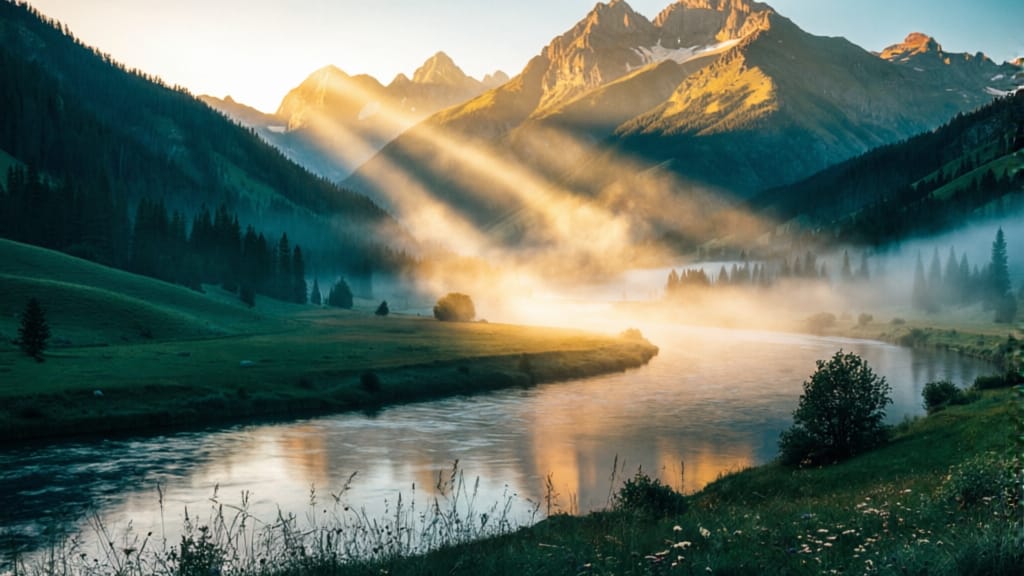
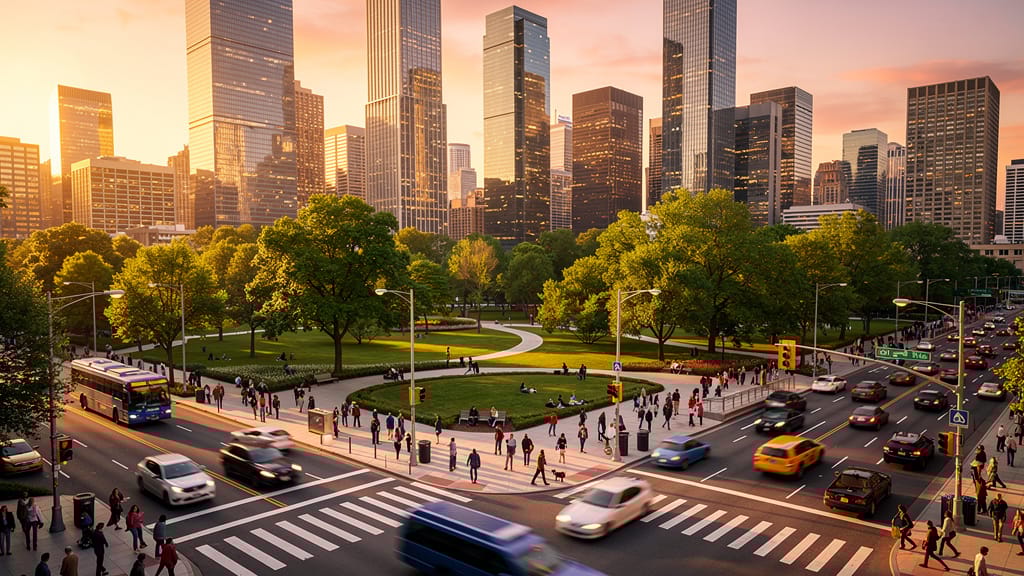
SEZÓNNÍ ZMĚNA SCÉNY
Ukázka schopnosti modelu dramaticky změnit roční období a náladu fotografií krajiny, otevírá nové kreativní možnosti pro cestování, reklamu a předvizualizaci filmů.
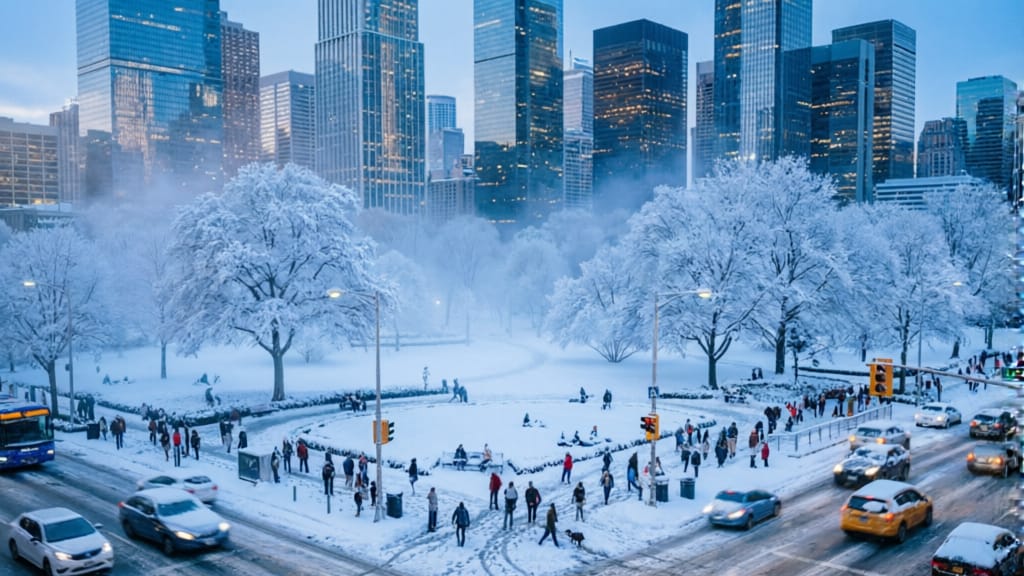
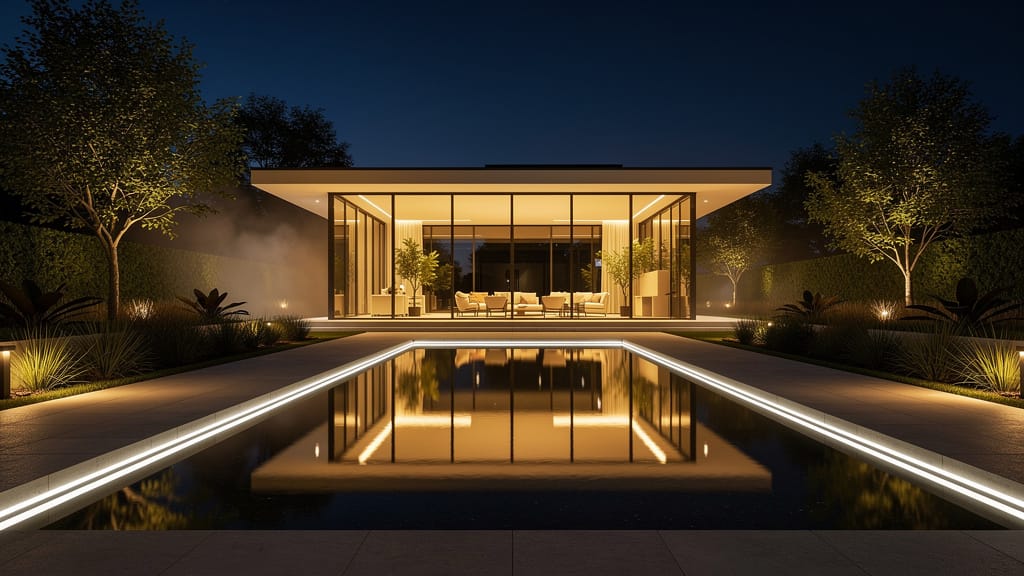
EDITACE ARCHITEKTURY Z NOCI DO DNE
Demonstrace pokročilých transformací denní doby pro architektonickou fotografii, umožňuje uživatelům přepracovat obrázky pro různé nálady a marketingové potřeby.
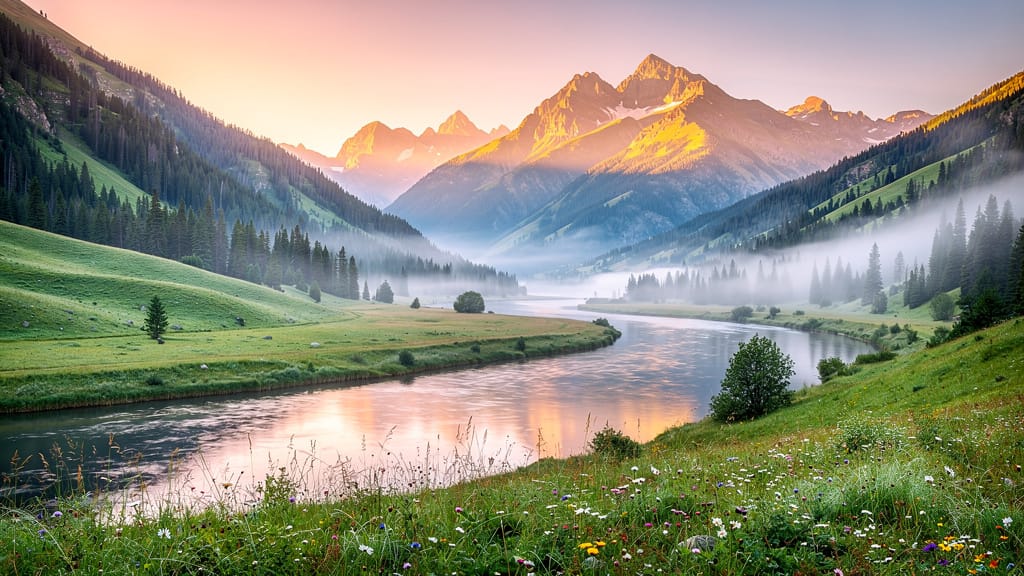
KINO BARVOVÉ ÚPRAVY
Aplikuje kinematografické barvové úpravy na krajiny nebo městskou fotografii, ideální pro vyprávění příběhů, marketing turismu nebo tvorbu atmosférických tapet s filmovou atmosférou.
Porovnat s podobnými modely
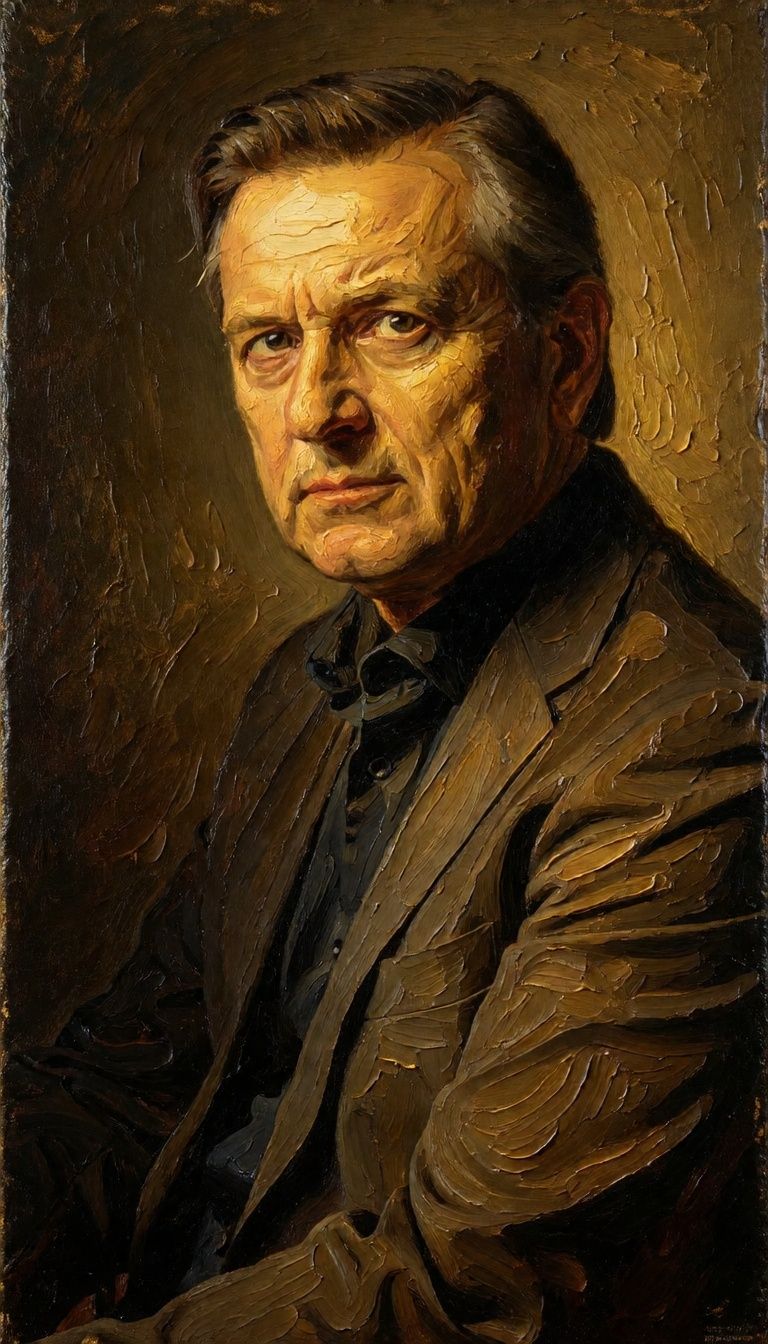
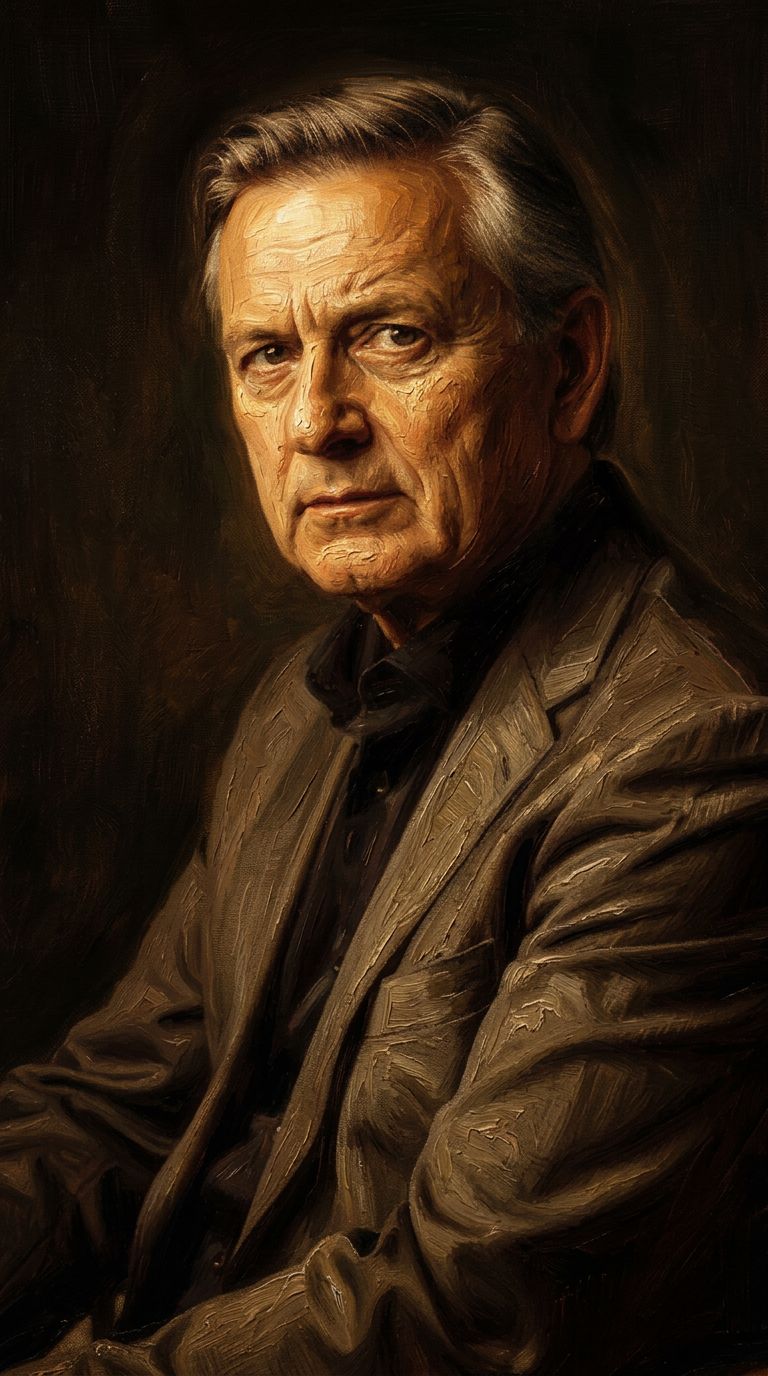
“Transform into a classical oil painting in the style of Rembrandt. Add visible impasto brushstrokes with thick paint texture. Apply warm golden undertones and dramatic chiaroscuro lighting with deep shadows. Enhance the dramatic contrast while preserving facial structure and expression. Add subtle canvas texture visible through the paint layers.”
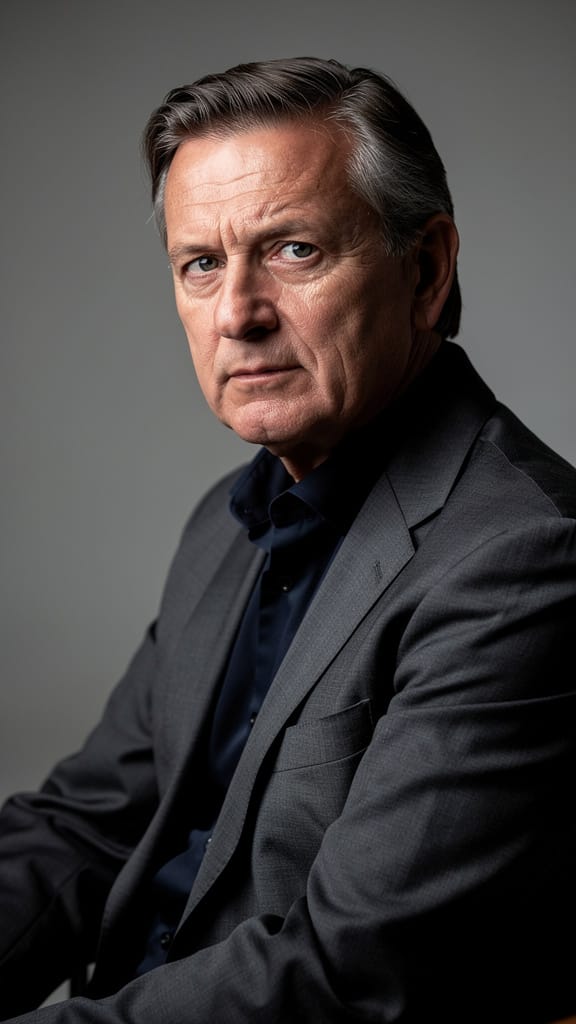
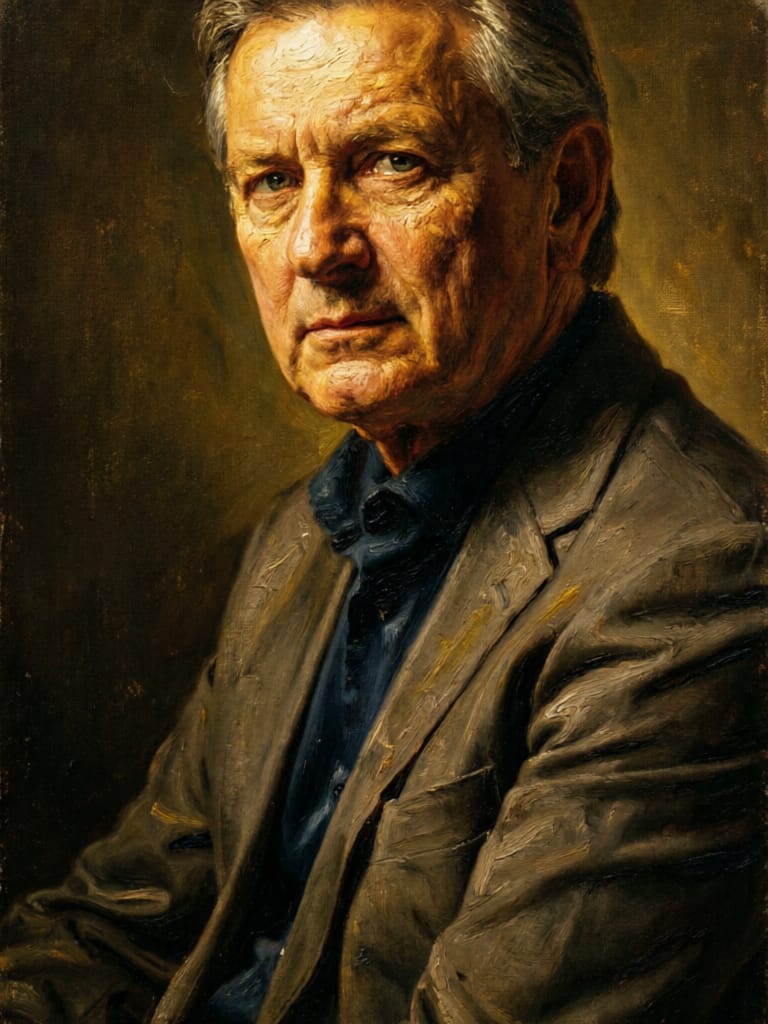

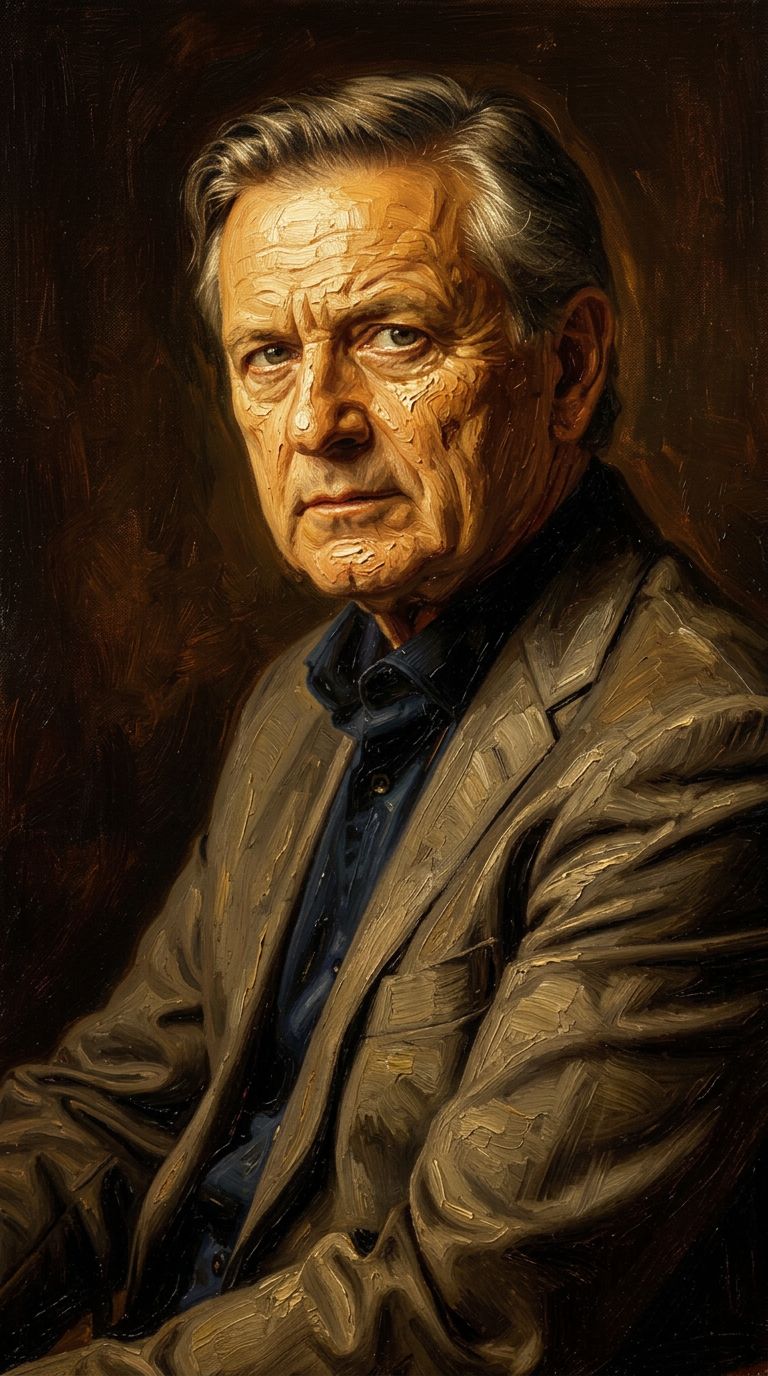
![FLUX.2 [klein] 9B LoRA output](https://shortgenius.com/cdn-cgi/image/width=3840,quality=80,format=auto/https://assets.shortgenius.com/example-model-output/cbfd8f70-6bf2-467b-918f-b020118b8db0.png)
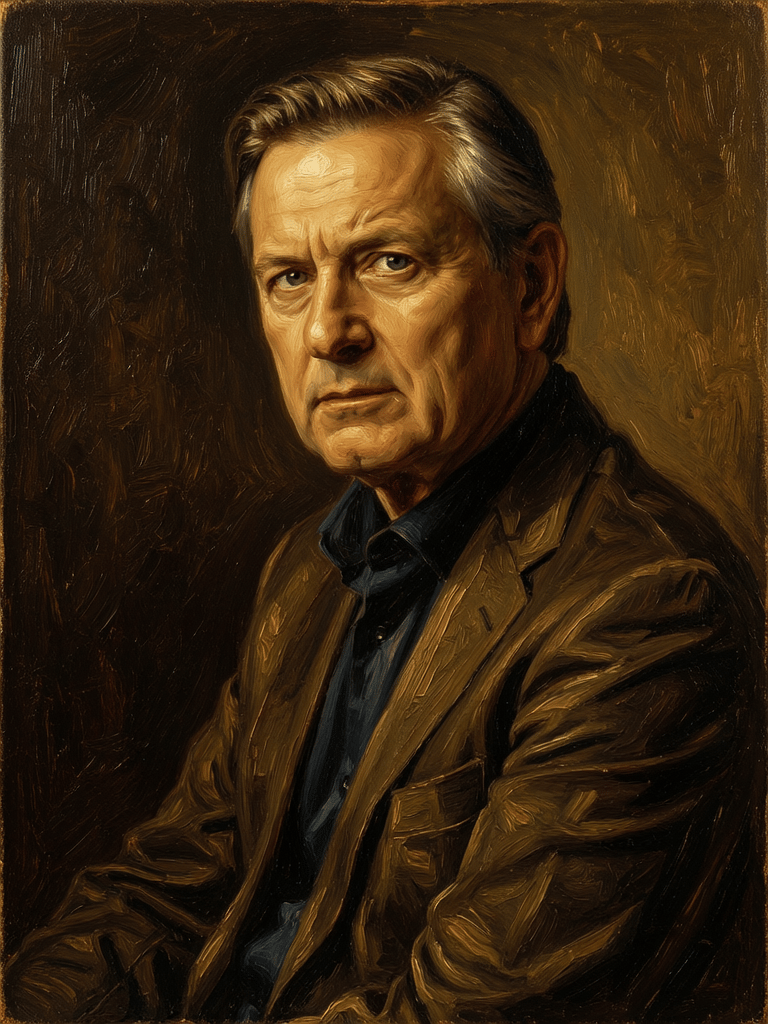

![FLUX.2 [klein] 4B LoRA output](https://shortgenius.com/cdn-cgi/image/width=3840,quality=80,format=auto/https://assets.shortgenius.com/example-model-output/10a63e77-67c3-46e6-83d3-b7b93355e72c.png)

Zažijte dokonalost s Qwen Image 2
Přejděte dnes na syntézu vedenou uvažováním
Často kladené otázky
Podobné modely
![FLUX.2 [klein] 9B LoRA](https://v3b.fal.media/files/b/0a928dd2/yFNW07YLHtp5zuE4eJAW1_e2f89915a1b740559b3c652b0b028296.jpg)
FLUX.2 [klein] 9B LoRA
Precise image edits, color control
0.3 kredity
Gemini 3.1 Flash Image Preview
Ultra-fast Google image editing
0.7 kredity
Wan
Pro text-guided image editing
0.3 kredity
![FLUX.2 [klein] 4B LoRA](https://v3b.fal.media/files/b/0a928e1f/c62zNs4MhBXgm-5w7n0C5_90bad8837ecc451e96f91da93b78f564.jpg)
FLUX.2 [klein] 4B LoRA
Edit images with text, colors
8 kredity
Joyai Image Edit
Natural language image editing
0.8 kredity
Firered Image Edit V1.1
Advanced AI-powered image editing
0.4 kredity
Phota
Identity-preserving personalized photo editing
0.4 kredity
![FLUX.2 [klein] 9B LoRA](https://v3b.fal.media/files/b/0a928e3b/sIC-Ne9BMwZZtBvR3FwKN_9a724704a550471a9df59999e9e1017f.jpg)
FLUX.2 [klein] 9B LoRA
Precise natural language image editing
0.5 kredity
Qwen Image 2
Unified AI image editing model
0.5 kredity