The 12 Best AI Ad Tools for Small Businesses Without a Design Team (2025 Guide)

Discover the top AI ad tools for small businesses without a design team. Create high-performing video and image ads fast with our curated 2025 list.
Creating effective ad creative has long been a major roadblock for small businesses. The high cost of hiring a design team, the slow turnaround times for agencies, and the steep learning curve of professional design software often put high-quality advertising out of reach. This resource gap means great products and services go unnoticed, unable to compete with brands that have larger creative budgets. Today, that barrier is gone.
The rise of accessible AI ad tools for small businesses without a design team has leveled the playing field, empowering entrepreneurs and marketers to produce compelling, performance-driven ad creative in minutes, not weeks. These platforms handle everything from visual design and video editing to copywriting, transforming a simple prompt or product link into a polished ad ready for launch. For example, specific AI tools can even act as an AI video script generator, eliminating the need for copywriters to draft initial video content. You no longer need a background in graphic design or video production to launch ads that convert.
This guide provides a comprehensive breakdown of the best AI-powered tools available right now. We'll move beyond generic feature lists to give you a clear, actionable roadmap for choosing the right solution for your specific goals. Each tool review includes:
- Best-use scenarios: Understand if a tool is built for performance ads, social media videos, or static images.
- Key features and limitations: An honest look at what each platform does well and where it falls short.
- Pricing insights: Get a sense of the investment required for each option.
- Implementation tips: Practical advice to get you started quickly.
We've done the research so you can find the perfect tool to save time, cut costs, and scale your advertising efforts effectively. Each option includes screenshots and direct links to help you make an informed decision. Let's find the right tool for your business.
1. ShortGenius
ShortGenius stands out as a premier end-to-end ad creation platform, making it one of the most powerful ai ad tools for small businesses without a design team. It’s engineered specifically for performance marketing, allowing you to move from an initial idea to a full suite of campaign-ready assets in minutes, not days. The platform's core strength lies in its ability to generate complete ad packages, including scripts, UGC-style scenes, hooks, and natural-sounding voiceovers, all aligned with your brand kit.
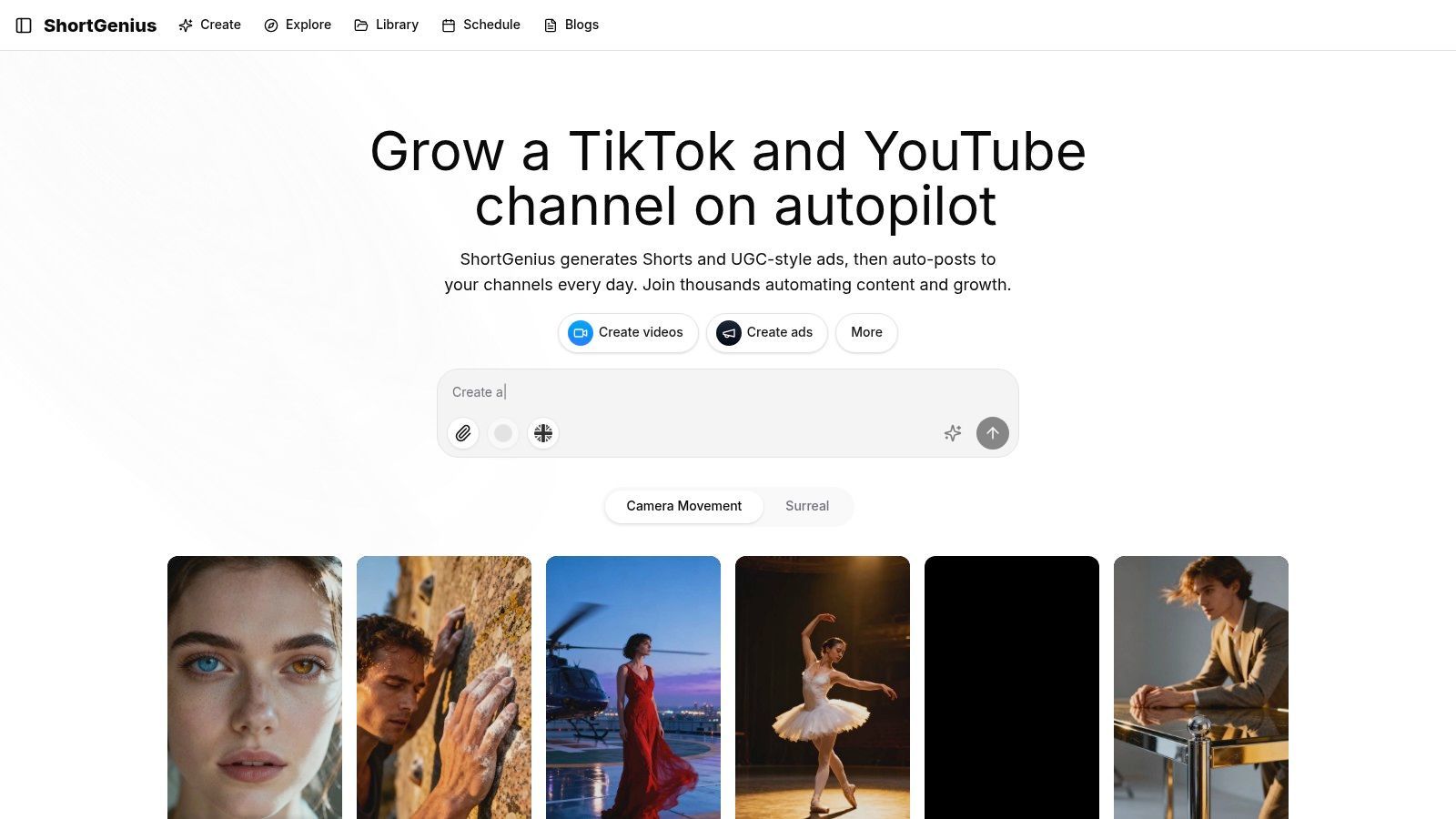
This tool excels at producing multiple creative variations simultaneously, which is a game-changer for systematic A/B testing on platforms like TikTok, Instagram, and YouTube. Instead of manually editing each version, ShortGenius spins out different combinations of hooks, visuals, and calls-to-action, allowing you to quickly identify winning formulas and scale your campaigns effectively. For those creating UGC-style ads, understanding AI-powered strategies for creating viral faceless content on TikTok can further amplify the results you get from the platform's outputs.
Key Strengths & Use Cases
ShortGenius is purpose-built for speed and scale. Its AI doesn't just generate individual elements; it constructs coherent ad concepts from the ground up.
- Best For: Rapidly producing and testing a high volume of short-form video and image ads for performance marketing campaigns.
- Standout Features:
- Full Ad Generation: Instantly creates concepts, scripts, scenes, voiceovers, and captions.
- Multivariate Testing: Generates numerous creative variations for efficient optimization.
- Creative Enhancements: A preset library of "Scroll Stoppers," camera movements, and surreal effects to make simple footage more engaging.
- Automation & Scheduling: Series-based campaign creation and recurring auto-publishing keep ad accounts fresh with minimal manual effort.
Practical Considerations
While the platform is incredibly efficient, the AI-generated assets often serve as a strong first draft that may require a human touch for brand nuance or specific compliance needs. Pricing information is not immediately available on the main page, so prospective users will need to visit the pricing section or request a demo to evaluate the cost against their budget. This step is crucial for ensuring the tool is a good financial fit for your business.
Website: https://shortgenius.com
2. Canva
Canva has evolved from a simple design tool into a comprehensive, AI-powered platform, making it one of the most accessible AI ad tools for small businesses without a design team. Its user-friendly interface combined with a massive library of templates removes the traditional barriers to creating professional-looking ad creative. You can start with a simple text prompt using its "Magic Design" feature, and Canva will generate a variety of customizable ad templates complete with copy and visuals.
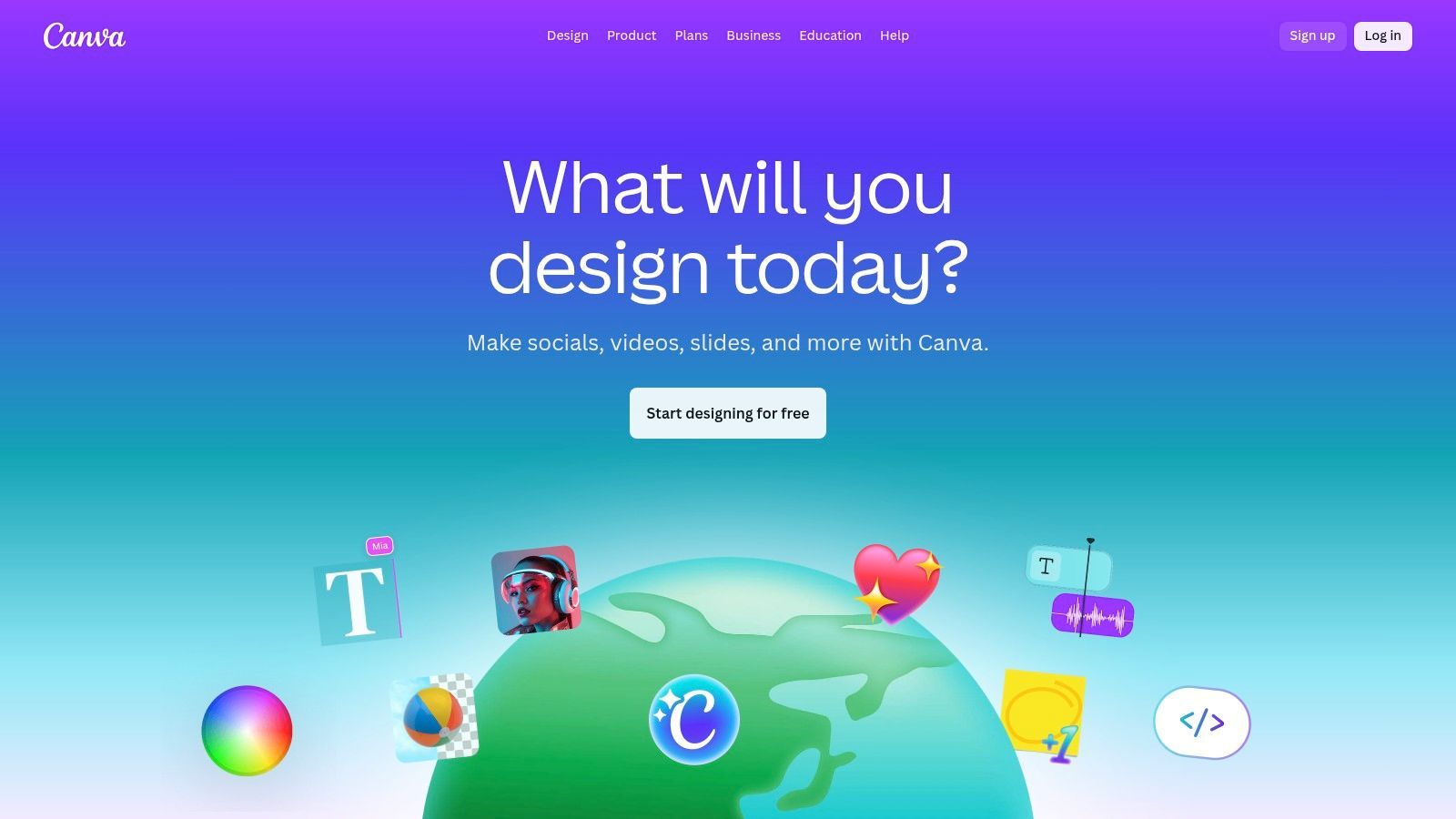
What sets Canva apart for ad creation is its end-to-end workflow. You can generate an image, resize it for multiple social media placements (e.g., Instagram Story, Facebook Feed) with one click, and then publish it directly to the Meta Ads Manager without ever leaving the platform. This streamlined process saves immense time for solo entrepreneurs.
Best For & Key Features
Best For: Creating a high volume of static and basic video ads for Meta platforms (Facebook and Instagram) with strict brand consistency.
- Magic Studio: A suite of AI tools including "Magic Design" for generating entire ad templates from a prompt, and AI image/video generation.
- Brand Kits: Upload your logos, fonts, and brand colors to ensure every ad you create remains consistent with your business identity.
- Massive Template Library: Access millions of ad-ready templates for nearly every industry and campaign type.
- Direct Ad Publishing: An integrated workflow to publish your finished designs directly to the Meta Ads platform and track basic performance insights.
Pricing, Pros & Cons
Canva offers a robust free tier, but its core AI and brand management tools are part of the paid plans. Canva Pro starts at around $14.99/month for one person, while Canva for Teams provides more collaboration features for a higher price.
| Pros | Cons |
|---|---|
| Extremely intuitive UI | AI usage (credits) can be limited on paid plans |
| End-to-end ad creation and publishing | Not as powerful for complex video ad editing |
| Affordable entry point for solo business owners | Some advanced design features are still limited |
Website: https://www.canva.com
3. Adobe Express
Adobe Express brings the power of Adobe's creative engine into an accessible, template-driven platform, making it a stellar choice among AI ad tools for small businesses without a design team. It leverages the company's proprietary Firefly generative AI, which is trained on licensed content, ensuring the images you generate for ads are commercially safe. Users can generate entire scenes, insert or remove objects with simple text prompts, and create stunning text effects, all within a beginner-friendly interface.
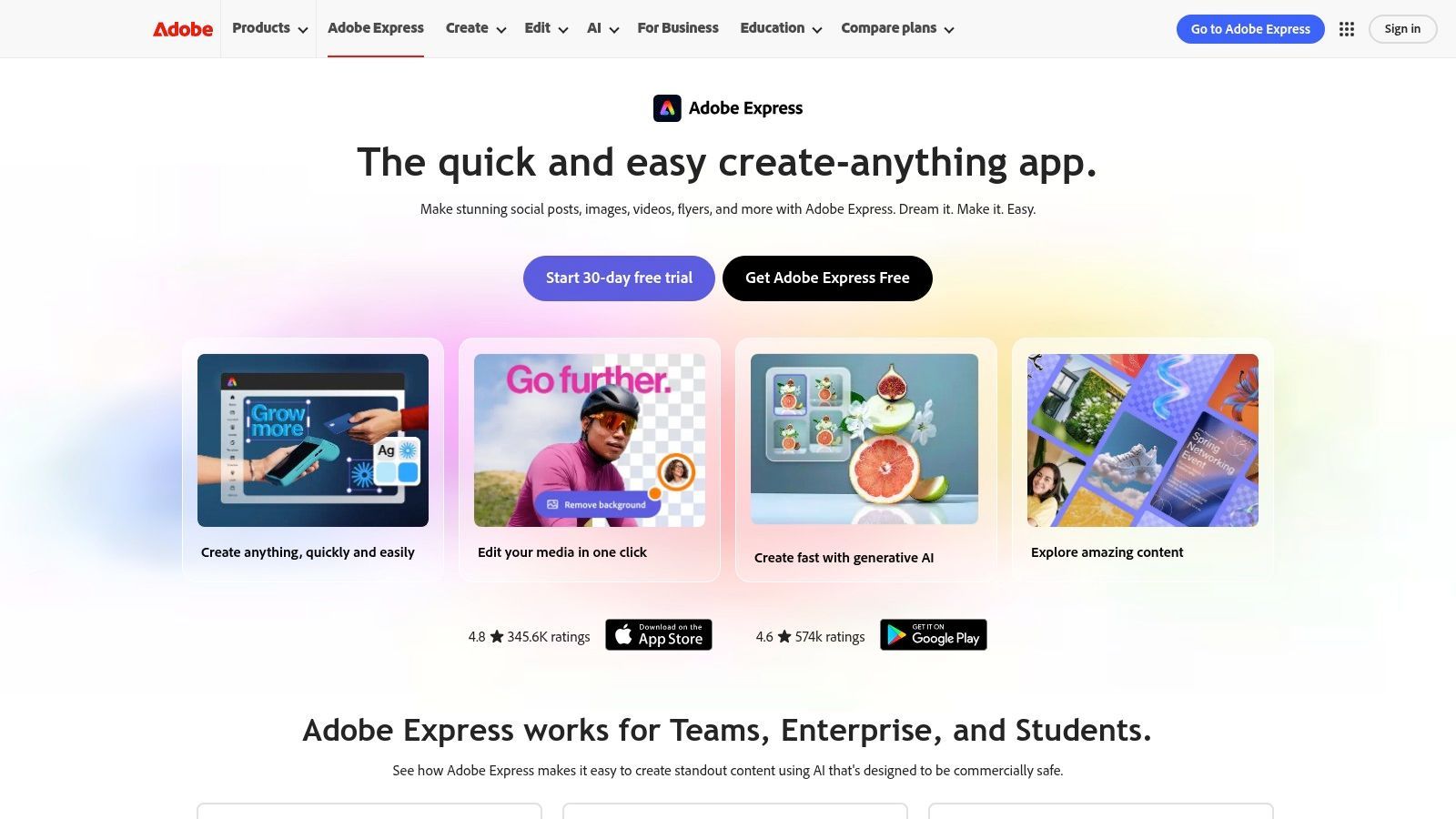
What makes Adobe Express stand out is its seamless integration with the broader Adobe ecosystem of high-quality stock assets and fonts. For a small business owner who wants the trust and quality of Adobe without the steep learning curve of Photoshop or Premiere Pro, it’s the perfect middle ground. The workflow allows you to create an ad, instantly resize it for various social media formats, and schedule it directly, streamlining the entire campaign creation process.
Best For & Key Features
Best For: Solo entrepreneurs who value commercially safe AI image generation and access to a premium library of Adobe stock assets and fonts for creating professional static and video ads.
- Firefly Generative AI: Powers features like text-to-image, generative fill (add/remove objects), and unique text effects, all with a focus on commercial safety.
- Massive Asset Library: Access over 100,000 free templates and more than 200 million premium Adobe Stock photos, videos, and music tracks on paid plans.
- One-Click Resizing & Scheduling: Instantly adapt your ad creative for different platforms (e.g., Facebook post, Instagram Story, TikTok video) and schedule it to post via the Content Scheduler.
- Generative Credits: The Premium plan includes a monthly allowance (starting at 250) of generative credits for using Firefly AI features.
Pricing, Pros & Cons
Adobe Express has a capable free plan, but the core AI features and premium assets are in the Premium plan, which starts at $9.99/month. This plan includes the monthly generative credit allowance and full access to the asset library.
| Pros | Cons |
|---|---|
| Commercially safe AI outputs | Generative AI credits are capped monthly |
| Access to premium Adobe Stock assets and fonts | Advanced workflows require more expensive Adobe plans |
| Intuitive and powerful editing tools | Mobile app can be less robust than the desktop version |
Website: https://www.adobe.com/express
4. Microsoft Designer
Microsoft Designer leverages the power of DALL·E and other Microsoft AI technologies to offer a remarkably streamlined design process. It stands out as one of the most accessible AI ad tools for small businesses without a design team by focusing on prompt-first creation. You simply describe the ad you want to create, and the tool instantly generates a variety of professional-looking design options, complete with layouts, imagery, and thematic elements.
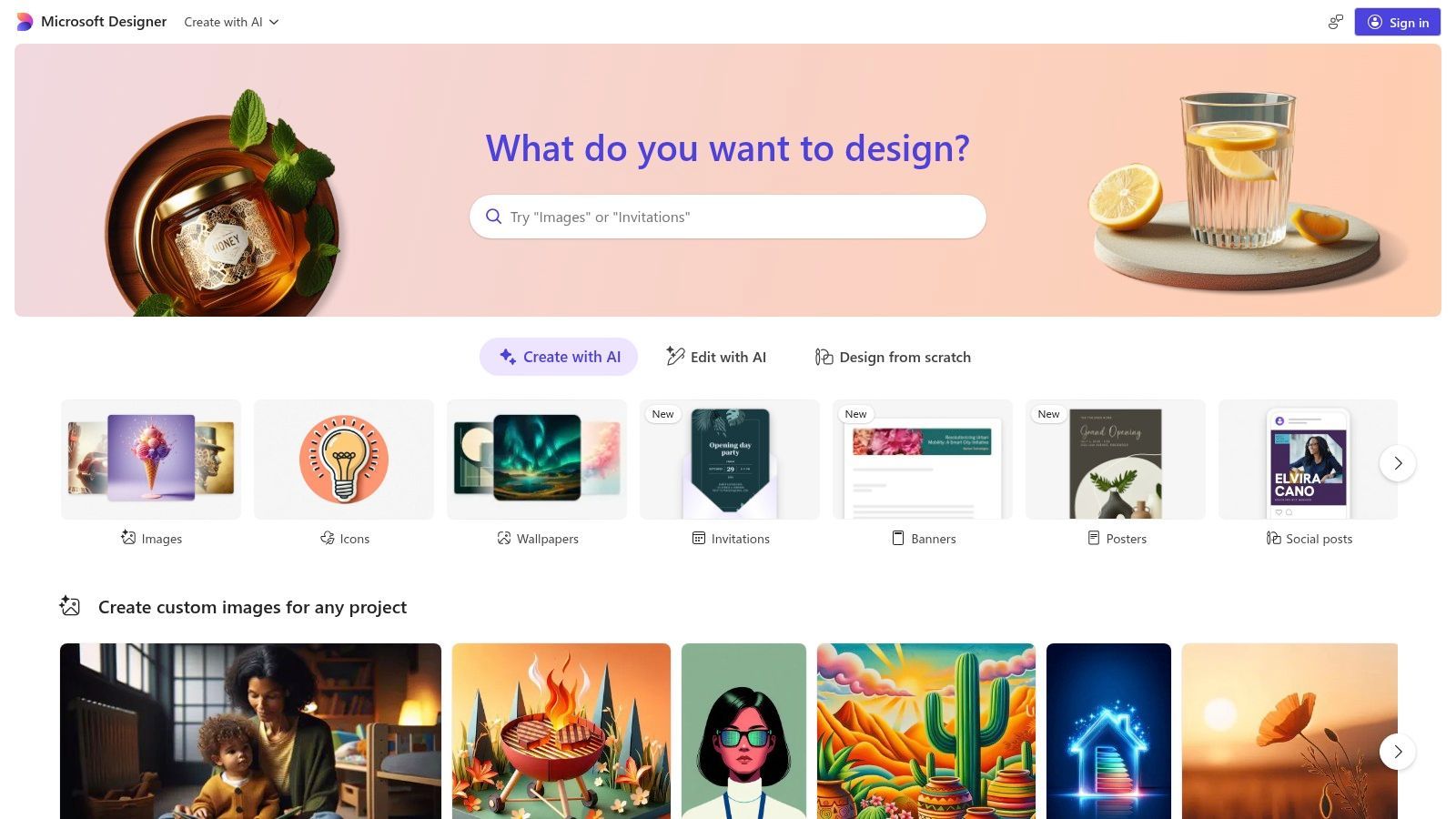
What makes Designer particularly useful for busy entrepreneurs is its ability to generate not just the visual but also suggestions for ad copy and hashtags. This integration turns a single idea into a nearly complete ad package in seconds. Its smart resize functionality allows you to adapt a single design for various social media and display ad formats, ensuring visual consistency across all your marketing channels with minimal effort.
Best For & Key Features
Best For: Rapidly generating initial design concepts for social media and display ads from a simple text prompt.
- Prompt-to-Design Generation: Describe your ad concept in plain text, and Designer provides multiple customizable layout options.
- DALL·E Image Generation: Create entirely new, custom images directly within the editor to perfectly match your ad's messaging.
- AI-Powered Suggestions: Get AI assistance for writing compelling ad captions and relevant hashtags to improve your social media reach.
- Smart Resize & Templates: Easily resize your finished ad for different platforms and access a library of templates to kickstart your design.
Pricing, Pros & Cons
Microsoft Designer is currently available for free to anyone with a Microsoft account. However, businesses should carefully review the licensing terms for commercial use of generated assets. Its features are still evolving, often as part of the broader Microsoft Copilot ecosystem.
| Pros | Cons |
|---|---|
| Completely free to start and use | Licensing/terms for commercial use require review |
| Extremely fast turnaround from idea to asset | Feature set can change as the product evolves |
| Simple and intuitive learning curve | Lacks advanced video editing capabilities |
Website: https://designer.microsoft.com
5. AdCreative.ai
AdCreative.ai is an AI-powered platform built specifically for performance marketers who need to generate a high volume of ad variations for testing. Unlike general design tools, its entire workflow is optimized for producing conversion-focused creatives and copy at scale. This makes it one of the most powerful AI ad tools for small businesses without a design team focused on rapid experimentation to find winning ad combinations. The platform's core engine analyzes your brand assets and generates hundreds of potential ad creatives, complete with a predictive score to estimate their performance potential.
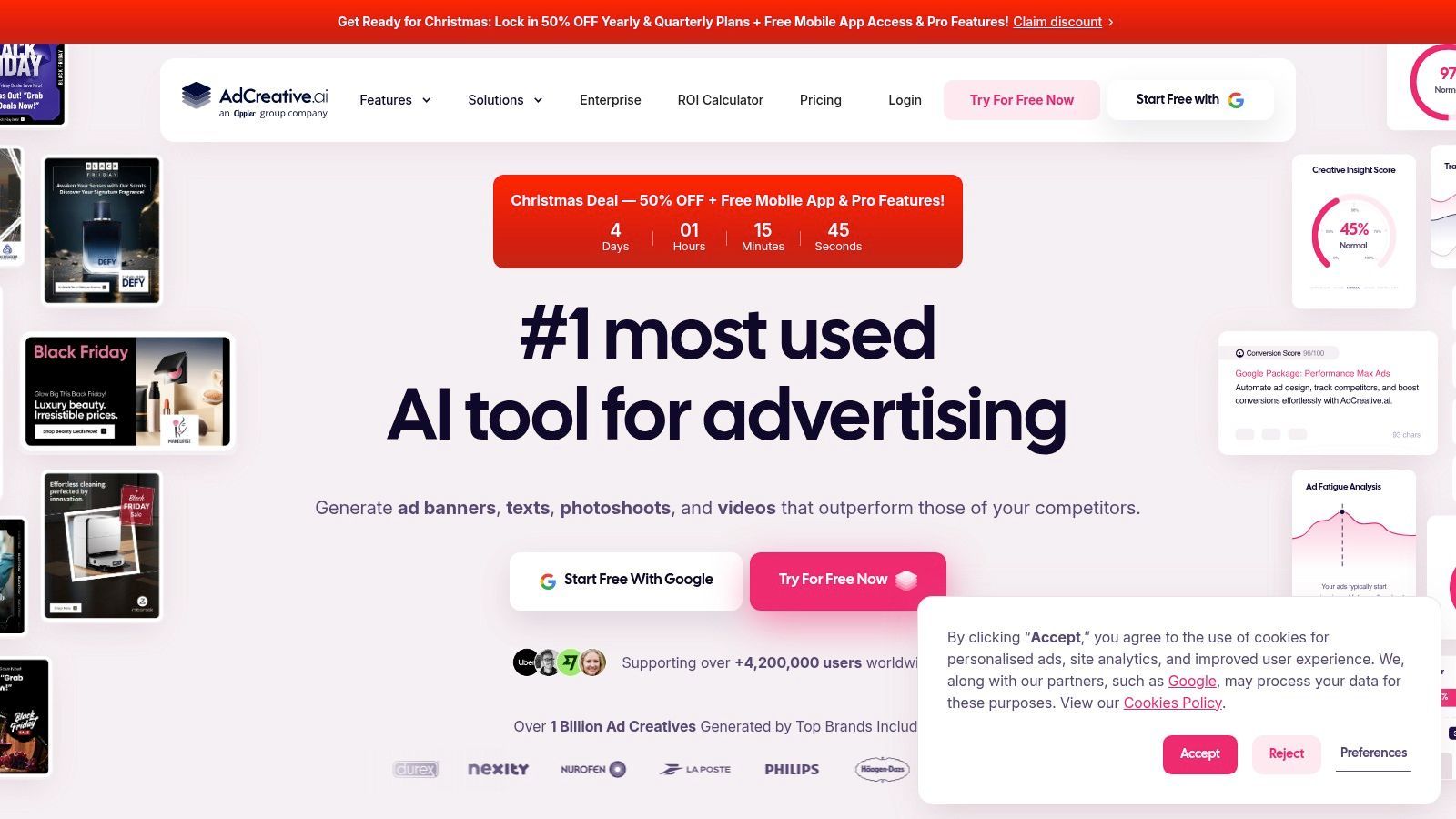
What sets AdCreative.ai apart is its data-driven approach. Instead of just providing templates, it aims to create ads that are statistically more likely to perform well. You can connect your ad accounts (like Meta and Google) to feed the AI with your own performance data, helping it learn what works for your specific audience. This focus on bulk generation and performance scoring is ideal for businesses that live and die by their A/B testing results.
Best For & Key Features
Best For: Performance marketers and businesses that need to rapidly test a high volume of ad creative variations across multiple platforms.
- Bulk Creative Generation: Upload your brand assets and let the AI generate hundreds of ad variations in different sizes and formats in minutes.
- Predictive Performance Scoring: Each generated creative receives a score out of 100, helping you prioritize which ads to test first.
- AI Text & Headline Generator: Creates compelling ad copy and headlines to pair with your visuals, tailored for conversions.
- Direct Ad Platform Integration: Push your chosen creatives directly to Google Ads, Meta Ads, and other major platforms to launch campaigns quickly. Learn more about how this type of AI ad generator can streamline your workflow.
Pricing, Pros & Cons
AdCreative.ai operates on a credit-based system within its subscription tiers. Plans start around $29/month for a limited number of credits. Pricing can vary based on promotions, so it's wise to review the current offers and terms, especially for the 7-day trial.
| Pros | Cons |
|---|---|
| Extremely fast multi-variant creative production | Pricing can be confusing and varies by plan/promotions |
| Purpose-built specifically for ad creative workflows | Some users report billing and refund difficulties; review terms |
| Data-driven approach with performance scores | The AI-generated designs can sometimes feel formulaic |
Website: https://adcreative.ai
6. Creatopy
Creatopy is a highly specialized ad design platform built for performance marketers and advertisers, making it one of the most powerful AI ad tools for small businesses without a design team focused on display and animated ads. It shines by automating the creation of multiple ad sizes at once. You can design a single master creative, and the platform intelligently resizes it into a full set of banner ad dimensions, saving countless hours of manual work.
Its built-in AI tools for text and image generation are specifically tuned for advertising copy and visuals, helping you overcome creative block. Where it truly stands out is its capacity for bulk creation and animation, allowing a solo business owner to produce a professional-grade, multi-format display campaign that would typically require a design agency.
Best For & Key Features
Best For: Small businesses running Google Display Network (GDN) or other programmatic ad campaigns that require many different banner sizes and formats.
- AI Ad Generation: Generate text and image variations directly within the ad builder to quickly test different creative angles.
- Brand Kits: Maintain strict brand consistency across all ad variations by pre-setting logos, color palettes, and custom fonts.
- Multi-Size Ad Variants: Design once and automatically generate an entire ad set with dozens of sizes, both static and animated.
- Collaboration Tools: Features for feedback and approval workflows, making it useful even for a small team or when working with a freelancer.
Pricing, Pros & Cons
Creatopy offers a limited free plan to explore the platform. Paid plans with AI features start with the Create plan at $24/month per editor, with higher tiers offering more collaboration features and higher usage limits. The plans operate on a credit system for AI generation and exports.
| Pros | Cons |
|---|---|
| Built specifically for ad formats | Credit/limits model requires learning to manage |
| Excellent for creating ad sets in bulk | Animated/video complexity has a steeper learning curve |
| Transparent trial and plan structure | AI tools are not as advanced as dedicated generators |
Website: https://www.creatopy.com
7. Meta Ads (Advantage+ Creative)
Instead of using an external platform, small businesses can leverage the AI tools built directly into the Meta Ads Manager. Advantage+ Creative is a suite of features designed to automatically enhance your ads for better performance on Facebook and Instagram, making it one of the most practical AI ad tools for small businesses without a design team already advertising on the platform. It can take a single image and generate multiple variations by applying different crops, expanding backgrounds, or adding motion.
What makes this tool powerful is its native integration. You don't need to export assets or switch between tools. Meta's AI optimizes creative in real-time based on what it predicts will resonate with each individual user. It can automatically generate new ad copy, adjust image brightness and color, or even add music to a static image to turn it into a lightweight video ad, all within the ad creation workflow.
Best For & Key Features
Best For: Businesses heavily focused on Facebook and Instagram ads who want to optimize creative variations without leaving the ad platform.
- Standard Enhancements: Automatically applies optimizations like image brightening, aspect ratio adjustments, and adding templates to your creative.
- Image Expansion & Background Generation: AI can extend your creative to fit different placements (like Stories) or generate entirely new backgrounds to make your product stand out.
- AI-Powered Text: Generate different primary text, headline, and description options directly within the ad setup process.
- Dynamic Creative: Automatically mixes and matches your best images, videos, headlines, and descriptions to find the highest-performing combinations for your audience.
Pricing, Pros & Cons
Advantage+ Creative features are included with your Meta ad spend, so there is no extra subscription cost. Access and specific features can vary by ad account and campaign objective.
| Pros | Cons |
|---|---|
| No additional cost or software needed | Controls can feel opaque and results are automated |
| Seamless workflow inside Ads Manager | Feature availability can vary by account/ad type |
| Optimized by Meta's algorithm for performance | Automated enhancements can sometimes feel off-brand |
Website: https://www.facebook.com/business/ads
8. Google Ads (Performance Max with AI asset generation)
While not a standalone design platform, Google Ads has integrated powerful AI creative tools directly into its Performance Max campaigns, making it a critical AI ad tool for small businesses without a design team. This allows you to generate ad assets like images and headlines using Google AI right inside the campaign setup process. The system then automatically assembles these AI-generated assets with your provided ones to serve ads across Google’s entire network, including YouTube, Search, and Gmail.
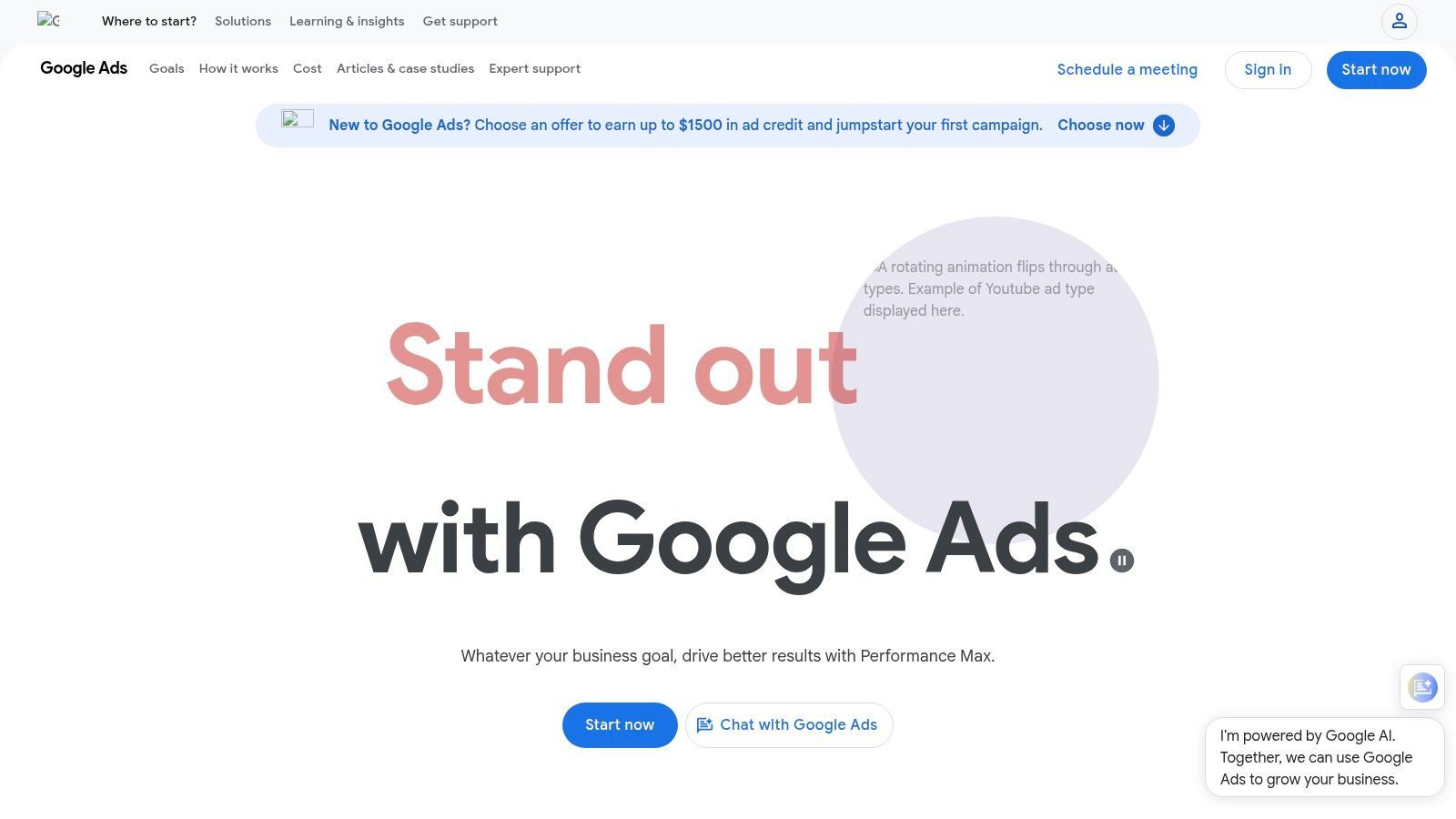
The key advantage here is efficiency and reach. Instead of designing creatives externally and then uploading them, you can prompt Google to create visuals and copy that are contextually relevant to your campaign goals. This native integration ensures the assets are optimized for Google's ecosystem and helps fill creative gaps when you don't have enough high-quality images or videos of your own.
Best For & Key Features
Best For: Small businesses looking to maximize their reach across the entire Google network with minimal creative overhead, directly within the ad platform.
- AI-Generated Assets: Use text prompts to generate unique images and ad copy (headlines, descriptions) directly within your Performance Max asset groups.
- Multi-Channel Deployment: A single campaign automatically distributes your ads across Search, YouTube, Display, Discover, Gmail, and Maps.
- Built-in Policy Checks: Generated assets come with built-in guardrails and SynthID watermarking to ensure they meet Google’s ad policies.
- Performance-Driven Assembly: Google’s AI mixes and matches your provided assets with its generated ones to find the highest-performing combinations.
Pricing, Pros & Cons
The AI asset generation tools are free to use within the Google Ads platform; you only pay for your ad spend. Pricing is based on your campaign budget and bidding strategy (e.g., Cost Per Click or Cost Per Acquisition).
| Pros | Cons |
|---|---|
| Covers entire Google network with one setup | Steep learning curve for campaign optimization |
| No additional cost for AI asset generation | Less creative control compared to dedicated design tools |
| Built-in guardrails and policy compliance | Generated assets can sometimes feel generic |
Website: https://ads.google.com
9. Amazon Ads (Creative Studio, AI Image and Video Generators)
For small businesses selling on Amazon, the native advertising tools are a must-use, and their integrated AI features make them powerful ai ad tools for small businesses without a design team. Instead of relying on external software, you can now generate compelling lifestyle images and short product videos directly within the Amazon Ads console. This is a game-changer for creating Sponsored Brands or Display ads that blend seamlessly into the customer's shopping journey.
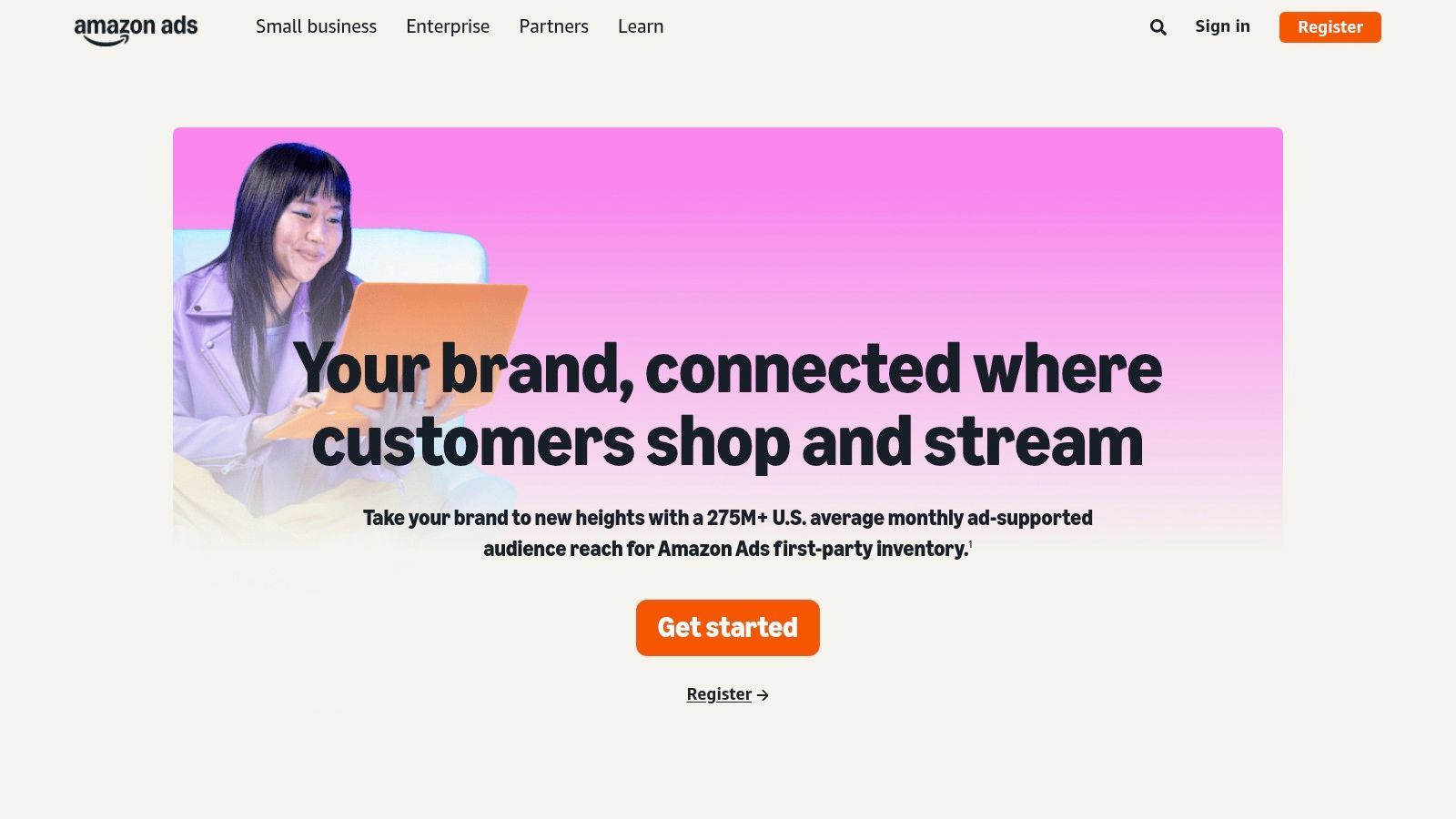
The platform’s AI image generator allows sellers to place their product (identified by its ASIN) into diverse, AI-generated backgrounds with simple text prompts. This eliminates the need for expensive photoshoots to create lifestyle imagery. The emerging AI video generator further streamlines this by turning product listings into brief, engaging video ads, dramatically lowering the barrier to video advertising for marketplace sellers.
Best For & Key Features
Best For: Amazon sellers who need to quickly create compliant lifestyle images and short product videos for on-platform campaigns like Sponsored Brands and Display ads.
- Integrated AI Image Generator: Create custom lifestyle images directly from your product's ASIN within the Amazon Ads asset library.
- AI Video Generator (Beta): Automatically produces short, simple videos from your product listing details, ideal for quick video ad creation.
- Asset Library Integration: All AI-generated creative is saved directly to your account's asset library, making it easy to reuse across multiple campaigns.
- No Additional Cost: These creative tools are included for free for businesses advertising on the Amazon platform.
Pricing, Pros & Cons
The AI creative tools are free to use within the Amazon advertising ecosystem; you only pay for the ad campaigns you run. This makes it an incredibly cost-effective solution for sellers already invested in the platform.
| Pros | Cons |
|---|---|
| Native to the Amazon ecosystem | Tied strictly to an Amazon advertising account |
| No extra tool or subscription cost | Feature availability can vary by country (beta status) |
| Rapid creation of lifestyle imagery from ASINs | Less creative control than dedicated design platforms |
Website: https://advertising.amazon.com
10. Kapwing
Kapwing is a powerful, browser-based video editor that has integrated a suite of AI tools specifically designed for speed and repurposing. For small businesses, this makes it an essential tool for turning raw product footage or simple screen recordings into polished, ad-ready video content. Its AI can automatically generate accurate subtitles, translate them into multiple languages, and even clean up audio, tackling the most time-consuming parts of video ad production.
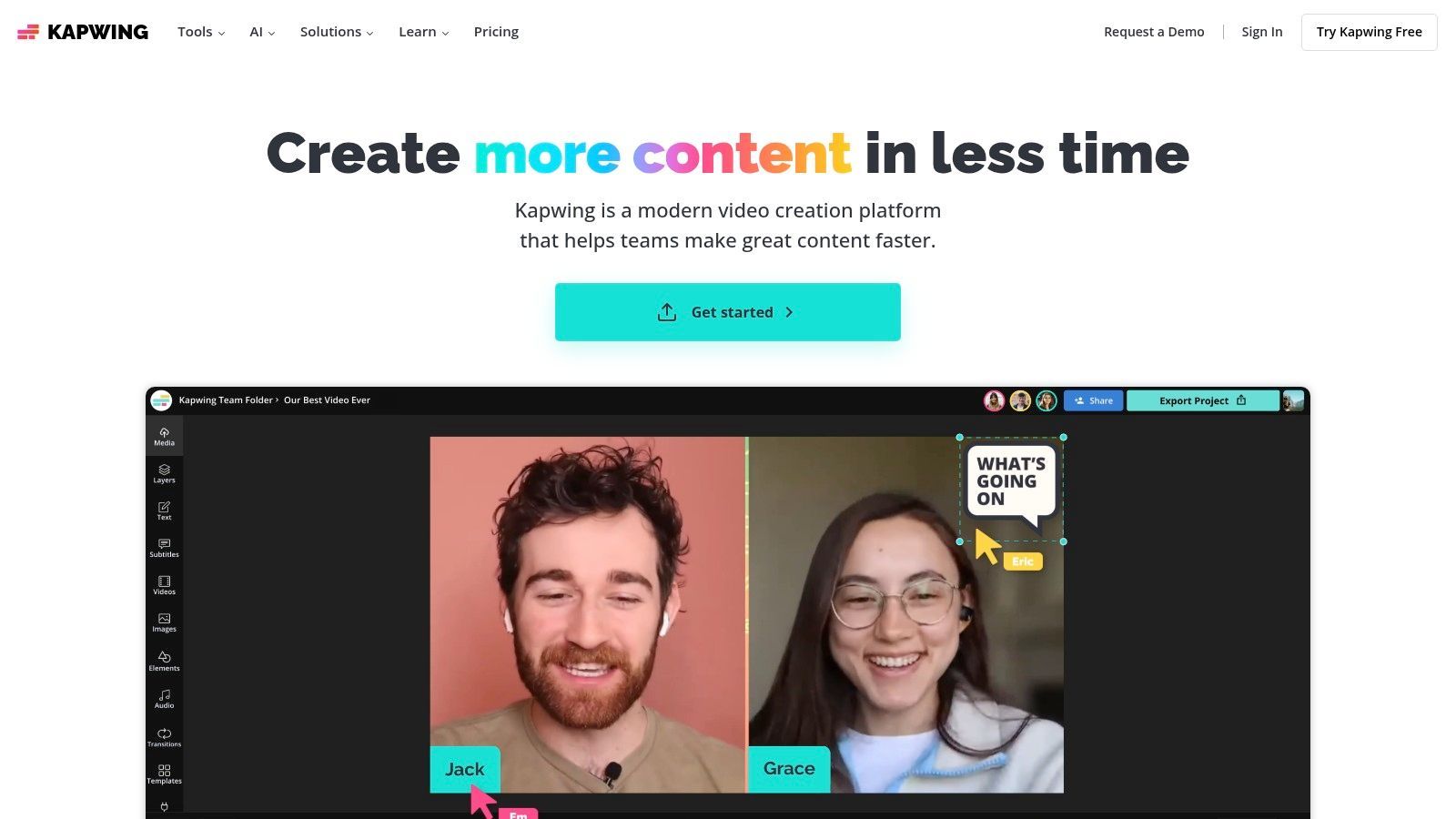
What makes Kapwing stand out is its focus on workflow efficiency. You can upload a single video and, with one click, resize it for various social media ad formats like TikTok, Instagram Reels, and YouTube Shorts. The platform's intuitive, timeline-based editor allows for quick cuts and edits without the steep learning curve of professional software, positioning it as one of the most practical AI ad tools for small businesses without a design team focused on video. As you explore options, it's worth seeing how Kapwing stacks up against other top AI video editing software.
Best For & Key Features
Best For: Quickly repurposing a single video asset into multiple ad formats with AI-powered subtitles and audio enhancements.
- AI Smart Tools: Includes auto-captioning, multi-language translation, text-to-speech, and audio cleanup to improve production value instantly.
- One-Click Resizing: Instantly adapt your video ads for different social media dimensions (e.g., 9:16 for Stories, 1:1 for feeds).
- Brand Kit Support: Keep all your video ads on-brand by pre-loading logos, custom fonts, and brand color palettes.
- Integrated Stock Assets: Access a library of stock videos, photos, and audio directly within the editor to enrich your ad content.
Pricing, Pros & Cons
Kapwing has a free plan with watermarked exports. The Pro plan, which removes watermarks and provides more storage and access to AI features, starts at $24/month per user (or $16/month when billed annually).
| Pros | Cons |
|---|---|
| Very quick to learn with strong repurposing tools | AI features operate on a credit/minute system |
| Great value for solo creators and small teams | Not designed for complex, multi-layered editing |
| All-in-one browser-based workflow | Heavier projects can experience slow performance |
Website: https://www.kapwing.com
11. InVideo
InVideo transforms video ad creation from a complex, time-consuming task into a simple, prompt-driven process. It stands out as one of the most efficient AI ad tools for small businesses without a design team specifically for video production. Users can input a text prompt, URL, or basic idea, and the AI will generate a complete, multi-scene video ad, complete with a script, stock footage, and a synthetic voiceover. This makes it ideal for businesses needing quick product explainer videos or social media ads without any raw footage.
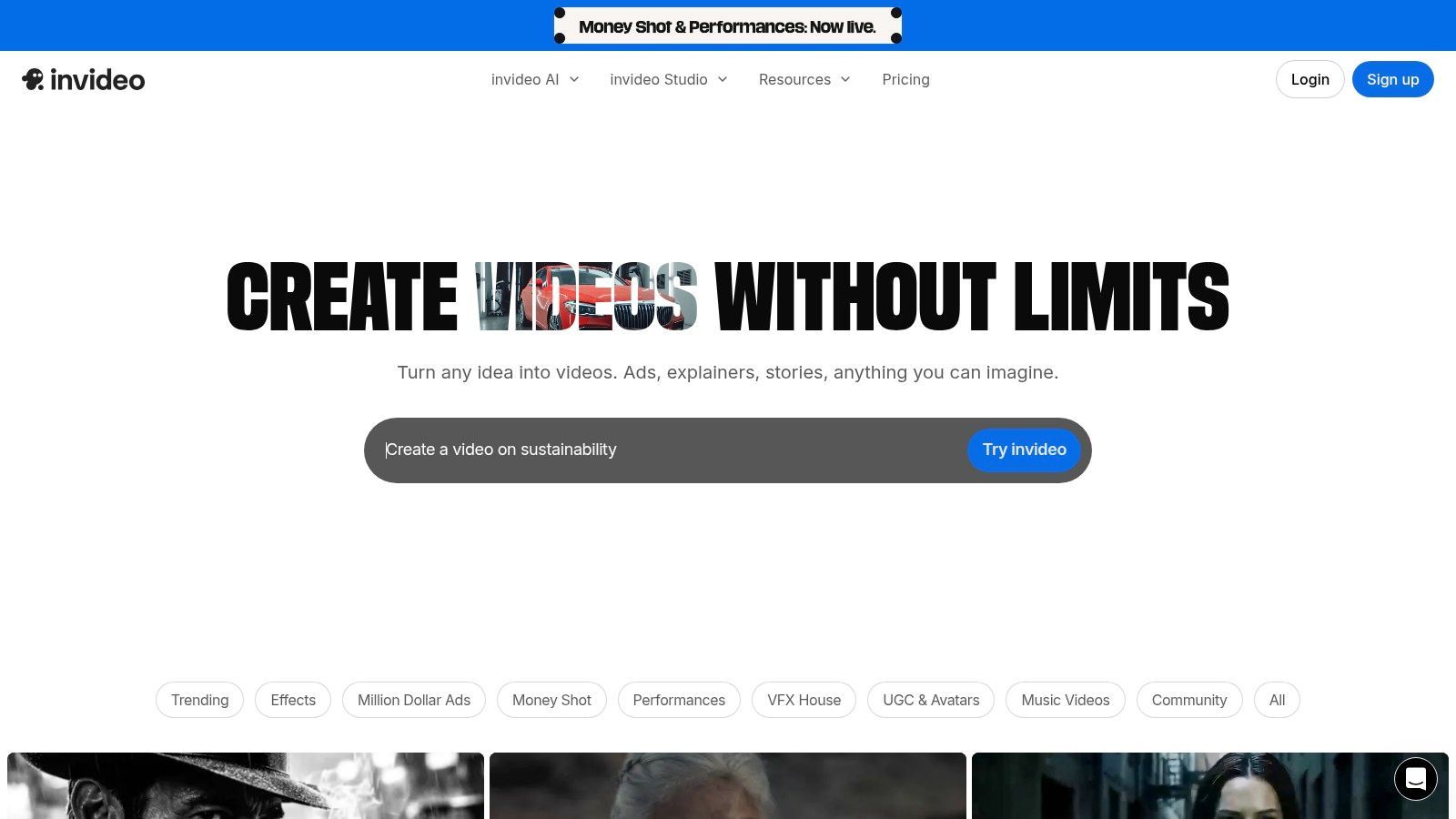
What makes InVideo particularly useful is its ability to rapidly produce a "first draft." Instead of starting from scratch, a small business owner can generate a solid base video in minutes and then use the editor to make minor tweaks, replace clips, or adjust the script. This approach drastically lowers the barrier to video advertising for those with no video editing experience. For businesses looking to repurpose existing content, exploring how InVideo helps turn articles into videos can provide additional content strategies.
Best For & Key Features
Best For: Generating complete video ad drafts for social media and product explainers from simple text prompts, especially when you have no original footage.
- AI Prompt-to-Video: Generates a full ad, including script, scenes, stock media, and voiceover, from a single text command.
- AI Voiceover & Scripting: Creates compelling ad scripts and offers a variety of AI-generated voices, eliminating the need for professional voice actors.
- Massive Media Library: Provides access to a huge library of stock video clips, images, and music to populate the generated ads.
- Multi-Platform Exports: Easily exports videos in different aspect ratios suitable for various ad placements like TikTok, Instagram Reels, and YouTube Shorts.
Pricing, Pros & Cons
InVideo has a free plan which is great for testing, but it includes a watermark and has limits on AI generation and exports. Paid plans, which unlock the full suite of AI tools and remove watermarks, start at around $25/month.
| Pros | Cons |
|---|---|
| Extremely fast video generation from text | The free plan is quite limited and watermarked |
| No need for existing footage or assets | Final videos may require manual polishing |
| User-friendly interface for beginners | AI-selected media can sometimes be generic |
Website: https://invideo.io
12. Jasper
Jasper has established itself as a premier AI writing assistant, but its evolution into a comprehensive marketing platform makes it a powerful AI ad tool for small businesses without a design team, especially for copy-centric campaigns. It excels at generating high-converting ad copy, headlines, and descriptions by learning your specific brand voice and target audience profiles. This ensures that every piece of text it produces sounds like it came directly from you, maintaining crucial brand consistency across all your ads.
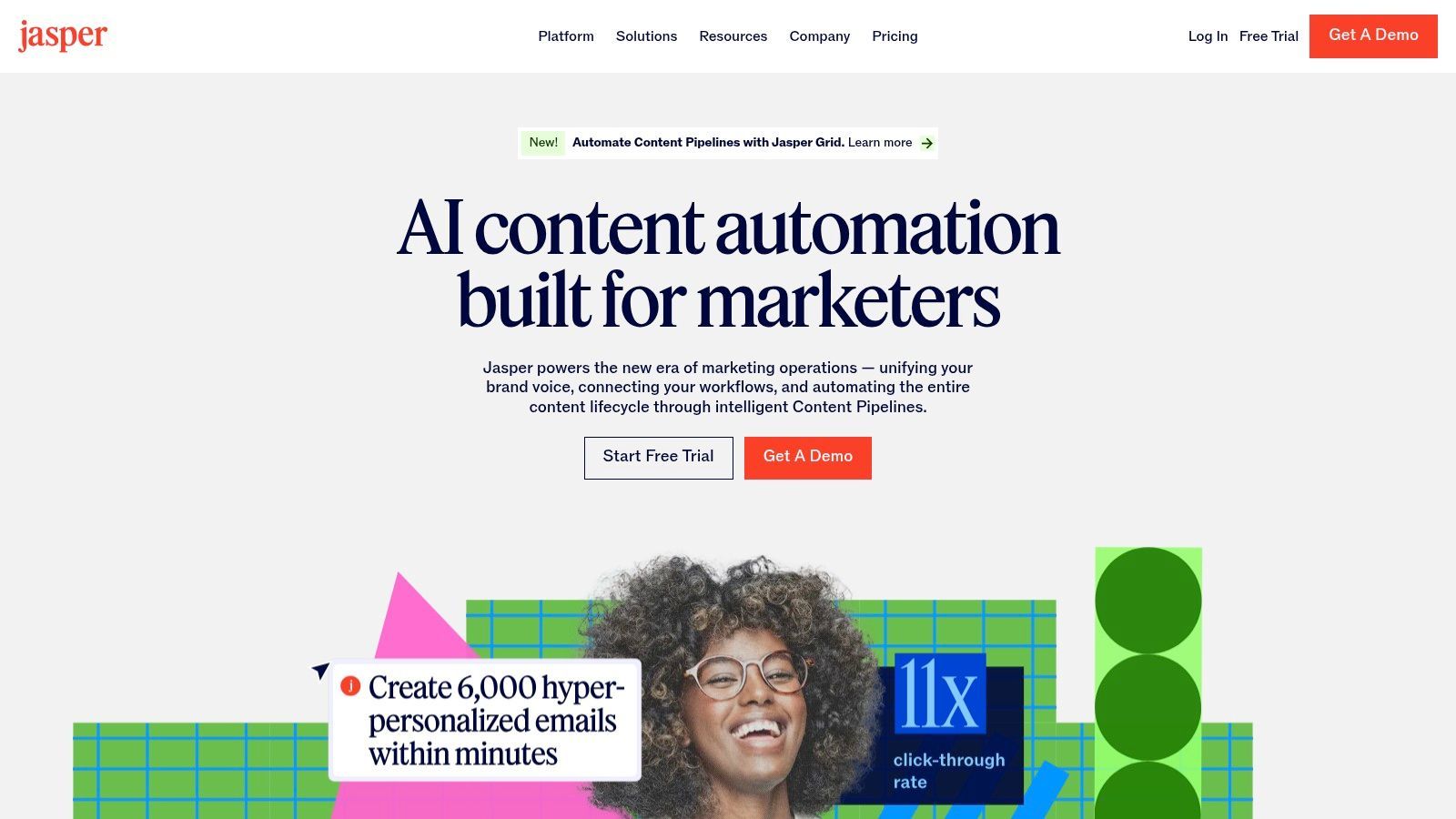
What sets Jasper apart is its Campaign workflow, which allows you to generate a suite of connected marketing assets for a single ad campaign from one brief. You can create ad copy for Facebook, a corresponding landing page, and even generate supporting visuals with its integrated AI art generator. This orchestration of content saves significant time and prevents the messaging disconnect that often happens when using separate tools for copy and design.
Best For & Key Features
Best For: Generating on-brand ad copy and headlines at scale and creating multi-asset campaigns with consistent messaging.
- Brand Voice & Knowledge: Train Jasper on your company's style, product details, and audience personas to get highly relevant and on-brand ad copy.
- Campaigns & Canvas: Use pre-built workflows to generate multiple ad variations, landing page content, and social posts from a single brief.
- AI Art Generation: Create original, royalty-free images to accompany your ad copy without leaving the platform.
- Browser Extension: Easily access Jasper's AI capabilities on any ad platform or social media site to quickly write or rephrase ad text in place.
Pricing, Pros & Cons
Jasper offers several tiers, with pricing typically based on features and the number of user seats. The Creator plan is ideal for individuals, while the Pro and Business plans unlock more advanced features like Brand Voice and Campaigns. Plans generally start around $49/month, with annual billing offering the best value.
| Pros | Cons |
|---|---|
| Excellent for ad copy ideation and iteration | Visual tools are simpler than full design suites |
| Scales well from solo users to small teams | Per-seat pricing can become costly for teams |
| Deep brand customization with Voice and Knowledge | Best value is on annual plans, not monthly |
Website: https://www.jasper.ai
12 AI Ad Tools — Small Business Comparison
| Product | Core features | UX / Quality ★ | Value & Price 💰 | Target audience 👥 | Unique selling points ✨ |
|---|---|---|---|---|---|
| 🏆 ShortGenius | AI scripts, UGC scenes, voiceovers, resizing, publish & scheduling | ★★★★☆ — performance‑first workflow | 💰 ROI‑focused; pricing on request | 👥 Creators, marketers, agencies, SMBs | ✨ End‑to‑end ad gen, multivariate spinouts, auto‑publish |
| Canva | Prompt AI, templates, brand kits, one‑click resize, Meta publish | ★★★★☆ — very easy UI | 💰 Free → Pro/Teams (affordable entry) | 👥 Non‑designers, small teams, marketers | ✨ Massive templates + native Meta publishing |
| Adobe Express | Firefly generative edits, templates, stock assets, scheduler | ★★★★☆ — Adobe reliability | 💰 Free → Premium (credits capped) | 👥 Solo owners, SMBs wanting Adobe assets | ✨ Firefly + commercial‑safe generative credits |
| Microsoft Designer | Prompt→layouts, DALL·E images, captions, smart resize | ★★★☆☆ — simple & fast | 💰 Free to start; review commercial terms | 👥 Quick creators, casual advertisers | ✨ DALL·E image gen + MS app integrations |
| AdCreative.ai | Bulk image variants, ad copy, predictive scoring, integrations | ★★★☆☆ — volume/testing focused | 💰 Tiered subscription; varies by plan | 👥 Performance teams, agencies | ✨ Predictive performance scoring for variants |
| Creatopy | Generative text/images, brand kits, bulk export, collaboration | ★★★☆☆ — ad/display focused | 💰 Transparent plans; credit limits apply | 👥 Display advertisers, creative teams | ✨ Bulk multi‑size automation & workspace tools |
| Meta Ads (Advantage+ Creative) | Auto creative variations, background gen, text & animation | ★★★☆☆ — native but opaque controls | 💰 Included in Ads Manager; ad spend applies | 👥 Facebook/Instagram advertisers | ✨ Native per‑viewer creative optimization |
| Google Ads (Performance Max) | AI image/text gen, multi‑channel asset groups, policy checks | ★★★☆☆ — broad reach, less control | 💰 Platform included; ad spend required | 👥 SMBs needing broad multi‑surface reach | ✨ Runs across Search/YouTube/Display with guardrails |
| Amazon Ads | AI image/video generators, ASIN‑driven assets, asset library | ★★★☆☆ — native Amazon formats | 💰 Free within console; ad spend applies | 👥 Brands selling on Amazon | ✨ ASIN‑based product videos + DSP assets |
| Kapwing | Cloud editor, auto‑subtitles, TTS, cleanup, 1‑click resize | ★★★★☆ — fast repurposing | 💰 Good value; AI minutes/credits apply | 👥 Solo creators, small social teams | ✨ Strong auto‑captions & multi‑language translation |
| InVideo | Prompt→video, multi‑scene templates, voiceovers, aspect exports | ★★★☆☆ — quick draft generation | 💰 Free (watermark) → paid plans | 👥 Marketers needing fast product explainers | ✨ Script‑to‑multi‑scene video generation |
| Jasper | Brand voice, ad copy, image gen, campaign/canvas workflows | ★★★★☆ — excellent copy workflows | 💰 Subscription; best value annually | 👥 Copywriters, marketers, teams | ✨ Brand voice + campaign orchestration |
How to Choose the Right AI Ad Tool for Your Business Goals
Navigating the landscape of AI ad tools for small businesses without a design team can feel overwhelming, but the power they unlock is undeniable. We've explored a dozen powerful platforms, from all-in-one design suites like Canva and Adobe Express to specialized performance creative generators like AdCreative.ai and ShortGenius. The core takeaway is clear: you no longer need a dedicated design department or a massive budget to produce high-quality, effective advertising creative.
The key to success lies not in adopting every tool, but in strategically selecting the right one for your specific, immediate business needs. Your goal isn't just to make ads; it's to make ads that work. By aligning your tool choice with your primary marketing objectives, you can transform a simple software subscription into a powerful growth engine for your business.
If Your Primary Goal is High-Performance Video Ads
For businesses focused on direct response and maximizing return on ad spend (ROAS), especially on platforms like Meta, TikTok, and YouTube, your tool choice is critical. Your priority should be speed, creative variation for testing, and AI that understands what drives conversions.
- Top Choices: ShortGenius and AdCreative.ai are built for this purpose. They excel at rapidly generating dozens of video and static ad variations based on your product information. This allows you to A/B test creative elements at a scale that would be impossible manually.
- Implementation Tip: Start by feeding these tools your best-performing ad copy and your core value propositions. Let the AI generate 10-20 creative variations. Launch a small-budget campaign to test them against each other and identify the top 2-3 performing assets to scale.
If You Need All-in-One Brand and Ad Creation
If your needs are broader than just performance ads, and you require a tool that can handle social media posts, presentations, and static ads while maintaining brand consistency, a more versatile platform is a better fit.
- Top Choices: Canva and Adobe Express are the undisputed leaders here. Their massive template libraries, brand kit features, and intuitive drag-and-drop interfaces make them perfect for a small team that needs to produce a wide variety of on-brand assets quickly. Microsoft Designer is a strong, AI-first contender in this space as well.
- Implementation Tip: Before you create a single ad, set up your "Brand Kit." Upload your logos, define your brand colors, and select your primary fonts. This single step will save you hours and ensure every asset you create, from an Instagram Story to a banner ad, looks professional and cohesive.
If You Want to Automate and Scale Creative Testing
For businesses that are already advertising and want to level up their optimization process, the goal is to find tools that integrate directly with ad platforms to automate the testing and iteration cycle. This is where you move from creating ads to building a self-improving advertising system.
- Top Choices: The native tools within Meta Ads (Advantage+ Creative) and Google Ads (Performance Max) are designed for this. They automatically mix and match your uploaded assets (headlines, images, videos) to find the highest-performing combinations for different audiences. Creatopy also offers robust features for creating and managing ad sets at scale.
- Implementation Tip: Don't just upload one video and one headline. Provide these platforms with a diverse range of assets. Give them at least 5 distinct images or short video clips, 5 different headlines, and 5 descriptions. The more high-quality ingredients the AI has to work with, the better the final result will be.
The era of creative being a bottleneck for small businesses is over. The AI ad tools for small businesses without a design team we've covered have democratized access to professional-grade advertising. Your next step is to move from learning to doing. Pick one tool that aligns with your most pressing goal, sign up for a free trial, and commit to creating your first AI-powered ad campaign this week. The power to compete and win is now, quite literally, at your fingertips.
Ready to stop guessing and start generating video ads that actually convert? ShortGenius is designed specifically for performance marketers and small businesses that need to create high-impact, direct-response video ads in minutes, not days. See for yourself how AI can become your dedicated ad creative team by starting your free trial at ShortGenius today.