Kling Video v3 Image to Video [Standard]
Turn a still into a cinematic clip with its own synced audio
Cinematic image-to-video with audio
ԴԻՄԱՆԿԱՐՈՒՄՆԵՐԻ ԱՆԻՄԱՑԻԱ
ԱՐՎԵՍՏԱԳՈՐԾ ԴԻՄԱՆԿԱՐՈՒՄՆԵՐԻ ԱՆԻՄԱՑԻԱ
ՄՈԴԱՅԻ ԱՆԻՄԱՑԻԱ
Kling Video v3 Image to Video [Standard]-ը վերափոխում է մեկ անշարժ պատկեր շարժվող, կինեմատոգրաֆիկ վիդեո հատվածի, որը պարունակում է իր սեփական բնիկ ձեւավորված աուդիո։ Տրամադրեք մեկ սկզբնական պատկեր և տեքստային նկարագրություն այն շարժման մասին, որն ցանկանում եք, և այն ստեղծում է հեռավոր, հոսուն կադրեր, որոնք կյանքի կոչում են տեսարանը վճարովի վիզուալ փայլով։ Թե դուք անիմացնում եք ապրանքի լուսանկարներ, иллюստրացիաներ, դիմանկարներ կամ լանդշաֆտներ, այս մոդելը նախատեսված է ապահովելու այն կինեմատոգրաֆիկ տեսքն ու շարունակական շարժումը, որը նախկինում պահանջում էր ամբողջական արտադրական կարգավորումներ։
Մոդելի միջուկում այն վերցնում է ձեր սկզբնական պատկերը և տեքստային հրահանգը, որը նկարագրում է, թե ինչպես պետք է շարժվի տեսարանը։ Դուք կարող եք խնդրել տեսախցիկը դանդաղ պտտվել առարկայի շուրջ, փափուկ լույսը տեղափոխվել մակերեսի վրայով, խոտը մեղմորեն թափահարվել կամ ստվերները էլեգանտորեն շարժվել կադրի վրայով։ Արդյունքը վիդեո է հեռավոր, շարունակական շարժմամբ և իսկապես վճարովի զգացողությամբ։ Քանի որ մոդելը կարդում է և՛ ձեր պատկերը, և՛ ձեր բառերը, դուք պահպանում եք ստեղծագործական վերահսկողությունը տեմպի, տեսախցիկի վարքի և մթնոլորտի նկատմամբ։
Ցուցանիշներից մեկը բնիկ աուդիո ստեղծումն է։ Փոխարենը առանձին խմբագրության քայլում ձայն ավելացնելու, մոդելը կարող է ստեղծել աուդիո ուղղակիորեն վիդեոյի հետ միասին։ Այն աջակցում է չինարեն և անգլերեն ձայնային ելքին, իսկ այլ լեզուները ավտոմատ կերպով թարգմանվում են անգլերենի։ Երբ ցանկանում եք խոսակցական անգլերեն, փոքրատառով գրելը ստեղծում է բնական խոսք, իսկ մեծատառը նախատեսված է հապավումների կամ սեփական անունների համար, որպեսզի դրանք ճիշտ արտասանվեն։ Եթե նախընտրում եք լռեցված կտոր, կարող եք պարզապես անջատել աուդիոն և պահել կադրերը առանց ձայնի։
Մոդելը ձեզ տալիս է իմաստալից վերահսկողություն տևողության նկատմամբ։ Դուք կարող եք ստեղծել կտորներ 3 վայրկյանից մինչև ամբողջական 15 վայրկյան, որտեղ լռելովը 5 վայրկյան է։ Ավելի կարճ տևողությունները հիանալի են արագ ցիկլերի, սոցիալական կտորների և ապրանքի գեղեցիկ կադրերի համար, իսկ ավելի երկար տևողությունները թույլ են տալիս կառուցել ավելի զարգացած հաջորդականություն կամ պատմել փոքրիկ պատմություն մեկ ստեղծման մեջ։
Ավելի հավակնոտ նախագծերի համար մոդելը աջակցում է բազմակադրային վիդեո ստեղծմանը։ Փոխարենը մեկ հրահանգի, դուք կարող եք տրամադրել հրահանգների շարք, որը բաժանում է ձեր վիդեոն բազմաթիվ կադրերի, թույլ տալով ձեզ սցենարավորել հաջորդականություն տարբեր պահերի մեջ մեկ կտորի շրջանակներում։ Դուք կարող եք ինքներդ ուղղորդել այդ կադրերի կառուցվածքը, կամ հանձնել գործը մոդելին, որպեսզի այն խելացիորեն որոշի կադրերի կառուցվածքը։ Սա թույլ է տալիս անցնել մեկ շարունակական կադրից և ստեղծել խմբագրված տեսարանի նման բան։
Մեկ այլ հզոր հնարավորություն սովորական տարրերի աջակցությունն է։ Դուք կարող եք կերակրել մոդելին կոնկրետ կերպարներ կամ առարկաներ, որոնք ցանկանում եք տեսնել վիդեոյում, և հղում անել դրանց ուղղակիորեն ձեր հրահանգում պարզ թեգերով, ինչպես @Element1 կամ @Element2։ Յուրաքանչյուր տարր կարող է սահմանվել կա՛մ պատկերների փաթեթով՝ հիմնական առջևի պատկեր ավելացված 1-3 լրացուցիչ հղման պատկերներ տարբեր անկյուններից, կա՛մ կարճ հղման վիդեոյով։ Սա թույլ է տալիս պահպանել որոշակի կերպար, ապրանք կամ առարկա հետևողական և ճանաչելի ամբողջ ստեղծված կադրերում, ինչը անգնահատելի է բրենդի աշխատանքի, կրկնվող կերպարների և պատմողության համար։
Մոդելը նաև թույլ է տալիս ուղղորդել ձեր կտորի ավարտը։ Ձեր սկզբնական պատկերի հետ միասին կարող եք ընտրովի տրամադրել ավարտական պատկեր, տալով մոդելին թիրախ, որ 향ել։ Սա օգտակար է, երբ ցանկանում եք, որ շարժումը լուծվի կոնկրետ կոմպոզիցիայի կամ позայի վրա, փոխարենը ամբողջությամբ պատահությանը թողնելու։
Ստեղծագործական վերահսկողությունները օգնում են ճշգրիտ տեսքը կարգավորել։ Հրահանգի հետևողականության կարգավորումը որոշում է, թե որքան սերտորեն է մոդելը հետևում ձեր գրավոր նկարագրությանը՝ ընդդեմ ստեղծագործական ազատության, որը վերցնում է. ցածր արժեքները թույլ են տալիս ավելի շատ մեկնաբանություն, բարձր արժեքները պահպանում են խիստ համապատասխանություն ձեր բառերին։ Դուք նաև կարող եք օգտագործել բացասական հրահանգ՝ ուղղորդելու մոդելը անցանկալի հատկություններից հեռու. լռելովով այն խուսափում է մշուշոտությունից, դեֆորմացիայից և ցածր որակից, և դուք կարող եք ավելացնել ձեր սեփական տերմինները՝ բացառելու այլ բաներ, որոնք չեք ուզում տեսնել։
Այս մոդելը բնականում համապատասխանում է լայն շրջանակի ստեղծագործական մասնագետների համար։ Ֆիլմ regisseur-ները և շարժման դիզայներները կարող են ստեղծել կինեմատոգրաֆիկ կադրերի և տեսախցիկի շարժումների նախատիպեր առանց տեսախցիկի կարգավորումների։ Մարքետինգի մենեջերները և ապրանքի դիզայներները կարող են անիմացնել ստատիկ ապրանքի լուսանկարությունը աչքի ընկնող գովազդային կտորների։ Իլյուստրատորները և կոնցեպտ արտիստները կարող են իրենց անշարժ արվեստը շարժման բերել։ Սոցիալական կոնտենտի ստեղծողները կարող են արտադրել փայլուն կարճ ձևաչափի վիդեոներ ձայնով։ Իսկ պատմողական աշխատանքներով զբաղվող յուրաքանչյուրը կարող է ապավինել բազմակադրային ստեղծմանը և սովորական տարրերին՝ պահպանելու կերպարների և տեսարանների հետևողականությունը հաջորդականության մեջ։
Արդյունքների առումով, ելքը ստանդարտ MP4 վիդեո ֆայլ է, որը հեշտ է ներբեռնել, կիսվել կամ թափել ավելի մեծ խմբագրության մեջ։ Ընդգծված է կինեմատոգրաֆիկ վիզուալները և հոսուն, հավատալի շարժումը. մոդելը կարգավորված է՝ հեռավոր կերպով լույսը ստիպելով մակերեսներին, առարկաները բնական շարժելով, և ընդհանուր կտորն ունենալով դիտավորյալ և մանրակրկիտ զգացողություն՝ փոխարենը թրթռացող կամ արհեստական։
Որոշ բաներ արժե հիշել աշխատելիս։ Դուք տրամադրում եք կա՛մ մեկ հրահանգ, կա՛մ բազմահրահանգային հաջորդականություն, բայց ոչ երկուսն էլ միաժամանակ, ուստի նախապես որոշեք, թե ցանկանու՞մ եք մեկ շարունակական կադր, թե՞ բազմակադրային կառուցվածք։ Սովորական տարրերը պահանջում են պարզ հղման նյութեր. պատկերային տարրերի համար առջևի տեսանյայն ավելացված լրացուցիչ անկյուններ օգնում են մոդելին լիովին հասկանալ առարկան։ Երբ օգտագործում եք աուդիո խոսքով, փոքրատառ-համար-խոսք և մեծատառ-համար-հապավումներ ուղեցույցը կտա ամենափայլուն ձայնային ելքը։ Իսկ ցանկացած գեներատիվ գործիքի պես, նկարագրական, կոնկրետ հրահանգ տեսախցիկի շարժման, լուսավորության և տեմպի մասին կմոտեցնի արդյունքը ձեր պատկերացմանը։ Մտածված հրահանգներով և մոդելի հարուստ վերահսկողություններով կարող եք անցնել մեկ կադրից դեպի ավարտված, կինեմատոգրաֆիկ, ձայնով վիդեո կտոր մեկ քայլով։
Գեներացրեք վիդեոների ամենաառաջադեմ մոդելի միջոցով
Add the image that you want change
Վերբեռնել պատկեր
Ավելացրեք ընտրովի պատկեր՝ տեսքը, կերպարը կամ միջավայրը ուղղորդելու համար
A woman kneeling in darkness, illuminated by a warm, radiant beam of light emerging from her raised hand.
Գրեք ձեր սցենարը
Մուտքագրեք հուշում - Մոդելը հասկանում է ձեր տեսարանի ֆիզիկան, լուսավորությունը և հուզական մտադրությունը
Սկսել կիսվել
Սեղմեք՝ վերջնական արդյունքը գեներացնելու և արտադրական որակի վիդեոն ներբեռնելու համար
Հուշումից այն կողմ՝ վերահսկողության նոր մակարդակ
ԿԻՆԵՄԱՏՕԳՐԱՖԻԿ ԼԱՆԴՇԱՖՏՈՒՄՆԵՐԻ ԱՆԻՄԱՑԻԱ
Կինեմատոգրաֆիկ բնության անիմացիա դինամիկ լուսավորությամբ և շրջակա շարժումներով. հիանալի ճանապարհորդական կոնտենտի կամ բնության վավերագրերի համար։
ԱՊՐԱՆՔԻ ՑՈՒՑԱԴՐՈՒՄՆԵՐԻ ԱՆԻՄԱՑԻԱ
Կատարյալ բարձրակարգ ապրանքի գովազդների համար, անիմացնելով ապակի, արտացոլումներ և տեսախցիկի շարժում՝ լյուքս վիզուալ պատմողության համար։
ԱՐՎԵՍՏԱԳՈՐԾ ԿԻՆԵՄԱՏՕԳՐԱՖԻԿ ԱՆԻՄԱՑԻԱ
Ցուցադրում է դրամատիկ եղանակի անիմացիա և հեռահար տեսախցիկի շարժում, իդեալական կինեմատոգրաֆիկ թրեյլերների կամ մթնոլորտային բացման համար։
Համեմատել նմանատիպ մոդելների հետ
“Animate with subtle natural movements. Add gentle breathing motion to shoulders. Create natural eye blinks every 2-3 seconds. Introduce slight head micro-movements. Hair moves softly as if in gentle breeze. Maintain the warm smile with subtle lip movements. Eyes should have natural catchlight movement. Keep animation subtle and lifelike, not exaggerated. 5 seconds, smooth looping.”
Զգացեք կատարելությունը Kling Video v3 Image to Video [Standard]-ի հետ
Անցեք բանականությամբ ուղղորդվող սինթեզին արդեն այսօր
Հաճախ տրվող հարցեր
Նմանատիպ մոդելներ
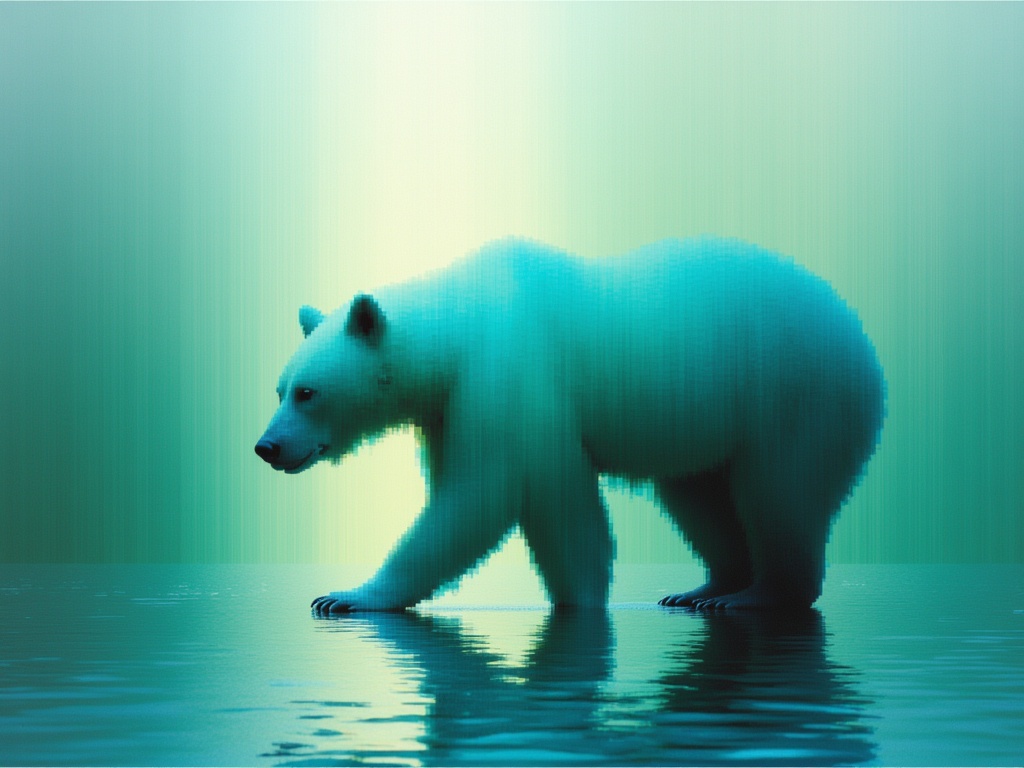
Luma Ray 3.2 Image to Video
Animate images into cinematic video
0.6 կրեդիտ
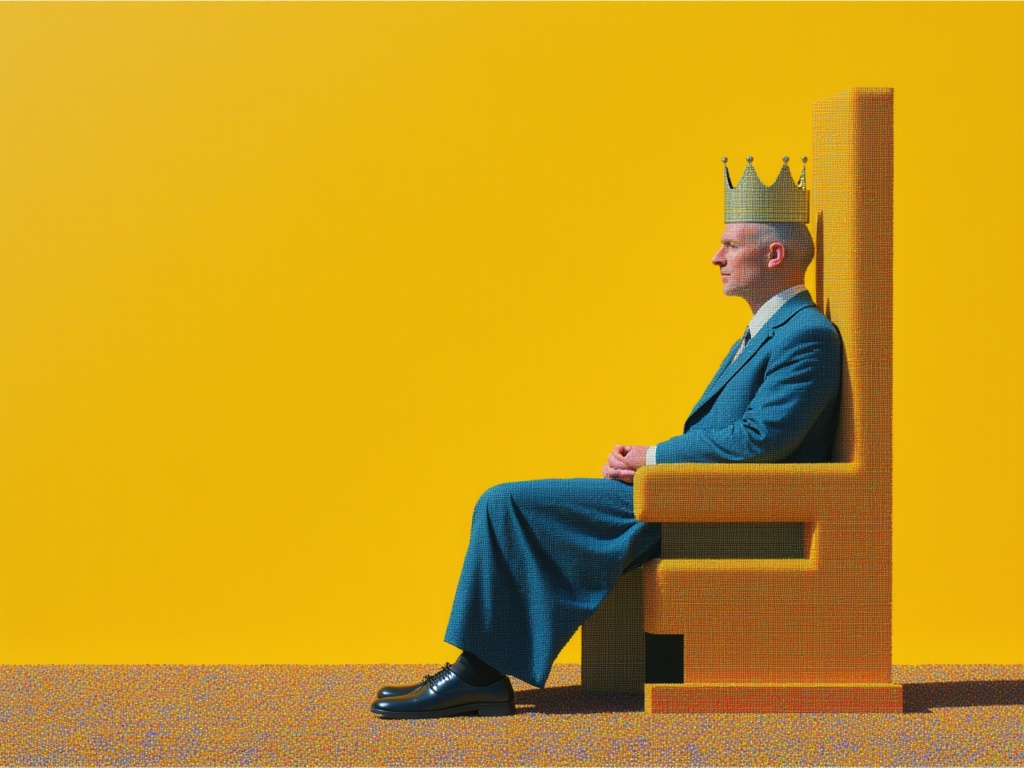
MiniMax H3 Image to Video
Animate images into 2K video
7.8 կրեդիտ
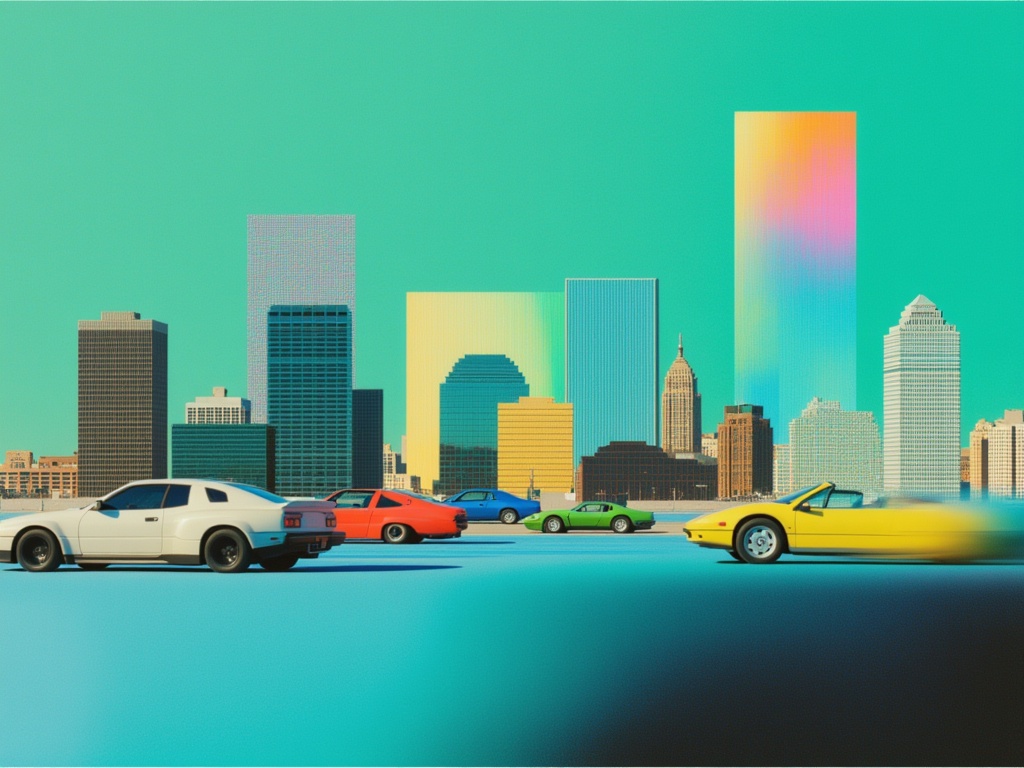
Happy Horse 1.1 Image to Video
Animate image to 1080p video
2.8 կրեդիտ
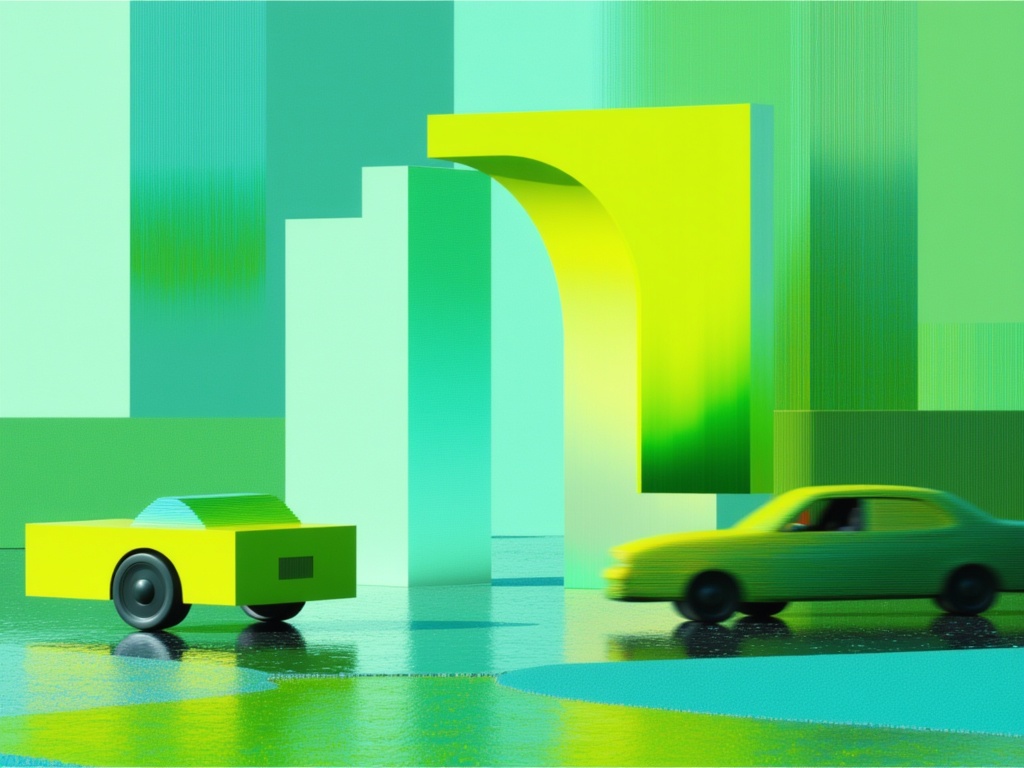
Gemini Omni Flash
Animate images into video with audio
10 կրեդիտ
Grok Imagine Video 1.5 Reference to Video
Video from image, audio references
0.4 կրեդիտ
Gemini Omni Flash
Multimodal references to video
10 կրեդիտ
Seedance 2 Image to Video
Cinematic video from images
10 կրեդիտ
Seedance 2.0 Fast Image to Video
Cinematic video from images fast
0.1 կրեդիտ