Vidu
Keep the same subject consistent across every new scene you generate
Image generation with reference consistency
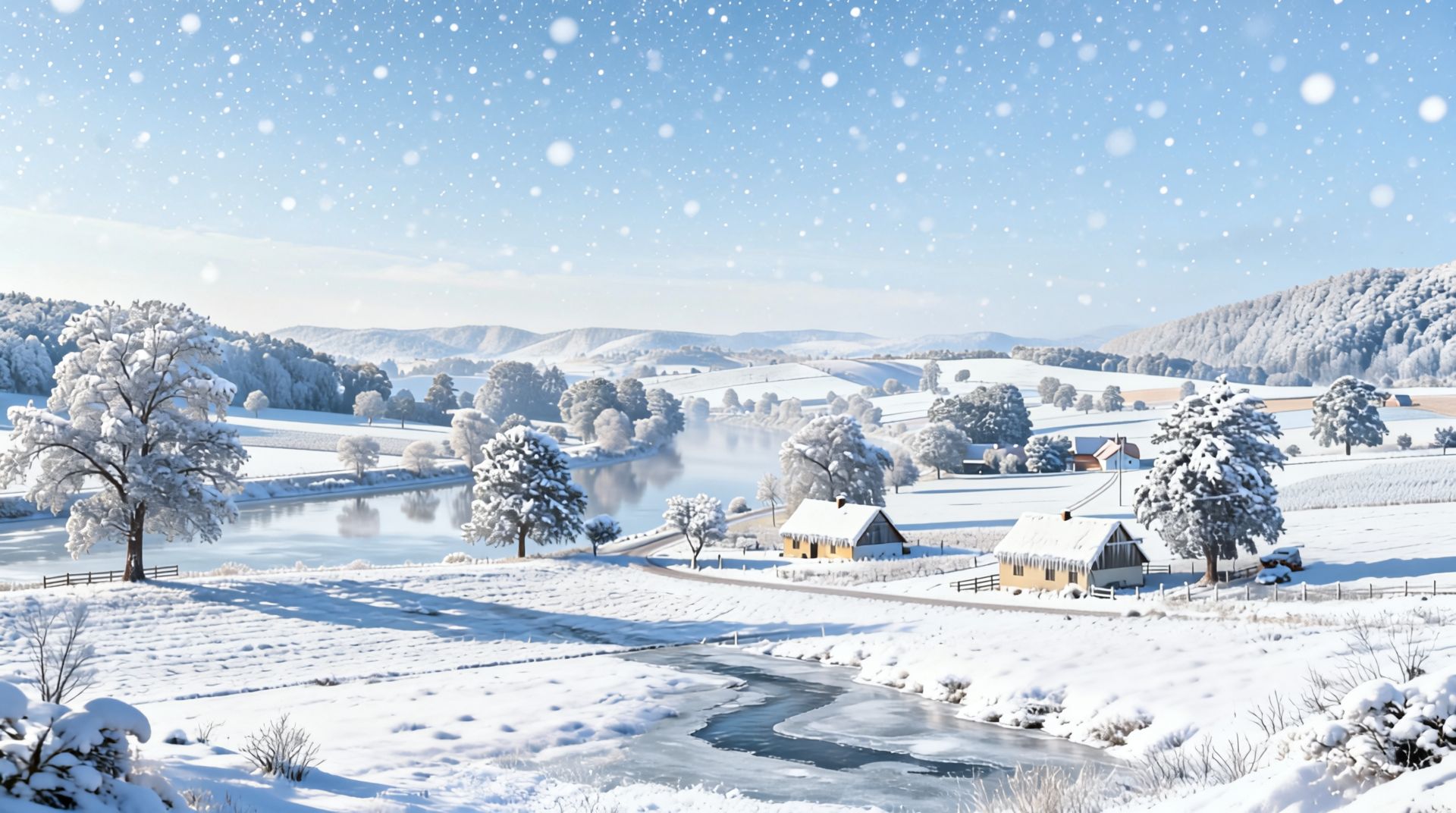


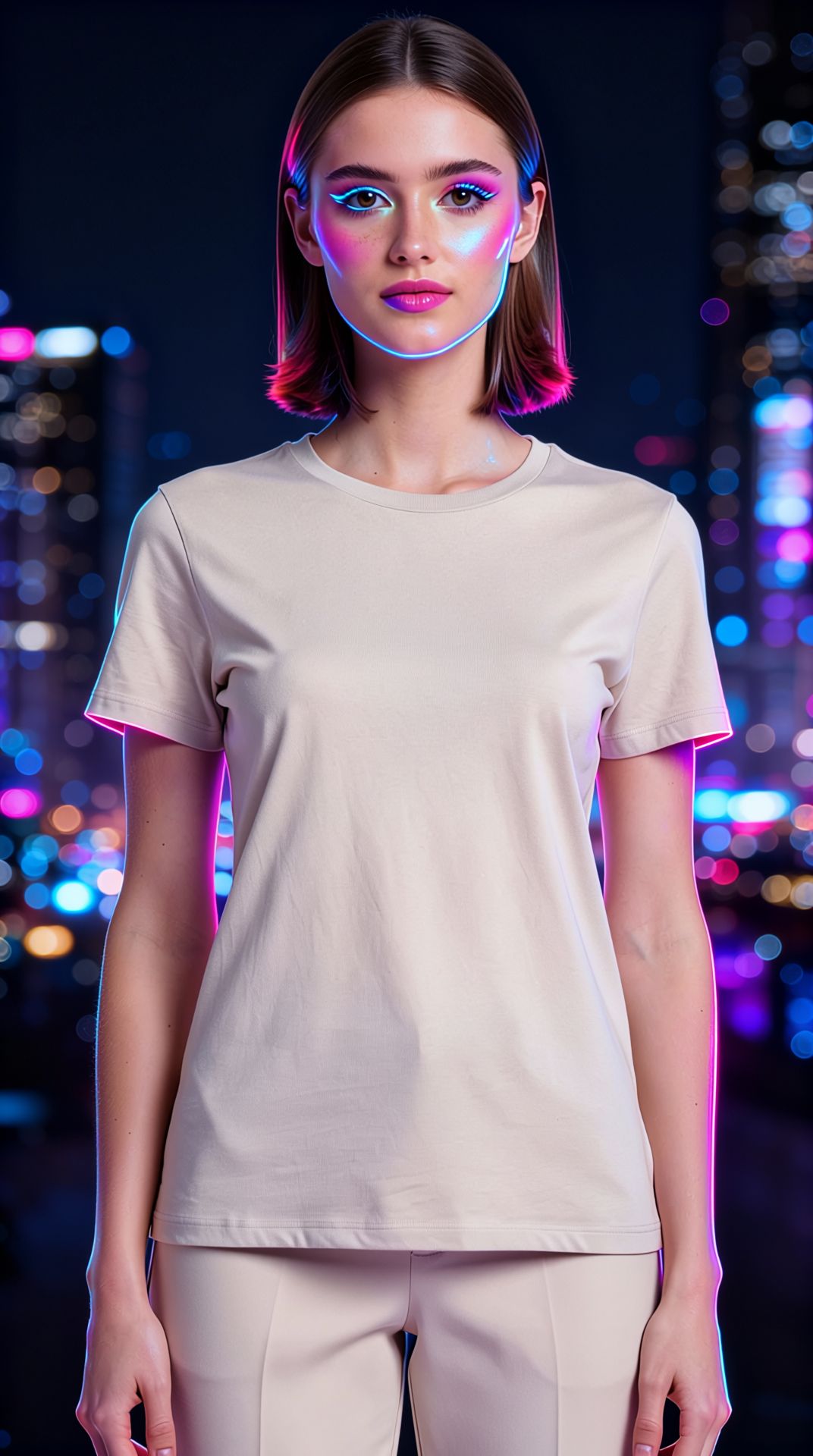
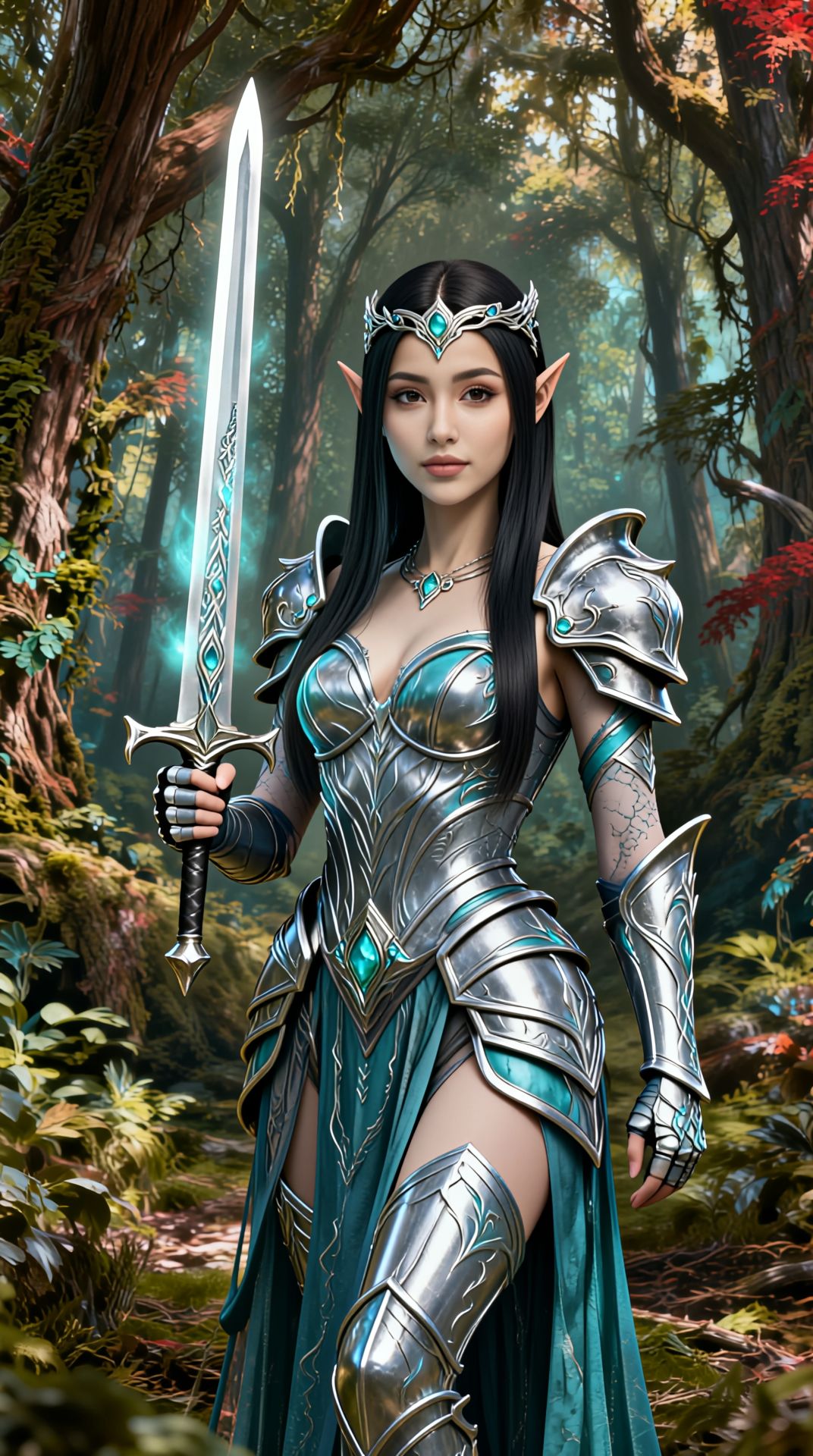
PORTRAIT STYLE TRANSFER
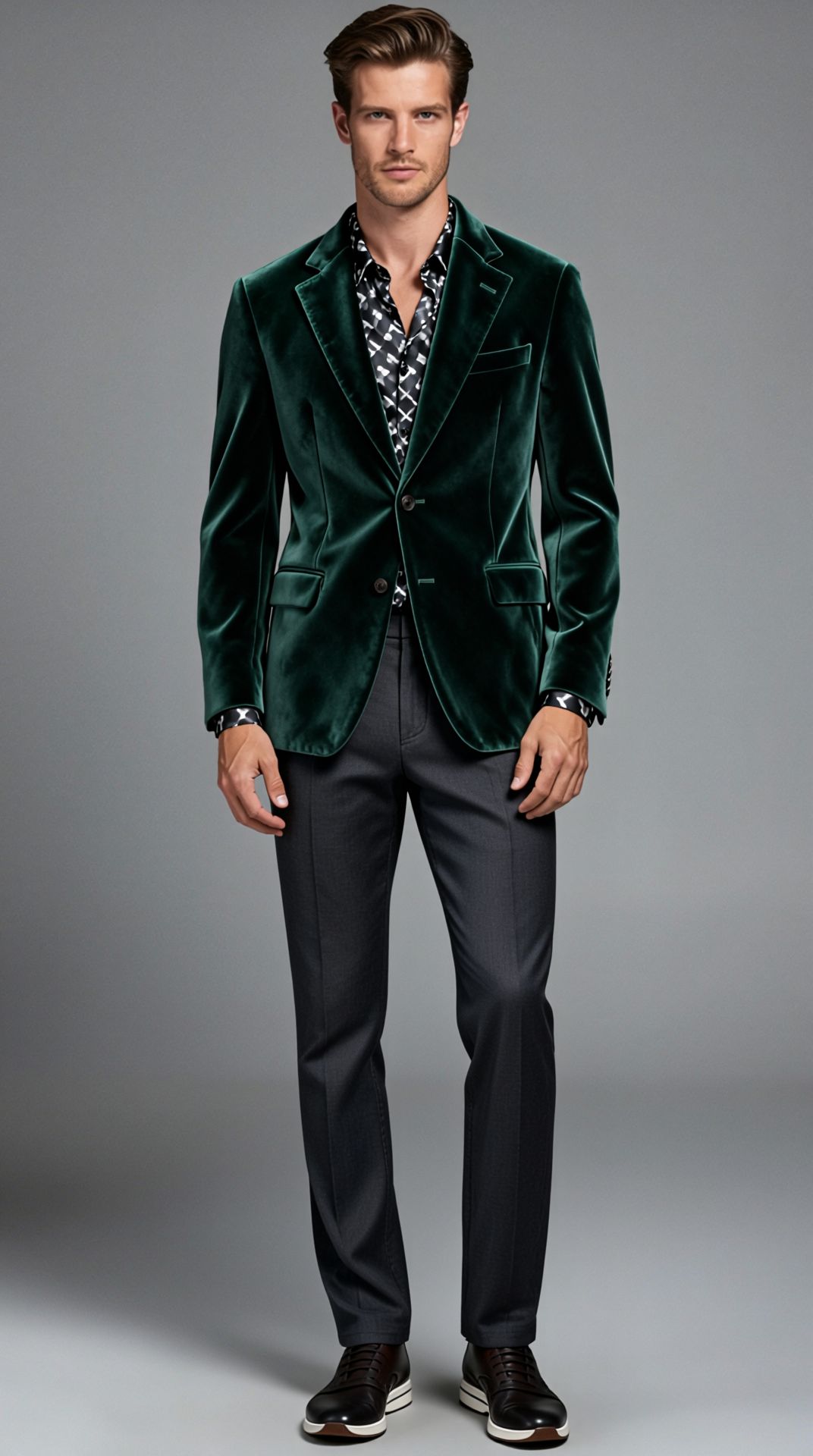
FASHION TRY-ON
COSPLAY CHARACTER CONSISTENCY
Vidu Reference-to-Image is a subject-consistency image generator that lets you take one or more reference images and combine them with a text prompt to create brand-new images that keep the same character, object, or look intact. Instead of starting from scratch every time and hoping your character comes out the same, you feed Vidu the reference pictures that define your subject's appearance, describe the new scene you want, and it produces a fresh image where that subject stays recognizable.
At its core, this model solves one of the most frustrating problems in generative imaging: identity drift. When you generate a character or a product across multiple images, small details tend to shift — a face morphs, a color changes, a design detail disappears. Vidu Reference-to-Image is built around the idea of feeding it reference images specifically so the subject's appearance carries through consistently into each new composition. You can supply several reference images at once, giving the model more angles and detail to lock onto, which helps it hold the subject's identity as you place it into different settings, poses, and situations.
Using it is refreshingly direct. You provide two things: a set of reference images and a text prompt describing what you want to happen in the new image. The prompt can be quite detailed — up to 1,500 characters — so you have plenty of room to describe the setting, the action, the mood, and the composition. For example, a prompt like "The little devil is looking at the apple on the beach and walking around it" takes the referenced character and places it into an entirely new scene with new surroundings and a described action, while keeping the character itself faithful to your references.
You also get control over the shape of your output. Vidu supports three aspect ratios: 16:9 for wide, landscape-style compositions; 9:16 for vertical, mobile-first framing; and 1:1 for square formats that work well on social feeds and product tiles. The default is 16:9, but you can switch depending on where the image will live. For repeatability, there's a seed control — supplying the same seed lets you reproduce or fine-tune a result in a consistent way, which is handy when you're iterating toward a specific look and want to make small prompt changes without everything shifting at once.
Who benefits most from Vidu Reference-to-Image? Character designers and illustrators who need the same character to appear across many scenes will find it especially useful, because maintaining a recognizable identity is exactly what the model is designed for. Storyboard artists and comic creators can place a consistent protagonist into panel after panel. Marketers and product designers can take a product or mascot and drop it into a range of promotional scenarios while keeping the branding intact. Content creators building a recognizable visual persona — for videos, thumbnails, or social posts — can generate a library of images that all feel like they belong to the same subject. Concept artists exploring different environments for an established character get to move fast without redrawing from zero each time.
The workflow rewards good reference material. Because the model anchors on the images you provide, giving it clear, well-lit reference images — and more than one when possible, showing the subject from different angles or in different poses — gives it more to work with and generally leads to stronger consistency. Your text prompt then does the creative heavy lifting: it describes the new context, the action, and the framing. The clearer and more specific your prompt, the more directly the model can compose the scene you're imagining. With up to 1,500 characters available, you can spell out background elements, lighting, mood, and what the subject is doing.
Each generation returns a single finished image, delivered as a downloadable file with its dimensions included, so you can immediately drop it into your project or continue refining. The image comes back in a standard web-friendly format, ready to use in mockups, layouts, storyboards, and social content.
A few things to keep in mind. This is a reference-to-image tool, meaning it always needs at least one reference image plus a prompt — it isn't designed for pure text-only generation with no visual anchor. The strength of your results depends heavily on the quality and clarity of the references you supply and on how precisely your prompt describes the scene. Consistency is the model's specialty, but it works best when your references genuinely represent the subject you want to preserve. Aspect ratio is limited to the three standard options (16:9, 9:16, and 1:1), so you'll want to pick the framing that suits your final destination before generating. And because each request produces one image, building a full set of consistent images means running multiple generations, ideally reusing your references and adjusting the prompt for each new scene.
In short, Vidu Reference-to-Image is the tool to reach for whenever you have an established subject and need it to show up, looking like itself, in a variety of new contexts. It turns the tedious challenge of keeping a character or product on-model across many images into a straightforward loop: supply your references, describe the scene, choose your framing, and generate. For anyone building visual stories, branded content, or character-driven work, that consistency is the difference between a scattered collection of images and a coherent body of work that clearly belongs together.
Tạo bằng trình chỉnh sửa hình ảnh tiên tiến nhất
Add the image that you want change
Tải hình ảnh lên
Thêm hình ảnh bạn muốn chỉnh sửa hoặc biến đổi
A woman kneeling in darkness, illuminated by a warm, radiant beam of light emerging from her raised hand.
Viết các thay đổi của bạn
Mô tả các chỉnh sửa bạn muốn - thay đổi phong cách, xóa đối tượng hoặc nâng cao chất lượng
Bắt đầu chia sẻ
Tải về hình ảnh đã chỉnh sửa chuyên nghiệp của bạn
Vượt xa câu lệnh: Một cấp độ kiểm soát mới
ENVIRONMENTAL SCENE CHANGE
Perfect for tourism, real estate, or storytelling by demonstrating one location in radically different environmental conditions, while maintaining layout and composition.
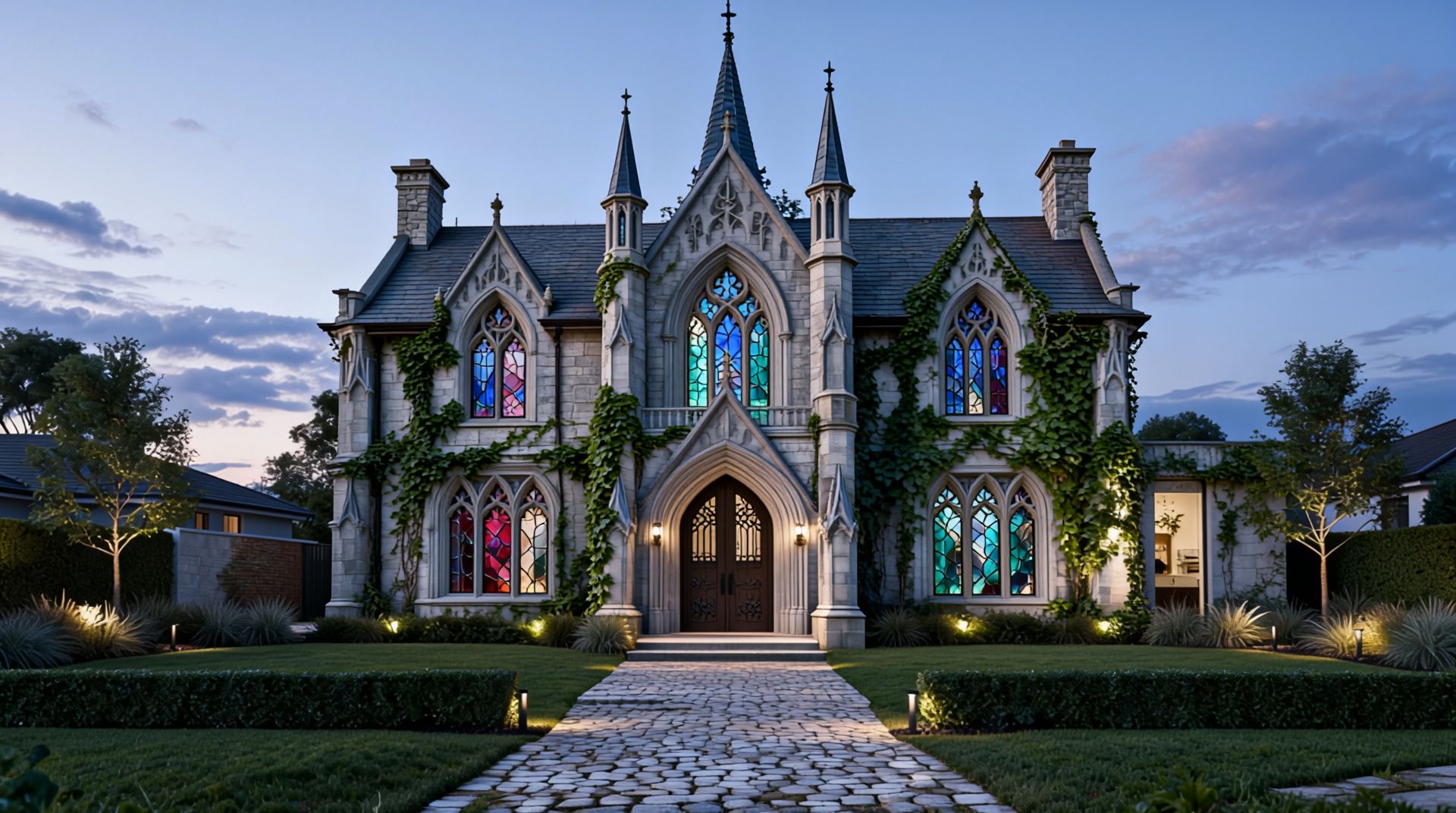
ARCHITECTURAL STYLE REDESIGN
Showcases Vidu's ability to reimagine a building in a radically different architectural style while preserving spatial layout—valuable for architects, concept artists, or urban planners.
CONSISTENT GROUP REPOSITIONING
Generates an energetic group photo from a formal static lineup, preserving each subject’s identity and overall layout, ideal for creative marketing or sporting visuals.
So sánh với các mô hình tương tự
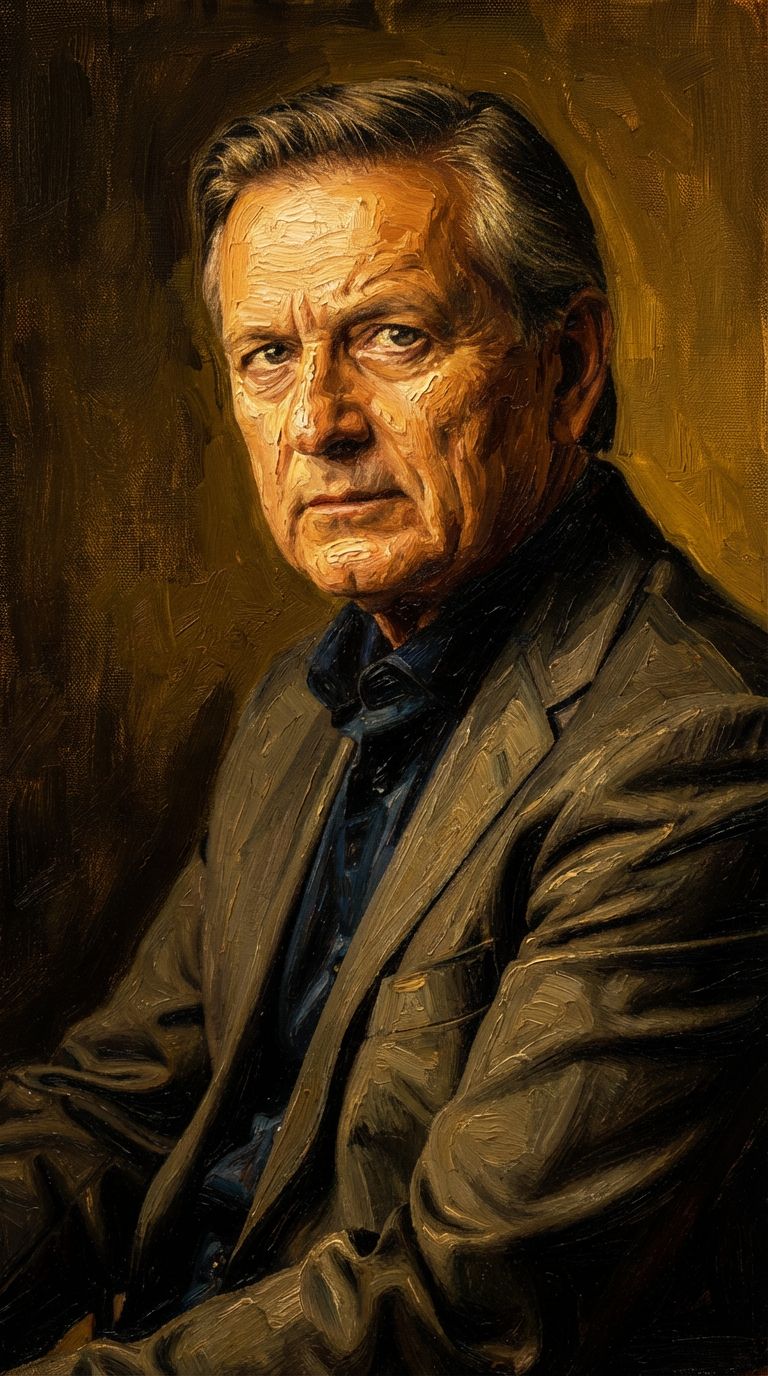
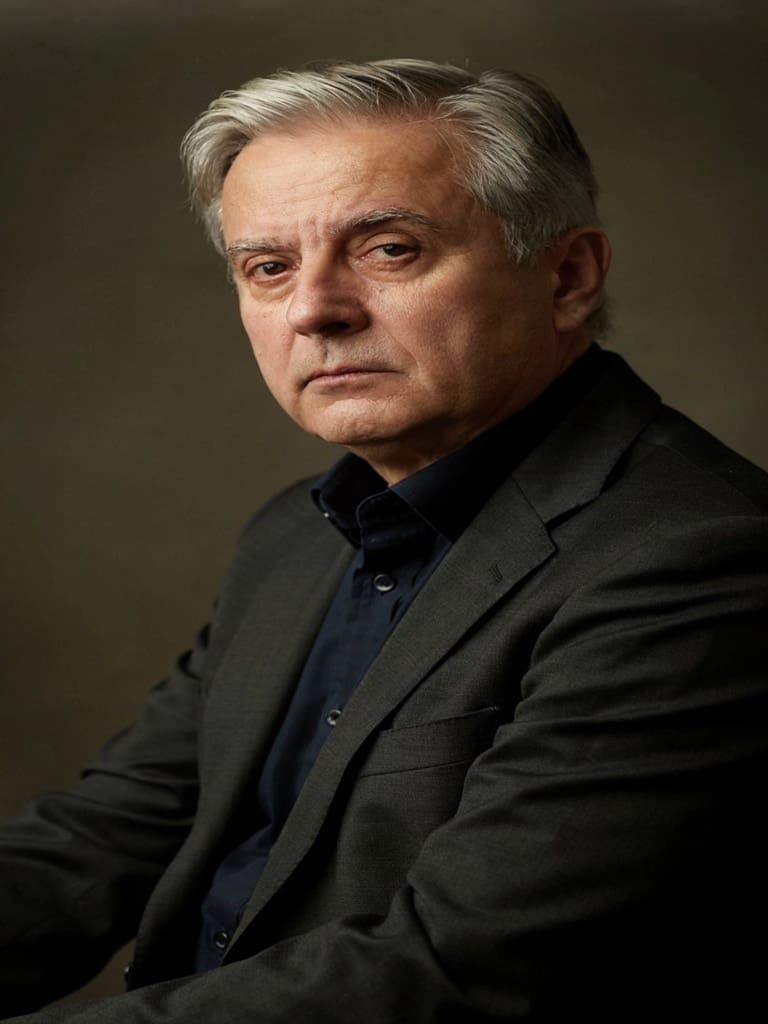
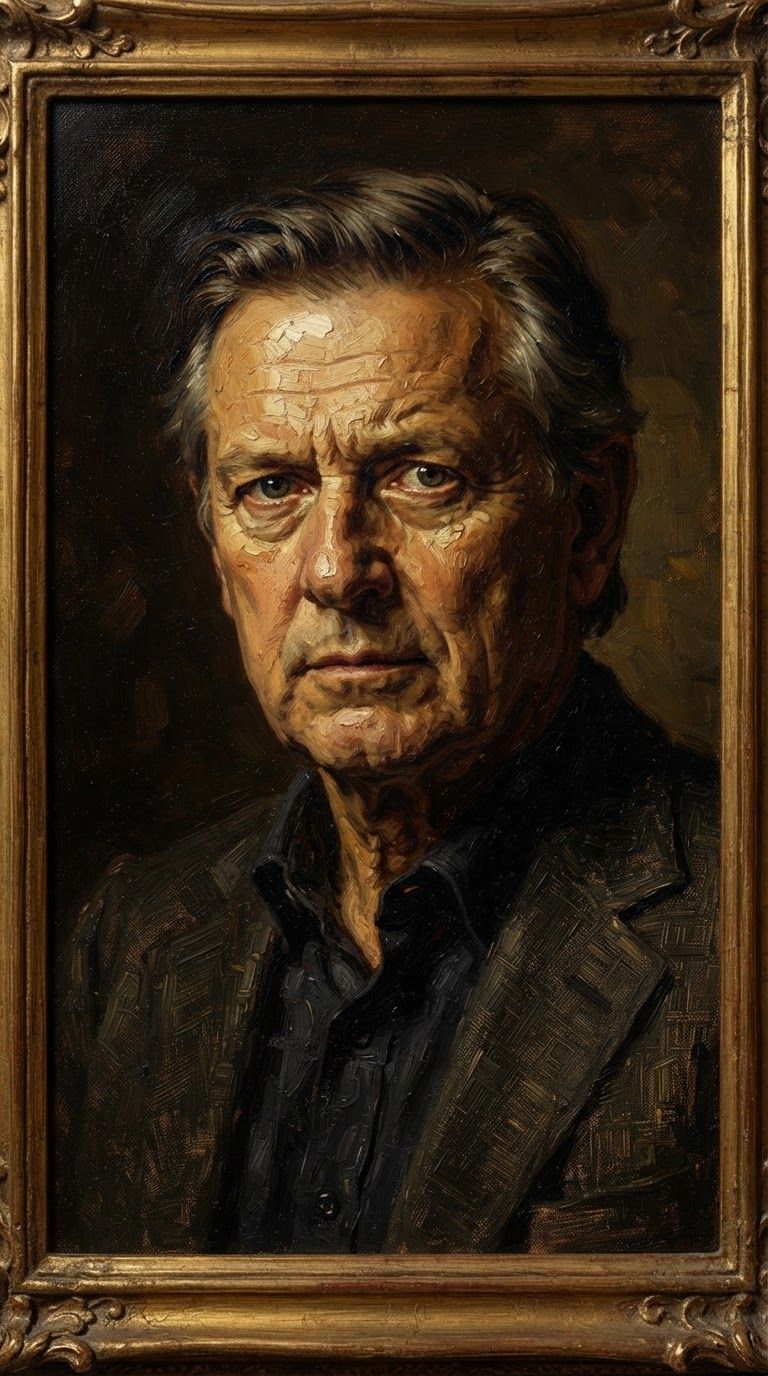
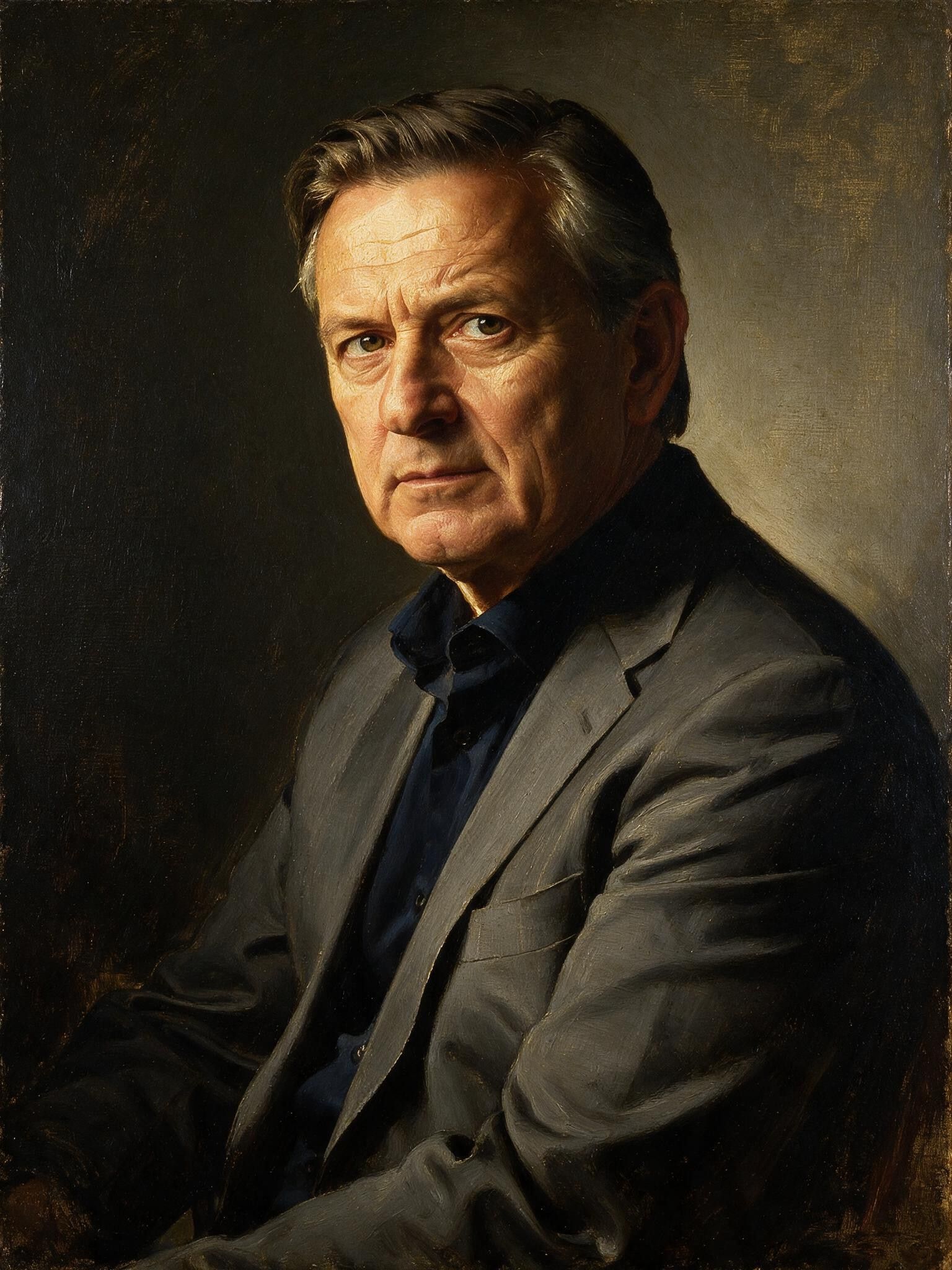
“Transform into a classical oil painting in the style of Rembrandt. Add visible impasto brushstrokes with thick paint texture. Apply warm golden undertones and dramatic chiaroscuro lighting with deep shadows. Enhance the dramatic contrast while preserving facial structure and expression. Add subtle canvas texture visible through the paint layers.”
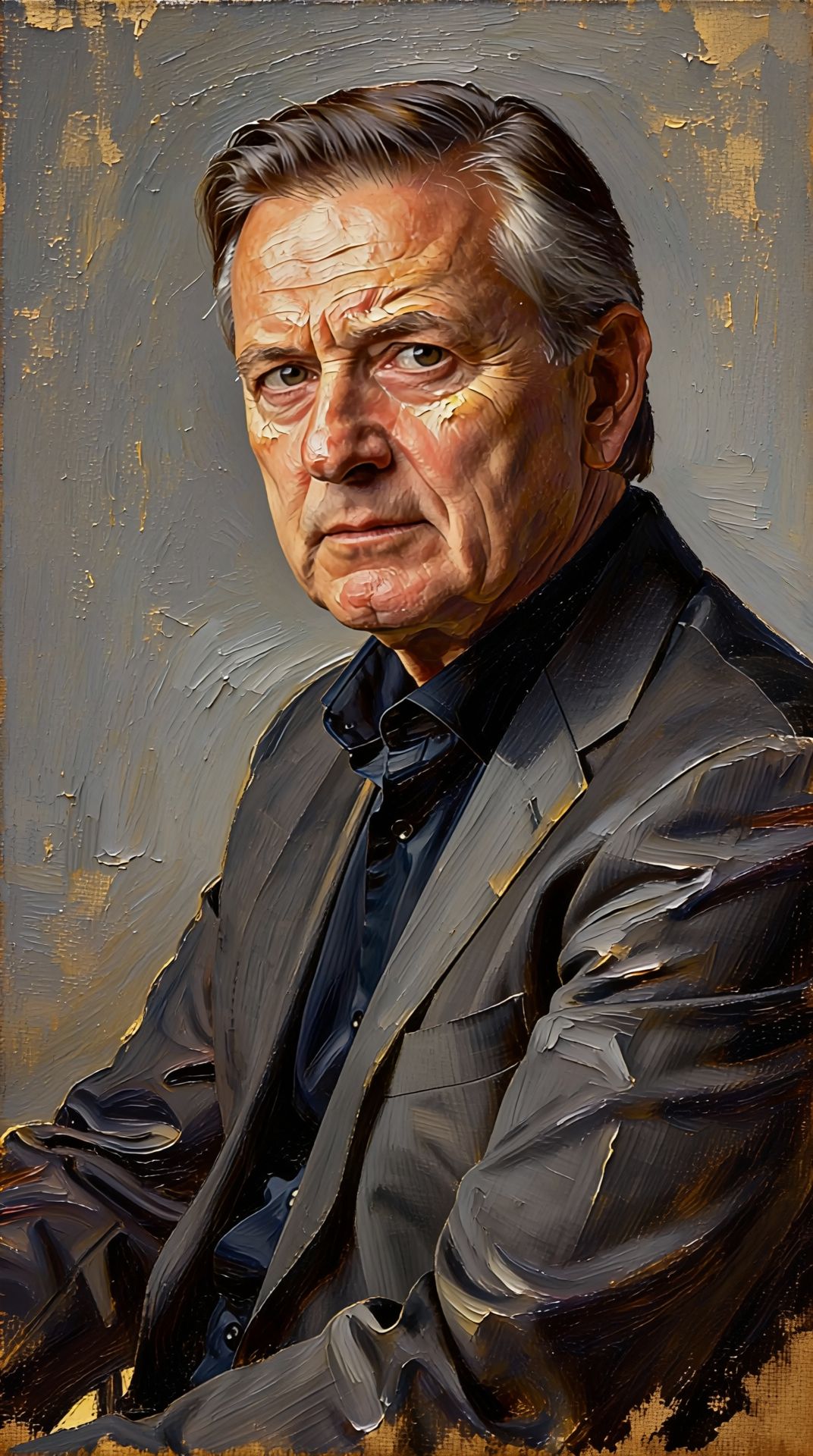
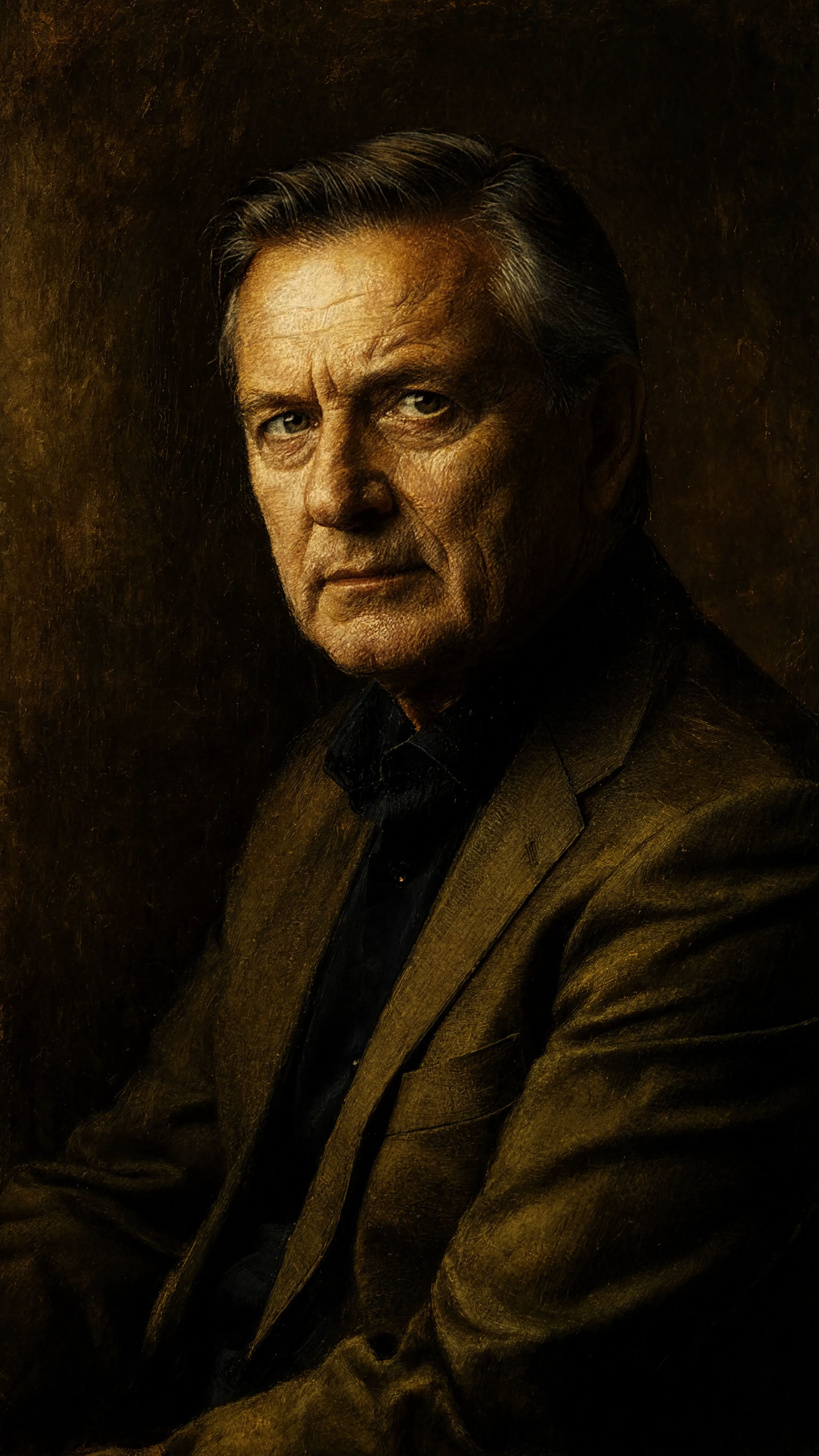
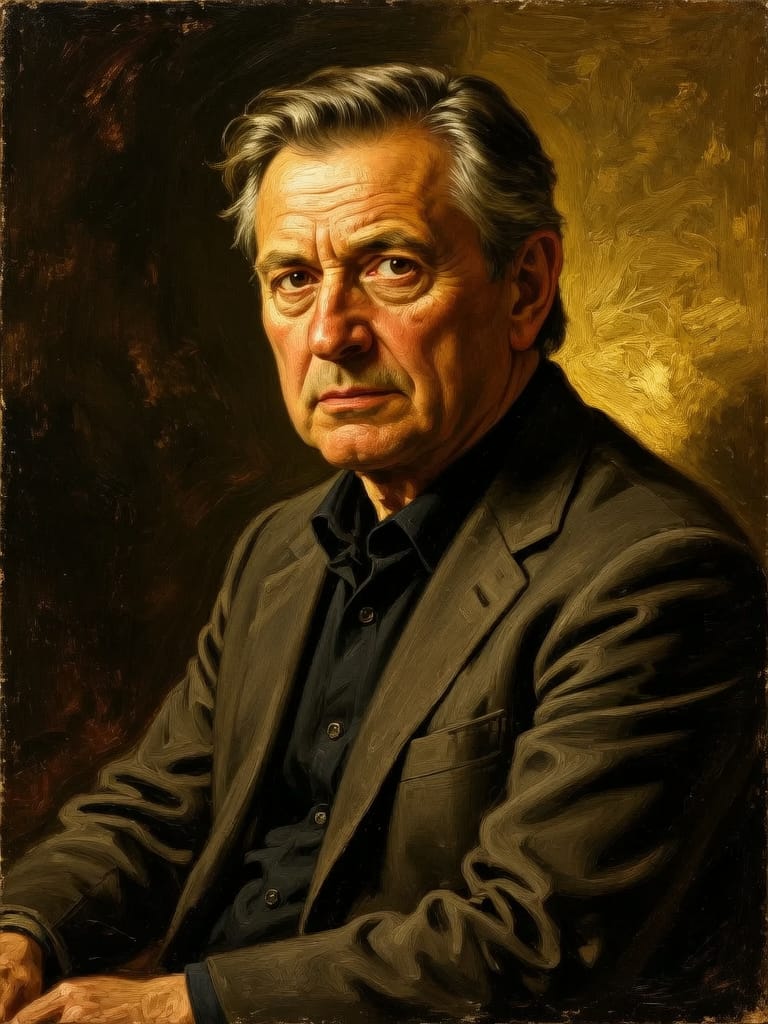
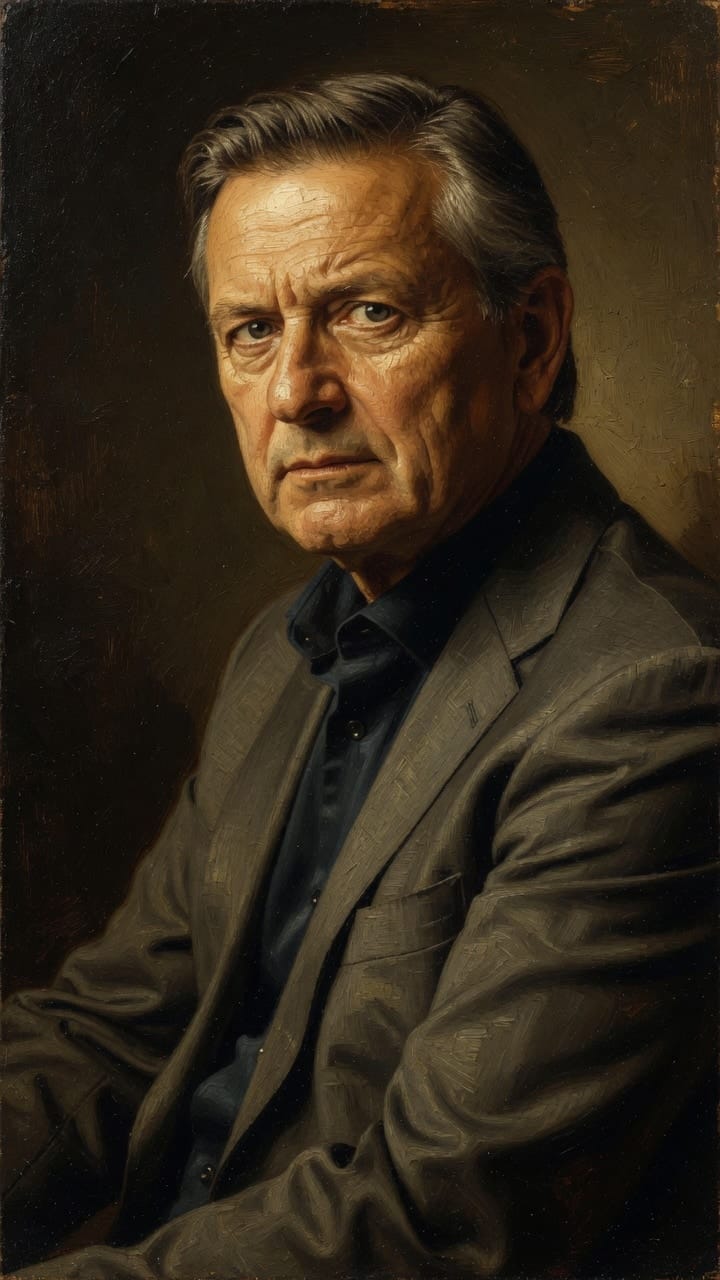
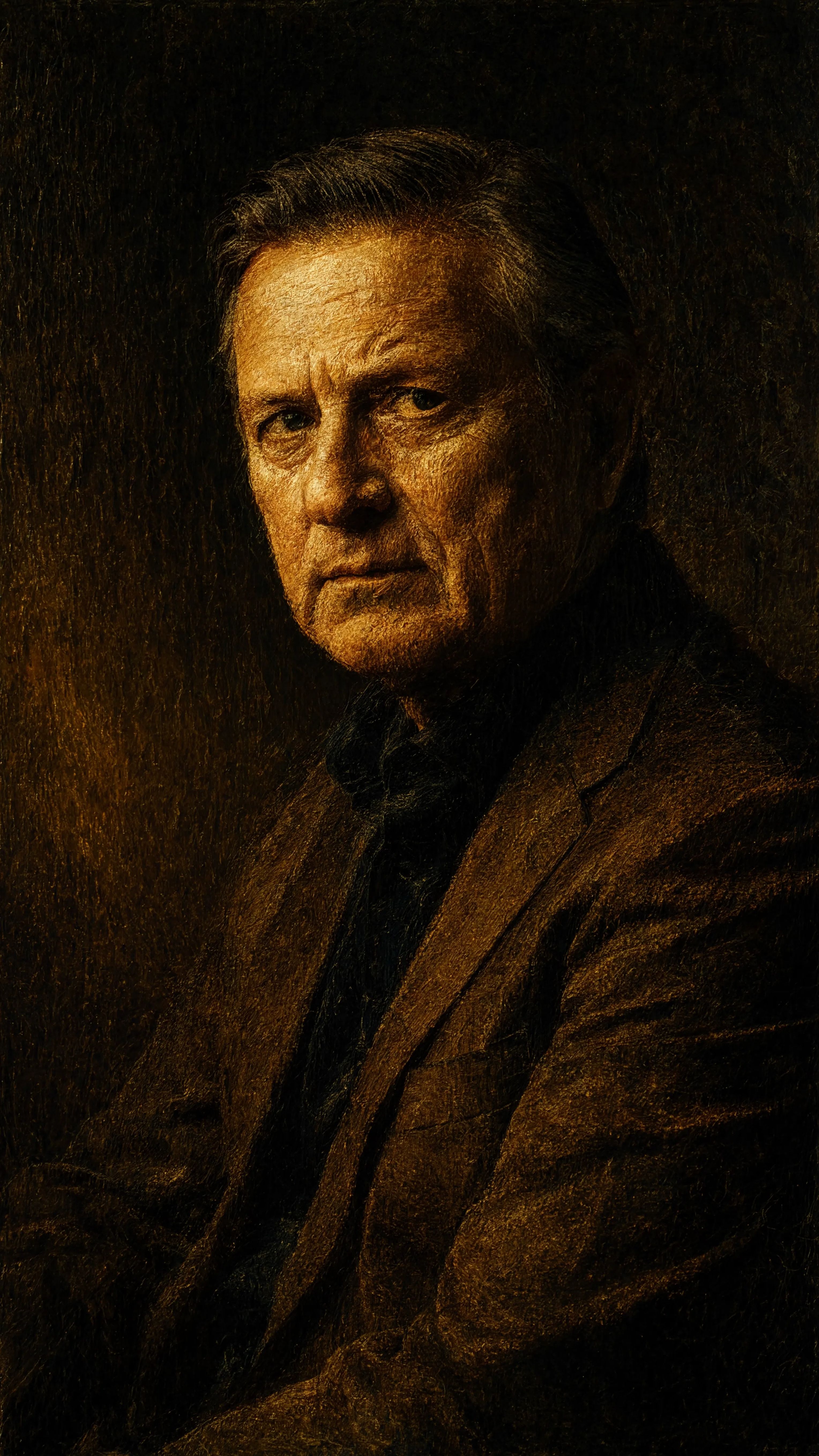
Trải nghiệm sự hoàn hảo với Vidu
Chuyển sang tạo nội dung dẫn dắt bằng suy luận ngay hôm nay
Câu hỏi thường gặp
Mô hình tương tự
Grok Imagine Image Editing Quality
High-quality AI image editing
0.1 tín dụng
Seedream
Fast intelligent multi-image editing
0.3 tín dụng
Nano Banana Lite Edit
Fast efficient image editing
6 tín dụng
Seedream 5.0 Pro Image Editing
Precise region-based image editing
0.3 tín dụng
Reve 2.1
Edit images with text prompts
1.3 tín dụng
Gemini 3.1 Flash Image Preview
Ultra-fast Google image editing
0.7 tín dụng
Reve 2.1
Remix images with text prompts
1.5 tín dụng
Wan v2.6 Image to Image
Edit images using reference photos
0.3 tín dụng
Ideogram V4.0q Image to Image
Prompt-guided image restyling edits
0.1 tín dụng