Reve 2.1
Combine up to 8 reference photos into one edit with legible text
Remix images with text prompts
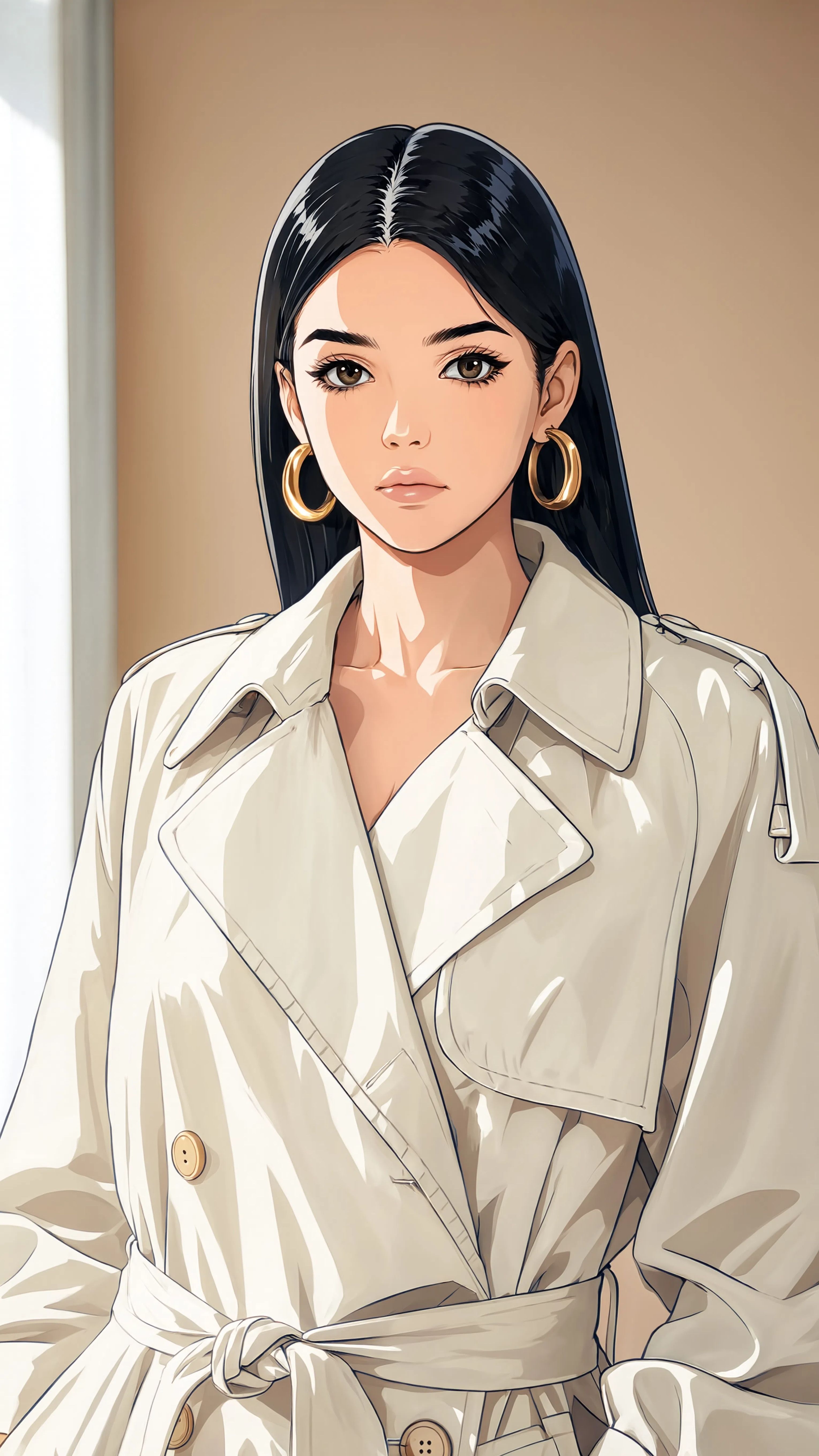
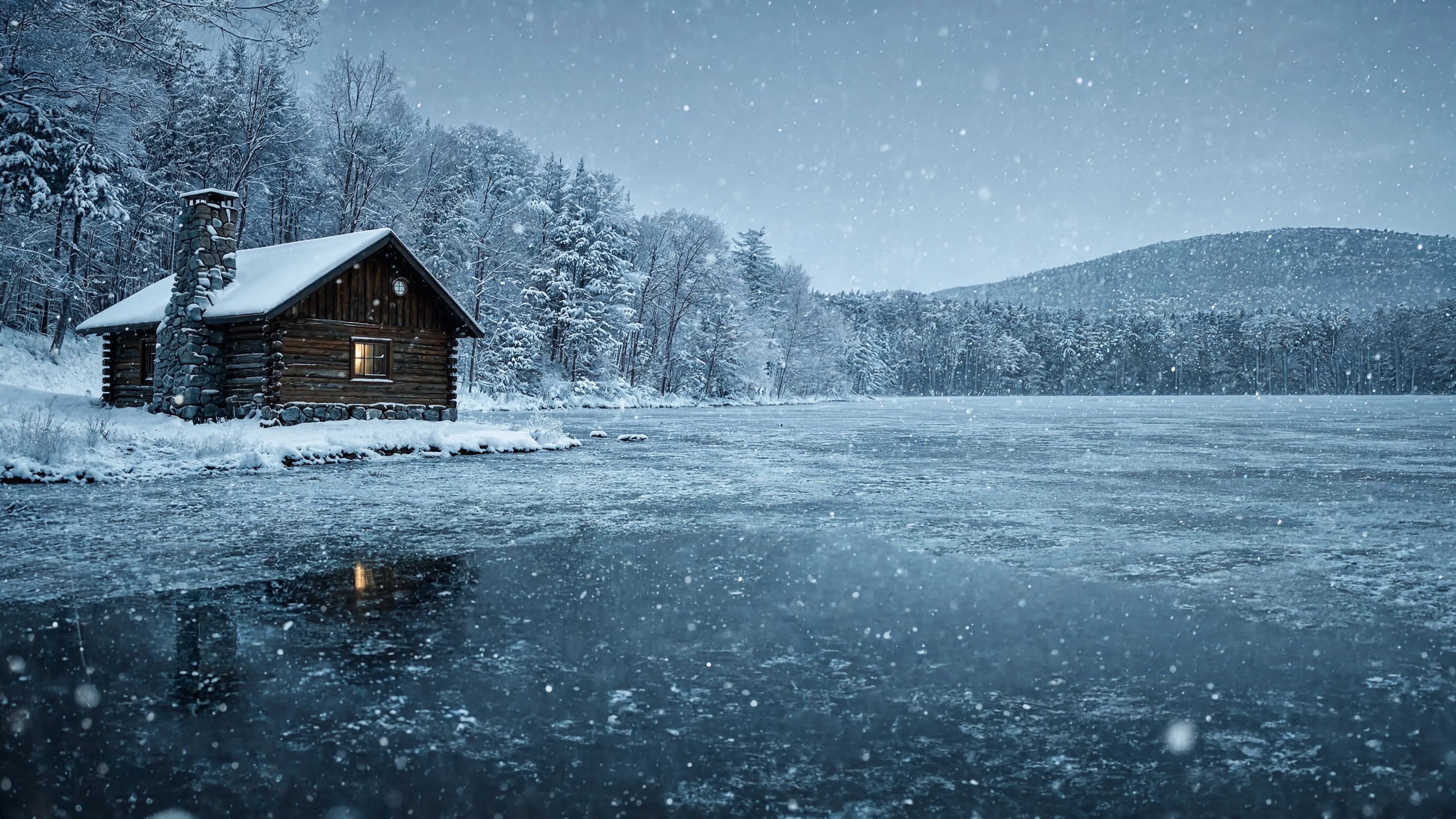
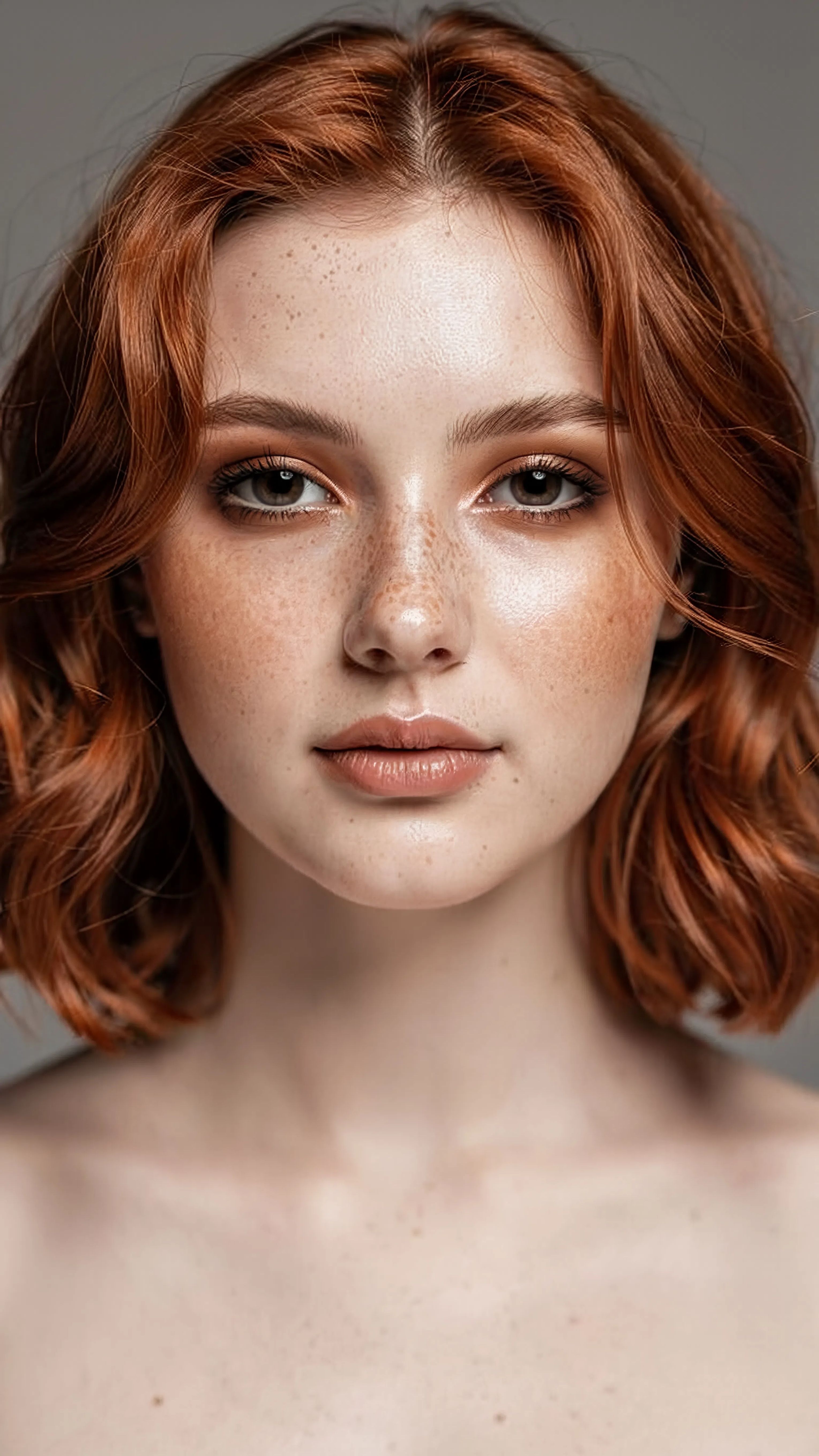
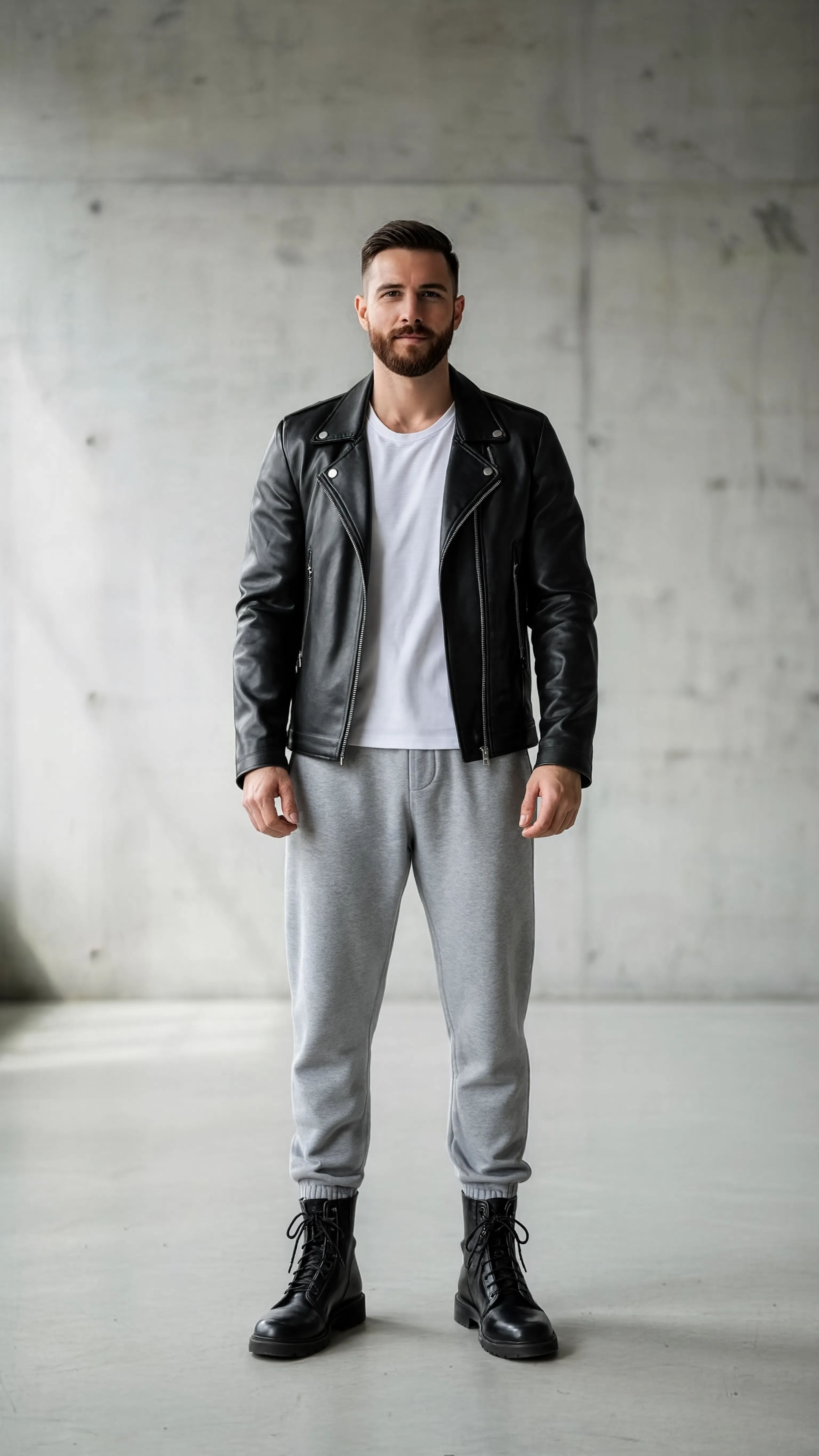
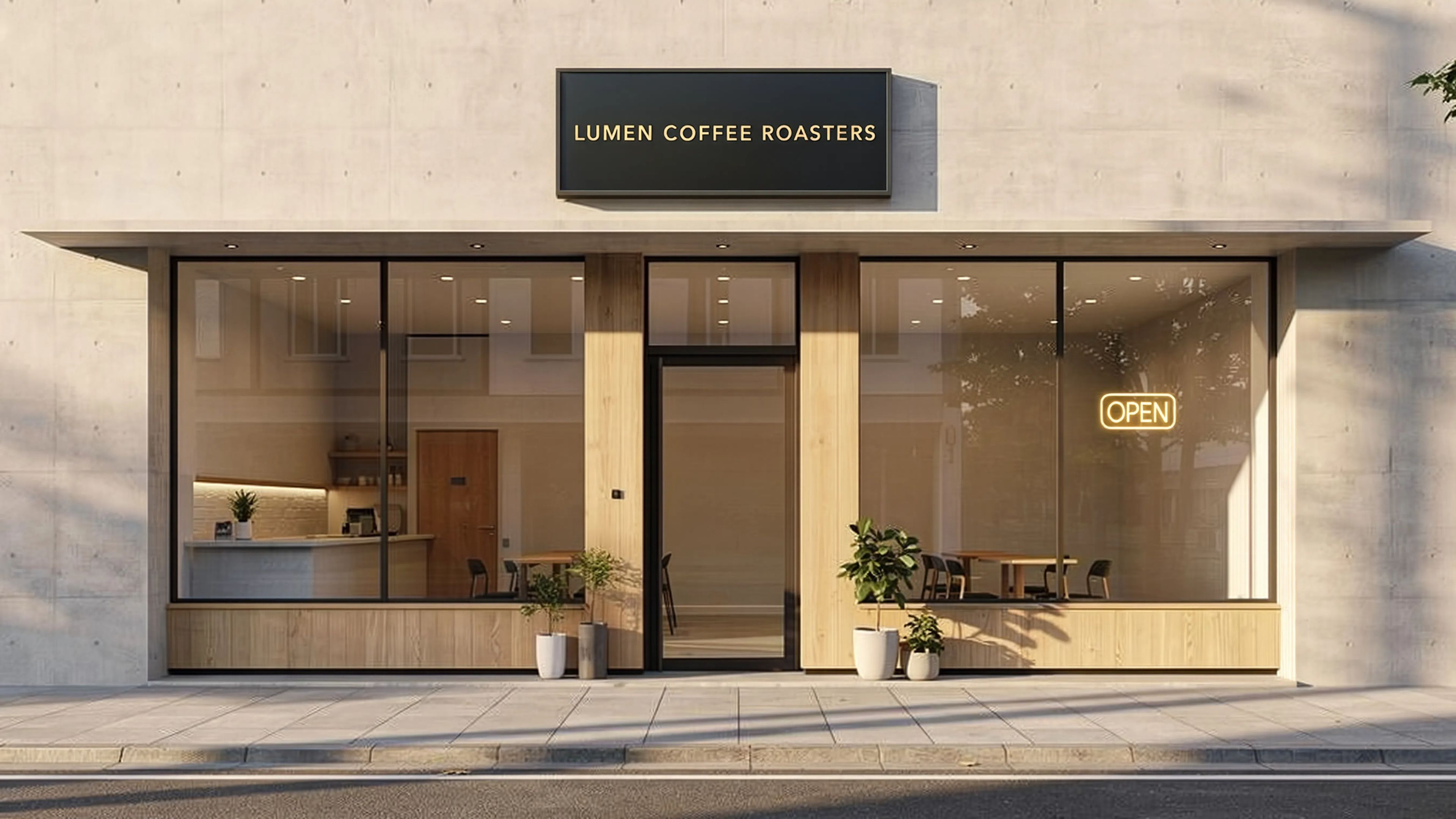
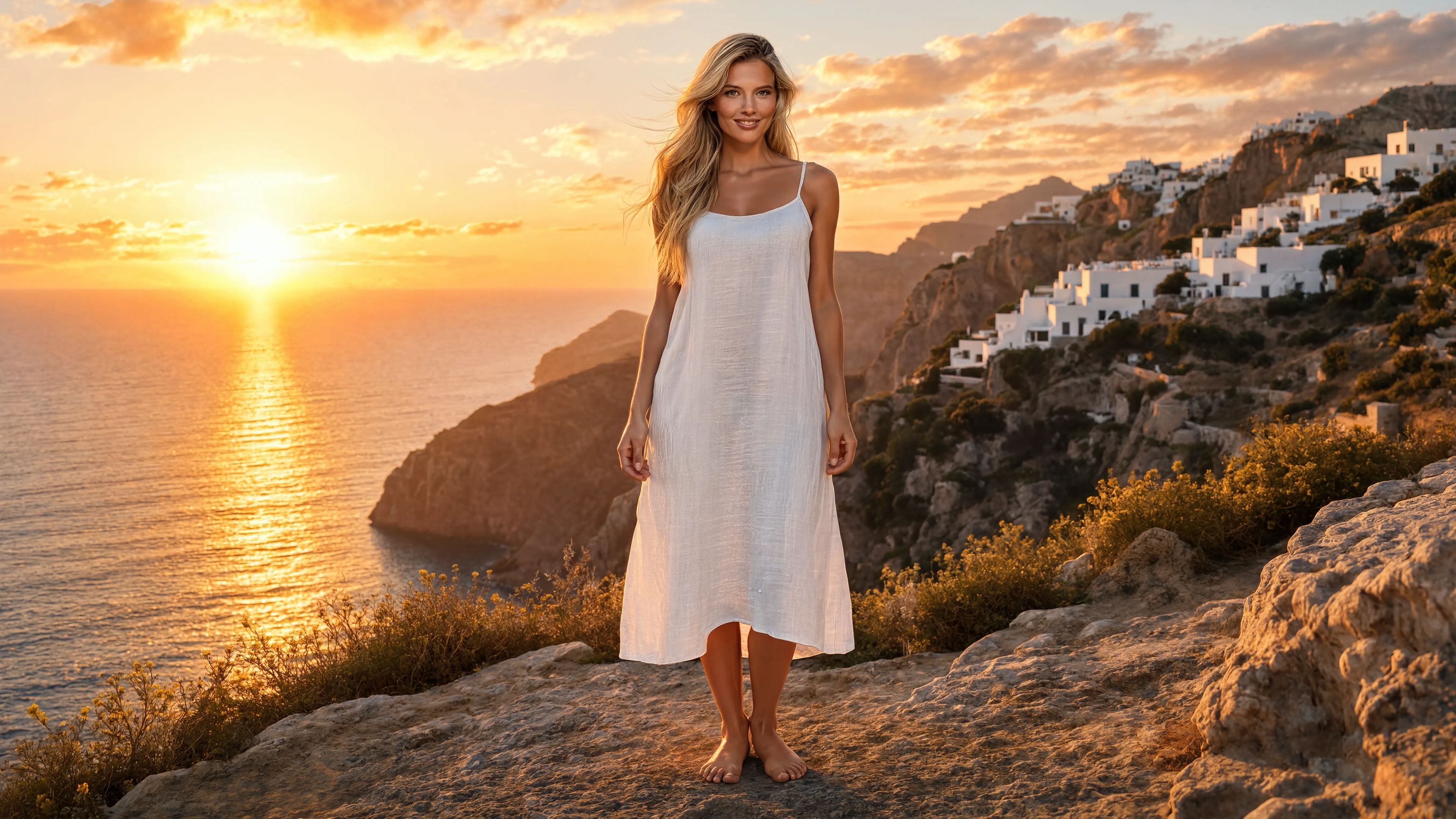

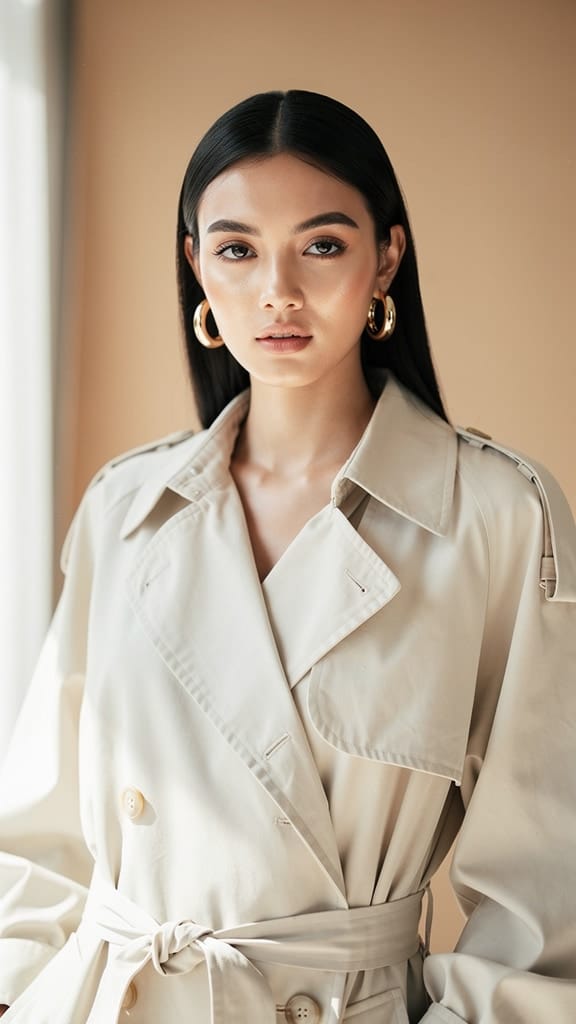
PRENOS STILA
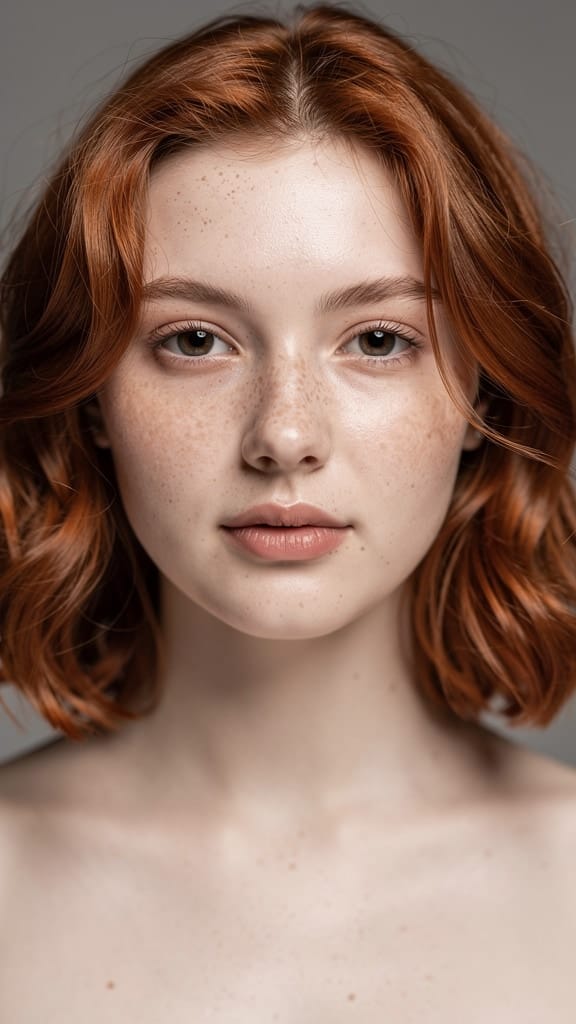
TRANSFORMACIJA ŠMINKOM
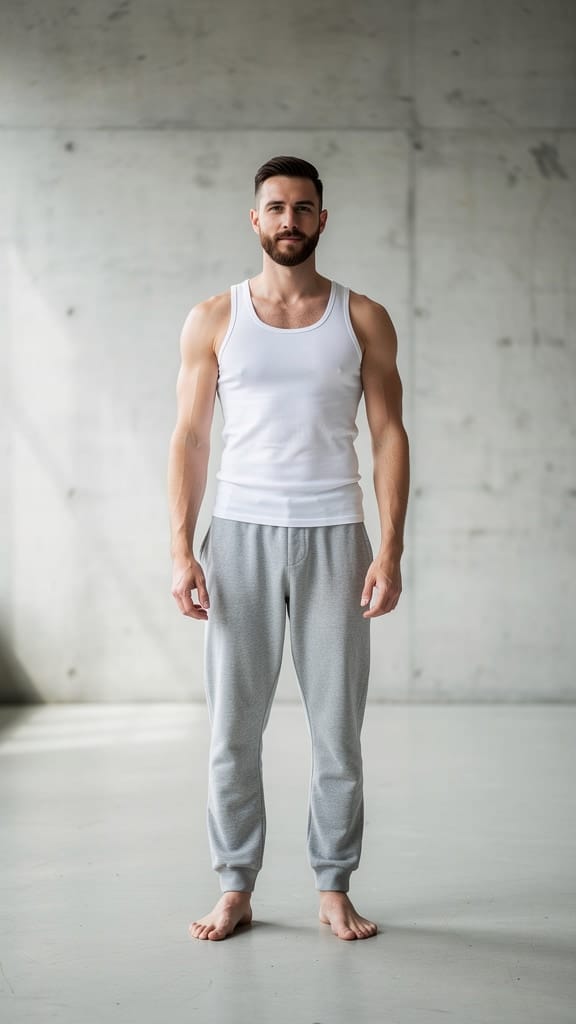
ZAMENA OUTFITA
Reve 2.1 je model za remiksovanje slika koji transformiše i kombinuje postojeće slike koristeći uputstva na običnom jeziku. Umesto da počnete sa praznim platnom, unesite jednu ili više referentnih slika i opišite željene izmene — zamenu odeće, dodavanje objekata, promenu pozadine, stilizovanje scena — i on proizvodi uglađenu novu sliku koja verno poštuje vaša uputstva. Njegove ključne prednosti su snažno praćenje uputstava, razumevanje rasporeda i kompozicije, kao i tačno renderovanje teksta, što ga čini pouzdanim izborom za kreatore koji traže izmene koje zaista odgovaraju opisu.
U srži Reve 2.1 je fleksibilan sistem referenci. Možete uneti od jedne do osam referentnih slika po generaciji, a zatim ih direktno označiti u uputstvima. Pošto je svaka referenca numerisana redosledom unosa, možete tačno reći modelu iz kog izvora da povuče — na primer, odeću sa jedne slike, šešir sa druge, i staviti oba na subjekat sa treće. Ovo ga čini posebno korisnim za zadatke kompozicije gde elementi sa odvojenih fotografija treba da se spoje u jednu uverljivu scenu. Uputstvo poput „Obleci model u odeću i šešir. Dodaj mačku u scenu i promeni pozadinu u zgradu iz viktorijanskog doba“ je upravo vrsta višestrukih, više-referentnih izmena za koju je model kreiran.
Inteligentnost rasporeda ugrađena u Reve 2.1 znači da ne samo što lepi elemente zajedno — raspoređuje ih sa svesti o tome kako scena treba da bude kompozovana. Odeća prirodno sedi na subjektu, dodati objekti nalaze logično mesto, a pozadine se menjaju bez narušavanja ukupne ravnoteže slike. U kombinaciji sa tačnim renderovanjem teksta, ovo čini model odličnim za dizajnerski rad gde su čitljive reči važne, kao što su posteri, makete proizvoda, tipografski rasporedi i stilizovane grafike koje zahtevaju jasno čitljiv tekst umesto izobličenih slova.
Reve 2.1 vam daje značajnu kontrolu nad oblikom izlaza. Možete birati iz širokog spektra aspektnih odnosa — od ultraširokih panoramskih formata i filmskih širokih ekrana do kvadratnih i visokih vertikalnih okvira pogodan za socijalne mreže i priče. Ako niste sigurni koji okvir najbolje odgovara, automatska opcija omogućava modelu da izabere odgovarajući aspektni odnos na osnovu vašeg zahteva i referentnog materijala. Takođe možete generisati do četiri varijacije odjednom, dajući vam nekoliko tumačenja istog uputstva za poređenje i izbor. Izlaz je dostupan u uobičajenim formatima slika, pa možete izabrati onaj koji najbolje odgovara vašem radnom toku, bilo da vam treba beskonačan fajl za dalje uređivanje ili lakši format za brzo deljenje.
Model prihvata širok spektar ulaznih formata slika, uključujući PNG, JPEG, WebP, AVIF i HEIF, tako da možete uneti izvorni materijal sa raznih uređaja i biblioteka bez prethodne konverzije. Referentne slike mogu biti velike, a model udobno radi sa visokorezolucijskim izvorima, pa detalji iz originala prelaze u izmenu. Vaša tekstualna uputstva mogu biti prilično detaljna, dajući vam prostora da opišete složene, višedelove izmene u jednom uputstvu umesto lančanja mnogih malih izmena.
Ko najviše koristi od Reve 2.1? Fotografi i retušeri mogu ga koristiti za stilizovanje snimaka, zamenu garderobe ili ponovno zamislio pozadine bez potpune preseške. Timovi za e-trgovinu i proizvode mogu obleći modele, postaviti proizvode u nove okruženja i generisati varijacije životnog stila iz postojećih katalog snimaka. Grafički dizajneri i marketari dobijaju brzi način za proizvodnju stilizovanih grafika i tipografskih elemenata gde tekst mora ostati oštar i tačan. Koncept umetnici i art direktori mogu brzo istraživati „šta ako“ verzije scene, kombinujući reference iz moodboard-a u jedinstvenu sliku. Kreatori sadržaja i menadžeri socijalnih mreža mogu prilagoditi jednu hero sliku u više aspektnih odnosa i stilskih tretmana za različite platforme.
Pošto je Reve 2.1 kreiran specifično za remiksovanje umesto čistu generaciju, najbolji rezultati dolaze od jasnog referentnog materijala i preciznog opisa željenih izmena. Što su vaša uputstva specifičnija — navodeći koju referencu koristiti, šta dodati ili ukloniti i kako krajnja scena treba da izgleda — model vernije isporučuje. Njegovo snažno praćenje uputstava nagrađuje detaljna uputstva, pa tretiranje uputstva kao kratkog uputa veštim asistentu obično daje najpouzdanije rezultate. Kada želite da istražite stilsku transformaciju, model dobro rukuje restajlingom i kreativnom reinterpretacijom, omogućavajući vam da gurnete sliku ka novom dobu, raspoloženju ili estetici dok zadržavate prepoznatljivost glavnog subjekta.
Nekoliko praktičnih napomena vredi imati na umu. Reve 2.1 uvek zahteva barem jednu referentnu sliku uz uputstvo — kreiran je da transformiše postojeće vizuale umesto da smisli sliku samo iz teksta. Možete kombinovati do osam referenci u jednom zahtevu, što je dovoljno za većinu zadataka kompozicije, i svaki izvor treba da ostane u razumnim dimenzijama fajla. Generisanje nekoliko varijacija odjednom je dobra navika kada želite opcije, jer čak i dobro napisano uputstvo može biti interpretirano na više validnih načina. Ukupno, Reve 2.1 je pouzdan, uputstvo-prijateljski alat za sve čiji rad uključuje precizno preoblikovanje, kombinovanje i restajling slika sa čitljivim rezultatima.
Generišite pomoću najnaprednijeg uređivača slika
Add the image that you want change
Otpremite sliku
Dodajte sliku koju želite da uredite ili transformišete
A woman kneeling in darkness, illuminated by a warm, radiant beam of light emerging from her raised hand.
Napišite svoje izmene
Opišite izmene koje želite - promene stila, uklanjanje objekata ili poboljšanja
Počnite da delite
Preuzmite svoju profesionalno uređenu sliku
Iznad upita: Novi nivo kontrole
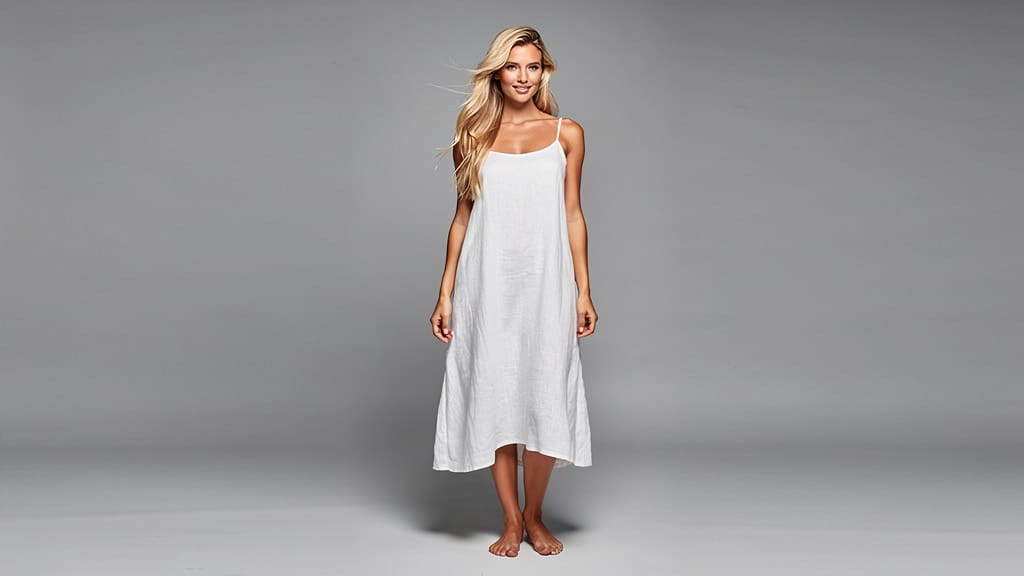
ZAMENA POZADINE
Menja običnu pozadinu u filmski široki pejzaž sa usklađenim osvetljenjem i perspektivom. Savršeno za lifestyle i putnički sadržaj.
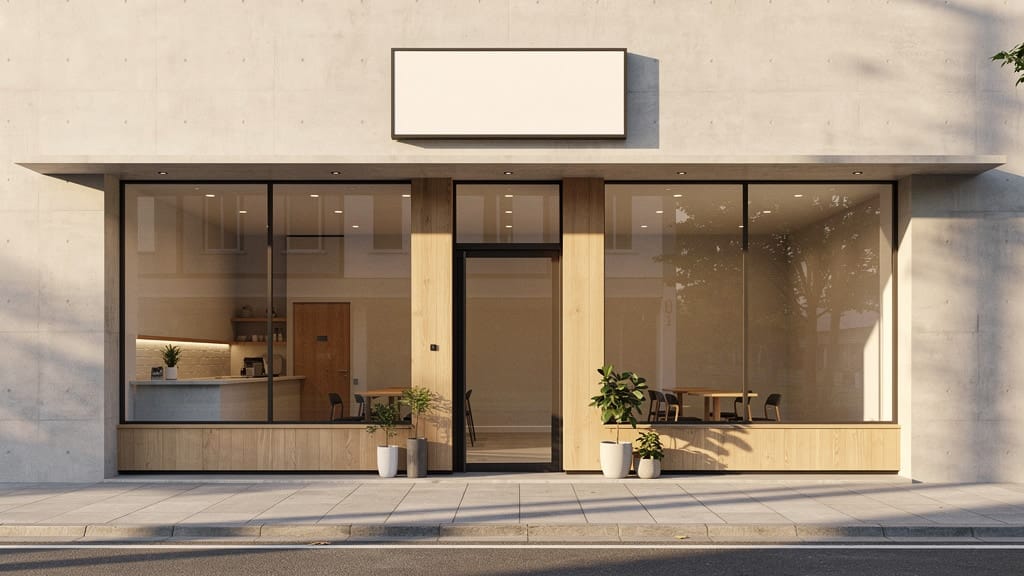
RENDEROVANJE TEKSTA
Dodaje oštar, tačno spelovan tipografski tekst na površinu natpisa u širokoj arhitektonskoj sceni. Pokazuje snagu modela u tačnom renderovanju teksta.
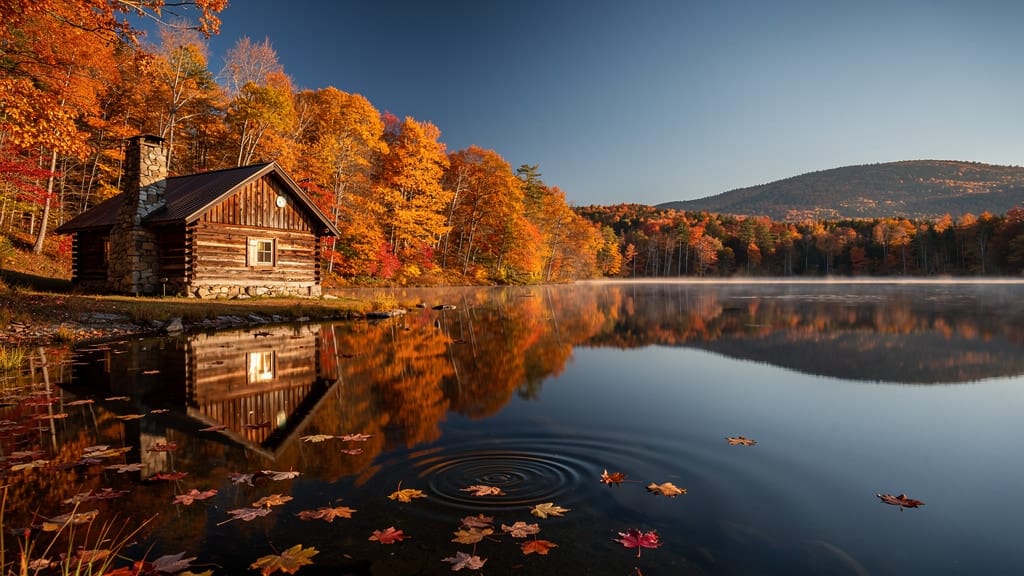
PROMENA SEZONE
Ponovno zamišlja ceo pejzaž iz jedne u drugu sezonu zadržavajući kompoziciju i strukture. Idealno za nekretnine i turizam vizuale.
Uporedite sa sličnim modelima
“Transform into a classical oil painting in the style of Rembrandt. Add visible impasto brushstrokes with thick paint texture. Apply warm golden undertones and dramatic chiaroscuro lighting with deep shadows. Enhance the dramatic contrast while preserving facial structure and expression. Add subtle canvas texture visible through the paint layers.”
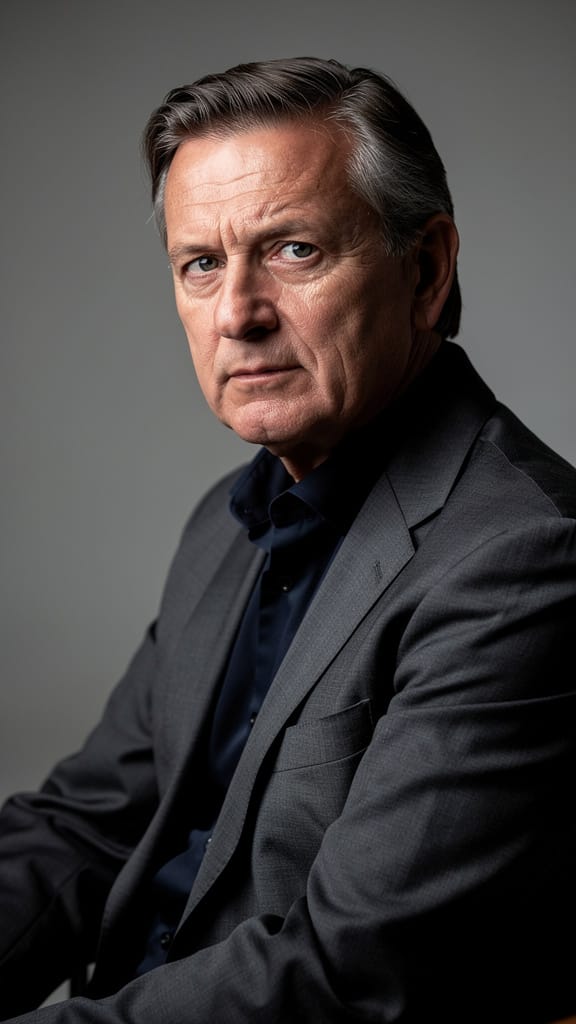
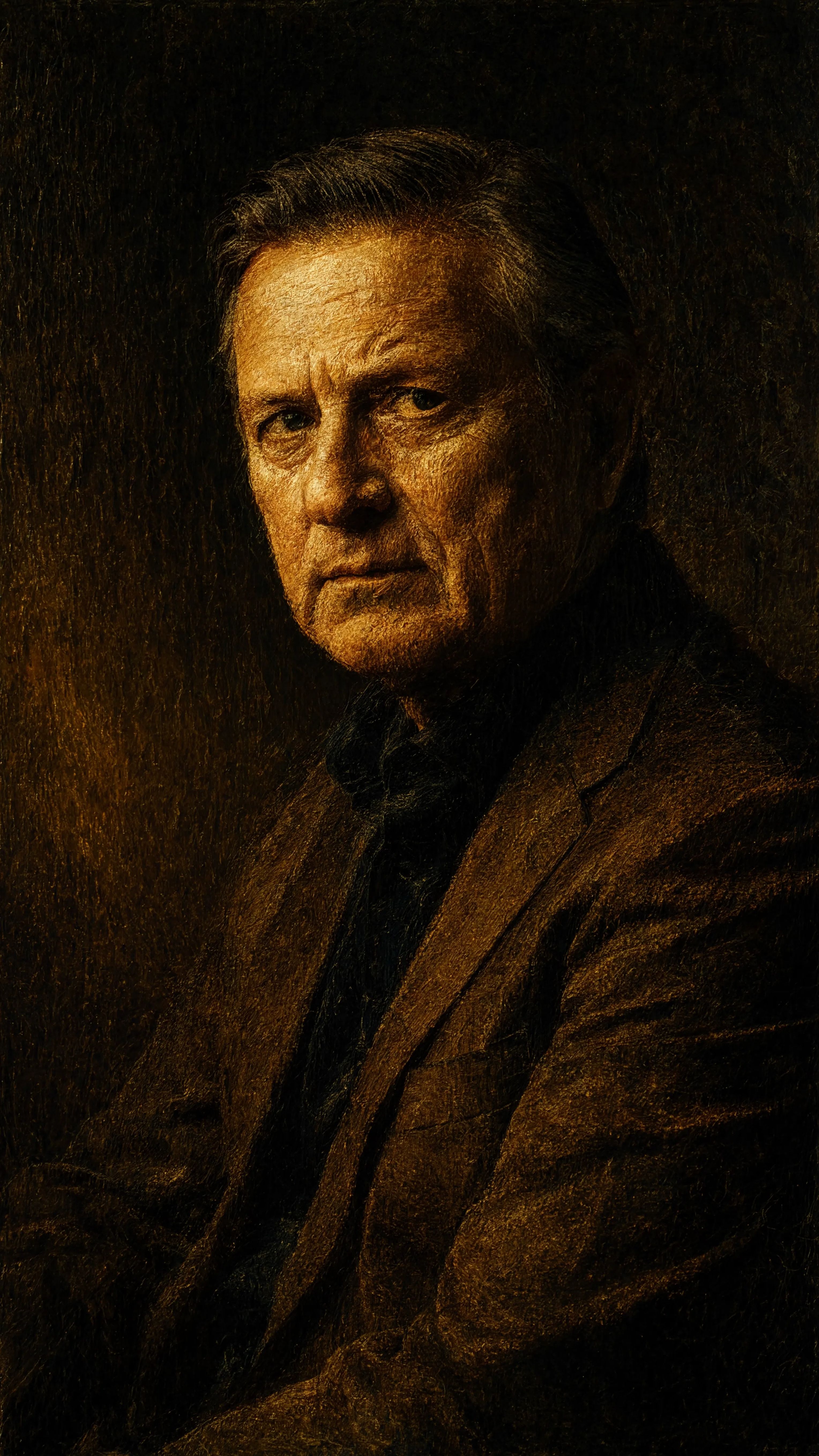
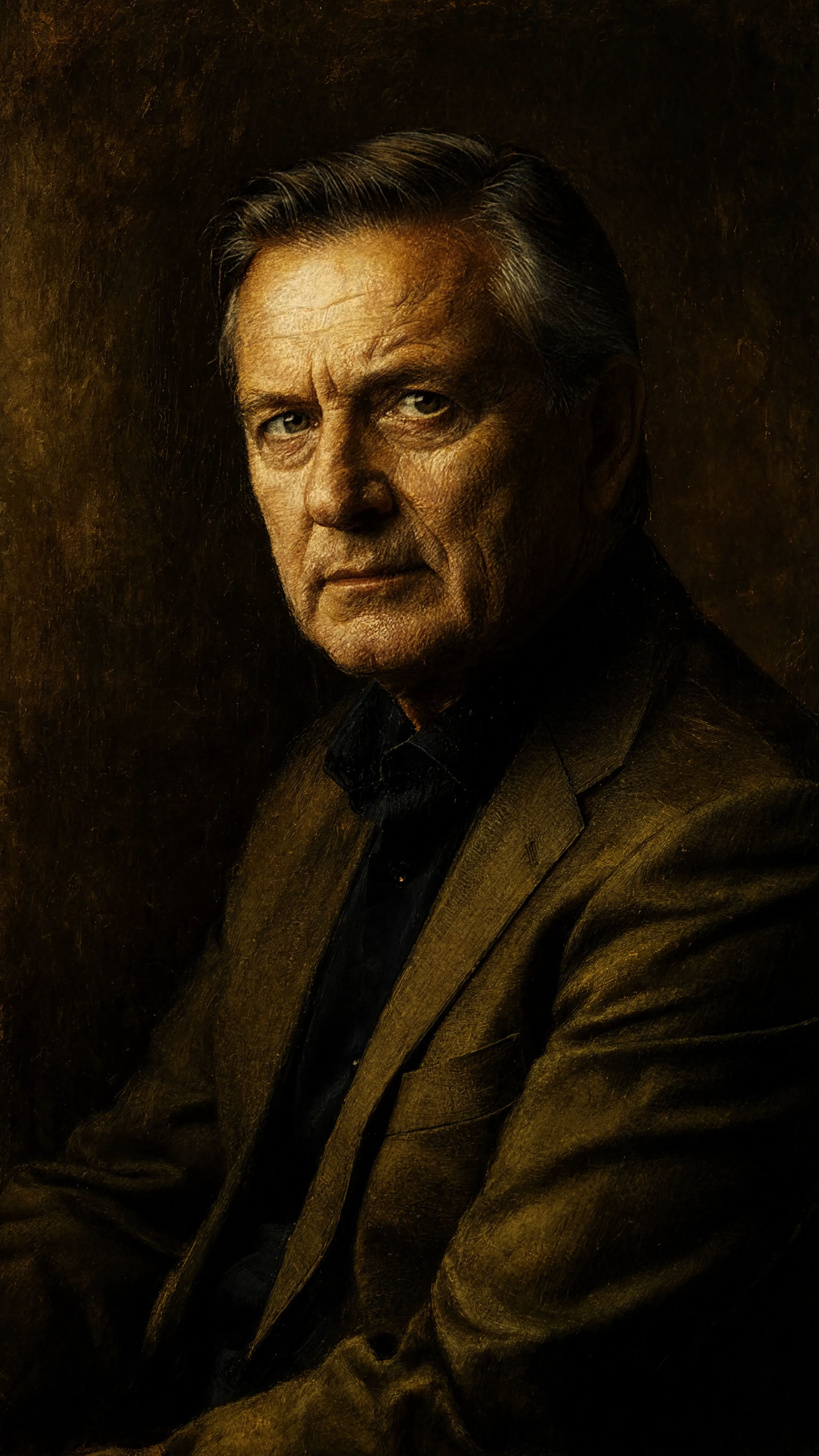
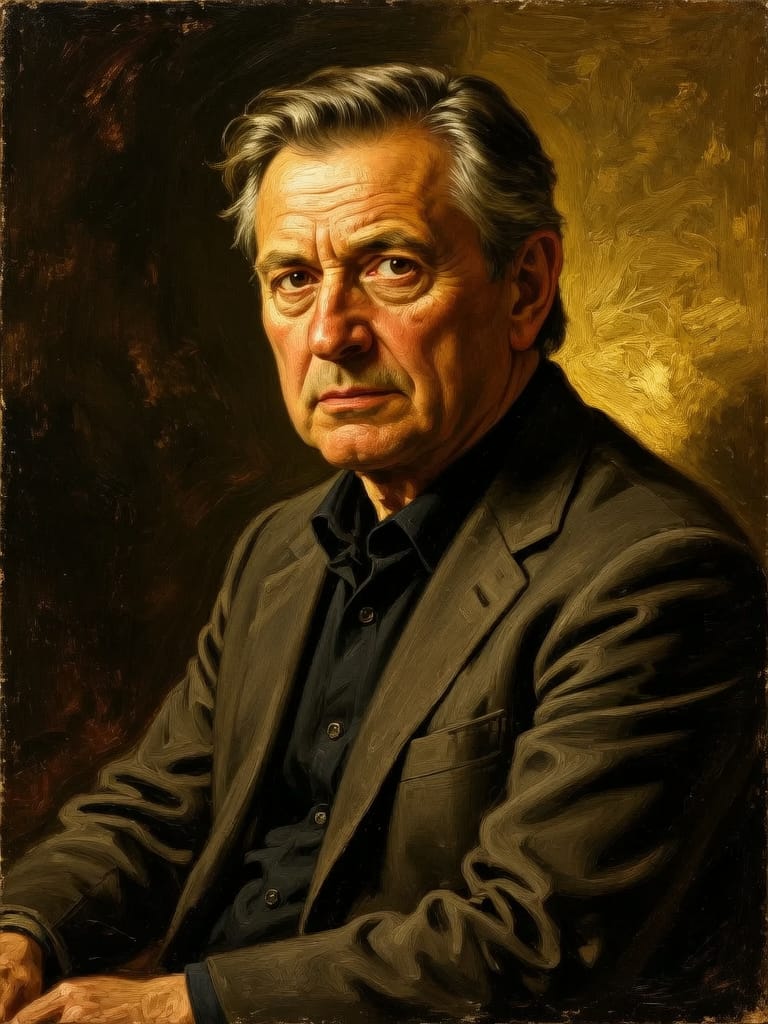
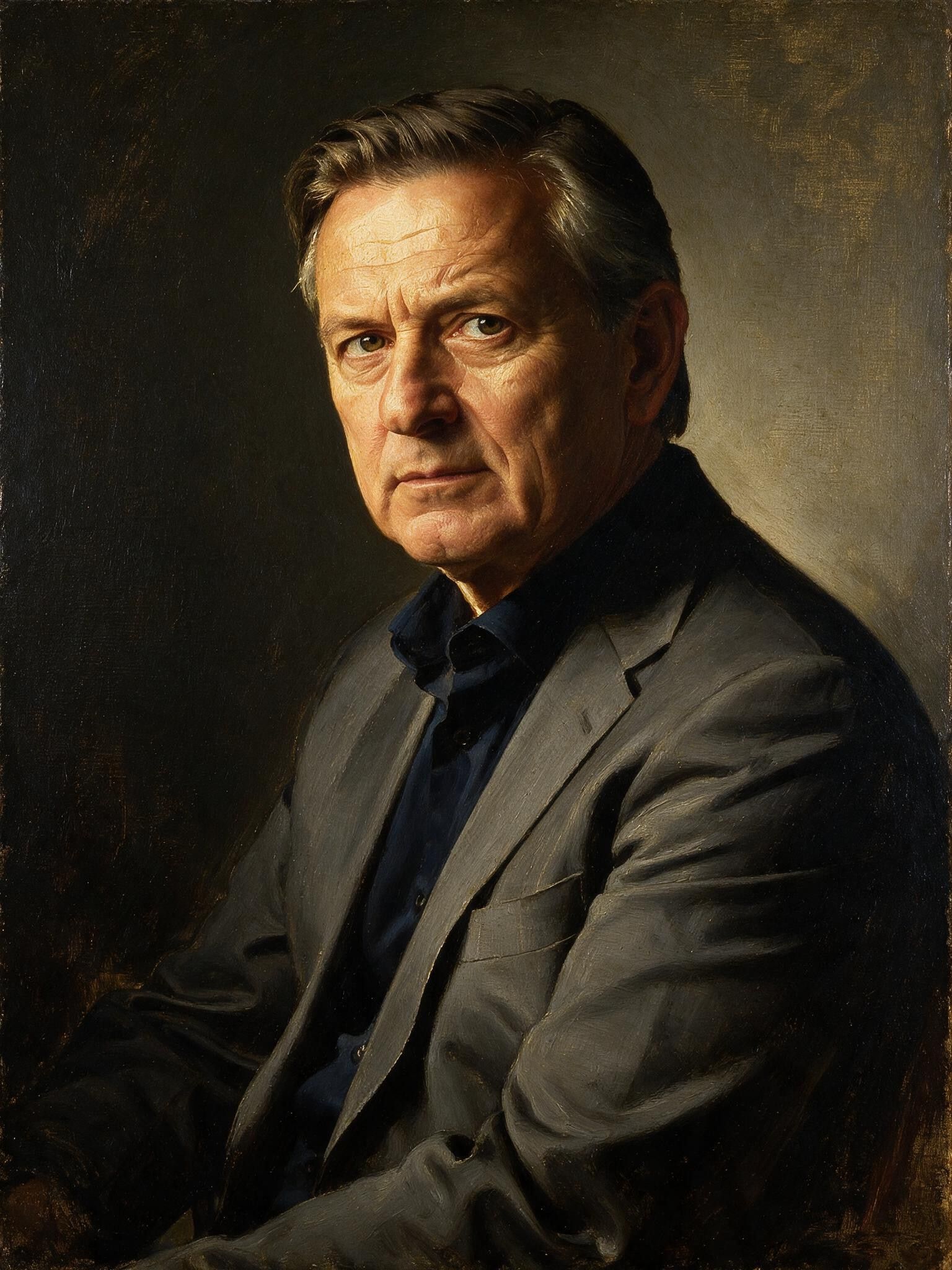
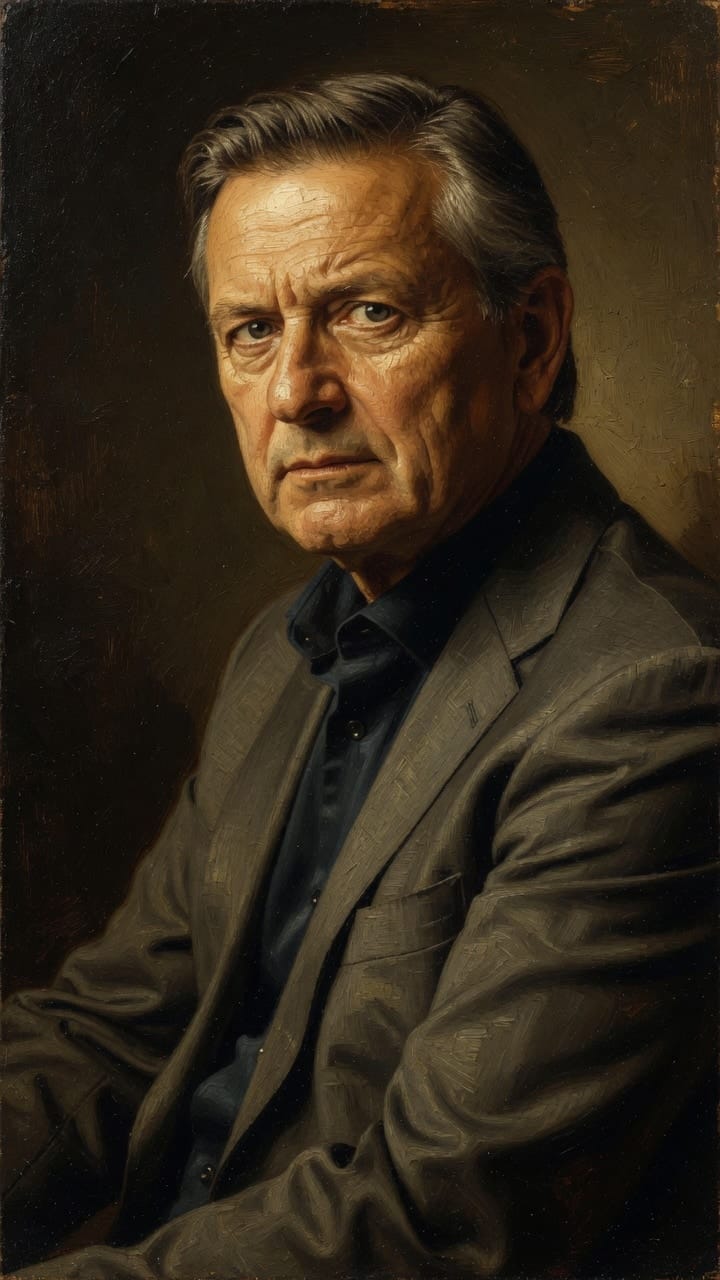
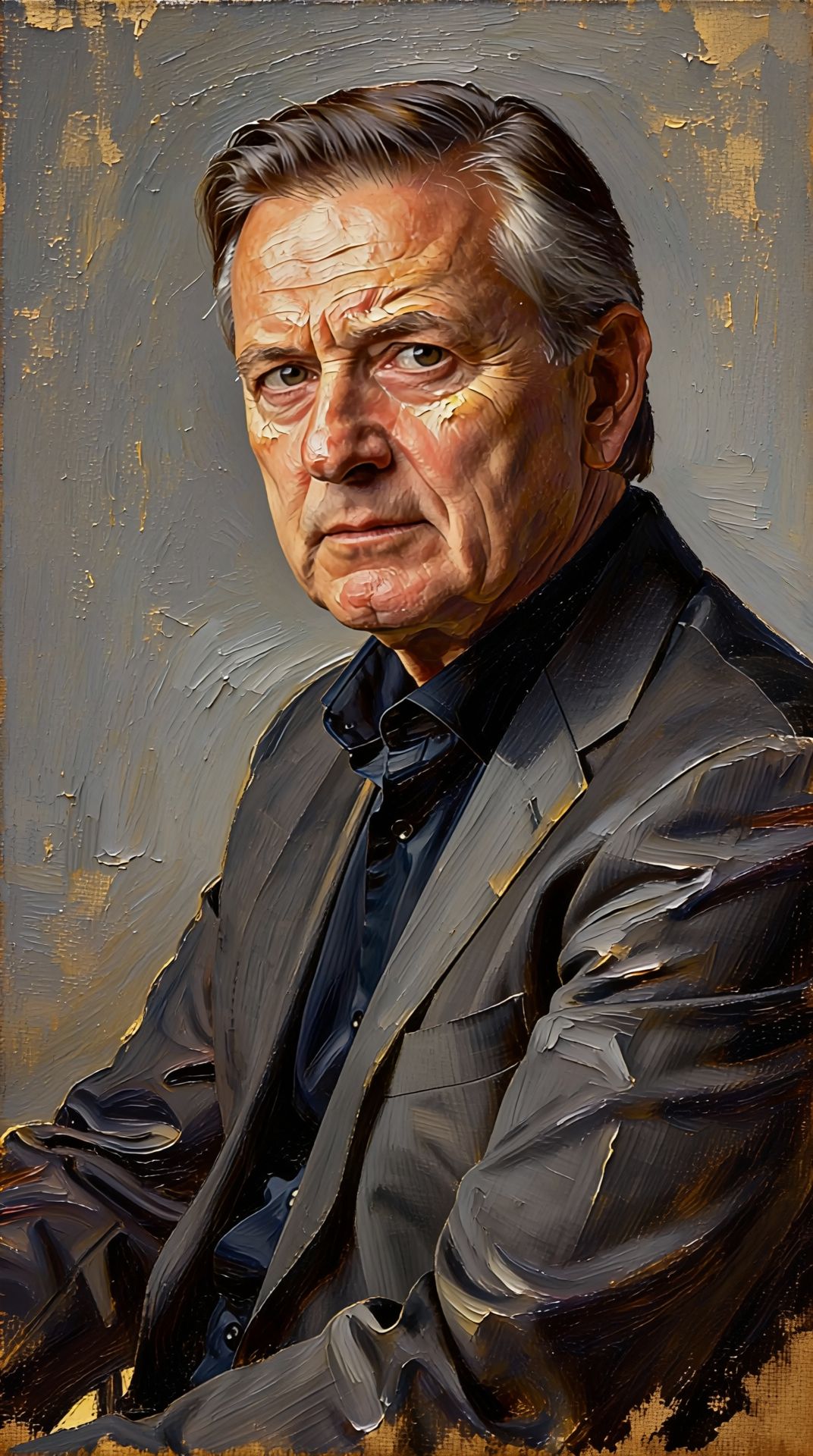
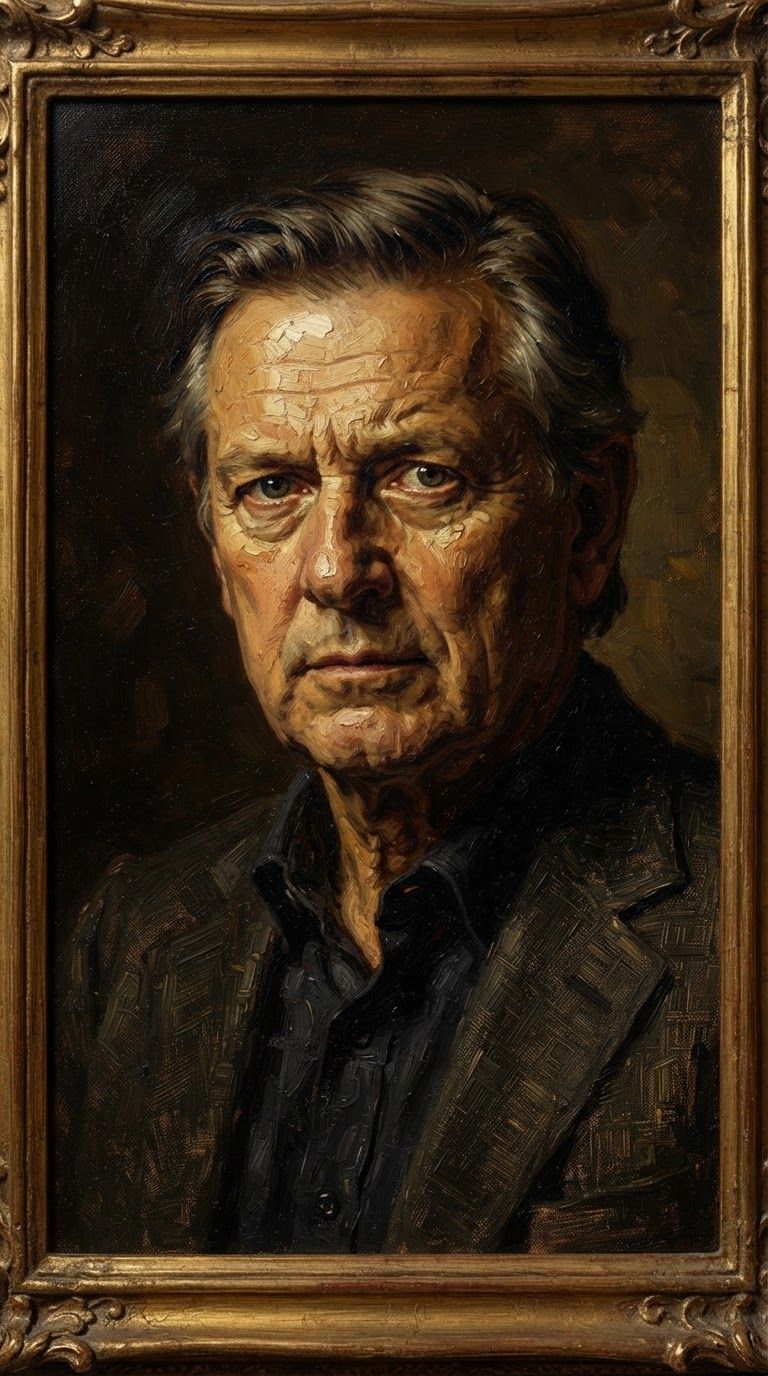
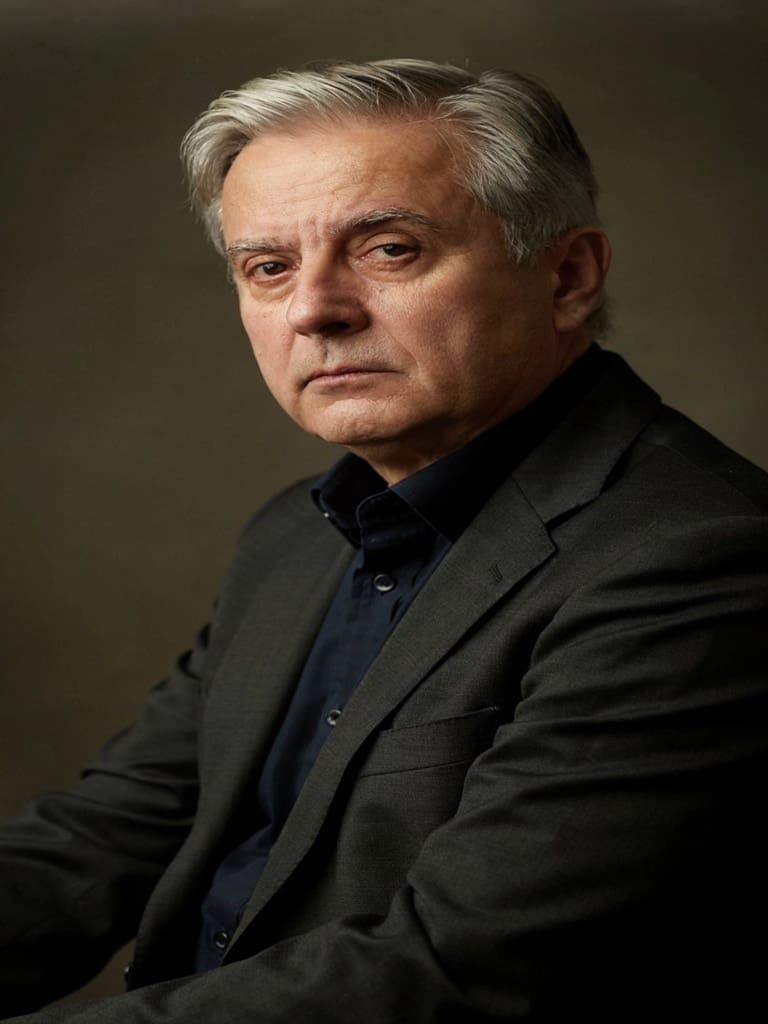
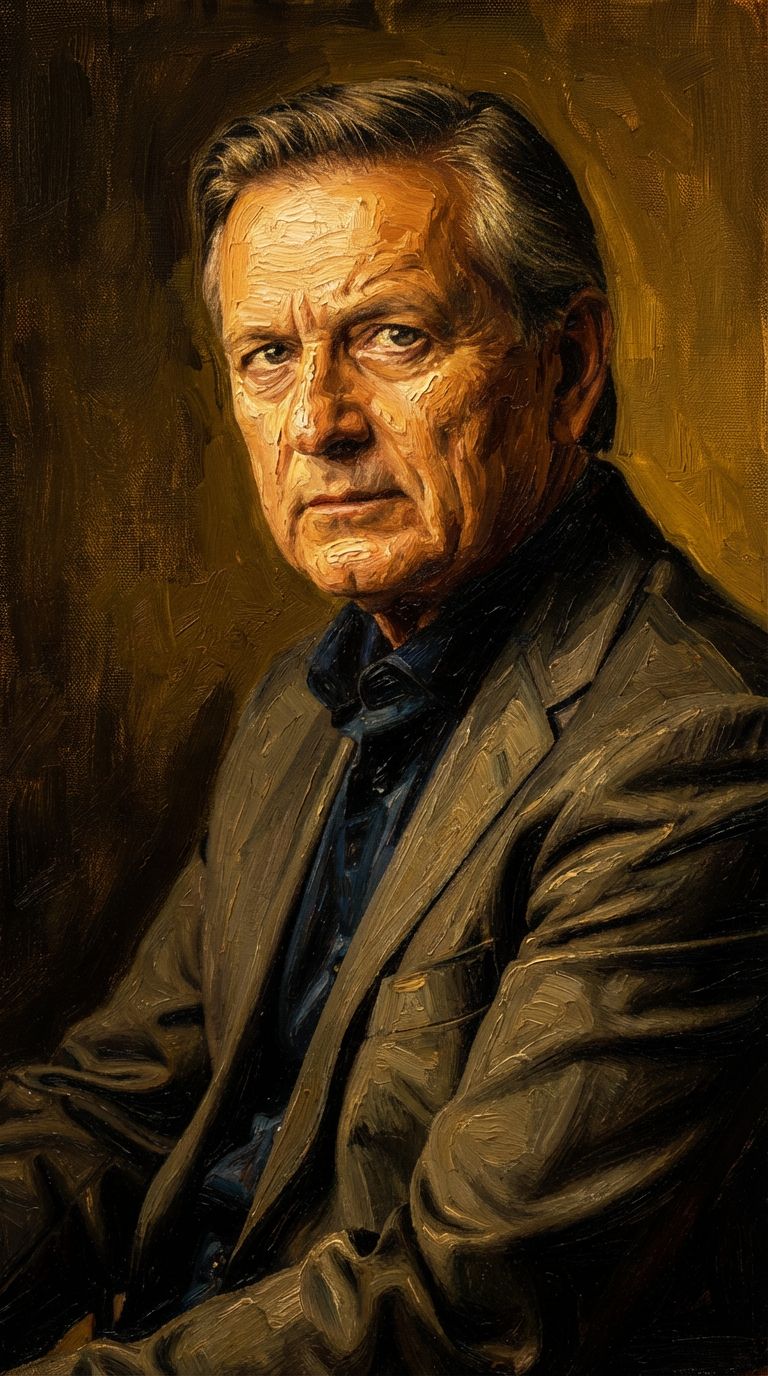
Doživite savršenstvo uz Reve 2.1
Pređite na sintezu vođenu rasuđivanjem već danas
Često postavljana pitanja
Slični modeli
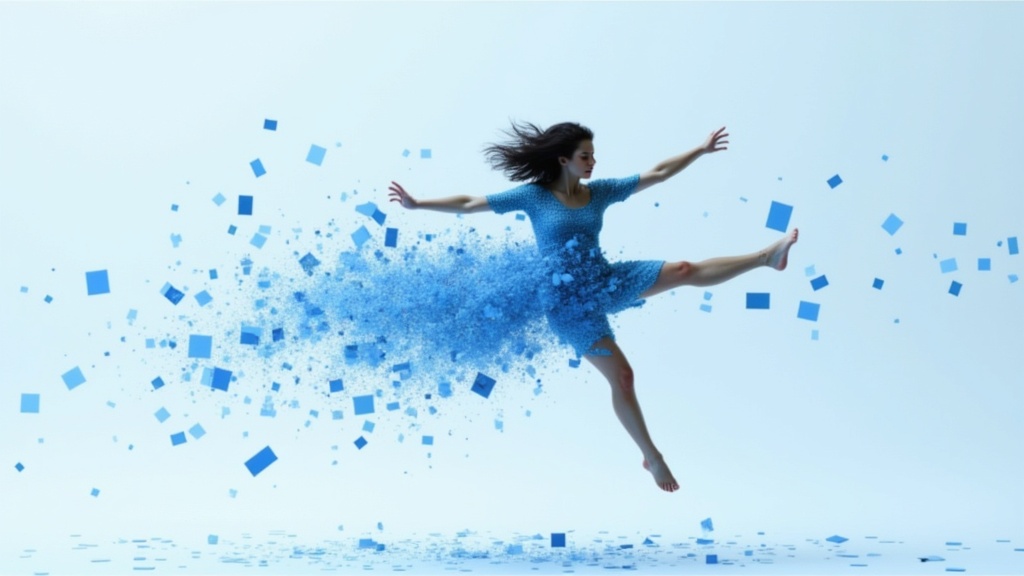
Gemini 3.1 Flash Image Preview
Ultra-fast Google image editing
0.7 kredita
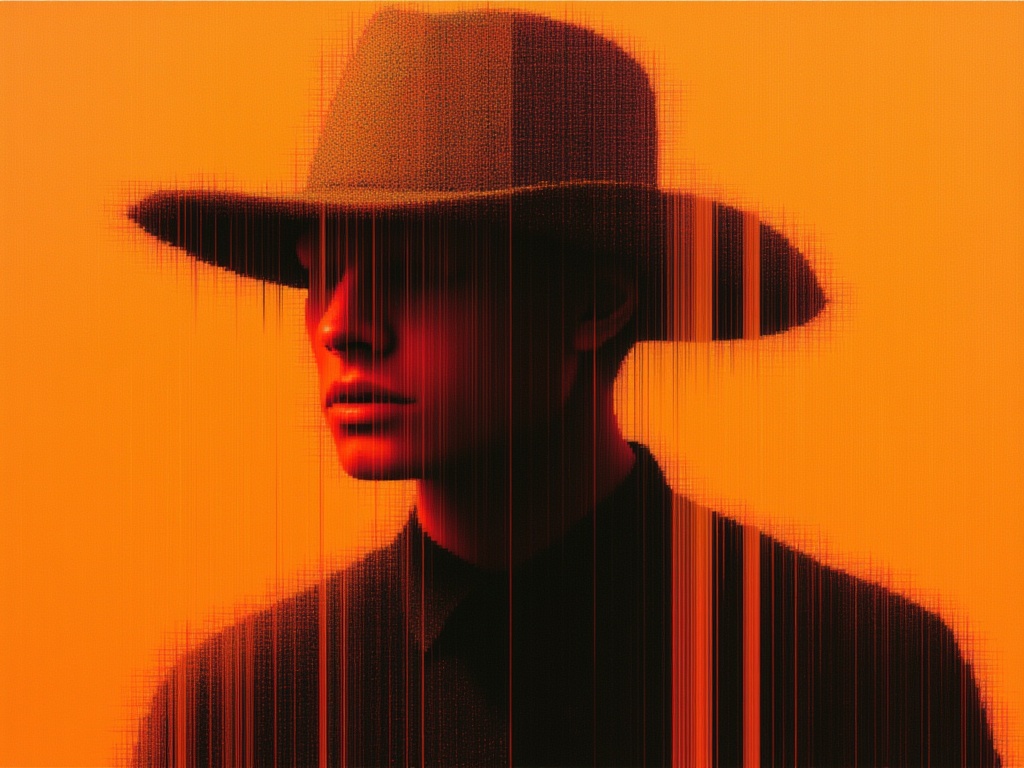
Seedream 5.0 Pro Image Editing
Precise region-based image editing
0.3 kredita
Vidu
Image generation with reference consistency
0.2 kredita
Reve 2.1
Edit images with text prompts
1.3 kredita
Grok Imagine Image Editing Quality
High-quality AI image editing
0.1 kredita
Nano Banana Lite Edit
Fast efficient image editing
6 kredita
Ideogram V4.0q Image to Image
Prompt-guided image restyling edits
0.1 kredita
Seedream
Fast intelligent multi-image editing
0.3 kredita
Wan v2.6 Image to Image
Edit images using reference photos
0.3 kredita