FLUX.2 [klein] 4B LoRA
Прецизно уређивање слика
Edit images with text, colors
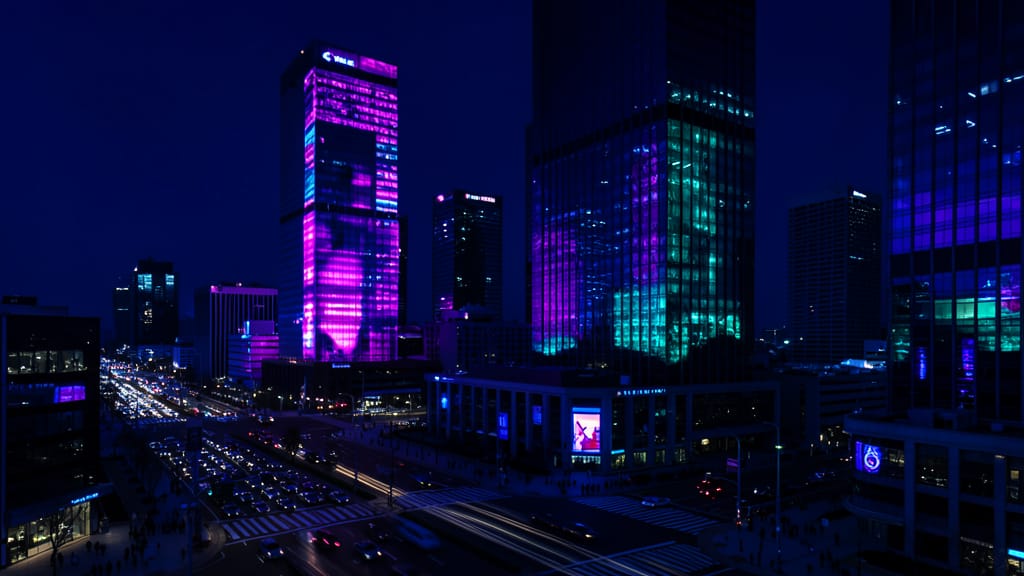
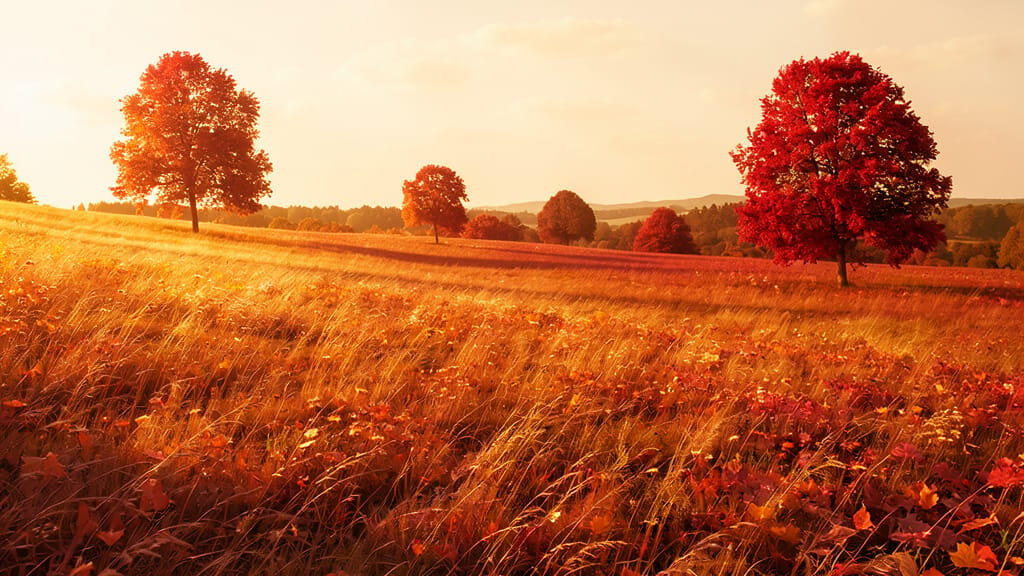
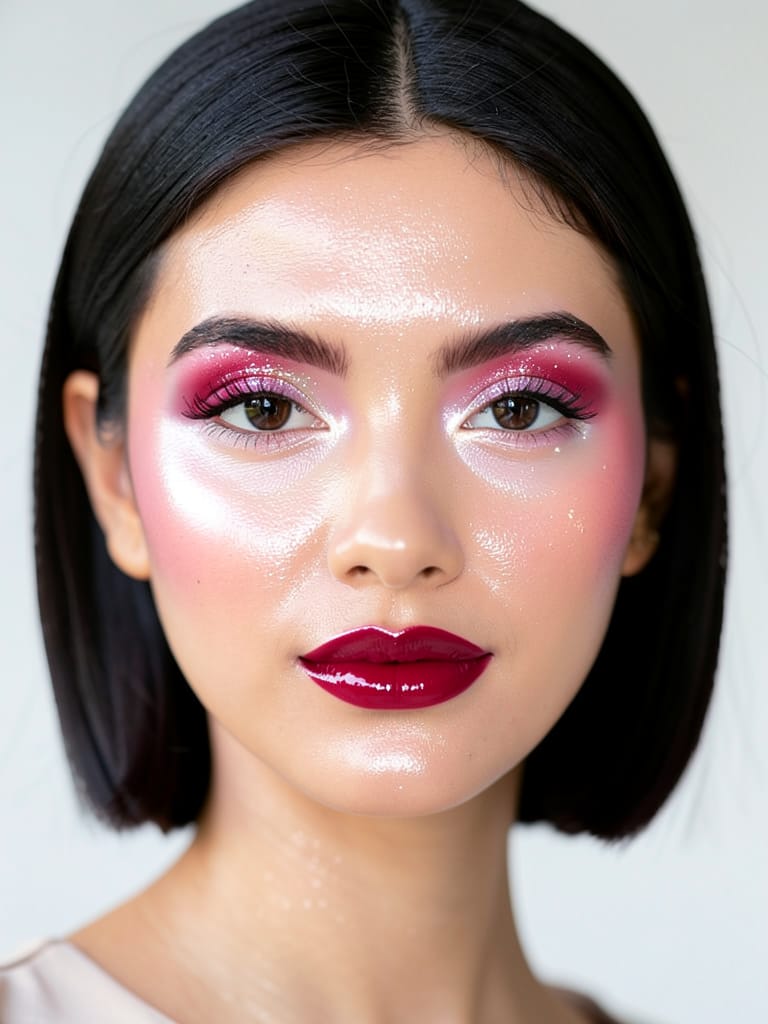
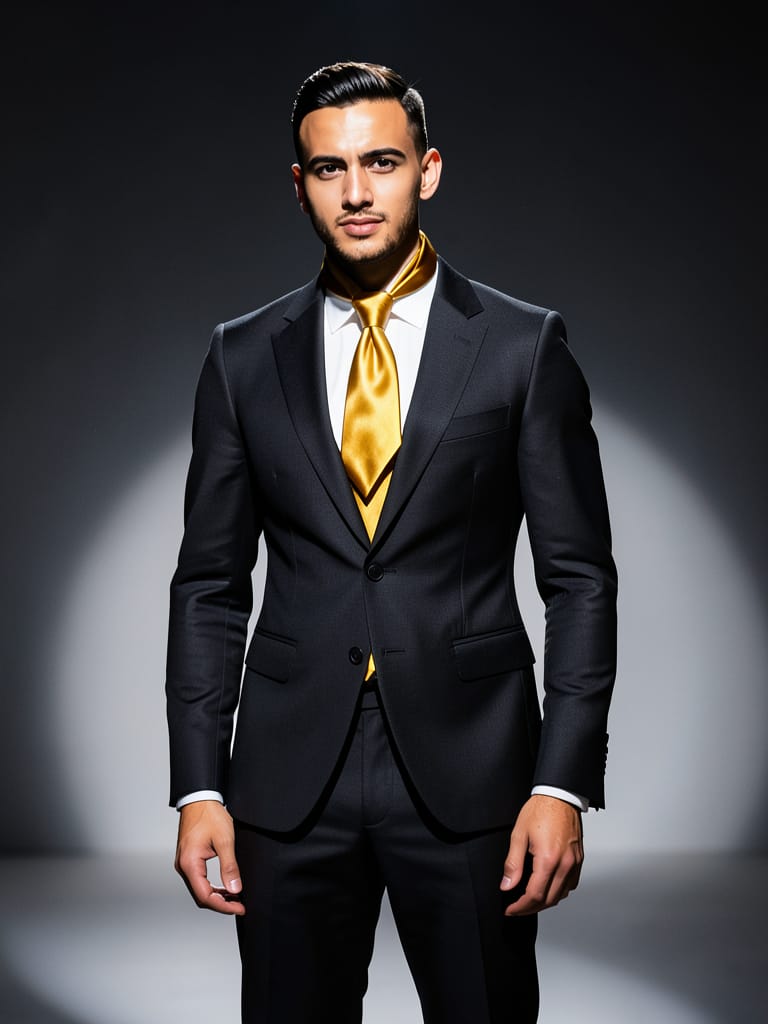
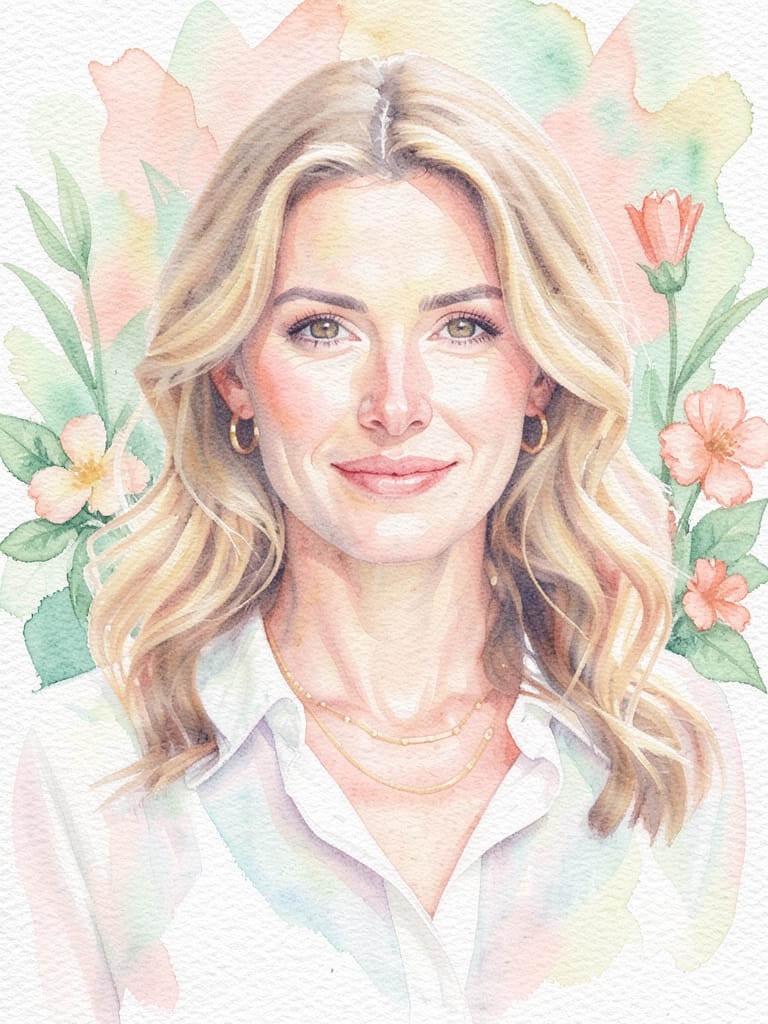
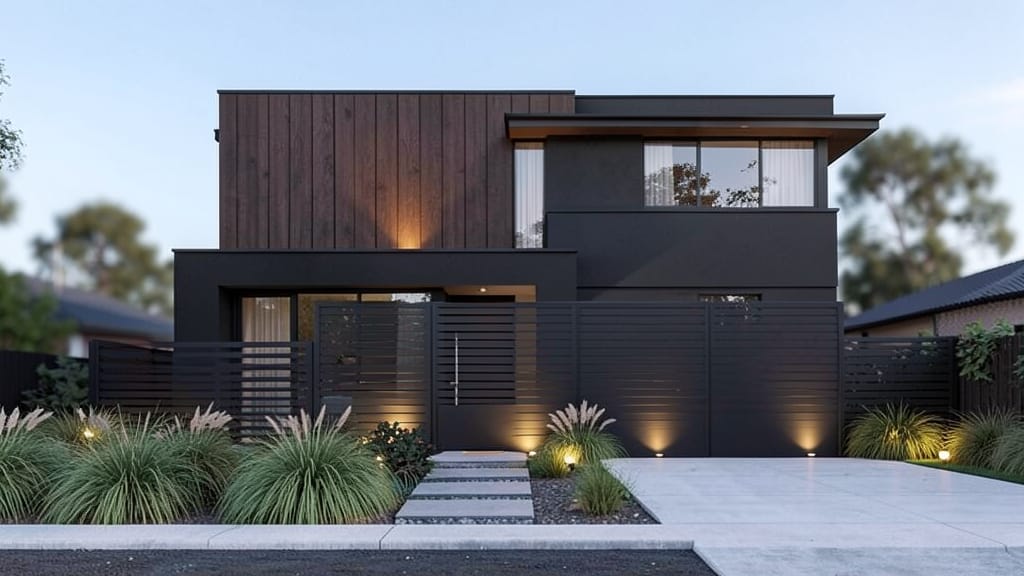
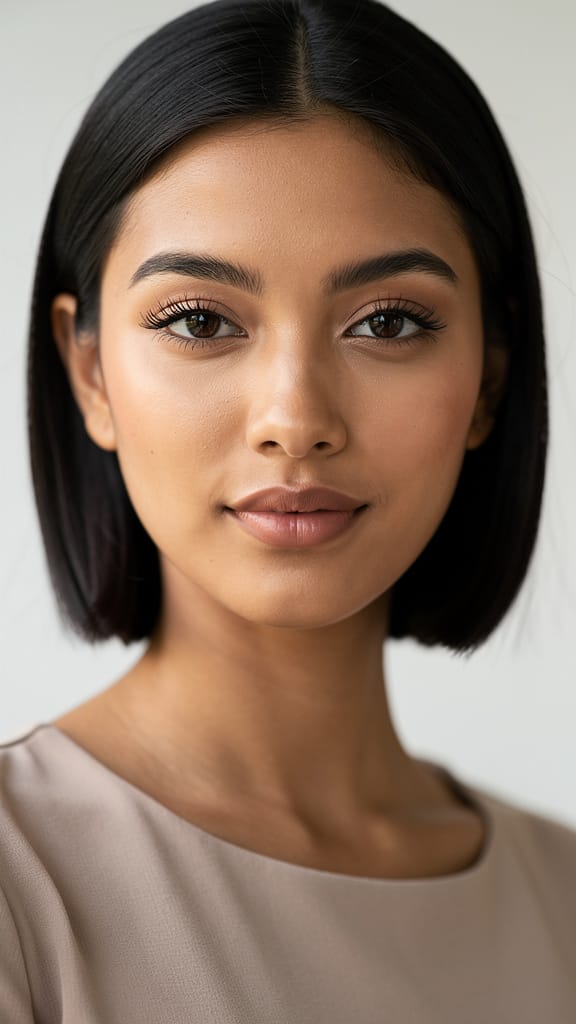
LEPOTNI NADGRADNJA

ZAMENA MODNOG STILA

UMETNIČKI PRENOS STILA
FLUX.2 [klein] 4B LoRA, razvijen od strane Black Forest Labs, je sofisticirani model za uređivanje slika od slike do slike koji omogućava kreativnim profesionalcima da transformišu, poboljšaju ili reinterpretiraju slike koristeći prirodne jezičke upute. Namenjen umetnicima, dizajnerima, filmašima i kreatorima sadržaja, ističe se po sposobnosti da vrši suptilne vizuelne modifikacije — od blagih poboljšanja do dramatičnih transformacija — vođen intuitivnim, opisnim uputstvima.
Kreativne mogućnosti i karakteristike
FLUX.2 [klein] 4B LoRA se specijalizuje za uređivanje postojećih slika koristeći detaljne, obične jezičke upute. To znači da možete otpremiti jednu ili više slika (do četiri odjednom), opisati željene izmene — poput „napravite ovu scenu realističkom“, „dodajte sjaj zalaska sunca“ ili „promenite pozadinu u živu plavu“ — i dobiti novo kreirano uređivanje koje odražava vašu viziju. Ovaj proces je precizan i responzivan na kreativnu nameru, čineći ga moćnim alatom za ostvarivanje specifičnih stilskih ili konceptualnih promena.
Karakteristična mogućnost je primena prilagođenih težinskih koeficijenata stilova, što omogućava prilagođene stilске prilagodbe i fino podešene efekte, osiguravajući da vaša uređivanja budu jedinstvena kao i vaše kreativne potrebe. Moguća je i kontrola boja, sa opcijom da navedete heksadecimalne boje za tačne prilagodbe nijansi, dajući dizajnerima i ilustratorima granularnu kontrolu nad raspoloženjem i atmosferom.
Idealni slučajevi upotrebe i publika
FLUX.2 [klein] 4B LoRA je posebno dragocen umetnicima i dizajnerima koji žele brzo da iteriraju koncepte, ažuriraju vizuelne detalje ili generišu alternativne verzije radova za prezentacije klijentima. Filmaši i vizuelni pripovedači mogu ga koristiti za zamisao tretmana scena, eksperimentisanje sa dizajnom setova ili pre-visualizaciju mood board-ova. Kreatori sadržaja imaju koristi generišući slike u skladu sa brendom za društvene mreže, marketing, uredničke i kampanjske radove, samo opisnom uputom.
Od suptilnih korekcija fotografija (poput „ublažite osvetljenje“, „uklonite distrakcije sa pozadine“) do hrabrih kreativnih promena („pretvorite u plakat sci-fi iz 80-ih“, „napravite visokokontrastni noir“), ovaj model pruža praktičnu kreativnu kontrolu bez potrebe za tradicionalnim veštinama manuelnog uređivanja.
Podržani formati, rezolucija i stilovi
FLUX.2 [klein] 4B LoRA radi sa standardnim web formatima slika, podržavajući PNG, JPEG i WEBP datoteke za ulaz i izlaz. Možete uređivati do četiri slike odjednom i kontrolisati tip izlazne datoteke da najbolje odgovara potrebama vašeg projekta.
Što se tiče rezolucije slika, model je fleksibilan: može generisati nove slike u prilagođenim veličinama, ograničen samo određenim maksimalnim dimenzijama (do 14.142 piksela na najvećoj strani prema dokumentaciji), ili koristiti rezoluciju slike koju pružite po podrazumevanoj vrednosti. Ovo omogućava visokokvalitetne izlaze pogodne za štampu, digitalne ili društvene mrežne primene.
Stilski, model vas ne ograničava na fiksiranu estetiku. Opisujući željeni izgled običnim engleskim, vi vodite karakter izlaza — bilo da ciljate realizam, ilustraciju, nadrealne efekte, vinatge filtere ili bilo koji vizuelni ton koji možete opisati. Takođe možete precizno poboljšati ili promeniti boje, zahvaljujući preciznoj kontroli preko heksadecimalnih vrednosti, što je prednost za konzistentnost brenda i umetničku režiju.
Kvalitet i performanse
FLUX.2 [klein] 4B LoRA vrši više prolaza da rafinira uređivanje, i možete izabrati koliko prolaza treba da se izvrši, balansirajući brzinu i detalj. Više prolaza daje rafiniranije, detaljnije rezultate, dok manje prolaza rezultira bržim izlazom. Ovo omogućava korisnicima da optimizuju za brze nacrte ili visoko polirane finalne verzije, prema potrebama projekta.
Model uvek proverava bezbednost po podrazumevanoj vrednosti, skenirajući i označavajući prisustvo eksplicitnog ili osetljivog sadržaja u izlazima, tako da kreativni workflow-i ostaju profesionalni i prikladni. Ovo se može isključiti za projekte gde su potrebna neograničena uređivanja.
Kreativne kontrole i prilagođavanje
FLUX.2 [klein] 4B LoRA nudi:
- Prirodne jezičke upute za opis željenog uređivanja, olakšavajući nestručnim kreatorima upravljanje promenama
- Podešavanje detalja i rafiniranja podešavanjem broja prolaza koje model treba da vrši za kreiranje slike
- Opcionalnu primenu do tri prilagođena stila za usmeravanje generacije, idealno za jedinstvene izglede ili vernost brendu
- Fleksibilan izbor izlaznog formata (PNG, JPEG, WEBP) za široku kompatibilnost
- Jednostavno višeslikovno uređivanje (do četiri slike po sesiji)
- Precizno podešavanje boja sa heksadecimalnim kodovima
- Kontrolu veličine izlazne slike, sa izborom da se podudara sa ulazom ili navede nove dimenzije za različite potrebe artboard-a
- Podešavanje seed-a za reprodukciju ili istraživanje varijacija u kreativnim izlazima
Ograničenja, razmatranja i najbolje prakse
Ulazne slike se menjaju u standardne veličine za obradu, što pomaže u isporuci konzistentnog kvaliteta. Maksimalan broj slika koje se uređuju istovremeno je četiri, i maksimalno tri prilagođena težinska koeficijenta stila se mogu primeniti po uređivanju. Za najbolje rezultate, opisujte željene izmene jasno i specifično. Ako zahtevate visok detalj ili suptilne izmene, povećanje broja prolaza rafiniranja poboljšava rezultat.
Model nudi automatske provere bezbednosti po podrazumevanoj vrednosti, ali ovo se može isključiti za zrele projekte gde je potrebna veća sloboda. Konačan kvalitet izlaza zavisi od nivoa detalja u vašoj uputi, broja prolaza rafiniranja i jasnoće vaše kreativne smernice.
U sažetku, FLUX.2 [klein] 4B LoRA kombinuje intuitivno, opisno uređivanje sa moćnim funkcijama prilagođavanja, pomažući kreativnim profesionalcima da brzo generišu i iteriraju visokokvalitetne slike u responzivnom, umetniku prijateljskom workflow-u.
Generiši pomoću najnaprednijeg uređivača slika
Add the image that you want change
Otpremi sliku
Dodaj sliku koju želiš da uređuješ ili transformišeš
A woman kneeling in darkness, illuminated by a warm, radiant beam of light emerging from her raised hand.
Napiši izmene
Opiši izmene koje želiš – promene stila, uklanjanje objekata ili poboljšanja
Počni deljenje
Preuzmi svoju profesionalno uređenu sliku
Iza upita: Novi nivo kontrole
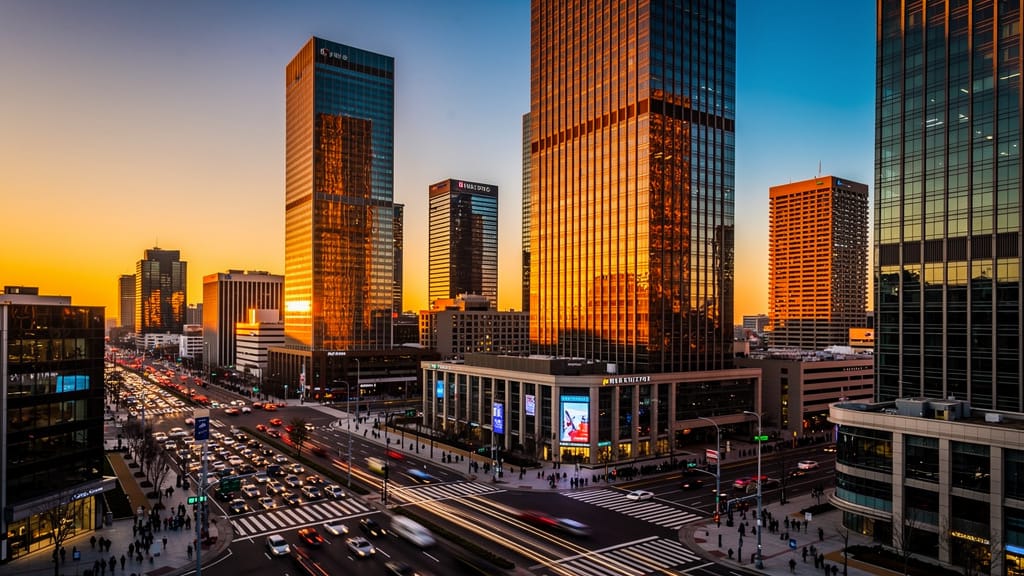
POBOLJŠANJE URBANIH PEJZAŽA
Istaknuto poboljšanje u realnom vremenu podešavanjem ambijenta, boja i vibra u širokim snimcima gradskog pejzaža — korisno za nekretnine, putovanja ili kreativni sadržaj na društvenim mrežama.
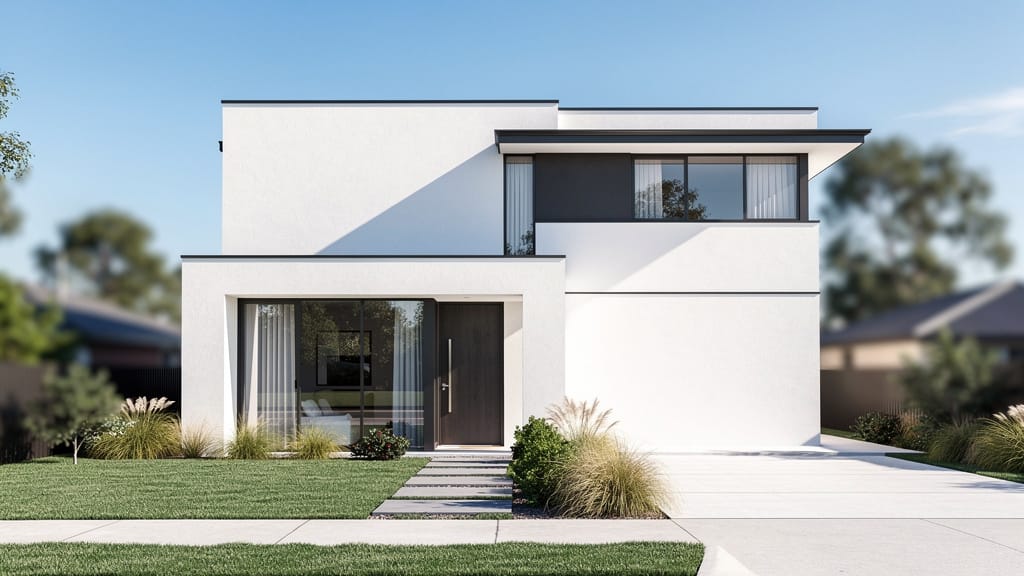
PRENOVO ARHITEKTONSKOG STILA
Demonstrira naprednu zamenu objekata i materijala za arhitektonske render-e, omogućavajući brze virtuelne preobrazbe za arhitekte ili brendove za poboljšanje doma.
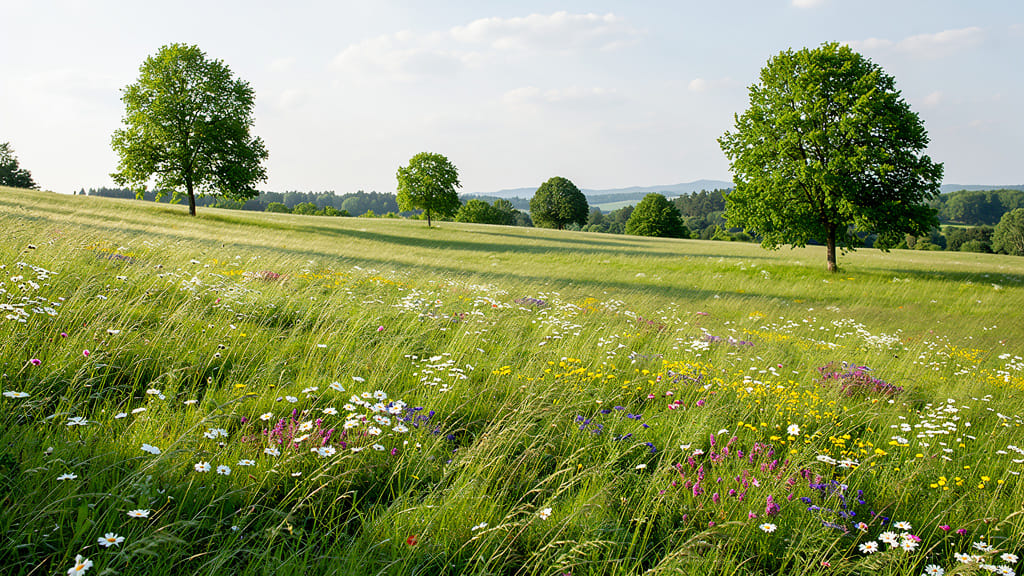
SEZONSKA PROMENA PRIRODNIH SCENA
Predstavlja dinamičko uređivanje okoline, menjajući sezone i nijanse vegetacije za kreiranje bogatijih atmosfera u pejzažnoj fotografiji.
Uporedi sa sličnim modelima
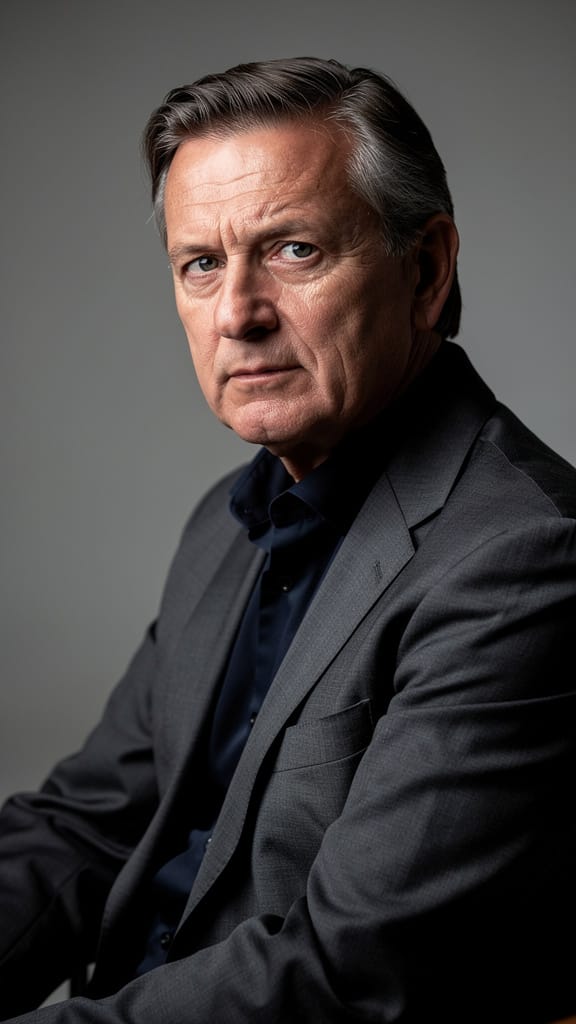
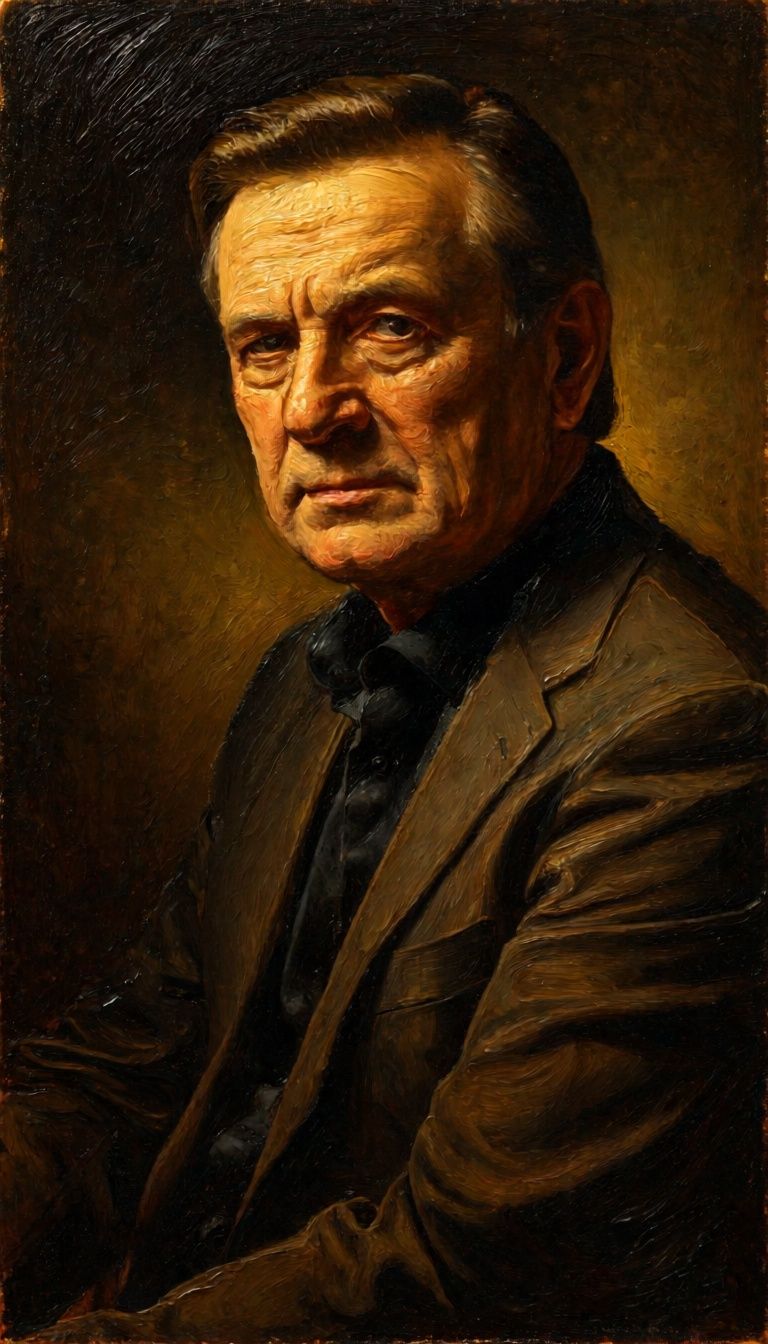
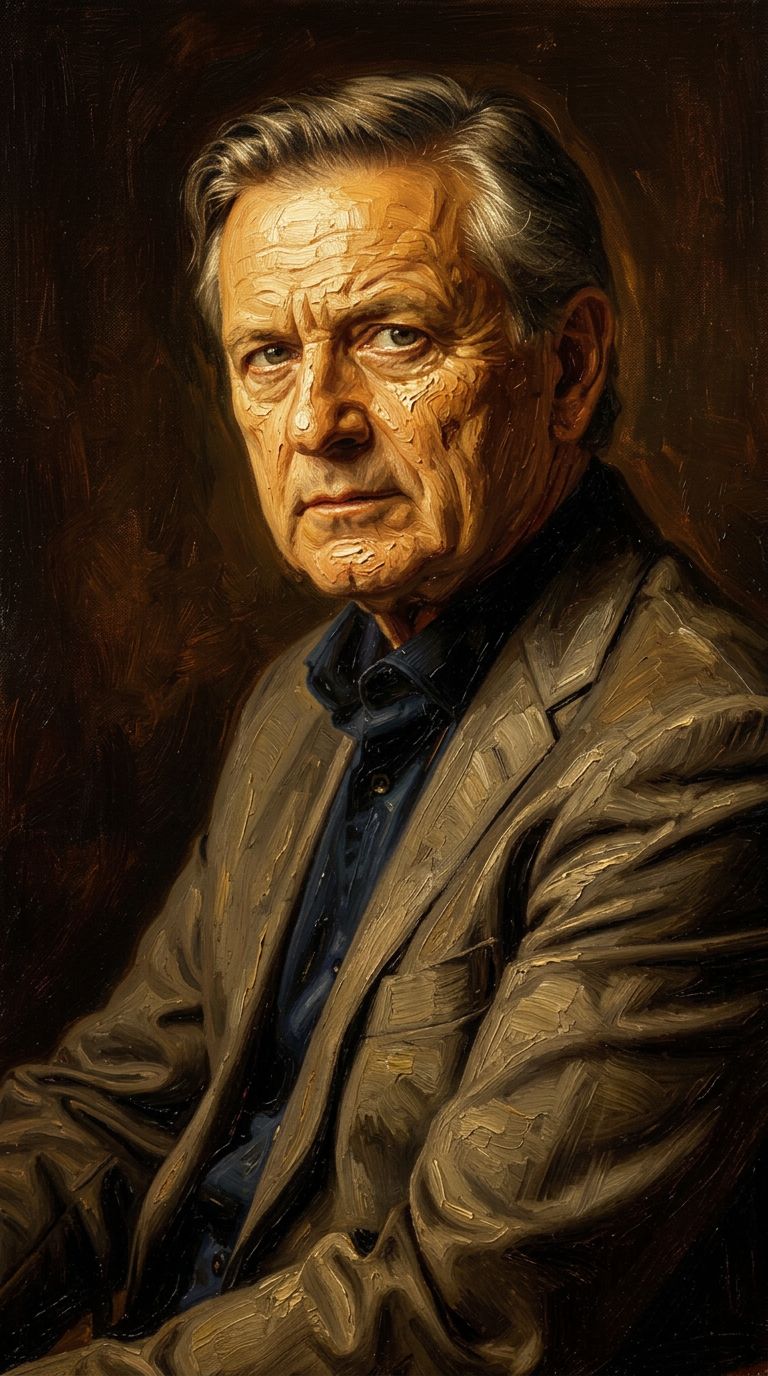
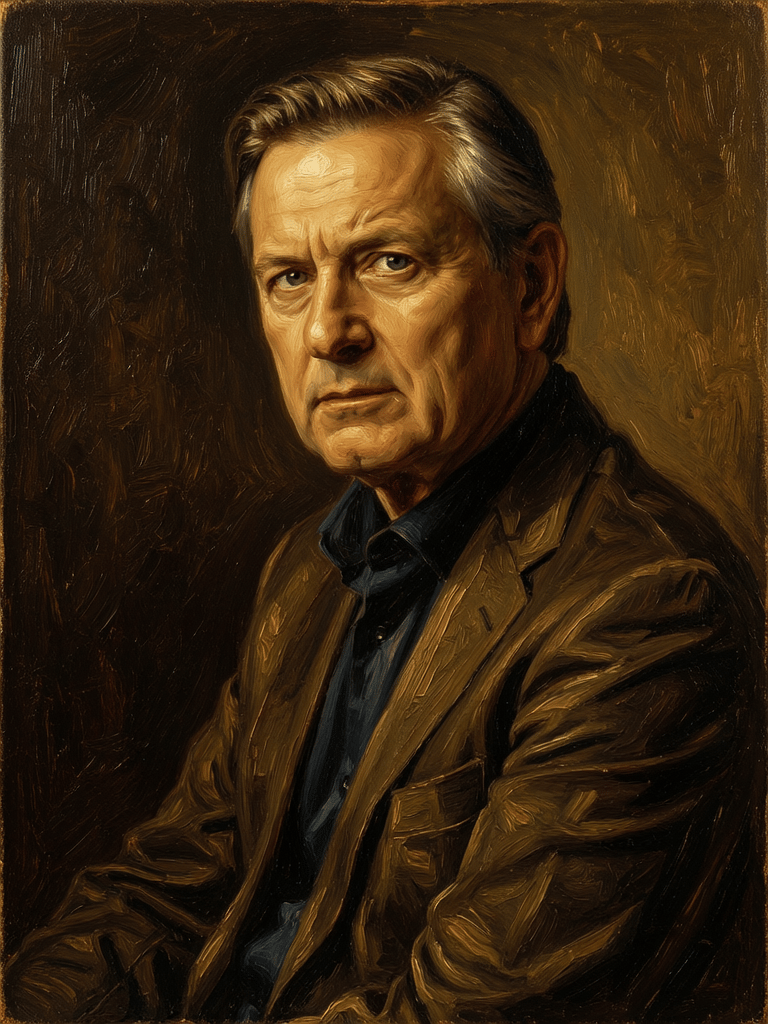
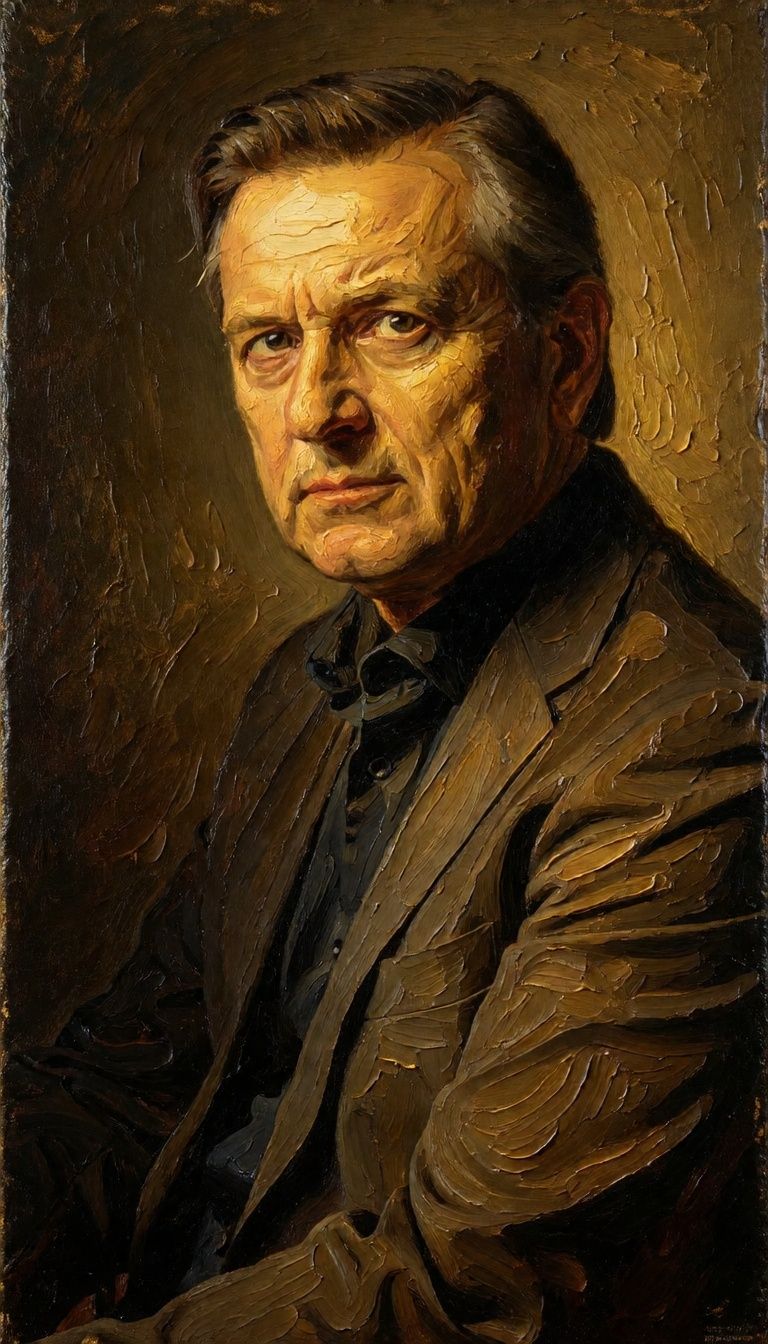
“Transform into a classical oil painting in the style of Rembrandt. Add visible impasto brushstrokes with thick paint texture. Apply warm golden undertones and dramatic chiaroscuro lighting with deep shadows. Enhance the dramatic contrast while preserving facial structure and expression. Add subtle canvas texture visible through the paint layers.”
![FLUX.2 [klein] 4B LoRA output](https://shortgenius.com/cdn-cgi/image/width=3840,quality=80,format=auto/https://assets.shortgenius.com/example-model-output/10a63e77-67c3-46e6-83d3-b7b93355e72c.png)



![FLUX.2 [klein] 9B LoRA output](https://shortgenius.com/cdn-cgi/image/width=3840,quality=80,format=auto/https://assets.shortgenius.com/example-model-output/cc1806c8-2af0-47e7-bd34-a95d2d180bfb.png)

![FLUX.2 [klein] 9B LoRA output](https://shortgenius.com/cdn-cgi/image/width=3840,quality=80,format=auto/https://assets.shortgenius.com/example-model-output/cbfd8f70-6bf2-467b-918f-b020118b8db0.png)
Доживите савршенство уз FLUX.2 [klein] 4B LoRA
Пређите на синтезу вођену резоновањем већ данас
Често постављана питања
Слични модели
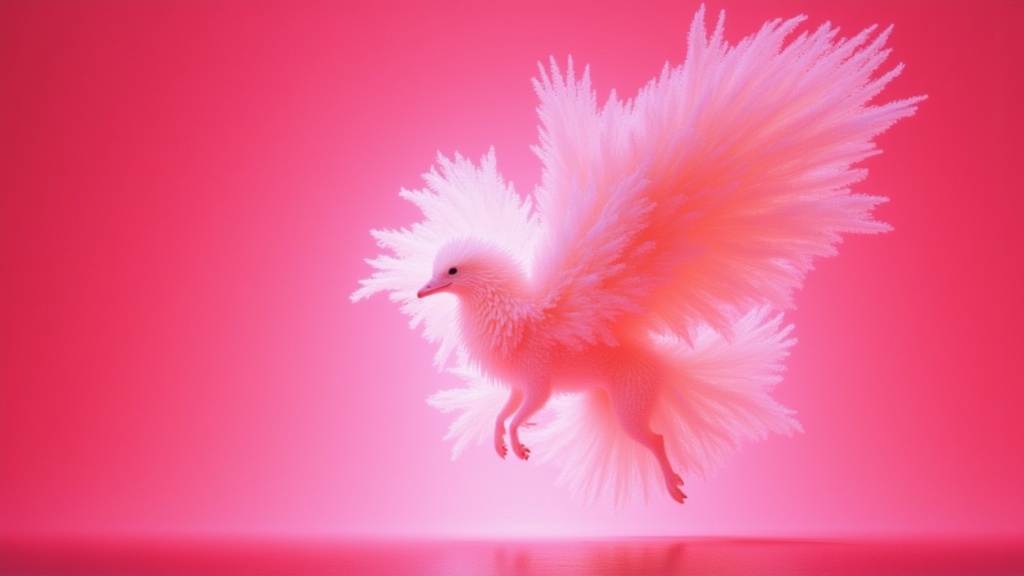
Wan
Text-guided creative image editing
0.2 kredita
Wan
Pro text-guided image editing
0.3 kredita
Nano Banana 2
Google's advanced image editing
0.7 kredita
![FLUX.2 [klein] 9B LoRA](https://v3b.fal.media/files/b/0a928e3b/sIC-Ne9BMwZZtBvR3FwKN_9a724704a550471a9df59999e9e1017f.jpg)
FLUX.2 [klein] 9B LoRA
Precise natural language image editing
0.5 kredita
Qwen Image 2
Unified image editing and generation
0.6 kredita
Physic Edit
Realistic physics-based image editing
1.2 kredita
Joyai Image Edit
Natural language image editing
0.8 kredita
![FLUX.2 [klein] 9B LoRA](https://v3b.fal.media/files/b/0a928dd2/yFNW07YLHtp5zuE4eJAW1_e2f89915a1b740559b3c652b0b028296.jpg)
FLUX.2 [klein] 9B LoRA
Precise image edits, color control
0.3 kredita
Phota
Identity-preserving personalized photo editing
0.4 kredita