Flux 2 Pro
Hyper-detailed renders with cinematic lighting up to 2560 pixels wide
Professional sequential image editing tool
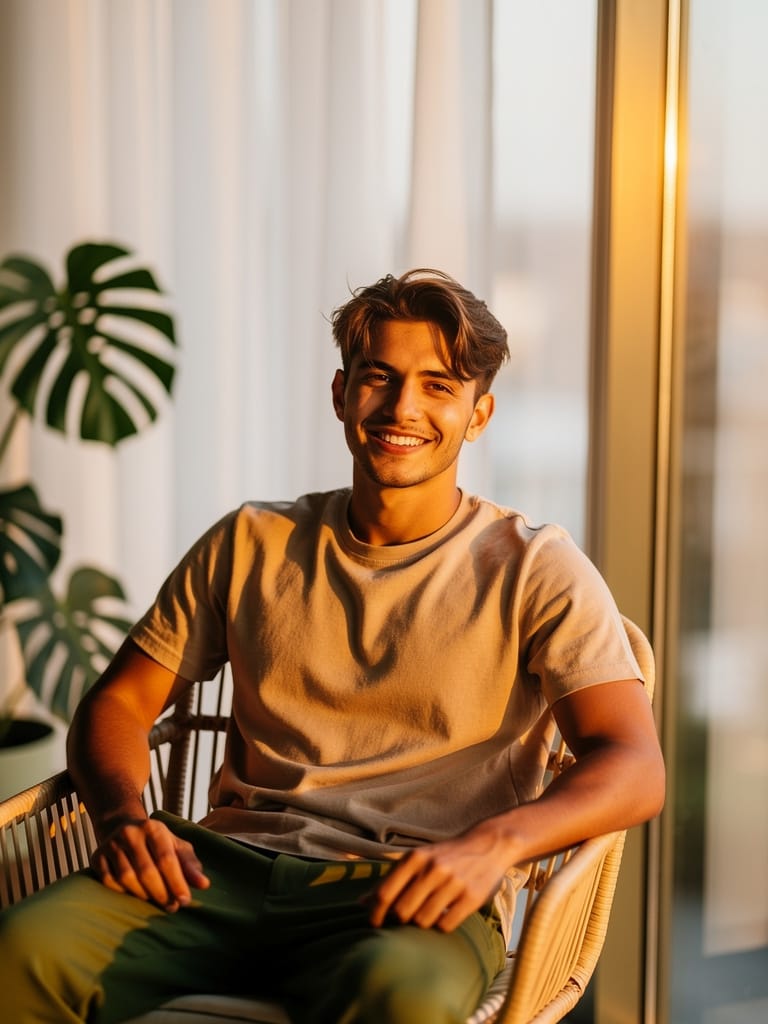
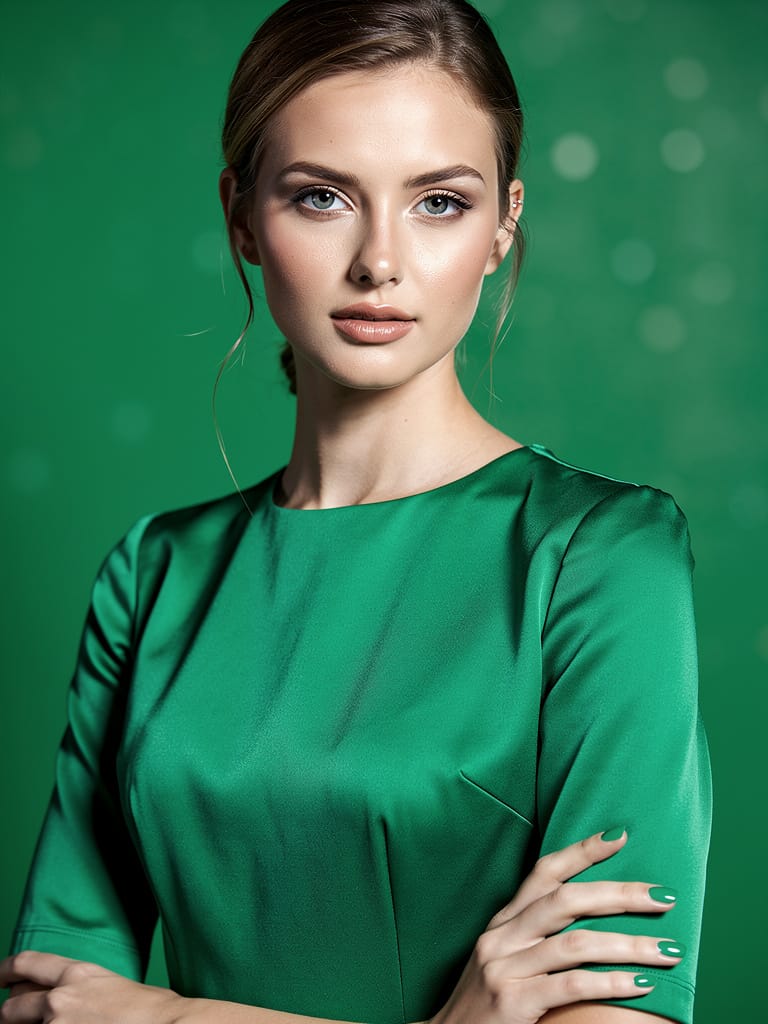
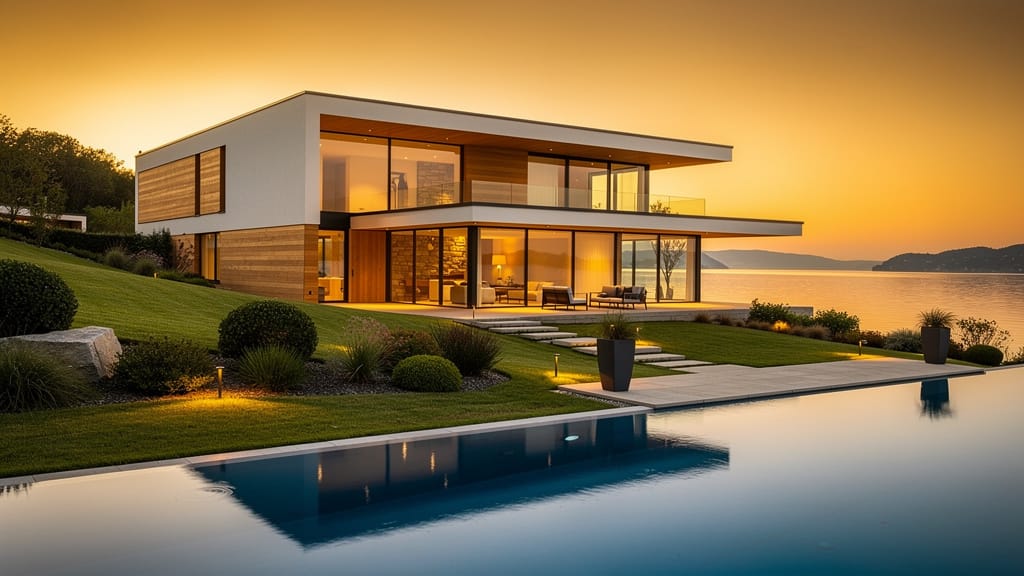

LUXURY BRAND SOCIAL AD
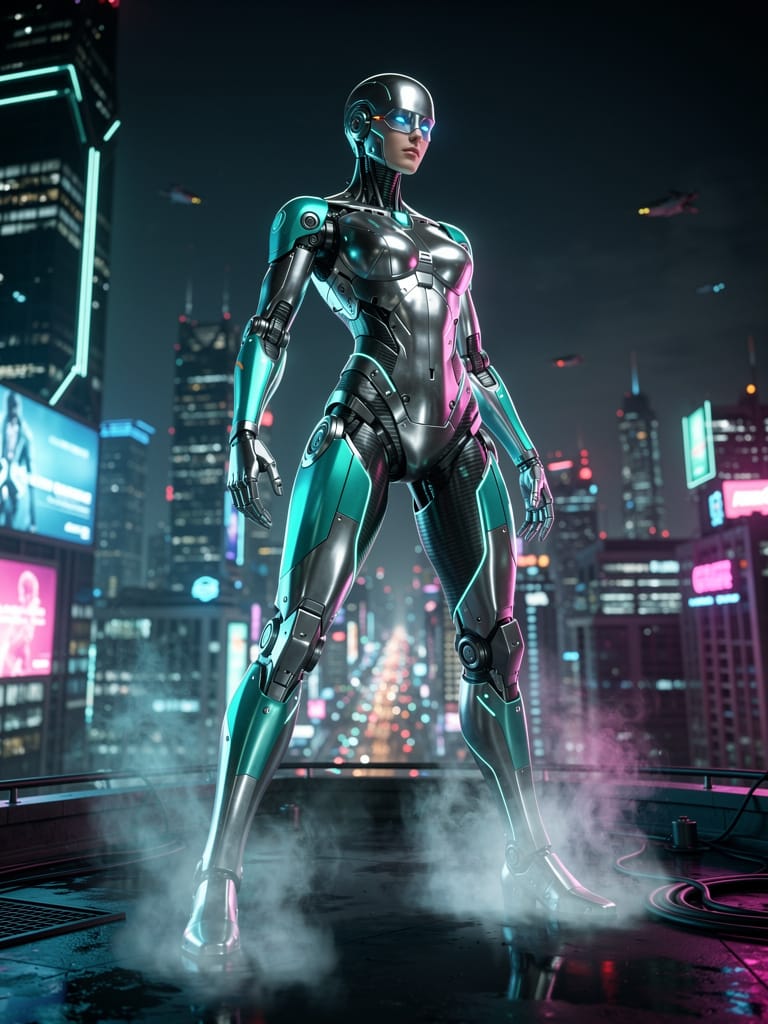
MOBILE BOOK COVER ART
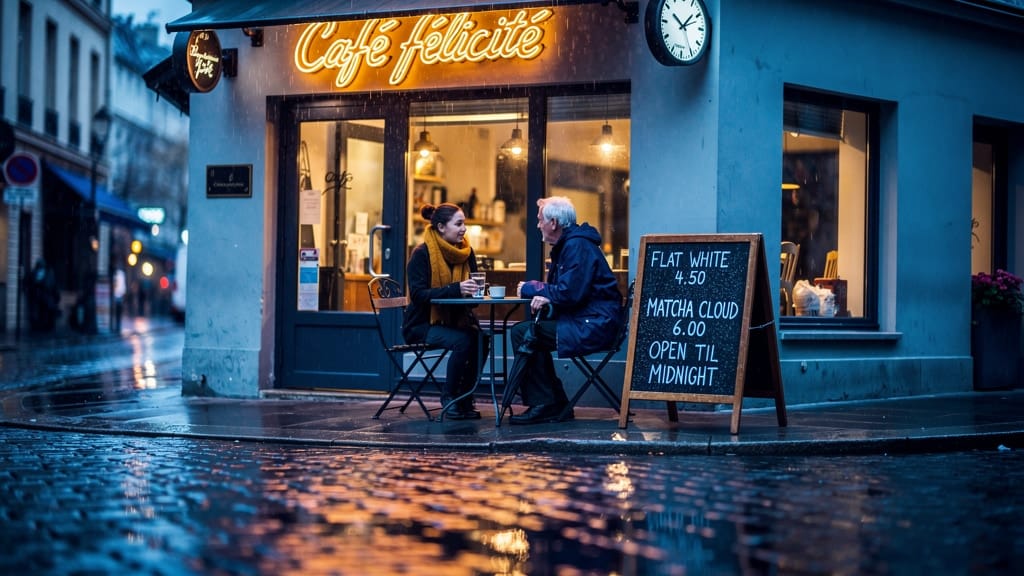
INFLUENCER PROFILE BANNER
Flux 2 Pro, developed by Black Forest Labs, is a text-to-image model built for creators who want richly detailed, cinematic results from a single written prompt. Type a description and the model returns a fully composed image — from dramatic close-ups and character portraits to sweeping environments and stylized concept art. It's designed to reward detailed, descriptive prompting, translating cues like lighting direction, mood, texture, and camera framing into images with a polished, high-fidelity finish.
At its core, Flux 2 Pro excels at hyper-detailed rendering. Feed it a prompt like an intense close-up of a knight's visor reflecting battle, sword raised, flames in the background, chiaroscuro shadows, and cinematic lighting, and it responds with dramatic contrast, believable materials, and atmosphere that reads like a film still. The model is especially strong at interpreting lighting language — chiaroscuro, rim lighting, golden hour, moody shadows — making it a natural fit for anyone who thinks in terms of scenes and shots rather than flat pictures.
The model produces images across a wide range of aspect ratios and sizes. You can choose from ready-made presets including square, high-definition square, portrait orientations (both standard and tall widescreen), and landscape orientations (both standard and cinematic widescreen). If you need something more specific, you can set a custom width and height, with output supported up to 2560 pixels on a side. This flexibility means the same prompt can be tuned for a vertical social post, a wide desktop banner, a film-style landscape, or a perfectly square thumbnail without reworking your idea.
Flux 2 Pro is a strong all-rounder for style. Because it follows descriptive prompts closely, you can steer it toward photorealism, painterly and illustrated looks, concept art, cinematic realism, and stylized fantasy simply by describing the aesthetic you want. Mentioning a medium (oil painting, matte painting, photograph), a lighting setup, and a mood tends to produce coherent, intentional results rather than generic imagery.
Several creative controls put you in the driver's seat. You can set a seed value, which acts like a fingerprint for a particular result — reuse the same seed with the same prompt to reproduce an image, or lock a seed and tweak your wording to explore controlled variations of a composition you like. You can choose your output format, saving as JPEG for smaller, share-ready files or PNG when you want cleaner, higher-integrity images for further editing. A safety tolerance control lets you adjust how strict or permissive the content filtering is, on a scale from most strict to most permissive, and an optional safety checker can be turned on or off depending on your workflow.
Who benefits most? Concept artists and illustrators can rapidly visualize characters, creatures, props, and environments before committing to a final piece. Filmmakers and storyboard artists can generate cinematic frames and mood references that capture lighting and tone. Designers can produce hero imagery, thumbnails, and marketing visuals in the exact aspect ratio they need. Game and world-builders can iterate on settings and atmospheres quickly. And any creator who enjoys writing vivid, detailed prompts will find the model rewards that effort with corresponding detail in the result.
A few practical notes will help you get the most out of Flux 2 Pro. First, be descriptive: the model responds best to prompts that name the subject, the setting, the lighting, the mood, and the framing. Vague prompts produce generic images; specific, layered prompts produce the dramatic, detailed results the model is known for. Second, use seeds intentionally — if you land on a composition you love, note the seed so you can return to it or make small, controlled adjustments. Third, pick your aspect ratio up front, since composing for a portrait frame is different from composing for a cinematic landscape, and the model will arrange your scene to suit the canvas you choose.
In terms of what to expect from the output, Flux 2 Pro returns finished images ready to download, review, and drop into your project. Each generation also reports the seed it used, so nothing you create is truly one-off — you can always trace back and rebuild on a result you liked. Whether you're producing a single showpiece image or exploring dozens of variations for a mood board, the workflow is straightforward: describe, generate, refine, repeat.
As with any text-to-image tool, results depend heavily on the prompt, and highly complex scenes with many interacting elements may take a few attempts to get exactly right. Adjusting your wording, changing the seed, or refining the requested lighting and composition are the fastest ways to close the gap between the picture in your head and the one on screen. With its focus on detail, cinematic lighting, flexible sizing, and reproducible results, Flux 2 Pro is a dependable creative partner for turning written ideas into striking, polished images.
Generera med den mest avancerade bildmodellen
A woman kneeling in darkness, illuminated by a warm, radiant beam of light emerging from her raised hand.
Skriv ditt scenario
Skriv en prompt som beskriver din önskade bild med detaljer om stil, ljussättning och komposition
AI:n genererar
Modellen förstår fysiken, ljussättningen och den känslomässiga avsikten i din scen
Börja dela
Klicka för att generera ditt slutresultat och ladda ner en bild av produktionskvalitet
Bortom prompten: en ny nivå av kontroll
CORPORATE WEB HERO IMAGE
Showcases batch consistency and multi-subject control for business environments, ensuring dynamic group scenes stay visually unified for web and presentation hero images.
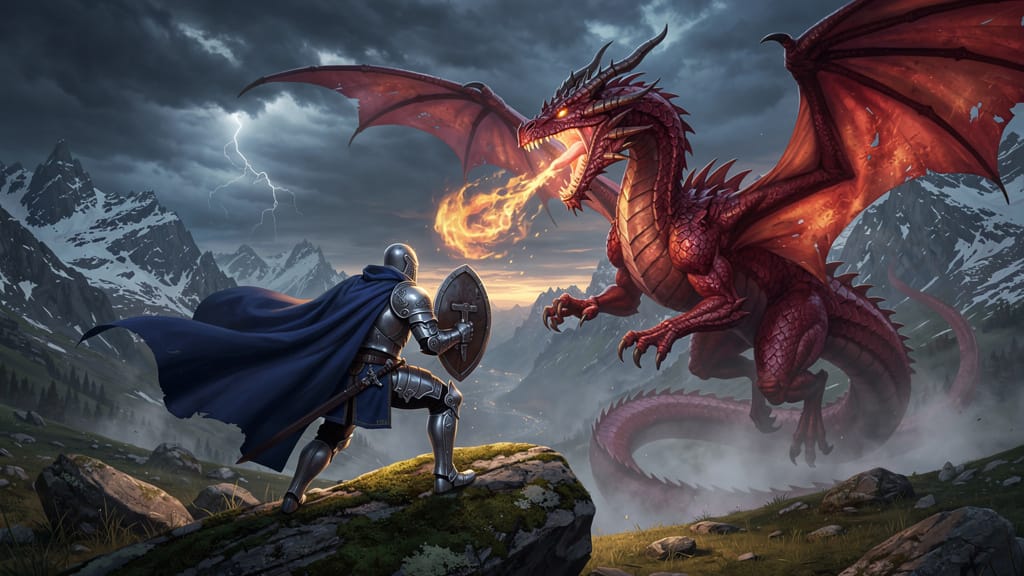
CINEMATIC FANTASY SCENE
Offers precise scene control and the ability to render large-scale landscapes with multiple interacting subjects, fitting for gaming, entertainment, or concept art deliveries.
ARCHITECTURAL DESIGN SHOWCASE
Demonstrates color accuracy, lighting control, and style transfer—critical for client-facing architectural visualizations and branding presentations.
Jämför med liknande modeller
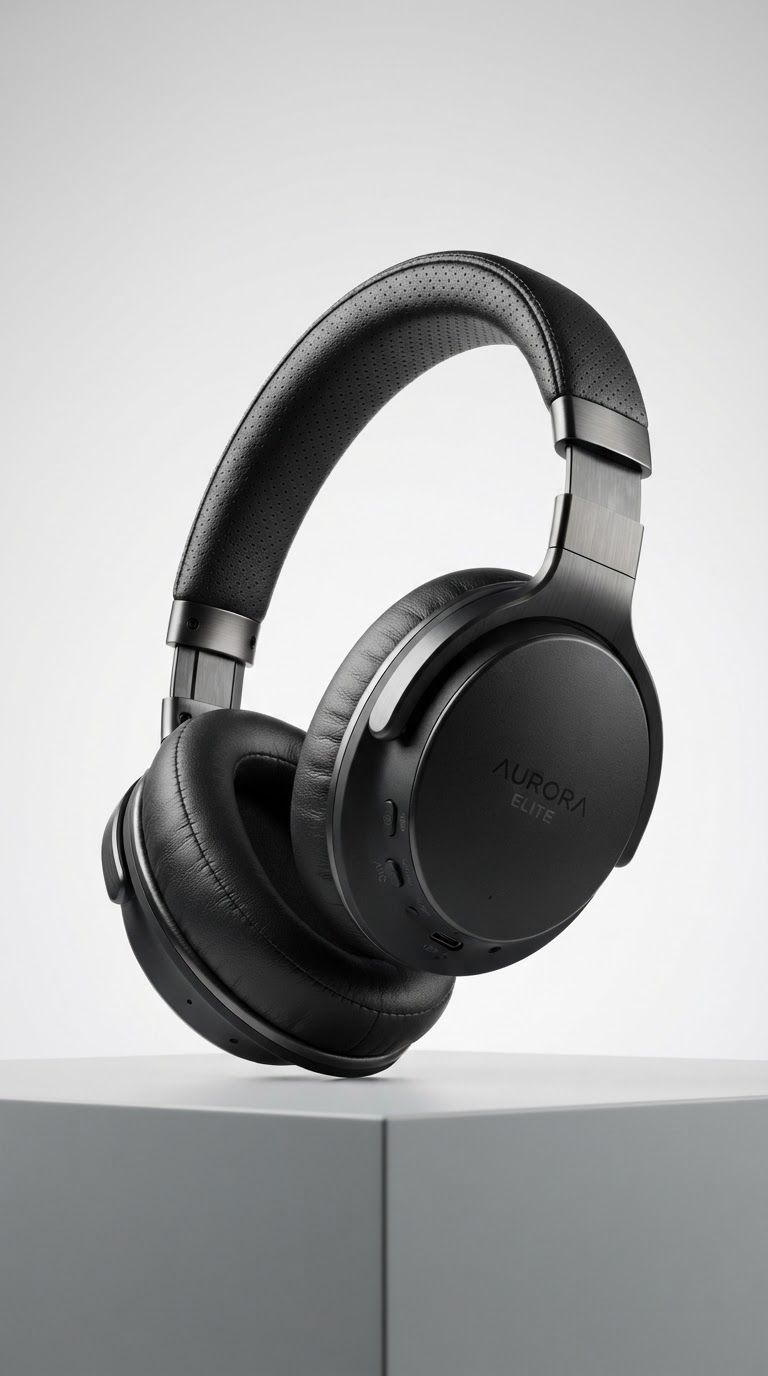
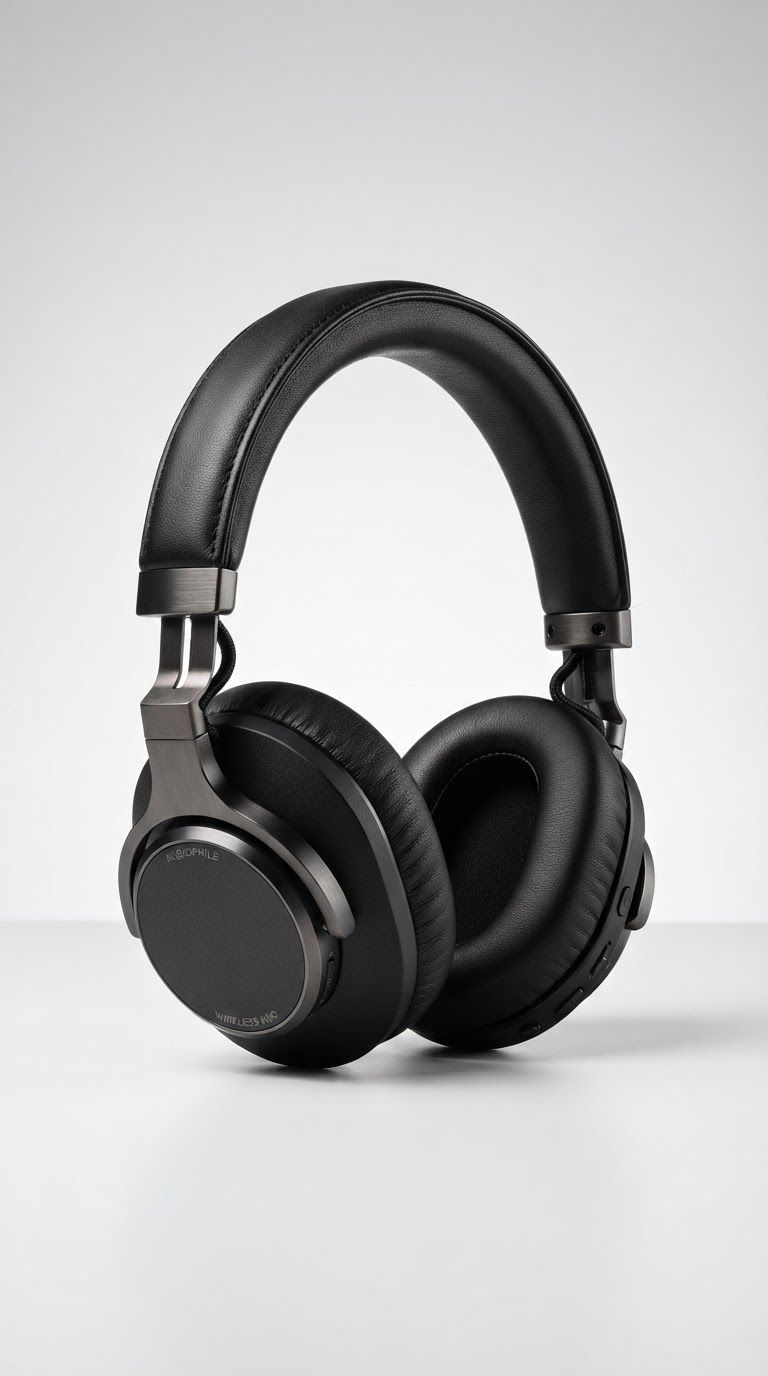
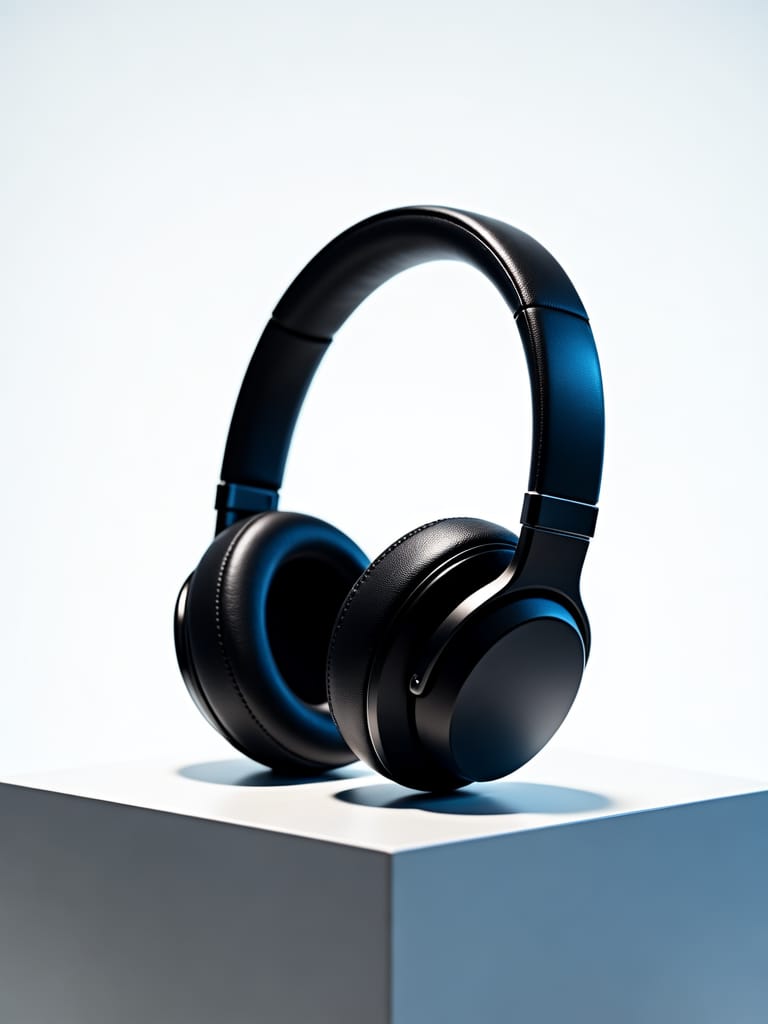
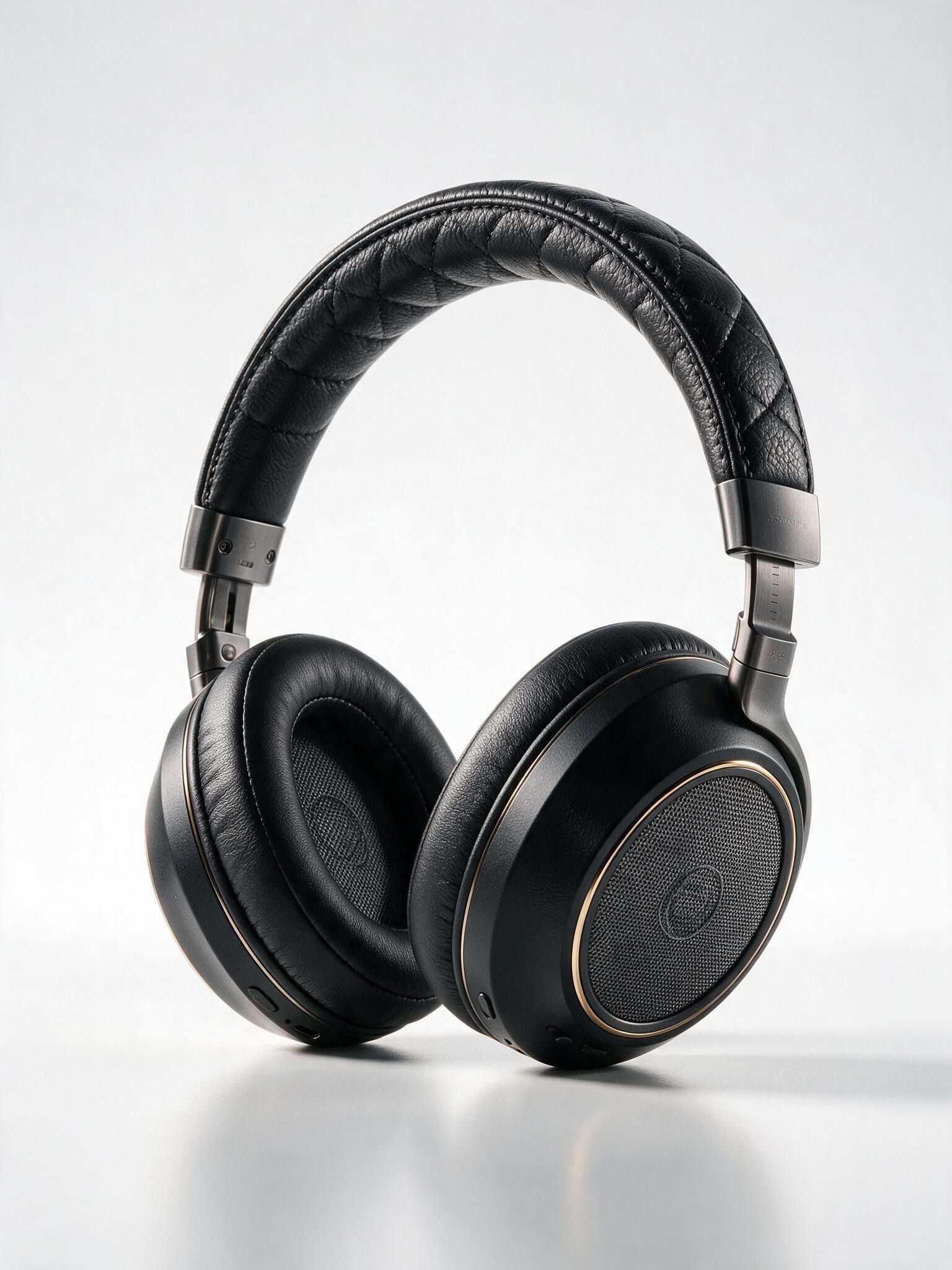
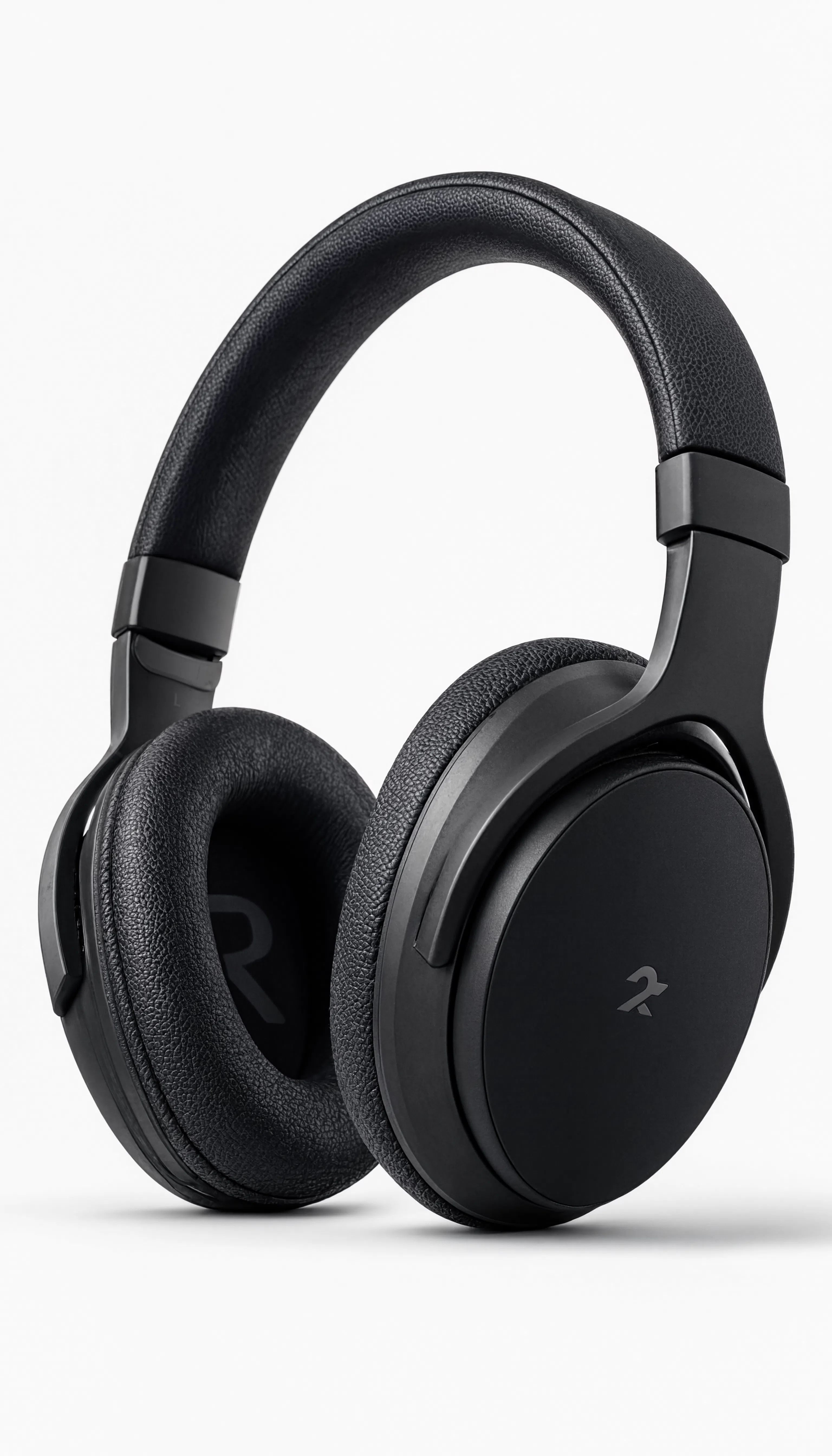
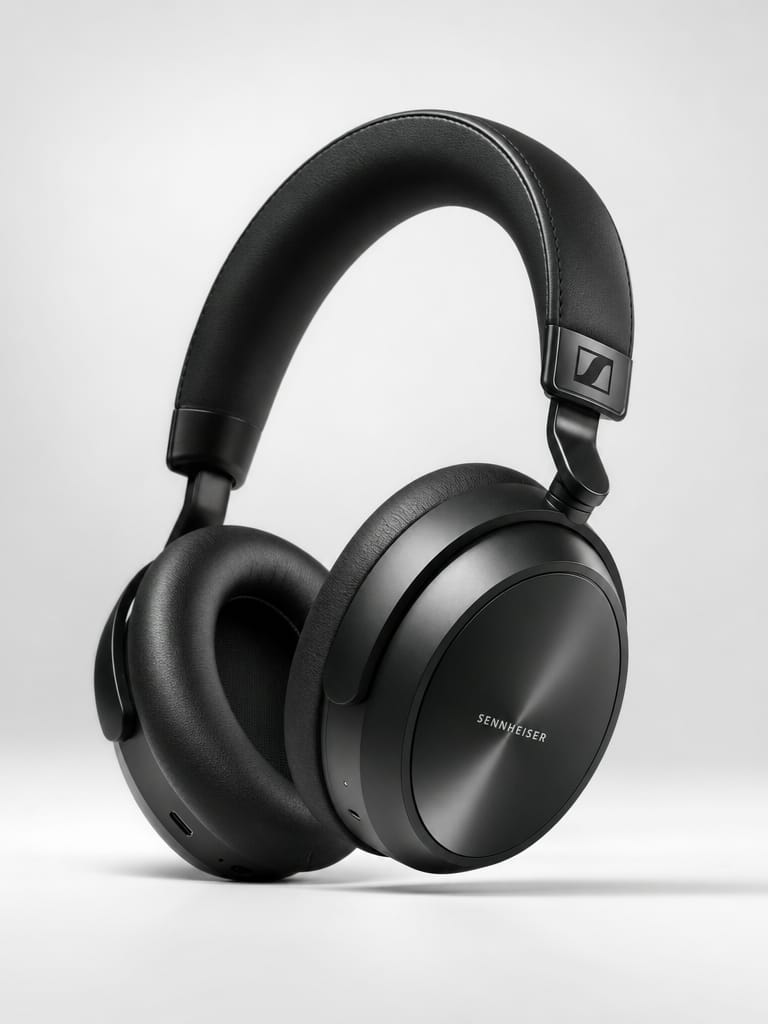
“High-end studio product photography of premium wireless over-ear headphones in matte black finish. Dramatic three-point lighting with soft key light from upper left, rim light highlighting the ear cup contours, and subtle fill. Clean white seamless backdrop with soft gradient. Sharp focus on texture details of the leather headband and brushed metal accents. Professional advertising quality, 8K resolution, photorealistic rendering.”

![V4.0q [fast] output](https://shortgenius.com/cdn-cgi/image/width=3840,quality=80,format=auto/https://assets.shortgenius.com/example-model-output/255567ab-4cdb-4e8f-9f6a-d0a5f412cd0b.jpg)
![V4.0q [instant] output](https://shortgenius.com/cdn-cgi/image/width=3840,quality=80,format=auto/https://assets.shortgenius.com/example-model-output/1a4fc6d7-04b2-4716-8cad-3df20e286c53.jpg)



Upplev perfektion med Flux 2 Pro
Byt till resonemangsstyrd syntes idag
Vanliga frågor
Liknande modeller
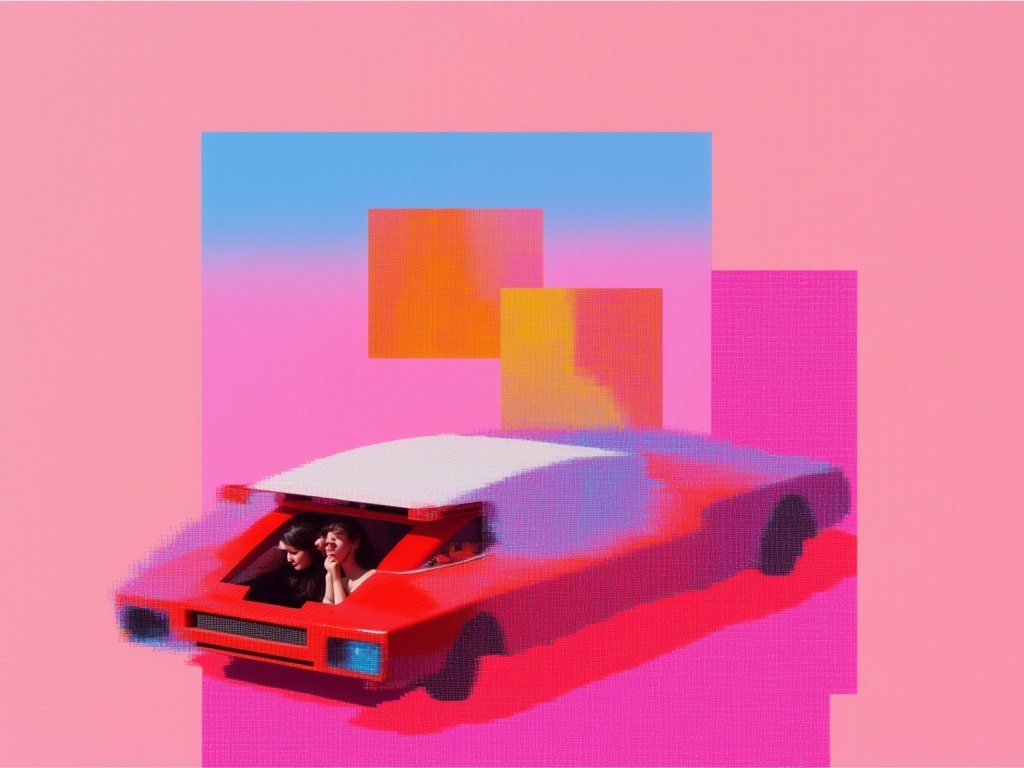
Nano Banana Lite
Fast, efficient image generation
6 krediter
![V4.0q [instant]](https://v3b.fal.media/files/b/0aa12d17/6liDSFFStjD4rStlm4CS1.jpg)
V4.0q [instant]
Fast text rendering image generation
0.1 krediter

Wan v2.6 Text to Image
Flexible multilingual image generation model
0.3 krediter
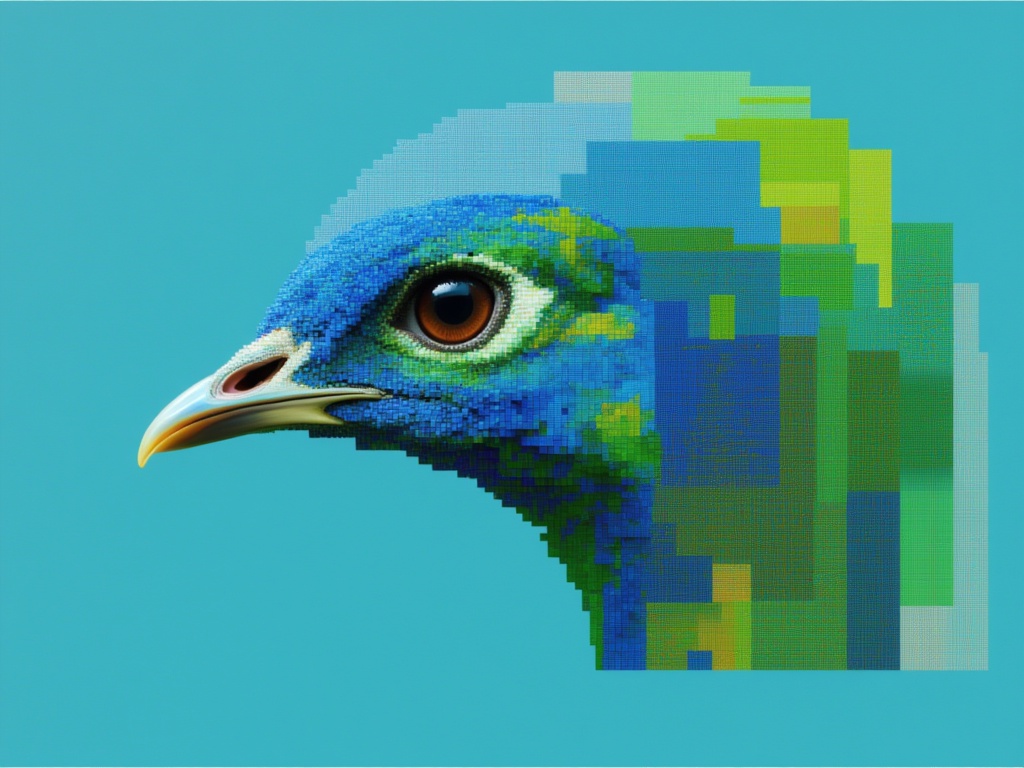
Seedream 5.0 Pro Text to Image
Flagship multilingual text-to-image generation
0.3 krediter
Nano Banana 2 Lite
Fast efficient image generation
6 krediter
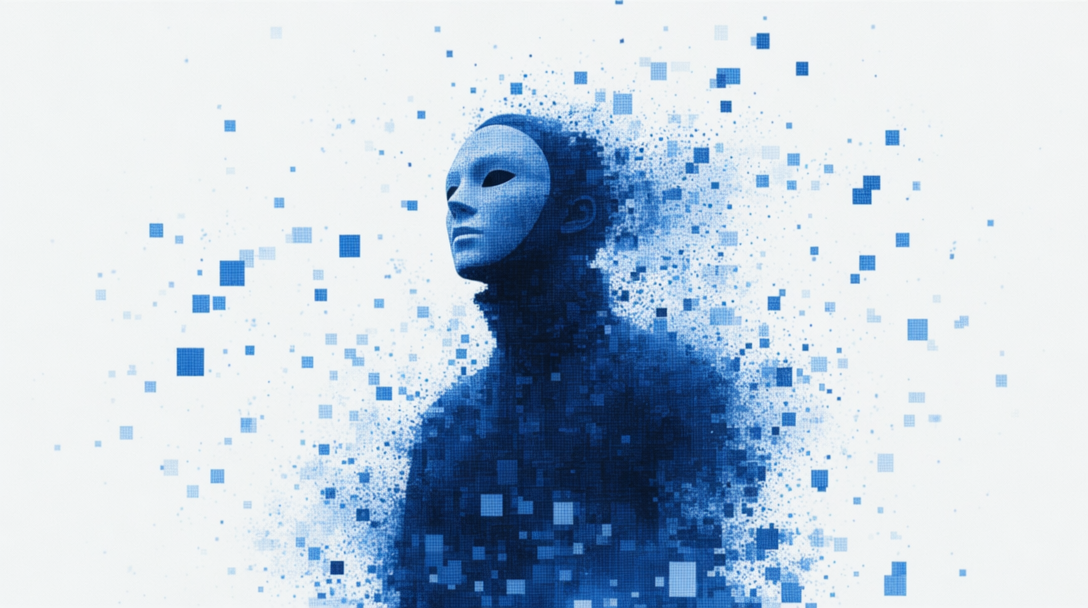
GPT Image 2 API
Detailed images with fine typography
4 krediter
![V4.0q [fast]](https://v3b.fal.media/files/b/0aa0cdc0/4AWx22ZkcZYZBZ73YKkdT.jpg)
V4.0q [fast]
Fast text-accurate image generation
0.1 krediter
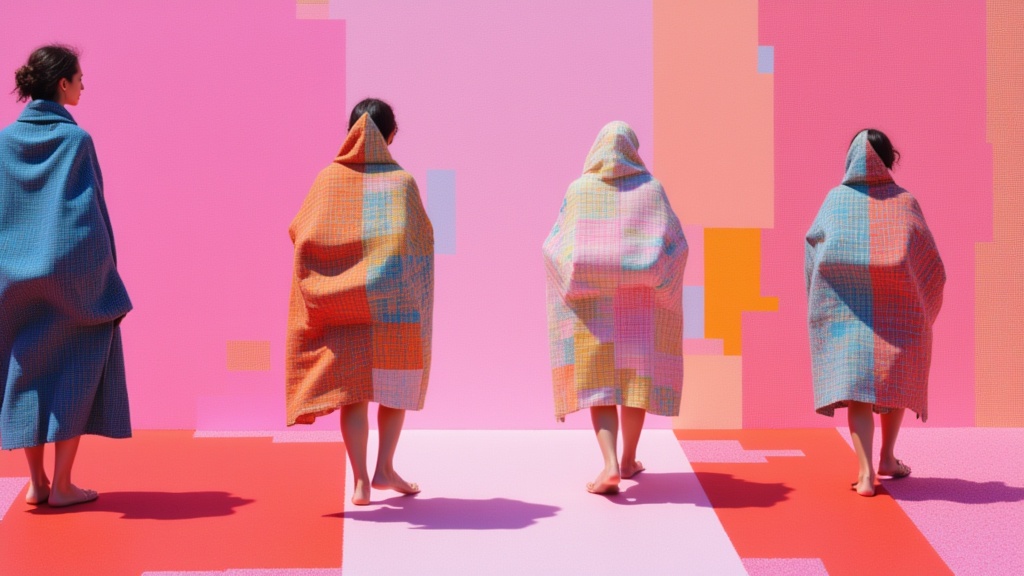
Krea 2 Large
High-fidelity text-to-image generation
0.1 krediter
Fibo Bbq Preview
Precise structured text-to-image generation
0.2 krediter