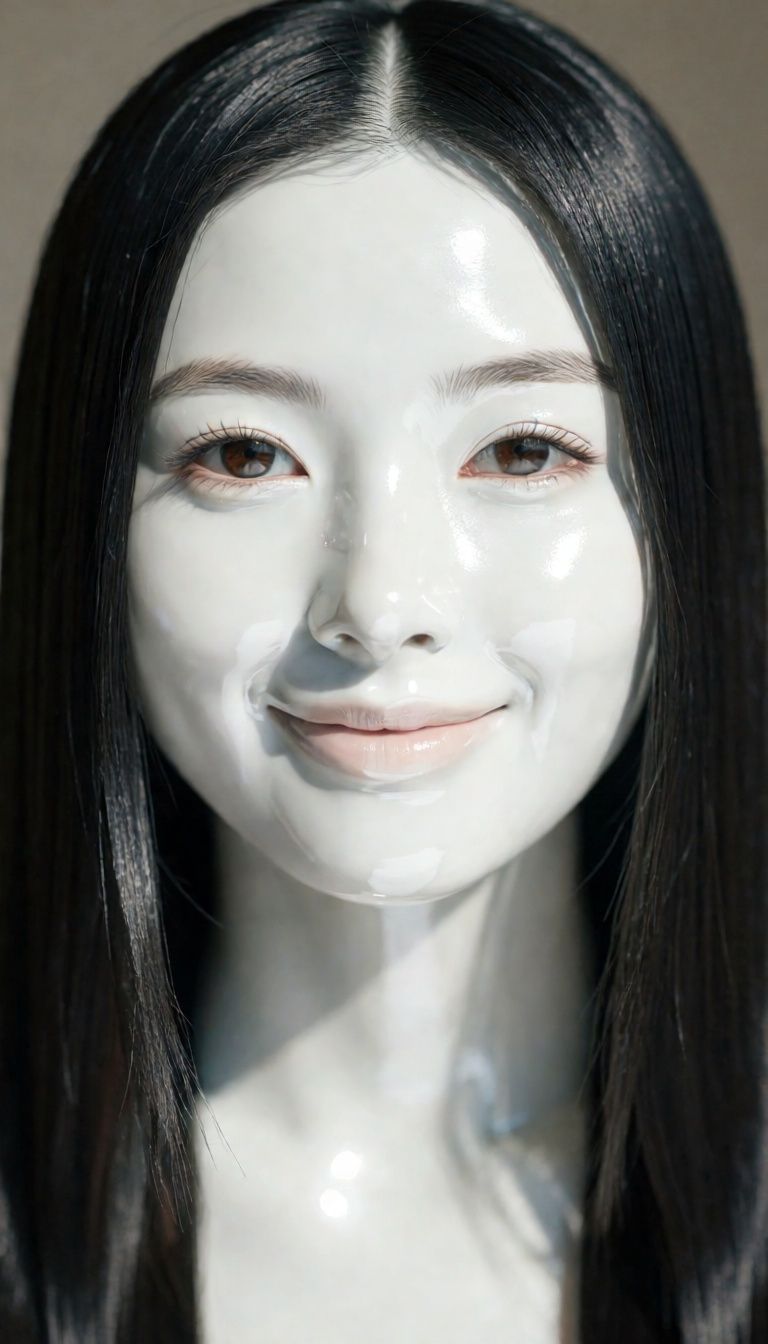
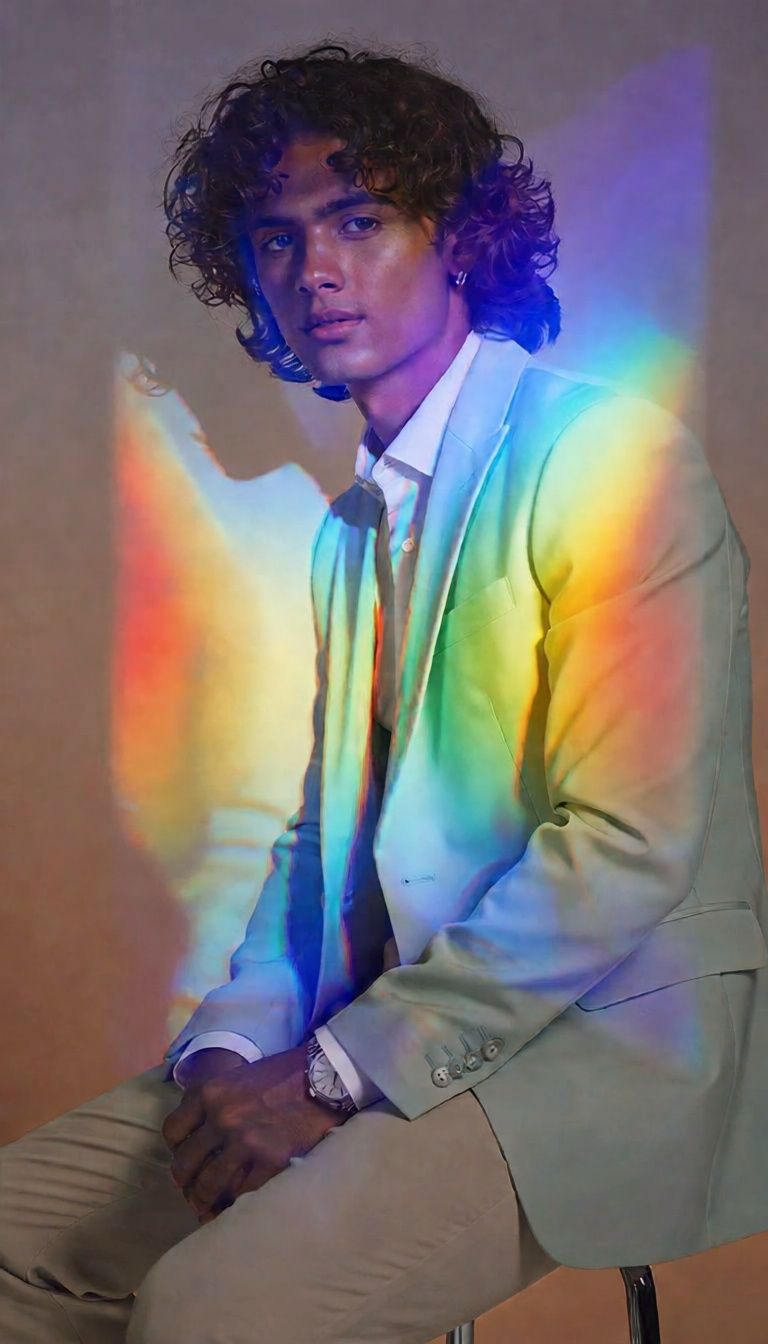
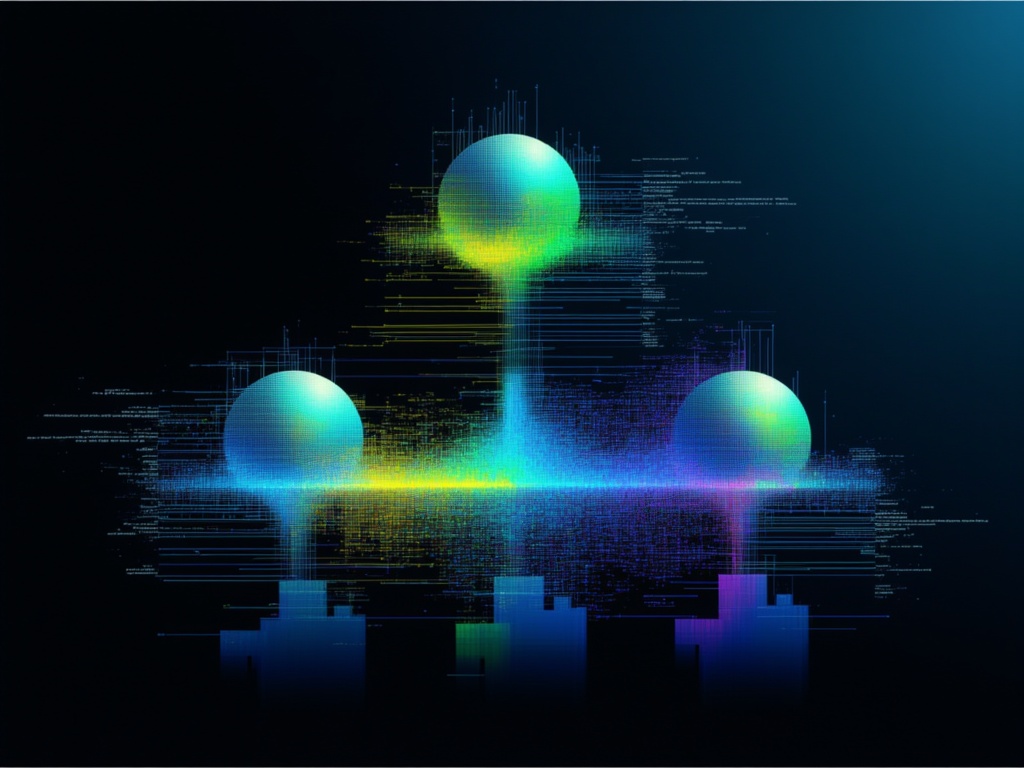
تَحَوُّل المَوَادّ
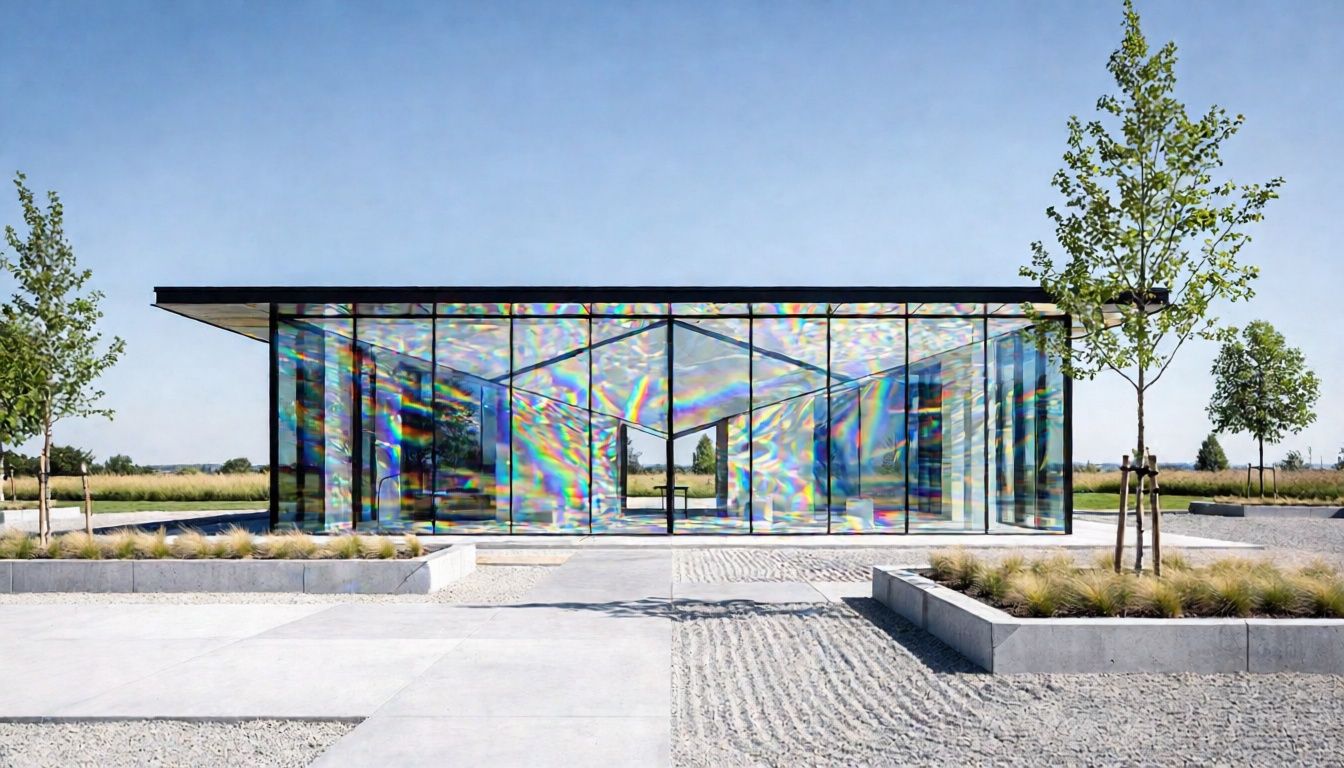
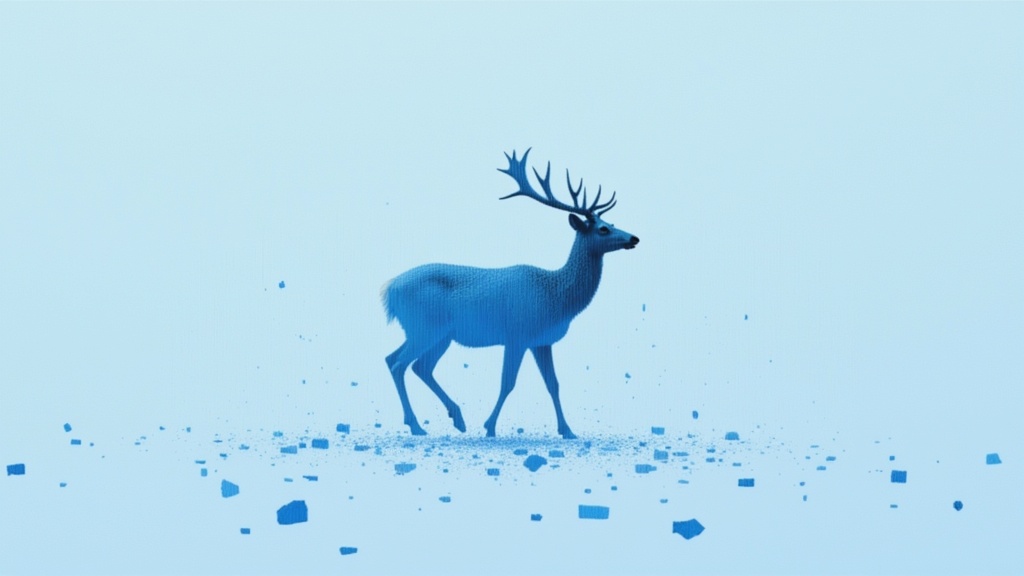
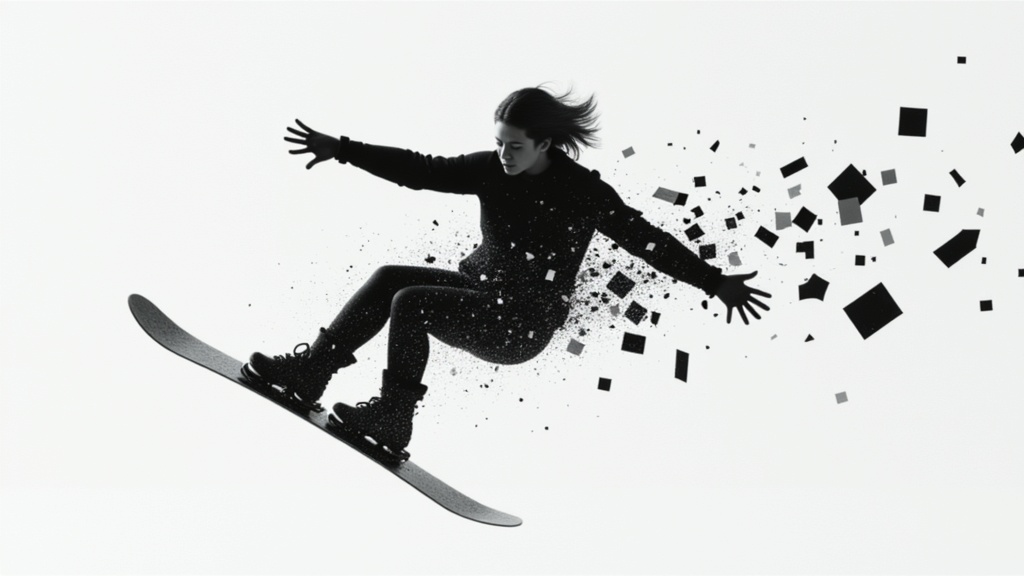
انْكِسَار مُسْتَنِد إِلَى الفِيزْيَاء
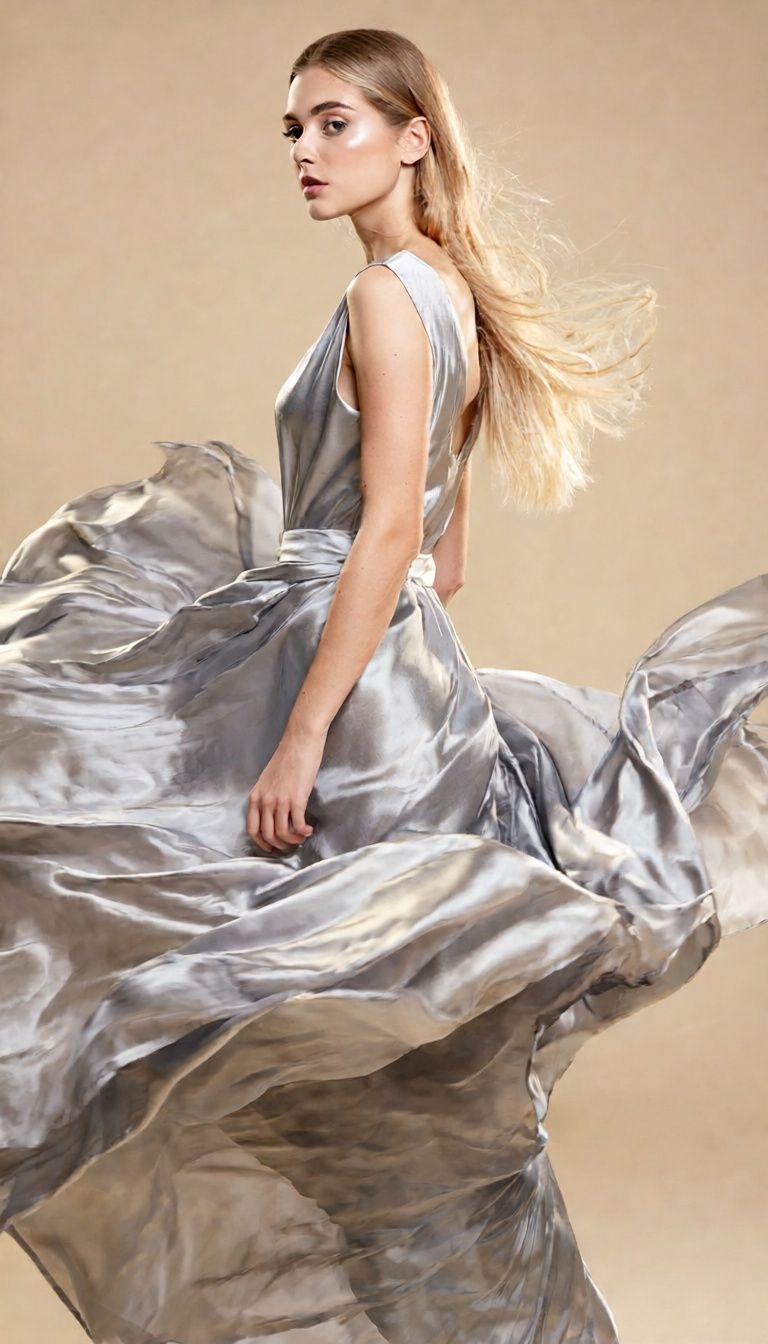
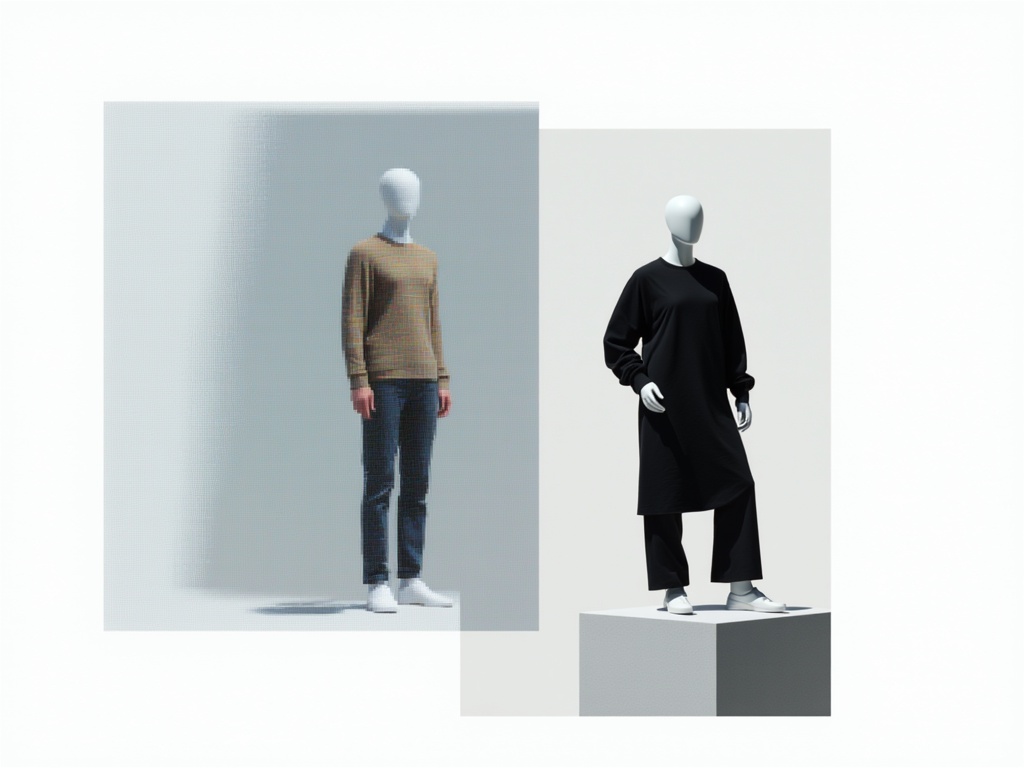
تَشَوُّه الأَزْيَاءِ
Physic Edit هو نموذج قوي لتحرير الصور مع وعي بقوانين الفيزياء تم تطويره بواسطة Black Forest Labs، وصُمم للمحترفين المبدعين الذين يسعون لتحويل الصور الحالية باستخدام تأثيرات واقعية وممكنة فيزيائياً. سواء كنتَ فناناً، مصمماً، صانع أفلام، أو منشئ محتوى متعدد الوسائط، يسمح لك Physic Edit بتطبيق تعديلات دقيقة ومتقدمة مثل الذوبان، والانكسار، وتغييرات المواد، أو التشوهات، والتي تحاكي القوانين الفيزيائية الحقيقية في صورك.
القدرات الإبداعية الرئيسية
ما يميز Physic Edit هو تركيزه على الواقعية المستندة إلى قوانين الفيزياء. فعلى سبيل المثال، إذا أردت إظهار تمثال جليدي يذوب، يمكنك وصف كيف يجب أن يتجمع الماء تحته بالضبط، أو توجيه النظام لكسر الضوء بشكل واقعي عبر سطح شفاف. ينتج النموذج نتائج لا تبدو طبيعية فحسب، بل تأخذ في الاعتبار أيضاً تفاصيل مثل الشفافية، والانعكاسات، وتغير حالات المادة الفيزيائية.
تتفاعل مع Physic Edit من خلال تقديم مدخلين أساسيين: صورة ومطالبة كتابية تصف التحويل الذي ترغب برؤيته. يمكن أن تكون المطالبة مفصلة، مما يمنحك تحكماً فنياً دقيقاً في كيفية تغير المواد، تشوه الأجسام، أو ظهور التأثيرات الطبيعية. يمكنك أيضاً تضمين تعليمات لعناصر ترغب في تجنبها ("مطالبة سلبية")، مثل إخبار النموذج بما لا يجب تضمينه.
من المستفيد من Physic Edit؟
Physic Edit مثالي لـ:
- الفنانين البصريين الذين يسعون لدفع حدود التلاعب الصوري
- المصممين والرسامين الراغبين في إبراز تغييرات المواد أو الإضاءة
- صناع الأفلام واحترافي الرسوم المتحركة الباحثين عن مرجع بصري أو تصور مسبق للتأثيرات الفيزيائية
- منشئي المحتوى والمعلّمين الذين يحتاجون لتصور تغييرات مدفوعة بالفيزياء في الصور لأغراض تعليمية، أو تصورية، أو قصصية
الصيغ والدقات والأنماط
يدعم Physic Edit الصيغ القياسية للصور—JPEG و PNG—بحيث يمكنك تصدير الصور النهائية بسهولة ودمجها ضمن مشاريعك الاحترافية. يتم تزويد الصور الناتجة بمعلومات عن الصيغة، العرض، والارتفاع، مما يسهل الحفاظ على الوضوح والدقة ضمن سير عملك. وبينما يتم تحديد النمط من خلال صورتك الأصلية والتحويل المطلوب في المطالبة، يضمن النموذج الحفاظ على الواقعية والتصديق، خاصة مع التأثيرات الفيزيائية المعقدة.
الجودة، الأداء، والتحكم الإبداعي
يمنحك Physic Edit عدة تحكمات إبداعية تمكنك من ضبط كيفية تفسير النموذج للمطالبة ومدى الالتزام بالتعليمات. يمكنك إعطاء أولوية لمدى اتباع الخرج لوصفك لضمان نتائج متوقعة وقابلة للتكرار عبر إعداد مطابقة المطالبة. هناك أيضاً خاصية اختيارية للتحقق من أمان المحتوى لضمان التوافق مع المعايير المناسبة.
للحصول على أفضل جودة، يمكنك زيادة مستوى التفاصيل، مما يسمح للنموذج باتخاذ خطوات إضافية لتحقيق واقعية أعلى. وإذا أردت التجربة والتكرار، يمكنك أيضاً استخدام العشوائية أو تعيين رقم بداية (seed) لإنشاء نتائج متشابهة أو قابلة لإعادة الإنتاج عند تطبيق التعديلات على نفس الصورة والمطالبة.
القيود والاعتبارات
يركز Physic Edit على التعديلات الواقعية المدفوعة بالفيزياء، لذا تكون النتائج أكثر تأثيراً عندما تصف المطالبات تحولات ممكنة تعتمد على خصائص حقيقية للمواد. وبالرغم من أن النموذج يقدّم واقعية متقدمة في التأثيرات الفيزيائية، إلا أن التعديلات الخيالية أو المجردة جداً قد لا توفر أفضل النتائج؛ من الأفضل تحديد مواد وتأثيرات من الواقع.
يمكن تمكين التحقق من الأمان للمساعدة في تجنب النتائج غير الملائمة، كما يمكنك التحكم في الصيغة النهائية (JPEG أو PNG) لضمان التوافق مع أدواتك وسير عملك الإبداعي. وللحصول على أفضل النتائج، قدّم مطالبات واضحة ومحددة وصوراً مصدرية عالية الجودة، خصوصاً عند العمل مع تأثيرات دقيقة مثل الانكسار، الذوبان، أو التشوه.
باختصار، يجلب Physic Edit مستوى جديداً من الواقعية الفيزيائية إلى تحرير الصور، مما يجعله شريكاً إبداعياً فريداً لأي شخص يحتاج إلى تغييرات واقعية للمواد، تأثيرات سينمائية، أو تصورات تعليمية تعتمد على تصوير دقيق لقوانين الفيزياء.
ولّد باستخدام أحدث محرر صور
Add the image that you want change
رفع صورة
أضف الصورة التي تريد تحريرها أو تحويلها
A woman kneeling in darkness, illuminated by a warm, radiant beam of light emerging from her raised hand.
اكتب التغييرات
صف التحرير المطلوب - تغييرات في الطراز أو إزالة كائنات أو تحسينات
ابدأ المشاركة
نزّل صورتك المحررة بشكل احترافي
ما وراء الوصف: مستوى جديد من التحكم
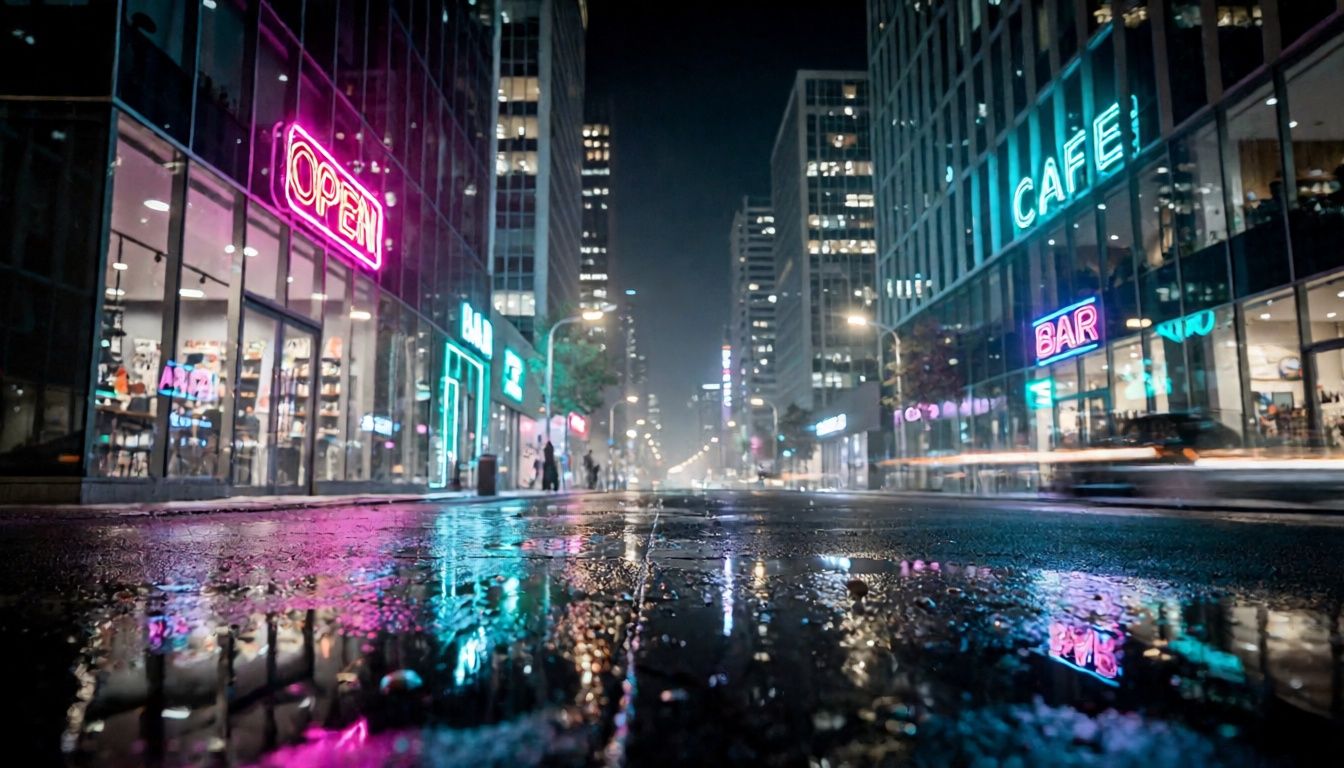
تَبْدِيل المَوَادّ فِي اللَّيْل
يعرض تغييرات مواد واقعية وتأثيرات انعكاسية، مثالي لتعزيز التصوير الحضري وتحويل المشاهد الدراماتيكية.
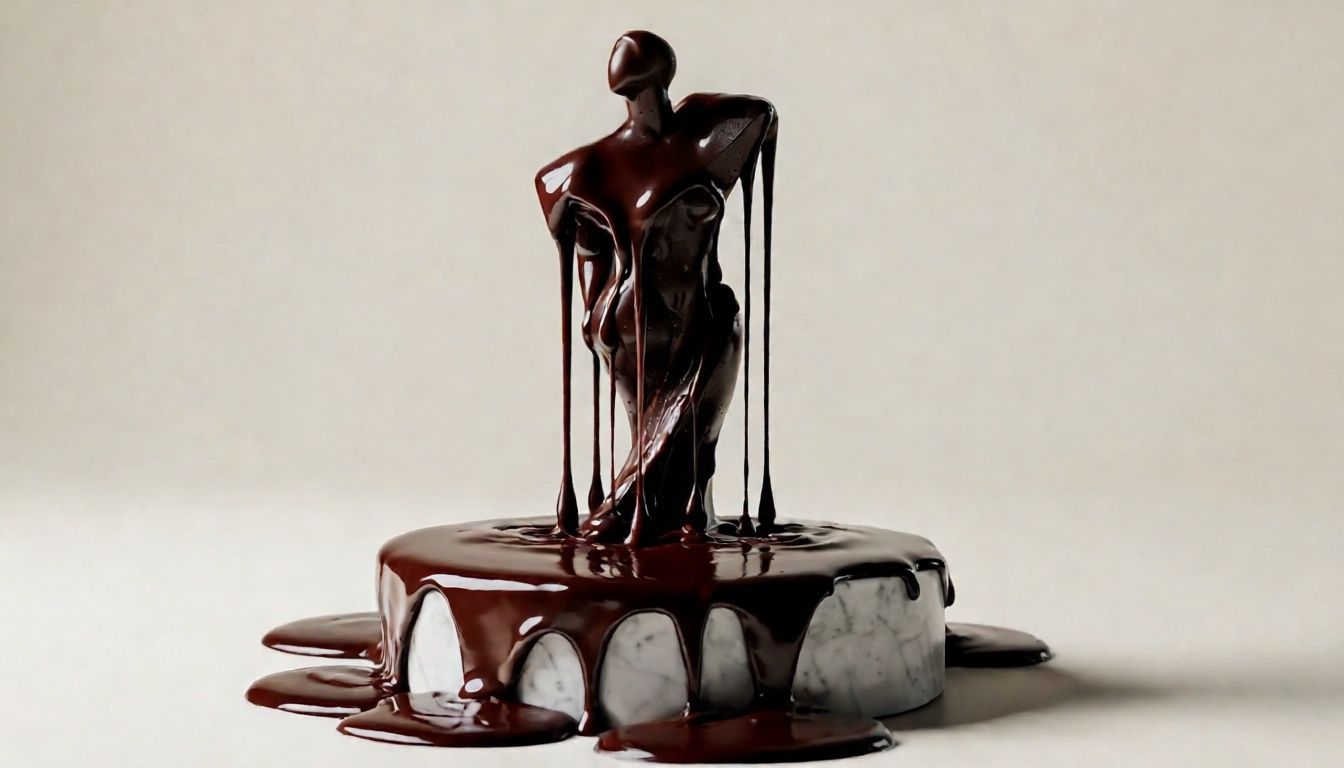
ذَوَبَان مُوَجَّه بِالفِيزْيَاء
يُظهر قدرة النموذج على إنتاج تأثيرات ذوبان واقعية للغاية مع التركيز على خصائص المواد، وهو مثالي لصوَر الطعام والفن.
انْكِسَار الهَيْكَل وَاللَّعِب بِالإِضَاءَة
يعرض قدرة النموذج الفريدة على تطبيق انكسار واسع النطاق مع تحريف مسار الضوء بشكل ممكن فيزيائياً، مثالي لتصورات العمارة أو الفن المفهومي.
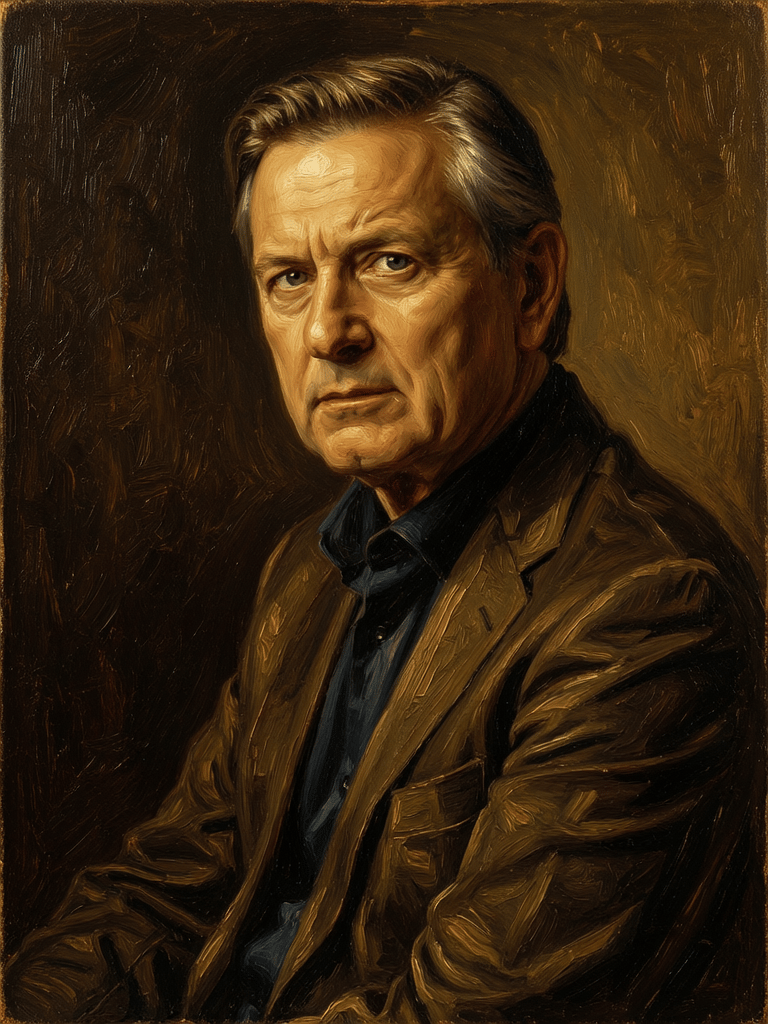
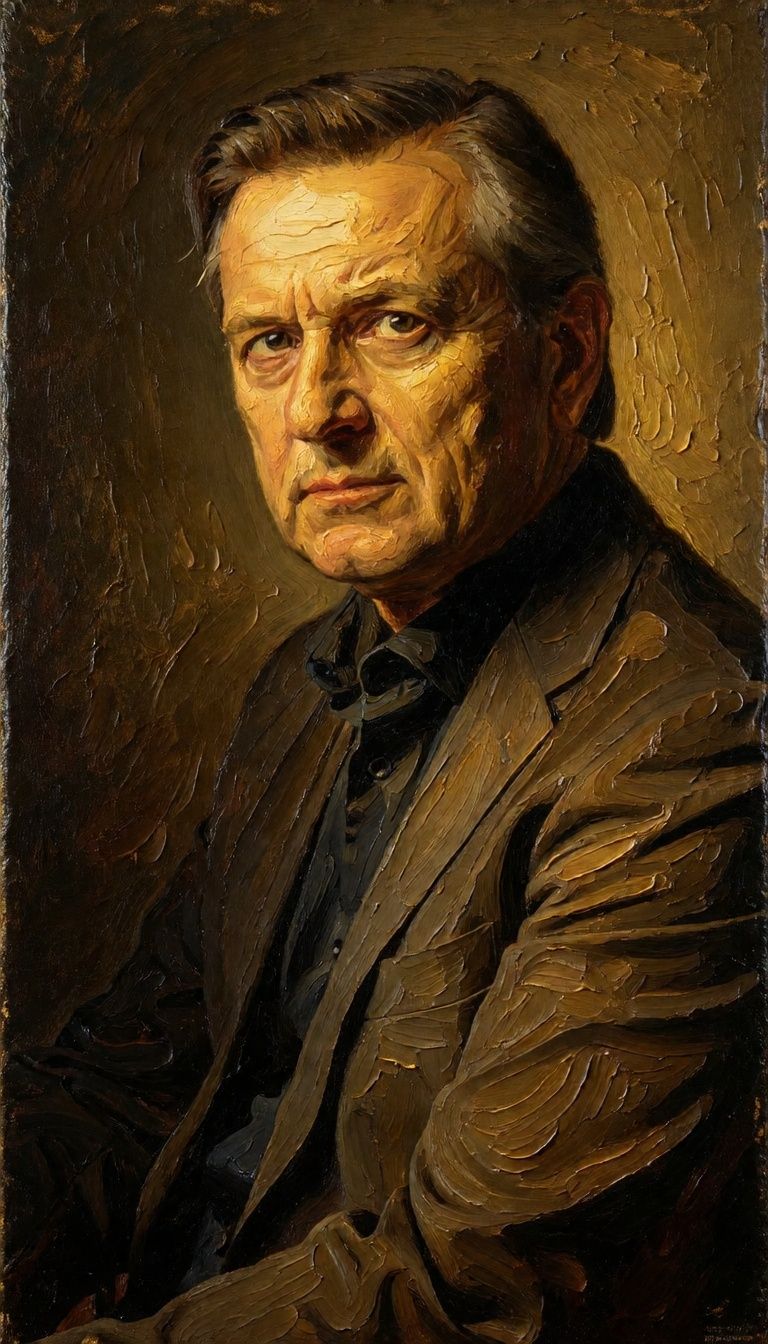
قارن مع نماذج مشابهة
“Transform into a classical oil painting in the style of Rembrandt. Add visible impasto brushstrokes with thick paint texture. Apply warm golden undertones and dramatic chiaroscuro lighting with deep shadows. Enhance the dramatic contrast while preserving facial structure and expression. Add subtle canvas texture visible through the paint layers.”
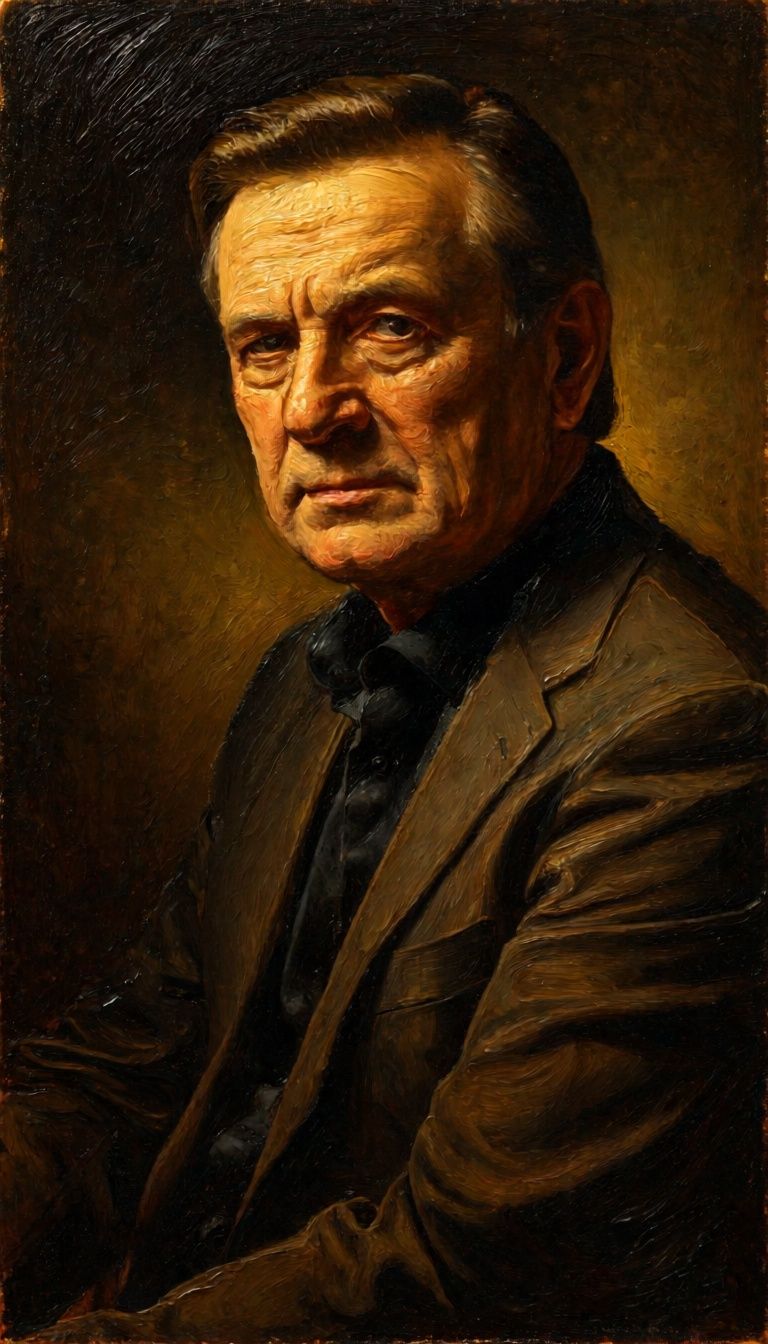
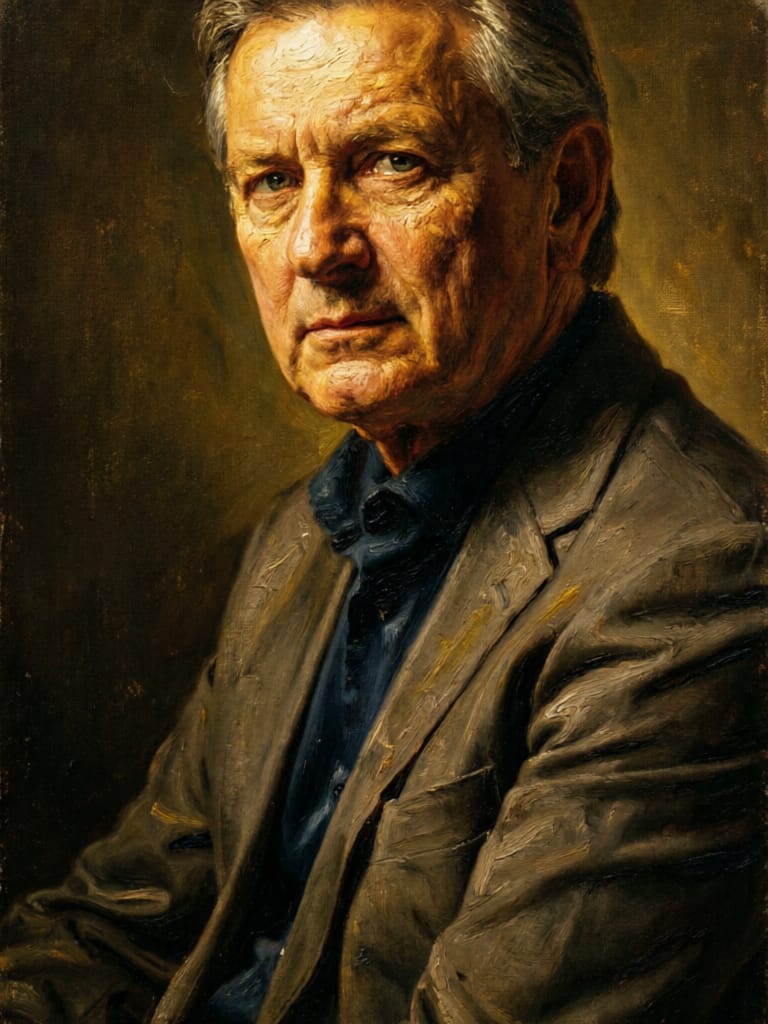
![FLUX.2 [klein] 4B LoRA output](https://shortgenius.com/cdn-cgi/image/width=3840,quality=80,format=auto/https://assets.shortgenius.com/example-model-output/10a63e77-67c3-46e6-83d3-b7b93355e72c.png)


![FLUX.2 [klein] 9B LoRA output](https://shortgenius.com/cdn-cgi/image/width=3840,quality=80,format=auto/https://assets.shortgenius.com/example-model-output/cbfd8f70-6bf2-467b-918f-b020118b8db0.png)


![FLUX.2 [klein] 9B LoRA output](https://shortgenius.com/cdn-cgi/image/width=3840,quality=80,format=auto/https://assets.shortgenius.com/example-model-output/cc1806c8-2af0-47e7-bd34-a95d2d180bfb.png)
جرب الكمال مع Physic Edit
انتقل اليوم إلى التوليف الموجه بالتفكير
الأسئلة الشائعة
نماذج مشابهة
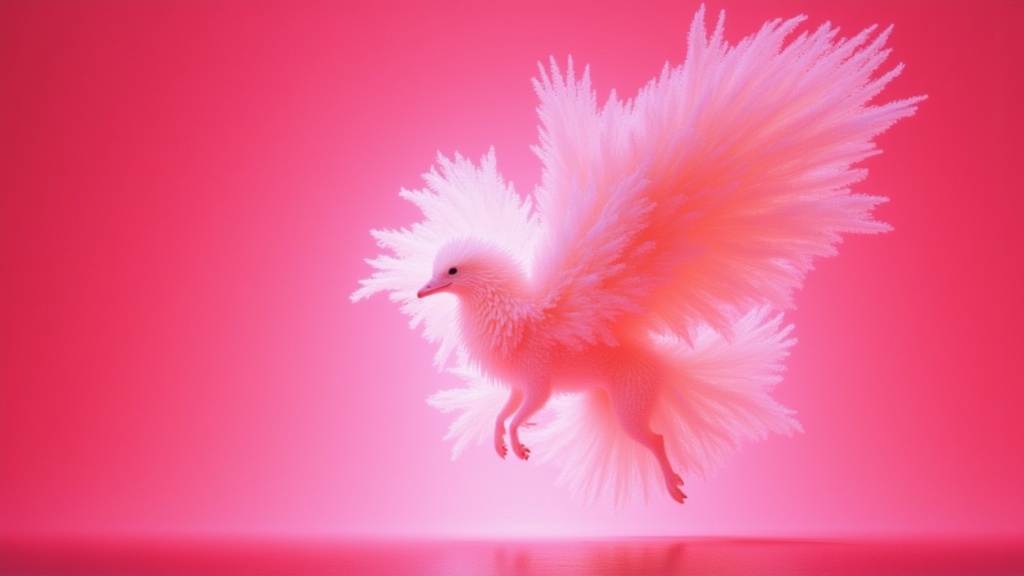
Wan
Text-guided creative image editing
0.2 اعتمادات
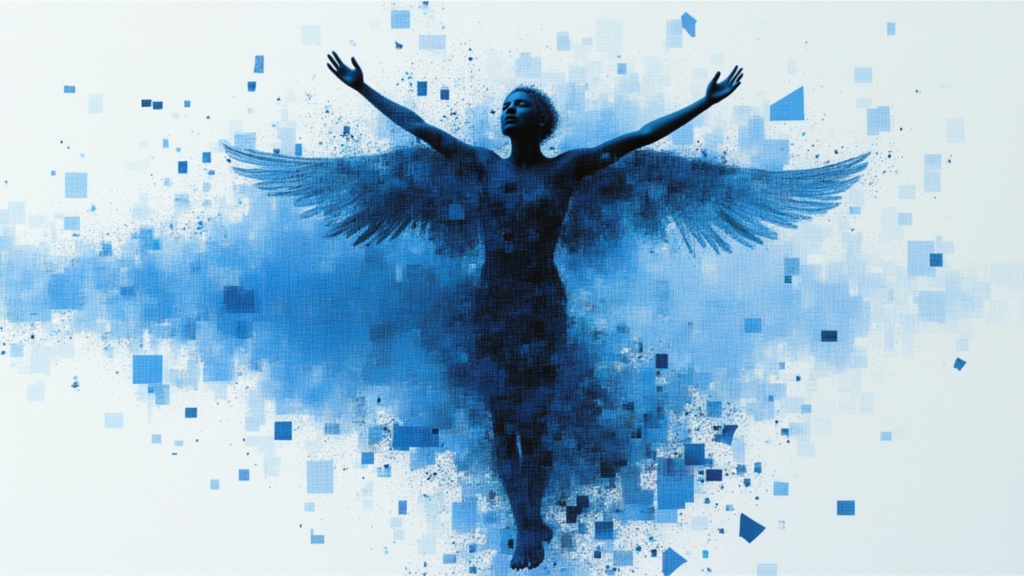
Nano Banana 2
Google's advanced image editing
0.7 اعتمادات
![FLUX.2 [klein] 9B LoRA](https://v3b.fal.media/files/b/0a928e3b/sIC-Ne9BMwZZtBvR3FwKN_9a724704a550471a9df59999e9e1017f.jpg)
FLUX.2 [klein] 9B LoRA
Precise natural language image editing
0.5 اعتمادات
Qwen Image 2
Unified AI image editing model
0.5 اعتمادات
Joyai Image Edit
Natural language image editing
0.8 اعتمادات
Hy Wu Edit
Edit images with reference photos
0.4 اعتمادات
Qwen Image 2
Unified image editing and generation
0.6 اعتمادات
![FLUX.2 [klein] 4B LoRA](https://v3b.fal.media/files/b/0a928e1f/c62zNs4MhBXgm-5w7n0C5_90bad8837ecc451e96f91da93b78f564.jpg)
FLUX.2 [klein] 4B LoRA
Edit images with text, colors
8 اعتمادات
![FLUX.2 [klein] 9B LoRA](https://v3b.fal.media/files/b/0a928dd2/yFNW07YLHtp5zuE4eJAW1_e2f89915a1b740559b3c652b0b028296.jpg)
FLUX.2 [klein] 9B LoRA
Precise image edits, color control
0.3 اعتمادات