
REVE
PRECISION IMAGE EDITING
Transform images using text prompts
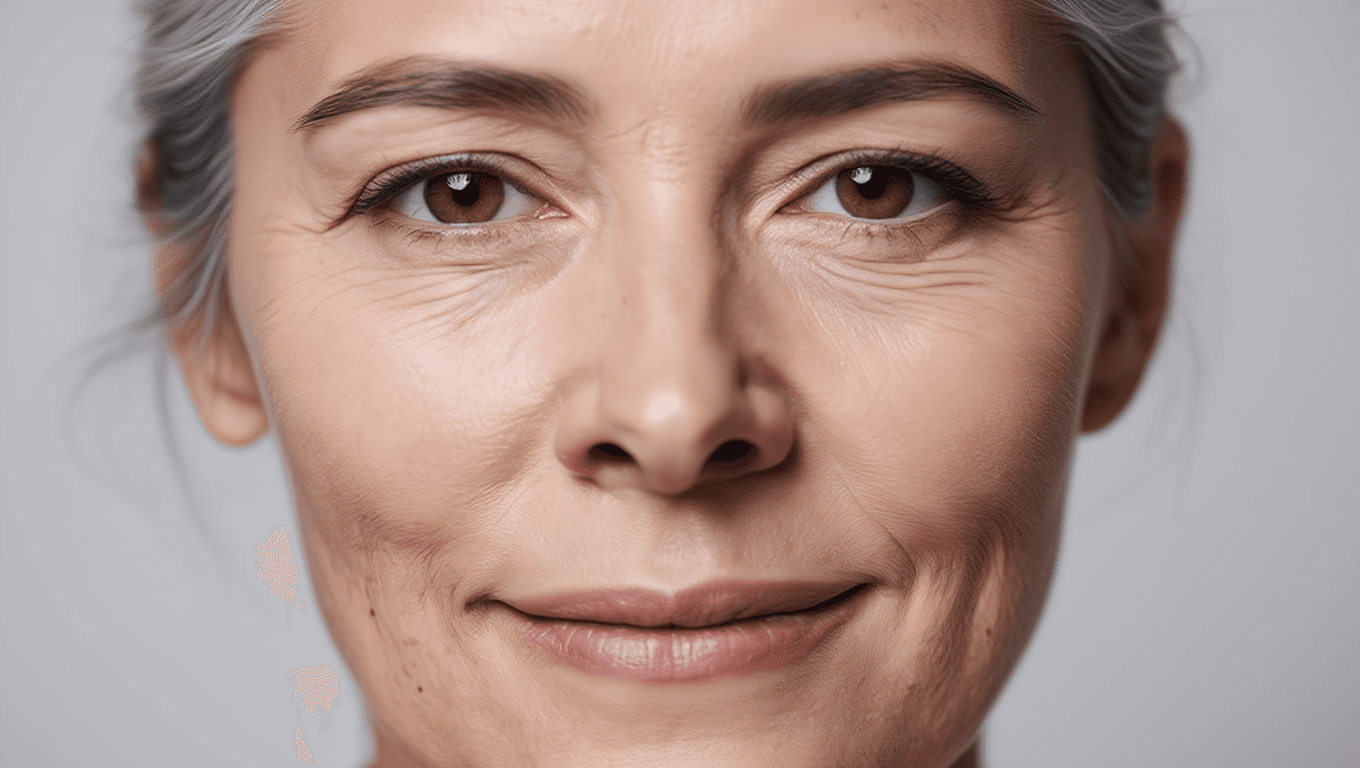
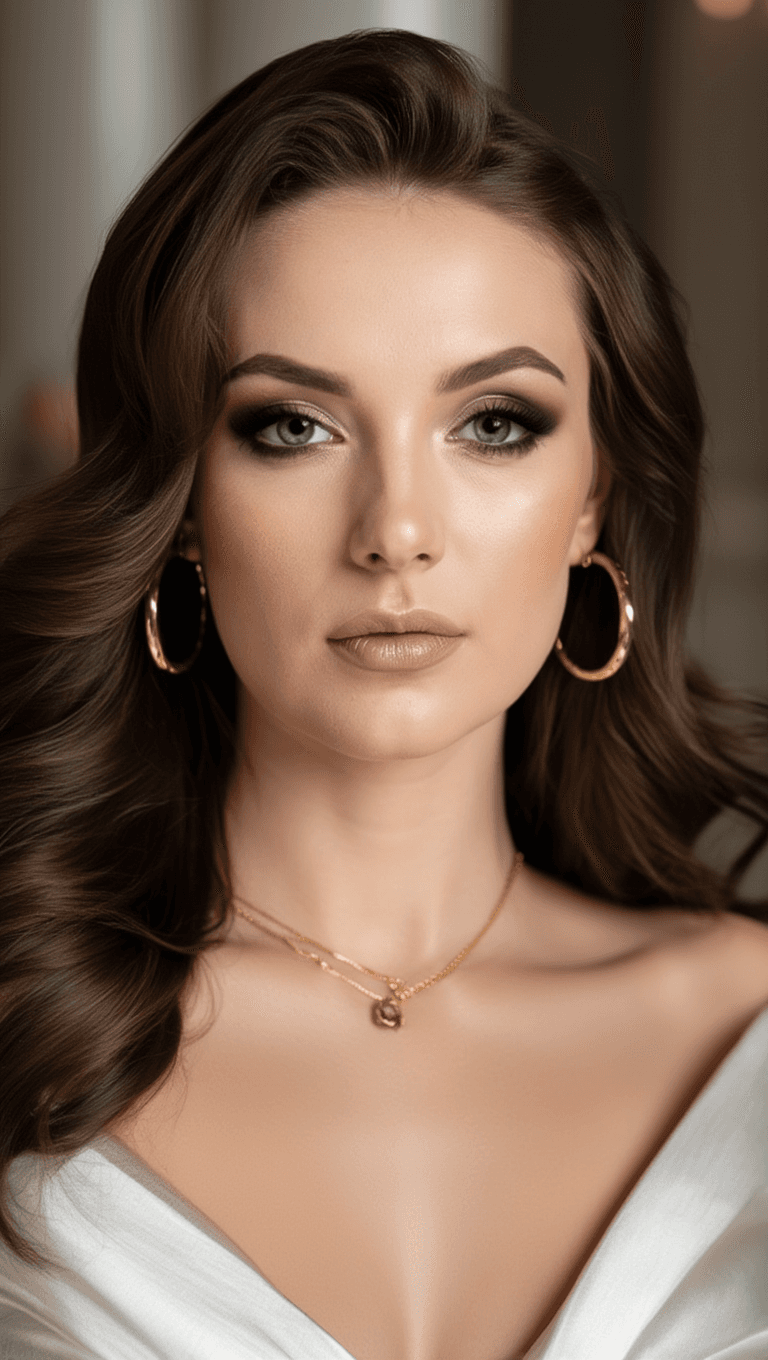
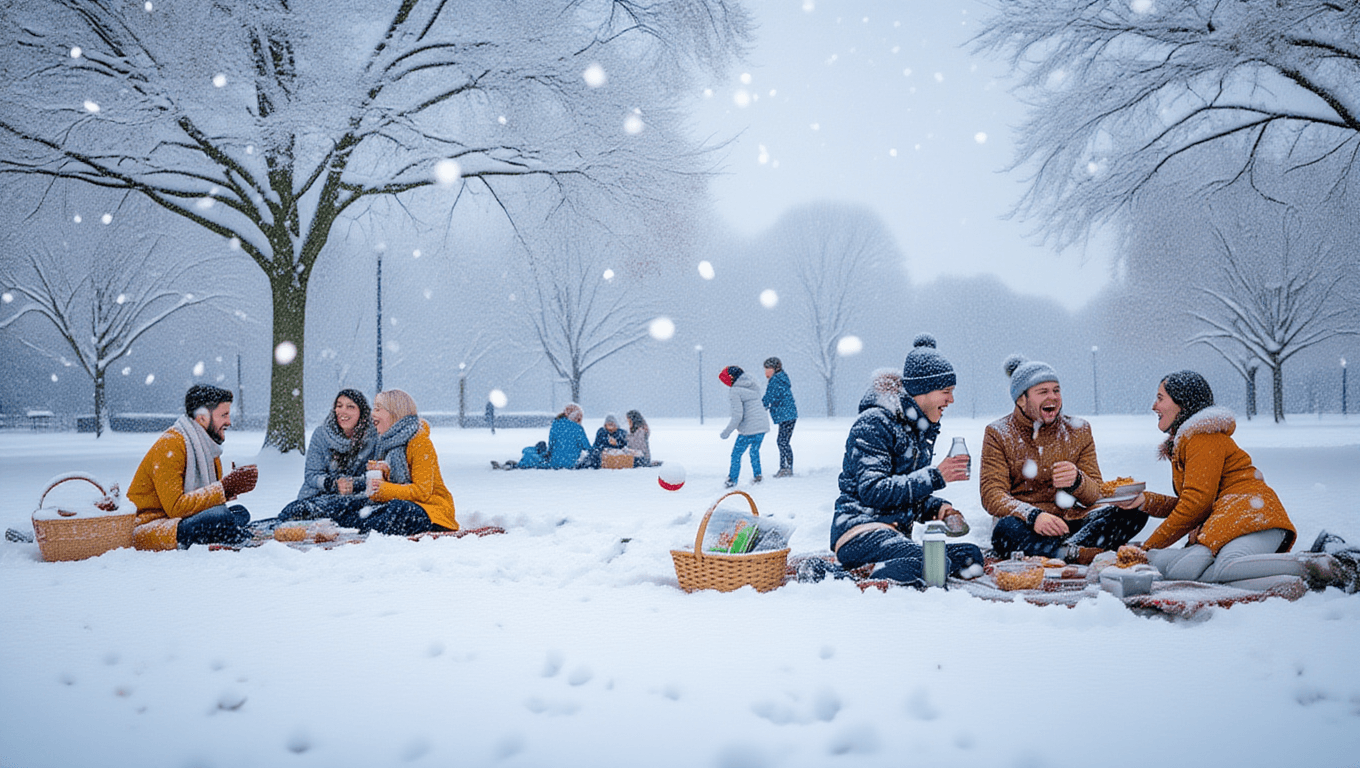

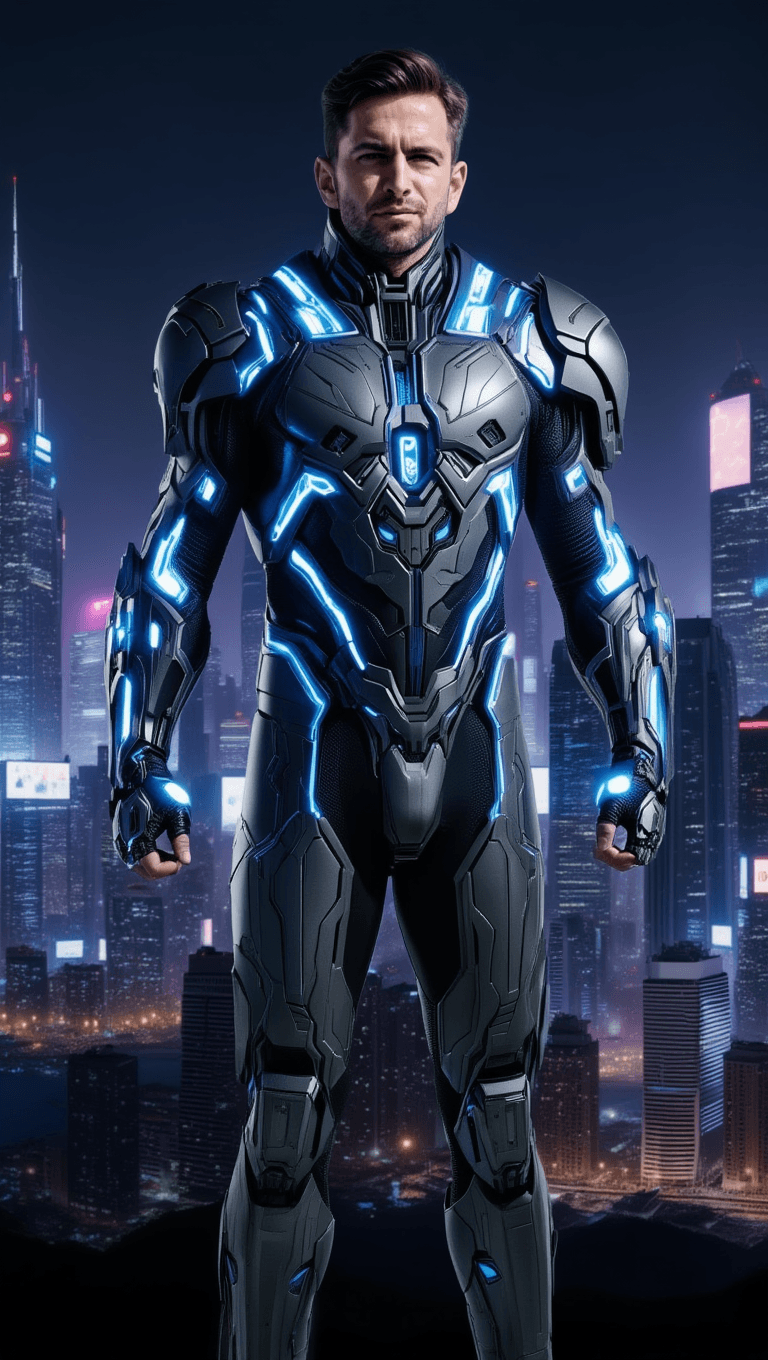
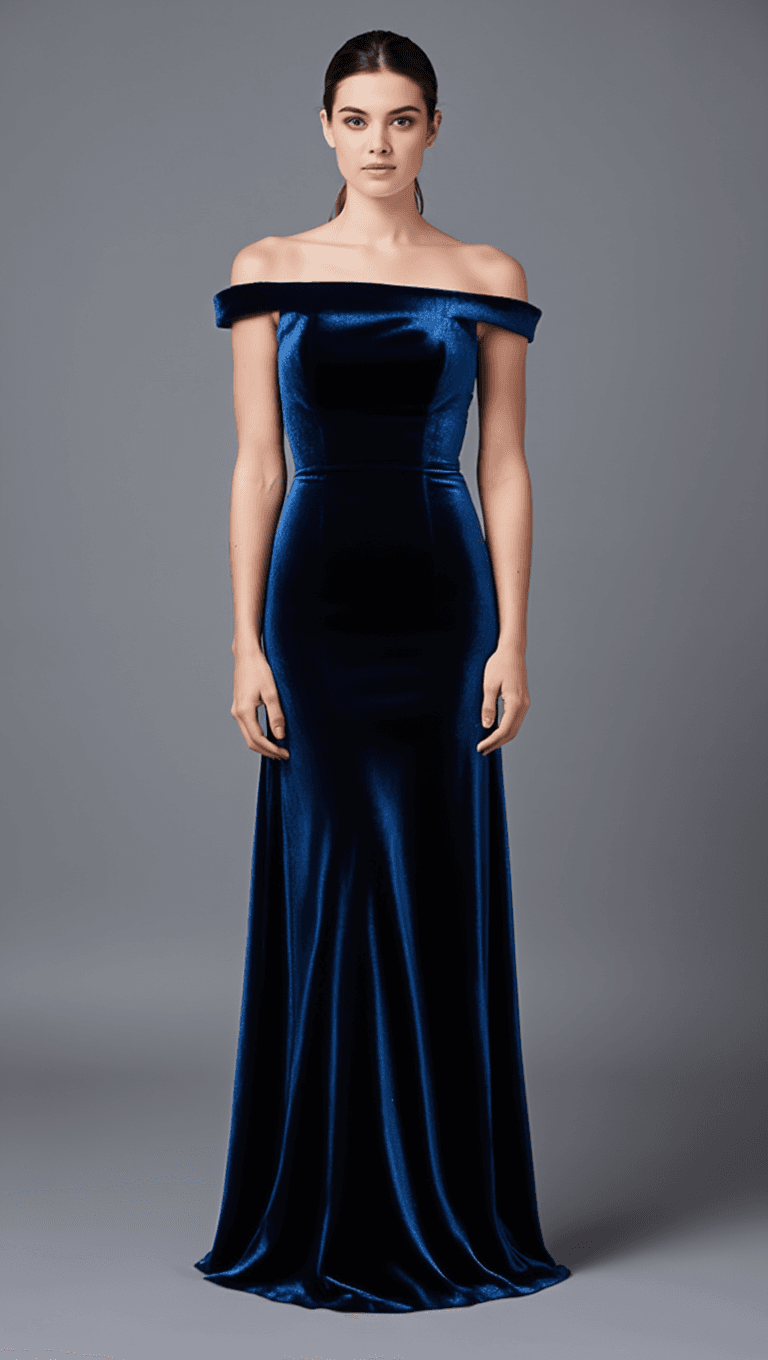
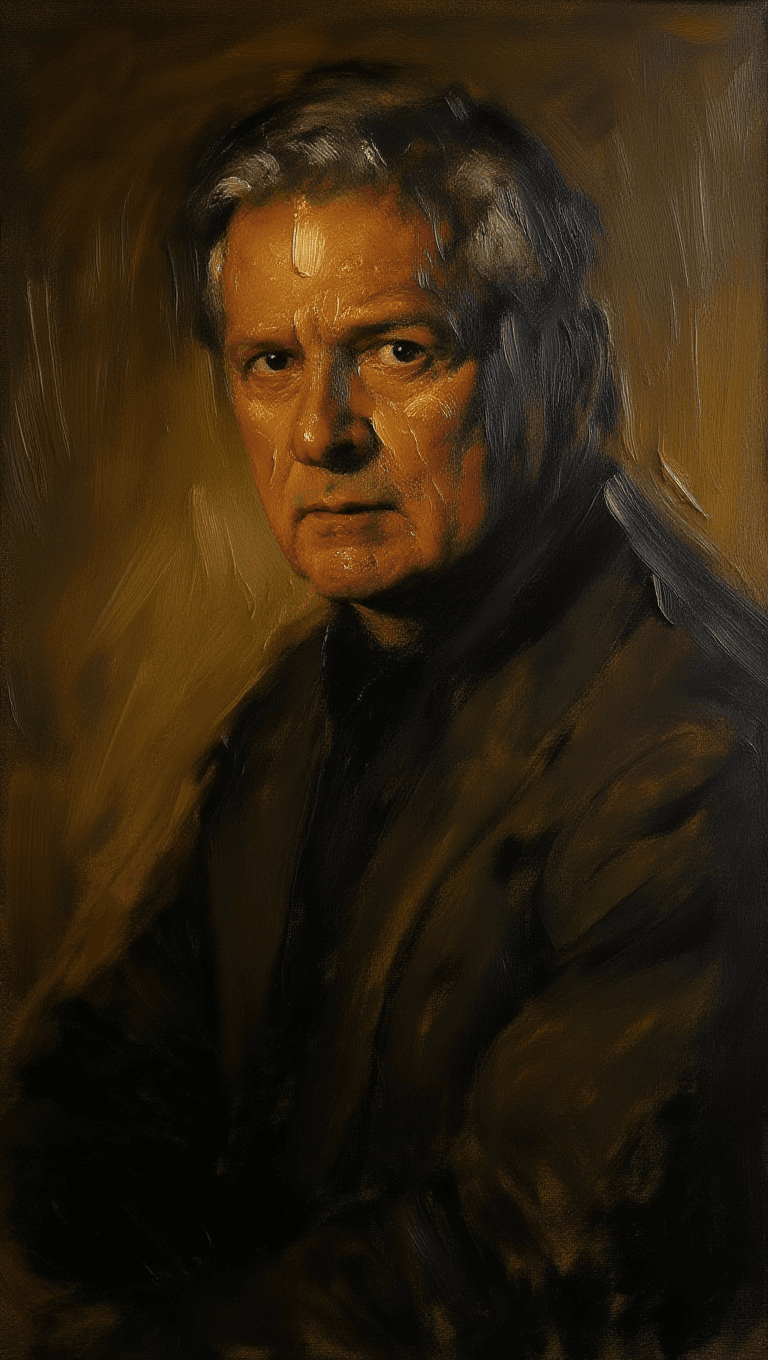
MAKEOVER ENHANCEMENT
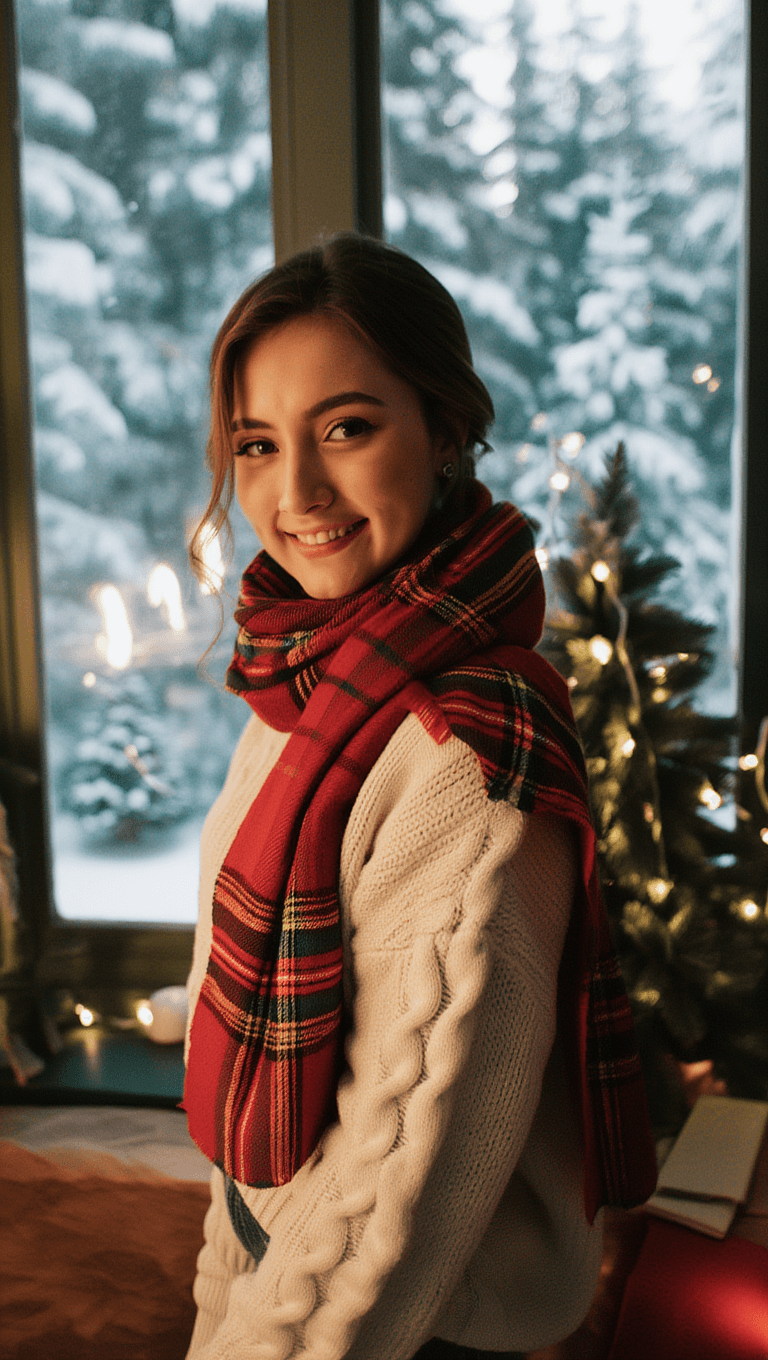
COSPLAY TRANSFORMATION
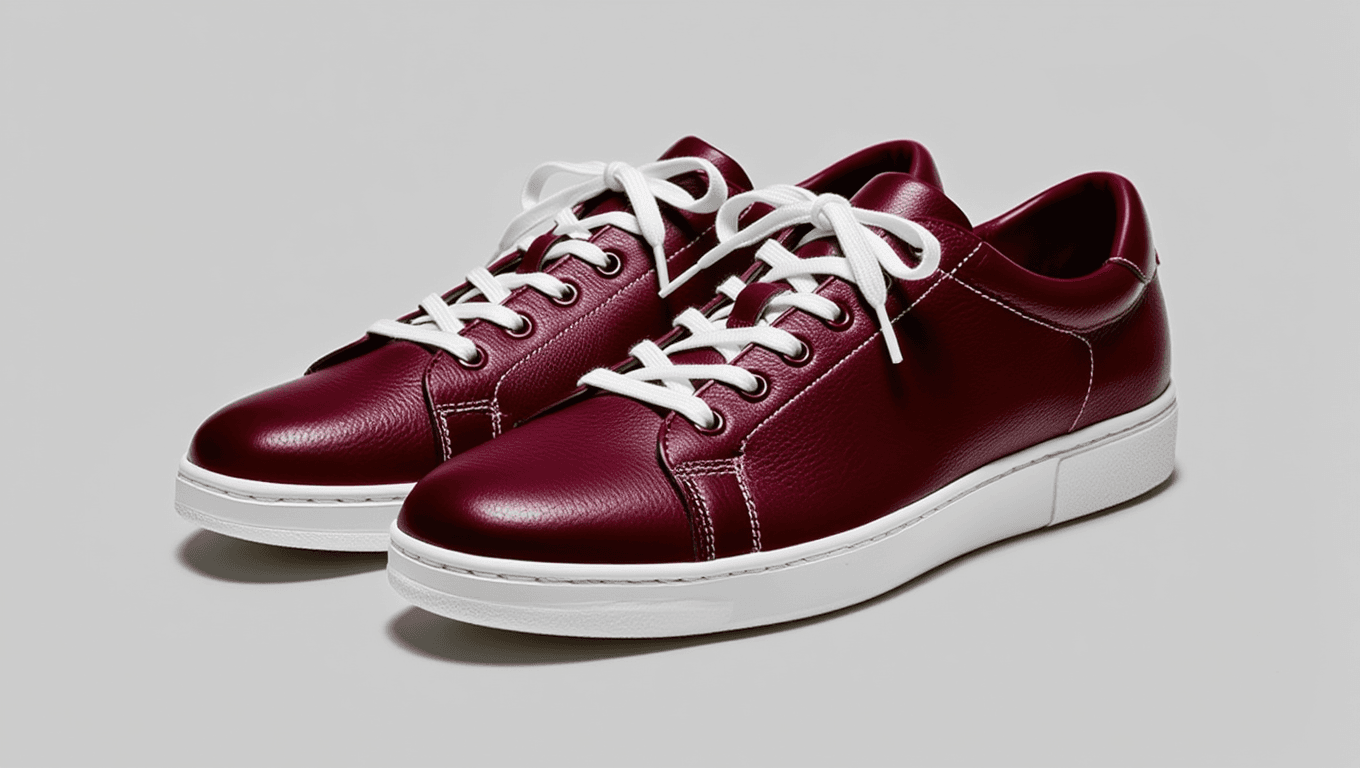
OUTFIT SWAP
Reve is an advanced image-to-image model developed by fal.ai, designed to empower users to transform existing images using textual prompts. The core functionality of Reve centers around enabling users to upload a reference image and specify an edit through a text description, resulting in a newly generated image that reflects the requested change. The model supports a diverse range of image input formats and allows for customizability in output formats, generation settings, and overall workflow.
At its foundation, Reve operates as an image and text-to-image system. Users initiate the editing process by selecting or uploading an image. This image can be provided via a direct upload, drag-and-drop action, pasted from the clipboard, or as a URL pointing to a publicly accessible resource. Supported input image formats include JPG, JPEG, PNG, WebP, GIF, and AVIF, granting users comprehensive compatibility with common web and photograph formats. There are specific technical constraints on the input: the maximum file size for any upload is 10MB, with minimum dimensions of 128x128 pixels and maximum dimensions of 4096x4096 pixels, ensuring that images are neither too small to edit effectively nor too large for performance stability. Images must be accessible within a timeout of 20 seconds.
In addition to selecting an image, users supply a text prompt describing the desired edit. This prompt can be detailed and must be at least one character long, with a maximum length of 2560 characters. The detail in the prompt allows for nuanced transformations of the base image, limited only by the user's creativity and the instructions' clarity. Example functionality provided in documentation includes whimsical requests such as “Give him a friend,” suggesting the model’s competence at both semantic and compositional modifications.
For output, Reve offers flexible configuration. Users can choose the number of edited images to be generated per request, with options ranging from 1 to 4 images. The output format is selectable among PNG, JPEG, and WebP, giving further control over the file type for different usage scenarios. The model returns the resulting image(s) either via a downloadable URL or, optionally, as a data URI when synchronous mode is enabled. The synchronous mode provides immediate access to the output and ensures that the output data is not stored in the request history, enhancing user privacy and data handling flexibility.
Reve is positioned for editing workflows requiring commercial-grade capabilities, as denoted by the documentation’s reference to “commercial use.” The model can be accessed interactively through a web-based playground or programmatically via an API. This accessibility ensures that a variety of users, from digital artists to businesses integrating automated image editing, can leverage the model’s capabilities according to their preferred workflow.
The detailed input and output schema reveal key technical aspects, such as the explicit property definitions for each input (including image URL, prompt, number of images, output format, and sync mode) and the structure of the resulting outputs, which includes download URLs, image metadata (file size, format, dimensions), and optional inline file data. The model is designed to accept images in widely-used formats, and provides outputs in formats suitable for web publishing, media production, and archiving.
The model documentation does not specify performance metrics such as speed, quality, or fidelity, nor does it elaborate on image resolution capabilities beyond the stated input size limits. Additionally, details regarding specific content moderation, types of edits best supported, or failure cases are not included. There is no mention of any particular ideal use cases, domains, or target user personas, other than the implicit suggestion that the model is suitable for commercial scenarios.
In summary, Reve is a flexible, API-accessible image-to-image editing model that leverages text prompts and supports high compatibility with image formats and output requirements. Its clearly defined schema, adjustable settings, and ability to process a range of image sizes make it a robust choice for digital workflows involving creative, programmatic, or commercial image transformations. The model's strength lies in its user-driven prompt-based editing, straightforward web and API integration, and supportive options for multiple outputs and output formats, all backed by detailed technical controls as documented.
سب سے جدید امیج ایڈیٹر سے جنریٹ کریں
Add the image that you want change
امیج اپ لوڈ کریں
وہ امیج شامل کریں جسے آپ ایڈٹ یا تبدیل کرنا چاہتے ہیں
A woman kneeling in darkness, illuminated by a warm, radiant beam of light emerging from her raised hand.
اپنے تبدیلیاں لکھیں
اپنی مطلوبہ ایڈٹس بیان کریں - سٹائل تبدیلیاں، آبجیکٹ ہٹانا یا بہتری
شیئرنگ شروع کریں
اپنی پروفیشنلی ایڈٹ شدہ امیج ڈاؤن لوڈ کریں
پرومپٹ سے آگے: کنٹرول کا نیا لیول
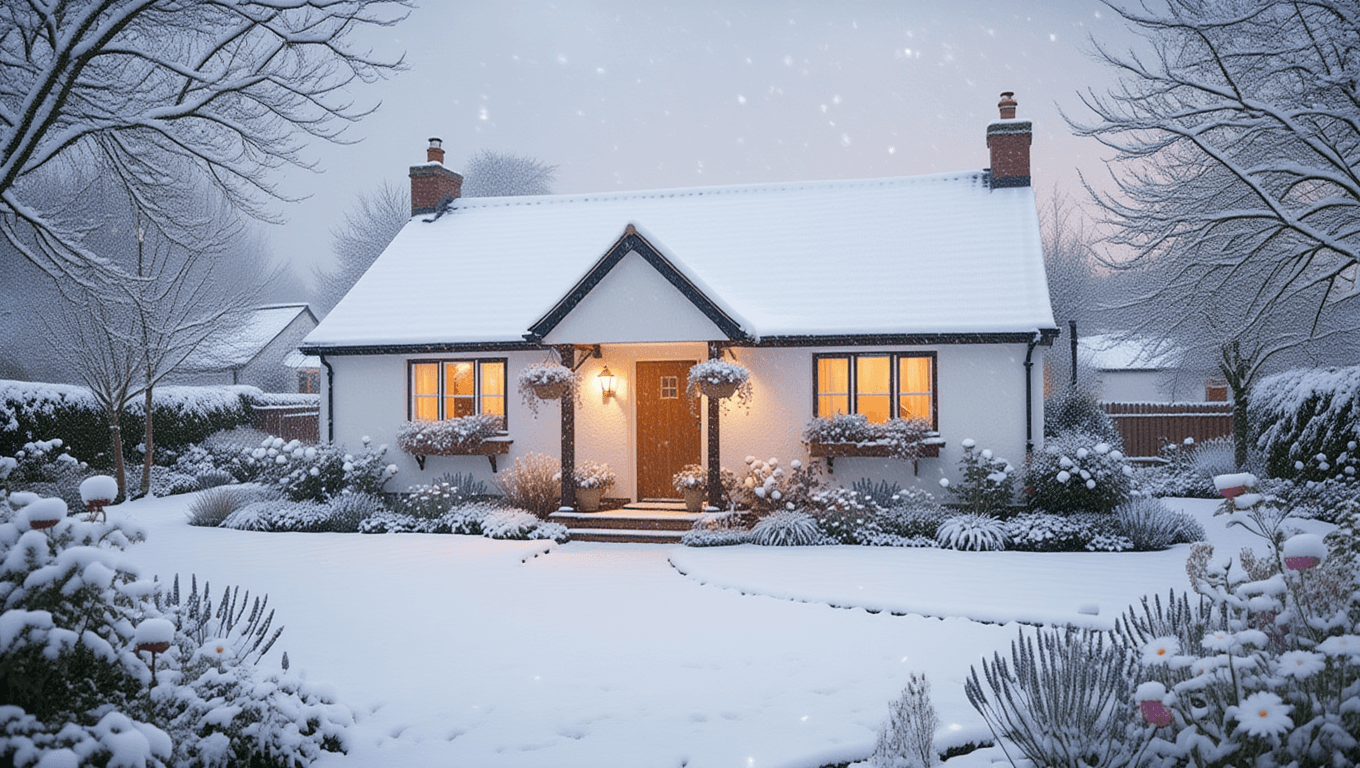
WEATHER & SEASON CHANGE
Show how landscapes can be dramatically altered for visualization, travel marketing, or creative edits by swapping seasons or weather conditions.
TIME OF DAY SHIFT
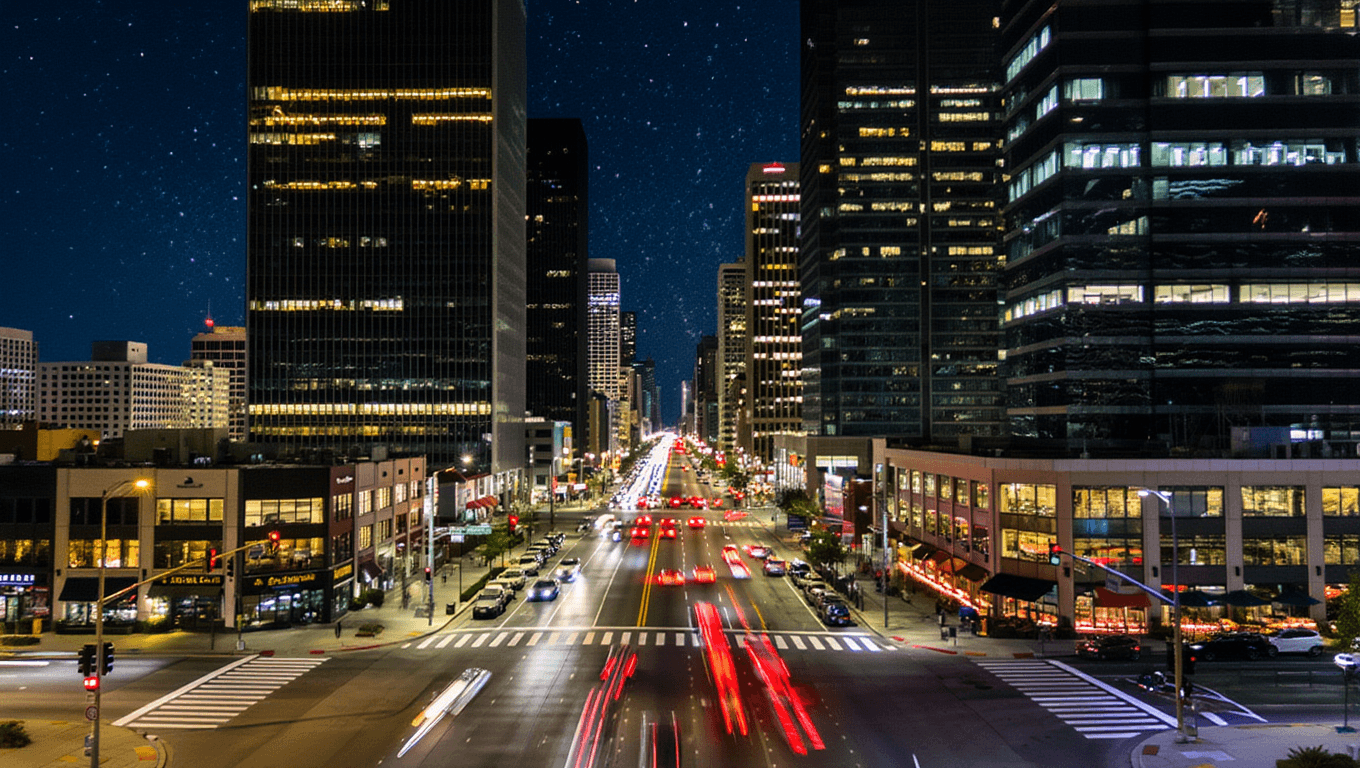
Perfect for real estate, travel, or movie preproduction, this demonstrates the ability to change scene lighting and mood by altering the time of day.
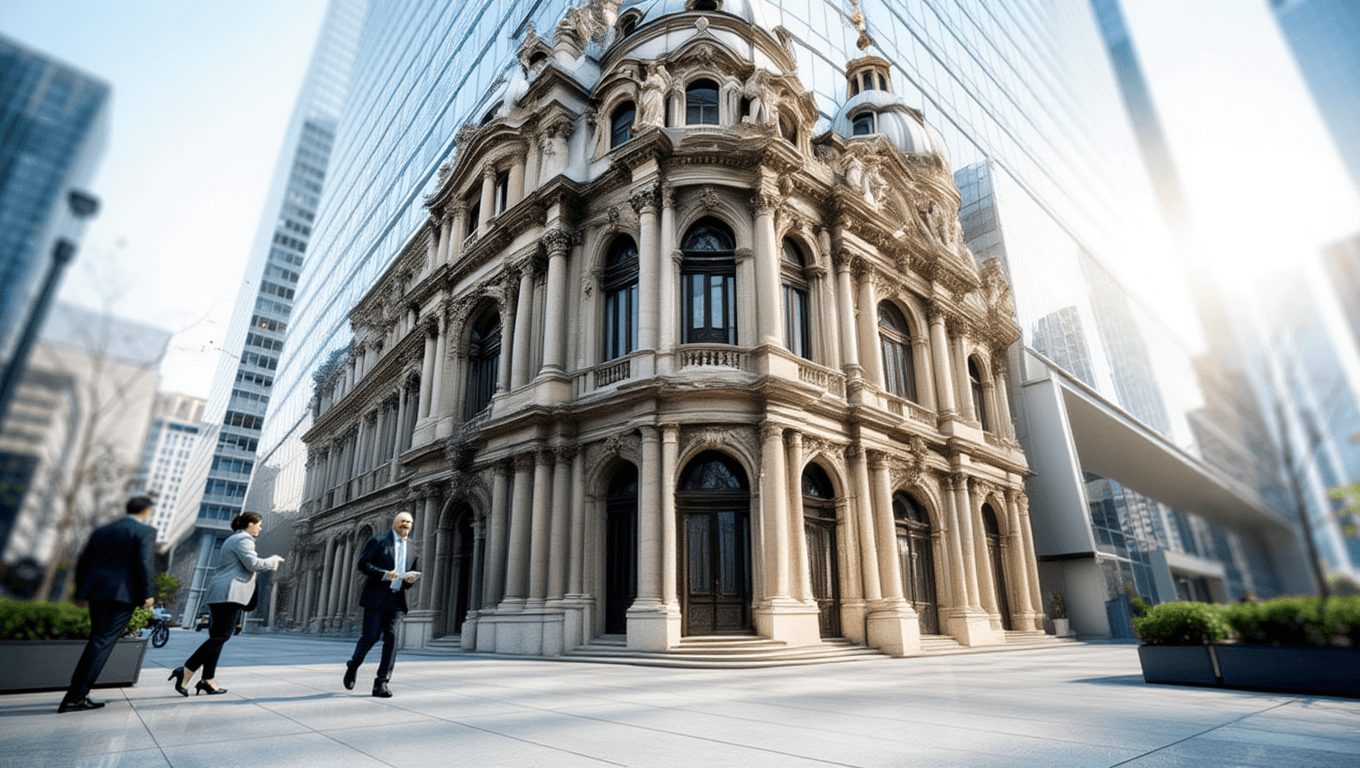
ARCHITECTURAL RESTYLE
Visualize redevelopment concepts or film set alterations by converting architecture to a different era or style.
مشابہ ماڈلز سے موازنہ کریں
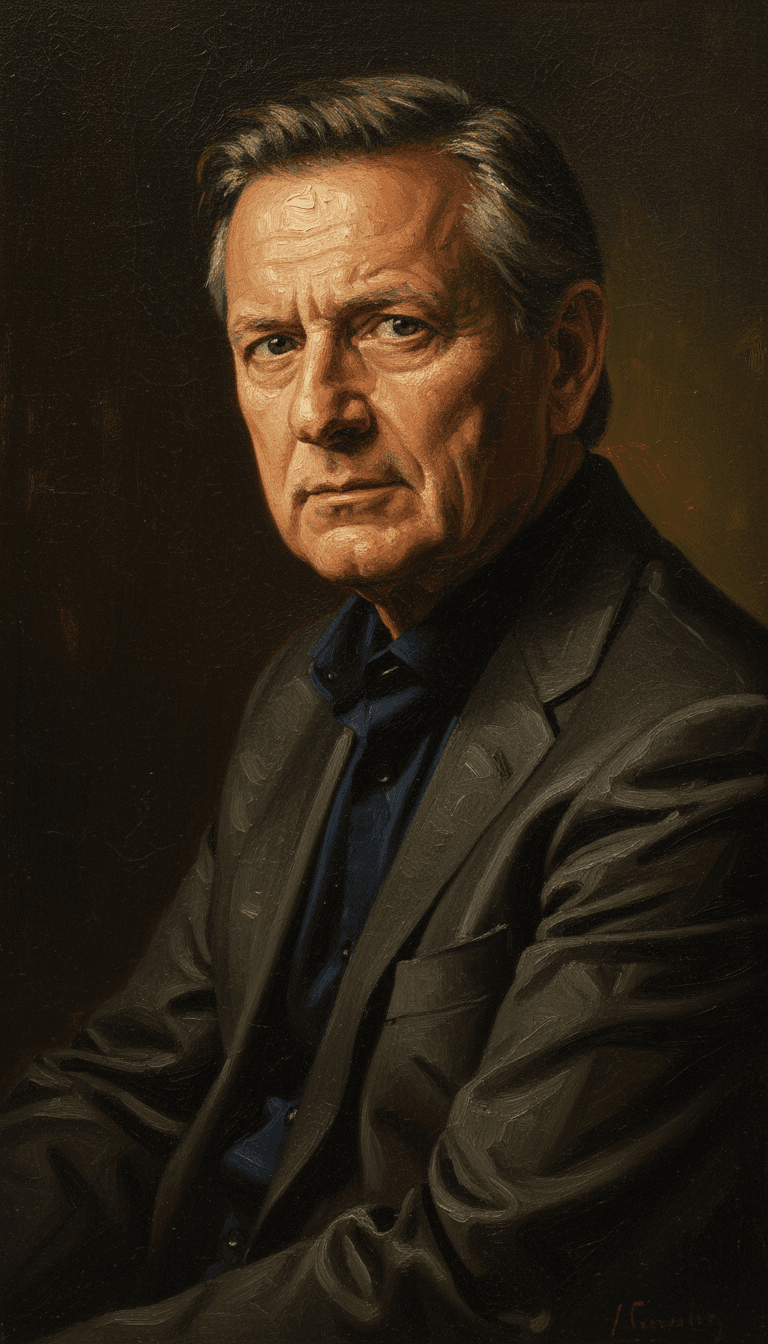
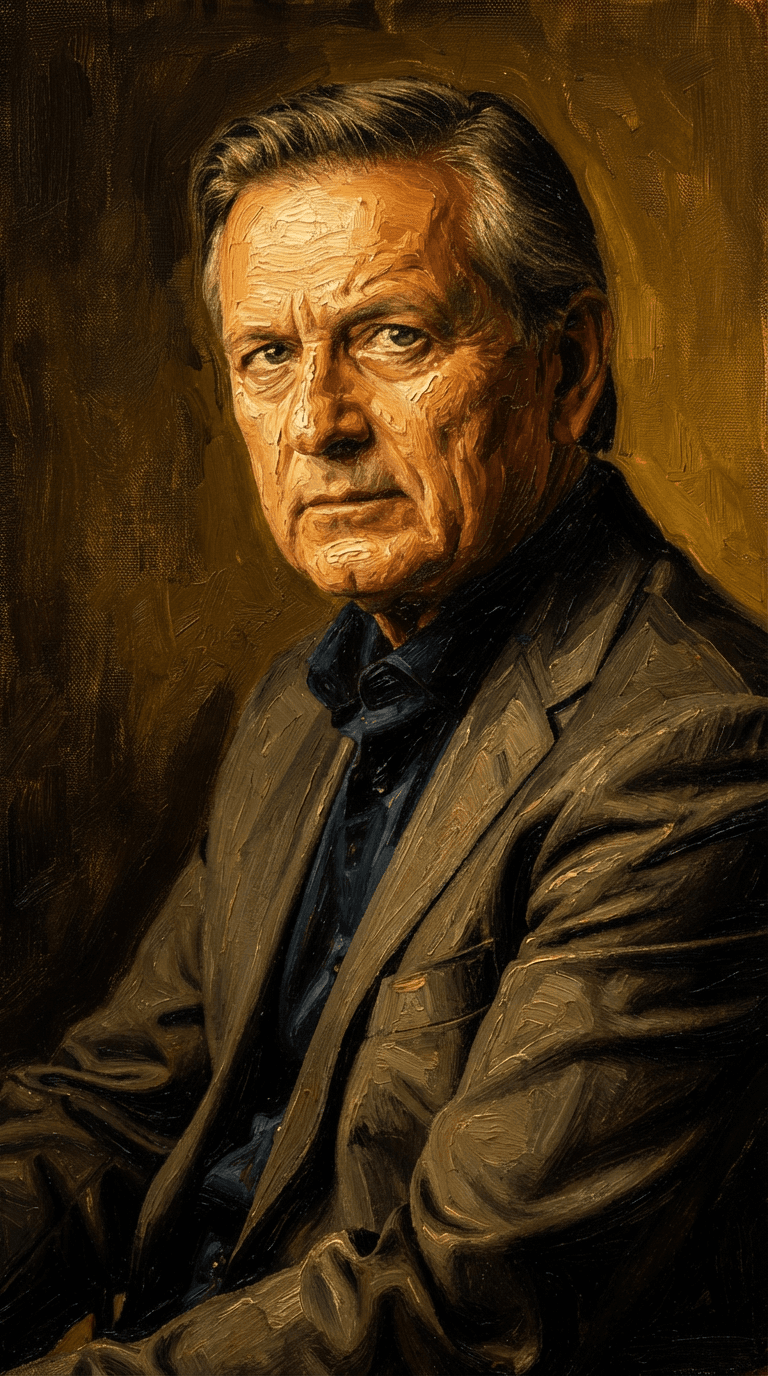
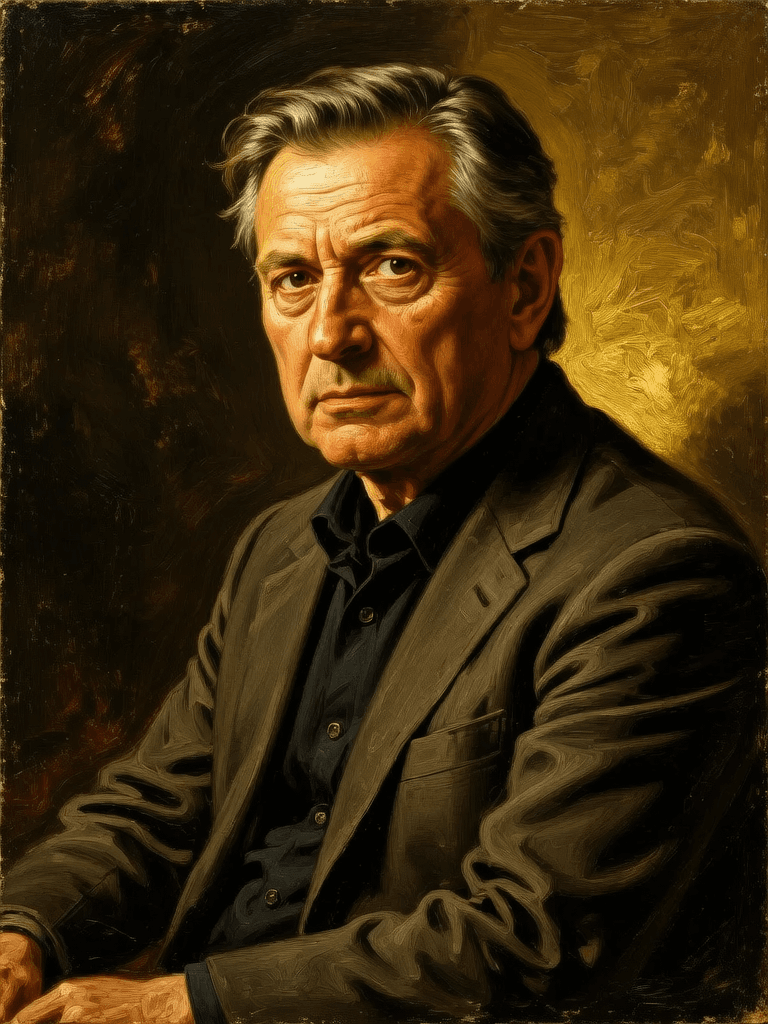
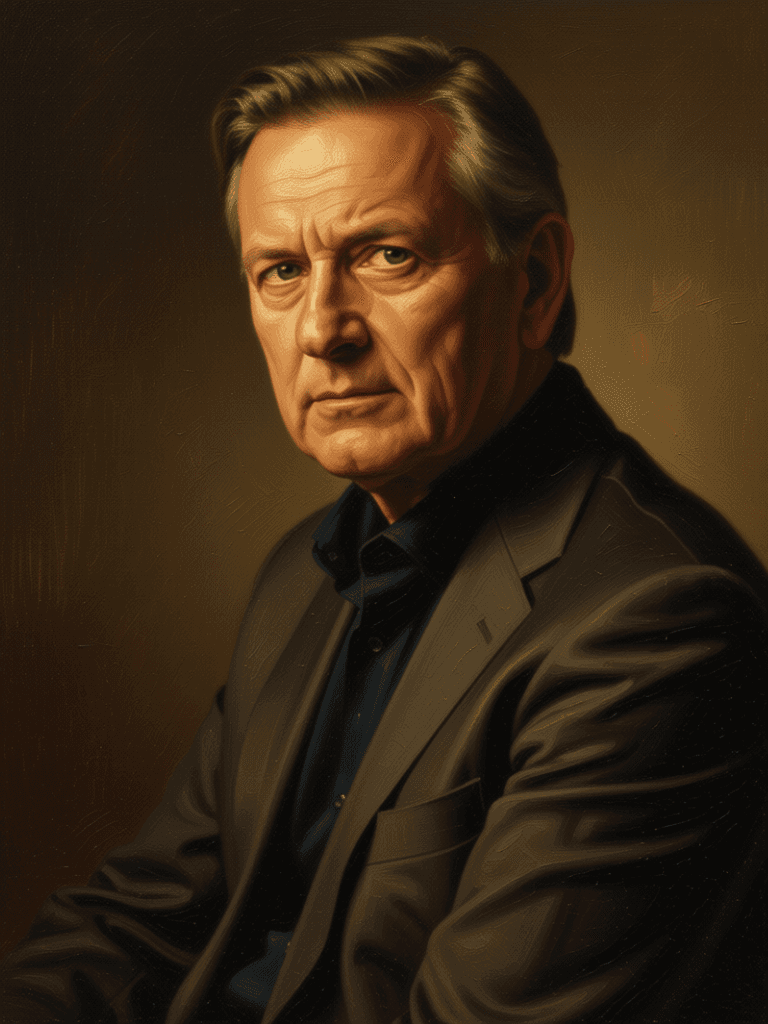
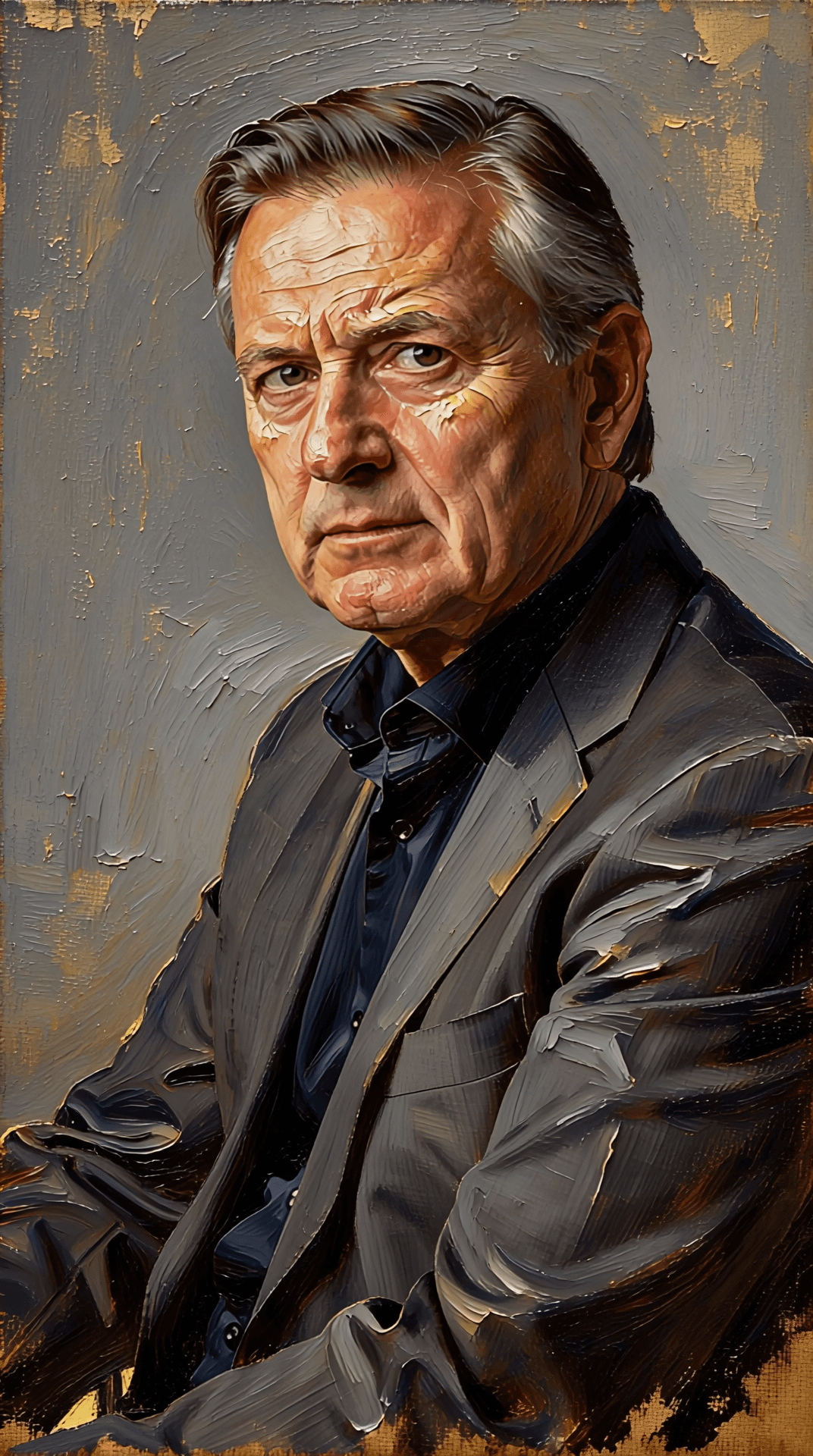
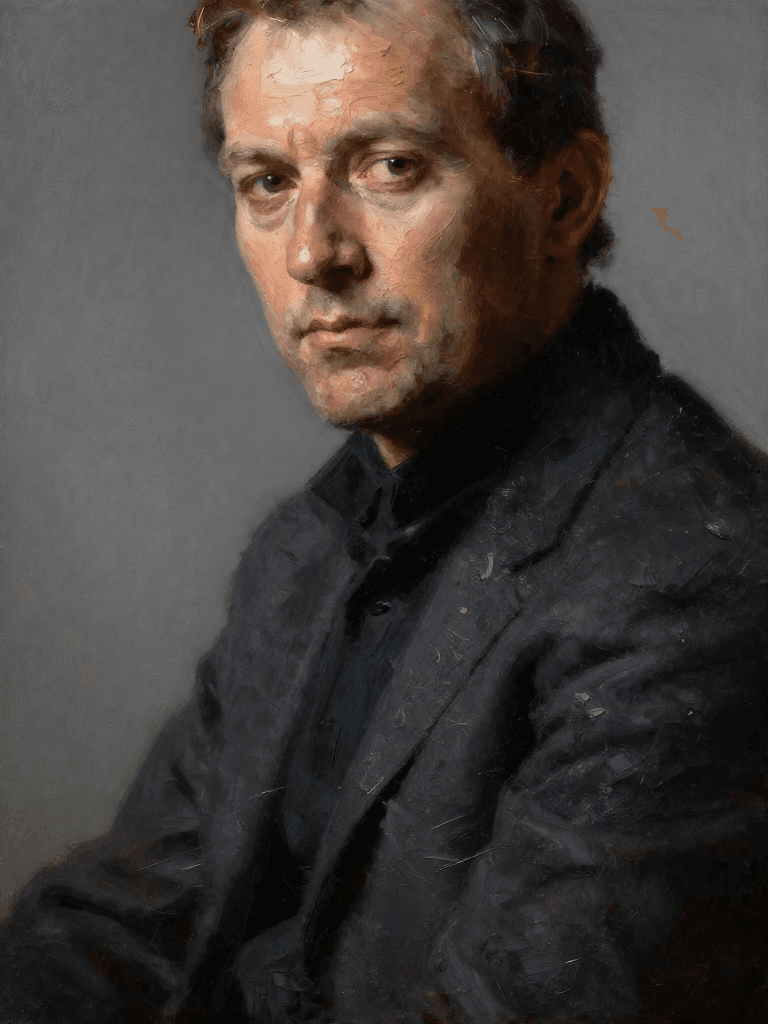
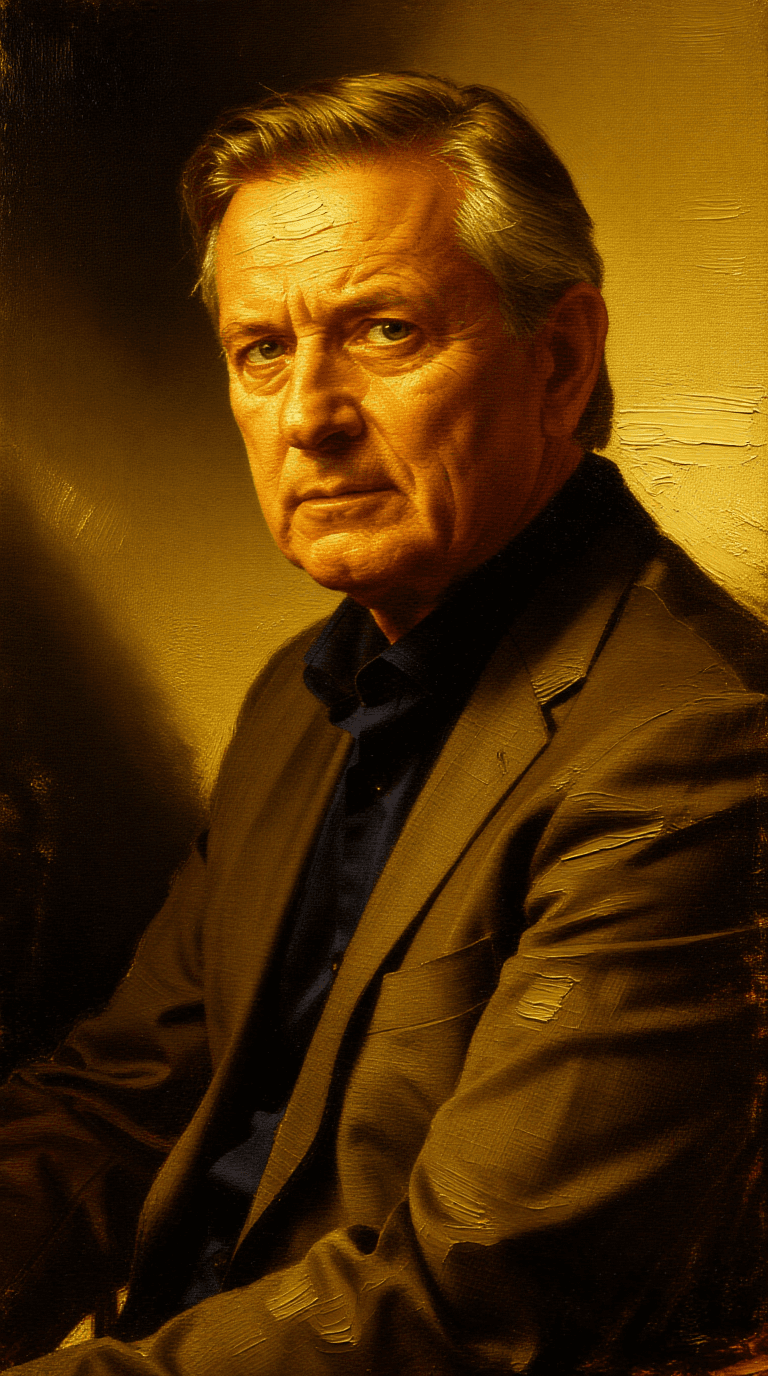
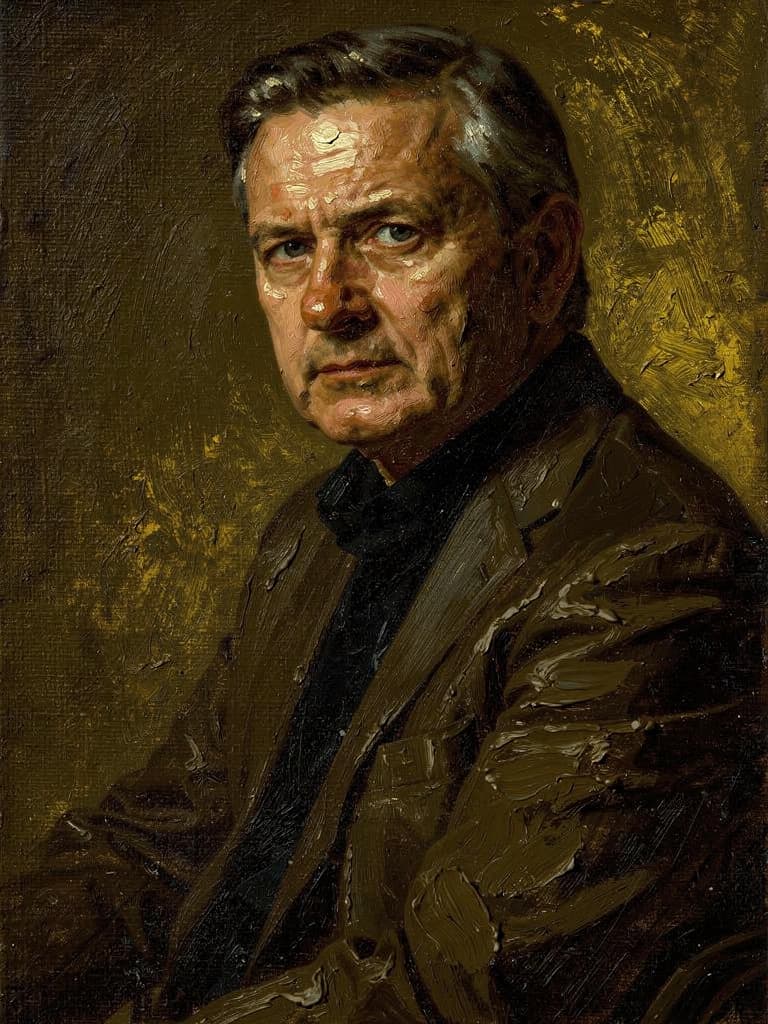
“Transform into a classical oil painting in the style of Rembrandt. Add visible impasto brushstrokes with thick paint texture. Apply warm golden undertones and dramatic chiaroscuro lighting with deep shadows. Enhance the dramatic contrast while preserving facial structure and expression. Add subtle canvas texture visible through the paint layers.”
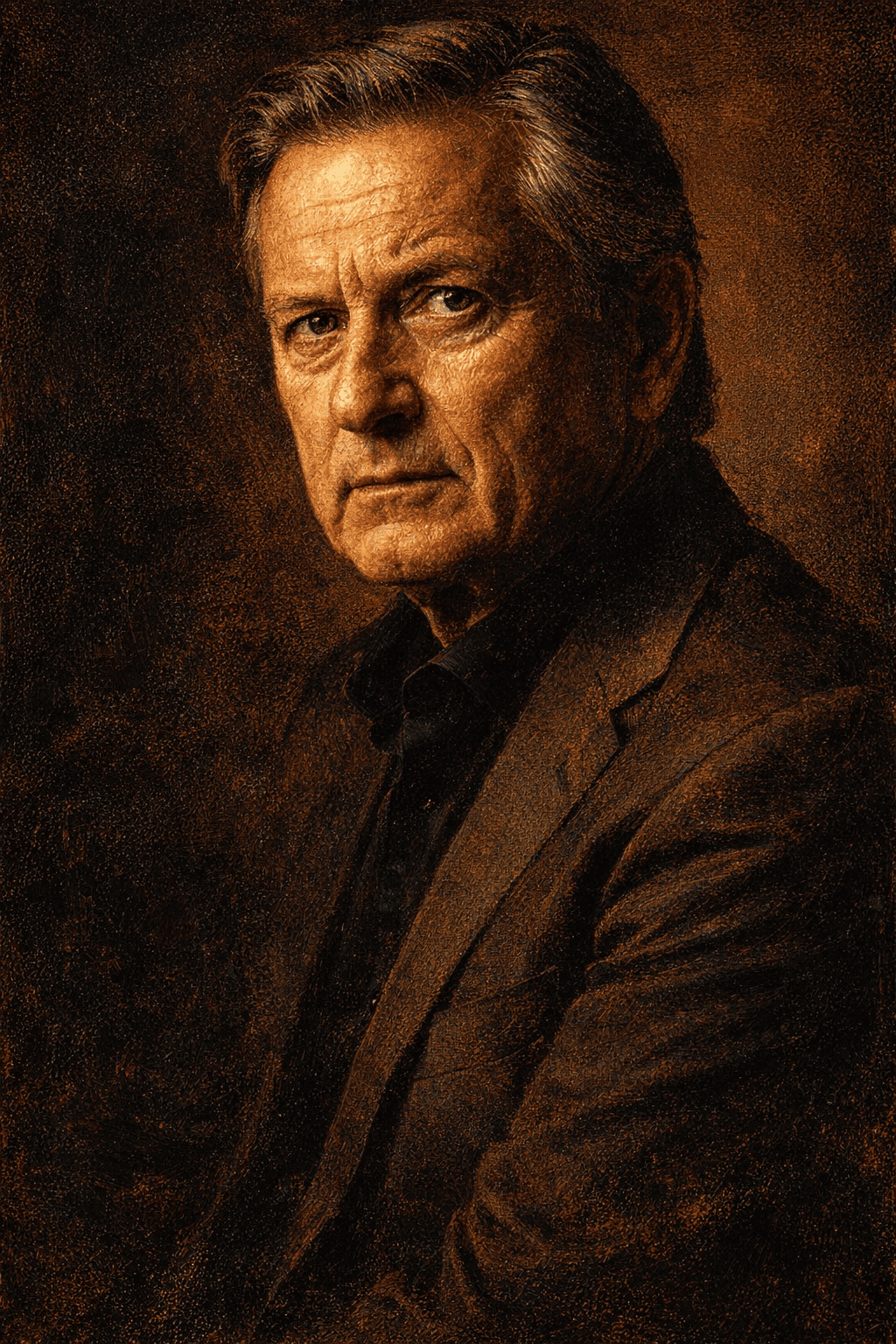
Reve کے ساتھ کمال کا تجربہ کریں
آج ہی استدلال رہنمائی والی تخلیق کی طرف منتقل ہوں
اکثر پوچھے جانے والے سوالات
مشابه ماڈلز
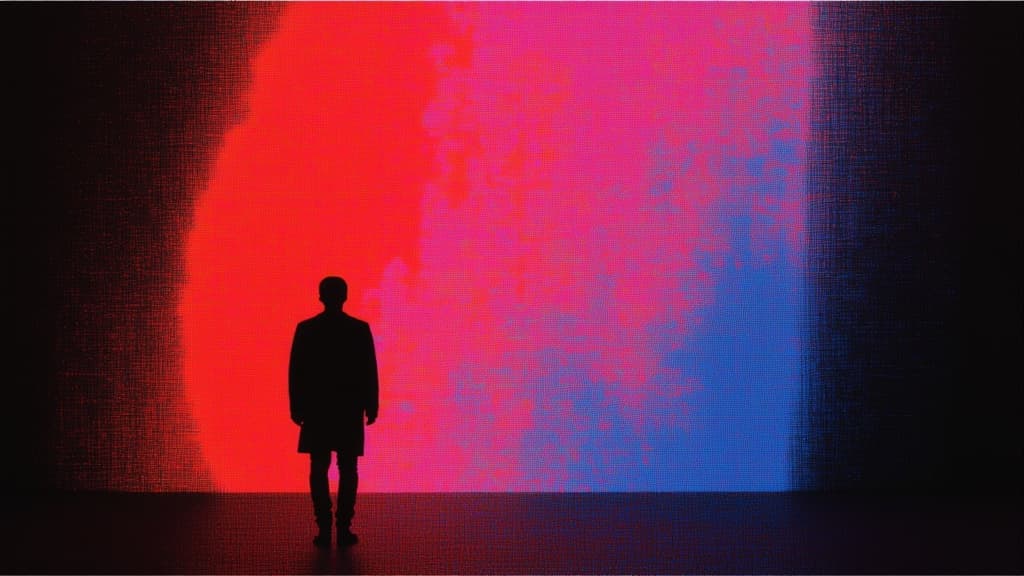
Vidu
Image generation with reference consistency
0.2 کریڈٹس
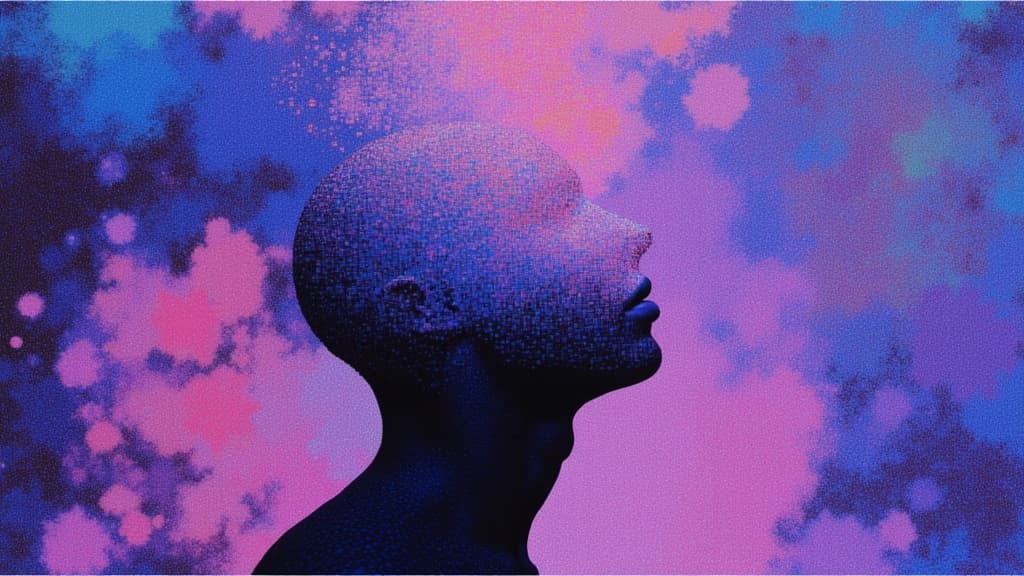
Qwen Image Edit 2511
Edit images using text prompts
0.5 کریڈٹس
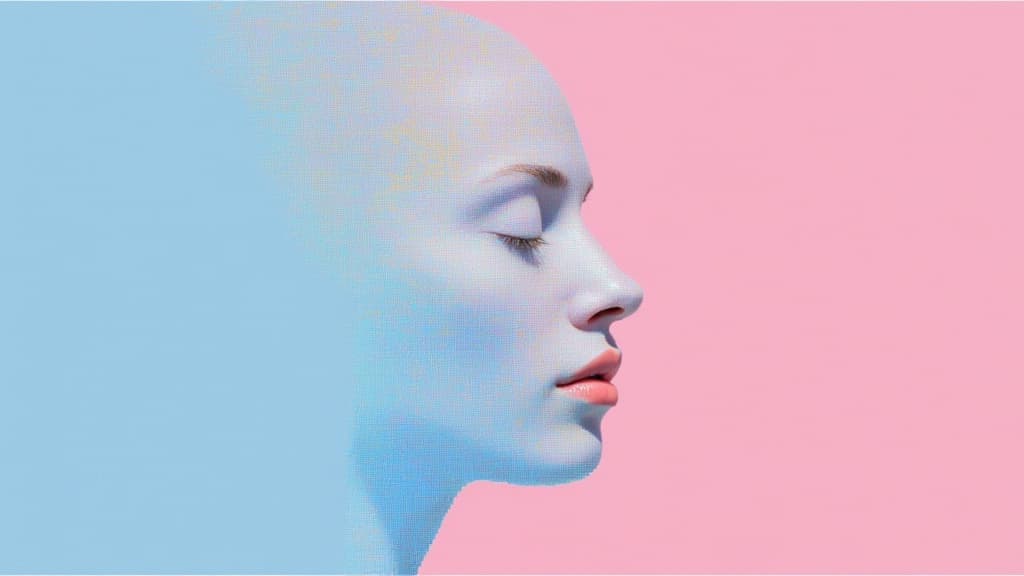
Qwen Image Layered
Decomposes images into transparent layers
0.2 کریڈٹس

Wan v2.6 Image to Image
Edit images using reference photos
0.3 کریڈٹس
Longcat Image
Multilingual photorealistic image editor
1.2 کریڈٹس
Z-Image Turbo
Ultra-fast image editing model
0.1 کریڈٹس
Flux 2 Pro
Photorealistic artistic image editing
0.2 کریڈٹس
Kling O1 Image
Precise, consistent reference-guided editing
0.6 کریڈٹس
Nano Banana
Edit images with text prompts
0.4 کریڈٹس