Seedream
Blend up to 10 photos into one edited image with a single prompt
Fast intelligent multi-image editing
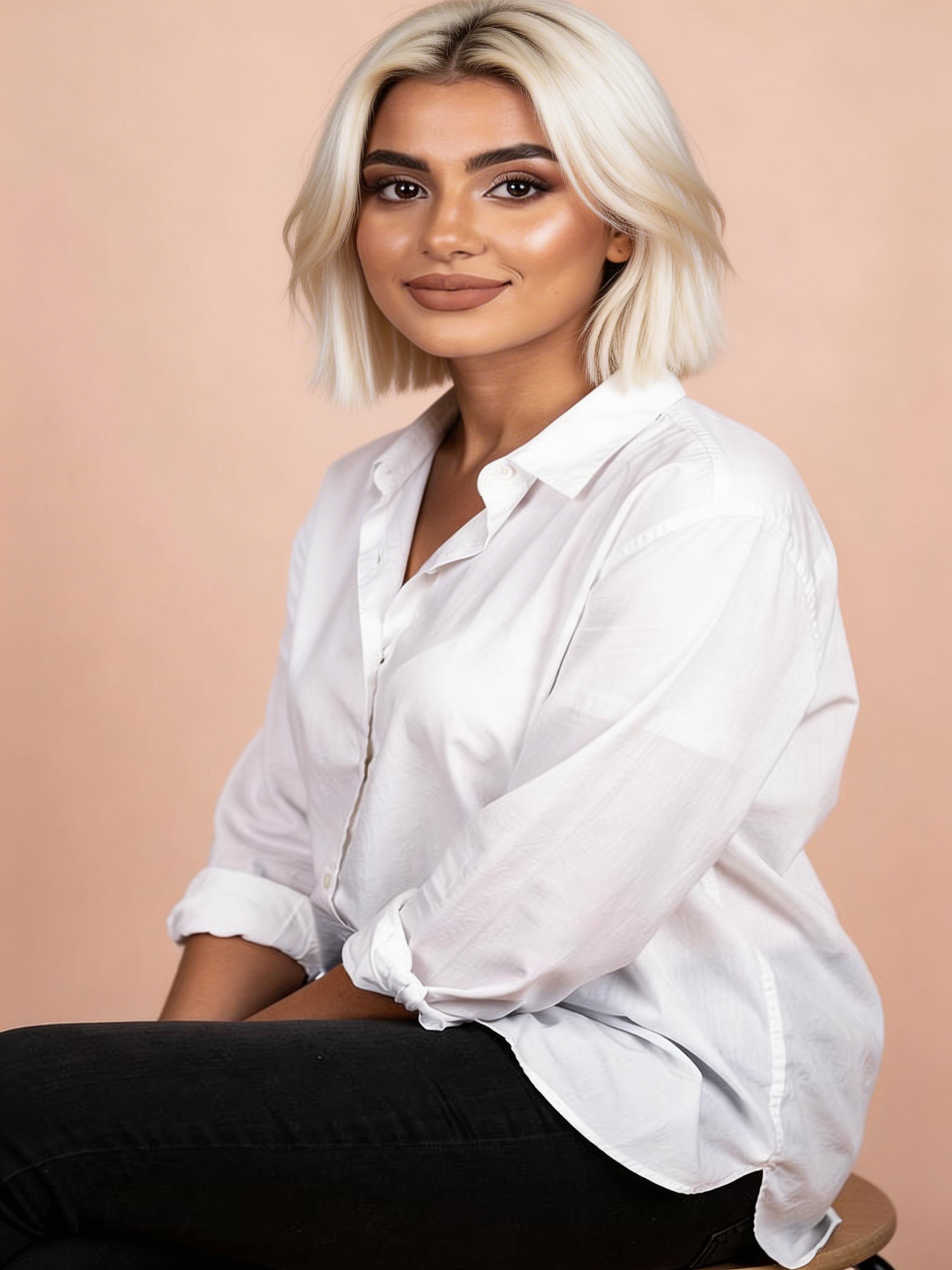
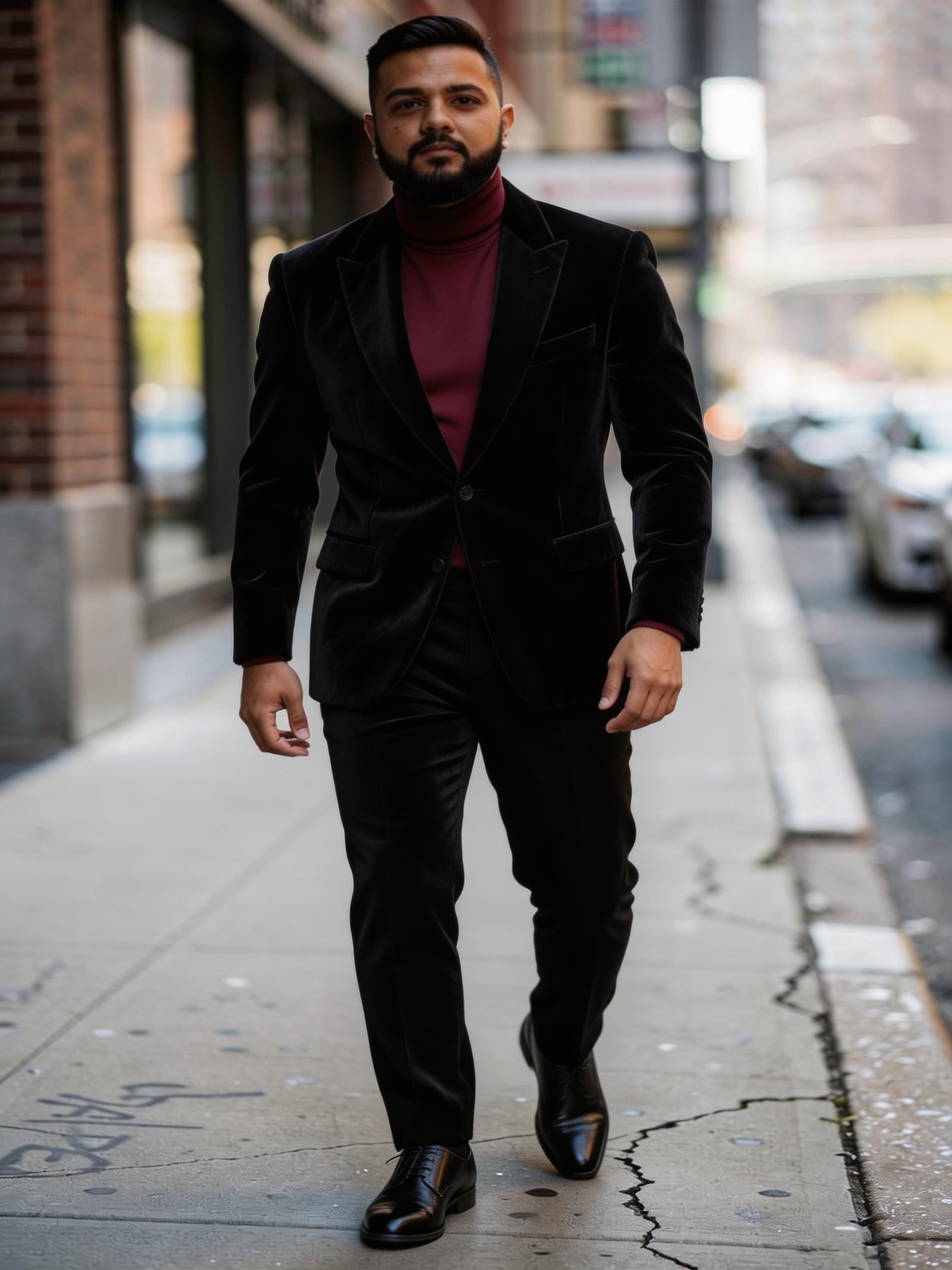
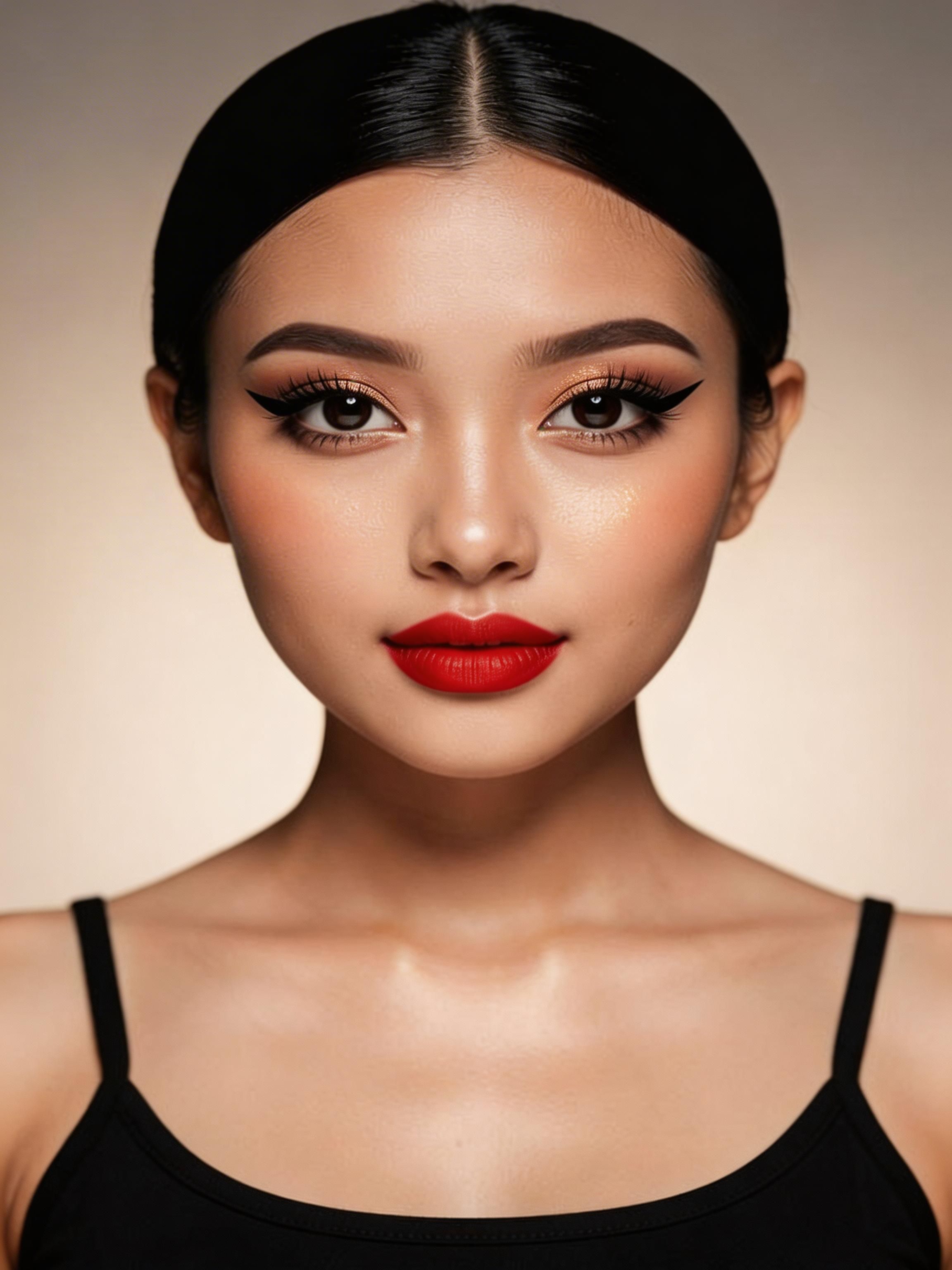
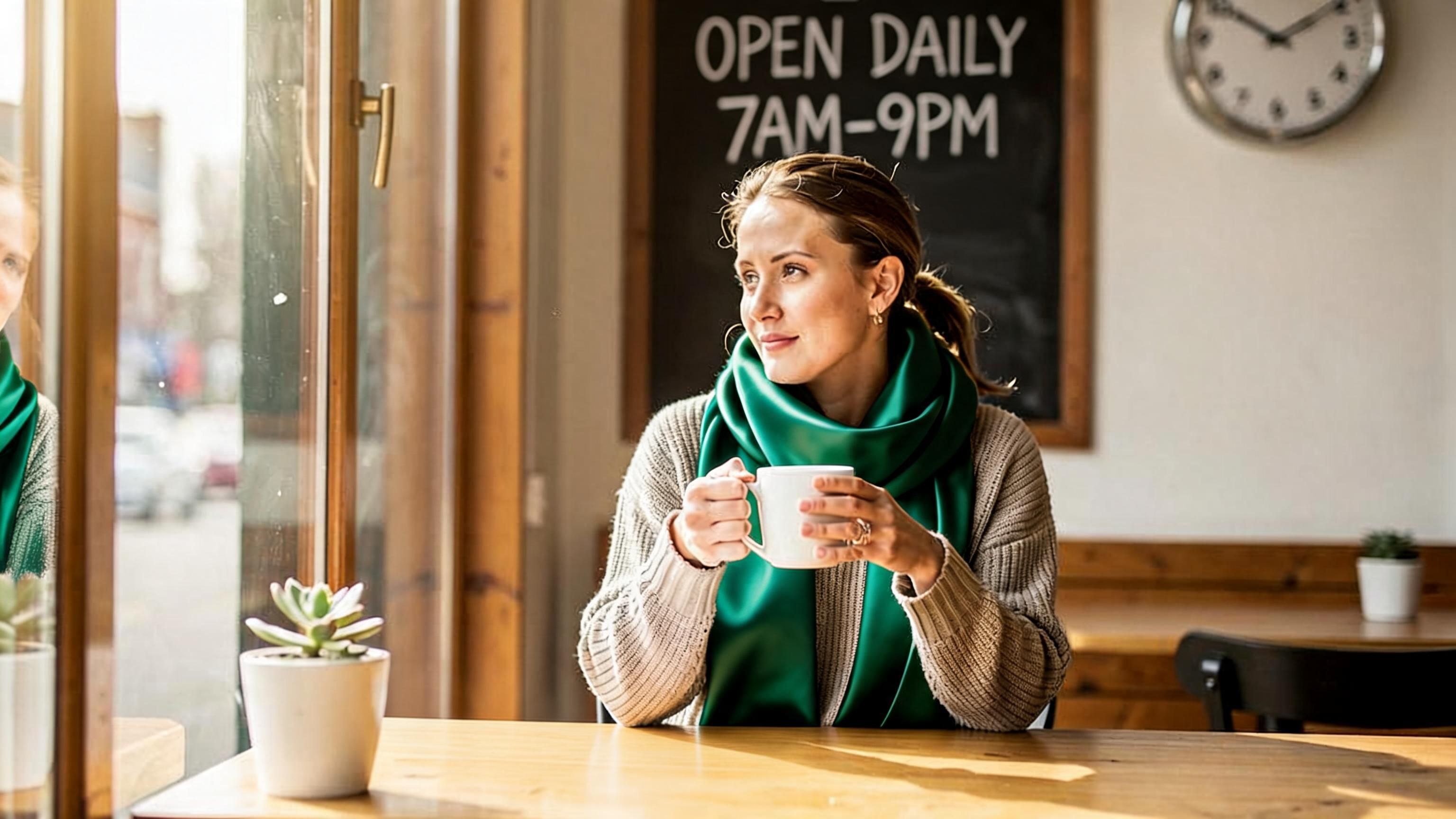
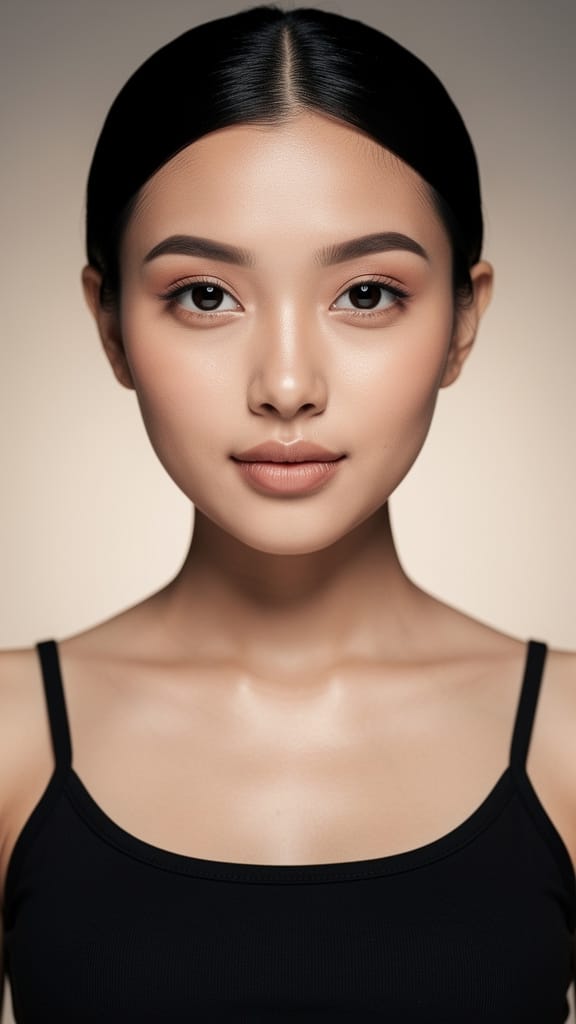
ورچوئل میک اپ کا اطلاق
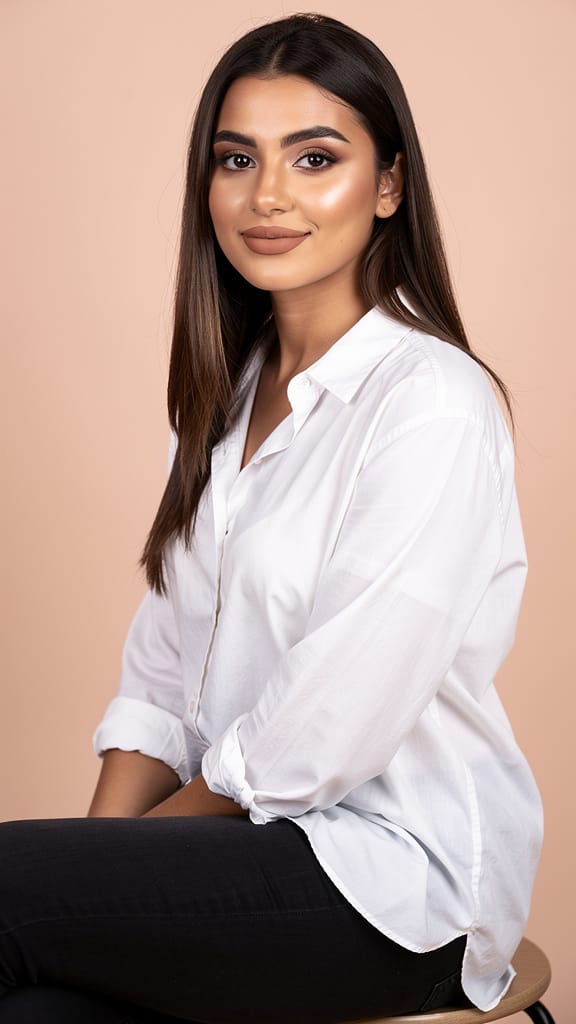
ہئر اسٹائل کی تبدیلی
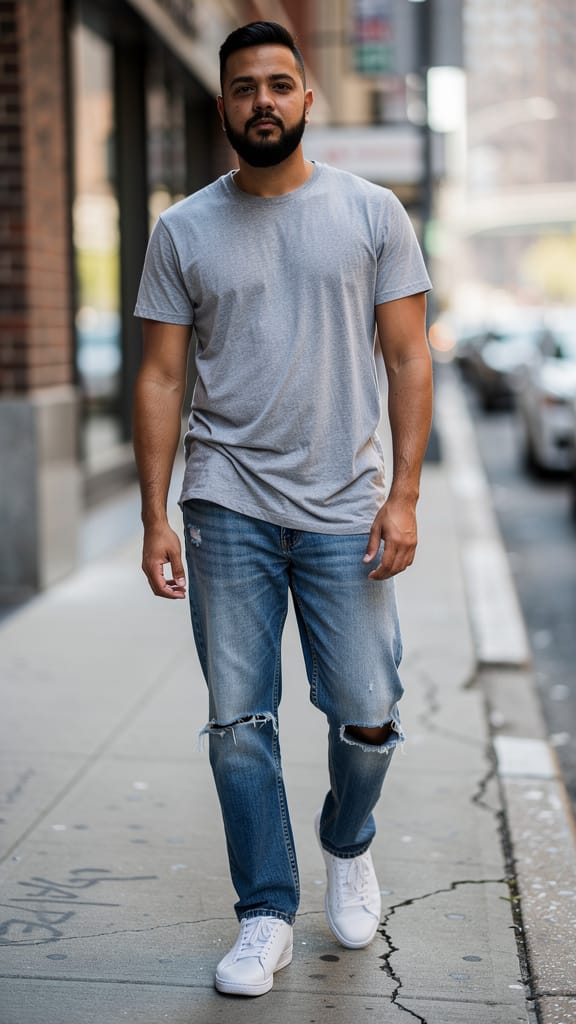
فیشن آؤٹ فٹ سواپ
Seedream ایک ذہین تصویر ترمیم ماڈل ہے جو Seedream 5.0 کے تیز Lite ورژن پر مبنی ہے، جو ByteDance نے تیار کیا ہے۔ خالی کینوس سے شروع کرنے کے بجائے، Seedream ان تصاویر پر کام کرتا ہے جو آپ کے پاس پہلے سے موجود ہیں — انہیں ملا کر، تبدیل کر کے، اور تحریری ہدایت کے مطابق بہتر بنا کر۔ اسے ایک تصویر یا کئی دیں، سادہ زبان میں مطلوبہ تبدیلی بیان کریں، اور یہ آپ کی ہدایت کی حیرت انگیز درستگی سے عکاسی کرنے والا صیقل شدہ نتیجہ واپس کرتا ہے۔
Seedream کو ممتاز بنانے والی چیز اس کی صلاحیت ہے کہ وہ ایک ساتھ متعدد سورس تصاویر پر استدلال کر سکتا ہے۔ آپ ایک ہی ترمیم میں 10 تک ریفرنس تصاویر فراہم کر سکتے ہیں، اور ماڈل سمجھتا ہے کہ وہ ایک دوسرے سے کیسے منسلک ہیں۔ پرامپٹ انہیں انفرادی طور پر ریفرنس کر سکتا ہے — مثال کے طور پر، ماڈل کو بتانا کہ ایک تصویر سے پروڈکٹ لیں، دوسری سے لوگو لگائیں، اور تیسری سے ٹیکسچر یا بیک ڈراپ تبدیل کریں۔ یہ اسے روایتی ایڈیٹنگ سافٹ ویئر میں دستی ماسکنگ اور لیئر بلینڈنگ کے گھنٹوں کے کام کے لیے قدرتی طور پر موزوں بناتا ہے۔ سب کچھ تحریری تفصیل سے ہوتا ہے، لہٰذا تخلیقی فیصلے آپ کے ہاتھ میں رہتے ہیں جبکہ ماڈل پکسل لیول پر عملدرآمد سنبھالتا ہے۔
Seedream تخلیقی پروفیشنلز کے روزمرہ کے ذہین ترمیم کے کاموں میں ماہر ہے۔ یہ منظر میں اشیاء تبدیل کر سکتا ہے، پروڈکٹ کی سطح پر مخصوص مواد کی فنش (جیسے فروسٹڈ گلاس) کے ساتھ لوگو یا گرافک کو بلا شبہ رینڈر کر سکتا ہے، غیر مطلوبہ متن یا گندگی ہٹا سکتا ہے، اور کمپوزیشن میں براہ راست دلچسپ ٹیگ لائن جیسا نیا متن ڈیزائن اور رکھ سکتا ہے۔ چونکہ یہ آپ کی ہدایات کو مجموعی طور پر سمجھتا ہے، ایک ہی پرامپٹ کئی تبدیلیاں ایک ساتھ کر سکتا ہے — یہ تبدیل کریں، وہ شامل کریں، یہاں صاف کریں، اور وہاں کچھ نیا لکھیں — سب ایک جنریشن میں۔
ماڈل ہائی ریزولوشن تصاویر آؤٹ پٹ کرتا ہے۔ ڈیفالٹ طور پر یہ تقریباً 2K رینج میں تفصیلی نتائج دیتا ہے، اور جب پرنٹ یا بڑے فارمیٹ ڈسپلے کے لیے اضافی وضاحت چاہیے تو 4K رینج تک بڑھا سکتے ہیں۔ آپ اپنے آؤٹ پٹ کی شکل پر بھی کنٹرول رکھتے ہیں، مربع، پورٹریٹ، اور لینڈ اسکیپ اورینٹیشنز جیسے مانوس فارمیٹس منتخب کر سکتے ہیں، یا ماڈل کو مناسب ریزولوشن خود منتخب کرنے دیں۔ اگر آپ سپورٹڈ رینج سے باہر سائز مانگیں تو ماڈل اسے نرم دونکے ایڈجسٹ کر دیتا ہے، لہٰذا آپ کو ہمیشہ استعمال شدہ نتیجہ ملتا ہے۔
Seedream تخلیقی تکرار کو مدنظر رکھتے ہوئے ڈیزائن کیا گیا ہے۔ آپ اسے ایک ہی پرامپٹ سے کئی الگ جنریشنز چلا سکتے ہیں، جو آپ کو منتخب کرنے کے لیے مختلف تشریحات کا پھیلاؤ دیتا ہے — جب آپ ایک ہی جواب کے بجائے آپشنز چاہتے ہیں تو مفید۔ یہ ملٹی امیج جنریشن بھی سپورٹ کرتا ہے، جہاں ایک رن کئی ویریشنز واپس کر سکتا ہے، جو آپ کو تیزی سے مختلف نتائج اکٹھے کرنے اور اپنے وژن سے بہترین میچ کرنے کی اجازت دیتا ہے۔ بلٹ ان سیفٹی چیکر ڈیفالٹ طور پر فعال ہے تاکہ نتائج مناسب رہیں۔
Seedream سے سب سے زیادہ فائدہ کون اٹھاتا ہے؟ پروڈکٹ ڈیزائنرز اور مارکیٹرز کو موکیپس اور پیکیجنگ کانسیپٹس کے لیے خاص طور پر قیمتی ملے گا — بوتل پر لوگو ڈالنا، پروڈکٹ کا مواد تبدیل کرنا، یا ریفرنس فوٹو کو فنش ایڈ میں صاف کرنا۔ برانڈ اور سوشل میڈیا تخلیق کار اسے ڈیزائن میں قدرتی طور پر بیٹھنے والے آن امیج کاپی اور ٹیگ لائنز جنریٹ کرنے کے لیے استعمال کر سکتے ہیں۔ فوٹوگرافرز اور ریٹچرز شیء کی تبدیلی اور گندگی ہٹانے کے لیے اس پر بھروسہ کر سکتے ہیں بغیر دستی سلیکشن کے مشقت کے۔ کانسیپٹ آرٹسٹس اور इलاسٹریٹرز مختلف ریفرنسز کو ایک مربوط تصویر میں ملا سکتے ہیں، اور ای کامرس ٹیمز خام سورس شاٹس سے تیزی سے صاف، مستقل پروڈکٹ ویژولز پیدا کر سکتے ہیں۔
Seedream سے سب سے زیادہ فائدہ اٹھانے کی کلید واضح، منظم پرامپٹس لکھنا ہے۔ چونکہ ماڈل ایک پاس میں متعدد تصاویر اور ہدایات سنبھال سکتا ہے، یہ تفصیل کو انعام دیتا ہے۔ اپنی ان پٹس کو ترتیب وار طریقے سے ریفر کرنے سے — ہر ایک کے ساتھ کیا ہونا چاہیے بیان کر کے — ماڈل آپ کی تبدیلیاں بالکل جہاں آپ چاہتے ہیں وہیں لگاتا ہے۔ مطلوبہ مواد، ٹیکسچر، یا فنش کا نام (جیسے میٹ، گلوسی، یا فروسٹڈ گلاس) ماڈل کو قائل ہونے والا لک دینے کی رہنمائی کرتا ہے۔ اور اگر آپ تصویر میں نیا متن چاہتے ہیں تو بالکل الفاظ اور جگہ بتا دیں تو سب سے بہتر پلیسمنٹ ملتی ہے۔
کچھ عملی غور طلب باتیں ذہن میں رکھیں۔ Seedream فی ترمیم 10 تک ان پٹ تصاویر قبول کرتا ہے؛ اگر زیادہ بھیجیں تو صرف حالیہ 10 استعمال ہوتے ہیں، لہٰذا ریفرنسز کو اہم والوں تک محدود کرنا بہتر ہے۔ آؤٹ پٹ سائز سپورٹڈ رینج سے محدود ہیں، یعنی بہت چھوٹے یا بہت بڑے ڈائمنشنز کو ان حدود میں ایڈجسٹ کر دیا جاتا ہے۔ ایڈیٹنگ ماڈل کے طور پر، Seedream ہمیشہ کم از کم ایک سورس تصویر پلس آپ کی ٹیکسٹ ہدایت سے کام کرتا ہے — یہ خالی جگہ سے منظر تخلیق کرنے کے بجائے دی ہوئی چیزوں کو تبدیل اور ملا دیتا ہے۔ جب آپ ایک صقل شدہ نتیجہ سے لے کر ویریشنز کے بیچ تک چاہتے ہیں، آپ جنریشنز کی تعداد اپنے ورک فلو کے مطابق ایڈجسٹ کر سکتے ہیں۔
مختصراً، Seedream پیچیدہ، ملٹی سٹیپ تصویر ترمیم کو گفتگو میں بدل دیتا ہے۔ بتائیں کیا تبدیل، شامل، ہٹائیں یا ملاو، متعلقہ تصاویر دیں، اور یہ واپس ختم شدہ، ہائی ریزولوشن کمپوزیٹ دیتا ہے جو ورنہ بھاری دستی محنت کا تقاضا کرتا۔ اس کی ملٹی امیج سمجھ، درست شیء اور متن ہینڈلنگ، اور لچکدار آؤٹ پٹ آپشنز کا امتزاج اسے روزانہ ویژولز کے ساتھ کام کرنے والے کسی بھی شخص کے لیے ورسٹائل ساتھی بناتا ہے۔
سب سے جدید امیج ایڈیٹر کے ساتھ تخلیق کریں
Add the image that you want change
تصویر اپ لوڈ کریں
وہ تصویر شامل کریں جسے آپ ایڈٹ یا تبدیل کرنا چاہتے ہیں
A woman kneeling in darkness, illuminated by a warm, radiant beam of light emerging from her raised hand.
اپنی تبدیلیاں لکھیں
آپ جو ترامیم چاہتے ہیں انہیں بیان کریں - انداز میں تبدیلیاں، اشیاء کا ہٹانا، یا بہتری
شیئر کرنا شروع کریں
اپنی پیشہ ورانہ طور پر ایڈٹ شدہ تصویر ڈاؤن لوڈ کریں
پرامپٹ سے آگے: کنٹرول کی ایک نئی سطح
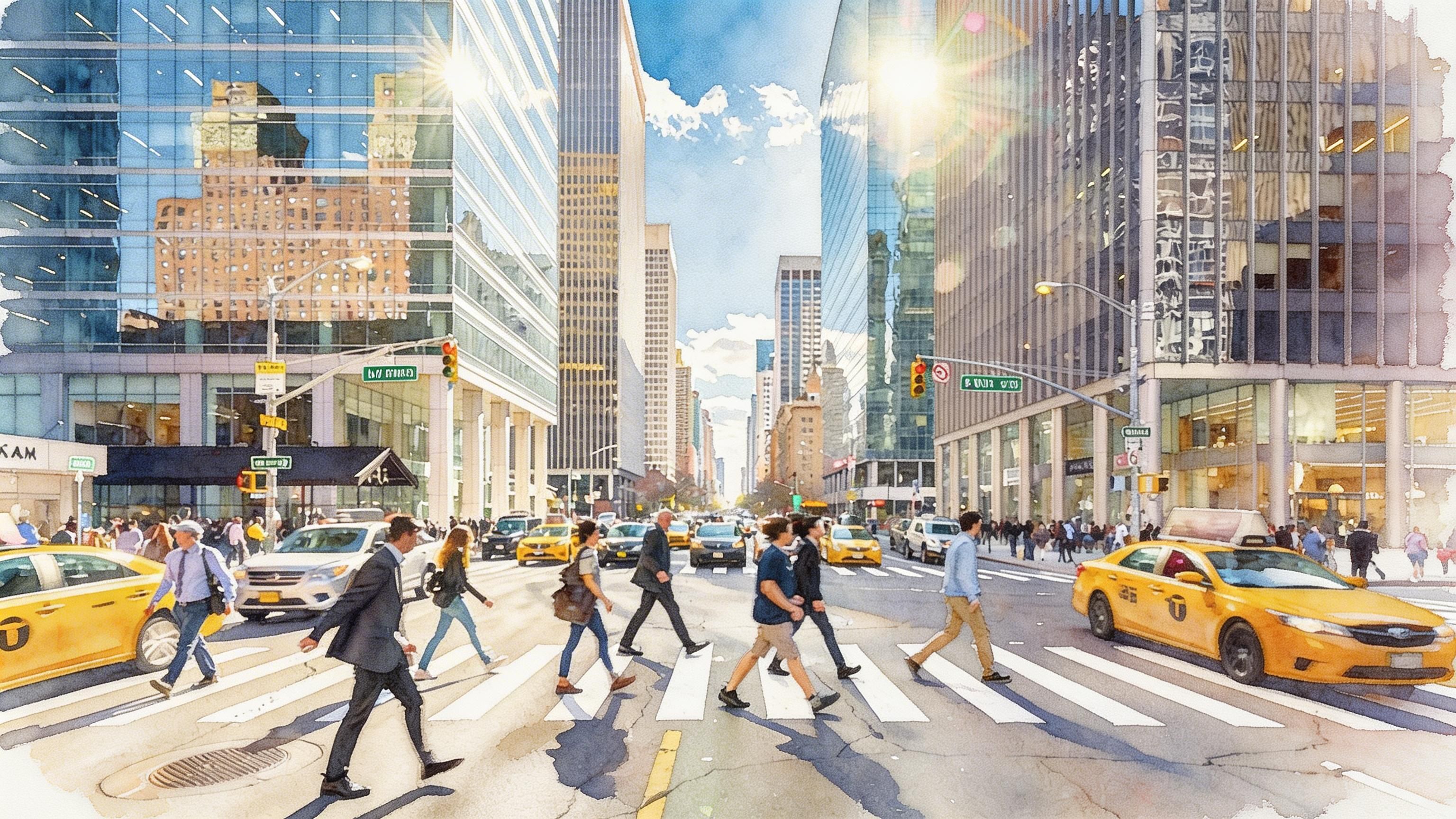
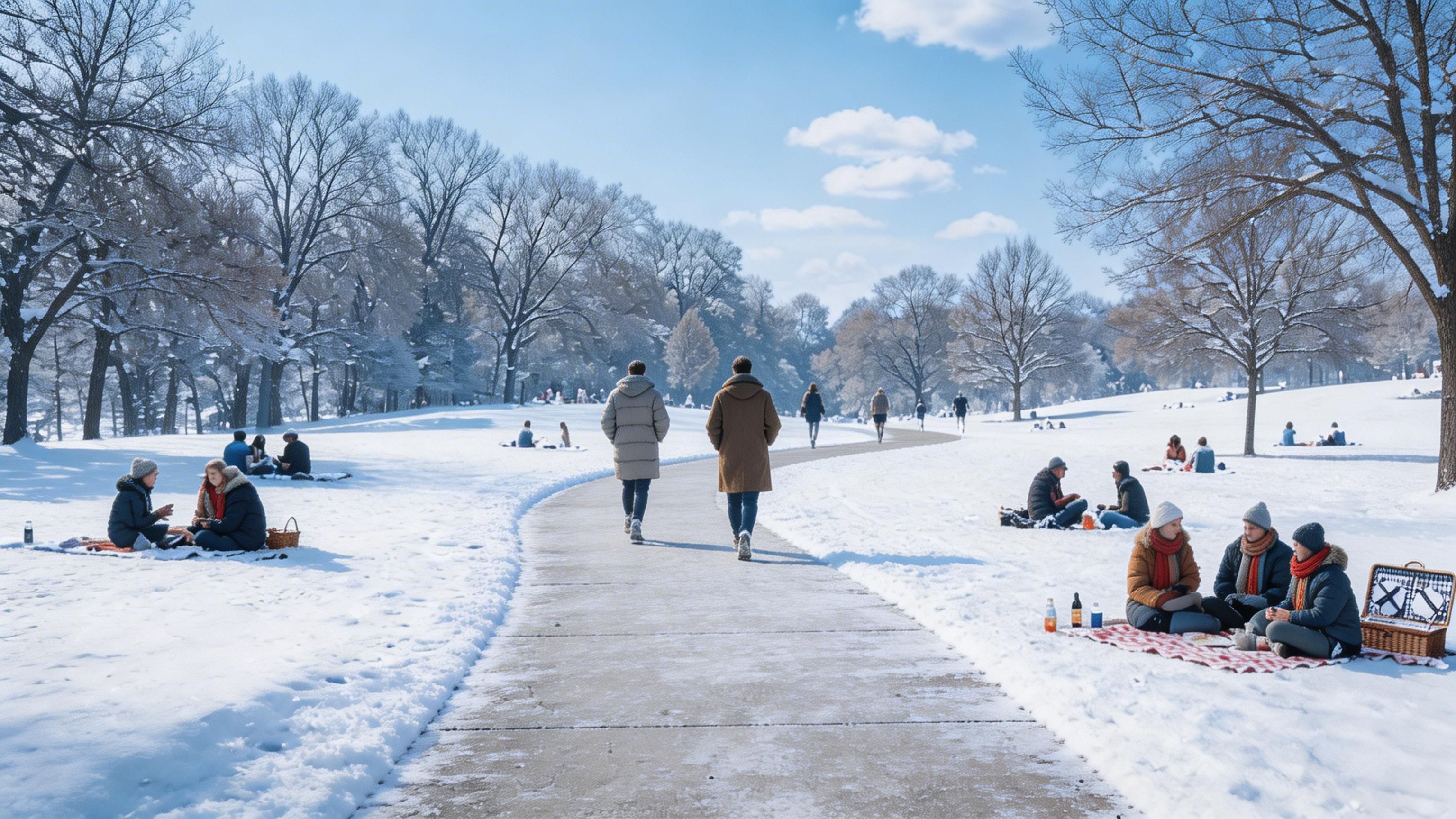
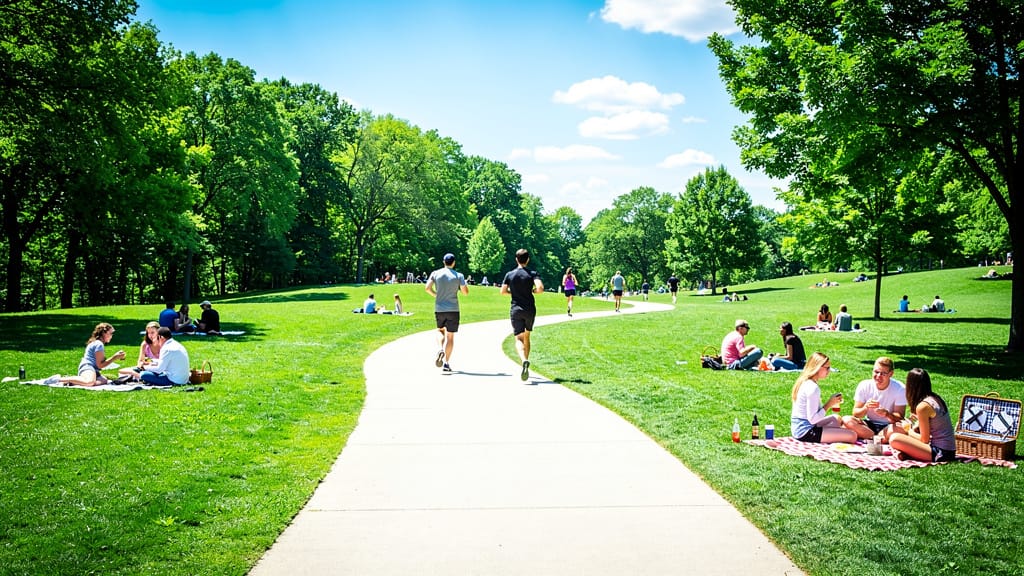
لینڈ اسکیپ موسم کی تبدیلی
ٹریول، رئیل اسٹیٹ، یا تخلیقی کہانی سنانے کے لیے حقیقی ماحولیاتی ترمیم دکھاتا ہے، لینڈ اسکیپ منظر کا موسم اور ماحول فوری تبدیل کر کے۔
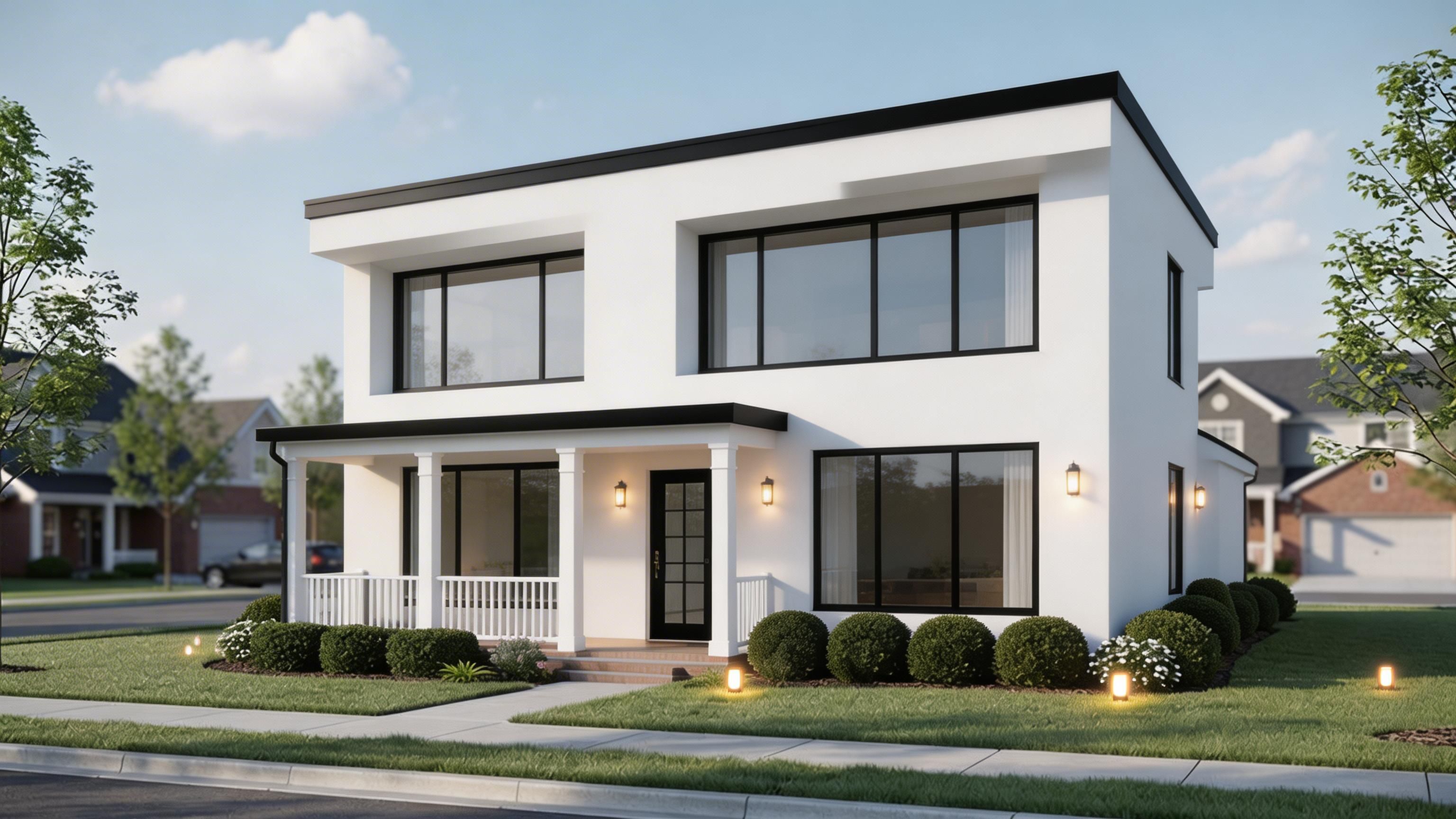
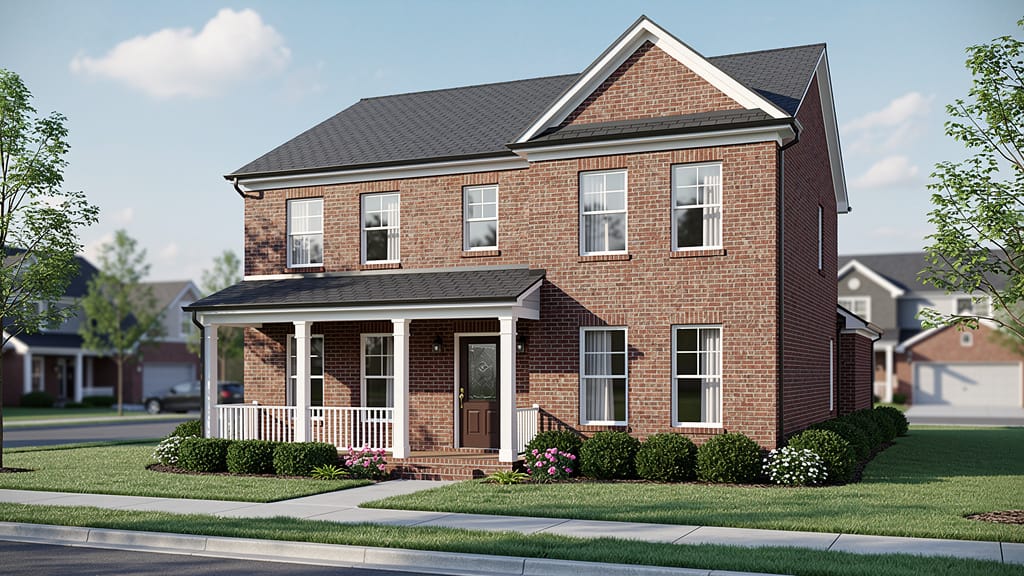
آرکیٹیکچرل ری اسٹائل
ماڈل کی صلاحیت کو نمایاں کرتا ہے کہ آرکیٹیکچرل ایکسٹیریئرز کو اپ ڈیٹ کرے، مارکیٹنگ اور ویژولائزیشن کے لیے رینیویشنز یا نئے ڈیزائن ٹرینڈز کا تصور کرے۔
آرٹسٹک اسٹائل ٹرانسفر
اعلیٰ آرٹسٹک ترمیم دکھاتا ہے، حقیقی فوٹوز کو منفرد آرٹ ورکس میں بدل کر ٹریول، ایڈیٹوریل، یا تخلیقی برانڈنگ مواد کو بلند کرتا ہے۔
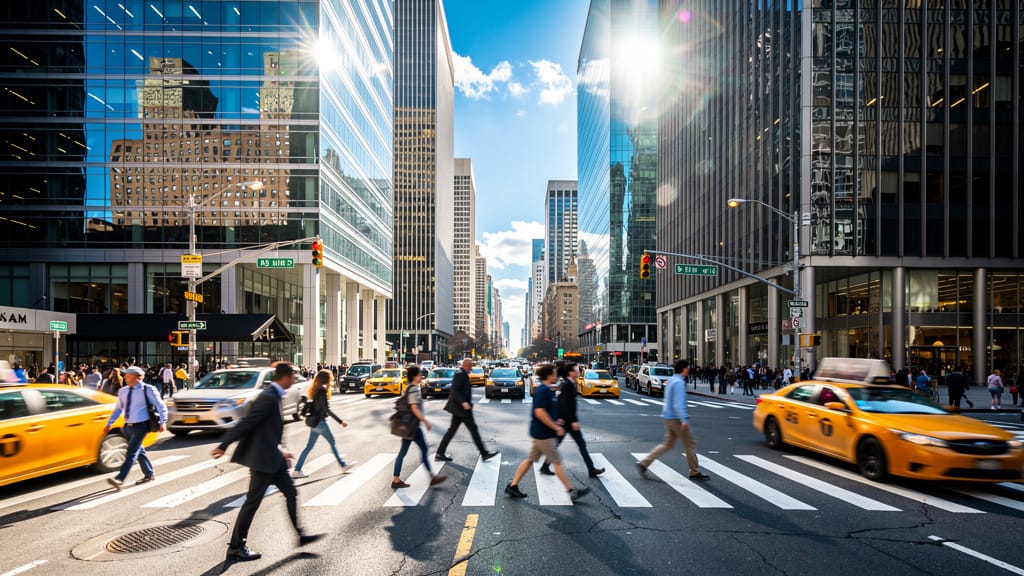
ملتے جلتے ماڈلز کے ساتھ موازنہ کریں
“Replace the white background with a modern corporate office environment. Add floor-to-ceiling windows with city skyline view in soft focus. Match the lighting to suggest natural window light from the same direction. Maintain the subject's professional appearance and lighting consistency. Add subtle depth of field to the new background.”












Seedream کے ساتھ کمال کا تجربہ کریں
آج ہی ریزننگ پر مبنی سنتھیسس پر سوئچ کریں
اکثر پوچھے جانے والے سوالات
ملتے جلتے ماڈلز
Seedream 5.0 Pro Image Editing
Precise region-based image editing
0.3 کریڈٹس
Nano Banana Pro
State-of-the-art image editing
1.2 کریڈٹس
Reve 2.1
Remix images with text prompts
1.5 کریڈٹس
Ideogram V4.0q Image to Image
Prompt-guided image restyling edits
0.1 کریڈٹس
Nano Banana Lite Edit
Fast efficient image editing
6 کریڈٹس
Reve 2.1
Edit images with text prompts
1.3 کریڈٹس
Gemini 3.1 Flash Image Preview
Ultra-fast Google image editing
0.7 کریڈٹس
Wan v2.6 Image to Image
Edit images using reference photos
0.3 کریڈٹس
Grok Imagine Image Editing Quality
High-quality AI image editing
0.1 کریڈٹس