Gemini 3.1 Flash Image Preview
Edit photos with a sentence and get 4K results
Ultra-fast Google image editing


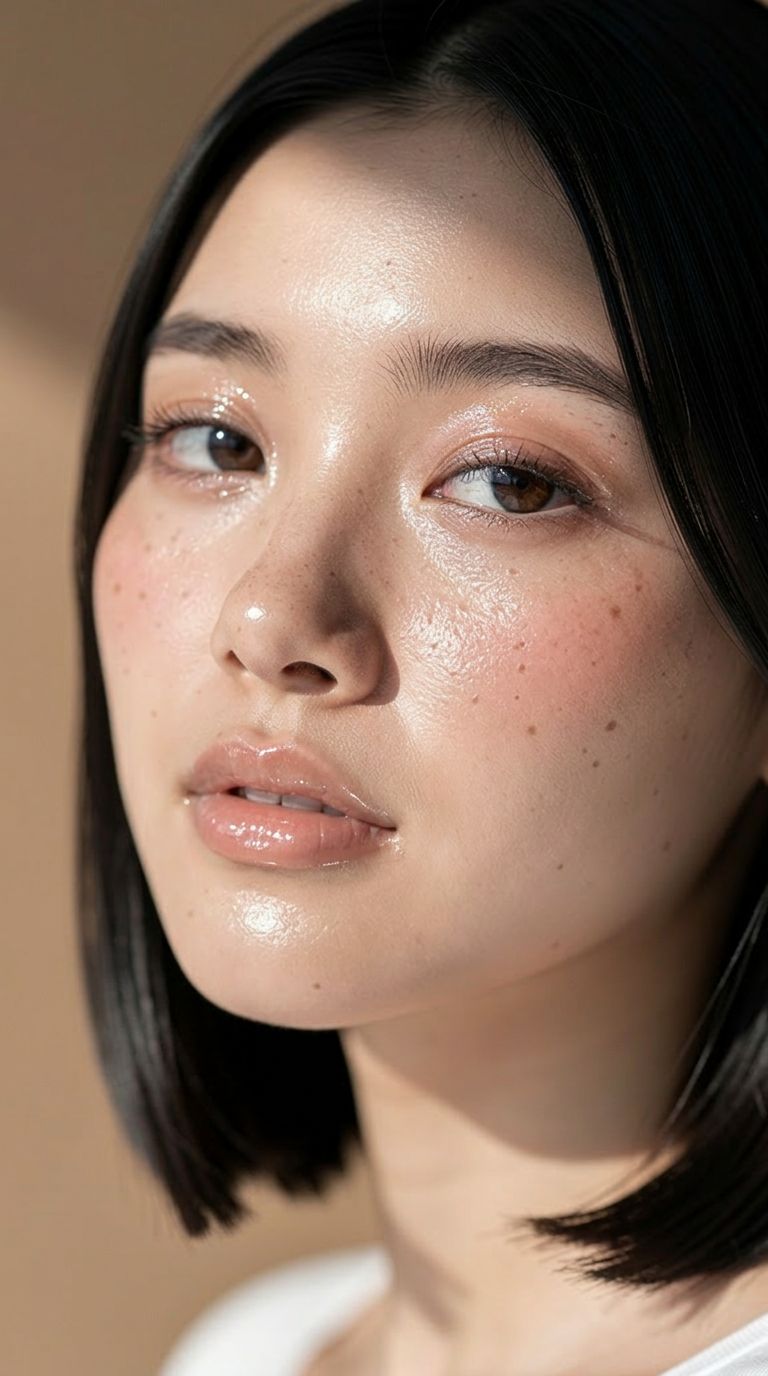
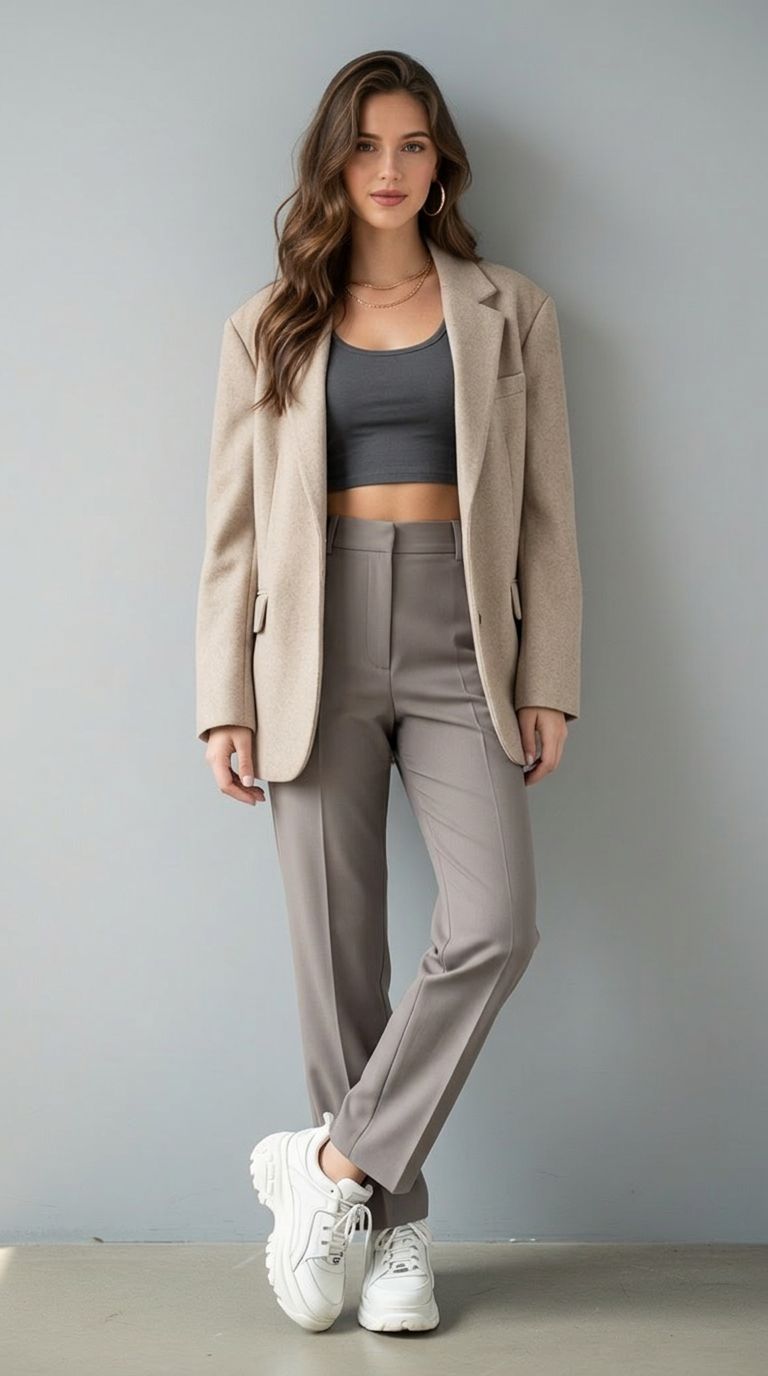
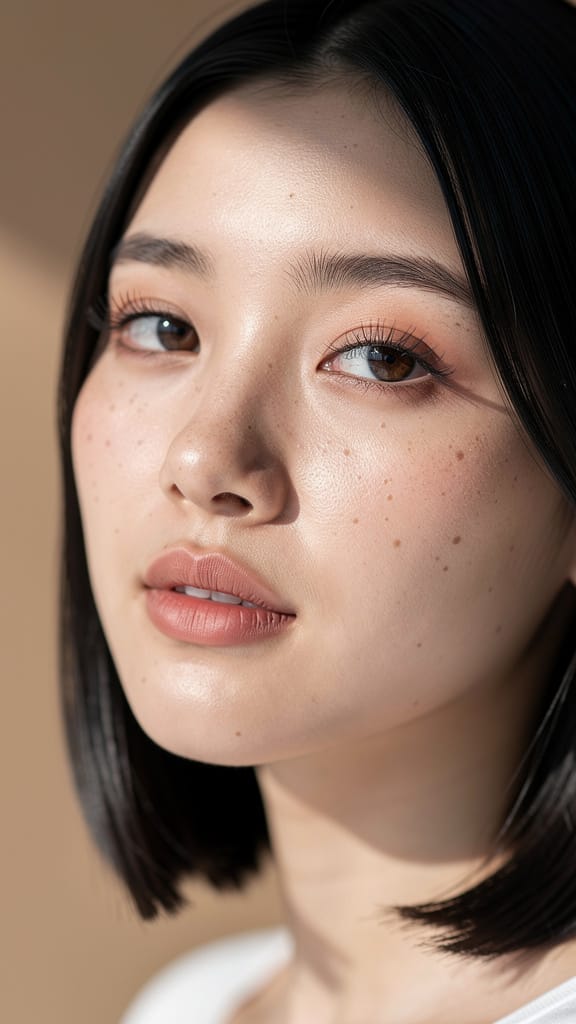
SMINKE & HUDTONE REDIGERING
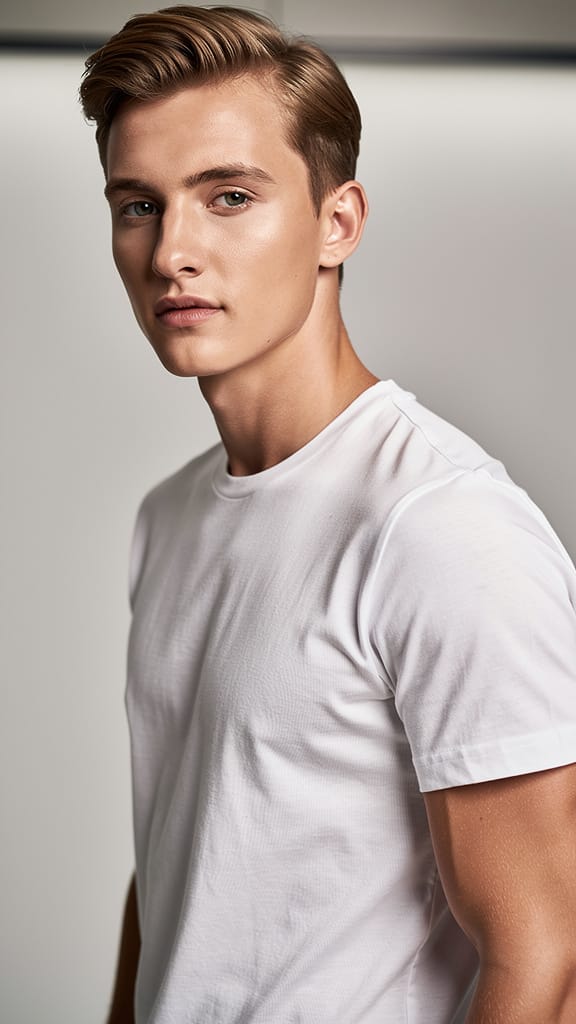
HÅRFARVEÆNDERING
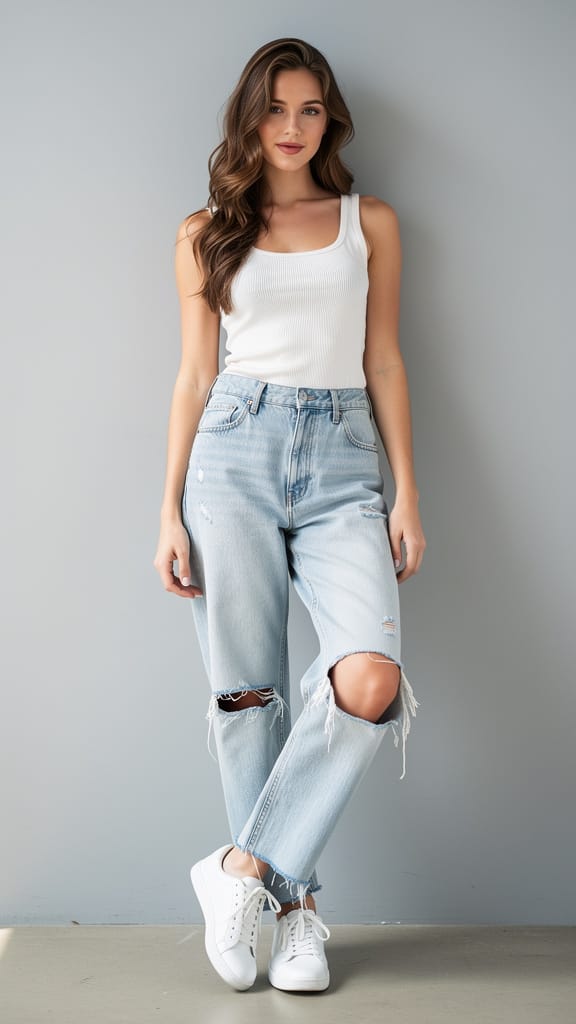
MODEOUTFIT BYTTE
Gemini 3.1 Flash Image Preview, også kendt som Nano Banana 2, er Googles hurtige model til billedgenerering og -redigering, bygget til skabere, der ønsker at transformere, forfine og genforestille billeder ved blot at bruge en skreven instruktion. Uanset om du er en designer, der polerer et koncept, en fotograf, der bearbejder et billede, eller en indholdsskaber, der producerer visuelle elementer i høj fart, forvandler denne model almindelige sprogprompts til færdige billeder — hurtigt og med en stærk følelse for detaljer.
Kernen i modellen udmærker sig i tekststyret billedredigering. Du beskriver den ændring, du ønsker — for eksempel "gør et foto af manden, der kører bilen ned langs Californiens kystlinje" — og modellen reinterpretér eller redigerer dit kildebillede derefter. Du kan levere ét eller flere referencebilleder for at guide resultatet, hvilket gør det ideelt til kompositning, stiloverførsel, sceneskift, placering af karakterer og iterativ forfinelse. Fordi den accepterer flere billeder på én gang, kan du kombinere elementer fra flere kilder til ét sammenhængende billede, blande subjekter og omgivelser som en retuschør ville, men gennem simple skrevne instruktioner.
En af de fremtrædende styrker er dens fleksible output. Du kan generere billeder i flere opløsninger, fra kompakte 0.5K helt op til skarpe 2K og 4K, hvilket giver plads til at producere alt fra hurtige udkast til højdetaljerede finale assets egnet til tryk eller store skærme. Kontrol over billedformat er usædvanligt bred: udover de velkendte formater som 16:9, 1:1, 9:16, 4:3 og 3:2 understøtter modellen ekstreme ratioer som 4:1, 1:4, 8:1 og 1:8 — perfekt til bannere, panoramiske scener, høje vertikale layouts og ukonventionelle lærreder, som de fleste værktøjer ikke kan håndtere. Hvis du ikke vil specificere, vælger en automatisk indstilling den mest passende form for din prompt. Output kan gemmes som PNG, JPEG eller WebP afhængigt af dine workflow-behov.
Ud over billeder og tekst kan modellen tage yderligere kontekst for at informere om, hvad den skaber. Du kan give en video (inklusive en YouTube-link), en lydfil eller endda et PDF-dokument som reference, så modellen kan trække på rigere kildeinformation, når den komponerer dit resultat. Der er også en valgfri web-søgefunktion, der lader modellen hente de nyeste oplysninger fra nettet, når den genererer et billede — nyttigt, når du vil have et resultat baseret på aktuelle, virkelige referencer i stedet for kun det, modellen allerede kender.
Til skabere, der ønsker finere kreativ styring, tilbyder modellen en systeminstruktionsfunktion, der styrer dens persona og samlede outputstil på tværs af en anmodning. Dette er en måde at sætte en konsistent kreativ tone — et husstil, en stemning eller en visuel tilgang — der bærer gennem de billeder, den producerer. Du kan også generere op til fire billeder på én gang, hvilket giver et sæt variationer at vælge imellem i én gennemløb. En seed-kontrol lader dig reproducere eller låse et bestemt resultat, så når du rammer noget, du kan lide, kan du vende tilbage til det eller udforske nærliggende variationer med konsistens.
Modellen inkluderer en valgfri "tænkende" tilstand, der kan sættes til minimal eller høj niveau, hvilket tillader den at ræsonnere mere bevidst om komplekse prompts og inkludere sin ræsonnering i processen. Dette kan hjælpe med indviklede redigeringsopgaver, hvor instruktionerne kræver mere omhyggelig fortolkning. Der er også en kontrol for, hvor mange billeder modellen producerer pr. runde af prompting, hvilket kan hjælpe med at holde resultaterne fokuseret på dit enkeltstående ønskede output. Sammen med de færdige billeder returnerer modellen en tekstbeskrivelse af, hvad den har genereret, hvilket giver dig en skreven opsummering af resultatet.
Indholdssikkerhed håndteres gennem en justerbar toleranceindstilling, der spænder fra den strengeste — som blokerer det meste følsomt indhold — til den mindst strikse. Dette lader dig finjustere moderationen til dit projekt og dit publikum, mens generationerne holdes passende til din brug.
Hvem nyter mest gavn? Designere og marketere vil sætte pris på de ekstreme billedformater og høje opløsninger til at producere alt fra sociale opslag til brede bannere og høje vertikale displays. Fotografer og retuschører kan bruge den tekststyrede redigering til at genforestille scener, skifte omgivelser og kombinere referencebilleder uden manuel masking. Filminstruktører og fortællere kan trække kontekst fra video og lyd for at holde konceptkunst i tråd med projektets tone. Indholdsskabere, der skal arbejde hurtigt, vil værdsætte muligheden for at generere flere variationer hurtigt, låse en favorit med seed-kontrollen og eksportere i det format, deres pipeline kræver.
Nogle praktiske overvejelser er værd at nævne. Når du leverer en video, lydfil eller PDF som kontekst, har hver af disse inputs en størrelsesbegrænsning (YouTube-links er en undtagelse og sendes direkte igennem). Den generationsbegrænsende valgmulighed, selvom den er hjælpsom for at holde outputs fokuserede, er eksperimentel og kan påvirke kvaliteten i nogle tilfælde. Og aktivering af web-søgning tilføjer ekstern information i blandingen, hvilket er kraftfuldt for emnebaserede eller reference-nøjagtige billeder, men bedst reserveret til, når du specifikt har brug for aktuel, virkelighetsjordet forankring.
Kort sagt er Gemini 3.1 Flash Image Preview et hurtigt, fleksibelt værktøj til redigering og generering, der reagerer på naturligt sprog, blander flere kilder, skalerer op til 4K og strækker sig over et usædvanligt bredt spektrum af lærredsformer — en praktisk dagligdagskompanjon til kreativt arbejde, der skal se godt ud og gå hurtigt.
Generér med den mest avancerede billedredigering
Add the image that you want change
Upload billede
Tilføj det billede, du vil redigere eller transformere
A woman kneeling in darkness, illuminated by a warm, radiant beam of light emerging from her raised hand.
Skriv dine ændringer
Beskriv de ændringer, du ønsker – stilændringer, fjernelse af objekter eller forbedringer
Begynd at dele
Download dit professionelt redigerede billede
Ud over prompten: et nyt kontrolniveau
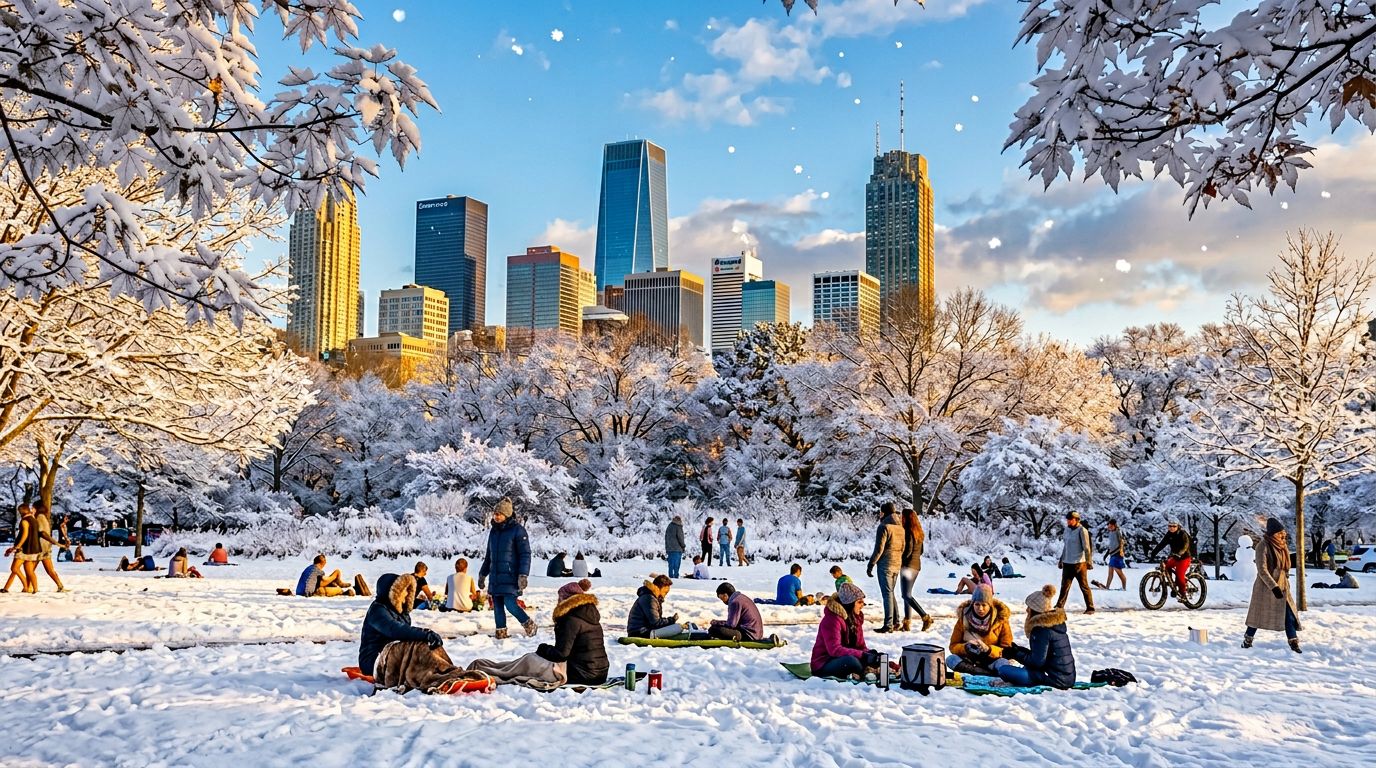
ÅRSTIDS SCENE BYTTE
Viser modellens dygtighed i komplekse scenredigeringer ved at konvertere udendørsmiljøer og vejr — nyttigt til marketingvisuelle, konceptkunst eller rejsepromotioner.
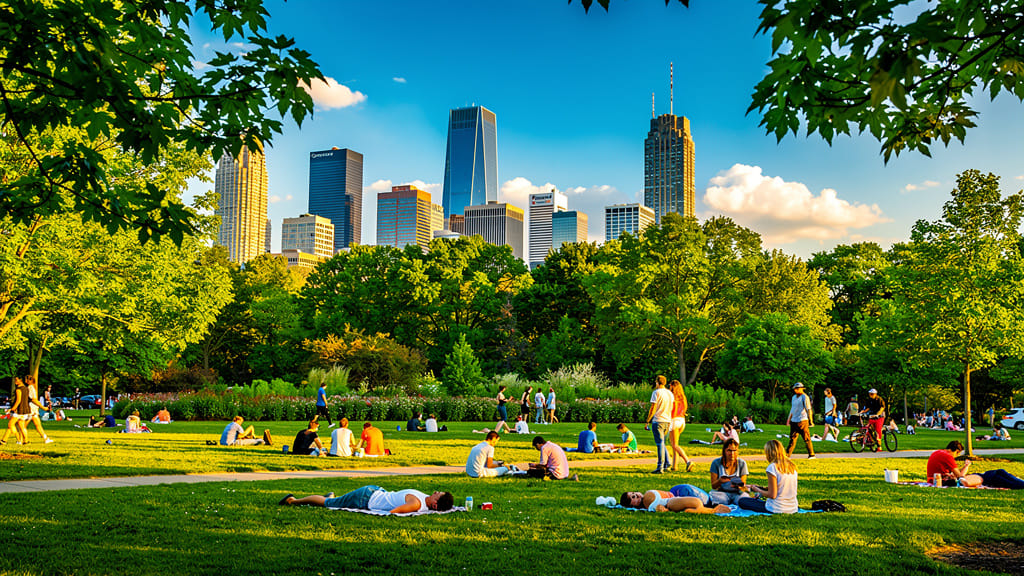
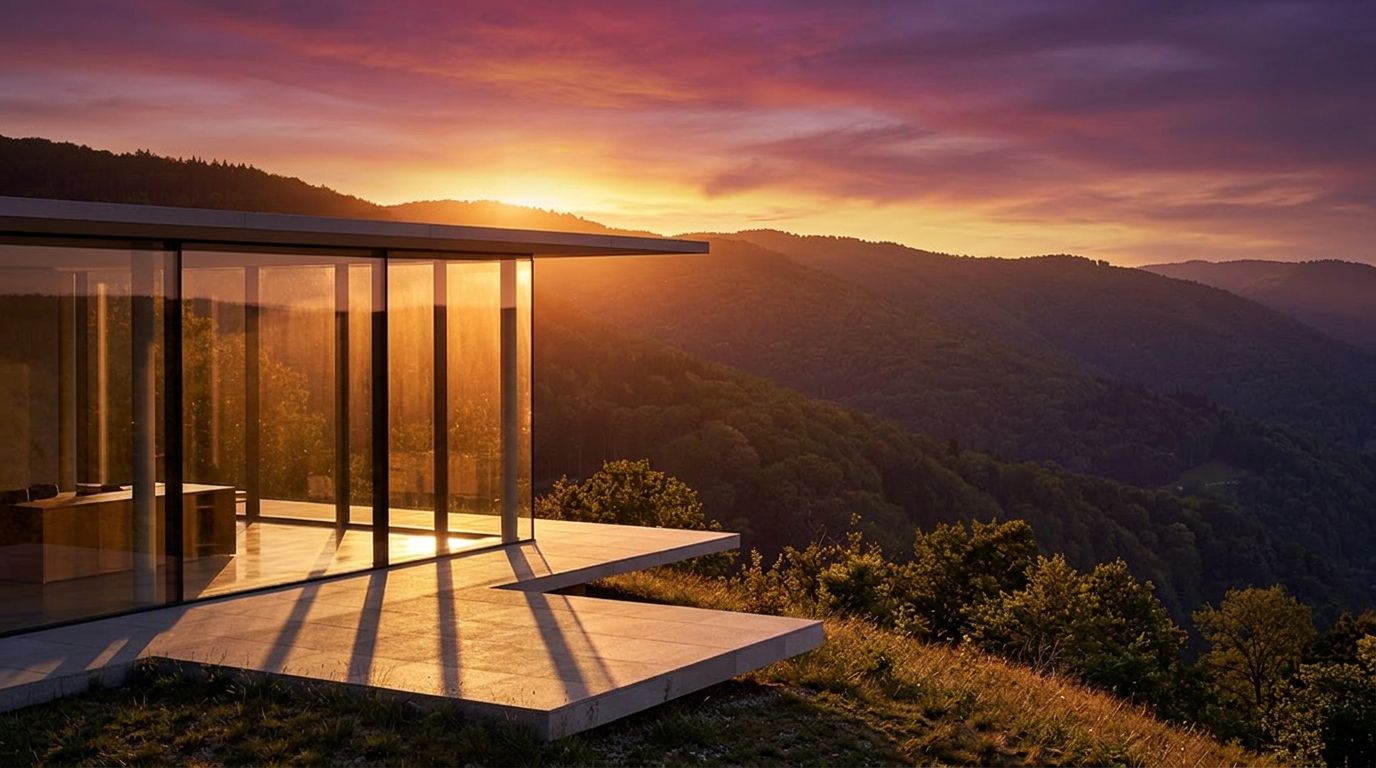
GOLDEN HOUR BELYSNING
Fremhæver modellens evne til at simulere avanceret belysning og stemningsændringer ved at forvandle ethvert dagslysbillede til et varmt, cinematisk golden hour-billede til æstetisk sociale medier eller porteføljebilleder.
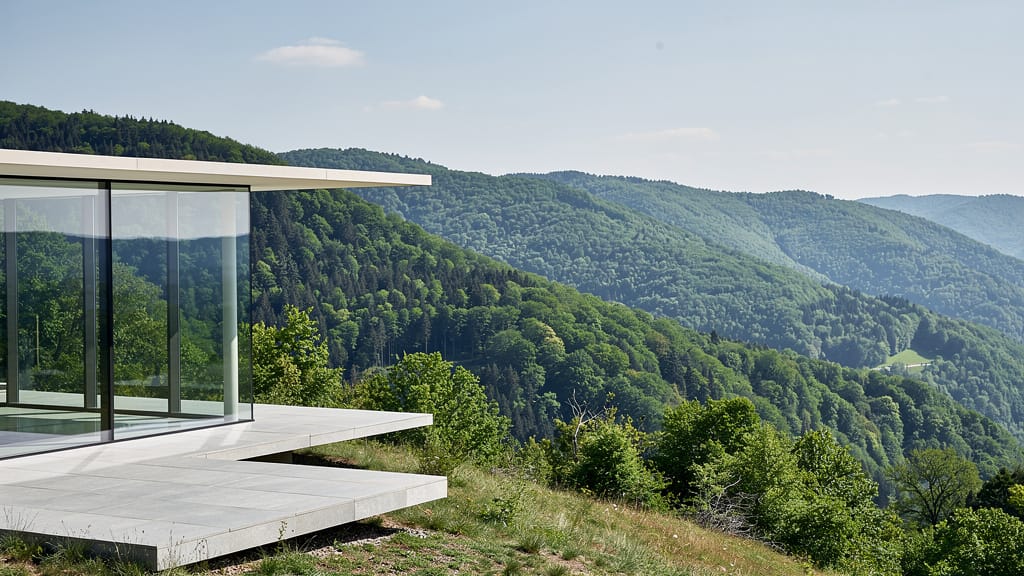
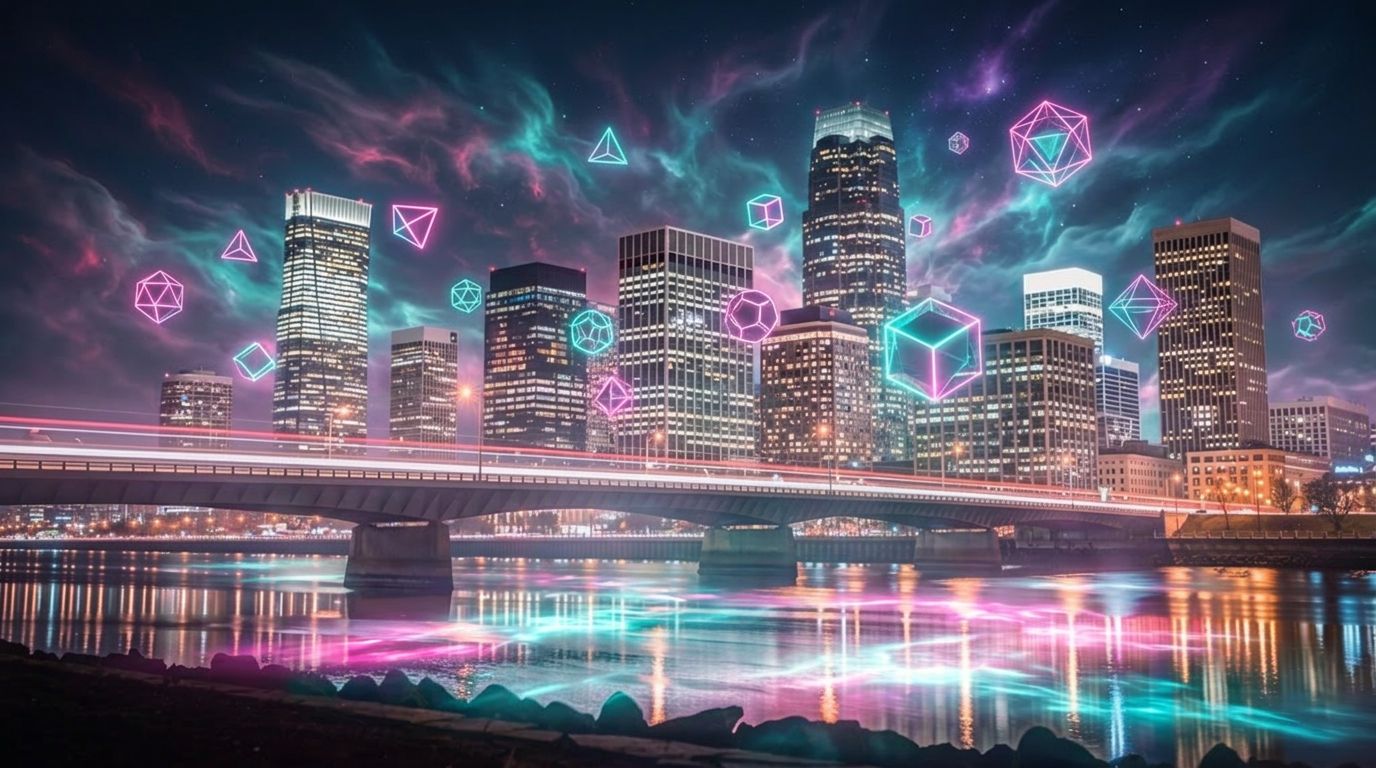
FANTASY-KUNST OVERLÆG
Demonstrerer kreative overlæg og fantasy-scenegenerering ved at blande fotografisk realisme med imaginative elementer til albumomslag, digital kunst eller brandvisuelle.
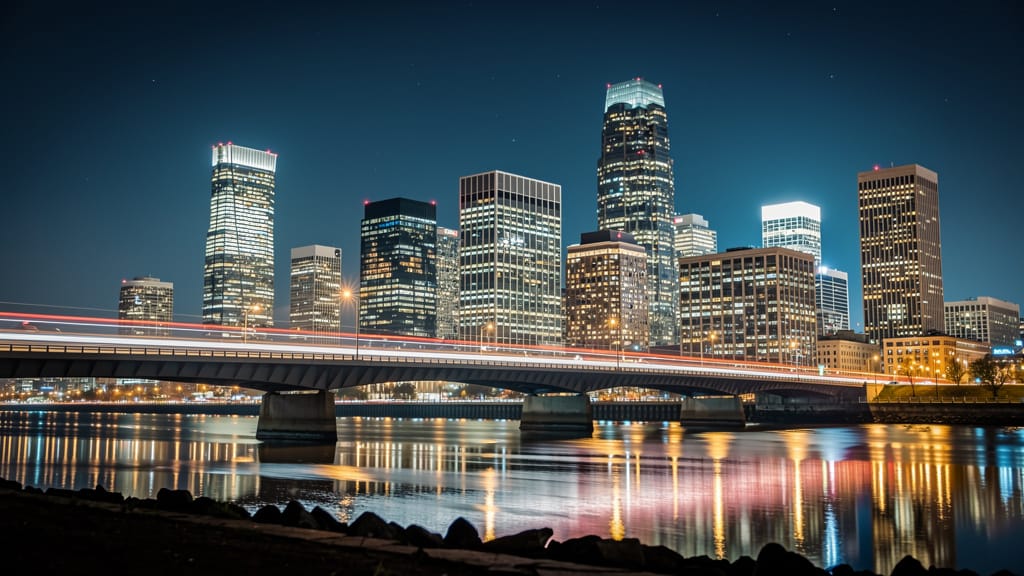
Sammenlign med lignende modeller
“Replace the white background with a modern corporate office environment. Add floor-to-ceiling windows with city skyline view in soft focus. Match the lighting to suggest natural window light from the same direction. Maintain the subject's professional appearance and lighting consistency. Add subtle depth of field to the new background.”












Oplev perfektion med Gemini 3.1 Flash Image Preview
Skift til ræsonnementsstyret syntese i dag
Ofte stillede spørgsmål
Lignende modeller
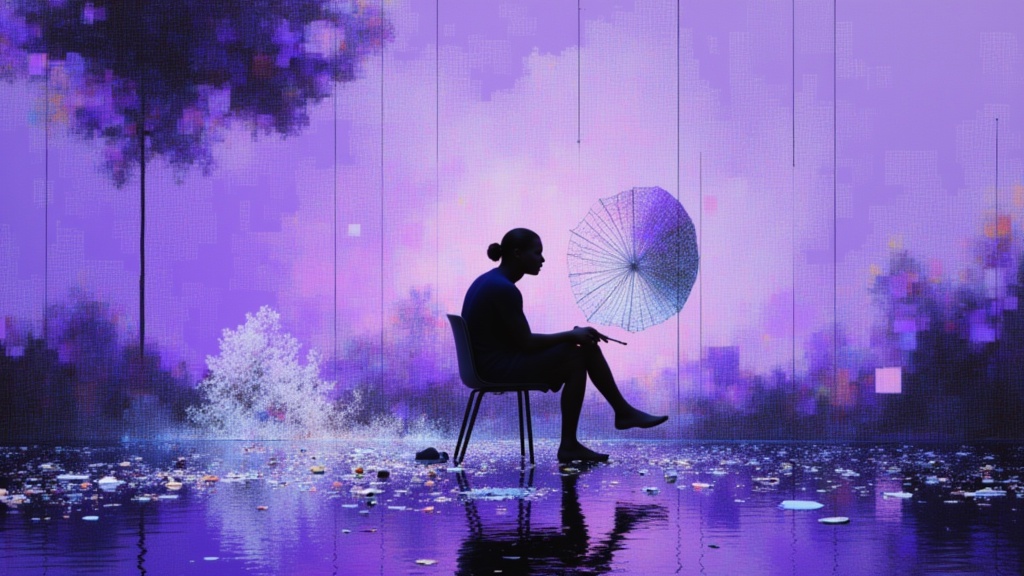
Nano Banana Pro
State-of-the-art image editing
1.2 credits
Grok Imagine Image Editing Quality
High-quality AI image editing
0.1 credits
Vidu
Image generation with reference consistency
0.2 credits
Wan v2.6 Image to Image
Edit images using reference photos
0.3 credits
Reve 2.1
Remix images with text prompts
1.5 credits
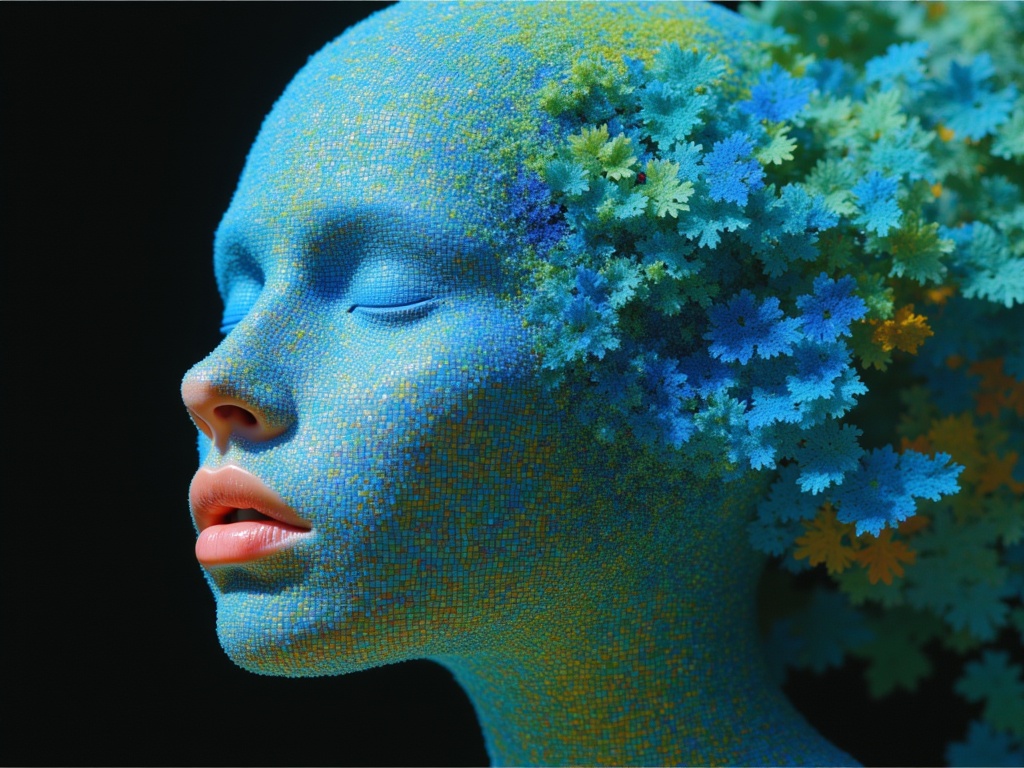
Ideogram V4.0q Image to Image
Prompt-guided image restyling edits
0.1 credits
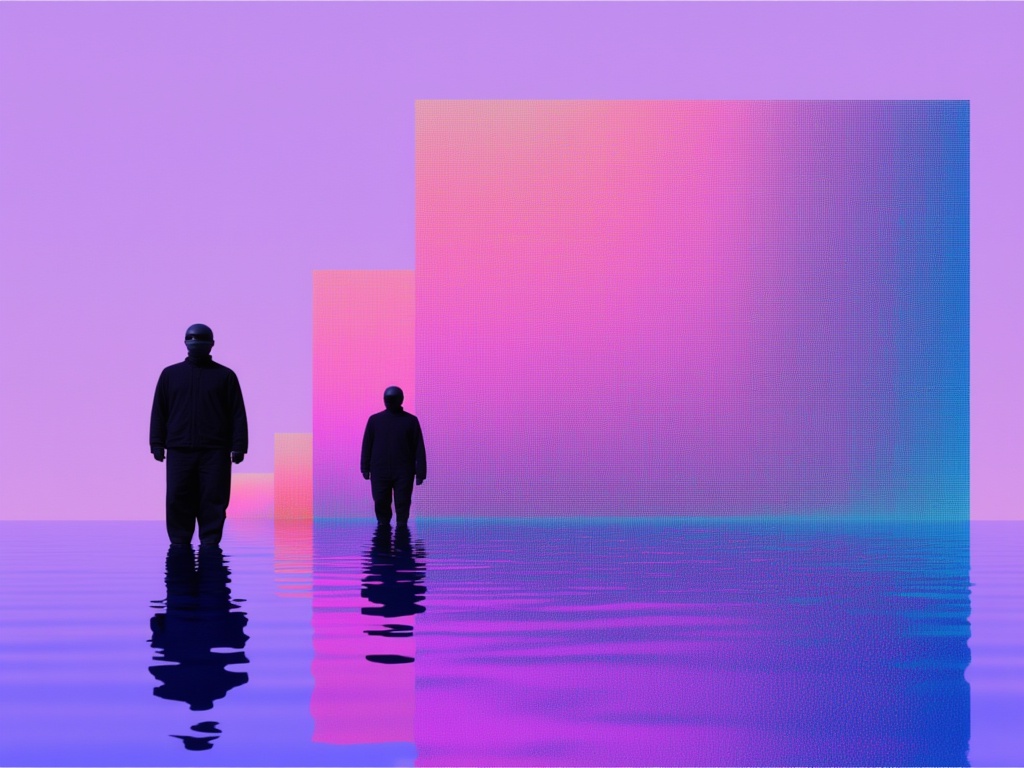
Nano Banana Lite Edit
Fast efficient image editing
6 credits
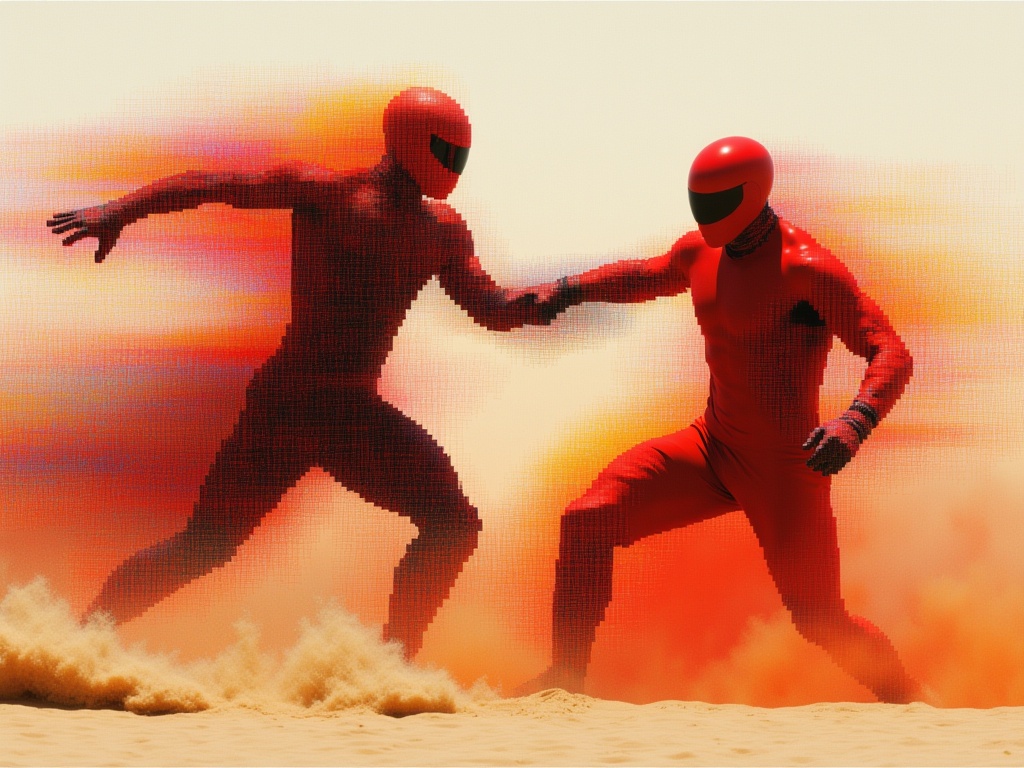
Reve 2.1
Edit images with text prompts
1.3 credits
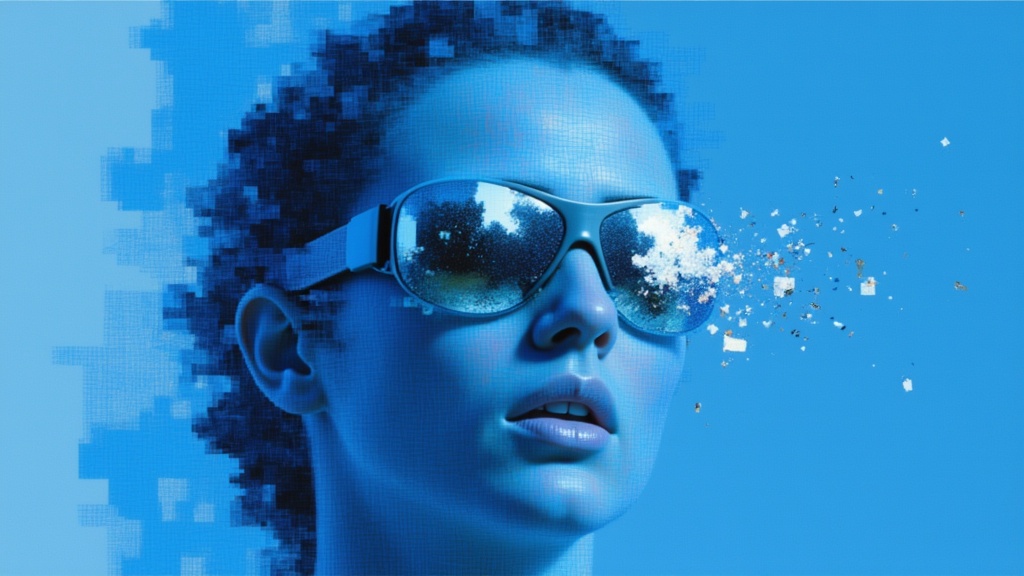
Seedream
Fast intelligent multi-image editing
0.3 credits