Reve 2.1
Combine up to 8 reference photos into one edit with legible text
Remix images with text prompts
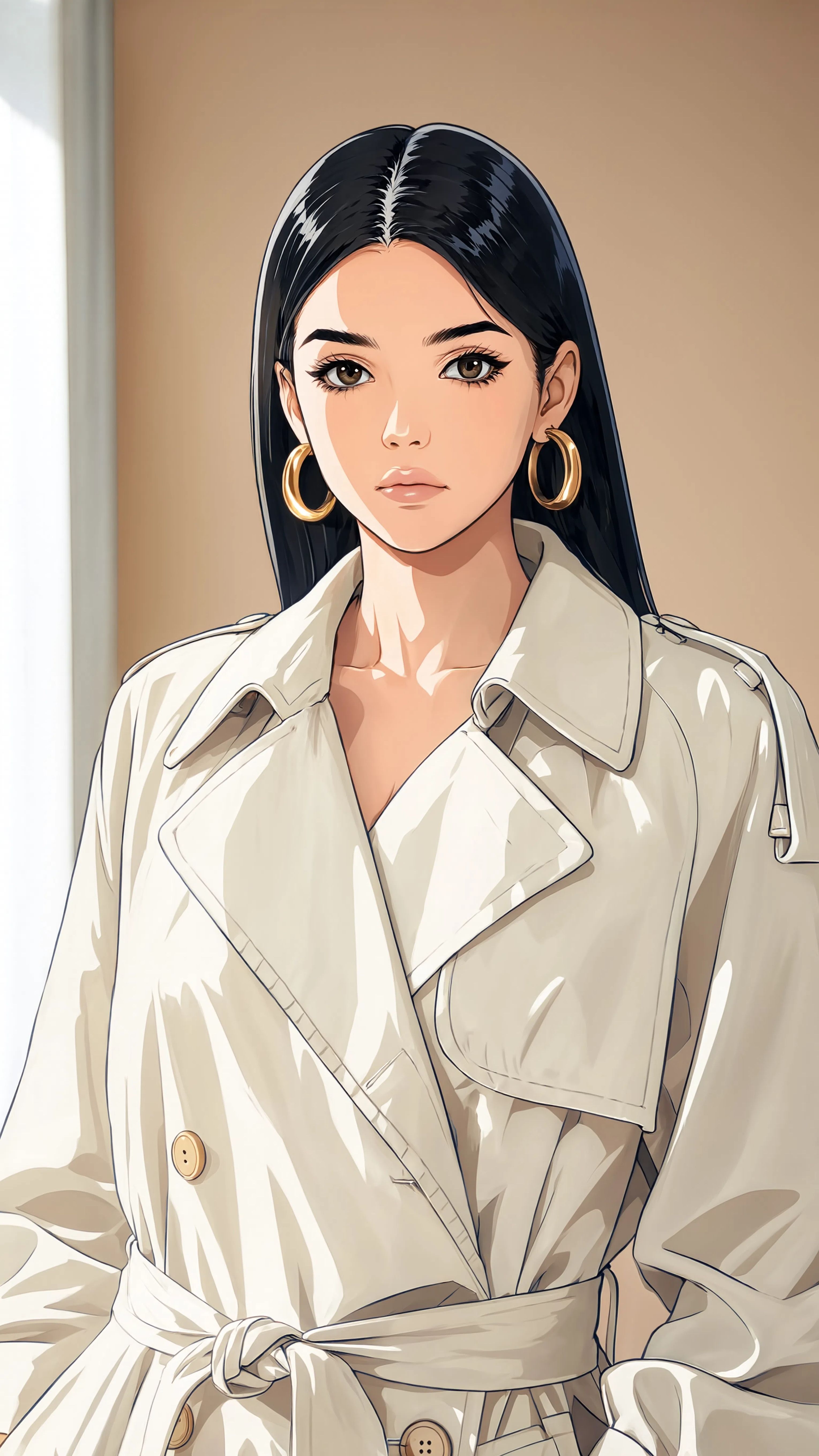
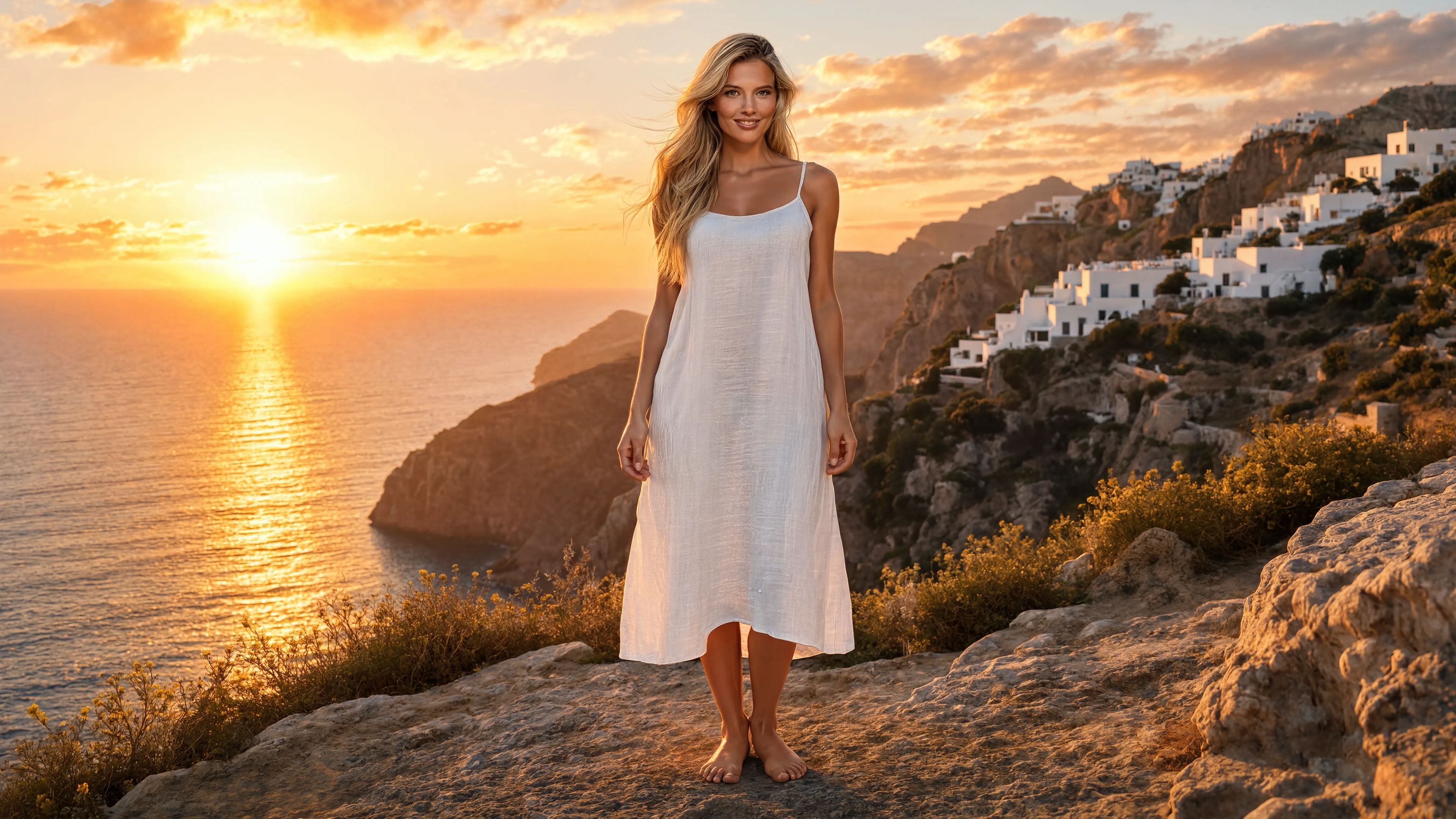
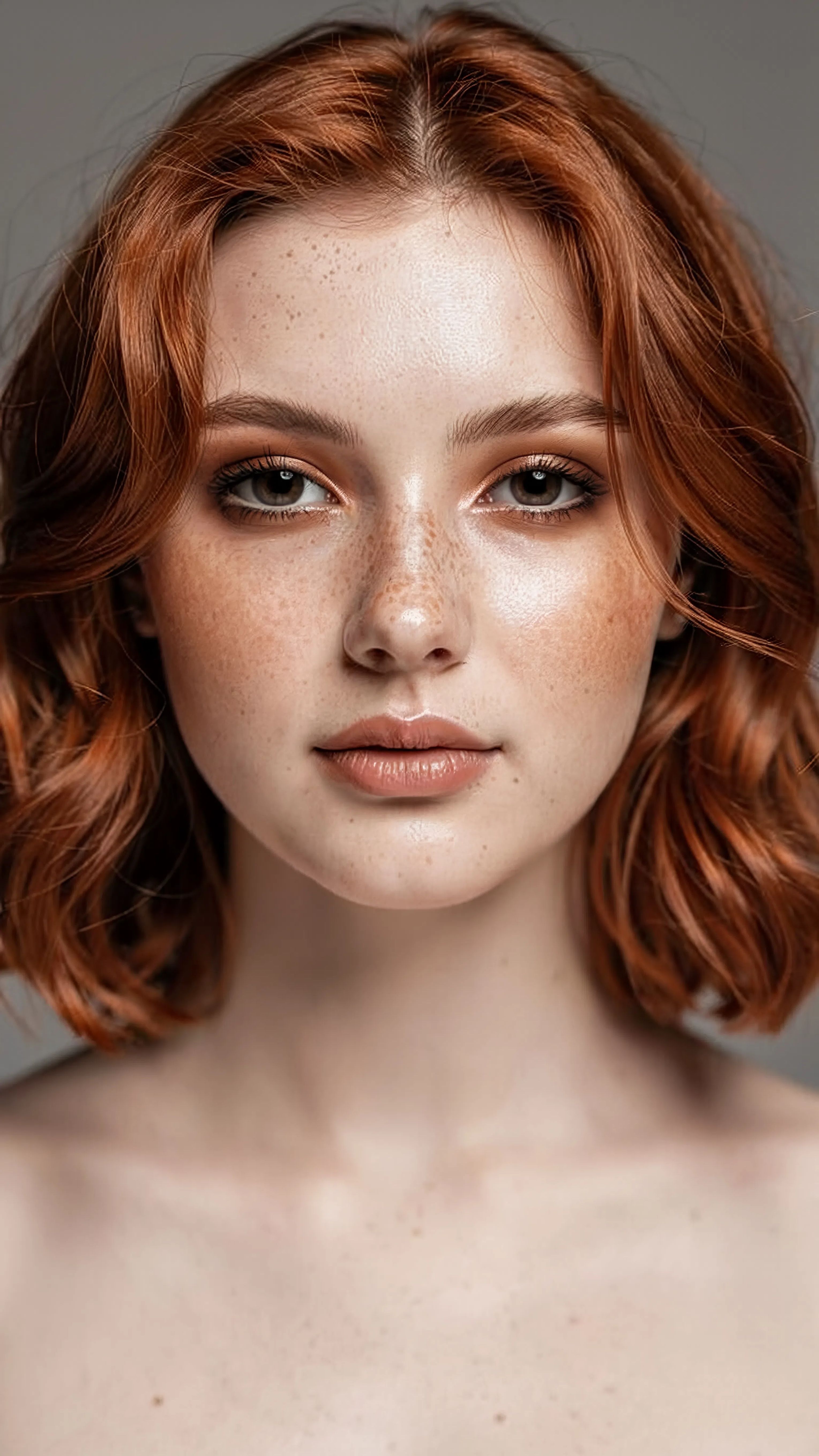
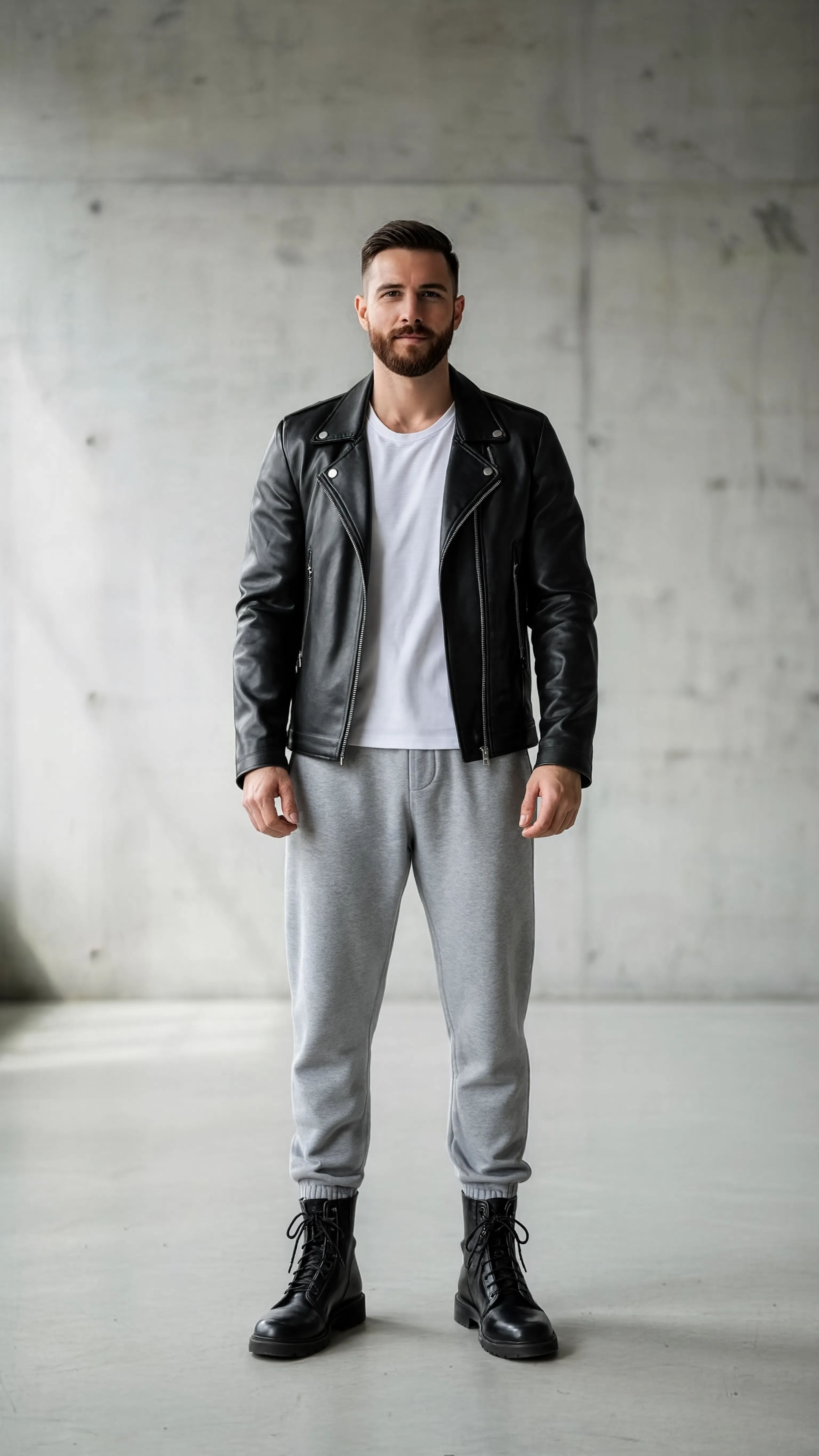

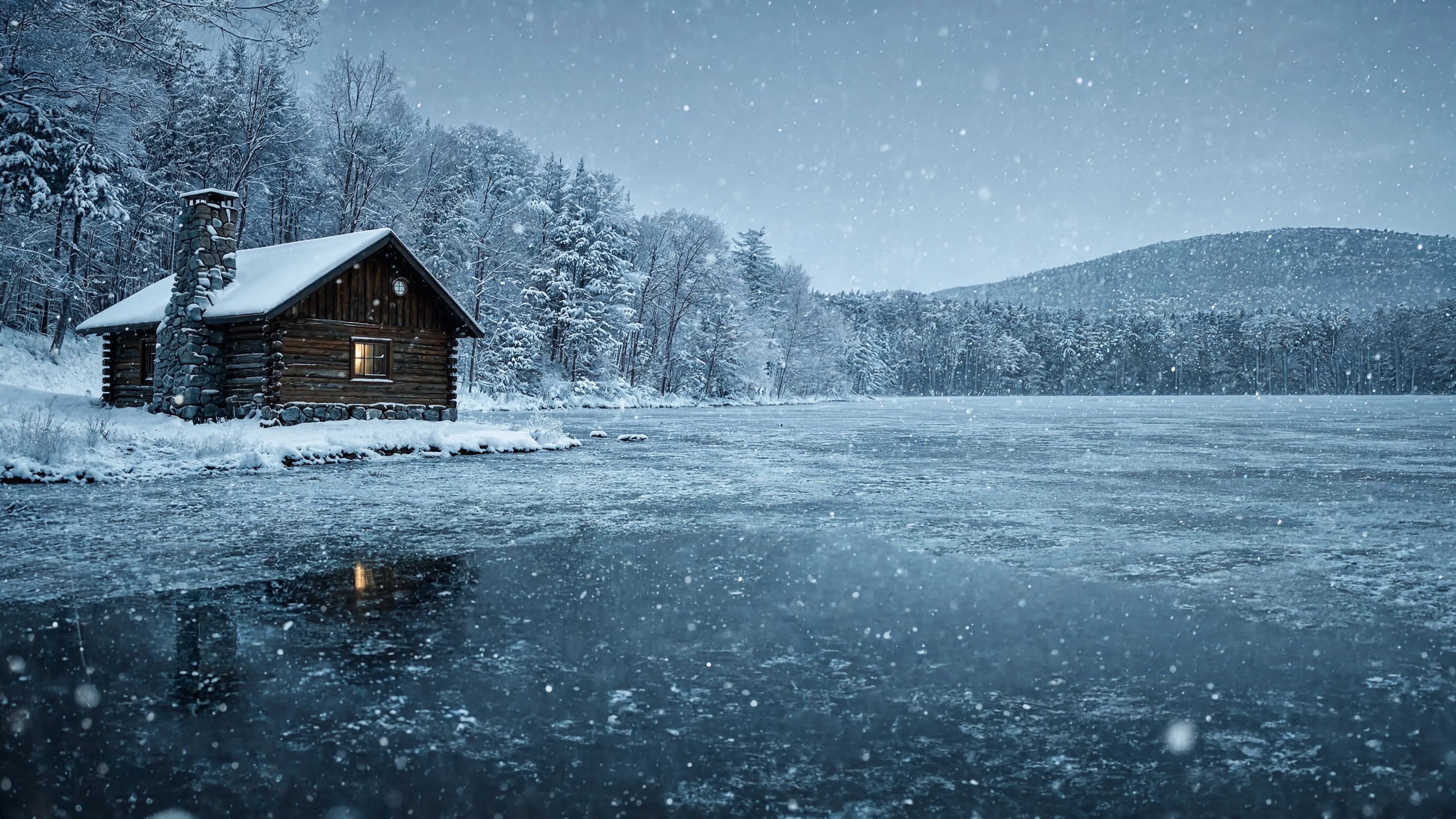
스타일 변환
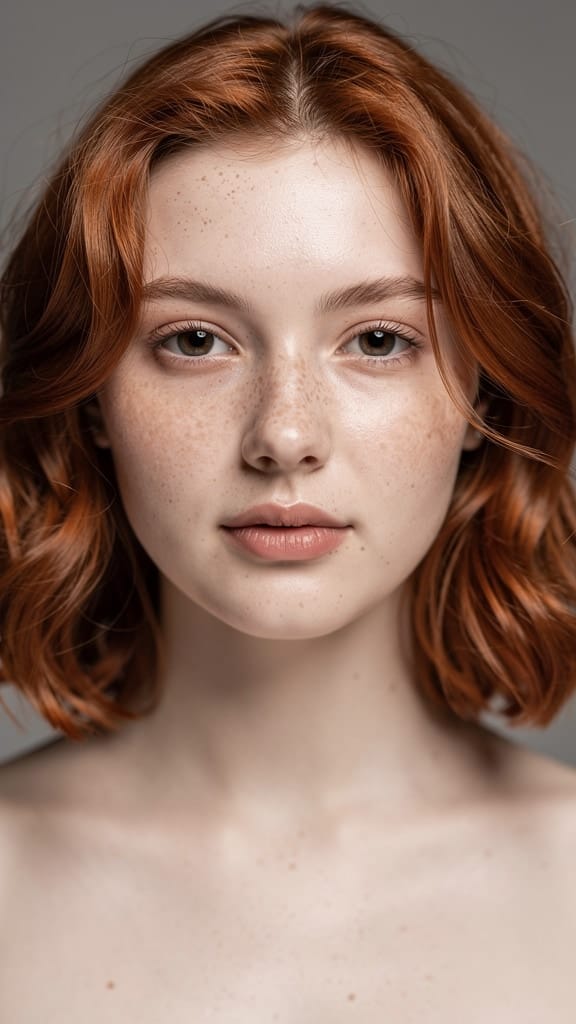
메이크업 변환
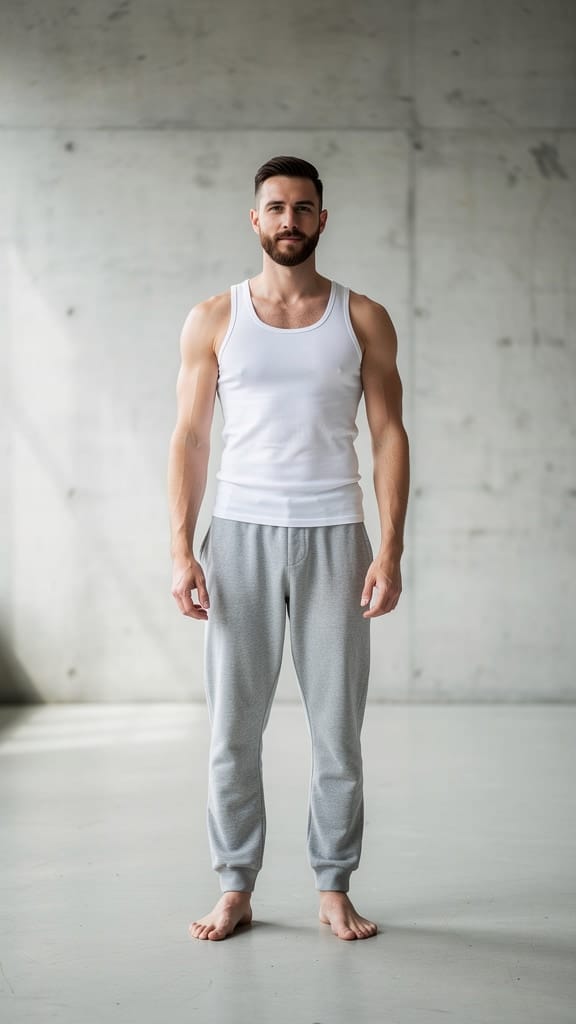
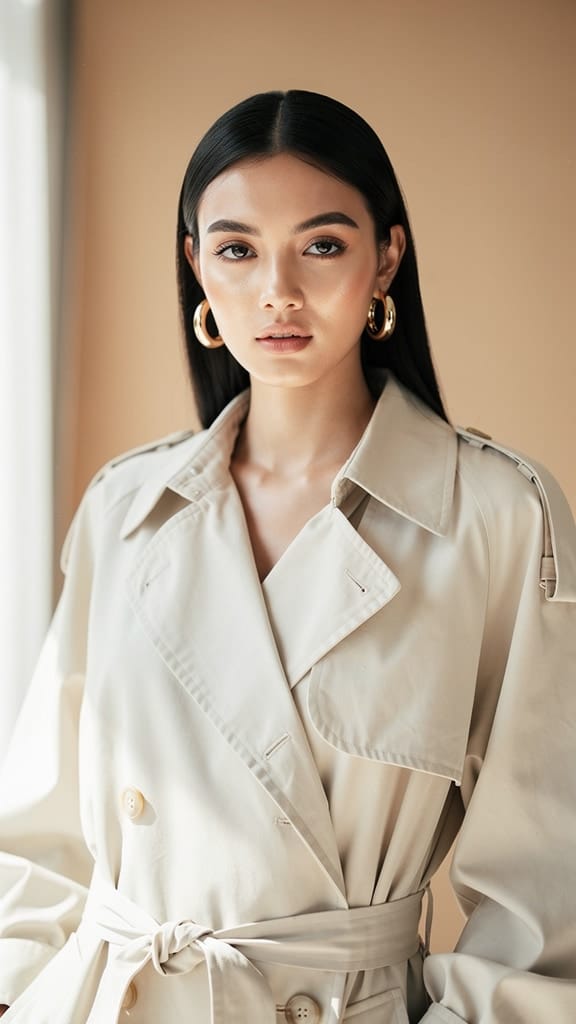
의상 교체
Reve 2.1은 기존 이미지를 평문 텍스트 지침을 활용하여 변환하고 결합하는 이미지 리믹싱 모델입니다. 빈 캔버스에서 시작하는 대신 하나 이상의 참조 이미지를 제공하고 변경하고 싶은 내용을 설명하면 — 의상 교체, 오브젝트 추가, 배경 변경, 장면 스타일 변환 등 — 지시에 충실한 세련된 새로운 이미지를 만들어냅니다. 뛰어난 프롬프트 반영력, 레이아웃 및 구성에 대한 이해, 정확한 텍스트 렌더링이 강점이며, 원하는 편집 결과를 정확하게 얻을 수 있어 창작자에게 신뢰할 수 있는 선택지입니다.
Reve 2.1의 중심에는 유연한 참조 시스템이 있습니다. 한 번의 생성에 1개에서 최대 8개까지의 참조 이미지를 제공할 수 있으며, 지침에서 각 참조 이미지를 직접 지정할 수 있습니다. 각 참조는 추가한 순서대로 번호가 매겨지기 때문에, 예를 들어 한 이미지는 의상, 다른 이미지는 모자, 세 번째 이미지는 인물로 지정해 조합할 수 있습니다. 사진마다 나뉜 요소들을 합쳐 하나의 자연스러운 장면으로 만드는 합성 작업에 특히 유용합니다. “모델에게 옷과 모자를 입히고, 고양이를 추가한 다음 배경을 빅토리아 시대 건물로 바꿔줘”와 같은 다단계, 다중 참조 편집 프롬프트에 최적화되어 있습니다.
Reve 2.1의 레이아웃 지능은 단순히 요소를 붙여넣는 게 아니라 장면의 조화와 구성을 고려해 배치합니다. 의상이 자연스럽게 인물에 입혀지고, 추가 오브젝트는 합리적인 자리에 놓이며, 배경 변경 시에도 전체 밸런스가 무너지지 않습니다. 정확한 텍스트 렌더링과 결합해, 포스터, 제품 모형, 타이포 레이아웃, 명확한 문구가 필요한 스타일 그래픽 등 디자인 작업에 적합합니다.
Reve 2.1은 결과물의 형태를 폭넓게 제어할 수 있습니다. 초광각 파노라마, 시네마 와이드, 정사각형, 소셜 미디어용 세로 프레임 등 다양한 화면비를 선택하거나, 자동 옵션을 통해 모델이 요청과 참조 자료에 맞는 적절한 화면비를 결정하게 할 수 있습니다. 한 번에 최대 4개의 변형 이미지를 생성해 여러 해석 중에서 선택할 수도 있습니다. 출력물은 일반 이미지 포맷으로 제공되어 워크플로에 맞는 파일 형태(고품질 무손실 또는 빠른 공유용 경량 포맷)를 선택할 수 있습니다.
입력 이미지 포맷 역시 다양하게 지원됩니다. PNG, JPEG, WebP, AVIF, HEIF 등 여러 기기와 라이브러리의 소스를 별도의 변환 없이 바로 사용할 수 있습니다. 참조 이미지는 고해상도도 문제없이 지원되어 원본의 디테일을 그대로 살릴 수 있습니다. 텍스트 지침도 다소 복잡하고 상세하게 작성해 한 번의 프롬프트로 복합적인 변화를 요청할 수 있습니다.
Reve 2.1의 가장 큰 수혜자는 누구일까요? 사진가와 보정가는 촬영 스타일 변환, 옷 바꾸기, 배경 재구성 등에 활용할 수 있습니다. 이커머스 및 제품팀은 모델의 코디, 상품의 새 환경 배치, 기존 카탈로그 이미지를 활용한 라이프스타일 버전 제작에 이상적입니다. 그래픽 디자이너와 마케터는 명확한 텍스트가 중요한 포스터·타이포 작업을 빠르고 정확하게 완성할 수 있습니다. 콘셉트 아티스트와 아트 디렉터는 무드보드 참조를 통합한 새로운 씬의 다양한 버전을 신속하게 실험할 수 있고, 콘텐츠 제작자·소셜 미디어 담당자는 하나의 대표 이미지를 다양한 화면비와 스타일로 각 플랫폼에 맞게 변환할 수 있습니다.
Reve 2.1은 생성보다 리믹싱에 최적화된 모델이기에, 명확한 참조 자료와 구체적인 변경 지침에서 최고의 성능을 보입니다. 어느 참조에서 어떤 부분을 가져와 무엇을 추가·제거·변경할지 구체적으로 설명할수록 원하는 결과와 더욱 근접합니다. 자세한 프롬프트 작성은 꼼꼼한 어시스턴트에게 브리핑을 주듯 하는 것이 가장 신뢰도 높은 결과를 만들어냅니다. 스타일 변환의 경우에도 시대, 분위기, 미학을 적용하더라도 핵심 피사체를 유지하며 창의적으로 이미지 변환이 가능합니다.
몇 가지 실무 팁을 기억하세요. Reve 2.1은 텍스트만으로 이미지를 새롭게 창조하지 않고 최소 하나의 참조 이미지와 프롬프트가 반드시 필요합니다. 한 번에 최대 8개 참조 이미지를 조합할 수 있어 합성 작업에 충분하며, 각 소스 이미지는 적정 파일 크기로 관리하는 것이 좋습니다. 다양한 변형 이미지를 한 번에 생성해 여러 해석을 비교하는 습관을 들이면 프롬프트가 다소 모호해도 원하는 결과를 찾는 데 도움이 됩니다. 전반적으로 Reve 2.1은 이미지를 정확하게 재구성, 결합, 재스타일링해야 하는 모든 작업에 신뢰할 만한 도구입니다.
가장 진보된 이미지 편집기로 생성하기
Add the image that you want change
이미지 업로드
편집하거나 변환하려는 이미지를 추가하세요
A woman kneeling in darkness, illuminated by a warm, radiant beam of light emerging from her raised hand.
변경 사항 작성하기
원하는 편집을 설명하세요 - 스타일 변경, 객체 제거, 보정 등
공유 시작하기
전문적으로 편집된 이미지를 다운로드하세요
프롬프트를 넘어: 새로운 차원의 제어
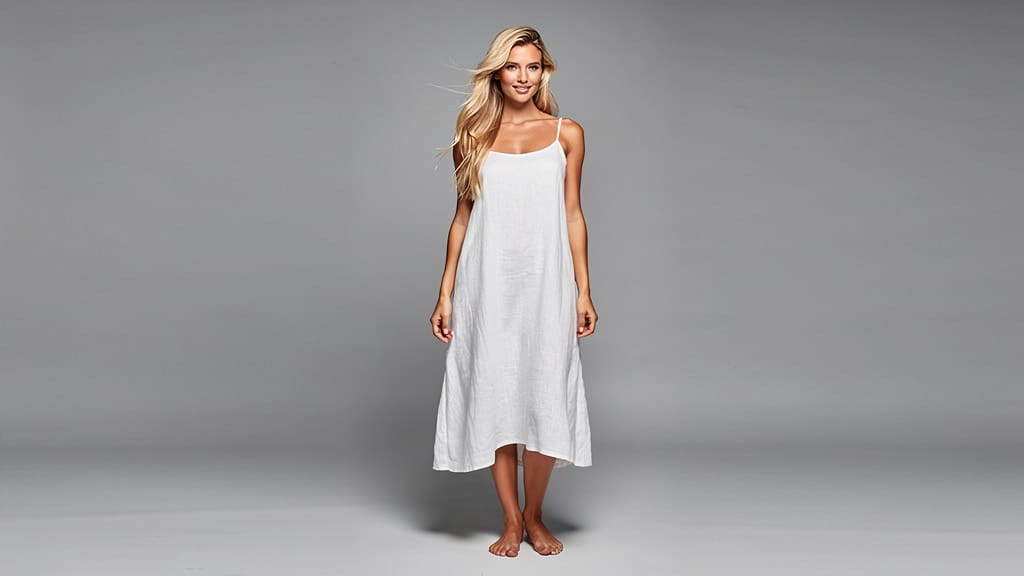
배경 교체
밋밋한 배경을 조명과 원근이 어우러진 시네마틱 와이드 풍경으로 바꿔줍니다. 라이프스타일·여행 콘텐츠에 적합.
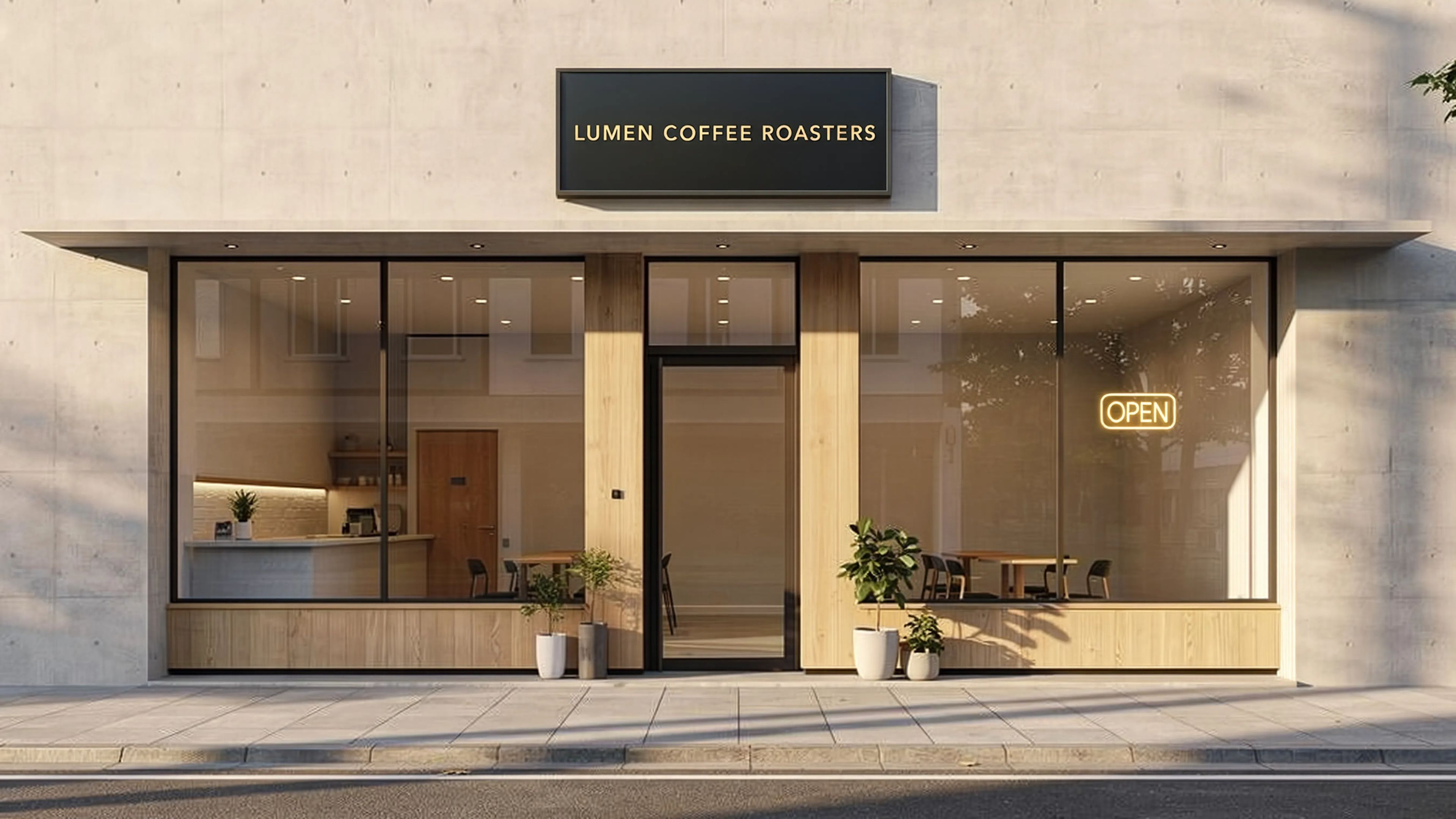
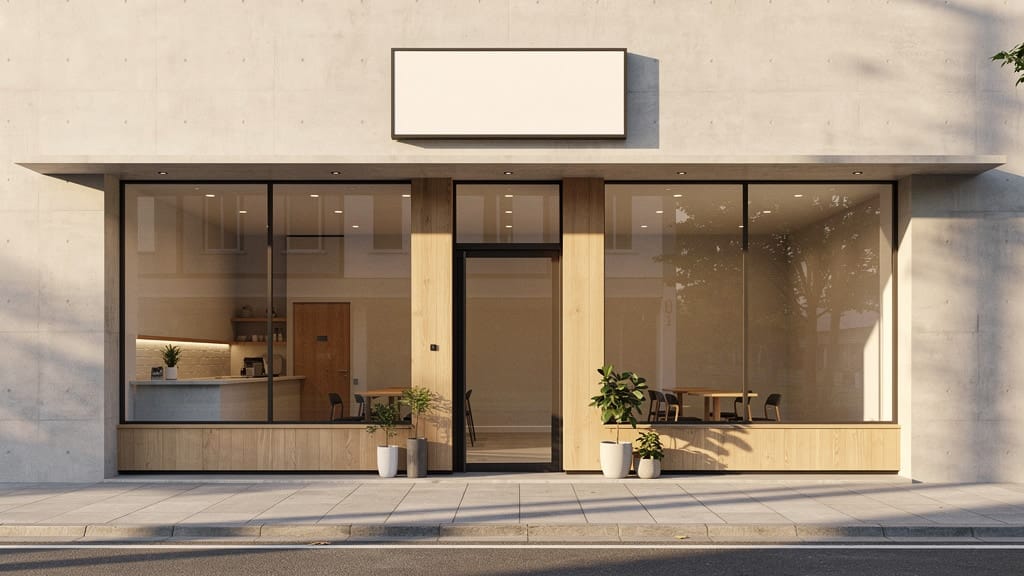
텍스트 렌더링
넓은 건축 장면 표지판 등 위에 또렷하고 정확한 타이포그래피를 추가합니다. 모델의 텍스트 렌더링 기능을 가장 잘 보여주는 활용입니다.
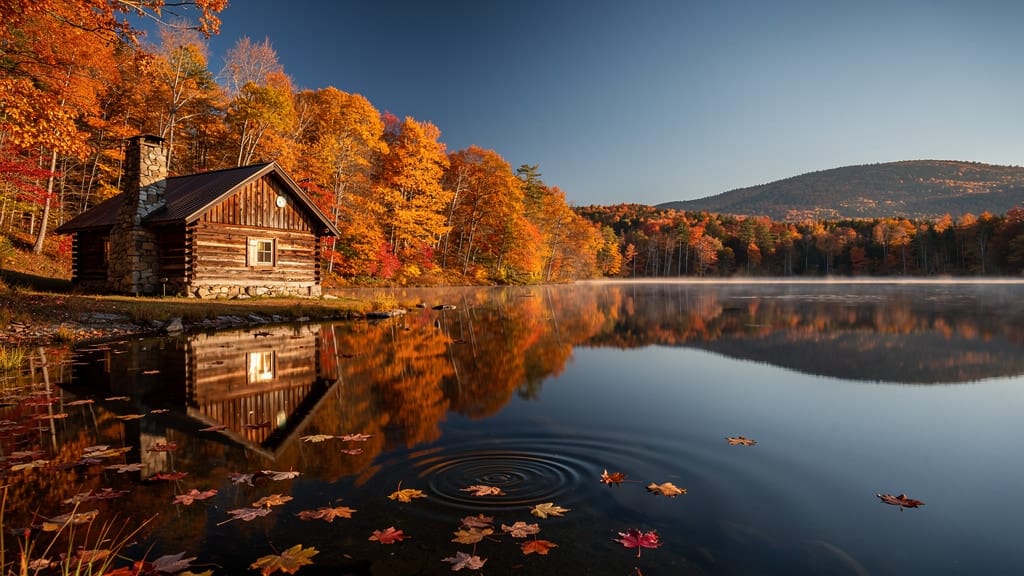
계절 변화
구성과 구조를 유지하면서 전체 풍경 분위기를 다른 계절로 리디자인합니다. 부동산 또는 관광 비주얼에 탁월합니다.
비슷한 모델과 비교하기
“Transform into a classical oil painting in the style of Rembrandt. Add visible impasto brushstrokes with thick paint texture. Apply warm golden undertones and dramatic chiaroscuro lighting with deep shadows. Enhance the dramatic contrast while preserving facial structure and expression. Add subtle canvas texture visible through the paint layers.”
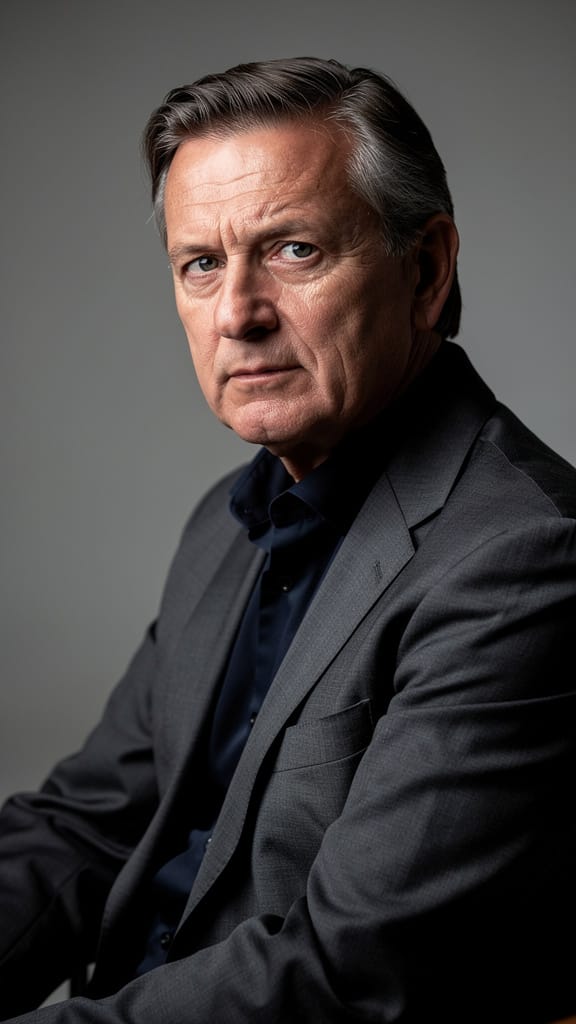
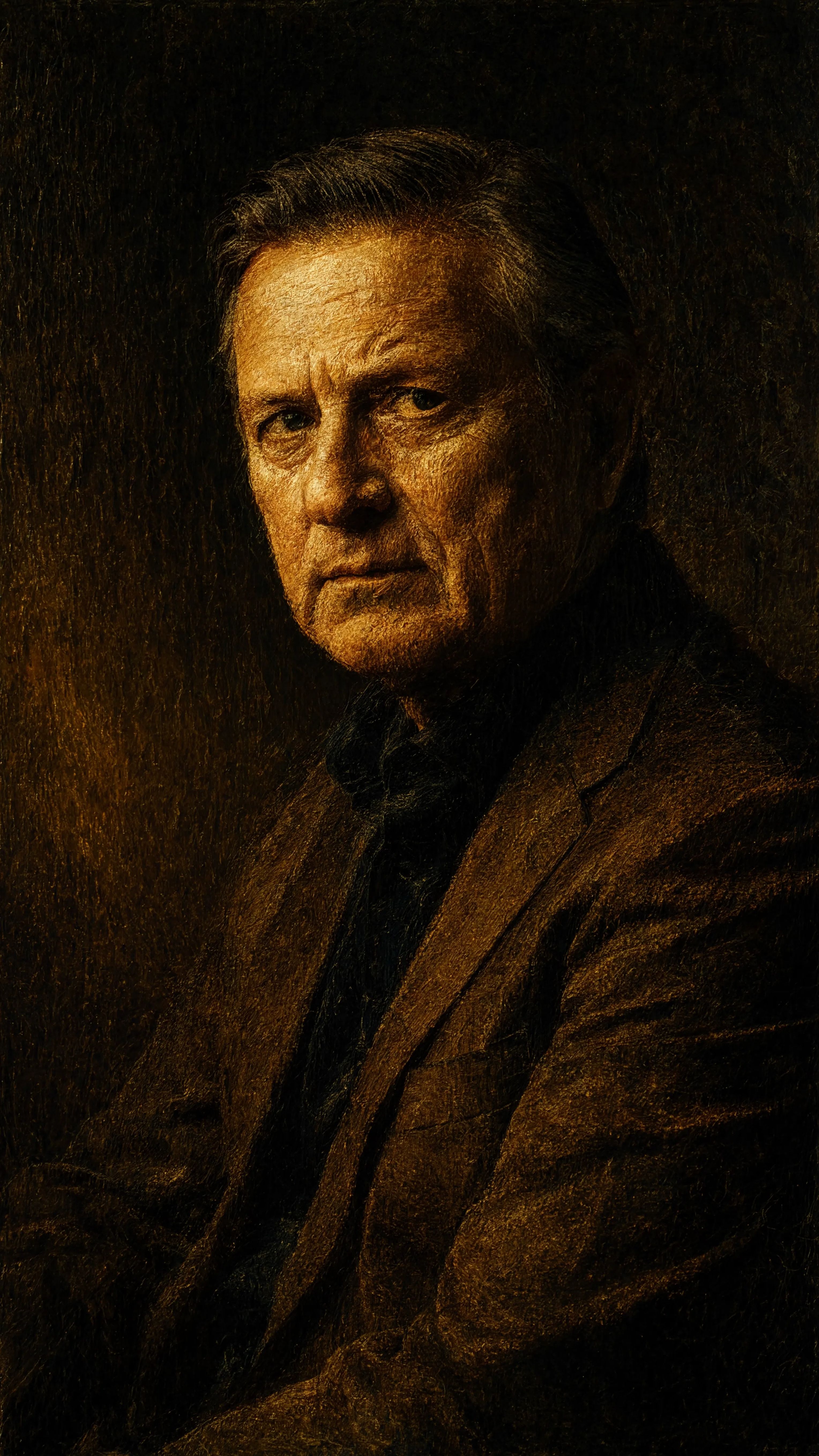
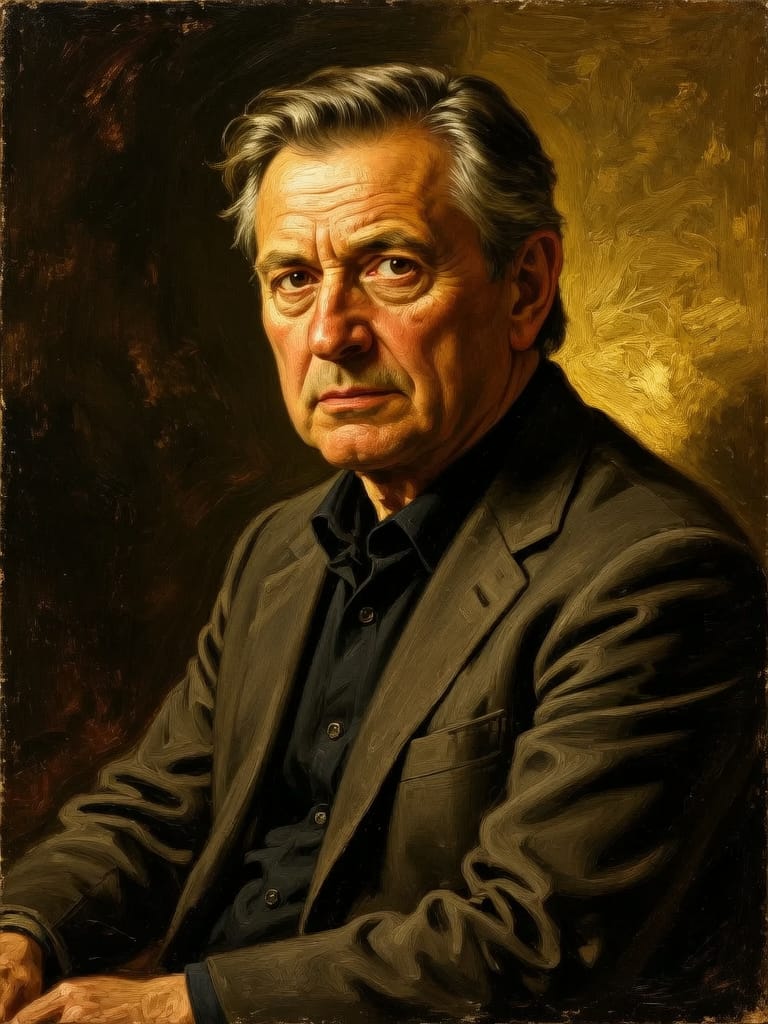
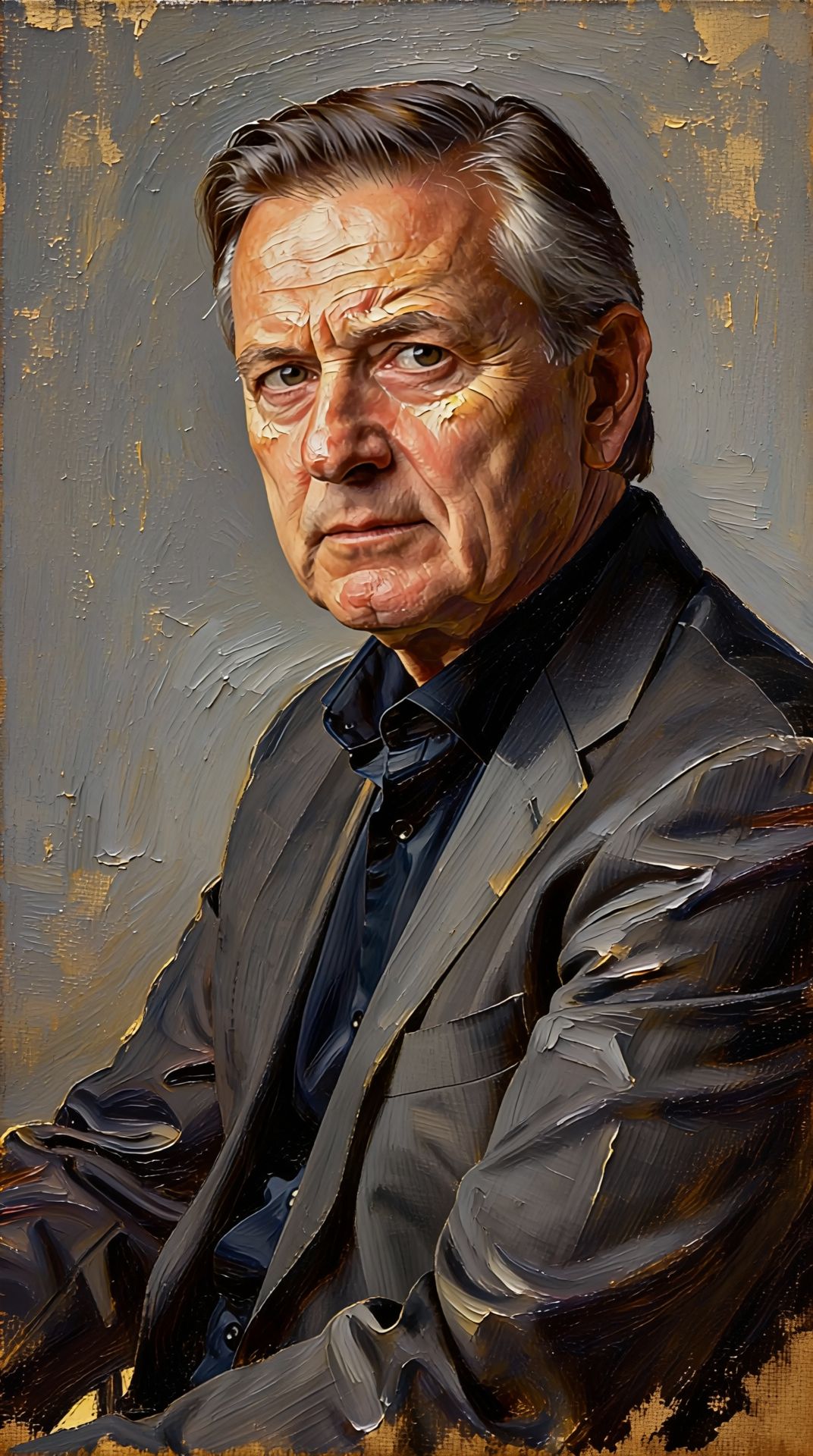
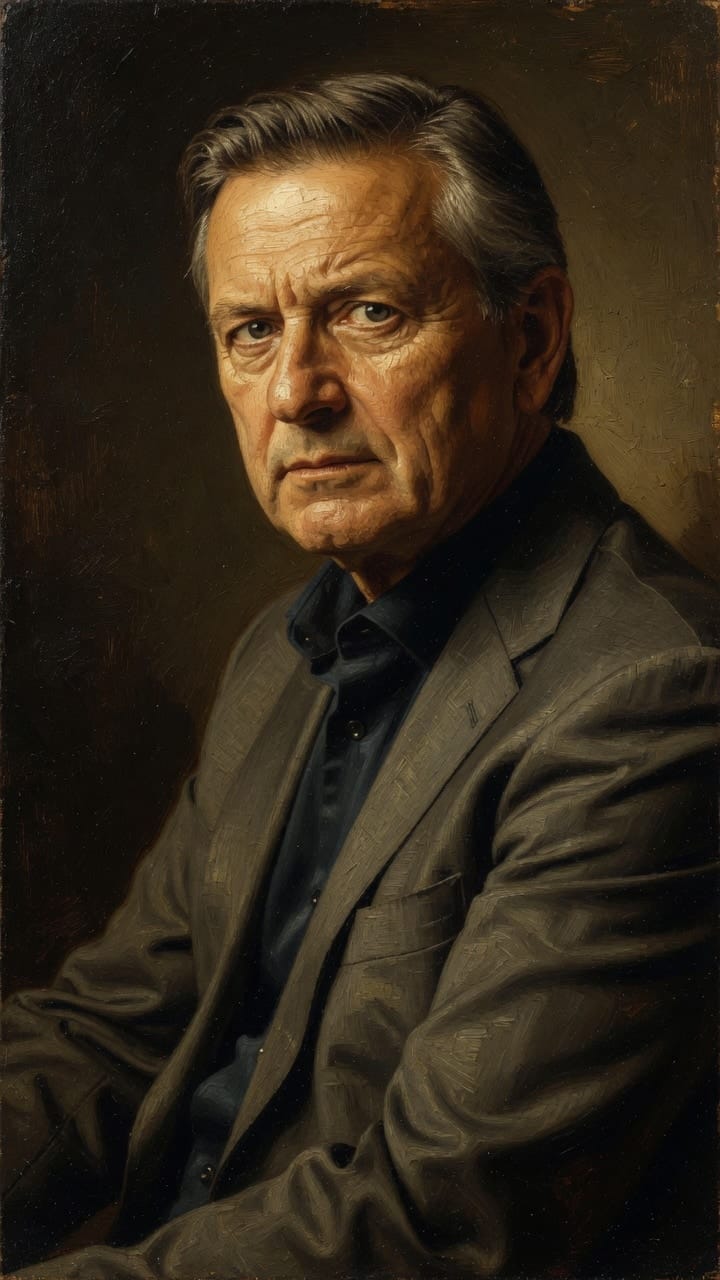
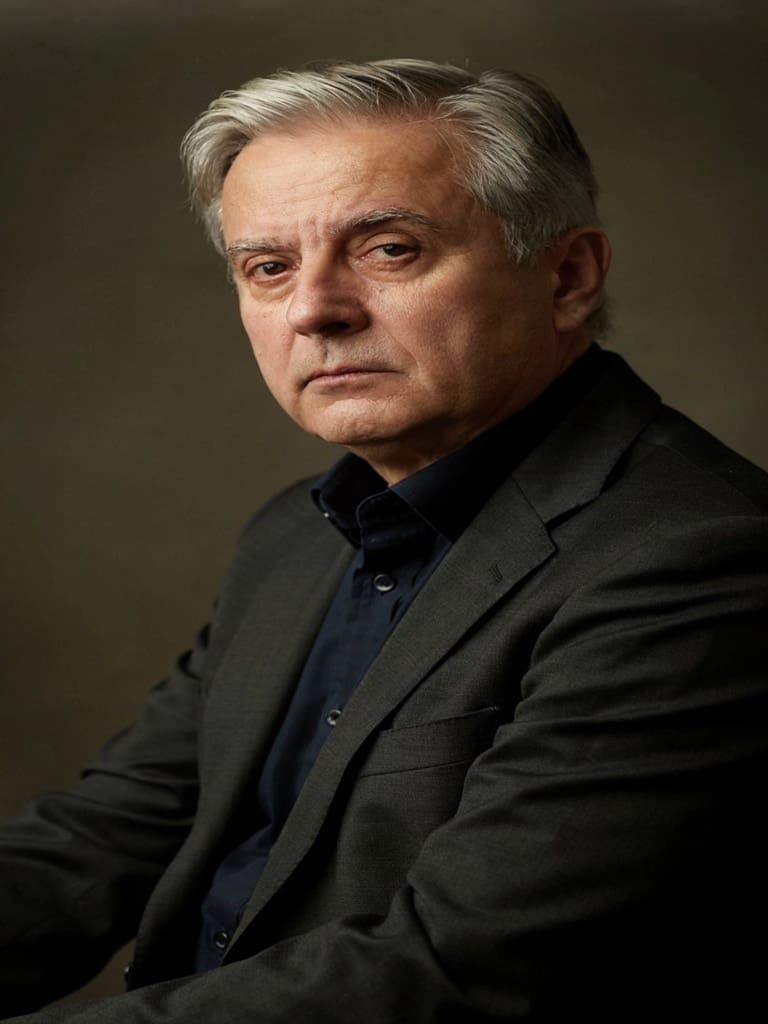
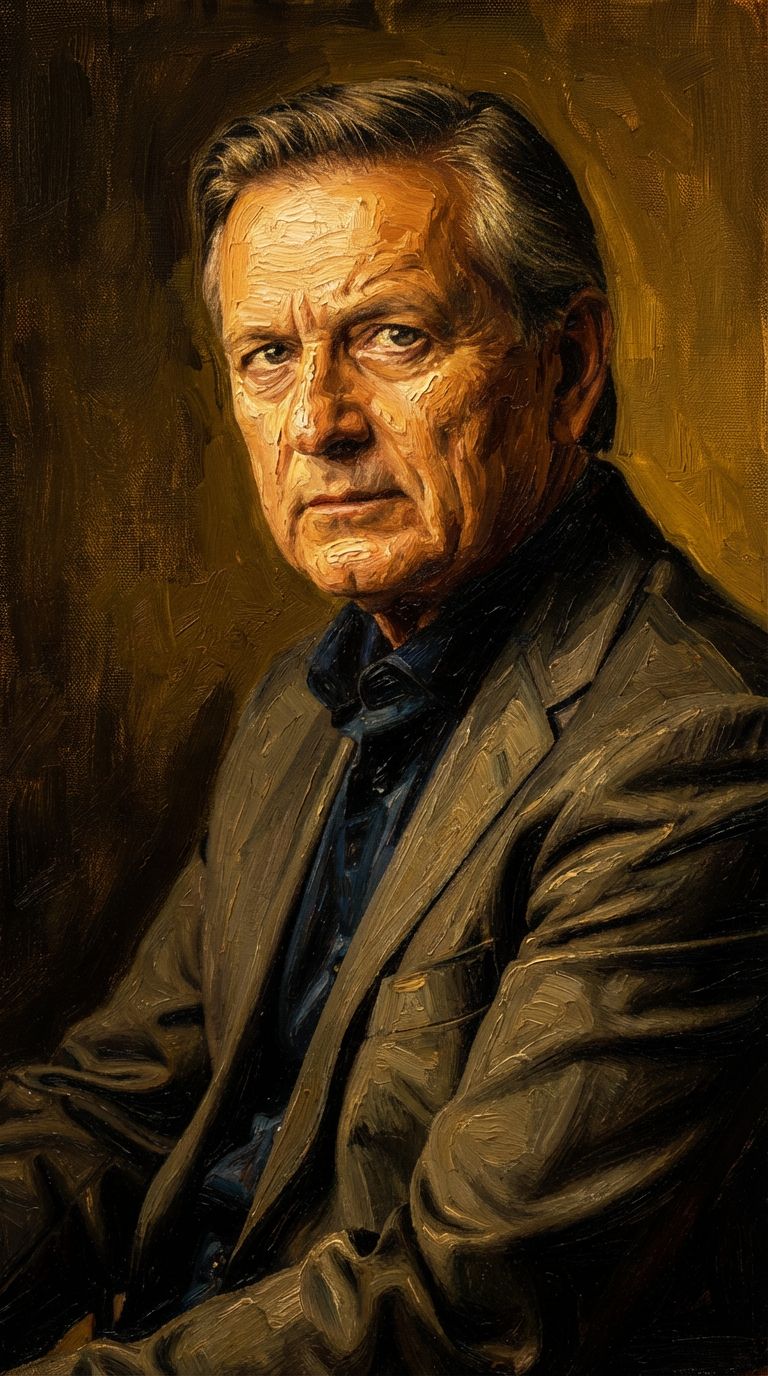
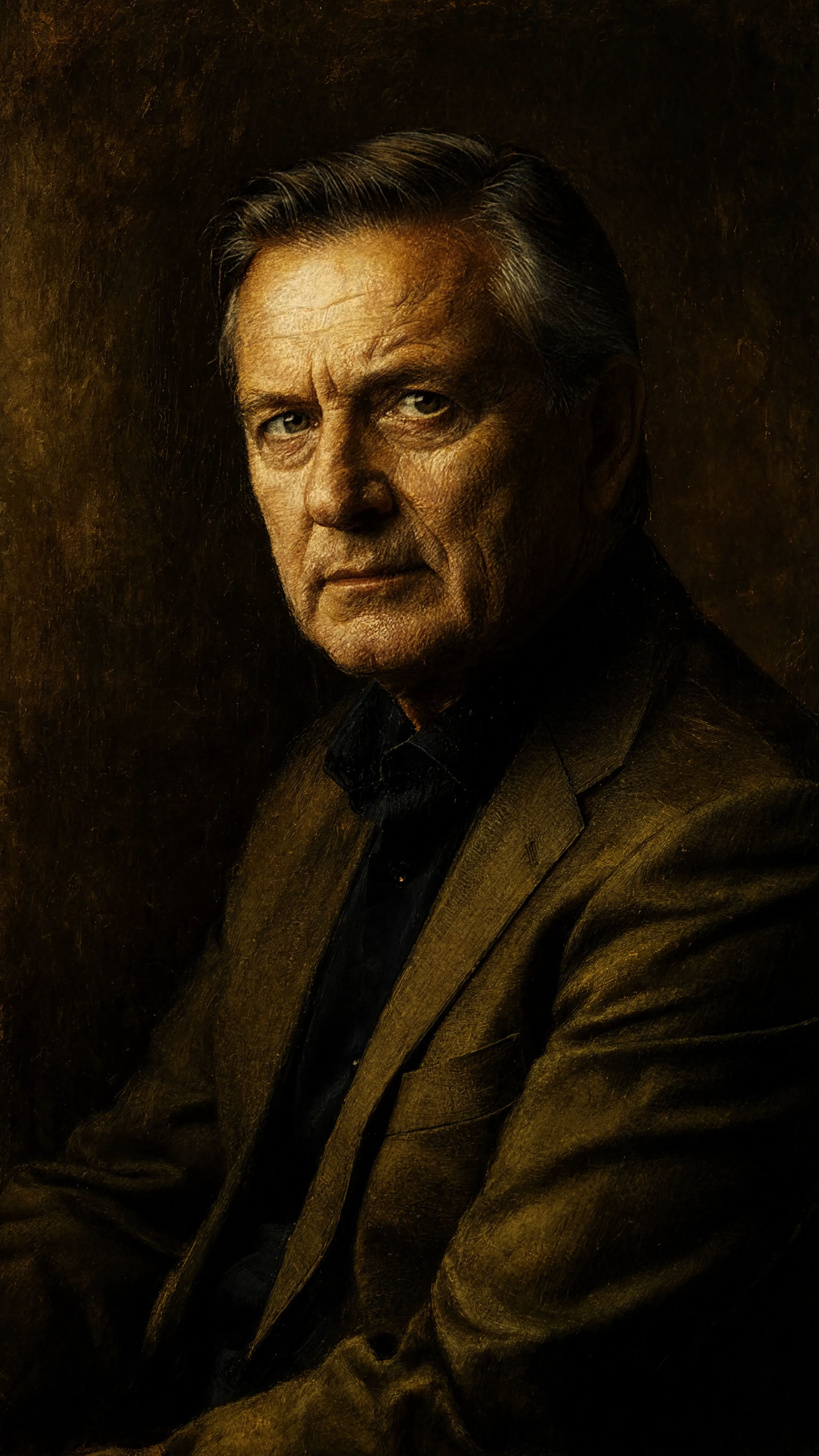
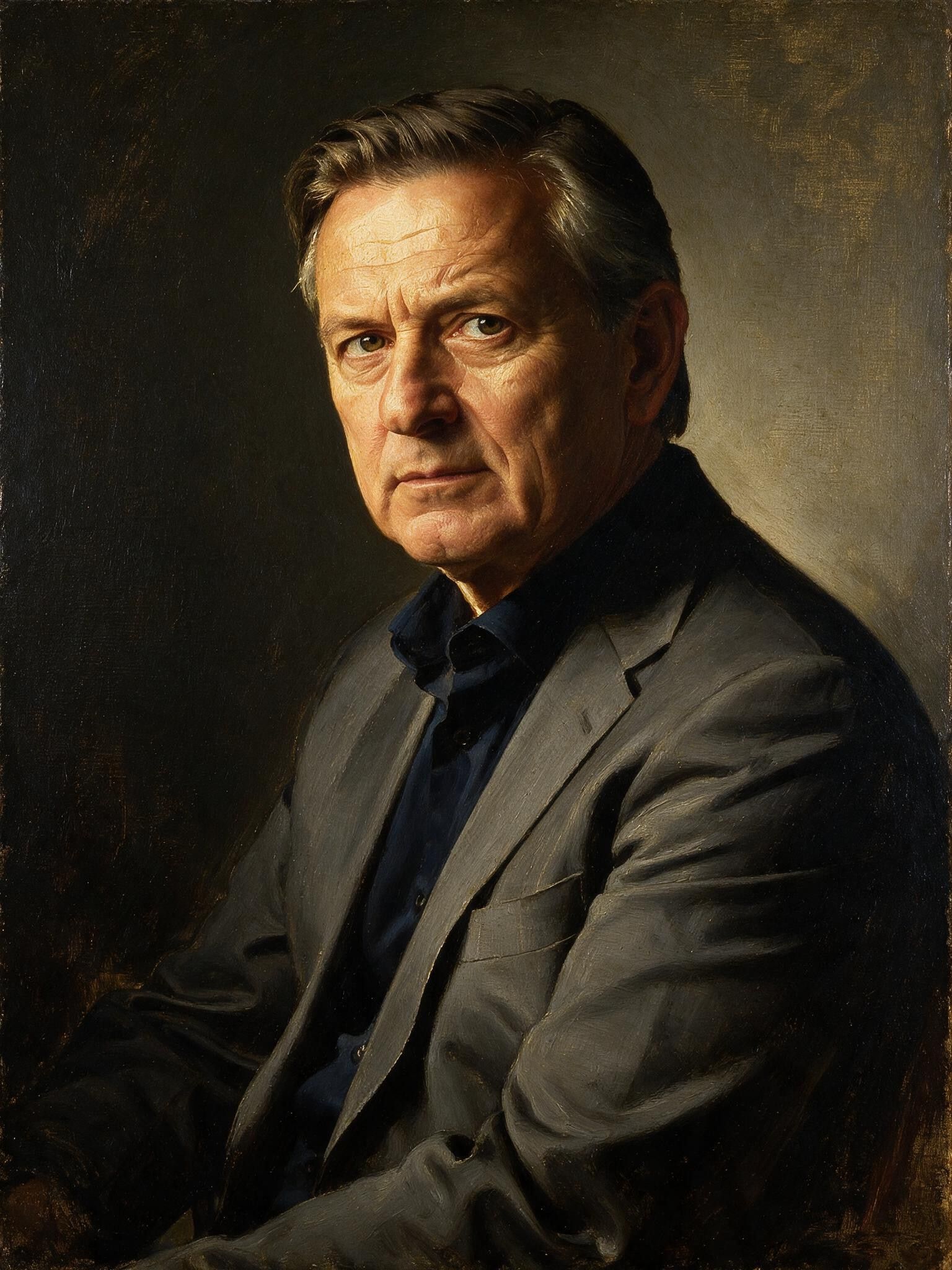
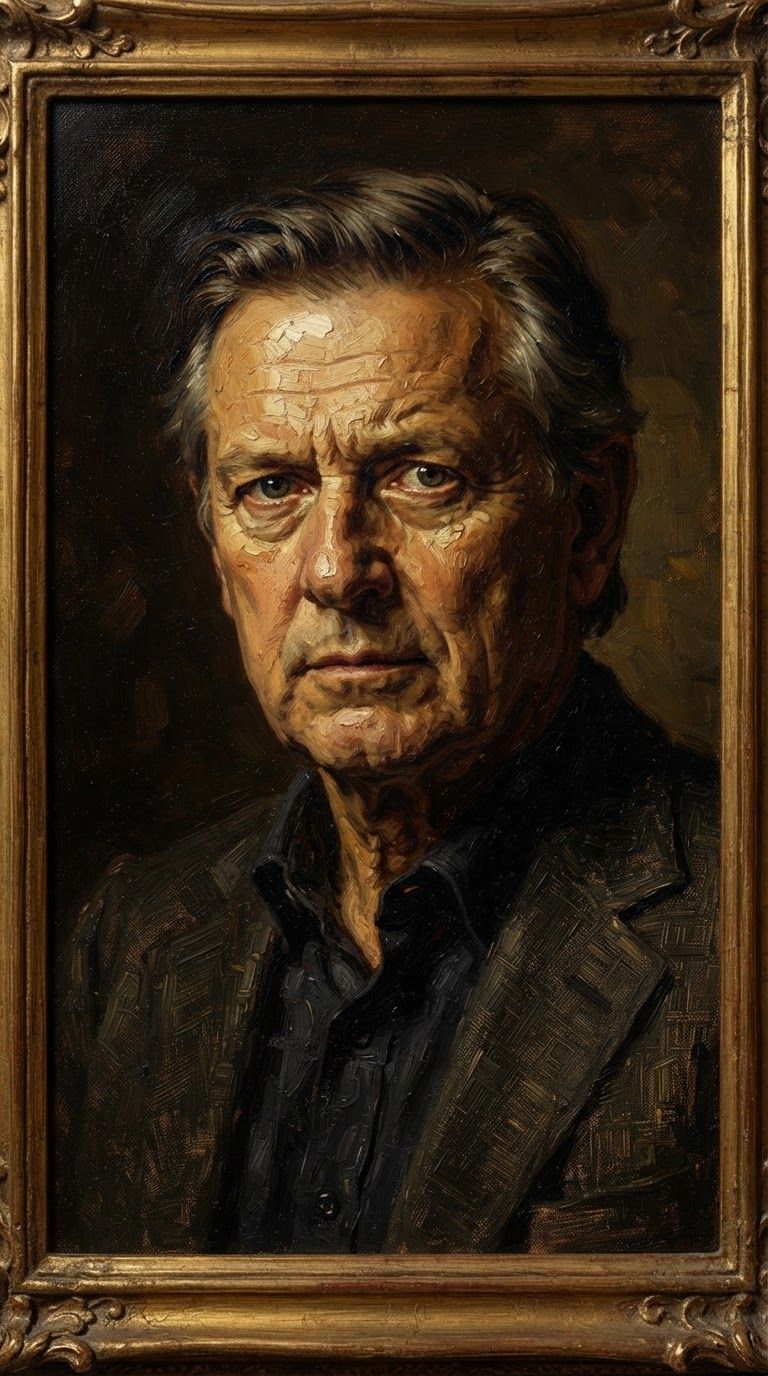
Reve 2.1로 완벽함을 경험하세요
오늘 바로 추론 기반 생성으로 전환하세요
자주 묻는 질문
비슷한 모델
Vidu
Image generation with reference consistency
0.2 크레딧
Wan v2.6 Image to Image
Edit images using reference photos
0.3 크레딧
Ideogram V4.0q Image to Image
Prompt-guided image restyling edits
0.1 크레딧
Reve 2.1
Edit images with text prompts
1.3 크레딧
Nano Banana Lite Edit
Fast efficient image editing
6 크레딧
Nano Banana Pro
State-of-the-art image editing
1.2 크레딧
Seedream
Fast intelligent multi-image editing
0.3 크레딧
Grok Imagine Image Editing Quality
High-quality AI image editing
0.1 크레딧
Gemini 3.1 Flash Image Preview
Ultra-fast Google image editing
0.7 크레딧