Gemini 3.1 Flash Image Preview
Edit photos with a sentence and get 4K results
Ultra-fast Google image editing

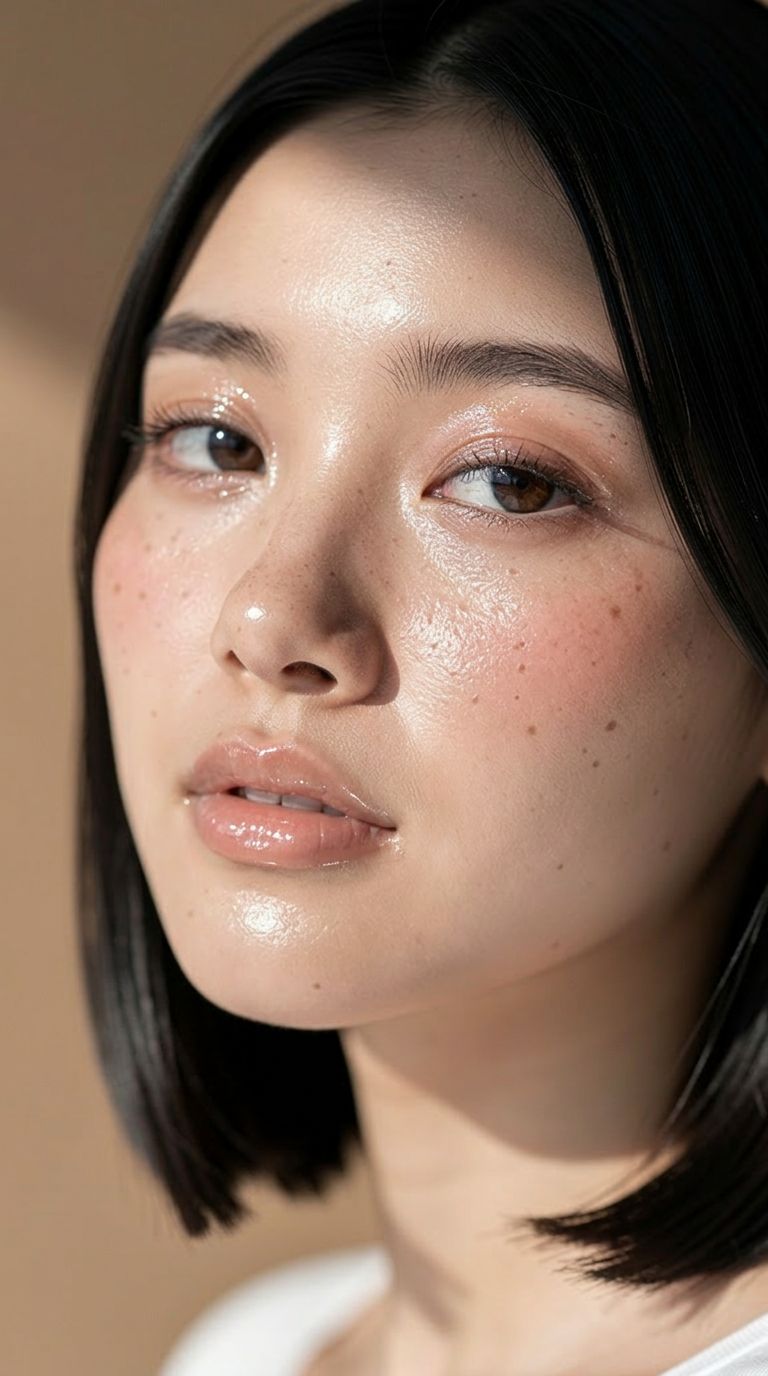


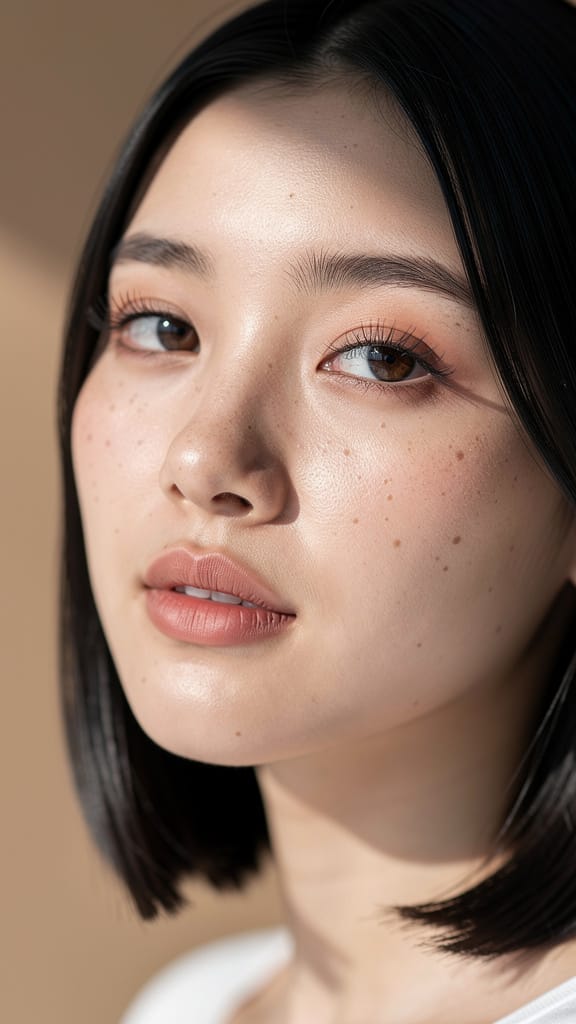
メイク&スキントーン編集

ヘアカラー変更

ファッション衣装交換
Gemini 3.1 Flash Image Preview(別名 Nano Banana 2)は、Googleの高速画像生成・編集モデルで、テキストの指示だけで画像を変換、洗練、再構築したいクリエイター向けに構築されています。コンセプトを磨くデザイナー、ショットを再構築するフォトグラファー、迅速にビジュアルを作成するコンテンツクリエイターなど、どんな方でも、自然言語のプロンプトを詳細豊かな完成画像に素早く変換します。
このモデルの核心は、テキスト駆動の画像編集に優れています。変更内容を記述するだけ — たとえば「カリフォルニア海岸を車で走る男性の写真にしてください」— で、モデルがソース画像を適切に再解釈または編集します。1つまたは複数の参照画像を提供して結果をガイドでき、コンポジティング、スタイル転送、シーン変更、キャラクター配置、イテラティブな洗練に最適です。複数の画像を同時に受け付けるため、複数のソースから要素を組み合わせて1枚の統一された画像を作成でき、リタッチャーが行うような被写体と背景のブレンドをシンプルなテキスト指示で実現します。
際立った強みの1つは柔軟な出力です。コンパクトな0.5Kから鮮明な2K、4Kまで複数の解像度で画像を生成でき、クイックドラフトから印刷や大型ディスプレイ向けの高詳細最終アセットまで対応します。アスペクト比の制御範囲は特に広く、16:9、1:1、9:16、4:3、3:2などの一般的なフォーマットに加え、4:1、1:4、8:1、1:8などの極端な比率もサポート — バナー、パノラマシーン、高縦長レイアウト、一般ツールでは扱えない非標準キャンバスに最適です。指定しない場合は、自動設定でプロンプトに最適な形状を選択します。出力形式はPNG、JPEG、WebPからワークフローに応じて選択可能です。
画像とテキスト以外にも、追加のコンテキストを提供して生成内容を導けます。ビデオ(YouTubeリンクを含む)、オーディオファイル、PDFドキュメントを参照素材として提供でき、より豊富な情報源から結果を構成します。オプションのウェブ検索機能もあり、画像生成時に最新のウェブ情報を引き込み、モデルが知る知識だけでなく、現在の実世界参照に基づく結果を得られます。
細かなクリエイティブ方向性を求めるクリエイター向けに、システム指示機能を提供し、リクエスト全体のペルソナと出力スタイルを制御します。これで一貫したクリエイティブトーン — ハウススタイル、ムード、ビジュアルアプローチ — を維持できます。また、1回の生成で最大4枚の画像を作成でき、複数のバリエーションから選択可能です。シード制御で特定の結果を再現または固定でき、お気に入りを見つけたら一貫して再現したり近接バリエーションを探求したりできます。
オプションの「思考」モードを最小または高レベルに設定可能で、複雑なプロンプトを慎重に推論し、プロセスに推論を含めます。細かな編集タスクで指示解釈が必要な場合に役立ちます。プロンプト1回あたりの画像生成数を制御するオプションもあり、意図した単一出力に集中できます。完成画像と共に、生成内容のテキスト記述を返却し、結果の書面サマリーを提供します。
コンテンツ安全性は調整可能な許容度設定で管理され、最も厳格(敏感コンテンツの大部分をブロック)から最小まで調整可能。プロジェクトとオーディエンスに合わせたモデレーションをチューニングしつつ、適切な生成を維持します。
誰が最も恩恵を受けるか? デザイナーとマーケターは極端なアスペクト比と高解像度でソーシャル投稿からワイドバナー、高縦長ディスプレイまで制作可能。フォトグラファーとリタッチャーはテキスト駆動編集でシーン再構築、背景交換、参照画像合成を手動マスキングなしで実現。映画製作者とストーリーテラーはビデオ・オーディオからコンテキストを引き込み、コンセプトアートをプロジェクトトーンに一致。高速で動くコンテンツクリエイターは複数バリエーションの迅速生成、シード制御でのお気に入り固定、パイプラインに合った形式エクスポートを評価します。
実用的考慮点として、ビデオ、オーディオファイル、PDFをコンテキスト提供時はサイズ制限あり(YouTubeリンクは例外で直接通過)。生成制限オプションは出力集中に役立つが実験的で品質に影響する場合あり。ウェブ検索有効時は外部情報を追加し、トピカルまたは参照正確な画像に強力だが、現在の実世界接地が必要時のみ推奨。
要するに、Gemini 3.1 Flash Image Previewは、自然言語対応の高速・柔軟な編集・生成ツールで、複数ソースブレンド、4Kスケールアップ、広範なキャンバス形状対応 — 見た目が良く素早いクリエイティブ作業の日常コンパニオンです。
最先端の画像エディターで生成
Add the image that you want change
画像をアップロード
編集または変換したい画像を追加します
A woman kneeling in darkness, illuminated by a warm, radiant beam of light emerging from her raised hand.
変更内容を書く
スタイルの変更、オブジェクトの削除、補正など、希望する編集内容を説明します
シェアを始める
プロ品質に編集された画像をダウンロードしましょう
プロンプトの先へ:新次元のコントロール
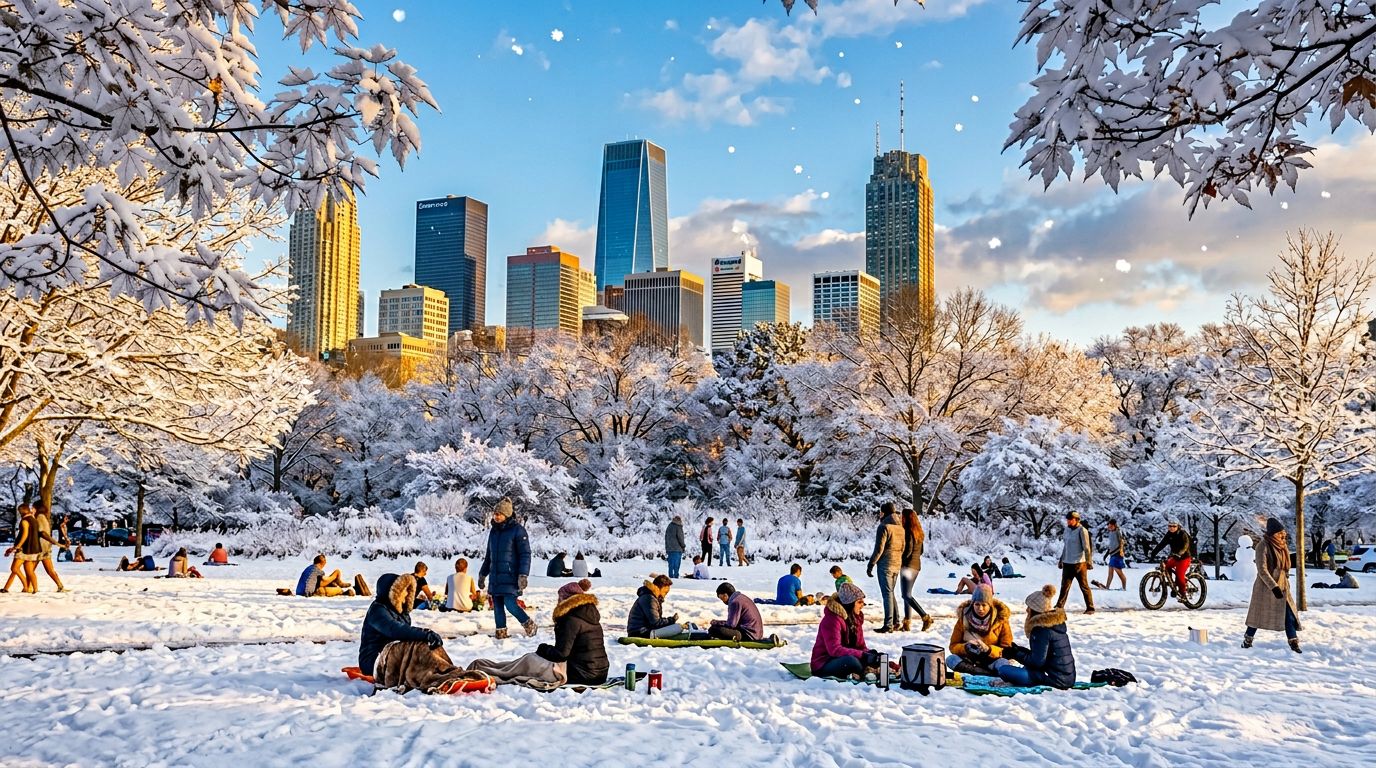
季節シーン交換
屋外環境と天候の複雑なシーン編集能力を実演。マーケティングビジュアル、コンセプトアート、旅行プロモーションに有用。
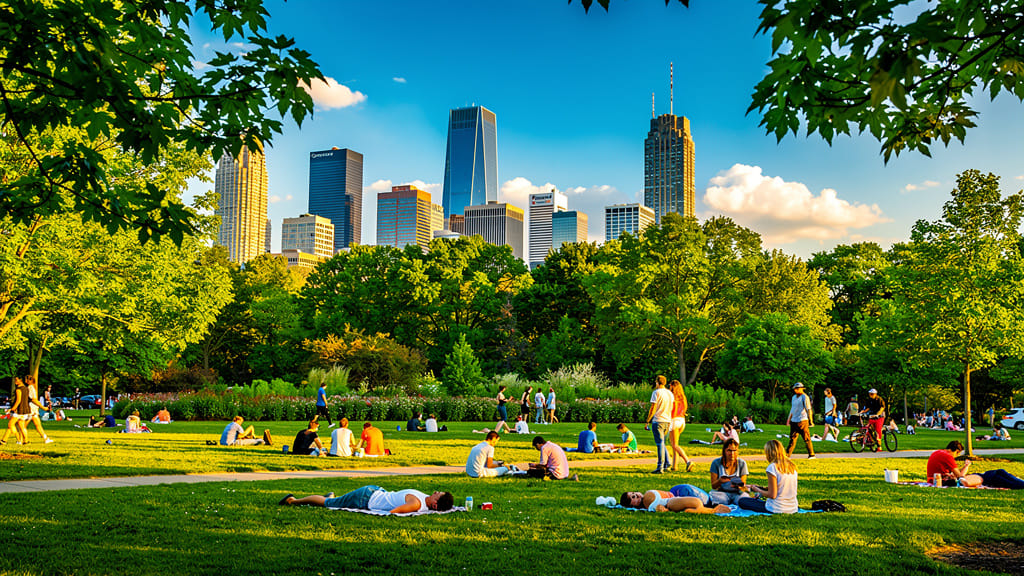
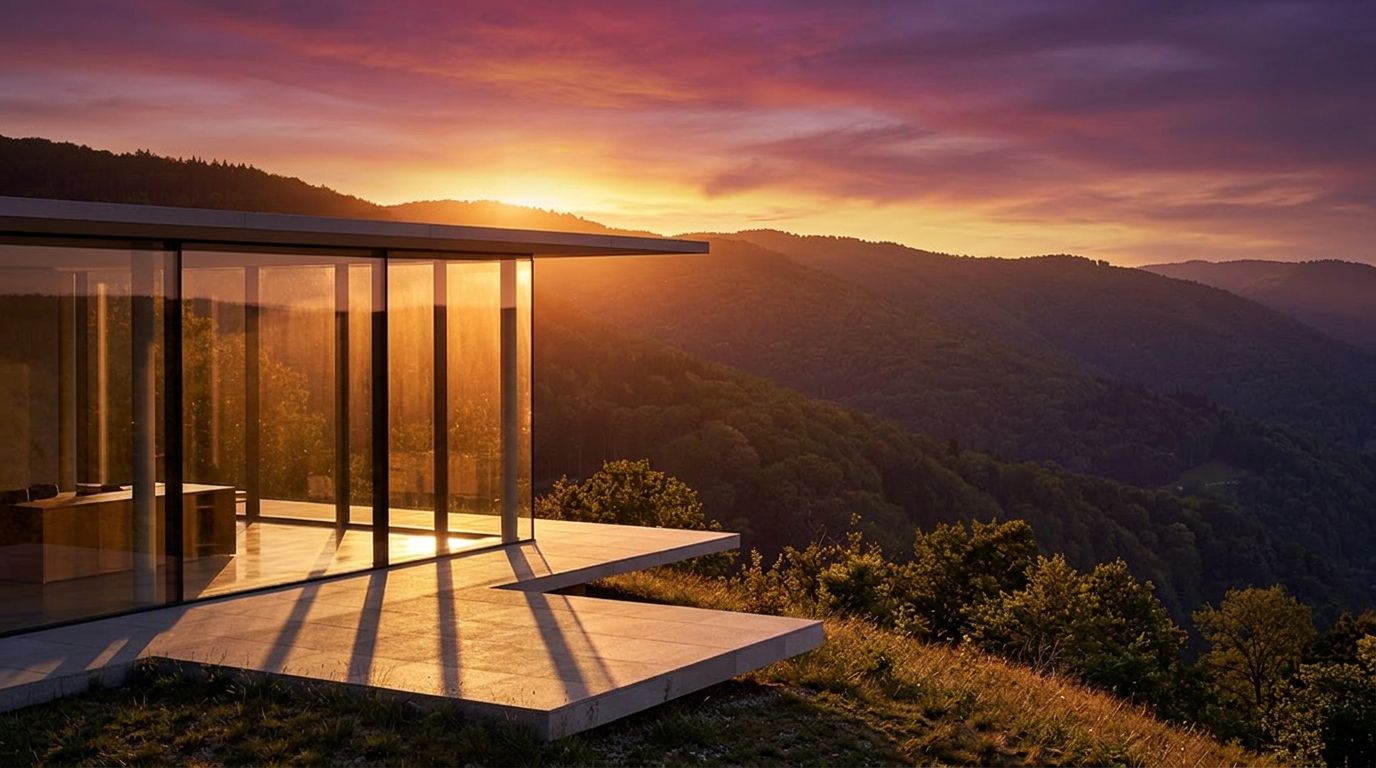
ゴールデンアワー照明
先進照明とムード変更をシミュレートし、昼間画像を暖かくシネマティックなゴールデンアワーショットに変換。SNSやポートフォリオの美学画像向け。
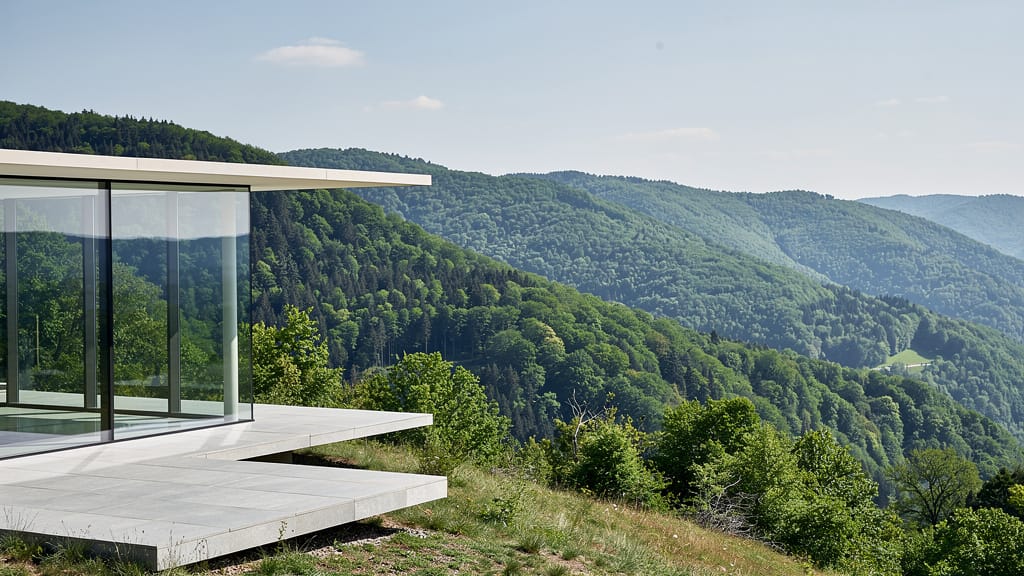
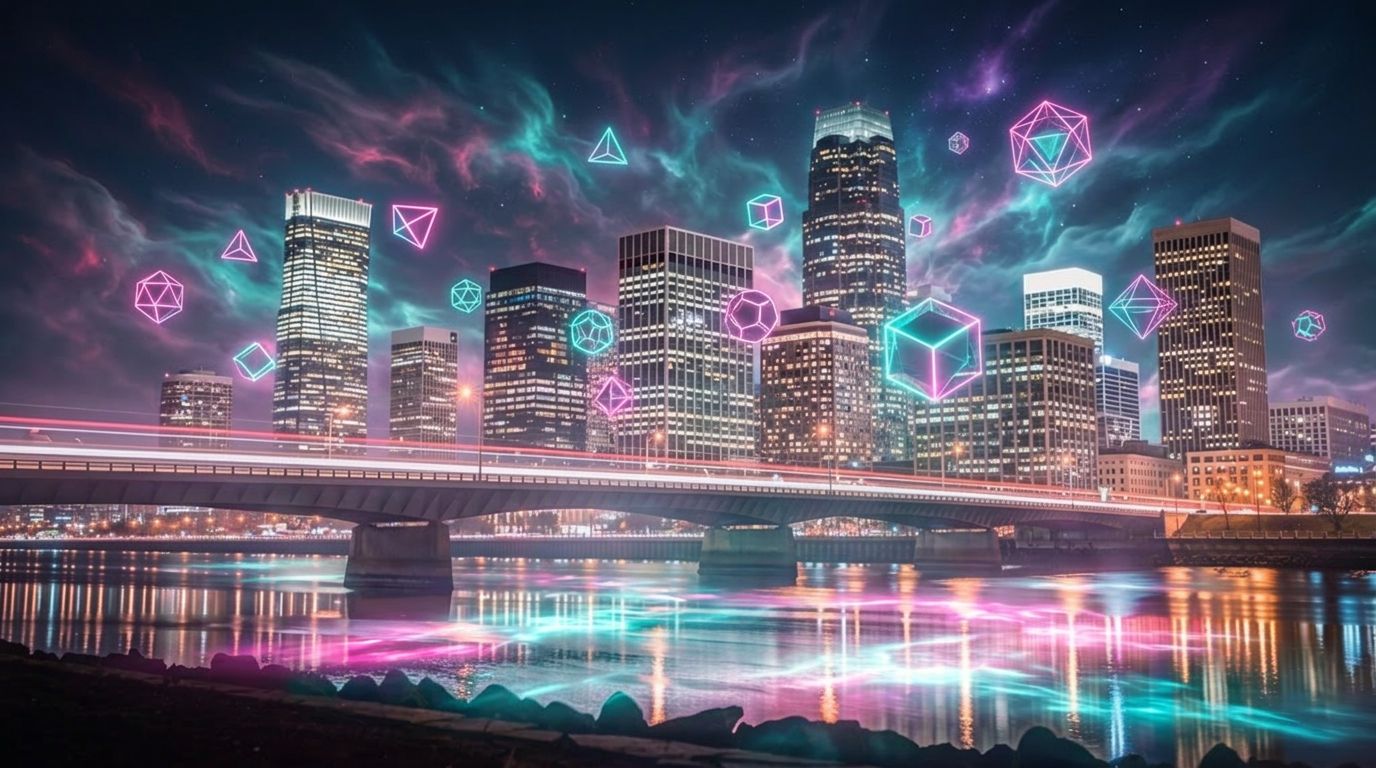
ファンタジーアートオーバーレイ
クリエイティブオーバーレイとファンタジーシーン生成を実演。写真リアリズムと想像要素をブレンドし、アルバムカバー、デジタルアート、ブランドビジュアル向け。
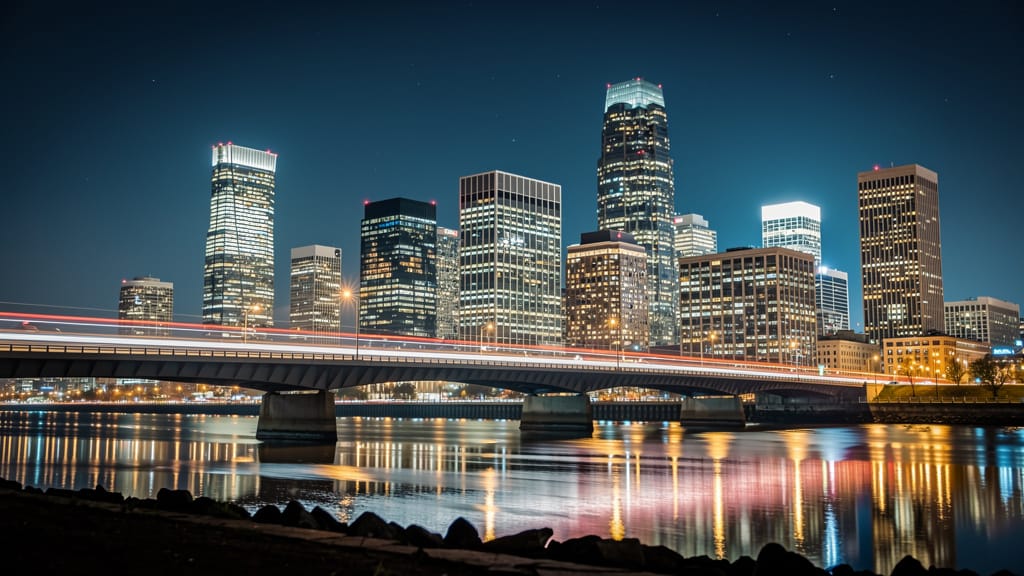
類似モデルと比較する
“Replace the white background with a modern corporate office environment. Add floor-to-ceiling windows with city skyline view in soft focus. Match the lighting to suggest natural window light from the same direction. Maintain the subject's professional appearance and lighting consistency. Add subtle depth of field to the new background.”












Gemini 3.1 Flash Image Previewで完璧な仕上がりを体験
今すぐ推論ガイド型の生成に切り替えましょう
よくある質問
類似モデル
Nano Banana Pro
State-of-the-art image editing
1.2クレジット
Nano Banana Lite Edit
Fast efficient image editing
6クレジット
Reve 2.1
Edit images with text prompts
1.3クレジット
Vidu
Image generation with reference consistency
0.2クレジット
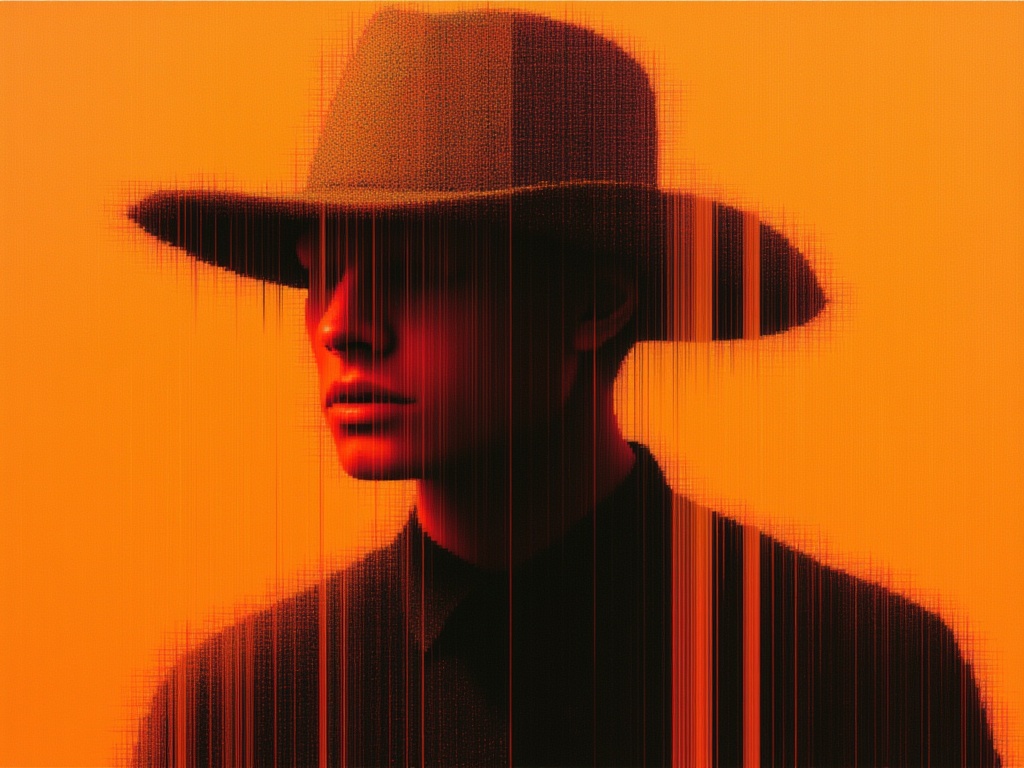
Seedream 5.0 Pro Image Editing
Precise region-based image editing
0.3クレジット
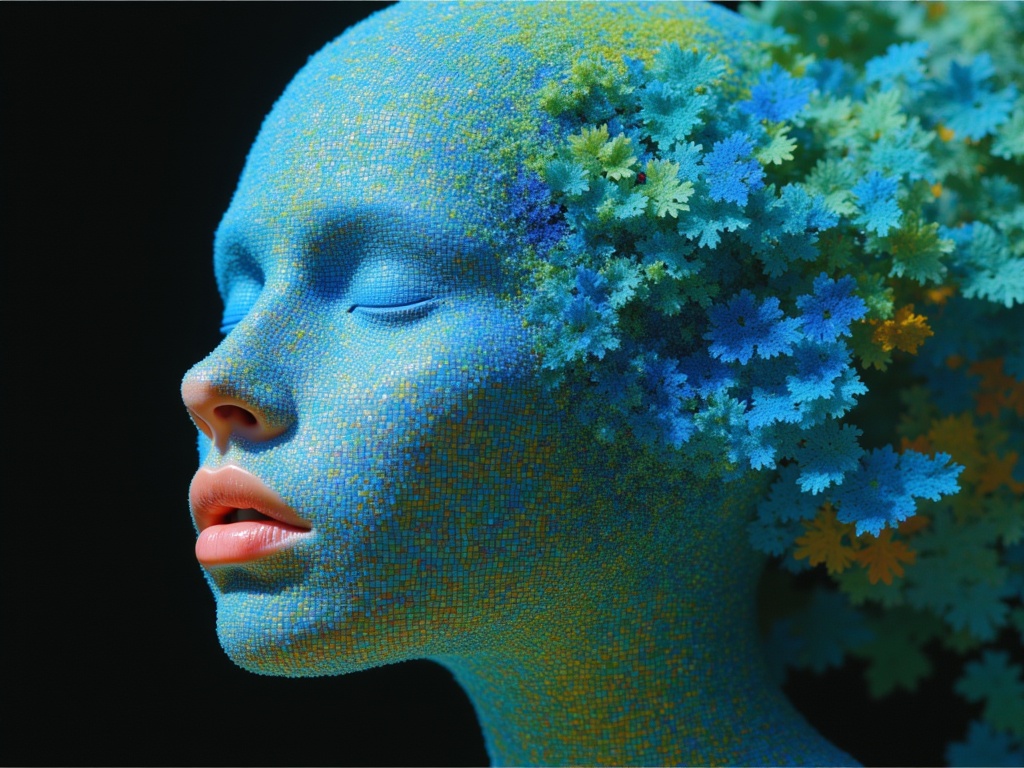
Ideogram V4.0q Image to Image
Prompt-guided image restyling edits
0.1クレジット
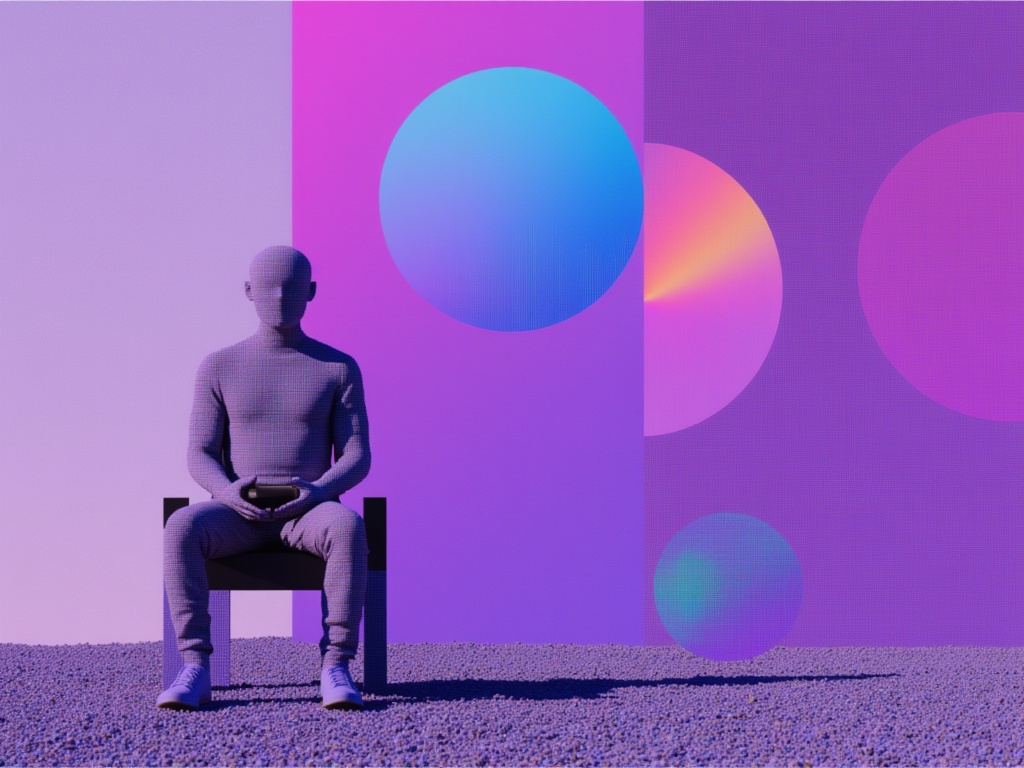
Reve 2.1
Remix images with text prompts
1.5クレジット
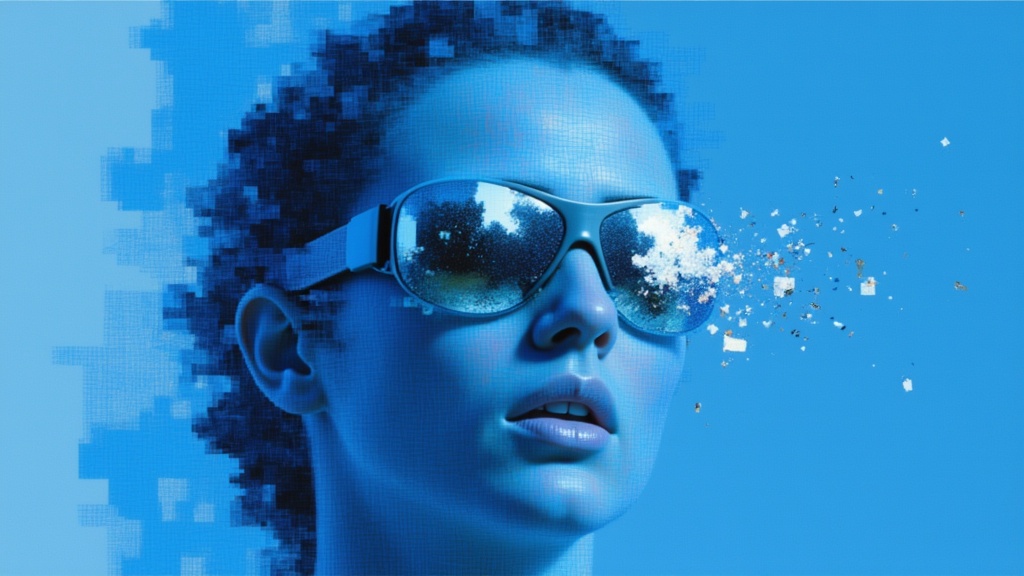
Seedream
Fast intelligent multi-image editing
0.3クレジット
Grok Imagine Image Editing Quality
High-quality AI image editing
0.1クレジット