Kling Video v3 Image to Video [Pro]
Hidupkan Gambar
Cinematic image-to-video with audio
ANIMASI PORTRAIT
CLOSE-UP KEINDAAN
PORTRAIT GAYA HIDUP ARTISTIK
Kling Video v3 Image to Video [Pro], yang dikembangkan oleh Black Forest Labs, dirancang untuk profesional kreatif yang ingin mengubah gambar statis menjadi urutan video sinematik yang kaya dengan kesetiaan visual dan audio yang mengesankan. Model ini memungkinkan seniman, desainer, pembuat film, dan pembuat konten untuk menghidupkan gambar mereka dengan mengubahnya menjadi klip video pendek, lengkap dengan gerakan halus dan pembuatan audio native.
Apa yang Dihasilkan Kling Video v3 Image to Video [Pro]?
Pada intinya, model ini mengambil gambar awal—seperti karya seni, foto, render konsep, atau aset desain—dan mengubahnya menjadi video sinematik. Pengguna dapat membimbing konten dan suasana video melalui prompt teks deskriptif, yang berfungsi seperti catatan sutradara mini, memungkinkan Anda melukis suasana, gerakan, ketukan emosional, dan alur naratif. Jika Anda menginginkan beberapa adegan, Anda dapat memecah visi Anda menjadi beberapa prompt untuk kemajuan bergaya storyboard multi-shot.
Video yang dihasilkan dapat menyertakan audio native, seperti suara yang berbicara konten prompt Anda dalam bahasa Inggris atau Cina. Jika Anda memberikan prompt dalam bahasa lain, prompt tersebut akan diterjemahkan secara otomatis menjadi narasi audio dalam bahasa Inggris. Kemampuan untuk menambahkan suara dan bunyi membuat video hasil tidak hanya menarik secara visual, tetapi juga imersif.
Kasus Penggunaan Ideal dan Penerima Manfaat
Kling Video v3 Image to Video [Pro] melayani berbagai profesional kreatif:
- Seniman dan Ilustrator: Animasi ilustrasi atau desain karakter Anda untuk memamerkan gerakan, ekspresi, atau suasana hati dalam reel portofolio atau konten sosial.
- Pembuat Film dan Seniman Storyboard: Prototipe animatik dan konsep bercerita visual secara cepat dengan mengubah keyframe atau still konsep menjadi adegan bergerak.
- Desainer: Hidupkan render produk, lingkungan, atau sketsa konseptual untuk presentasi, iklan, dan kampanye digital.
- Pembuat Konten dan Pemasar: Buat aset animasi yang menarik perhatian dengan cepat untuk media sosial, platform video, dan proyek klien.
Format yang Didukung, Kualitas, dan Gaya
Model ini menghasilkan file video (dalam format .mp4) yang cocok untuk digunakan langsung dalam proyek digital, presentasi, dan perangkat lunak pengeditan. Panjang video dapat disesuaikan, dengan rentang 3 hingga 15 detik, memberikan fleksibilitas untuk berbagai tujuan bercerita atau promosi.
Kling Video v3 dibangun untuk visual sinematik, mendukung gerakan halus yang menghidupkan adegan—bayangkan gerakan karakter yang lembut, kedipan mata, ekspresi emosional, efek atmosfer, dan partikel debu yang menangkap cahaya. Anda dapat menyesuaikan tampilan dan nuansa lebih lanjut dengan mendeskripsikan pencahayaan, emosi, dan detail naratif dalam prompt Anda, memungkinkan Anda membentuk gaya estetika agar sesuai dengan merek atau visi artistik Anda.
Kemampuan Audio
Fitur unggulan adalah kemampuan untuk menghasilkan audio native: model ini dapat membuat lanskap suara latar belakang atau narasi suara yang diambil langsung dari prompt. Misalnya, jika prompt Anda menyertakan dialog atau aksi deskriptif, video yang dihasilkan mungkin menampilkan narator yang membacanya dalam bahasa Inggris atau Cina sesuai kebutuhan. Kata benda propriate atau akronim harus dikapitalisasi dalam prompt untuk output suara yang akurat.
Kontrol Kreatif dan Penyesuaian
- Arah Berbasis Prompt: Arahkan cerita, ritme, suasana hati, dan detail menggunakan teks deskriptif. Anda dapat menentukan segalanya mulai dari ekspresi wajah halus dan gerakan hingga pencahayaan dan efek lingkungan.
- Video Multi-Shot: Untuk bercerita kompleks, Anda dapat membagi video menjadi “shot” berbeda dengan instruksi terpisah untuk masing-masing, memungkinkan transisi dan perubahan adegan.
- Elemen Khusus: Sisipkan objek atau karakter spesifik dengan menyediakan gambar referensi (dari berbagai sudut) atau bahkan klip video pendek. Dengan mereferensikannya dalam prompt Anda (misalnya, “@Element1”), Anda memiliki kontrol halus atas pemeran dan properti dalam urutan animasi Anda.
- Durasi Video: Pilih panjang video yang tepat (3 hingga 15 detik) untuk memenuhi kebutuhan naratif atau persyaratan platform Anda.
- Pembuatan Audio Native: Pilih untuk mengaktifkan atau menonaktifkan audio, dan pilih output suara realistis dalam bahasa yang didukung.
- Pengaturan Kepatuhan Prompt: Sesuaikan seberapa dekat hasil akhir mengikuti prompt teks Anda, memungkinkan Anda menemukan keseimbangan yang tepat antara generasi terarah dan interpretasi kreatif.
Keterbatasan dan Pertimbangan
- Titik awal untuk setiap video adalah gambar diam; kualitas citra dan komposisi awal akan memengaruhi hasil Anda.
- Pembuatan suara audio hanya mendukung bahasa Inggris dan Cina. Prompt dalam bahasa lain akan diterjemahkan otomatis ke bahasa Inggris untuk narasi.
- Saat menggunakan multi-shot atau elemen khusus, rencanakan gambar atau klip referensi dengan hati-hati untuk memastikan kontinuitas dan konsistensi gaya.
- Prompt negatif default mencegah output berkualitas rendah, buram, atau terdistorsi—membantu menghasilkan hasil tingkat profesional.
Praktik Terbaik
- Gunakan prompt deskriptif dan hidup untuk mendapatkan video sinematik dan ekspresif sebanyak mungkin.
- Sertakan gambar referensi untuk karakter atau elemen kunci untuk mencapai konsistensi di seluruh frame atau shot.
- Saat menghasilkan audio, tulis bagian yang diucapkan dengan jelas dan tandai kata benda propriate dengan huruf kapital sesuai kebutuhan untuk pengucapan yang akurat.
Ringkasan
Kling Video v3 Image to Video [Pro] adalah alat kreatif yang kuat untuk menganimasikan gambar menjadi video pendek sinematik yang sepenuhnya diproduksi. Kombinasi sintesis visual dan audio, penyertaan elemen khusus, dan arah kreatif yang fleksibel membuatnya ideal untuk seniman dan profesional yang ingin memprototipe, memvisualisasikan, atau mempromosikan ide dengan gerakan dan suara—semua dari satu gambar dan prompt pembimbing.
Hasilkan menggunakan model video paling canggih
Add the image that you want change
Unggah Gambar
Tambahkan gambar opsional untuk memandu tampilan, karakter, atau lingkungan
A woman kneeling in darkness, illuminated by a warm, radiant beam of light emerging from her raised hand.
Tulis skenario Anda
Ketik prompt - Model memahami fisika, pencahayaan, dan niat emosional adegan Anda
Mulai Bagikan
Klik untuk menghasilkan output akhir dan unduh video berkualitas produksi
Di Luar Prompt: Tingkat Kontrol Baru
SINEMATOGRAFI ALAM
Mendemonstrasikan elemen animasi kompleks dan transisi alam dramatis, sempurna untuk pembuat film lanskap dan pembuat konten perjalanan.
ANIMASI PRODUK PREMIUM
Menyoroti animasi pameran produk dengan pantulan dinamis, efek mengambang, dan petunjuk audio, disesuaikan untuk iklan mewah dan promo sosial.
ADEGAN URBAN SINEMATIK
Menampilkan efek cahaya bergerak, permukaan reflektif, dan energi urban, sempurna untuk video musik atau visual kota tren.
Bandingkan dengan Model Serupa
“Animate with subtle natural movements. Add gentle breathing motion to shoulders. Create natural eye blinks every 2-3 seconds. Introduce slight head micro-movements. Hair moves softly as if in gentle breeze. Maintain the warm smile with subtle lip movements. Eyes should have natural catchlight movement. Keep animation subtle and lifelike, not exaggerated. 5 seconds, smooth looping.”
Rasakan kesempurnaan dengan Kling Video v3 Image to Video [Pro]
Beralih ke sintesis berpandu penalaran hari ini
Pertanyaan yang Sering Diajukan
Model Serupa
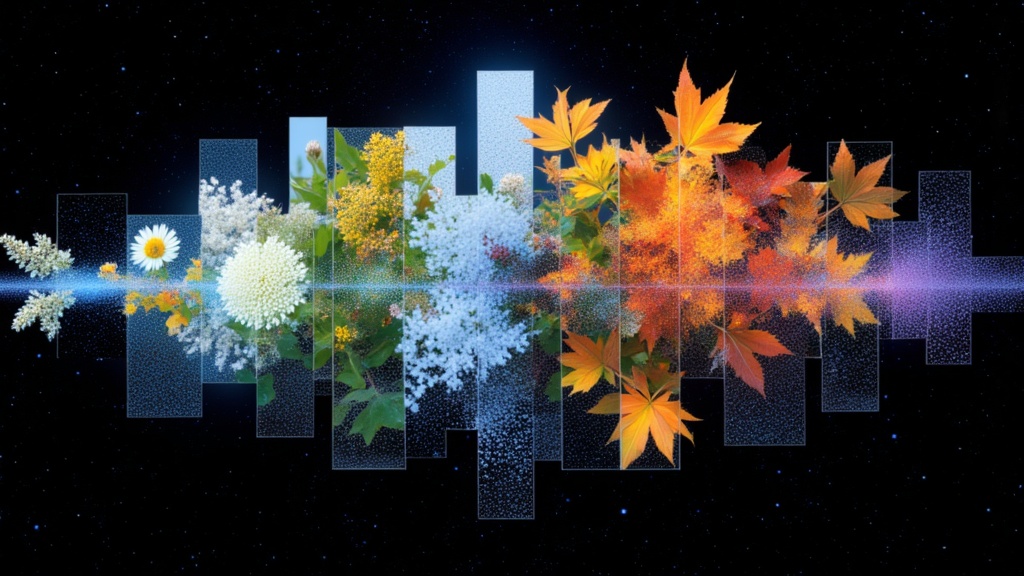
PixVerse C1 Transition
Cinematic transitions between two images
0.1 kredit
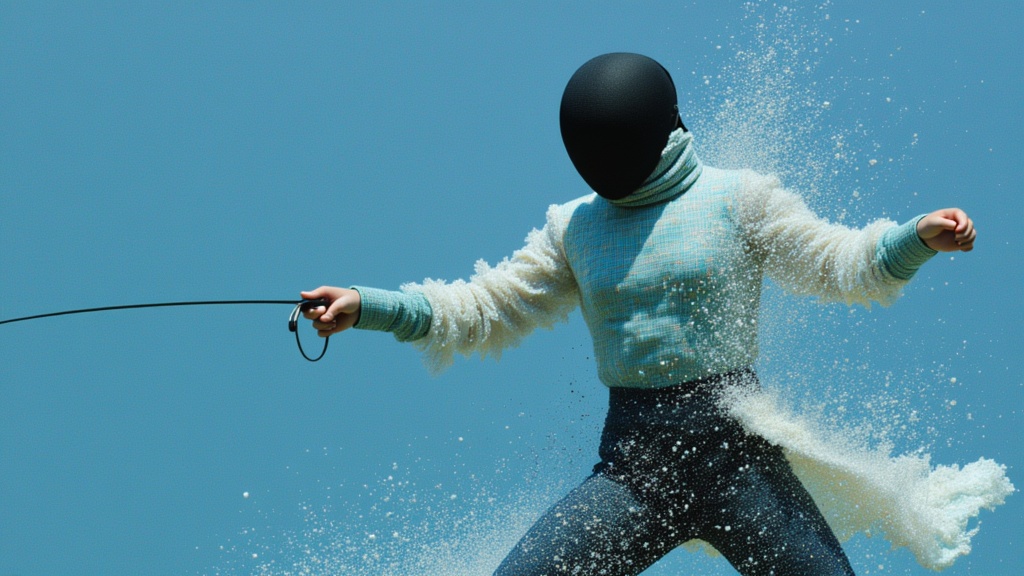
PixVerse V6 Image To Video
Animate images into styled videos
0.1 kredit
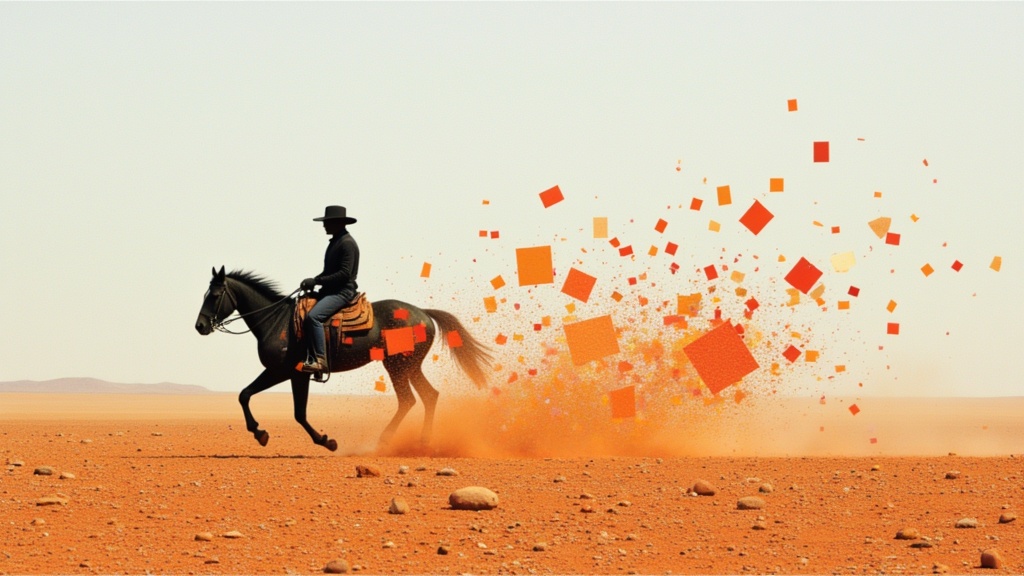
PixVerse V6 Transition
Smooth image-to-image video transitions
0.1 kredit
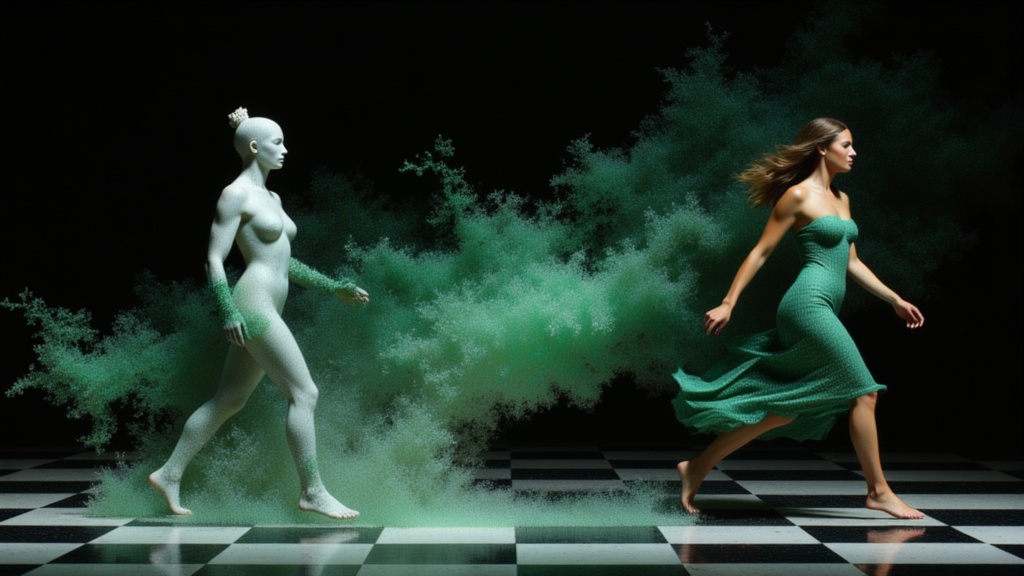
PixVerse C1 Reference To Video
Character-consistent video from references
0.1 kredit
Wan
Animate images into smooth video
2 kredit
Seedance 2 Image to Video
Cinematic video from images
10 kredit

Veo3.1 Lite FLF
Animate between first/last frames
1.6 kredit
PixVerse C1 Image To Video
Cinematic video from your images
0.1 kredit
LTX 2.3 Video Fast
Fast, high-quality image animation
2.4 kredit