Qwen Image 2
Precizno uređivanje slika
Unified image editing and generation
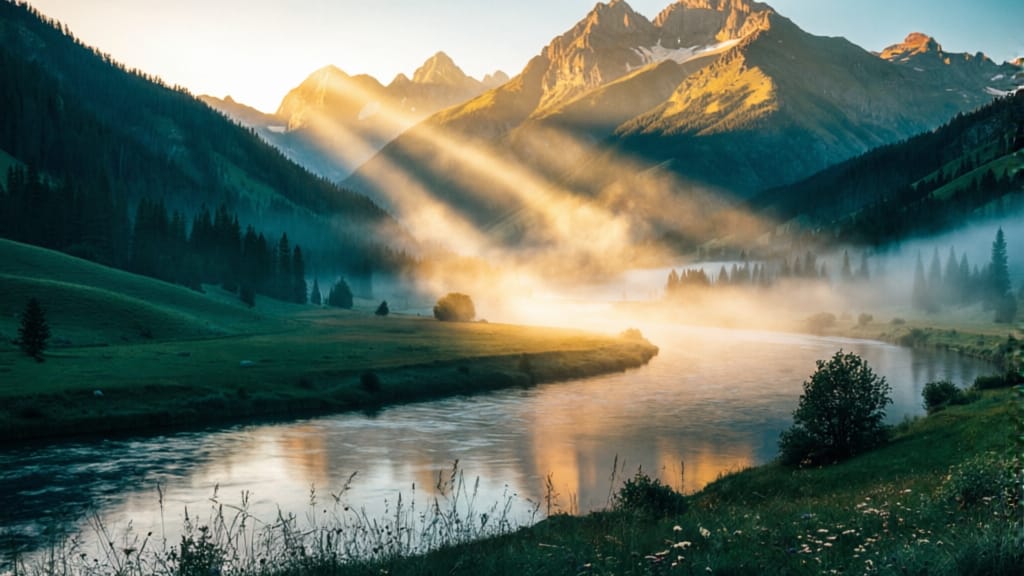
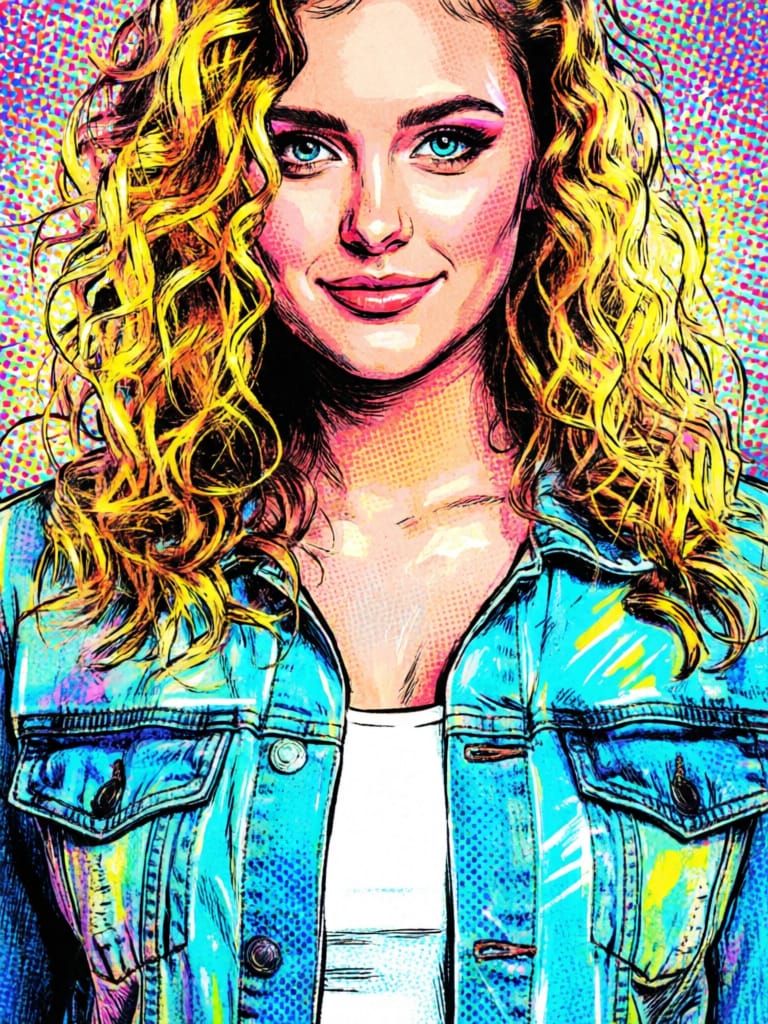
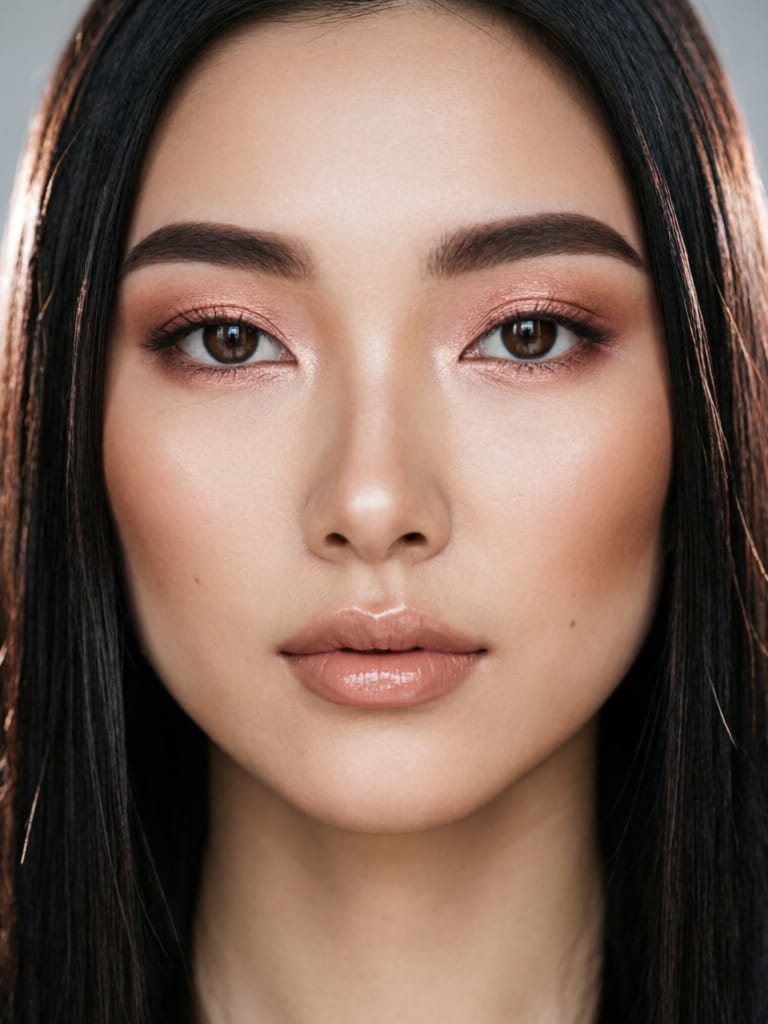
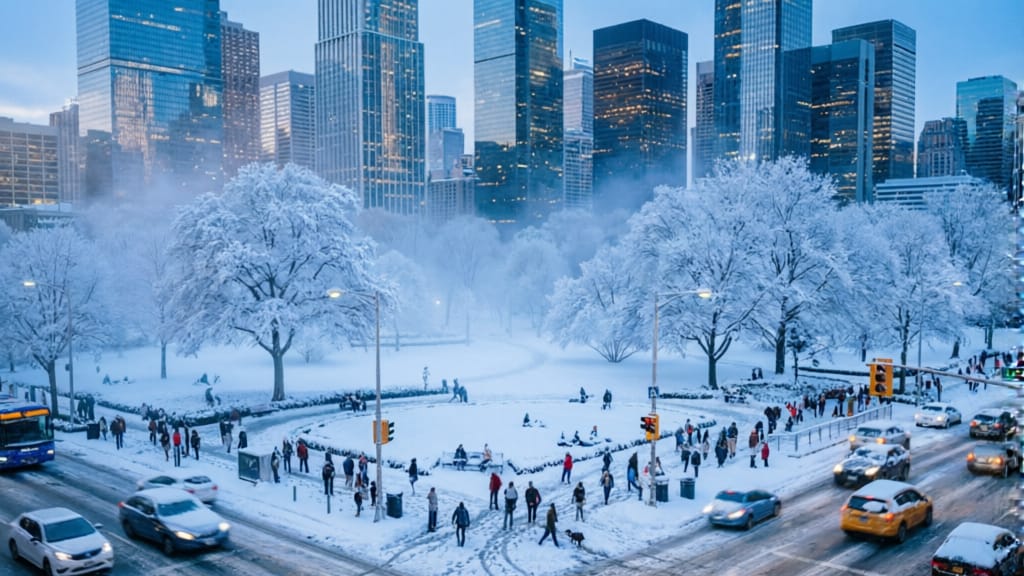
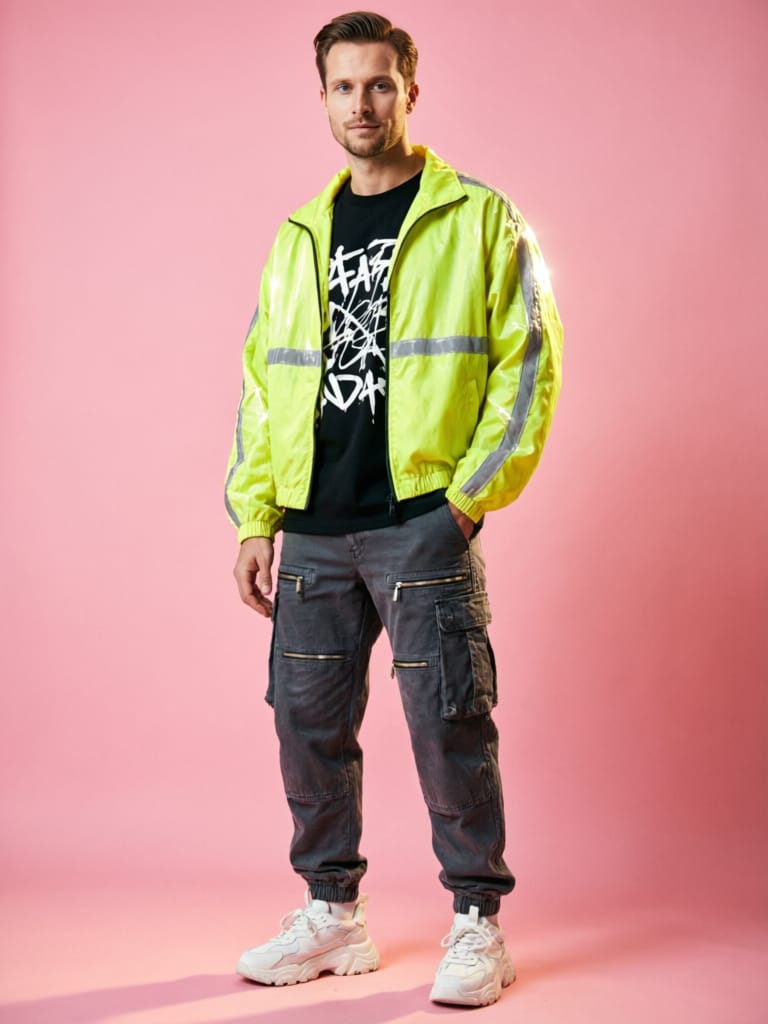
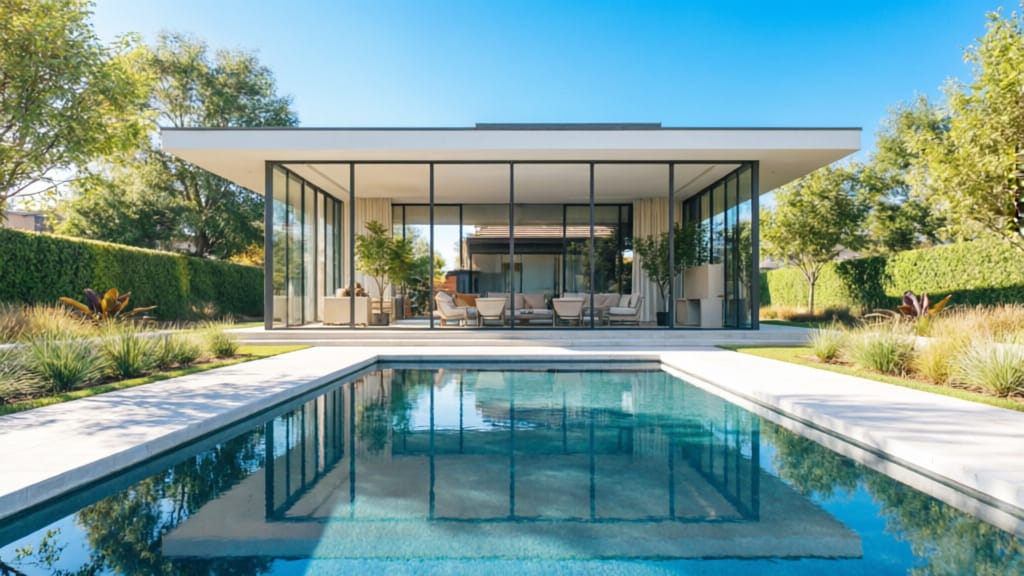
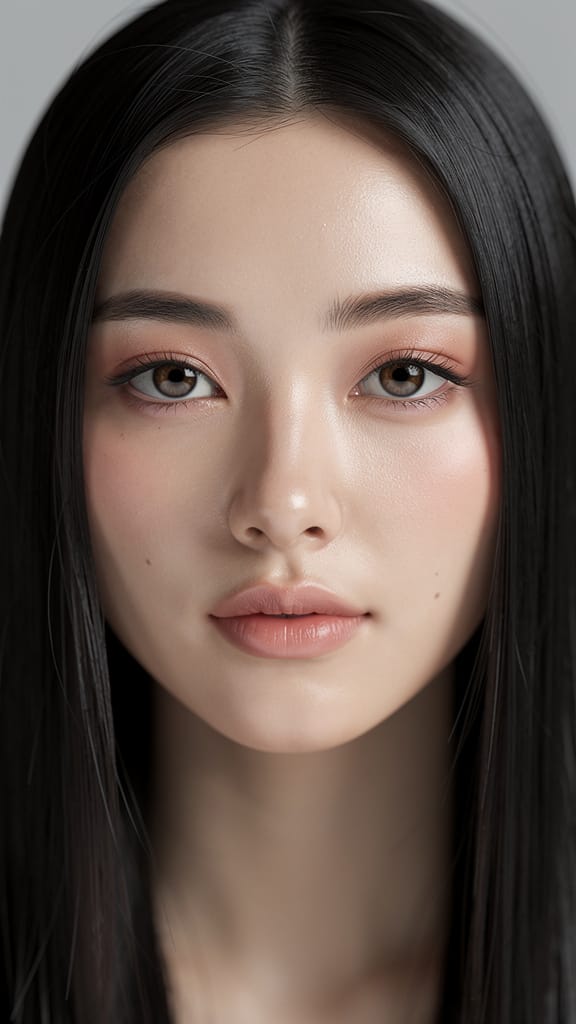
POBOLJŠANJE ŠMINKA I RASVJETE

REMIX MODNOG STILA
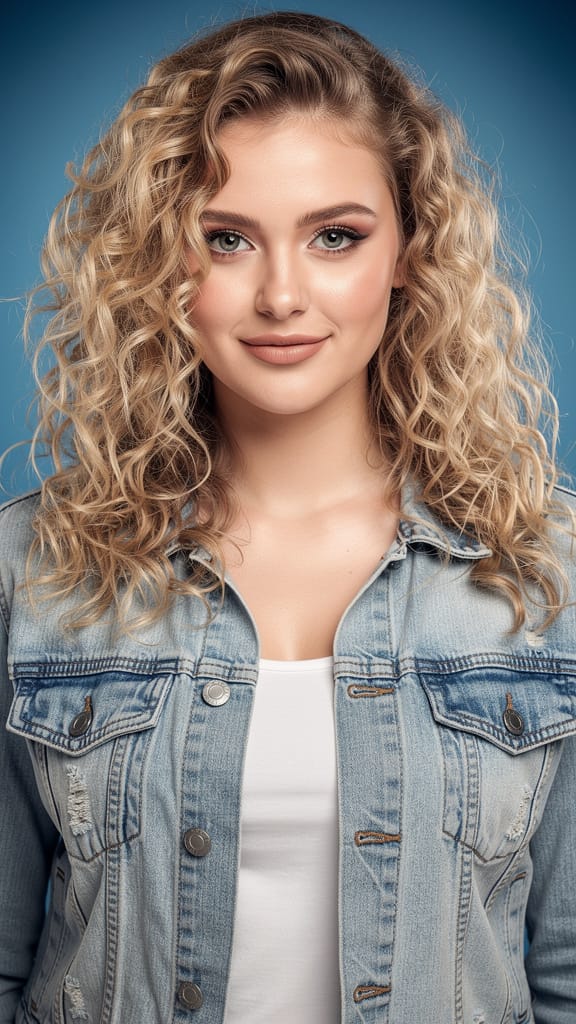
PRENOS UMETNIČKOG STILA
Qwen Image 2 je model sljedeće generacije za ujedinjeno uređivanje i generiranje slika razvijen od strane Black Forest Labs, dizajniran za osnaživanje kreativnih profesionalaca naprednim mogućnostima za transformaciju, poboljšanje i ponovnu zamisao slika. Ovaj model se ističe omogućavanjem i generiranja slika i detaljnog uređivanja na temelju slika koristeći intuitivne kontrole, čineći ga posebno vrijednim za umjetnike, dizajnere, filmaše i stvaratelje vizualnog sadržaja koji zahtijevaju fleksibilnost i preciznost.
U svom jezgru, Qwen Image 2 omogućuje korisnicima rad s jednom do tri referentne slike, koristeći jednostavne tekstualne upute za navođenje kako te reference treba transformirati ili kombinirati. Bilo da želite ažurirati raspoloženje ili godišnje doba scene (npr. pretvaranje zimskog pejzaža u ljetno utočište), primijeniti stilizirane transformacije ili izbjeći nepoželjne elemente, model čini složeno uređivanje slika dostupnim kroz prirodni jezik. Možete specificirati željene promjene i također postaviti smjernice o tome što NEŽELITE da se pojavi u konačnom umjetničkom djelu.
Sustav prihvaća upute na engleskom i kineskom jeziku, pružajući široku dostupnost za globalne korisnike. Kreativna kontrola je učinjena pristupačnom kroz nekoliko ključnih opcija orijentiranih na korisnika:
-
Uređivanje i generiranje na temelju uputa: Vodite transformaciju svojih referentnih slika koristeći detaljne (ili kratke) opise. Jednostavno opišite ono što zamislite – primjerice, zatražite „učinite da ova scena parka izgleda za zalaska sunca“ ili „dodajte živopisno jesensko lišće“.
-
Negativne upute: Koristite ovu značajku da izbjegnete nepoželjan sadržaj, poput grešaka, vizualnog šuma ili artefakata van stila, fino podešavajući ne samo ono što se pojavljuje, već i ono što je pažljivo izostavljeno.
-
Optimizirano proširenje uputa: Opcija pokretana AI-om pomaže proširiti vaše kratke ideje u detaljnije upute iza scene, poboljšavajući kreativne rezultate čak i ako su vaše upute kratke. Ovo je zadano uključeno za najbolje moguće slike.
-
Fleksibilni formati i veličine slika: Odaberite PNG, JPEG ili WEBP za izlaz i specificirajte dimenzije prema vašem radnom tijeku. Model podržava razne unaprijed postavljene veličine (poput kvadratnih, portretnih i pejzažnih omjera), i može očuvati rezoluciju vaših originalnih učitanih slika sve dok konačna slika pada između 512x512 i 2048x2048 piksela.
-
Moderiranje sadržaja: Ugrađene sigurnosne kontrole pomažu filtrirati rezultate za neprimjeren sadržaj, pružajući mir uma za profesionalne projekte i zahtjeve izdavača.
-
Višestruki izlazi odjednom: Za brzu iteraciju i kreativnu raznovrsnost, možete zatražiti od 1 do 6 verzija svakog uređivanja, pomažući vam istražiti različite interpretacije ili odabrati najbolji za vaš projekt.
-
Ponovljivost: Za dosljednost projekta ili fino podešene kreativne radne tokove, možete generirati identične rezultate fiksiranjem slučajne „seed“ vrijednosti, omogućujući vam pouzdano ponovno posjećivanje i podešavanje prethodnih kreacija.
Qwen Image 2 podržava referentne slike u uobičajenim profesionalnim formatima: JPEG, JPG, PNG (bez prozirnosti) i WEBP. Učitane slike mogu biti do 10MB u veličini i imati dimenzije od 384 do 5000 piksela na svakoj strani, omogućujući značajne detalje. Međutim, izlazne slike su ograničene na konačne veličine rendera između 512x512 i 2048x2048 piksela kako bi se osigurala optimalna kvaliteta i performanse.
Ključne kreativne primjene uključuju vizualno pripovijedanje, transformaciju raspoloženja ili godišnjih doba, prilagodbu scena za film i animaciju, dizajnerske makete, stiliziranu reinterpretaciju i brzu iteraciju za kampanje sadržaja. Detaljne kontrole uputa i negativnih uputa sustava omogućuju precizno usmjeravanje, dok mogućnost obrade više referentnih slika omogućuje kompozitna uređivanja i transformacije svjesne konteksta.
Najbolje prakse uključuju:
- Pozivanje na vaše referentne slike u pravilnom redoslijedu unutar upute ako koristite više izvora.
- Jasno specificiranje i onoga što želite i onoga što ne želite kako biste izbjegli nepoželjne elemente.
- Iskorištavanje opcija višestrukog generiranja slika za usporedbu i odabir idealnih rezultata.
- Održavanje referentnih slika unutar preporučenih smjernica veličine i formata za glatku obradu i najbolju kvalitetu.
U sažetku, Qwen Image 2 je snažan izbor za kreativne profesionalce koji trebaju svestran, intuitivan i moćan alat za generiranje i uređivanje visokokvalitetnih slika na temelju vizualne i tekstualne inspiracije.
Generiraj pomoću najnaprednijeg uređivača slika
Add the image that you want change
Učitaj sliku
Dodaj sliku koju želiš uređivati ili transformirati
A woman kneeling in darkness, illuminated by a warm, radiant beam of light emerging from her raised hand.
Napiši svoje promjene
Opisati uređivanja koja želiš - promjene stila, uklanjanje objekata ili poboljšanja
Započni dijeljenje
Preuzmi svoju profesionalno uređenu sliku
Izvan upita: Novi nivo kontrole
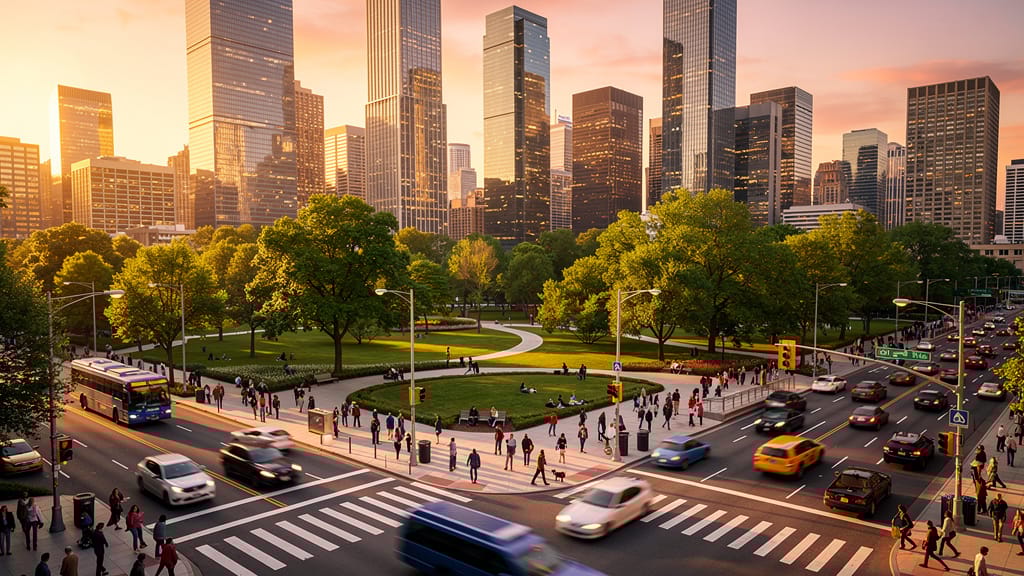
PRELASKA GODIŠNJEG DOBA U SCENI
Predstavlja sposobnost modela za dramatičnu promjenu godišnjeg doba i raspoloženja fotografije pejzaža, otvarajući nove kreativne mogućnosti za putovanja, oglašavanje i pre-vizualizaciju filmova.
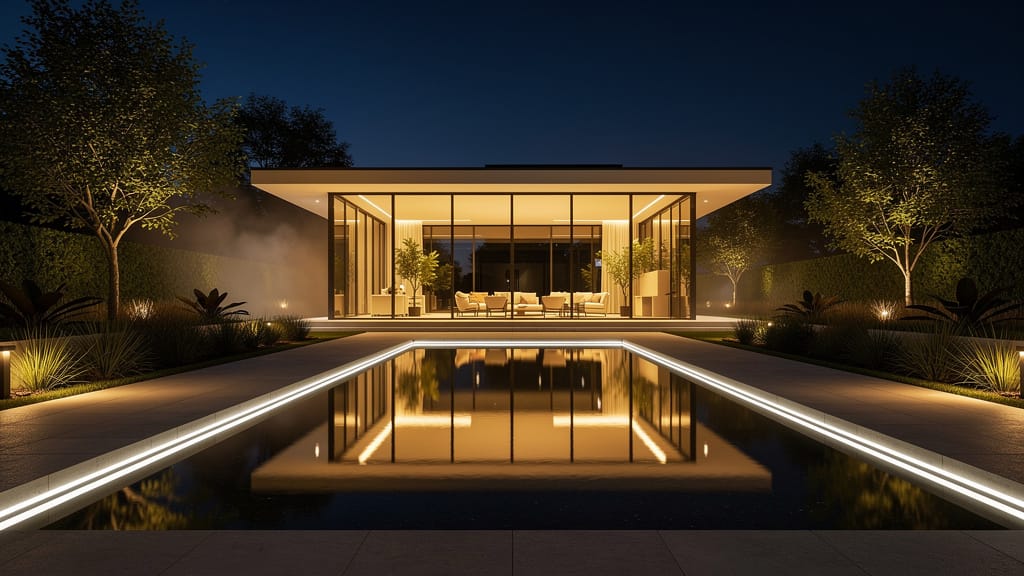
UREĐIVANJE ARHITEKTURE NOĆ-U-DAN
Demonstrira napredne transformacije vremena dana za arhitektonsku fotografiju, omogućujući korisnicima ponovnu upotrebu slika za različita raspoloženja i marketinške potrebe.
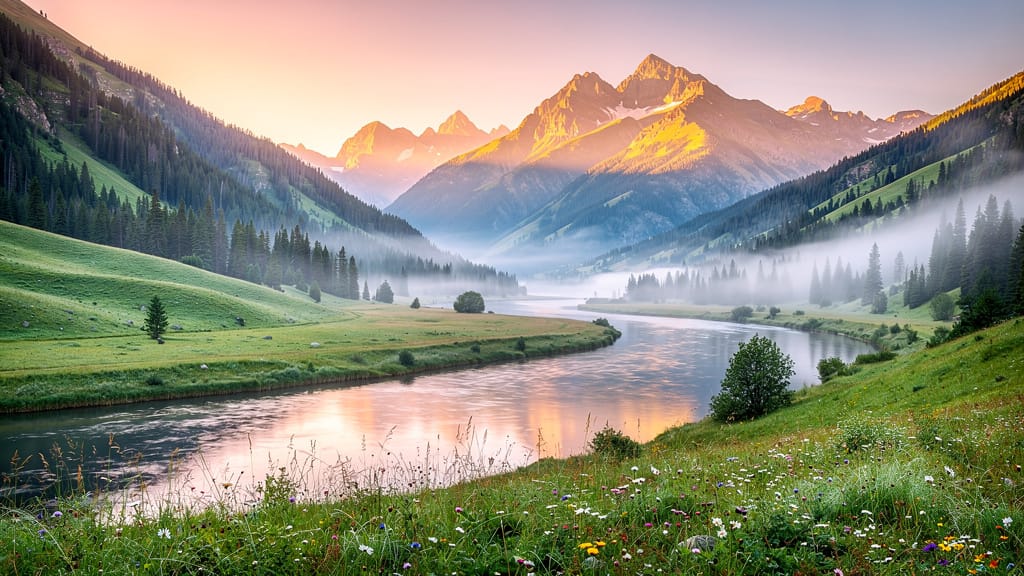
CIMETSKO BOJNO UREĐIVANJE
Primjenjuje filmsko bojno uređivanje na pejzaže ili urbanu fotografiju, savršeno za pripovijedanje, marketinški turizam ili stvaranje atmosferičnih pozadina u filmskom stilu.
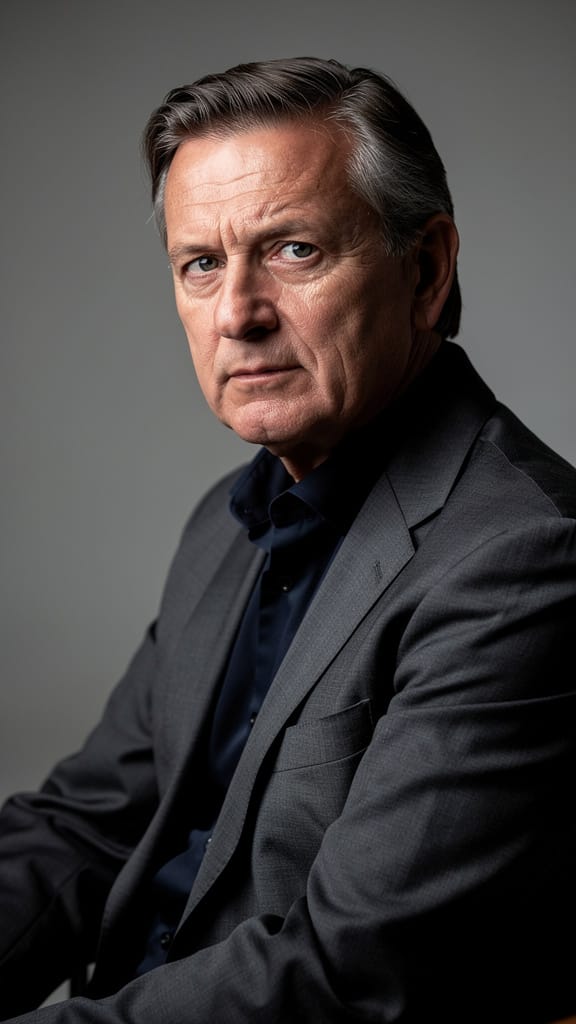
Usporedi sličnih modela
“Transform into a classical oil painting in the style of Rembrandt. Add visible impasto brushstrokes with thick paint texture. Apply warm golden undertones and dramatic chiaroscuro lighting with deep shadows. Enhance the dramatic contrast while preserving facial structure and expression. Add subtle canvas texture visible through the paint layers.”
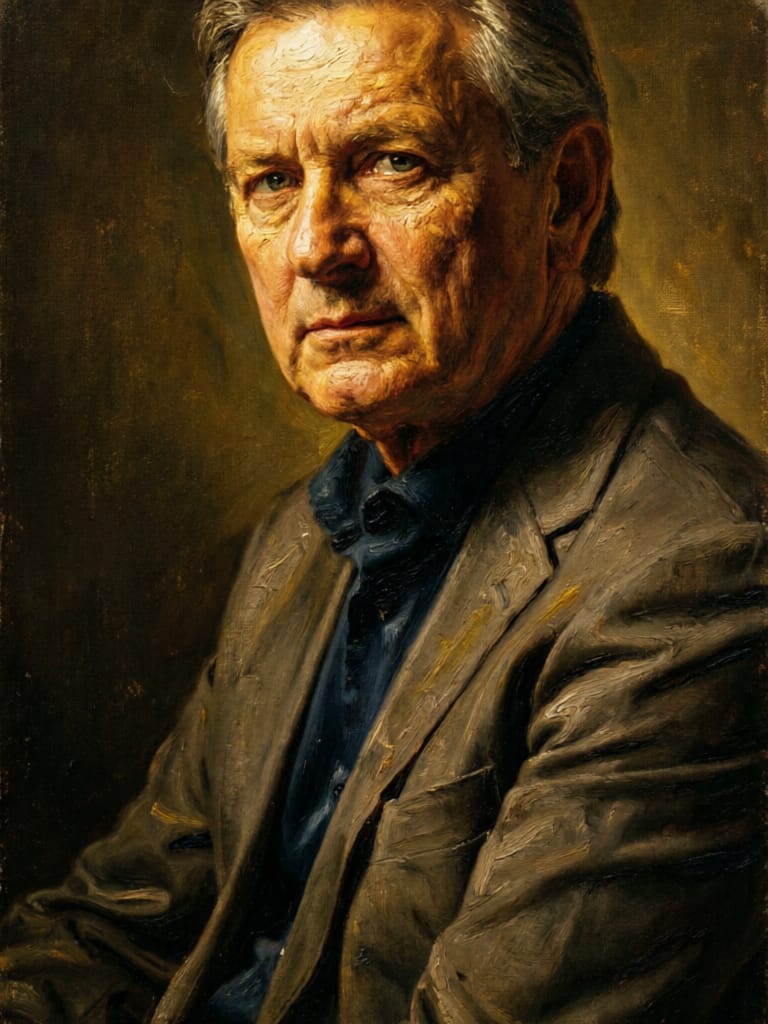
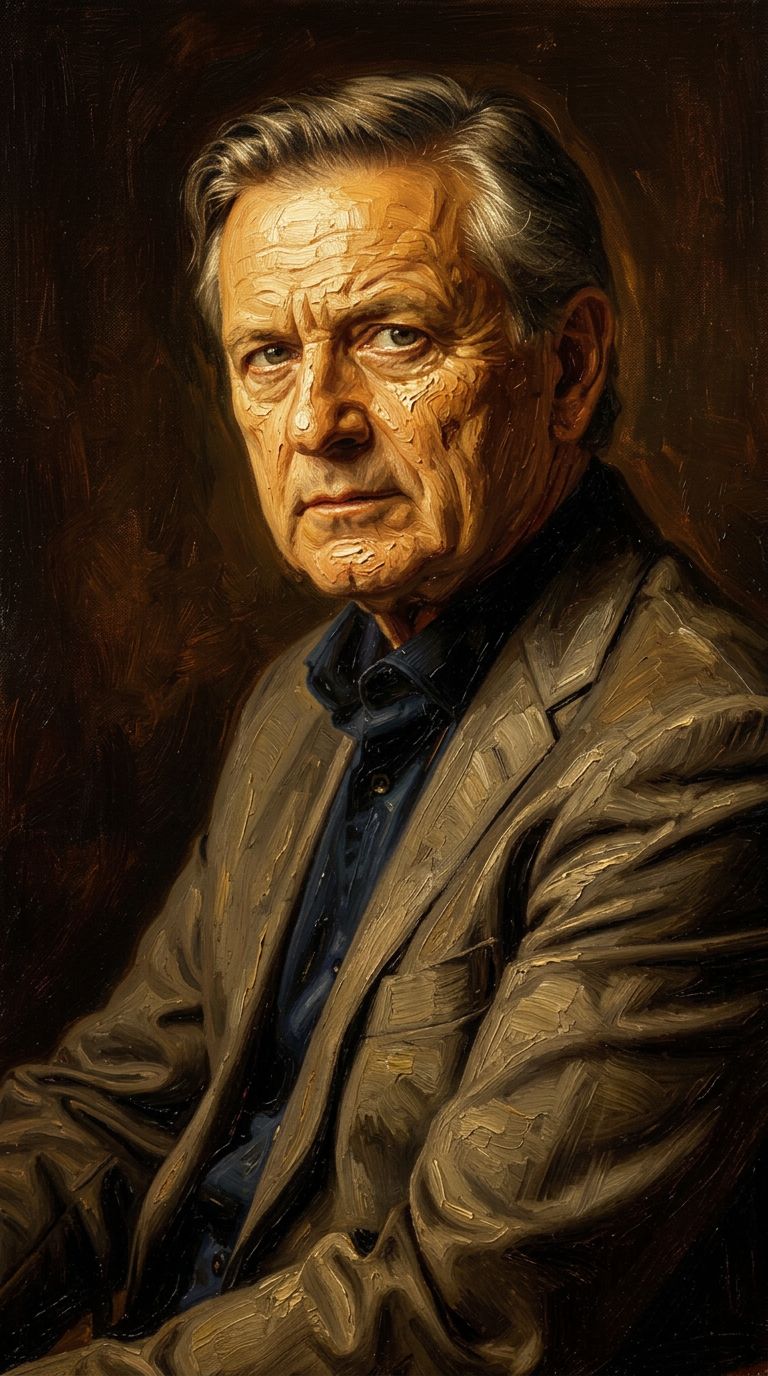


![FLUX.2 [klein] 4B LoRA output](https://shortgenius.com/cdn-cgi/image/width=3840,quality=80,format=auto/https://assets.shortgenius.com/example-model-output/10a63e77-67c3-46e6-83d3-b7b93355e72c.png)
![FLUX.2 [klein] 9B LoRA output](https://shortgenius.com/cdn-cgi/image/width=3840,quality=80,format=auto/https://assets.shortgenius.com/example-model-output/cc1806c8-2af0-47e7-bd34-a95d2d180bfb.png)
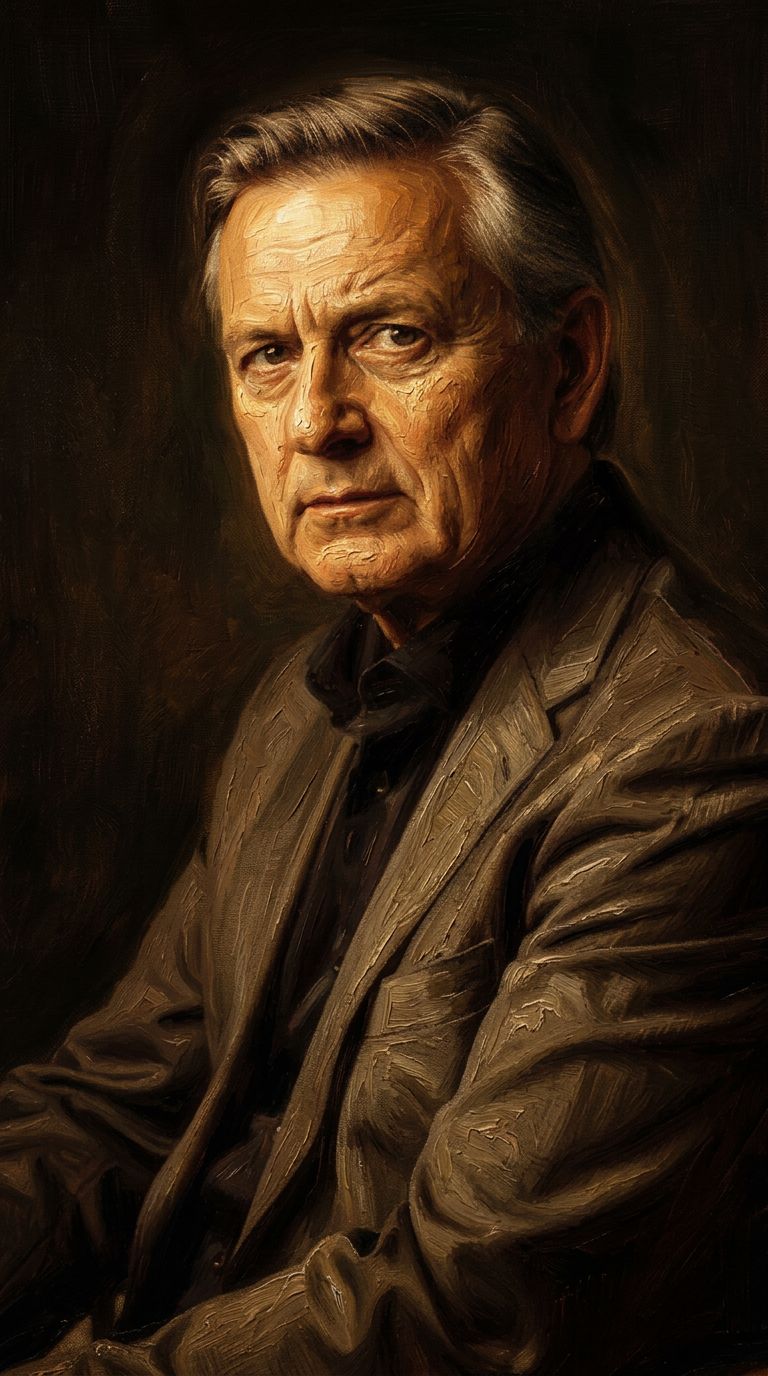


![FLUX.2 [klein] 9B LoRA output](https://shortgenius.com/cdn-cgi/image/width=3840,quality=80,format=auto/https://assets.shortgenius.com/example-model-output/cbfd8f70-6bf2-467b-918f-b020118b8db0.png)
Doživite savršenstvo s Qwen Image 2
Danas se prebacite na sintezu vođenu razmišljanjem
Često postavljana pitanja
Slični modeli
Wan
Pro text-guided image editing
0.3 kredita
Joyai Image Edit
Natural language image editing
0.8 kredita
Firered Image Edit V1.1
Advanced AI-powered image editing
0.4 kredita
Gemini 3.1 Flash Image Preview
Ultra-fast Google image editing
0.7 kredita
![FLUX.2 [klein] 9B LoRA](https://v3b.fal.media/files/b/0a928e3b/sIC-Ne9BMwZZtBvR3FwKN_9a724704a550471a9df59999e9e1017f.jpg)
FLUX.2 [klein] 9B LoRA
Precise natural language image editing
0.5 kredita
Hy Wu Edit
Edit images with reference photos
0.4 kredita
Qwen Image 2
Unified AI image editing model
0.5 kredita
![FLUX.2 [klein] 9B LoRA](https://v3b.fal.media/files/b/0a928dd2/yFNW07YLHtp5zuE4eJAW1_e2f89915a1b740559b3c652b0b028296.jpg)
FLUX.2 [klein] 9B LoRA
Precise image edits, color control
0.3 kredita
Wan
Text-guided creative image editing
0.2 kredita