Nano Banana 2
Tarkka kuvankäsittely
Google's advanced image editing
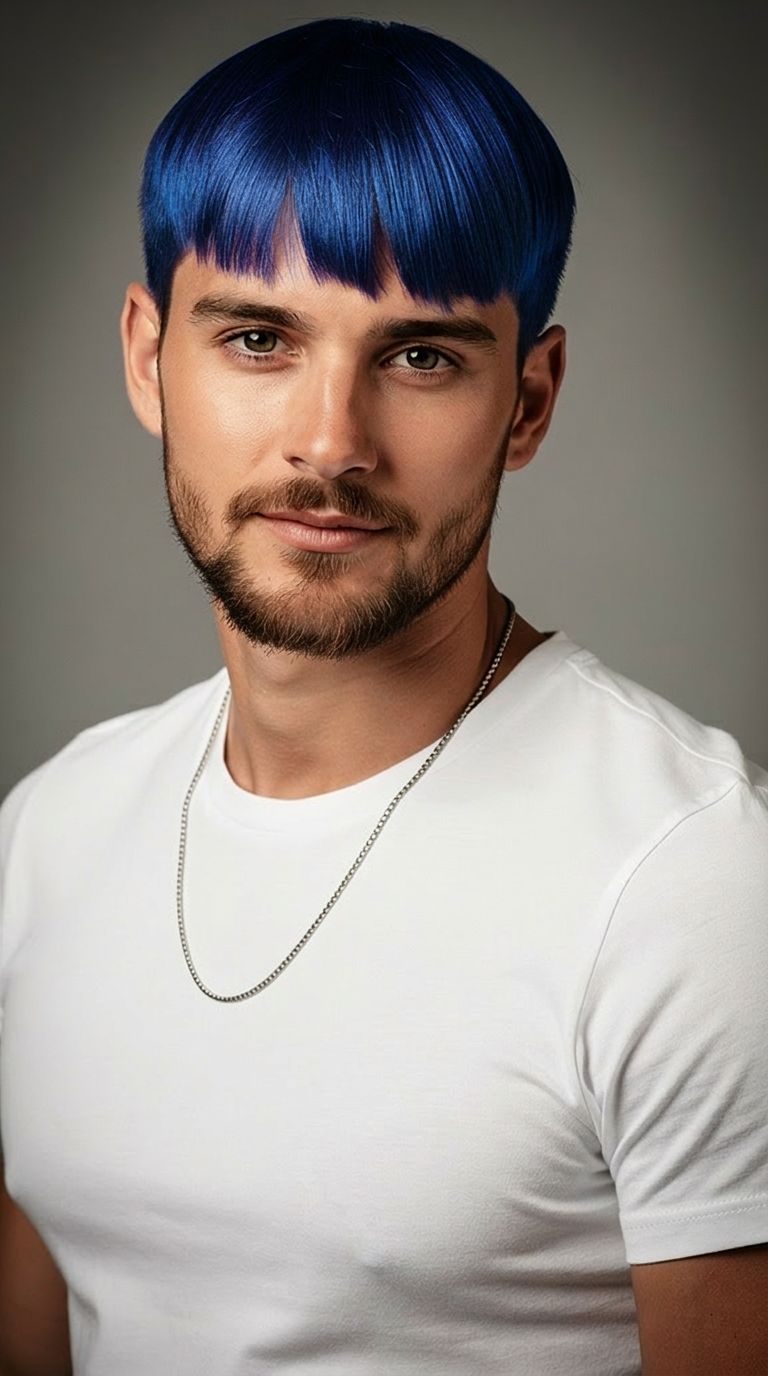
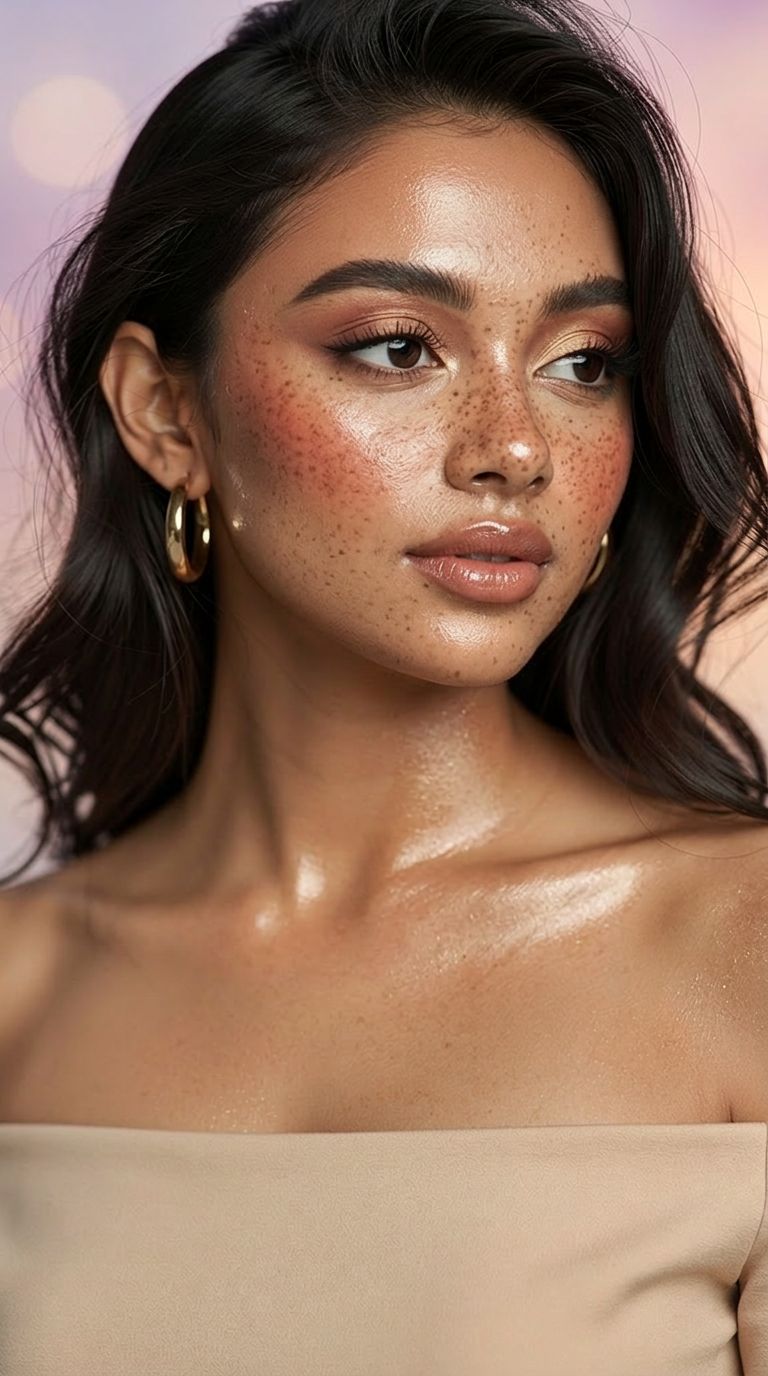
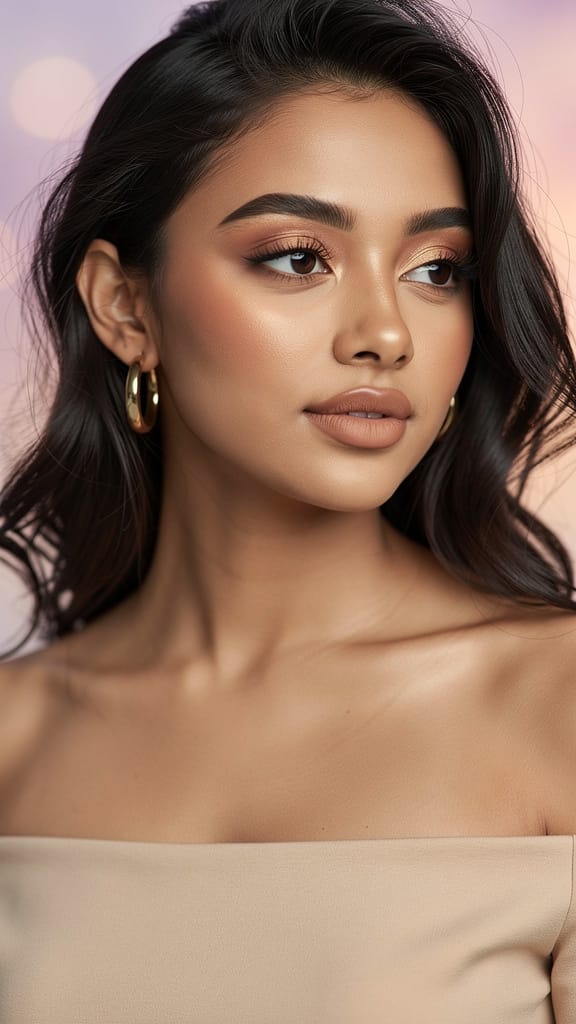
KAUNEUSSUODATIN PARANNUS
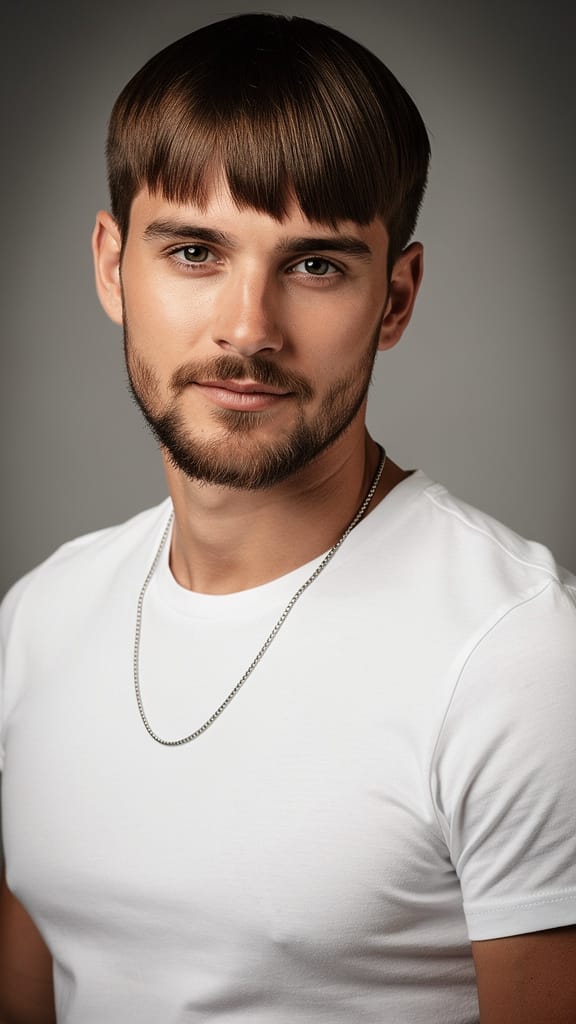
HIUSTYYLI MUUTOS
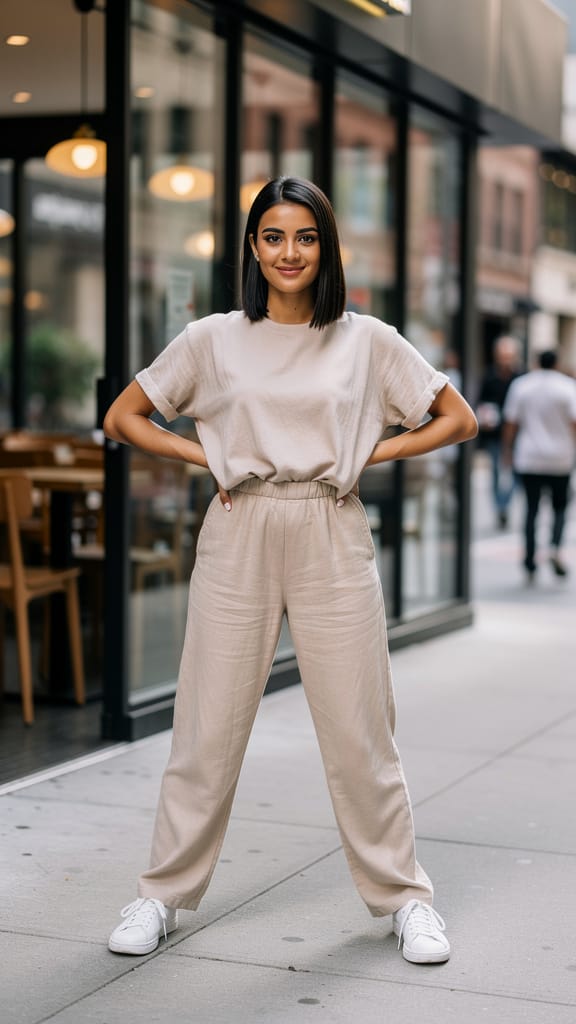
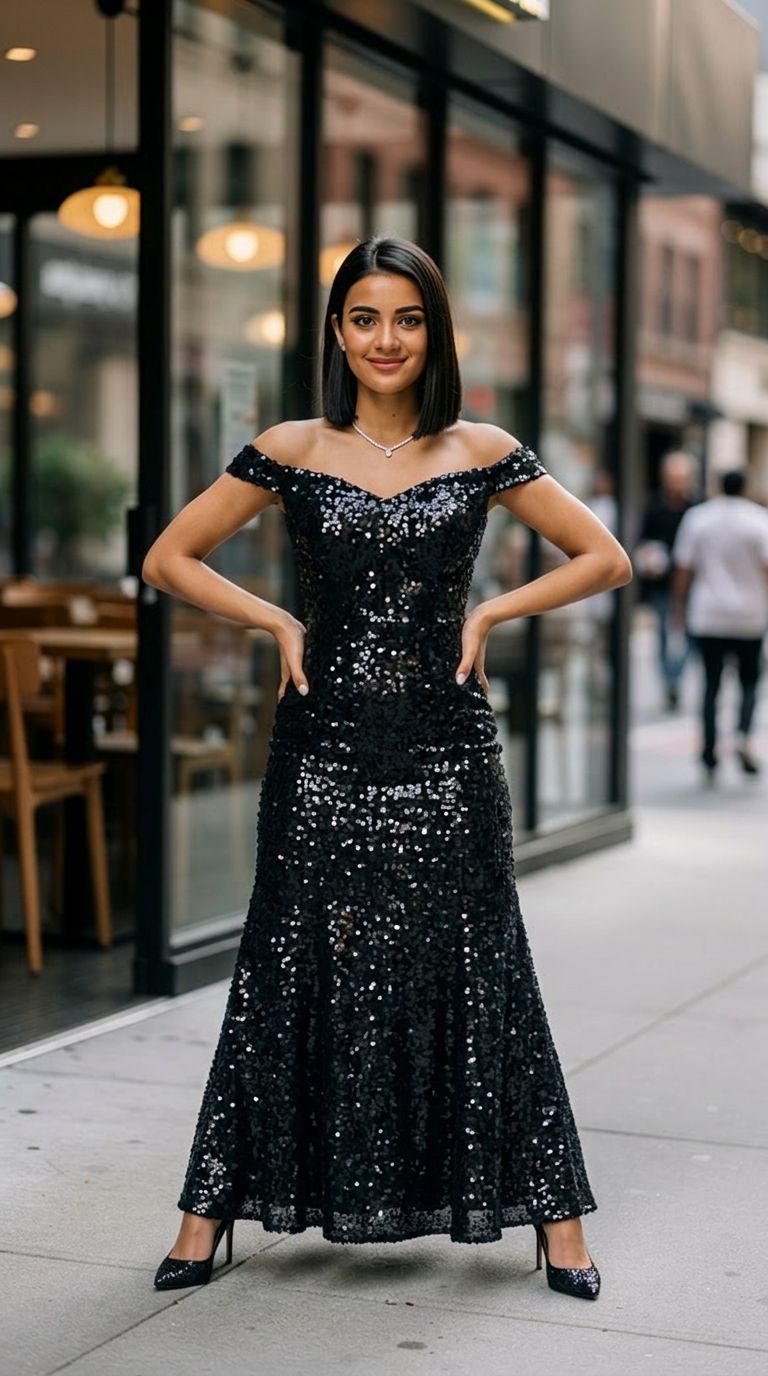
MUOTIASU VAIHTO
Nano Banana 2, kehitetty Black Forest Labsin toimesta, on huippuluokan kuvagenerointi- ja muokkaustyökalu, joka on suunniteltu luoville ammattilaisille, jotka haluavat tehokkaita ja korkealaatuisia visuaalisia muutoksia. Malli yhdistää fiksusti sekä kuvan että tekstin syötteen, mahdollistaen luovien projektiesi helpon mukauttamisen. Oli olet sitten taiteilija, joka etsii uutta inspiraatiota, muotoilija, joka parantaa valokuvia, tai elokuvantekijä, joka generoi tarinalautoja, Nano Banana 2 tarjoaa edistyneen valikoiman luovia ominaisuuksia visuaalisten ideoidesi nostattamiseksi.
Nano Banana 2:n ytimessä on erinomainen kyky muuntaa tai muokata yhtä tai useita kuvia yksityiskohtaisten kirjallisten ohjeidesi perusteella. Lataa vain vertailukuvat ja kuvaile mielessäsi olevat muutokset – kuten anna muotokuvasta elokuvamainen tunnelma, vaihda taustoja tai unelmoi uusia kohtauksia visuaaleillesi. Malli tulkinee lähteitäsi ja kirjallisia ohjeitasi tuottaen mielikuvituksellisia ja vaikuttavia tuloksia.
Ihanteellinen seuraaville Nano Banana 2 sopii ihanteellisesti:
- Visuaalisille taiteilijoille ja digitaalisille maalareille, jotka aivoriihivät tai kokeilevat olemassa olevaa materiaalia
- Muotoilijoille, jotka virkistävät tai uudistavat asiakaskuvia tai kuvapankkikuvia
- Elokuvantekijöille, jotka kokoavat tunnelmalaudoja tai konseptikuvaa kohtauksille
- Sisällöntuottajille, jotka uudelleenkuvittelevat kuvia sosiaaliseen mediaan tai markkinointiin
- Kenelle tahansa, joka tarvitsee korkealaatuisia, räätälöityjä kuvavariaatioita tarkalla ohjauksella
Tuetut muodot, resoluutiot ja ulostulotyyli Työkalu tarjoaa joustavia vaihtoehtoja sekä syötteelle että ulostulolle. Voit työskennellä useiden kuvien kanssa, sekoittaen visuaalisia elementtejä tai uudistaen kohtauksia. Valmiit kuvat voidaan viedä tutuissa muodoissa – mukaan lukien PNG, JPEG ja WebP – helpottaen käyttöä projekteissasi. Kuvan kokoa voidaan asettaa nopeasta 0.5K:sta (512px, ihanteellinen esikatseluihin tai verkkokäyttöön), terävään 1K:een, jopa 2K ja 4K ultra-terävään resoluutioon tulostukseen tai suurille näytöille.
Eräs erikoisominaisuus on hienosäätöinen hallinta kuvasuhteisiin. Nano Banana 2 tukee vakiosuhteita (kuten 16:9, 1:1, 4:3, 3:2) ja epätavallisia panoraama- tai pystysuoria sommitelmia (4:1, 8:1, 1:8), joten voit luoda julisteita, bannereita tai sosiaalisisältöä missä tahansa mitoissa – ilman rajaus- tai manuaalimuokkauksia.
Luovan mukauttamisen ominaisuudet
- Kehoteperusteinen muokkaus: Käytä intuitiivisia, yksityiskohtaisia kirjallisia ohjeita muutostesi ohjaamiseen – olipa kyseessä hienovarainen korjailu tai mielikuvitukselliset kohtauksen muutokset, AI tulkitsee luovaa näkemystäsi ja tuottaa vahvoja visuaalisia tuloksia.
- Useat kuvat: Yhdistä useampi kuva komposiitteihin tai sovella yhteisiä kehotteita eriin yhtenäisen muokkauksen takaamiseksi.
- Kuvasuhteen joustavuus: Valitse klassisista tai äärikuvasuhteista täydellisen sopivan luovan kontekstin mukaan.
- Resoluution hallinta: Valitse ulostulokoko nopeista 0.5K-luonnoksista yksityiskohtaisiin 4K-kuviin, sopien kaikkeen digitaalisista nopeista näkymistä galleriatason tulostuksiin.
- Muotovalikoima: Vie helposti PNG-, JPEG- tai WebP-muodossa, helpottaen kuvien käyttöä tulostuksessa, verkossa tai videossa.
- Turvallisuusmoderointi: Säädä sisällön moderointiasetuksia tasapainottaaksesi luovan vapauden ja yleisön turvallisuuden.
- Satunnaistaminen ja toistettavuus: Käytä mukautettuja asetuksia toistaaksesi onnistuneita tuloksia tai edistääksesi luovaa vaihtelua.
- Yksityiskohdan mukauttaminen: Valitse haluttu laatu- tai yksityiskohtataso tasapainottaaksesi nopeuden ja visuaalisen uskollisuuden.
- Verkkohakuavusteinen generointi: Valinnaisesti ota käyttöön AI-mallin kyky viitata tuoreeseen, reaaliaikaiseen tietoon verkkohaulla, pitäen luomuksesi tuoreina ja relevantteina.
Mallin laatu ja suorituskyky Nano Banana 2 erottuu korkealla suorituskyvyllään ja rikkailla yksityiskohdatäytteisillä kuvatuloksillaan. Suuren koon kuvien, moninaisten kuvasuhteiden ja responsiivisen kehotetulkinnan tuella se mahdollistaa rohkeat luovat kokeilut ja kiillotetut ammattimaiset tulokset. Malli on suunniteltu käsittelemään laajan valikoiman tyylillisiä muokkauksia ja kuvatyyppejä ammattitason standardilla.
Rajoitukset ja parhaat käytännöt
- Korkeamman resoluution kuvat (kuten 2K ja 4K) voivat kestää hieman pidempään generoida.
- Tiukemmat sisällön moderointiasetukset voivat rajoittaa joitain luovia mahdollisuuksia, joten säädä tasapaino tarpeidesi mukaan.
- Vain yhden kuvan generointi per sessio voi vähentää vaihtelua, joten kokeile mukautustyökaluja luovan prosessisi hiomiseen.
- Selkeät, tarkat ohjeet tuottavat parhaat tulokset; liian laajat tai epämääräiset kehotteet voivat johtaa vähemmän tyydyttäviin kuviin.
Nano Banana 2 antaa luoville ammattilaisille voiman siirtyä nopeasti konseptista visualisointiin vankan mukauttamisen ja hallinnan avulla. Sen median monipuolisuus, hienosäädettyjen luova-asetusten ja helppokäyttöinen ohjeistus tekee siitä arvokkaan kumppanin mihin tahansa visuaaliseen projektiin.
Generoi käyttäen edistyneintä kuvanmuokkaajaa
Add the image that you want change
Lataa kuva
Lisää kuva, jota haluat muokata tai muuntaa
A woman kneeling in darkness, illuminated by a warm, radiant beam of light emerging from her raised hand.
Kirjoita muutoksesi
Kuvaa haluamasi muokkaukset – tyylin muutokset, objektin poisto tai parannukset
Aloita jakaminen
Lataa ammattimaisesti muokattu kuvasi
Promptin takana: Uusi kontrollin taso
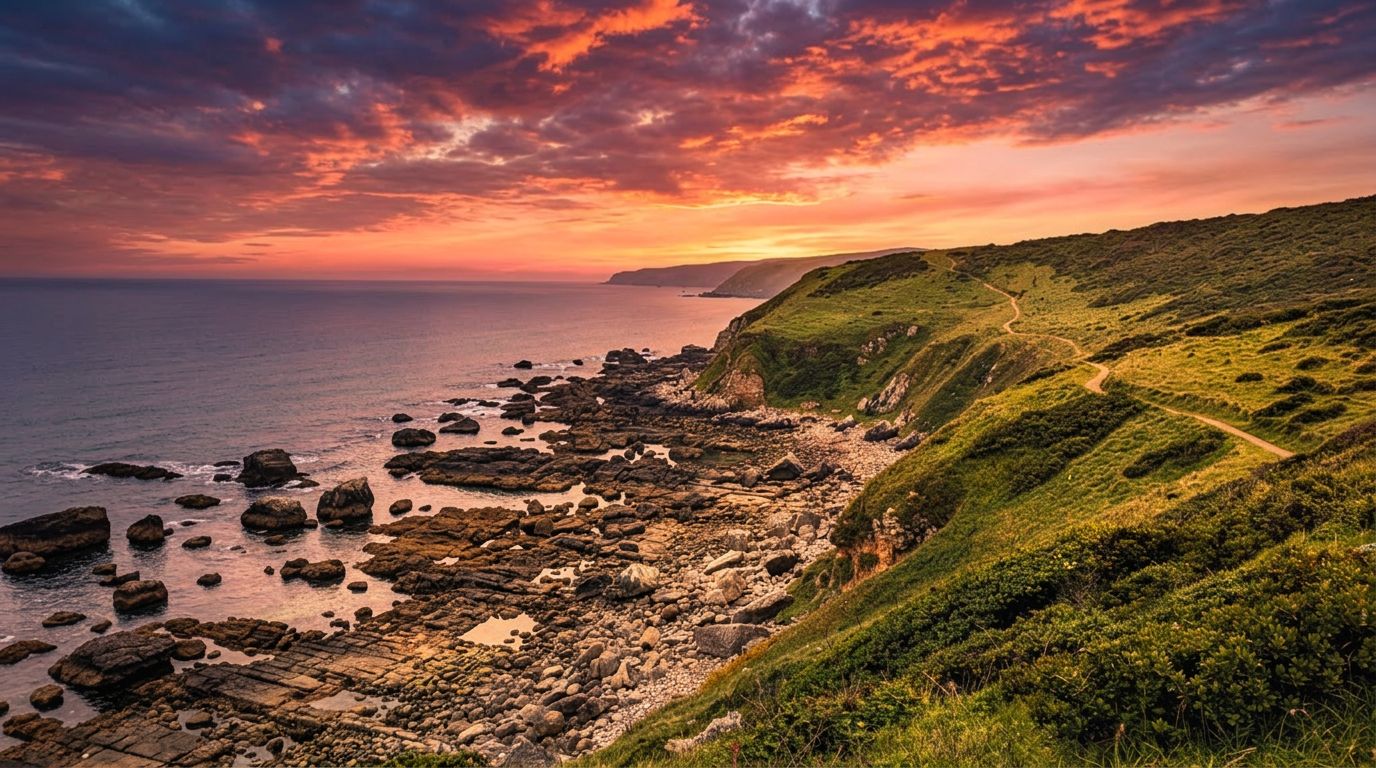
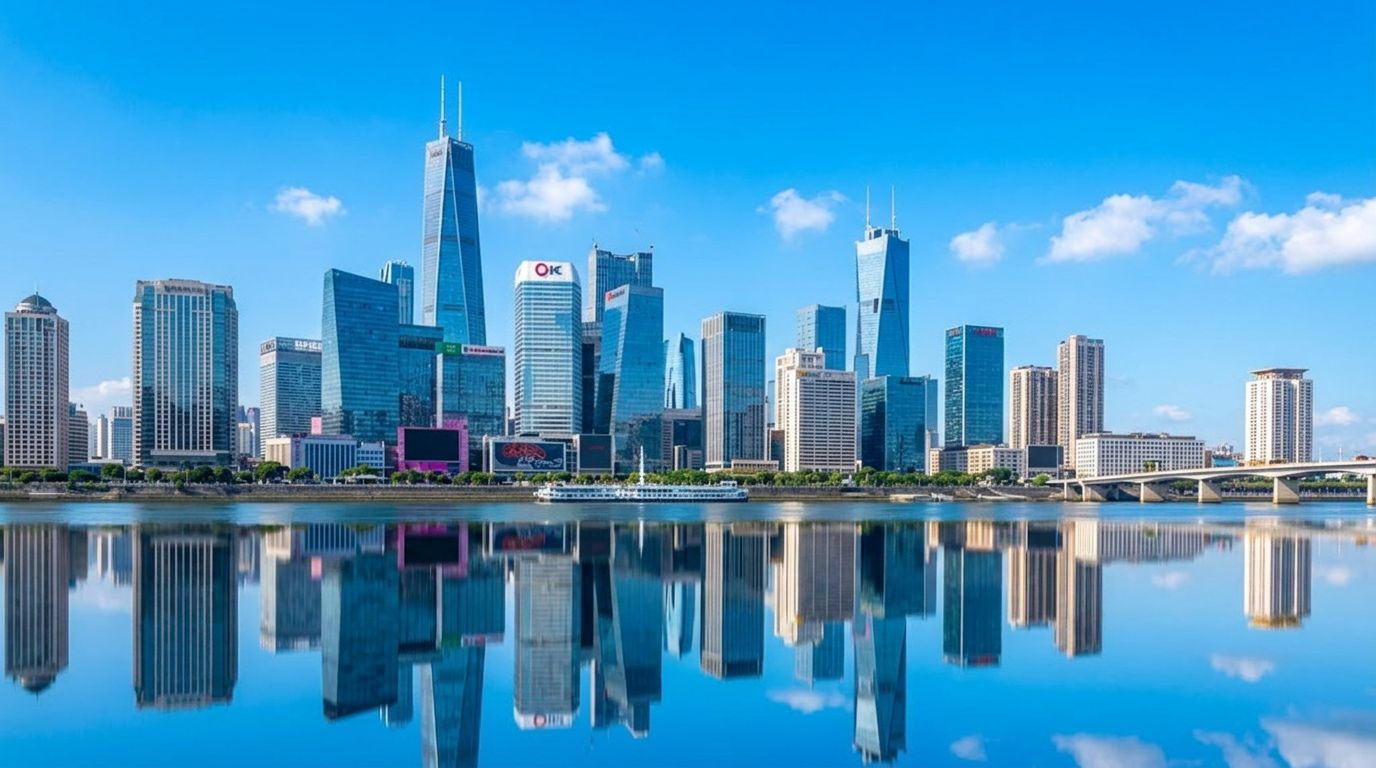
TAIVAS VAIHTO
Esimerkki tarkasta maisemien korjailusta muuttamalla tylsiä taivaita maisemakuvissa visuaalisesti upeiksi tuloksiksi, täydelliset matkailu- ja kiinteistösisältöön.
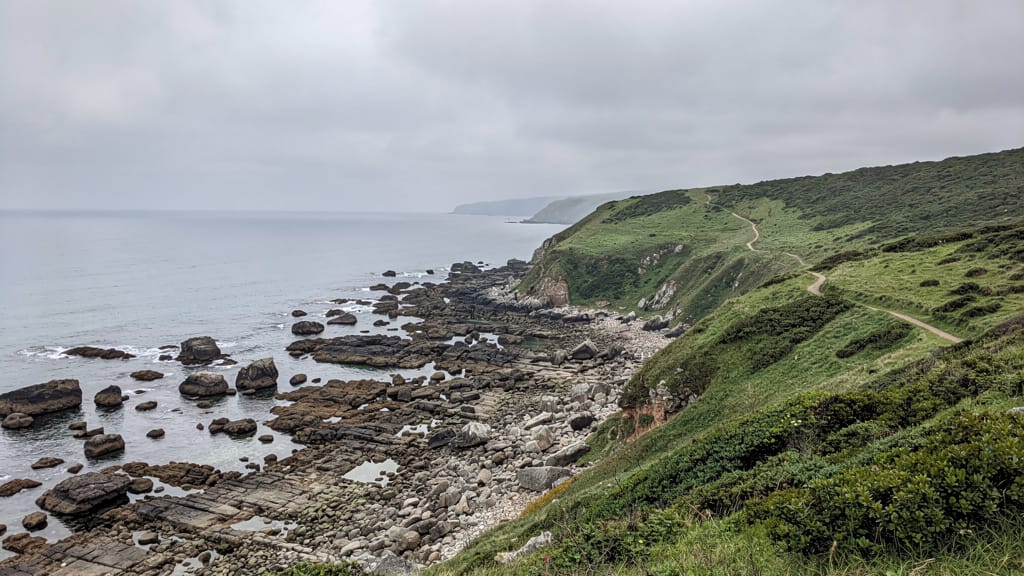
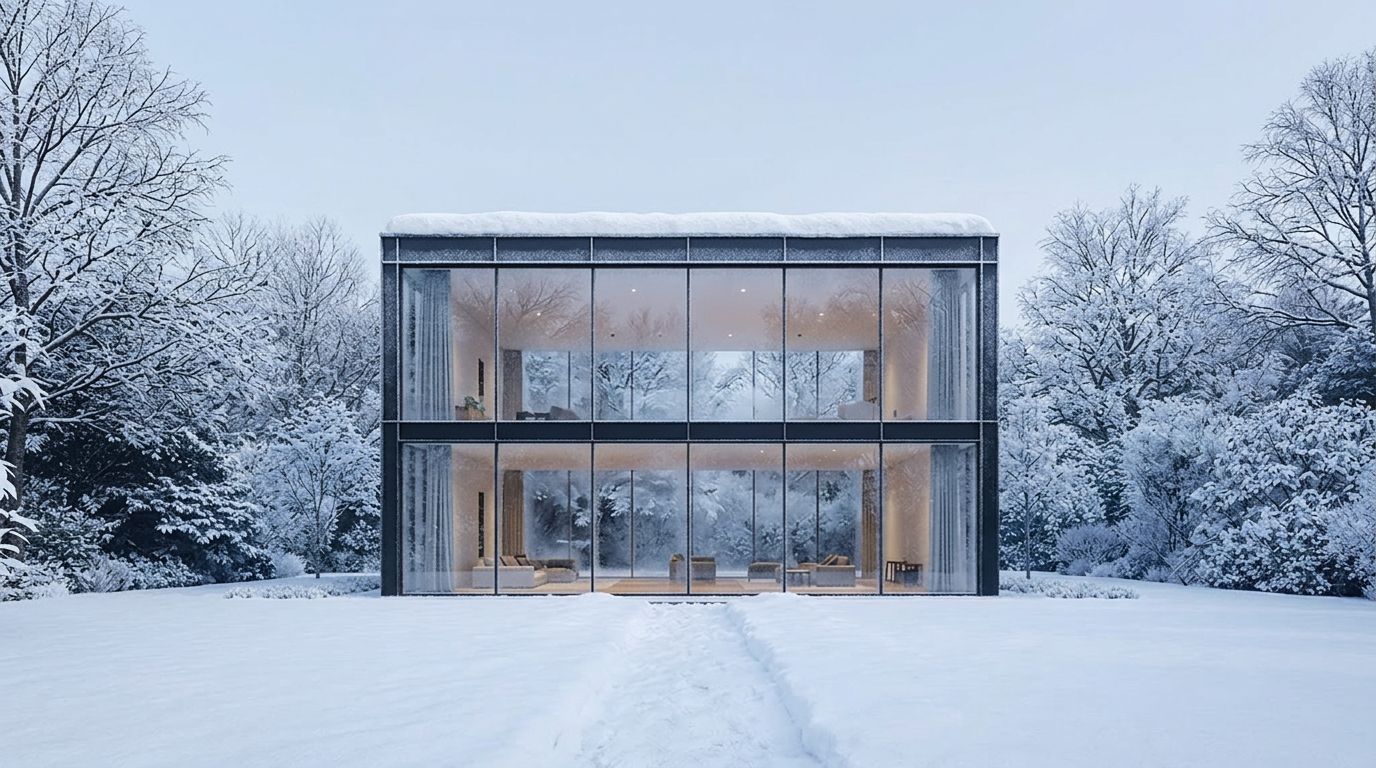
VUODENAIKA KOHTAUS VAIHTO
Korostaa voimakkaita ympäristömuutoksia arkkitehtuuri- ja maisemakohtauksissa, ihanteellinen digitaalisille taiteilijoille ja sisällöntuottajille dramaattisiin vuodenvaihtumisiin.
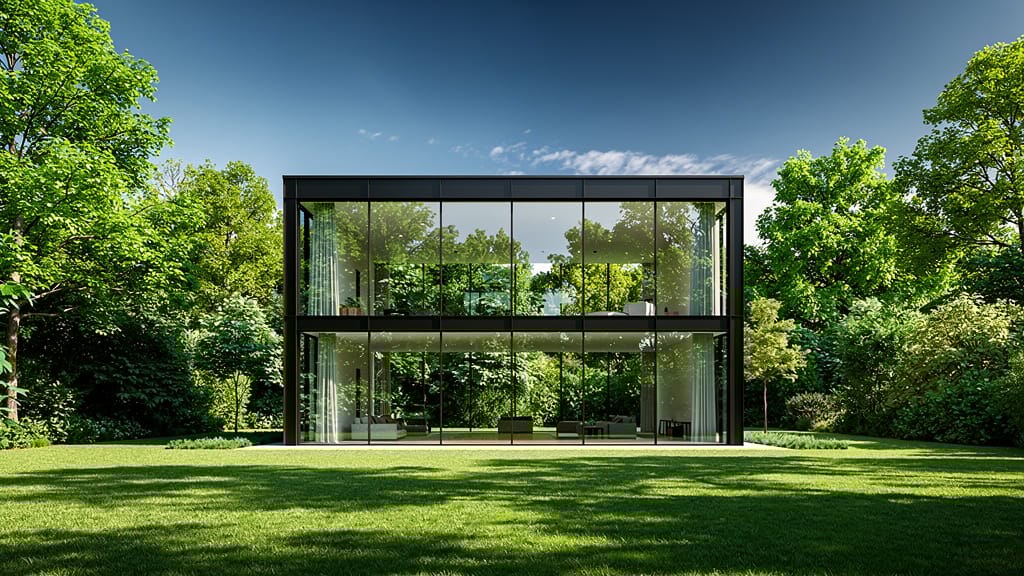
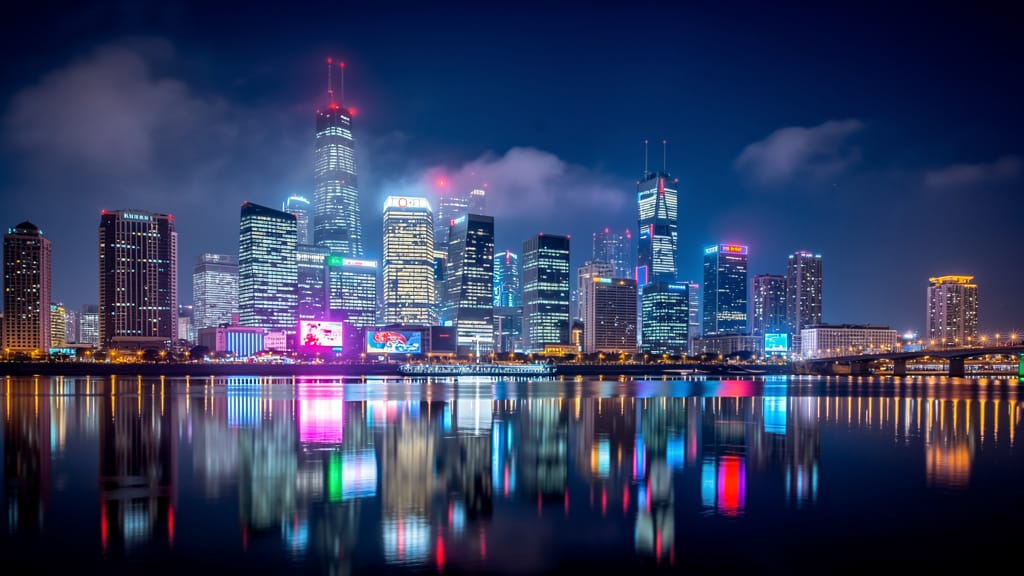
YÖSTÄ PÄIVÄÄN MUUNNOS
Esittelee edistyksellistä vuorokaudenaikamuokkausta arkkitehtuuri- ja matkakuvauksessa, muuttaen yökohtaukset realistisiksi kirkkaiksi päiväversioiksi.
Vertaile samankaltaisiin malleihin
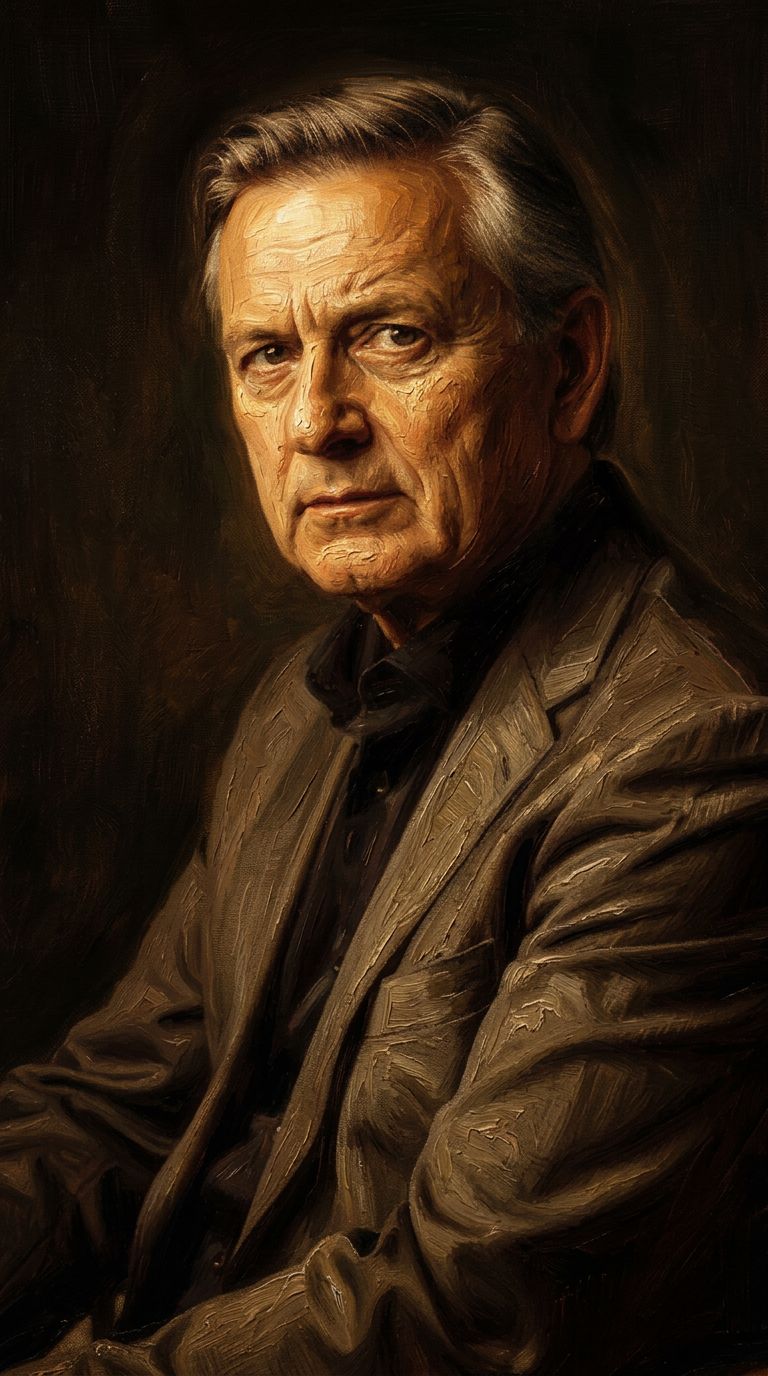
“Transform into a classical oil painting in the style of Rembrandt. Add visible impasto brushstrokes with thick paint texture. Apply warm golden undertones and dramatic chiaroscuro lighting with deep shadows. Enhance the dramatic contrast while preserving facial structure and expression. Add subtle canvas texture visible through the paint layers.”
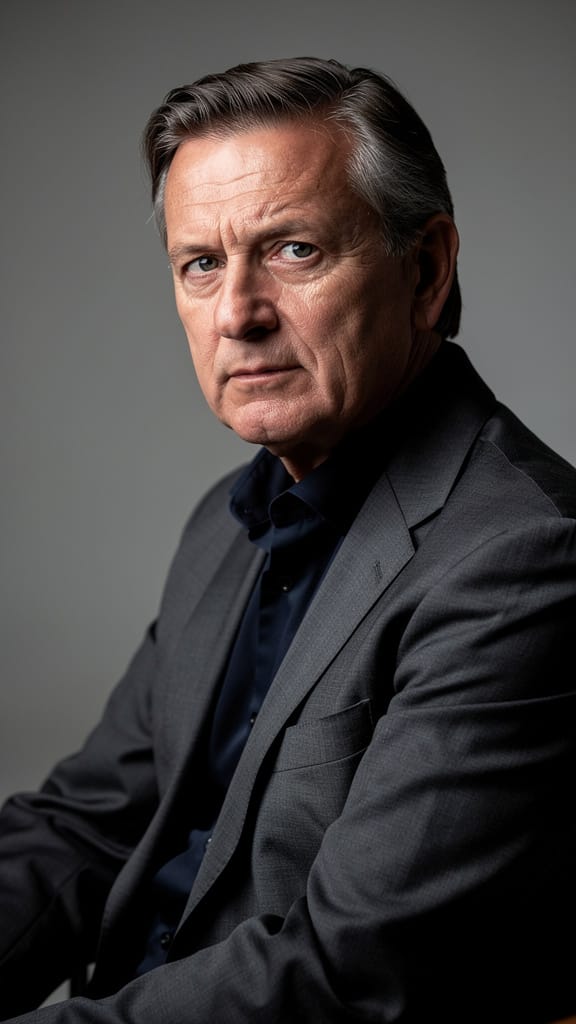
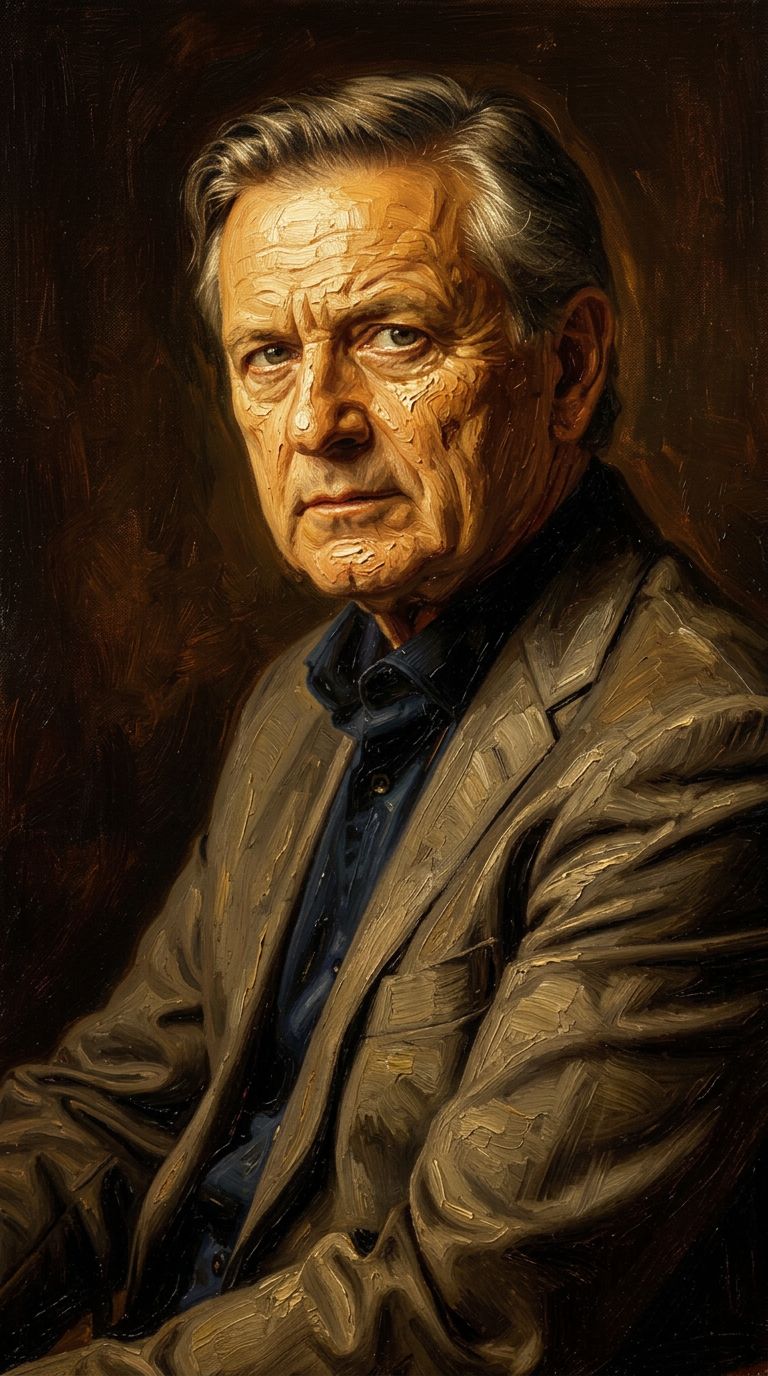
![FLUX.2 [klein] 9B LoRA output](https://shortgenius.com/cdn-cgi/image/width=3840,quality=80,format=auto/https://assets.shortgenius.com/example-model-output/cbfd8f70-6bf2-467b-918f-b020118b8db0.png)

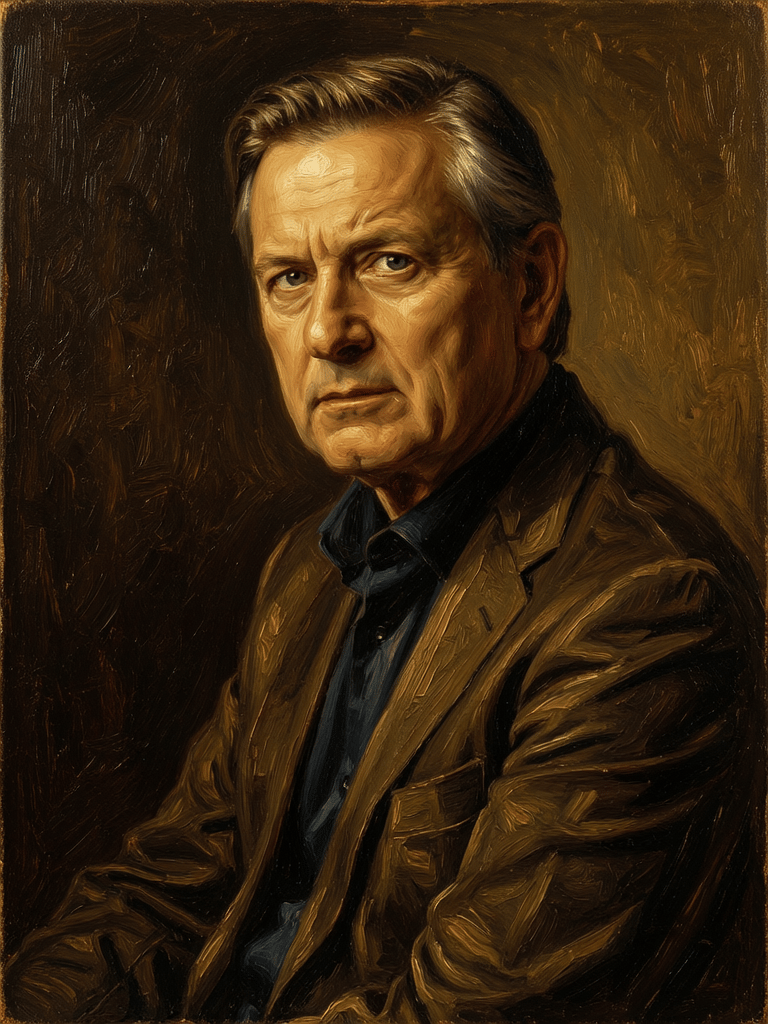
![FLUX.2 [klein] 9B LoRA output](https://shortgenius.com/cdn-cgi/image/width=3840,quality=80,format=auto/https://assets.shortgenius.com/example-model-output/cc1806c8-2af0-47e7-bd34-a95d2d180bfb.png)

![FLUX.2 [klein] 4B LoRA output](https://shortgenius.com/cdn-cgi/image/width=3840,quality=80,format=auto/https://assets.shortgenius.com/example-model-output/10a63e77-67c3-46e6-83d3-b7b93355e72c.png)


Koe täydellisyys Nano Banana 2:lla
Siirry tänään päättelyohjatun synteesin käyttöön
Usein kysytyt kysymykset
Samankaltaiset mallit
Firered Image Edit V1.1
Advanced AI-powered image editing
0.4 krediittiä
![FLUX.2 [klein] 4B LoRA](https://v3b.fal.media/files/b/0a928e1f/c62zNs4MhBXgm-5w7n0C5_90bad8837ecc451e96f91da93b78f564.jpg)
FLUX.2 [klein] 4B LoRA
Edit images with text, colors
8 krediittiä
Qwen Image 2
Unified image editing and generation
0.6 krediittiä
Wan
Text-guided creative image editing
0.2 krediittiä
Qwen Image 2
Unified AI image editing model
0.5 krediittiä
Gemini 3.1 Flash Image Preview
Ultra-fast Google image editing
0.7 krediittiä
![FLUX.2 [klein] 9B LoRA](https://v3b.fal.media/files/b/0a928e3b/sIC-Ne9BMwZZtBvR3FwKN_9a724704a550471a9df59999e9e1017f.jpg)
FLUX.2 [klein] 9B LoRA
Precise natural language image editing
0.5 krediittiä
Joyai Image Edit
Natural language image editing
0.8 krediittiä
![FLUX.2 [klein] 9B LoRA](https://v3b.fal.media/files/b/0a928dd2/yFNW07YLHtp5zuE4eJAW1_e2f89915a1b740559b3c652b0b028296.jpg)
FLUX.2 [klein] 9B LoRA
Precise image edits, color control
0.3 krediittiä