Qwen Image Edit 2511
Präzise Bildbearbeitung
Edit images using text prompts
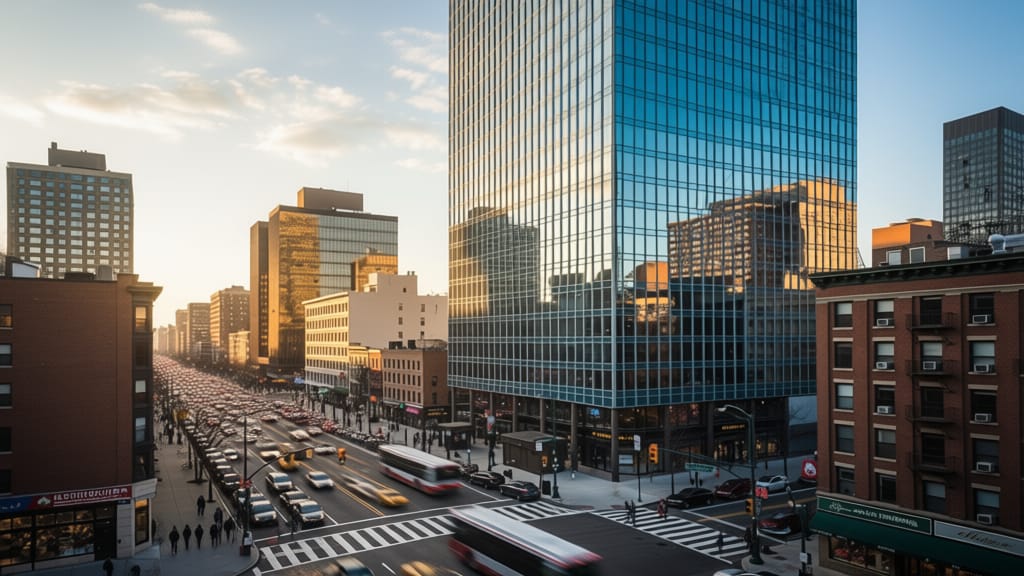
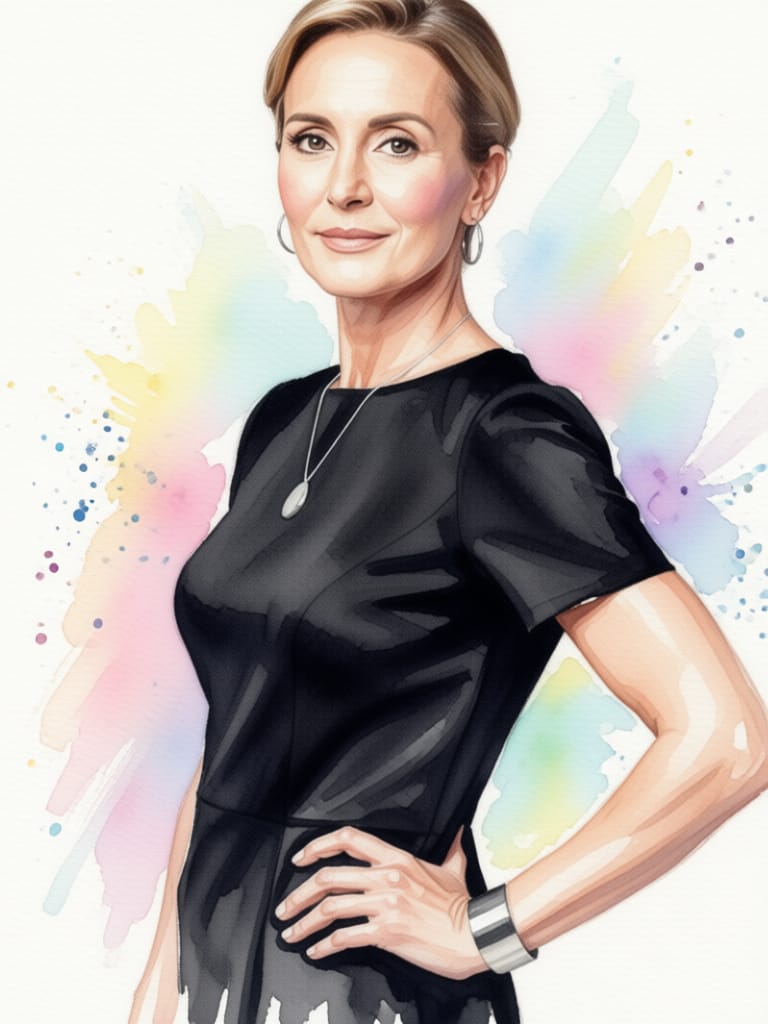
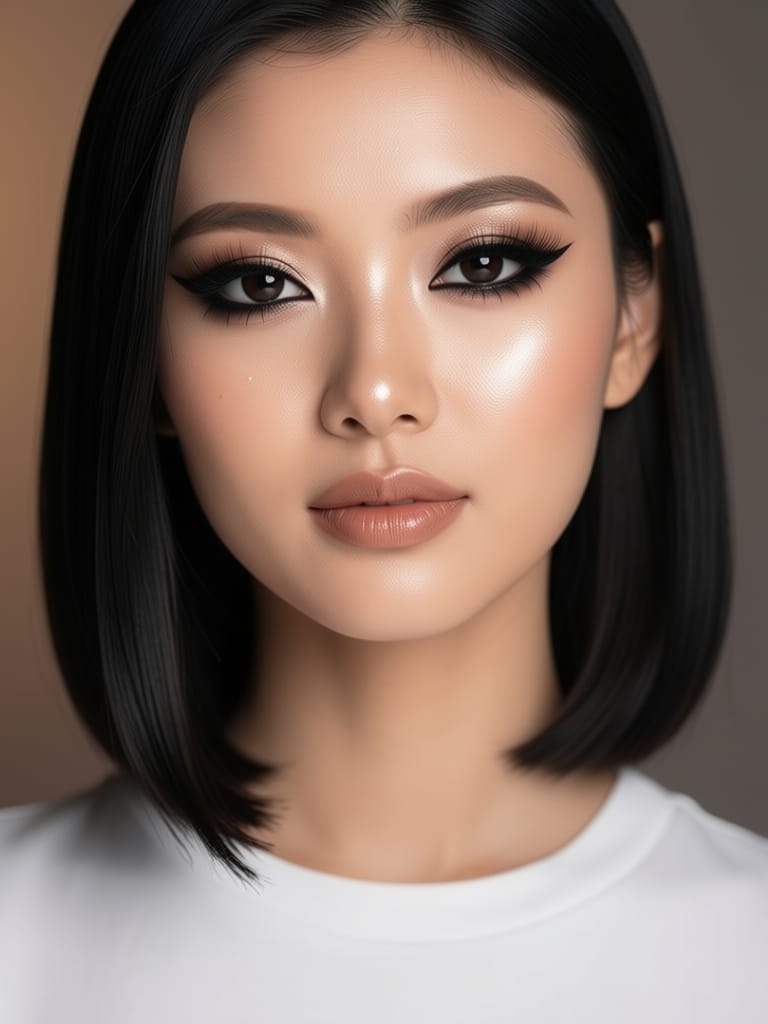
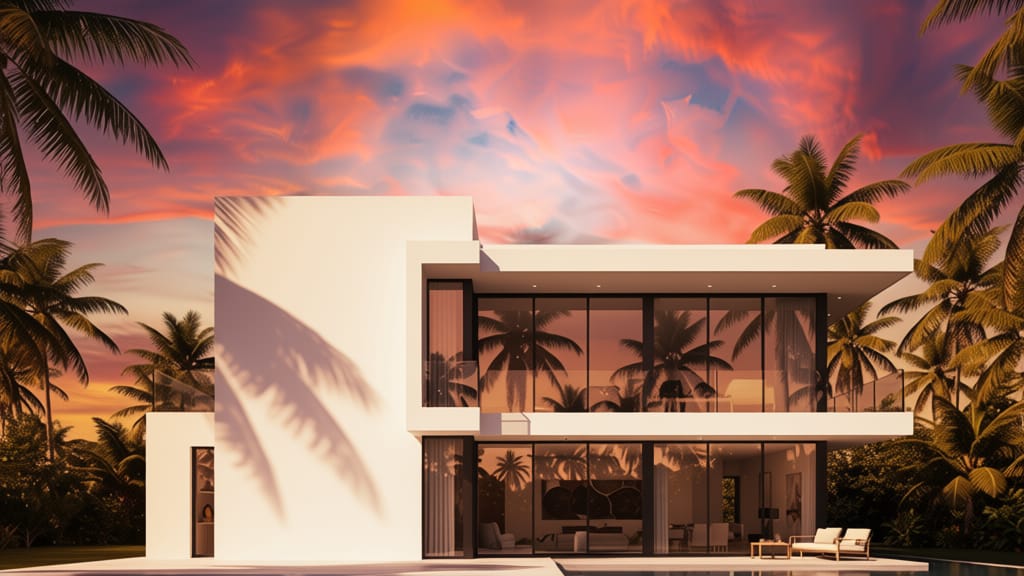
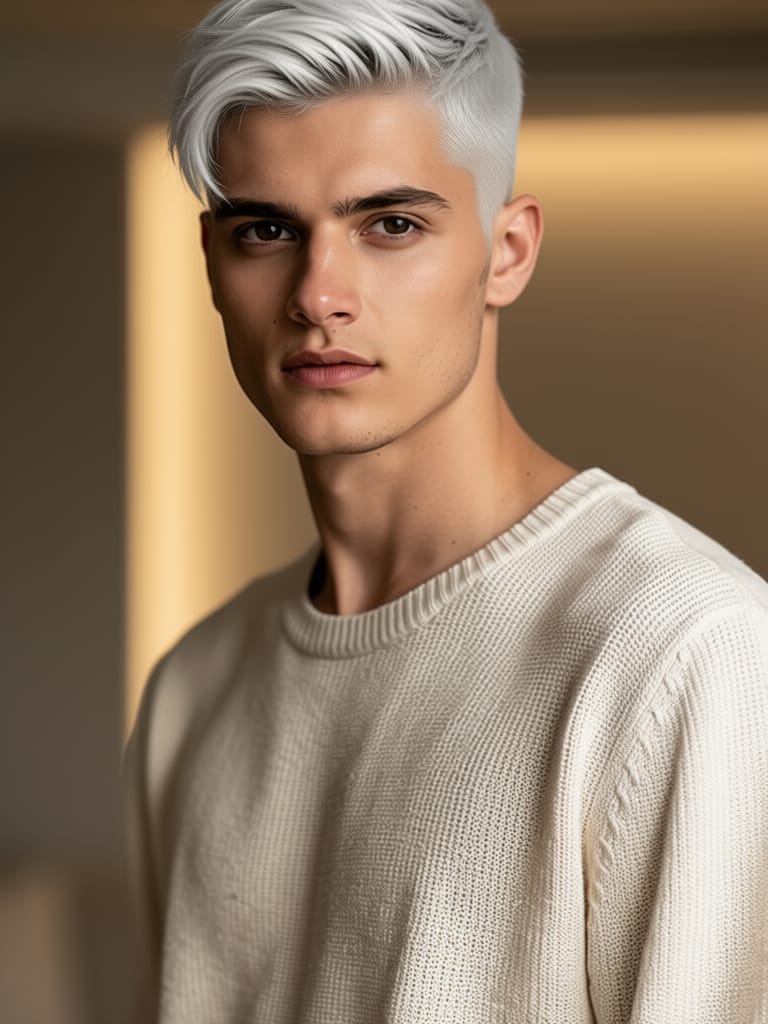
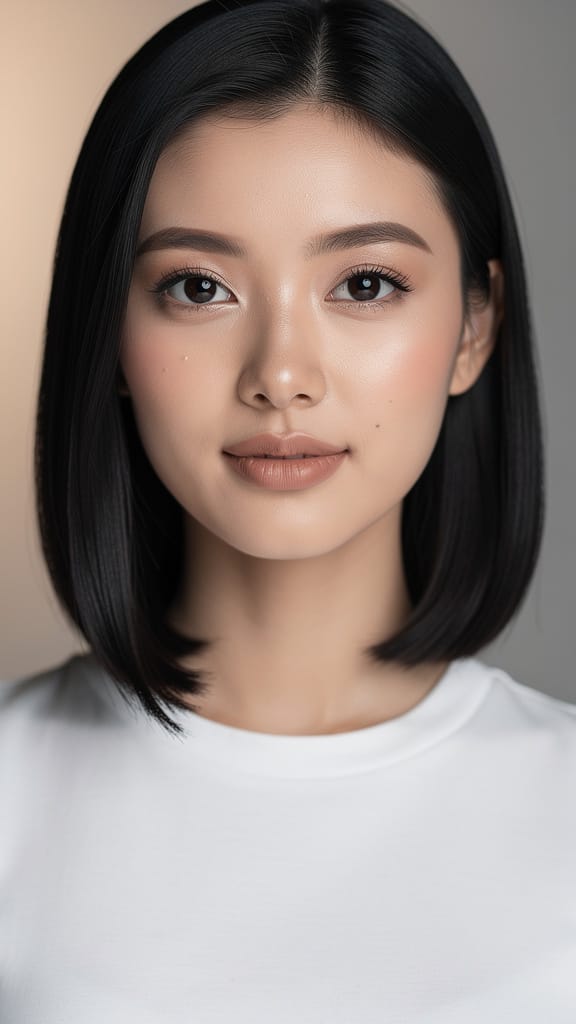
MAKE-UP-TRANSFORMATION
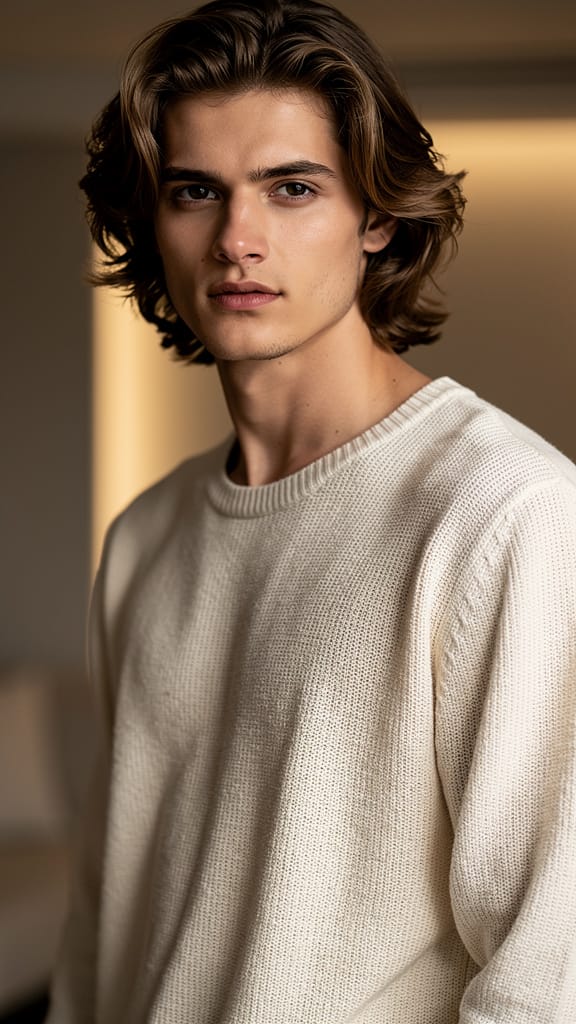
FRISUREN-TAUSCH
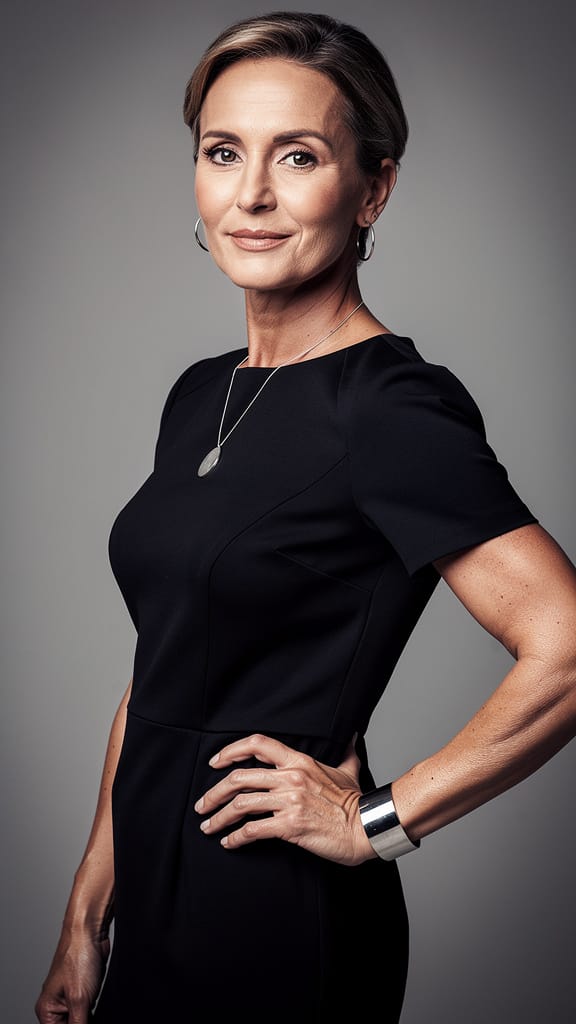
ARTISTISCHER STILTRANSFER
Qwen Image Edit 2511 ist ein ausgefeiltes Bild-zu-Bild-Bearbeitungsmodell von Black Forest Labs, das für kreative Profis entwickelt wurde, die Bilder durch intuitive, textbasierte Anweisungen transformieren und bearbeiten möchten. Egal ob Künstler, Designer, Filmemacher oder Content-Creator – dieses Tool ermöglicht es Ihnen, bestehende Bilder mit präziser, kreativer Steuerung durch einfache Sprachprompts zu modifizieren. Das bedeutet, Sie können die gewünschten Änderungen beschreiben – wie „Winkel zu Frontansicht ändern“ – und das Modell interpretiert Ihre Absicht und wendet sie direkt auf das hochgeladene Bild an.
Qwen Image Edit 2511 ist ideal für alle, die ein hohes Maß an kreativer Freiheit suchen, und deckt ein breites Spektrum visueller Projekte ab. Von Moodboard-Transformationen, Concept-Art-Iterationen und schnellem visuellen Prototyping bis hin zu redaktionellen Änderungen und visueller Content-Produktion – dieses Modell beschleunigt und verbessert Ihren kreativen Workflow. Die Benutzeroberfläche unterstützt Eingaben aus verschiedenen Bildquellen – Hochladen vom Computer, Einfügen aus der Zwischenablage, Ziehen von Webseiten oder direkte URL-Eingabe – und macht es flexibel und einfach in jeden kreativen Prozess integrierbar.
Qwen Image Edit 2511 bietet eine Reihe kreativer Steuerungselemente, um Ihre Bildbearbeitungserfahrung anzupassen. Sie können den Detailgrad feinjustieren (z. B. mit Einstellungen wie Prompt-Treue), mehr oder weniger kreative Freiheit für das Modell zulassen und die Qualitätseinstellung anpassen. Das Modell erlaubt es Ihnen, die Ausgabedimensionen festzulegen oder gängige Seitenverhältnisse wie quadratisch, Hochformat (4:3 oder 16:9) und Querformat (4:3 oder 16:9) auszuwählen, sodass Ihre Ausgabe den Anforderungen Ihres Projekts entspricht. Optional können Sie die Ausgabegröße identisch mit dem Original belassen.
Unterstützte Ausgabeformate umfassen PNG, JPEG und WebP, für maximale Flexibilität beim Online-Veröffentlichen, Weiterbearbeiten oder Archivieren. Sie können von einer bis zu vier Varianten gleichzeitig generieren, was A/B-Tests und Stil-Auswahl in Ihrem Workflow erleichtert.
Qwen Image Edit 2511 schafft nicht nur eine statische Transformation – es gibt Raum für Experimente. Mit der Möglichkeit, einen festen „Seed“ zu setzen, können kreative Profis konsistente Ergebnisse über Iterationen hinweg erzeugen, was das Verfeinern von Konzepten oder das Halten visueller Kontinuität erleichtert. Beim Bearbeiten können Sie Stile, Perspektiven spezifizieren oder das Modell mit einem negativen Prompt anweisen, bestimmte kreative Richtungen zu vermeiden, um unerwünschte Elemente oder Themen herauszufiltern.
Das Modell unterstützt eine hohe maximale Bilddimension mit Ausgaben bis zu 14.142 Pixeln in Breite oder Höhe, wobei Sie auch deutlich kleinere Dimensionen für Web- oder Mobile-Anwendungen nutzen können. Zu den kreativen Steuerungen gehört ein Safety-Checker, der bei Aktivierung sicherstellt, dass generierter Content sicher und für professionelle Umgebungen geeignet bleibt.
Keine technische Komplexität erforderlich – der Fokus liegt rein auf Kreativität und Kontrolle. Beschreiben Sie einfach, was Sie wollen, wählen Sie Ihr Bild, passen Sie die kreativen Steuerungen an und erhalten Sie einsatzbereite, herunterladbare Bilder oder Ergebnisse in einem Format für die Weiterverarbeitung in Ihrem Workflow.
Einschränkungen sind nicht umfassend dokumentiert, aber wie bei jedem automatisierten Bildbearbeitungstool können Ergebnisse je nach Prompt-Spezifität und Bildkomplexität variieren. Für optimale Ergebnisse verwenden Sie klare, beschreibende Prompts und achten Sie auf die Qualität des Eingabebildes, da diese Faktoren die Qualität und Relevanz der Bearbeitungen direkt beeinflussen.
Bearbeiten Sie mit dem fortschrittlichsten Bildeditor
Add the image that you want change
Bild hochladen
Fügen Sie das Bild hinzu, das Sie bearbeiten oder umwandeln möchten
A woman kneeling in darkness, illuminated by a warm, radiant beam of light emerging from her raised hand.
Beschreiben Sie Ihre Änderungen
Beschreiben Sie die gewünschten Bearbeitungen – Stiländerungen, Objektentfernung oder Verbesserungen
Teilen starten
Laden Sie Ihr professionell bearbeitetes Bild herunter
Jenseits des Prompts: Ein neues Level der Kontrolle
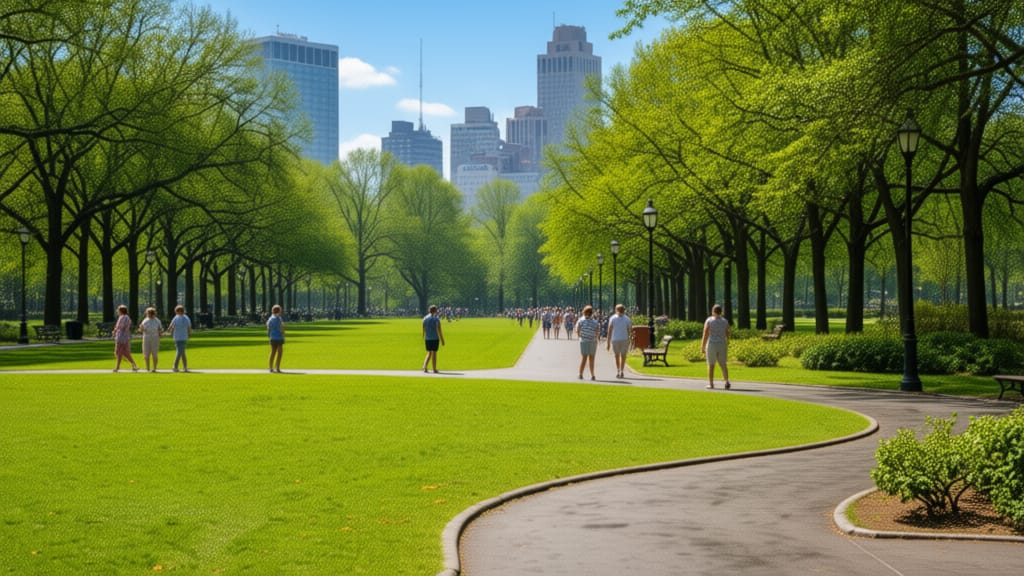
DIGITALER HIMMELTAUSCH
Demonstriert leistungsstarke Hintergrundmanipulation in Weitwinkel-Szenen, ideal für Travel, Immobilien oder Landschaftsverbesserung.
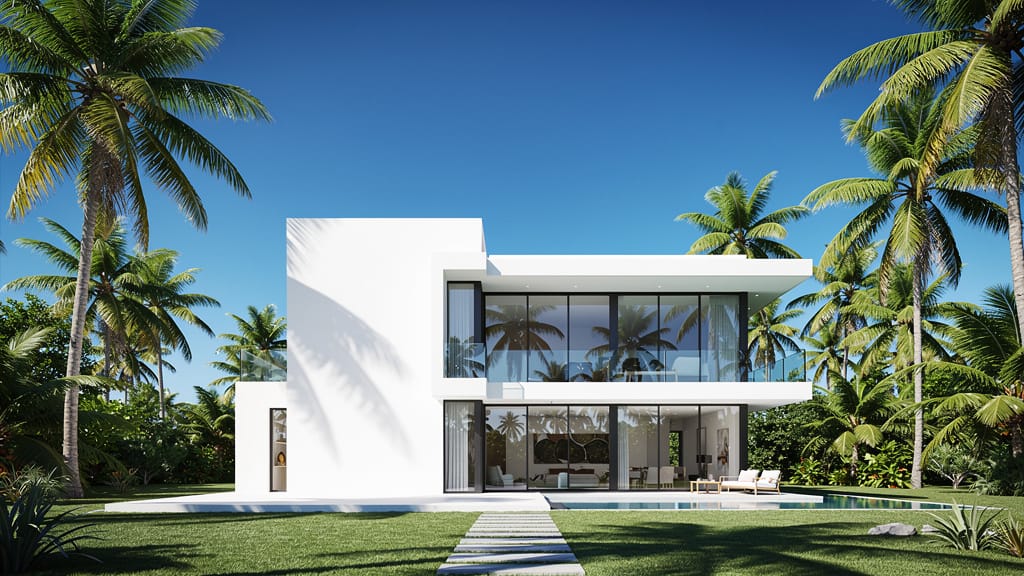
PERSPEKTIVENWECHSEL
Belegt die Fähigkeit des Modells, Szenen aus neuen Winkeln neu zu interpretieren – super für Architekturvisualisierungen und kreatives Storytelling.
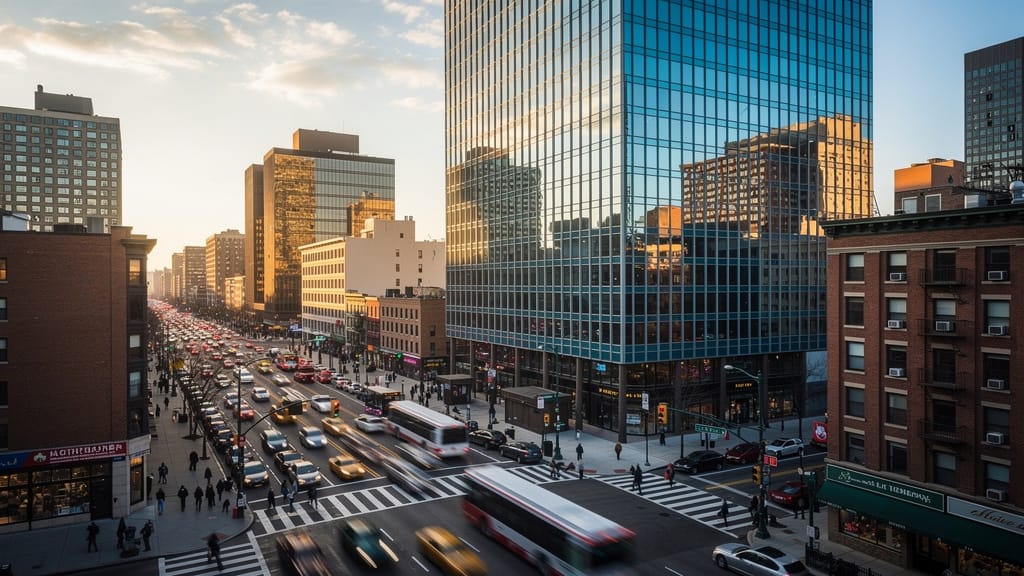
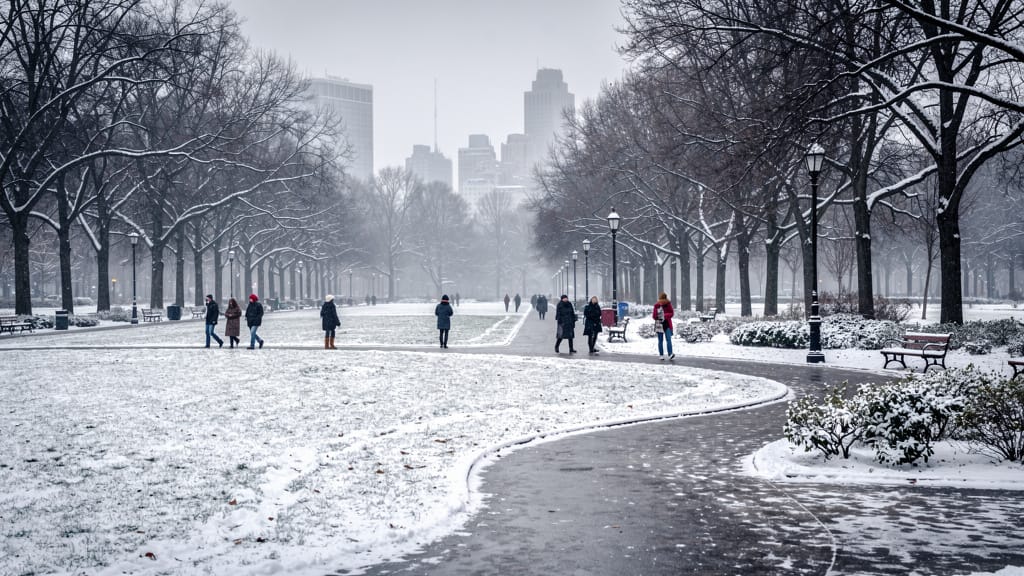
SAISONALE SZENENBEARBEITUNG
Ermöglicht dynamische Umweltänderungen, um denselben Ort über Jahreszeiten zu transformieren – für Design, Marketing oder Storytelling.
Mit ähnlichen Modellen vergleichen
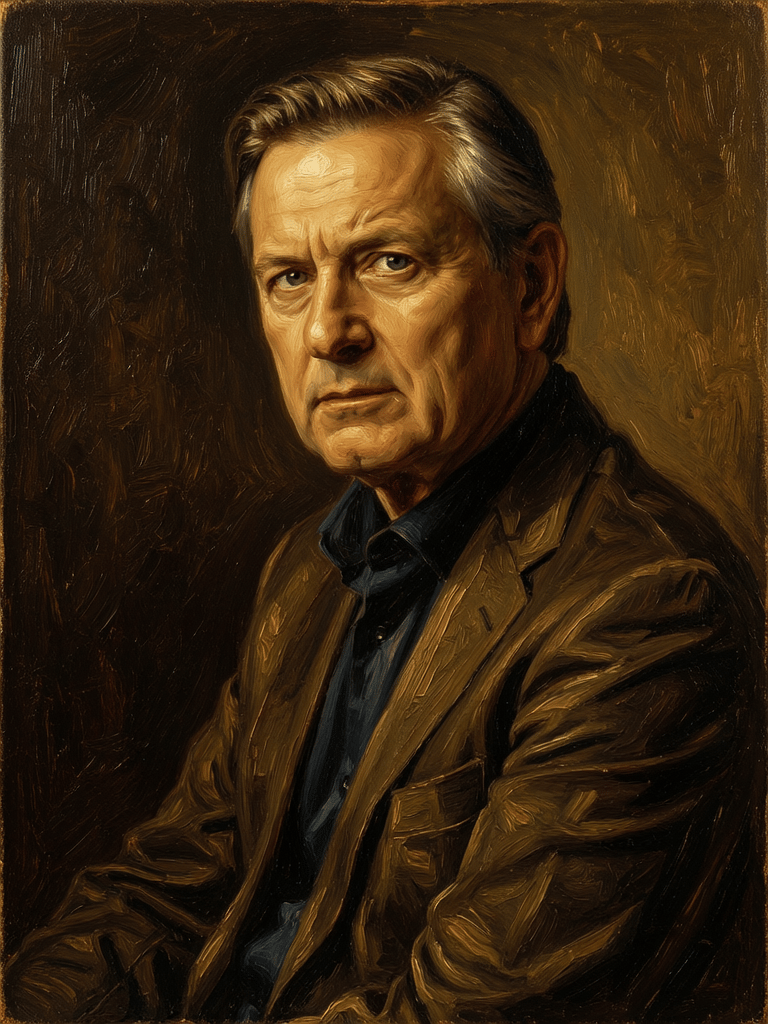
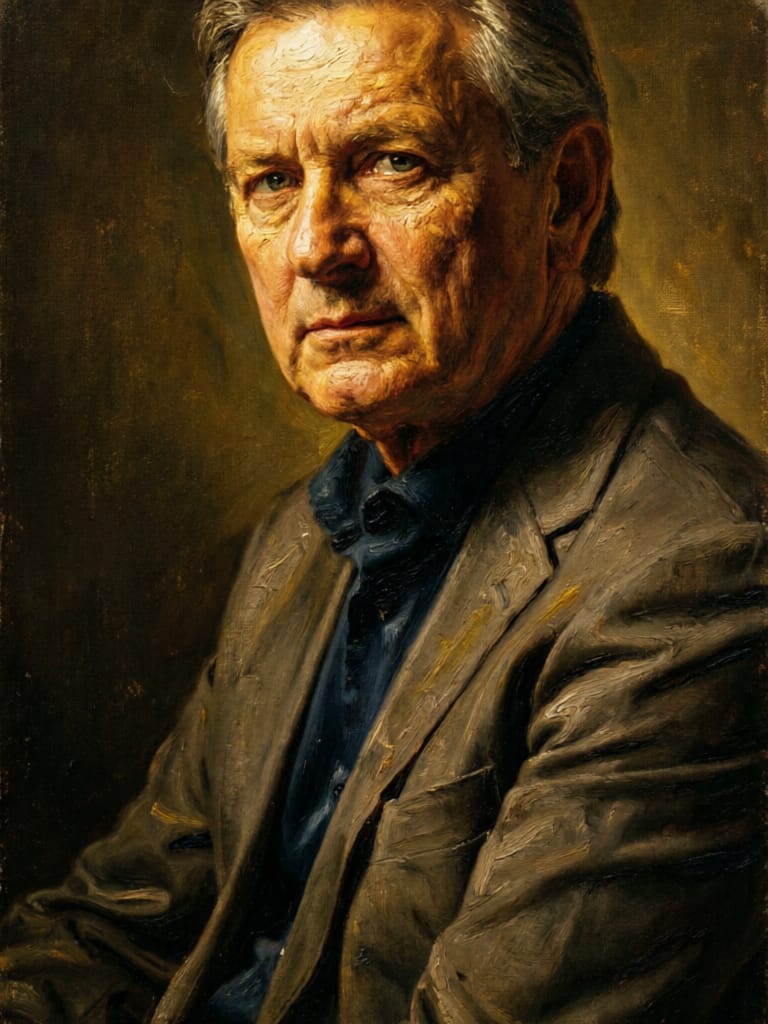
“Transform into a classical oil painting in the style of Rembrandt. Add visible impasto brushstrokes with thick paint texture. Apply warm golden undertones and dramatic chiaroscuro lighting with deep shadows. Enhance the dramatic contrast while preserving facial structure and expression. Add subtle canvas texture visible through the paint layers.”
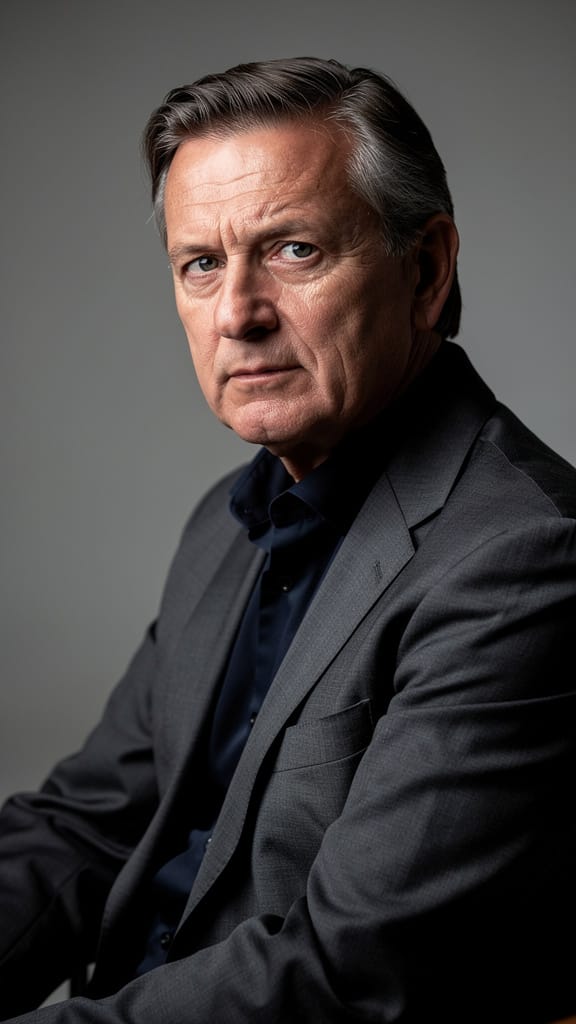
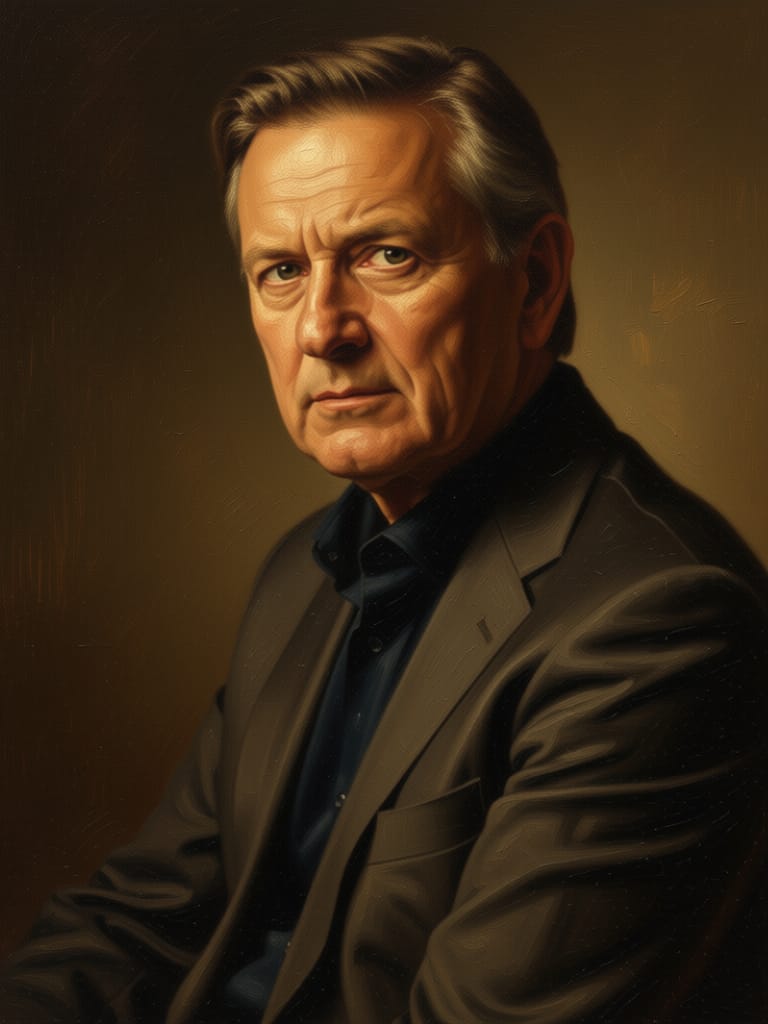

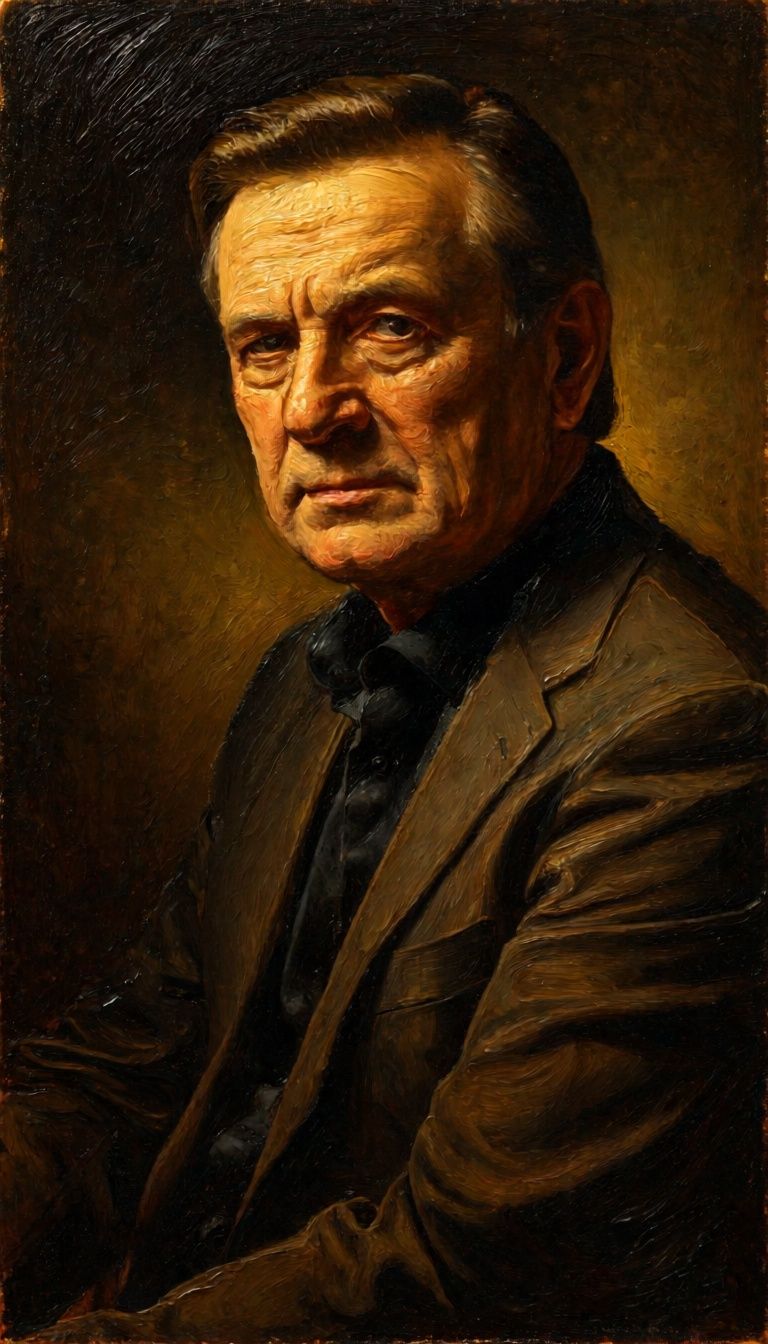

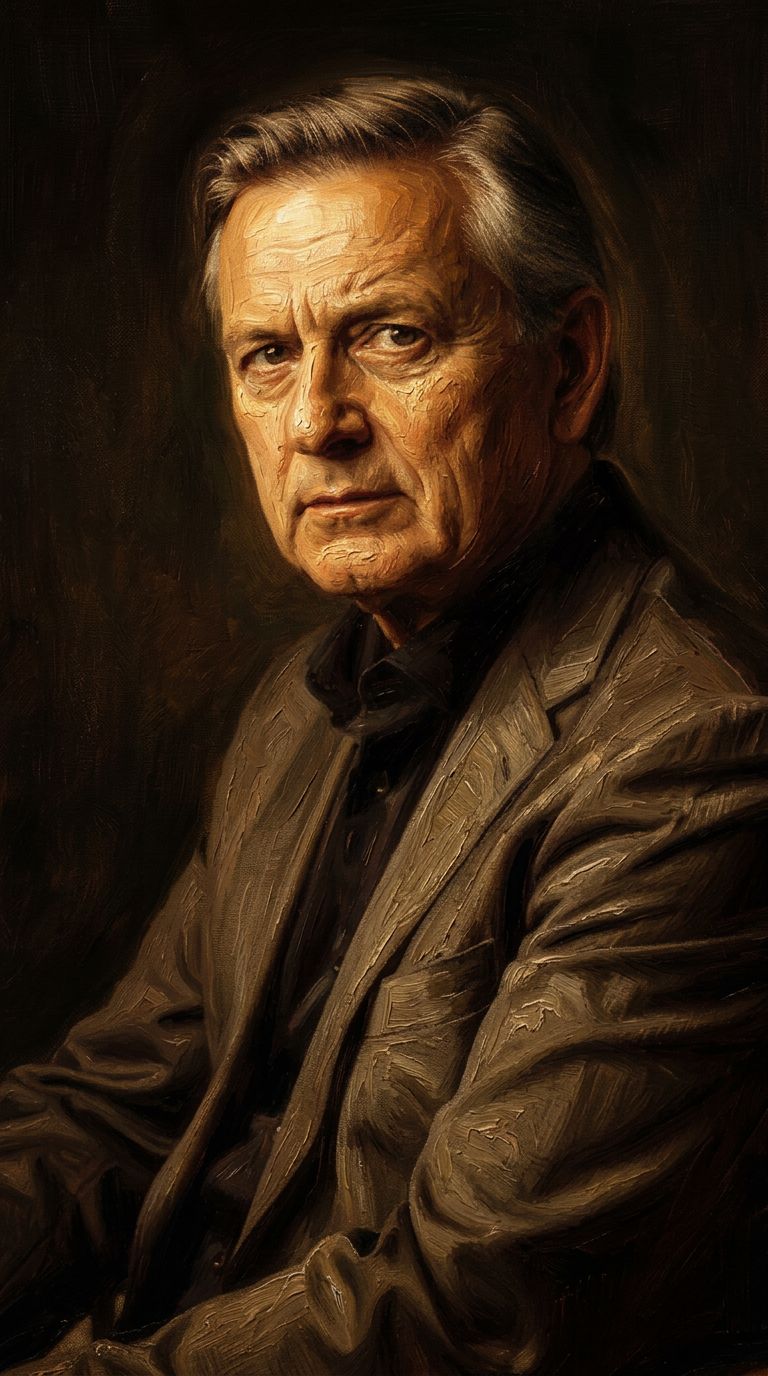

![FLUX.2 [klein] 4B LoRA output](https://shortgenius.com/cdn-cgi/image/width=3840,quality=80,format=auto/https://assets.shortgenius.com/example-model-output/10a63e77-67c3-46e6-83d3-b7b93355e72c.png)

![FLUX.2 [klein] 9B LoRA output](https://shortgenius.com/cdn-cgi/image/width=3840,quality=80,format=auto/https://assets.shortgenius.com/example-model-output/cbfd8f70-6bf2-467b-918f-b020118b8db0.png)
Erleben Sie Perfektion mit Qwen Image Edit 2511
Wechseln Sie heute zur durch Reasoning gesteuerten Synthese
Häufig gestellte Fragen
Ähnliche Modelle
Qwen Image 2
Unified AI image editing model
0.5 Credits
Wan
Text-guided creative image editing
0.2 Credits
Physic Edit
Realistic physics-based image editing
1.2 Credits
Joyai Image Edit
Natural language image editing
0.8 Credits
Qwen Image 2
Unified image editing and generation
0.6 Credits
Hy Wu Edit
Edit images with reference photos
0.4 Credits
![FLUX.2 [klein] 9B LoRA](https://v3b.fal.media/files/b/0a928dd2/yFNW07YLHtp5zuE4eJAW1_e2f89915a1b740559b3c652b0b028296.jpg)
FLUX.2 [klein] 9B LoRA
Precise image edits, color control
0.3 Credits
![FLUX.2 [klein] 4B LoRA](https://v3b.fal.media/files/b/0a928e1f/c62zNs4MhBXgm-5w7n0C5_90bad8837ecc451e96f91da93b78f564.jpg)
FLUX.2 [klein] 4B LoRA
Edit images with text, colors
8 Credits
Wan
Pro text-guided image editing
0.3 Credits