Wan v2.6 Image to Image
Blend up to three reference images into one edited scene
Edit images using reference photos
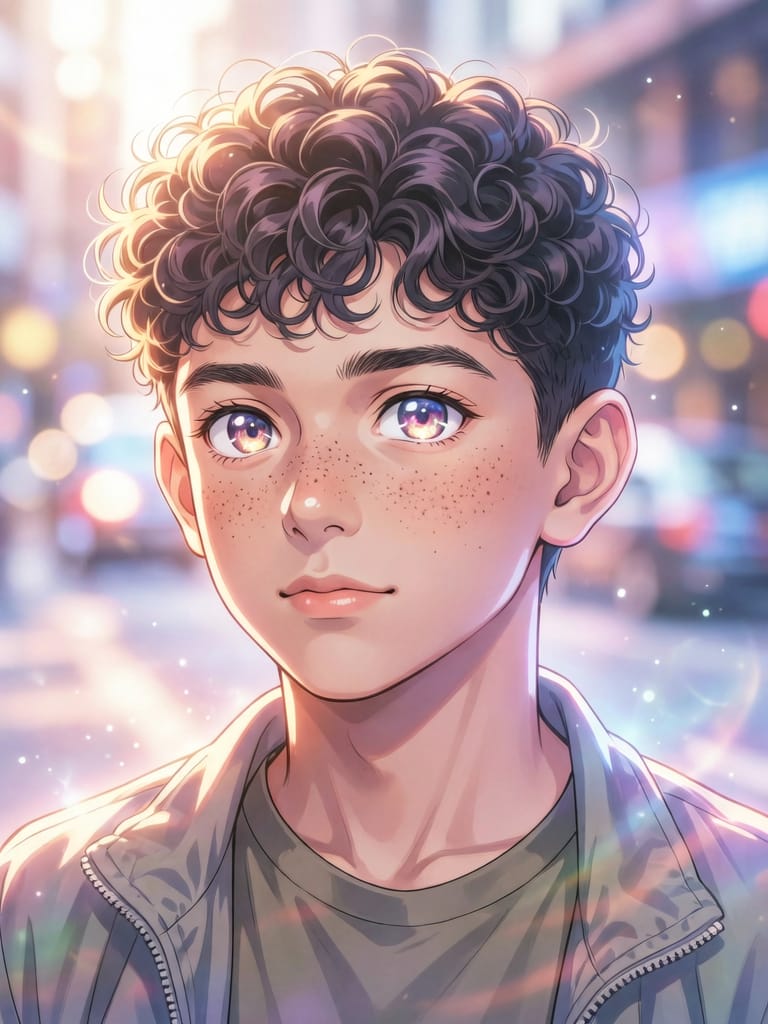
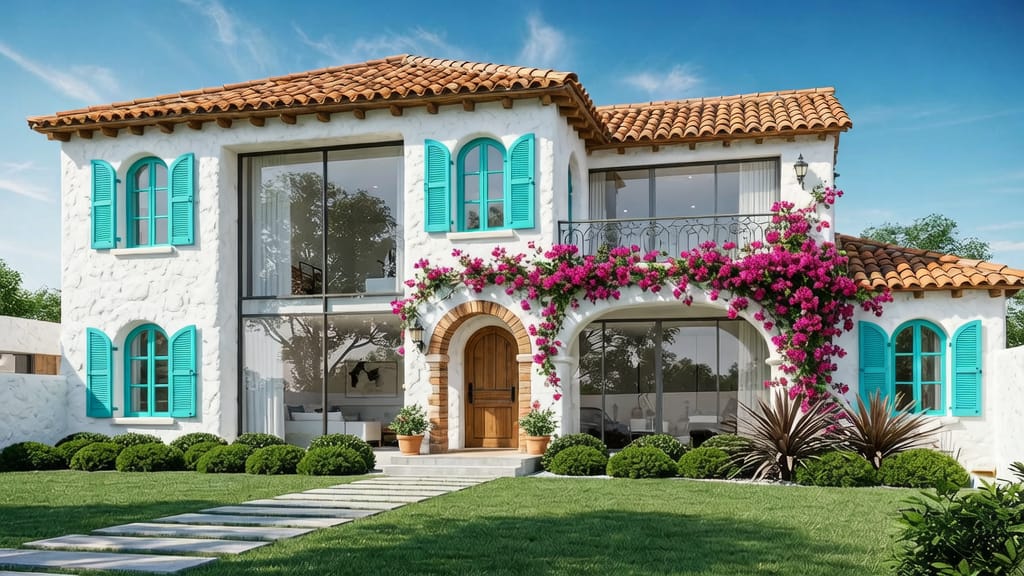
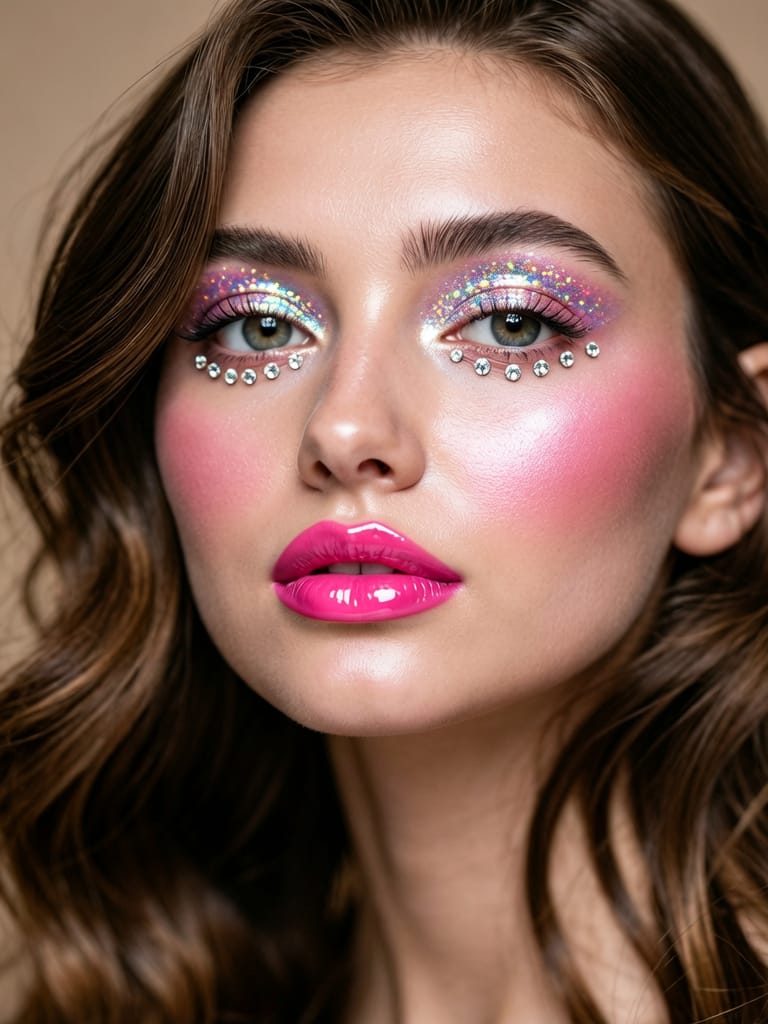
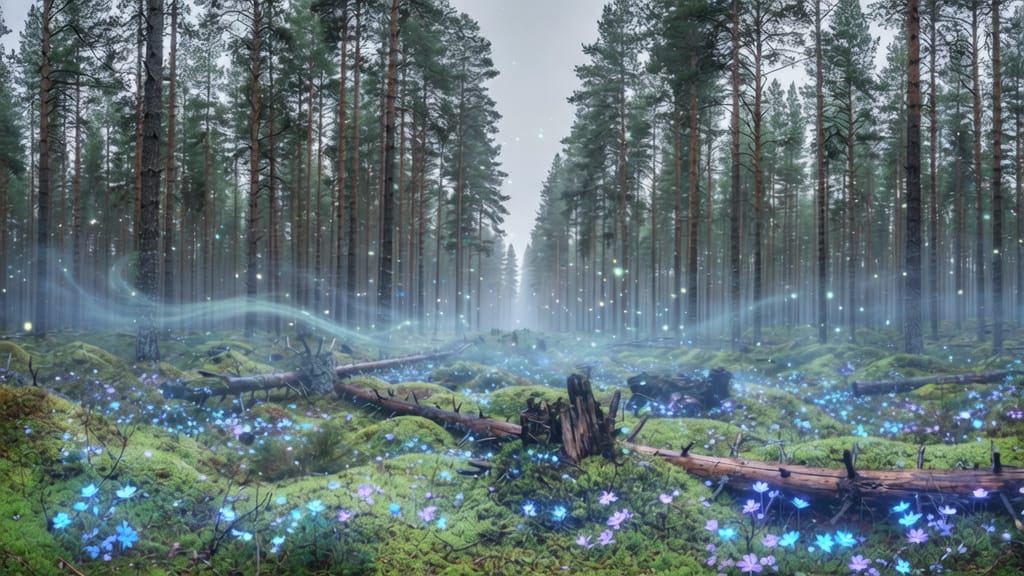
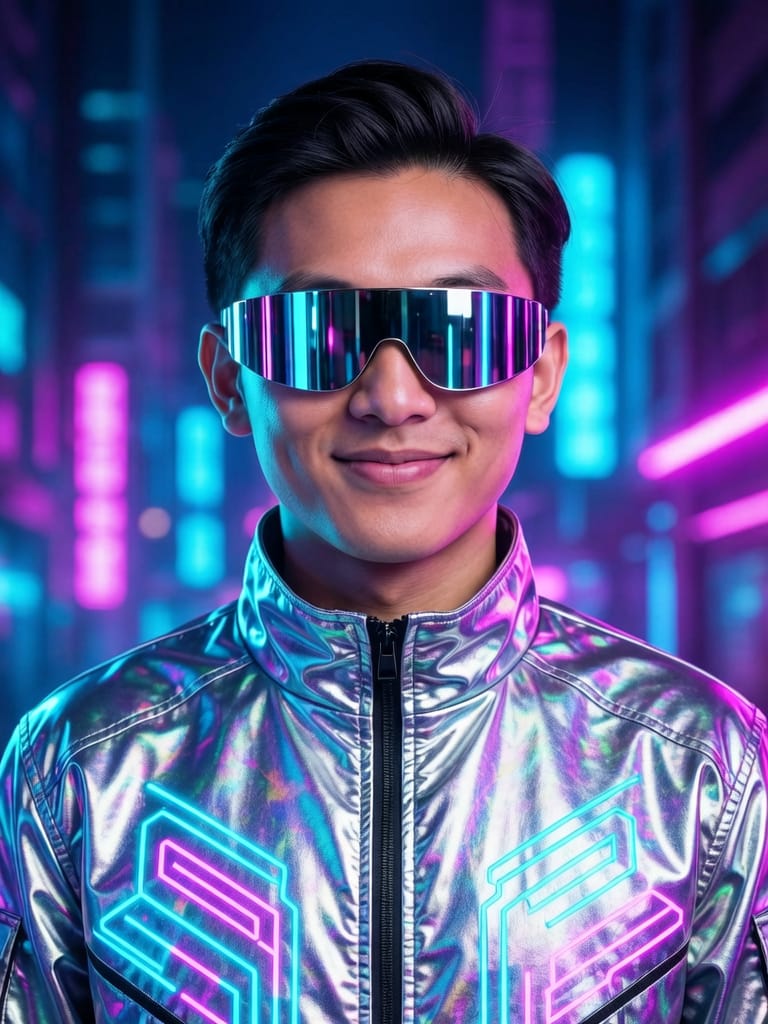
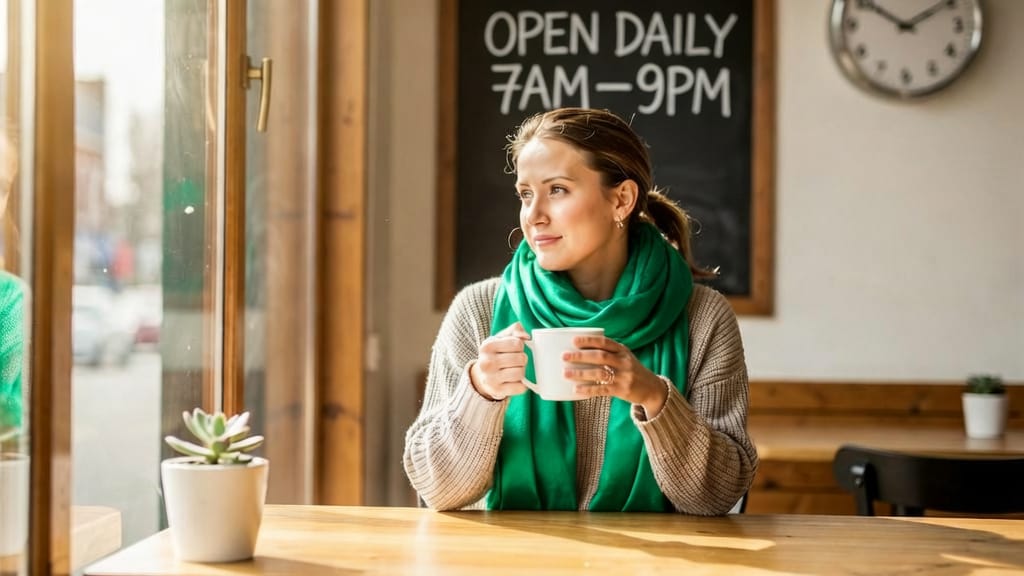
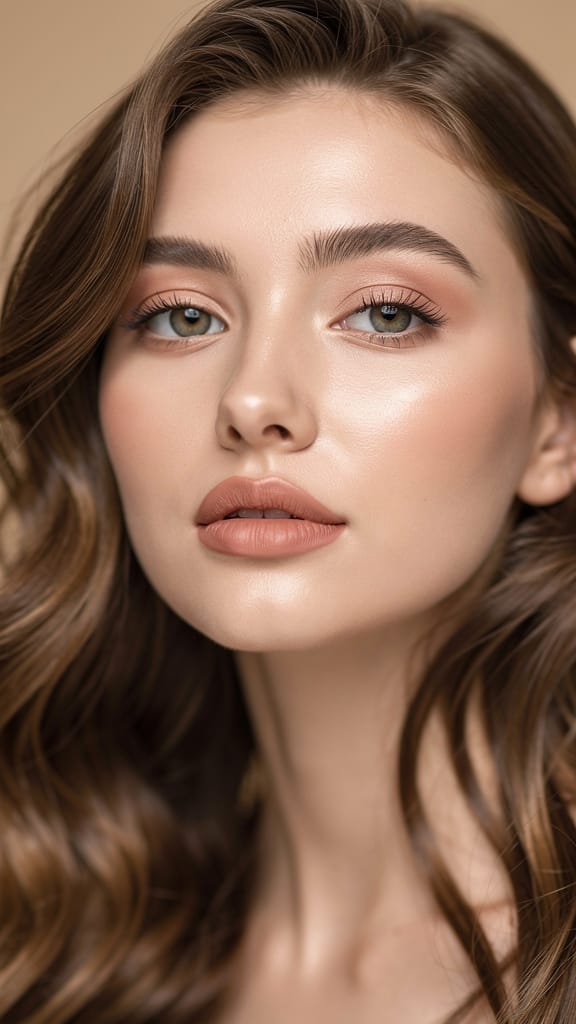
TRANSFORMATION MAQUILLAGE
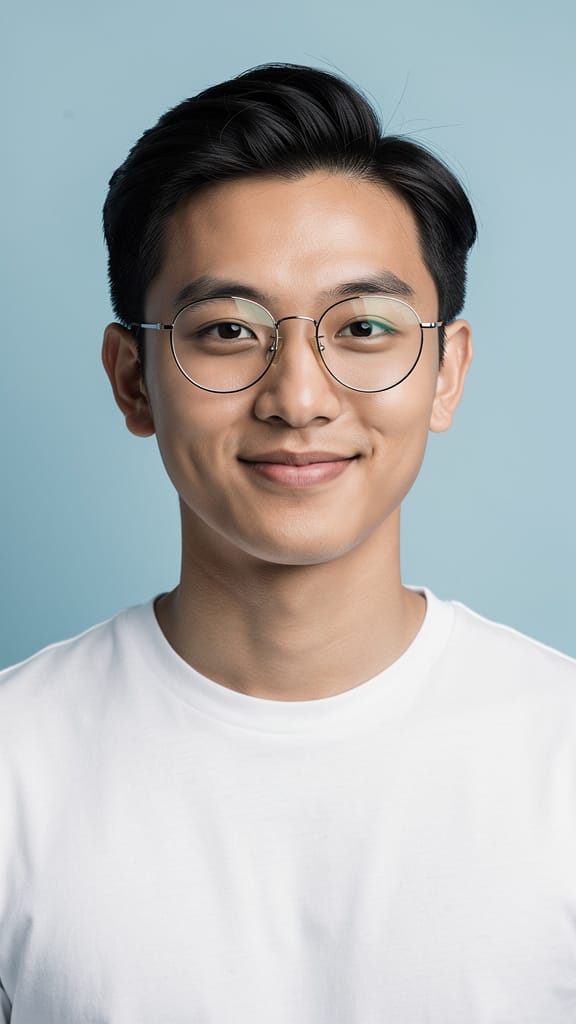
CHANGEMENT DE STYLE MODE
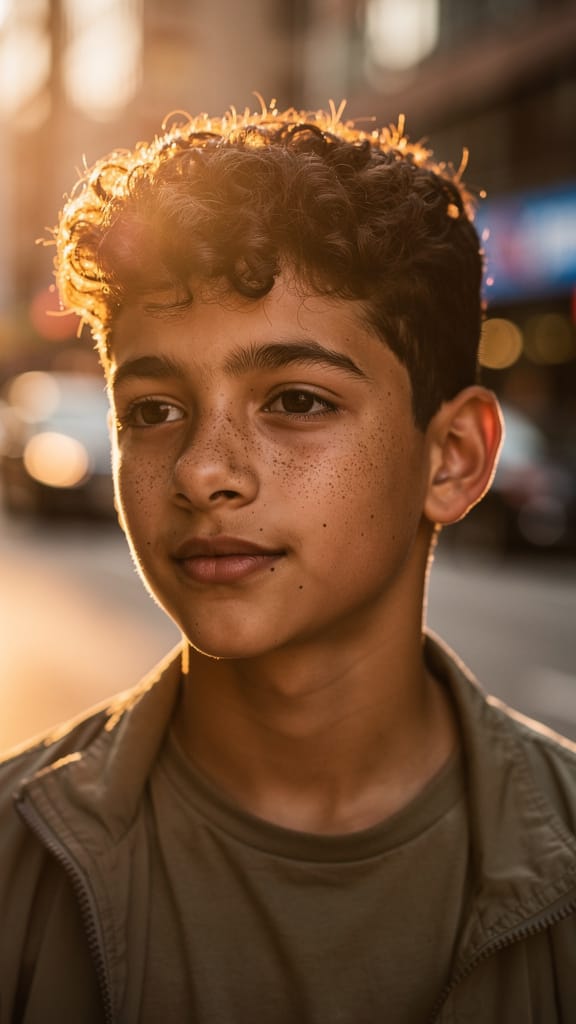
TRANSFERT DE STYLE ARTISTIQUE
Wan v2.6 Image to Image est un modèle d'édition et de composition d'images qui vous permet de combiner et de transformer jusqu'à trois images de référence en n'utilisant rien d'autre qu'une description écrite. Plutôt que de générer des images à partir de zéro, il travaille avec les visuels que vous avez déjà — un personnage, un objet, un lieu, une texture ou un style — et les fusionne en une seule nouvelle image qui suit vos instructions. Si vous pouvez indiquer des éléments dans quelques photos et décrire comment ils doivent s'assembler, ce modèle transforme cette idée en un cadre fini.
La caractéristique distinctive est son système de référence multi-images. Vous fournissez de une à trois images de référence, et dans votre invite textuelle, vous les référencez directement comme « image 1 », « image 2 » et « image 3 ». L'ordre compte, donc vous savez toujours quelle image le modèle utilise. Cela rend les compositions complexes faciles à décrire : vous pourriez placer un personnage d'une image dans un décor d'une autre tout en tenant un objet tiré d'une troisième. Une instruction exemple : « Placez le sorcier de l'image 2 dans la bibliothèque ancienne de l'image 3, en tenant et en étudiant l'orbe de cristal magique de l'image 1 », avec des indications sur un éclairage violet et bleu sur son visage, des chandelles flottantes, des livres anciens en arrière-plan et un style d'art fantastique hautement détaillé. Le modèle lit tout cela et assemble une scène cohérente.
Puisque l'invite fait une grande partie du travail créatif, le modèle récompense une écriture descriptive. Vous pouvez spécifier l'éclairage, l'ambiance, le style artistique, la composition et les détails fins, et le modèle les respectera. Les invites peuvent atteindre 2 000 caractères, vous laissant beaucoup d'espace pour être précis, et l'anglais et le chinois sont pris en charge. Pour les créateurs qui préfèrent garder leurs invites courtes, il y a une fonction d'optimisation d'invite intégrée qui étend et affine automatiquement les instructions simples avant la génération. Cela ajoute quelques secondes de temps de traitement, mais améliore nettement les résultats quand vous lui donnez une idée brève plutôt qu'un paragraphe détaillé. Vous pouvez la laisser activée pour plus de commodité ou la désactiver quand vous voulez que votre formulation exacte soit respectée.
Qui en bénéficie ? Les artistes conceptuels et illustrateurs peuvent rapidement tester comment un personnage apparaît dans différents environnements ou avec des accessoires. Les designers peuvent composer des prises de produits, des mood boards et des études de style sans masquage et superposition manuels. Les cinéastes et artistes de storyboard peuvent prévisualiser des scènes en plaçant acteurs, décors et objets dans un seul cadre. Les marketeurs et créateurs de contenu social peuvent remixer des images de marque existantes en visuels frais. Quiconque passe actuellement des heures dans un éditeur multicouche à découper des éléments et les mélanger peut décrire le même résultat en une phrase.
Les images de référence que vous téléversez doivent être des fichiers JPEG, JPG, PNG (sans transparence), BMP ou WEBP, chacune entre 384 et 5 000 pixels de côté et pas plus grande que 10MB. Les images de sortie sont livrées au format PNG. Vous contrôlez la forme et la taille du résultat grâce à un ensemble de préréglages de ratio d'aspect — carré, portrait 4:3, portrait 16:9, paysage 4:3, paysage 16:9, et une option carré haute définition — ou vous pouvez demander des dimensions personnalisées exactes. La résolution totale de sortie se situe dans une plage définie pour que les images restent nettes sans devenir ingérables, environ entre 768×768 et 1280×1280 pixels.
Au-delà de la composition et de la taille, vous avez plusieurs contrôles créatifs. Une invite négative vous permet de lister les choses à exclure de l'image — des exemples courants incluent basse résolution, formes déformées ou doigts supplémentaires — pour éviter les défauts typiques de génération. Vous pouvez générer jusqu'à quatre variations à la fois, utile pour comparer rapidement les options et choisir le meilleur résultat. Un contrôle de seed assure la reproductibilité : réutiliser le même seed produit des résultats plus cohérents d'une génération à l'autre, donc une fois que vous obtenez un look qui vous plaît, vous pouvez l'itérer sans recommencer. Il y a aussi une option de modération de contenu intégrée qui vérifie vos entrées et sorties, activée par défaut, pour garder les générations appropriées.
Côté style, le modèle est flexible. Comme il puise directement dans vos images de référence et vos indications écrites, il peut pencher vers du photoréalisme, du style pictural, cinématographique ou entièrement illustratif selon ce que vous lui donnez et demandez. Les images exemples montrent un art fantastique dramatique avec éclairage atmosphérique, ce qui met en valeur la force du modèle en ambiance et détails quand vous les décrivez clairement. Vous pouvez emprunter le style d'une image et l'arrière-plan d'une autre, mélangeant et assortissant les sources visuelles en une esthétique unifiée.
Quelques meilleures pratiques découlent naturellement du fonctionnement du modèle. Premièrement, soyez explicite sur quelle image de référence fournit quel élément — le système de référence numérotée n'est bon que par la clarté de votre invite. Deuxièmement, décrivez l'éclairage, le style et la composition plutôt que d'assumer que le modèle devinera ; plus votre description est riche, plus le résultat est proche. Troisièmement, si vous partez d'une idée courte, gardez l'optimisation d'invite activée pour combler les lacunes, mais désactivez-la quand vous avez besoin que votre formulation précise soit respectée. Quatrièmement, utilisez l'invite négative pour éviter les artefacts récurrents. Et quand vous trouvez un résultat que vous adorez, notez son seed pour pouvoir le développer.
Quant aux limites : le modèle exige au moins une image de référence et en accepte pas plus de trois, donc il est conçu pour l'édition et la composition plutôt que pour la génération pure texte-vers-image. Les images de référence doivent respecter les formats et limites de taille pris en charge, et les fichiers PNG avec transparence ne sont pas acceptés. La résolution de sortie est plafonnée dans sa plage définie, donc il est optimisé pour des images nettes et partageables plutôt que pour de très grands fichiers d'impression. Dans ces limites, Wan v2.6 Image to Image est une façon rapide et contrôlable de transformer une collection d'images de référence et une description claire en une seule nouvelle image cohérente.
Générez avec l'éditeur d'images le plus avancé
Add the image that you want change
Téléverser une image
Ajoutez l'image que vous souhaitez modifier ou transformer
A woman kneeling in darkness, illuminated by a warm, radiant beam of light emerging from her raised hand.
Rédigez vos modifications
Décrivez les modifications souhaitées - changements de style, suppression d'objets ou améliorations
Commencez à partager
Téléchargez votre image retouchée de façon professionnelle
Au-delà de la consigne : un nouveau niveau de contrôle
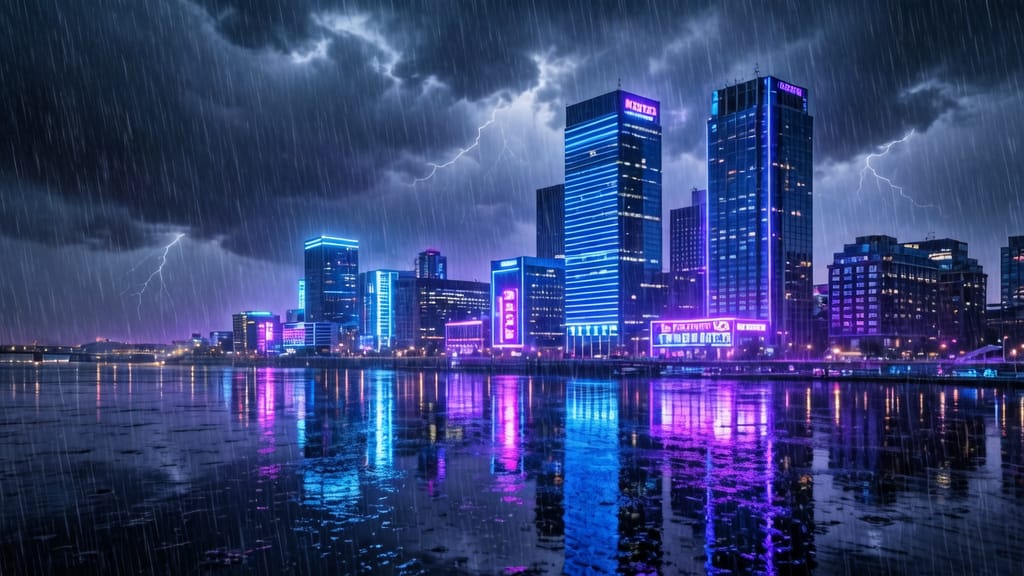
CHANGEMENT DE MÉTÉO ET D'AMBiance
Montre une édition d'environnement dynamique en modifiant l'ambiance et l'atmosphère de paysages réalistes pour du storytelling cinématographique ou du marketing créatif.
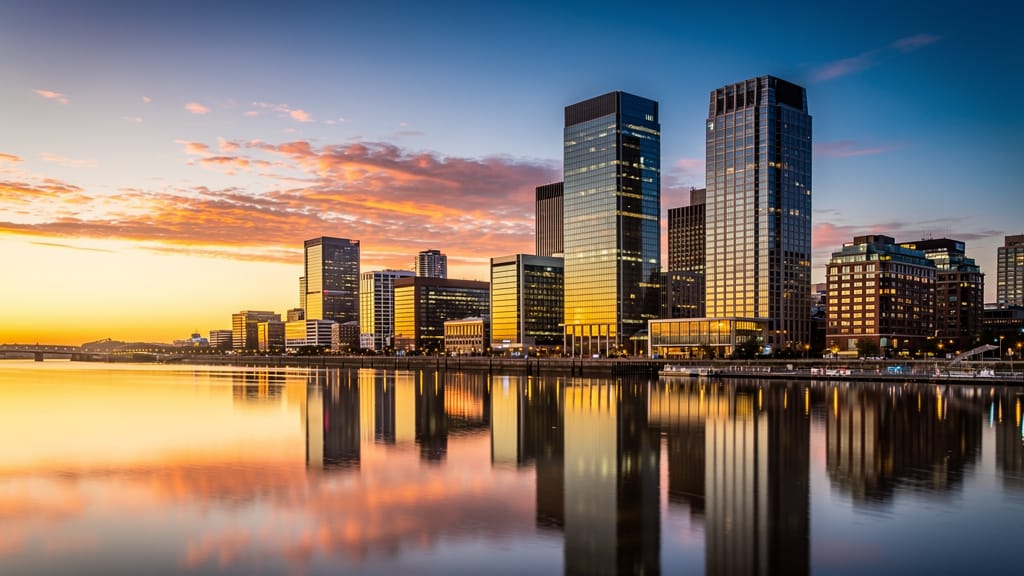
FUSION DE STYLES ARCHITECTURAUX
Montre comment le modèle peut réimaginer des bâtiments en mélangeant des esthétiques architecturales mondiales pour la visualisation de design ou l'inspiration voyage.
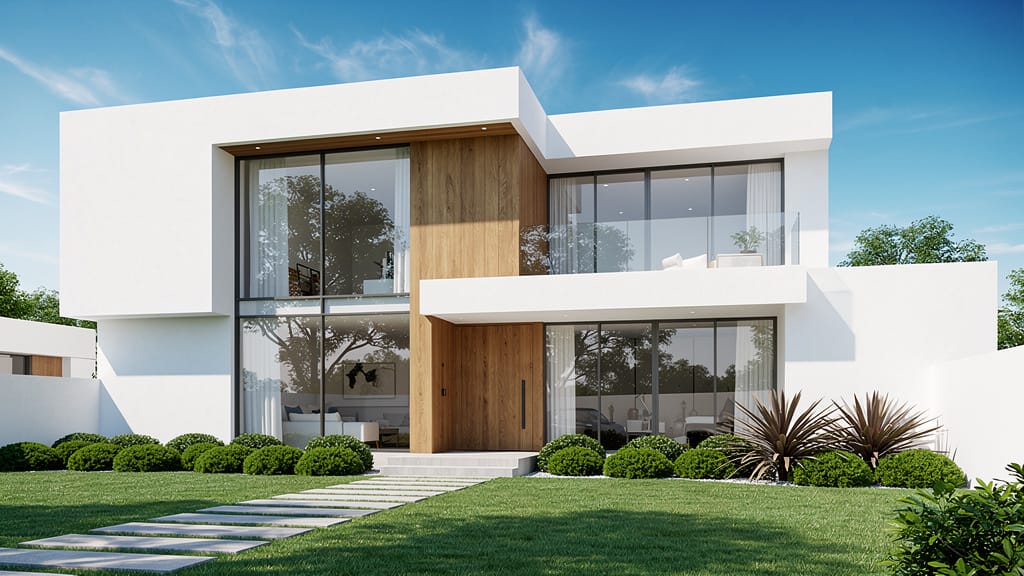
AMÉLIORATION NATURE ET SURREALISME
Démontre une édition environnementale à fort impact en transformant des photos nature réalistes en scènes fantastiques oniriques pour de l'art conceptuel ou des visuels éditoriaux.
Comparer avec des modèles similaires
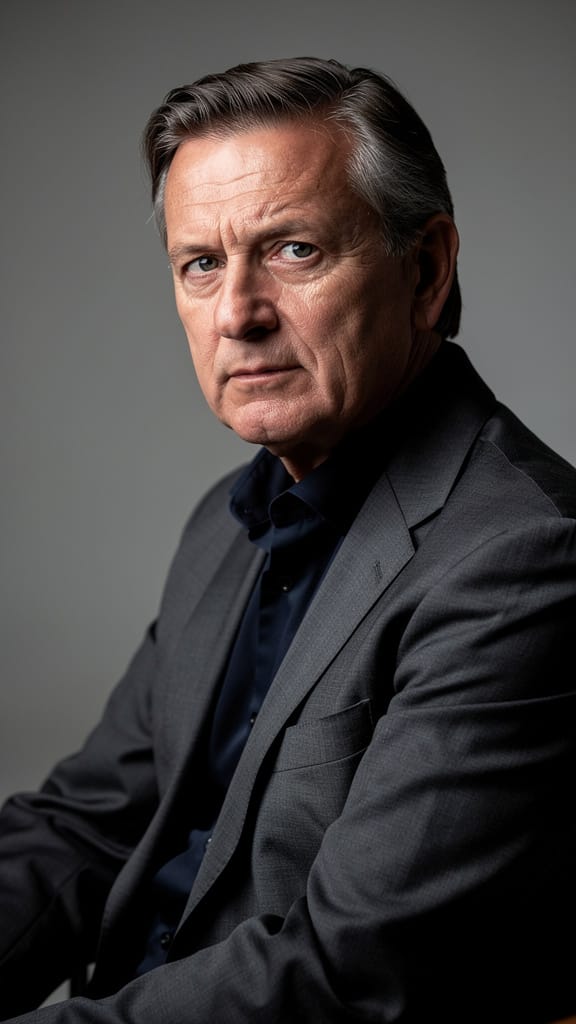
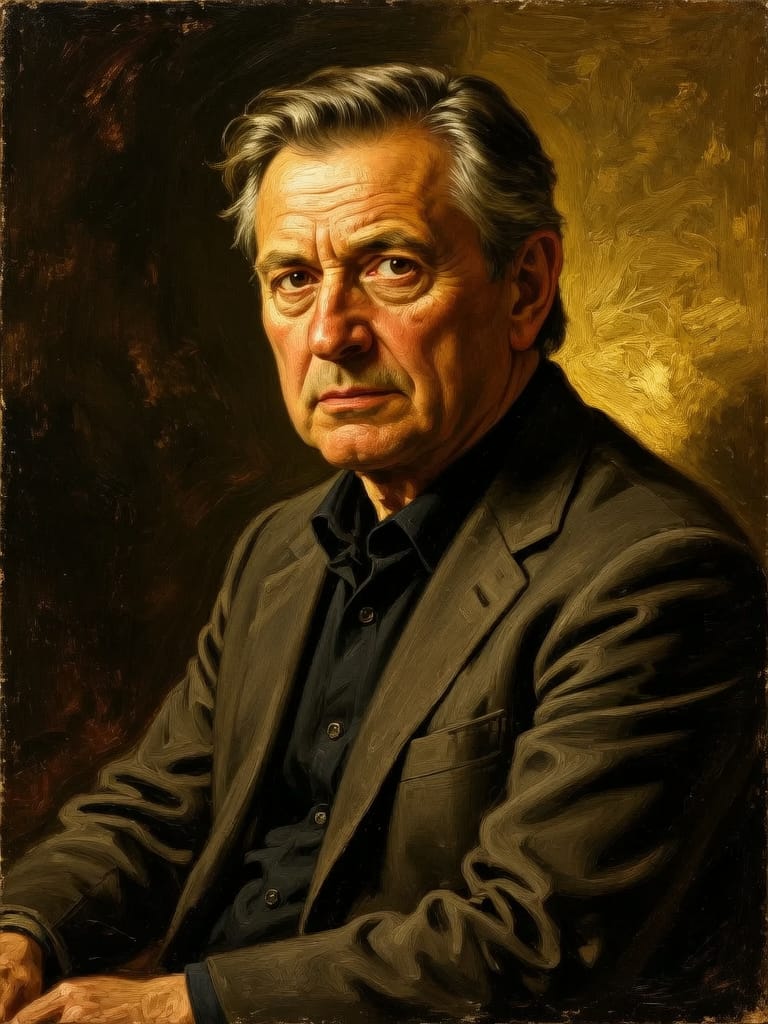
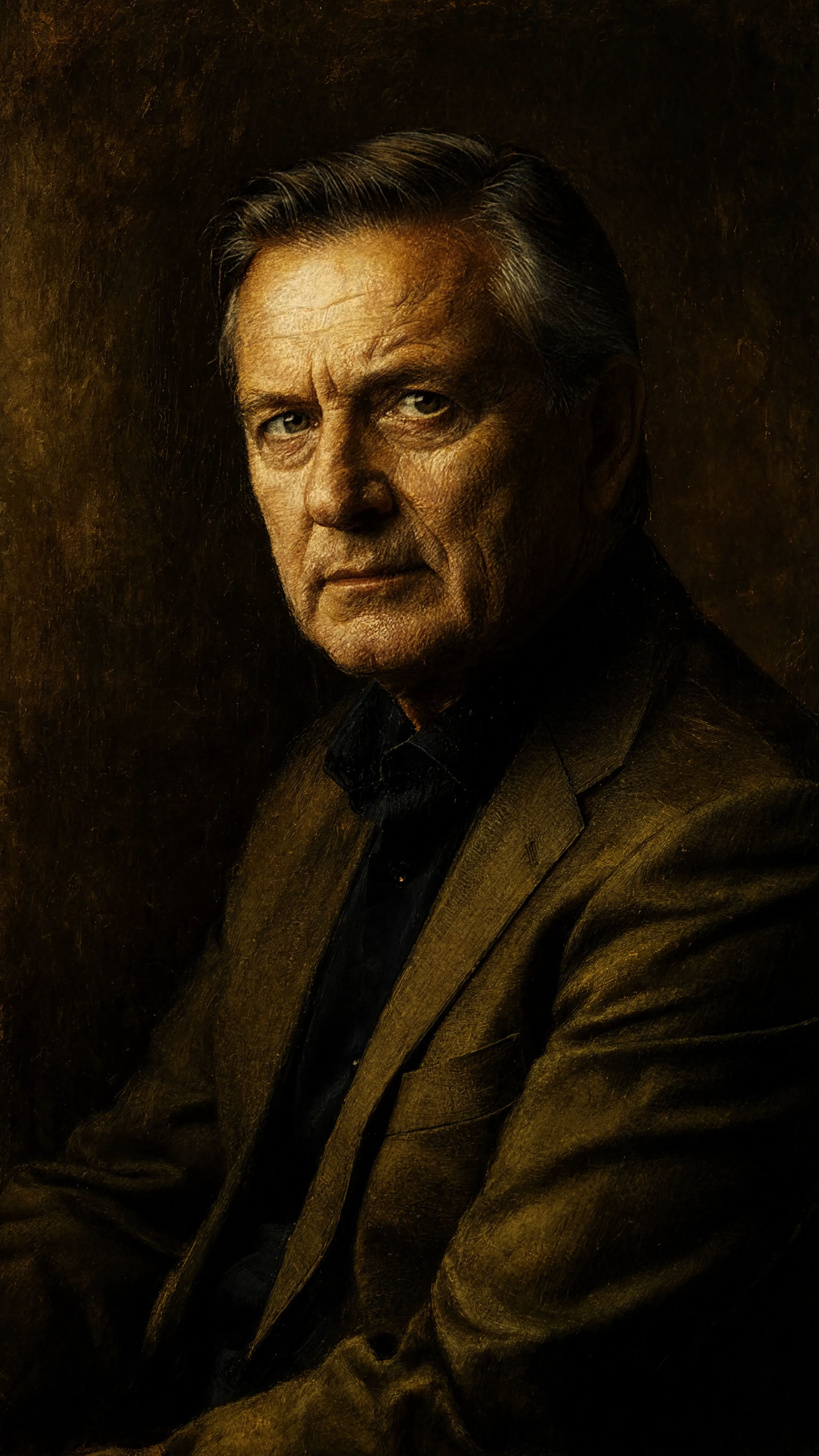
“Transform into a classical oil painting in the style of Rembrandt. Add visible impasto brushstrokes with thick paint texture. Apply warm golden undertones and dramatic chiaroscuro lighting with deep shadows. Enhance the dramatic contrast while preserving facial structure and expression. Add subtle canvas texture visible through the paint layers.”
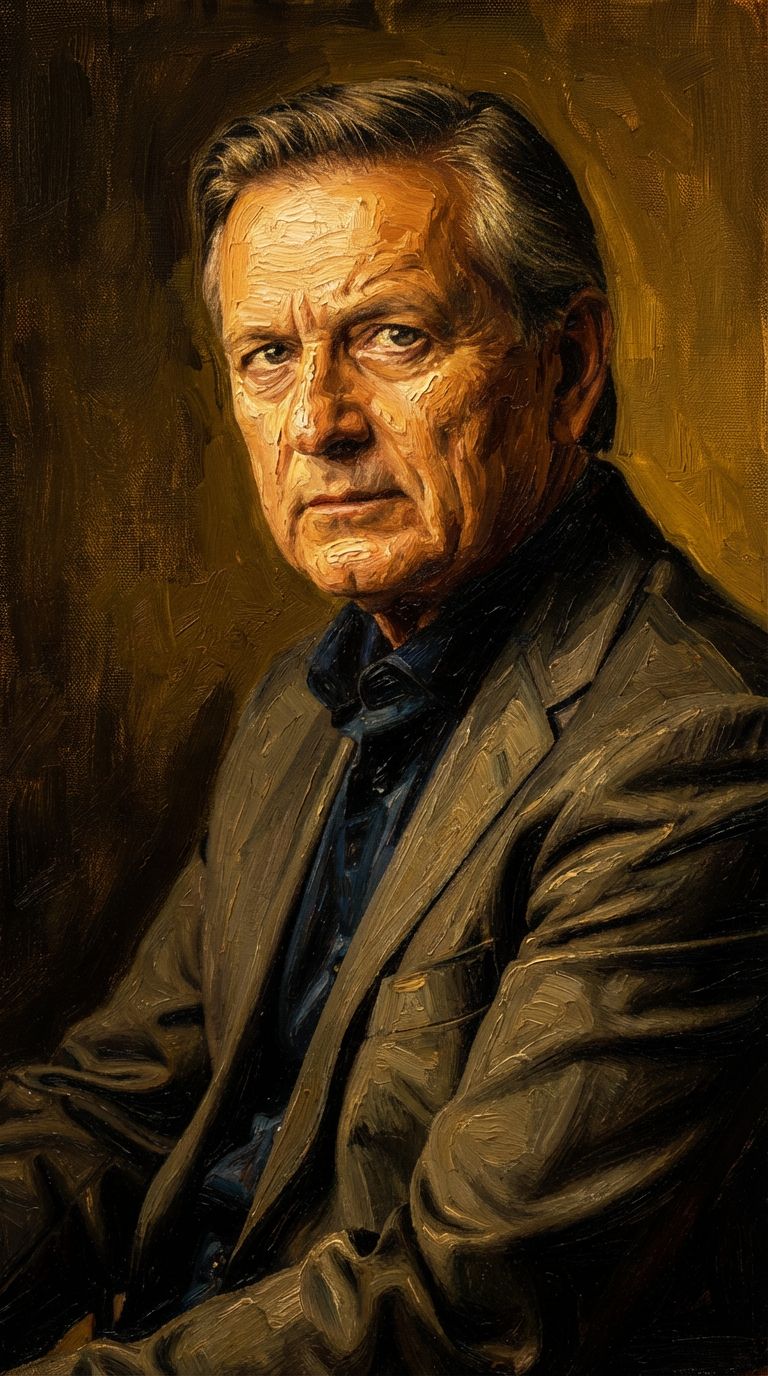
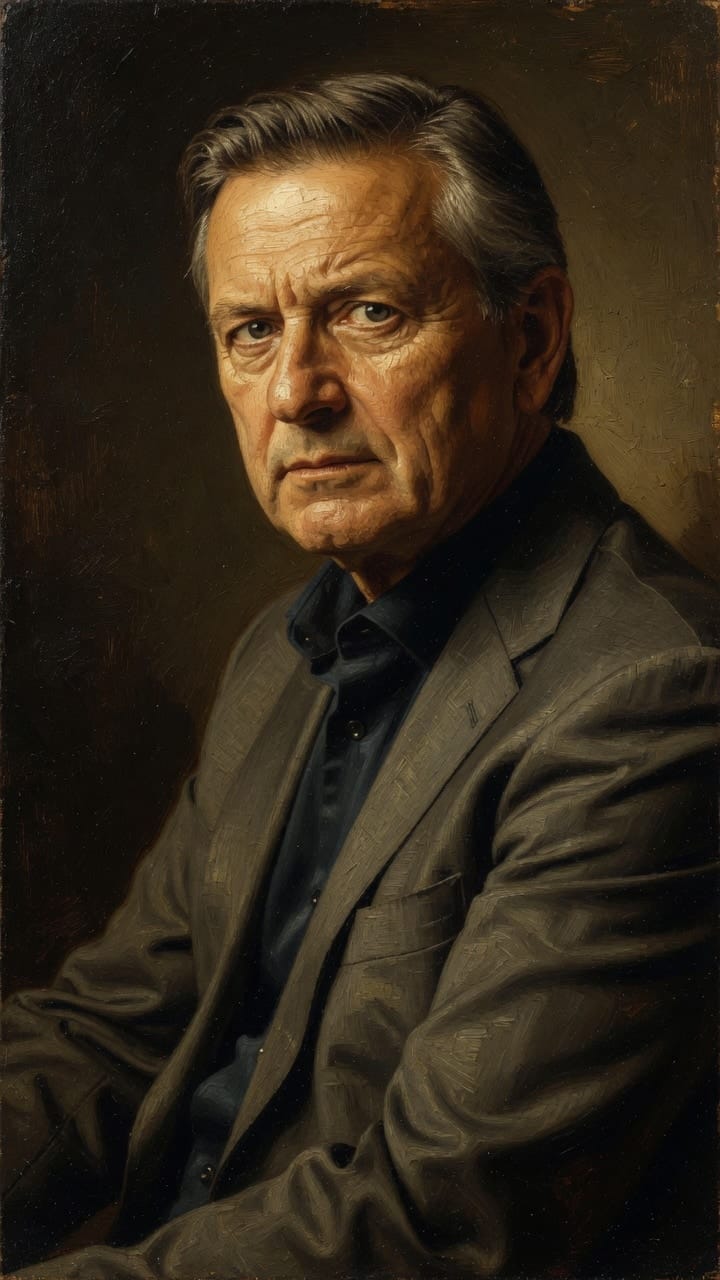
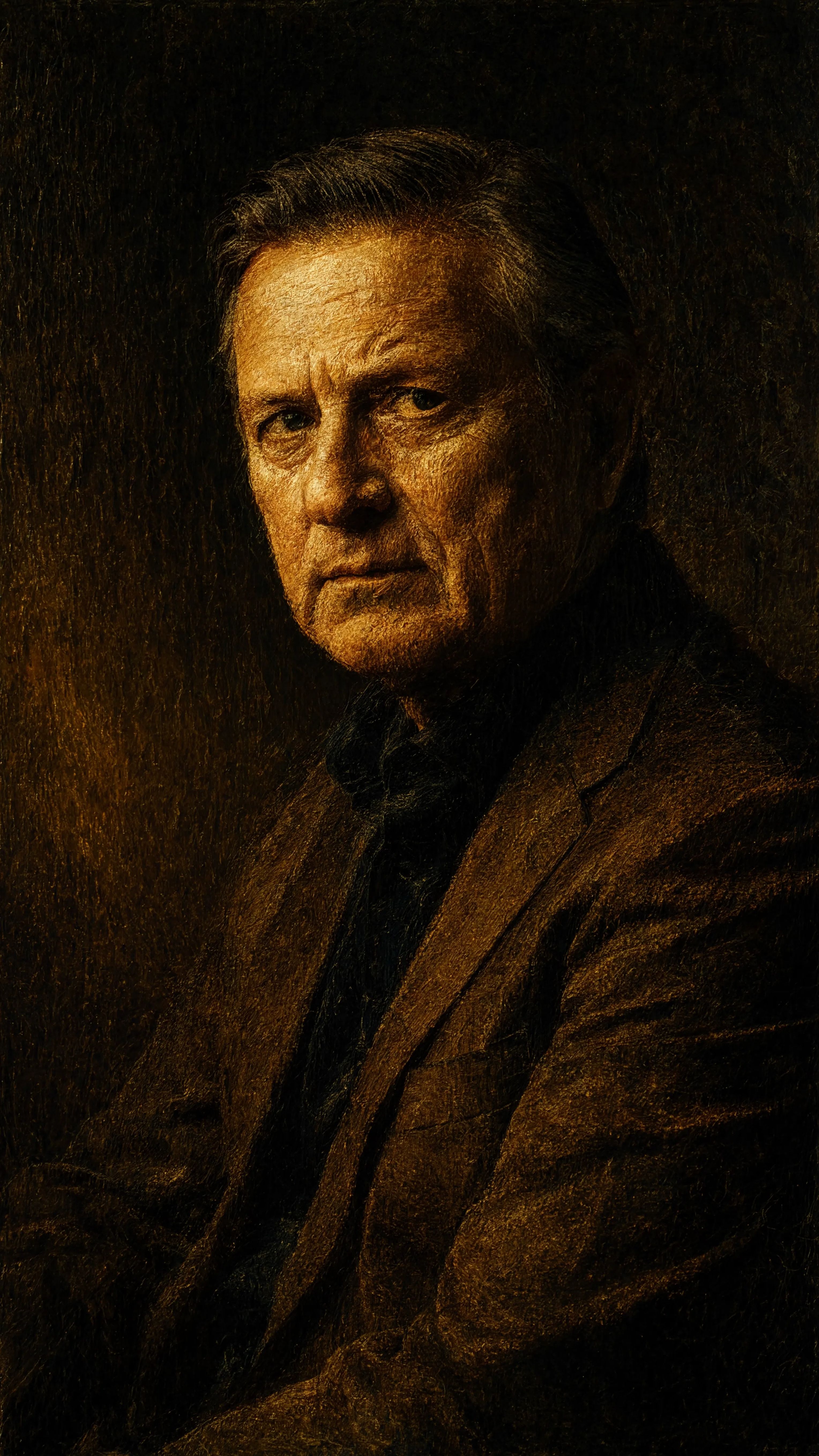
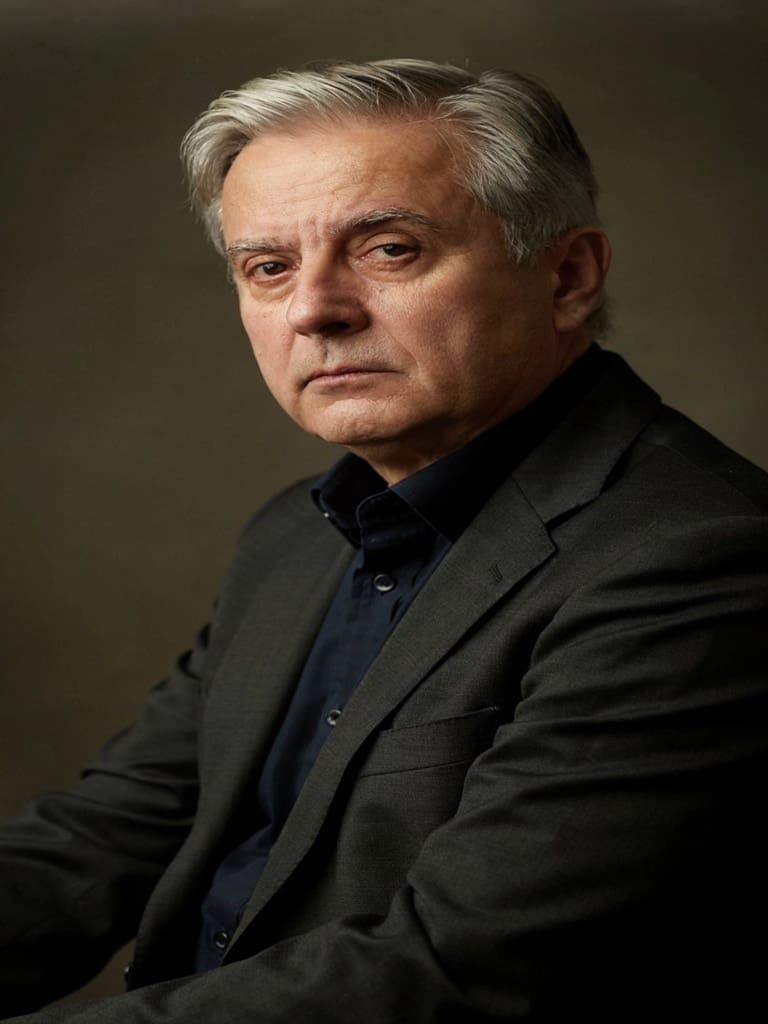
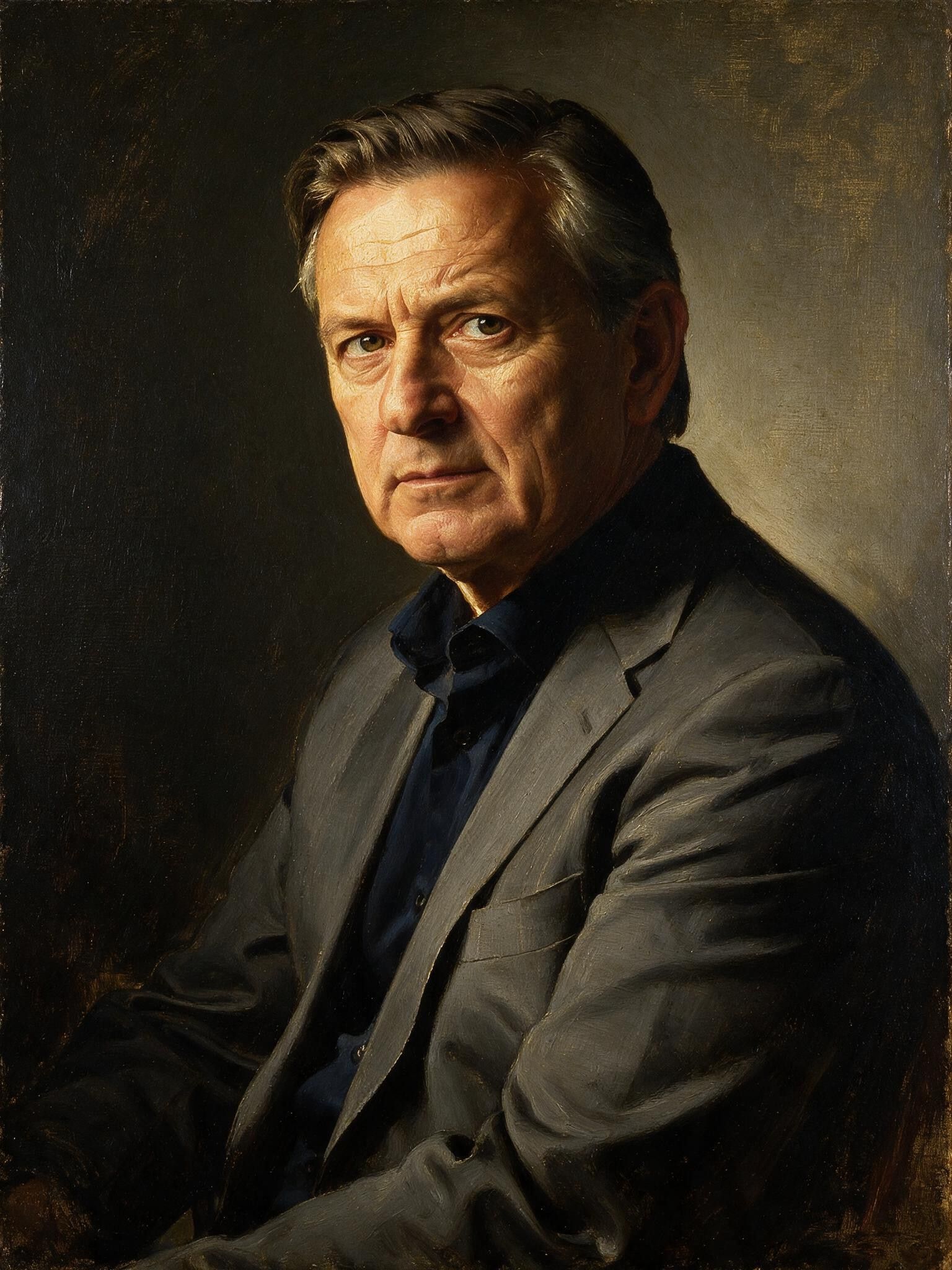
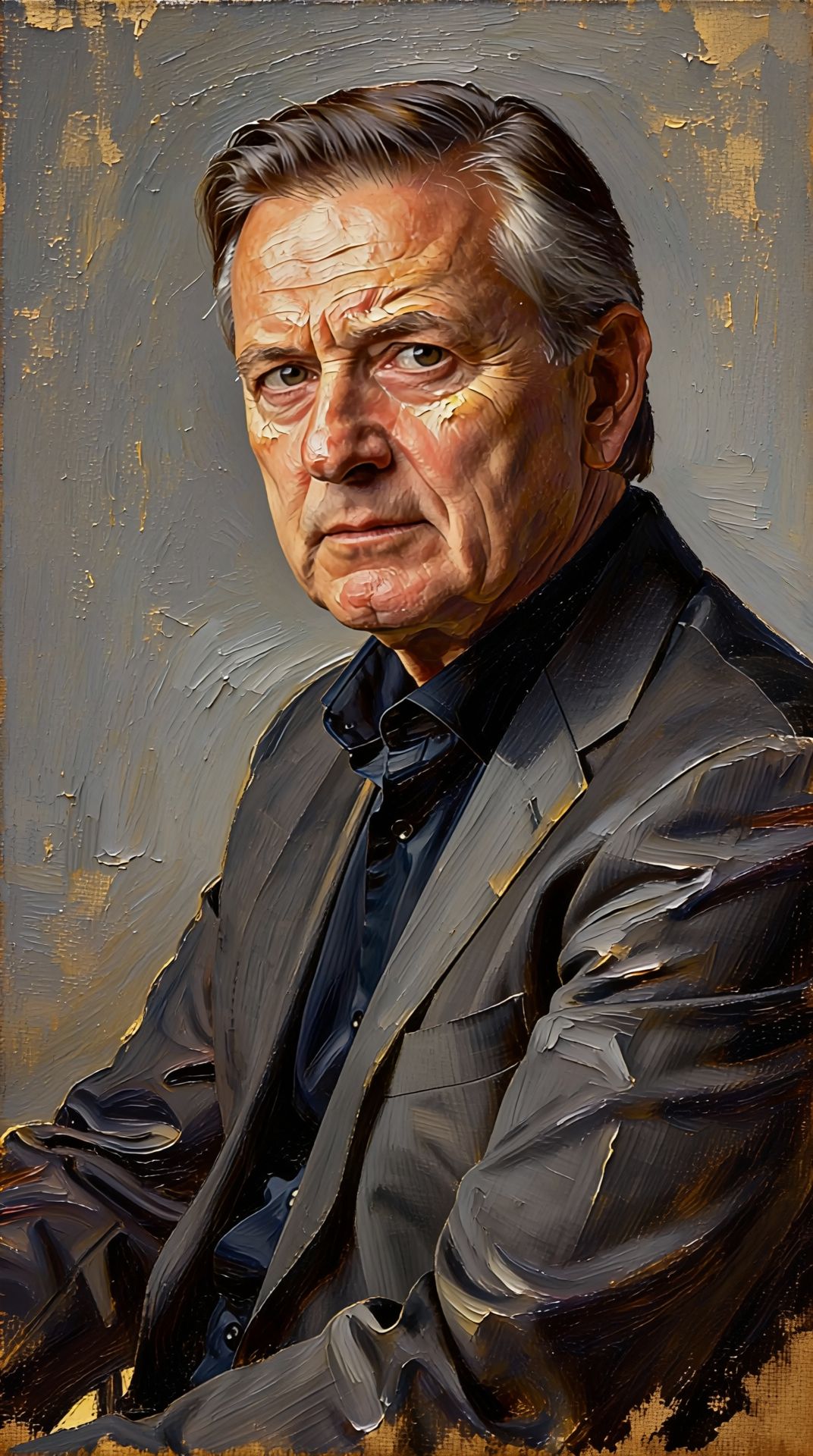
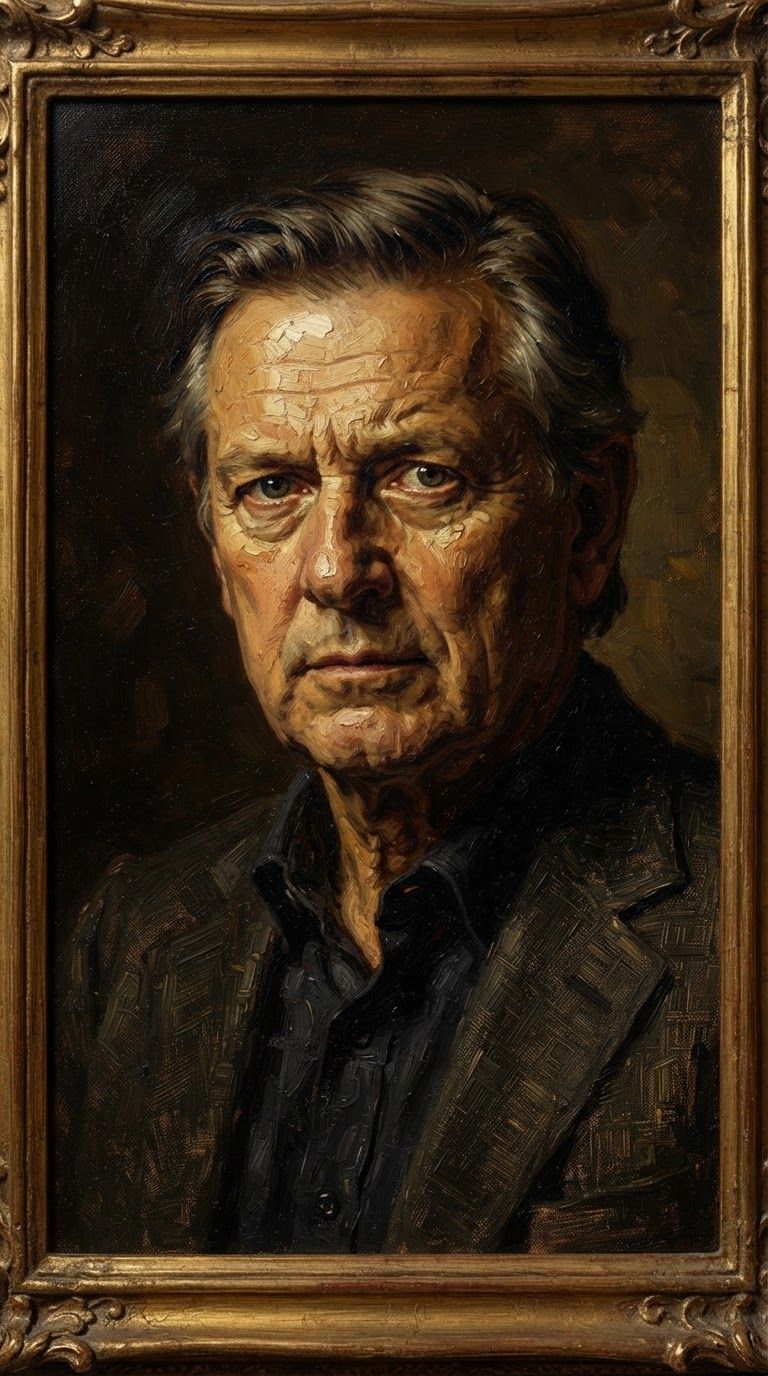
Découvrez la perfection avec Wan v2.6 Image to Image
Passez dès aujourd'hui à la synthèse guidée par le raisonnement
Foire aux questions
Modèles similaires
Vidu
Image generation with reference consistency
0.2 crédits
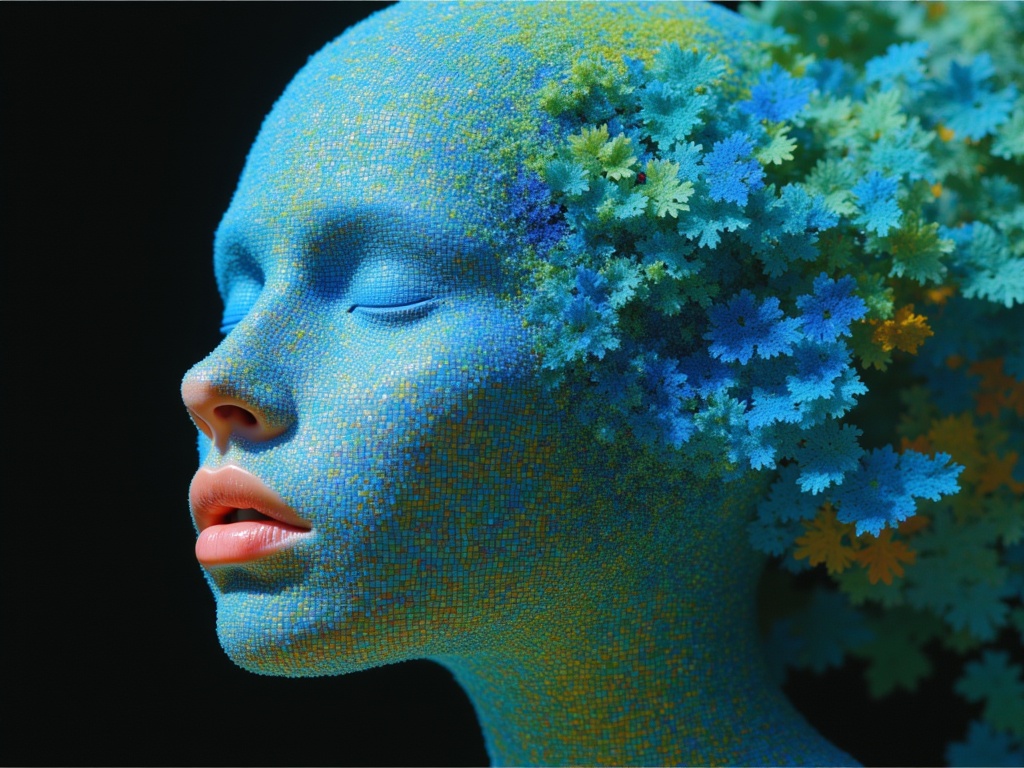
Ideogram V4.0q Image to Image
Prompt-guided image restyling edits
0.1 crédits
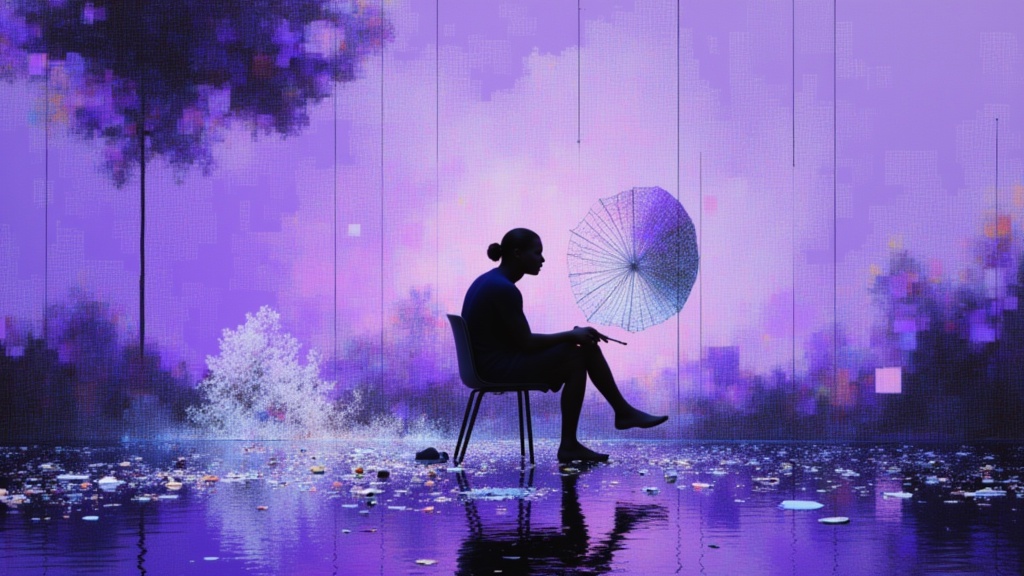
Nano Banana Pro
State-of-the-art image editing
1.2 crédits
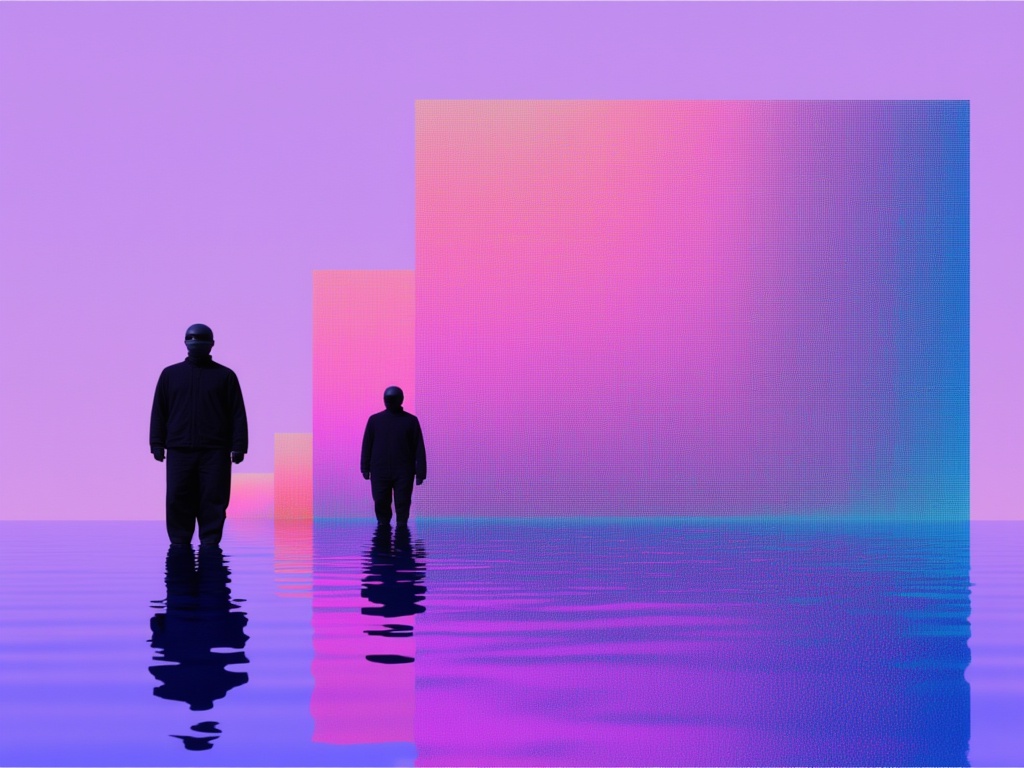
Nano Banana Lite Edit
Fast efficient image editing
6 crédits
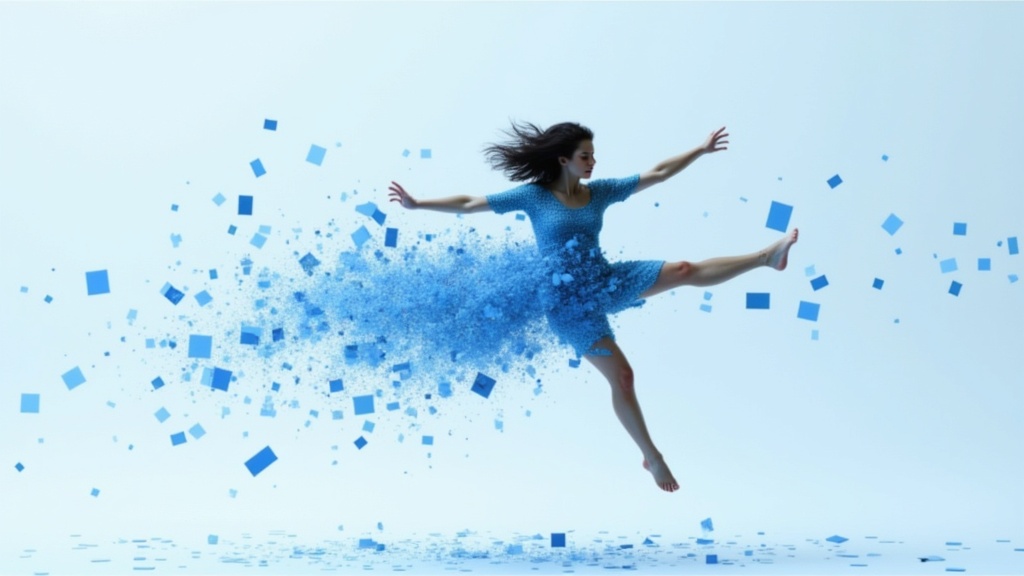
Gemini 3.1 Flash Image Preview
Ultra-fast Google image editing
0.7 crédits
Grok Imagine Image Editing Quality
High-quality AI image editing
0.1 crédits
Reve 2.1
Edit images with text prompts
1.3 crédits
Seedream
Fast intelligent multi-image editing
0.3 crédits
Seedream 5.0 Pro Image Editing
Precise region-based image editing
0.3 crédits