Qwen Image 2
Edição precisa de imagens
Unified AI image editing model
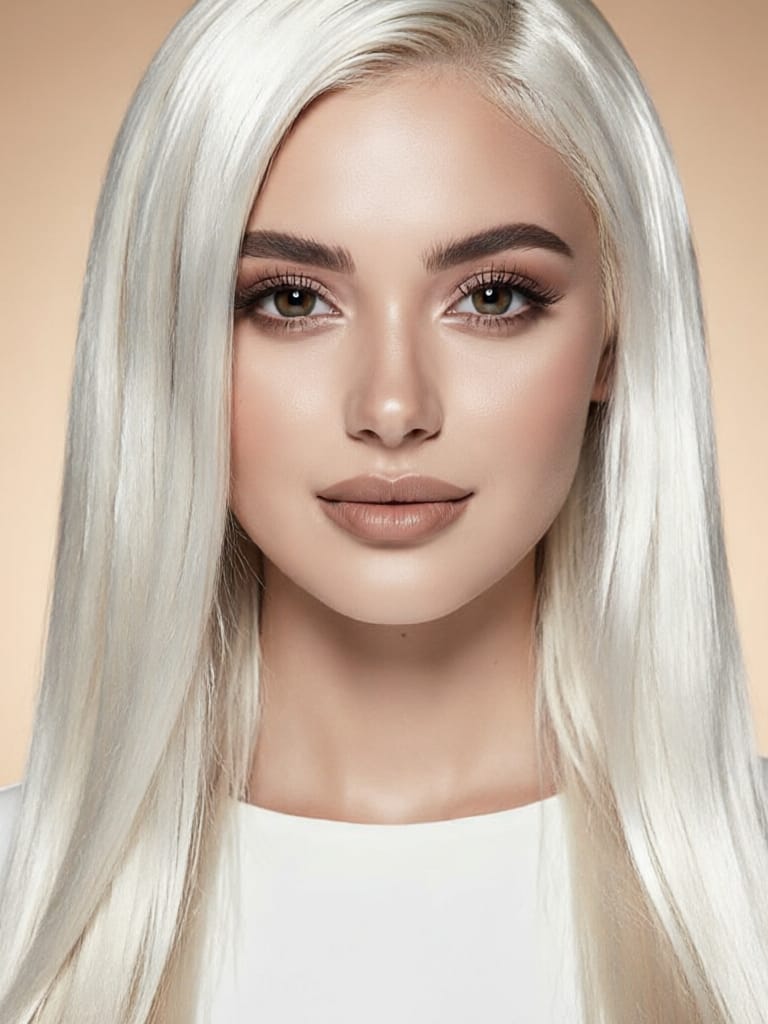
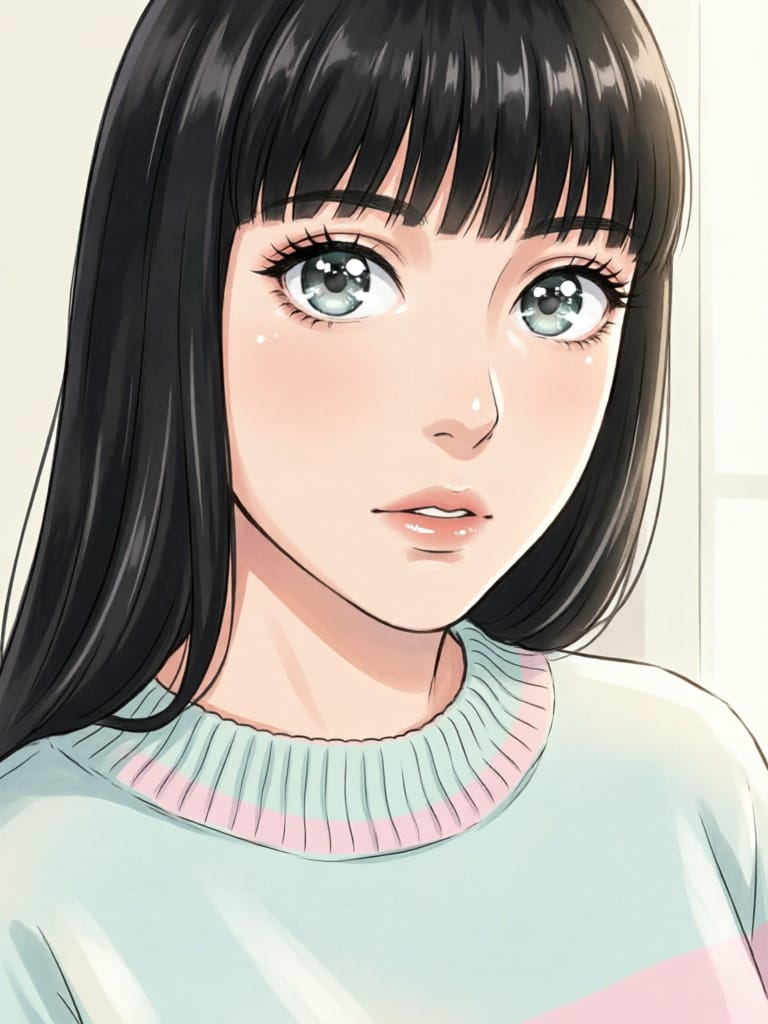
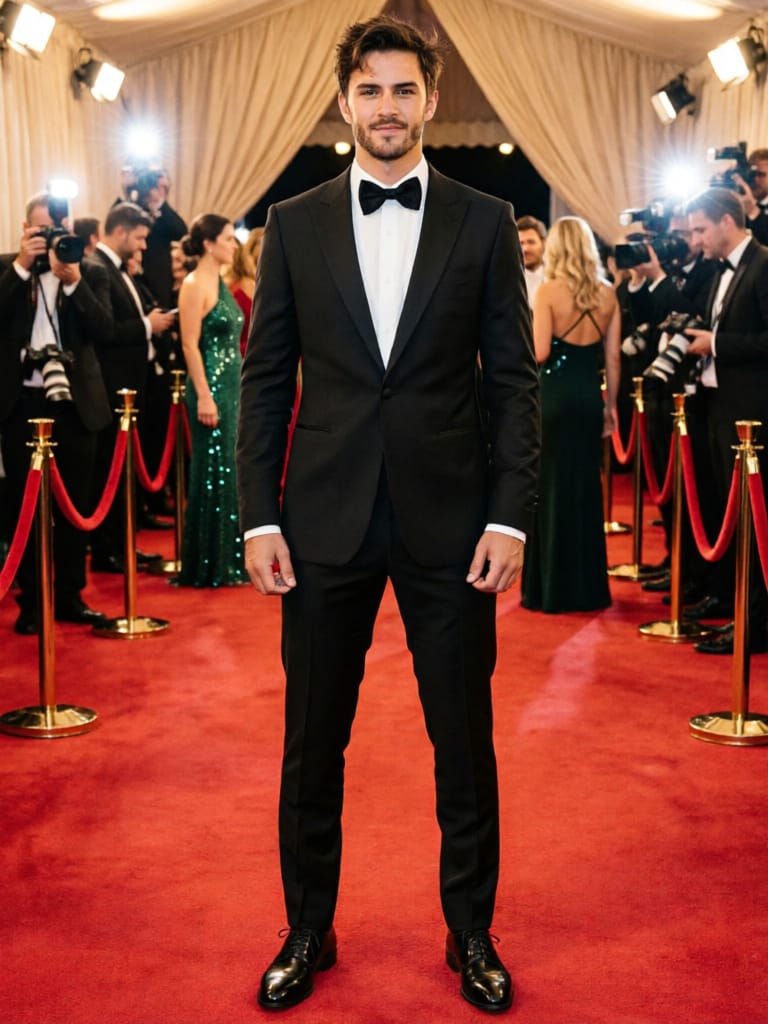
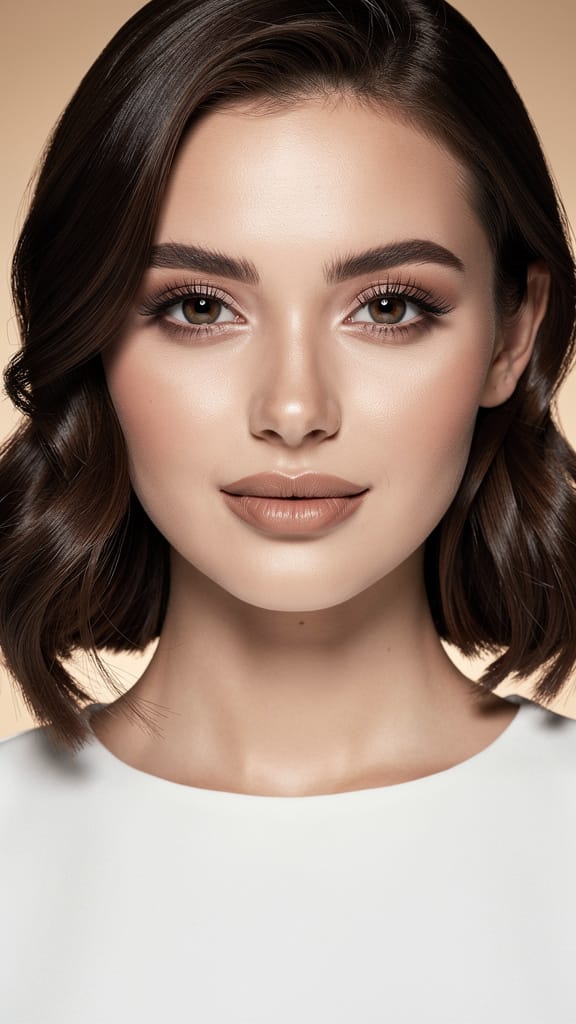
MUDANÇA DE PENTESADO
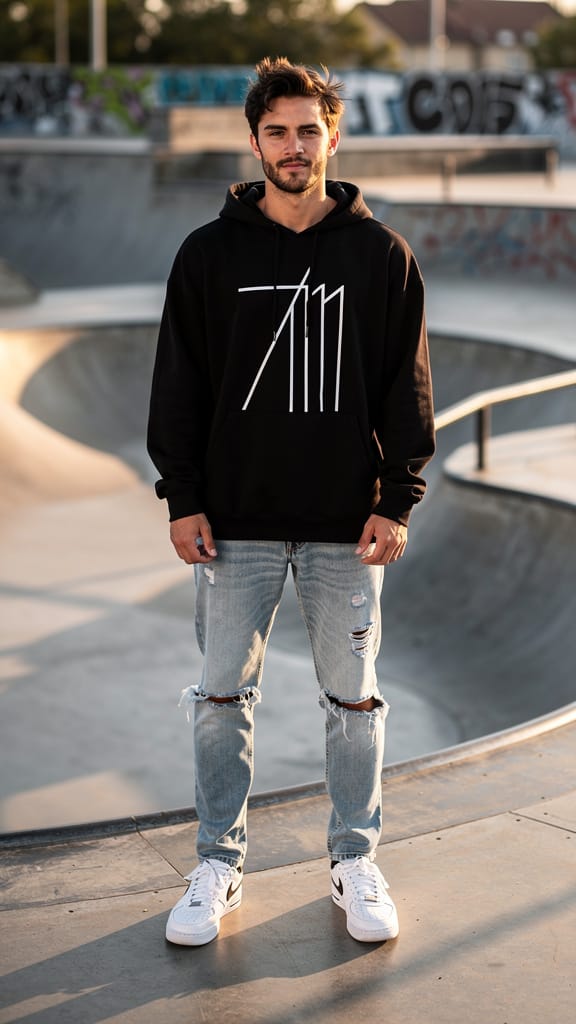
TROCA DE ESTILO DE MODA
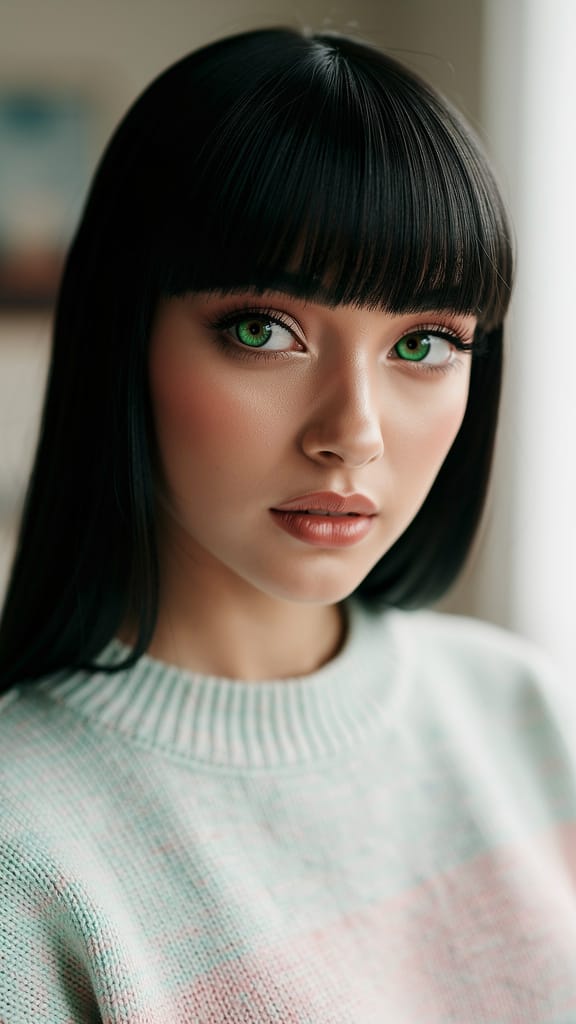
FOTO PARA ANIME
Qwen Image 2 é uma ferramenta criativa de próxima geração desenvolvida pela Black Forest Labs que capacita artistas, designers, cineastas e criadores de conteúdo a gerar e transformar imagens com controle e flexibilidade sem precedentes. Este modelo unificado de geração e edição combina de forma perfeita capacidades avançadas de IA com controles criativos fáceis de usar, permitindo que os usuários comecem com imagens de referência e as remodelam ou reinventem usando prompts claros em linguagem natural.
Qwen Image 2 se destaca em edição de imagem para imagem e transformações estilizadas. Seja para fazer ajustes sutis ou reformas completas — como substituir um sujeito, alterar ambientes ou adicionar elementos de narrativa —, este modelo entrega resultados refinados e coerentes guiados pela sua visão. Você pode fazer upload de uma a três imagens de referência por sessão. O modelo presta muita atenção à ordem das suas imagens: ao criar seu prompt, você pode se referir aos arquivos enviados como "image 1", "image 2" e "image 3", para especificar exatamente como as mudanças devem ser aplicadas. Esse fluxo de trabalho promove controle criativo, permitindo edições altamente direcionadas ou combinações imaginativas.
Qwen Image 2 entende prompts detalhados de até 800 caracteres em inglês ou chinês, suportando direção criativa nuanceada. Há também um campo opcional de prompt negativo, onde você pode especificar elementos a excluir — como “low resolution” ou “deformed” —, ideal para refinar estilo, consistência ou evitar detalhes indesejados.
Opções flexíveis de formato e resolução garantem que sua saída atenda às necessidades do projeto: gere imagens nas mesmas dimensões da referência escolhida ou selecione entre várias proporções, incluindo quadrado, retrato (4:3, 16:9) e paisagem (4:3, 16:9). Cada imagem pode ser criada em resoluções entre 512x512 e 2048x2048 pixels, tornando obras de alta resolução perfeitas para impressão, web ou aplicações profissionais de storyboard. Imagens de referência devem ter pelo menos 384 pixels por lado e no máximo 5000 pixels, garantindo resultados confiáveis e claros.
Você pode salvar o trabalho em formatos PNG, JPEG e WEBP, facilitando a integração dos resultados em qualquer projeto digital. Qwen Image 2 permite produzir até seis variações por sessão, ideal para explorar múltiplos conceitos ou comparar direções criativas lado a lado.
Uma funcionalidade notável é sua otimização de prompt integrada: ativada por padrão, essa configuração refina e expande inteligentemente suas instruções para resultados ainda mais consistentes e impactantes, ajudando a transformar suas ideias em visuais vívidos — mesmo se seu prompt for breve. Ferramentas de segurança estão sempre ativadas: a moderação de conteúdo verifica automaticamente o que você envia e gera, proporcionando tranquilidade e ajudando a manter o trabalho apropriado.
Este modelo é especialmente adequado para:
- Artistas que querem uma forma rápida de iterar conceitos visuais, remixes ou transferências de estilo com inspiração do mundo real
- Designers que precisam de edições precisas ou melhorias baseadas em feedback
- Cineastas em busca de storyboarding rápido ou mudanças de cena com necessidades específicas de narrativa visual
- Criadores de conteúdo prontos para gerar imagens vibrantes de qualidade editorial a partir de conceitos criativos, ou reutilizar visuais existentes para novas campanhas
Melhores práticas: Para resultados ótimos, envie imagens de referência de alta qualidade, declare claramente seus objetivos criativos no prompt e use o prompt negativo para excluir elementos indesejados. Refira-se a múltiplas imagens pela ordem no texto (por exemplo, “Substitua o fundo da image 1 pela paisagem urbana da image 2”).
Em resumo, Qwen Image 2 combina compreensão intuitiva de imagens com IA generativa avançada para que profissionais possam experimentar livremente, iterar rapidamente e manter o controle criativo. Seja para experimentação estilizada ou edição visual precisa, ele abre novas possibilidades para narrativa e design — sem comprometer sua visão ou intenção.
Gere usando o editor de imagem mais avançado
Add the image that you want change
Enviar imagem
Adicione a imagem que você deseja editar ou transformar
A woman kneeling in darkness, illuminated by a warm, radiant beam of light emerging from her raised hand.
Escreva suas alterações
Descreva as edições que deseja - mudanças de estilo, remoção de objetos ou melhorias
Comece a compartilhar
Baixe sua imagem editada profissionalmente
Além do prompt: Um novo nível de controle
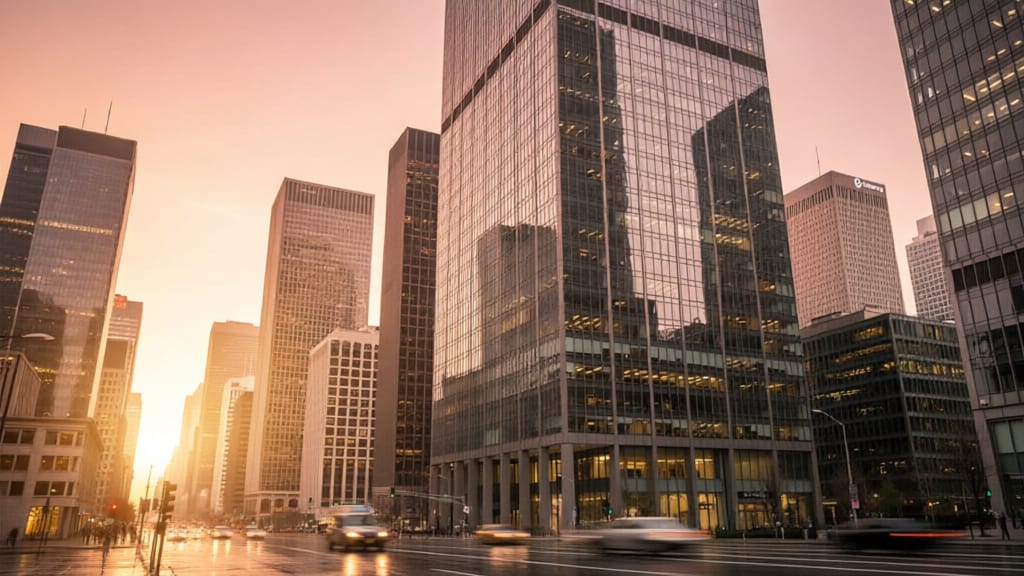
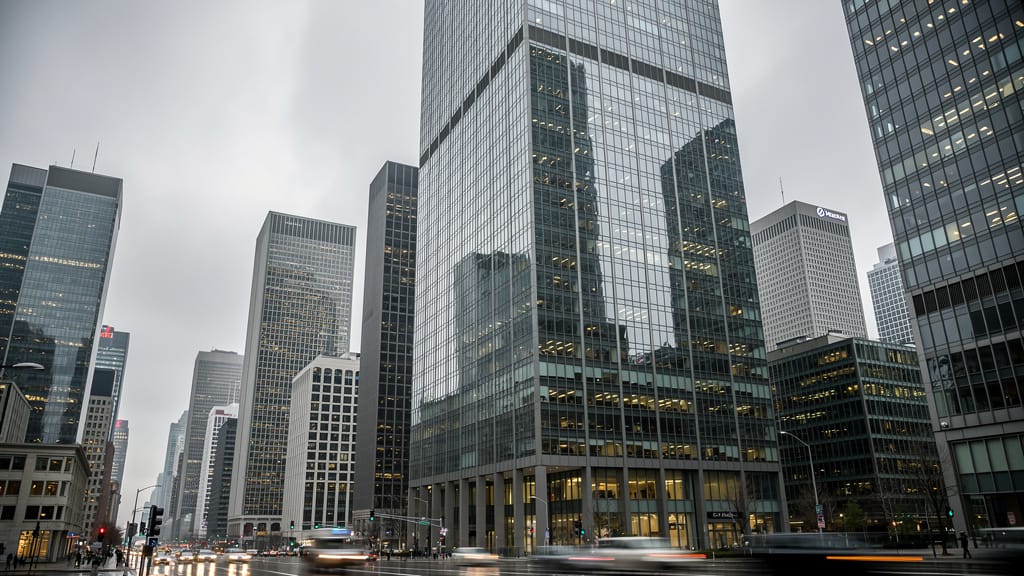
SUBSTITUIÇÃO DE CÉU
Substitui céus sem graça ou nublados em fotografias de paisagens arquitetônicas, simulando condições de iluminação dramáticas. Útil para marketing imobiliário e de viagens.
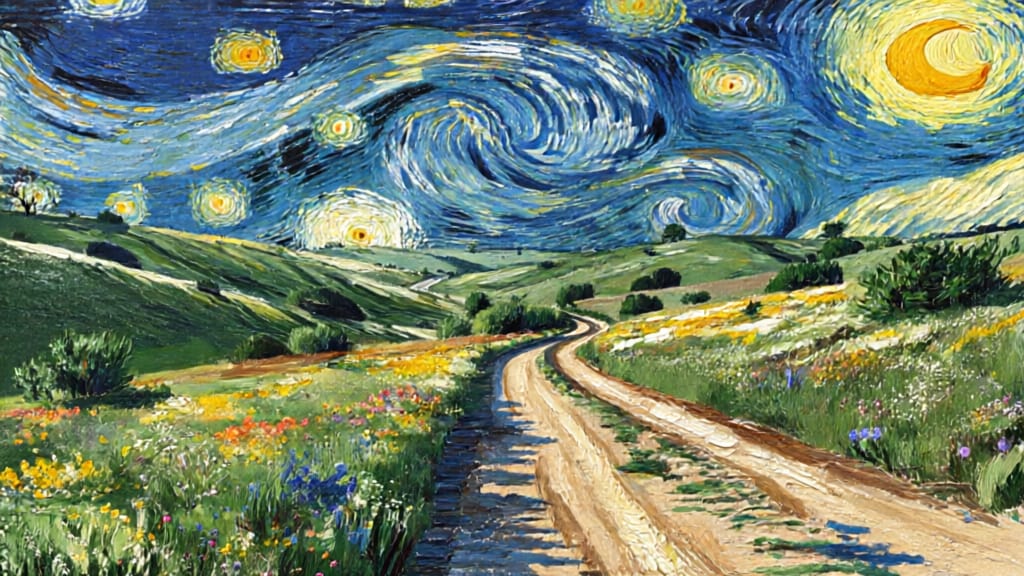
TRANSFERÊNCIA DE ESTILO ARTÍSTICO
Transfere estilos pictóricos icônicos para fotografias, produzindo obras únicas a partir de cenas cotidianas. Perfeito para campanhas criativas ou projetos de arte digital fina.
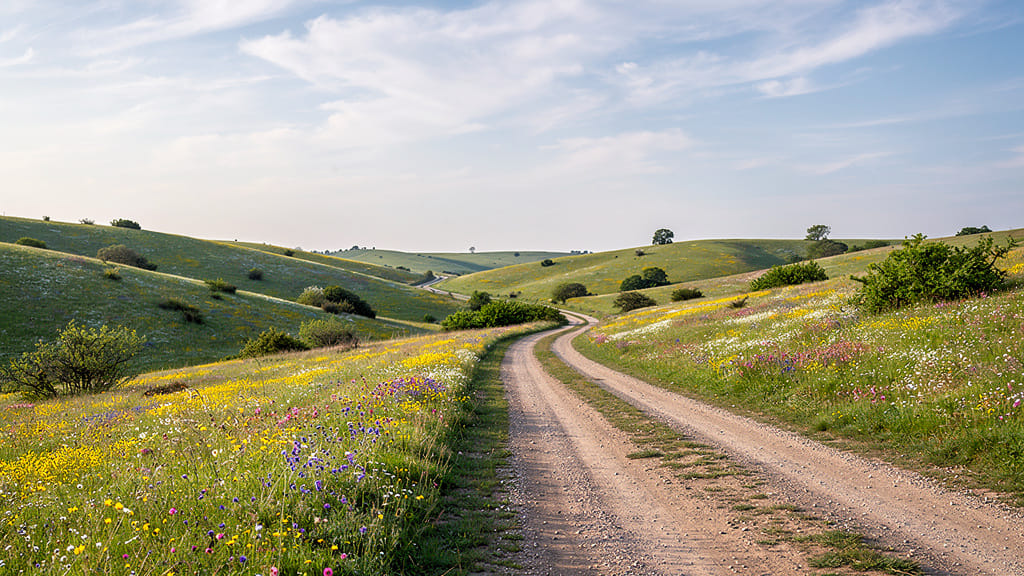
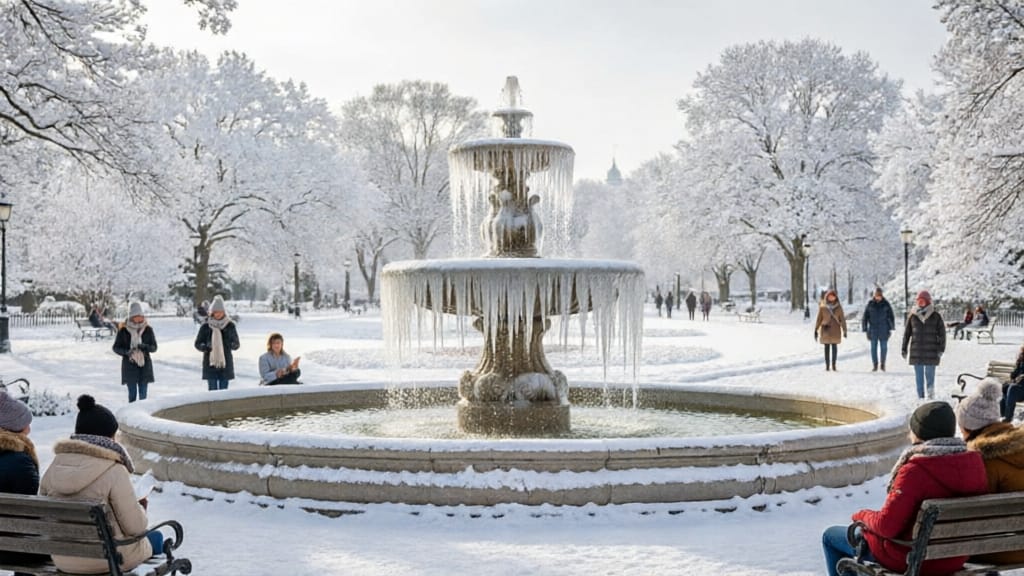
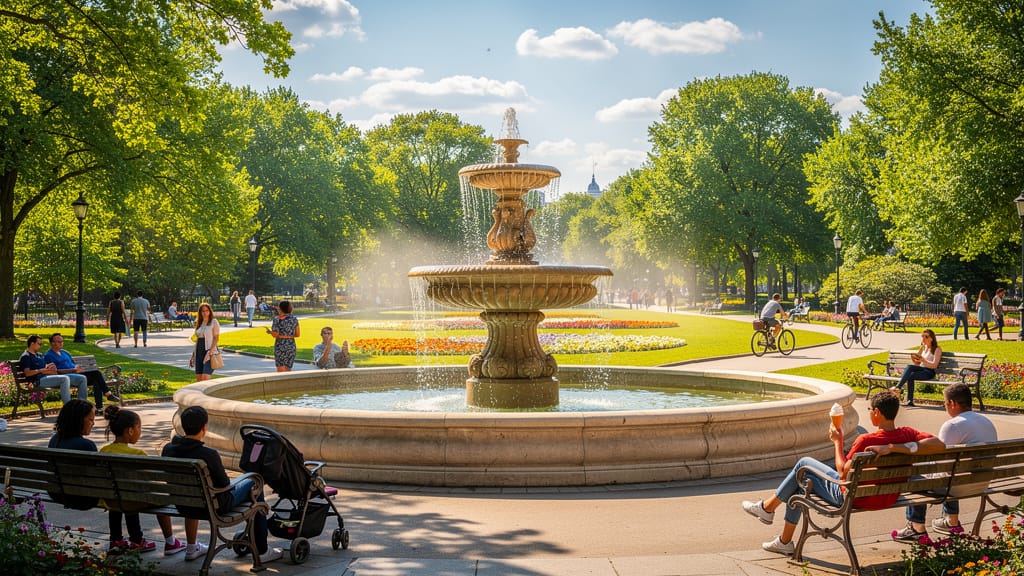
MUDANÇA DE CENA SazonAL
Simula mudanças drásticas de estações em cenários, permitindo visualização de ambientes ao longo do ano. Importante para arquitetura, planejamento urbano e conteúdo de redes sociais.
Compare com modelos semelhantes
“Transform into a classical oil painting in the style of Rembrandt. Add visible impasto brushstrokes with thick paint texture. Apply warm golden undertones and dramatic chiaroscuro lighting with deep shadows. Enhance the dramatic contrast while preserving facial structure and expression. Add subtle canvas texture visible through the paint layers.”
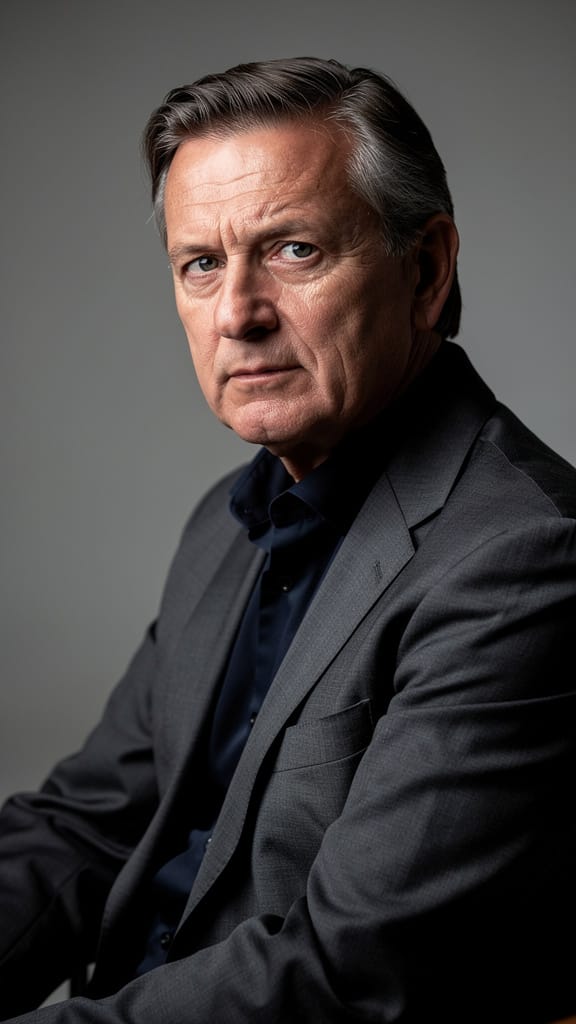



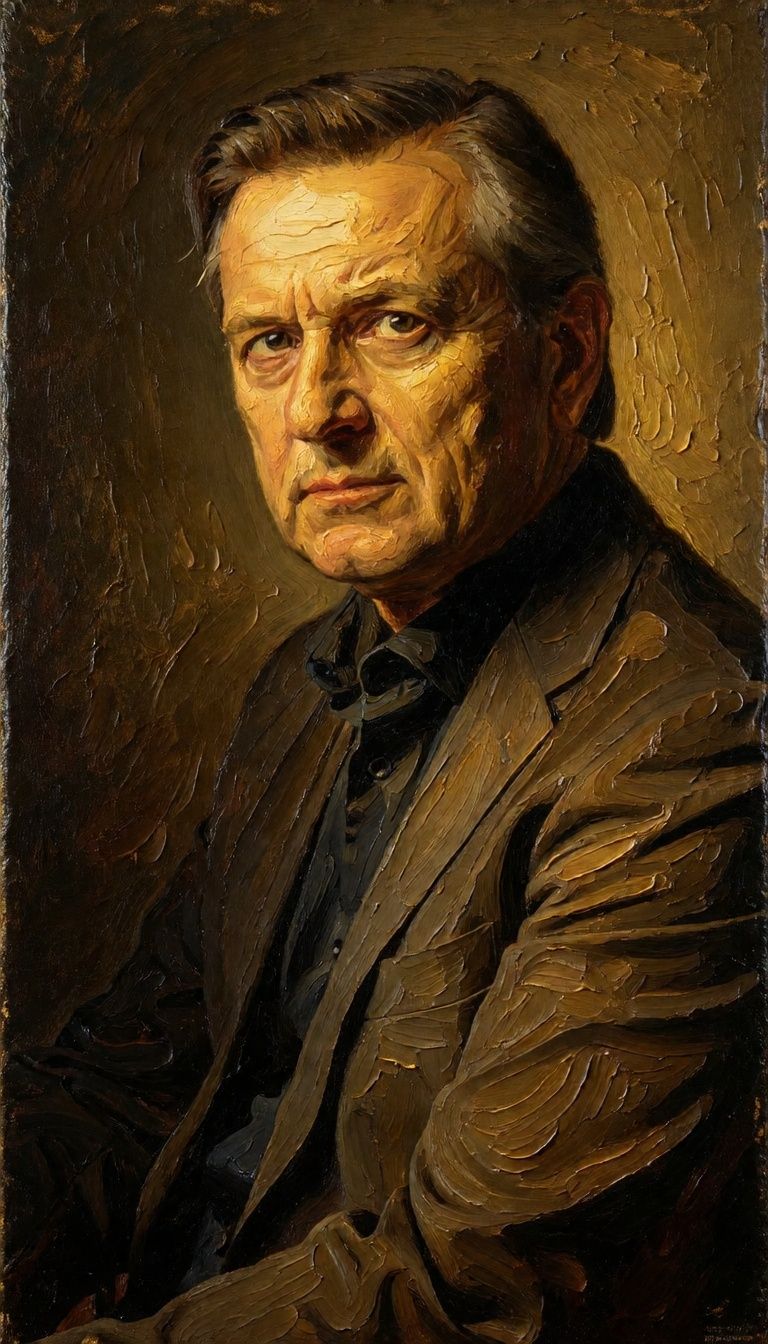
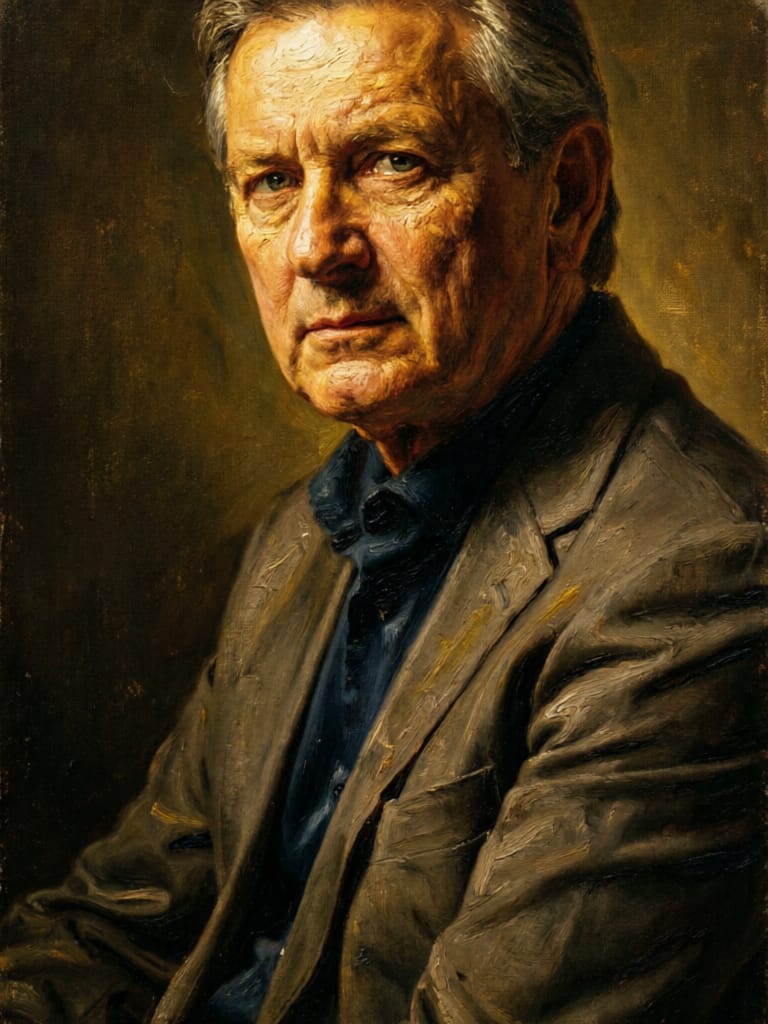
![FLUX.2 [klein] 9B LoRA output](https://shortgenius.com/cdn-cgi/image/width=3840,quality=80,format=auto/https://assets.shortgenius.com/example-model-output/cbfd8f70-6bf2-467b-918f-b020118b8db0.png)
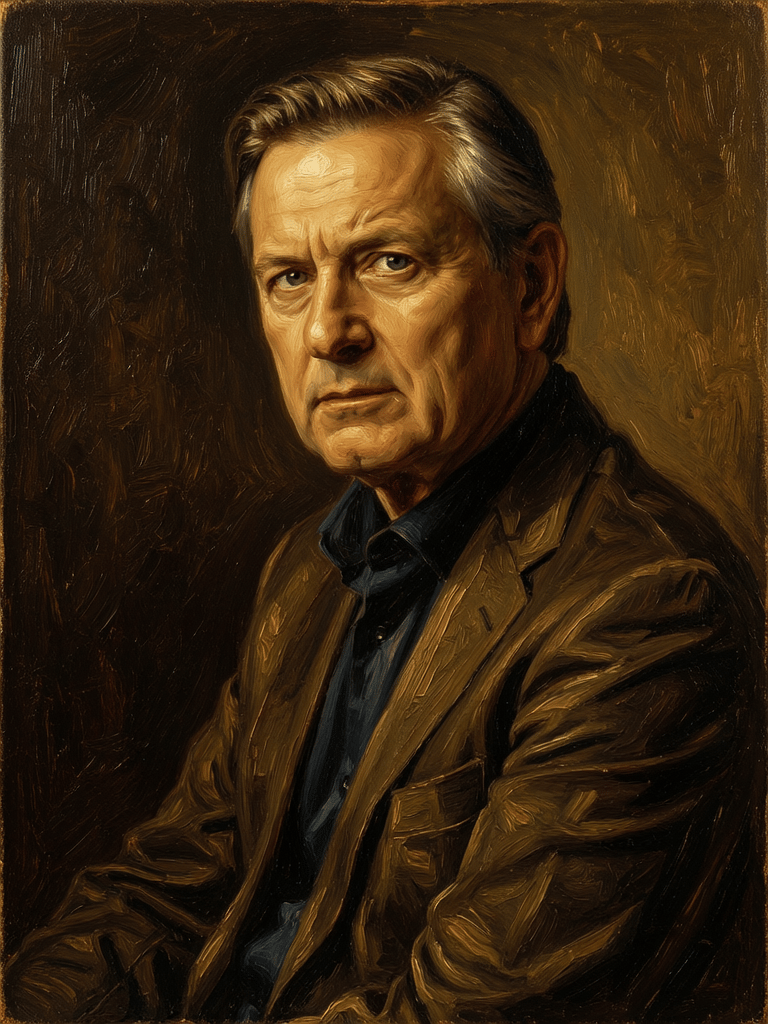
![FLUX.2 [klein] 9B LoRA output](https://shortgenius.com/cdn-cgi/image/width=3840,quality=80,format=auto/https://assets.shortgenius.com/example-model-output/cc1806c8-2af0-47e7-bd34-a95d2d180bfb.png)

![FLUX.2 [klein] 4B LoRA output](https://shortgenius.com/cdn-cgi/image/width=3840,quality=80,format=auto/https://assets.shortgenius.com/example-model-output/10a63e77-67c3-46e6-83d3-b7b93355e72c.png)
Experimente a perfeição com Qwen Image 2
Mude para síntese guiada por raciocínio hoje
Perguntas frequentes
Modelos semelhantes
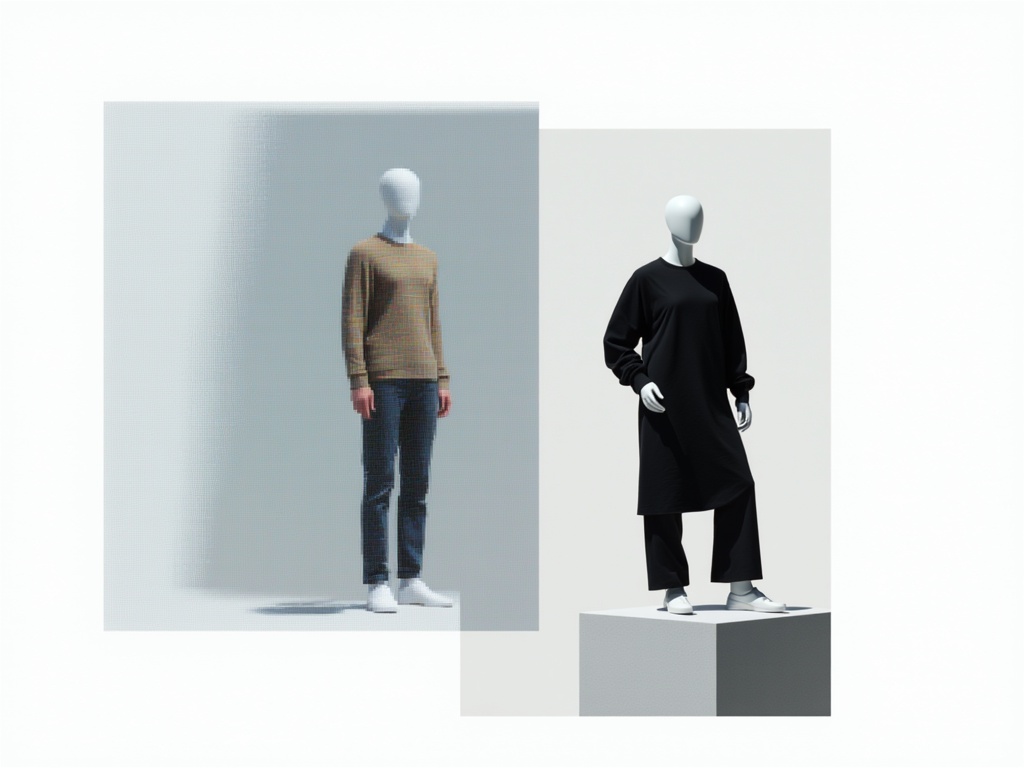
Hy Wu Edit
Edit images with reference photos
0.4 créditos
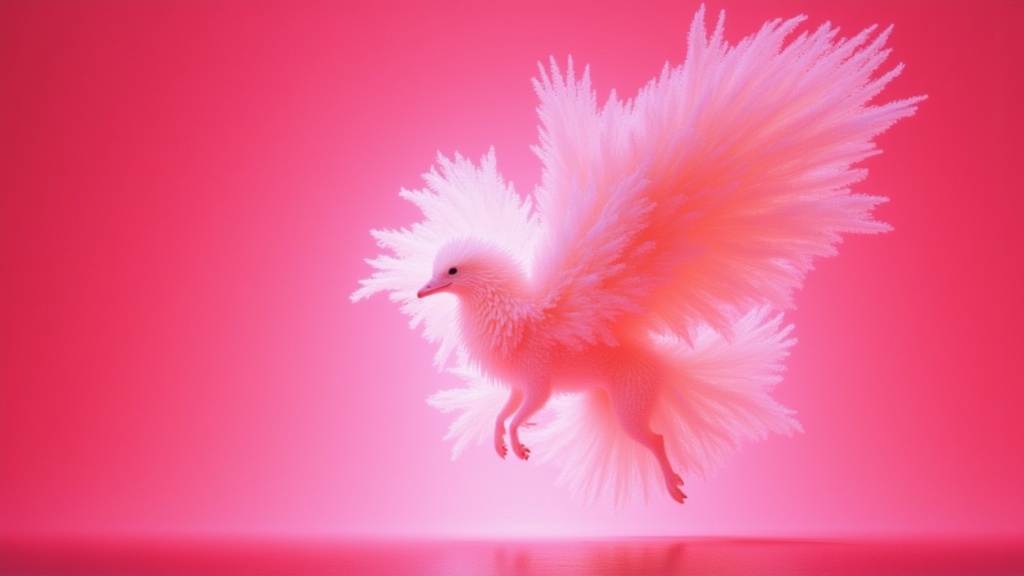
Wan
Text-guided creative image editing
0.2 créditos
![FLUX.2 [klein] 4B LoRA](https://v3b.fal.media/files/b/0a928e1f/c62zNs4MhBXgm-5w7n0C5_90bad8837ecc451e96f91da93b78f564.jpg)
FLUX.2 [klein] 4B LoRA
Edit images with text, colors
8 créditos
![FLUX.2 [klein] 9B LoRA](https://v3b.fal.media/files/b/0a928e3b/sIC-Ne9BMwZZtBvR3FwKN_9a724704a550471a9df59999e9e1017f.jpg)
FLUX.2 [klein] 9B LoRA
Precise natural language image editing
0.5 créditos
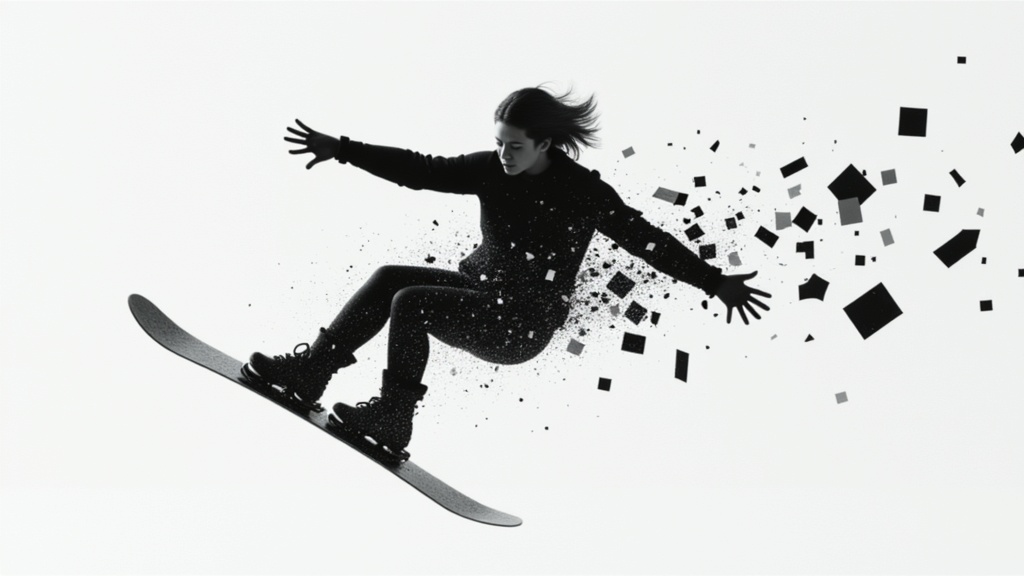
Qwen Image 2
Unified image editing and generation
0.6 créditos
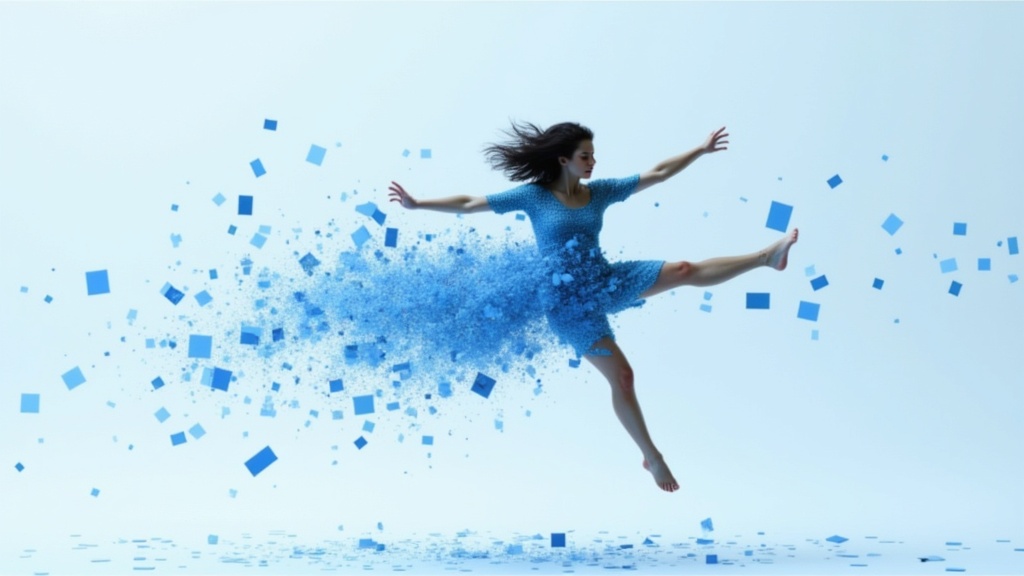
Gemini 3.1 Flash Image Preview
Ultra-fast Google image editing
0.7 créditos
Phota
Identity-preserving personalized photo editing
0.4 créditos
Joyai Image Edit
Natural language image editing
0.8 créditos
![FLUX.2 [klein] 9B LoRA](https://v3b.fal.media/files/b/0a928dd2/yFNW07YLHtp5zuE4eJAW1_e2f89915a1b740559b3c652b0b028296.jpg)
FLUX.2 [klein] 9B LoRA
Precise image edits, color control
0.3 créditos