Script to Video: Create Engaging Content Effortlessly

Learn how to convert your script to video with ease. Discover tips and AI tools to craft captivating videos that boost your audience engagement.
Making a video from a script used to be a long, drawn-out process. Not anymore. Thanks to AI, you can now take your text and generate visuals, voiceovers, and entire scenes automatically. This completely changes the game, cutting down production time and making high-quality video accessible to just about anyone, not just big studios with massive budgets.
The New Reality of Video Production
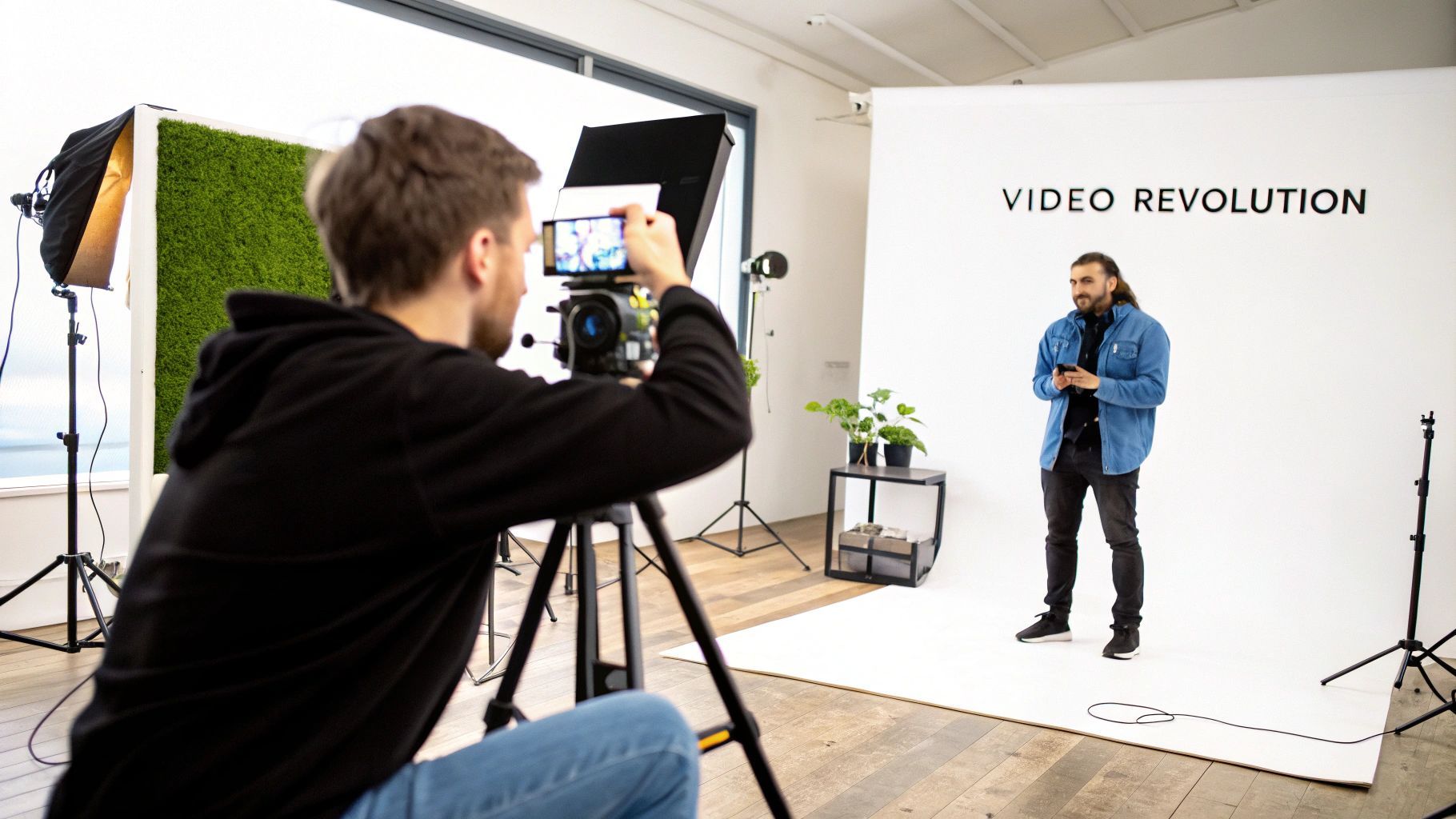
We're in a whole new era of content creation. The days of needing expensive gear, a specialized crew, and weeks of painstaking work to turn a simple script into a polished video are long gone. The modern workflow is direct, surprisingly fast, and driven by smart technology.
This shift is happening for a simple reason: people want more video. A lot more. Audiences don't just prefer it; they've come to expect it. This huge appetite for video has opened the door for AI-powered script-to-video tools, especially for businesses and marketers. For instance, recent numbers show that a staggering 78% of consumers want to see more video from brands. At the same time, 84% of business executives are ready to bring in AI that can turn text into video. It's a perfect match of consumer demand and business readiness, as you can see in these consumer trends from Idomoo.
How AI Changes the Game
So, what does this actually mean for creators, marketers, and educators? Instead of trying to wrangle a team of writers, designers, and editors, a single person can now run the whole show. A tool like the ShortGenius AI video creator pulls scriptwriting, visual generation, voiceovers, and editing all under one roof.
Let's look at the modern script-to-video workflow and how AI fits into each stage.
The Modern Script to Video Workflow
This table breaks down the key stages in the AI-powered script-to-video conversion process.
Stage | Core Task | How AI Accelerates It |
|---|---|---|
Scripting | Writing the narrative and dialogue. | AI can generate or refine scripts based on a prompt or topic, ensuring it’s optimized for video pacing. |
Scene Planning | Breaking the script into visual scenes. | The AI automatically analyzes the script and suggests scene breaks, saving tons of manual planning time. |
Asset Generation | Creating visuals, voice, and music. | It generates relevant video clips, images, and a human-like voiceover directly from the text of each scene. |
Assembly & Editing | Putting all the pieces together. | The AI stitches scenes, audio, and visuals into a cohesive first draft, complete with transitions and captions. |
As you can see, AI isn't just speeding up one part of the process; it's making the entire workflow smarter and more integrated.
This new approach brings some pretty obvious wins:
-
Incredible Speed: Go from a finished script to a video ready for social media in minutes, not weeks.
-
Major Cost Savings: Forget about expensive software licenses, pricey stock footage subscriptions, and the headache of hiring freelancers.
-
Effortless Scaling: You can finally produce a steady stream of high-quality videos for all your channels without burning out your team.
The real power of the script to video process isn't just about automation. It's about creative liberation. It tears down the technical walls, letting you focus on what really matters: your story and your message.
Ultimately, this shift makes video production a sustainable and central part of any content strategy, giving you the power to meet your audience's demand head-on.
How to Write a Script That Actually Works on Screen
Before we even get to the AI, we have to talk about the one thing that makes or breaks any video: the script. You can't just copy and paste a blog post into a tool like ShortGenius and expect magic. Writing for the web is totally different from writing for video.
Think about it—web readers scan. They jump around, reread sections, and absorb information at their own pace. A video viewer is on a linear journey. You have to guide them, second by second.
The secret is to write for the ear, not the eye. Use language that's easy to say and even easier to understand. Short sentences are your best friend here. A friendly, conversational tone always works best because it feels like you're talking directly to the viewer, not just at them.
From Text Block to Visual Blueprint
The biggest shift you need to make is thinking in scenes. A script isn't just about what you're going to say; it's about what the audience is going to see. Turning a written idea into a video means breaking it down into visual and audio cues.
This is where the classic two-column script comes in, and it's a lifesaver.
-
Audio Column: This is your narration, your voiceover. Keep each block short—just one or two sentences. This prevents you from rushing the delivery. A good target to aim for is around 150 words per minute of video, which feels natural and unhurried.
-
Visual Column: As you write your audio, think about what should be on screen. For every line of narration, jot down a visual idea. It could be something specific like "drone shot of a city skyline at sunset" or a general concept like "animation showing data points growing."
The best video scripts aren't just words on a page; they're a director's blueprint. When you plan your visuals alongside your narration, you're essentially giving the AI clear instructions, which leads to much better, more relevant video clips right from the start.
This approach also has a fantastic side effect: it immediately shows you where your message is getting too complicated or wordy. You can spot the problem areas and simplify before you ever open the video editor.
Formatting for Success
Getting the format right from the beginning saves a ton of headaches later. The two-column layout—visuals on the left, audio on the right—is an industry standard for good reason. It’s incredibly practical.
Here’s a quick look at how that structure is laid out.
This simple layout forces you to connect every spoken word with a specific visual element. There's no guesswork. Whether it's an AI or a human editor putting the final piece together, they know exactly what you intended for every moment of the video. It's the key to turning your script into a truly compelling story.
Turning Your Script Into a Visual Story
Alright, you've got a solid script. Now for the fun part: bringing those words to life. This is where you shift from writer to director, and an AI tool like ShortGenius becomes your production crew. It's less about technical wizardry and more about creative guidance.
Let's imagine you’re making a quick promo for a new productivity app. Your script isn't just one big chunk of text; it's smartly broken down into scenes. When you drop that script into the tool, the AI immediately starts parsing it, looking at keywords, tone, and context to find matching visuals.
A line like, "Effortlessly manage your team's tasks," might prompt the AI to suggest a stock clip of a focused team in a meeting or a slick animation of a checklist getting ticked off. This first pass is your canvas.
The real magic happens when you start curating. That team meeting clip the AI suggested? Maybe it feels a bit too corporate for your brand's quirky vibe. No problem. You can easily swap it for a more energetic animation or find a different video that just feels right.
This whole process is visualized pretty well here:
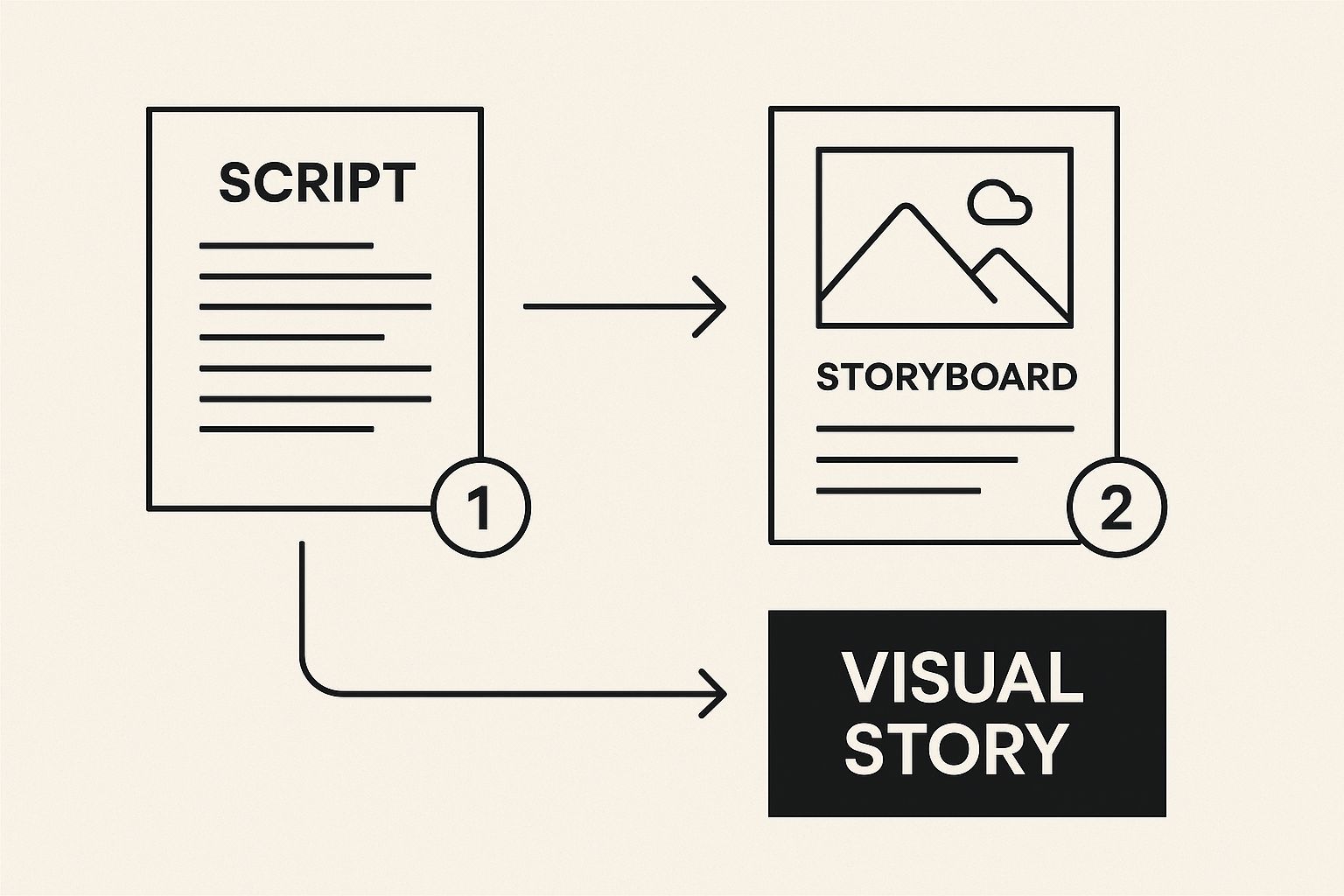
As you can see, a well-planned script and storyboard are the blueprints. They make the AI’s job easier and give you a much better final product.
Working With the AI, Not Against It
The secret to getting amazing results from these tools is learning how to give them clear instructions. The AI is smart, but it can't read your mind. The quality of its visual suggestions is directly linked to how descriptive your script is. This powerful connection is exactly why the text-to-video AI market is exploding.
The global text-to-video AI market was valued at around USD 0.4 billion in 2025 and is on track to hit USD 1.18 billion by 2029. That’s a staggering 30.9% compound annual growth rate, fueled by the demand for tools that can instantly turn ideas into video. You can dig into the growth of the text-to-video market here.
To get better suggestions from the get-go, be specific in your script's visual notes. Instead of a vague prompt like "data visualization," try something like "an animated bar graph showing positive upward growth." That small tweak gives the AI much clearer direction and saves you a ton of editing time later.
A handful of features in modern AI video generators are particularly helpful for this process. Here's a look at the ones I rely on most.
Key AI Video Generator Features for Script Conversion
Feature | How It Helps | My Pro Tip for Better Results |
|---|---|---|
Scene Detection | The AI automatically breaks your script into smaller, manageable scenes based on punctuation and line breaks. | Keep your script sentences short and focused. This helps the AI create more logical scene breaks, giving you a better starting point. |
Keyword-Based Visual Search | It analyzes the main keywords in each scene to pull relevant stock videos, images, or animations. | Use strong, descriptive verbs and nouns. Instead of "make work better," try "streamline project workflows." The AI will find much better visuals. |
Brand Kit Integration | Lets you upload your brand's fonts, colors, and logo to apply a consistent style across all scenes. | Set this up before you start. It’s a huge time-saver and ensures your final video looks polished and on-brand, not like a random collection of clips. |
AI Voiceover Generation | Converts the text from your script into a natural-sounding voiceover in seconds. | Always listen to the full voiceover before finalizing your visuals. The pacing and tone might inspire you to adjust the timing of a scene or swap a clip. |
By mastering these features, you're not just assembling a video; you're actively directing the AI to build the story you envisioned.
A few more tips from my experience:
-
Refine Scene Transitions: Don’t settle for the default crossfade. Try a quick jump-cut for high-energy moments or a smooth wipe to transition between two related ideas. The right transition can completely change the feel of your video.
-
Customize Your Style: Beyond the brand kit, look for options to apply filters or overlays. This can help blend different stock clips together into a more cohesive visual narrative.
-
Perfect the Narrative Flow: What looks good on paper doesn't always work on screen. The drag-and-drop timeline is your best friend. Don't be afraid to re-sequence scenes if the visual story feels more powerful in a different order.
Once your scenes, visuals, and timing are locked in, it's time to bring it all together. The final step is to render a video, which compiles all your edits into a single, high-quality file, ready for you to add music and share with the world.
We Need to Talk About Your Video's Audio
Great visuals will get people to stop scrolling, but it's the audio that makes them stay. If you've put all this effort into your script and scenes, the last thing you want is for flat, boring sound to kill the vibe. Getting the audio right is what separates a decent video from a truly professional one.
So, where do you start? You've got a couple of solid options for the voiceover: using an AI-generated voice or recording your own.
Finding the Right Voice
Let's be honest, AI voices have gotten really good. Inside a tool like ShortGenius, you're not just stuck with one robotic-sounding option. You'll find a whole library of voices—some are energetic and perfect for a snappy ad, while others are more measured and reassuring, ideal for a tutorial.
The trick is to match the voice to your brand and the message. Don't just settle for the default. Listen to a few different ones with your actual script. Does it sound right? Does it match the tone you're going for? You can often tweak the pacing and even add pauses to make it sound much more human.
Of course, nothing beats the real thing. Recording your own voice instantly adds a layer of authenticity that AI is still trying to catch up with. And you don't need a fancy recording studio! A quiet room and a decent USB mic will get you 90% of the way there.
My best advice if you record your own? Speak a little slower than you normally would. It feels weird at first, but it makes your narration so much easier for viewers to follow and gives you breathing room when you're editing later.
Music and Sound Effects Make the Magic
Once your voiceover is locked in, it's time to build the world around it with music and sound effects. This is where you really get to shape the viewer's emotional journey.
Music is all about setting the mood. Are you trying to inspire action? Build suspense? Create a feeling of calm? The background track does a lot of the heavy lifting, but make sure it’s a supporting actor, not the star—it shouldn't compete with your narration.
Sound effects are the final layer of polish. Think about adding:
-
A subtle "swoosh" when a new graphic appears on screen.
-
A soft "click" when a button is highlighted.
-
A gentle "ding" to emphasize a key point.
These small touches make your video feel more alive and professional. It’s this combination of voice, music, and effects that makes modern video creation so powerful. As voice synthesis technology keeps improving, we're seeing it pop up in more and more places. You can dive deeper into this by checking out the latest trends in text-to-video AI.
Ultimately, the goal is to balance all three audio elements. When the voice, music, and effects all work together, you create a rich soundscape that pulls your audience in and keeps them hooked.
Final Touches That Make Your Video Shine
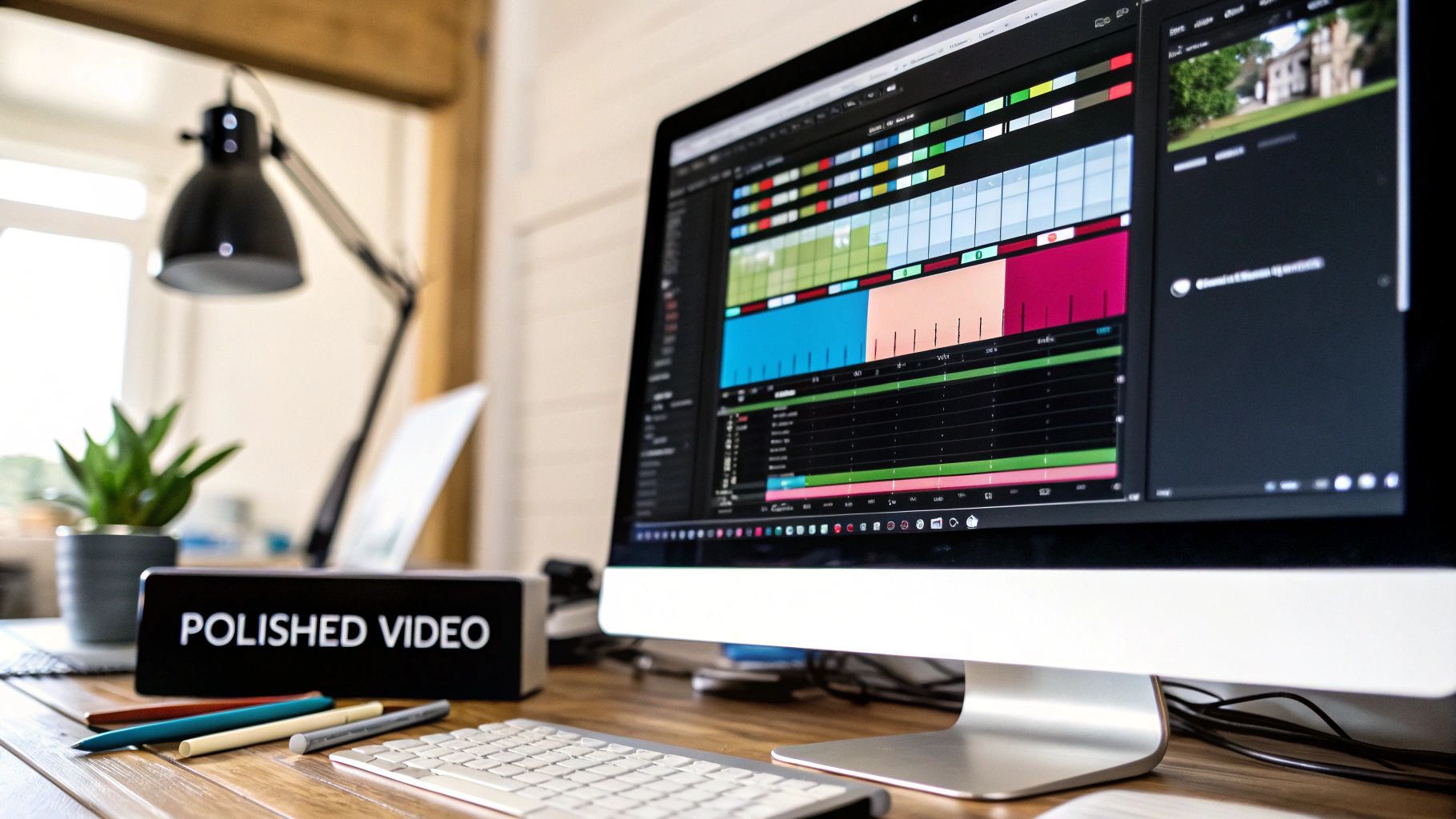
Let's be real: the AI gets you about 90% of the way to a finished video. It does the heavy lifting, but that final 10%? That’s where the magic happens. It’s your chance to add the polish and human touch that turns a good video into a great one.
Think of it as the final review before you hit publish. Watch your video all the way through. Does any scene drag on for just a second too long? Trim it. A snappy, well-paced video is key to keeping your audience hooked from start to finish. This is also the perfect time to drop in some text overlays to highlight a key statistic or drive home an important message.
This is also where your brand comes to life. A subtle logo watermark and a consistent color palette for your text and graphics make your video instantly recognizable and far more professional. Most tools, including the different ShortGenius pricing tiers, have brand kit features that make this incredibly easy to manage.
Optimizing for Every Platform
Once you're happy with the creative side, it's time to talk technicals. Exporting your video with the right settings for each platform isn't just a suggestion—it's essential.
The perfect video for YouTube will look all wrong on Instagram Stories. Each platform has its own rules for aspect ratios and resolutions. If you want maximum reach and engagement, you have to play by their rules.
Before you hit that export button, double-check these settings in your editor:
-
YouTube: Stick with the standard 16:9 aspect ratio. Always export in the highest quality you can, usually 1080p (Full HD) or even 4K, for a crisp look on any screen.
-
Instagram & TikTok: It's all about vertical video here. A 9:16 aspect ratio is non-negotiable for Reels and Stories. Go for a resolution of 1080x1920 pixels to keep it looking sharp on phones.
-
LinkedIn & Facebook: These platforms are a bit more forgiving, but I've found that a 1:1 (square) aspect ratio often works best in the feed. It simply takes up more screen real estate as people scroll, making it harder to ignore.
Taking the time to nail these final details is what separates forgettable content from videos that actually get results. You're transforming that AI draft into a polished asset ready to perform.
Got Questions About Turning Scripts into Videos?
When you first start using AI to create videos, it's natural to have a few questions. I see the same ones pop up all the time. Getting these sorted out from the get-go will save you a ton of headaches and help you make better videos, faster.
How Long Should My Script Be?
This is probably the number one question I get asked. The magic number for a typical one-minute video is about 150 words. This gives your message room to breathe and lets the visuals sync up nicely without feeling rushed. For a punchy 60-second social media clip, aim for that 140-160 word range.
Planning something a bit longer, like a three-minute YouTube tutorial? You'll want to expand your script to around 450 words. This keeps the pace engaging without losing your audience's attention.
Does the AI Actually Understand My Script?
For the most part, yes. Today's AI video tools are pretty smart, using Natural Language Processing (NLP) to pick up on keywords, themes, and even the emotional tone of your script. This is how it digs through its massive library to find visuals that match what you've written.
But here's the thing: it's not a mind reader. The more specific you are, the better the AI can do its job.
For instance, instead of a vague line like, "The business grew," try something much more descriptive: "The quarterly sales chart showed a steep upward trend." That little tweak gives the AI a crystal-clear instruction, leading to a much more relevant and impactful visual.
What are the Biggest Mistakes People Make?
I've seen a few common missteps that can really drag down an otherwise great video. If you can sidestep these, you'll be way ahead of the curve.
-
Too much text on screen. This is a classic mistake. Let your visuals and the voiceover tell the story. A crowded screen just makes people tune out.
-
Bad audio. Nothing makes viewers click away faster than crackly, muffled, or distracting audio. Clean, clear sound is non-negotiable.
-
No call-to-action (CTA). You've held their attention all the way to the end—now what? Always tell your audience what to do next, whether it's subscribing, visiting your site, or leaving a comment.
Keeping these simple tips in mind will make a huge difference in the quality and consistency of the videos you produce.
Ready to turn your ideas into compelling videos in minutes? ShortGenius unifies scriptwriting, visual generation, voiceovers, and editing into one seamless platform. Start creating for free today!