How to Make Social Media Videos People Actually Watch

Learn how to make social media videos that capture attention. Our guide offers real-world strategies for scripting, shooting, editing, and distribution.
If you want to create social media videos that stop the scroll, you need to think short, engaging, and valuable. The best videos hook viewers instantly, tell a compelling story, and guide them to the next step. And the good news? You don't need a Hollywood studio to do it—accessible tools like ShortGenius put everything you need right at your fingertips.
Why Your Audience Craves Video Content
 Let's face it, getting noticed online is tough. Between static images and endless text, it’s easy for your message to get lost in the noise. This is exactly where video shines. It isn't just another content format; it's the native language of social media today—dynamic, personal, and incredibly effective.
Video cuts through the digital clutter because it connects with us on a much deeper level. It blends motion, sound, and narrative to evoke an emotional response that a simple picture or block of text just can't replicate. Think about the last time a 15-second Reel made you laugh out loud or a quick TikTok tutorial taught you something new. That's the power of video: creating an immediate, authentic connection with your audience.
The Power of Short-Form Engagement
Today’s social media is all about quick, digestible content. Platforms like TikTok, Instagram Reels, and YouTube Shorts have trained us to expect instant value. This isn't just a trend; the data backs it up.
Social media video is the undisputed king of engagement. Consider that Instagram videos generate 49% more engagement than static photos. Over on LinkedIn, videos pull in five times more interaction than other types of posts. If you want to dive deeper, you can explore more social media statistics here to see the full picture.
So, what does this mean for you? It provides a clear roadmap for creating videos that actually perform:
- Build Trust: Authentic, behind-the-scenes videos make your brand feel human and relatable. People connect with people, not logos.
- Drive Action: Showing a product in action is far more persuasive than just writing about it. Videos can directly influence buying decisions right from the feed.
- Boost Visibility: Social media algorithms love video. They actively push it to new audiences, dramatically increasing your reach and potential for discovery.
The goal isn't just to post a video; it's to start a conversation. Every clip is a chance to share a story, solve a problem, or simply entertain, turning passive scrollers into an engaged community.
Thankfully, you no longer need a big budget or a film crew to create compelling videos. Tools like ShortGenius are designed to help anyone produce professional-looking content, handling everything from scripting to editing in one streamlined platform. Let’s walk through how you can do it.
Finding Video Ideas That Actually Resonate

Let's be honest: the toughest part of creating social media videos is often just figuring out what to talk about. We've all been there, staring at a blank content calendar, waiting for that lightning bolt of inspiration that never comes.
The truth is, the best ideas aren’t born from sudden genius. They come from listening, watching, and really getting what your audience cares about.
Instead of generic brainstorming sessions, a better approach is to see what’s already clicking with people. Take a deep dive into the top-performing videos from your competitors and other creators in your niche. What questions are they answering? Which video formats are sparking conversations in the comments? The goal isn't to copy them, but to spot the themes and pain points they’re hitting on. That’s your goldmine.
Tap Into Your Existing Resources
Your best content ideas are probably hiding in plain sight. You don't need to start from scratch every single time you want to post. Think about the assets you already have and how you can breathe new life into them as video content.
This repurposing strategy is a huge time-saver. A single, detailed blog post can easily be sliced into five or six short-form videos. Each clip can zoom in on a key statistic, a practical tip, or a single big takeaway from the original article. This approach not only fills up your content calendar but also gives you a great way to push traffic back to your website.
Here are a few proven places to find inspiration right under your nose:
-
Customer Feedback: Your DMs, support tickets, and comment sections are a treasure trove. What questions pop up over and over again? Turn those into a Q&A video series. It’s a simple way to build serious trust with your audience.
-
Behind-the-Scenes: Pull back the curtain and show the human side of your brand. A quick clip of your team packing an order, sketching out a new design, or just grabbing coffee can feel incredibly authentic and make you more relatable.
-
User-Generated Content (UGC): Nothing beats real customers sharing their love for what you do. Featuring videos or reviews from actual users is powerful social proof that feels far more genuine than any polished ad. To get the ball rolling, check out these creative 10 user-generated content ideas for creators.
Let AI Fuel Your Creativity
Sometimes, you just need a creative nudge to break through a block. This is where AI tools can be a real game-changer, especially for anyone trying to create videos consistently. Instead of just plugging in broad topics, you can get specific, data-backed suggestions.
The real power of AI in ideation isn't just spitting out topics; it's about uncovering unique angles and formats you might never have thought of on your own. It turns a frustrating task into a repeatable process.
Take the AI idea generator inside ShortGenius, for example. You can give it a simple keyword, and it will churn out dozens of content angles built for different platforms. It might suggest a myth-busting video, a step-by-step tutorial, or an idea that perfectly fits a trending audio clip.
This gets you past the "what should I post?" roadblock and straight into the fun part: "How can I make this great?" It saves you hours of guesswork.
Crafting Scripts That Hook Viewers Instantly
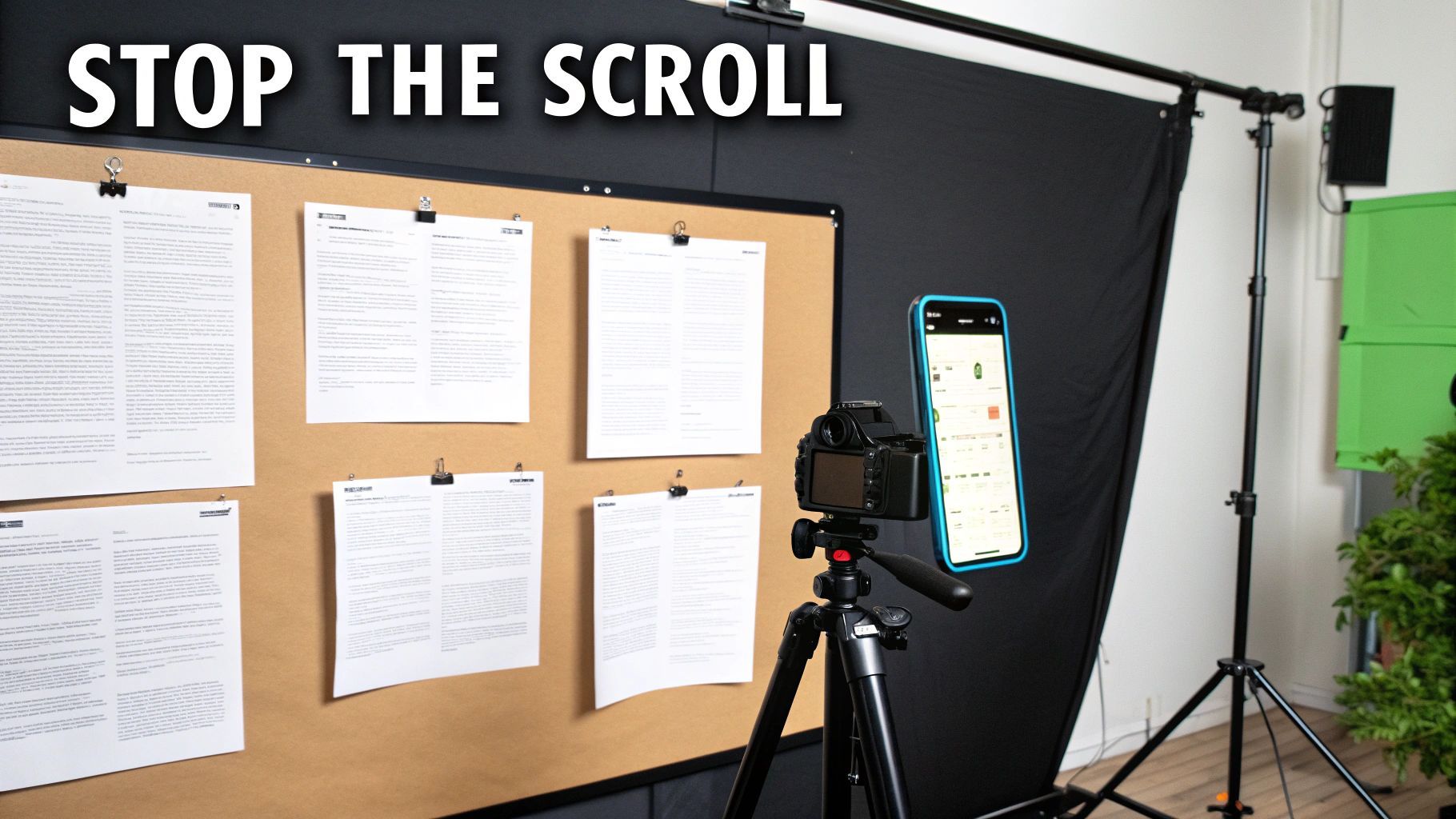
Let's be honest, that viral video you just saw wasn't an accident. Behind almost every clip that stops you in your tracks is a solid plan—a script that guides the viewer from the opening frame to the final second. Thinking of it as a "script" might sound a bit formal, but it's really just the process of deciding what you want to say and how you're going to say it to make the biggest impact.
Think of your script as the blueprint for your video. It keeps you on point, prevents rambling, and makes sure your core message doesn't get lost. Putting in a little effort here saves you a ton of headaches when it's time to film and edit.
The First Three Seconds Are Everything
You have a blink-and-you'll-miss-it window to stop a scroller in their tracks. Seriously, if you don't grab them in the first three seconds, they are gone for good. That’s why your video’s hook is, without a doubt, the most important piece of the puzzle.
A killer hook instantly answers the viewer's silent, scrolling question: "What's in this for me?" It needs to promise some kind of value, pique their curiosity, or introduce a problem they desperately want solved.
Here are a few hook formulas I've seen work time and time again:
- Intriguing Statement: Start with a surprising fact or bust a common myth. Something like, "You've been folding your shirts wrong your whole life."
- Direct Question: Speak directly to a pain point your audience knows all too well. For instance, "Tired of your houseplants dying? Here are three things you're probably doing wrong."
- Problem Preview: Show the "before" to create a craving for the "after." A classic example is showing a messy countertop right before a video about a game-changing cleaning hack.
Structuring Your Script to Keep People Watching
Okay, you’ve hooked them. Now what? The rest of your script has to deliver on that initial promise—and do it fast. A simple, tight structure is your best friend for keeping viewers engaged and leading them to your intended goal, whether that's a like, a follow, or a click.
The best scripts don't just throw information at the viewer; they tell a tiny story. For a short tutorial, this could be as straightforward as presenting a common problem, demonstrating the solution in action, and then celebrating the successful result. This narrative arc, even a short one, makes your content far more satisfying to watch.
A script is more than just words on a page; it's a strategic tool for managing your audience's attention. Every line should serve a purpose, either by providing value, building curiosity, or guiding them to the next step.
Finally, you have to tell people what to do next. Don't leave them hanging! A clear Call-to-Action (CTA) is non-negotiable. Be direct and specific: "Follow for more daily tips" or "Drop a comment with your biggest question."
To nail down these components, it helps to see them all together. Here's a simple breakdown of what makes a script truly effective for short-form video.
Key Elements of a High-Converting Video Script
This table outlines the essential pieces of a script designed to hold attention and get viewers to act.
| Script Element | Purpose | Example (for a 30-second tutorial) |
|---|---|---|
| The Hook | Grab attention in the first 1-3 seconds by creating curiosity or stating a bold claim. | "Stop making these 3 coffee mistakes!" |
| The Value | Immediately deliver on the hook's promise. Show or tell the viewer what they came to see. | "First, you're using water that's too hot. Second, your grind is too coarse..." |
| The Demo | Visually demonstrate the solution or the "how-to" part of your content. This is the core of the video. | Shows a clip of grinding beans correctly, then pouring water at the right temperature. |
| The Payoff | Reveal the final result or the benefit of following your advice. | Shows a perfect, delicious-looking cup of coffee. "And that's how you get a perfect brew." |
| The CTA | Tell the viewer exactly what to do next. Be clear and direct. | "Follow me for more coffee tips you can use every day!" |
This structure provides a reliable framework you can adapt to almost any topic.
If you find yourself staring at a blank page, don't worry. This is where a tool like ShortGenius can be a huge help. Its AI scriptwriting assistant can take a simple idea and spin it into a full script, complete with a powerful hook, a logical flow, and a strong CTA. It's trained on what works, so it builds a narrative based on proven, high-performing video structures. This lets you skip the writer's block and jump straight to creating.
Shooting and Editing Videos Like a Pro

Let's get one thing straight: you don't need a Hollywood budget to create social media videos that stop the scroll. That smartphone in your pocket? It's more than capable of capturing incredible footage. With just a few simple techniques, you can shoot clips that look clean, crisp, and professional.
But the real magic happens in the edit. This is where you weave your raw clips into a cohesive story, inject some visual personality, and polish everything for the fast-paced world of social media. A thoughtful edit can elevate good footage into something truly memorable.
Mastering the Art of Smartphone Filming
Before you even think about opening an editor, your number one job is to get clean, stable footage. Trust me, spending a few extra minutes getting the shot right will save you hours of frustration later.
I’ve found that focusing on these three fundamentals makes the biggest difference in video quality:
- Light It Right: Good lighting is non-negotiable. Always shoot in a well-lit space. Natural light from a window is often your best bet—just make sure you're facing the light source, not standing with it behind you. A backlit subject is the quickest way to look like an amateur.
- Prioritize Clear Audio: Your phone's mic is okay, but it picks up every echo and background noise. A cheap lavalier mic that clips onto your shirt is a game-changer for clear, crisp audio. No mic? No problem. Film in a quiet room with soft surfaces like rugs or curtains to dampen any echo.
- Stability is Key: Nobody likes watching shaky video. It’s jarring. You can easily fix this by propping your phone on a stable surface or grabbing an inexpensive tripod. I’ve even used a stack of books in a pinch. The goal is a smooth, steady shot.
Turning Raw Clips into Polished Content
With your footage in hand, it's time to bring your story to life. This is where an intuitive tool like https://shortgenius.com really shines, turning what used to be complex editing tasks into a few simple clicks. It's built specifically to help you assemble clips, add engaging elements, and format your video perfectly for any platform.
Editing is no longer a bottleneck; it’s your biggest creative opportunity. It’s no wonder that 95% of marketers now consider video a crucial part of their strategy, pouring significant budget into it.
The real purpose of editing isn't just to snip out the bad takes. It's about controlling the pace, creating emphasis, and layering in details that keep your audience captivated from start to finish.
When your editor is easy to use, you can spend more time on the creative stuff that actually matters. If you're looking to build out your creative arsenal, it's worth exploring the best content creation tools for social media that can complement your workflow.
Here’s how a smart editor speeds up the whole process:
- Trimming and Sequencing: You can quickly chop out dead air and awkward pauses, then drag and drop your best takes into a sequence that tells a compelling story.
- Adding Text Overlays: Highlighting key takeaways with on-screen text is essential, especially since so many people watch with the sound off.
- Finding the Right Vibe with Music: A good editor gives you access to a library of royalty-free music. The right track can completely transform the energy and emotion of your video.
- Generating Automatic Captions: This is a must-have. Adding accurate captions with one click makes your content more accessible and easier to consume, which is a huge win for engagement.
Distributing Your Videos for Maximum Reach
https://www.youtube.com/embed/erIH9YAGFtg
Making a fantastic video is really only half the job. The other, arguably more important half, is making sure the right people actually see it. Your distribution strategy is what separates a video that gets a few hundred views from one that truly takes off.
Think of your caption as the co-star to your video. The visuals grab the initial attention, but the caption is what provides context, sparks conversation, and tells your audience what to do next. Instead of just describing what’s in the video, try asking a thought-provoking question or sharing a quick, personal story that adds a new layer to the content.
Hashtags are another essential piece of the puzzle. It's tempting to just slap on the most popular tags, but that's a mistake. A much better approach is to use a strategic mix. For instance, if you're a local coffee shop, you might use #coffee (broad), #specialtycoffee (niche), and #YourBrandMornings (branded). This mix helps you reach a wider audience while still attracting your core, ideal customer.
Scheduling for Consistency and Sanity
We’ve all heard it: consistency is key on social media. But being consistent can quickly lead to burnout if you don't have a plan. This is where scheduling becomes your best friend. Posting when your audience is most active can give your content a huge initial boost in engagement, which the algorithms love to see.
The real goal isn't just to post randomly; it's to build a reliable presence. A steady schedule teaches your followers when to expect new content from you and signals to the platforms that you're a serious creator.
Tools like ShortGenius are built to solve this exact problem. The built-in scheduler lets you map out your content calendar weeks ahead of time. You can set your videos to go live on TikTok, Instagram, and YouTube at the perfect moment for each platform, which frees you up to think about what you’re going to create next, not what you need to post right now.
Smart Repurposing for Multi-Channel Dominance
Never let a great piece of content die on a single platform. Smart repurposing is all about getting the most mileage out of the hard work you’ve already done. A single long-form video can be a content goldmine, easily sliced and diced into a dozen smaller pieces for different channels.
This isn't about being lazy; it's about being efficient and extending your reach without having to constantly come up with brand-new ideas.
Here are a few ways I've seen this work really well:
- Create Highlight Reels: Pull the most compelling 15-30 second moments from a longer video. These are perfect for Instagram Reels or TikTok.
- Design Quote Graphics: Grab a powerful line or key takeaway from your video and turn it into a shareable graphic for your feed or Stories.
- Write a Companion Post: Go deeper on the video's topic with a text-based post for LinkedIn or Facebook, then embed the original video to give people the full picture.
This creator-led approach is becoming incredibly valuable as more brands shift their marketing spend. In fact, social commerce revenue is expected to hit $1 trillion worldwide by 2028. Why? Because 69% of consumers say they trust recommendations from creators they follow. If you want to dig into the numbers behind this shift, you can read more about these social marketing statistics.
Common Questions About Making Social Media Videos
Jumping into video creation can feel like a lot. You get the basic idea, but then a million little practical questions start popping up. Let's walk through some of the most common ones I hear—the real-world hurdles that can stop you in your tracks before you even start.
Getting these answers straight will help you build a workflow that actually works, letting you create with more confidence.
How Long Should My Videos Be?
This is the big one, isn't it? The honest answer is, it completely depends on where you're posting and what you're trying to achieve. There's no magic number, but after years of doing this, I've found some pretty solid guidelines.
- For TikTok and Instagram Reels: Keep it snappy. 15-30 seconds is the sweet spot. People are scrolling fast, so you need to deliver your hook and your value right away.
- For YouTube Shorts: You’ve got a little more breathing room here. Anything up to 60 seconds can work well, which is great for quick-hit tutorials or slightly more detailed explanations.
- For LinkedIn and Facebook: You can definitely go longer, usually between 1-3 minutes. The audience on these platforms is often looking for more substance and is willing to invest a bit more time if the content is genuinely useful.
Here's the golden rule: Make your video only as long as it needs to be. Don't add fluff to stretch it out. If your point is made in 15 seconds, end it at 15 seconds. Your audience will thank you.
Do I Need Expensive Equipment to Start?
Let me be clear: absolutely not. The myth that you need a fancy camera, studio lights, and a pro-level microphone is one of the biggest things holding new creators back. The smartphone in your pocket is a powerhouse and more than enough to get started.
Forget about gear for now. Instead, obsess over these two things:
- Good Lighting: Find a window and face it. Natural light is your best friend, and it's completely free.
- Clear Audio: A quiet room makes a world of difference. If you have $20 to spare, the single best investment you can make is a cheap lavalier mic you can find online. It will instantly make your videos feel more professional.
At the end of the day, a great idea and a clear message will always beat expensive equipment.
How Often Should I Post Videos?
Consistency beats frequency, every single time. It's far better to post one amazing video each week than it is to churn out five mediocre ones just for the sake of it. Creator burnout is a very real thing, so the trick is to find a rhythm you can actually stick with.
Maybe start with a goal of two or three videos a week. See how that feels. Once you get a handle on the process, you can always ramp it up. The goal is to build a schedule that doesn't feel like a constant scramble. This is where a good scheduler comes in handy—it helps you maintain that rhythm without the daily stress of posting live.
Remember, you're not just trying to show up; you're trying to be consistently valuable for your audience.
Ready to stop worrying about the logistics and just start creating? ShortGenius pulls everything from scriptwriting to editing and scheduling into one spot. It’s designed to help you get high-quality videos made and published in minutes, not hours. Start creating with ShortGenius today!