How to Link Instagram to TikTok and Grow Your Audience

Learn how to link Instagram to TikTok with our guide. Discover expert strategies to cross-promote content, maximize reach, and grow both audiences effectively.
Connecting your Instagram and TikTok isn't just a small tweak to your profiles—it's one of the smartest ways to build a cohesive brand and grow your audience. You're essentially creating a bridge, guiding people who find you through a viral TikTok clip over to the more curated, in-depth world of your Instagram. This simple link is the cornerstone of a solid cross-platform strategy.
Why You Should Connect Your Instagram and TikTok
Linking your accounts is more than just sticking an icon on your bio. It's a strategic decision that helps you build a more robust and widespread online presence. I've found it's best to think of each platform as a different doorway into your brand. TikTok is amazing for grabbing attention with quick, trending videos, while Instagram is where you can build a community through visual storytelling in Stories, Reels, and more detailed posts.
When you connect them, you make it incredibly easy for your audience to follow you from one platform to the other. A user might discover you on their "For You" page, and with one tap, they're on your Instagram profile, ready to see more. This connection lets you:
- Reach Different People: You tap into the fast-paced, trend-hungry audience on TikTok while also engaging the community-focused, visual scrollers on Instagram.
- Build Stronger Relationships: Use TikTok for wide-reaching, top-of-funnel content. Then, bring those new fans over to Instagram to build real loyalty with behind-the-scenes glimpses and direct conversations.
- Look More Credible: Having a linked, professional presence across major platforms builds trust. It signals to followers and potential brand partners that you're serious.
Think of it as creating a digital ecosystem for your brand. You’re not just posting on two separate apps; you’re building a network that amplifies your authority and makes every piece of content you create work that much harder.
To really make this work, it's not just about getting clicks; you need a plan to grow Instagram followers organically so you have a strong foundation to build on. The goal is to stop viewing them as isolated channels and start treating them as interconnected parts of your growth machine.
Adding Your Instagram Link Directly to Your TikTok Bio
One of the easiest ways to bridge your audiences is by placing a clickable Instagram link right on your TikTok profile. It’s a native feature, built directly into the app, that gives your viewers a one-tap path from your viral video to your curated Instagram feed.
Think of it as the most direct route you can create. Let’s get it set up.
First, head over to your TikTok profile and tap the "Edit profile" button. It's the one sitting right under your follower count. This is your command center for customizing your bio, profile picture, and, most importantly, your social links.
Inside the profile editor, you'll see a section specifically for social media. Tap the Instagram option, and TikTok will prompt you to log into your Instagram account to authorize the connection. Once you do that, a neat little Instagram icon will pop up on your TikTok profile, ready for your visitors to click.
Troubleshooting Common Issues
Of course, sometimes things don't go as planned. I've seen plenty of creators run into a common roadblock: the option to add an Instagram link is just... missing.
More often than not, this is an account type issue. TikTok Business Accounts sometimes have different feature sets compared to Personal or Creator accounts.
If you can't find the Instagram link option, here are a couple of things to try:
- Check Your Account Type: Hop into your settings and try temporarily switching from a Business Account to a Creator Account. This little trick often makes the social media linking options reappear. You can usually switch right back without losing anything.
- Update the App: It sounds simple, but make sure your TikTok app is the latest version. An outdated app can cause all sorts of features to go missing.
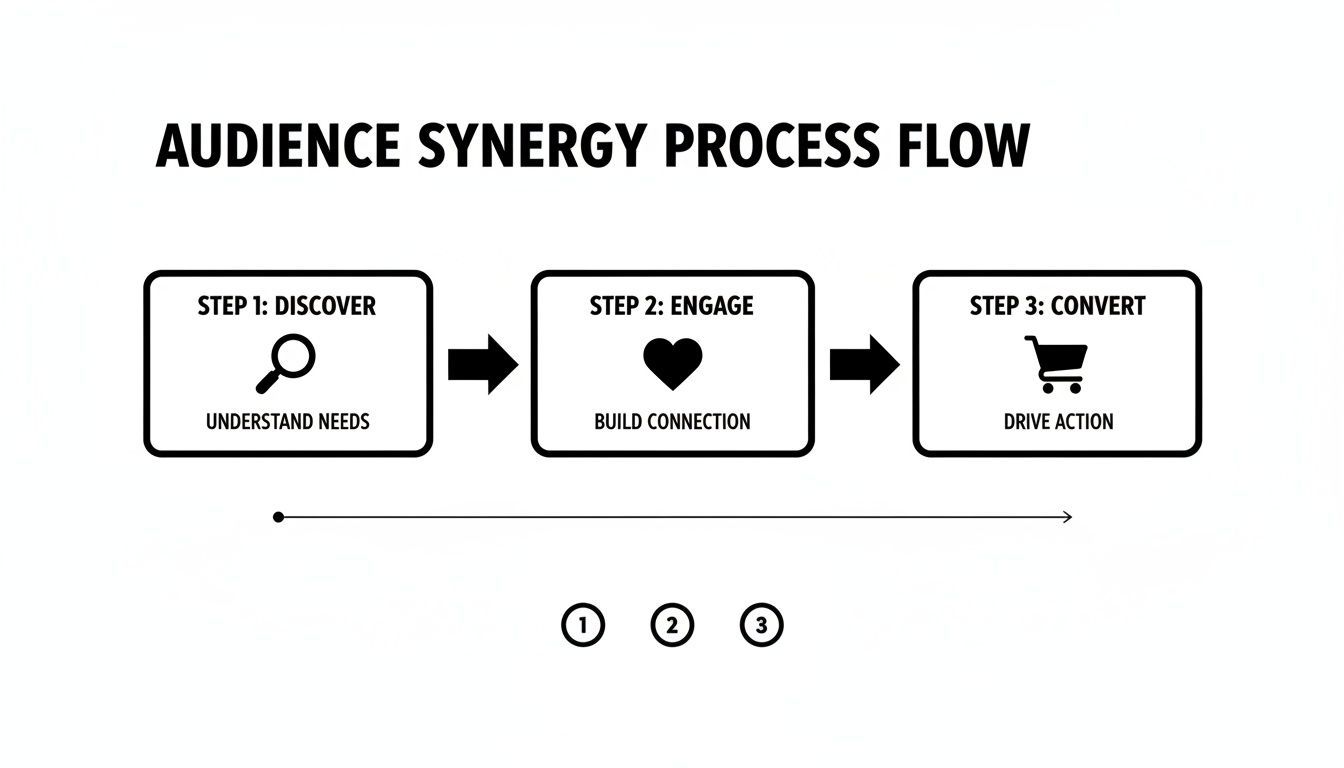
Getting this link in place is more than just a small tweak. It creates a smooth journey for your audience, guiding them from discovering your content on TikTok to engaging with you more deeply on Instagram. This is the first step toward building a cohesive brand across platforms. A simple link can turn a casual viewer into a loyal follower.
Using a Bio Link Tool for Maximum Impact
Linking directly to your Instagram is a solid start, but if you're serious about growing your brand, you'll want to use what's known as a "link in bio" tool. Think of it less as a single link and more as a mini-website. Instead of just sending people to one place, you're directing them to a custom landing page that can host all of your important links.
Let's say a viewer loves your latest TikTok. With a bio link tool, they don't just land on your Instagram profile. They get a page with buttons for your Instagram, your new YouTube video, your blog, and maybe even your merch store. You're making the most out of every single person who's curious enough to click that link in your bio.
Why a Link Hub Beats a Single Link
It all comes down to control. A single link gives your audience one option. A link hub lets you guide them exactly where you want them to go. This is a game-changer for anyone managing multiple projects or trying to build a following on more than just one platform.
When you create a central hub, you stop hoping followers will stumble upon your other content and start actively directing them to it. It’s a small change that makes a huge difference.
Tools like Linktree, Koji, or Later's Link in Bio make this super simple. You can build a branded landing page in just a few minutes, adding buttons for all the places you want to send people. Your Instagram profile just becomes one of the main attractions on that page.
Setting Up Your Multi-Link Hub
Getting this set up is surprisingly quick. First, you'll pick a bio link service and create your landing page. My advice? Put your most important links right at the top. If the goal is to link Instagram to TikTok, make sure that Instagram button is big, bold, and impossible to miss.
After you've designed your page, the tool will give you one unique URL. That's the link you'll copy and paste into your TikTok bio's website field. Just like that, the one clickable spot on your profile becomes a gateway to your entire online world, helping turn casual viewers into dedicated fans across every platform you use.
And if you're looking for an efficient way to create content for all these channels, you might find some great ideas at https://shortgenius.com. By combining a link hub with a smart content strategy, you turn a simple bio link into a powerful tool for growth.
Smart Strategies for Cross-Promoting Your Content
Alright, you’ve connected your profiles. Now for the fun part—actually getting people to move between them. Just dropping a link in your bio and hoping for the best is a rookie mistake. The real magic happens when you actively and cleverly guide your audience from one platform to the other. It's about building a bridge, not just pointing to a different island.
A great way to start is with platform-specific teasers. Instead of just posting a lazy screenshot of your new TikTok with a "go watch" caption, get creative. Clip the most exciting, curiosity-piquing first three seconds of your TikTok and turn that into an Instagram Story. Slap a "New Video" sticker on it and ask a question like, "Think you know how this ends?" That little bit of intrigue is often all you need to get them to tap over to your TikTok.

This works both ways, of course. At the end of your next TikTok, give a quick shout-out to some exclusive content on your Instagram. A simple, conversational prompt like, "For everyone asking for the details, I just posted a full breakdown in a carousel over on my Instagram," feels genuinely helpful, not like a sales pitch.
Adapt, Don't Just Repost
Here's the biggest mistake I see: creators download their TikToks and immediately upload them to Instagram Reels, TikTok watermark and all. This isn't just lazy; it’s a massive missed opportunity. Each platform has its own vibe, its own algorithm, and its own audience expectations. Smart cross-promotion is about adapting, not just copying and pasting.
The goal is to make every piece of content feel like it was made specifically for the platform it's on, even if it started somewhere else. This small effort shows your audience you understand the culture of each app.
Let's get practical. Say you have a TikTok that did really well. Before you move it to Reels, remove the watermark. Then, do a quick search for a trending audio track on Instagram and re-edit your video to fit that new sound and rhythm. It's a small tweak, but it can make a world of difference in how the Reels algorithm picks it up.
Understanding these little details is crucial. TikTok's algorithm is a beast, giving it an average engagement rate of around 2.5%, while Instagram hovers closer to 0.6%. Adapting your content helps close that gap. For example, considering that 62% of viral TikToks feature trending audio, it’s a no-brainer to apply that same logic to Reels. You can dig into more of these platform differences over at electroiq.com.
Ultimately, a winning strategy to link Instagram to TikTok is more than a technical setup. It’s a thoughtful content approach that builds a seamless experience for your followers. As you scale up, you can even explore tools like a text to video generator to streamline creation and make cross-platform content even easier to manage.
Turn Your Connected Social Media Presence into Cash
Connecting your Instagram and TikTok isn't just a strategy for growing your follower count—it's a smart way to open up new streams of income. When you link Instagram to TikTok, you're showing potential brand partners that you've built a unified, multi-platform presence. This is a huge selling point. It proves you can engage different audiences with various content styles, making you a much more valuable collaborator.
Brands aren't just looking for one-off viral videos anymore. They want creators who can weave a compelling story across multiple channels. Think about it: a campaign that starts with a trending TikTok, continues with behind-the-scenes Instagram Stories, and culminates in a detailed carousel post is far more powerful. This kind of comprehensive approach gets better results, and brands are definitely willing to pay more for it.
Build a Media Kit That Shows Your Full Power
Your first move should be to put together a media kit that highlights your combined influence. Don't just list your follower numbers for each platform separately. The real magic happens when you merge those metrics to show your total impact.
- Total Audience Reach: Add your TikTok and Instagram followers together. That bigger number is your new headline stat.
- Combined Engagement: Showcase your average views, likes, comments, and shares from both platforms. This paints a picture of a vibrant, active community.
- Audience Demographics: Pull the analytics from both apps to create a detailed profile of your audience—their age, gender, location, and interests.
A well-crafted media kit completely changes the conversation. You stop being "a TikToker" or "an Instagrammer" and become a multi-platform digital brand. This positioning gives you the leverage to ask for higher rates on brand deals.
Play to Each Platform’s Strengths for E-commerce
The real genius of monetizing a linked presence is knowing how each platform actually drives sales. They work differently, and you can use that to your advantage.
For example, you can use TikTok for viral product discovery, since it has a 73% faster path from seeing a product to making an impulse buy. From there, you can follow up with interested viewers on Instagram, a platform that's a beast for direct shopping with 32% higher average order values.
To really get the most out of this, dive into more advanced strategies like Instagram affiliate marketing to see how you can make that platform work harder for you.
If you're selling your own stuff, a connected strategy is your best friend. Use TikTok's incredible reach to create the initial buzz, then direct people to Instagram's seamless shopping features to seal the deal. With the right content strategy and tools like a dedicated AI ad generator, you can create killer promotional videos for each audience, turning your linked profiles into a serious money-making engine.
Got Questions? I've Got Answers
Even when you follow the steps, connecting Instagram and TikTok can throw a few curveballs. I’ve seen it all, so let's walk through some of the most common snags and questions that pop up for creators.
Can I Link a Business Instagram Account to TikTok?
You sure can. But, you might notice a slight difference in how it's done. If you're running a TikTok Business Account, you might go to edit your profile and find the dedicated "Instagram" button is missing from the social links section. Don't panic—this is normal.
The workaround is to use the "Website" field instead. This is actually where a link-in-bio tool like Linktree or Later really shines. You can build a simple landing page with a big, bold button for your Instagram profile and pop that one URL into your TikTok bio. Honestly, this method gives you way more flexibility anyway.
Help! My Instagram Link Isn't Clickable in My Bio.
This is probably the number one issue I see people run into, and the fix is usually super simple. More often than not, it’s just in the wrong spot. If you’ve just typed "instagram.com/yourusername" directly into your main bio description, it will show up as plain text. Nobody can click that.
Pro Tip: The only place a URL becomes a live, clickable link on your TikTok profile is in the dedicated "Website" field. You have to go into "Edit Profile" and paste your link there.
How Often Should I Be Changing My Bio Link?
Think of your bio link as a signpost, not a permanent address. It should always point to whatever is most important to you right now. A stale link is a wasted opportunity.
I usually recommend a few different cadences depending on what's going on:
- Weekly Swaps: If you're consistently putting out new content, change the link weekly to point to your latest YouTube video, blog post, or a specific Instagram Reel you want to get more eyes on.
- For Campaigns: Running a sale, a contest, or promoting a limited-time offer? Your bio link should go directly there for the entire duration of that campaign. Make it easy for people to take action.
- The Evergreen Default: When you don't have a specific promotion, it's smart to have it point to your main hub, like your Instagram profile or your link-in-bio landing page.
The whole point of updating your link is to keep your audience in the loop and guide them to your most valuable content. It makes that tiny bit of real estate on your profile work so much harder for you.
Will Linking My Accounts Hurt My Reach?
Not at all. This is a common myth, but linking your accounts won't negatively affect your reach or get you penalized by the algorithm on either platform. TikTok's algorithm cares about what happens on TikTok, and Instagram's cares about what happens on Instagram. They operate in their own little worlds.
If anything, smart cross-promotion can give you a boost. When you successfully drive engaged followers from one app to the other, you're creating positive signals—things like more profile visits and interactions. Over time, that can signal to the platforms that you're a creator worth showing to more people.
Ready to create amazing videos for both platforms without all the hassle? ShortGenius pulls together your scriptwriting, video creation, and scheduling so you can turn one great idea into a full-blown content strategy. Get started with ShortGenius today!