How to Link TikTok to Instagram to Maximize Your Reach

Learn how to link TikTok to Instagram with our clear guide. Boost your reach and grow your audience with tips for seamless cross-platform promotion.
Connecting your TikTok and Instagram is surprisingly simple—it's just a matter of adding a clickable link to your TikTok bio through the 'Edit Profile' settings. But don't let the simplicity fool you. This one small action builds a powerful bridge, letting followers hop from one platform to another without a second thought.
Why Connecting TikTok and Instagram Is a Game Changer
Before we get into the nuts and bolts, let's talk strategy. Linking your accounts is way more than just sticking a URL in your bio. It’s about creating a unified digital identity. Think about it: you can catch lightning in a bottle with a viral TikTok video and convert that fleeting attention into a loyal, long-term follower over on Instagram.
This synergy lets you play to the unique strengths of each platform. For instance, I've seen brands use TikTok for raw, trend-chasing content that grabs massive, top-of-funnel attention. Then, they guide that traffic straight to a polished Instagram grid that tells a deeper story and builds a lasting community. It creates a much richer experience for your audience.
Maximizing Your Social Media Footprint
The numbers alone make a pretty compelling case. With both platforms projected to have around 2 billion monthly active users by 2025, linking them is a no-brainer for visibility. You’re not just cross-promoting content; you're tapping into completely different engagement styles to your advantage. If you're into social media analytics, you can find some great insights over at Sotrender.com.
This infographic really drives home the distinct power each platform offers.
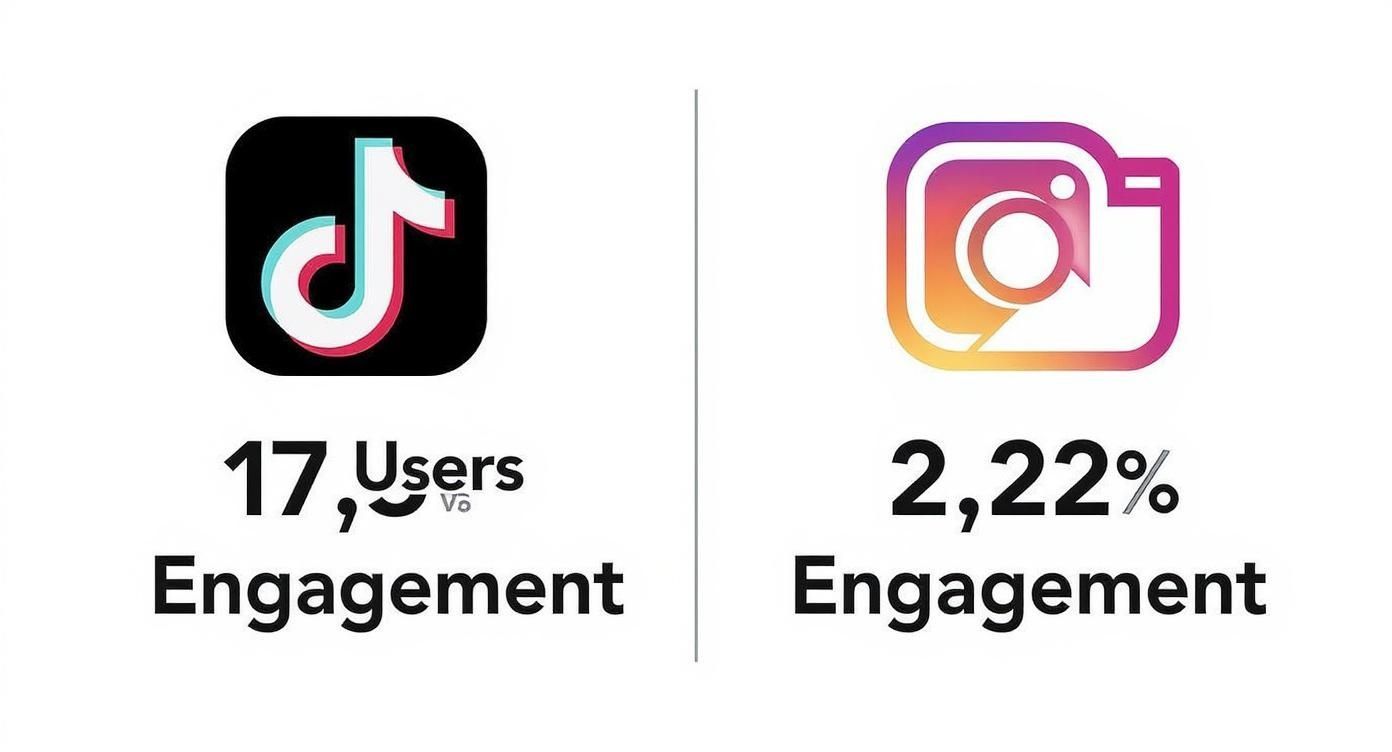
As you can see, even with similar user numbers, TikTok's engagement is in a different league. That makes it the perfect engine for grabbing initial interest that you can then channel over to Instagram for deeper connection.
Platform Strengths at a Glance
Each platform has its own secret sauce. Understanding where each one shines is key to making them work together effectively. Here's a quick breakdown of what makes them unique.
| Feature | TikTok | |
|---|---|---|
| Primary Vibe | Spontaneous, authentic, trend-driven entertainment | Curated, polished, lifestyle-focused inspiration |
| Content Format | Short-form video, often with trending audio | High-quality photos, Stories, Reels, and Carousels |
| Best For... | Driving massive, rapid-fire awareness and virality | Building community, showcasing brand aesthetic, and sales |
| Algorithm Focus | Content-based; serves videos based on user interest | Follower-based; prioritizes content from followed accounts |
This table shows why they're not competitors for your time, but partners in your strategy. One grabs attention, the other nurtures it.
By linking these two powerhouse platforms, you aren't just doubling your potential reach; you are creating a powerful flywheel where the high-engagement energy of TikTok fuels the community-building and aesthetic depth of Instagram.
Your Pre-Link Checklist for a Smooth Connection
Before you even open the TikTok app, let's do a quick pre-flight check. Trust me, spending a couple of minutes on prep work now can save you a ton of headaches later. Getting these basics right is the secret to a frustration-free connection between your TikTok and Instagram profiles.
First things first, is your Instagram account Public? This is the most common tripwire I see people encounter. If your account is set to private, the link simply won't work because TikTok needs to be able to "see" your public profile.
Another quick but crucial check: make sure both your TikTok and Instagram apps are fully updated. Running an old version is a classic culprit for features that mysteriously go missing or just refuse to work properly.
Final Account Preparations
Once you've handled the technical stuff, there are a couple of final things to get in order.
- Have Login Details Ready: This seems obvious, but you’d be surprised. You'll need to log into Instagram from within the TikTok app to authorize the connection, so have your username and password on hand. No one likes scrambling to reset a password mid-process.
- Align Your Branding: This isn't a technical step, but it's a huge strategic one. If you can, use a similar username and the same profile picture on both platforms. It creates a seamless experience for anyone jumping from your TikTok to your Instagram.
A consistent digital identity is crucial. When a user clicks from your viral TikTok to your Instagram, they should immediately know they’re in the right place. That instant recognition makes them far more likely to hit that "Follow" button.
Adding Your Instagram Link Natively in TikTok
This is the cleanest, most direct way to get it done. TikTok has a built-in feature for this exact purpose, allowing you to add a clickable Instagram icon right on your profile. No third-party tools, no clunky workarounds.
The whole thing is handled inside the TikTok app and only takes a minute. Once it's set, you’ve created a permanent bridge for your followers to hop over to your Instagram.
Find the "Social" Links Menu
First things first, head to your main profile page in the TikTok app—the one with your bio, follower count, and all your videos. You'll see a big "Edit Profile" button just below your username. Tap that.
This opens up all your profile settings. Scroll past your name and bio until you spot a section labeled "Social." This is where TikTok keeps its integrations for other platforms.
You'll see a few options here, but we're looking for "Add Instagram." This is the official, native connection you want to use.
Authorize the Connection (The Safe Way)
When you tap "Add Instagram," TikTok will launch an in-app browser and take you to an official Instagram login page. This is a key security feature. You’re logging into Instagram itself to grant permission, not handing your password over to TikTok.
Enter your Instagram username and password. After you log in, you'll see an authorization screen from Instagram.
This screen is just asking you to confirm a few things:
- It needs to access your basic profile info (username, profile pic).
- It's verifying that you actually own the account.
Don't worry, you aren't giving TikTok the keys to your kingdom. This authorization doesn't allow TikTok to post on your behalf or peek at your DMs. You're just giving it permission to display a link to your public profile.
Once you hit "Authorize," you’ll be sent right back to your TikTok profile editor. Your Instagram username should now be listed in the "Social" section. Just save your changes.
Now, go check your public profile. You should see a neat little camera icon. That's your new, direct link for turning TikTok fans into loyal Instagram followers.
Creative Strategies to Drive Traffic Between Platforms
https://www.youtube.com/embed/k4sUjTIM8fE
Just slapping the native Instagram link in your TikTok profile is a decent start, but let's be honest—it's pretty passive. If you really want to merge your audiences and get your TikTok followers over to Instagram, you have to give them a reason to go.
Think of that one link in your bio not just as a signpost, but as a gateway to your entire world. This is exactly where link-in-bio tools can make a huge difference.
Supercharge Your Bio Link
I've seen so many creators level up their strategy using services like Linktree or Beacons. They let you turn that single, precious URL into a simple, clean landing page. Instead of just dumping everyone onto your Instagram feed, you can give them a menu of curated options.
Imagine a follower clicks your link and sees this:
- Your Latest Instagram Post: You can point them directly to that specific Reel or photo you were just talking about in your TikTok.
- Your YouTube Channel: A perfect way to funnel them over to your longer videos.
- Your Personal Website or Shop: This is huge for driving sales or client inquiries by linking straight to products.
- An Email Newsletter Signup: Start building a community you actually own, away from the whims of social media algorithms.
Suddenly, your bio becomes a powerful command center for your entire brand. You’re giving your followers a choice in how they connect with you next, which makes the whole experience feel more intentional and less like a random redirect.
Crafting Irresistible Calls to Action
A high-powered bio link is worthless if nobody clicks on it. The real work happens in your videos, where you can craft a call to action (CTA) that people can't ignore. Don't just assume they'll see the link; you have to explicitly tell them why they should bother clicking it.
For instance, if you're a DIY creator, you could finish a quick TikTok tutorial by saying, "Want the full list of materials and a slower, step-by-step breakdown? It’s all in my latest Instagram post—link in bio!" This works because it offers immediate, tangible value. You can find more tips on how to repurpose your videos for different platforms in our guide to creating compelling short-form video content.
Pro Tip: Your CTA should always answer the viewer’s silent question: "What's in it for me?" Offer exclusive content, deeper insights, or a behind-the-scenes look that they can only get by heading over to your Instagram.
Troubleshooting Common Instagram Linking Issues
So, you've tried to link your accounts, but something's not quite right. Maybe you're staring at an "Invalid Request" error, or worse, the "Add Instagram" option is completely missing. Don't worry. I've been there, and these hiccups are more common than you'd think. The good news is, the fixes are usually pretty simple.
One of the most frequent complaints I hear is about the link option simply not being there. This can happen when TikTok is rolling out updates, sometimes limiting a feature to specific regions or accounts before a wider release. If it’s not showing up for you, it might just be a waiting game.
Quick Fixes for Common Errors
Before you start digging through complex settings, let's try the basics. Honestly, these simple steps solve the problem nine times out of ten.
- Clear the App Cache: Head into your phone's settings, find the TikTok app, and clear its cache. Think of it as a quick digital spring cleaning that often resolves strange login glitches.
- Update Both Apps: Running an older version of an app is a classic recipe for trouble. Pop over to your app store and make sure both TikTok and Instagram are updated to the latest versions.
- Check Your Connection: A spotty internet connection can easily derail the linking process. Try toggling between your Wi-Fi and mobile data to see if a more stable connection does the trick.
Remember, the whole point of linking these accounts is to make it effortless for your audience to find you everywhere. Nailing these small technical details is key to creating that smooth, cross-platform experience.
This integration makes perfect sense when you look at the bigger picture. In 2025, the average person is expected to use around 7.2 social media accounts. With TikTok users already spending nearly an hour a day on the app, giving them a direct link to your Instagram meets them where they are and strengthens your multi-platform presence. You can find more fascinating social media user statistics on tekrevol.com.
Got Questions? Let's Clear Things Up
Even after you've got everything connected, a few questions tend to pop up. It's totally normal. Let's walk through some of the most common things people ask about linking their TikTok and Instagram accounts.
Can I Link a Business TikTok to a Personal Instagram?
Yes, you absolutely can! The platforms are flexible on this. You can mix and match Personal, Creator, or Business accounts however you see fit.
The real key isn't the account type but maintaining a consistent brand feel. You don't want someone clicking from your professional TikTok over to a personal Instagram full of random vacation photos (unless that’s your brand!). Keep the vibe consistent so your audience knows they're in the right place.
What Actually Gets Shared When I Link My Accounts?
This is a big one, and the answer is surprisingly simple: not much. Linking your accounts just adds a clickable Instagram icon to your TikTok profile. That's it.
It does not create a data free-for-all. Your posts, analytics, and DMs won't be automatically shared between the apps. You still have complete control over what you post on each platform, so you don't have to worry about your TikToks suddenly appearing on your Instagram feed.
What Happens If I Change My Instagram Username?
Good question. If you decide to rebrand and change your Instagram handle, the link on your TikTok profile will break. It’s not smart enough to update on its own.
You’ll have to go back into your TikTok's "Edit Profile" settings, remove the old Instagram connection, and then add and verify the new one. It's a quick fix, but something to remember if you ever change your username.
This simple link is more powerful than it looks. It's a bridge between two very different audiences, and understanding those differences is how you get the most out of it.
Think about who you're reaching. On TikTok, 63% of Gen Z users get their news from the app. Linking your profiles lets you guide that highly engaged, younger crowd over to your Instagram.
Meanwhile, Instagram's user base is now intertwined with its sister app, Threads, which has exploded to over 320 million monthly active users. By connecting your accounts, you're creating a pathway to tap into both of these massive audiences. Keeping that link active is a small step that can make a huge difference in your cross-platform traffic. For a deeper dive into these trends, check out these insightful social media statistics from Planable.
Ready to create stunning videos for both platforms without the hassle? With ShortGenius, you can turn a single idea into a full content schedule, complete with AI-powered scripts, voiceovers, and visuals, then auto-publish to TikTok, Instagram, and more. Start creating faster with ShortGenius today!