Generate Videos with AI: A ShortGenius Guide

Ready to generate videos with AI? This practical ShortGenius guide walks you through scriptwriting, visual creation, and final edits for professional results.
Generating a video with AI is surprisingly straightforward. You start by feeding a platform like ShortGenius a piece of text—it could be a simple prompt, a full-blown script, or even just the URL to a blog post. From there, the AI gets to work. It analyzes your input, pulls together or creates the visuals, generates a voiceover, and stitches it all into a video draft. The whole process can take just a few minutes.
The Real Impact of AI on Video Creation
Being able to generate videos with AI is much more than a cool party trick; it solves some of the most persistent headaches in content creation. For as long as I can remember, making a high-quality video involved steep learning curves, expensive gear, and hours upon hours spent editing. This kept professional-grade video out of reach for most small businesses, solo creators, and marketing teams on a shoestring budget.
AI video tools are completely rewriting the rules. They do the heavy lifting—from drafting a script and sourcing clips to creating a natural-sounding voiceover. This shift means that anyone with a good idea can now be a video creator, no matter their technical skills or how much cash they have on hand.
Breaking Down Production Barriers
The biggest win here is pure efficiency. A process that used to take a team days or even weeks—storyboarding, shooting, recording audio, editing—can now be done in a few hours. Sometimes, it's just a matter of minutes. This speed isn’t just about saving time; it unlocks entirely new creative avenues.
Think about the practical upsides:
-
Slash Your Costs: You no longer need pricey cameras, multiple software licenses, or budgets for actors and voiceover artists.
-
Crank Up Your Output: Marketing and social media teams can finally produce enough content to keep up with demanding algorithms.
-
Focus on What Matters: Creators can spend their energy on the story and message instead of getting lost in the technical weeds of editing.
To see just how much the workflow has changed, let's compare the old way with the new.
AI vs. Traditional Video Production: A Quick Comparison
This table breaks down the fundamental differences in what it takes to produce a video with AI versus going the traditional route.
Aspect | Traditional Video Production | AI Video Generation (with ShortGenius) |
|---|---|---|
Time Investment | Days or weeks, from pre-production to final cut. | Minutes to a few hours for a polished video. |
Cost | High, factoring in equipment, software, and personnel. | Low, typically a subscription-based model. |
Required Skills | Expertise in scriptwriting, cinematography, and editing. | Basic understanding of your message and audience. |
Resources | Cameras, lighting, microphones, editing software, crew. | A computer with an internet connection. |
The contrast is pretty stark. AI democratizes the entire process, making video creation faster, cheaper, and far more accessible.
The infographic below really drives home how AI is reshaping video production, putting a spotlight on the dramatic gains in speed and resource management.
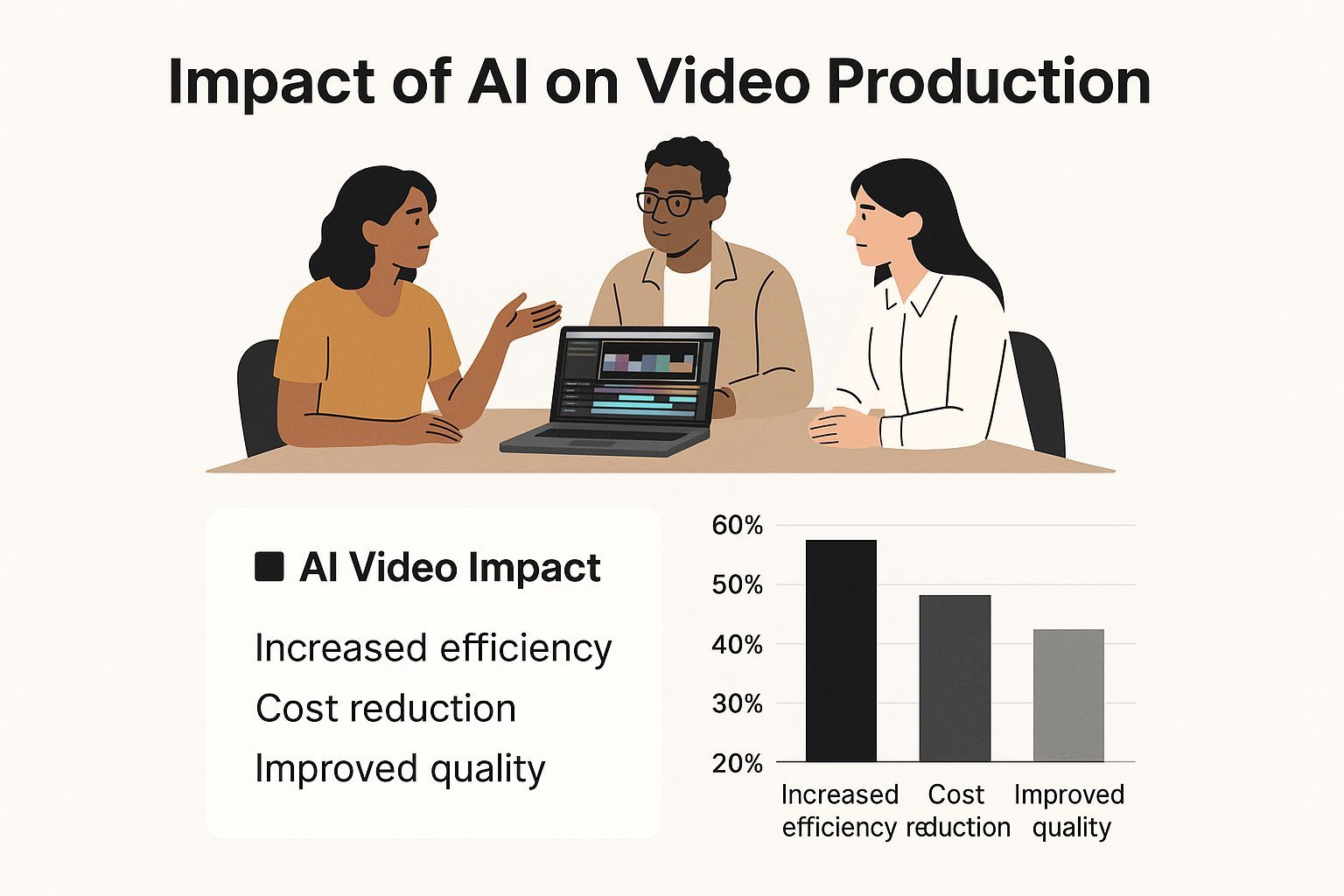
The data speaks for itself, showing a massive drop in production time and letting creators get from an idea to a published video faster than ever. This newfound speed is fueling explosive market growth.
The global AI video generator market was valued at USD 554.9 million in 2023 and is projected to skyrocket to USD 1.96 billion by 2030. This boom is all about the soaring demand for quick, scalable video content in marketing, education, and entertainment. You can dig into more of these insights from Grand View Research.
This widespread adoption points to one clear truth: AI isn't here to replace human creativity. It's here to unleash it. By automating the most tedious and technical parts of making a video, platforms like ShortGenius free you up to focus on the one thing that truly matters: telling a great story.
Laying the Groundwork for Your AI Video
It’s tempting to jump right into the generator and start playing around, but that's one of the most common mistakes I see people make. The best AI videos don't start with a button click; they start with a solid plan. Before you even think about how to generate videos with AI, you need a simple creative brief.
This doesn't have to be some formal, multi-page document. It’s just a quick way to get your thoughts in order. The first question to ask yourself is simple but crucial: What is the single most important thing this video needs to accomplish? Are you aiming to boost sales, explain a complex idea, or just grab more attention on your social media feeds? Your answer here will guide every other decision.
Define Your Core Message and Audience
With your goal locked in, it's time to think about who you're talking to. Who are they, really? What are their pain points? A video showing off a new software feature to seasoned power users is going to sound and feel completely different from one trying to catch the eye of new customers scrolling through Instagram.
Let's walk through a quick example for a product demo.
-
Goal: Get more people to sign up for a free trial of our new project management tool.
-
Audience: Small business owners who are completely swamped and feel overwhelmed.
-
Core Message: Our tool will save you five hours a week by taking tedious tasks off your plate.
-
Call to Action: "Start your free 14-day trial today."
See? With just that simple framework, you've created a clear roadmap. The AI now understands the tone (helpful, problem-solving), the key benefits to highlight (automation, time savings), and what you want the viewer to do next.
A well-defined plan is what separates a generic AI video from one that genuinely connects. Spending just ten minutes on this upfront ensures your final video is focused, persuasive, and actually works.
The explosive growth in this field shows just how powerful these tools are when you use them with a clear strategy. The AI video generator market was valued at USD 614.8 million in 2024 and is on track to hit USD 2.56 billion by 2032. Why the surge? It's fueled by creators who know that strategy always comes before technology. You can read more about the AI video market's projected growth on fortunebusinessinsights.com.
Thinking ahead also helps you manage your resources wisely. Once you know the scope of your project, you can make smarter choices about the tools you'll need, which is especially useful when looking at different plans like those on the ShortGenius pricing page. This initial prep work is, without a doubt, the most important step toward creating a video that delivers real results.
Guiding the AI to Write Your Perfect Script
The script is the soul of your video, and while a tool like ShortGenius can whip up a draft from a simple idea, the real magic happens when you stop thinking of it as an order-taker. Treat it like a creative partner. If you move beyond basic commands, you'll get a first draft that sounds less like a machine and more like your brand.
To get there, you have to feed the AI rich context. Don't just give it a topic; give it the ingredients of a good story. This means defining the tone you're after, who you're talking to, and how you want them to feel. A vague prompt will always get you a generic script. It's that simple.
Crafting a Prompt That Actually Works
Let's look at two different ways to approach our project management tool demo. You'll see the difference immediately.
A weak, low-effort prompt might be:
- "Write a script for a video about our new project management tool."
This gives the AI almost nothing to work with. It has no clue about the tone, the audience, or what the video is supposed to accomplish.
Now, here’s a much more effective prompt:
- "Write a friendly and reassuring 60-second video script for small business owners who feel overwhelmed. The goal is to show them how our tool saves five hours a week. Start with the pain point of endless to-do lists, introduce the tool as the solution, highlight two key features (automated reminders and team chat), and end with a clear call to action to start a free trial."
See what we did there? This second example gives the AI the necessary guardrails. It specifies the audience (overwhelmed business owners), the tone (friendly, reassuring), the length (60 seconds), the structure, and the ultimate goal. This kind of detail is what allows the AI to generate videos with AI that are strategically on-point right out of the gate.
The ShortGenius script editor is where you'll bring these detailed prompts to life and start collaborating with the AI.
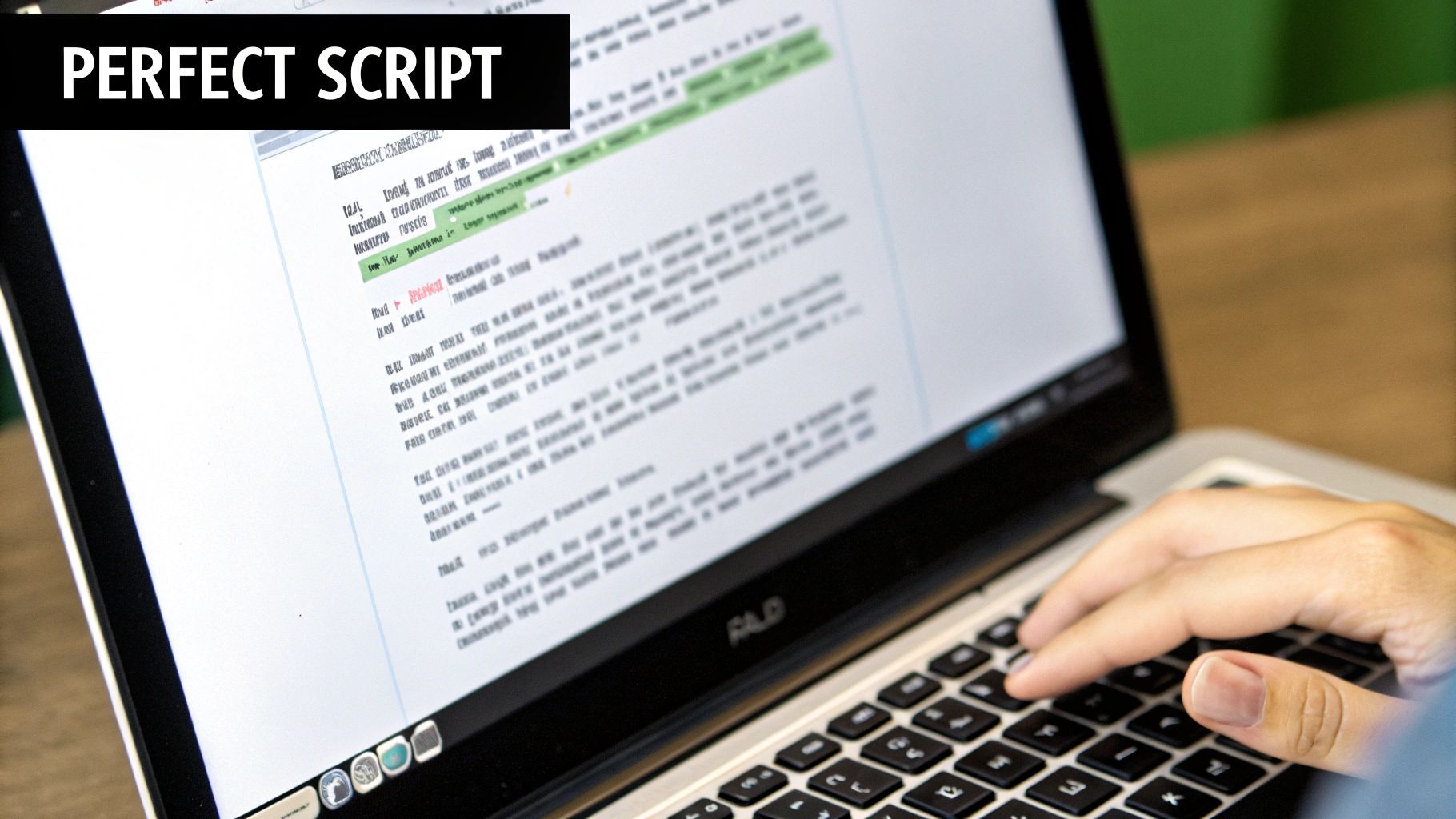
I've found this interface is built for quick iteration. You can tweak your instructions and see the script change in real-time, which is a huge time-saver.
The Human Touch: Refining the Draft
Even the best AI-generated script is still just a starting point. Your job is to bring the authenticity and nuance—that human element that an audience really connects with. Once ShortGenius delivers its draft, it's time to put on your editor hat.
First thing I always do is read the script out loud. Does it sound like something a real person would say, or does it feel stiff? AI can sometimes create sentences that are grammatically perfect but just don't have that natural human rhythm.
Your goal during this editing phase isn't just to fix errors. It's to sharpen the message, improve the pacing, and ensure every word aligns with your brand's unique voice. This is where a good script becomes a great one.
Here are a few things I always focus on when I'm refining an AI draft:
-
Tighten Sentences: Be ruthless about cutting extra words. For instance, "The tool provides you with the ability to automate your reminders" becomes "The tool automates your reminders." It's punchier and more direct.
-
Inject Personality: What does your brand sound like? Is it witty, authoritative, or a bit playful? Sprinkle that personality into the script by tweaking words and sentence structures until it feels right.
-
Check the Flow: Make sure each part of the script transitions smoothly into the next. A choppy script is a fast way to lose a viewer's attention.
This back-and-forth between your strategic brain and the AI's rapid drafting is really at the heart of modern video creation. You get the incredible speed of a machine combined with the irreplaceable insight of a human creative.
From Script to Screen: Generating Your Visuals and Audio
Alright, you've got a solid script. Now for the fun part—turning those words into a living, breathing video. This is where the magic of ShortGenius really kicks in, taking your text and spinning it into a full-blown visual and auditory experience. Think of this as the moment where your role as a director truly begins, guiding the AI to bring your vision to life.
The process is pretty straightforward at first. You feed your script into the generation engine, which then gets to work interpreting each line to create matching scenes. This is where all that effort you put into writing descriptive prompts really pays off. The more detail you provide, the better the AI can "see" what's in your head.
Getting the Visuals Just Right
Simply telling the AI to create "a person working" is a recipe for a generic, uninspired shot. It's too vague.
Instead, get specific. Try something like: "A young female entrepreneur with glasses, smiling as she types on a laptop in a bright, modern co-working space with plants in the background." See the difference? That level of detail gives the AI concrete instructions, resulting in an image that perfectly matches the mood you're aiming for.
But let's be realistic—sometimes, the perfect visual isn't something an AI can whip up from scratch. This is where I love to use a hybrid approach. ShortGenius has a huge built-in stock asset library, which is perfect for supplementing the AI-generated clips.
I find myself dipping into the stock library for a few common reasons:
-
Specifics matter. If I need a shot of the Eiffel Tower or a particular brand of smartphone, the stock library is my go-to for speed and accuracy.
-
It adds texture. Mixing high-quality stock footage with AI-generated scenes can break up the visual rhythm and give the final video a more dynamic, polished feel.
-
Abstract ideas. How do you show "synergy" or "growth"? Often, a well-chosen stock clip can represent these concepts more effectively than a generated image.
This combination of generated and stock assets is the secret to producing AI videos that feel both unique and professionally grounded.
Finding the Right Voice for Your Message
Never underestimate the power of audio. The wrong voiceover can sink an otherwise great video, which is why picking the right AI voice is so important. ShortGenius gives you a whole library of voices to choose from, each with its own personality and style.
Think about your brand's tone. Are you aiming for authoritative and expert, or something more friendly and conversational? Spend a few minutes listening to the options. You’ll know the right one when you hear it—it will just feel like a natural fit for your brand.
Don't just pick a voice and move on. Take the time to fine-tune the pacing and tone. Slowing the narration down for a key takeaway adds a ton of emphasis. A subtle shift in tone can convey excitement or sincerity. This is how you go from a simple narration to a performance that connects with your audience.
The technology behind this is advancing at an incredible pace. The global AI video market, which includes these sophisticated voice technologies, is projected to explode from USD 3.86 billion in 2024 to a staggering USD 42.29 billion by 2033. This growth is fueled by platforms like this one that bring all these creative tools under one roof. You can read more about the expanding AI video ecosystem on grandviewresearch.com.
Assembling Your Video on the Timeline
With your visuals generated and your voiceover recorded, it’s time to put all the pieces together in the timeline editor. This is where you’ll sequence your clips, sync them with the narration, and get a feel for the overall flow of your video.
Here’s a quick look at the drag-and-drop interface you’ll be working with inside ShortGenius.
As you can see, the layout is clean and intuitive. You can easily drag scenes into place, trim clips to the perfect length, and preview your work in real-time. This first pass at assembly is all about getting the structure right. If you're curious about the tech powering this, our guide on how the ShortGenius render engine works is a great read. Once you have this rough cut, you're ready to move on to the final polishing that will make your video shine.
Adding the Final Polish to Your AI Video
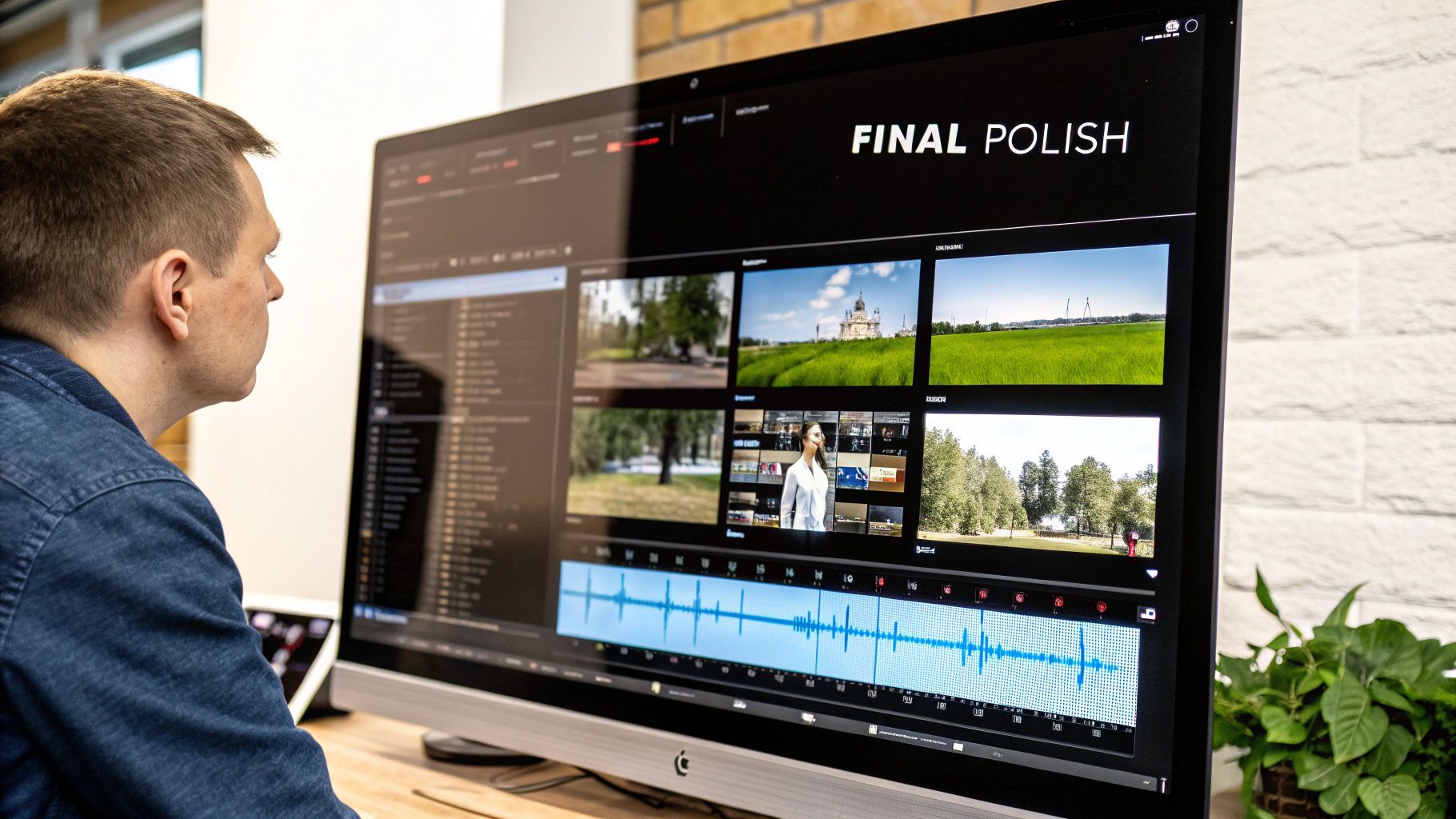
The AI engine is a powerhouse, getting your video about 90% of the way there. But that last 10%? That’s all you. This is where your creative intuition comes in, turning a solid AI draft into something truly polished and professional inside the ShortGenius editor.
The first thing I always do is a "rhythm check." Just watch the whole video from start to finish. Does a certain clip drag on for a split second too long? Does another cut feel too jarring? Trimming a few frames here and there or adding a simple cross-dissolve can make a world of difference to the overall flow. It’s these tiny adjustments that make a video feel seamless.
Enhancing Mood and Branding
Once the timing feels right, it's time to build the atmosphere with sound and visuals. Background music is more than just noise; it’s a shortcut to your viewer’s emotions. Browse the library for a track that fits the vibe you’re aiming for—whether that's high-energy and exciting or something more thoughtful and calm.
Don't just drop the music in and call it a day, though. Mix your audio levels. The music should always sit comfortably underneath the voiceover, never fighting for attention. If your narration is hard to hear, the message is lost.
Next, stamp the video with your brand's identity.
-
Overlay Your Logo: Pop your logo in a corner—like the top right—to keep your brand visible without being distracting.
-
Add Text Callouts: Use simple text overlays to highlight a key statistic or a powerful quote from the script. This is also a huge help for people watching with the sound off.
These finishing touches are what make your content stand out. When you generate videos with AI, the tool handles the grunt work, which frees you up to obsess over the creative details that actually connect with people.
Exporting and Publishing Your Video
When you're happy with the final cut, you're ready to export. ShortGenius has presets for all the major platforms, which takes the guesswork out of the technical specs. For places like YouTube or LinkedIn, exporting at 1080p is almost always your best bet. It gives you fantastic quality without creating a massive file that takes forever to upload.
With your shiny new video file in hand, here's a quick publishing checklist I run through every time:
-
Craft a Compelling Title: Make it catchy but also include keywords someone would actually search for.
-
Write a Clear Description: Give a quick summary of what the video is about and drop in any relevant links.
-
Create an Eye-Catching Thumbnail: This is arguably the most important part. A great thumbnail gets the click.
-
Add Relevant Tags: Help the platform's algorithm understand who should see your video.
Following these steps gives your AI-powered video the best possible shot at getting seen and making the impact it deserves.
Got Questions About AI Video? We've Got Answers
It's completely normal to have a few questions before jumping into AI video creation. These tools are incredibly powerful, but knowing the lay of the land first is always a smart move. Let's walk through some of the most common things people ask so you can get started with confidence.
First up, the big one: quality. Can an AI video actually look good enough for my brand? The answer is a definite yes, but it comes with a condition. The quality of the video is a direct mirror of the quality of your instructions. If you feed the AI a detailed, descriptive prompt, you’ll get back sharp, highly relevant visuals. A vague, one-line idea? You'll probably get something pretty generic.
So, How Much Control Do I Really Have?
This is probably the second biggest concern I hear. Creators are often worried that "using AI" means giving up their creative vision and getting a generic, cookie-cutter result. With a tool like ShortGenius, that couldn't be further from the truth. Think of yourself as the director, not a bystander.
The AI is there to do the tedious work, but you're making all the key creative calls. You get to:
-
Tweak the Script and Tone: Edit every word of the script until it sounds exactly like you.
-
Pick the Perfect Visuals: Don't love a scene the AI chose? Swap it out with your own footage or something from the stock library.
-
Direct the Voice and Pacing: You select the AI narrator and can adjust the delivery to hit the right emotional notes.
-
Stamp Your Brand On It: Adding your logo, brand colors, and custom text overlays is straightforward.
You're not just pushing a button and hoping for the best. You're actively guiding the AI to build the exact video you have in your head.
The real magic here is letting the machine handle the grunt work. This frees you up to pour your energy into the creative strategy—the storytelling, the messaging, the stuff that actually connects with people. It’s a collaboration.
Finally, what about the legal stuff? Let's talk about usage rights and data privacy, because they're non-negotiable.
When you create a video on a trusted platform, that content is 100% yours to use commercially. You can run it as an ad, post it on your YouTube channel, or put it on your homepage without a second thought about copyright flags. Any prompts you write or assets you upload belong to you. For a full breakdown of how we protect your information, you can always check out the ShortGenius privacy policy.
Ready to see just how quickly you can bring an idea to life? Give ShortGenius a try and you could have your first AI-powered video ready in the next few minutes. https://shortgenius.com