12 Best Final Cut Pro Alternative Options for Video Editors in 2026

Looking for a Final Cut Pro alternative? Discover our curated list of 12 powerful video editors for every workflow, from desktop NLEs to AI tools.
Final Cut Pro is a powerhouse for many Mac-based creators, known for its incredible performance and intuitive Magnetic Timeline. However, the creative landscape is broader than ever. Whether you're collaborating with Windows users, seeking a specific workflow for color grading, or exploring AI-powered tools for rapid social media content, the need for a solid Final Cut Pro alternative is a common one. This guide explores 12 of the best options, breaking down their strengths, weaknesses, and ideal use cases to help you find the perfect fit for your projects, budget, and platform.
The search for the right non-linear editor (NLE) goes beyond a simple feature-for-feature comparison. It's about matching a tool to a specific creative goal. A social media manager needs a different solution than a professional colorist, and a solo YouTuber has different constraints than a creative agency. This resource is designed to cut through the marketing noise and provide practical insights for your specific needs. We focus on the "why" behind each choice, not just the "what."
This listicle serves as a comprehensive resource, moving beyond surface-level reviews to offer an honest assessment of each tool’s limitations and real-world performance. You will find a curated selection of desktop NLEs, cloud-based editors, and AI-assisted tools tailored for various creators, from influencers and marketing teams to creative studios and educators. Each entry includes key features, pricing, platform compatibility, and direct links, helping you make an informed decision without wading through generic lists. Our goal is to help you find the most effective Final Cut Pro alternative to streamline your workflow and elevate your content.
1. Adobe Premiere Pro
Adobe Premiere Pro is arguably the most direct and powerful Final Cut Pro alternative, holding the title of industry-standard non-linear editor for a vast number of professionals. It's the cornerstone of Adobe's Creative Cloud, offering an unmatched level of integration with other critical creative applications. For editors working in multi-app pipelines, this is its defining advantage.
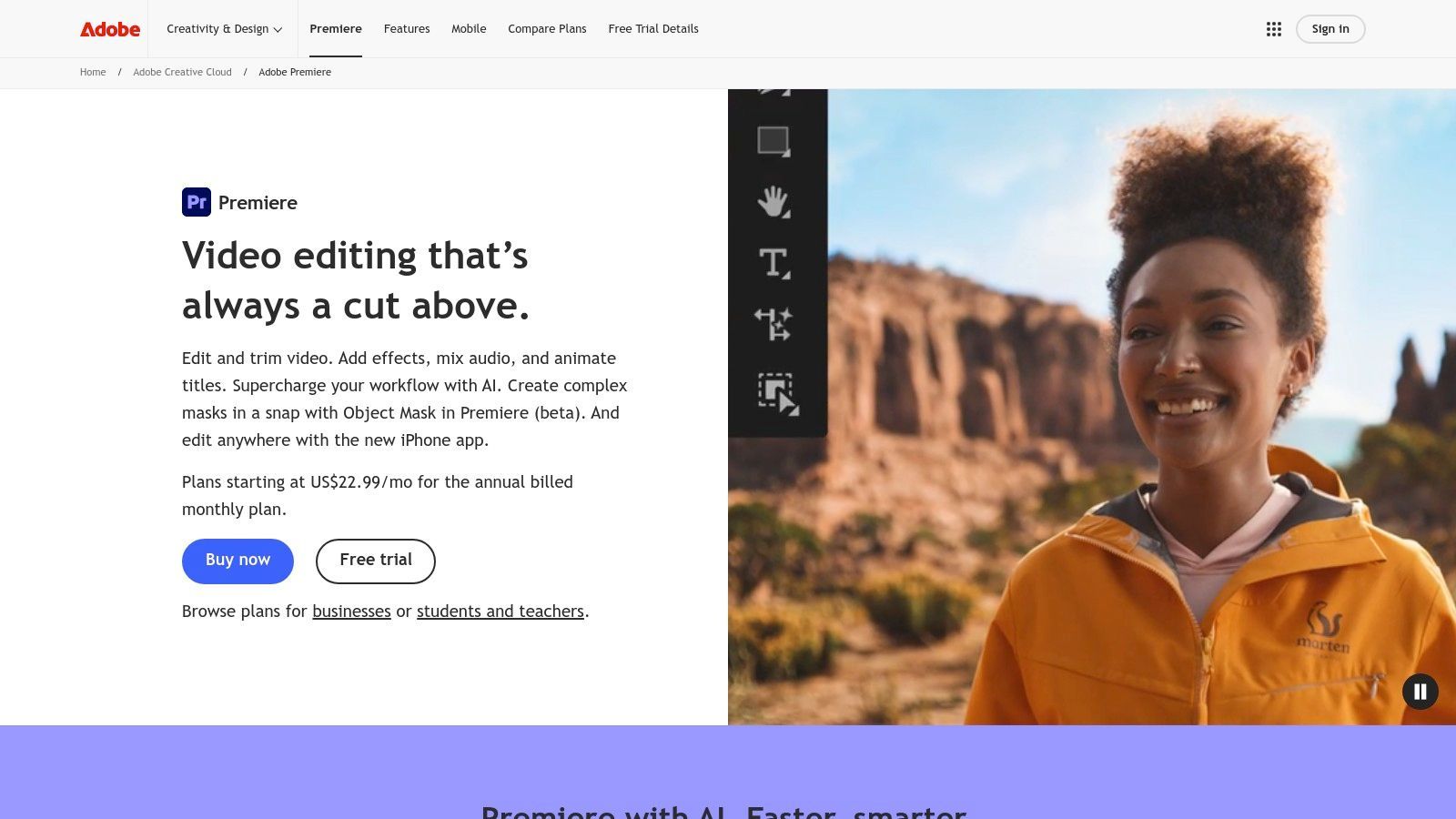
The platform shines brightest for teams and creators who need seamless workflows between video editing, motion graphics, and audio mixing. Its native Dynamic Link feature allows you to make changes in After Effects compositions and see them update in your Premiere Pro timeline instantly, no rendering required. This integration, combined with the built-in Frame.io for collaborative review and a rich third-party plugin ecosystem, makes it a production powerhouse.
Key Details & Use Cases
- Best For: Creative agencies, professional editors, and creators who require deep integration with other Adobe apps like After Effects and Photoshop.
- Key Features: Advanced editing timeline, Lumetri Color panel, Essential Sound panel, Dynamic Link, native Frame.io integration, and AI-powered tools like Generative Extend.
- Platform: macOS & Windows.
- Pricing: Subscription-only, starting at $22.99/month for the individual app or as part of the Creative Cloud All Apps plan.
Pros:
- Industry-standard tool with broad compatibility.
- Unrivaled integration with the Adobe Creative Cloud ecosystem.
- Extensive plugin market and frequent feature updates.
Cons:
- Subscription model can be costly over time.
- Can be resource-intensive, requiring powerful hardware for smooth performance.
Website: https://www.adobe.com/products/premiere.html
2. Blackmagic Design DaVinci Resolve / Resolve Studio
DaVinci Resolve has evolved from a Hollywood-standard color grading tool into a comprehensive post-production suite, making it a formidable Final Cut Pro alternative. Its unique all-in-one design integrates professional editing, color correction, visual effects (VFX), and audio post-production into a single application, eliminating the need to switch between different software for different tasks.
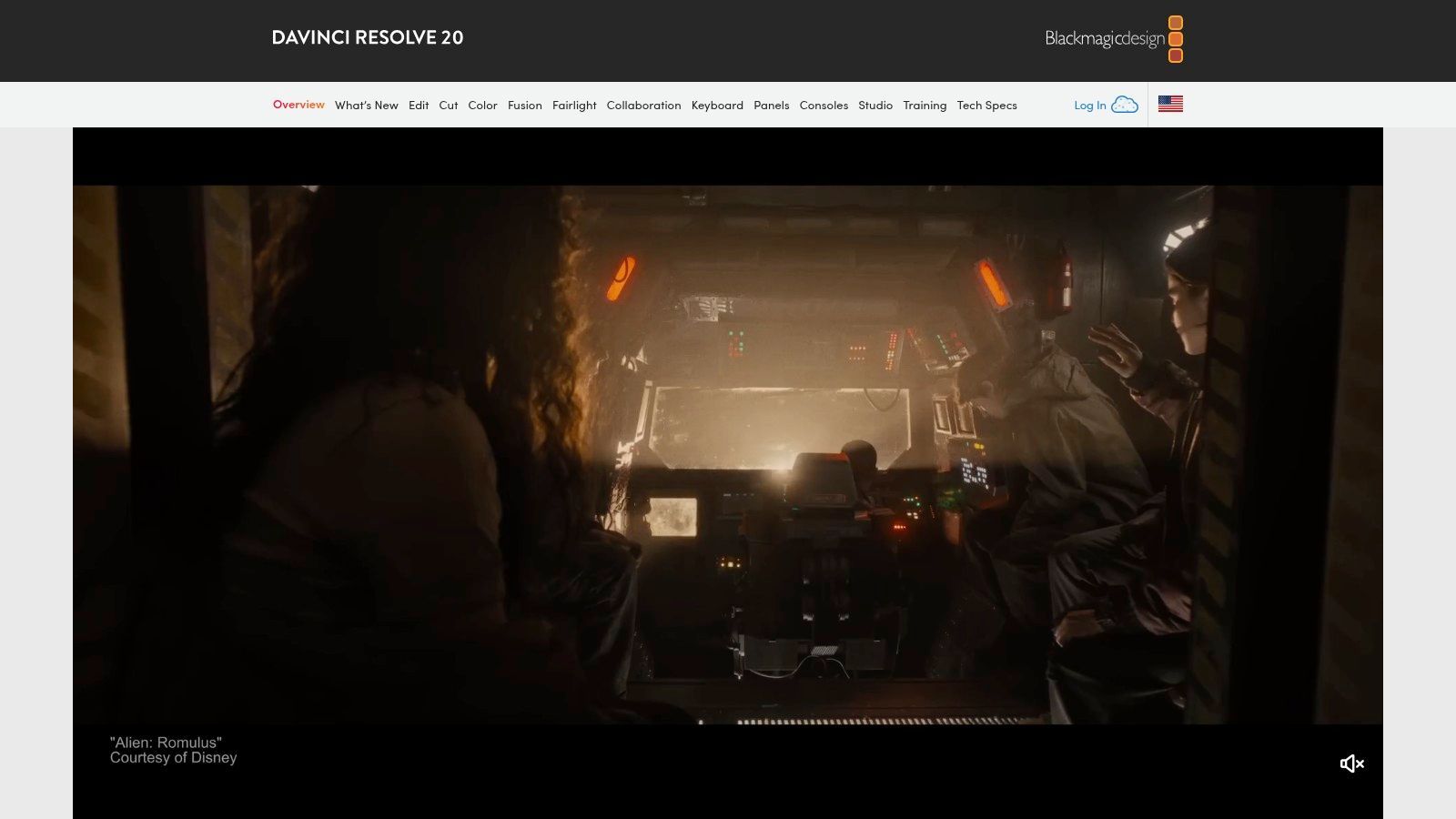
The platform stands out with its integrated Fusion page, offering powerful tools for professional color correction, audio post-production, and even real-time VFX production. The free version is incredibly capable, providing more than enough power for many creators, while the paid Resolve Studio version adds advanced AI-powered tools, more effects, and higher resolution support via a one-time purchase, a major draw for those avoiding subscription models.
Key Details & Use Cases
- Best For: Colorists, indie filmmakers, and editors who want a powerful, all-in-one post-production suite without a recurring subscription.
- Key Features: Advanced color grading tools, Fairlight audio post-production suite, Fusion node-based VFX, multi-user collaboration with Blackmagic Cloud, and AI-powered DaVinci Neural Engine (Studio version).
- Platform: macOS, Windows & Linux.
- Pricing: Free version available. Resolve Studio is a one-time purchase of $295.
Pros:
- Extremely powerful free version covers most professional needs.
- One-time purchase for the Studio version offers incredible value.
- All-in-one workflow for editing, color, VFX, and audio.
Cons:
- Can have a steeper learning curve, especially the Fusion and Fairlight pages.
- The App Store version of Studio can have limitations on certain codecs.
Website: https://www.blackmagicdesign.com/products/davinciresolve
3. Avid Media Composer
Avid Media Composer is the long-standing industry titan for broadcast and feature film production, making it a formidable Final Cut Pro alternative for established studios and large-scale collaborative projects. Its architecture is built around stability, robust media management, and multi-user workflows that are essential for television series and cinematic releases. Where Final Cut Pro excels in speed for solo creators, Media Composer excels in discipline for large teams.
The platform's core strength lies in its unparalleled media management and collaborative tools. Features like project and bin sharing allow multiple editors to work on the same project simultaneously without conflicts, a critical need in newsrooms and post-production houses. Furthermore, unique tools like ScriptSync and PhraseFind (in the Ultimate tier) let editors locate and sync takes based on dialogue in the script, dramatically accelerating editing for narrative and documentary content. This focus on workflow efficiency for complex projects is what sets Avid apart.
Key Details & Use Cases
- Best For: Broadcast television studios, feature film post-production houses, and large collaborative teams requiring bulletproof media management.
- Key Features: Advanced project/bin sharing, deep media management and metadata tools, ScriptSync and PhraseFind for dialogue-based editing, and strong interoperability with broadcast hardware.
- Platform: macOS & Windows.
- Pricing: Free version (Media Composer | First) available. Paid subscriptions start at $23.99/month, with higher tiers for advanced features.
Pros:
- Proven and trusted for long-form, multi-editor pipelines.
- Exceptional media management and collaborative features.
- Industry-standard in broadcast and major film studios.
Cons:
- Steeper learning curve with a legacy user interface.
- Key features are often split across more expensive tiers.
Website: https://www.avid.com
4. VEGAS Pro
VEGAS Pro stands out as a powerful and nimble Final Cut Pro alternative for Windows-based editors seeking both performance and value. Known for its incredibly fast and intuitive timeline editing, it allows creators to work efficiently without getting bogged down in complex workflows. Its deep integration with robust audio tools like SOUND FORGE makes it a favorite among YouTubers and social media teams who need high-quality sound without leaving their editor.
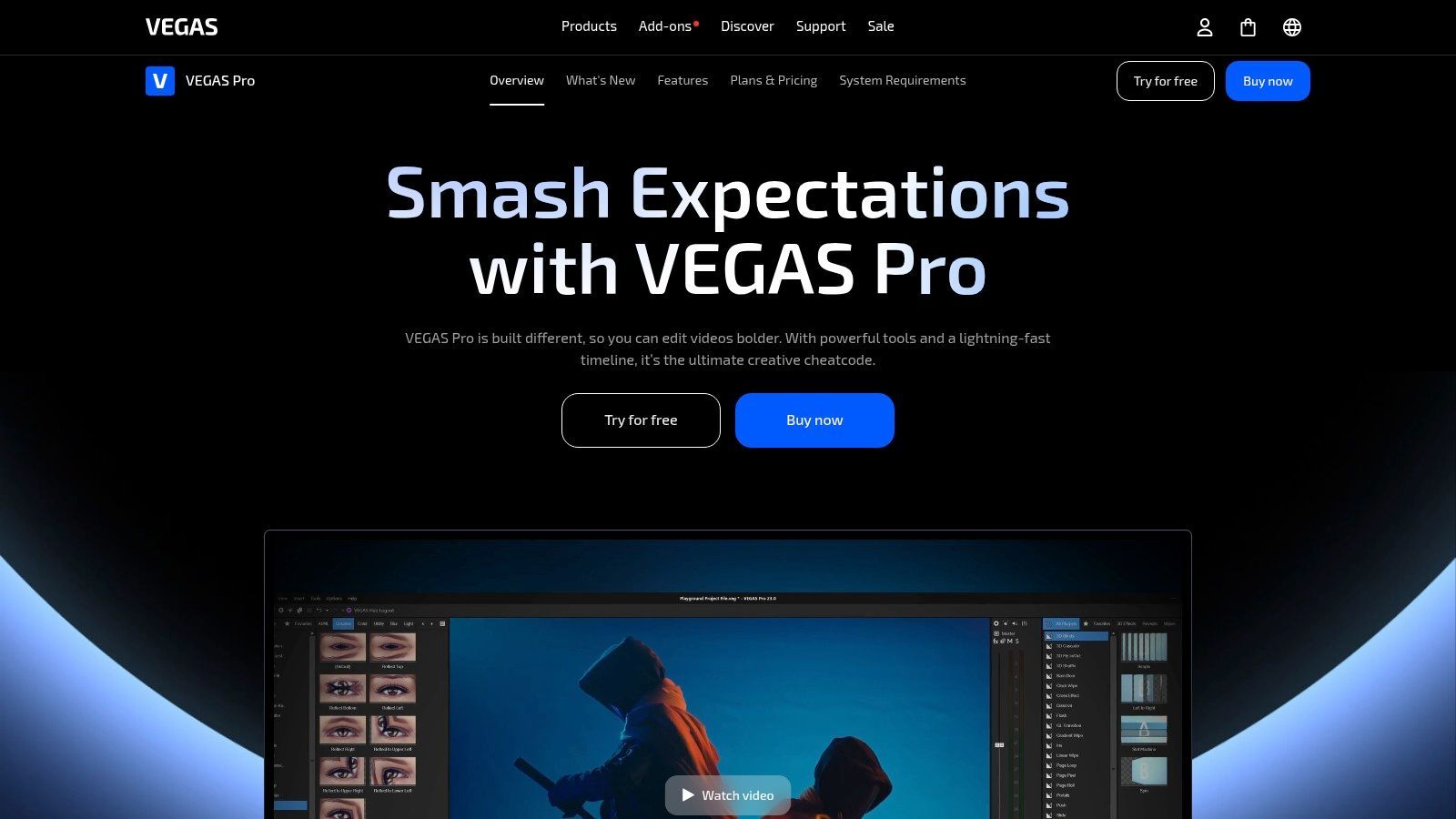
The platform’s major draw is its flexible licensing model, offering both perpetual licenses and subscriptions, which appeals to users wary of endless monthly payments. VEGAS Pro leverages modern GPU acceleration to handle high-resolution formats, including 8K, with impressive speed. Bundled options that include advanced effects suites and music production software provide a comprehensive content creation package right out of the box.
Key Details & Use Cases
- Best For: Windows-based YouTubers, social media teams, and solo creators who prioritize a fast editing workflow and integrated audio tools.
- Key Features: Fast, intuitive timeline editing, modern GPU acceleration, 8K support, deep SOUND FORGE integration, and flexible licensing options.
- Platform: Windows.
- Pricing: Available via subscription (VEGAS 365 starting around $12.99/month) or with perpetual licenses that are frequently offered with promotional pricing. A 30-day free trial is available.
Pros:
- Perpetual licensing options reduce long-term costs.
- Quick learning curve and strong, integrated audio toolchain.
- Frequent promotional pricing and valuable bundled plug-ins.
Cons:
- Windows-only platform, so not a true cross-platform solution.
- The variety of versions, add-ons, and promotions can be confusing for new users.
Website: https://www.vegascreativesoftware.com/us/vegas-pro
5. Wondershare Filmora
Wondershare Filmora presents itself as an accessible and user-friendly Final Cut Pro alternative, specifically targeting solo creators and marketers who prioritize speed and efficiency. It trades some of the deep-seated professional complexity of FCP for a streamlined workflow packed with templates, effects, and AI-powered tools designed to produce polished content fast.
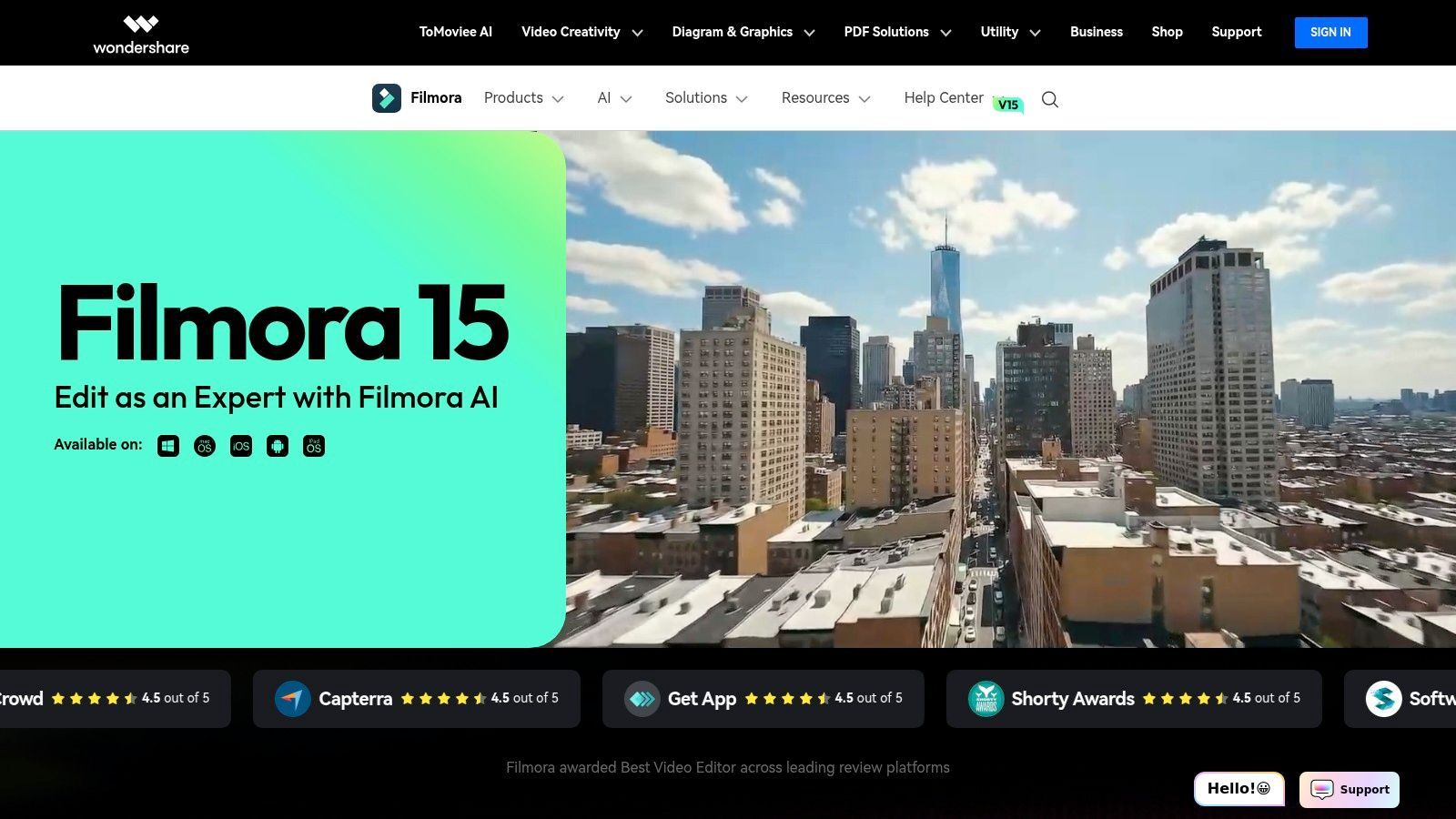
The platform's strength lies in its low learning curve and integrated asset library. Creators can quickly assemble social media videos, ads, and tutorials using preset titles, transitions, and stock media from Filmstock. AI features like silence removal and text-to-speech further accelerate the editing process, making it ideal for high-volume content production where turnaround time is more critical than intricate manual control.
Key Details & Use Cases
- Best For: Social media managers, YouTubers, and small marketing teams who need to create engaging short-form video content quickly without a steep learning curve.
- Key Features: Large library of preset templates and effects, AI tools (text-to-speech, silence removal), integrated Filmstock asset library, and screen recording capabilities.
- Platform: macOS & Windows.
- Pricing: Offers both perpetual licenses (starting at $79.99) and subscription plans (starting around $49.99/year), with a credit model for certain advanced AI features.
Pros:
- Extremely easy to learn and use, perfect for beginners.
- Large integrated library of assets, titles, and transitions.
- Affordable pricing with both subscription and one-time purchase options.
Cons:
- Advanced AI features require a separate credit-based purchase.
- Lacks the depth and professional-grade controls of more advanced NLEs.
Website: https://filmora.wondershare.com
6. CyberLink PowerDirector 365
CyberLink PowerDirector 365 is a feature-rich yet approachable Final Cut Pro alternative, especially for creators who prioritize speed and a vast library of creative assets. It bridges the gap between consumer-friendly editors and professional NLEs by offering a powerful suite of AI-driven tools, templates, and stock media within an intuitive interface. This makes it ideal for rapid content creation without a steep learning curve.
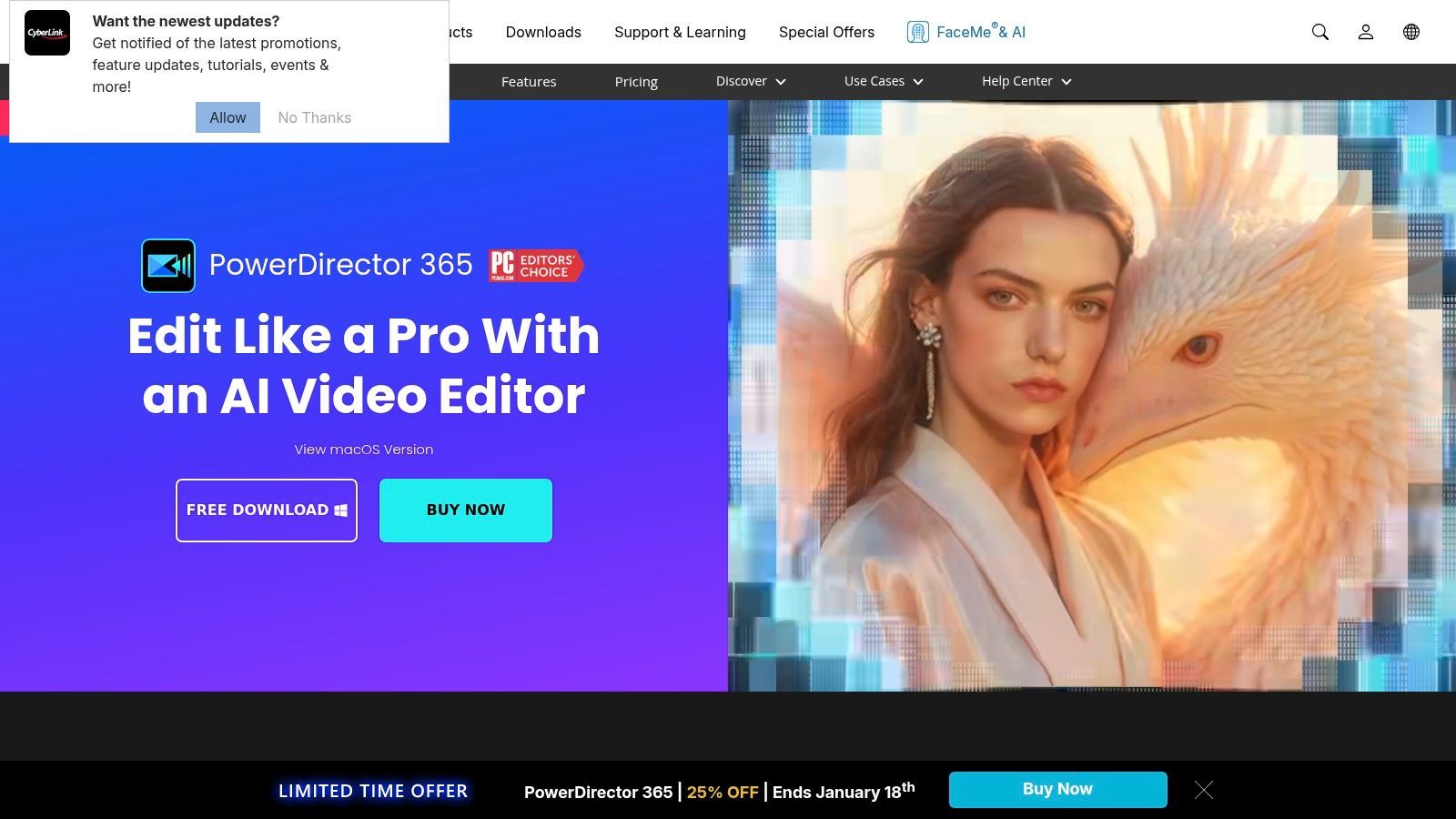
The platform stands out with its 365 subscription model, which provides continuous updates, new features, and access to an enormous, regularly refreshed library of effects, transitions, and stock content. For marketing teams, the specialized Business and AdDirector plans offer unique workflows tailored to producing social media ads and promotional videos quickly, complete with ad-specific templates and direct publishing tools.
Key Details & Use Cases
- Best For: Social media managers, YouTubers, and small businesses needing to produce polished videos quickly using templates and AI-assisted features.
- Key Features: Generative AI tools, 4K video editing, an extensive built-in stock and template library, and dedicated AdDirector workflows for marketing.
- Platform: macOS & Windows.
- Pricing: Subscription starts at around $51.99/year for PowerDirector 365, with PowerDirector 365 Business plans at a higher tier.
Pros:
- Value-priced subscription with frequent updates and assets.
- Huge library of templates, effects, and stock media.
- Business plans include specialized ad-creation tools.
Cons:
- The user interface can feel overwhelming with its many options.
- Some premium assets are gated behind the 365 subscription.
Website: https://www.cyberlink.com/products/powerdirector-video-editing-software
7. LumaFusion (LumaTouch)
LumaFusion has carved out a unique space as the most powerful mobile Final Cut Pro alternative, transforming iPads, iPhones, and even Android/ChromeOS devices into legitimate non-linear editing suites. It brings a surprising number of professional-grade features to a touch-based interface, making it an indispensable tool for journalists, social media creators, and filmmakers who need to edit on the go.

The platform excels at creating a fluid, tactile editing experience that doesn't feel compromised despite its mobile nature. Its key strength lies in its robust feature set combined with portability. You can manage a multi-track timeline, apply color correction with LUTs, and keyframe effects directly from a tablet. For iOS users, the ability to export an FCPXML file allows for a seamless handoff to Final Cut Pro on a Mac, making it perfect for starting projects in the field and finishing them in the studio.
Key Details & Use Cases
- Best For: Mobile journalists, travel vloggers, and social media teams who need a professional NLE on a portable device.
- Key Features: Multitrack timeline, advanced keyframing, LUT support, chroma key (green screen), FCPXML export (iOS), and frequent pro-level updates.
- Platform: iOS (iPad/iPhone), Android, and ChromeOS.
- Pricing: One-time purchase of $29.99, with optional in-app purchases or a Creator Pass subscription for additional features like stabilization and royalty-free media.
Pros:
- Incredible value with a one-time purchase for a pro-level feature set.
- Fast, optimized performance on mobile hardware.
- Excellent for on-location editing and short-form video workflows.
Cons:
- Some advanced features require extra in-app purchases or a subscription.
- Android version's feature set sometimes lags behind the more mature iOS app.
Website: https://luma-touch.com
8. Lightworks (LWKS)
Lightworks is a powerful and versatile Final Cut Pro alternative with a rich history in professional filmmaking, having been used on major Hollywood productions. Its standout feature is its cross-platform availability, running natively on Windows, macOS, and Linux, making it a flexible choice for editors who work across different operating systems or in mixed-hardware environments.
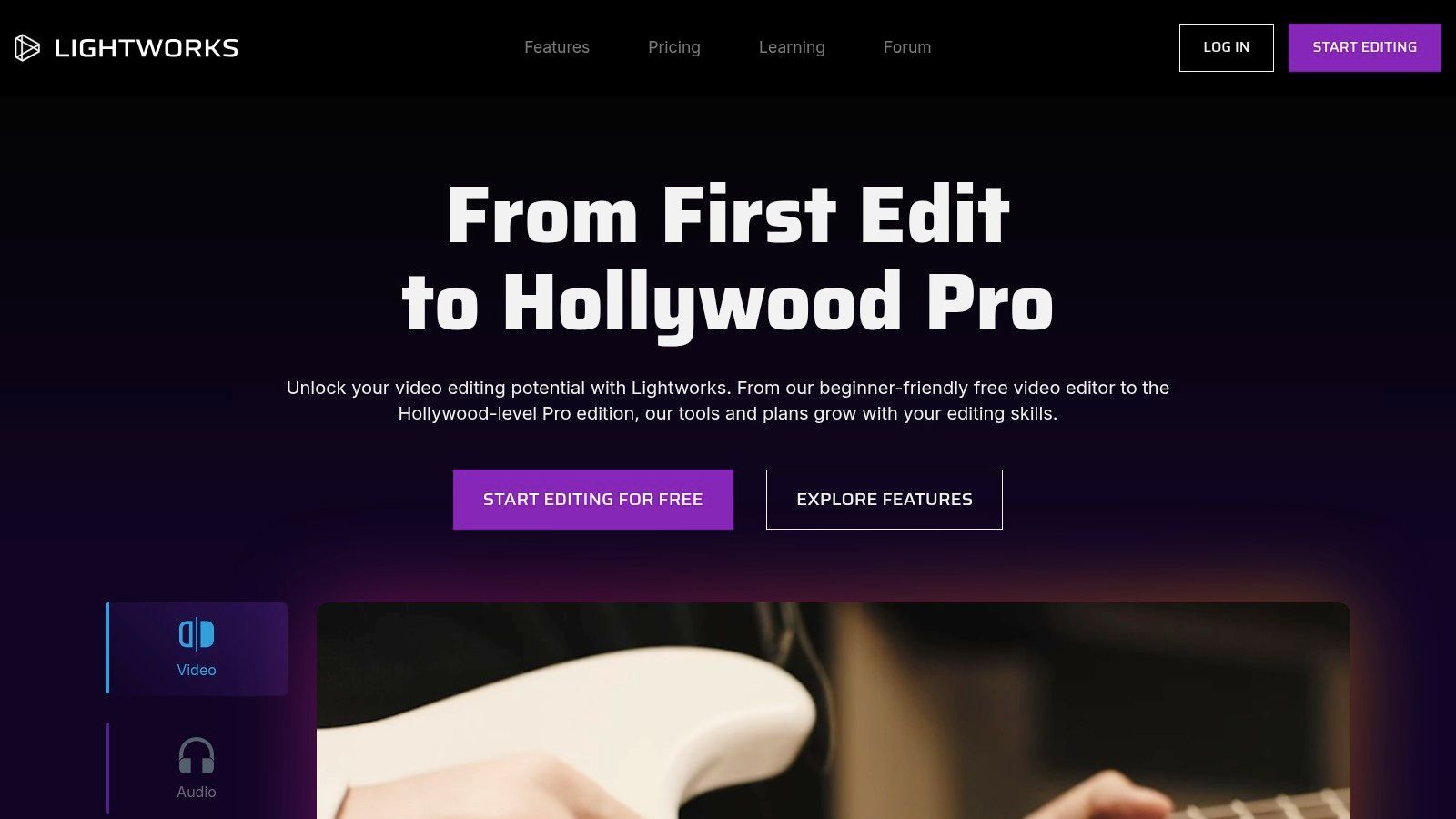
The platform’s flexible licensing model is another significant advantage, offering everything from a capable free version to monthly, annual, and even perpetual (outright) licenses. This makes it accessible for hobbyists starting out and provides a cost-effective path for professionals who prefer to own their software. Its modern interface is clean and customizable, while the Pro tier unlocks advanced features like cloud collaboration, extensive format support, and 10-bit exports.
Key Details & Use Cases
- Best For: Independent filmmakers, small production teams, and editors working in multi-OS environments who want flexible licensing options.
- Key Features: Professional non-linear editing timeline, advanced color correction and VFX tools, extensive format support (Pro), cloud collaboration, and social media export templates.
- Platform: macOS, Windows, & Linux.
- Pricing: Offers a free tier with limitations. Paid plans include Create (from ~$9.99/month) and Pro (from ~$23.99/month), with annual and perpetual licenses available.
Pros:
- Flexible licensing model including a perpetual pay-once option.
- True cross-platform support for macOS, Windows, and Linux.
- Generous free version is excellent for learning core editing workflows.
Cons:
- The free tier has export limitations (up to 720p).
- The interface can have a steeper learning curve for beginners compared to some rivals.
Website: https://lwks.com
9. Kdenlive
For those seeking a powerful and completely free Final Cut Pro alternative, Kdenlive stands out as a leading open-source option. Built on the KDE Frameworks, it delivers a robust non-linear editing experience across macOS, Windows, and Linux, making it a fantastic choice for individuals, educators, and cross-platform teams working on a budget.
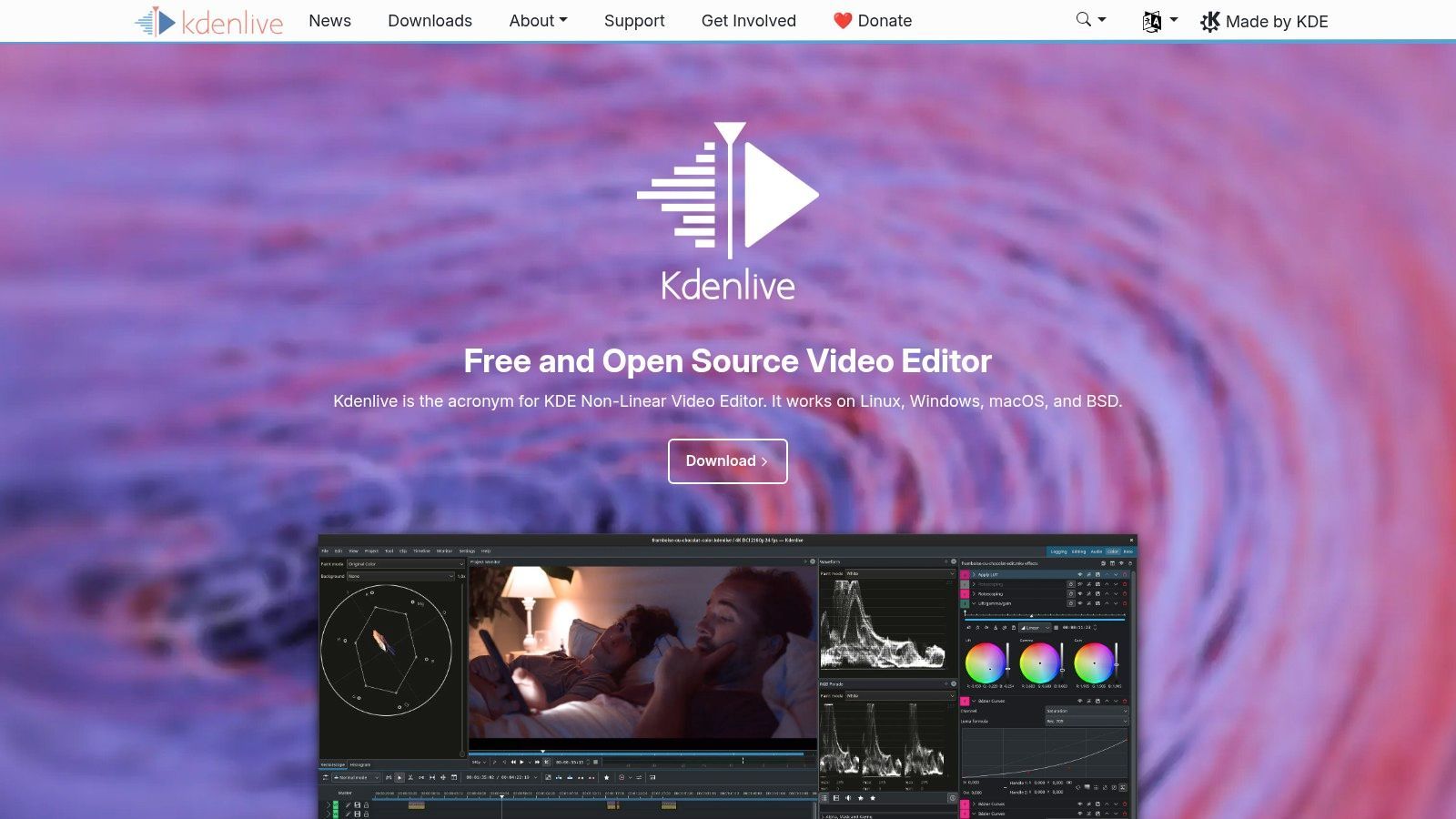
Kdenlive's strength lies in its surprisingly deep feature set that rivals many paid applications. It offers multi-track timeline editing, professional scopes for color correction, keyframeable effects, and even basic motion tracking. Its active development community ensures a steady stream of updates and improvements, and the user interface is configurable, allowing you to tailor the workspace to your specific needs. While it lacks the formal vendor support of its commercial counterparts, its extensive community documentation is a valuable resource.
Key Details & Use Cases
- Best For: Budget-conscious creators, students, educators, and users who need a consistent editing environment across different operating systems.
- Key Features: Multi-track timeline editing, extensive effects and transitions, professional audio and color scopes, configurable interface, and proxy editing for smooth 4K workflows.
- Platform: macOS, Windows, & Linux.
- Pricing: Completely free and open-source.
Pros:
- No cost to download and use, ever.
- Impressive feature set comparable to paid NLEs.
- Active community and frequent update schedule.
Cons:
- Can have occasional platform-specific quirks on Windows/macOS.
- Support is community-driven rather than formal vendor support.
Website: https://kdenlive.org
10. Shotcut
Shotcut stands out as a completely free, open-source, and cross-platform Final Cut Pro alternative, offering a robust set of features without any cost, ads, or watermarks. It’s an excellent choice for users who need a powerful editor without the financial commitment of professional software, making it ideal for creating training materials, simple brand content, or personal projects.
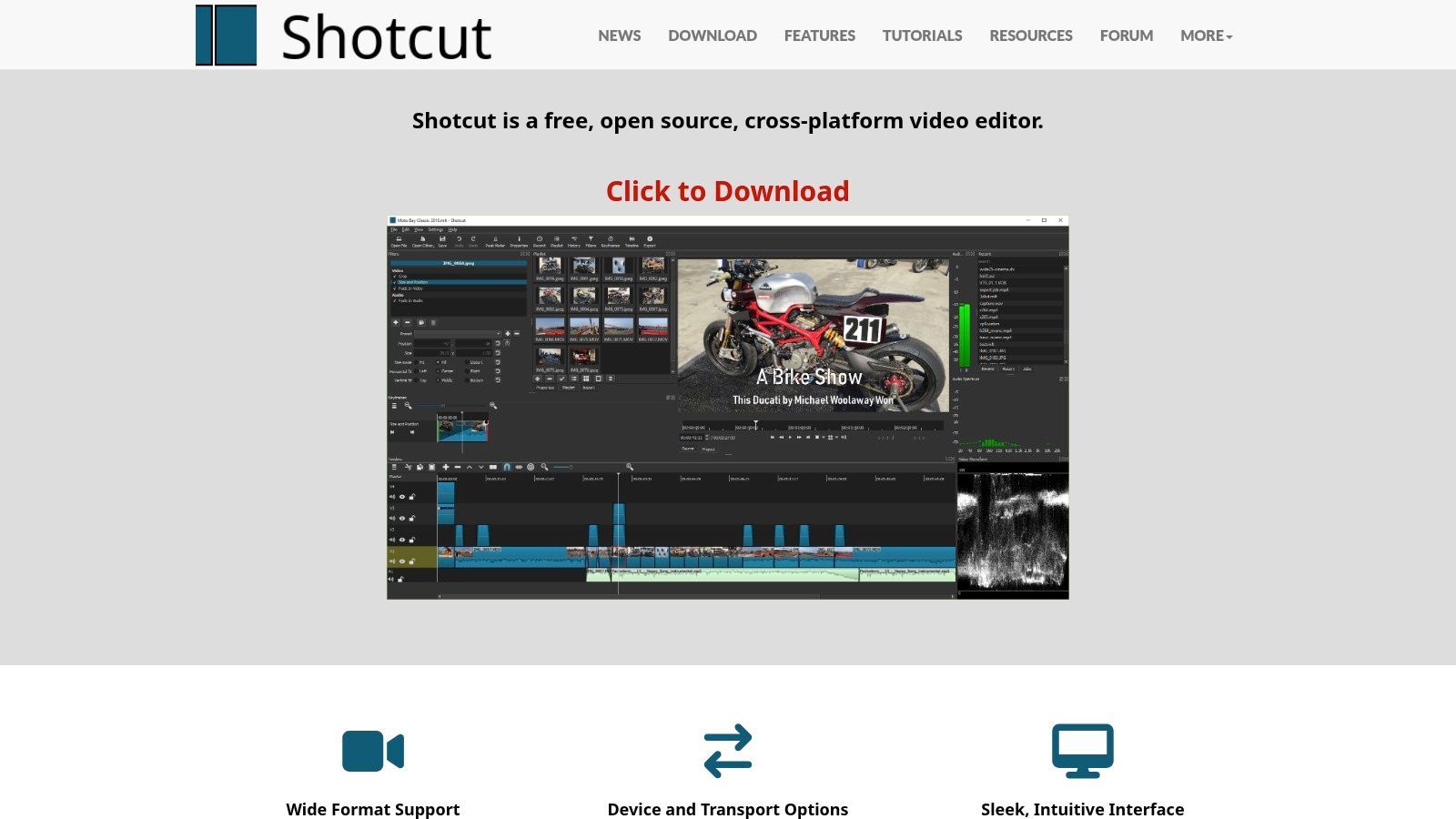
The platform's strength lies in its incredible format support, thanks to its integration with FFmpeg, allowing it to handle hundreds of audio and video codecs natively. Users can perform native timeline editing, even with 4K resolution, and apply a wide range of GPU-accelerated filters and effects. While its interface is more utilitarian than polished NLEs, it provides a surprisingly capable and lightweight editing experience.
Key Details & Use Cases
- Best For: Hobbyists, students, educators, and small businesses looking for a powerful, no-cost editing solution for straightforward video projects.
- Key Features: Native timeline editing with 4K support, broad codec and format support via FFmpeg, extensive video and audio filters, and frequent updates.
- Platform: macOS, Windows, & Linux.
- Pricing: Completely free and open-source. Donations are optional to support the project.
Pros:
- Free forever with no watermarks, ads, or feature limitations.
- Lightweight footprint and straightforward, customizable interface.
- Excellent cross-platform compatibility and format support.
Cons:
- The user interface feels less polished compared to premium NLEs.
- Lacks the advanced collaboration tools and deep integration of professional suites.
Website: https://shotcut.org
11. Microsoft Clipchamp
Microsoft Clipchamp offers a surprisingly capable and accessible Final Cut Pro alternative directly within your web browser. Its deep integration with the Microsoft ecosystem makes it a convenient choice for users already subscribed to Microsoft 365, providing premium features without an additional subscription. It's designed for speed and simplicity, focusing on template-driven workflows for creating social media content, marketing videos, and corporate presentations.
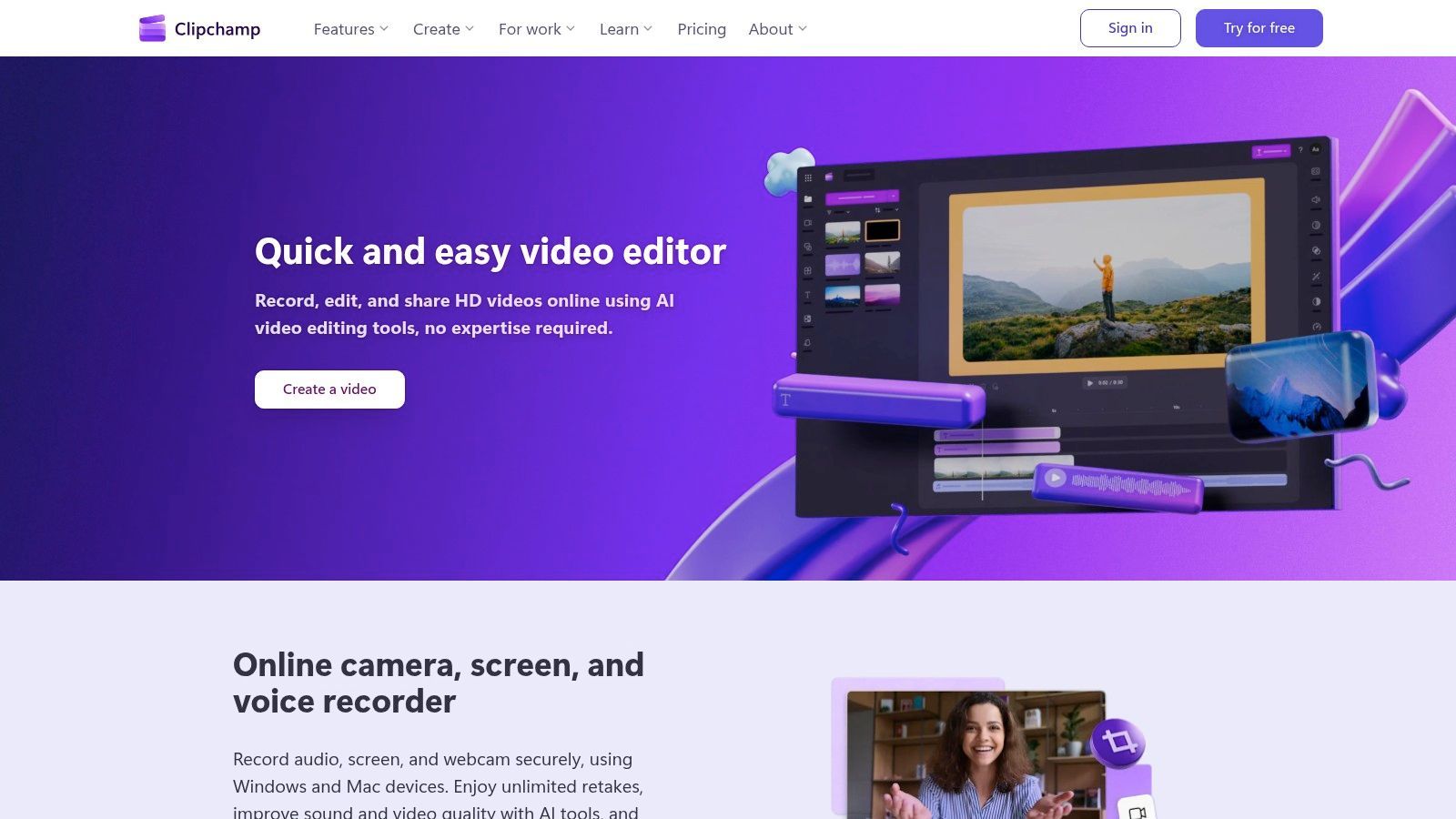
The platform's strength lies in its user-friendly interface and AI-powered tools that simplify complex tasks. Features like auto-captions, text-to-speech voiceovers, and silence removal automate tedious parts of the editing process. For marketing teams, the Brand Kit feature is a major benefit, allowing users to pre-load logos, fonts, and color palettes to ensure every video remains perfectly on-brand with minimal effort.
Key Details & Use Cases
- Best For: Social media managers, marketing teams, and Microsoft 365 users needing a fast, browser-based editor for creating on-brand short-form content.
- Key Features: Template-based editor, AI-powered subtitles and voiceovers, Brand Kit for brand consistency, stock library integration, and direct sharing to social platforms.
- Platform: Web browser & a dedicated Windows app.
- Pricing: Free plan with 1080p exports; premium features (like 4K exports and Brand Kit) are included with Microsoft 365 Personal/Family plans or available through a separate subscription.
Pros:
- Extremely easy to learn and use, runs directly in the browser.
- Premium features are included for existing Microsoft 365 subscribers.
- Brand Kit streamlines the creation of consistent, on-brand videos.
Cons:
- Many key features are gated behind a Microsoft 365 subscription.
- Less powerful and flexible compared to traditional desktop NLEs.
Website: https://clipchamp.com
12. Movavi Video Editor / Video Suite
Movavi Video Editor offers a refreshingly accessible Final Cut Pro alternative, designed for users who prioritize speed, simplicity, and repeatable results over complex professional features. It’s part of a broader Video Suite that includes a converter and screen recorder, making it a versatile toolkit for creators who produce diverse content like tutorials, social media ads, or educational videos.
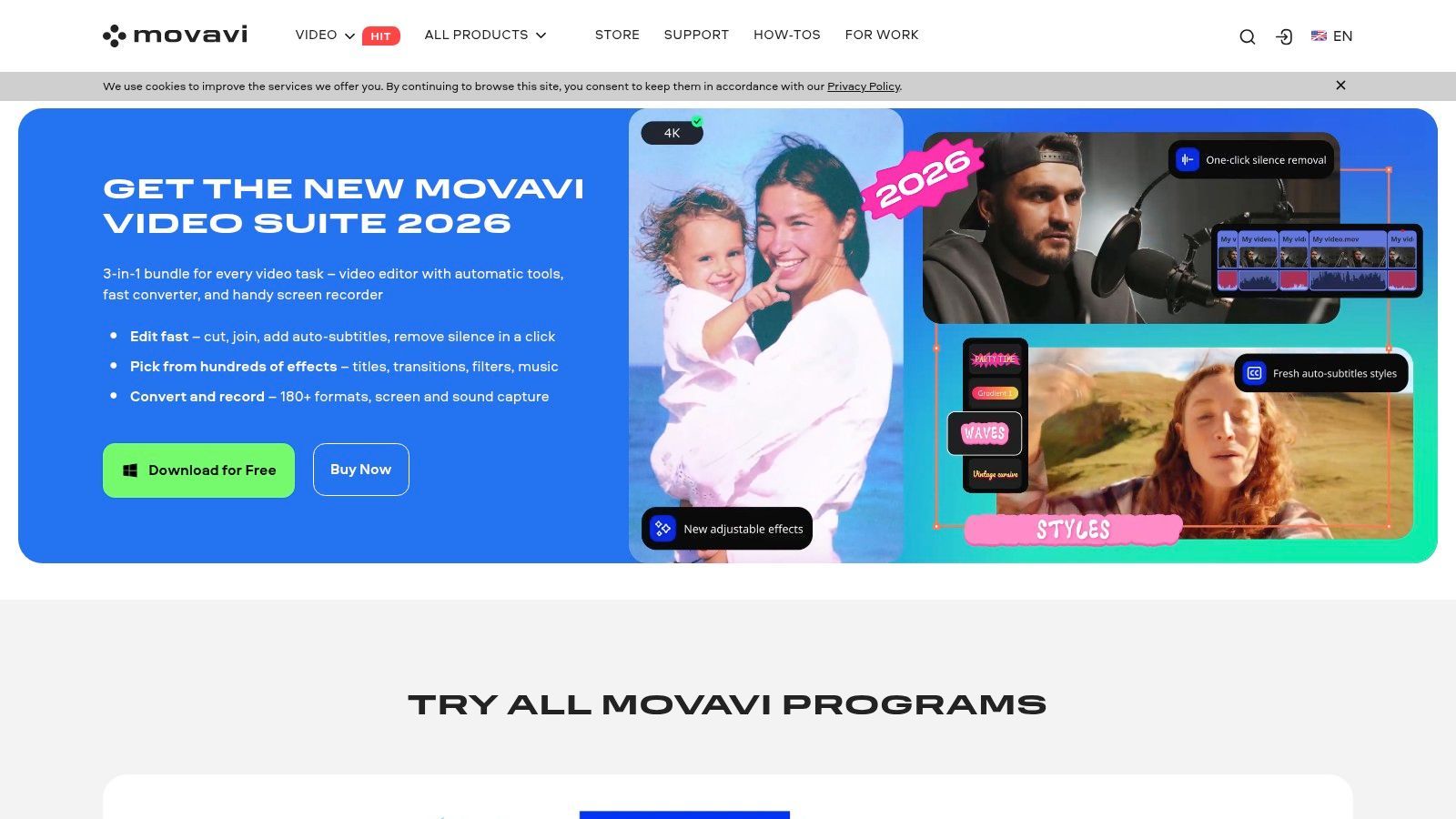
The platform excels with its straightforward interface and built-in AI tools that automate common editing tasks. Features like one-click AI background removal, motion tracking, and automatic subtitles empower users to create polished videos without a steep learning curve. Movavi is particularly well-suited for marketing teams or educators who need to quickly produce clean, branded content using templates and bundled effects packs.
Key Details & Use Cases
- Best For: E-commerce marketers, educators, and teams needing a simple, fast tool for creating repeatable video content with minimal training.
- Key Features: AI background and noise removal, AI-powered motion tracking, automatic subtitles, large library of built-in effects and transitions, and bundled screen recorder/converter.
- Platform: macOS & Windows.
- Pricing: Available via subscription or a lifetime license. The Video Suite lifetime plan is often promoted with discounts, typically around $109.95.
Pros:
- Very intuitive and easy to learn, ideal for beginners.
- Includes complementary tools like a screen recorder and converter in the suite.
- Frequent promotions and bundled effects packs offer good value.
Cons:
- Trial versions export with a watermark.
- Some users report that the checkout process can include optional add-ons that need to be unchecked.
Website: https://www.movavi.com
Top 12 Final Cut Pro Alternatives — Comparison
| Product | Core features | UX & Quality (★) | Price & Value (💰) | Best for (👥) | Standout (✨/🏆) |
|---|---|---|---|---|---|
| Adobe Premiere Pro | Pro NLE; advanced color/audio/text; AE/Photoshop/Frame.io links | ★★★★★ | 💰 Subscription — premium | 👥 Agencies, studios, pros | 🏆 Deep Adobe ecosystem & frequent AI updates ✨ |
| Blackmagic DaVinci Resolve / Studio | Edit + Fusion VFX + Fairlight audio + Hollywood color tools | ★★★★★ | 💰 Free tier; Studio = one‑time license | 👥 Colorists, finishing houses, teams avoiding subs | 🏆 Industry‑leading color grading ✨ |
| Avid Media Composer | Robust media management; script‑based & multi‑editor workflows | ★★★★☆ | 💰 Subscription/tiers — higher enterprise cost | 👥 Broadcast, long‑form, multi‑editor facilities | 🏆 Proven broadcast pipeline tools ✨ |
| VEGAS Pro | Fast timeline, GPU accel, strong audio toolchain (SOUND FORGE) | ★★★★☆ | 💰 Perpetual or subscription — value promos | 👥 YouTube & Windows social teams | ✨ Speed + integrated audio suites 🏆 |
| Wondershare Filmora | Templates, AI helpers (TTS, object removal), large stock library | ★★★★ | 💰 Lower annual; credits/upsells for AI | 👥 Solo creators, marketing teams | ✨ Fast social templates & creator‑friendly UI 🏆 |
| CyberLink PowerDirector 365 | Generative AI, 4K, big template/stock library, AdDirector | ★★★★ | 💰 Value subscription (365) — business tiers | 👥 Social ad teams, marketers | ✨ Ad‑focused workflows & cloud templates 🏆 |
| LumaFusion (LumaTouch) | Multitrack mobile NLE, LUTs, keyframing, FCPXML handoff | ★★★★ | 💰 One‑time app + optional Creator Pass | 👥 Mobile creators, travel/shoot teams | ✨ Pro‑grade mobile editing 🏆 |
| Lightworks (LWKS) | Cross‑platform NLE, cloud collab, tiered exports (4K on paid) | ★★★★ | 💰 Free/Create/Pro; flexible licensing | 👥 Teams needing licensing choice & Linux users | ✨ Flexible licensing + cloud workflows |
| Kdenlive | Open‑source multitrack, motion tracking, active community | ★★★ | 💰 Free (open‑source) | 👥 Budget creators, educators, cross‑platform teams | ✨ Powerful free NLE with community support |
| Shotcut | FFmpeg codec support, native 4K timeline, GPU filters | ★★★ | 💰 Free forever | 👥 Quick editors, trainers, simple brand content | ✨ No watermarks; lightweight & straightforward |
| Microsoft Clipchamp | Browser editor with AI captions/voiceovers & brand kit | ★★★★ | 💰 Freemium; 4K/premium tied to MS 365 | 👥 Social managers, Microsoft 365 users | ✨ Web‑first + OneDrive/MS tie‑ins 🏆 |
| Movavi Video Editor / Suite | Editor + recorder/converter, AI background removal, templates | ★★★★ | 💰 Bundles & frequent discounts; watch trials | 👥 E‑commerce, education teams, fast outputs | ✨ All‑in‑one bundle for repeatable workflows |
Making Your Final Cut: Choosing the Right Alternative for Your Workflow
Navigating the landscape of video editing software can feel overwhelming, especially when moving away from a familiar platform like Final Cut Pro. As we've explored, the search for the best Final Cut Pro alternative isn't about finding a direct clone; it's about identifying the software that aligns perfectly with your unique workflow, creative goals, and operational needs. The ideal choice for a solo influencer creating daily social content will be vastly different from the one for a post-production studio collaborating on a feature film.
The key takeaway from our deep dive is that the "best" editor is entirely subjective. Your decision should be a strategic one, based on a clear understanding of your priorities. Don't be swayed by industry standards alone if your needs are more specific. Instead, focus on the factors that directly impact your productivity and final product.
Key Considerations Before You Commit
Before you make your final selection, take a moment to weigh these critical factors. This will help you transition from a long list of options to a shortlist of top contenders.
- Operating System & Cross-Platform Needs: Are you firmly planted in the Windows ecosystem, or do you need the flexibility to collaborate with team members on different operating systems? Tools like Premiere Pro and DaVinci Resolve excel here, offering seamless experiences on both macOS and Windows, while others like VEGAS Pro are Windows-exclusive.
- Budget and Pricing Model: Your financial commitment is a major factor. Do you prefer the predictability of a one-time purchase, like that offered by DaVinci Resolve Studio or LumaFusion, or does the continuous update cycle of a subscription model like Adobe's Creative Cloud better suit your business? Don't overlook powerful free and open-source options like Kdenlive and Shotcut if your budget is tight.
- Project Complexity & Scope: Honestly assess the type of content you create. If you require industry-leading color grading, advanced audio post-production, and VFX capabilities all in one package, DaVinci Resolve is a powerhouse. For editors who need deep integration with motion graphics (After Effects) and a robust, plugin-rich environment, Premiere Pro remains a dominant force. For simpler, faster edits, a tool like Filmora or Movavi might be more than sufficient and far less intimidating.
- Learning Curve and Usability: How much time can you realistically invest in learning a new NLE? Tools like Avid Media Composer have a notoriously steep learning curve but are invaluable in certain professional broadcast environments. In contrast, editors like Clipchamp and Filmora are designed for rapid onboarding, allowing creators to produce high-quality content almost immediately.
Your Actionable Next Steps
Making a confident decision requires hands-on experience. Reading reviews and comparing feature lists is just the first step. To truly find your ideal Final Cut Pro alternative, you need to get behind the wheel.
- Shortlist Your Top 2-3 Candidates: Based on the considerations above, narrow down your options from the twelve we've covered.
- Download and Use the Free Trials: Nearly every premium software on this list offers a free trial or a free version. Use this opportunity to test drive the interface, import your typical footage, and complete a small, real-world project.
- Evaluate the "Feel": Pay close attention to the user experience. Does the timeline feel intuitive? Are the tools and panels laid out logically for your brain? A smooth, frustration-free editing experience is crucial for long-term creative success.
Ultimately, the right tool should feel like an extension of your creative mind, not a barrier to it. To aid in your decision-making, a comprehensive video editing software comparison can provide valuable insights into various platforms. By investing a little time in testing now, you will save countless hours of frustration later and empower yourself with a tool that truly serves your vision.
Ready to bypass the traditional editing timeline altogether? If your focus is on creating engaging, high-volume short-form video ads and social content, an AI-powered workflow might be your ultimate Final Cut Pro alternative. ShortGenius (AI Video / AI Ad Generator) automates the entire creation process from a single link or text prompt, delivering branded, ready-to-publish videos in minutes. Explore how ShortGenius (AI Video / AI Ad Generator) can revolutionize your content strategy.