12 Best Content Creation Tools for Social Media in 2025

Discover the best content creation tools for social media in 2025. Our detailed review covers AI video, design, and asset tools to boost your strategy.
In the fast-paced world of social media, creating standout content consistently is the key to growth. But juggling ideas, design, video editing, and scheduling can be overwhelming. The right tools don't just save time-they unlock new creative possibilities and streamline your entire production process. This guide moves beyond generic feature lists to give you practical, in-depth insights into the top content creation tools for social media. We'll help you find the perfect software stack for your specific workflow.
We will analyze everything from all-in-one AI platforms and powerful design suites to essential asset libraries and even unexpected marketplaces for sourcing talent and tech. This resource is designed to help you make informed decisions, whether you're a solo influencer, a social media manager at a growing brand, or part of a creative agency.
Each tool review includes a detailed breakdown of its core features, pricing, pros, and cons, along with screenshots and direct links to help you get started. Our goal is to equip you with the knowledge to build a more efficient and effective content creation system, helping you produce higher-quality social media content with less effort. Let's dive in and discover the tools that will transform your social media strategy.
1. ShortGenius
ShortGenius stands out as a premier all-in-one solution among content creation tools for social media, specifically engineered to master the demanding world of short-form video. It consolidates the entire production workflow, from initial concept to multi-platform distribution, into a single, cohesive interface. This platform uniquely combines AI-powered scriptwriting, image and video generation, and natural-sounding voiceovers, empowering creators to produce high-quality, engaging content in a fraction of the traditional time.
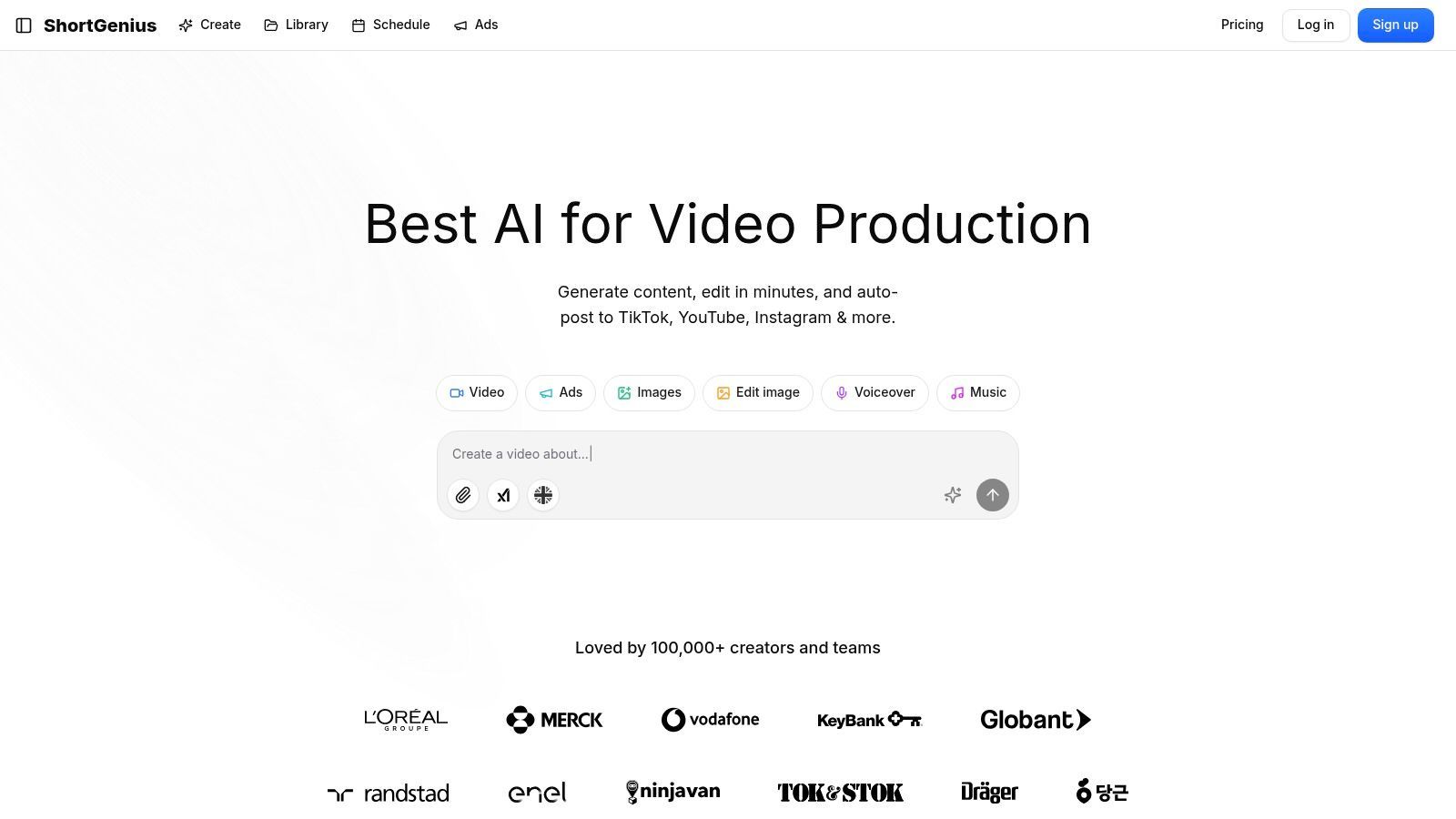
The platform’s strength lies in its seamless integration of best-in-class AI models, ensuring that every element, from the script to the visuals, meets a professional standard. Users can rapidly assemble videos and then refine them with intuitive tools for trimming, captioning, and applying brand kits. What truly sets it apart is the ability to automatically schedule and publish content directly to TikTok, YouTube, Instagram, and more, making it a powerful engine for consistent channel growth.
Key Features & Use Cases
- End-to-End AI Production: Ideal for social media managers and agencies needing to scale content, this feature automates everything from scriptwriting to final video assembly.
- Rapid Editing & Branding: E-commerce brands can quickly apply a consistent look and feel across campaigns using the integrated brand kit and fast editing tools.
- Creative Asset Library: Influencers can experiment with dynamic presets like camera movements and scroll stoppers to elevate their storytelling without complex software.
- Multi-Channel Scheduling: Perfect for any creator managing multiple platforms, this allows for strategic, automated posting to maximize reach and engagement.
Platform Analysis
| Aspect | Assessment |
|---|---|
| Ease of Use | The interface is designed for speed, though newcomers to AI video tools may experience a slight learning curve. |
| AI Quality | Leverages premium AI models for writing, visuals, and voice, ensuring consistently high-quality output. |
| Best For | High-volume short-form video creators, agencies, and brands focused on multi-platform growth. |
| Pricing | Not publicly listed; requires direct inquiry or signup to view plans, which may be a drawback for some users. |
Website: https://shortgenius.com
2. Canva
Canva has become the undisputed starting point for millions creating social media assets, and for good reason. It’s an incredibly accessible, browser-based design suite that removes technical barriers, allowing anyone from solo creators to large marketing teams to produce professional-looking graphics, stories, and short-form videos in minutes. Its core strength lies in its vast library of platform-specific templates, which provides a massive head start for any project.
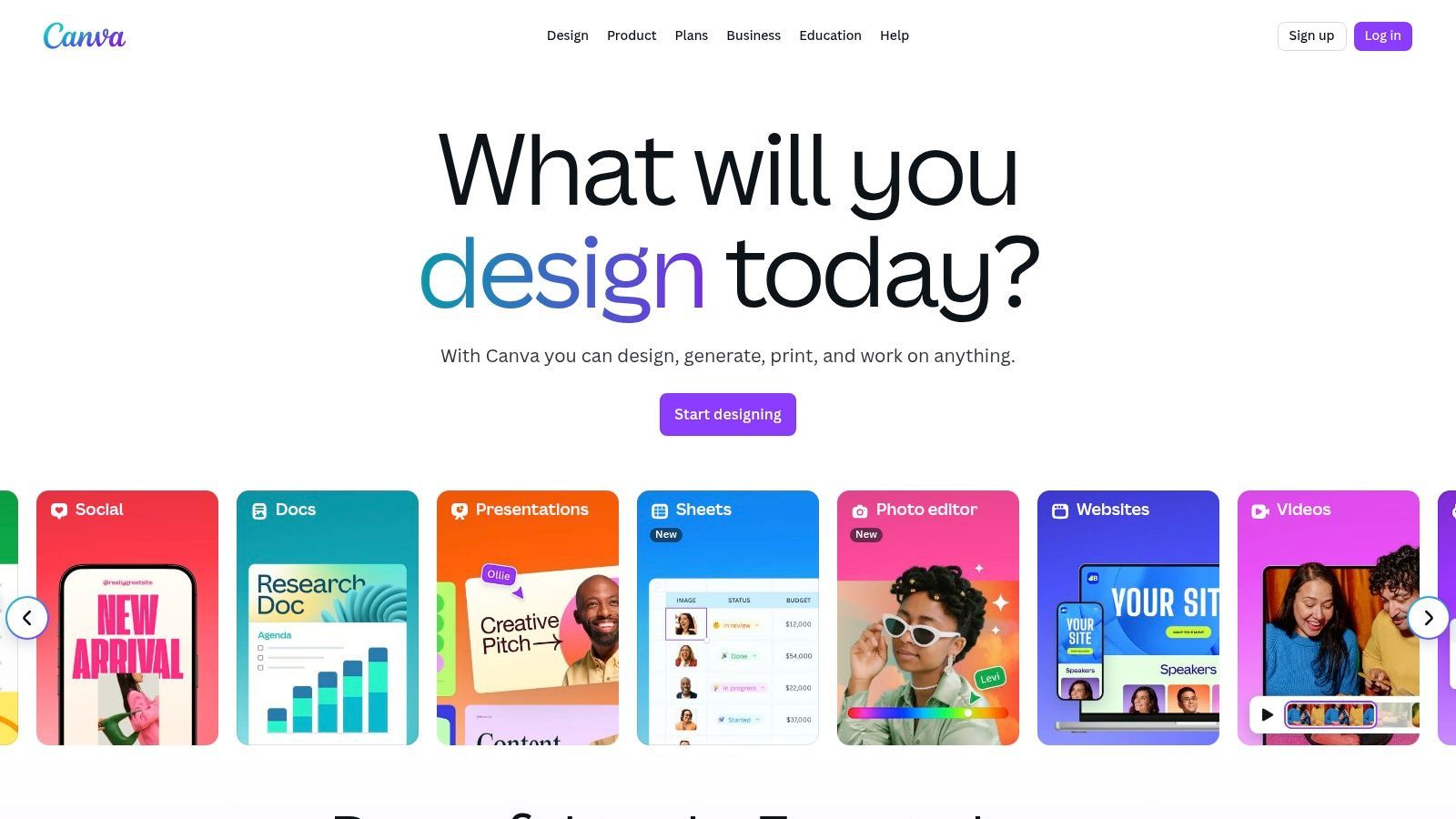
What makes Canva one of the essential content creation tools for social media is its rapid evolution into an AI-powered production house. The "Magic Studio" suite introduces powerful features like text-to-image generation, one-click background removal, and Magic Resize to adapt a single design for every social media dimension instantly. For teams, its Brand Kit feature is a game-changer, ensuring every post, Reel, or ad remains perfectly on-brand by pre-loading logos, color palettes, and fonts.
Key Features & Use Cases
- Template-Driven Workflow: Start with a pre-sized, professionally designed template for Instagram Stories, TikTok videos, YouTube thumbnails, or Facebook ads to accelerate production.
- Magic Studio AI Tools: Use AI to generate images from text prompts, automatically remove backgrounds, or translate designs into multiple languages for global campaigns.
- Brand Kit: Centralize brand assets to maintain consistency across all content produced by your team. This is ideal for social media managers overseeing multiple accounts or agency workflows.
- Simple Video Editor: Quickly trim clips, add animated text, generate auto-captions, and apply transitions without needing complex video software.
| Feature | Free Tier | Pro Tier ($14.99/mo) | Teams Tier ($29.99/mo per person) |
|---|---|---|---|
| Templates | 250,000+ free templates | 100+ million premium templates & assets | All Pro features |
| AI Tools | Limited "Magic" credits | Increased credits, premium AI features | More credits, team-level AI controls |
| Brand Kit | 1 kit with limited colors | 100 Brand Kits | 300 Brand Kits per team |
| Collaboration | Basic sharing | Real-time collaboration, commenting | Team reports, approval workflows |
Pros:
- Extremely user-friendly interface with a minimal learning curve.
- Massive ecosystem of templates and stock assets speeds up content creation significantly.
- Scales effectively from individual creators to enterprise-level teams.
Cons:
- Advanced users may find the design and video editing capabilities limiting compared to dedicated software like Adobe.
- Some of the newer AI features can be inconsistent or slow during peak usage times.
- Recent pricing changes have made the Teams tier more expensive for larger groups.
Website: https://www.canva.com/
3. Adobe Express
Adobe Express is the creative giant’s answer to streamlined, all-in-one social media design, directly challenging the accessibility of modern web-based editors. It distinguishes itself by integrating the power of the Adobe ecosystem, including Adobe Stock assets and the commercially-safe Firefly generative AI, into a template-driven, user-friendly interface. This makes it an ideal choice for creators who want quick, professional output with a direct pipeline to more powerful apps like Photoshop and Premiere Pro for advanced edits.
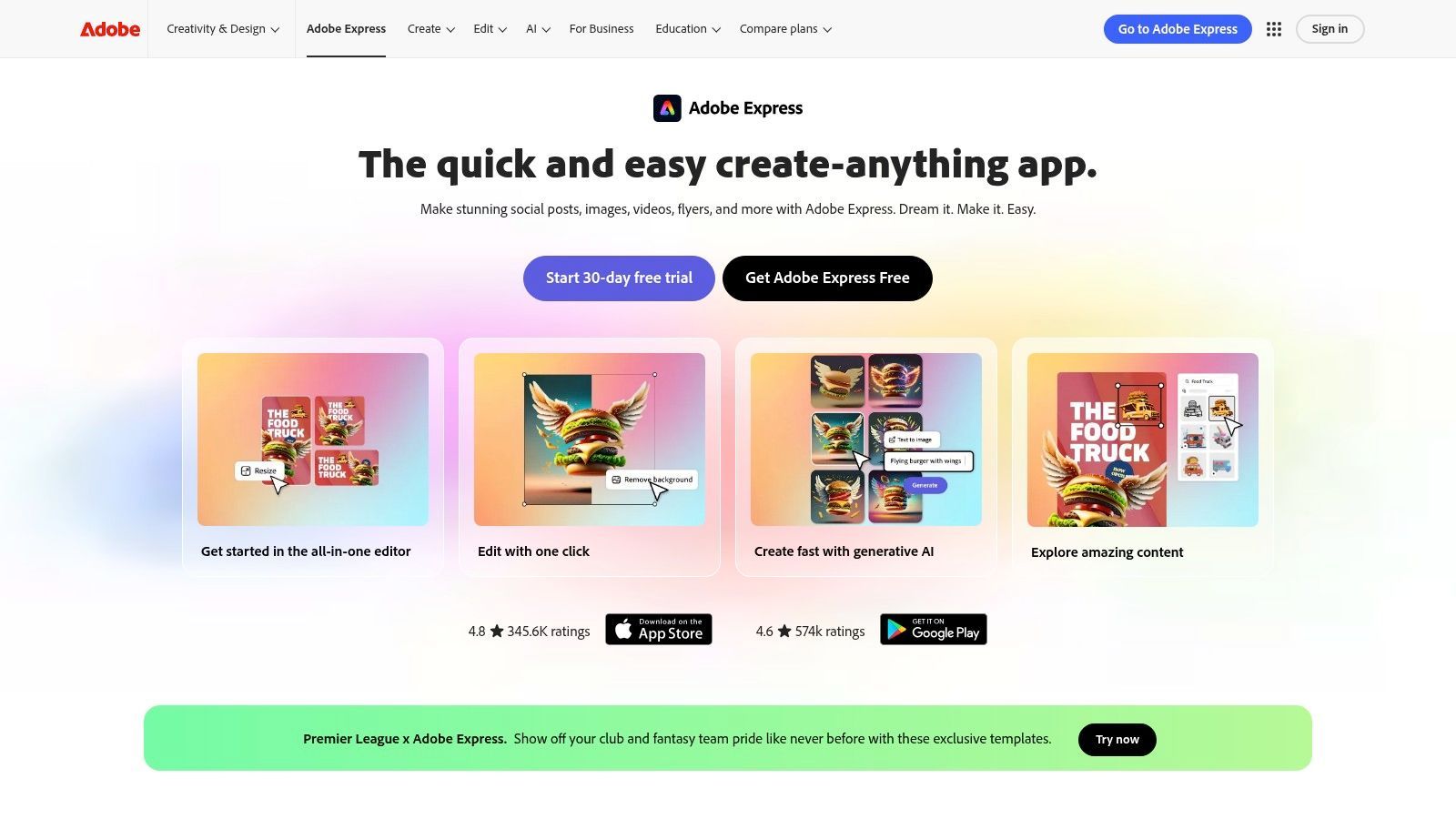
As one of the most powerful content creation tools for social media, its standout feature is the deep integration of Adobe Firefly AI. Users can generate unique images and text effects from simple prompts, knowing the models were trained ethically on Adobe Stock content. Beyond AI, Express offers robust video editing, one-click resizing to adapt content for every social platform, and a built-in content scheduler, centralizing the entire workflow from creation to publication in one place.
Key Features & Use Cases
- Integrated Adobe Stock & Fonts: Access millions of royalty-free photos, video clips, and the entire Adobe Fonts library directly within the editor for premium-quality assets.
- Firefly Generative AI: Use text-to-image generation, create unique text effects, or apply AI-powered templates, all designed to be commercially safe for business use.
- Linked Assets & Brand Kits: Maintain brand consistency by linking to Photoshop or Illustrator files and centralizing logos, colors, and fonts that teams can access across all Adobe apps.
- Content Scheduler: Plan, preview, and schedule posts directly to Instagram, Facebook, TikTok, and other platforms without leaving the application.
| Feature | Free Tier | Premium Tier ($9.99/mo) |
|---|---|---|
| Generative AI | 25 monthly credits | 250 monthly credits |
| Templates | Thousands of free templates | 200,000+ premium templates |
| Adobe Stock | Limited collection of free assets | 200M+ premium, royalty-free stock photos, videos, & music |
| Brand Kit | 1 kit with limited colors | Unlimited Brand Kits, brand-level templates |
| Content Scheduler | 2 scheduled posts/month | Unlimited scheduled posts |
Pros:
- Seamless integration with the professional Adobe Creative Cloud suite.
- Commercially safe Firefly AI and access to the high-quality Adobe Stock library.
- Robust brand management and collaboration tools for maintaining consistency.
Cons:
- The mobile app can sometimes be less responsive than the desktop version.
- Some advanced functions and the best assets are locked behind the premium plan.
- Professional-grade edits still require switching to dedicated apps like Photoshop or Premiere Pro.
Website: https://www.adobe.com/express/
4. CapCut (Desktop/Web)
Originally a mobile-first app, CapCut has exploded in popularity as the go-to video editor for TikTok, Reels, and Shorts, and its web and desktop versions bring that same speed and simplicity to a more robust workflow. It excels at creating trend-driven, highly engaging vertical videos by simplifying complex editing tasks like auto-captioning, beat-syncing clips to music, and applying viral visual effects. For creators focused on short-form content, CapCut removes the technical friction often found in more traditional video software.
What makes CapCut one of the most effective content creation tools for social media is its direct pipeline to what’s trending. Its vast, constantly updated library of templates, effects, and sounds allows creators to quickly replicate popular formats without starting from scratch. The web and desktop versions add cloud asset management and a more traditional timeline interface, making it easier to manage bigger projects while retaining the rapid-fire editing style that made the mobile app a phenomenon.
Key Features & Use Cases
- Template & Trend Integration: Browse a massive library of ready-to-use video templates for popular trends, memes, and challenges on TikTok and Instagram.
- Auto Captions & Text-to-Speech: Generate stylish, animated captions from your video's audio in a single click, or use various AI voices for voiceovers.
- Beat Sync (Auto Cut): Automatically edit your video clips to match the beat of a chosen audio track, creating a dynamic and professional-looking result instantly.
- Cloud-Based Workflow: The web version allows you to start projects and access your media from any computer, making it ideal for teams or creators who switch devices.
| Feature | Free Tier | Pro Tier (Varies, approx. $7.99/mo) |
|---|---|---|
| Templates | Large library of free templates and effects | Access to premium, higher-quality templates, text styles & effects |
| Editing Tools | All core editing features, including auto captions | Advanced features, more AI effects, and premium transitions |
| Export Quality | Up to 4K resolution, watermark on some templates | Watermark-free exports on all templates and higher quality options |
| Cloud Storage | Limited free cloud storage for assets | Increased cloud storage space for media and projects |
Pros:
- Incredibly fast workflow for creating trend-focused short-form video content.
- The free version is extremely powerful and sufficient for most creators.
- Massive, frequently updated library of viral effects, sounds, and templates.
Cons:
- Pro pricing and feature availability can be inconsistent and vary by region and platform.
- Less suited for long-form, horizontal video editing compared to traditional NLEs.
- Users have occasionally reported reliability issues or bugs after major updates.
Website: https://www.capcut.com/
5. Descript
Descript has revolutionized audio and video editing for social media by treating them like a text document. Instead of manipulating complex timelines, you edit the auto-generated transcript, and the corresponding media is edited for you. This unique, text-based workflow makes it incredibly fast to produce talking-head videos, podcast clips, screen recordings, and repurposed interviews, eliminating the steep learning curve of traditional video software.
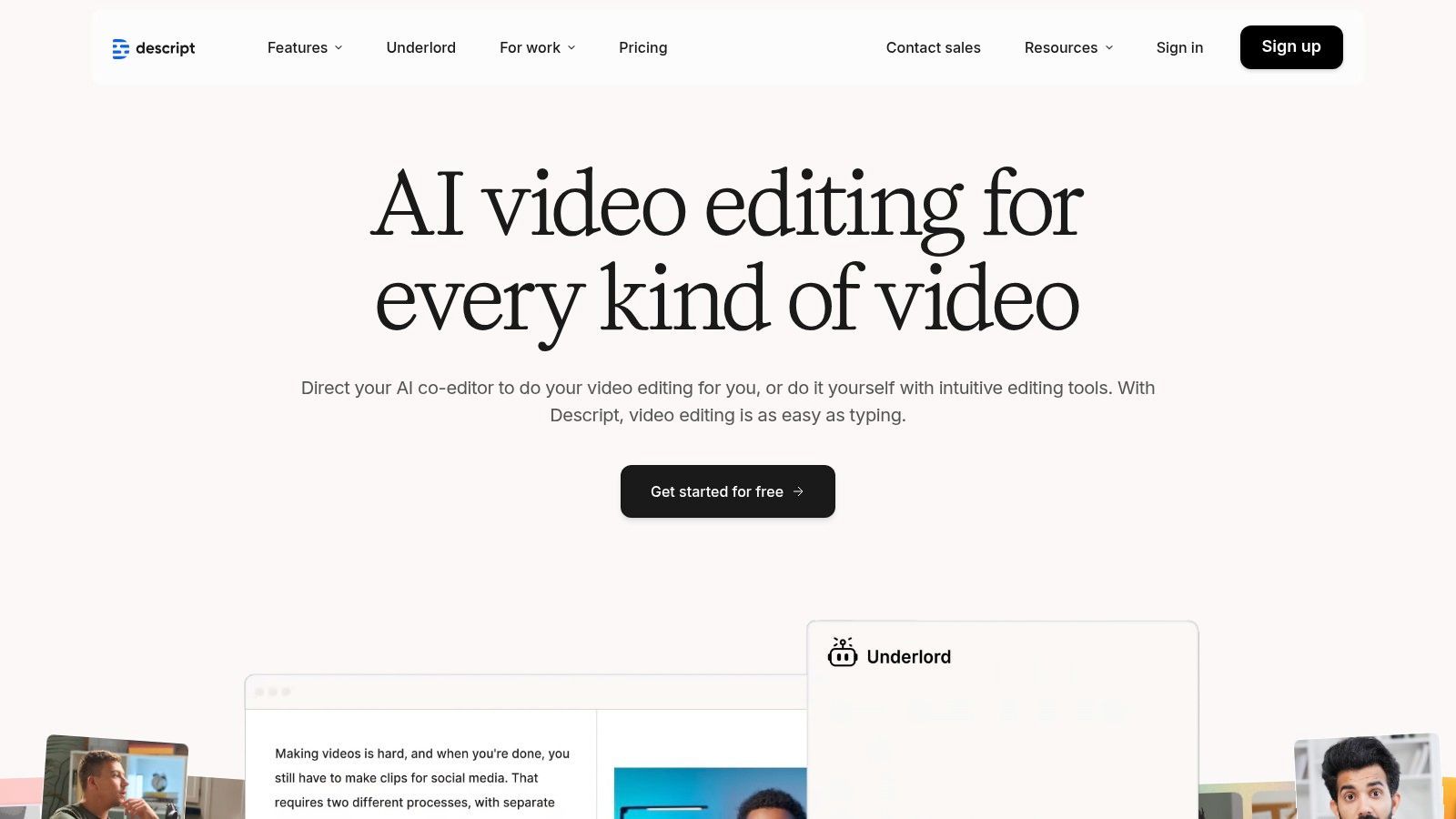
What solidifies Descript's place among the top content creation tools for social media are its AI-powered features built for speed. With a single click, you can remove all filler words ("um," "uh") or enhance audio quality with "Studio Sound" to make recordings sound professionally produced. This makes it the go-to tool for creators who need to quickly transform raw footage into polished, caption-ready clips for platforms like TikTok, Instagram Reels, and LinkedIn.
Key Features & Use Cases
- Text-Based Video Editing: Edit video by simply deleting or rearranging words in the transcript. This is ideal for cutting down long interviews or webinars into short, shareable social clips.
- Automatic Transcription & Captions: Get a fast, highly accurate transcript that can be instantly burned into your video as stylized, social-media-friendly captions.
- AI-Powered Audio/Video Tools: Use "Studio Sound" to remove background noise, "Filler Word Removal" to clean up speech, and "Overdub" to create a realistic clone of your voice to correct misspoken words.
- Screen & Camera Recorder: Easily record your screen and webcam simultaneously, making it perfect for creating tutorials, product demos, or reaction videos.
| Feature | Free Tier | Creator Tier ($15/mo) | Pro Tier ($30/mo) |
|---|---|---|---|
| Transcription Hours | 1 hour/month | 10 hours/month | 30 hours/month |
| Filler Word Removal | Manual search | Automatic, one-click removal | All Creator features |
| Studio Sound | Included | Included | Included |
| Export Quality | Watermarked, 720p max | Watermark-free, up to 4K export | All Creator features |
Pros:
- Dramatically speeds up the editing workflow for spoken-word video and audio content.
- Exceptional built-in transcription and captioning tools are perfect for social media accessibility.
- AI features like Studio Sound and filler word removal save significant post-production time.
Cons:
- Less suited for highly stylized edits that require complex motion graphics or visual effects.
- The transcription hour limits on each plan can be restrictive for creators producing high volumes of content.
- The user interface can feel cluttered for users accustomed to traditional timeline editors.
Website: https://www.descript.com/
6. VEED
VEED has rapidly become the go-to browser-based video editor for social media teams focused on speed and accessibility. It excels at simplifying complex video tasks, particularly those related to audio and accessibility, like automatic subtitling and translation. Its core appeal is that it packs powerful, AI-driven features into a clean, intuitive interface, allowing marketers and creators to produce high-quality, social-ready videos without the steep learning curve of traditional editing software.
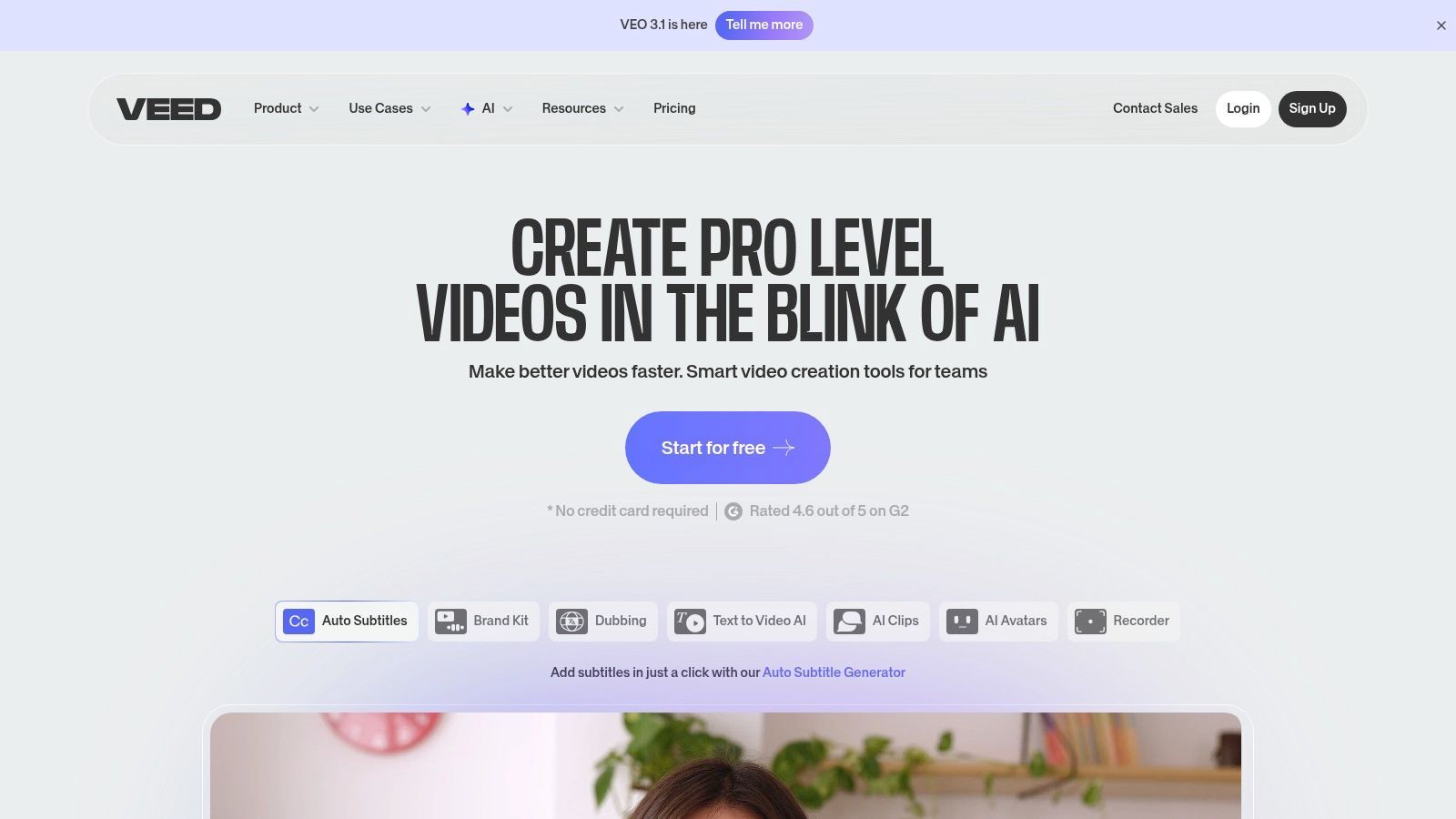
What solidifies VEED's place among essential content creation tools for social media is its focus on repurposing and collaboration. Features like one-click translation, brand kit integration, and shared team workspaces streamline the process of adapting a core video asset for multiple platforms and global audiences. Higher-tier plans introduce advanced AI like voice cloning and avatar generation, pushing the boundaries of what's possible directly within a web browser, making it a powerful engine for content at scale.
Key Features & Use Cases
- AI-Powered Subtitles & Translation: Automatically generate accurate subtitles for your videos and translate them into dozens of languages with a single click to maximize global reach.
- Simple, Timeline-Based Editor: Trim clips, add text overlays, apply filters, and use stock media from a built-in library, all within an easy-to-navigate web interface.
- Team Workspaces & Brand Kits: Maintain brand consistency with centralized logos, fonts, and color palettes. Collaborate with team members in a shared space for feedback and approvals.
- AI Avatars & Voice Cloning: Create professional-looking videos using AI-generated presenters and clone your voice to produce content without recording new audio (available on higher tiers).
| Feature | Free Tier | Basic ($18/mo) | Pro ($30/mo) | Business ($59/mo) |
|---|---|---|---|---|
| Exports | 720p with watermark | 1080p, no watermark | 4K exports | All Pro features |
| Subtitles | 30 mins/month (auto-subtitle) | 720 mins/year | 1,440 mins/year | 8,000 mins/year |
| AI Features | Very limited access | Basic features, some stock media | Auto-translate, Text-to-speech, Brand Kits | AI Avatars, Voice Cloning, team analytics |
| Collaboration | Single user | Single user | Real-time collaboration | Team workflows & custom roles |
Pros:
- Incredibly fast and accurate auto-subtitling and translation features.
- Extremely accessible UI makes video editing possible for non-editors.
- Strong collaborative tools and brand kits for marketing teams.
Cons:
- Advanced users will find the editing controls less granular than professional software.
- The most powerful AI features are gated behind the most expensive tiers.
- Performance can occasionally lag with very large or complex 4K video projects.
Website: https://www.veed.io/
7. Kapwing
Kapwing is the go-to collaborative video editor for social media teams focused on speed and simplicity. It's a powerful, browser-based platform designed specifically for creating the short-form, subtitled, and meme-style content that dominates platforms like TikTok and Instagram. Where more complex editors can be slow and intimidating, Kapwing excels at turning raw footage into a perfectly formatted social media video in just a few minutes, making it ideal for high-volume content workflows.
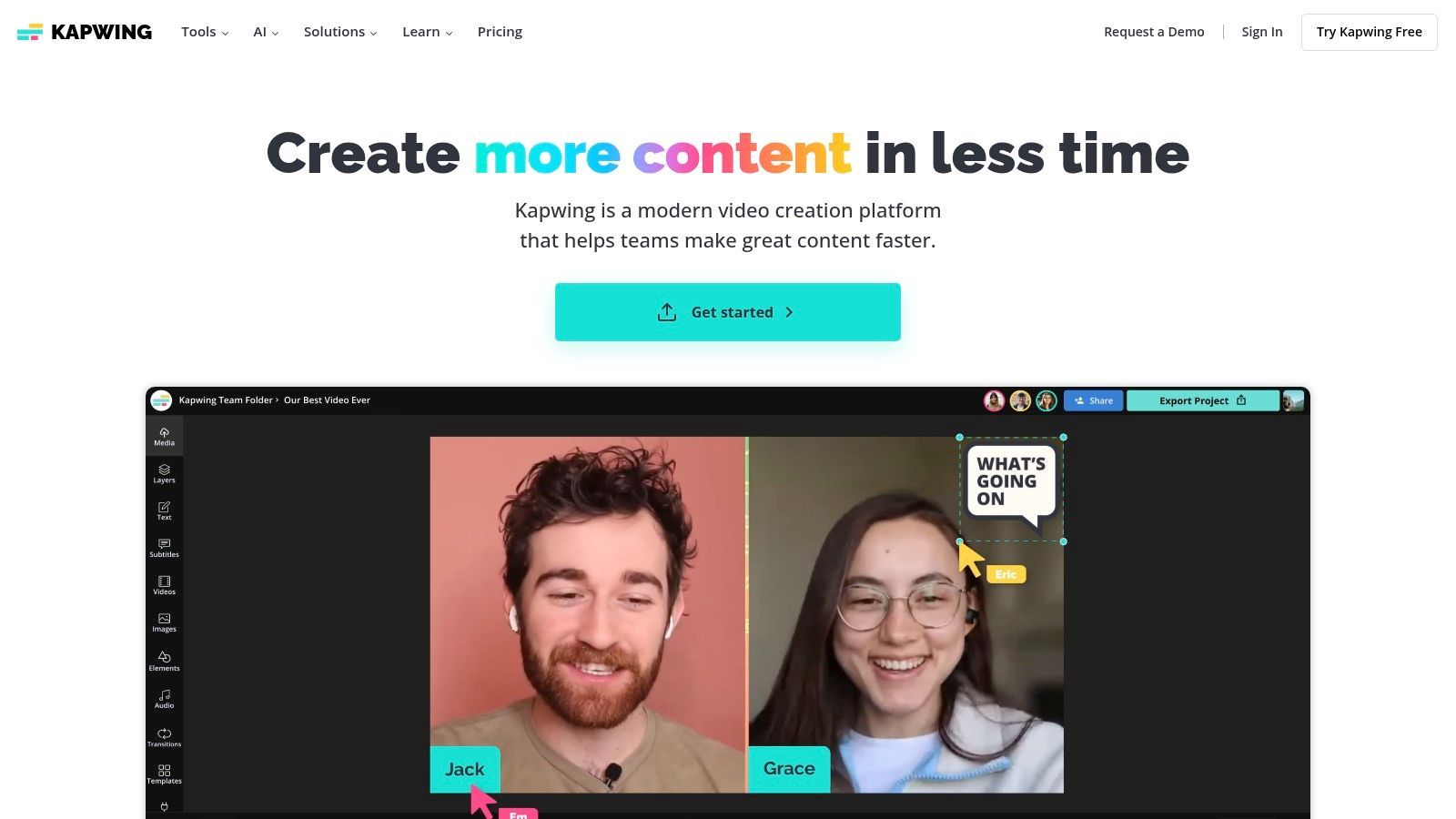
What truly makes Kapwing one of the most effective content creation tools for social media is its emphasis on practical, everyday video tasks. Its AI-powered features, like Smart Cut and automatic subtitle generation, save creators immense amounts of time. The platform’s strength is in its streamlined user experience for resizing videos to any aspect ratio, adding trendy text effects, and using templates designed for Reels, Shorts, and TikToks. For teams, its shared cloud-based workspace is a game-changer for feedback and approvals.
Key Features & Use Cases
- AI-Powered Subtitles & Transcription: Automatically generate and style accurate captions for your videos in over 70 languages, a crucial step for increasing accessibility and viewer retention.
- One-Click Resizing: Instantly resize any video to fit the specific dimensions required for different platforms, like 9:16 for TikTok, 1:1 for Instagram feeds, or 16:9 for YouTube.
- Template Library: Start projects quickly using templates for memes, Instagram Stories, video ads, and more, complete with placeholder text and effects.
- Collaborative Workspaces: Invite team members to view, comment on, and edit projects in real-time within a shared folder, streamlining the review process without downloading files.
| Feature | Free Tier | Pro Tier ($24/mo per user) | Business Tier ($64/mo per user) |
|---|---|---|---|
| Export Quality | 720p, with watermark | 4K quality, no watermark | All Pro features |
| AI Tools | 10 mins/mo auto-subtitles, limited AI features | 300 mins/mo auto-subtitles, all AI tools | 1,200 mins/mo auto-subtitles, all AI tools |
| Project Limits | Up to 7-min exports, 2GB cloud storage | Up to 120-min exports, unlimited storage | Up to 120-min exports, unlimited storage |
| Collaboration | Limited project sharing | Create unlimited projects, Brand Kit | Consolidated billing, dedicated support |
Pros:
- Incredibly fast and intuitive for common social video edits like trimming and subtitling.
- Excellent collaborative features make it perfect for social media teams and agencies.
- Strong focus on practical, time-saving AI tools that directly address creator pain points.
Cons:
- The free tier is quite limited, with a prominent watermark and short export length caps.
- Not suitable for complex, multi-layered video projects that require a professional non-linear editor (NLE) like Premiere Pro.
- Performance can sometimes lag on very large video files or complex projects.
Website: https://www.kapwing.com/
8. Envato Elements
For creators who need a constant stream of high-quality assets to keep their content fresh, Envato Elements offers a compelling all-you-can-eat subscription model. Instead of paying per asset, a single monthly fee grants unlimited access to millions of video templates, stock footage, photos, music tracks, sound effects, and graphic templates. It’s an indispensable resource for producers who need to move quickly without hitting a paywall for every new font or background track.
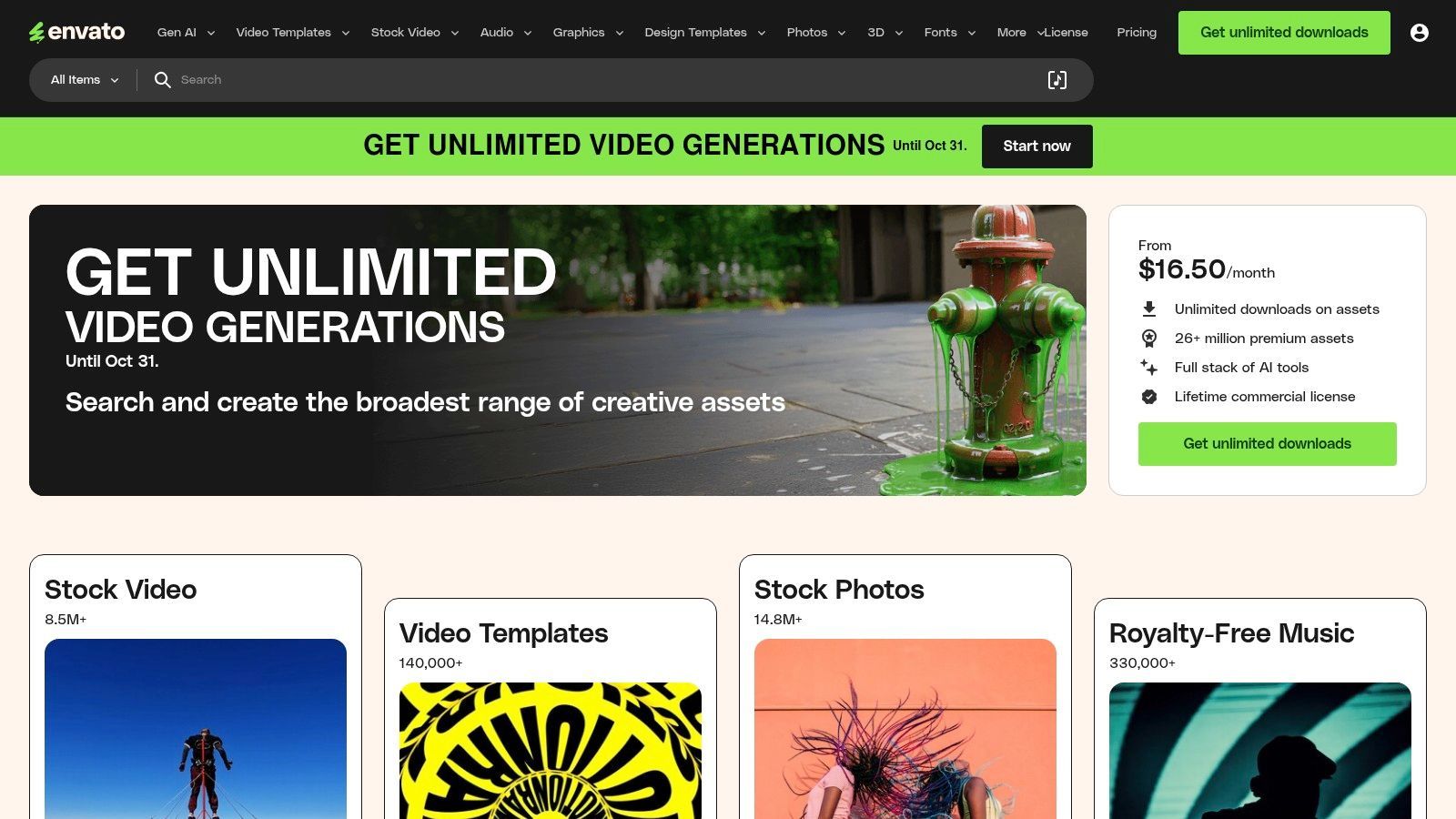
What makes Envato Elements one of the best content creation tools for social media is its sheer volume and variety, which directly supports diverse content calendars. You can find a polished After Effects template for a YouTube intro, a pack of trendy Instagram Story graphics, and the perfect lo-fi background music for a TikTok video all in one place. The simple commercial licensing for any downloaded item provides peace of mind for agency and freelance work.
Key Features & Use Cases
- Unlimited Downloads: Access and download as many assets as you need from a library containing stock video, video templates, music, graphics, fonts, and more.
- Social Media Templates: Find thousands of pre-made templates for Instagram Stories, TikTok, YouTube intros, and other social formats to speed up video and graphic production.
- Simple Commercial License: One license covers all assets for commercial use, simplifying the legal side of content creation for client projects or monetized channels.
- WordPress Plugin & Extensions: Integrate the asset library directly into tools like WordPress, Premiere Pro, and After Effects for a more streamlined workflow.
| Feature | Individual Plan ($16.50/mo) | Teams Plan ($29.00/mo per member) | Enterprise Plan (Custom) |
|---|---|---|---|
| Downloads | Unlimited downloads for one person | Unlimited downloads per team member | Unlimited downloads with custom licensing |
| Licensing | Simple commercial license | License covers team members | Tailored indemnity & legal terms |
| Team Tools | N/A | Centralized billing & asset management | Dedicated account manager, SSO |
| Assets | Full access to millions of creative assets | Full access to millions of creative assets | Full access to millions of creative assets |
Pros:
- Incredible value for prolific creators who use a wide variety of assets regularly.
- One simple subscription and license simplifies budgeting and legal clearances.
- Huge library of high-quality video templates for Premiere Pro and After Effects.
Cons:
- The license requires an active subscription to use newly downloaded assets in new projects.
- Asset quality can be inconsistent; requires some curation to find the best items.
- The sheer volume of choices can sometimes be overwhelming for new users.
Website: https://elements.envato.com/
9. Placeit by Envato
Placeit by Envato carves out a unique niche by focusing on high-quality, instant mockups and branded assets. It’s an essential tool for e-commerce brands, podcasters, and creators who need to showcase their products or brand on apparel, devices, or marketing materials without orchestrating a physical photoshoot. The platform streamlines the process of creating professional product shots, logos, and video intros directly in the browser.
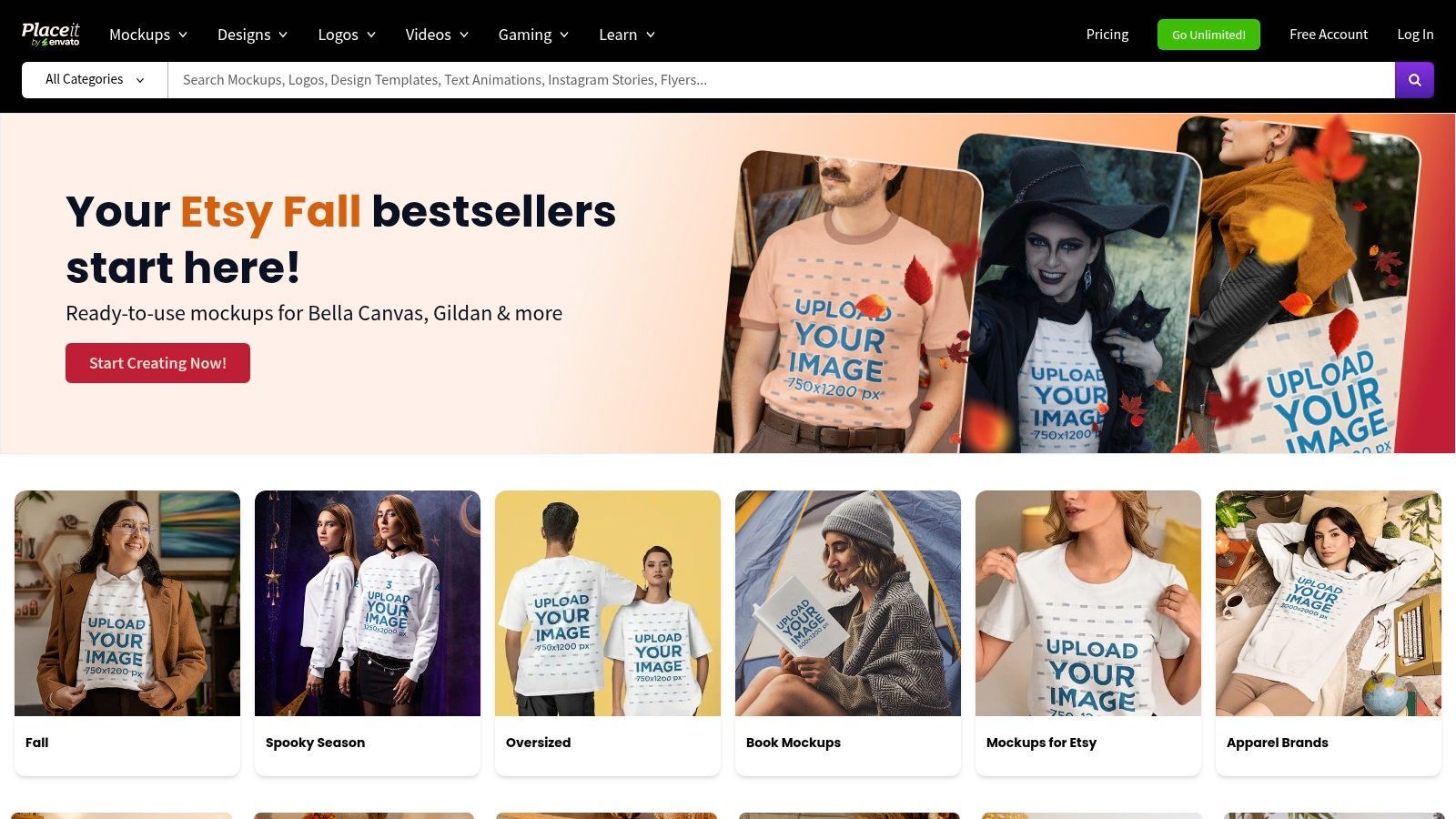
What makes Placeit one of the most practical content creation tools for social media is its sheer speed and simplicity for generating marketing visuals. Instead of complex software, you simply upload your logo or design onto thousands of photo-realistic templates, from t-shirts and mugs to social media story templates and YouTube end screens. This makes it incredibly efficient for running social ad campaigns, updating an online store, or producing consistent channel branding.
Key Features & Use Cases
- Massive Mockup Library: Instantly place your designs on apparel, tech devices, print materials, and more for hyper-realistic product showcases.
- Logo & Branding Templates: Quickly generate professional logos, business cards, and social media banners without hiring a designer.
- Simple Video Intros & Outros: Create animated intros, outros, and lower-thirds for YouTube and other video platforms using easy-to-edit templates.
- Social Media Graphic Maker: Access thousands of pre-sized templates for Instagram posts, stories, Facebook covers, and other social media assets.
| Feature | Free Account | Single Purchase | Unlimited Subscription ($7.47/mo, billed annually) |
|---|---|---|---|
| Access | Limited free templates | Varies per asset | Unlimited access to all mockups, designs, videos |
| Commercial License | Included on free assets | Included | Included on all downloads |
| High-Resolution | Not available | Yes | Yes |
| Support | Standard support | Standard support | Priority support |
Pros:
- Extremely fast for producing high-quality mockups and branded graphics.
- No design skills or software are required to get professional results.
- The unlimited subscription offers incredible value for prolific creators.
Cons:
- Customization options are more limited compared to full-fledged design tools like Adobe Photoshop.
- Some users have reported mixed experiences with the billing and subscription renewal user interface; it’s best to monitor your settings carefully.
- The sheer volume of templates can sometimes make finding the perfect one time-consuming.
Website: https://placeit.net/
10. Shutterstock
For social media managers and brands who need a constant supply of high-quality, commercially licensed media, Shutterstock is an indispensable resource. While not a creation suite in the same vein as Canva, it serves as the foundational library for countless campaigns, providing the raw materials like photos, video clips, and music tracks needed to fill a content calendar. Its primary value is risk mitigation; using assets from Shutterstock ensures you have the proper rights for commercial use on social platforms, avoiding costly copyright issues.
Shutterstock has also expanded beyond a simple stock library, integrating useful tools for creators. Its in-browser editor allows for quick crops, filters, and text overlays, making it easy to adapt an image for a specific post. More recently, its AI Image Generator provides a way to create entirely new, custom visuals. As one of the core content creation tools for social media, it's the go-to for sourcing professional, rights-cleared media that underpins a polished and legally compliant social media presence.
Key Features & Use Cases
- Vast Asset Library: Access a massive collection of photos, vectors, 4K video clips, and music tracks to use as B-roll, background imagery, or core campaign visuals.
- Worry-Free Licensing: Secure the appropriate commercial licenses for social media advertising, branded content, and organic posts without fear of copyright infringement.
- Flexible Purchase Options: Choose between monthly subscriptions for ongoing needs or on-demand credit packs for one-off projects, catering to different budget and volume requirements.
- AI Image Generation: Use text prompts to create unique, commercially licensable images that are tailored to your specific campaign needs, directly within the platform.
| Feature | All-in-One Subscription ($49/mo) | On-Demand Packs (from $49) |
|---|---|---|
| Images | 10 images/month | 2 images per pack |
| Video | Available with separate plans | Available with separate packs |
| Music | Available with separate plans | Available with separate packs |
| Licensing | Standard License included | Standard or Enhanced available |
Pros:
- Provides reliable, clear licensing for commercial social media use, protecting brands from legal risk.
- Flexible pricing with both subscription and on-demand packs suits various creator needs and budgets.
- Extremely high-quality and diverse library of assets.
Cons:
- High-volume video needs can become expensive compared to some all-in-one platforms.
- The most popular images are widely used, which can make a brand's content look generic if not carefully selected.
Website: https://www.shutterstock.com/
11. AppSumo
While not a single tool, AppSumo is a crucial resource for any content creator looking to build a powerful and budget-friendly tech stack. It's a digital marketplace that offers time-limited, heavily discounted deals on emerging software, including a vast array of video editors, AI writers, social media schedulers, and repurposing tools. For creators on a budget, it provides an opportunity to acquire lifetime access to promising new platforms for a one-time fee, bypassing costly monthly subscriptions.
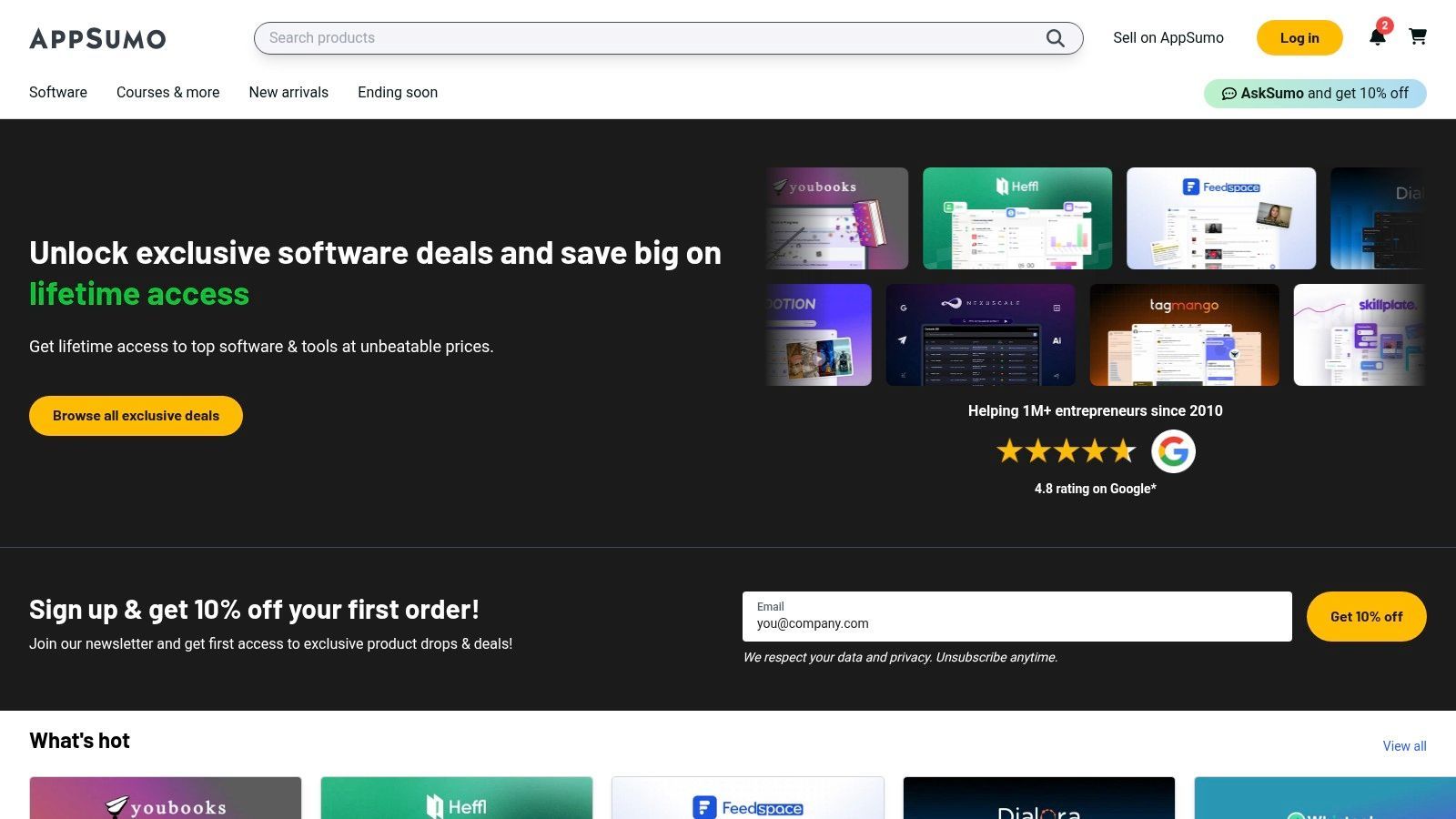
What makes AppSumo one of the most strategic content creation tools for social media is its role as an incubator for innovation. Many specialized tools designed to solve specific creator pain points, like AI-powered captioning or automated clip generation, launch here first. This allows creators to experiment with cutting-edge technology without significant financial risk, thanks to a generous 60-day money-back guarantee. It’s the ultimate way to assemble a customized, cost-effective content creation arsenal.
Key Features & Use Cases
- Lifetime Deals (LTDs): Purchase lifetime access to various creator tools for a single payment, ideal for building a toolset without recurring costs.
- Diverse Tool Categories: Discover software for video editing, AI content generation, social media management, graphic design, and content repurposing all in one place.
- 60-Day Money-Back Guarantee: Test out new tools thoroughly with a risk-free refund window, ensuring they fit your workflow before you commit.
- Community Reviews & Questions: Leverage detailed user reviews and active Q&A sections on each deal page to vet a tool’s quality and support before buying.
| Feature | Free to Browse | Deal Purchases | AppSumo Plus ($99/year) |
|---|---|---|---|
| Access to Deals | Full access to view all active deals | One-time payments for individual software deals (prices vary widely) | Exclusive 10% discount on most purchases, plus other perks |
| Refund Policy | N/A | 60-day money-back guarantee on most refundable deals | Same 60-day money-back guarantee |
| Support | General AppSumo support | Direct access to the software developer for product support | Priority AppSumo support |
| Community | Access to read reviews and questions | Ability to post reviews and ask questions on purchased deals | Same as standard user |
Pros:
- Incredible potential for cost savings on powerful creator software.
- The 60-day refund policy makes it low-risk to experiment with new tools.
- Great way to discover new and innovative solutions before they become mainstream.
Cons:
- Deals are temporary, so a tool you want might not be available when you look.
- Some early-stage startups on the platform may pivot or shut down, potentially making an LTD worthless.
- Quality can vary significantly; thorough research into each tool and its developer is essential.
Website: https://appsumo.com/
12. Amazon
While not a software tool, Amazon is arguably the most critical platform for acquiring the physical hardware that makes high-quality social media content possible. It’s the go-to US marketplace for every piece of gear a creator could need, from beginner ring lights and tripods to professional-grade microphones, cameras, and green screens. For anyone building a home studio or upgrading their mobile rig, Amazon serves as the foundational one-stop shop.
What solidifies Amazon’s place among content creation tools for social media is the sheer volume of user-generated data. Creator-focused brands live and die by customer reviews, photos, and Q&As, which provide invaluable real-world insights before you purchase. Fast Prime shipping means you can have a replacement microphone or a new set of lights delivered the next day, minimizing downtime when essential equipment fails. This combination of vast selection, community feedback, and rapid logistics makes it an indispensable resource for creators at every level.
Key Features & Use Cases
- Extensive Selection of Creator Kits: Find bundles for every budget, including starter packs with ring lights and phone tripods, or advanced vlogging rigs with mics and mobile cages.
- Customer Reviews & Q&A: Leverage thousands of user reviews, photos, and answered questions to verify product quality and compatibility before buying.
- Fast Shipping Options: Get critical equipment like SSDs, capture cards, or replacement cables delivered quickly, often within 24-48 hours in many US locations.
- Easy Returns on Eligible Items: Test out gear like teleprompters or lighting with peace of mind, knowing you can easily return items that don't fit your workflow.
| Feature | Creator on a Budget | Mid-Tier Creator | Professional Studio |
|---|---|---|---|
| Typical Gear | Ring light/tripod combo, lavalier mic, phone holder | Key/fill lights, USB condenser mic, mobile rig/cage | Professional camera, shotgun mic, sound panels |
| Primary Value | Affordable entry-point kits and bundles | Balance of quality and price from reputable brands | Access to pro-level gear with fast shipping |
| Key Check | Read reviews for durability and look-alike products | Verify specs and compatibility with existing gear | Check return policies on high-value items |
Pros:
- Unmatched one-stop shop for outfitting a social media studio on any budget.
- Customer reviews and photos offer practical, real-world insight into product performance.
- Frequent deals and a massive selection of compatible accessories for popular devices.
Cons:
- Product quality varies wildly between brands; thorough research and review-reading are essential.
- Beware of counterfeit or look-alike products; verify seller reputation and product specifications carefully.
- Overwhelming selection can sometimes make finding the perfect item difficult without specific knowledge.
Website: https://www.amazon.com/
Content Creation Tools Comparison Summary
| Platform | Core Features / Capabilities | User Experience & Quality ★★★★☆ | Value Proposition 💰 | Target Audience 👥 | Unique Selling Points ✨ |
|---|---|---|---|---|---|
| 🏆 ShortGenius | AI scriptwriting, image & video creation, voiceovers; multi-channel scheduling | ★★★★★ | Premium all-in-one AI platform; pricing varies, contact for details | Creators, teams, agencies, educators | Unified AI across script, video, voice; rich presets; API & secure payments |
| Canva | Extensive social templates, Magic AI tools, brand kits, browser-based editor | ★★★★☆ | Scales solo to teams; some business tier price changes | Solo creators to teams | Huge template ecosystem; fast social asset creation |
| Adobe Express | Template-driven design/video, Adobe Stock integration, Firefly AI generation | ★★★★☆ | Strong Adobe ecosystem; higher tiers needed for advanced features | Social marketers linked to Adobe tools | Trusted Adobe assets; quick multi-platform resize |
| CapCut | TikTok/Reels templates, auto-captions, beat sync, desktop & web editors | ★★★★ | Free start; Pro/pricing varies by platform and promotion | Short-form video creators, meme editors | Vertical video & quick social clips workflow |
| Descript | Text-based video/audio editing; auto-captions; filler removal | ★★★★ | Speeds up interview/podcast clips; limits on transcription hours | Podcasters, interviewers, social repurposers | Edit by text; Studio Sound; overdub voice |
| VEED | AI subtitles, translations, avatars, voice cloning; web-based collaboration | ★★★★ | Tier-gated AI features; simple UI | Teams, non-editors | Web-only, multi-language social repurposing |
| Kapwing | Auto-subtitles, templates, collaboration, cloud projects | ★★★★ | Free plan watermark; paid removes limits | Teams producing high social volume | Easy team workflows; transparent usage policies |
| Envato Elements | Unlimited creative assets, commercial licenses, extensive template library | ★★★★ | High value for frequent template/asset use | Content creators needing broad assets | One subscription many asset types |
| Placeit by Envato | Mockups, logos, intros, social graphics; browser based | ★★★★ | Quick brand visuals; unlimited subscription option | Brands, merch sellers, social creators | Instant mockups & presets; no design skills required |
| Shutterstock | Massive licensed assets: images, video, music, design tools | ★★★★ | Flexible subscriptions/packs; can be costly for high volume | Commercial social campaigns | Reliable licensing; vast asset library |
| AppSumo | Discounted software deals, SaaS, AI tools; refund policy | ★★★☆☆ | Budget-friendly tool access; deal availability rotates | Budget-conscious creators & small teams | Lifetime deals; large curated software marketplace |
| Amazon | Hardware & accessories for creators; software subs & courses | ★★★★ | One-stop shop; frequent deals and fast shipping | Creators building social studios | Wide selection of creator gear; customer reviews |
Choosing the Right Tools to Scale Your Social Strategy
Navigating the expansive landscape of content creation tools for social media can feel overwhelming, but the journey to finding your perfect tech stack is a strategic investment in your brand's future. As we've explored, the ideal toolkit is not a one-size-fits-all solution. It's a carefully curated ecosystem designed to eliminate your specific workflow bottlenecks, amplify your creative strengths, and ultimately, drive your strategic goals.
The tools detailed in this guide, from the design powerhouses like Canva and Adobe Express to the versatile video editors like CapCut and VEED, each offer a unique pathway to producing high-quality content. Asset libraries like Envato Elements and Shutterstock provide the raw materials for originality, while platforms like AppSumo offer a gateway to discovering innovative, budget-friendly solutions. The key takeaway is that the "best" tool is the one that best fits your operational reality.
How to Select Your Ideal Toolkit
To build a truly effective content creation engine, move beyond features and focus on your core needs. Start by conducting a simple audit of your current process. Where do you lose the most time? Is it in the initial ideation and scripting phase, the tedious process of video editing, or the challenge of maintaining brand consistency across all your visuals?
Consider these key factors when making your decision:
- Team Size and Skill Level: A solo creator or small team might prioritize an all-in-one platform that simplifies complex tasks. In contrast, a larger agency with specialized roles may benefit from integrating best-in-class tools for each stage of production.
- Content Focus: Are you a video-first brand heavily invested in Reels and TikToks? A tool like Descript or ShortGenius would be a game-changer. If your strategy is centered on static graphics, carousels, and infographics, Canva or Adobe Express should be at the core of your stack.
- Budget and Scalability: Be realistic about your budget. Many tools offer robust free tiers or trials that allow you to test their value before committing. Think long-term and choose solutions that can grow with you as your content demands increase.
Building a Cohesive and Efficient Workflow
Your ultimate goal is to build a seamless workflow where each tool complements the others, creating a system that is greater than the sum of its parts. For instance, you might use Envato Elements to source high-quality video templates, customize them in CapCut, and then use an AI repurposing tool to generate clips and captions for different platforms.
By strategically selecting and integrating the right content creation tools for social media, you transform content production from a time-consuming chore into a scalable, efficient, and even enjoyable process. This frees you to focus on what truly matters: connecting with your audience, building a community, and achieving your brand's objectives.
Ready to eliminate your biggest content creation bottleneck? If you're tired of juggling multiple tools for scripting, editing, and repurposing, ShortGenius offers an all-in-one AI-powered solution to streamline your entire short-form video workflow. Transform one idea into dozens of ready-to-publish assets in minutes by visiting ShortGenius and discover a smarter way to create.