12 Best Free Video Editing Software for Beginners in 2025

Discover the 12 best free video editing software for beginners. Our hands-on guide covers features, pros, cons, and use cases to help you start creating today.
Jumping into video editing can feel overwhelming, with complex software and confusing terminology. But what if you could start creating professional-looking videos today without spending a dime? This guide demystifies the process by breaking down the top 12 best free video editing software for beginners available in 2025. We've gone beyond surface-level feature lists to give you a hands-on look at what makes each tool great, and where it falls short.
Whether you're creating your first YouTube video, a viral TikTok clip, or a simple family montage, this list will help you find the perfect software to bring your vision to life. Each entry includes a detailed breakdown, screenshots, pros and cons, and direct download links to get you started immediately. We focus on practical use cases, so you can quickly identify the tool that matches your specific content creation goals, from social media marketing to long-form educational videos.
Making an informed choice is crucial before you invest time learning a new program. To help you make a decision, exploring comprehensive video production software comparisons can provide valuable insights into how different tools stack up against each other. This article serves as your starting point, helping you find the right editor to match your skill level and project needs without any financial commitment. Let's dive in and find the software that will turn your ideas into compelling video content.
1. Blackmagic Design – DaVinci Resolve
DaVinci Resolve is the undisputed powerhouse of free video editing software, offering a complete Hollywood-grade production suite at no cost. While its professional reputation might seem intimidating, it's surprisingly accessible for beginners willing to learn, making it the best free video editing software for beginners aiming for professional growth. Its standout feature is the integration of four high-end applications into one: a traditional editor, the industry-standard color grading panel, a full visual effects and motion graphics composer (Fusion), and a professional audio post-production tool (Fairlight).
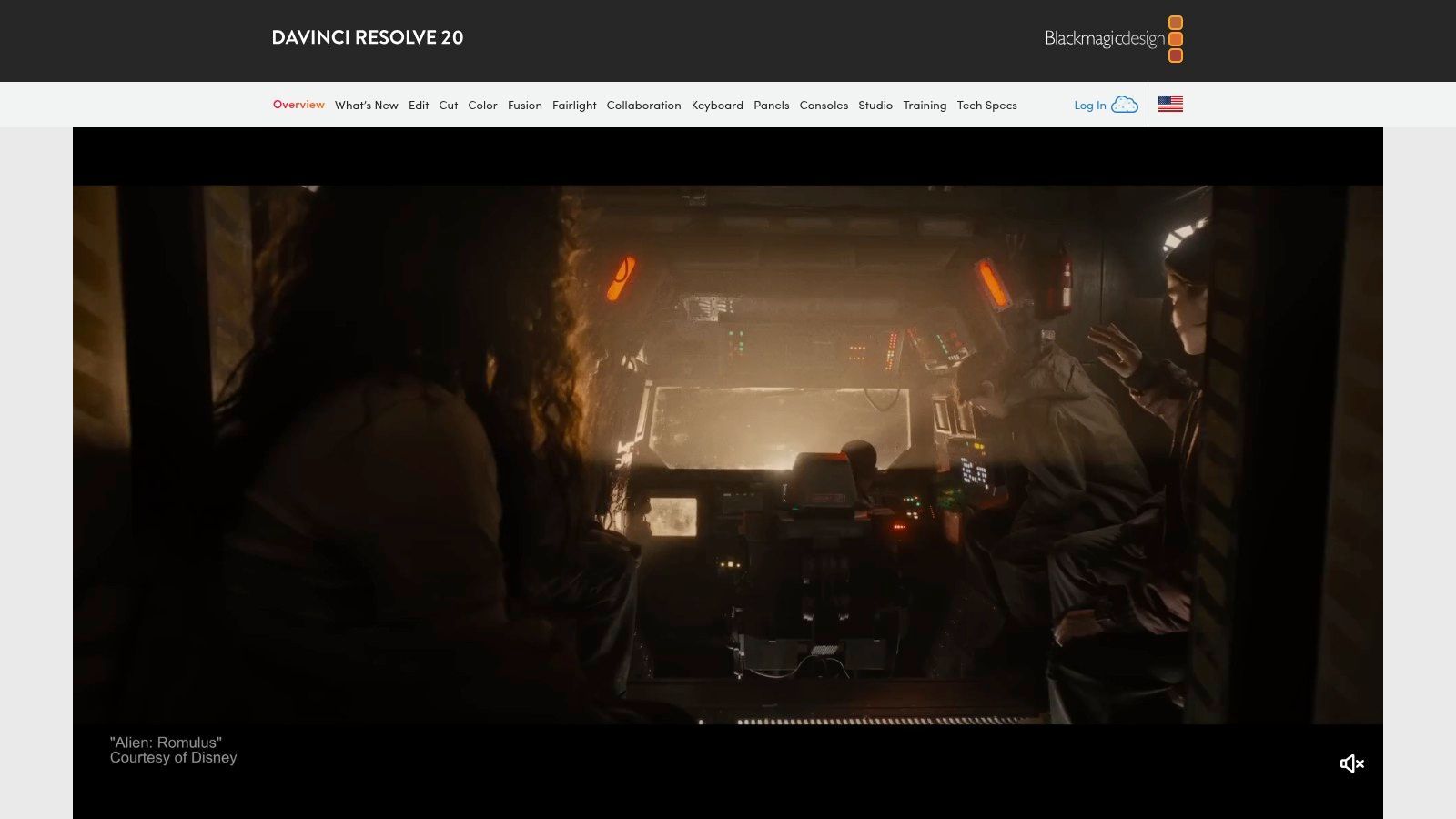
The free version is remarkably generous, supporting resolutions up to 4K UHD at 60 frames per second without watermarks. Beginners can start on the simplified "Cut" page, designed for quick edits, before graduating to the more complex "Edit" page. This scalability is Resolve's greatest strength; it’s a tool you can start with and never outgrow.
Core Features & Analysis
| Feature | Beginner Friendliness | Use Case |
|---|---|---|
| Integrated "Cut" Page | High | Perfect for quick social media clips and rough cuts. |
| Advanced Color Grading | Medium | Ideal for creating cinematic looks for YouTube or short films. |
| Fusion VFX & Fairlight Audio | Low-Medium | For creators who want to add custom graphics or perfect their audio. |
- Pros: Professional-level toolset for free, no watermarks, scales with your skill level.
- Cons: Steep learning curve and requires a powerful computer, particularly a good GPU.
Access it here: https://www.blackmagicdesign.com/products/davinciresolve
2. Apple – iMovie
For users embedded in the Apple ecosystem, iMovie is the quintessential starting point for video editing. It’s an incredibly intuitive and approachable platform pre-installed on most Macs, iPhones, and iPads, designed to get you from raw footage to a polished video with a minimal learning curve. Its clean interface and guided features like Magic Movie and Storyboards make it the best free video editing software for beginners who prioritize ease of use and quick results over complex professional controls.
The seamless integration across Apple devices is iMovie’s defining strength. You can start a project on your iPhone and finish it on your Mac without any friction, making it perfect for on-the-go content creation. The software supports 4K video, offers a solid selection of titles, filters, and even includes basic green-screen effects, all without watermarks. It provides just enough tools to create high-quality content for social media, family videos, or school projects without overwhelming new users.
Core Features & Analysis
| Feature | Beginner Friendliness | Use Case |
|---|---|---|
| Magic Movie & Storyboards | High | Automatically assembles videos or provides templates for first-time editors. |
| Cross-Device Syncing | High | Ideal for creators who shoot on iPhone and edit on Mac. |
| Titles, Filters & Effects | High | Perfect for adding quick, professional-looking flair to vlogs or social posts. |
- Pros: Extremely gentle learning curve, deeply integrated with Apple hardware, completely free with no watermarks.
- Cons: Only available on Apple platforms, lacks the advanced tools of professional NLEs.
Access it here: https://www.apple.com/imovie/
3. Microsoft Clipchamp
Microsoft Clipchamp is the perfect entry point for those seeking an uncomplicated, browser-based editing experience. As a web and Windows app, it eliminates the need for powerful hardware, making it one of the best free video editing software for beginners using average computers. Its strength lies in a template-driven workflow, AI-powered tools like auto-captions and text-to-speech, and seamless integration with OneDrive. For creating quick social media content, tutorials, or family videos, Clipchamp offers a remarkably low barrier to entry.
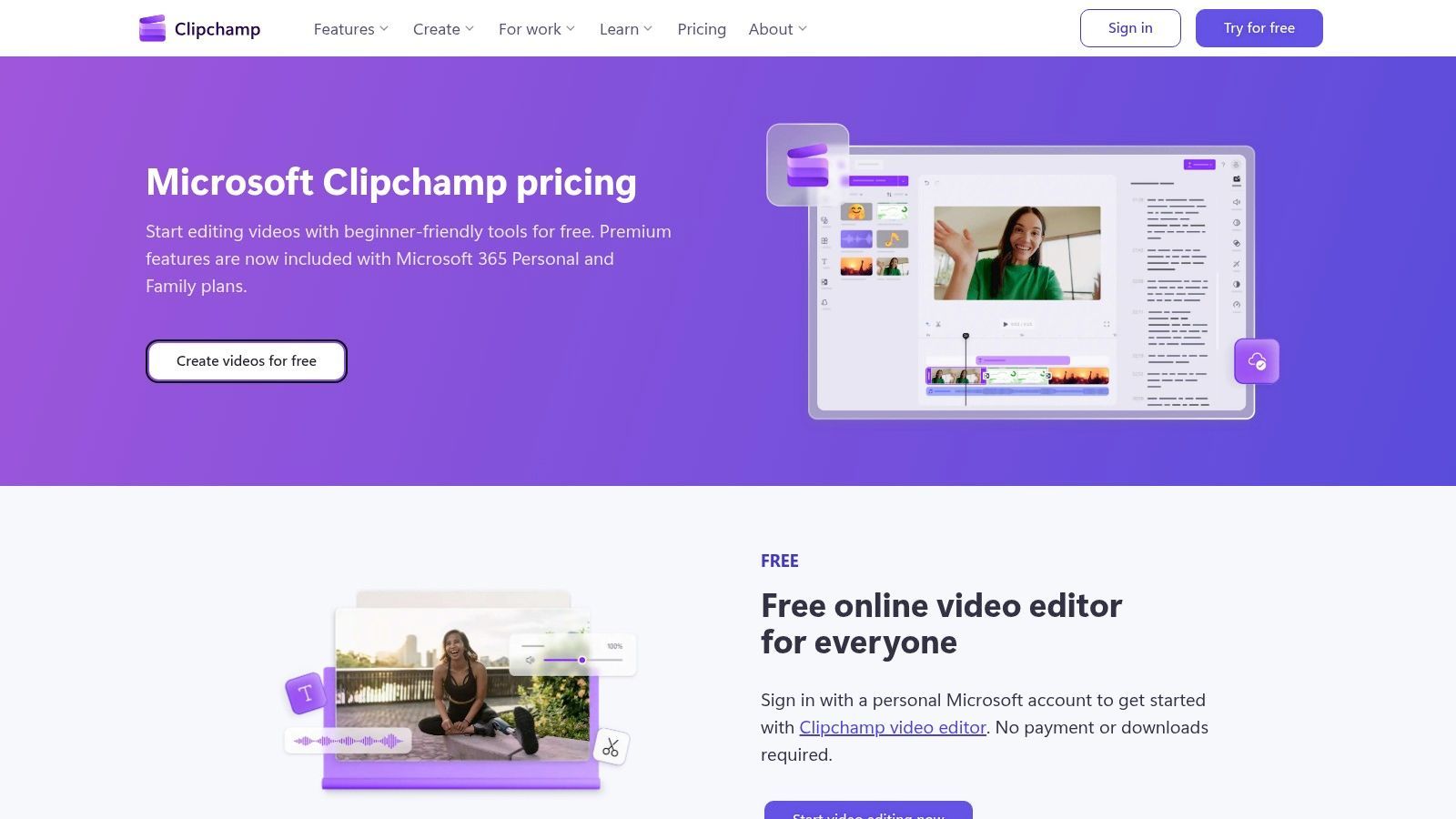
The free plan provides core editing tools and watermark-free exports up to 1080p, which is more than enough for most online content. It's an excellent choice for users already in the Microsoft ecosystem. While advanced features and 4K exports are reserved for paid tiers (some included with Microsoft 365), the free version delivers substantial value for straightforward projects without a steep learning curve.
Core Features & Analysis
| Feature | Beginner Friendliness | Use Case |
|---|---|---|
| Templates & Stock Media | High | Quickly create professional-looking social media ads or intros. |
| AI Tools (Captions, Voiceover) | High | Enhance accessibility and production value for tutorials or vlogs. |
| Web-Based & Windows App | High | Ideal for editing on-the-go or on less powerful laptops. |
- Pros: Very easy to learn and works on modest hardware, tight integration with Microsoft accounts, good free tier for basic 1080p editing.
- Cons: 4K exports and premium stock assets are behind a paywall, less powerful for complex, multi-layered projects.
Access it here: https://clipchamp.com/en-us/pricing/
4. CapCut
CapCut has rapidly become the go-to editor for short-form content, dominating platforms like TikTok, Reels, and YouTube Shorts. Originally a mobile-first app, its powerful desktop and web versions make it a versatile choice for creators who need to produce trendy, engaging videos quickly. Its strength lies in a massive library of templates, trending audio, and automated AI features that simplify complex edits, making it one of the best free video editing software for beginners focused on social media.
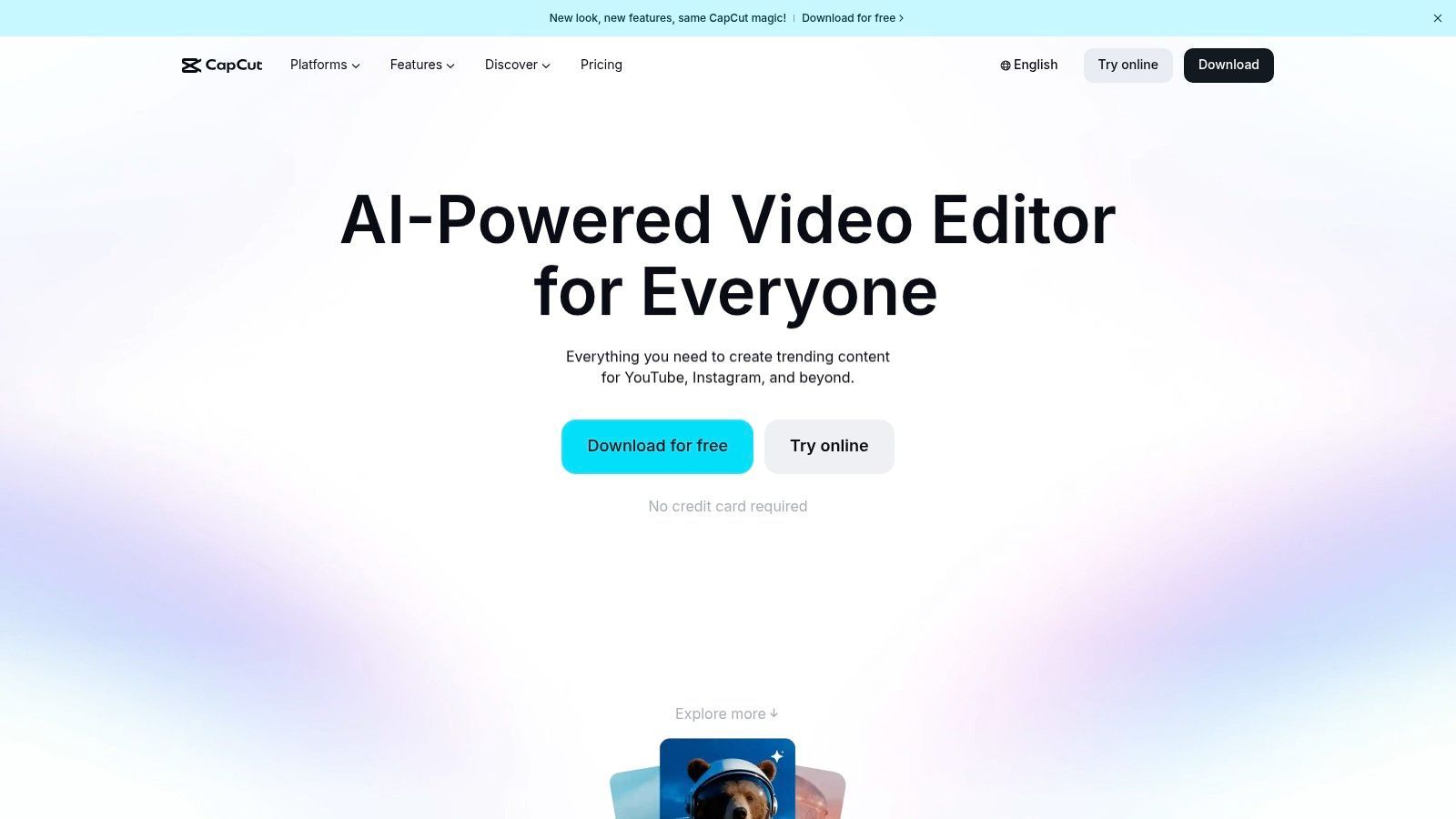
The platform is designed for speed. Features like one-click background removal, auto-captions, and text-to-speech are incredibly intuitive and built directly into the workflow. The free version is exceptionally generous, offering watermark-free exports in up to 4K resolution, which is more than enough for most social media needs. While it lacks the deep technical control of professional software, its purpose-built design for creating viral content is unmatched. For a deeper dive, you can explore more about CapCut's capabilities and how it fits into a social-first strategy.
Core Features & Analysis
| Feature | Beginner Friendliness | Use Case |
|---|---|---|
| Auto-Captions & TTS | High | Perfect for making videos accessible and engaging on silent-play platforms. |
| Templates & Effects | High | Ideal for quickly replicating viral trends on TikTok or Instagram Reels. |
| AI Editing Tools | High | Useful for automated tasks like background removal or motion tracking. |
- Pros: Fast to learn with rich presets for social content, free tier is generous for most beginner needs, designed for quick social-first workflows.
- Cons: US app store availability has fluctuated and may vary over time; some users may need to check desktop/web availability if mobile stores are restricted.
Access it here: https://www.capcut.com/
5. VSDC Free Video Editor
VSDC is a surprisingly powerful, non-linear editor that stands out for its remarkably low system requirements. This makes it one of the best free video editing software for beginners who are working on older or less powerful computers. Unlike many streamlined apps, VSDC provides a feature-rich environment that includes multitrack editing, chroma key (green screen), a built-in screen recorder, and extensive color correction tools without demanding high-end hardware.
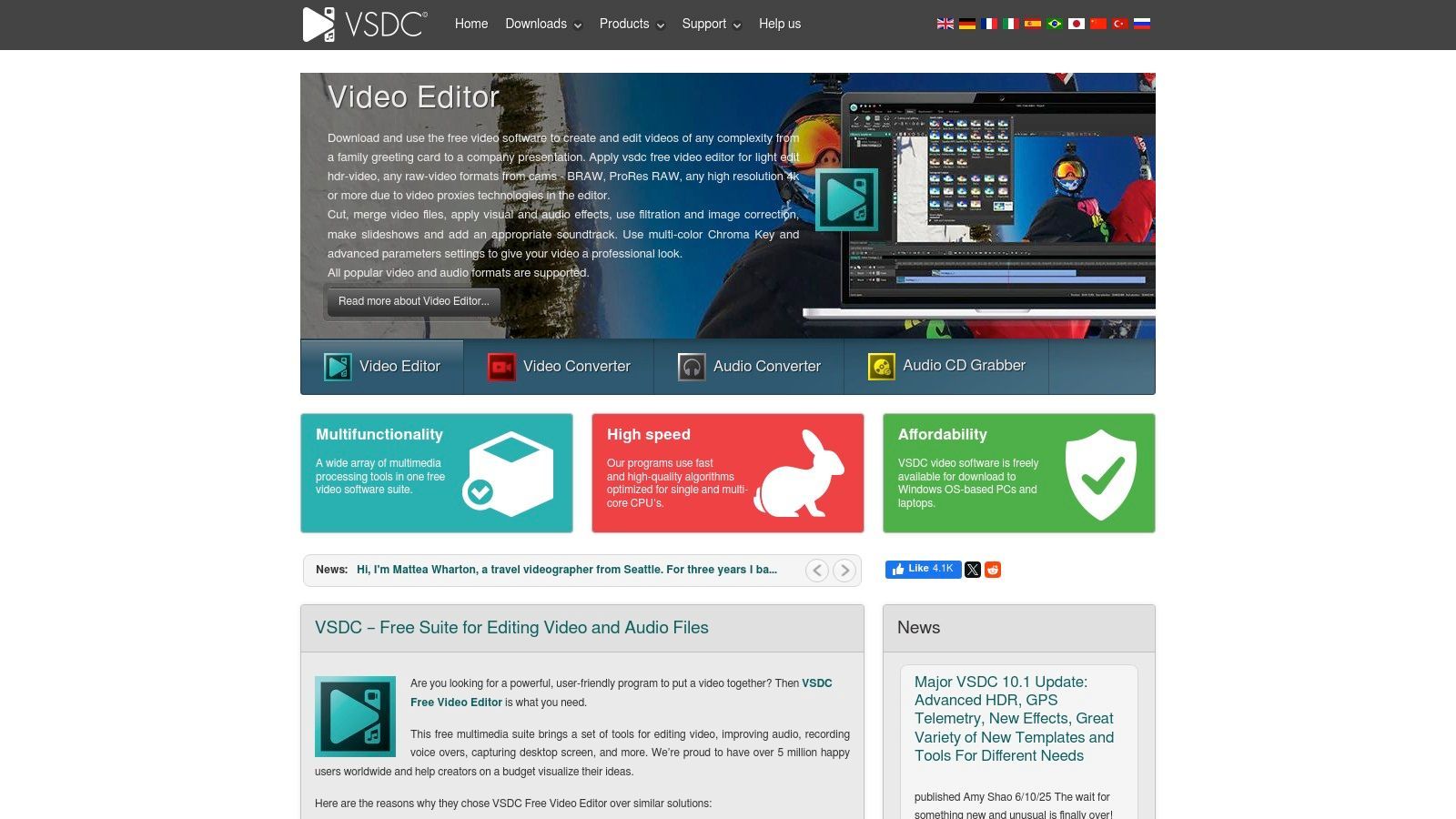
The software offers a full suite of effects, transitions, and filters, and it exports videos in various formats without a watermark, a huge plus for a free tool. While its interface might seem a bit dated and busier compared to more modern, minimalist editors, its capabilities rival those of more demanding programs. It’s an excellent choice for creating YouTube tutorials, family videos, or school projects on a budget PC.
Core Features & Analysis
| Feature | Beginner Friendliness | Use Case |
|---|---|---|
| Low System Requirements | High | Ideal for editing on older laptops or budget desktops without lag. |
| Chroma Key & Color Tools | Medium | Great for creating green screen effects for gaming or presentation videos. |
| Screen Capture & Voice-over | High | Perfect for making software tutorials or educational content. |
- Pros: Runs smoothly on modest hardware, completely free with no watermarks, includes advanced features like chroma key.
- Cons: Windows-only, and the user interface can feel less intuitive than some competitors.
Access it here: https://www.videosoftdev.com/
6. Shotcut
Shotcut is a powerful, open-source video editor that strikes a fantastic balance between advanced features and user accessibility. It’s an ideal choice for beginners who want a traditional, timeline-based editor without the steep learning curve or high system requirements of professional suites. What makes Shotcut one of the best free video editing software for beginners is its commitment to being completely free (no ads, no watermarks) and its support for a massive range of video and audio formats thanks to FFmpeg integration, eliminating the need for tedious file conversions.
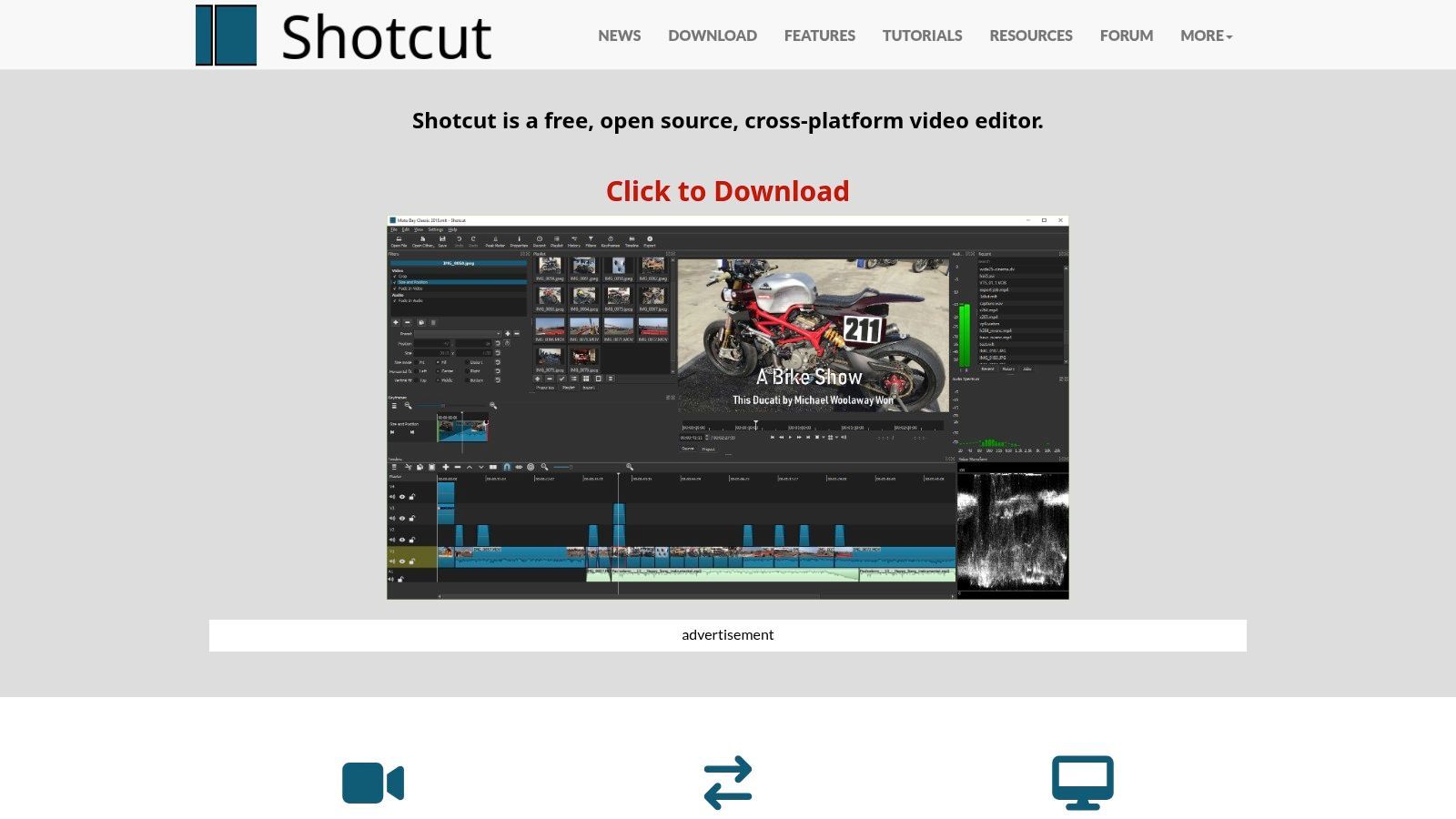
The interface is modular and customizable, allowing you to arrange panels like the timeline, filters, and properties to fit your workflow. While it may look a bit utilitarian compared to more polished commercial apps, its functionality is deep. You can perform native timeline editing, add a wide array of audio and video filters, and export in numerous formats, making it a versatile workhorse for everything from YouTube videos to personal projects.
Core Features & Analysis
| Feature | Beginner Friendliness | Use Case |
|---|---|---|
| Wide Format Support | High | Editing footage directly from various cameras or phones without conversion. |
| Filter-Based Effects | Medium | Applying color correction, transitions, and effects like chroma key. |
| Customizable UI | Medium | Arranging the workspace to suit a specific task, like audio mixing or color grading. |
- Pros: Completely free and open-source, excellent format support, cross-platform (Windows, Mac, Linux).
- Cons: The user interface feels less modern than competitors, and it lacks abundant built-in templates.
Access it here: https://shotcut.com/
7. OpenShot
OpenShot is a celebrated open-source editor that champions simplicity and accessibility, making it one of the best free video editing software for beginners who are just starting out. It offers a classic drag-and-drop timeline interface that is instantly familiar and less intimidating than more complex suites. Its standout quality is its cross-platform availability, running on Windows, macOS, Linux, and even ChromeOS, ensuring almost anyone can use it regardless of their operating system.
The software is completely free forever under a GPLv3 license, meaning you get all features without watermarks or hidden costs. While it lacks the advanced power of professional tools, it capably handles fundamental editing tasks like trimming, slicing, adding basic titles, and applying simple effects. This focus on core functionality makes it an excellent starting point for users creating straightforward vlogs, school projects, or family videos without a steep learning curve.
Core Features & Analysis
| Feature | Beginner Friendliness | Use Case |
|---|---|---|
| Simple Drag-and-Drop Timeline | High | Perfect for assembling clips, images, and audio for a first project. |
| Basic Titles & Effects | High | Ideal for adding simple text overlays and transitions to YouTube videos. |
| Cross-Platform Support | High | Great for users on less common platforms like Linux or ChromeOS. |
- Pros: Extremely easy for first-time editors, truly free and open-source, runs on older computers and ChromeOS.
- Cons: Users have reported occasional stability issues; be sure to download only from the official site to avoid misleading ads.
Access it here: https://www.openshot.org/download/
8. Kdenlive
Kdenlive is a powerful and surprisingly feature-rich open-source video editor that stands out due to its community-driven development and cross-platform availability. It strikes a balance between user-friendliness and advanced capabilities, offering multitrack editing, an extensive library of effects and transitions, and customizable layouts. This makes it one of the best free video editing software for beginners who want a tool that can grow with them without ever hitting a paywall. Its frequent updates ensure it remains stable and continues to gain new features.
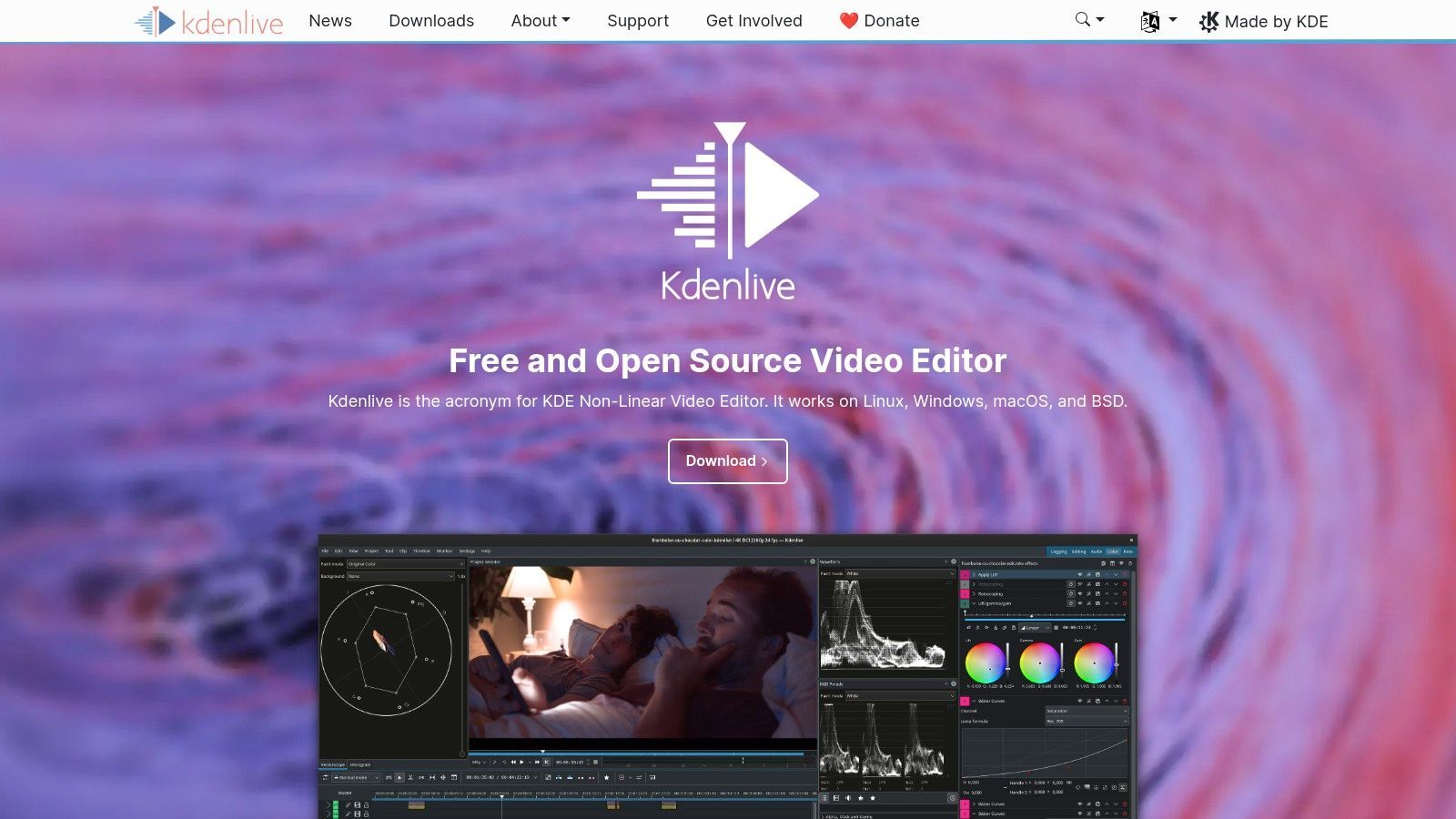
The software supports proxy editing, which allows you to create low-resolution copies of your high-quality footage for smoother editing on less powerful computers. Kdenlive is completely free with no watermarks or feature limitations, making it an excellent choice for creators on a budget. The active community also provides extensive documentation and tutorials, helping new users overcome the initial learning phase and unlock the software's full potential.
Core Features & Analysis
| Feature | Beginner Friendliness | Use Case |
|---|---|---|
| Multitrack Timeline | High | Layering video, audio, and graphics for YouTube content. |
| Proxy Editing | Medium | Editing 4K footage smoothly on a mid-range laptop. |
| Keyframeable Effects | Low-Medium | Creating custom animations for titles or visual effects. |
- Pros: Robust feature set for a free tool, no watermarks, strong community support, runs on Windows, macOS, and Linux.
- Cons: Interface can feel slightly less polished than commercial alternatives, and some advanced features have a learning curve.
Access it here: https://kdenlive.org/
9. Blender – Video Sequence Editor (VSE)
Blender is legendary in the 3D animation world, but hidden within this open-source giant is a surprisingly capable Video Sequence Editor (VSE). While not its primary function, the VSE provides a solid, non-linear editing experience, making it a unique choice for creators who want to combine traditional video cuts with advanced 3D modeling and motion graphics. It’s an unconventional but powerful contender for the best free video editing software for beginners who have an interest in expanding into visual effects.
The real advantage is its seamless integration with Blender’s other features. You can create a 3D title sequence, composite it over your video, mix the audio, and export the final product all within a single application. The VSE includes a multitrack timeline, transitions, and basic effects, and its performance has seen significant improvements in recent versions. For those needing more than just a simple cutter, Blender offers an entire creative ecosystem for free and without watermarks.
Core Features & Analysis
| Feature | Beginner Friendliness | Use Case |
|---|---|---|
| Integrated 3D/VFX Workflow | Low-Medium | Perfect for adding custom 3D titles or motion graphics to video projects. |
| Multitrack Video Editing | Medium | Suitable for standard video editing tasks like assembling clips and mixing audio. |
| Extensive Add-on Library | Medium | Great for customizing the workflow with tools from the large user community. |
- Pros: Completely free and open-source, powerful 3D integration, no watermarks.
- Cons: The interface can be overwhelming for those only seeking a simple video editor, and the VSE is less intuitive than dedicated software.
Access it here: https://www.blender.org/download/
10. Adobe Express – Free Online Video Editor
For creators who need polished social media content fast, Adobe Express is a top-tier browser-based solution. It strips away the complexity of traditional video editing, focusing on a template-driven workflow that makes it incredibly fast to produce professional-looking videos. Its primary strength lies in its accessibility and integration with Adobe's vast library of stock assets and templates, making it one of the best free video editing software for beginners who prioritize speed and simplicity for platforms like Instagram Reels or TikTok.
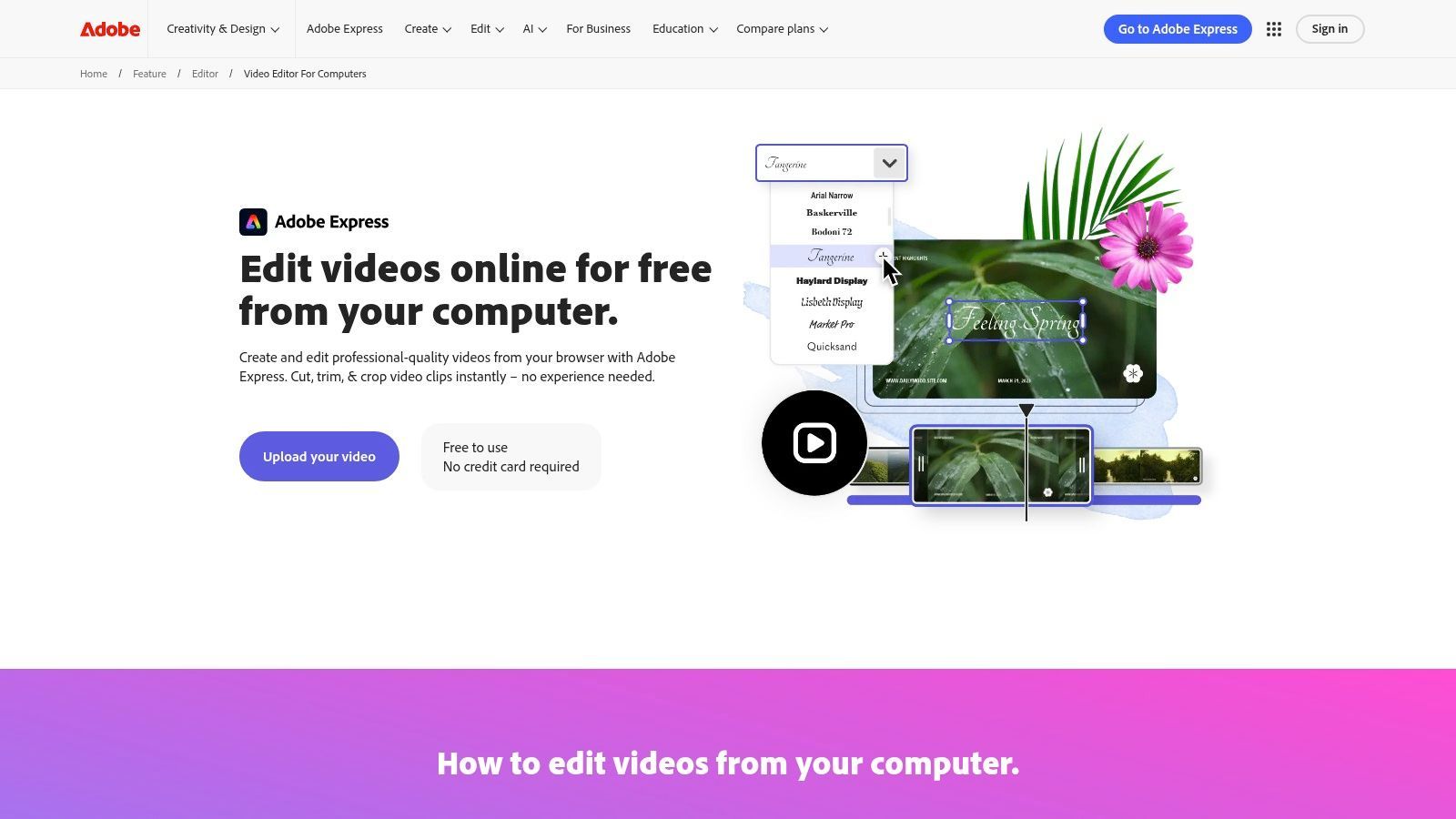
The platform operates entirely in your web browser, requiring no installation and running smoothly on most computers. Users can quickly trim clips, add animated text, generate captions, and use one-click resizing tools to instantly format their videos for various social media dimensions. It’s an ideal tool for marketing professionals and influencers who need to create consistent, on-brand content without a steep learning curve or powerful hardware.
Core Features & Analysis
| Feature | Beginner Friendliness | Use Case |
|---|---|---|
| Template Library | High | Perfect for quickly creating on-brand social media stories or ads. |
| One-Click Resizing | High | Instantly reformat a single video for different platforms like TikTok, Reels, and Shorts. |
| Web-Based Interface | High | Ideal for users on less powerful computers or those who need to edit on the go. |
- Pros: Extremely beginner-friendly and quick to produce polished social videos, no install required, template library helps speed up workflows.
- Cons: Limited for heavier or more advanced desktop NLE workflows, paid plans required for more assets and storage.
Access it here: https://www.adobe.com/express/feature/video/editor/computer
11. Canva – Video Editor
Canva has evolved from a simple graphic design tool into a surprisingly capable video editor, perfect for creators focused on speed and branding. Its template-first, drag-and-drop interface makes it one of the best free video editing software for beginners who need to produce social media content, marketing promos, or presentations without a steep learning curve. The platform shines by integrating its massive library of graphics, fonts, and stock assets directly into the video editing workflow, all within your browser.
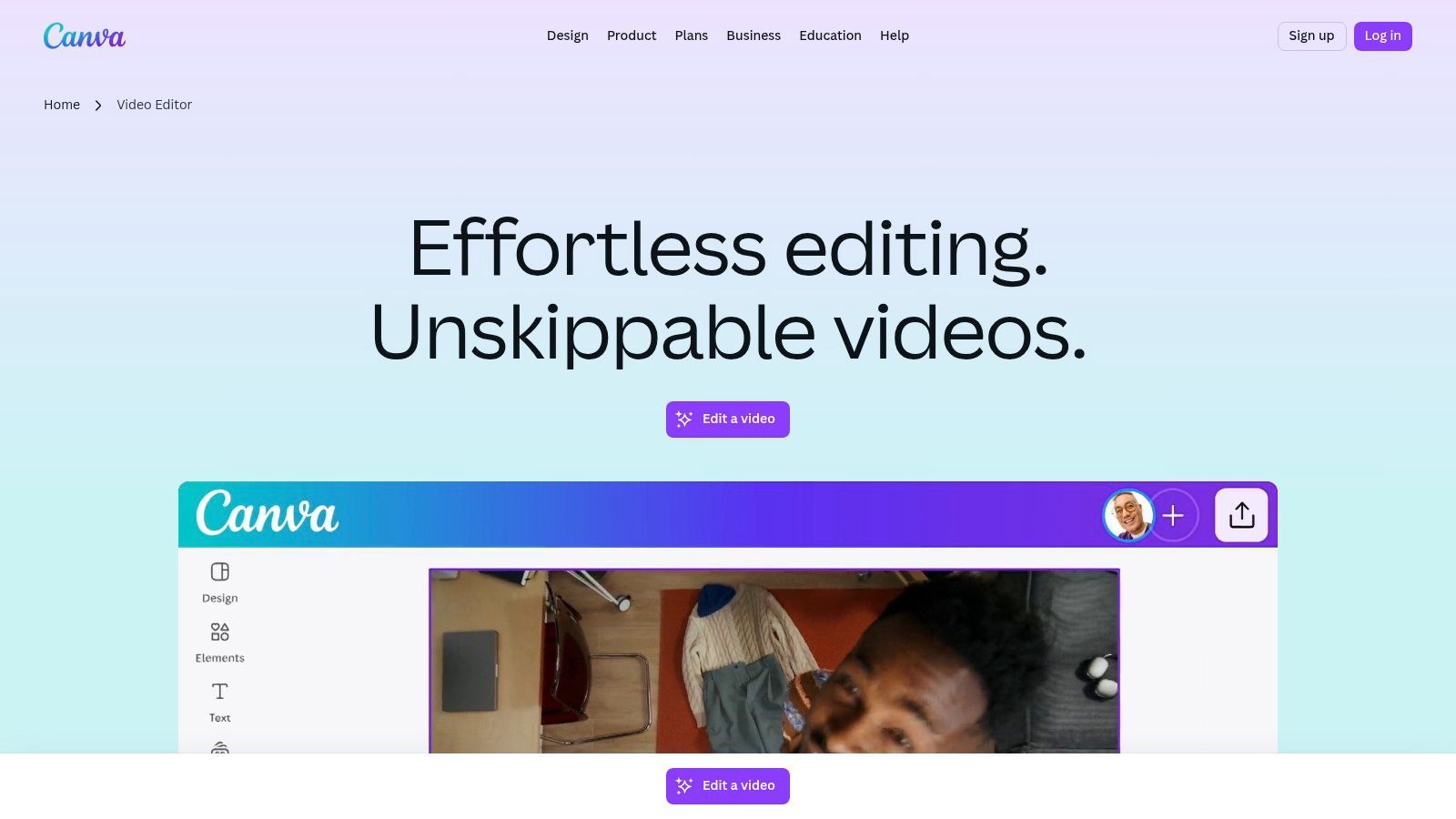
The free version provides a generous amount of templates and basic tools, allowing you to create polished videos without watermarks. Canva's strength is its all-in-one ecosystem, where you can design a thumbnail, animate text for an Instagram Story, and edit a YouTube short all in one place. New AI-powered features are also streamlining the creation process, making it even faster to generate engaging content. For those looking to create more complex short-form content, you can learn more about advanced editing tools.
Core Features & Analysis
| Feature | Beginner Friendliness | Use Case |
|---|---|---|
| Large Template Library | High | Ideal for creating branded social media ads and announcements quickly. |
| Integrated Design Tools | High | Perfect for adding custom text, logos, and graphics to videos. |
| Web & Mobile Sync | High | For creators who need to edit and post content on the go. |
- Pros: Extremely easy to learn, all-in-one design and video workflow, vast library of free assets.
- Cons: Limited timeline control compared to dedicated editors, advanced features require a Pro subscription.
Access it here: https://www.canva.com/create/videos/
12. VN Video Editor (VlogNow)
VN Video Editor, also known as VlogNow, is a powerful mobile-first editor that punches well above its weight, making it a fantastic choice for creating content on the go. Its intuitive interface brings desktop-style features like a multi-track timeline, keyframe animations, and speed ramping directly to your phone. The ability to seamlessly transfer projects between the mobile and desktop apps makes it a uniquely flexible tool for creators who edit across multiple devices.
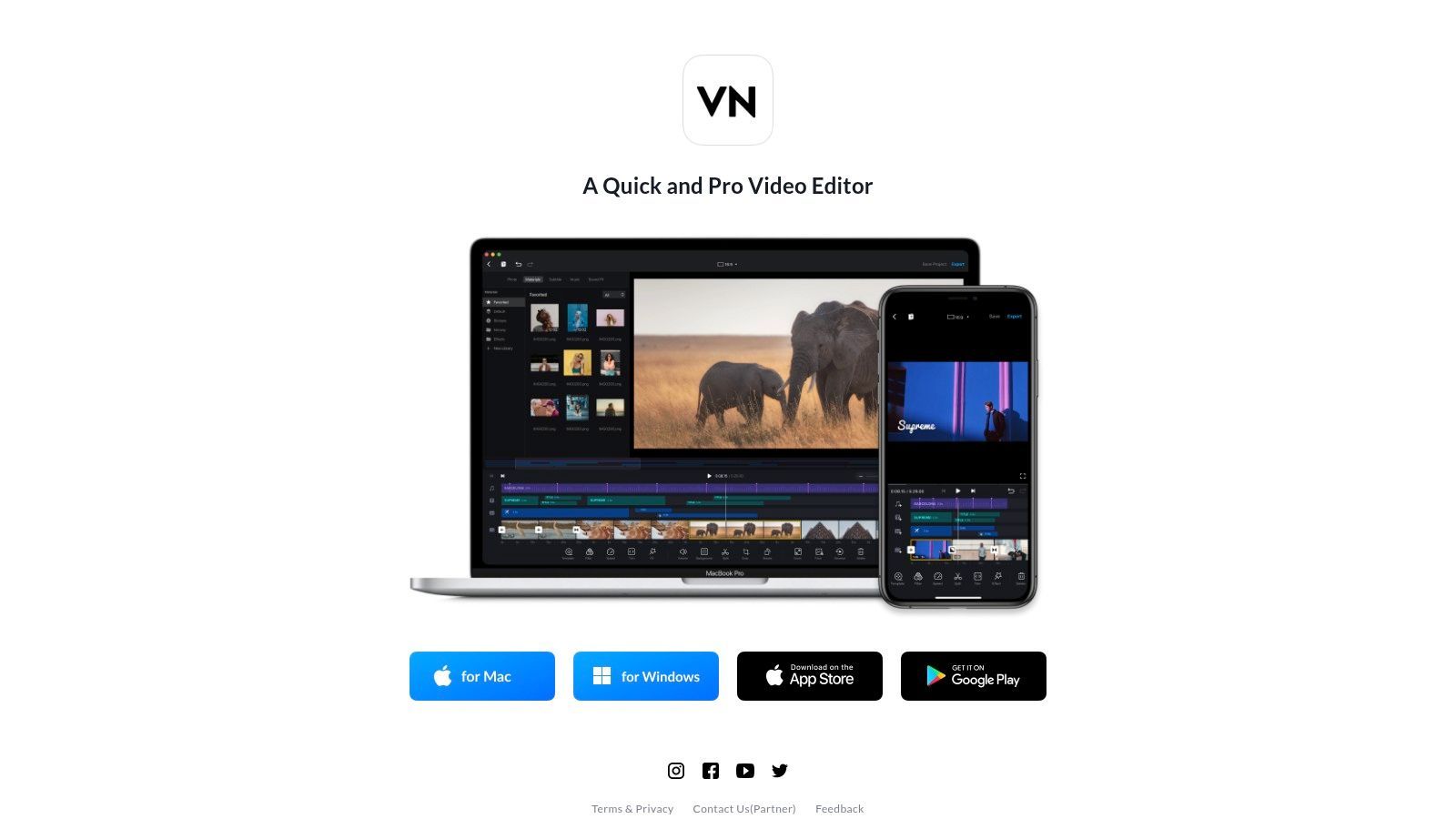
The free version on mobile is incredibly generous, offering exports up to 4K without a watermark, a feature often locked behind a paywall in other apps. This makes it one of the best free video editing software for beginners who primarily work from their smartphone. The inclusion of features like auto-captions and LUT support further cements its status as a top-tier choice for producing high-quality social media content. For those creating short-form content, you can discover more about VN Video Editor and similar tools on shortgenius.com.
Core Features & Analysis
| Feature | Beginner Friendliness | Use Case |
|---|---|---|
| Multi-Track Timeline | High | Perfect for layering B-roll, text, and music for dynamic social videos. |
| Speed Ramping & Curves | Medium | Ideal for creating engaging slow-motion or fast-forward effects. |
| Auto-Captions & LUTs | High | Excellent for making content accessible and applying cinematic color filters. |
- Pros: Generous free mobile version with no watermark, fast learning curve, and powerful features for on-the-go editing.
- Cons: Desktop version is less powerful than professional NLEs, and some users report occasional stability issues on mobile.
Access it here: https://vlognow.me/
Top 12 Free Video Editors Comparison
| Product | Core features | UX (★) | Price / Value (💰) | Target (👥) | Unique (✨/🏆) |
|---|---|---|---|---|---|
| Blackmagic Design – DaVinci Resolve | Full NLE + Color grading, Fusion VFX, Fairlight audio, Cut page | ★★★★★ | 💰 Free (UHD) + one‑time Studio upgrade | 👥 Pros, editors scaling to studio work | 🏆 Industry‑grade toolset; no watermark ✨ |
| Apple – iMovie | Magic Movie, Storyboards, 4K, green‑screen, Apple ecosystem handoff | ★★★★ | 💰 Free on Apple devices | 👥 Beginners & casual Apple users | ✨ Extremely approachable; tight Apple integration |
| Microsoft Clipchamp | Web + Windows app, templates, stock, AI captions & TTS, social presets | ★★★★ | 💰 Free tier; Premium/M365 for 4K & assets | 👥 Casual creators & Microsoft users | ✨ Browser‑based AI tools; easy social exports |
| CapCut | Cross‑platform templates, auto‑captions, TTS, effects, motion tracking | ★★★★ | 💰 Generous free tier; Pro for premium assets | 👥 Short‑form/social creators | ✨ Trendy templates & social‑first effects 🏆 |
| VSDC Free Video Editor | Multitrack, chroma key, color correction, screen capture | ★★★★ | 💰 Free, no watermark | 👥 Windows users on low‑spec PCs | ✨ Lightweight performance; desktop feature set |
| Shotcut | Wide codec support (FFmpeg), native editing, dockable UI | ★★★ | 💰 Completely free (GPL) | 👥 Budget‑conscious creators & learners | ✨ Broad format support; open‑source freedom |
| OpenShot | Simple timeline, basic effects/transitions, cross‑platform installers | ★★★ | 💰 Free forever (GPLv3) | 👥 First‑time editors & Chromebook users | ✨ Very easy to start; truly free |
| Kdenlive | Multitrack, keyframes, proxies, AppImage/Flatpak, active community | ★★★★ | 💰 Free, community‑driven | 👥 Growing hobbyists to semi‑pros | 🏆 Powerful free NLE with regular updates ✨ |
| Blender – Video Sequence Editor (VSE) | Multitrack editing + 3D/motion graphics integration, HDR support | ★★★★ | 💰 Free, open‑source | 👥 Creators needing 3D + editing | ✨ One app for editing + 3D/motion graphics 🏆 |
| Adobe Express – Free Online Video Editor | Browser templates, one‑click resize, animated text, quick exports | ★★★★ | 💰 Free basic; paid for more assets/storage | 👥 Marketers & fast social creators | ✨ Polished templates + no install |
| Canva – Video Editor | Template‑first, design tools, resizing, AI features, web/mobile | ★★★★ | 💰 Free tier; Pro/Teams for assets | 👥 Brands, marketers, social teams | ✨ All‑in‑one design + video workflow 🏆 |
| VN Video Editor (VlogNow) | Multi‑track timeline, LUTs, auto‑captions, 4K export, mobile↔desktop | ★★★★ | 💰 Generous free mobile tier (no watermark) | 👥 Mobile vloggers & quick editors | ✨ Mobile‑first multitrack with desktop transfer |
Choosing Your First Editor and a Look at What's Next
We’ve journeyed through twelve of the most capable and accessible video editors available today, each offering a unique entry point into the world of content creation. From the Hollywood-grade power of DaVinci Resolve to the drag-and-drop simplicity of Canva, it's clear that you don't need a big budget to produce high-quality video. The sheer variety proves there’s a perfect tool waiting for every type of creator, whether you're a future filmmaker, a social media manager, or an educator.
The key takeaway is that the best free video editing software for beginners isn't a one-size-fits-all answer. Your ideal choice hinges entirely on your specific goals, your current skill level, and the type of content you plan to produce. Don't feel pressured to master the most complex tool from day one if your primary need is creating quick, engaging social media clips.
How to Pick Your Perfect Starting Point
To make the right decision, start by honestly assessing your needs. Are you aiming to produce cinematic short films with detailed color grading? DaVinci Resolve or Shotcut are excellent long-term investments in your skills. Do you need to create branded marketing videos and social media content quickly, leveraging templates and stock assets? Web-based tools like Adobe Express and Canva are your best bet. For mobile-first creators focused on TikToks and Reels, the trend-driven features of CapCut and VN Editor are unparalleled.
Your operating system is another practical filter. Apple users have a fantastic, intuitive starting point with iMovie, while Windows users might lean toward Microsoft Clipchamp for its seamless integration. For those who value open-source philosophy and cross-platform flexibility, Kdenlive and OpenShot offer robust, community-driven solutions that work on virtually any machine.
Your Actionable Next Steps
The most critical step you can take now is to simply start. The only real investment required to test the software on this list is your time.
- Select Two or Three Contenders: Based on your goals, pick a couple of options that seem like the best fit. For example, a social media manager might try both CapCut and Canva to see which workflow feels more natural.
- Complete a Small Project: Don't just open the app and click around. Take a short, 30-second video clip and challenge yourself to trim it, add a title, drop in some background music, and export it. This hands-on test will reveal more about an editor’s user-friendliness than any review.
- Expand Your Post-Production Skills: Once you're comfortable with the basics, think about the details that elevate your content. For instance, making your videos accessible and boosting their search visibility is crucial. A great next step is learning how to add subtitles to MP4 files, a skill that significantly widens your audience reach.
Ultimately, the goal is to find a tool that empowers your creativity rather than hinders it. Once you find an interface that clicks, you can focus on what truly matters: telling your story.
Ready to skip the learning curve and go straight from idea to publish-ready short-form video in minutes? ShortGenius uses AI to automate the entire creation process, from scripting and voice-overs to editing and adding captions, so you can focus on your message, not the software. See how it works at ShortGenius.