12 Best AI Video Generator Tools Ranked for 2026

Discover the best AI video generator for your needs. We rank 12 top tools with in-depth reviews, pros, cons, and pricing to help you choose wisely.
The AI video landscape is exploding, with new tools promising to turn a simple text prompt into a polished, shareable video in seconds. But which platforms live up to the hype, and which are just a collection of confusing features? Whether you're a creator battling burnout, a marketing team trying to scale content, or an agency needing faster turnarounds, choosing the right tool is critical. This guide cuts through the noise. We've rigorously tested, compared, and ranked the top 12 contenders to find the absolute best AI video generator for every use case. We'll dive deep into their core strengths, hidden limitations, and practical applications, so you can stop experimenting and start creating.
This is not a surface-level overview. We spent hours with each tool, from industry leaders like Synthesia and Runway to disruptive newcomers like Luma AI and Pika. We evaluated them on the criteria that matter most to professional users: video quality, ease of use, customization options, and the final cost-to-value ratio. Our goal is to provide a clear, honest assessment to help you make an informed decision without wasting time or budget.
Inside this comprehensive resource, you will find:
- A detailed analysis of each platform’s unique features, from text-to-video and AI avatars to automated editing and voice cloning.
- Direct comparisons of pricing, plans, and export limitations.
- Practical use-case scenarios tailored for influencers, e-commerce brands, and marketing agencies.
- Honest pros and cons based on real-world testing, complete with screenshots and performance examples.
We provide a clear rationale for our recommendations, including why we believe ShortGenius is a standout choice for creators and teams focused on scalable, short-form content. Let's find the right tool to bring your ideas to life.
1. ShortGenius (AI Video / AI Ad Generator)
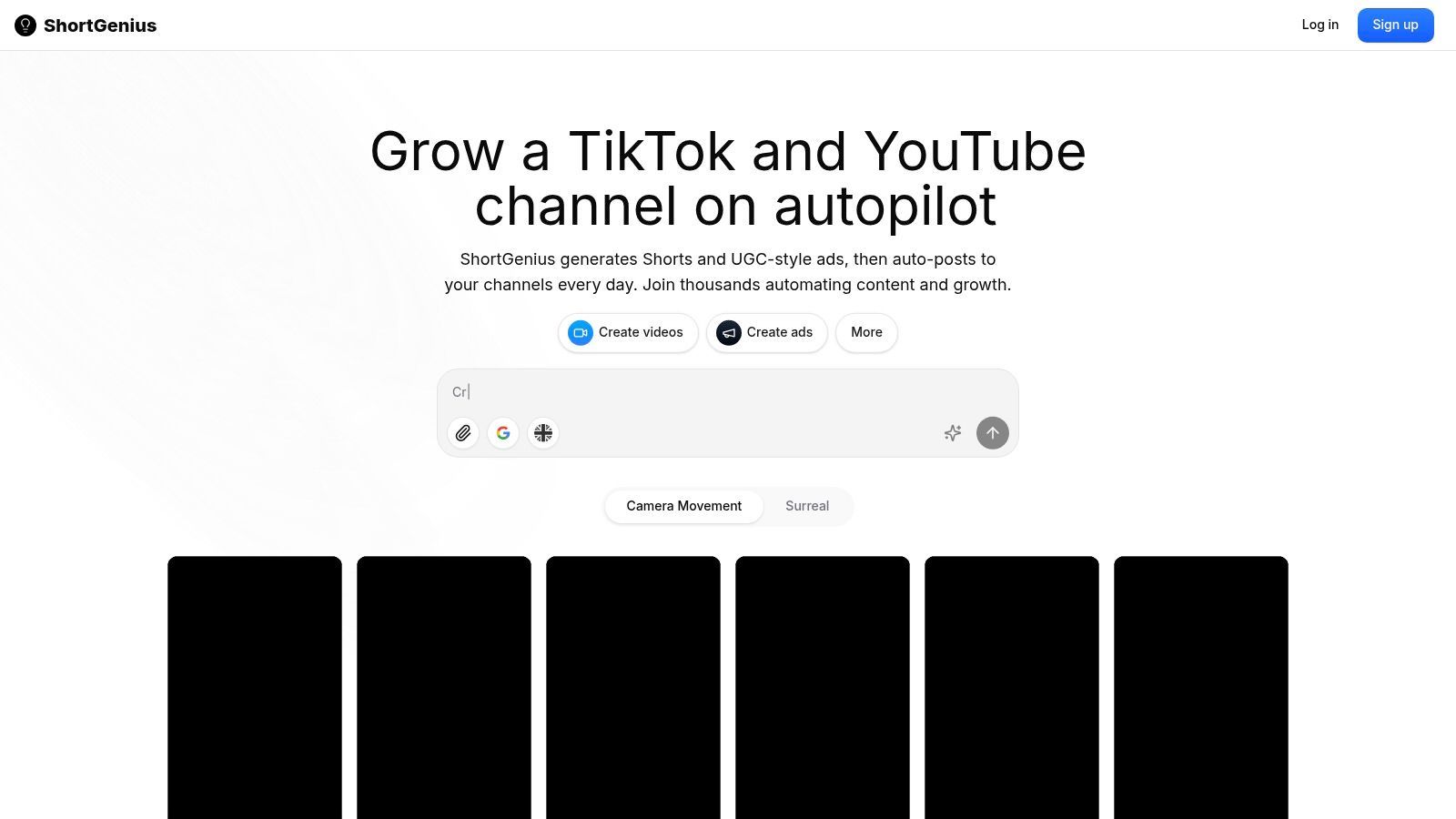
ShortGenius earns its top position as the best AI video generator by offering a remarkably complete, end-to-end production studio designed for the demands of modern social media. It moves beyond simple text-to-video functionality, unifying every critical stage of content creation into a single, cohesive workflow. This all-in-one approach empowers creators and teams to conceptualize, generate, refine, and distribute high-quality short-form video content at an unprecedented scale, without juggling multiple subscriptions or complex tools.
At its core, ShortGenius masterfully integrates best-in-class AI models. Users can leverage top-tier LLMs for scriptwriting, access advanced image and video generation engines for visuals, and utilize premium, lifelike voiceovers rivaling standalone services like ElevenLabs. This ability to mix-and-match the best AI for each part of the video within one editor is a significant competitive advantage, ensuring superior output quality and creative flexibility. It's an ideal solution for influencers, social media managers, and agencies who need to maintain a consistent posting schedule without sacrificing production value.
Key Features & Use Cases
ShortGenius excels with features built for speed and consistency. The platform's unique "series" function allows you to auto-generate and auto-schedule recurring posts, a game-changer for maintaining channel momentum on TikTok, Instagram, and YouTube. For e-commerce and DTC brands, the dedicated ads workflow and brand-kit application ensure that every video, from organic shorts to paid UGC-style ads, remains perfectly on-brand.
- Creative Acceleration: An extensive preset library with camera movements, "scroll-stopper" effects, and surreal filters provides a professional polish with just one click.
- Effortless Editing: Quickly trim clips, add dynamic captions, resize for any platform, and instantly swap scenes or voiceovers to test different creative angles.
- Team & Agency Ready: Features like a unified asset library, an API for custom integrations, and dedicated support make it suitable for scaling operations, similar to how specialized tools like Exayard's takeoff software streamline complex project workflows for specific industries.
Our Assessment
Pros:
- End-to-End Automation: A true all-in-one platform that handles scripting, visual generation, voiceover, editing, and even auto-posting.
- Best-in-Class AI Integration: Access elite AI models for text, video, and audio without needing separate subscriptions.
- Built for Scale: The series scheduling, ads workflow, and team features are designed for high-volume content production.
- Professional Presets: A rich library of effects and animations helps content stand out in crowded social feeds.
Cons:
- Pricing Transparency: Plan details and costs are not provided upfront; you must visit the website for specific pricing information.
- Human Oversight Needed: As with any AI tool, final outputs require human review for brand alignment, factual accuracy, and compliance with platform policies for commercial use.
Website: https://shortgenius.com
2. Runway
Runway stands out as a production-grade AI video platform, pushing the boundaries of what's possible with text-to-video and image-to-video generation. It's a top contender for the title of best AI video generator, especially for creatives focused on short, cinematic clips and rapid experimentation. The platform is known for its frequent and significant model upgrades, most notably the Gen-4.5 model, which delivers remarkable improvements in prompt adherence, motion realism, and overall visual fidelity.
Unlike simpler tools, Runway offers a suite of advanced features designed for professional workflows, including upscaling and watermark removal on paid plans. It operates on a credit-based system, which provides clear guidance on generation costs, allowing users to manage their budget effectively. For those on Pro or Unlimited tiers, the "Explore" mode offers unlimited, lower-priority generations, perfect for R&D and exploring creative concepts without burning through credits. This makes it an ideal choice for content teams and agencies that need to iterate quickly.
Key Features and Pricing
Runway's tiered pricing structure caters to a range of users, from hobbyists to enterprise teams.
| Feature | Basic (Free) | Standard ($12/user/mo) | Pro ($28/user/mo) | Unlimited ($76/user/mo) |
|---|---|---|---|---|
| Initial Credits | 125 credits (one-time) | 625 credits/month | 1125 credits/month | 2250 credits/month |
| Max Video Resolution | 720p | 1080p | 4K | 4K |
| Watermark | Yes | Removable | Removable | Removable |
| Explore Mode | No | No | Yes (Unlimited) | Yes (Unlimited) |
This structure, combined with its advanced models, positions Runway as a powerful tool for serious creators. As you learn more about Runway's capabilities, you'll see why it's favored for producing high-quality, short-form video content.
Website: https://runwayml.com
3. Luma AI (Dream Machine)
Luma AI's Dream Machine has quickly emerged as a major player in the AI video space, offering remarkably fluid and high-fidelity video generation from text and image prompts. It excels at creating short, dynamic clips with impressive camera motion and character consistency, making it a strong contender for the best AI video generator for social media content and rapid visual prototyping. The platform operates on a clear, credit-based system, allowing users to understand generation costs upfront based on resolution and model choice.

Dream Machine is particularly well-suited for creators who need to produce eye-catching, short-form content without a steep learning curve. Its straightforward interface prioritizes ease of use, while paid tiers unlock essential features for professional use, such as watermark removal and commercial rights. The ability to upscale to 4K on higher plans gives it an edge for producing polished final assets, moving beyond simple drafts. For creators balancing quality and cost, Luma AI offers a compelling and accessible solution.
Key Features and Pricing
Luma AI's pricing is structured to support everyone from casual experimenters to professional creators needing higher volume and quality.
| Feature | Free | Standard ($29.99/mo) | Pro ($99.99/mo) | Premier ($499.99/mo) |
|---|---|---|---|---|
| Generations/Month | 30 | 120 | 400 | 2,000 |
| Max Video Resolution | Standard | Standard | Standard + 4K Upscale | Standard + 4K Upscale |
| Watermark | Yes | Removable | Removable | Removable |
| Commercial Use | No | Yes | Yes | Yes |
This accessible model, combined with powerful generation capabilities, makes Luma AI a go-to for many modern content workflows. Understanding how to integrate these tools is key, and you can discover more about Luma AI's potential uses for creative projects.
Website: https://lumalabs.ai
4. Synthesia
Synthesia has established itself as a leading AI video generator, specializing in creating professional, avatar-led videos for corporate training, marketing, and internal communications. It excels at transforming scripts into polished presentations featuring realistic AI avatars, making it an ideal solution for businesses looking to scale video production without the need for cameras, microphones, or actors. The platform's maturity is evident in its robust features, including enterprise-grade security, API access, and extensive localization capabilities.

Unlike creative-focused tools, Synthesia is built for organizational efficiency. It supports over 140 languages and offers a vast library of stock avatars and templates, enabling teams to produce consistent, on-brand content rapidly. For global organizations, the one-click translation and dubbing features are invaluable for localizing training materials and marketing campaigns. Its strong support for Learning Management System (LMS) integration with SCORM exports makes it a go-to choice for corporate learning and development departments.
Key Features and Pricing
Synthesia’s pricing is designed for business use, with tiers that scale based on video minutes and advanced features.
| Feature | Starter ($22/mo) | Creator ($67/mo) | Enterprise (Custom) |
|---|---|---|---|
| Video Minutes/Month | 10 minutes | 30 minutes | Custom |
| Stock Avatars | 90+ | 140+ | 140+ & Custom Avatars |
| Languages & Voices | 120+ | 120+ | 140+ |
| SCORM Export & API | No | No | Yes |
This structure makes Synthesia a powerful, scalable platform for organizations that need to produce high volumes of spokesperson-style videos efficiently and securely.
Website: https://www.synthesia.io
5. HeyGen
HeyGen specializes in AI-powered avatar video generation, making it a powerful tool for creating professional spokesperson, marketing, and educational content without cameras or actors. It stands out for its extensive library of realistic stock avatars and its advanced localization features, which allow users to translate and dub videos into multiple languages seamlessly. This makes it an ideal choice for businesses aiming to scale their video marketing efforts and reach a global audience with a consistent message.
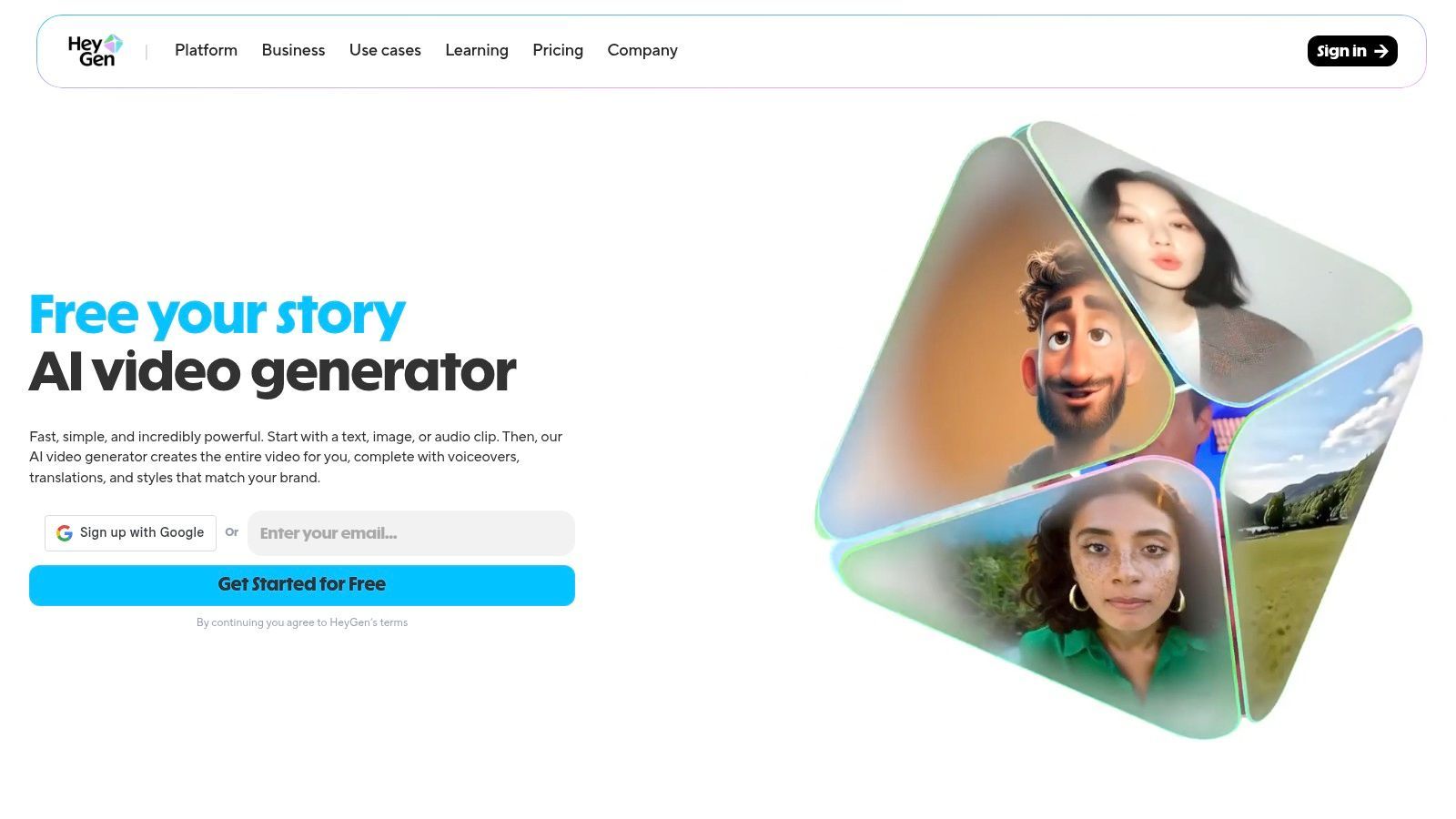
The platform is designed for ease of use, offering a straightforward path from script to a finished, localized video. Beyond its stock avatars, HeyGen allows users to create custom avatars for a truly branded experience. For developers and businesses looking for deeper integration, HeyGen provides API access to automate video creation workflows. The credit-based system, while potentially costly at high volumes, offers flexibility for users to pay only for what they need, from basic explainer videos to complex, multilingual campaigns.
Key Features and Pricing
HeyGen's pricing is structured around credits, which are consumed for video generation, custom avatars, and API usage.
| Feature | Creator ($24/mo) | Business ($72/mo) | Enterprise (Custom) |
|---|---|---|---|
| Monthly Credits | 180 credits | 360 credits | Custom |
| Max Video Duration | 5 mins/video | 10 mins/video | 20 mins/video |
| Seats | 1 | 3 | Custom |
| API Access | Add-on | Add-on | Included |
| Custom Avatars | Add-on | Add-on | Included |
This tiered approach, combined with a free plan for testing, makes HeyGen a versatile and accessible platform for creating high-quality avatar videos.
Website: https://www.heygen.com
6. Colossyan
Colossyan carves out a niche as a training-focused AI video generator, designed specifically for L&D teams and corporate communications. It excels at creating template-driven training videos featuring AI avatars, making it a powerful tool for businesses needing to scale their internal education efforts efficiently. The platform’s strength lies in its business-ready features, including robust translation capabilities and a clear, predictable pricing model based on annual minute allocations.
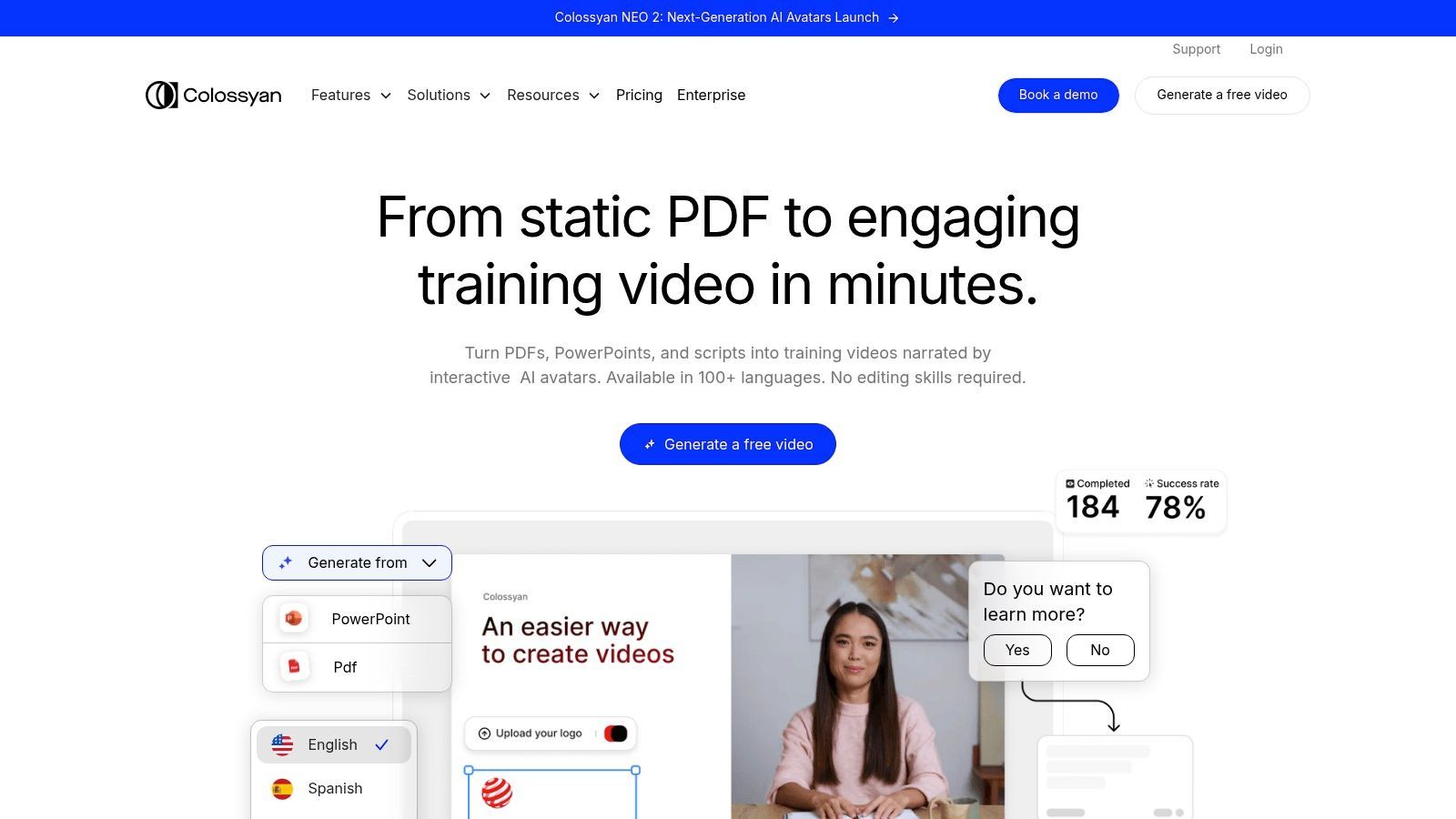
This focus on corporate use cases is evident in its plan structure, which delivers the full annual minute allowance upfront, providing flexibility for project planning throughout the year. While it may not be the best AI video generator for creative or marketing-focused clips, its consistently high G2 ratings for L&D applications confirm its value. For organizations prioritizing standardized, avatar-led instructional content, Colossyan offers a polished and reliable solution.
Key Features and Pricing
Colossyan’s pricing is structured to support organizational training needs, from small teams to enterprise-level deployment.
| Feature | Starter ($28/user/mo) | Pro ($96/user/mo) | Enterprise (Custom) |
|---|---|---|---|
| Annual Minutes | 120 minutes/year | 480 minutes/year | Custom |
| Buy Extra Minutes | No | Yes | Yes |
| Custom Avatars | No | Yes (Personal) | Yes (Studio Add-on) |
| Video Resolution | 1080p | 1080p | 1080p |
A key consideration is that the Starter plan does not allow for purchasing extra minutes, requiring a plan upgrade. Furthermore, the high-fidelity Studio Avatar is a significant additional investment, making the Pro plan a more practical entry point for teams needing customization.
Website: https://www.colossyan.com
7. D‑ID
D‑ID carves out a specific niche in the AI video landscape by specializing in creating high-quality, talking-head videos from a single portrait image. This focus makes it an exceptional tool for generating training videos, corporate communications, or educational content without the need for cameras or actors. The platform's core strength lies in its Creative Reality™ Studio, which seamlessly animates still photos with text-to-speech or user-uploaded audio, producing lifelike digital presenters in minutes.
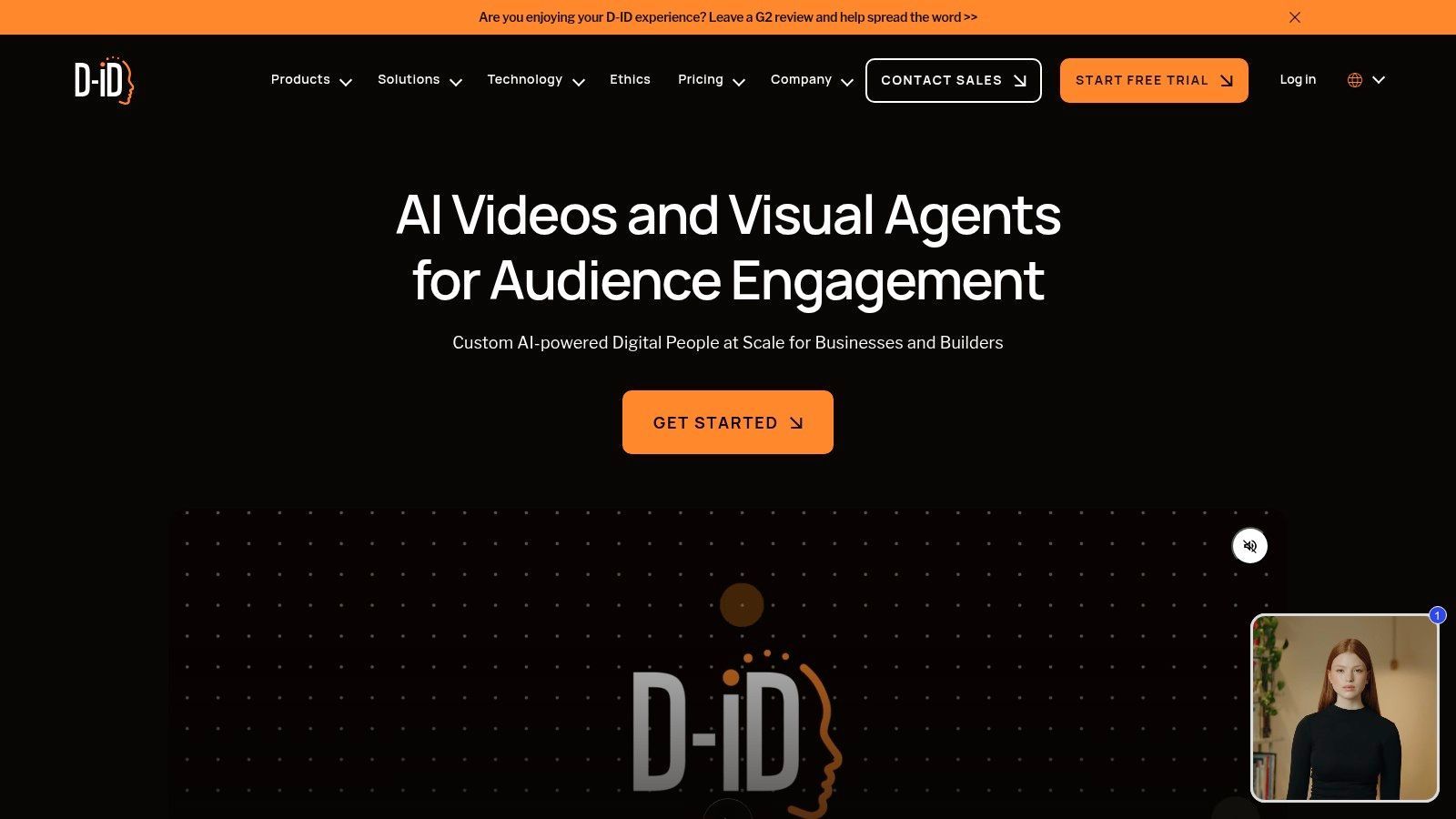
The platform operates on a credit-based system where credits are consumed based on video length, with a clear billing structure that helps users manage costs. For developers, D‑ID offers a robust API that enables the integration of its real-time video generation capabilities into other applications, perfect for creating interactive digital assistants or personalized video messages at scale. This combination of a user-friendly studio and a powerful API makes D‑ID a versatile contender for the title of best AI video generator for presenter-style content.
Key Features and Pricing
D‑ID’s plans are designed to accommodate individual creators, small businesses, and enterprise-level clients with varying video creation needs.
| Feature | Trial (Free) | Lite ($4.7/mo) | Pro ($19.2/mo) | Advanced ($138/mo) |
|---|---|---|---|---|
| Credits | 5 credits (one-time) | 40 credits/month | 100 credits/month | 400 credits/month |
| Video Length | Max 5 min | Max 10 min | Max 15 min | Max 20 min |
| Watermark | D‑ID Watermark | AI Watermark | Removable | Removable |
| API Access | No | No | Yes | Yes |
While the entry-level plans include a watermark, the Pro and Advanced tiers offer full customization, making D‑ID a scalable solution for professional video production.
Website: https://www.d-id.com
8. InVideo AI
InVideo AI positions itself as a streamlined workflow solution for marketers and content teams who need to produce professional-looking videos with speed and efficiency. Rather than focusing purely on generative models, it combines text-to-video with a vast library of templates, stock media from iStock, and AI-powered scripting and voiceover tools. This makes it an excellent AI video generator for those who prioritize guided creation and brand consistency over purely experimental, generative art.
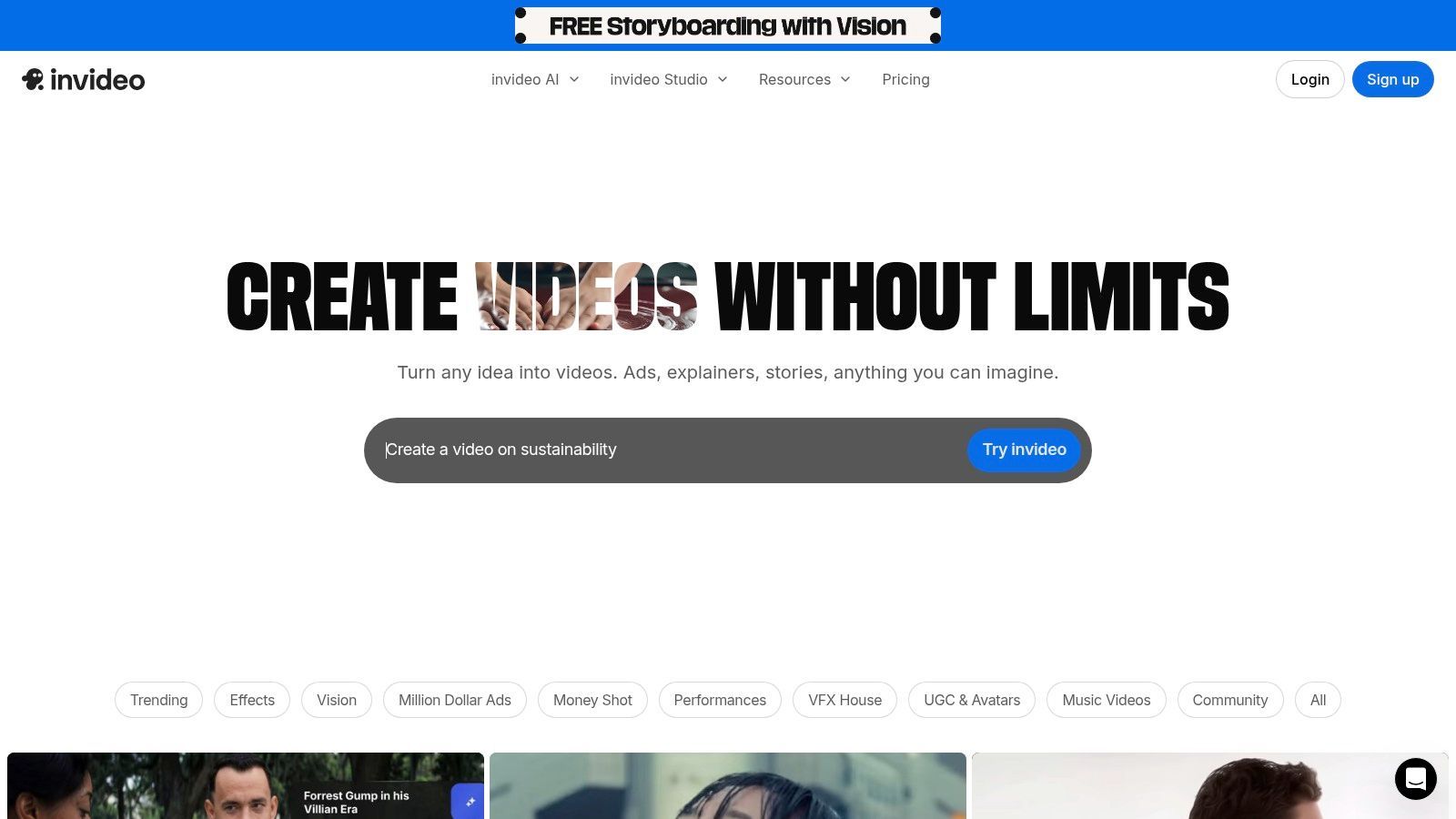
The platform operates on a clear system of credits and video duration limits, allowing users to understand exactly what they get with each plan. Its strength lies in taking a simple text prompt and transforming it into a fully structured video complete with scenes, voiceover, and stock footage. This template-driven approach is ideal for social media content, advertisements, and explainer videos where a polished, conventional format is desired. The user experience is designed to be intuitive, guiding you through the creation process from script to final render.
Key Features and Pricing
InVideo AI’s pricing is structured to support users from initial experimentation to high-volume production, with clear allotments for key resources.
| Feature | Free | Plus ($20/mo) | Max ($48/mo) |
|---|---|---|---|
| Video Duration | 10 mins/week | 50 mins/month | 200 mins/month |
| Generative AI Credits | 40/week | 160/month | 640/month |
| iStock Media | 1GB/week | 80/month | 320/month |
| Storage | 10GB total | 100GB total | 400GB total |
| Watermark | Yes | Removable | Removable |
This tiered system, which includes a generous free plan, makes InVideo AI a highly accessible and scalable tool for creators and businesses focused on rapid, template-based video production.
Website: https://invideo.io
9. Kapwing
Kapwing positions itself as a comprehensive, browser-based collaborative video editor, enhanced with a powerful suite of AI tools. It excels in content repurposing and social media editing, making it a strong candidate for teams who need more than just generation. Its unique "AI Studio" aggregates multiple top-tier models like Sora, Veo, and Pika, giving users access to diverse generative capabilities within a single, streamlined workflow, solidifying its place as a versatile AI video generator.
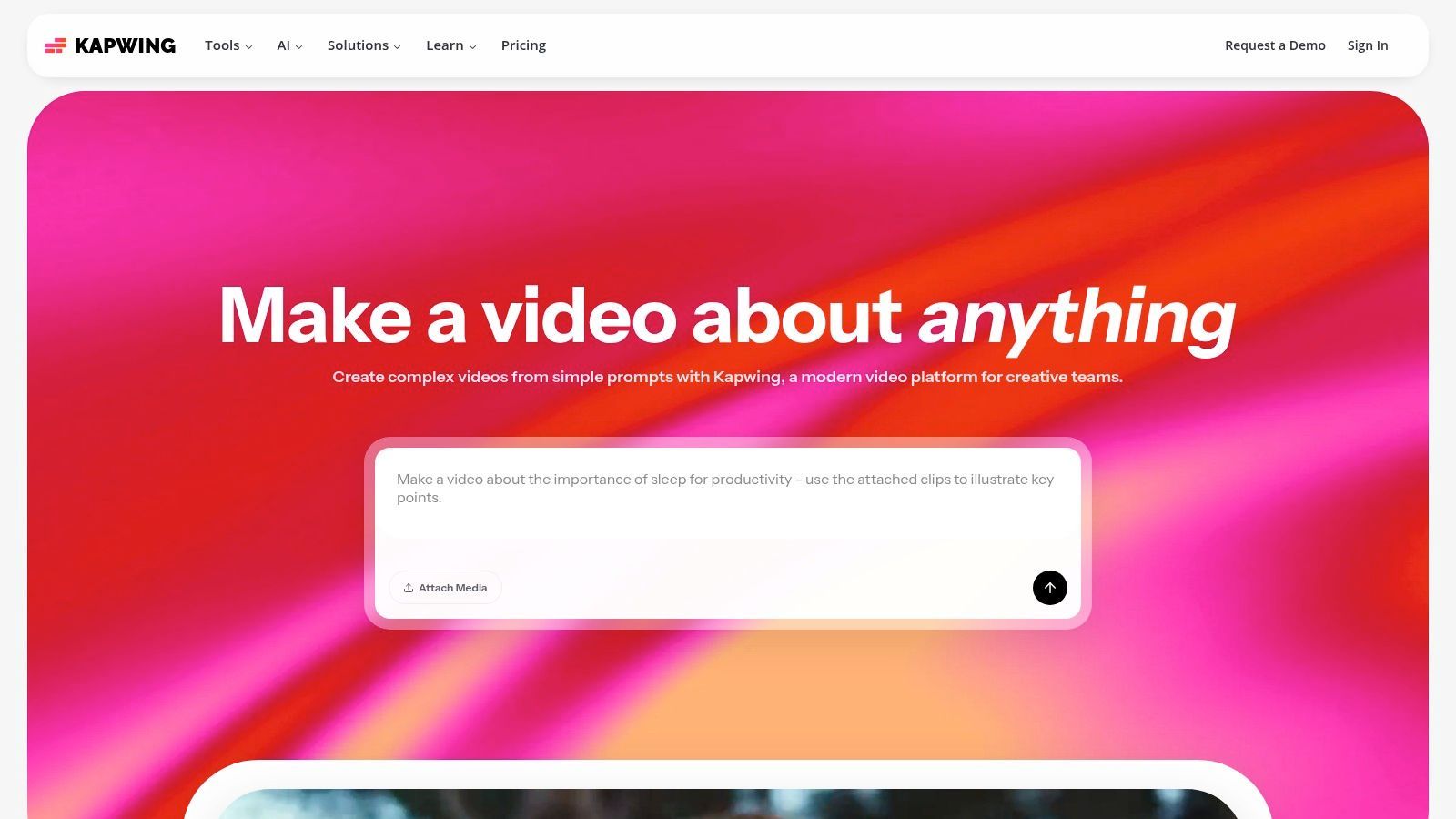
This platform is not just about creating from scratch; it’s built for enhancing existing content. Features like auto-subtitling, AI-powered dubbing, and a collaborative workspace make it ideal for social media managers and marketing teams. The editor provides robust export controls and tools like a Brand Kit to maintain consistency. While the free tier is limited and includes a watermark, the Pro plan offers competitive pricing for solo creators looking for a complete editing and generation toolkit.
Key Features and Pricing
Kapwing uses a credit system for AI features alongside its subscription tiers, offering clear cost management.
| Feature | Free | Pro ($16/user/mo) | Business ($50/user/mo) | Enterprise (Custom) |
|---|---|---|---|---|
| Initial Credits | 50 credits (one-time) | 300 credits/month | 600 credits/month | Custom |
| Max Export Quality | 720p with watermark | 4K | 4K | 4K |
| Auto-Subtitles | 10 minutes/month | 300 minutes/month | 300 minutes/month | Custom |
| Collaborative Workspace | Yes (Limited) | Yes | Yes (Advanced) | Yes (Advanced) |
The clear, feature-based credit usage and powerful editing suite make Kapwing a practical choice for creators who need to both generate and refine video content efficiently.
Website: https://www.kapwing.com
10. Descript
Descript carves out a unique niche by blending traditional video editing with powerful AI features, making it a hybrid powerhouse for content creators. Instead of focusing solely on text-to-video generation, Descript operates like a document, allowing you to edit video by simply editing text. This approach is incredibly intuitive for podcasters, educators, and marketers who are more comfortable with words than timelines, solidifying its place as a top contender for the best AI video generator for editing-heavy workflows.
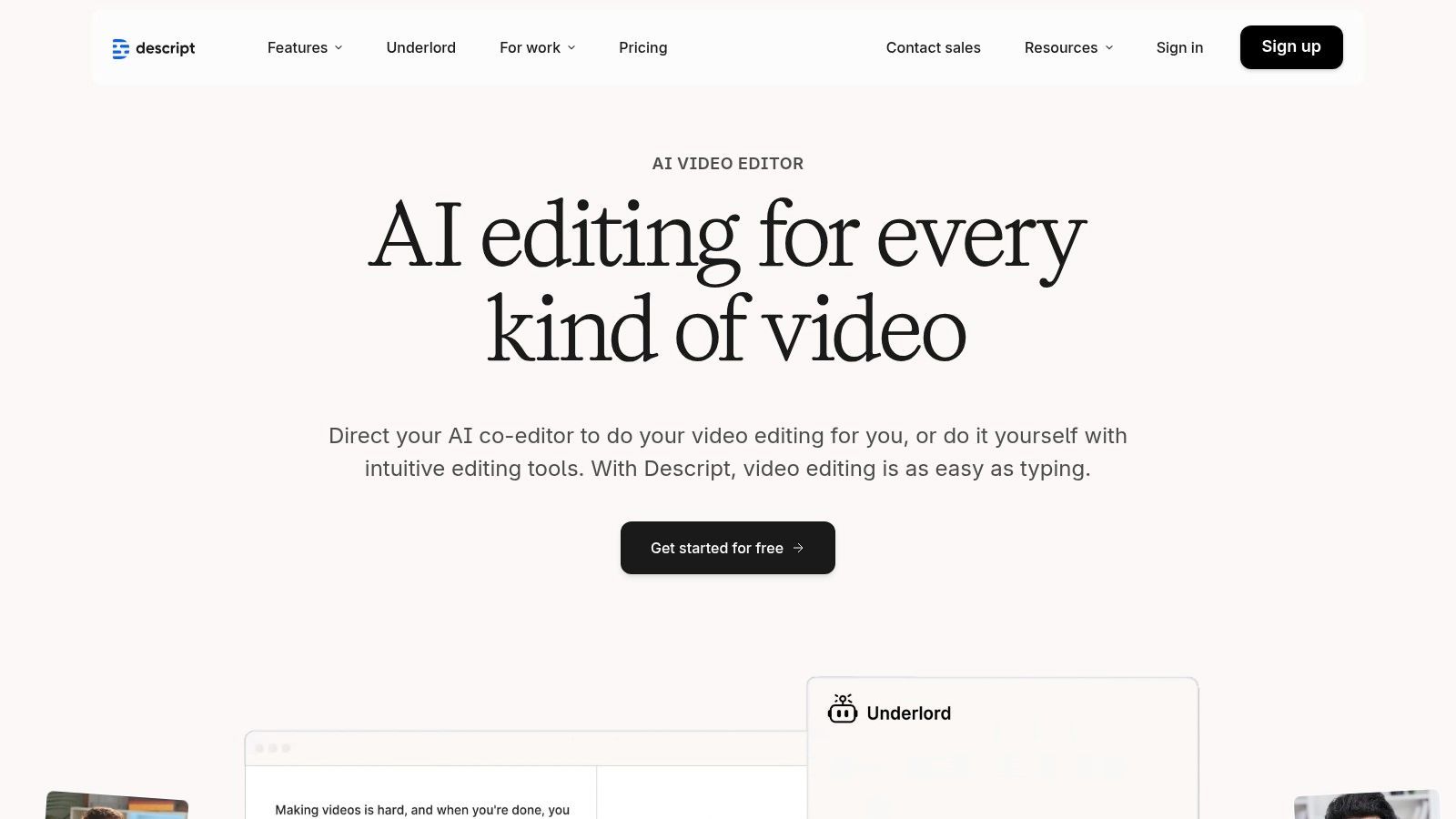
The platform's strength lies in its AI-assisted post-production tools. Features like automatic filler word removal ("um," "uh"), Studio Sound for enhancing audio quality, and an AI co-editor named "Underlord" streamline the editing process significantly. It also includes generative AI capabilities such as text-to-speech with realistic voices and AI-powered dubbing and translation, making it a comprehensive solution for creators who need both editing control and AI efficiency in one package.
Key Features and Pricing
Descript’s pricing is based on transcription hours and access to its advanced AI and export features.
| Feature | Free | Creator ($12/user/mo) | Pro ($24/user/mo) |
|---|---|---|---|
| Transcription Hours | 1 hour/month | 10 hours/month | 30 hours/month |
| Filler Word Removal | Limited | Pro (18 words) | Pro (18 words) |
| Export Resolution | 720p (with watermark) | Up to 4K | Up to 4K |
| AI Features | Studio Sound, Green Screen | Everything in Free + Find Good Clips | Everything in Creator + AI Dubbing |
This structure makes Descript an excellent all-in-one platform for creators who want to refine existing footage with AI rather than generate it from scratch.
Website: https://www.descript.com
11. Pika (Pika.art)
Pika has rapidly gained traction as a creative playground for AI video generation, focusing on speed and stylized outputs. It excels at transforming simple text prompts or images into dynamic, short video clips, making it a favorite among social media creators and artists experimenting with the medium. The platform is known for its fast iteration cycles and a vibrant community that shares prompts and results, fostering a collaborative environment for creative exploration.
Unlike more formal production tools, Pika feels more like an artistic app, encouraging users to try out its various effect modules and updated models without a steep learning curve. Its web-based interface is straightforward, prioritizing quick generation over complex editing suites. While full pricing details require an account, the presence of a free tier makes it highly accessible for anyone curious about prompt-to-video technology. This low barrier to entry makes it an excellent choice for creators looking to produce unique, eye-catching content for platforms like TikTok and Instagram Reels.
Key Features and Pricing
Pika's structure is built around a credit system, with a free tier for initial testing and paid plans for higher volume needs. Pricing and specific quotas are primarily visible after signing in.
| Feature | Basic (Free) | Standard (Approx. $8/mo) | Pro (Approx. $58/mo) |
|---|---|---|---|
| Generations | Limited credits | More credits per month | High volume credits |
| Watermark | Yes | Removable | Removable |
| Upscaling | Limited | Yes | Yes |
| Extend Video | Limited | Yes | Yes |
This model, combined with its user-friendly interface, cements Pika's position as a go-to tool for quick, creative video generation. It is a strong contender for the best AI video generator for those who value speed and artistic freedom.
Website: https://pika.art
12. G2 – AI Video Generators category
While not a generator itself, G2’s AI Video Generators category is an indispensable resource for comparing the ever-expanding market of tools. It functions as a live marketplace, compiling over 100 different AI video platforms and organizing them with user reviews, ratings, and detailed feature breakdowns. This makes it an essential first stop for anyone trying to find the best AI video generator for a specific need, allowing for direct, side-by-side comparisons of features and user-reported satisfaction.
G2 excels at helping users validate marketing claims with crowdsourced, real-world feedback. You can quickly filter platforms by criteria like "Highest Rated" or "Easiest To Use," saving significant research time. This approach is particularly useful for discovering niche tools or strong alternatives to the major players you might not have otherwise found. By aggregating user experiences, G2 provides a practical layer of due diligence before you commit to a subscription.
Key Features and How to Use It
G2 is a free research platform. Its value lies in its aggregated data and user-generated content.
| Feature | Description |
|---|---|
| Filters | Sort and filter vendors by ratings, user satisfaction, market presence, and more. |
| Crowdsourced Reviews | Read detailed reviews from verified users discussing pros, cons, and specific use cases. |
| Side-by-Side Comparison | Select multiple tools to compare their features, pricing, and ratings in a unified view. |
| Vendor Pages | Access snapshots of pricing, key features, and direct links to official websites. |
While G2 is a powerful tool for discovery and comparison, remember that sponsored placements can influence visibility. Always click through to the vendor’s official website to verify the most current pricing and feature information before making a final decision.
Website: https://www.g2.com/categories/ai-video-generators
Top 12 AI Video Generators — Features & Pricing Snapshot
| Tool | Core Capabilities | Quality (★) | Price & Value (💰) | Target Audience (👥) | Unique Selling Points (✨) |
|---|---|---|---|---|---|
| 🏆 ShortGenius (AI Video / AI Ad Generator) | End‑to‑end script → images → video → lifelike voice + fast edits & auto‑scheduling | ★★★★★ | 💰 Tiered plans (see site); high ROI for scaled output | 👥 Creators, social managers, agencies, DTC brands, teams | ✨ Series auto‑generate/schedule, rich presets, best‑in‑class model mix, API |
| Runway | Text/image→video, production editing, upscaling & workflows | ★★★★ | 💰 Credit‑based; Pro tiers for Explore/unlimited modes | 👥 Content teams, R&D, short cinematic clips | ✨ Gen‑4.5 fidelity, frequent model upgrades, strong motion realism |
| Luma AI (Dream Machine) | Short realistic clips (~10s), 4K up‑res/HDR, credits model | ★★★★ | 💰 Credit/tiered; Plus/Unlimited remove watermark & allow commercial use | 👥 Creators, social experimenters, rapid ideation | ✨ Ray models, transparent credit tables, high‑quality short clips |
| Synthesia | Avatar‑led videos, translations/dubbing, templates, enterprise API | ★★★★ | 💰 Minutes/credits; enterprise tiers for scale | 👥 Enterprises, L&D, marketing & localization teams | ✨ 140+ languages, 125–230+ avatars, SCORM & enterprise security |
| HeyGen | Avatar videos, localization/dubbing, custom avatars & API | ★★★★ | 💰 Free tier + credit‑based API/pro; costs scale with volume | 👥 Spokesperson videos, explainers, multilingual content | ✨ 500–700+ stock avatars, easy script→localized video workflow |
| Colossyan | Template‑driven training videos with avatars; annual minutes | ★★★★ | 💰 Annual minute bundles; clear plan structure | 👥 L&D, internal comms, training teams | ✨ Training templates, studio avatar add‑on, business‑ready workflows |
| D‑ID | Photo→talking‑head videos, real‑time agents, Studio + API | ★★★★ | 💰 Minutes‑based; trial/lite watermark; tiered billing | 👥 Tutorials, sales explainers, interactive assistants | ✨ Photo→video pipeline, real‑time agents, well‑documented API |
| InVideo AI | Text→video, templates, stock assets (iStock), credit/minute system | ★★★★ | 💰 Free entry plan; credits/minutes & enterprise options | 👥 Marketers, social teams, fast templated production | ✨ iStock integration, script tools, ready‑made templates |
| Kapwing | Browser editor + AI Studio (multiple models), subtitles, collaboration | ★★★★ | 💰 Pro pricing for creators; free tier has limits/watermarks | 👥 Solo creators, teams repurposing content, social editors | ✨ AI Studio (VEO/Sora/Pika mix), auto‑subtitles & collaborative workspace |
| Descript | Hybrid editor: AI co‑editor, TTS/avatars, filler removal, studio sound | ★★★★ | 💰 Tiered media hours & AI credits; paid export tiers | 👥 Podcasters, video creators, editors seeking all‑in‑one tool | ✨ AI co‑editor, transcript‑first editing, filler removal & dubbing |
| Pika (Pika.art) | Prompt→video focused on stylized short clips and effects | ★★★★ | 💰 Free limited credits; fuller pricing after sign‑in | 👥 Experimental creators, shorts & stylized content makers | ✨ Rapid iteration, effect modules, active community templates |
| G2 – AI Video Generators category | Marketplace & crowdsourced comparisons for 100+ tools | ★★★★ | 💰 Free to browse; links to vendor pricing & trials | 👥 Buyers, procurement, teams shortlisting vendors | ✨ Crowdsourced reviews, filters (Highest Rated/Easiest), side‑by‑side lists |
Choosing Your Co-Pilot: Final Thoughts on the Best AI Video Generator
Navigating the landscape of AI video generation can feel like exploring a new frontier. After an in-depth review of top contenders from cinematic powerhouses like Runway and Luma AI to avatar specialists like Synthesia and HeyGen, one truth becomes abundantly clear: the best AI video generator is not a one-size-fits-all solution. Your ideal tool is deeply tied to your specific goals, workflow, and audience.
The market has fractured into distinct categories, each excelling in a particular domain. For pure, unadulterated creative expression and generating breathtaking, movie-like clips from a text prompt, tools like Runway and Pika are in a league of their own. They are the digital sculptors, offering artists and filmmakers a new clay to mold. Similarly, platforms like Synthesia and Colossyan have cornered the market on professional, scalable corporate communications, enabling businesses to create consistent training and HR content with hyper-realistic avatars.
However, for the majority of our target audience - creators, marketers, and agencies - the challenge isn't just generating a single, stunning video. The real goal is creating a sustainable, high-volume content engine that consistently engages an audience across multiple platforms without burning out your team. This is where a different class of tool shines, moving beyond simple generation to address the entire content lifecycle.
How to Choose Your AI Video Partner
As you weigh your options, shift your thinking from "What can this tool create?" to "How will this tool integrate into my daily workflow?" A flashy feature is useless if it complicates your process.
Here are the critical questions to ask before you commit:
- What is my primary use case? Are you creating viral short-form content for TikTok and Reels, in-depth educational videos for YouTube, or polished video ads for social media campaigns? A tool optimized for faceless motivational videos, like InVideo AI, may not be the right fit for producing high-conversion e-commerce ads.
- How important is workflow automation? The most significant value AI offers is time savings. Look beyond just video creation. Does the tool help with ideation, scriptwriting, voiceovers, and, crucially, distribution? Having to manually download a video and then upload it to a separate scheduling tool defeats much of the purpose.
- What is my technical skill level? Platforms like Descript and Kapwing offer powerful, traditional editing timelines enhanced with AI features, which might appeal to experienced editors. Conversely, tools built for speed and efficiency abstract away that complexity, making them more accessible to marketers and solo creators.
- Is brand consistency a priority? For agencies and brands, maintaining a consistent look, feel, and voice is non-negotiable. Evaluate how easily you can implement brand kits, custom fonts, brand colors, and consistent voice clones. The ability to create and reuse templates is a massive advantage here.
The Final Takeaway: From Generation to Domination
The evolution of this technology is moving rapidly from novelty to necessity. The initial "wow" factor of turning text into a moving image is being replaced by the practical demand for tools that solve real business problems. The best AI video generator for today's creator economy is the one that acts less like a gadget and more like a dedicated production assistant.
It should be your scriptwriter, your voice actor, your video editor, and your social media manager, all unified in a single, intuitive interface. While specialized tools will always have their place for niche tasks, the platform that wins is the one that understands the end-to-end journey of a piece of content, from a fleeting idea to a scheduled post that drives results. Choose the co-pilot that doesn't just help you fly but also charts the course, manages the fuel, and ensures you land successfully, again and again.
Ready to move beyond simple generation and build a complete, automated content engine? ShortGenius (AI Video / AI Ad Generator) was designed specifically for creators and marketers who need to produce high-quality short-form video at scale. See for yourself how a unified workflow can transform your content strategy by visiting ShortGenius (AI Video / AI Ad Generator).