The 12 Best AI Video Creation Tools of 2026: An In-Depth Guide

Discover the 12 best AI video creation tools for creators and teams in 2026. Compare features, pricing, and use cases to find your perfect match.
Video creation is no longer a bottleneck reserved for those with expensive equipment and extensive editing skills. The traditional process of scripting, filming, editing, and publishing is being completely reshaped by artificial intelligence. Today, the best AI video creation tools can automate nearly every step, from generating a script and creating visuals from a simple text prompt to producing a human-like voiceover and editing the final cut. This shift empowers anyone to produce high-quality, engaging content faster than ever before.
However, the rapid growth in this space has led to a flood of options, each with different strengths, weaknesses, and pricing models. How do you choose the right platform when one excels at generating photorealistic clips while another is built for quick social media edits? This guide is designed to cut through the confusion and provide clear, actionable insights.
We have comprehensively reviewed and compared the top 12 AI video platforms, including ShortGenius, Runway, and Luma AI, to help you find the perfect fit. For each tool, you'll find a concise summary, key features, ideal use cases, and an honest look at its limitations. We'll explore everything from text-to-video generation to AI-powered editing suites, ensuring you can make an informed decision for your specific needs, whether you're a solo influencer, a growing e-commerce brand, or a busy marketing agency. For those looking for a comprehensive understanding of the process, there are many excellent guides on how to create AI videos available online. This article, however, focuses specifically on evaluating the tools themselves.
1. ShortGenius (AI Video / AI Ad Generator)
ShortGenius stands out as a premier all-in-one platform, positioning itself as one of the best AI video creation tools by consolidating the entire content lifecycle into a single, cohesive workflow. It’s designed for creators and marketers who need to produce high-quality, multi-channel video content with exceptional speed and consistency, eliminating the need to juggle multiple, disconnected applications. The platform excels at transforming a simple idea into a fully produced, scheduled, and distributed video series in mere minutes.
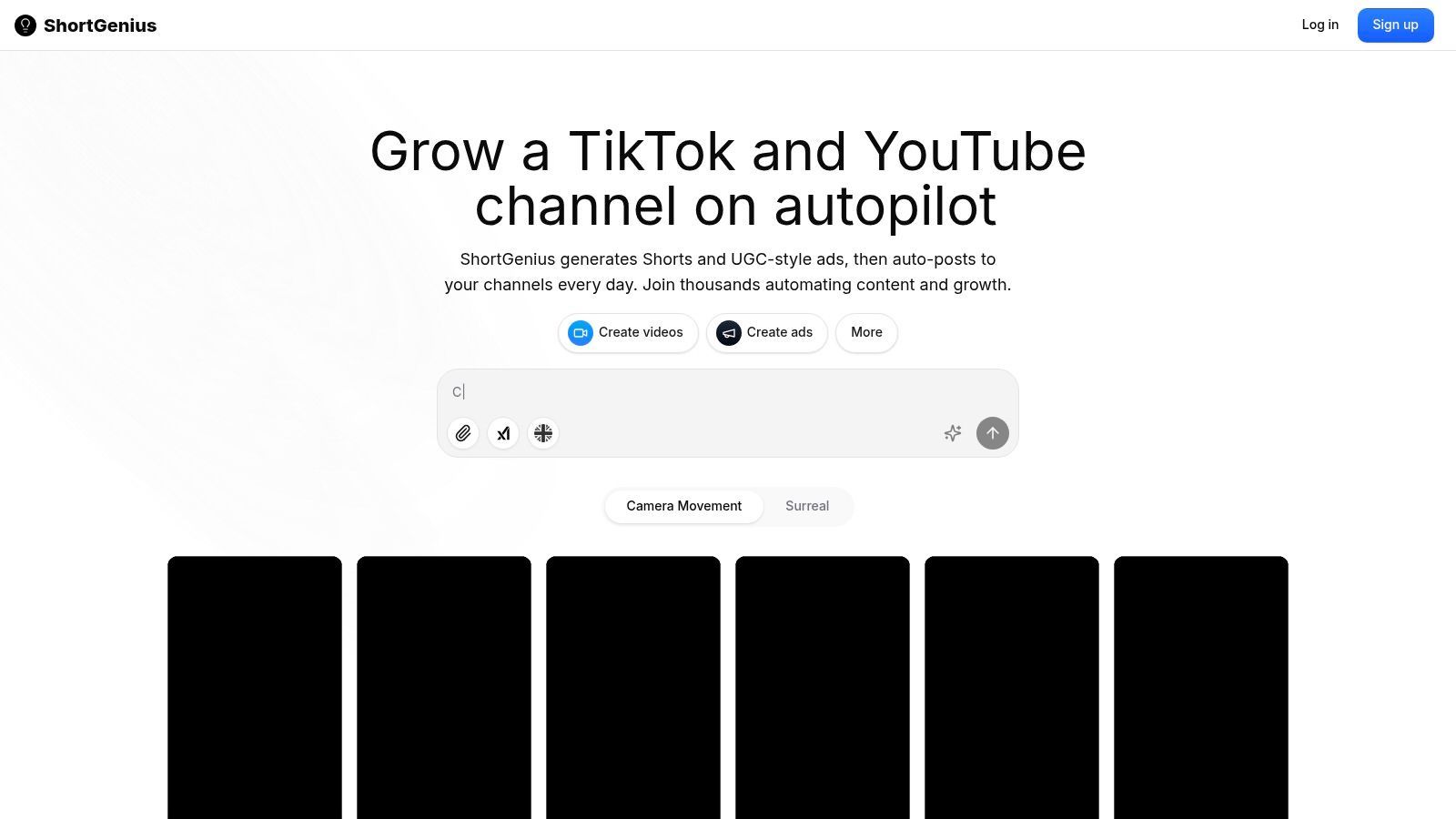
What truly distinguishes ShortGenius is its integration of best-in-class AI models at every stage. It leverages leading LLMs for scriptwriting, advanced generative engines for creating unique image and video assets, and premium voice technologies for lifelike narration. This curated approach ensures high-quality outputs without requiring users to purchase separate subscriptions for each service. The platform then layers a rich library of presets, camera movements, and effects on top, allowing for rapid experimentation and a polished final product.
Key Features & Strengths
- End-to-End Workflow: The entire process from script generation to asset creation, voiceover, editing, and scheduling occurs within one intuitive editor. This dramatically reduces production friction and time.
- Automated Multi-Channel Distribution: Users can create themed "series" and auto-schedule posts across TikTok, YouTube, Instagram, Facebook, and X. This feature is a game-changer for maintaining a consistent publishing cadence and growing an audience without constant manual effort.
- Integrated Top-Tier AI Models: ShortGenius connects to premier AI for text, visuals, and audio, ensuring the raw components of your video are of the highest possible quality.
- Rapid Editing & Branding: The platform includes fast tools for trimming, captioning, resizing, and swapping scenes or voices. Applying a brand kit is seamless, ensuring all content remains on-brand.
- Team & Agency Ready: With a unified asset library, a dedicated ads workflow, an API for custom integrations, and secure payment options, ShortGenius is built to scale for teams and agencies.
Ideal Use Cases
ShortGenius is particularly effective for social media managers, agencies, and e-commerce brands that depend on a high volume of short-form video content for growth. Its ability to automate scheduling and distribution makes it a powerful asset for maintaining a consistent online presence. For a deeper look into its capabilities, you can find more information about ShortGenius's AI ad generator features.
Pros:
- Unified workflow streamlines video creation from concept to publication.
- Automated scheduling and posting across major social platforms.
- Access to top-tier AI models without separate subscriptions.
- Rich preset library and fast editing tools accelerate production.
- Scalable features designed for teams and agencies.
Cons:
- Specific pricing and plan limits may require a direct inquiry.
- AI-generated content often requires a final human review for brand voice and accuracy.
2. Runway
Runway positions itself at the cutting edge of generative video, making it one of the best AI video creation tools for creative professionals and studios prioritizing visual quality. It's less of an all-in-one template editor and more of a powerful creative suite built around its state-of-the-art text-to-video and image-to-video models. This focus on raw generation capability makes it a go-to for ideation, creating unique B-roll, and producing visually striking ad concepts or social media assets from scratch.
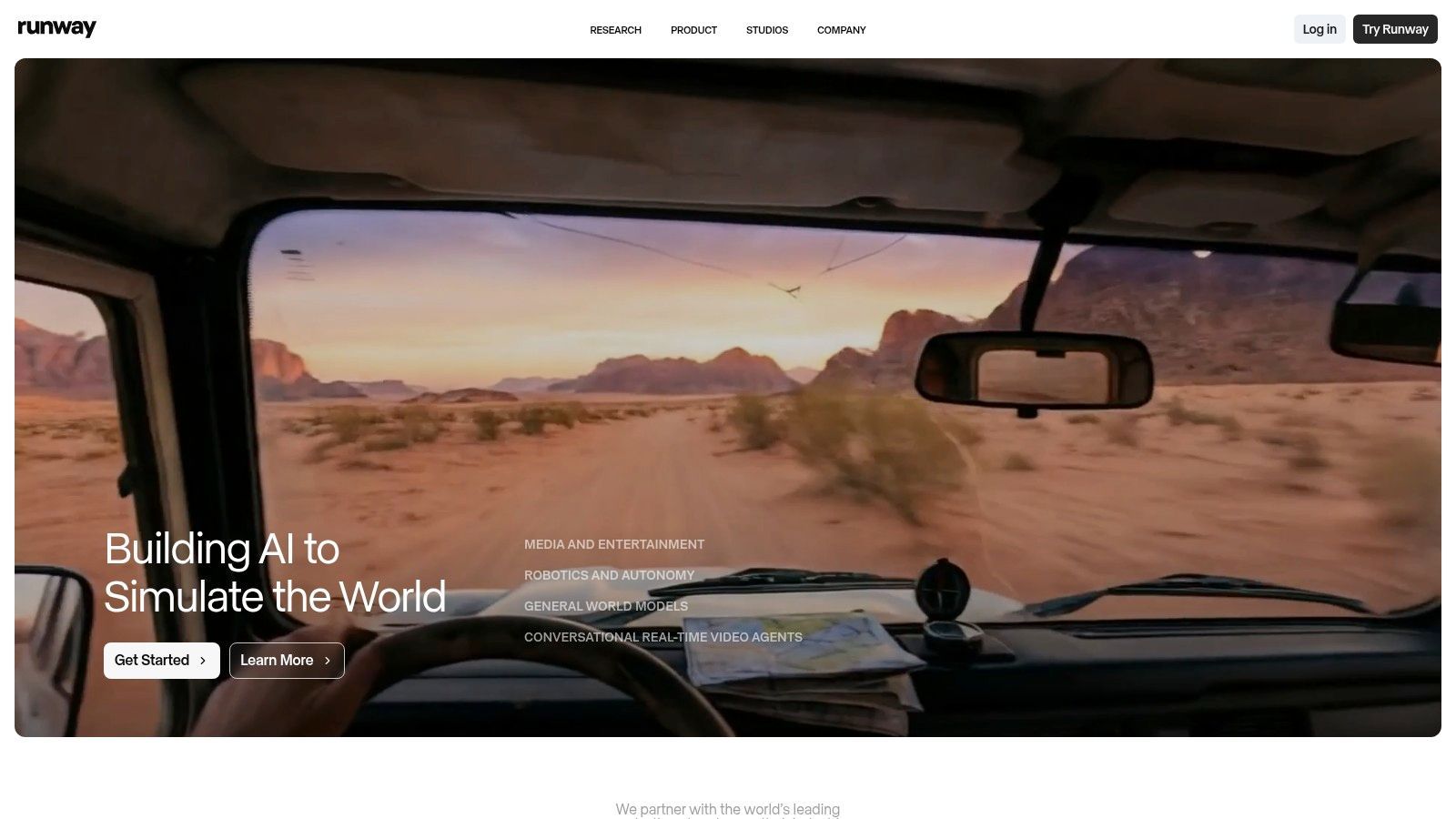
The platform is known for its rapid innovation, frequently releasing updated models that push the boundaries of coherence, motion, and detail. For users looking to leverage the cutting-edge capabilities of Runway, further details on the latest iteration, such as Runway Gen3, can provide deeper insights into its advanced features.
Key Features & Use Cases
- Generative Models: Access to multiple models (Gen-3 Alpha, Gen-4, Gen-4.5) allows users to choose the best option for their specific creative needs.
- Integrated Toolkit: Beyond generation, Runway includes essential post-production tools like an editor, AI-powered upscaler, and lip-sync features.
- Team Workflows: Projects and team workspaces make it suitable for agencies and collaborative content creation.
- Best For: Creating highly conceptual video clips, artistic shorts, and unique advertising content where visual originality is paramount.
Pricing & Platform Details
| Tier | Price | Key Benefit |
|---|---|---|
| Basic | Free | Limited credits to test the platform. |
| Standard | $12/user/mo | More credits, 1080p exports, no watermark. |
| Pro | $28/user/mo | Increased credits, access to latest models first. |
| Unlimited | $76/user/mo | Unlimited relaxed-speed video generations. |
| Enterprise | Custom | Advanced security and team management. |
Pros:
- Consistently delivers some of the highest-quality prompt-to-video results available.
- The flexible credit system can be cost-effective for sporadic use.
- A very active product development cycle means users get frequent model updates.
Cons:
- The credit-based system can make budgeting complex for projects.
- High-volume generation can become expensive without the Unlimited plan.
Website: https://runwayml.com
3. Luma AI (Dream Machine / Ray series)
Luma AI's Dream Machine has rapidly emerged as a powerful contender among the best AI video creation tools, particularly for users focused on generating short, high-fidelity clips with realistic physics and camera motion. It excels at text-to-video and image-to-video tasks where the goal is rapid iteration for concepts, B-roll, or social media shorts. The platform is designed for speed, allowing creators to quickly test ideas and produce dynamic visuals without the complexity of a full editing suite.
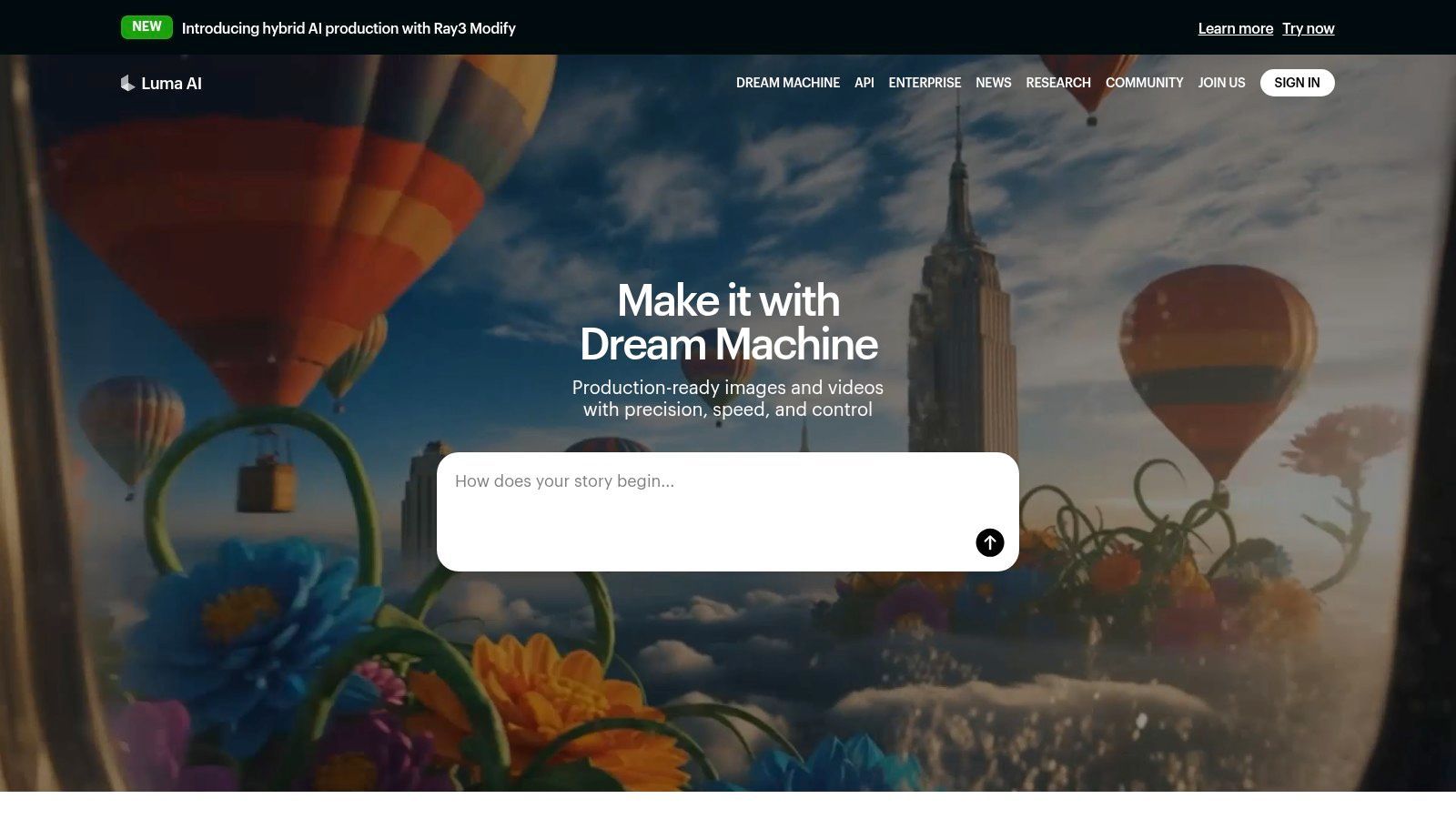
This focus on cinematic motion and prompt adherence makes it a strong choice for advertisers and social media managers who need visually compelling, five-second clips. While it doesn't offer a comprehensive video editor, its strength lies in the quality and speed of its core generative model, positioning it as a specialized tool for asset creation rather than end-to-end production.
Key Features & Use Cases
- Realistic Motion: Specializes in generating clips with coherent camera movements, character physics, and environmental interactions.
- Rapid Iteration: Fast generation times allow for quick testing of different prompts and creative directions.
- Image-to-Video: Animates still images, bringing them to life with dynamic movement and style.
- Best For: Creating short ad concepts, unique social media B-roll, artistic video clips, and conceptual product shots.
Pricing & Platform Details
| Tier | Price | Key Benefit |
|---|---|---|
| Free | Free | 30 generations per month with watermarks. |
| Standard | $29.99/mo | 120 generations, no watermark, commercial use. |
| Pro | $99.99/mo | 400 generations, priority access, higher concurrency. |
| Premier | $499.99/mo | 2,000 generations, highest priority access. |
Pros:
- Excellent at producing realistic and cinematic camera motion from simple prompts.
- Very fast generation speeds enable quick creative cycles and experimentation.
- The free tier is generous, allowing users to thoroughly test its capabilities.
- Clear commercial use licensing is available starting with the Standard plan.
Cons:
- Generations are limited to short, five-second clips.
- Lacks an integrated video editor or other post-production tools.
Website: https://lumalabs.ai
4. Synthesia
Synthesia is a leader in AI avatar-led video production, positioning itself as one of the best AI video creation tools for corporate training, tutorials, and marketing communications. Rather than focusing on generating scenes from text prompts, its strength lies in transforming scripts into polished presenter videos in minutes. This makes it an invaluable asset for businesses needing to create professional-quality instructional content, product explainers, and internal announcements at scale without the overhead of cameras, studios, or actors.
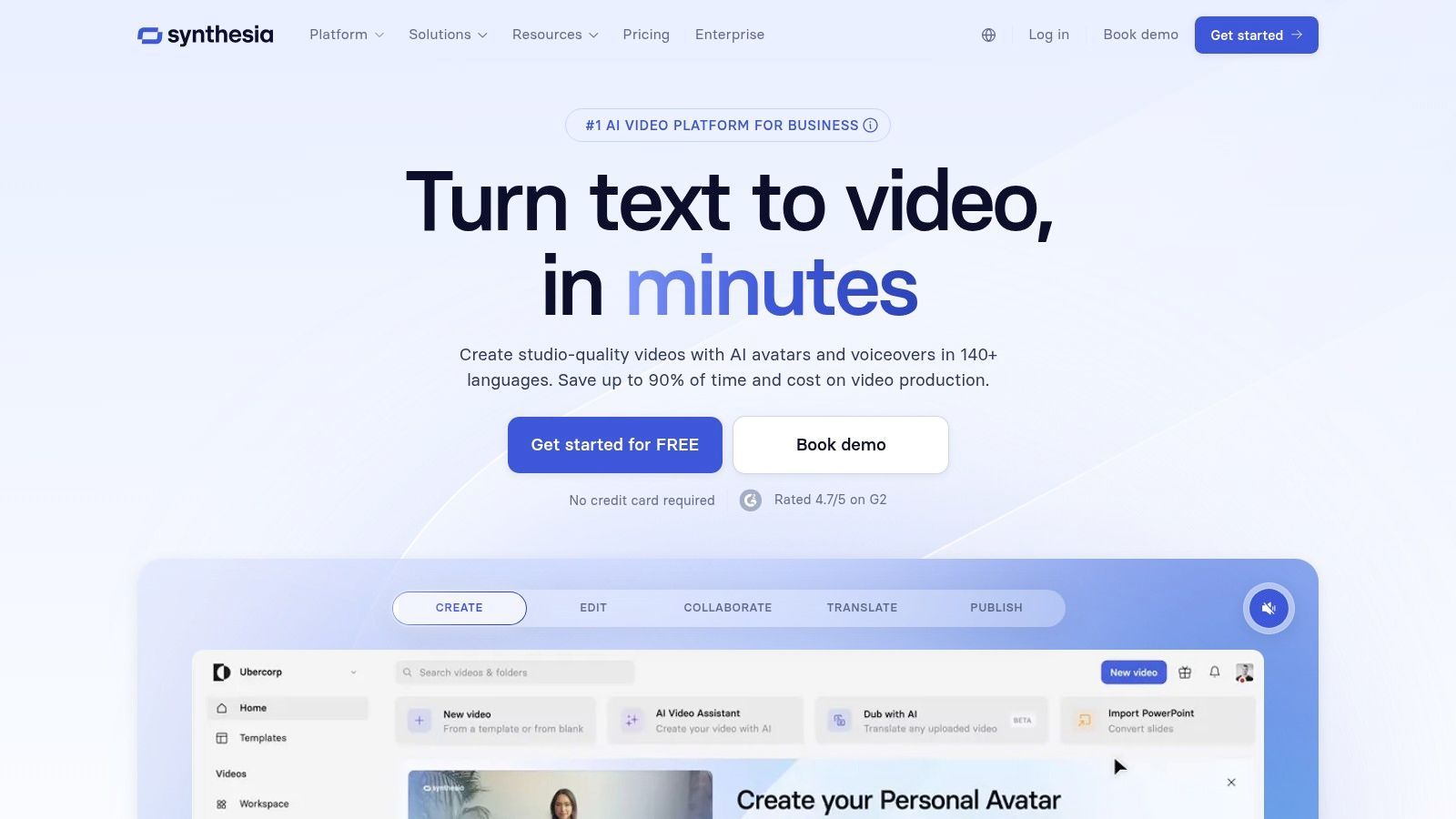
The platform is designed for efficiency and enterprise-level control, allowing teams to maintain brand consistency across all video output. Its mature feature set and focus on localization also make it a top choice for global companies looking to adapt their training materials for different regions quickly and cost-effectively.
Key Features & Use Cases
- AI Avatars: Choose from over 150 diverse stock avatars or create a custom digital twin of a real person for exclusive use.
- Multi-Language Support: Generate videos with AI-powered voiceovers in more than 120 languages and accents, ideal for localization.
- Template-Based Editor: A user-friendly, slide-based editor simplifies the process of adding text, images, and brand assets to videos.
- Best For: Creating scalable corporate training modules, HR onboarding videos, and localized marketing explainers with a consistent, professional look.
Pricing & Platform Details
| Tier | Price | Key Benefit |
|---|---|---|
| Starter | $22/mo (billed annually) | 10 minutes of video per month for individual use. |
| Creator | $67/mo (billed annually) | 30 minutes of video per month with premium avatars. |
| Enterprise | Custom | Custom avatars, brand controls, and advanced security. |
Pros:
- Extremely fast production time from script to finished video.
- High-quality, natural-sounding AI voices in a vast number of languages.
- Enterprise-grade features provide robust collaboration and brand management tools.
Cons:
- The "studio" look of stock avatars may not fit all brand aesthetics.
- The minute-based credit system requires careful planning for content volume.
Website: https://www.synthesia.io
5. HeyGen
HeyGen focuses on creating professional-grade, avatar-based videos, making it one of the best AI video creation tools for corporate communications, training, and marketing. It excels at producing scalable content where a human presenter is needed without the cost or logistics of a live-action shoot. The platform's core strength lies in its extensive library of stock avatars and its powerful localization features, allowing users to translate videos into multiple languages with accurate lip-syncing.
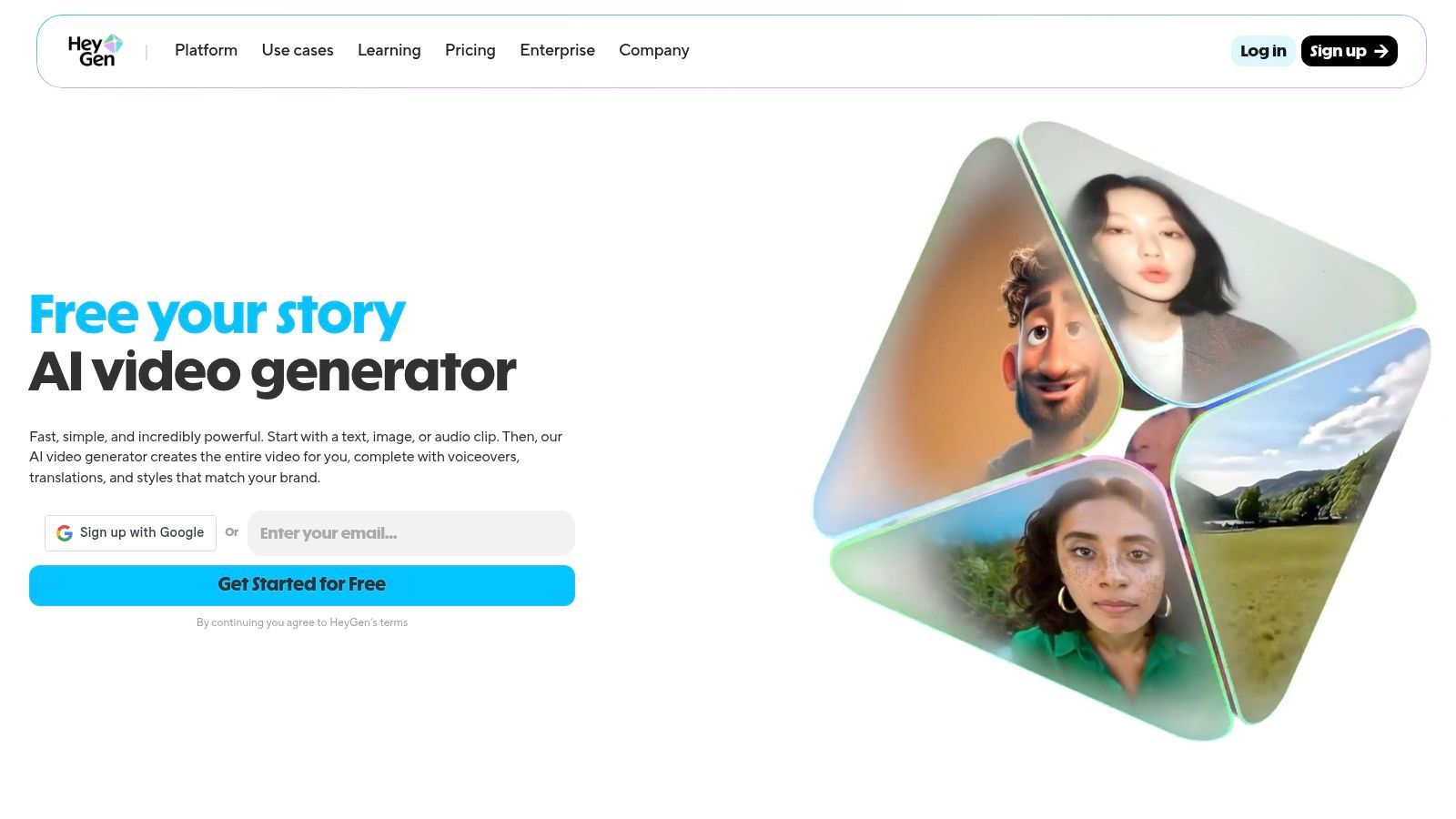
This makes HeyGen ideal for businesses looking to create consistent, high-quality instructional or promotional videos for a global audience. The user-friendly interface and template library lower the barrier to entry, enabling teams to produce polished videos quickly.
Key Features & Use Cases
- AI Avatars & Voice Cloning: Choose from over 100 diverse stock avatars or create a custom one. Clone your voice for authentic, branded narration.
- Video Translate: Automatically translate your video's audio and lip-sync the avatar's speech into over 40 languages, perfect for international markets.
- Template Library: A large selection of pre-made templates for use cases like sales outreach, employee onboarding, and social media marketing.
- Best For: Creating scalable training modules, personalized sales pitches, and localized marketing videos without filming.
Pricing & Platform Details
| Tier | Price | Key Benefit |
|---|---|---|
| Free | Free | 1 free credit and access to 100+ public avatars. |
| Creator | $24/mo | 15 credits/mo, fast processing, no watermark. |
| Business | $72/mo | 30 credits/mo, 4K resolution, team collaboration. |
| Enterprise | Custom | Advanced security, SSO, dedicated account manager. |
Pros:
- Excellent for scaling video production for training and sales without a camera.
- Industry-leading video translation and lip-sync capabilities.
- Competitive pricing for solo creators and small teams.
Cons:
- The polished, AI-generated avatar style may not fit every brand's aesthetic.
- Advanced customization and brand realism often require more expensive plans.
Website: https://www.heygen.com
6. Kapwing
Kapwing carves out its niche as a highly accessible, browser-based editor supercharged with practical AI tools. It is one of the best AI video creation tools for social media managers and content creators who prioritize speed and efficiency. Unlike platforms focused on pure video generation, Kapwing excels at enhancing and repurposing existing content with a comprehensive suite of AI-powered features designed for rapid-fire production workflows, such as creating social media shorts, ads, and memes.
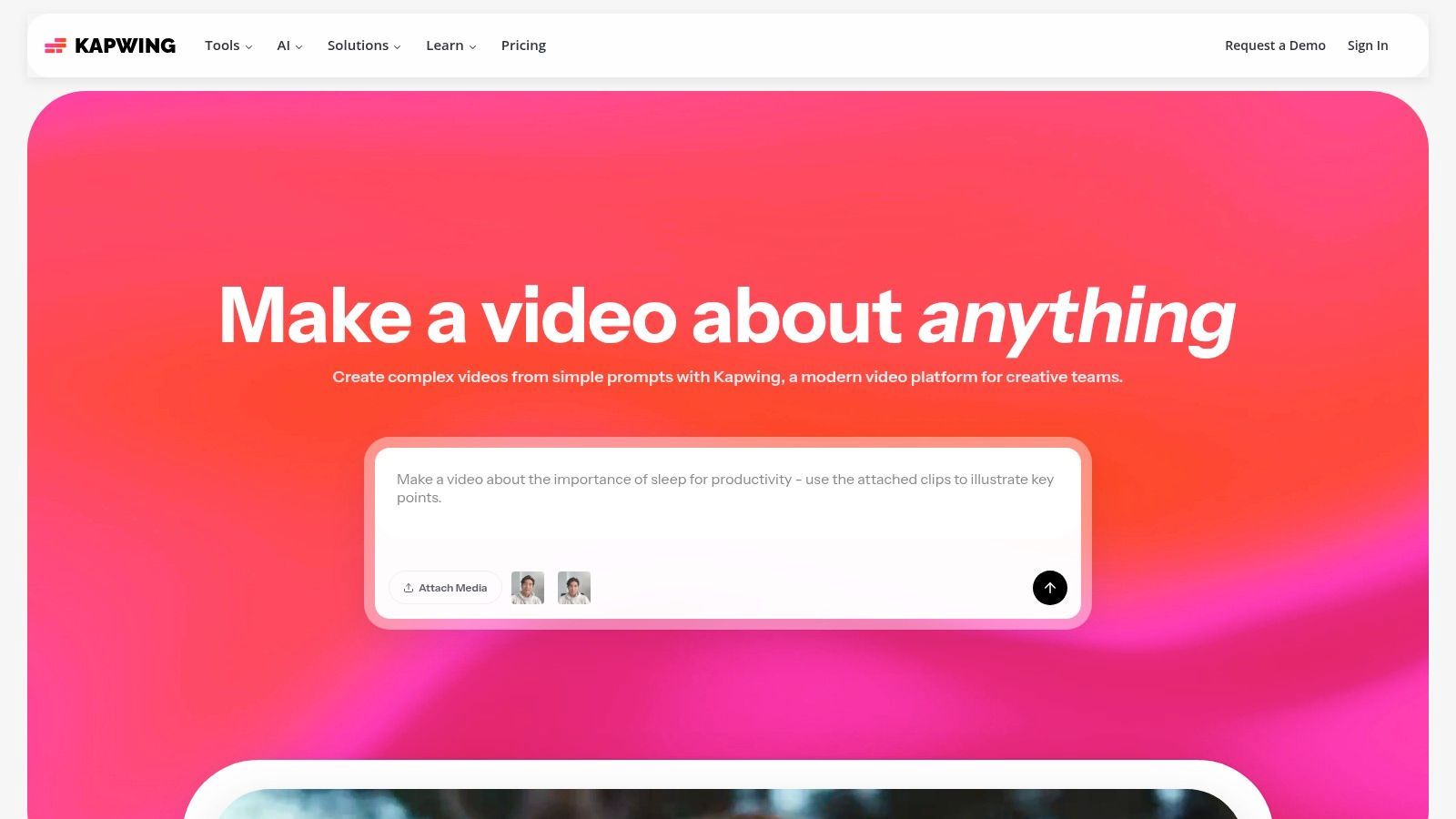
The platform's strength lies in its intuitive interface that combines a traditional timeline editor with one-click AI functions. This makes it incredibly easy to add subtitles, translate audio, create clean text-to-speech voiceovers, or automatically find the most engaging clips from longer videos, streamlining the entire content creation process from start to finish.
Key Features & Use Cases
- AI Editing Suite: Includes auto-subtitling, text-to-speech, smart video clipping, and background removal tools to accelerate editing.
- Social Media Focus: Features like one-click resizing for different platforms and a brand kit ensure content is consistent and optimized.
- Collaborative Workflows: Team workspaces allow multiple users to edit and comment on projects simultaneously, perfect for marketing teams.
- Best For: Rapidly repurposing long-form content into social media clips, adding dynamic captions to videos, and creating branded marketing assets.
Pricing & Platform Details
| Tier | Price | Key Benefit |
|---|---|---|
| Free | Free | 10-minute exports, watermarked content. |
| Pro | $16/user/mo | No watermark, 4K exports, auto-subtitling. |
| Business | $50/user/mo | Brand Kit, consolidated billing, priority support. |
| Enterprise | Custom | Advanced security and dedicated account management. |
Pros:
- Excellent for fast social content creation and batch repurposing.
- The clear and affordable Pro tier is a great value for individual creators.
- A powerful combination of a timeline editor and smart AI tools.
Cons:
- The free plan includes a watermark and has restrictive limits.
- As a browser-based tool, performance can slow down on very large or complex projects.
Website: https://www.kapwing.com
7. Descript
Descript revolutionizes video editing by treating it like a text document, making it one of the best AI video creation tools for dialogue-heavy content. Instead of manipulating a complex timeline, you edit the video by simply editing the auto-generated transcript. This text-first approach is incredibly intuitive for anyone producing podcasts, tutorials, webinars, or talking-head videos, dramatically speeding up the editing process by removing filler words and mistakes as easily as deleting text.
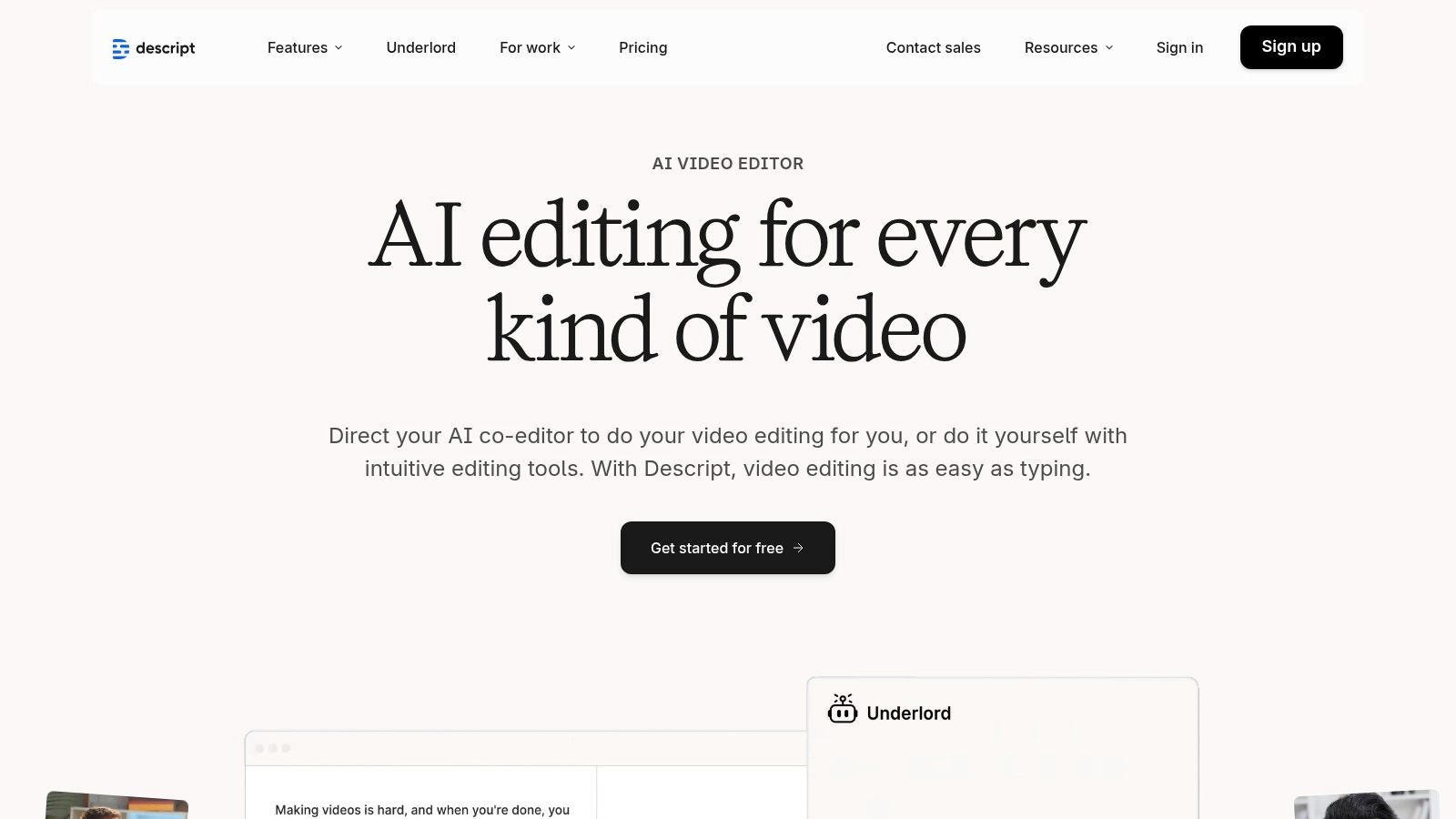
The platform consolidates multiple production stages into a single application. It excels at recording, transcribing, editing, and even enhancing audio with its powerful Studio Sound feature. For creators who prioritize clear communication and efficient workflows over complex visual effects, Descript offers a uniquely powerful and user-friendly solution.
Key Features & Use Cases
- Transcript-Based Editing: Edit video and audio by directly editing the text transcript, making the process fast and intuitive.
- AI Voice Cloning (Overdub): Correct audio mistakes or add new dialogue by typing, using a clone of your own voice.
- Studio Sound: A one-click audio enhancement tool that removes background noise and improves voice clarity.
- Best For: Podcasters creating video versions, corporate trainers, educators, and marketers producing interview or presentation content.
Pricing & Platform Details
| Tier | Price | Key Benefit |
|---|---|---|
| Free | Free | 1 hour of transcription, limited watermark-free export. |
| Creator | $12/user/mo | 10 hours of transcription, unlimited watermark-free exports. |
| Pro | $24/user/mo | 30 hours of transcription, access to Overdub and AI features. |
| Enterprise | Custom | Advanced team controls, security, and dedicated support. |
Pros:
- Ideal for podcast-video, talking-head content, and tutorials.
- Consolidates recording, editing, dubbing, and translation in one app.
- The text-based editing workflow is exceptionally easy to learn.
Cons:
- Motion-graphic heavy ads may still require a separate design tool.
- Credit and minute pools require planning for generative features.
Website: https://www.descript.com
8. InVideo
InVideo is a highly accessible, template-driven platform designed for marketers and creators who need to produce professional-looking videos quickly and without a steep learning curve. It excels at turning scripts or simple prompts into engaging social media ads, promotional videos, and shorts by leveraging a vast library of customizable templates. This focus on guided creation makes it one of the best AI video creation tools for users who prioritize speed and efficiency over complex, from-scratch generation.
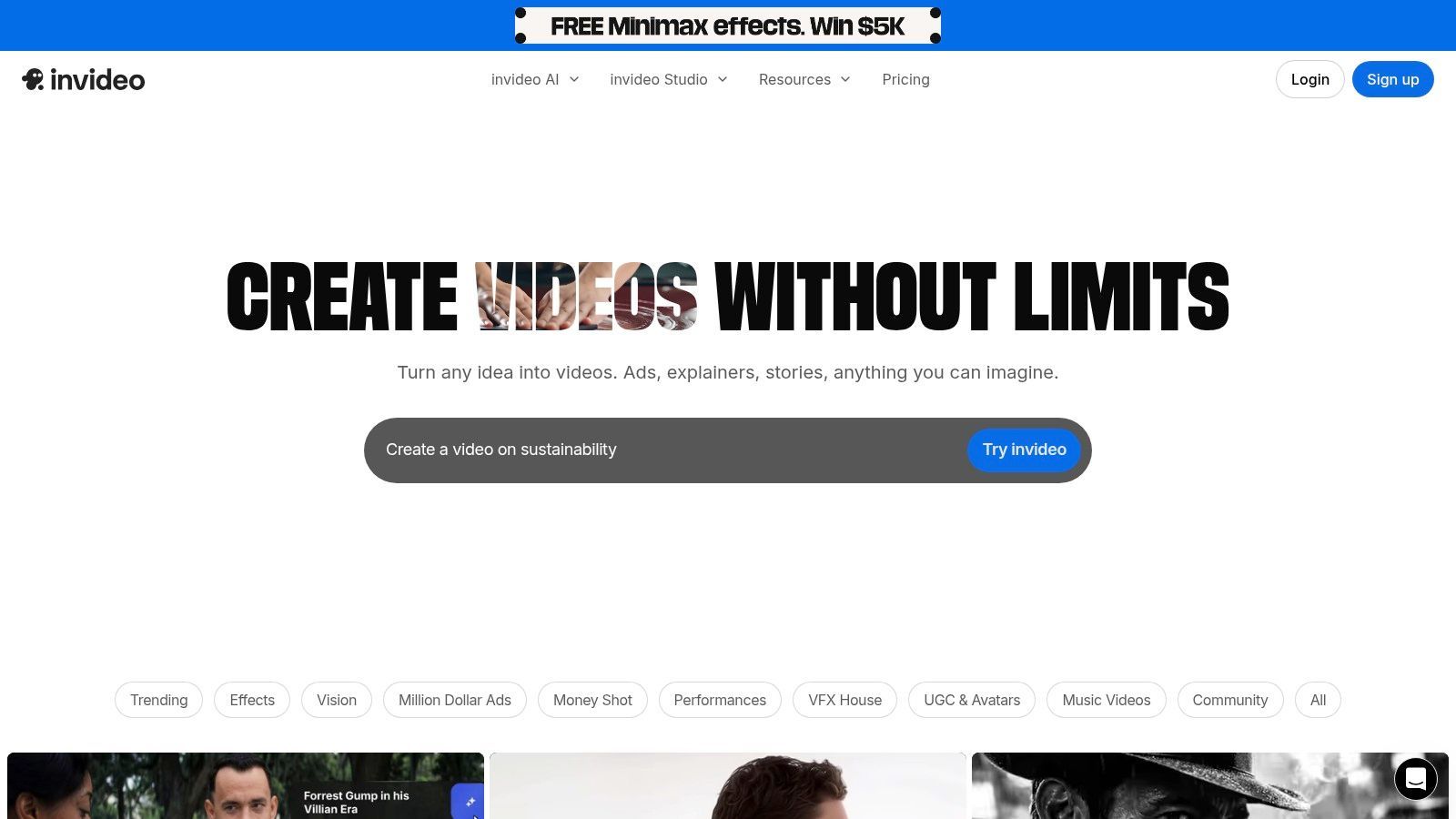
The platform is particularly well-suited for marketing workflows, providing pre-built formats optimized for different social platforms. Its combination of AI-powered scripting, a massive stock media library, and an intuitive editor ensures that even non-editors can achieve polished results. The availability of both web and mobile apps further enhances its convenience for creating content on the go.
Key Features & Use Cases
- Template-First Workflow: An extensive library of marketing and social-media-focused templates that can be quickly customized.
- AI Scripting & Voiceovers: Includes script-to-video tools, realistic AI voiceovers, and avatar options to streamline production.
- Multi-Platform Access: Offers a seamless experience with web and mobile (iOS/Android) applications for flexible editing.
- Best For: Social media managers, small businesses, and solo creators needing to quickly generate ads, product videos, and short-form content.
Pricing & Platform Details
| Tier | Price | Key Benefit |
|---|---|---|
| Free | $0/month | Test core features with watermarked exports and limited AI. |
| Plus | $20/month | No watermark, more stock media, and increased export limits. |
| Max | $48/month | Higher limits on AI generations, stock assets, and storage. |
| Enterprise | Custom | Team collaboration, custom branding, and advanced security. |
Pros:
- Extremely easy for non-editors to produce social-ready videos in minutes.
- The large template library simplifies the creative process for marketing content.
- Strong community and 24/7 chat support help users resolve issues quickly.
Cons:
- The Free plan is restrictive, with a watermark and very limited AI features.
- Less creative freedom compared to generative-first platforms like Runway.
Website: https://invideo.io
9. Adobe Express
Adobe Express positions itself as a streamlined, all-in-one design and video creation tool supercharged by Adobe's Firefly generative AI. It's an ideal choice for users already within the Adobe ecosystem or those who prioritize a vast library of templates, high-quality stock assets, and commercially safe AI generation. Unlike specialized text-to-video platforms, Express combines AI video features with a full suite of graphic design, photo editing, and content scheduling tools, making it a powerful content creation hub.
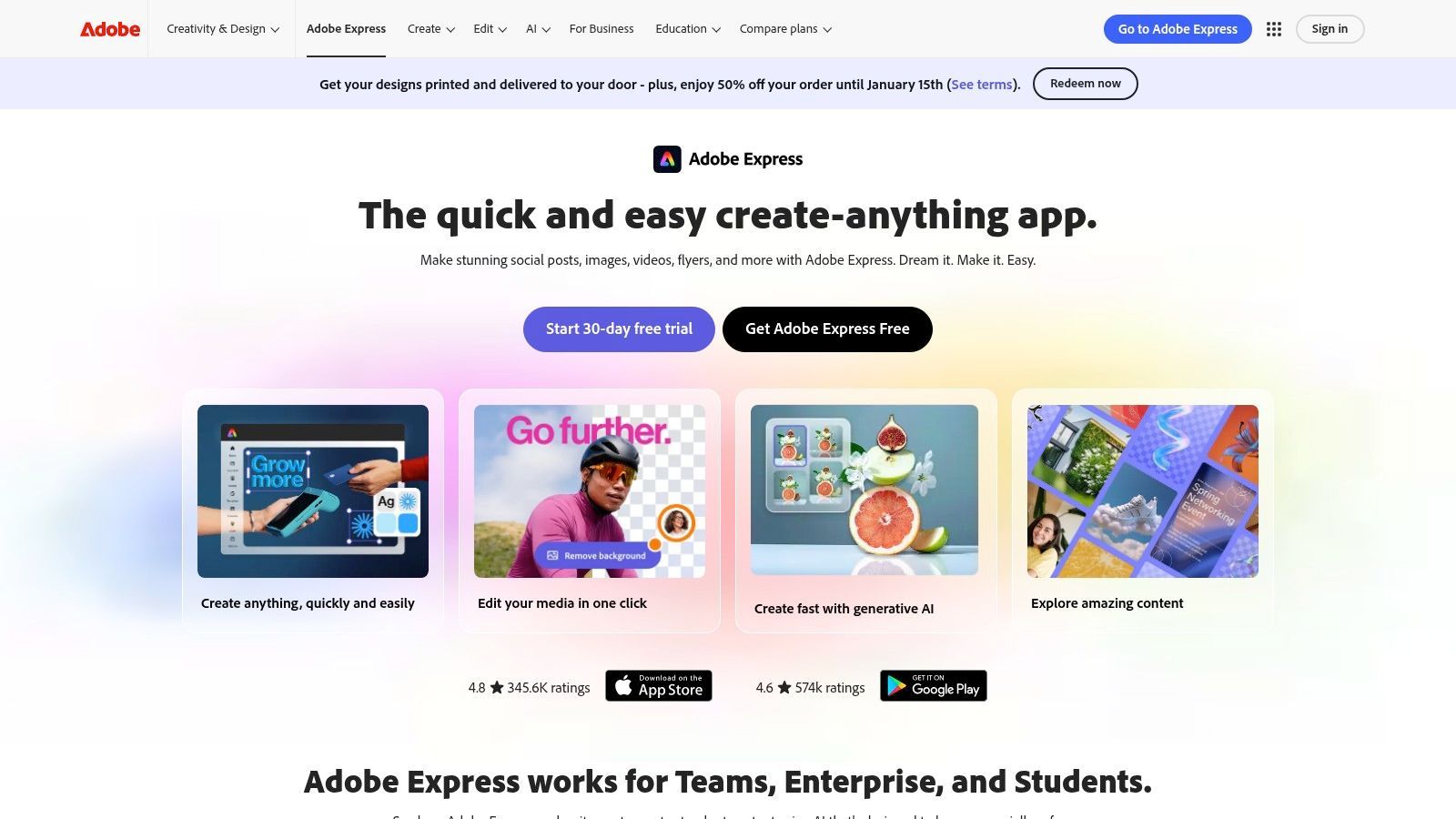
This integration makes Adobe Express one of the best AI video creation tools for marketers and creators who need a reliable, template-driven workflow. The ability to pull in assets from Photoshop or Illustrator, combined with direct access to Adobe Stock, streamlines production and ensures brand consistency across all marketing materials, from social media videos to web graphics.
Key Features & Use Cases
- Integrated Adobe Firefly AI: Powers features like text-to-image/video generation, text effects, and automated background removal.
- Vast Asset Library: Premium plans offer access to over 200 million Adobe Stock photos, video clips, and audio tracks.
- Template-Driven Workflow: Thousands of professionally designed templates for video, social media posts, ads, and more.
- Cross-App Integration: Seamlessly works with other Adobe Creative Cloud apps like Photoshop and Illustrator for advanced editing needs.
- Best For: Social media managers, small businesses, and marketers needing a reliable, all-in-one tool for creating branded video content quickly.
Pricing & Platform Details
| Tier | Price | Key Benefit |
|---|---|---|
| Free | Free | 25 generative credits monthly, basic editing tools. |
| Premium | $9.99/mo | 250 generative credits, 200M+ stock assets. |
| Creative Cloud | Varies | Included with most Creative Cloud plans. |
| Teams | $24.99/mo/user | Full asset library, team collaboration features. |
Pros:
- Strong asset ecosystem with Adobe Stock provides reliable, commercially licensed media.
- Smooth handoff and integration with other Adobe apps for more complex professional workflows.
- The all-in-one design and scheduling tools simplify the entire content creation process.
Cons:
- Generative AI credits and access to the best assets are gated behind paid plans.
- The different plans and credit entitlements can be confusing to navigate initially.
Website: https://www.adobe.com/express
10. Canva
Canva has evolved from a simple graphic design tool into a comprehensive visual suite, making it one of the best AI video creation tools for users who prioritize speed, ease of use, and template-driven workflows. It integrates "Magic Studio" AI features directly into its familiar editor, allowing social media managers, marketers, and small businesses to quickly generate video ads, explainers, and short-form content without a steep learning curve. Its strength lies in combining a massive asset library with intuitive AI, all within a collaborative, brand-centric environment.
This all-in-one approach simplifies the entire content lifecycle, from ideation with AI-powered text and media generation to final scheduling on social platforms. Canva is less about generating complex, artistic scenes from a prompt and more about enhancing and accelerating the creation of polished, on-brand marketing videos.
Key Features & Use Cases
- Magic Media: AI text-to-image and text-to-video features to generate custom assets and simple clips directly within the editor.
- Vast Template Library: Access to thousands of professionally designed video templates for social media stories, ads, and presentations.
- Brand Kit & Team Collaboration: Centralize brand assets like logos, colors, and fonts to maintain consistency across all team projects.
- Best For: Marketing teams and non-designers needing to quickly create professional-looking social media ads, UGC-style videos, and internal communications.
Pricing & Platform Details
| Tier | Price | Key Benefit |
|---|---|---|
| Free | Free | Basic editing tools and limited AI features. |
| Pro | $14.99/user/mo | Full access to Brand Kit, premium templates, and Magic Studio AI tools. |
| Teams | $29.99/user/mo | Advanced collaboration, brand controls, and workflows. |
| Enterprise | Custom | Enterprise-grade security, dedicated support, and administrative tools. |
Pros:
- Extremely accessible for beginners and non-designers.
- The ubiquitous template ecosystem vastly accelerates content creation.
- Strong team features and brand controls ensure content consistency.
Cons:
- AI video generation capabilities are more basic than specialized platforms.
- Advanced motion graphics and complex editing may require a dedicated video editor.
Website: https://www.canva.com
11. Microsoft Clipchamp
Microsoft Clipchamp stands out as one of the best AI video creation tools for users seeking simplicity and accessibility, especially those already within the Microsoft ecosystem. Rather than competing with complex generative AI platforms, Clipchamp excels as a straightforward, browser-based editor that integrates useful AI-assisted features for everyday tasks. It’s perfect for quick edits, assembling videos from templates, and creating professional-looking content without a steep learning curve, making it ideal for business professionals, educators, and casual creators.
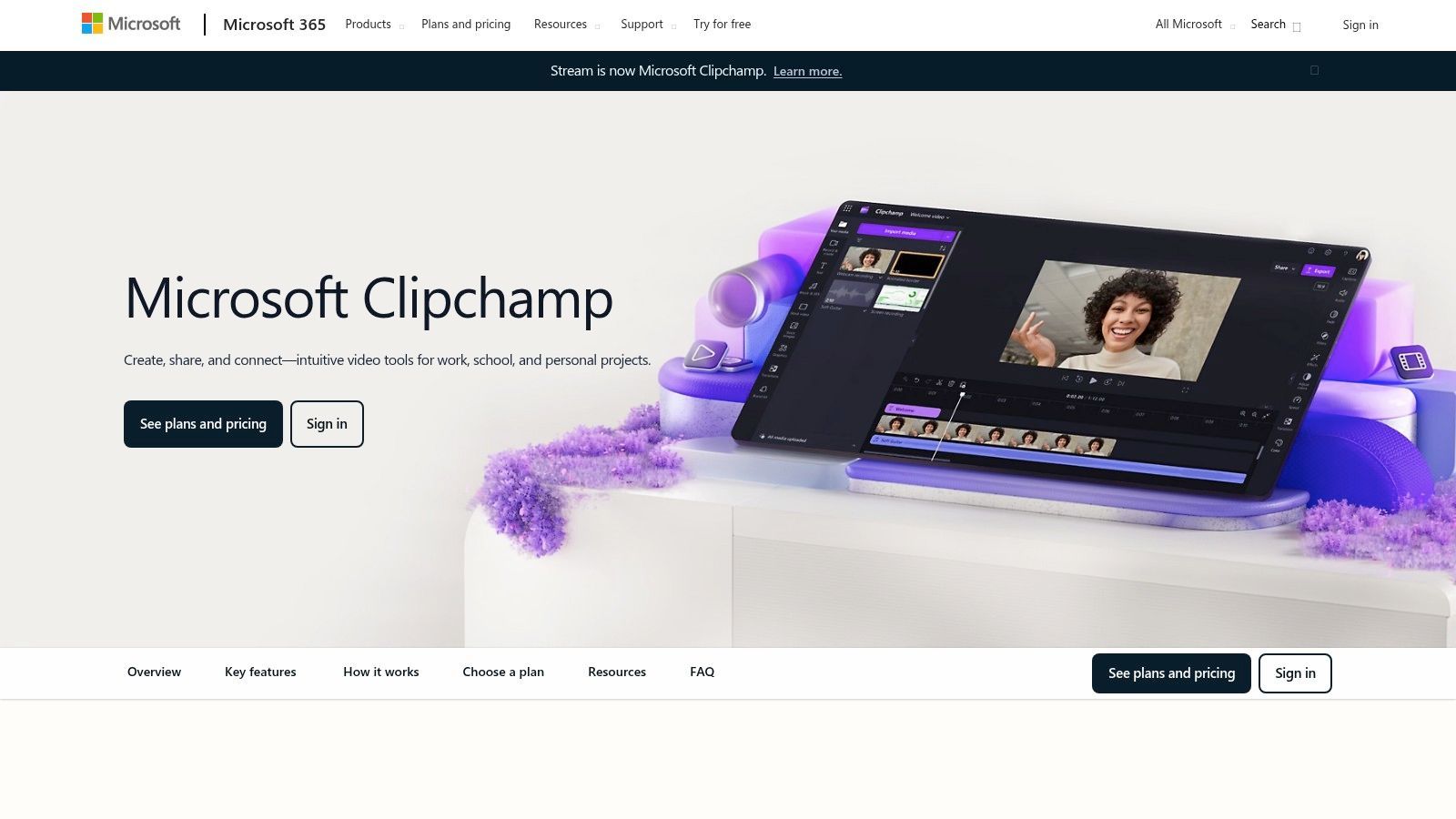
The platform’s greatest strength is its seamless integration with Microsoft 365. Many users will find they already have access to premium features through their existing subscriptions, making it an incredibly cost-effective solution for producing polished social media posts, training videos, or internal communications.
Key Features & Use Cases
- AI-Assisted Editing: Includes practical tools like auto-compose, which arranges clips with music and transitions, plus background removal and silence removal features.
- Rich Stock Library: Access to a vast collection of stock video, audio, and images directly within the editor simplifies content sourcing.
- Template-Driven Workflow: A wide variety of pre-made templates allows for the rapid creation of videos for different platforms and purposes.
- Best For: Microsoft 365 users, corporate teams needing a simple video solution, and beginners looking for an easy entry into video editing.
Pricing & Platform Details
| Tier | Price | Key Benefit |
|---|---|---|
| Free | Free | Unlimited watermark-free exports at 1080p. |
| Premium | Included with many Microsoft 365 plans | Premium stock content, branding kits, 4K exports. |
Pros:
- Exceptional value for existing Microsoft 365 subscribers.
- Very intuitive interface that is easy for beginners to master quickly.
- Generous free tier with unlimited 1080p exports without watermarks.
Cons:
- Lacks the advanced generative AI (text-to-video) features of specialized tools.
- Premium features are tied to Microsoft 365 plans, which can be confusing.
Website: https://www.microsoft.com/en-us/microsoft-365/clipchamp
12. Wondershare Filmora
Wondershare Filmora bridges the gap between traditional desktop video editors and modern AI-powered tools, making it a strong contender for creators who want familiar timeline-based editing enhanced with smart features. Rather than focusing on pure generation, Filmora integrates AI to simplify and accelerate common editing tasks. This approach makes it one of the best AI video creation tools for beginners, YouTubers, and social media managers who prioritize speed and ease of use over complex generative capabilities.
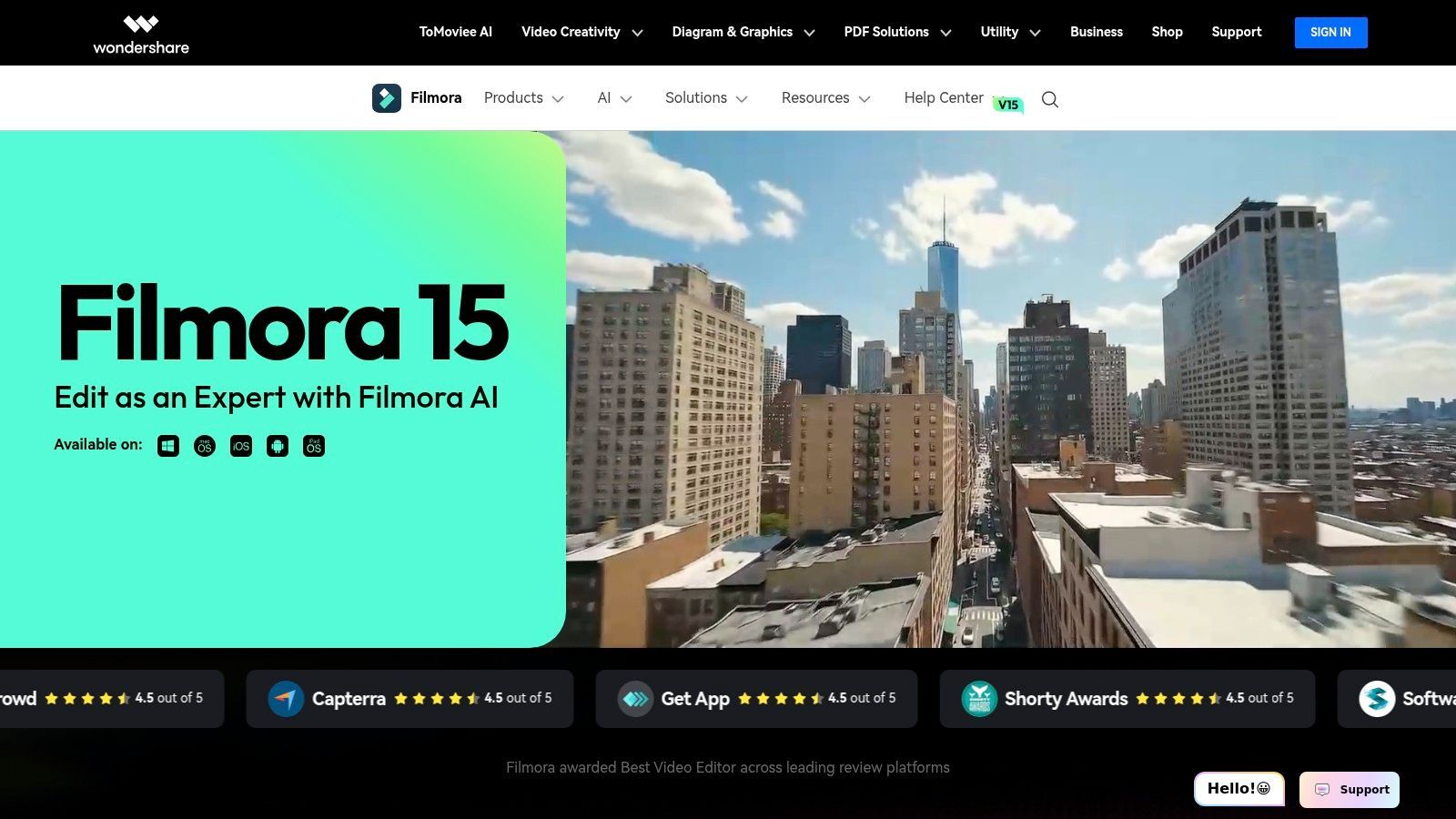
The platform is designed to be intuitive, offering a massive library of templates, effects, and stock media through its Filmstock integration. Its strength lies in making advanced effects like background removal, motion tracking, and audio enhancement accessible with just a few clicks, lowering the barrier to entry for producing polished, professional-looking content.
Key Features & Use Cases
- AI Smart Tools: Features include an AI video extender, background and eye-contact enhancement, and smart cutout tools to streamline tedious editing processes.
- Enhanced Audio Editing: AI-driven voice enhancement, text-to-speech, and audio ducking simplify the process of achieving clear, balanced sound.
- Extensive Asset Library: Deep integration with Filmstock provides a vast collection of effects, templates, and stock media for quick and creative edits.
- Best For: Solo creators, aspiring YouTubers, and marketers who need a user-friendly desktop editor with powerful AI assists for fast-turnaround projects.
Pricing & Platform Details
| Tier | Price | Key Benefit |
|---|---|---|
| Annual Plan | $49.99/year | Full access to all features and updates. |
| Cross-Platform Plan | $59.99/year | Use on Windows, Mac, Android, iOS & tablet. |
| Perpetual Plan | $79.99 (one-time) | One-time payment for lifetime access to Filmora 13. |
| Business/Team | Custom | Volume licensing and team management features. |
Pros:
- Extremely easy for beginners to learn and produce high-quality social media or ad edits quickly.
- Offers a perpetual license option, which is rare for modern software and great for budget-conscious users.
- The large library of built-in templates and effects accelerates the creative process.
Cons:
- Advanced compositing and motion graphics capabilities are limited compared to professional suites.
- Some users report frustrations with billing and trial limitations, so it's important to review terms carefully.
Website: https://filmora.wondershare.com
Top 12 AI Video Creation Tools Comparison
| Platform | Key features | Quality ★ | Value & Pricing 💰 | Target audience 👥 | Unique selling point ✨ |
|---|---|---|---|---|---|
| ShortGenius (AI Video / AI Ad Generator) 🏆 | End‑to‑end: script → assets → video → voice + auto‑schedule & brand kit | ★★★★★ | 💰 Scales for creators & teams; contact sales for plans | 👥 Influencers, social managers, agencies, e‑commerce, educators | ✨ Unified multi‑model pipeline + presets + multi‑channel auto‑publishing |
| Runway | Multiple generative video models, editor, upscaler, lip‑sync | ★★★★☆ | 💰 Credit‑based; flexible but can be costly at scale | 👥 VFX creators, studios, concept teams | ✨ State‑of‑the‑art prompt‑to‑video models & frequent updates |
| Luma AI (Ray) | Text/image→video, draft/high‑fi modes, up‑res to 4K | ★★★★☆ | 💰 Credit system; commercial tiers for licensing | 👥 Short‑form ad creators, concept artists | ✨ Realistic motion/physics for short clips; fast iterations |
| Synthesia | 100+ avatars, custom avatars, script→video, AI dubbing | ★★★★☆ | 💰 Credit/minute + enterprise plans | 👥 Training, L&D, localization, marketing teams | ✨ Large avatar library + localization & enterprise controls |
| HeyGen | 500+ avatars, 30+ languages, templates, team plans | ★★★★☆ | 💰 Competitive entry pricing; team tiers available | 👥 Marketers, communicators, solo creators | ✨ Broad language support + large avatar template library |
| Kapwing | Browser editor, auto‑subtitles, TTS, resizing, brand kit | ★★★★☆ | 💰 Affordable Pro; free plan has watermark/limits | 👥 Social creators, small teams | ✨ Fast repurposing tools and auto‑captioning workflow |
| Descript | Transcript‑first editing, Overdub voice cloning, audio cleanup | ★★★★★ | 💰 Tiered; generative features use credit/minute pools | 👥 Podcasters, educators, talk‑head creators | ✨ Overdub + edit‑by‑text for seamless dubbing/workflows |
| InVideo | Template‑driven script→video, stock assets, mobile/web | ★★★☆☆ | 💰 Free with watermark; paid tiers for full features | 👥 Non‑editors, marketers needing quick ads | ✨ Large marketing template library and 24/7 support/community |
| Adobe Express | Templates, Firefly AI, background removal, Adobe Stock | ★★★★☆ | 💰 Included in Adobe plans; Premium/Stock add‑ons | 👥 Designers & marketers tied to Adobe ecosystem | ✨ Firefly + Adobe Stock integration and reliable licensing |
| Canva | Magic AI assets, video templates, brand kit, scheduling | ★★★★☆ | 💰 Free & Pro; teams pricing varies | 👥 Non‑designers, teams, social managers | ✨ Massive template/stock library + scheduling & brand controls |
| Microsoft Clipchamp | Browser editor, free 1080p exports, MS365 integration | ★★★☆☆ | 💰 Free tier (1080p); added features via MS365 plans | 👥 Microsoft 365 users, beginners | ✨ Free 1080p exports and native MS365 entitlements |
| Wondershare Filmora | Desktop editor, AI video/audio assists, Filmstock effects | ★★★☆☆ | 💰 Subscription or perpetual license options | 👥 Beginners, hobbyists, creators wanting offline edit | ✨ Perpetual license option + extensive template/effects store |
Choosing Your Co-Pilot: Final Thoughts on the AI Video Revolution
The journey through the world of AI video creation reveals one undeniable truth: the barrier to entry for high-quality video production is crumbling. What once required expensive equipment, specialized skills, and countless hours of manual labor can now be accomplished in minutes with the right AI co-pilot. The tools we've explored, from Runway's cinematic generation to Descript's text-based editing, represent a fundamental shift in how we create, edit, and distribute visual content.
This new era isn't about replacing human creativity; it's about amplifying it. The best AI video creation tools act as force multipliers, handling the tedious, repetitive tasks so you can focus on the bigger picture: storytelling, strategy, and connecting with your audience. The landscape is no longer a one-size-fits-all market. Your ideal tool depends entirely on your primary goal and workflow.
Recapping the AI Video Landscape
Let's distill our findings into clear categories to help you navigate your decision:
- For Cutting-Edge Visuals & Experimentation: If your goal is to push the boundaries of what's visually possible, Runway and Luma AI are your playgrounds. These platforms are at the forefront of generative video, ideal for artists, filmmakers, and creative agencies looking to create truly unique, eye-catching footage from simple text or image prompts.
- For Polished, Avatar-Driven Content: When you need professional, scalable presentations for corporate training, internal communications, or multilingual marketing, Synthesia and HeyGen are the undisputed leaders. Their lifelike avatars and robust voice cloning capabilities offer a consistent and efficient way to deliver information without a camera crew.
- For All-in-One Editing & Workflow: For creators who need a central hub to edit, refine, and add final touches, platforms like Descript, Kapwing, and Wondershare Filmora offer a powerful blend of traditional and AI-powered features. They excel at streamlining post-production, from transcription-based editing to automated subtitling.
How to Choose Your Perfect AI Partner
Making the right choice can feel overwhelming. Instead of getting lost in feature lists, ask yourself these critical questions to guide your selection:
- What is my primary bottleneck? Is it writing compelling scripts, finding quality B-roll, recording voiceovers, or the editing process itself? Identify your biggest pain point and look for a tool that solves it directly.
- Do I need a specialist or a generalist? If you only need to generate stunning video clips, a specialist like Luma AI is perfect. If you need a tool that handles the entire process from idea to final video, an end-to-end platform like ShortGenius is far more efficient than juggling multiple subscriptions.
- What is my desired output quality vs. speed? Generative tools like Runway can produce incredible quality but may require more rendering time and prompt engineering. Template-based tools like InVideo or Canva prioritize speed and consistency, allowing you to produce content rapidly.
- What is my budget and scalability plan? Start with a tool that fits your current budget but offers a clear path to scale as your needs grow. Evaluate the cost per video and ensure the pricing model aligns with your content production goals.
The most effective strategy is to view these tools not as isolated solutions but as potential components of your unique "content stack." You might use Runway to generate a stunning background video, import it into Descript for editing and voiceover, and then use a tool like ShortGenius to create multiple variations for an ad campaign. The power lies in understanding how these technologies can work together.
The AI video revolution is here, and it’s more accessible than ever. By carefully evaluating your unique needs and leveraging the insights from this guide, you can find the perfect AI partner to unlock new levels of creativity and efficiency. The future of content creation isn't just about making videos; it's about telling better stories, faster and more effectively than ever before.
Ready to stop juggling multiple tools and streamline your entire video creation process? ShortGenius (AI Video / AI Ad Generator) is the only platform that unifies AI-powered scripting, voice generation, visual creation, and editing into a single, seamless workflow. Transform your ideas into high-performing video content in minutes, not hours, by visiting ShortGenius (AI Video / AI Ad Generator) and starting your free trial today.